
iPhone 17 Mockups: Device Frames, Dimensions, and Templates (2026 Guide)
The 2026 iPhone 17 mockup guide. Exact dimensions for iPhone 17 Pro Max (1320×2868), 17 Pro (1206×2622), and iPhone Air (1260×2736), plus App Store sizes.
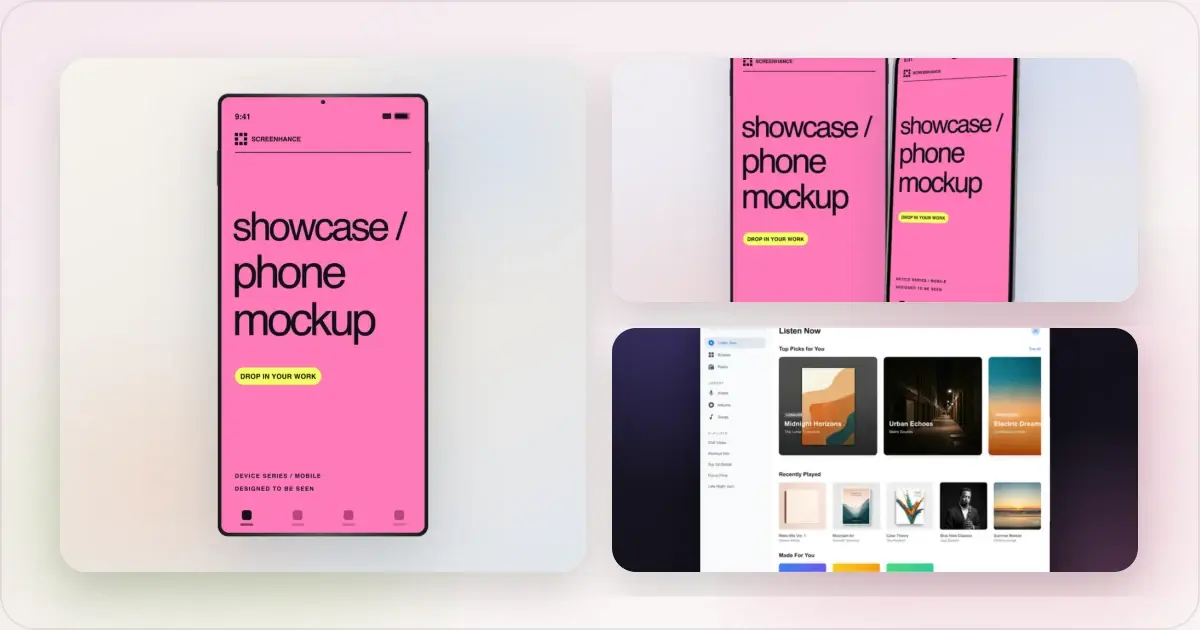
The iPhone 17 lineup that launched in September 2025 expanded the iPhone family to four distinct sizes: iPhone 17 Pro Max at 6.9 inches (1320×2868 px), iPhone 17 Pro at 6.3 inches (1206×2622 px), iPhone 17 at 6.3 inches (1206×2622 px), and the new iPhone Air at 6.5 inches (1260×2736 px) replacing the Plus. The Air introduces a native screenshot dimension that did not exist in the previous lineup. Apple accepts multiple high-resolution iPhone screenshot dimensions in App Store Connect, so check the current specifications before building separate sets. For a marketing mockup, use the device frame that accurately represents the product and audience rather than assuming the newest frame will perform better.
This guide covers iPhone 17 dimensions for App Store and marketing use, factors to consider when choosing a frame, useful composition patterns, and repeatable mockup workflows.
The iPhone 17 lineup at a glance
| Model | Display | Resolution | App Store size |
|---|---|---|---|
| iPhone 17 Pro Max | 6.9" | 2868 × 1320 px @460 ppi | 1320 × 2868 px |
| iPhone 17 Pro | 6.3" | 2622 × 1206 px @460 ppi | 1206 × 2622 px |
| iPhone 17 | 6.3" | 2622 × 1206 px @460 ppi | 1206 × 2622 px |
| iPhone Air | 6.5" | 2736 × 1260 px @460 ppi | 1260 × 2736 px |
Make a free device mockup
All four ship with 120Hz ProMotion, 3,000 nit peak brightness on Pro and Pro Max, Dynamic Island, and the A19 (base/Air) or A19 Pro (Pro/Pro Max) chip. The Air replaces the iPhone 17 Plus slot from the prior lineup. For physical dimensions and full hardware specs, Apple's iPhone 17 Pro specs page and iPhone Air page are the canonical references.
What changed from iPhone 16 to iPhone 17
The 2025-to-2026 generation introduced three meaningful changes for marketing mockup work:
1. iPhone 17 base moves to 6.3 inches. The base iPhone size jumped from 6.1" (iPhone 16) to 6.3" (iPhone 17), matching the Pro. This means a single 6.3" mockup template now serves both iPhone 17 and iPhone 17 Pro, simplifying the size strategy for most apps.
2. iPhone Air replaces iPhone Plus. The Plus model is gone. iPhone Air at 6.5" / 1260 × 2736 px is a new native size, distinct from both the legacy 6.5" XS Max generation and the 6.7" Plus generation. A dedicated Air capture can be useful when the interface genuinely differs at that size, but it is not a universal App Store requirement.
3. Pro Max matches the previous generation. The 6.9" Pro Max stays at 1320 × 2868 px, the same native resolution as iPhone 16 Pro Max. An existing 6.9" composition can be reused if its frame and screen content remain accurate.
The lineup retains Dynamic Island, while the frame and camera treatment differ by model. The iPhone Air's 5.6 mm profile is its most distinctive hardware feature, so a side view can make sense when the campaign is about the device; use a front view when app legibility matters more.
App Store screenshot dimensions in 2026
App Store Connect accepts several high-resolution iPhone screenshot sizes and can scale supplied screenshots for other supported displays. If the app supports iPad, it also needs the applicable iPad screenshot set. Use Apple's current screenshot specifications as the source of truth because accepted sizes and required display groups can change.
| Display | Dimensions | Required? |
|---|---|---|
| 6.9" (Pro Max) | 1320 × 2868 px | Accepted native size; verify the current upload group |
| 6.5" (Air) | 1260 × 2736 px | Accepted native size; verify the current upload group |
| 6.3" (17 Pro, 17, 16 Pro, 15 Pro) | 1206 × 2622 px | Useful for native captures when the layout differs |
| 6.1" (16, 15, 14) | 1179 × 2556 px | Useful for native captures when the layout differs |
| 5.5" (legacy) | 1242 × 2208 px | Legacy size; check App Store Connect before producing it |
For the full reference including iPad and Apple Watch sizes, see App Store Screenshot Dimensions 2026.
Which iPhone 17 model to feature in marketing
The frame choice can support audience and product positioning. These are creative directions, not measured ranking factors:
iPhone 17 Pro Max (6.9")
Use the Pro Max when the screenshot was captured at its native resolution, when the larger frame makes dense UI more legible in the composition, or when the product specifically demonstrates that device.
iPhone 17 Pro (6.3")
Use the Pro when the screenshot matches its native 6.3-inch layout or when the smaller frame leaves more room for captions and surrounding elements.
iPhone 17 (6.3")
Use the base iPhone 17 when you want the 6.3-inch canvas without visually implying Pro-only hardware. Keep the frame accurate to the device shown in product footage or campaign copy.
iPhone Air (6.5")
Use the Air when the screenshot matches its native canvas or the campaign specifically features that device. A side or three-quarter view shows the 5.6 mm profile; a front-facing view keeps the app UI larger and easier to inspect.
Choose the frame from the screenshot's native device, the product's actual support, and the needs of the composition. Frame choice is a creative variable, not an App Store ranking signal.
How to create iPhone 17 mockups
Three workflows, from a structured generator to a fully manual composition.
Option 1: dedicated mockup generator
Open the iPhone mockup generator, pick the iPhone 17 frame variant, add the screenshot, choose a background, optionally add a headline, and export at the dimension needed for the destination.
Best for: repeatable layouts, quick variations, and teams without a dedicated mockup workflow.
Option 2: Figma with a device frame plugin
Open Figma, install the Apple Devices plugin (free) or Mockup Plugin (free), search for "iPhone 17" or "iPhone Air," apply the frame to the screenshot layer, compose the background and text manually, export.
Best for: teams already in Figma with custom design system constraints, agencies producing one-off client work.
Option 3: Apple's official PSD bundle plus Photoshop
Download iPhone 17 marketing assets from Apple's developer resources, open in Photoshop, place the screenshot in the smart object slot, compose, export.
Best for: in-house design teams with Photoshop workflows and brand-guideline constraints.
For the broader comparison across mockup tools, see The 8 Best Mockup Tools for Web Designers in 2026 and The 7 Best Mockup Tools for Mobile App Launches in 2026.
iPhone 17 mockup composition patterns
These five compositions make practical use of the different iPhone 17 silhouettes:
1. The Pro Max showcase
A large iPhone 17 Pro Max mockup centered on a soft gradient, with the headline above. This gives one screenshot most of the available area and suits UI that needs room to remain legible.
2. The Air side profile
An iPhone Air shown at a three-quarter angle makes its thin profile visible. Use this only when the hardware silhouette is part of the message; a front-facing view gives the screenshot itself more space.
3. The Pro Max plus Pro stack
Two iPhones stacked at different angles, Pro Max behind and Pro in front. Use this to show two genuine layouts or states. Do not imply universal device support unless the app actually provides it.
4. The Dynamic Island callout
An iPhone 17 frame with a restrained callout at the Dynamic Island position. Use it only when the app genuinely supports a relevant Live Activity or notification experience, and make sure the callout does not imply unavailable behaviour.
5. The titanium gradient match
iPhone 17 Pro frame paired with a background colour drawn from the device or app palette. This can unify the frame and background without making a performance claim about the colour choice.
Common iPhone 17 mockup mistakes
Five patterns to avoid in 2026:
- Mixing iPhone 17 and iPhone 14 frames in the same screenshot set. The titanium versus aluminum edge color difference is visible at thumbnail size and reads as careless.
- Using a Plus-era 6.7" frame in 2026. The Plus model is no longer in production. Featuring it suggests the marketing assets weren't refreshed.
- Showing the iPhone Air front-on flat. The Air's thinness is the signature; flat front-on compositions hide it.
- Adding a "Dynamic Island" graphic to non-Dynamic-Island devices. iPhone SE and older iPhones don't have Dynamic Island; faking it in mockups is dishonest and noticeable to iOS users.
- Stretching iPhone 16 dimensions to iPhone 17 specs. The 6.3" base iPhone 17 has different dimensions from the 6.1" iPhone 16. Don't crop or stretch an iPhone 16 mockup and call it iPhone 17.
Frequently Asked Questions
What size is an iPhone 17 Pro Max screenshot?
The iPhone 17 Pro Max screenshot dimension is 1320 × 2868 pixels (portrait) or 2868 × 1320 (landscape). This matches the native resolution of iPhone 16 Pro Max; iPhone 15 Pro Max uses a different native resolution.
Is the iPhone 17 base the same size as the iPhone 17 Pro?
Yes. Both iPhone 17 and iPhone 17 Pro have 6.3" displays at 2622 × 1206 pixels. This is a change from the iPhone 16 generation, where the base was 6.1" and the Pro was 6.3". For mockup work, a single 6.3" template now covers both models.
What is the iPhone Air screenshot size?
The iPhone Air is 6.5" / 1260 × 2736 pixels. This is a new native dimension distinct from earlier 6.5-inch devices. Use a native Air capture when the app layout differs at that size, while following App Store Connect's current accepted upload groups for the final listing.
Do I need different App Store screenshots for iPhone 17 vs iPhone 16?
App Store Connect identifies the high-resolution iPhone display group required for the app and scales supplied screenshots for other supported sizes. Check the current accepted dimensions in Apple's specifications, preview the scaled results, and create additional native captures only where the interface or upload requirement calls for them.
Can I make iPhone 17 mockups without buying Apple's design assets?
Yes. Options include the iPhone mockup generator, community device-frame resources for Figma, and Apple's developer design resources. Check each source's current licence, access requirements, and plan limits before publishing.
What's the best iPhone 17 frame to use for App Store screenshots?
Start with a high-resolution iPhone set that App Store Connect currently accepts, then preview Apple's scaled results. Add a native iPhone Air composition when its layout differs meaningfully or when the Air frame is part of the marketing concept.
How do iPhone 17 mockups affect my app's conversion rate?
There is no universal conversion lift from changing the device frame alone. A current frame can keep the presentation consistent with the devices shown in the product, but screenshot content, legibility, captioning, and audience fit also influence results. If frame choice matters to the listing, test it as one isolated variable.
Related reading
- iPhone 17 Mockup Generator
- How to Make App Store Screenshots That Convert in 2026
- App Store Screenshot Dimensions 2026: Every Size in One Chart
- 12 Places to Get Free iPhone Mockup PNGs
- iPhone Mockup Generator
- App Store Screenshot Generator
Conclusion
The iPhone 17 lineup gives mockup creators three native canvas sizes: Pro Max at 6.9" / 1320 × 2868 px, Pro and base at 6.3" / 1206 × 2622 px, and iPhone Air at 6.5" / 1260 × 2736 px. For App Store work, begin with a currently accepted high-resolution set and add native captures where the interface changes meaningfully. A dedicated iPhone mockup generator can keep frame, background, and export settings consistent across App Store, Product Hunt, and OG variations.
Screenhance examples
Two editable starting points from the Screenhance library, selected for this mockups guide.
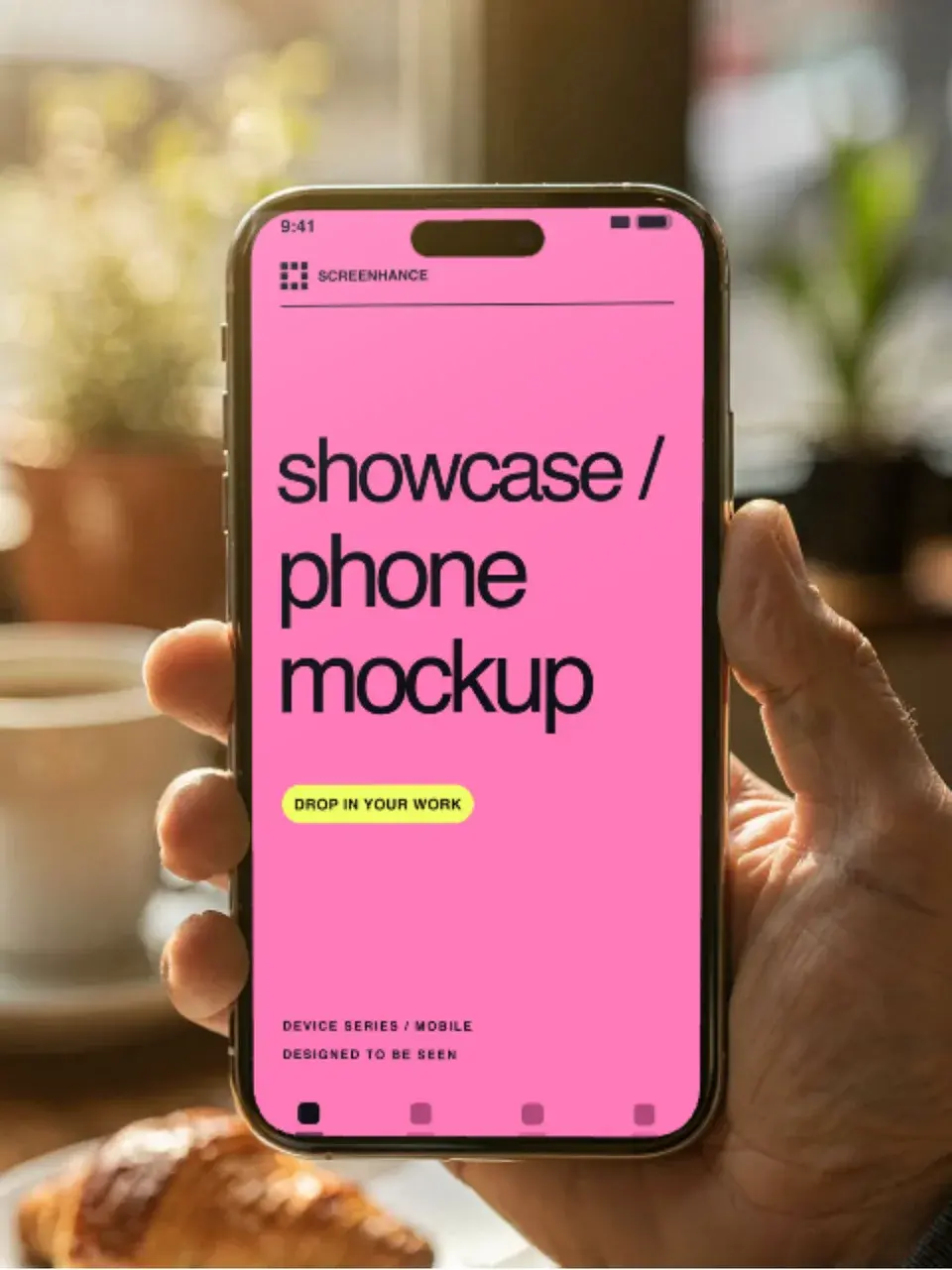
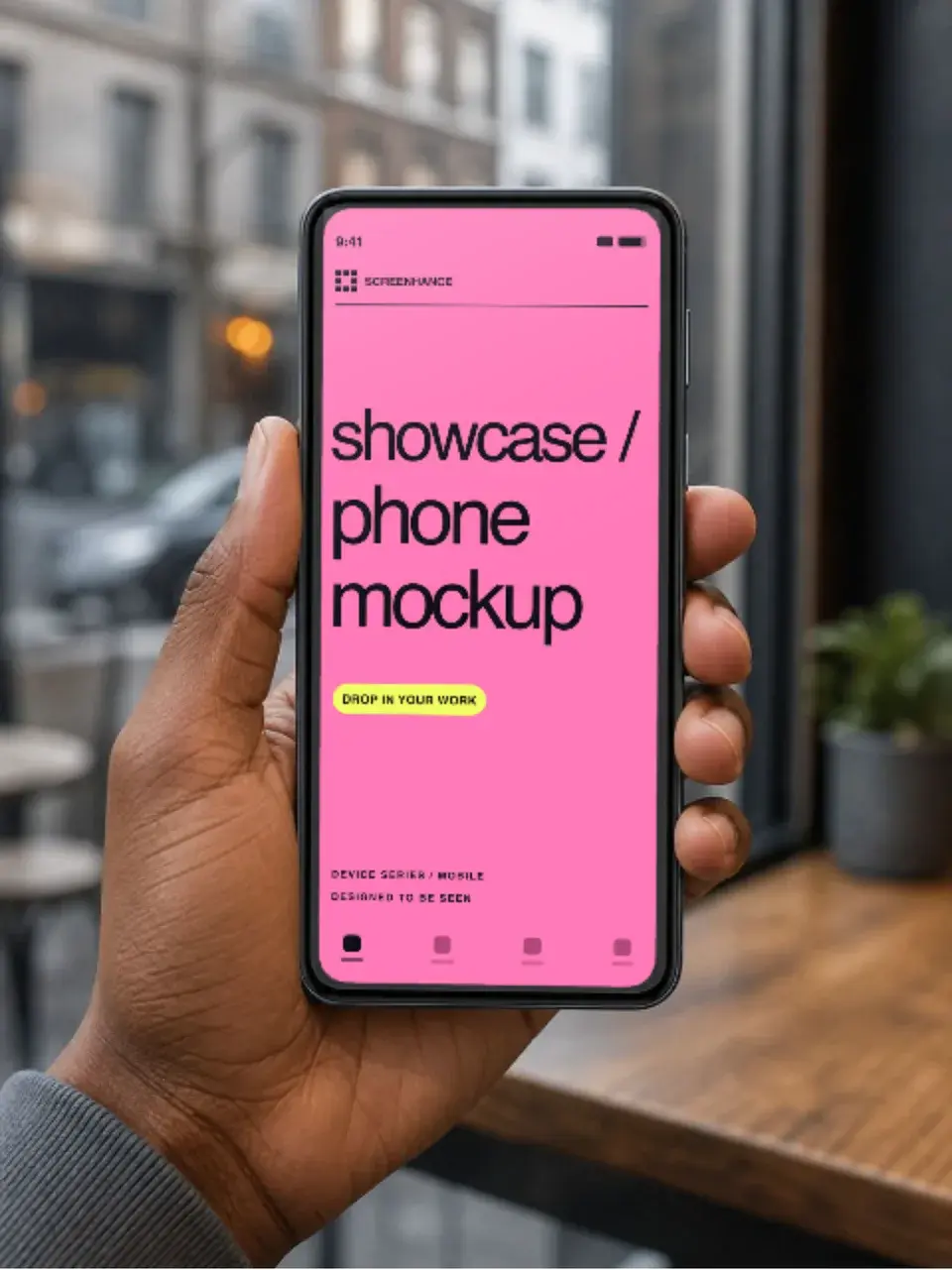
Make a free device mockup
Free to start. No credit card required.
Keep reading
Related, product-tested guides from Screenhance.
Apple Watch Mockup Guide: Framing watchOS Apps in 2026
How to create Apple Watch mockups that sell a watchOS app: choosing 46mm vs 42mm, capturing clean watch screenshots, and the iPhone-plus-Watch layout.
29 May 2026 · 6 min read
Google Pixel Mockup Guide for Android Marketing in 2026
Choose and use a Google Pixel frame for Android marketing, compare it with a Galaxy treatment, and prepare accurate Play Store visuals.
29 May 2026 · 5 min read
AI Mockup Generators in 2026: Where They Help and Where They Fail
A practical guide to AI mockup generators: when generated scenes help, when real product screenshots matter, and how to build a repeatable launch workflow.
13 May 2026 · 6 min read