Use Cases
Put a smart TV interface, streaming screen, game, video still, or campaign creative on a photorealistic television. Free in the browser, with no Photoshop or PSD required.
Loved by 2,000+ creators
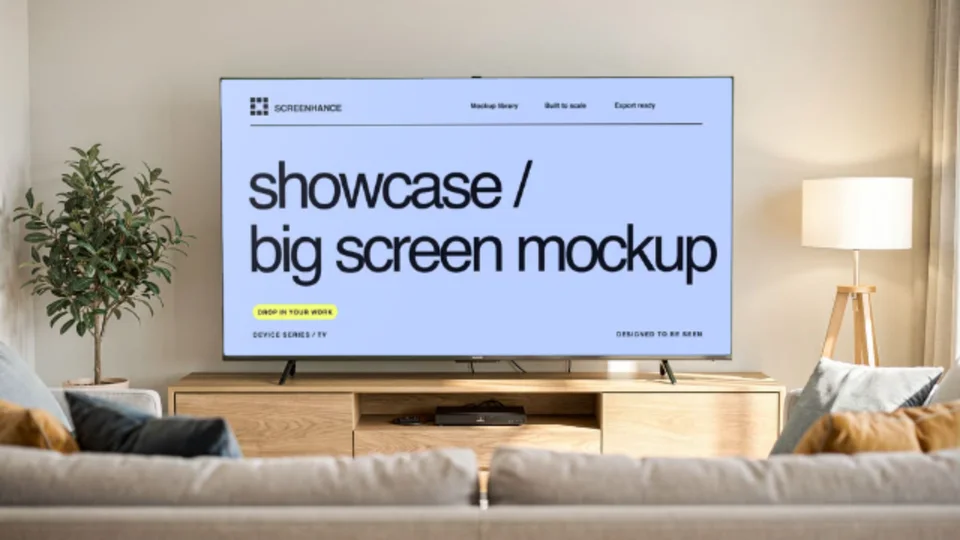
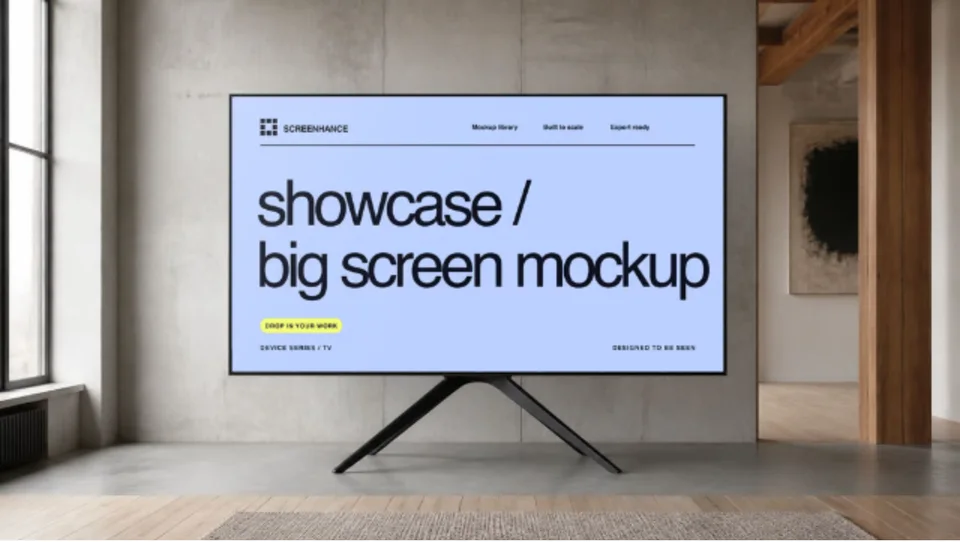
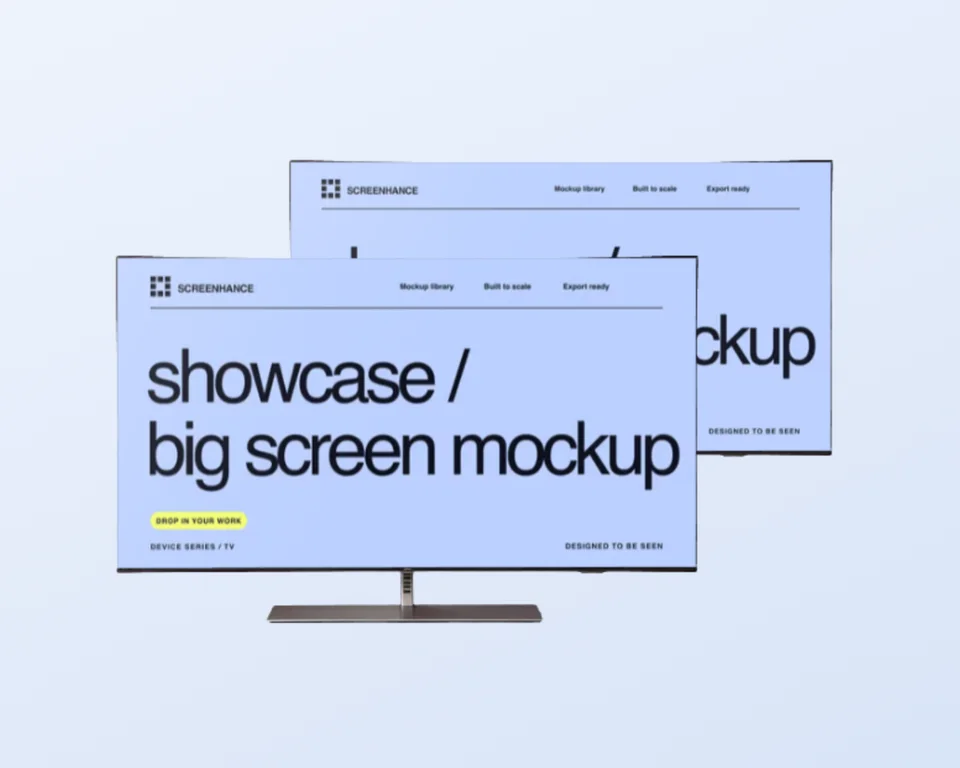
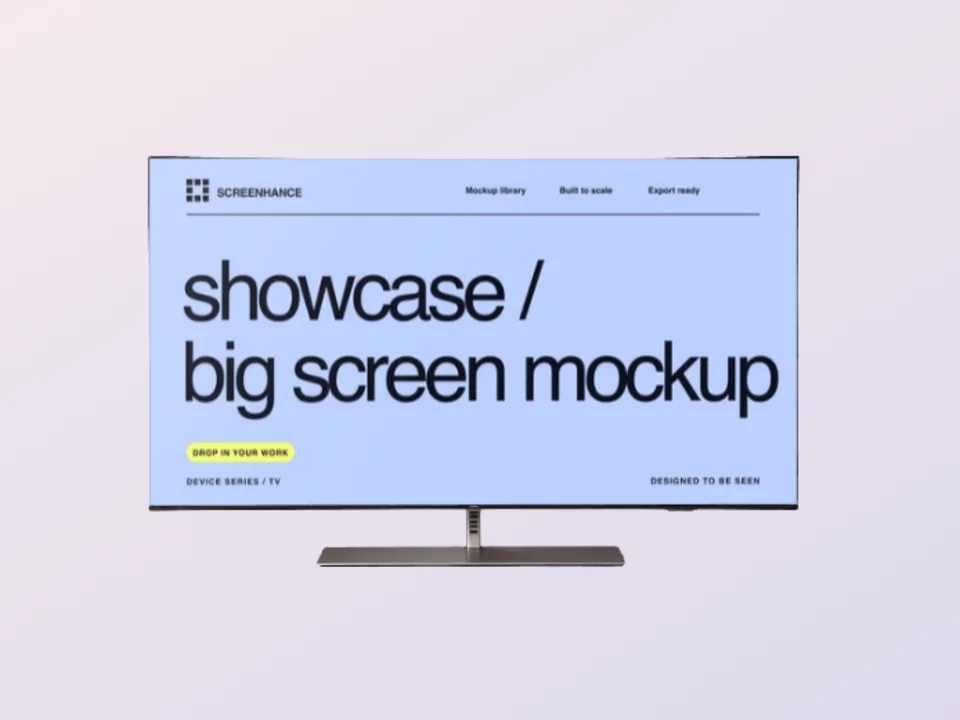
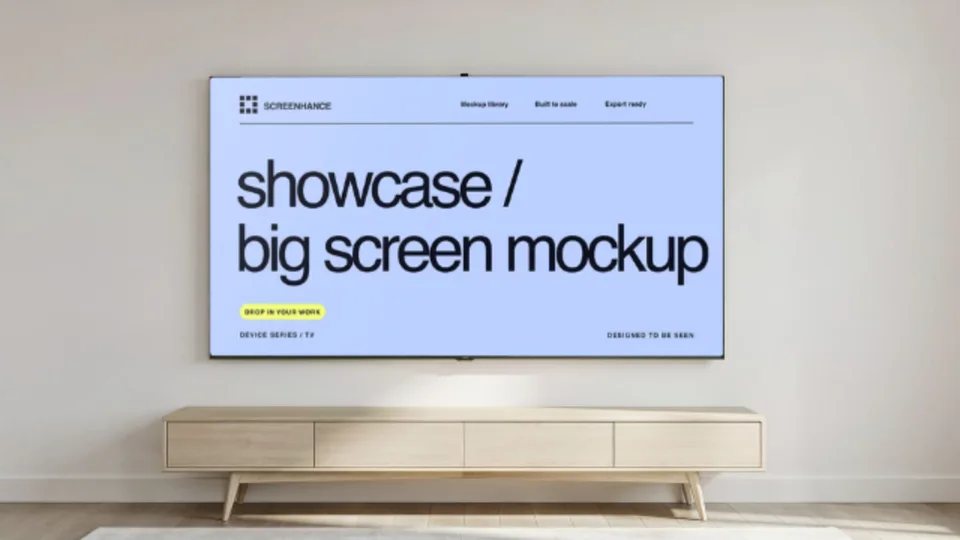
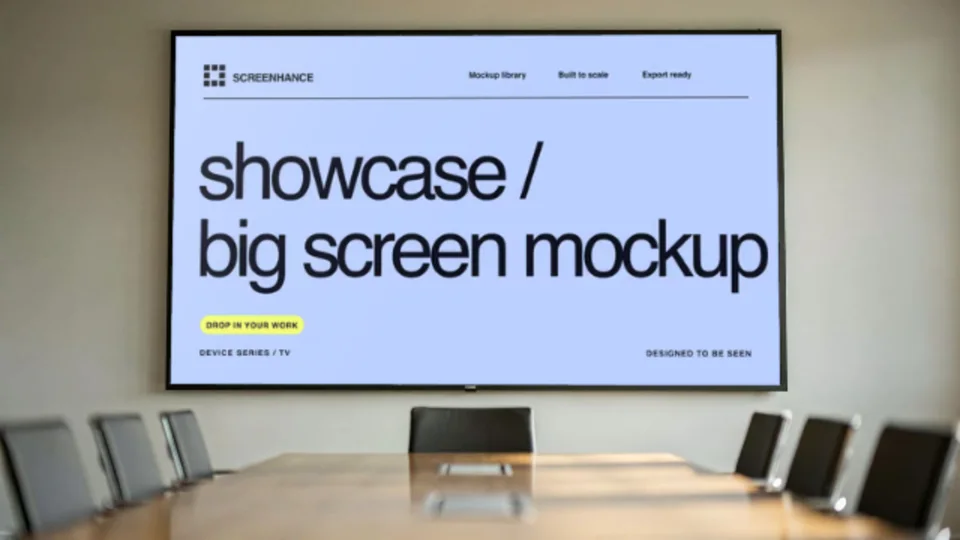
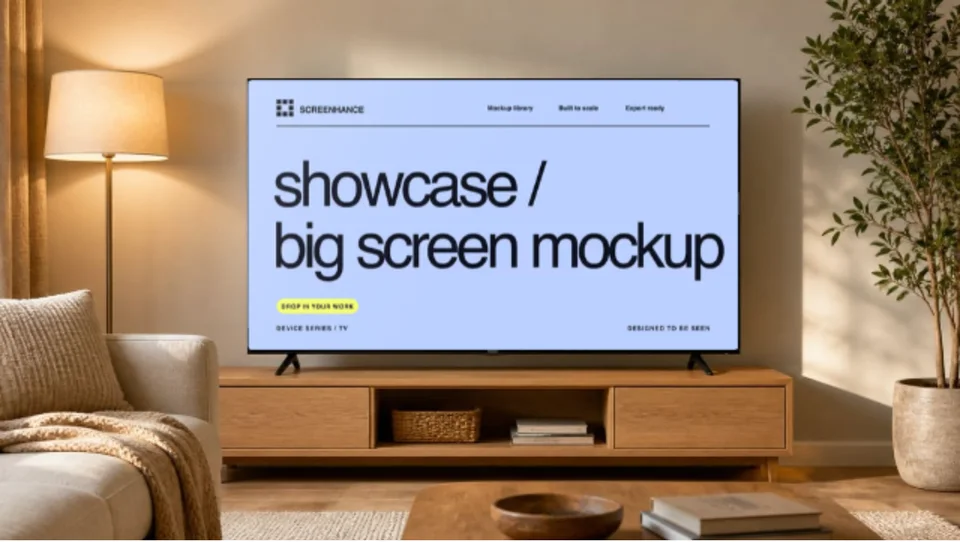
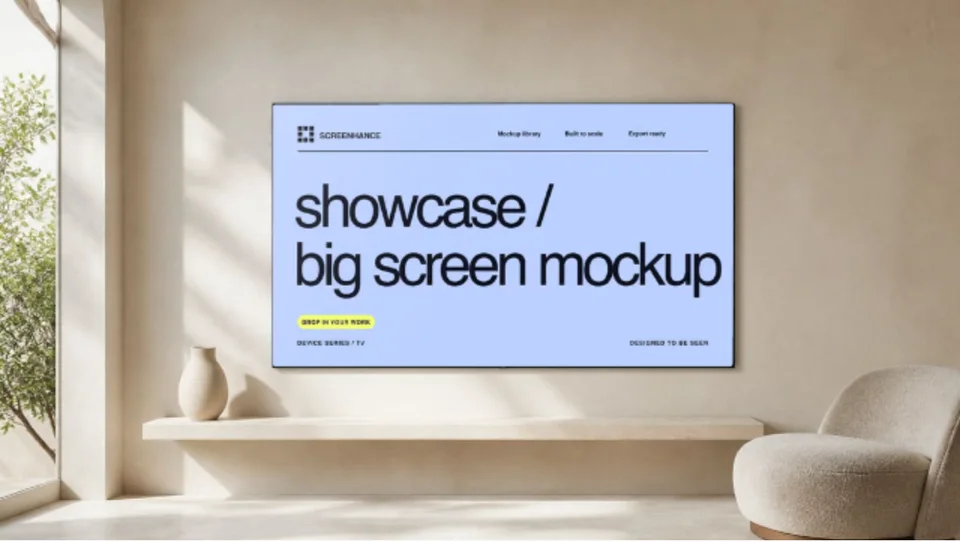
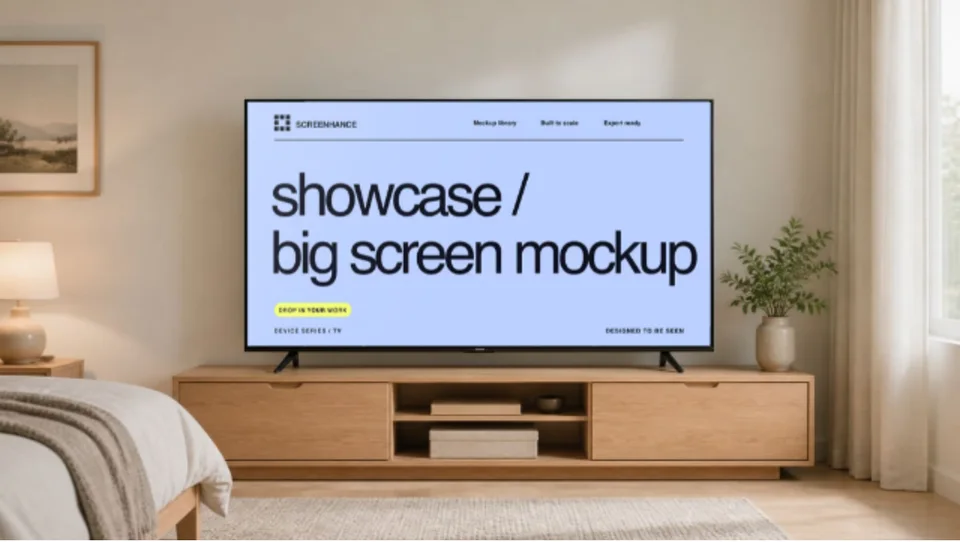
Living-room, wall-mounted, gaming, and transparent television scenes. Click one to open it with your own interface or artwork.
Your design follows the television perspective and keeps the room lighting, bezel, and screen treatment that make it read as a real product scene.
Present streaming, fitness, media, dashboard, and smart-home interfaces at the scale people use them.
Drop in a game screen, trailer frame, title sequence, or YouTube thumbnail for a contextual launch visual.
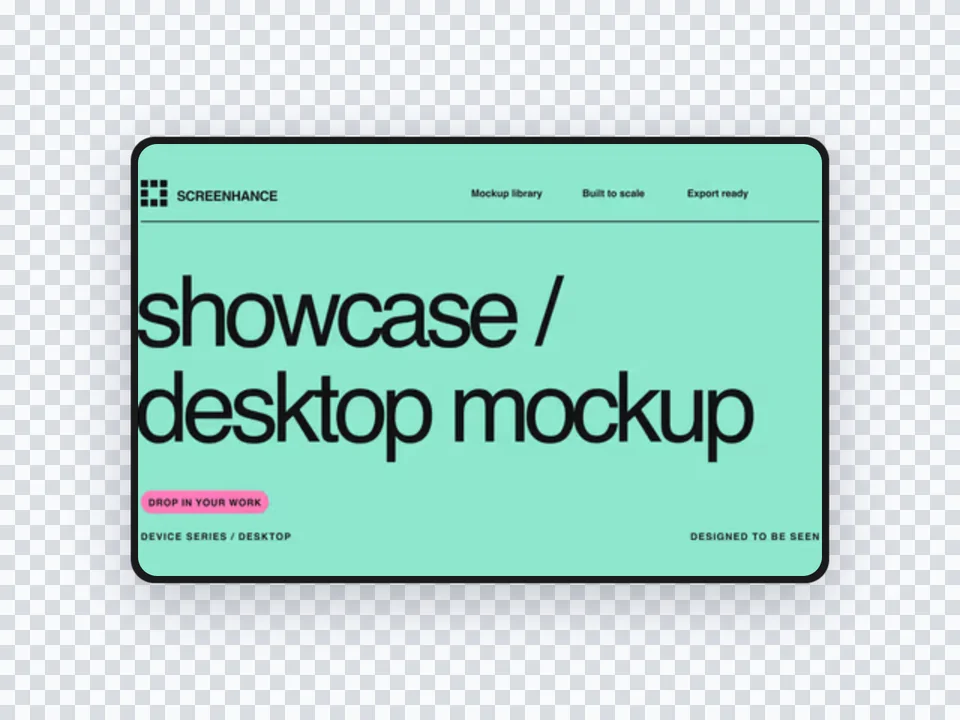
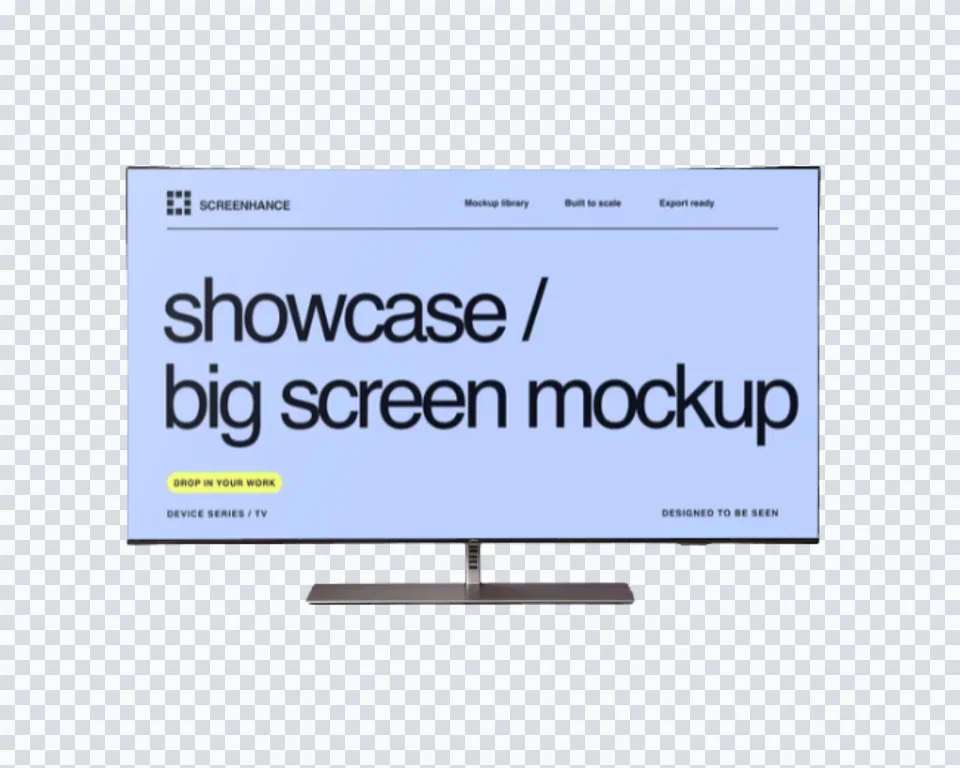
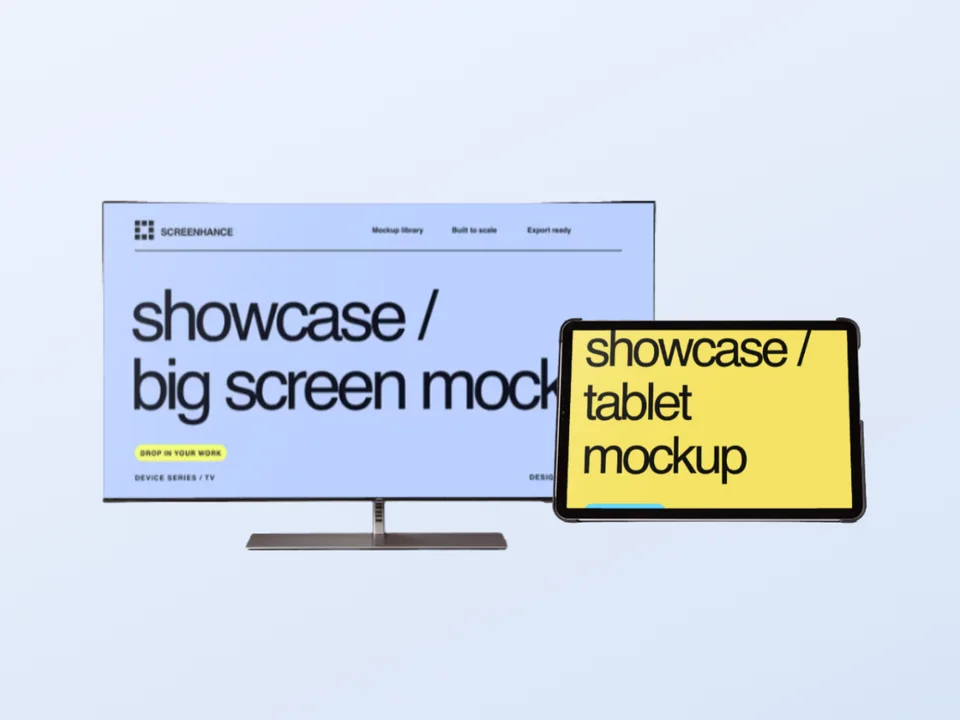
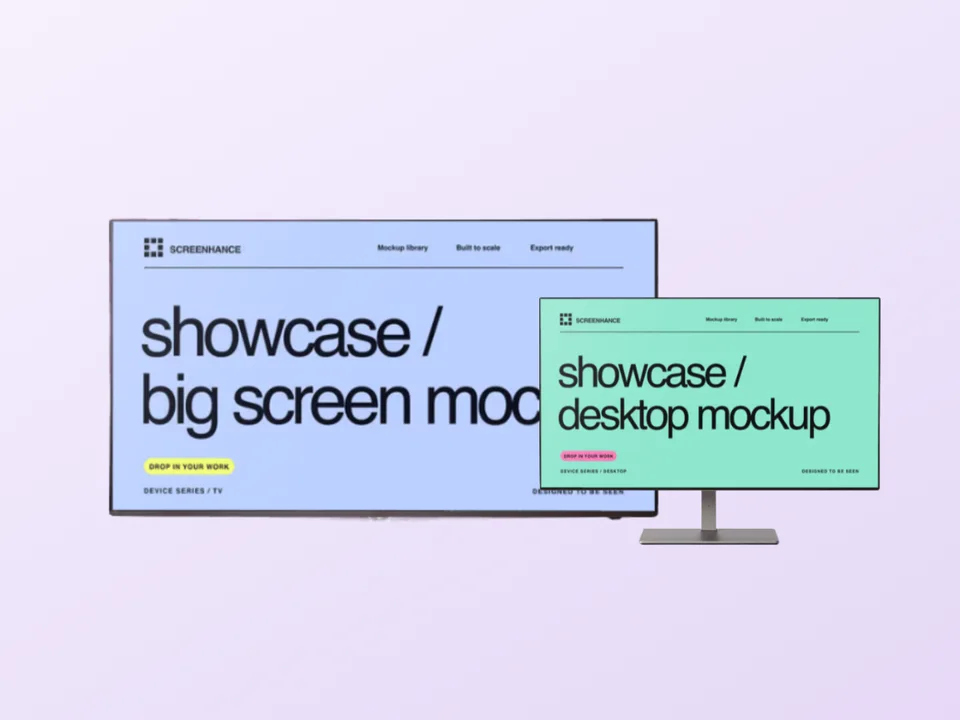
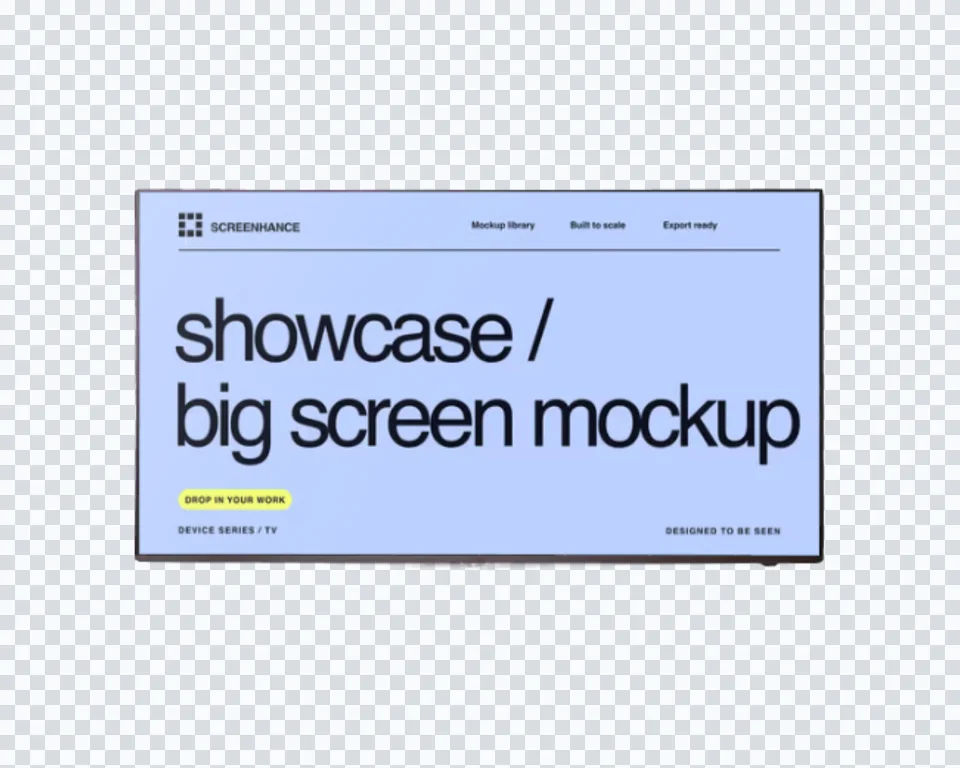
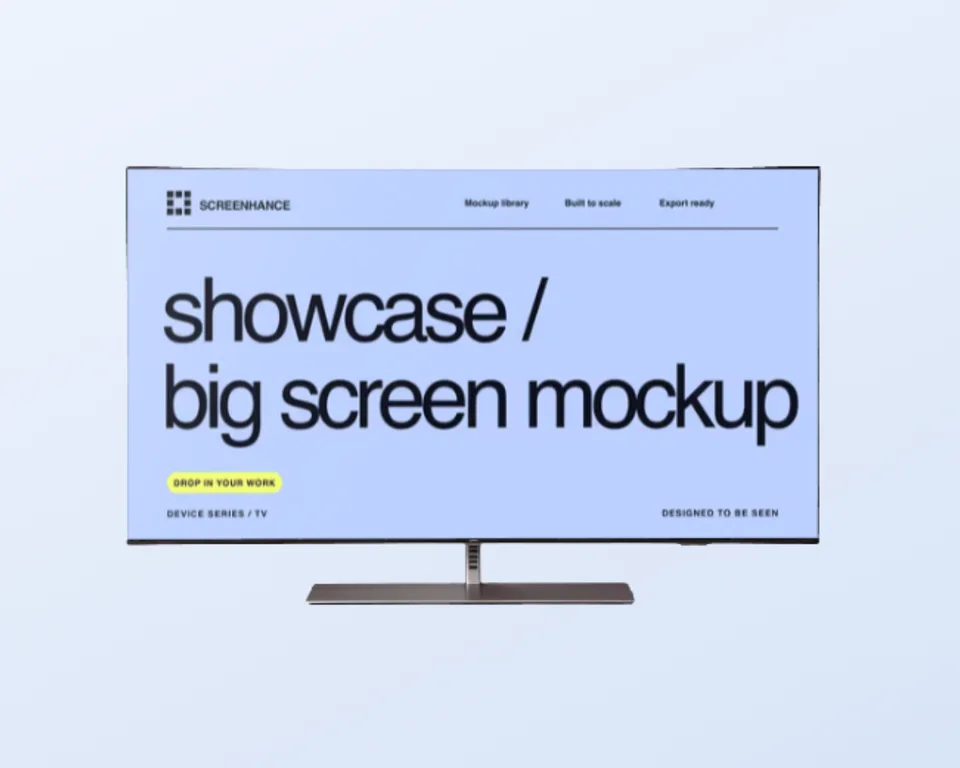
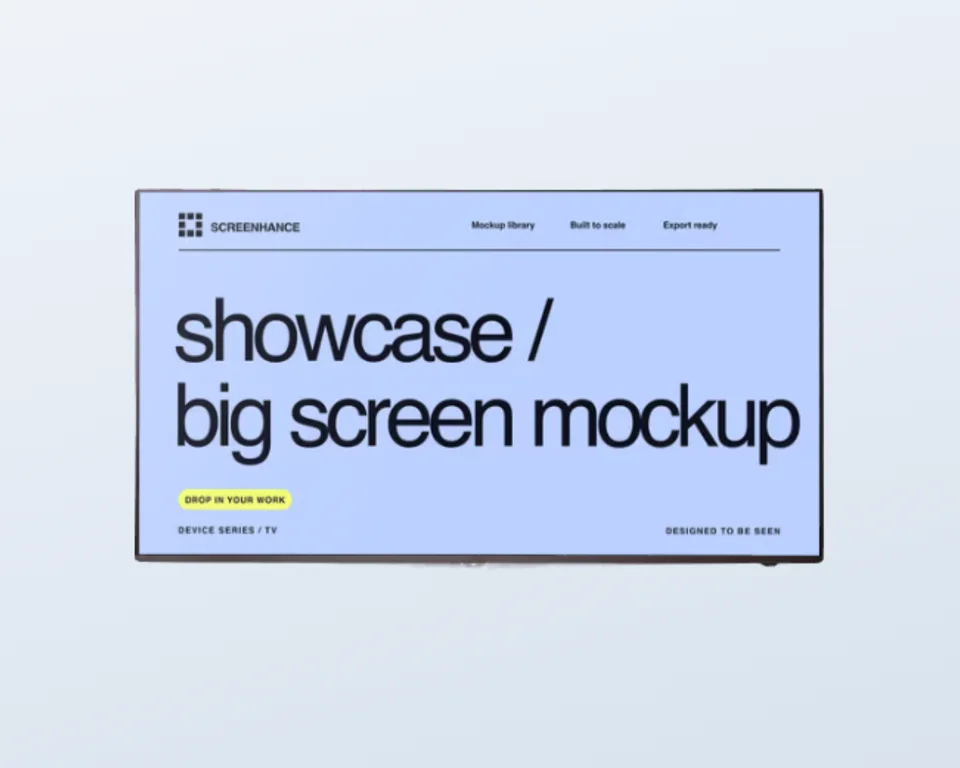
Use a clean standalone television when you want to build your own background, headline, or multi-device composition.
Move from source material to a polished launch asset without rebuilding the design in another tool.
Choose a visual template, a store-listing set, a Launch Kit, or an empty canvas for full control.
Add screenshots, photo scenes, device frames, text, icons, annotations, backgrounds, layers, and motion in the browser editor.
Download PNG, WebP, JPEG, GIF, WebM, or MP4, or export organized iOS, Google Play, and Chrome screenshot ZIPs.
Screenhance covers the full path from a raw screenshot or screen recording to coordinated, editable launch assets.
Use current device frames, stylized treatments, or photorealistic placements across phones, tablets, laptops, watches, TVs, print, apparel, and outdoor media.
Start with a complete composition for mockups, Product Hunt, OG images, website heroes, Play feature graphics, or Chrome Web Store promo assets, then edit every layer.
Create iOS, Google Play, and Chrome Web Store screenshot sets from 100+ set templates, edit localized copy across 16 languages, and export organized PNG ZIPs, including fastlane-ready iOS folders.
Animate layers with 18 motion styles and export GIF or WebM, or record and polish a product demo in Studio with frames, cursor motion, captions, audio, and MP4/WebM export.
Most television mockups are PSD smart objects. They work, but they require Photoshop, manual replacement, and a separate export every time the UI changes. Screenhance performs the placement in the browser, so a new screenshot becomes a finished TV scene in minutes.
Use the photographic scenes when the room or gaming context sells the story. Use the transparent TV cutouts when the surrounding layout should match the rest of a launch. The same project can continue into device mockups, billboards, posters, and product demo videos.

Upload a landscape screenshot or design, choose a television scene, and Screenhance fits it onto the screen with the correct perspective and screen lighting. Export a high-resolution PNG without opening Photoshop or editing a PSD smart object.
Yes. Every TV scene can be opened and edited on the free plan. Free exports include a small Screenhance watermark; a Launch Pass or Pro removes it from image exports.
Yes. Upload a streaming, media, fitness, dashboard, game, or smart-home interface. The landscape slot is designed for TV-scale interfaces, so the result works for app-store presentations, product pages, pitch decks, and launch posts.
Screenhance includes a living-room television, a clean wall-mounted TV, a gaming setup, a transparent standalone TV, and a transparent wall-mount. Use a photographic scene for context or a transparent cutout when you need to build a custom composition.
Use a 16:9 landscape image, ideally 1920×1080 or larger. Screenhance crops to fit without stretching, and you can reposition the upload before export.
Yes. You can use exports in product pages, portfolios, client decks, app launches, ads, and social posts, provided you have the rights to the artwork or interface you upload.
Filter by what your design goes on, exactly like in the editor. Click any template to open it with your own screenshot.
5 templates
Explore more ways to create stunning visuals with Screenhance.
Put your card design on real card stock
Try it freeEvery launch visual from one brief: App Store, Product Hunt, OG, and website
Try it freeFree online mockup generator for all devices
Try it freeSocial share cards for every platform
Try it freeSee how your link's share preview renders and fix it
Try it freeOpen Graph and Twitter card images
Try it freeUpload a landscape design, choose a television scene, and export a polished TV mockup in under a minute.