%2FOlivia%20Rhye.webp&w=64&q=75)
%2FPhoenix%20Baker.webp&w=64&q=75)
%2FLana%20Steiner.webp&w=64&q=75)
%2FDemi%20Wilkinson.webp&w=64&q=75)
%2FDrew%20Cano.webp&w=64&q=75)
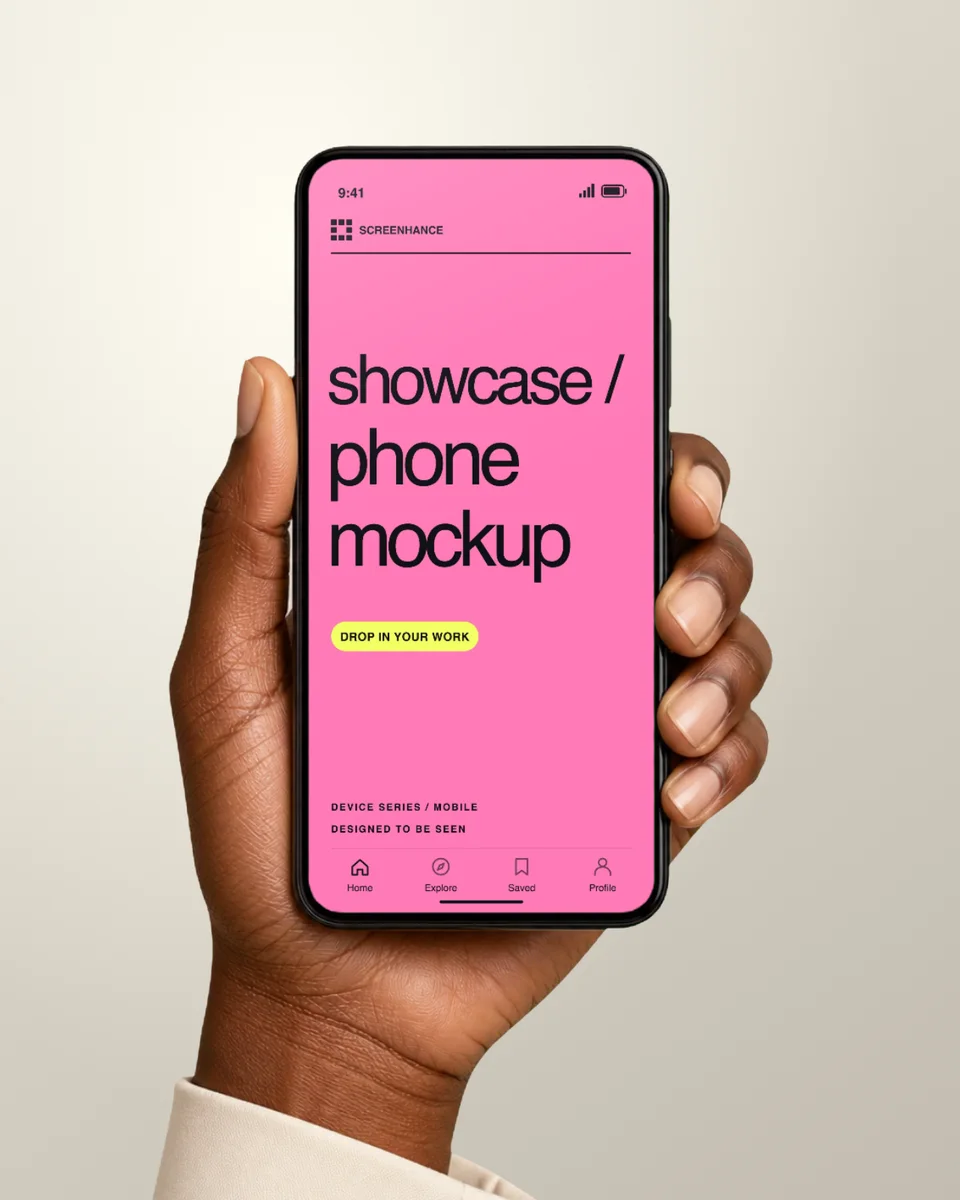
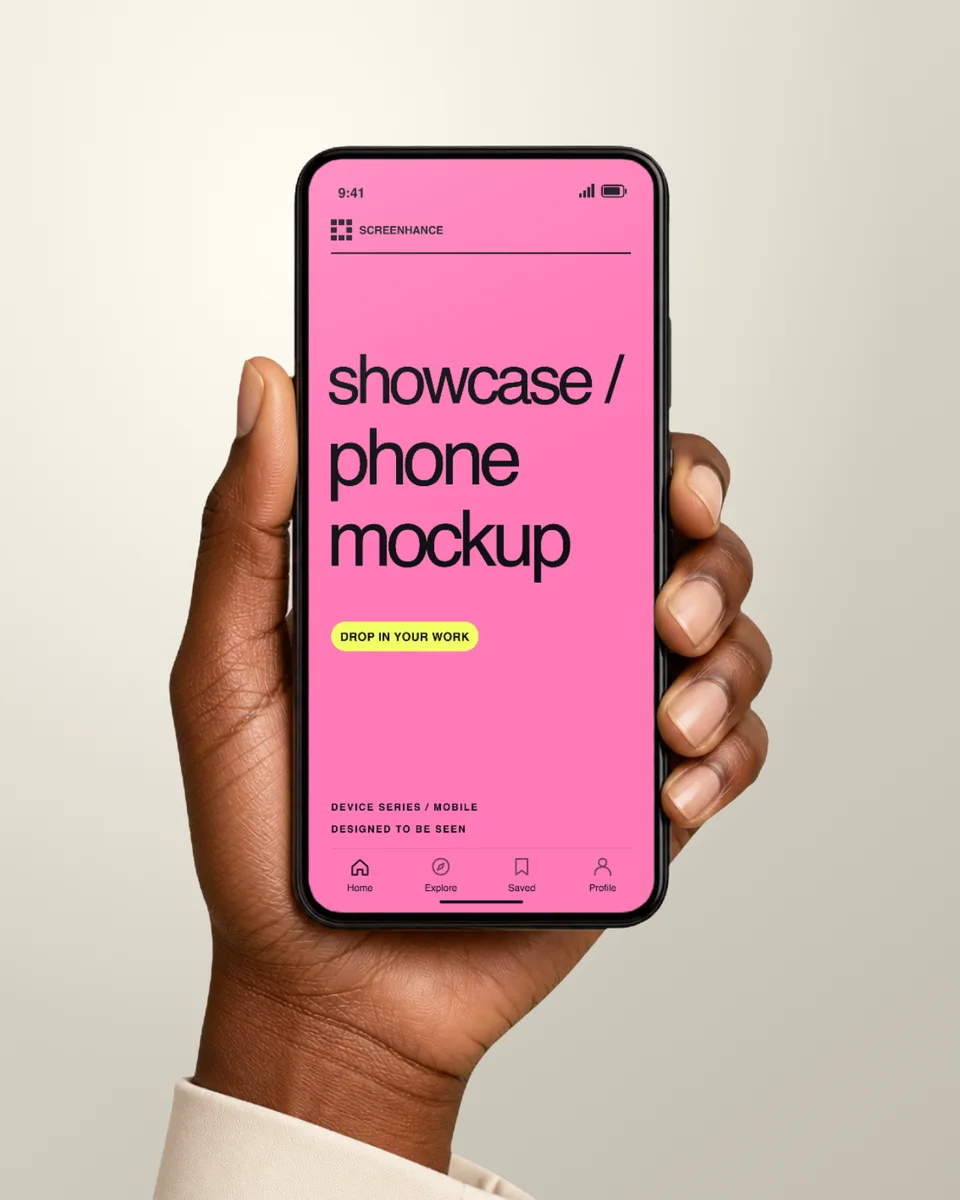
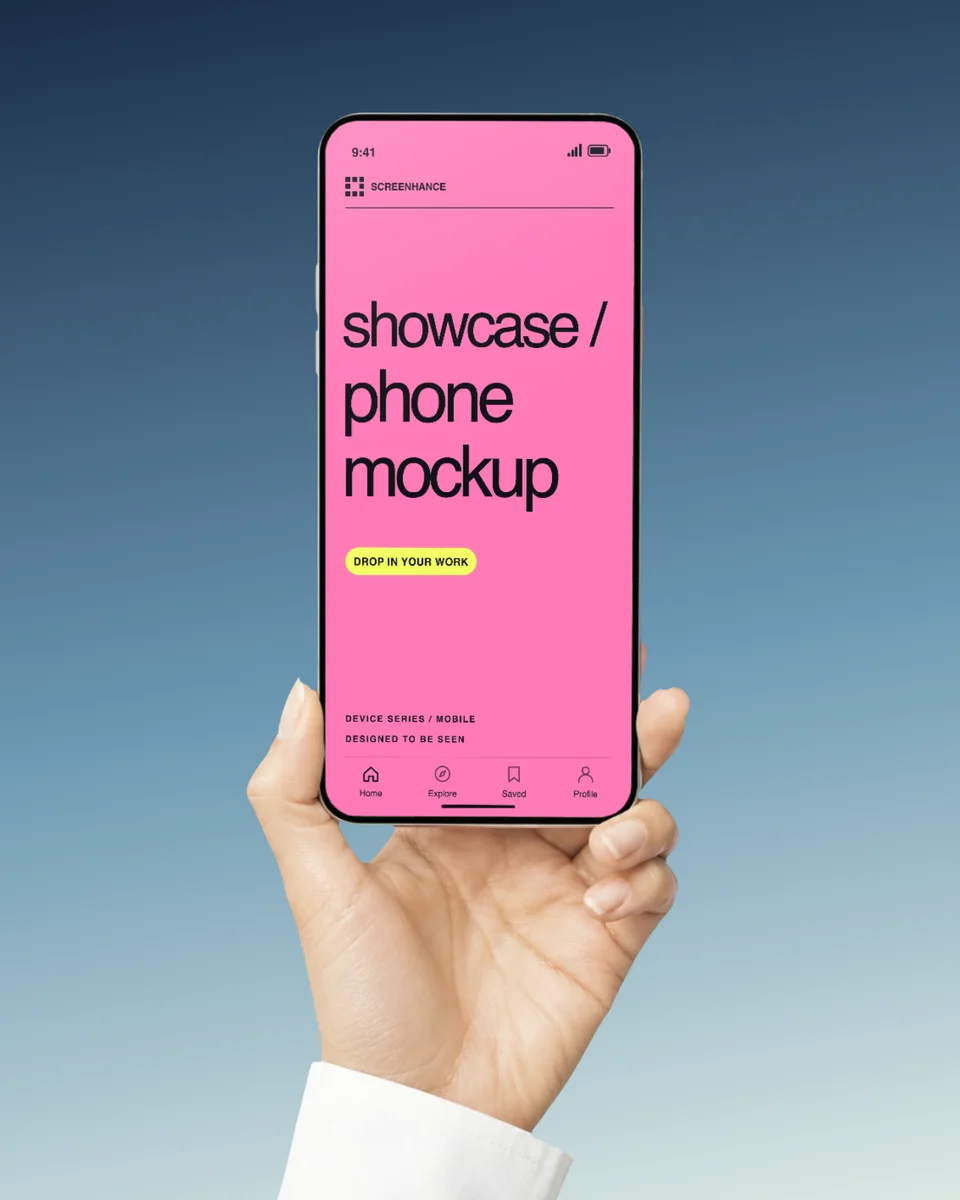

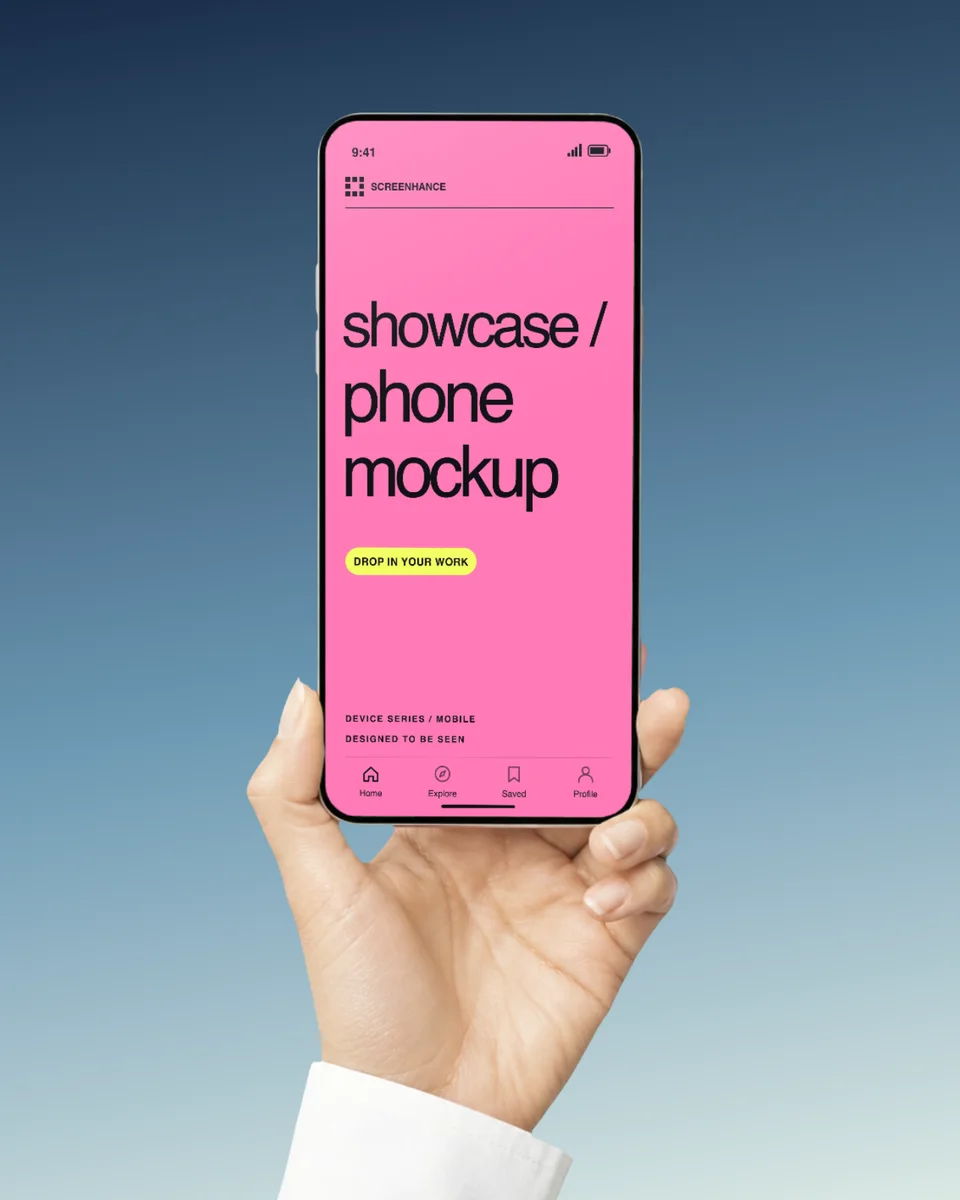
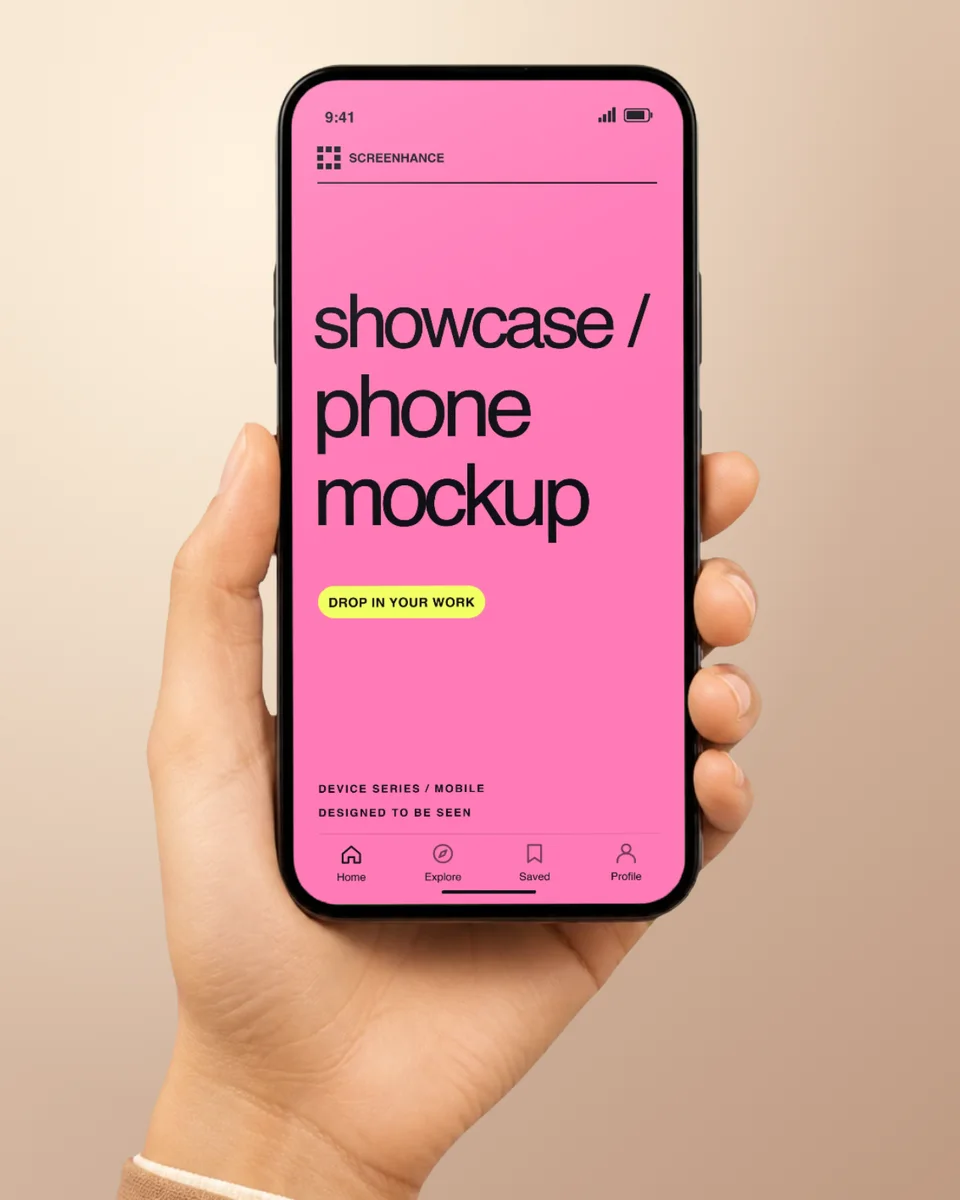
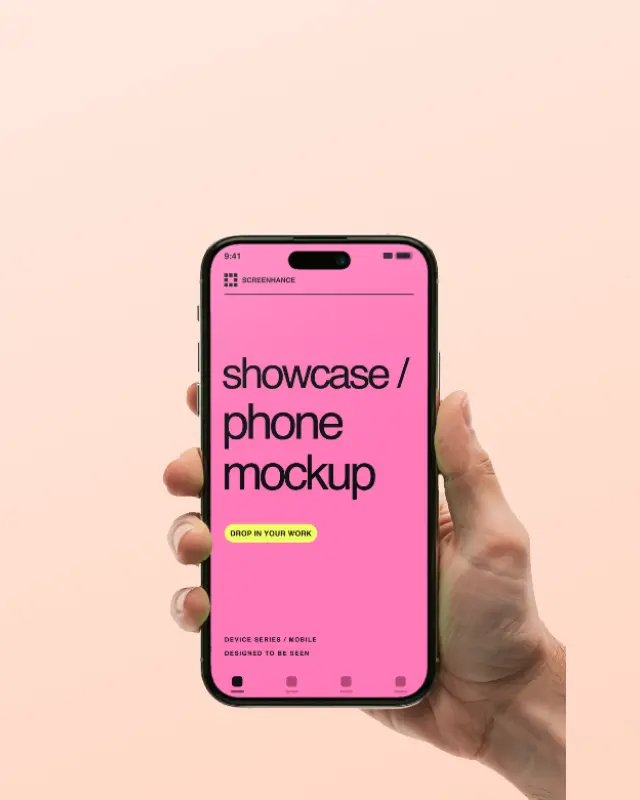
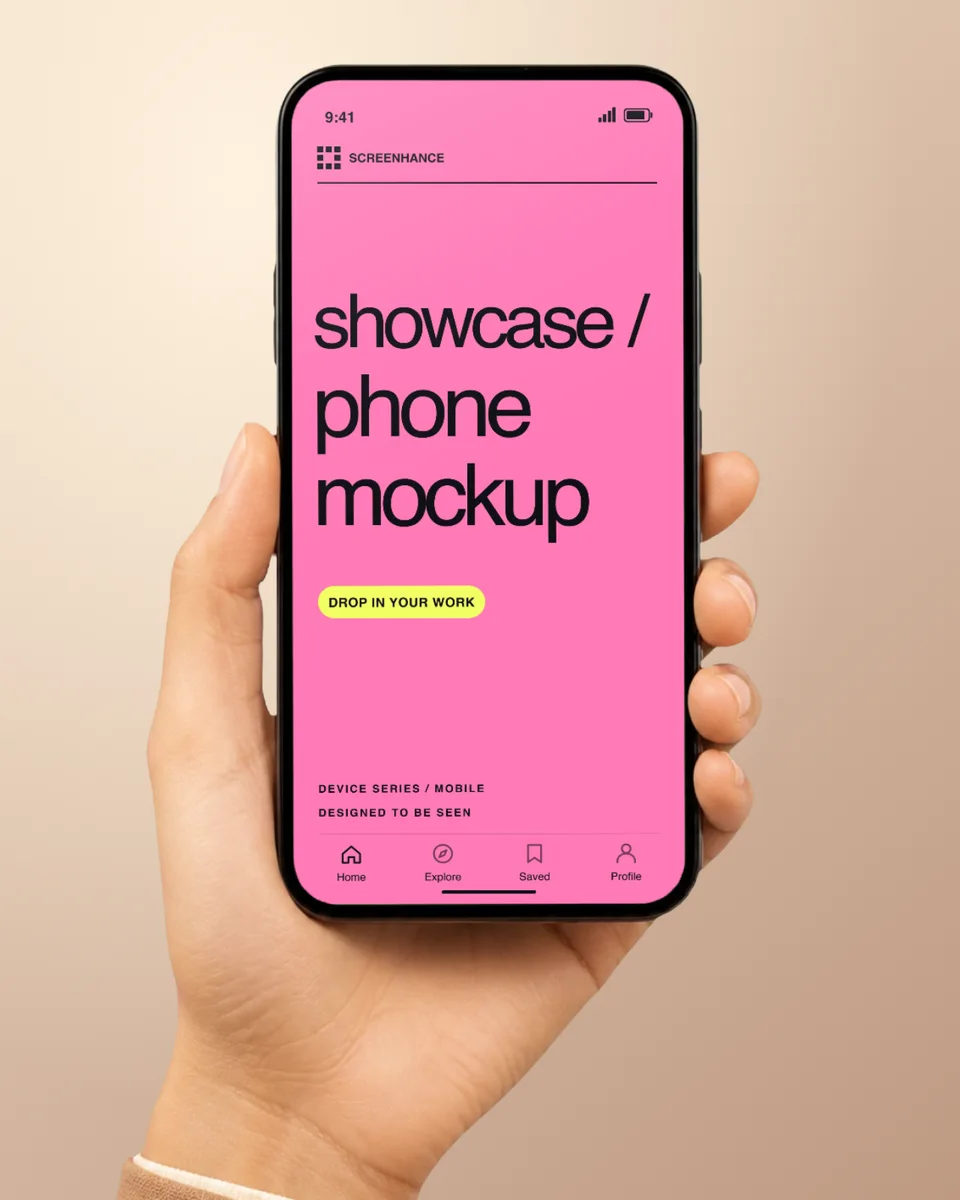
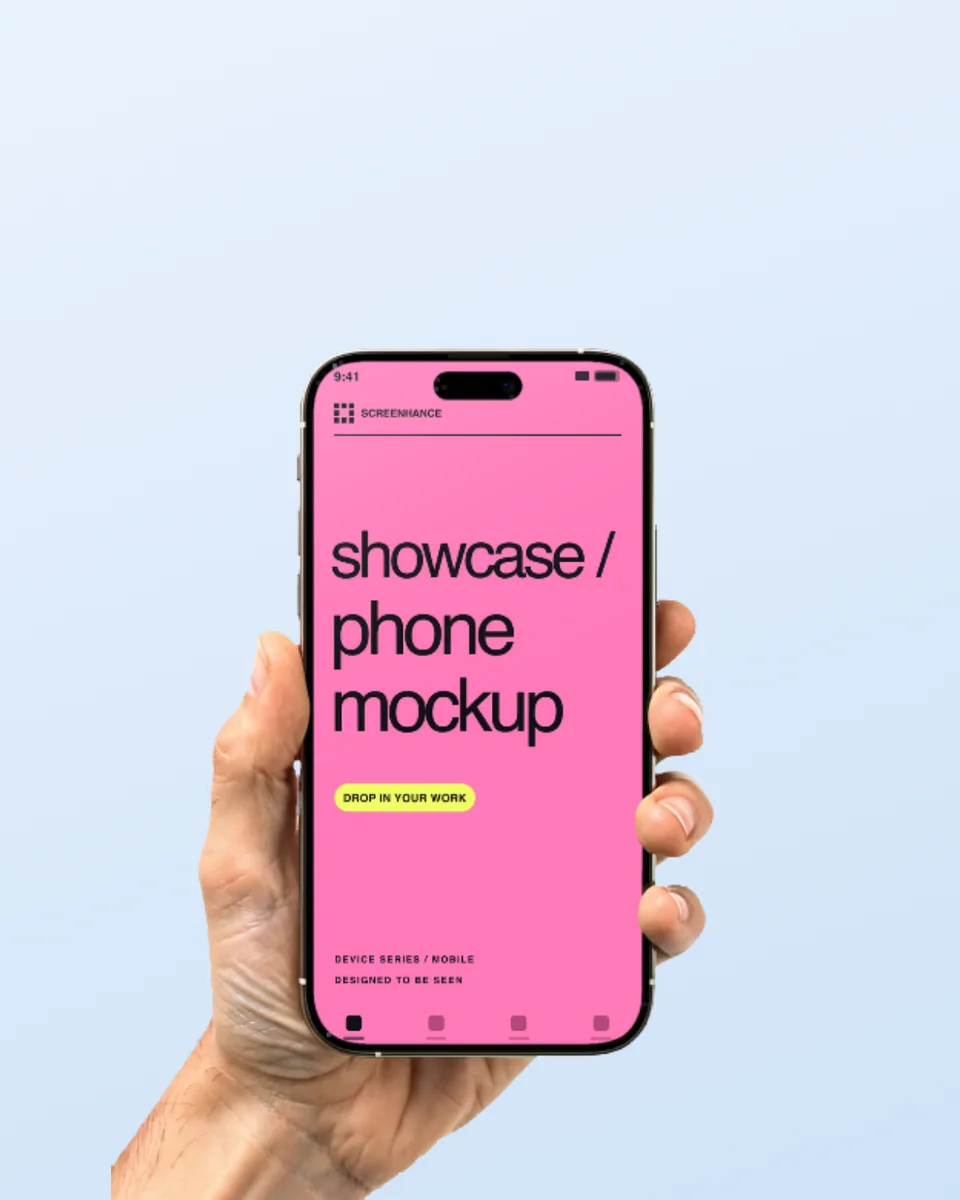
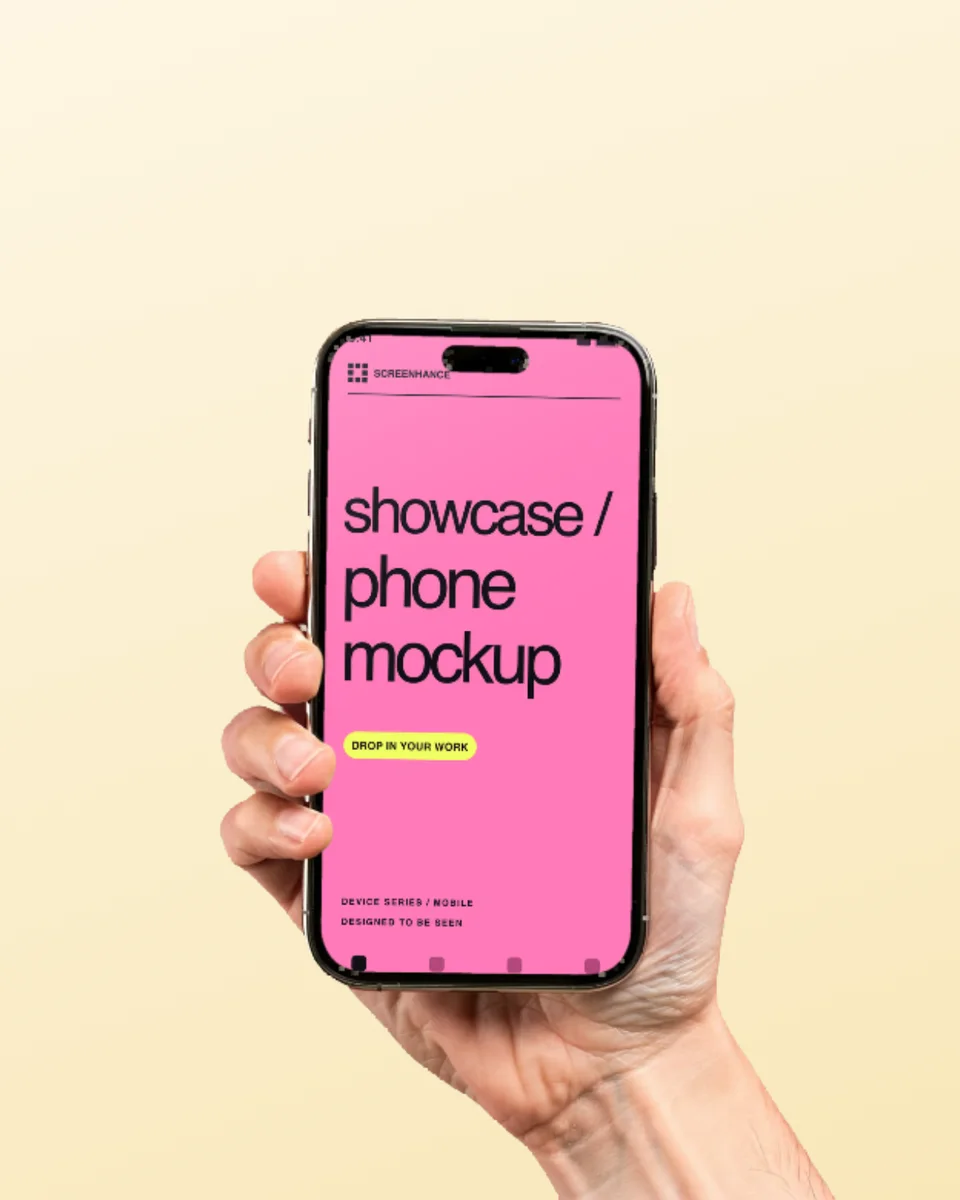
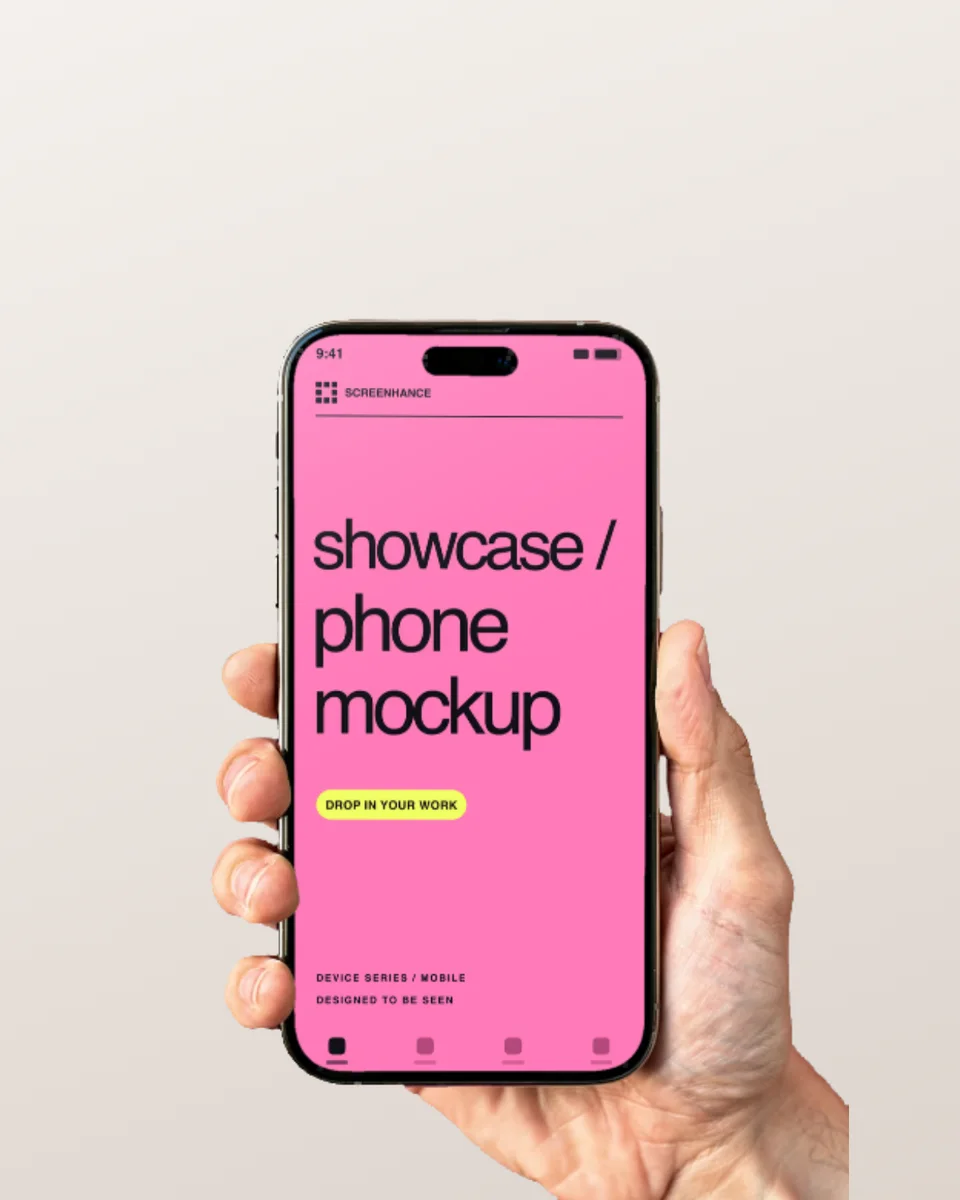

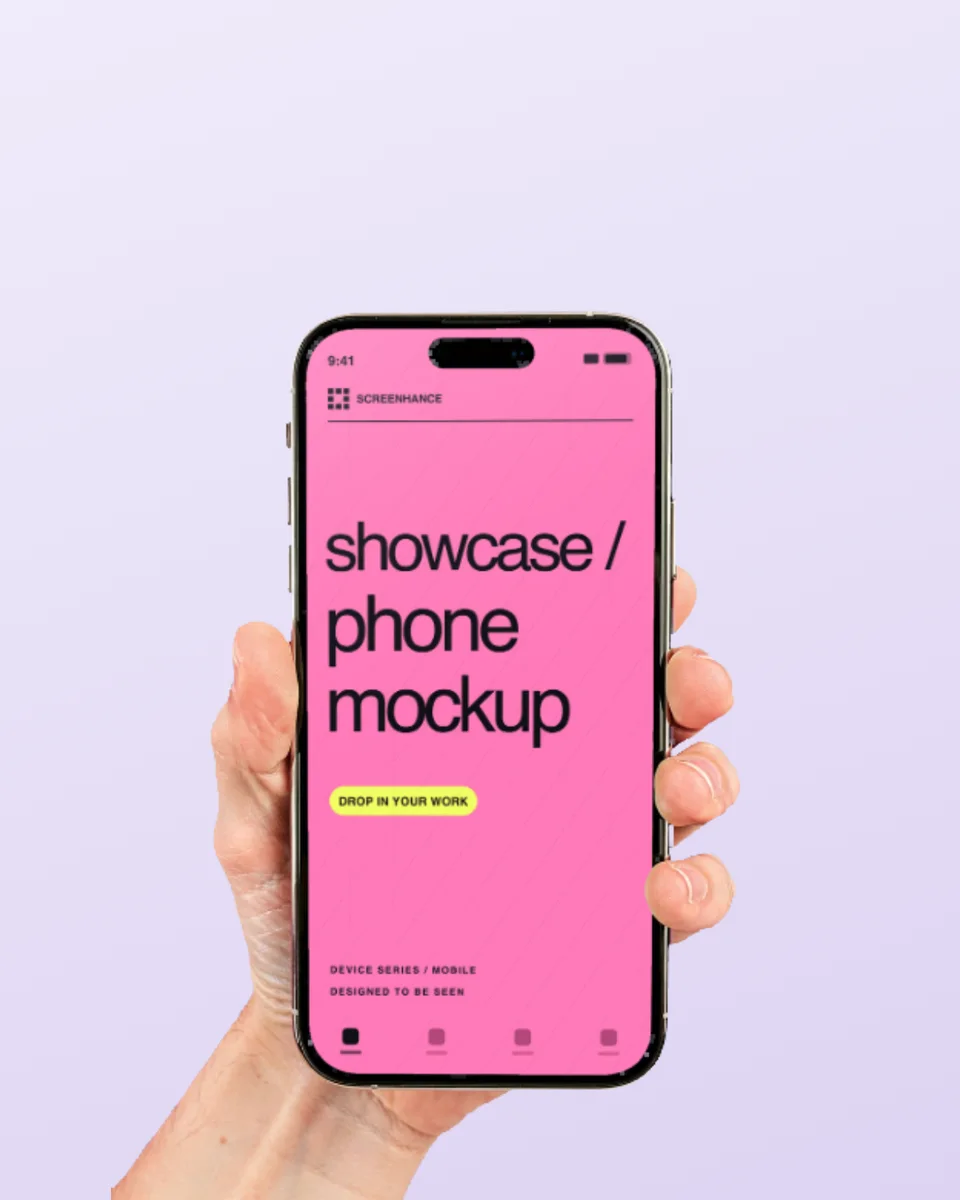
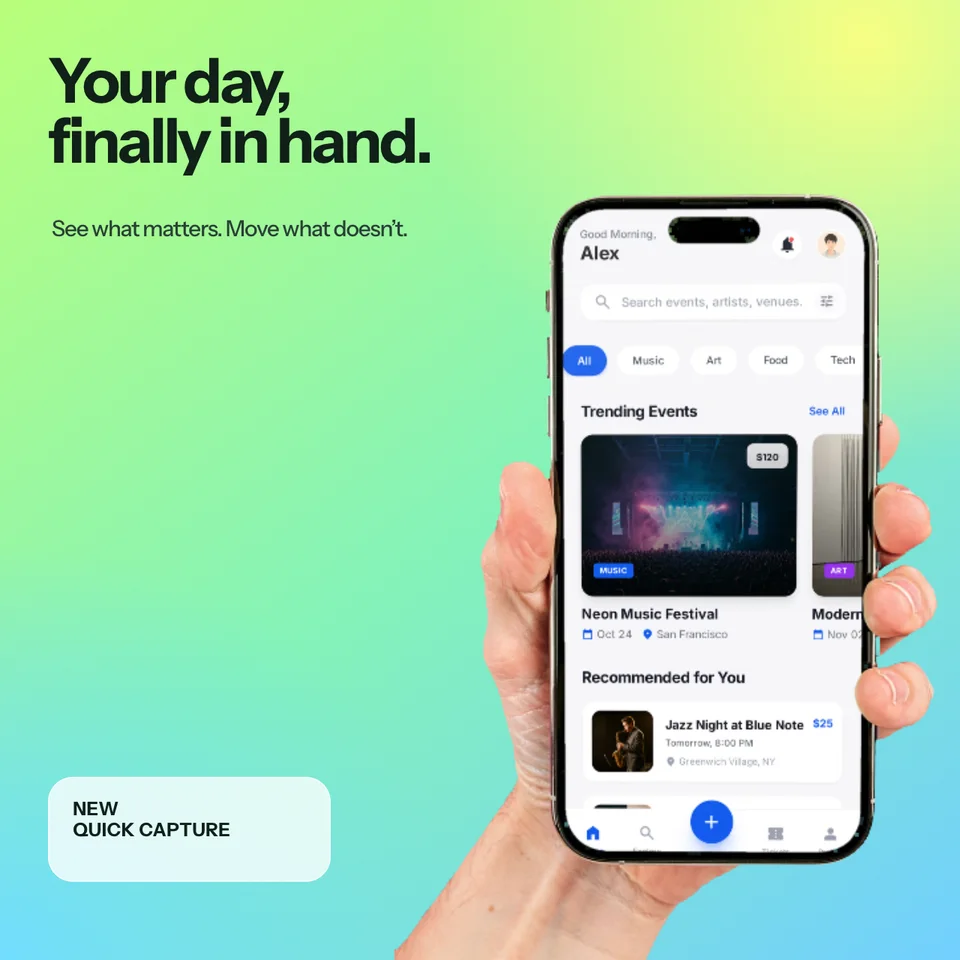
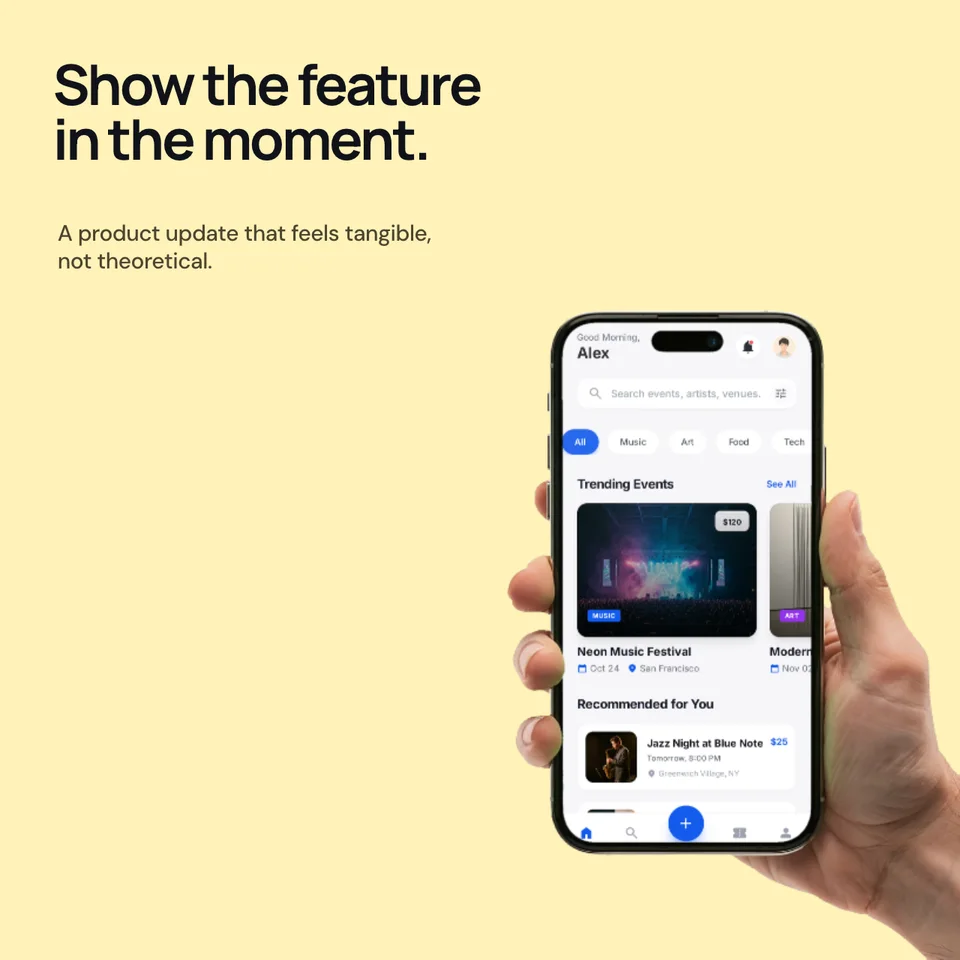
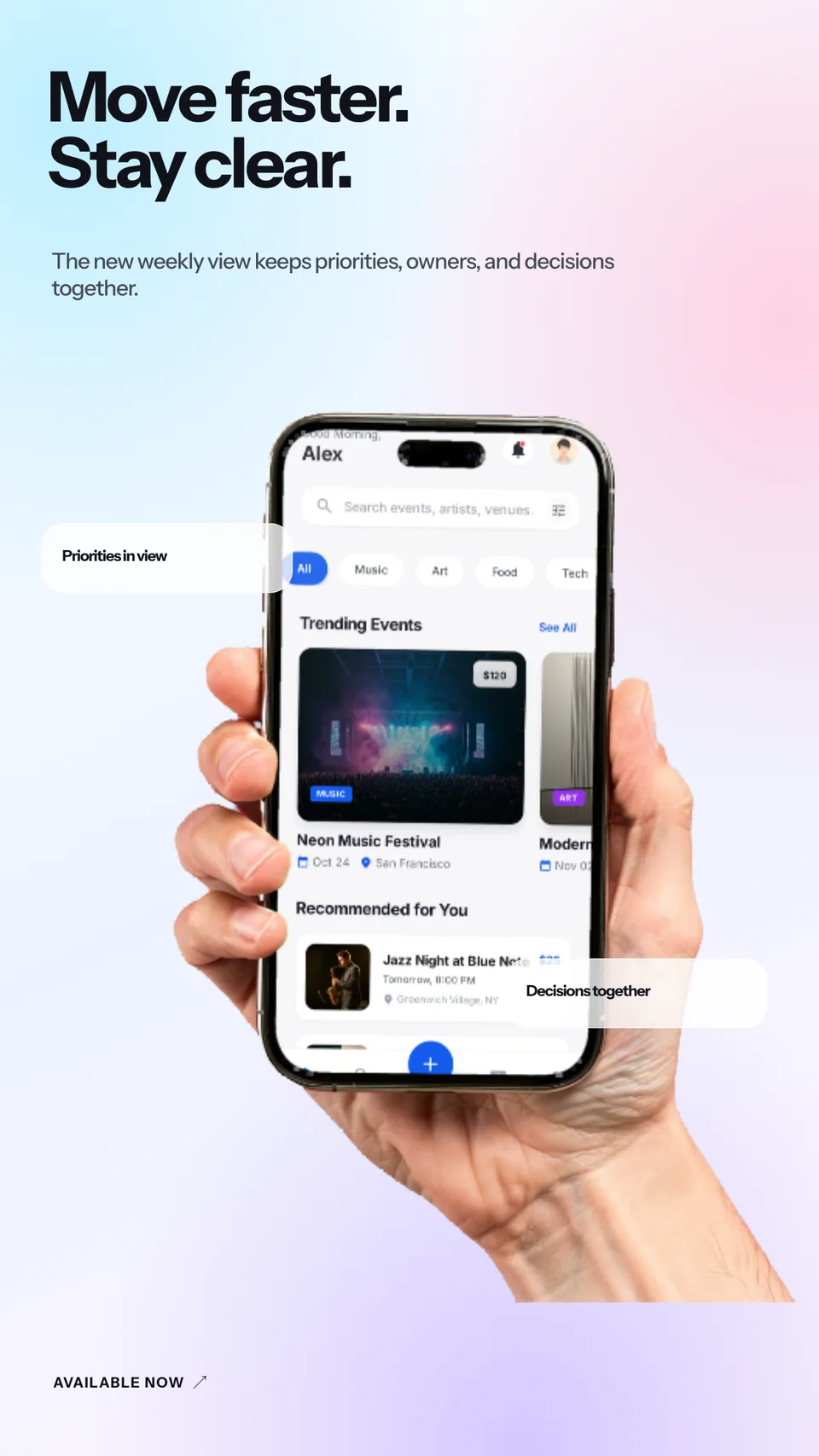
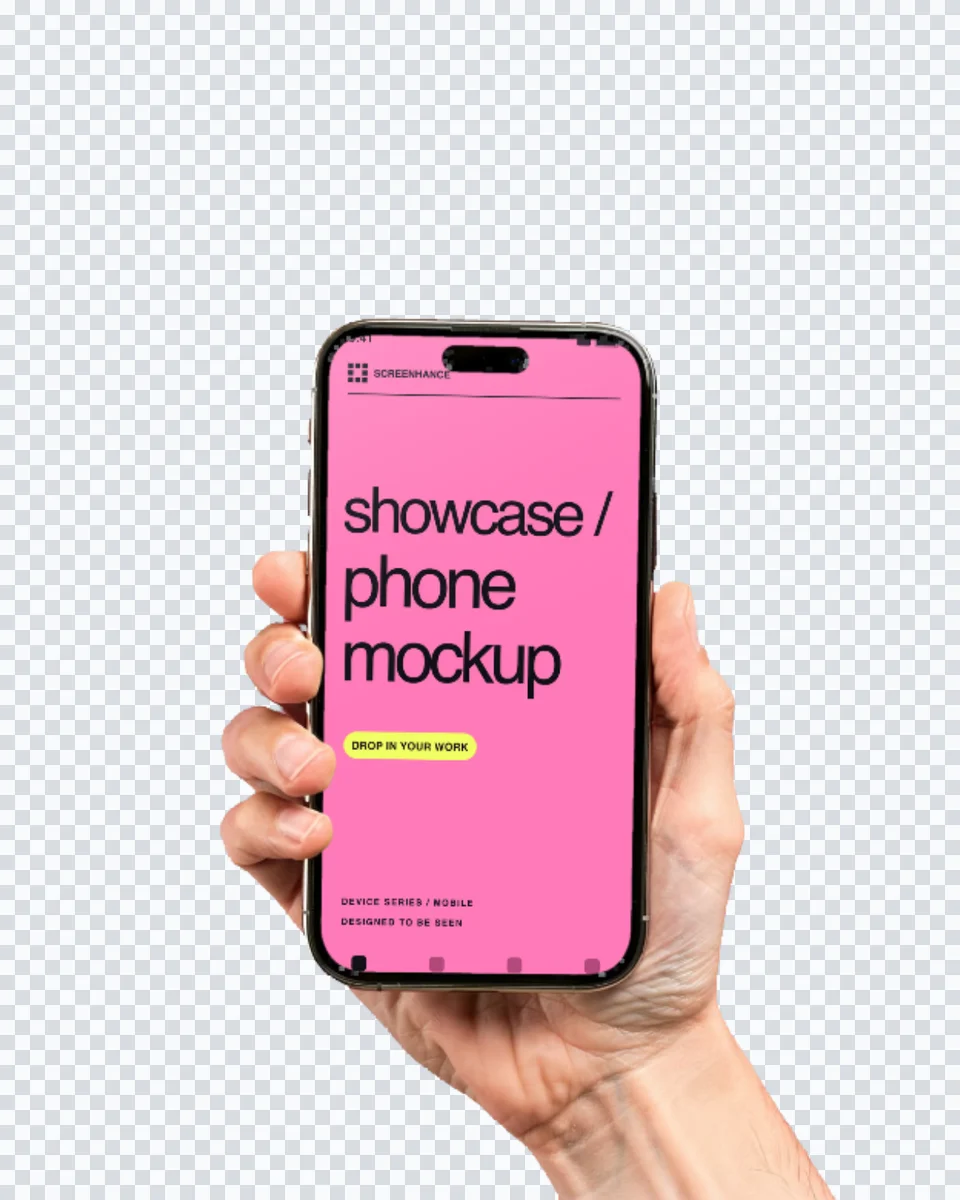
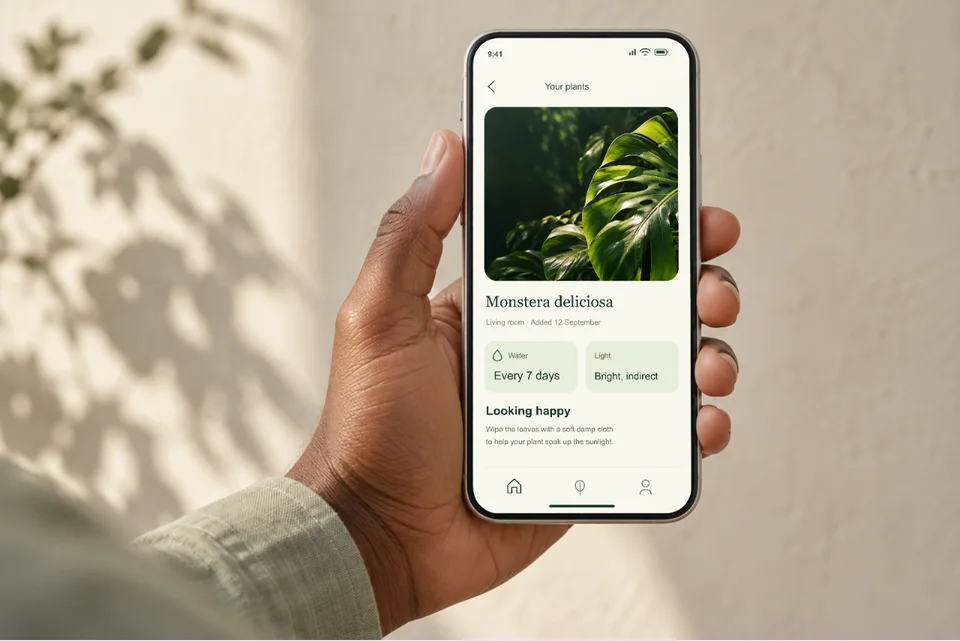
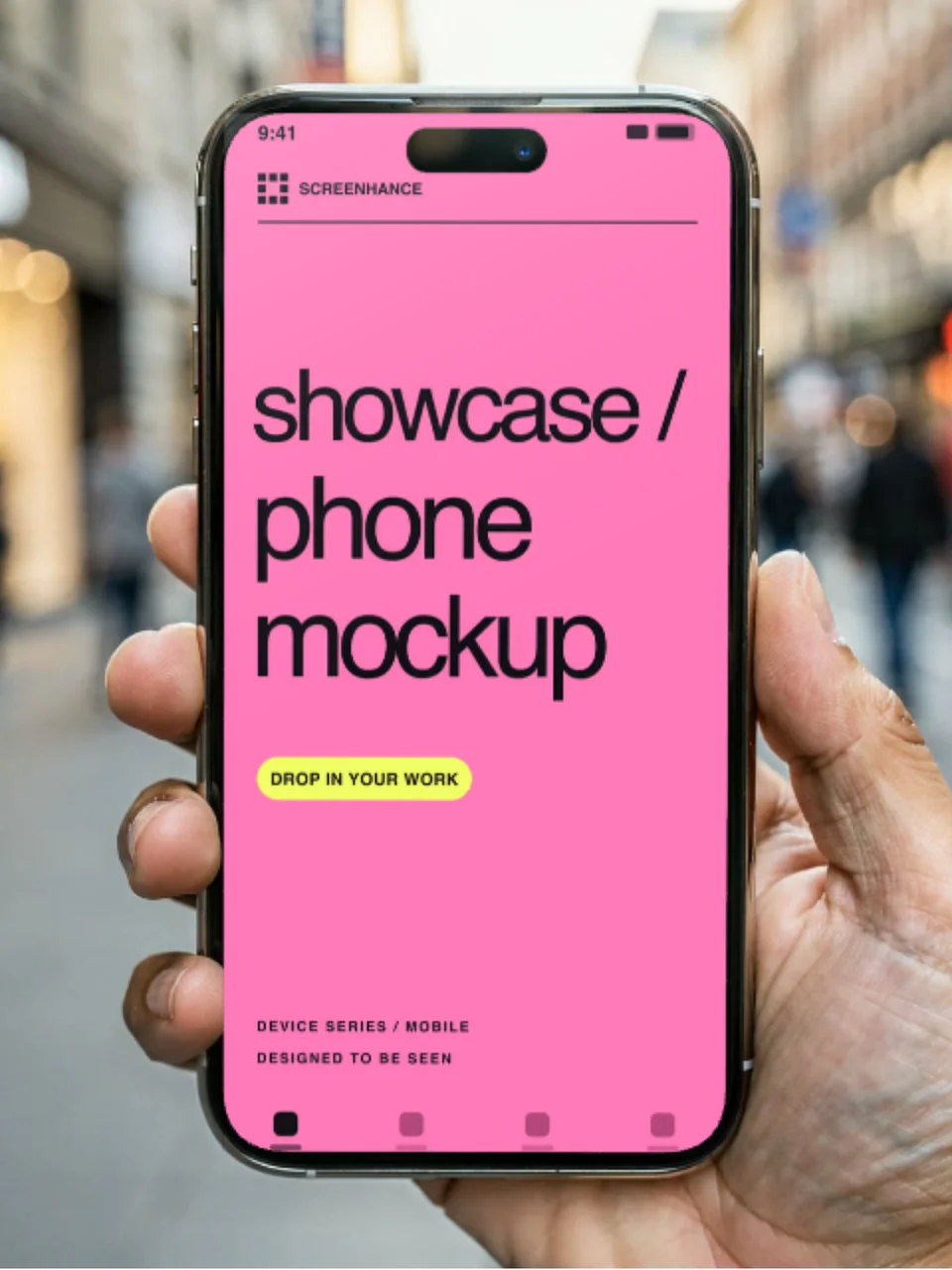
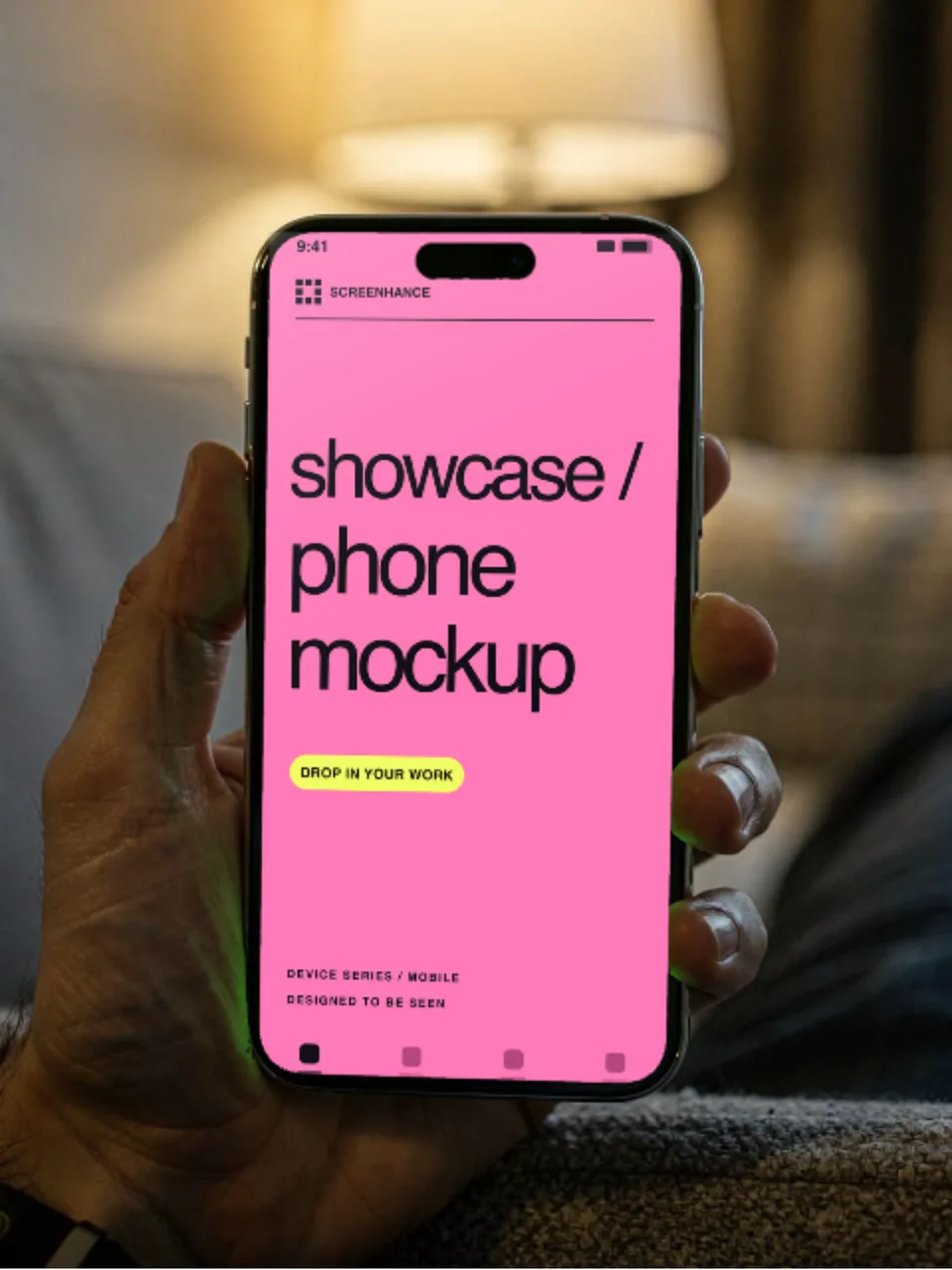

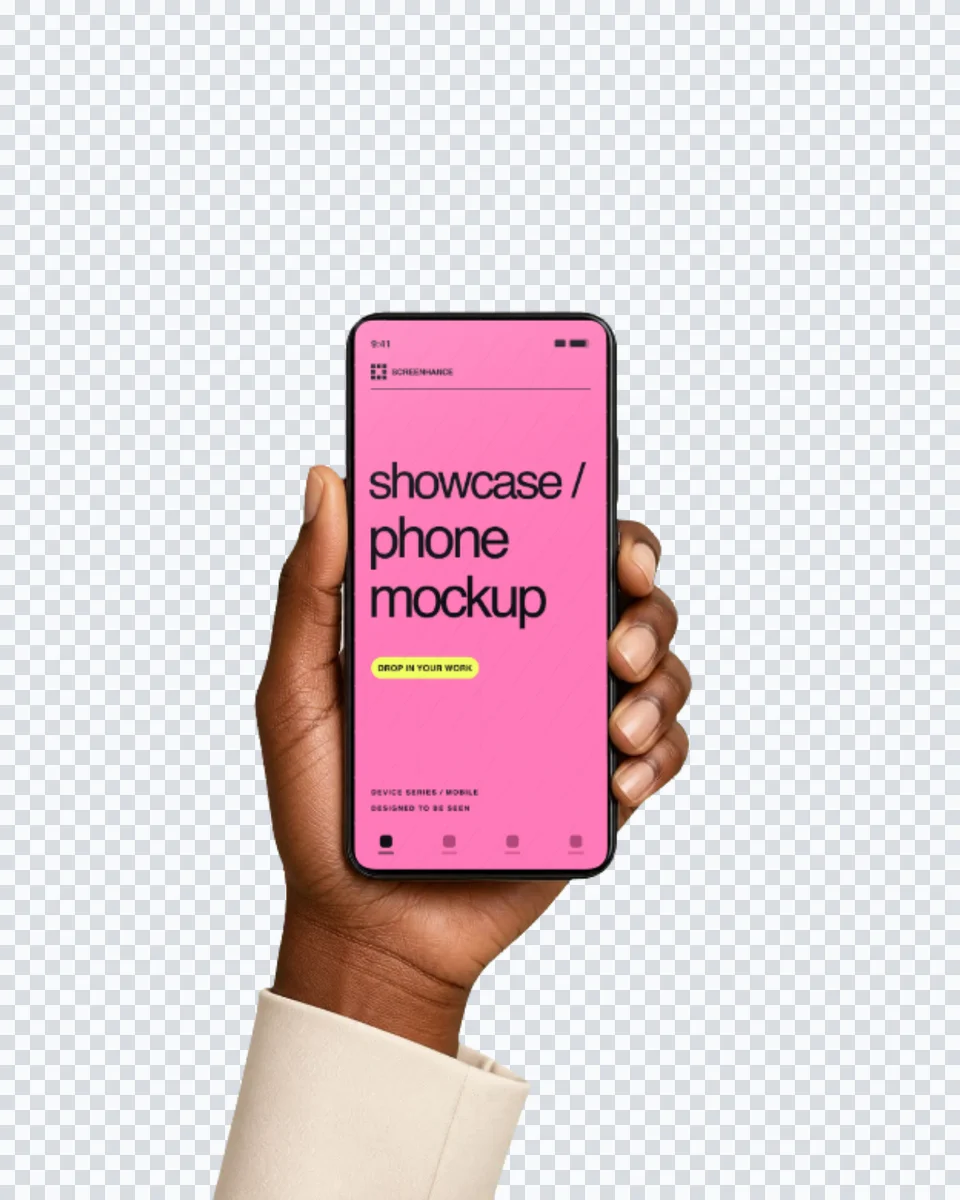
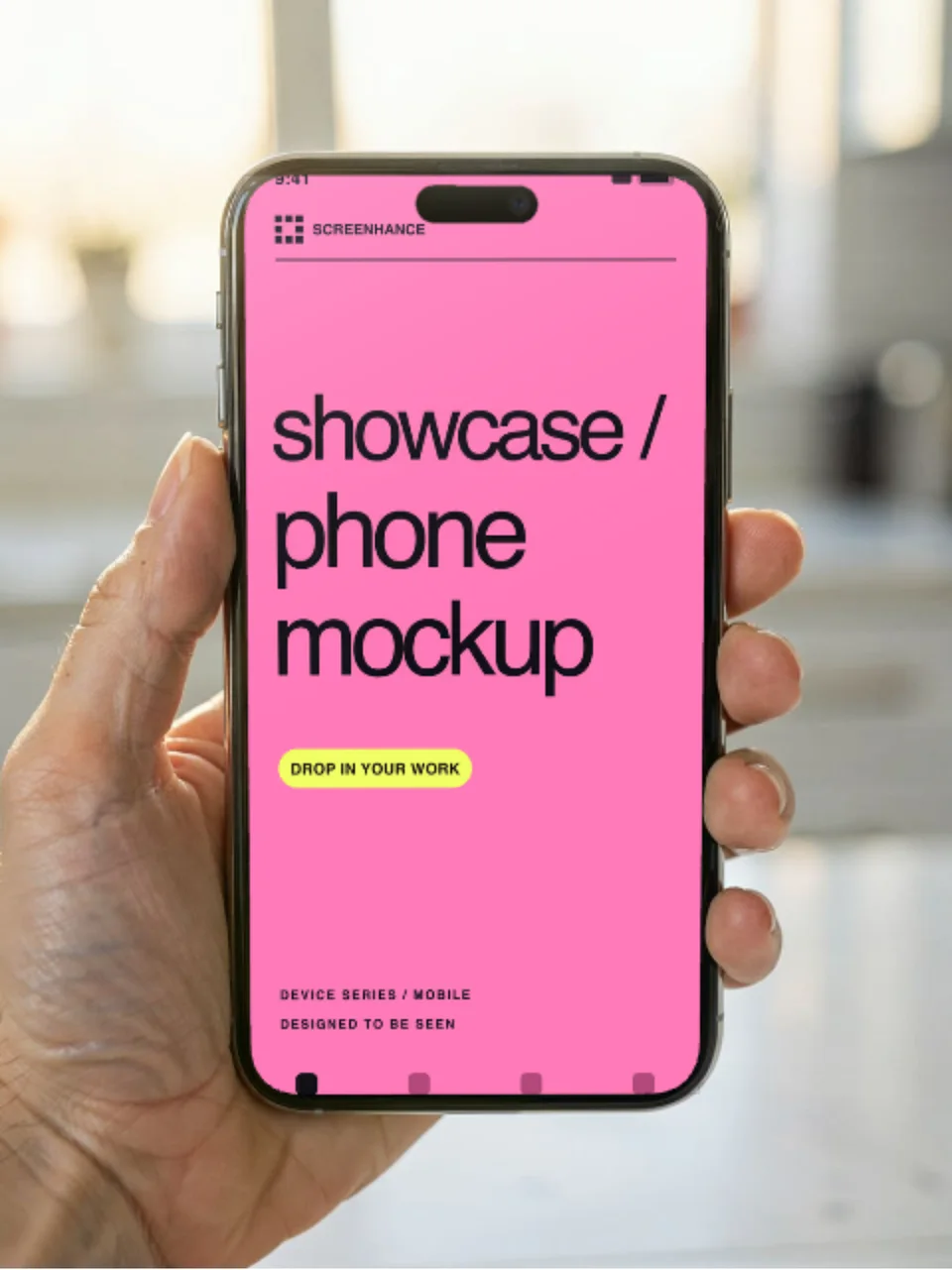
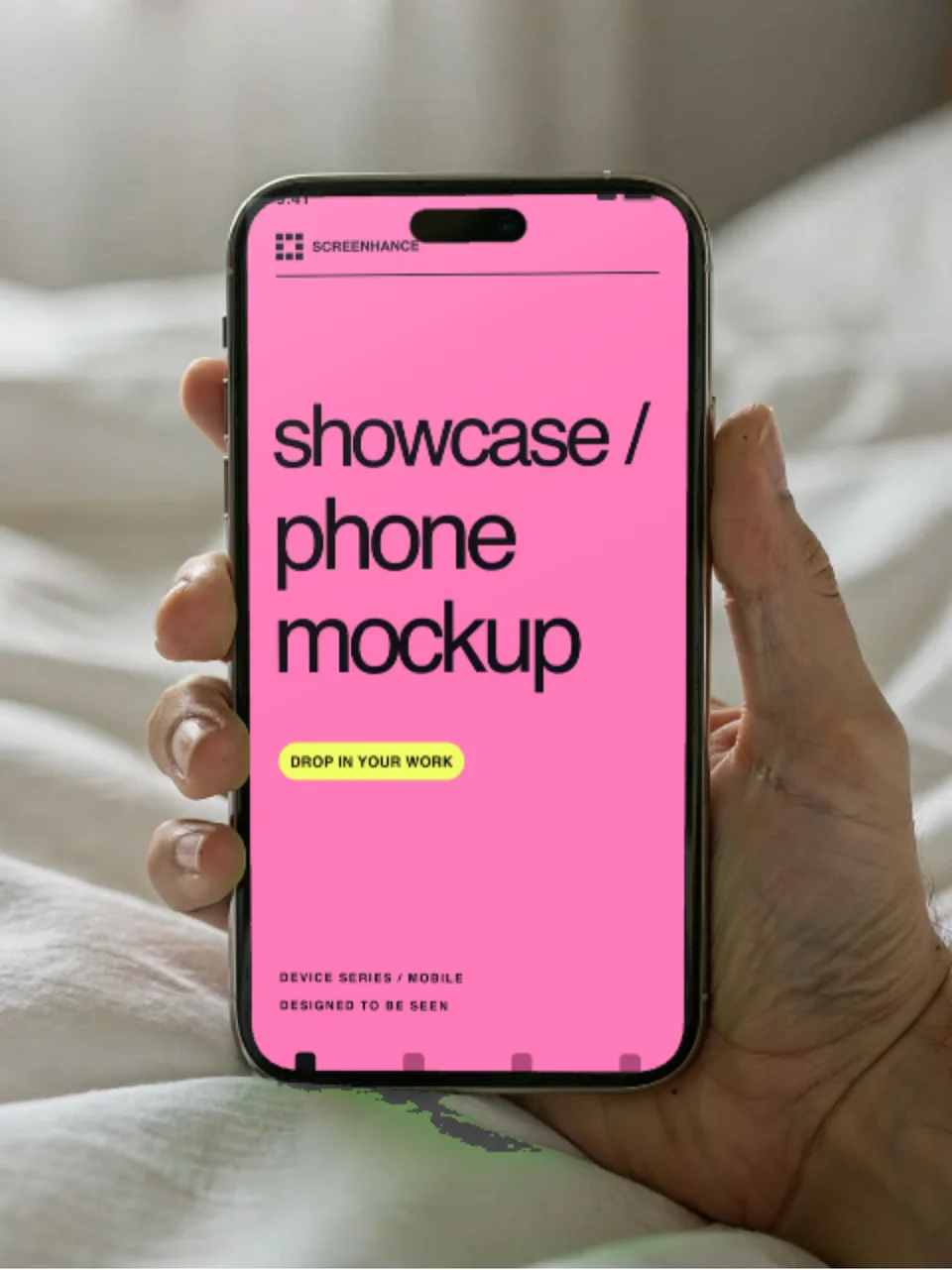

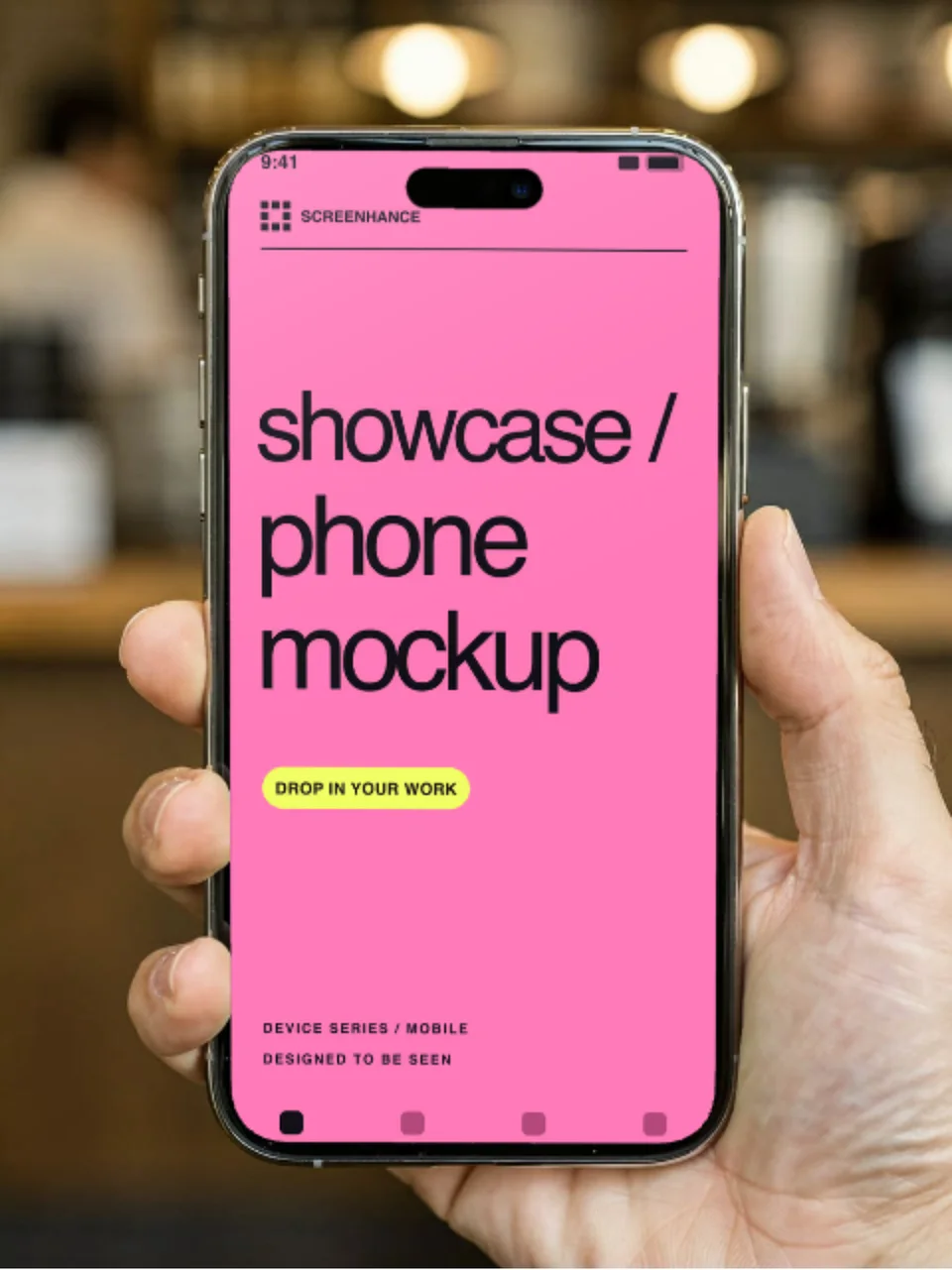

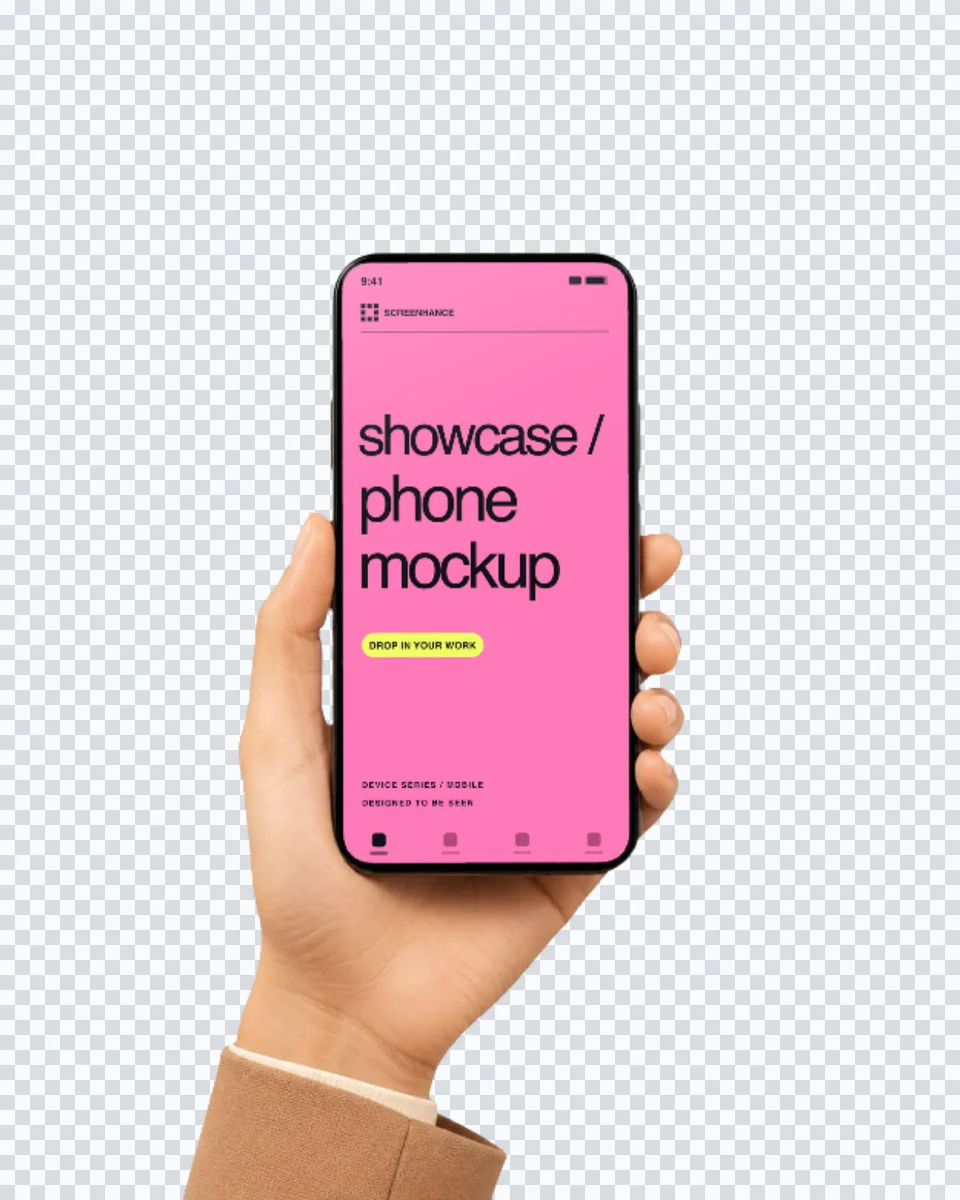

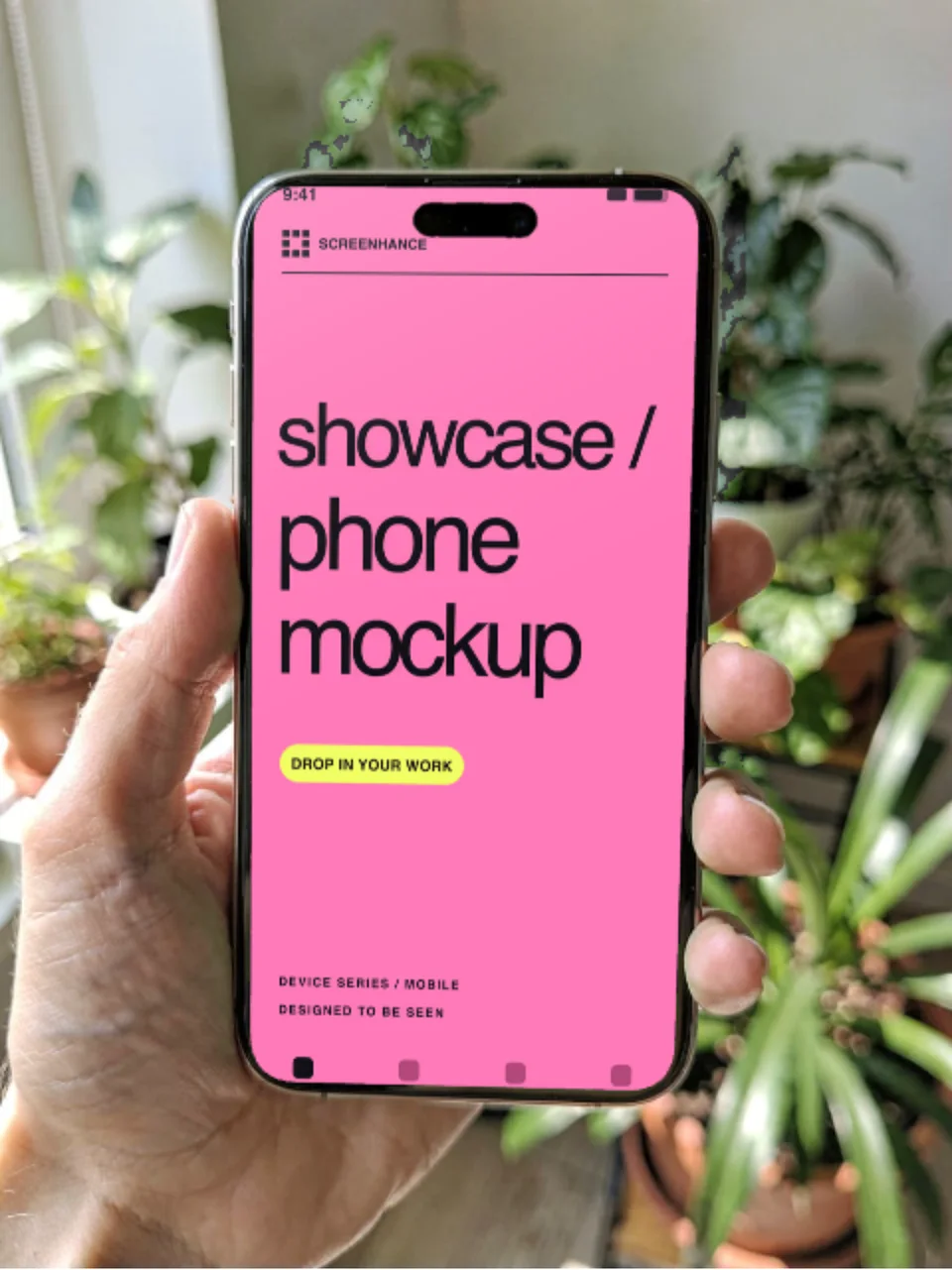

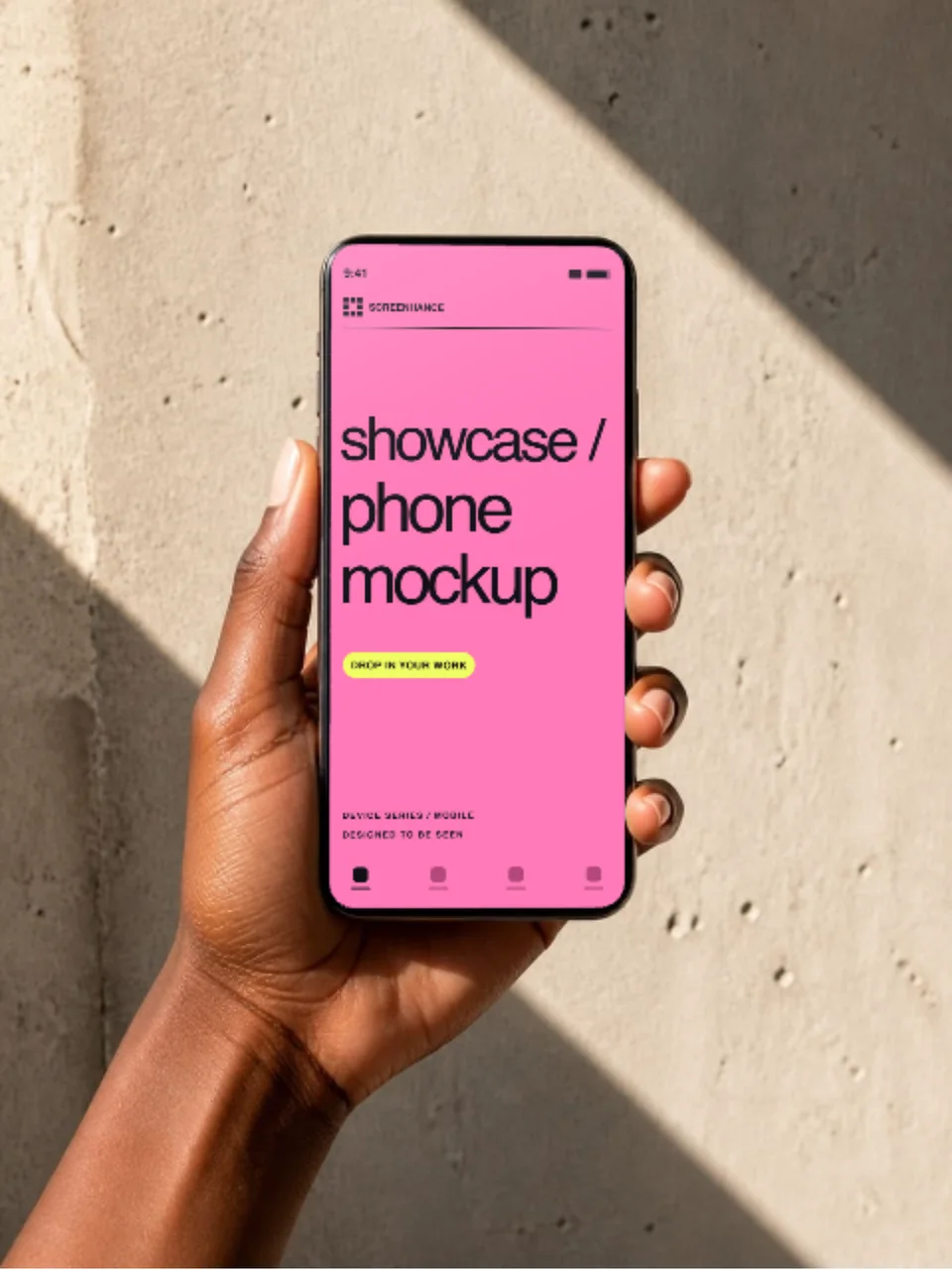
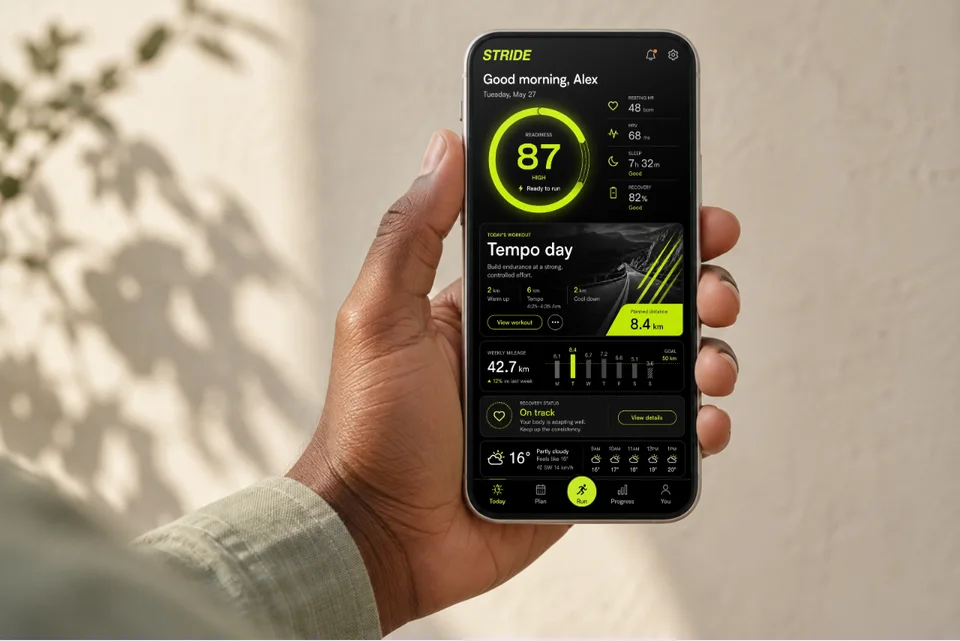
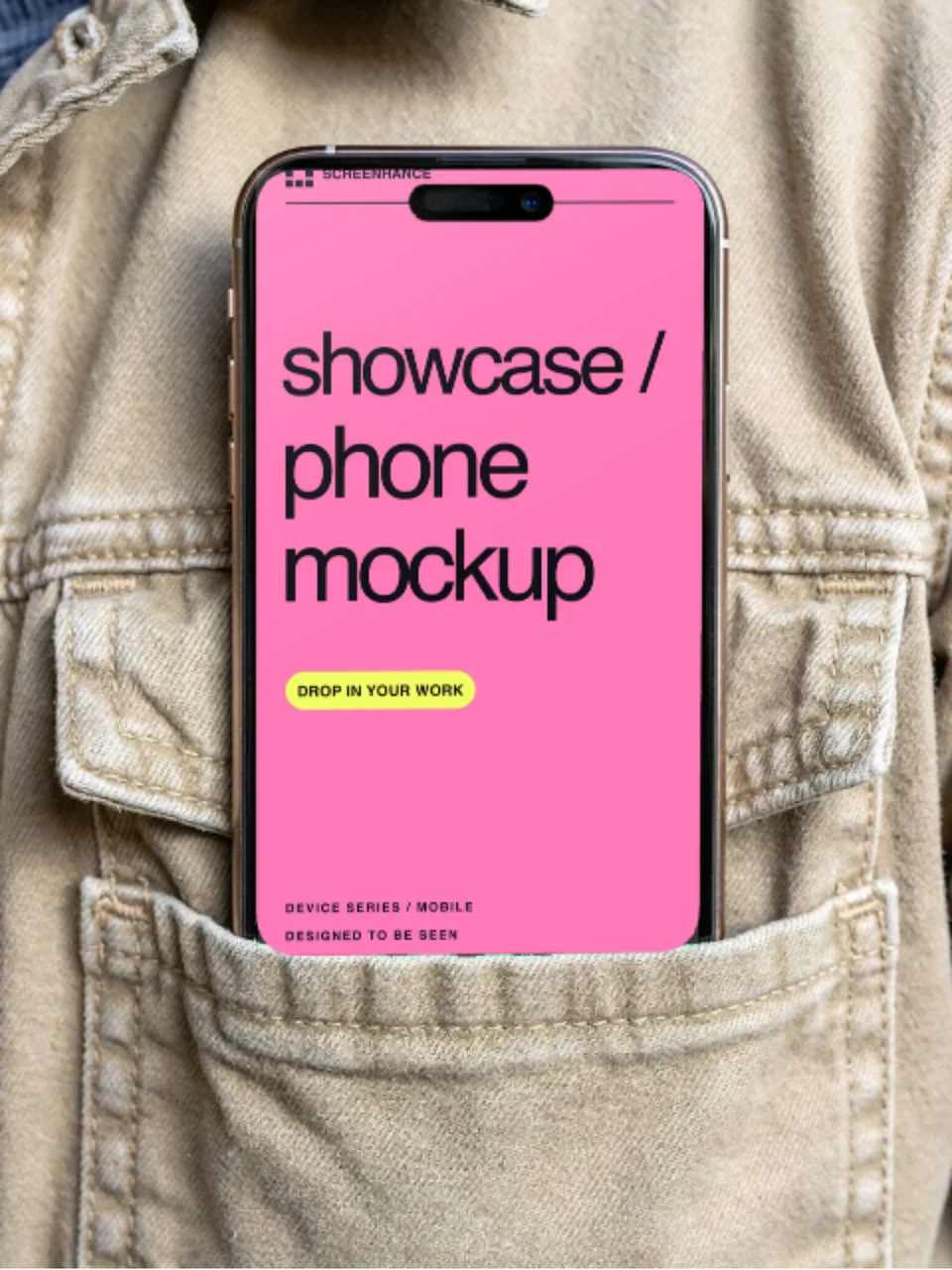
A training app in someone’s hand
For a landing page, editorial feature or portfolio: show what the app feels like in use.
Open this mockupPut your app screenshot into a hand holding a phone. New Cream Studio, Blue Hour and Warm Sand templates include still and animated versions. Photorealistic scenes, composited in the browser, no empty PSD template and no Photoshop. Prefer a clean frame instead? See the iPhone mockup generator.
Loved by 3,000+ creators
Search by product, surface, or style. Open any result in the editor.
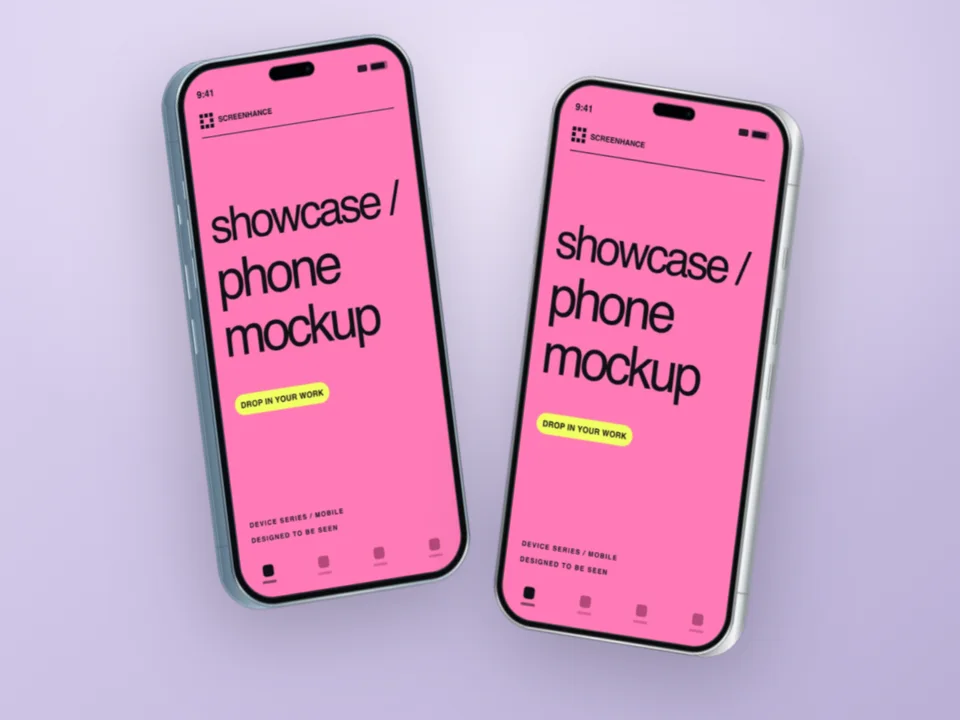
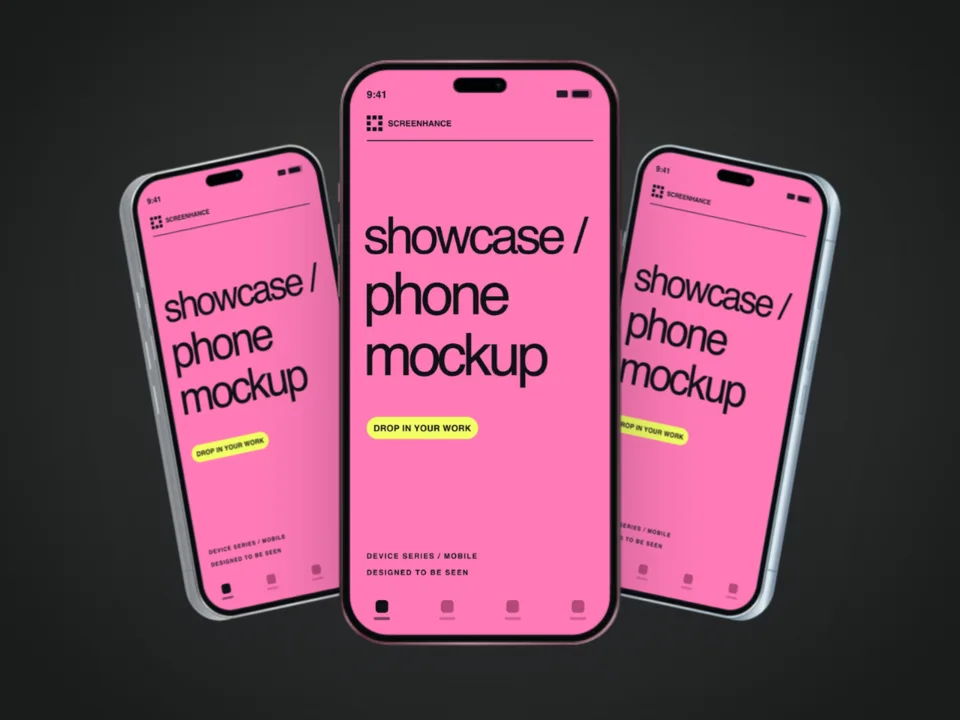
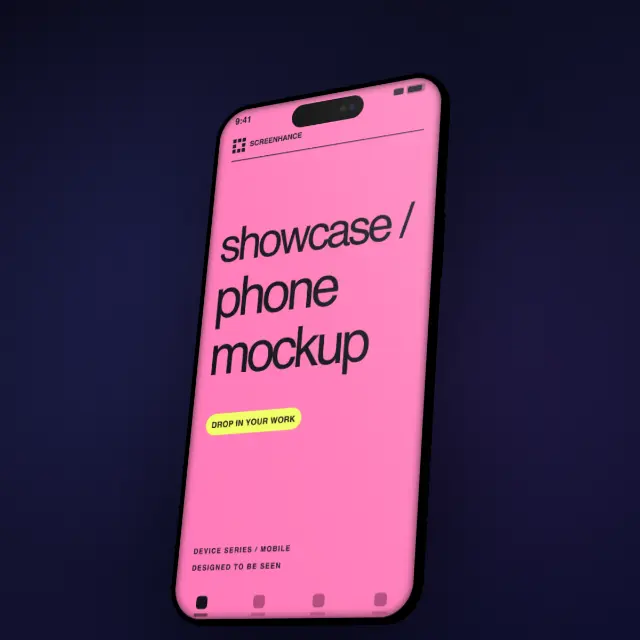
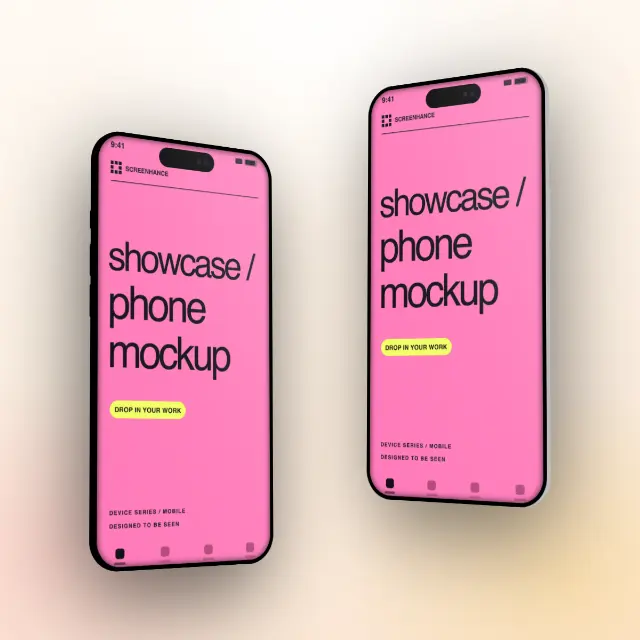
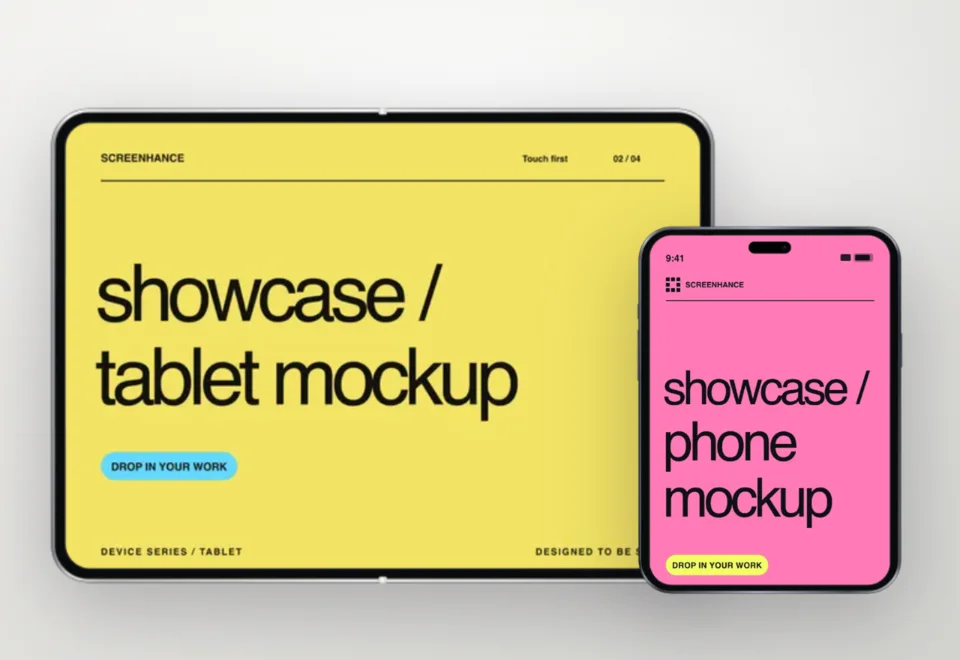
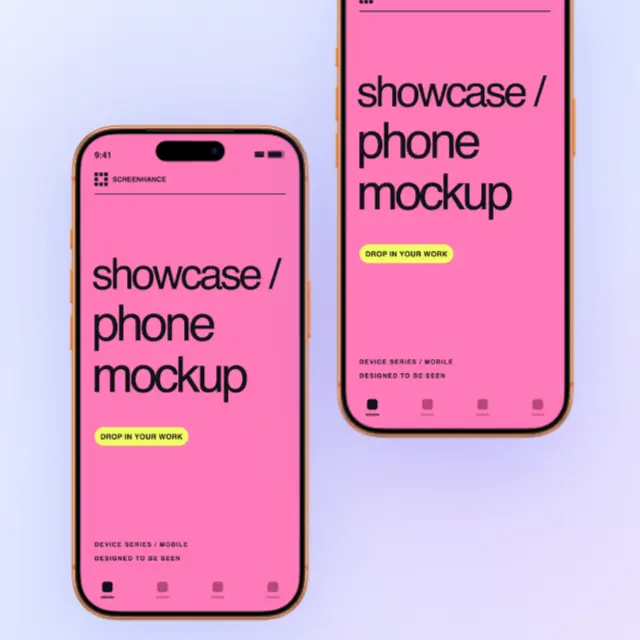
Three editable examples, each with a different use. The product screens are fictional; the mockup and export workflow are real.
For a landing page, editorial feature or portfolio: show what the app feels like in use.
Open this mockup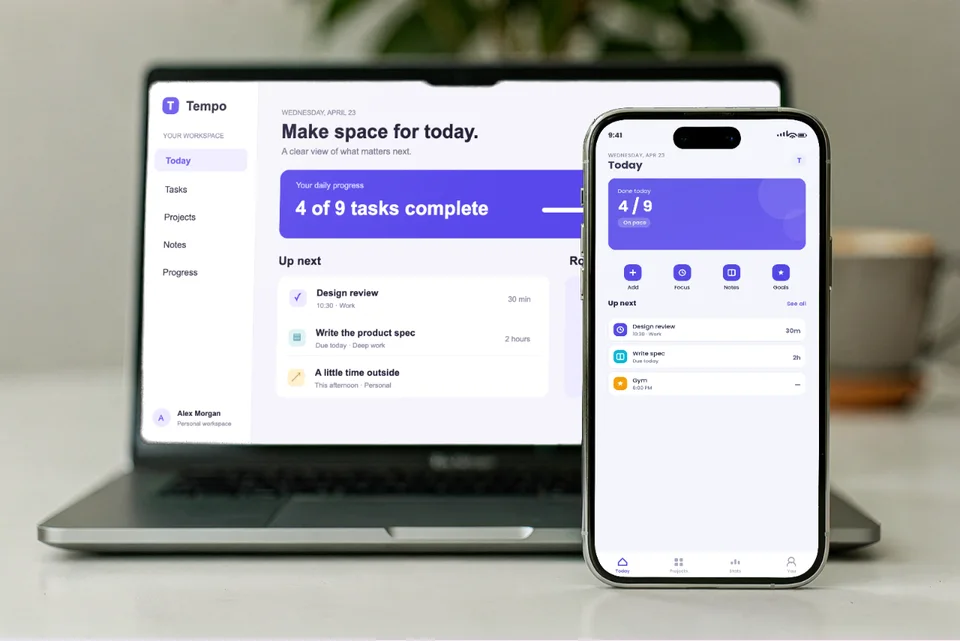
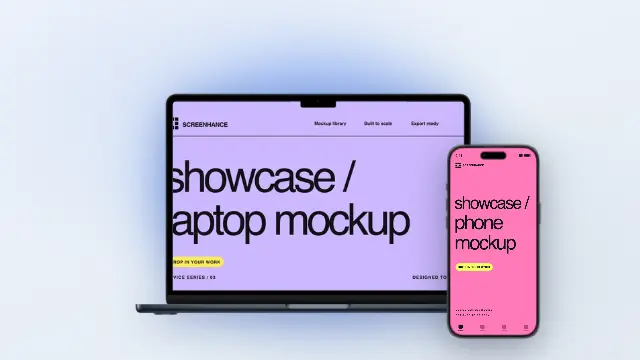
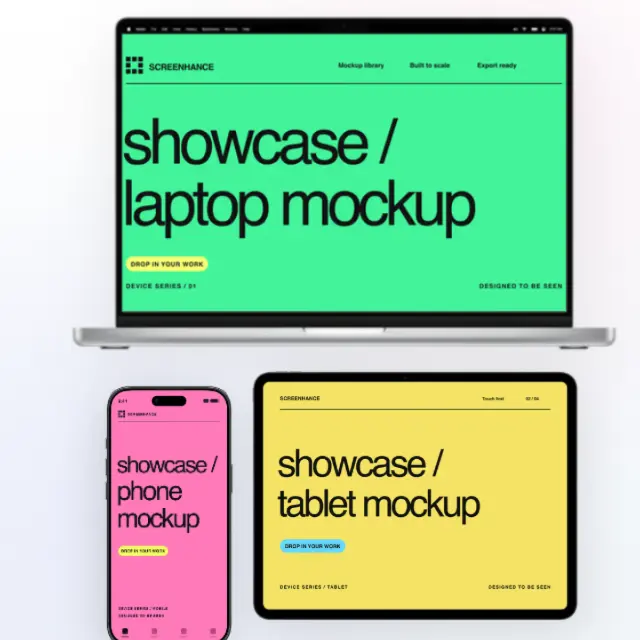
For a responsive product case study: show the desktop workflow and its mobile companion together.
Open this mockup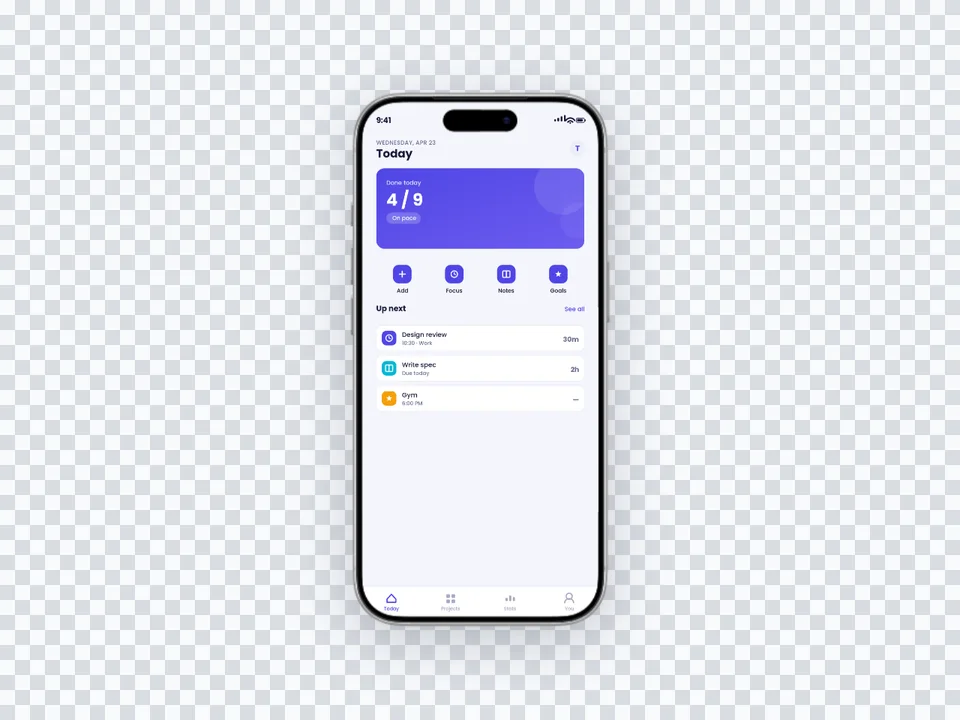
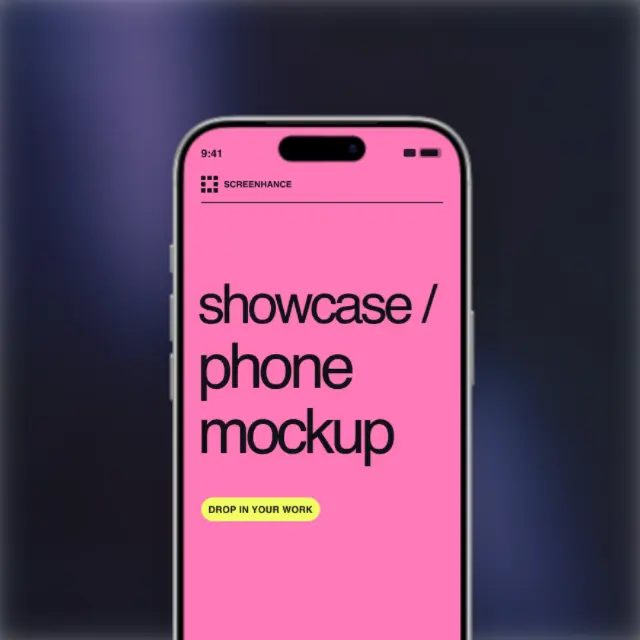
For a landing-page section with its own colour: let the website supply the background.
Open this mockupEach scene places your screenshot on the phone display. Click one to open it in the editor and drop in your app.
Open a specific scene, see practical composition guidance, then replace the example with your real design in the editor.
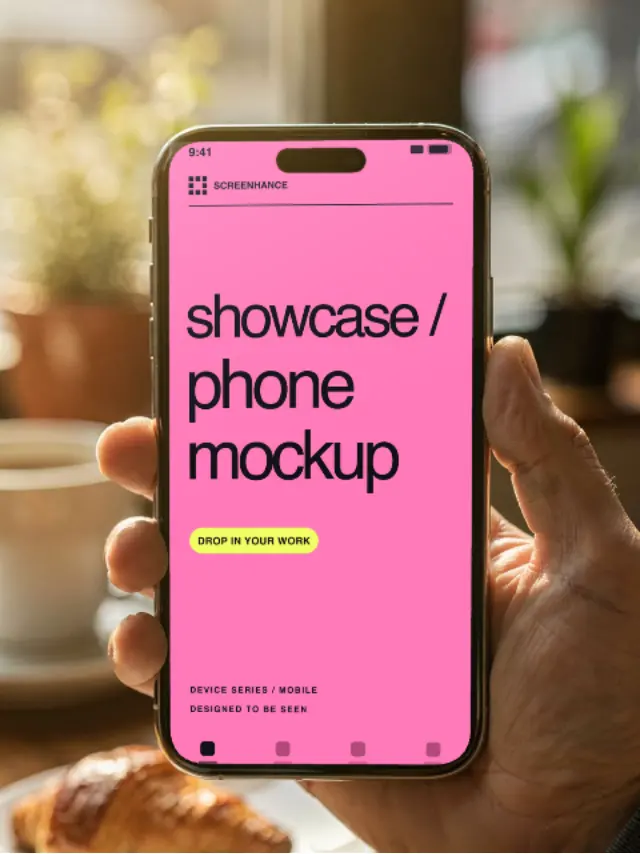
Lifestyle phone mockup
Put your app screenshot into a photorealistic iPhone-in-hand cafe scene. Edit it online and export a polished lifestyle mockup.
View template guide →On-the-go phone mockup
Show your real app UI in a hand-held iPhone street scene. Customize the photorealistic mockup online—no PSD or Photoshop.
View template guide →Design your screenshot, then place it in a hand-holding-iPhone scene in one click.
Choose a handheld studio treatment or a lifestyle setting. Your screenshot follows the phone’s perspective; preview the crop before exporting.
Warm window light and a softly blurred coffee behind the phone. The lifestyle look, with your app on screen.
Daylight and a busy background blur. Reads as a real person using your product out in the world.
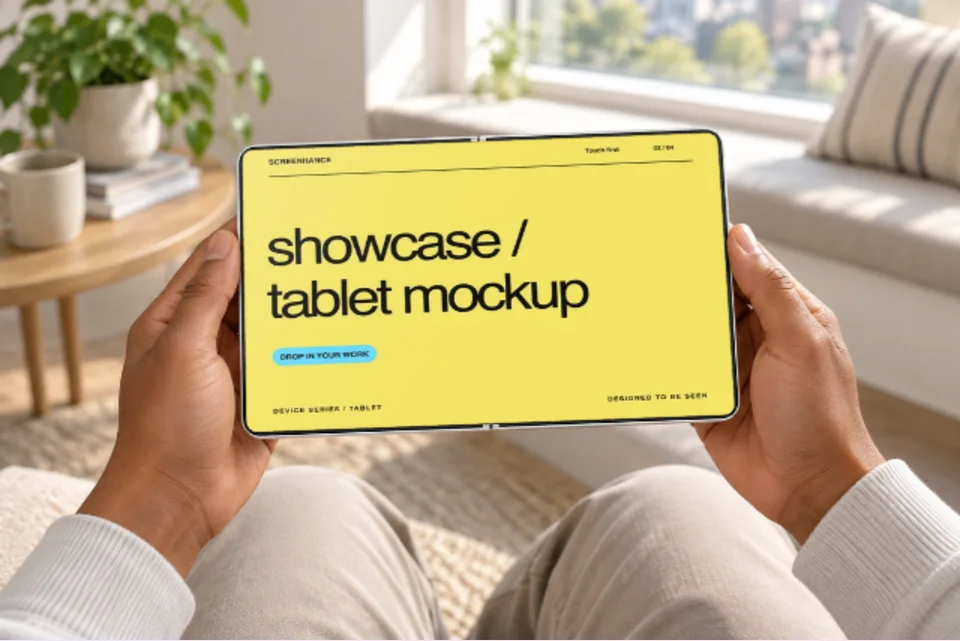
A cozy evening on the sofa. The context that makes a consumer app feel personal.
Move from source material to a polished launch asset without rebuilding the design in another tool.
Choose a visual template, a store-listing set, a Launch Kit, or an empty canvas for full control.
Add screenshots, photo scenes, device frames, text, icons, annotations, backgrounds, layers, and motion in the browser editor.
Download PNG, WebP, JPEG, GIF, WebM, or MP4, or export organized iOS, Google Play, and Chrome screenshot ZIPs.
Screenhance covers the full path from a raw screenshot or screen recording to coordinated, editable launch assets.
Use current device frames, stylized treatments, or photorealistic placements across phones, tablets, laptops, watches, TVs, print, apparel, and outdoor media.
Start with a complete composition for mockups, Product Hunt, OG images, website heroes, Play feature graphics, or Chrome Web Store promo assets, then edit every layer.
Create coordinated iOS, Google Play, and Chrome Web Store screenshot sets, edit localized copy across supported languages, and export organized PNG ZIPs, including fastlane-ready iOS folders.
Animate layers with editable motion styles and export GIF or WebM, or record and polish a product demo in Studio with frames, cursor motion, captions, audio, and MP4/WebM export.
A hand-holding-iPhone hero says “real people use this” faster than a floating device frame.
Lifestyle scenes stop the scroll. Export square and vertical crops for every feed.
Mix an in-hand hero slide with clean framed slides in the App Store screenshot generator.
Give investors and journalists a product shot that looks shot on location, not rendered.
Search “hand holding iPhone mockup” and you get pages of PSD and Figma files. Every one of them hands you an empty smart object and a homework assignment: open a heavy design tool, place your artwork, match the perspective, hope the lighting looks right. The screen in the preview is always a stock image, never your product.
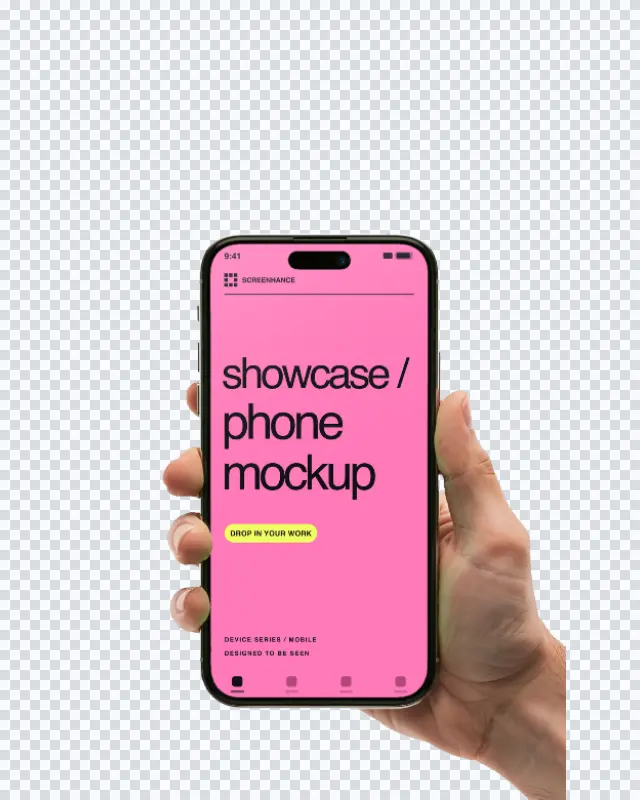
Screenhance flips that around. You upload your actual screenshot, pick a scene, and the app composites your UI onto the phone with a real perspective warp, a soft glass glint, and the plate’s own light. What you download shows your app, in a real hand, in a real place, with no design tool open.
Because the whole thing is data, adding scenes is easy and the library keeps growing. And because your screenshot is the subject, the screen stays large and legible instead of shrinking into a stock photo of someone’s desk.
A hand-holding shot brings warmth and context, which is why it converts on consumer landing pages and social. A clean device frame keeps the focus entirely on the interface, which is why it wins for feature breakdowns and documentation. You do not have to choose once and for all.
Screenhance does both from the same screenshot. Drop into an in-hand scene for the hero, switch to a clean device frame for the feature grid, and keep everything on brand. When you want motion, the animated mockup generator exports the same composition as a loop.
Yes. Cream Studio, Blue Hour and Warm Sand each have a motion version. Replace the example screen and preview the eight-second camera loop. The hand, phone and inserted screenshot move together. The still versions use the same composition without animation.
Upload your app screenshot, pick an in-hand scene (cafe, street, or home), and Screenhance composites your screenshot onto the phone with the correct perspective and lighting. Export a high-resolution PNG. There is no Photoshop, no smart-object file, and no manual masking.
Yes. You can create and preview in-hand mockups for free, and the free plan exports with a small watermark. Every scene is included on the free plan. Image and motion export limits vary by plan; see the pricing page for current options.
No. Most hand-holding-iPhone mockups you find online are empty PSD or Figma files where you place your design into a smart object. Screenhance does the compositing for you in the browser and puts your actual UI on the screen, not a placeholder.
A hand holding the phone in a warm cafe, on a city street, and at home on a sofa, with more added over time. The library combines photorealistic scenes and generated artwork with editable screen placement.
Yes. Exports are yours to use on landing pages, App Store listings, social posts, ads, and pitch decks. Every export is your own composition over your own screenshot.
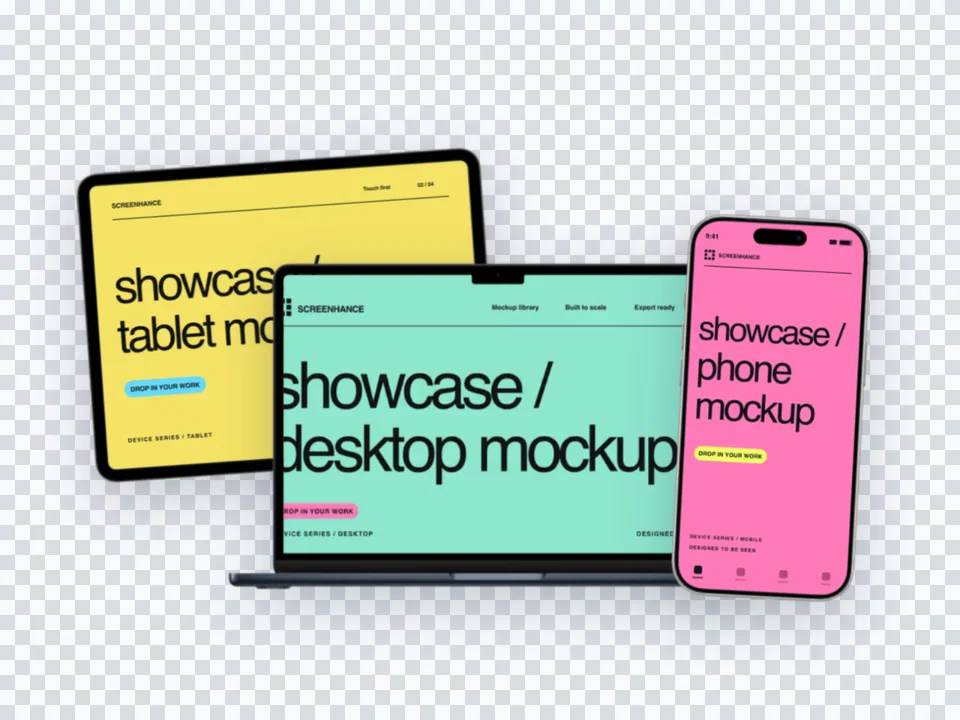
Try the same screenshot in another device, frame, or scene.
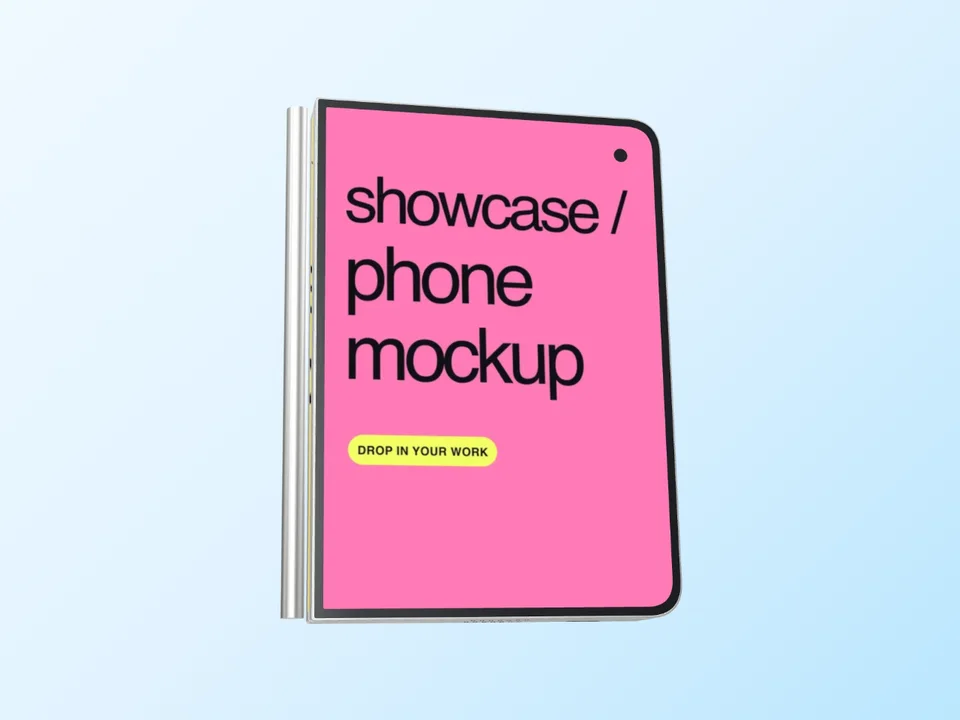
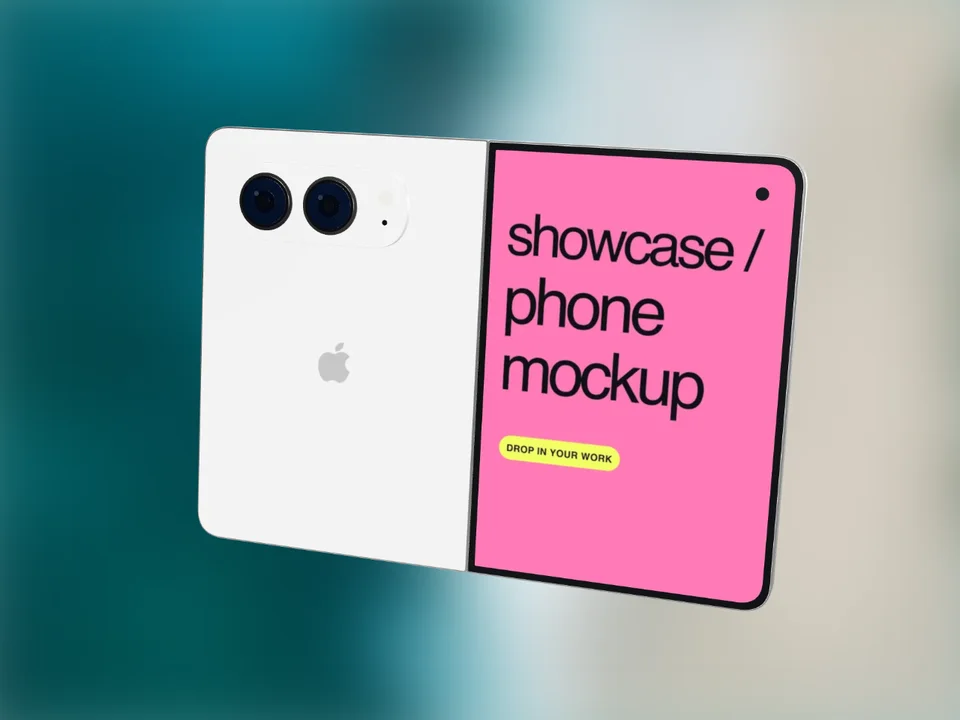
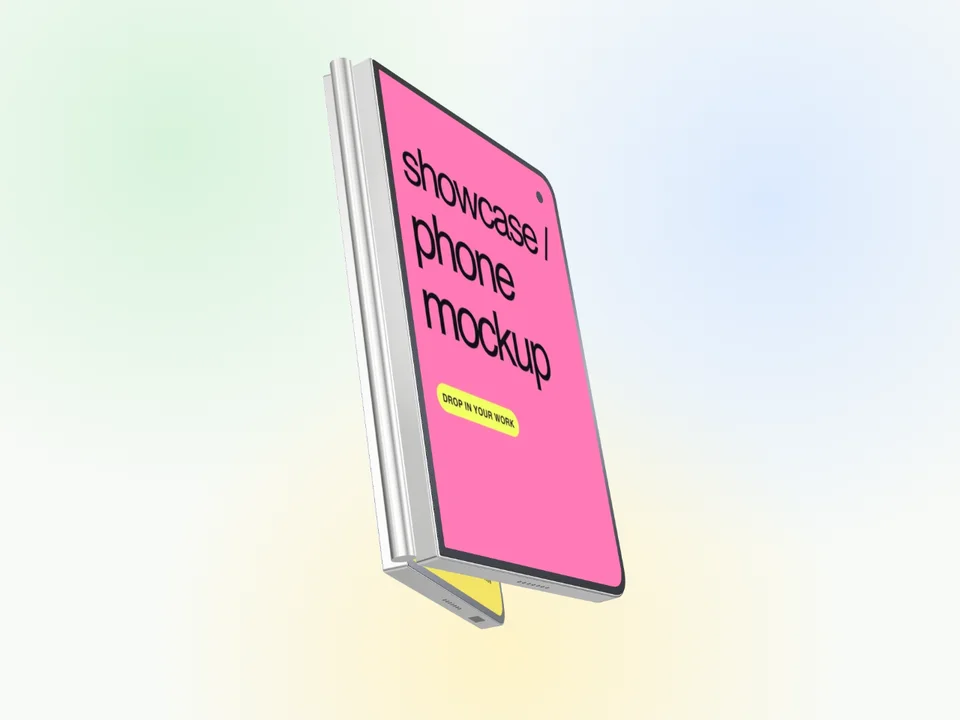
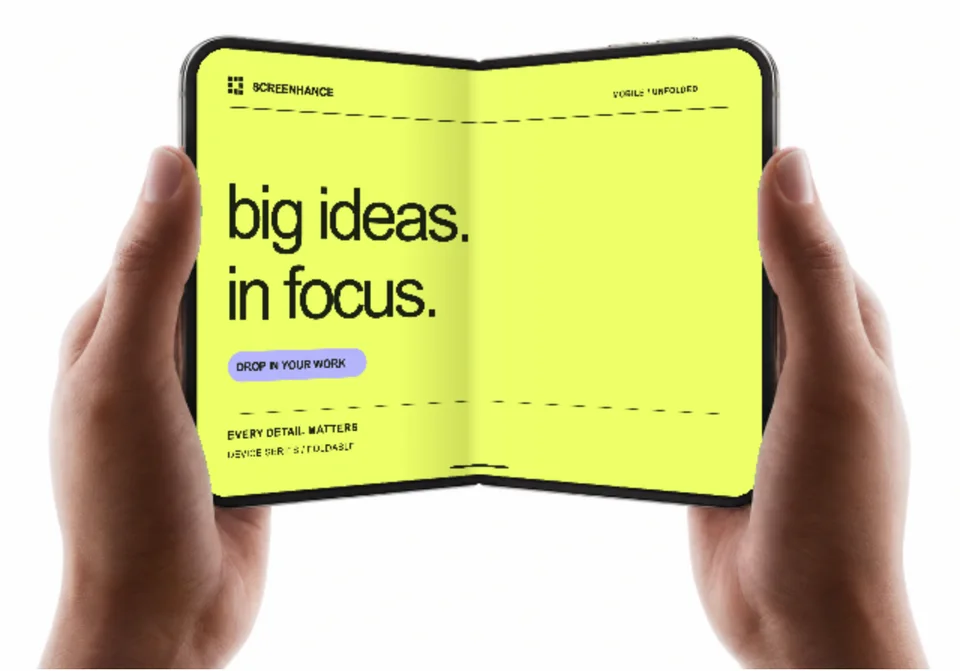
Open, closed and 3D Duo frames plus a folding tour
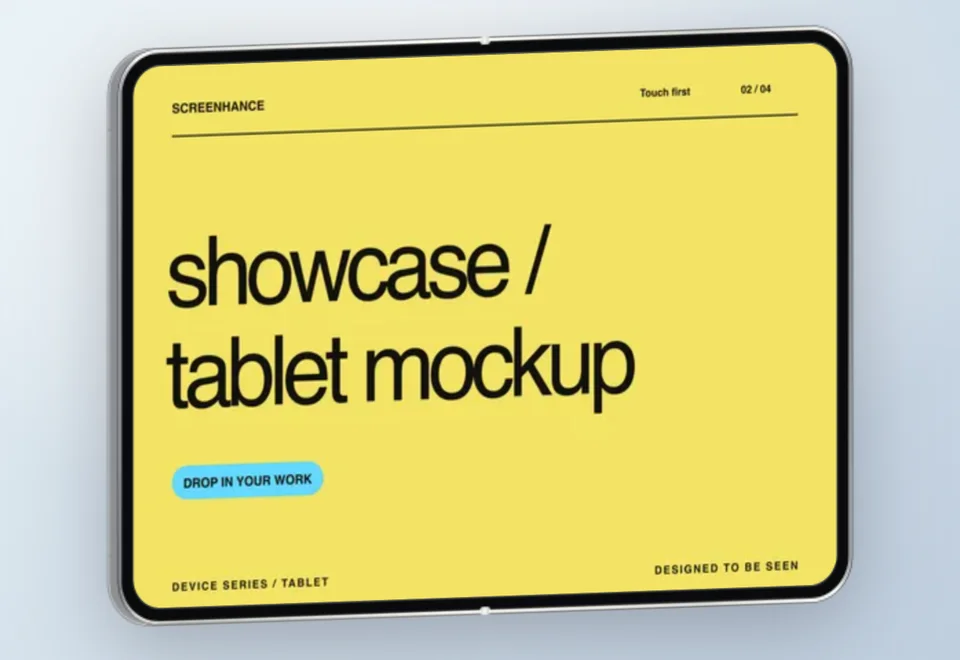
Start creatingiPad stills, 3D turns and handheld motion
Start creatingShowcase websites in MacBook frames
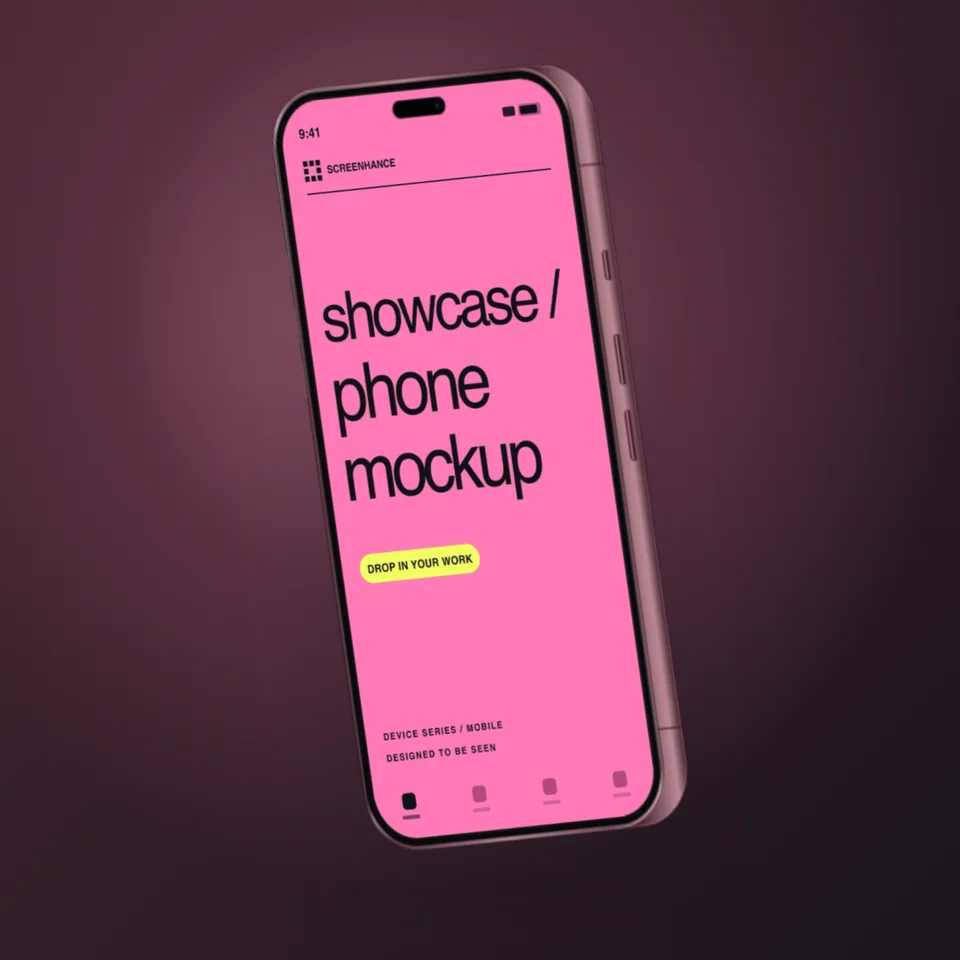
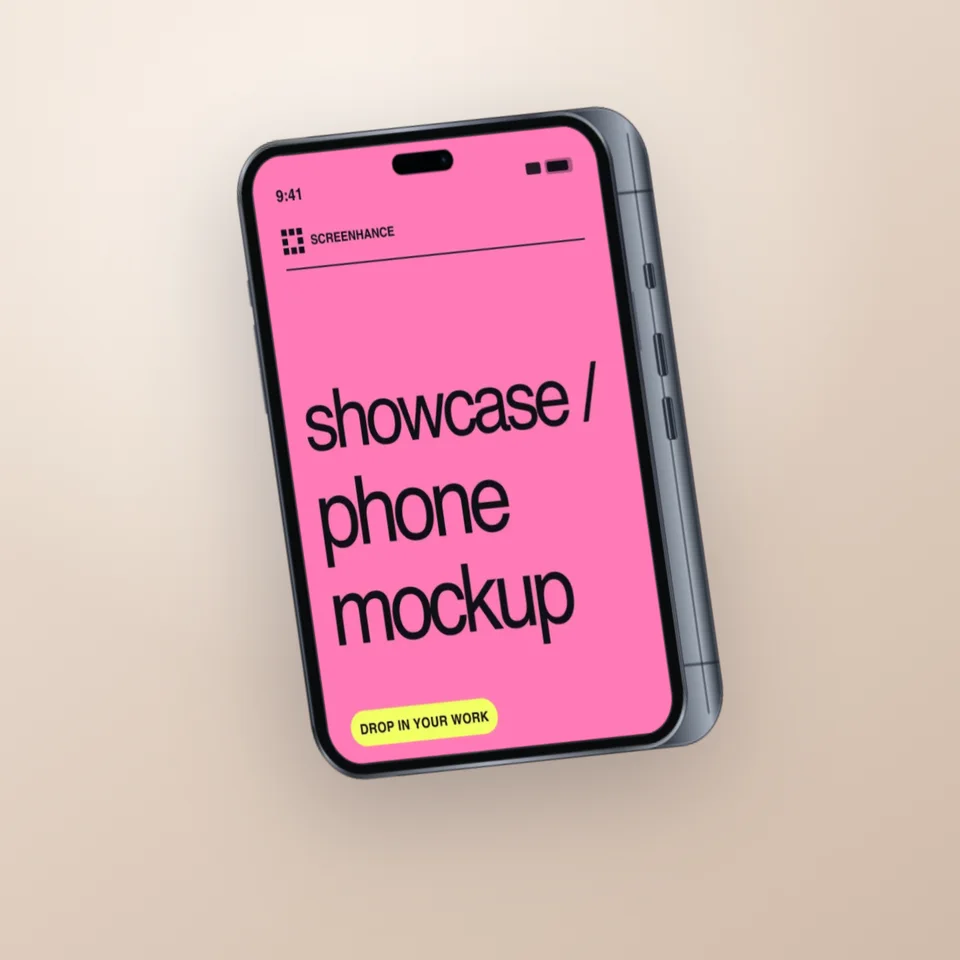
Start creatingSamsung Galaxy and Pixel device mockups
Start creatingAdd Chrome, Safari, and Firefox frames
Start creatingPut an interface or creative on a photorealistic television
Start creatingUpload a screenshot, pick a scene, and export a photorealistic in-hand mockup in under a minute.