ScreenhanceBeta

Landing Page Mockup Generator

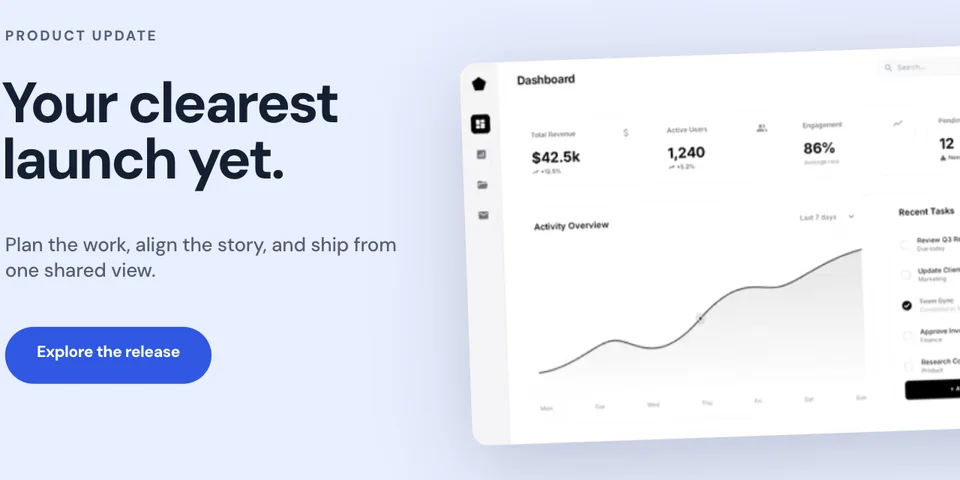
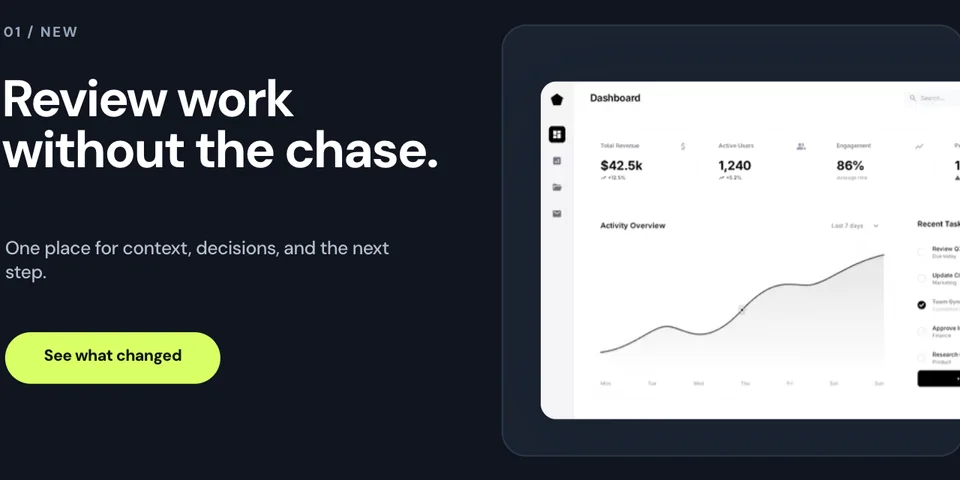
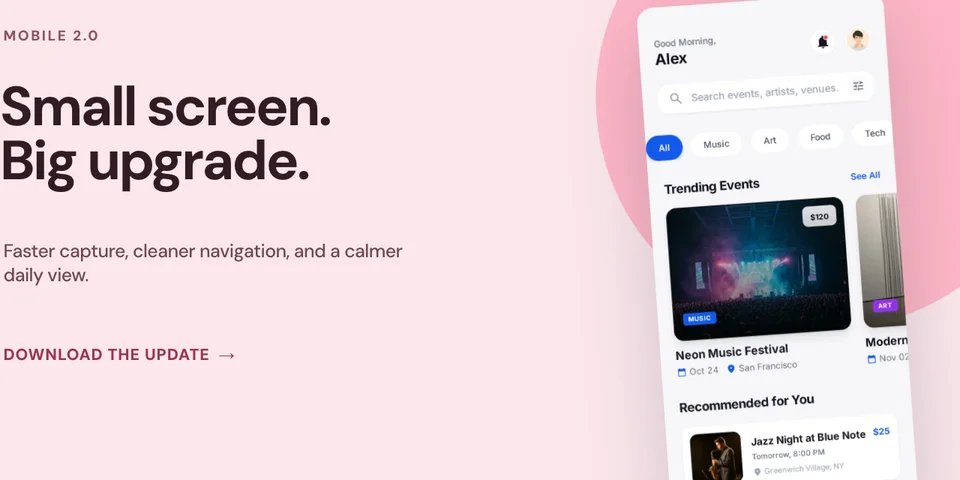
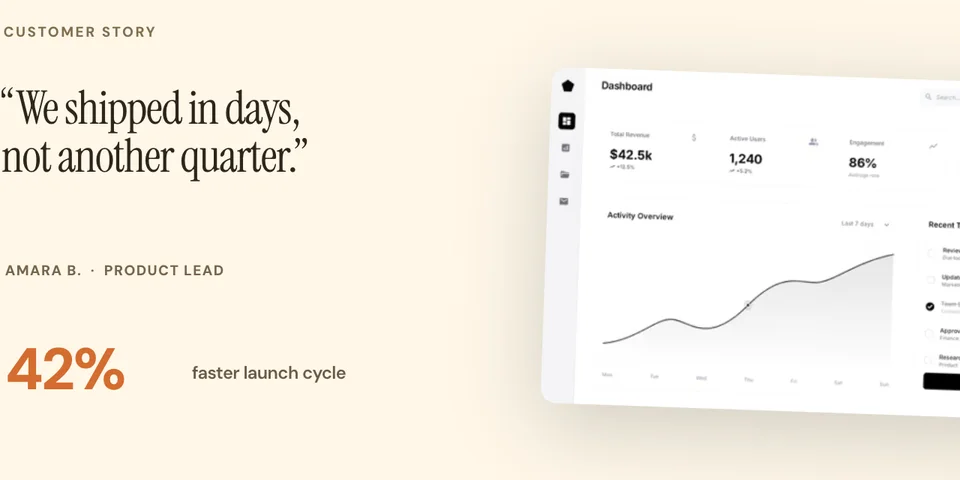
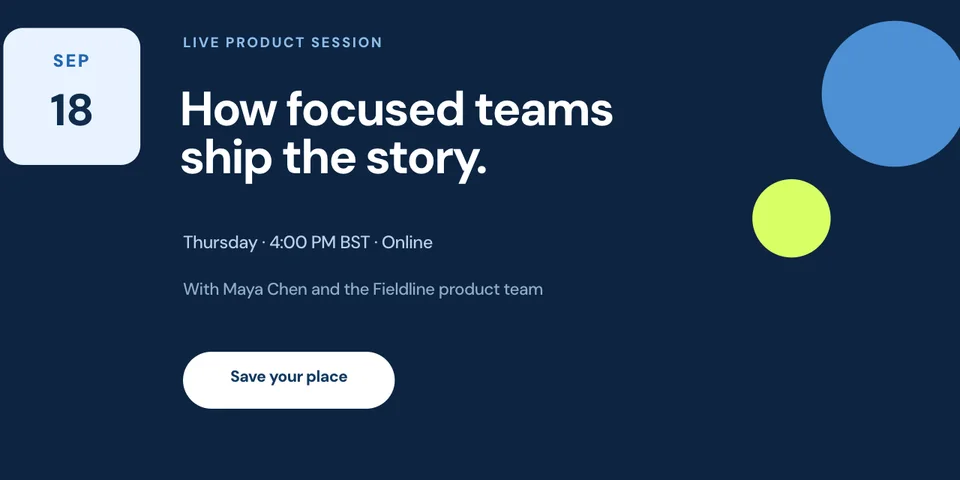
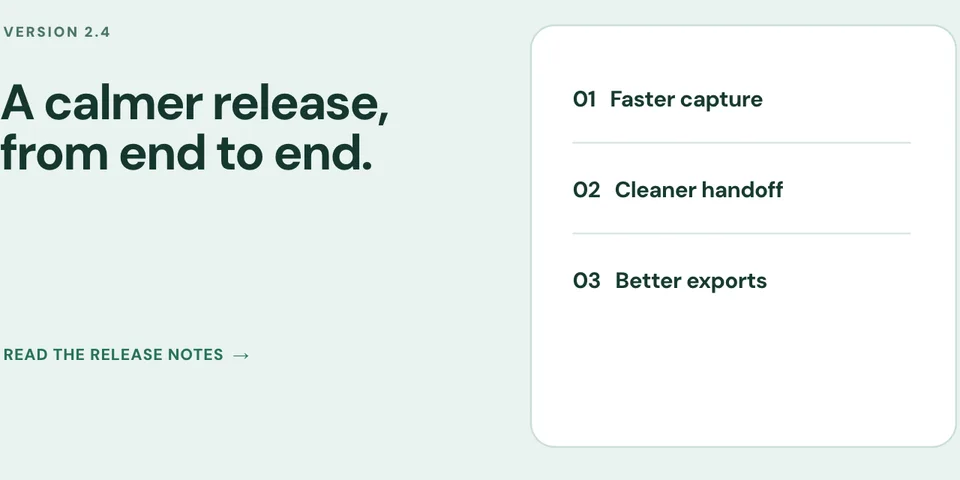
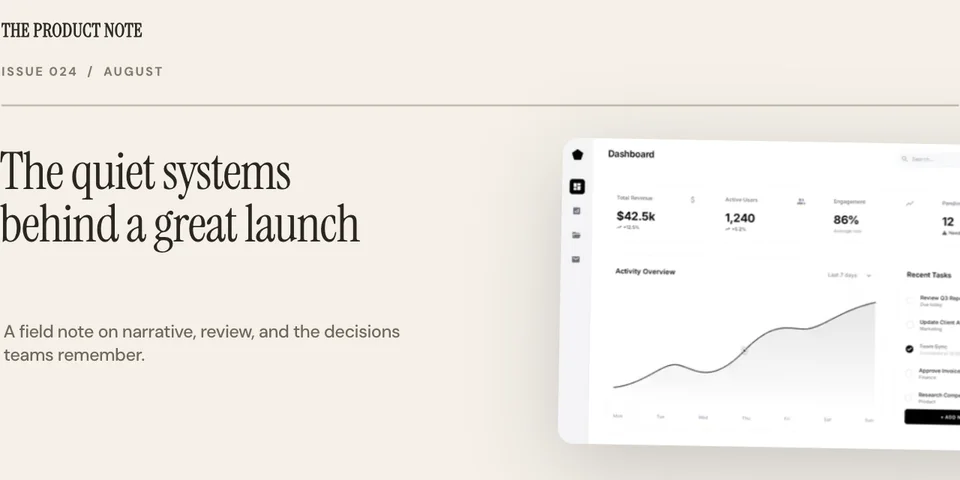
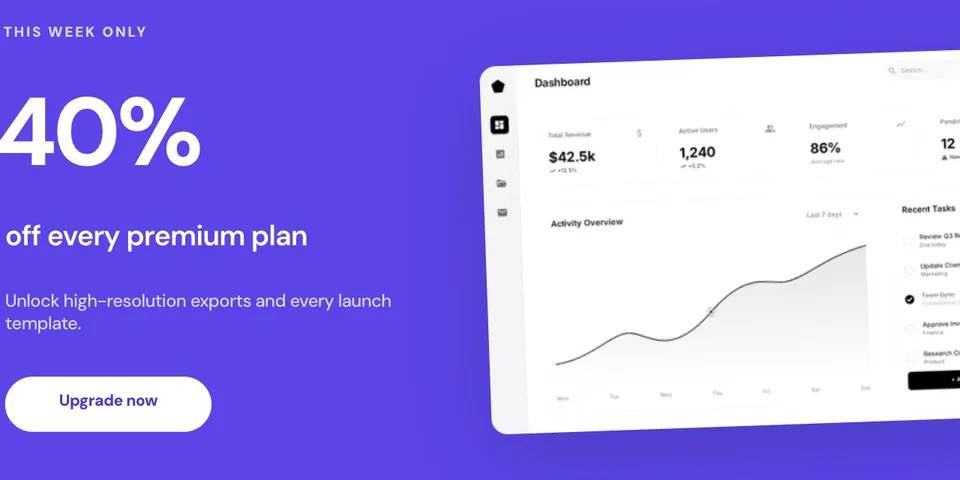
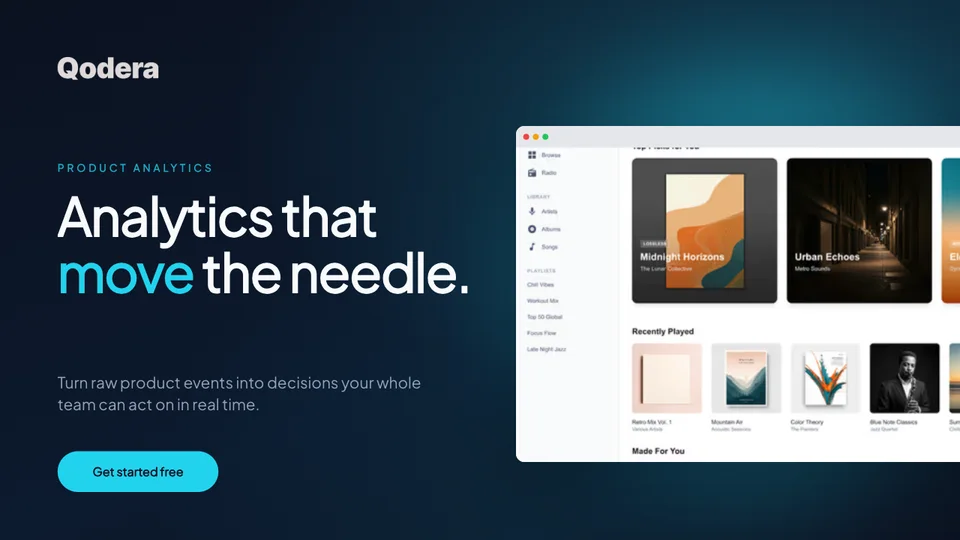
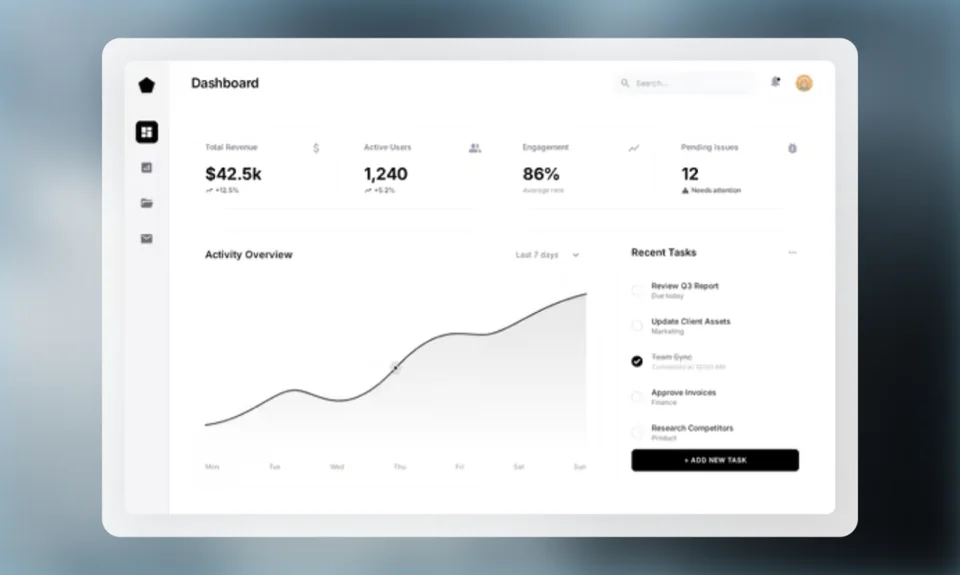
Turn plain screenshots into polished landing page mockups. Add device frames, gradient backgrounds, and text overlays. Create visuals for hero sections, feature showcases, and marketing pages.

Olivia RhyePhoenix BakerLana SteinerDemi WilkinsonDrew Cano
4.9

Loved by 2,000+ creators

Landing Page Mockup Templates

Browser frames, floating windows, and multi-device layouts. Pick a template and start customizing.

Start from scratch
Use this template

Colorful Card

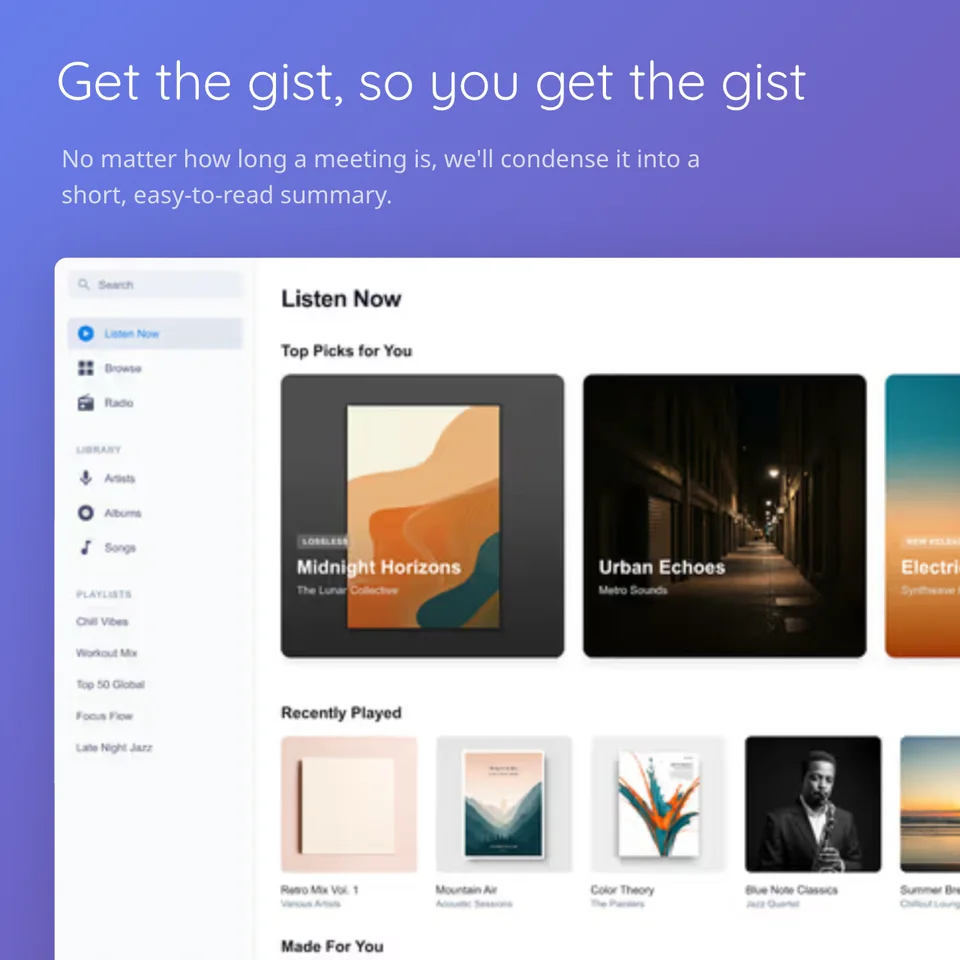
Get the gist, so you get the gist
No matter how long a meeting is, we'll condense it into a short, easy-to-read summary.
Use this template

Soft Gradient Feature

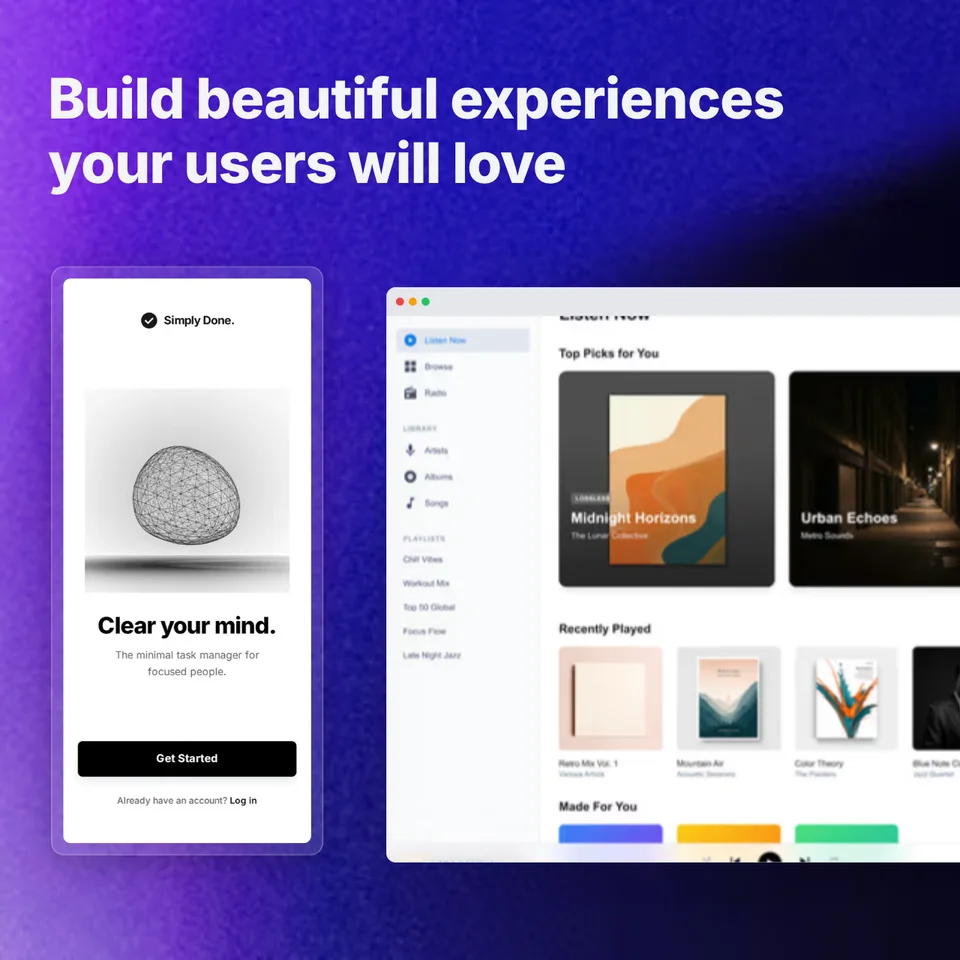
Build beautiful experiences your users will love
Use this template

Wave Duo

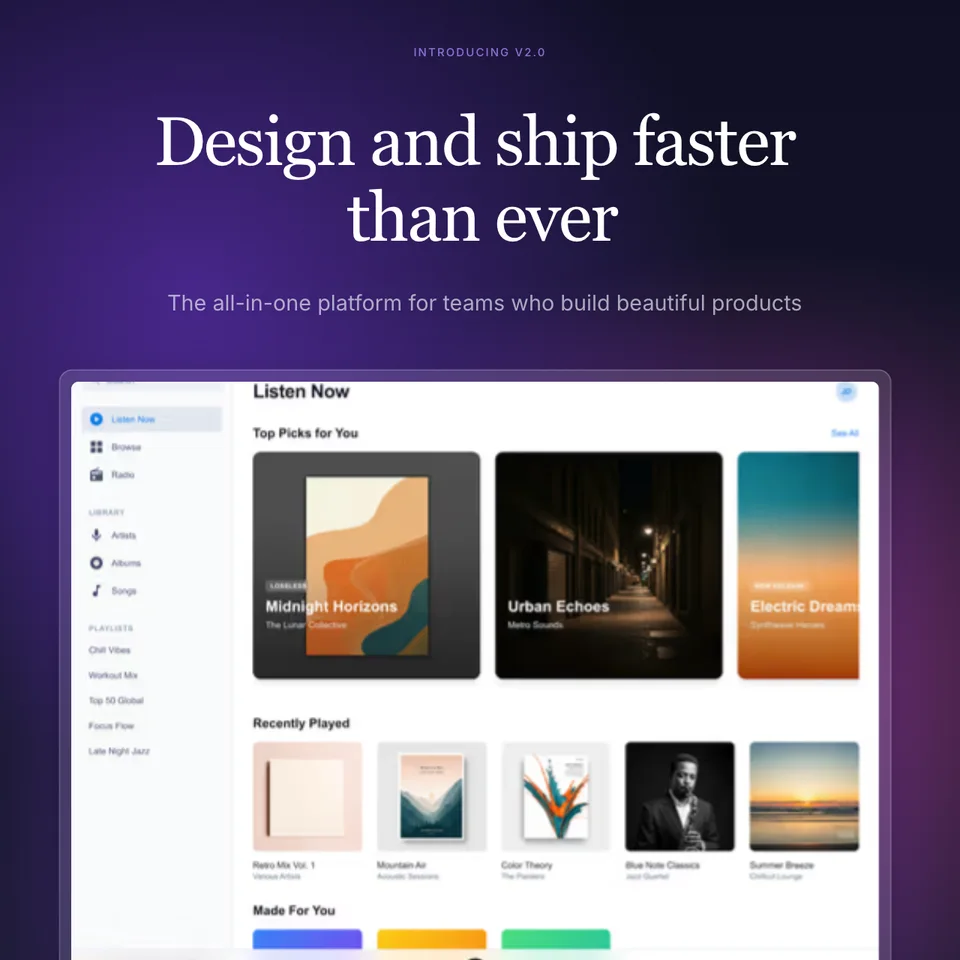
Design and ship faster than ever
The all-in-one platform for teams who build beautiful products
Introducing v2.0
Use this template

Gradient Mesh Hero

Apps users love:
Share One Secret
They feel like they were made just for you
Use this template

Mobile Showcase

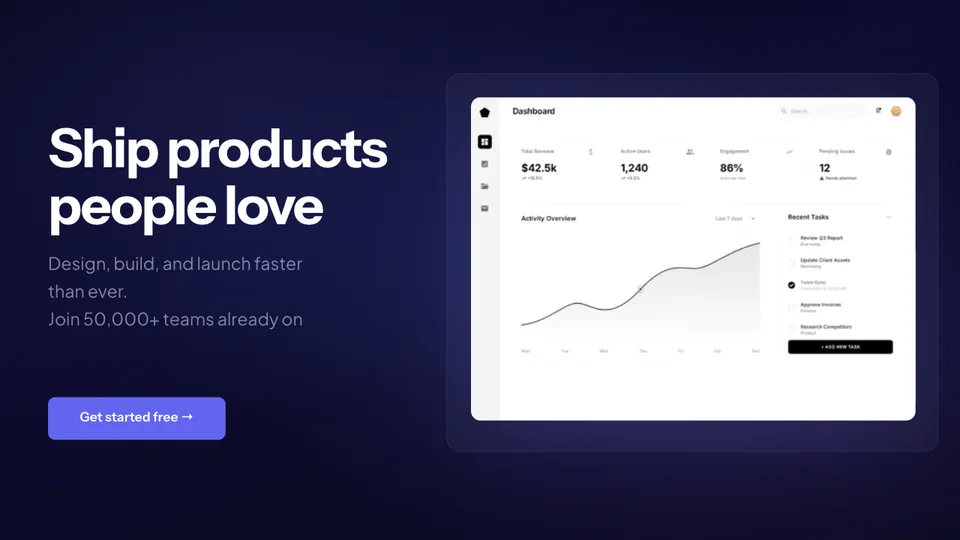
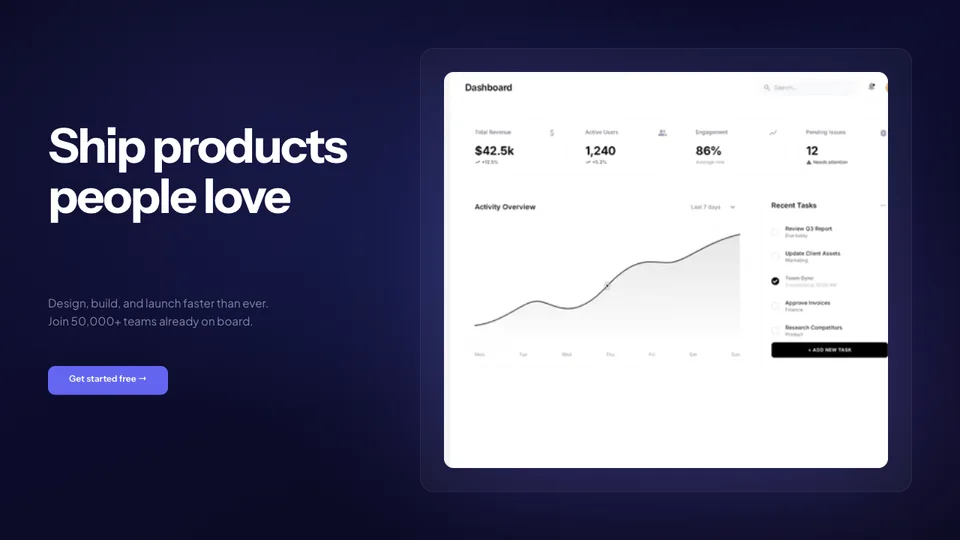
Ship products people love
Design, build, and launch faster than ever. Join 50,000+ teams already on board.
Get started free →
Use this template

Midnight Glass

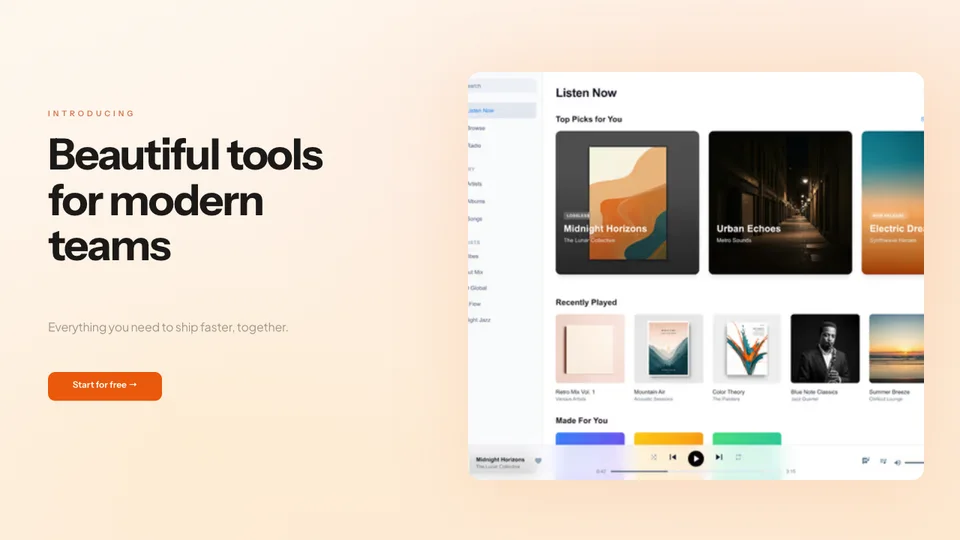
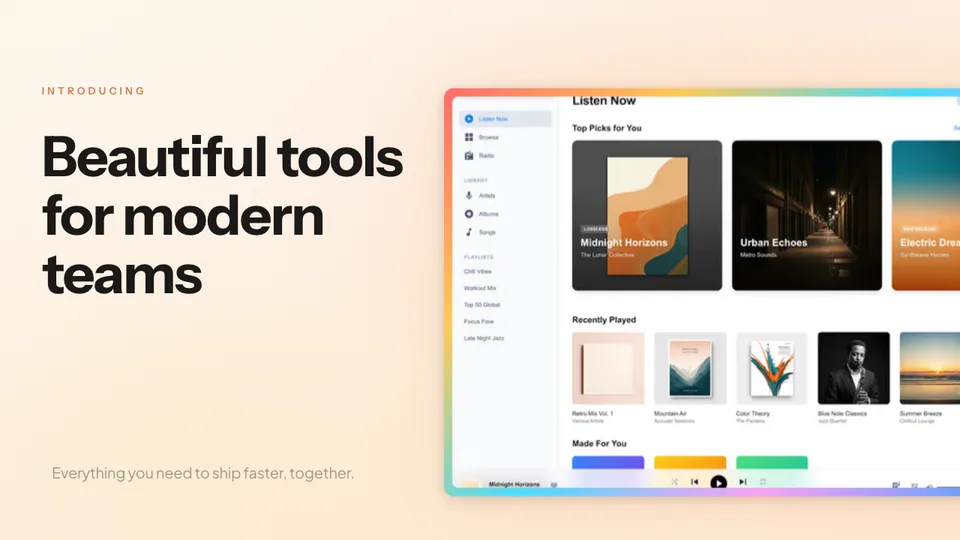
INTRODUCING
Beautiful tools for modern teams
Everything you need to ship faster, together.
Start for free →
Use this template

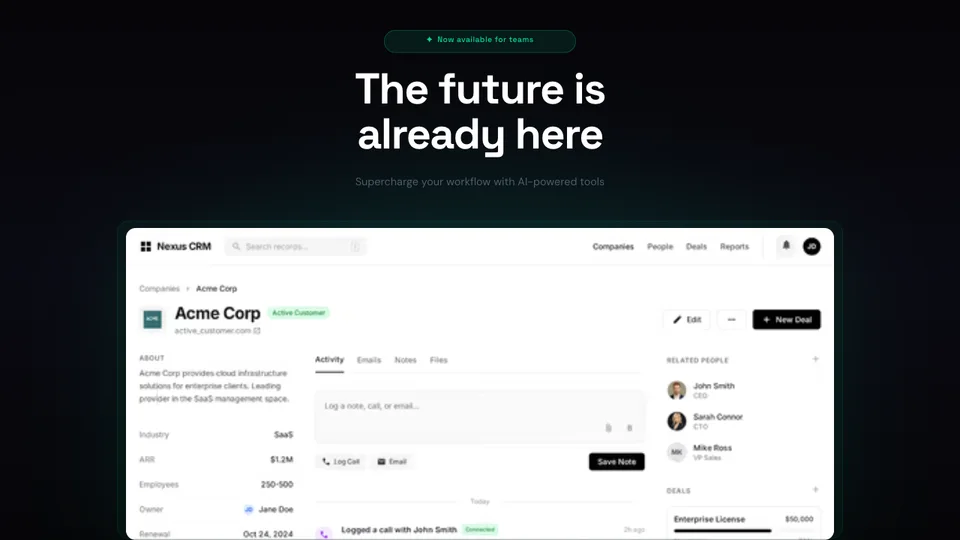
Sunrise Hero

✦ Now available for teams
The future is already here
Supercharge your workflow with AI-powered tools
Use this template

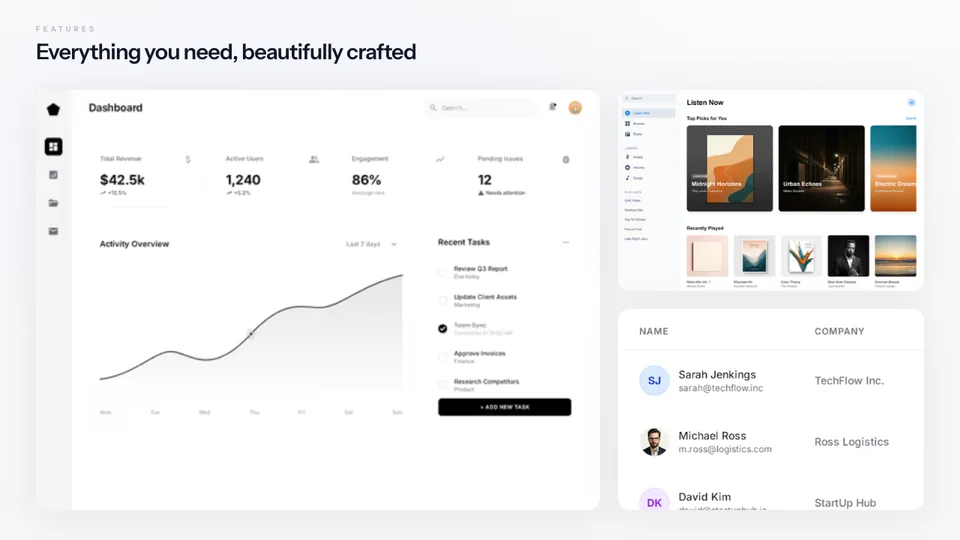
Neon Product

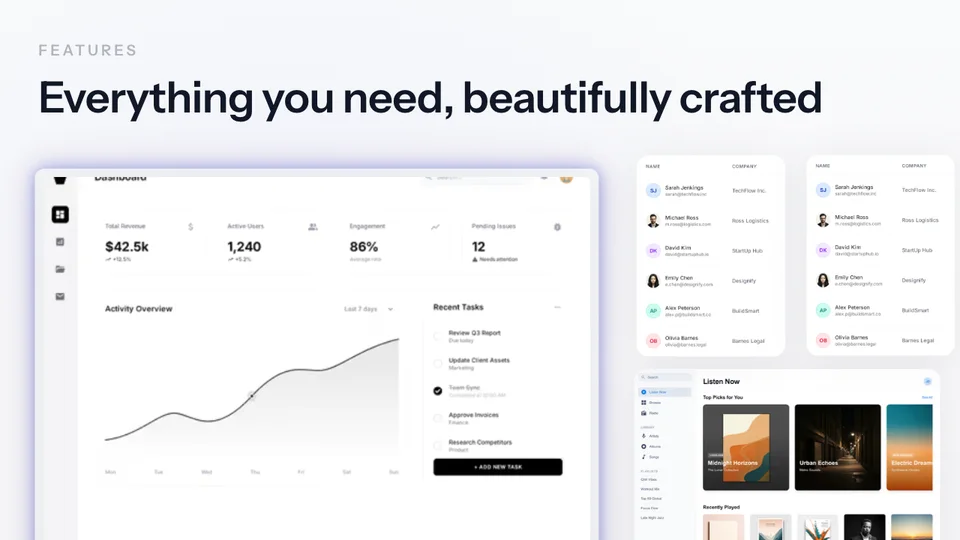
FEATURES
Everything you need, beautifully crafted
Use this template

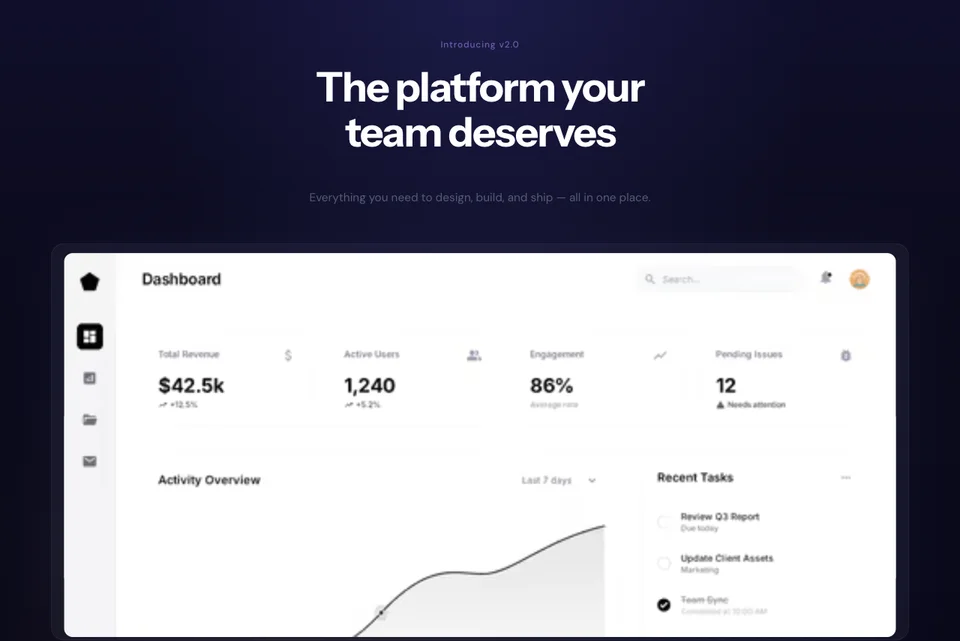
Bento Grid

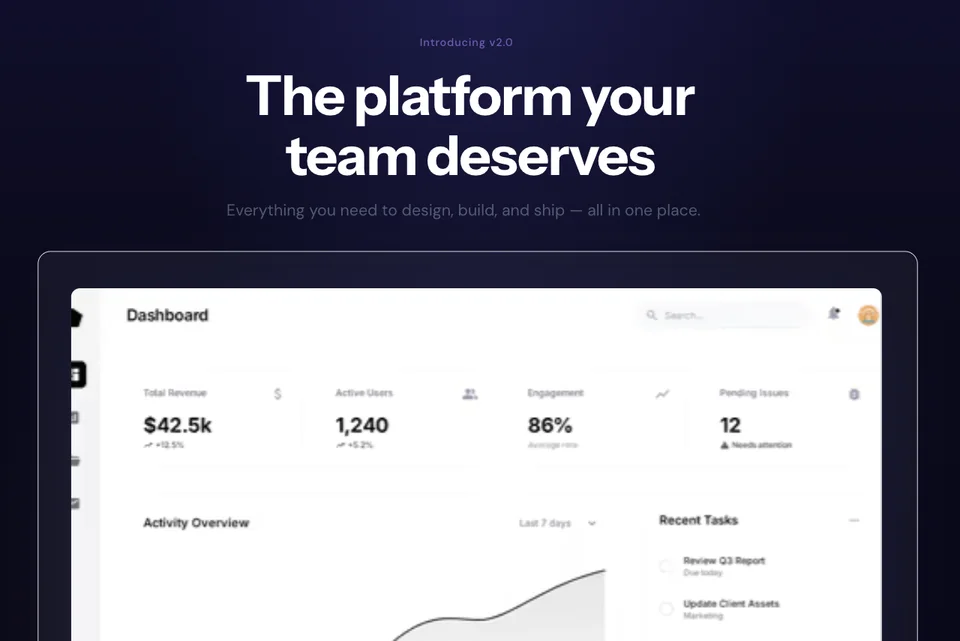
Introducing v2.0
The platform your team deserves
Everything you need to design, build, and ship — all in one place.
Use this template

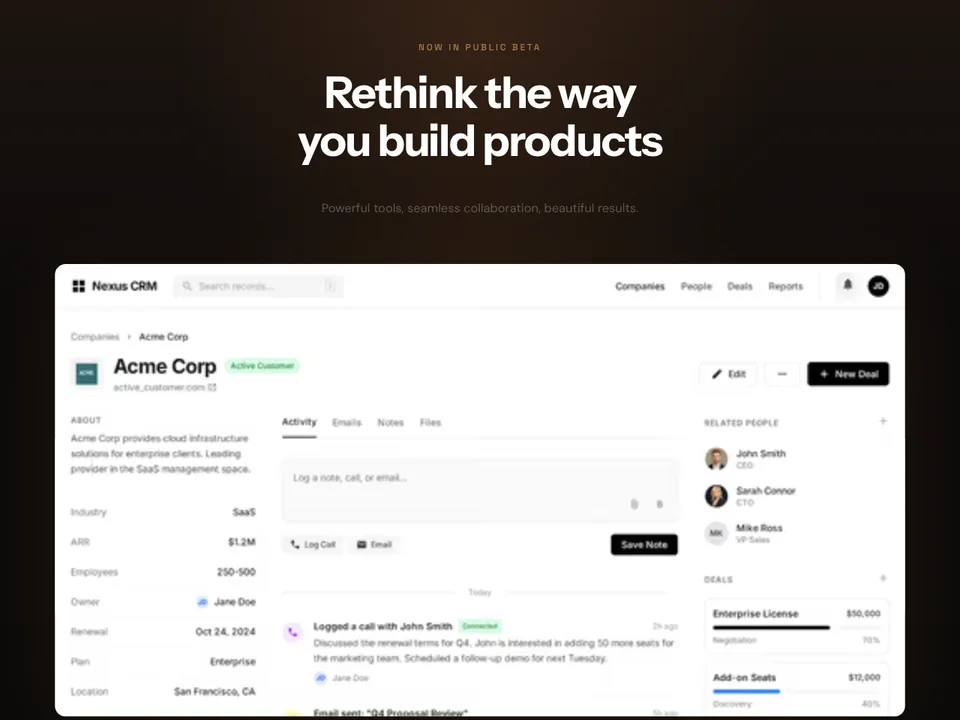
Deep Showcase

Now in public beta
Rethink the way you build products
Powerful tools, seamless collaboration, beautiful results.
Use this template

Dark Ember

Use this template

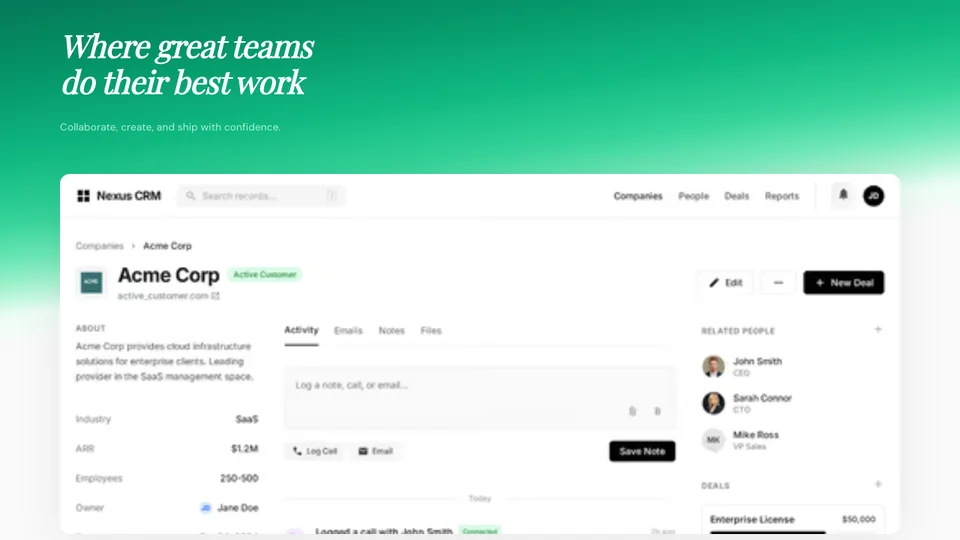
Candy Glass

Where great teams do their best work
Collaborate, create, and ship with confidence.
Use this template

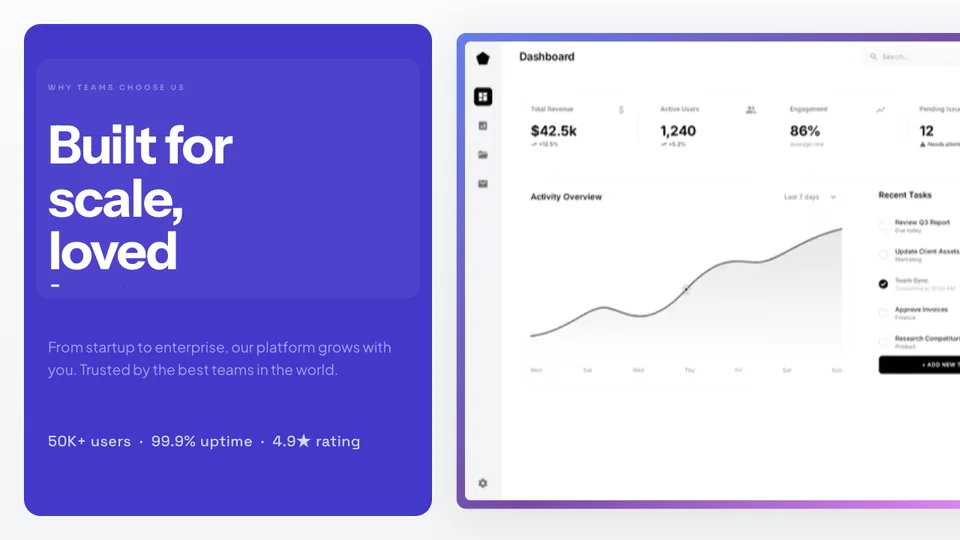
Emerald Header

WHY TEAMS CHOOSE US
Built for scale, loved by teams
From startup to enterprise, our platform grows with you. Trusted by the best teams in the world.
50K+ users · 99.9% uptime · 4.9★ rating
Use this template

Split Panel

Ship products people love
Design, build, and launch faster than ever. Join 50,000+ teams already on board.
Get started free →
Use this template

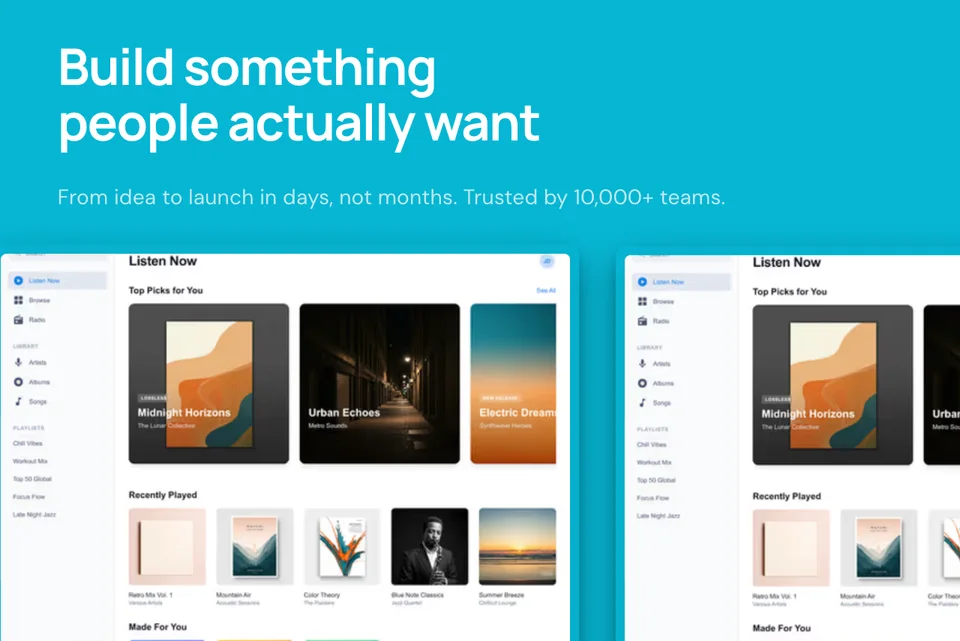
Midnight Glass

Build something people actually want
From idea to launch in days, not months. Trusted by 10,000+ teams.
Use this template

Ocean Header

Introducing v2.0
The platform your team deserves
Everything you need to design, build, and ship — all in one place.
Use this template

Deep Showcase

Use this template

Pastel Blur

INTRODUCING
Beautiful tools for modern teams
Everything you need to ship faster, together.
Use this template

Sunrise Hero

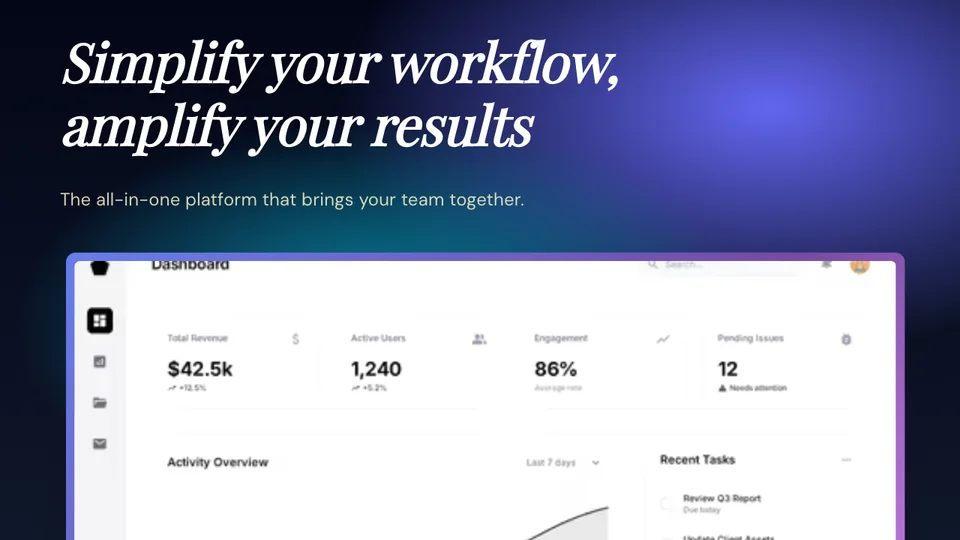
Simplify your workflow, amplify your results
The all-in-one platform that brings your team together.
Use this template

Sunset Hero

FEATURES
Everything you need, beautifully crafted
Use this template

Bento Grid

What Is a Landing Page Mockup?

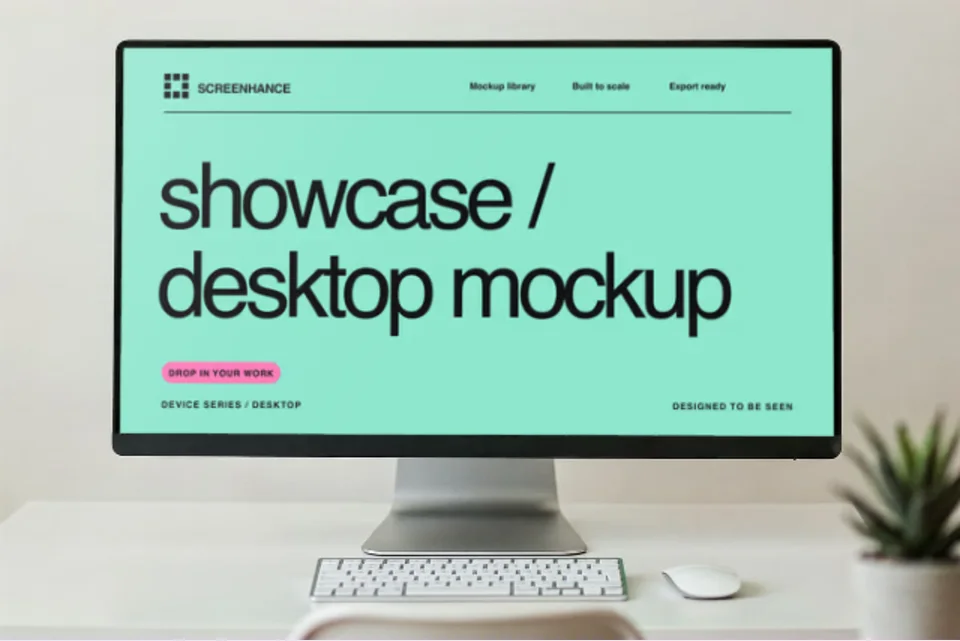
A landing page mockup is a polished visual presentation of your website — your screenshot placed inside a device frame with a professional background, text overlays, and branding elements. It transforms a raw browser capture into something you'd be proud to put in a pitch deck, tweet, or Product Hunt gallery.

Raw screenshots look unprofessional. They have browser chrome, bookmark bars, and extension icons cluttering the image. A mockup strips all that away and presents your landing page in the best possible light — like a product photo for your website.

Whether you're showcasing your SaaS product to investors, sharing a launch on social media, or building a case study for your portfolio, a well-crafted mockup elevates how people perceive your work.

Read the guide: How to Create SaaS Landing Page Screenshots That Convert →

Use Cases for Landing Page Mockups

From marketing to fundraising, polished mockups make your product shine everywhere.

Hero sections

Place your product screenshot in a device frame for the most important visual on your landing page. First impressions matter.

Feature showcases

Highlight individual features with focused mockups. Perfect for 2-column layouts and feature comparison sections.

Case studies

Show before-and-after results with polished mockups. Make your client work look professional and compelling.

Social media posts

Create eye-catching visuals for Twitter, LinkedIn, and Instagram. Stand out in crowded feeds with device-framed screenshots.

Pitch decks

Impress investors with polished product visuals. A professional mockup in your deck signals attention to detail.

Product Hunt launches

Create gallery images that make your launch stand out. Browser frames with gradient backgrounds are the gold standard.

Mockup Styles That Convert

Choose a mockup style that matches your brand and the context where it will be used.

Browser frame

A Chrome-style browser window with address bar and traffic light buttons. The most familiar and trustworthy frame for website mockups. Perfect for SaaS products.

Floating window

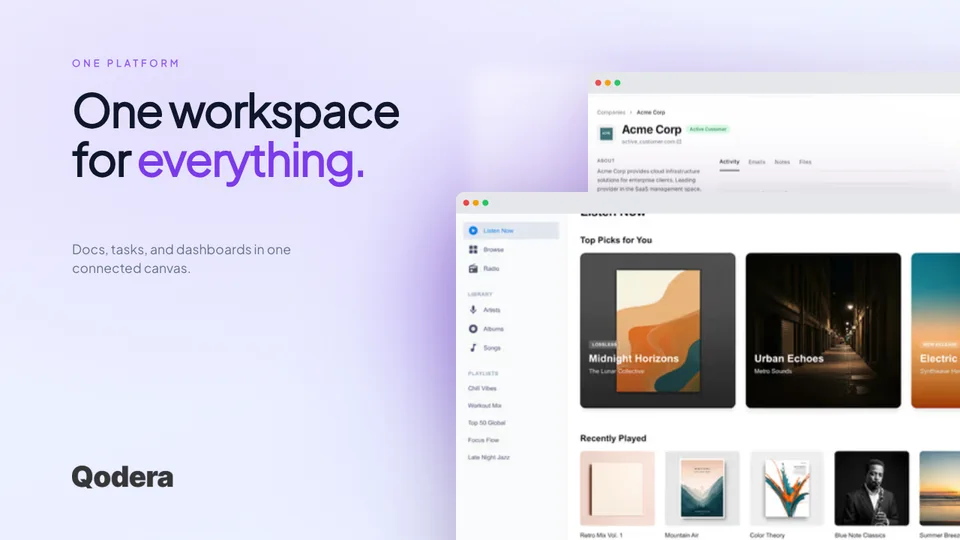
A clean window with subtle shadow, floating over a gradient background. Modern and minimal. Great for hero sections and social media visuals.

Multi-device layout

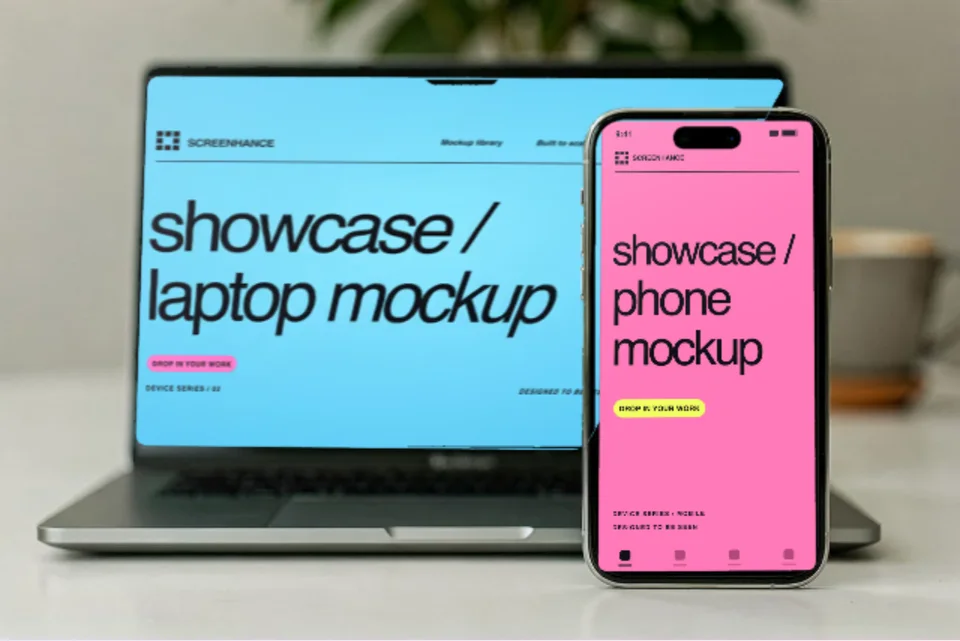
Show your landing page across laptop, tablet, and phone simultaneously. Communicates responsive design and cross-platform support at a glance.

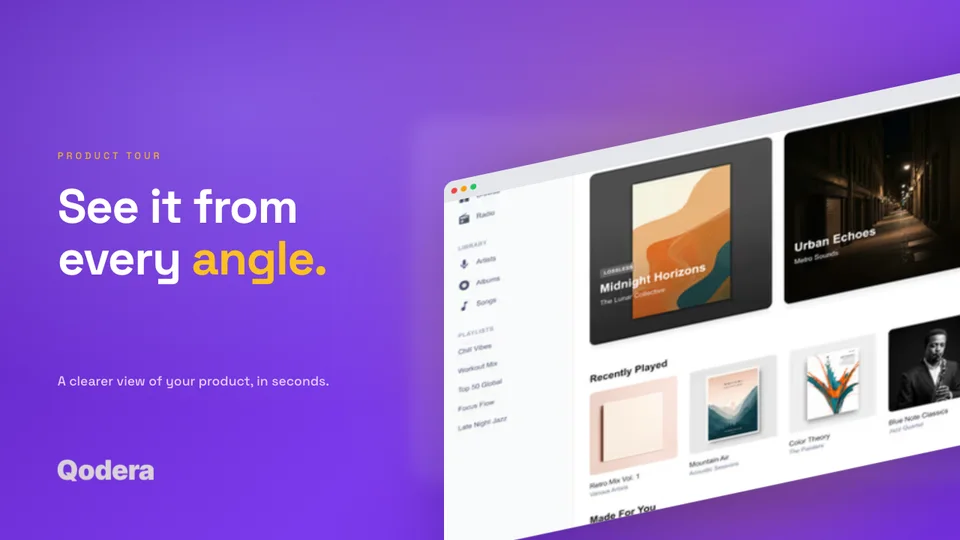
Perspective / 3D angle

A tilted, three-dimensional view that adds depth and visual interest. Eye-catching for Product Hunt galleries, pitch decks, and social media posts.

5 Steps to a Perfect Landing Page Mockup

Follow this process to create mockups that make your landing page look its best.

1

Take a clean screenshot

Capture your landing page at the right viewport width. Hide browser extensions, bookmark bars, and notification badges. A clean capture is the foundation of a great mockup.

2

Choose your device frame

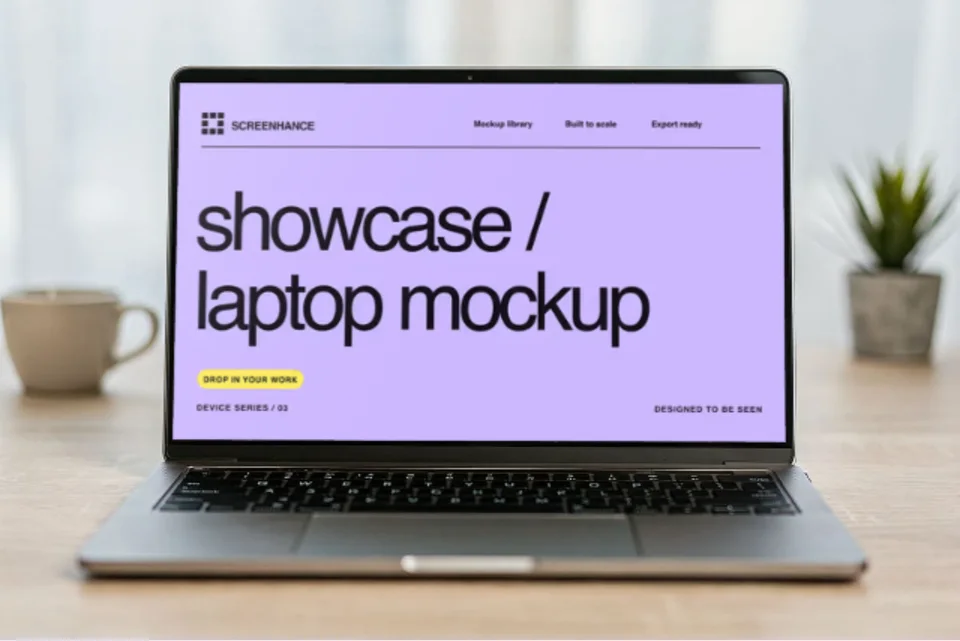
Pick from 40+ device frames including MacBook, Chrome browser, iPhone, and iPad. The frame adds context and professionalism. Browser frames work best for most web products.

3

Pick a background that matches your brand

Choose from 100+ gradient backgrounds, solid colors, or custom images. Your background should complement your brand palette and make the mockup feel cohesive with your marketing.

4

Add optional text overlay

Add a headline, feature label, or call-to-action directly on the mockup. This is especially useful for Product Hunt galleries and social media posts where context helps.

5

Export at the right resolution

Download as PNG for maximum compatibility or WebP for smaller file sizes. Export at 2x for Retina displays. Use 3x if the mockup will appear in print materials or high-res presentations.

How It Works

Create professional mockups in three simple steps. No design skills required.

Step 1

Upload your screenshot

Drag and drop or select any screenshot, design, or image from your device.

Step 2

Choose frame & background

Pick from iPhone, iPad, MacBook, browser frames and beautiful gradient backgrounds.

Step 3

Export & share

Download as PNG, WebP, JPEG, GIF, or video. Ready for marketing in seconds.

Why Choose Screenhance?

The fastest way to create professional mockups without learning complex design tools.

No design skills needed

Unlike Figma or Photoshop, Screenhance is built for non-designers. Anyone can create professional mockups.

Instant results

Generate polished mockups in seconds, not hours. Perfect for fast-moving teams and launches.

Multiple export formats

Export as PNG, WebP, JPEG for images, or GIF and WebM for animated visuals.

Beautiful backgrounds included

Choose from gradients, solid colors, or transparent backgrounds. No need to design your own.

How Screenhance Compares for Landing Page Mockups

See how Screenhance compares to other tools for creating website mockups.

FeatureScreenhanceShots.soSmartMockupsFigma
Purpose-built for website mockupsYesScreenshot beautifierGeneral mockupsGeneral design
Design skills neededNoneNoneBasicAdvanced
Device frames40+ (MacBook, browser, iPhone, iPad)Browser & phoneWide selectionManual setup
Professional backgrounds100+ gradients, glass, auroraGradient presetsScene-basedDesign your own
Text overlaysYesLimitedNoYes
Retina export (2x, 3x)YesLimitedNoYes
Animated exports (GIF/WebM)YesNoNoNo
WebP exportYesNoNoNo
Free plan3 exports/monthWatermarkedLimited templatesFree tier
Price (paid)$6/week or $8/month$5/month$14/month$15/month

Frequently Asked Questions

What is a landing page mockup?

A landing page mockup is a polished visual representation of your website placed inside a device frame with a professional background. Instead of showing a raw screenshot, a mockup adds context with browser frames, gradients, and text overlays — making your landing page look professional in presentations, social media, and marketing materials.

What is the best device frame for website screenshots?

For landing page mockups, a Chrome browser frame or MacBook frame works best. Browser frames feel native and familiar to web users. MacBook frames add a premium feel. Screenhance offers 40+ device frames so you can pick the one that matches your audience.

Can I create mockups for different screen sizes?

Yes. Screenhance supports desktop, tablet, and mobile device frames. You can create mockups for any screen size and even combine multiple devices in a single template to show responsive design.

What resolution should I export my mockups at?

For web use, export at 2x resolution for crisp Retina display support. For social media, 1x is usually sufficient. For print materials and pitch decks, use 3x for maximum quality. Screenhance supports all three export resolutions.

Can I use these mockups for Product Hunt?

Absolutely. Landing page mockups are perfect for Product Hunt gallery images. Use a clean browser frame with a gradient background to make your product stand out. Screenhance templates are designed for exactly this use case.

Is the landing page mockup generator free?

Yes, Screenhance offers a free plan with 3 exports per month. You get access to all templates and device frames. Pro plans unlock higher resolution exports and additional features.

Present Your Landing Page Beautifully

Stop sharing raw screenshots. Create polished landing page mockups with device frames and gradient backgrounds — in minutes with Screenhance.