
%2FOlivia%20Rhye.webp&w=64&q=75)
%2FPhoenix%20Baker.webp&w=64&q=75)
%2FLana%20Steiner.webp&w=64&q=75)
%2FDemi%20Wilkinson.webp&w=64&q=75)
%2FDrew%20Cano.webp&w=64&q=75)
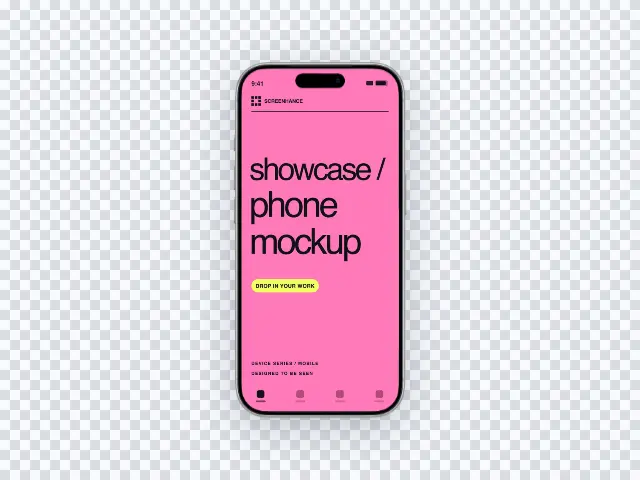
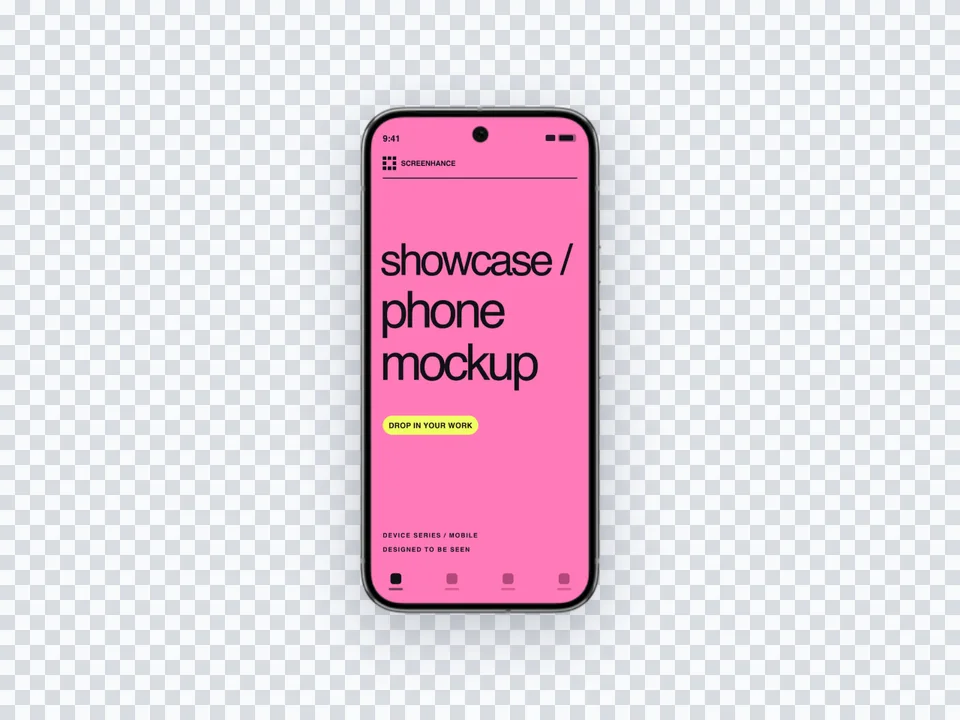
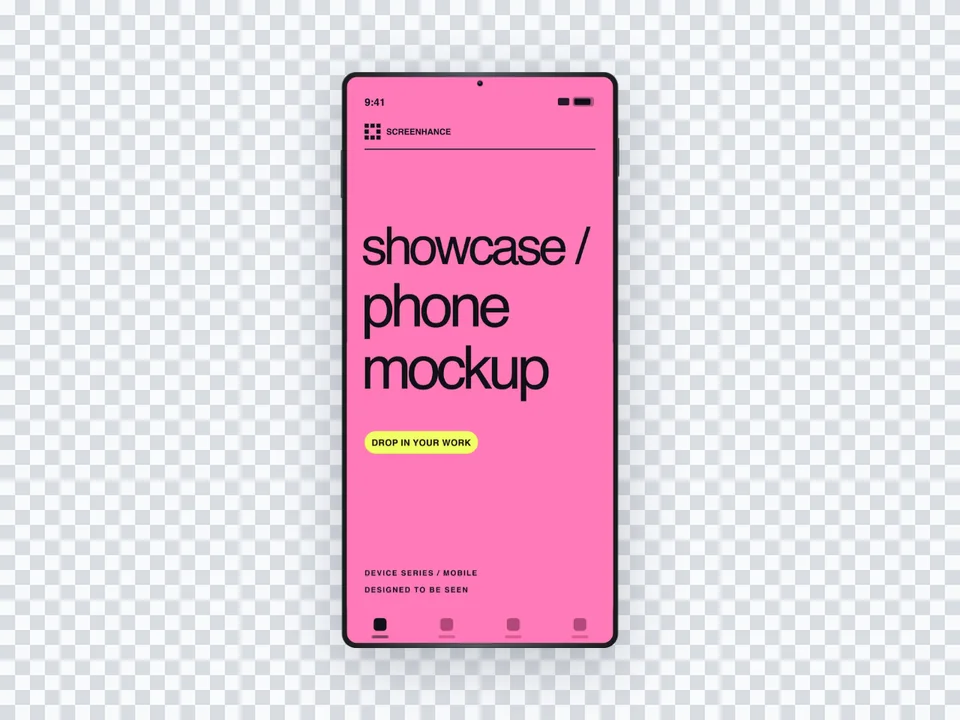
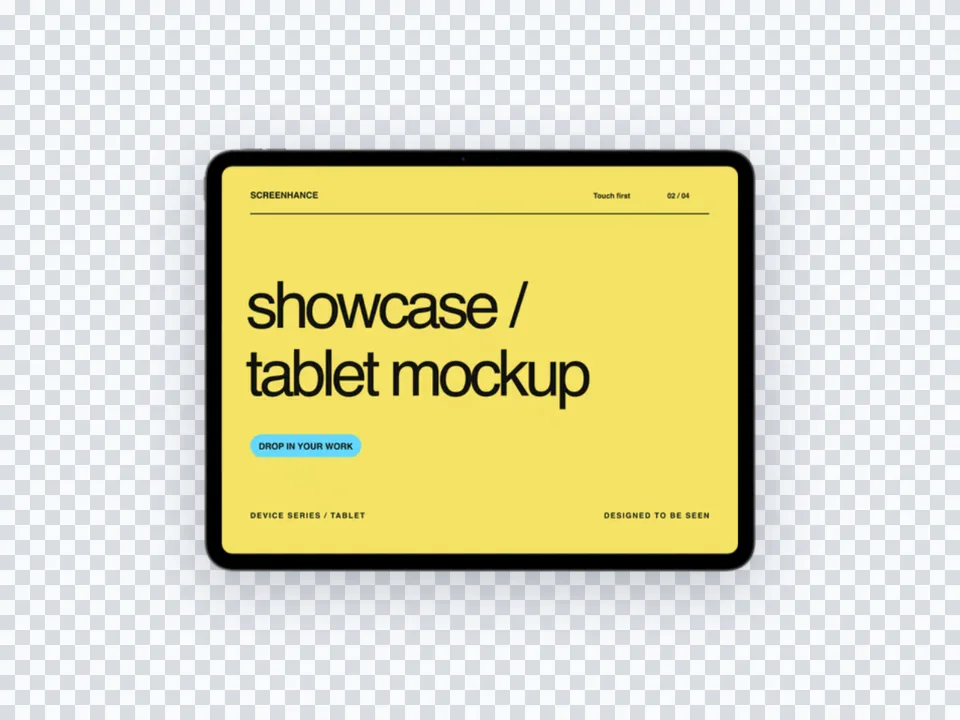
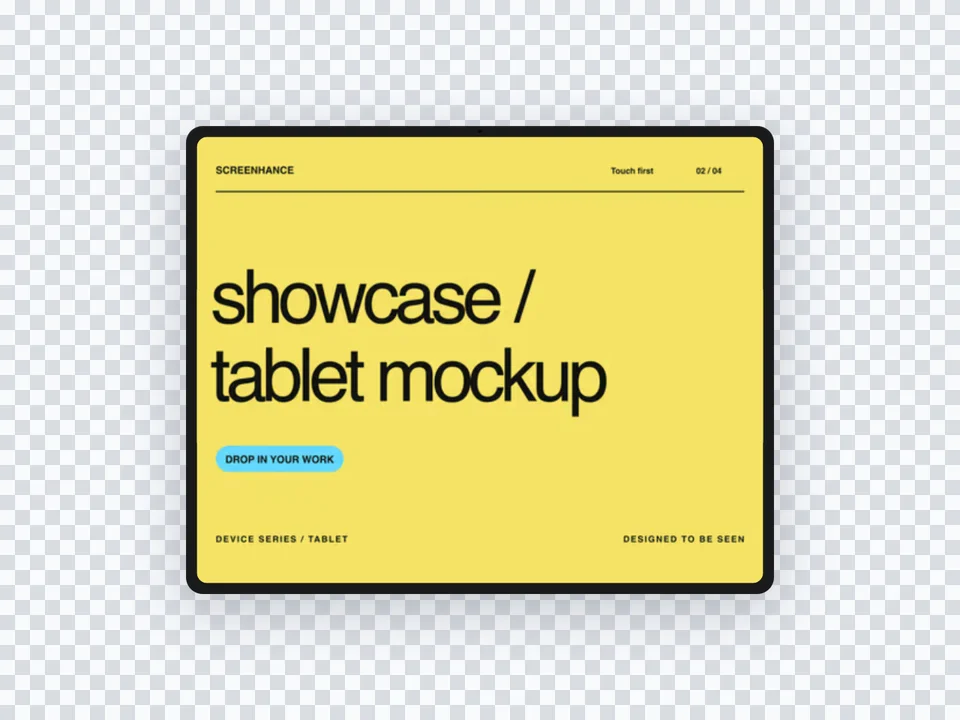
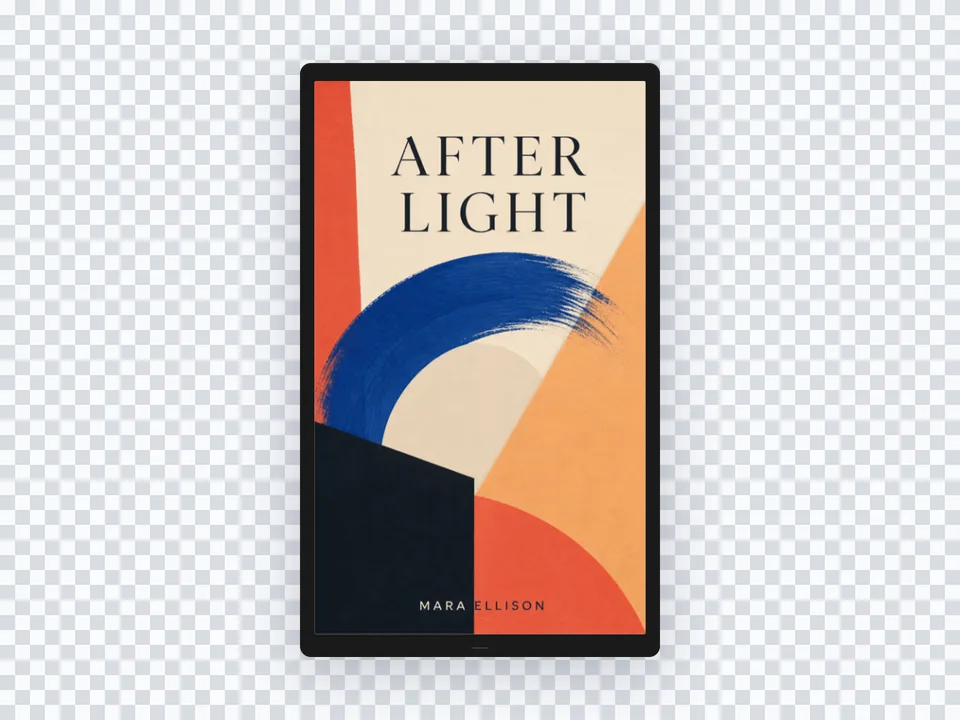
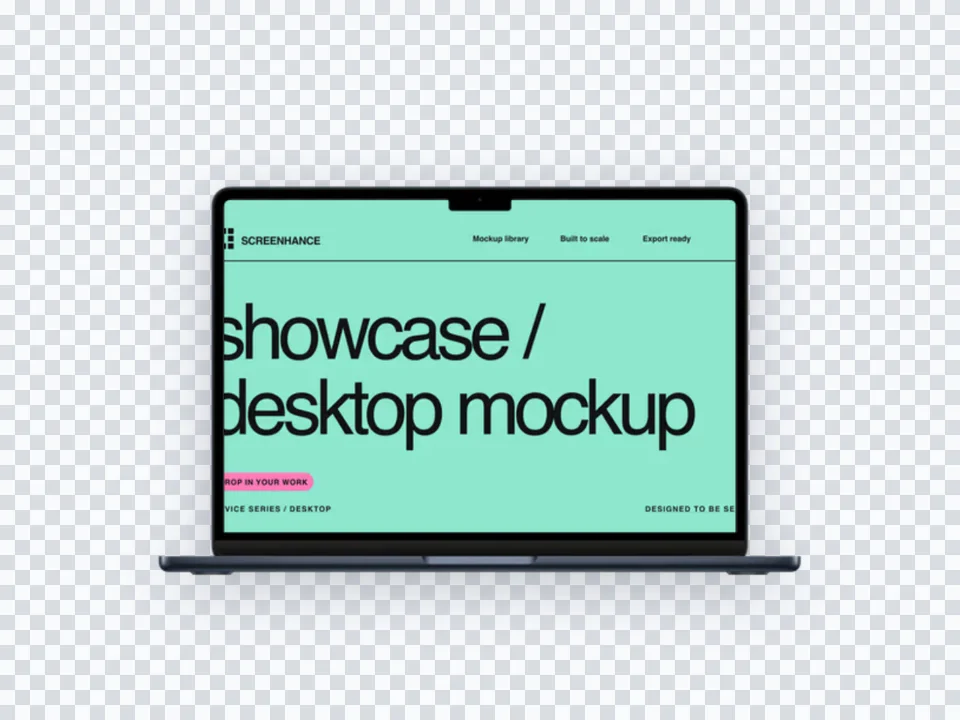
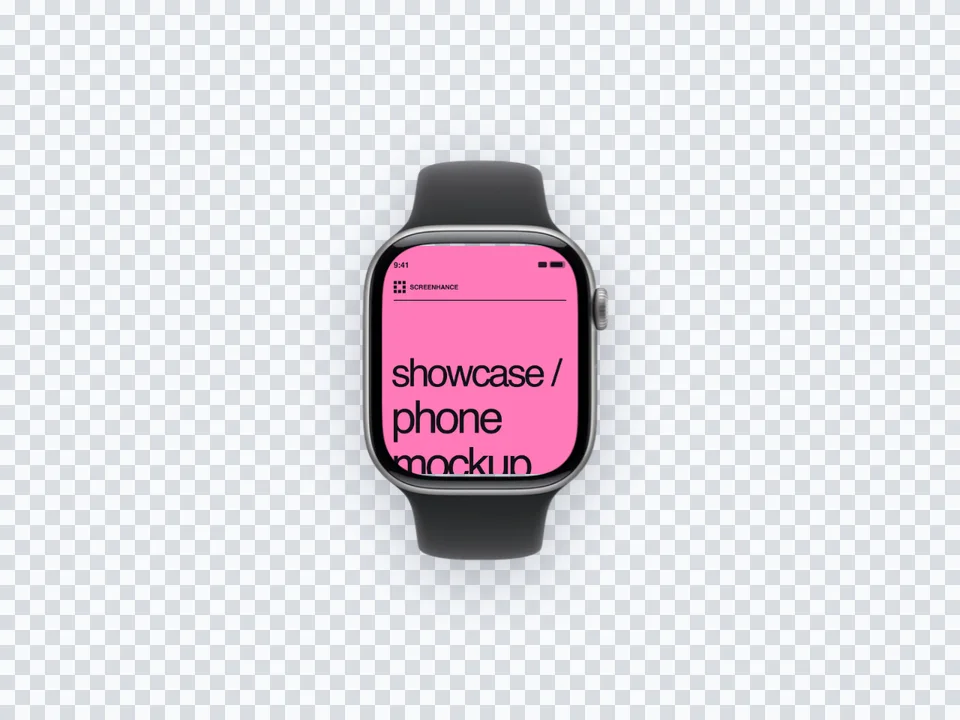
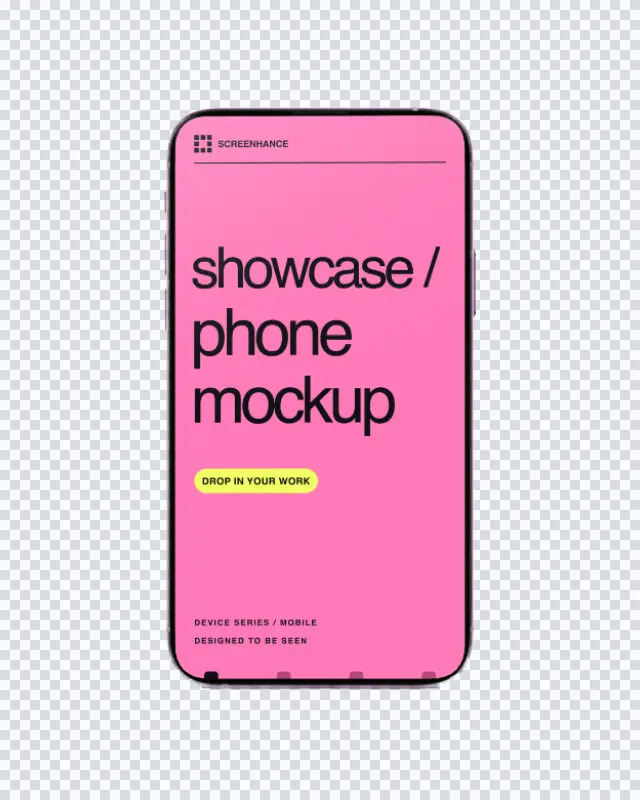
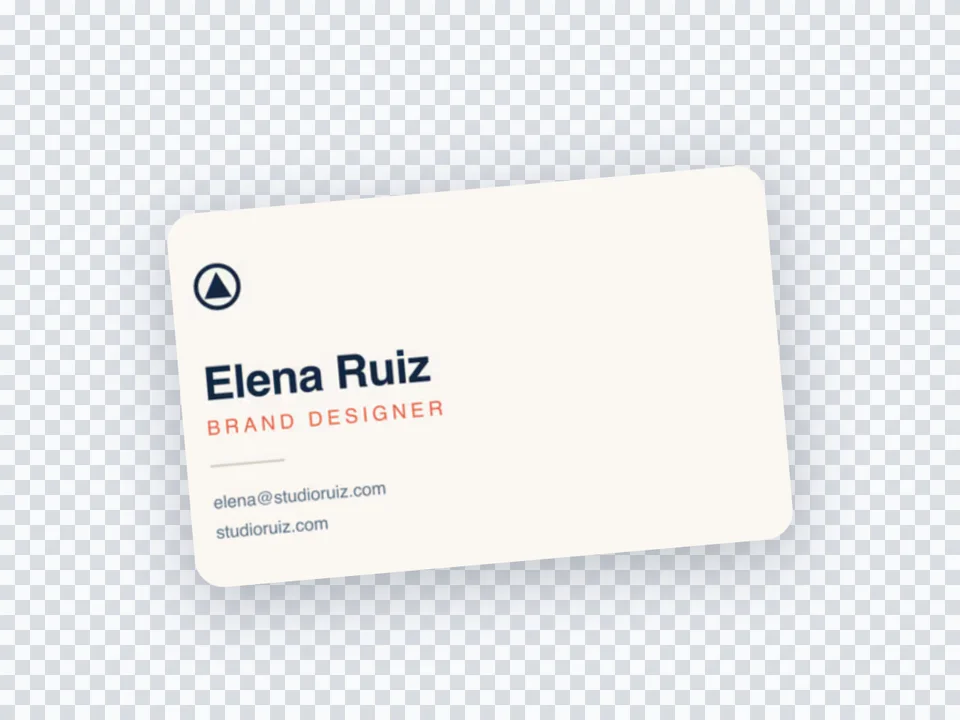
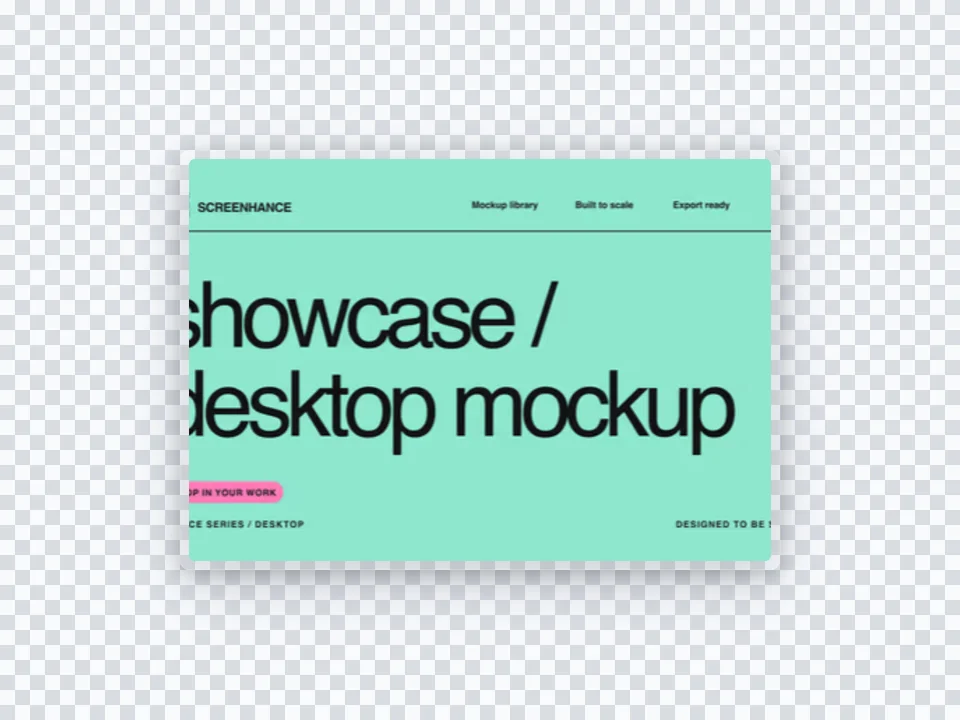
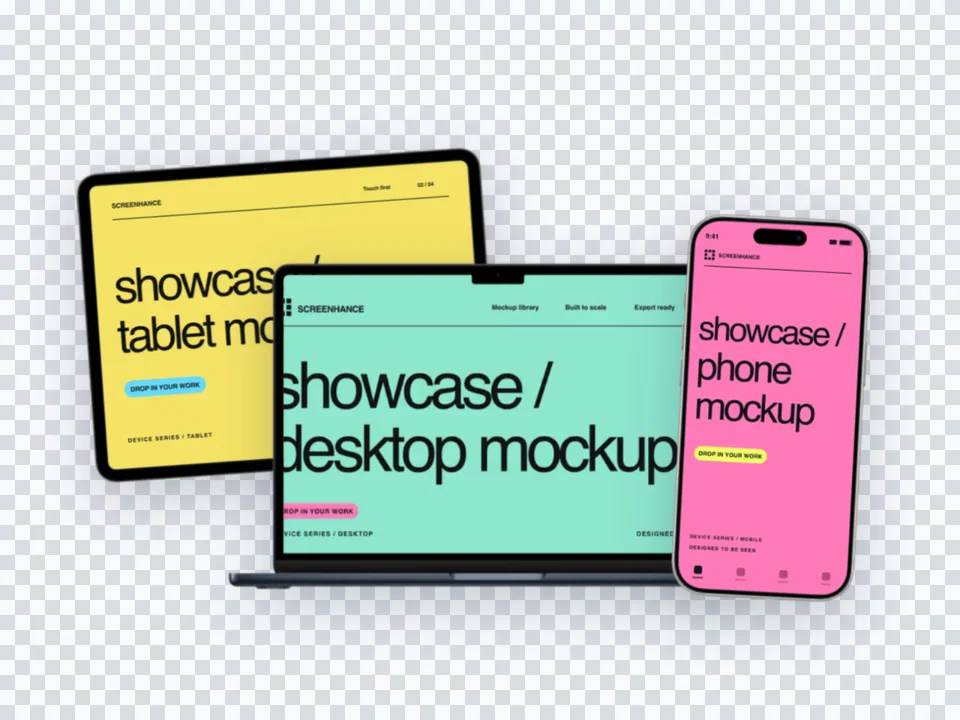
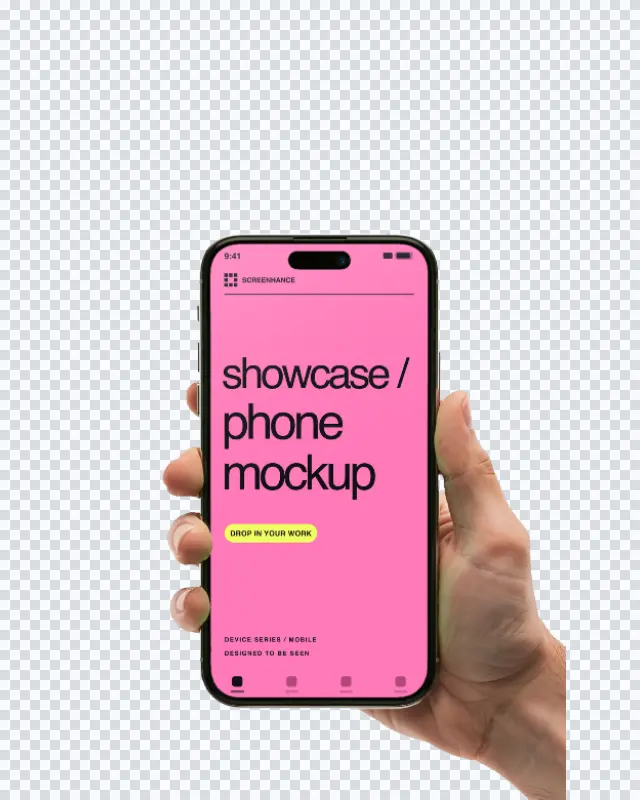
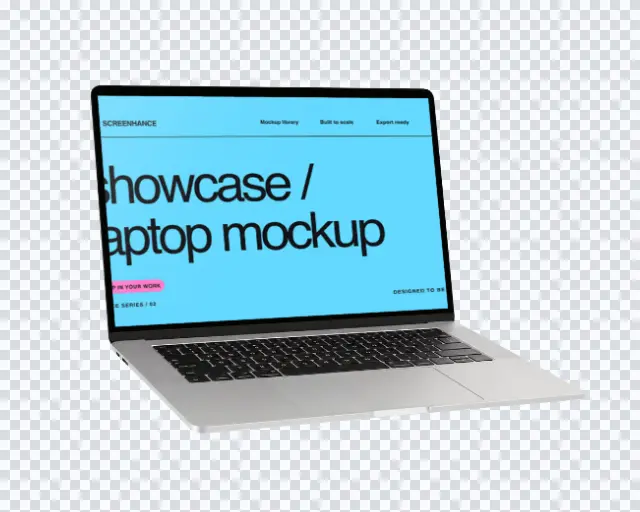
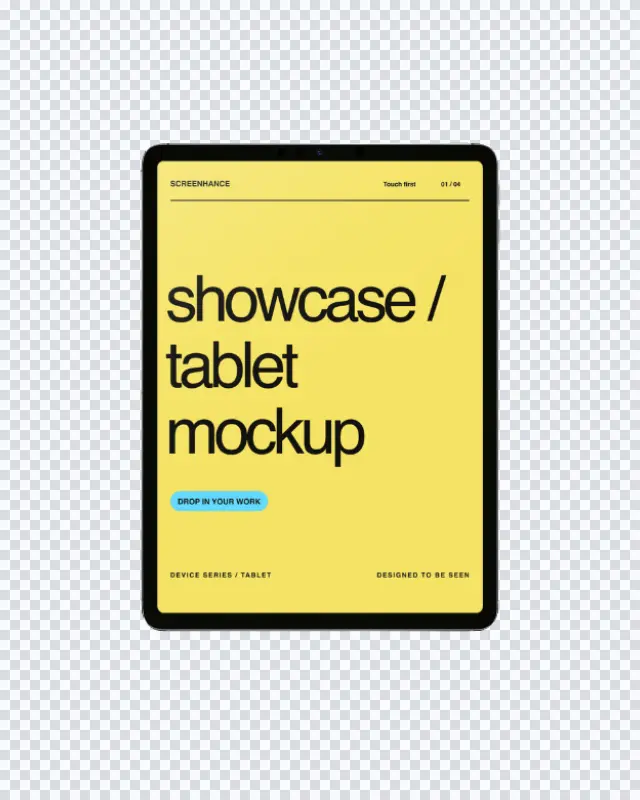
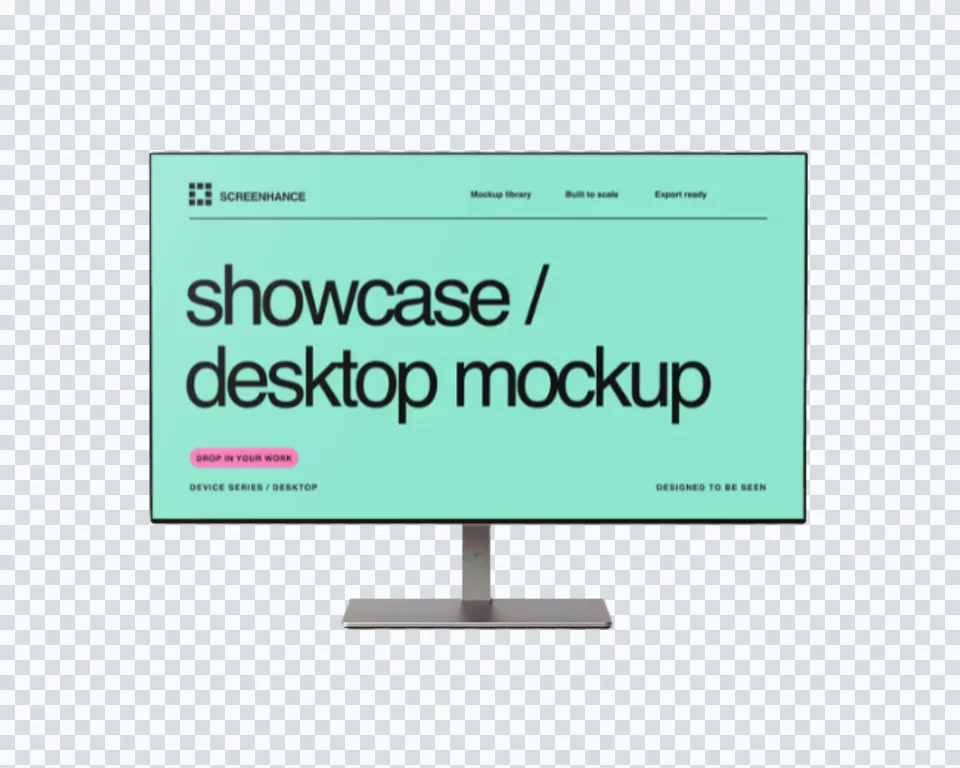
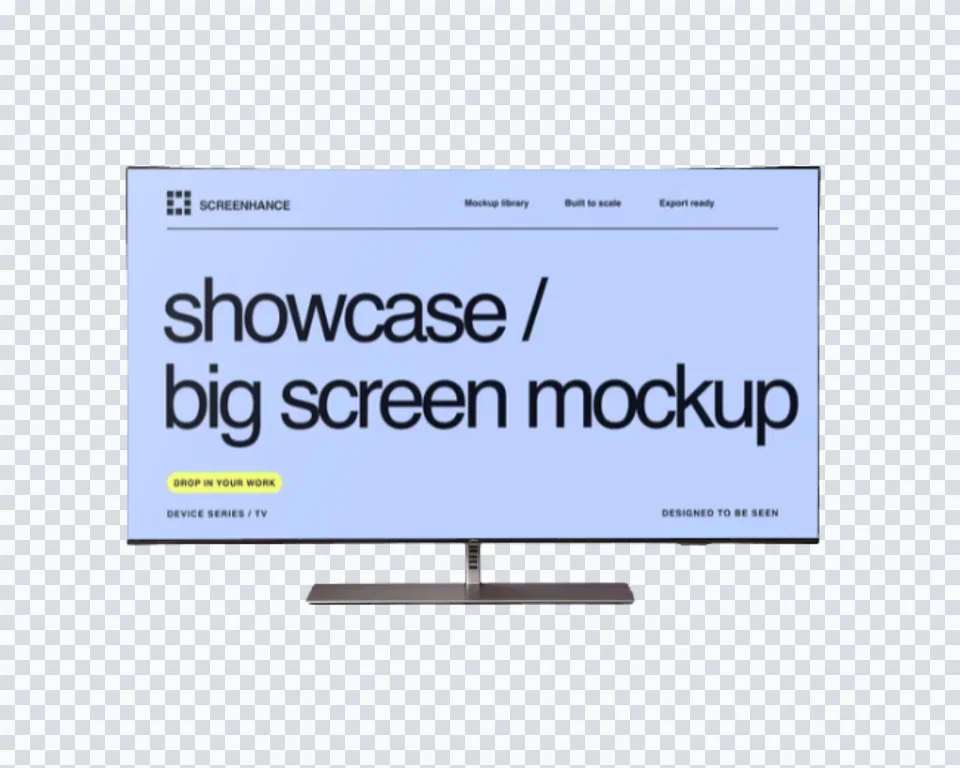


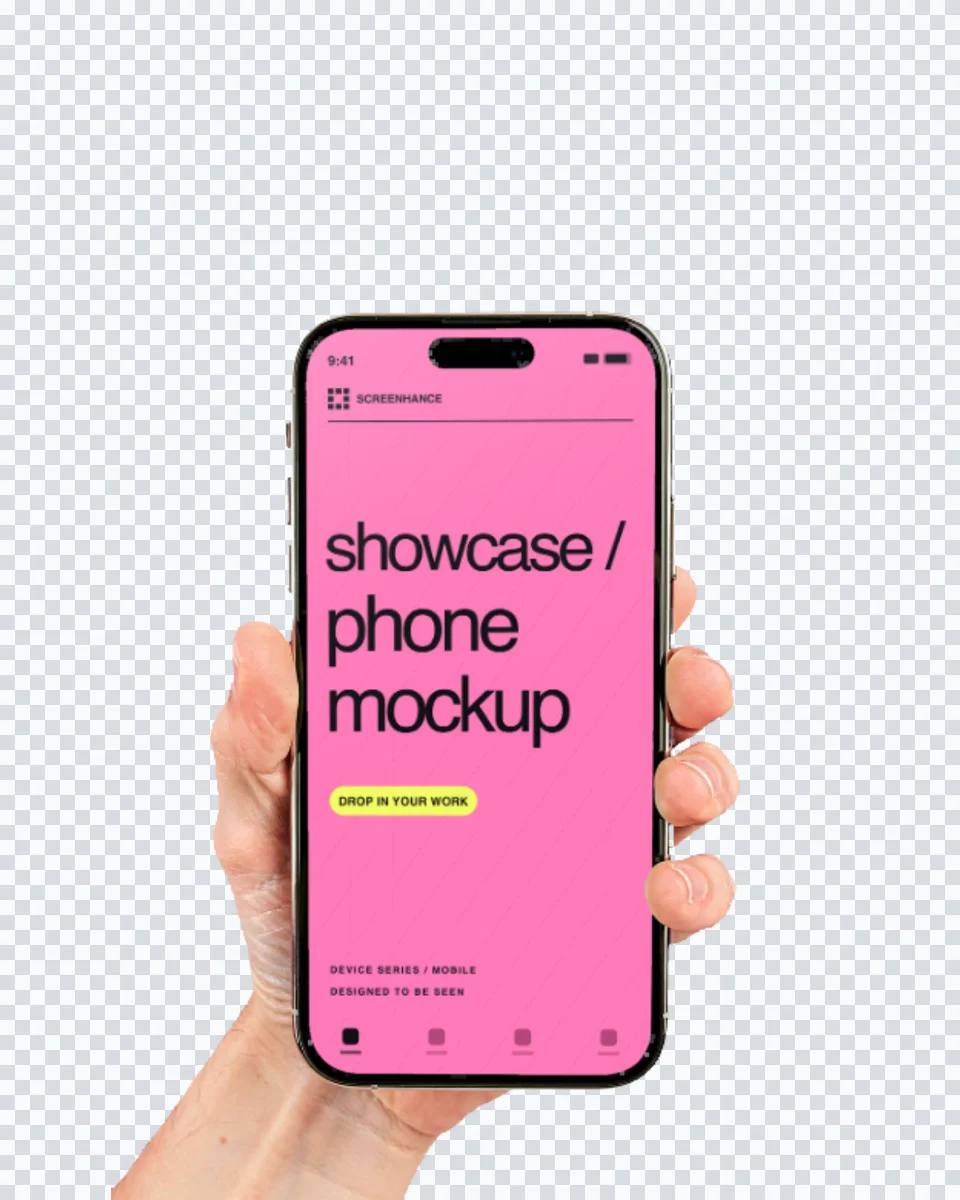
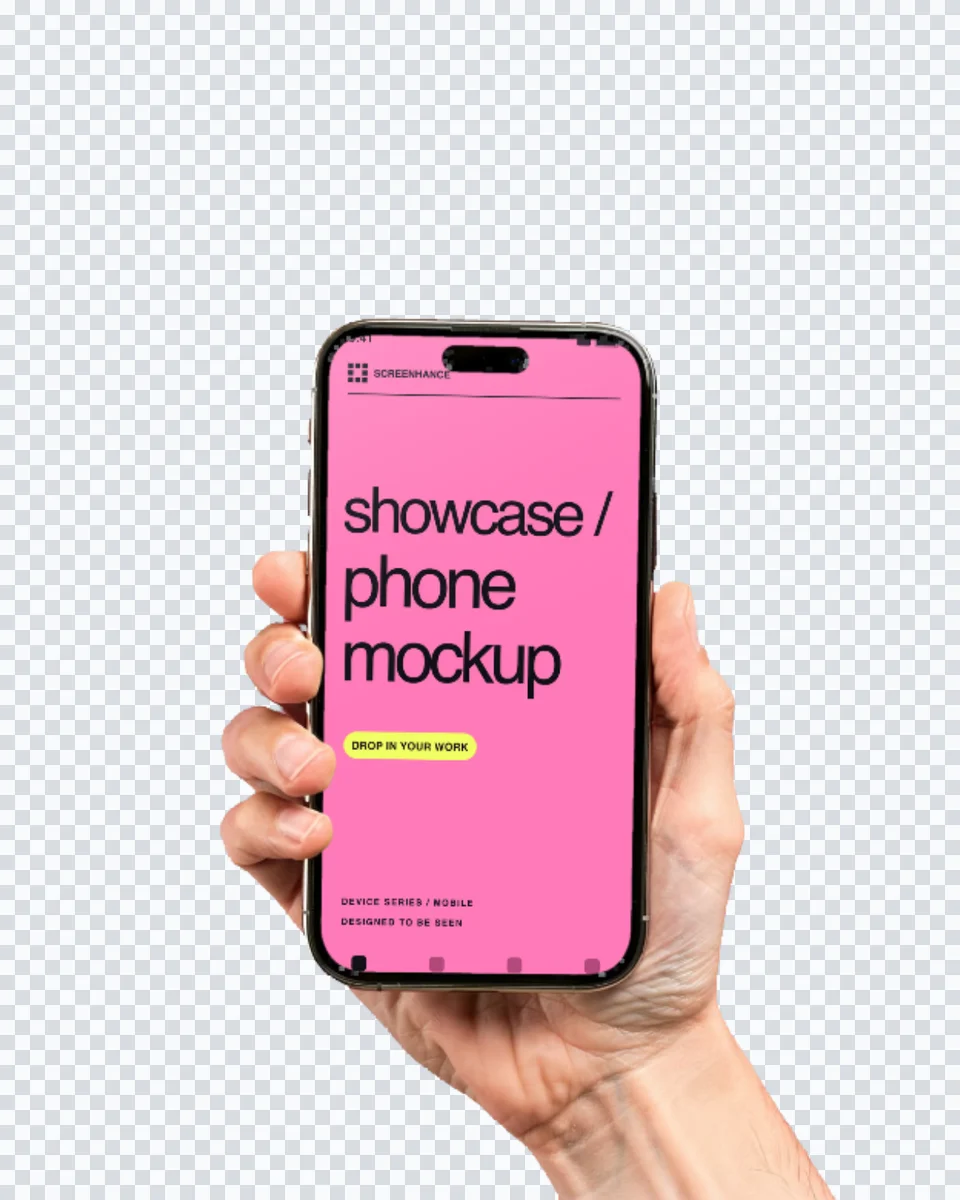
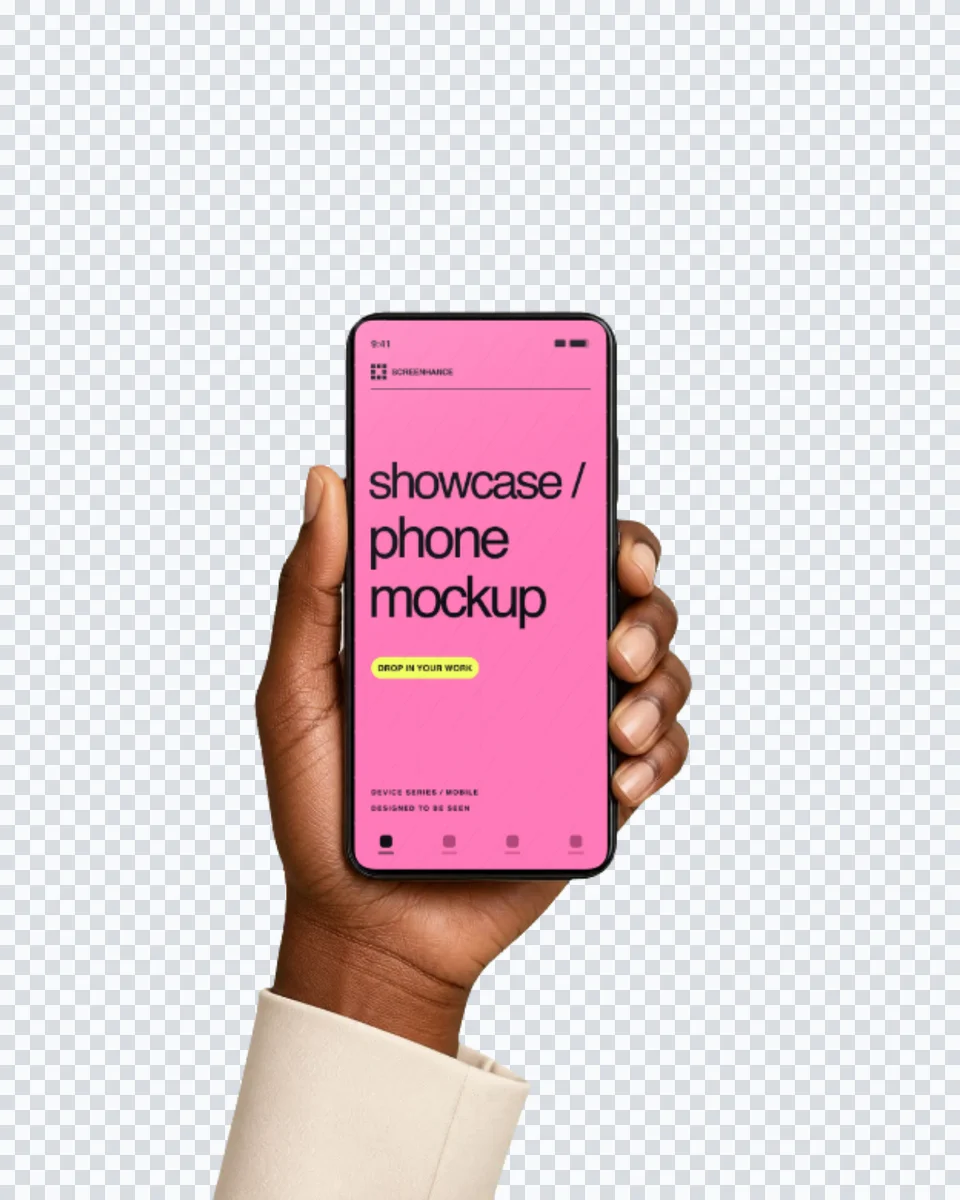
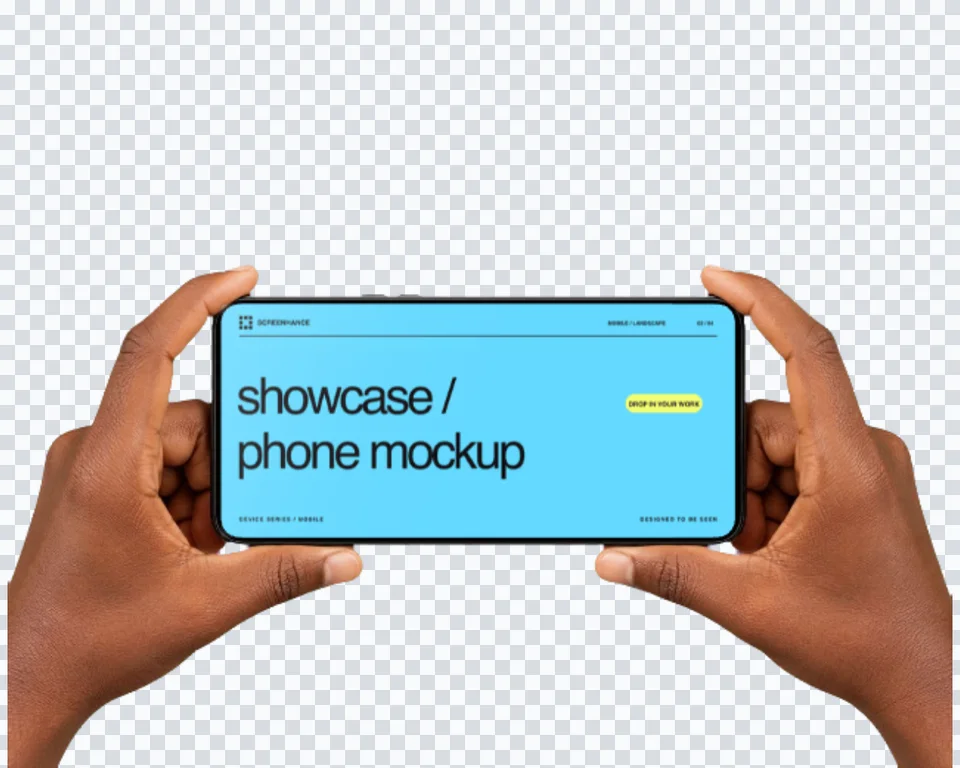
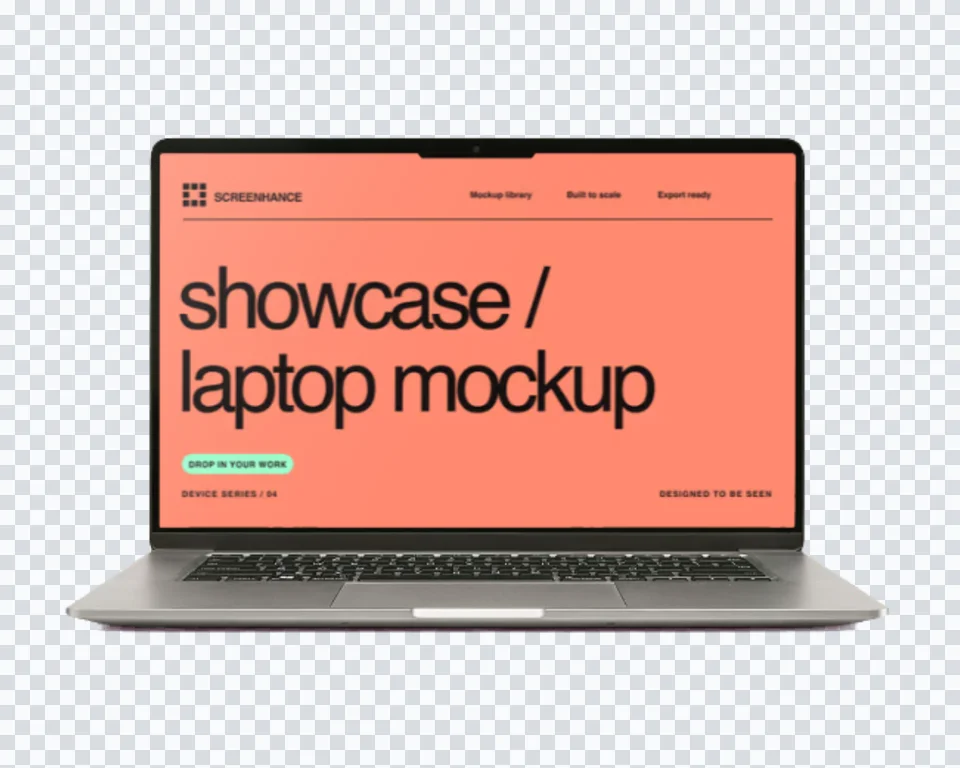

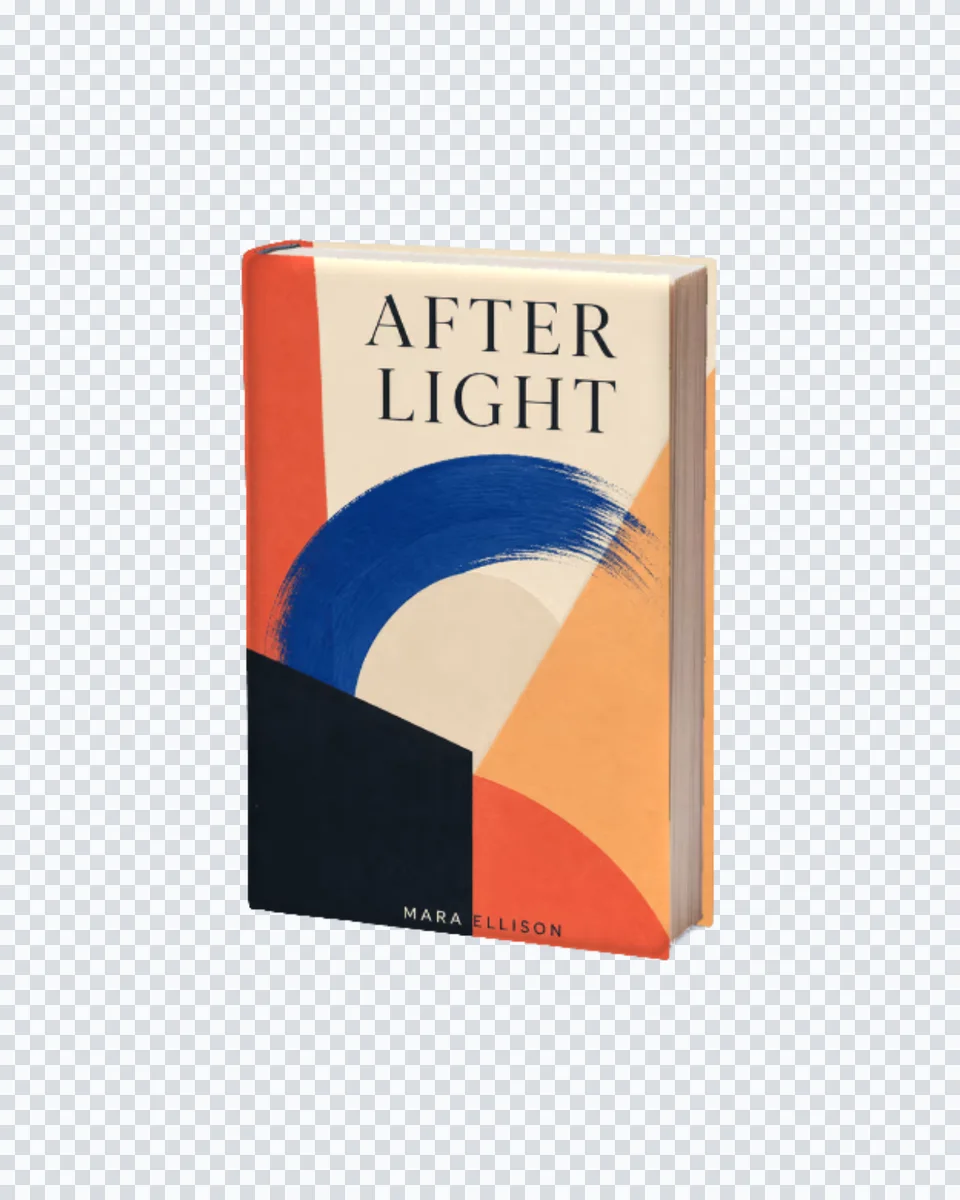
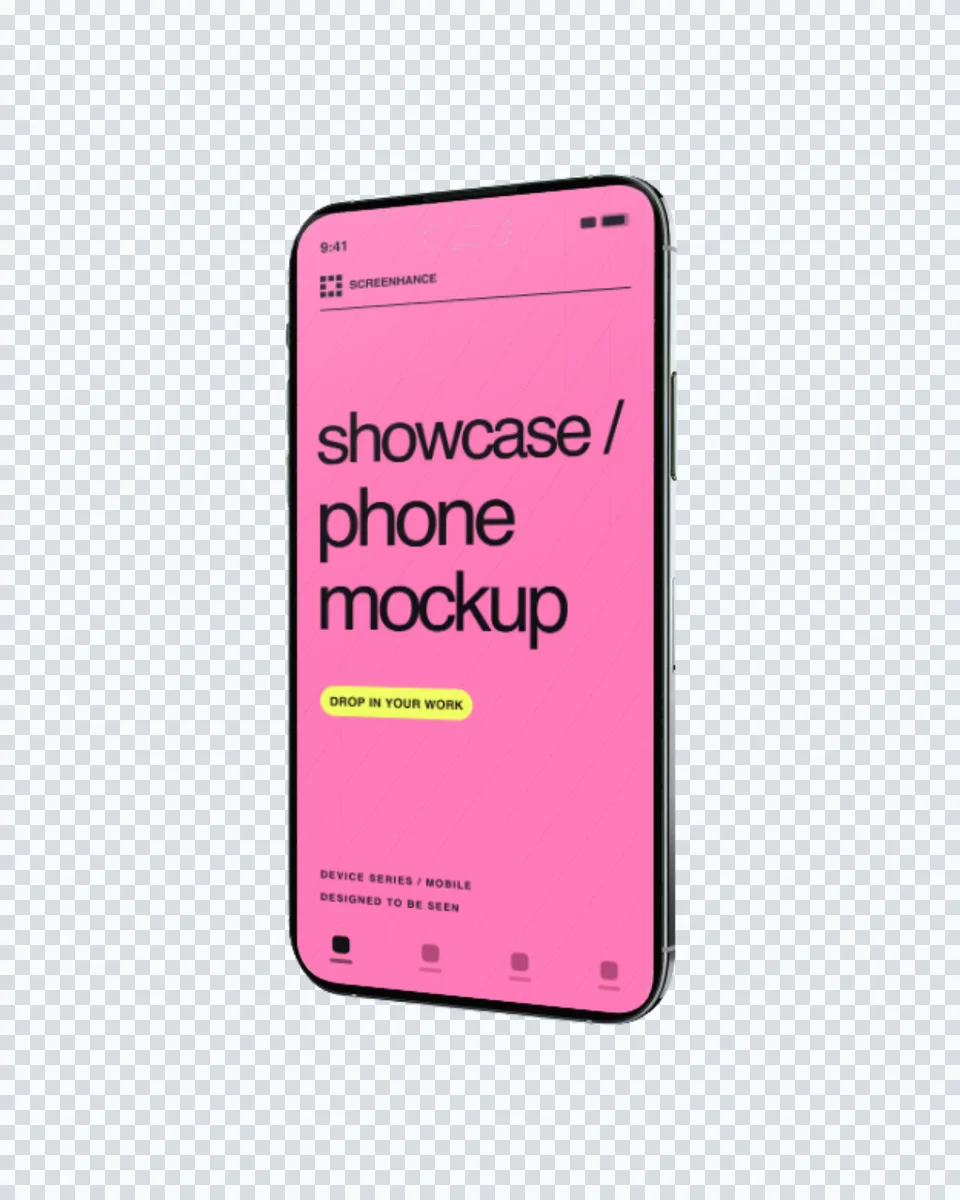
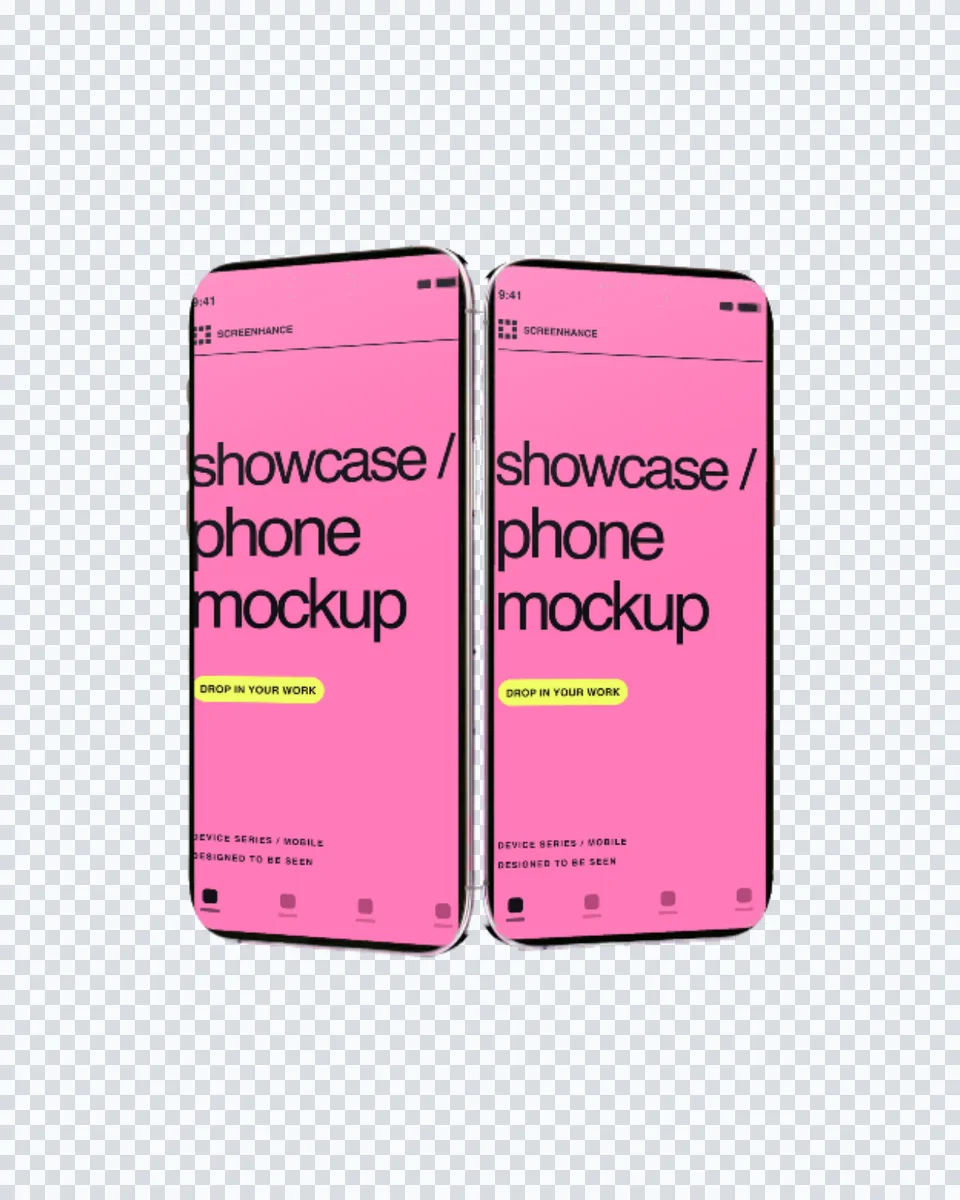
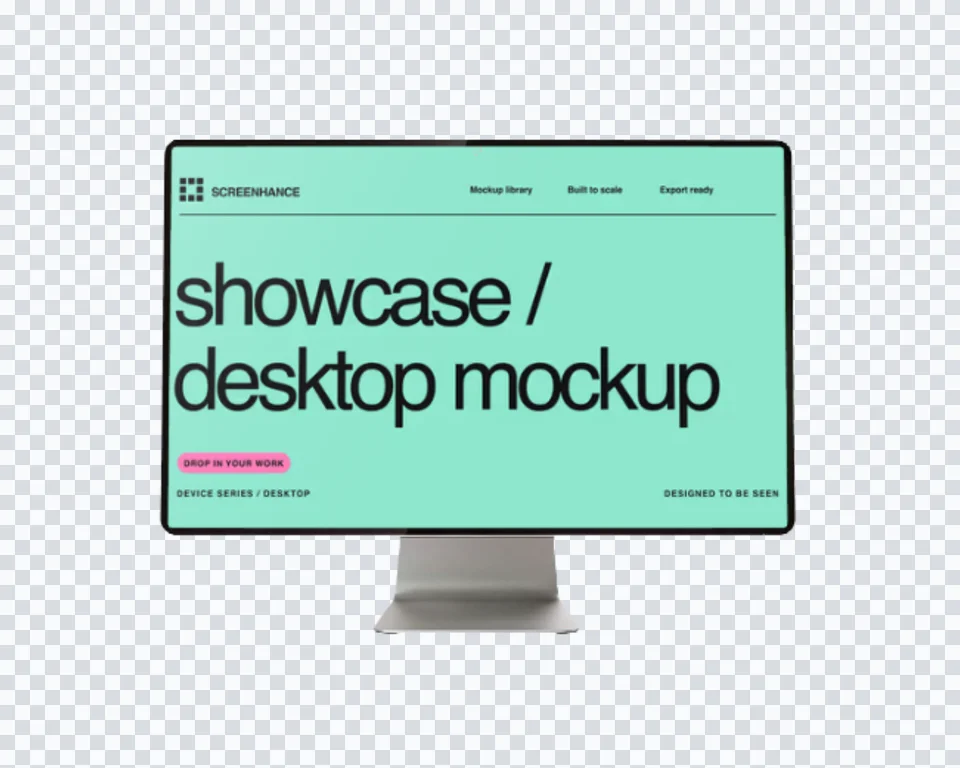
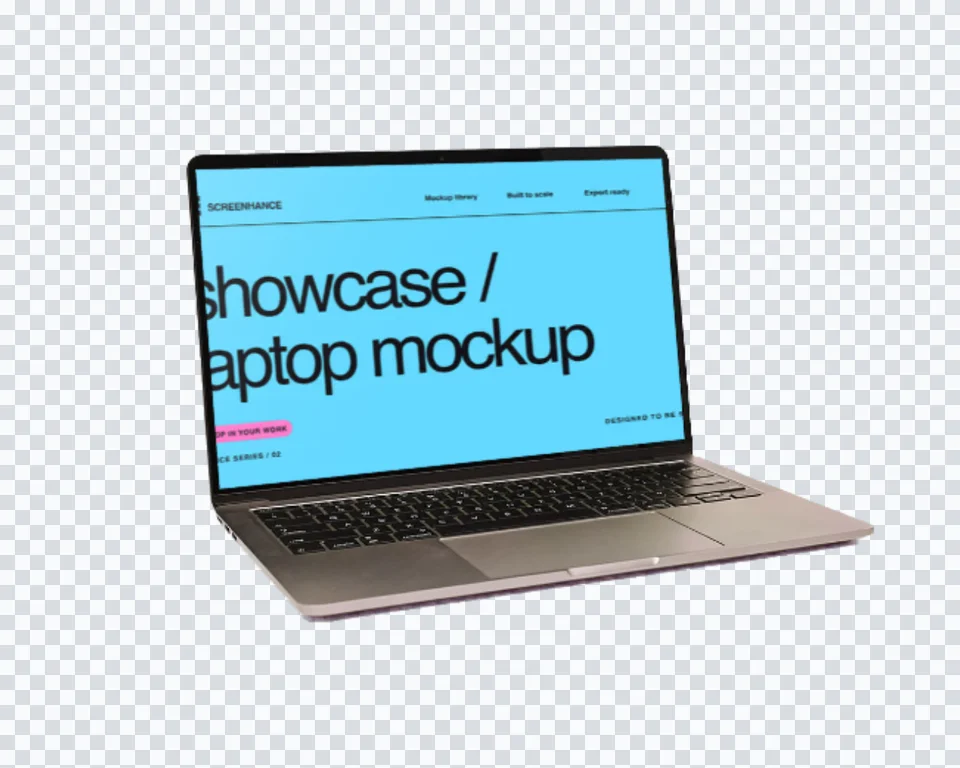
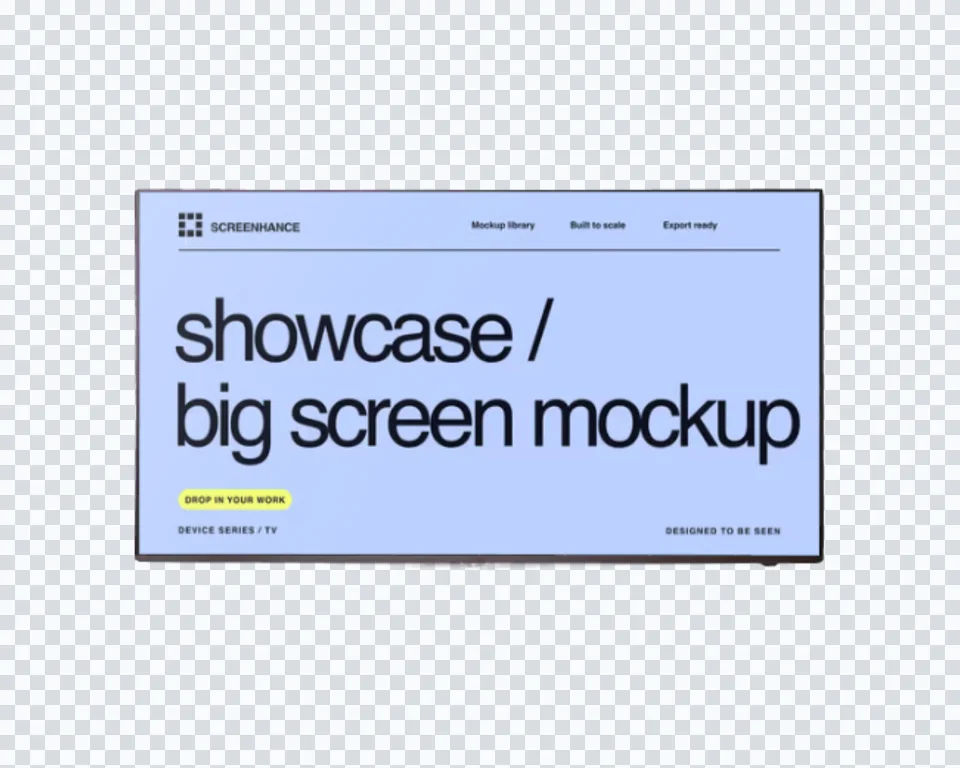
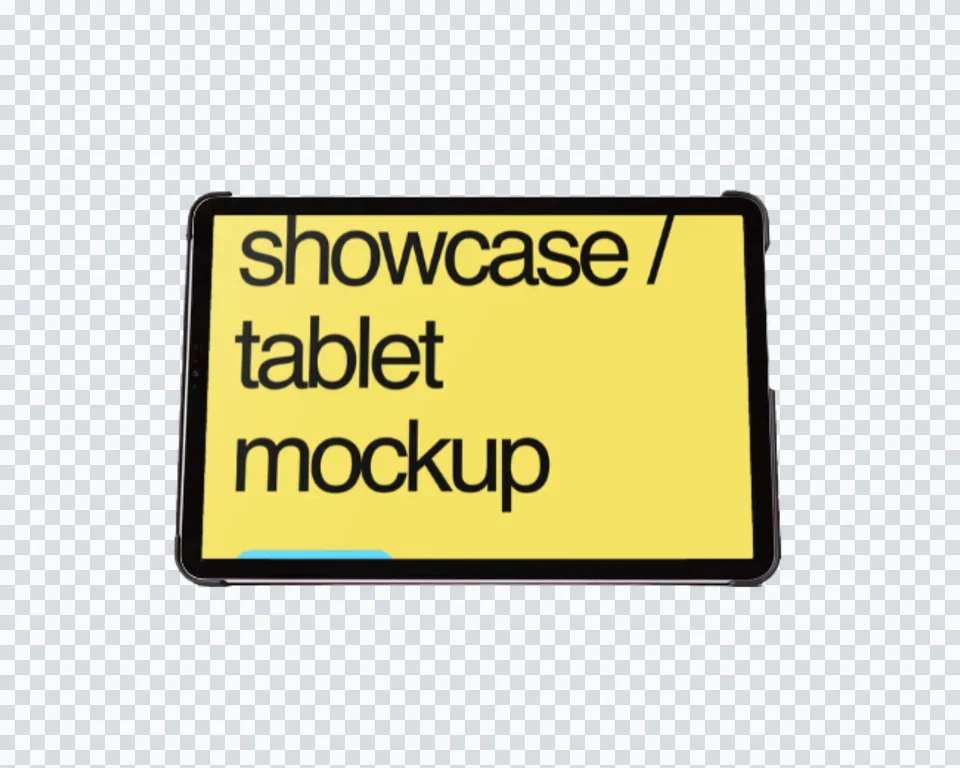
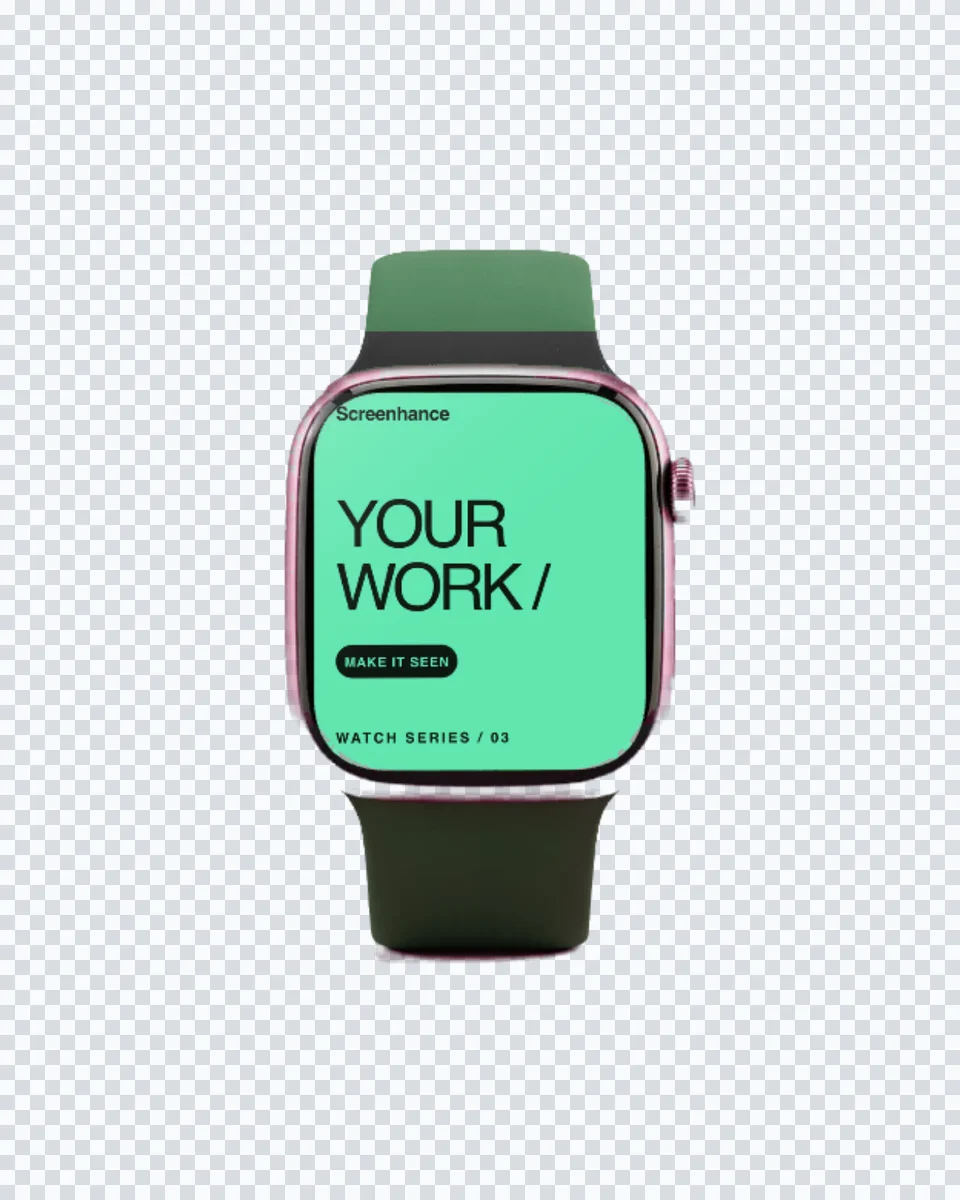
Solo devices
Phones, tablets, laptops, monitors, watches and TVs without a baked backdrop.
Online mockup maker · No PSD
Start with a no-background device or product cutout, add your design, then export a transparent PNG that is ready for a landing page, deck or social post.
Loved by 3,000+ creators
Search and filter the complete matching library, then page through every result without overloading your browser.
Phones, tablets, laptops, monitors, watches and TVs without a baked backdrop.
Human context and merchandise cutouts with the surrounding scene removed.
Export only the mockup, then place it over any page or campaign background.
Open a no-background mockup, add your artwork, choose PNG in Export and turn on Transparent background.
The library includes no-background phones, hands, tablets, laptops, monitors, TVs, watches, apparel and several print products. The checkerboard thumbnail makes them easy to spot.
No. Screenhance runs in the browser. Pick a scene, replace the placeholder with your artwork and export from the same editor.
Yes. Upload a PNG, JPEG or WebP. Screenhance crops it to the photographed print area without stretching the design.
Image exports are available as PNG, JPEG and WebP. Higher resolutions and watermark-free exports depend on your plan or Launch Pass.
Try the same screenshot in another device, frame, or scene.
Put an interface or creative on a photorealistic television
Start creatingTransform plain screenshots into beautiful mockups
Start creatingFree online mockup generator for all devices
Start creatingRealistic and minimal device frames
Start creatingCreate stunning iPhone device mockups
Start creatingShowcase apps in iPad Pro and Air frames
Start creatingChoose a scene, add your real artwork and export a presentation-ready image.
Start free