
%2FOlivia%20Rhye.webp&w=64&q=75)
%2FPhoenix%20Baker.webp&w=64&q=75)
%2FLana%20Steiner.webp&w=64&q=75)
%2FDemi%20Wilkinson.webp&w=64&q=75)
%2FDrew%20Cano.webp&w=64&q=75)
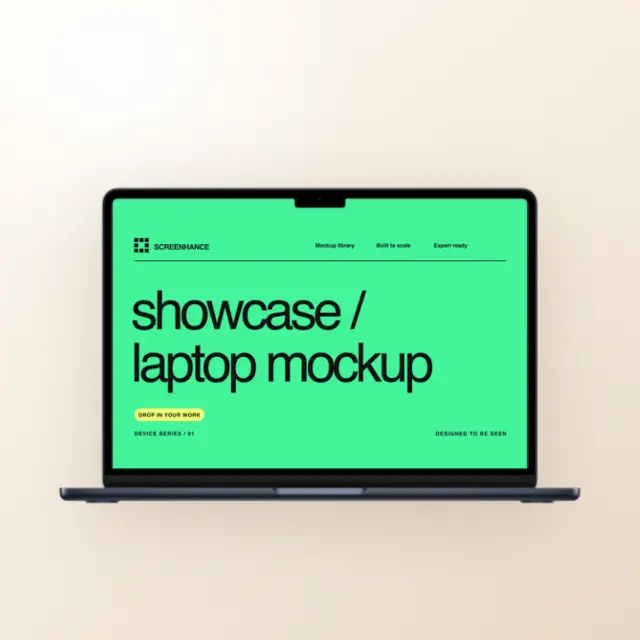
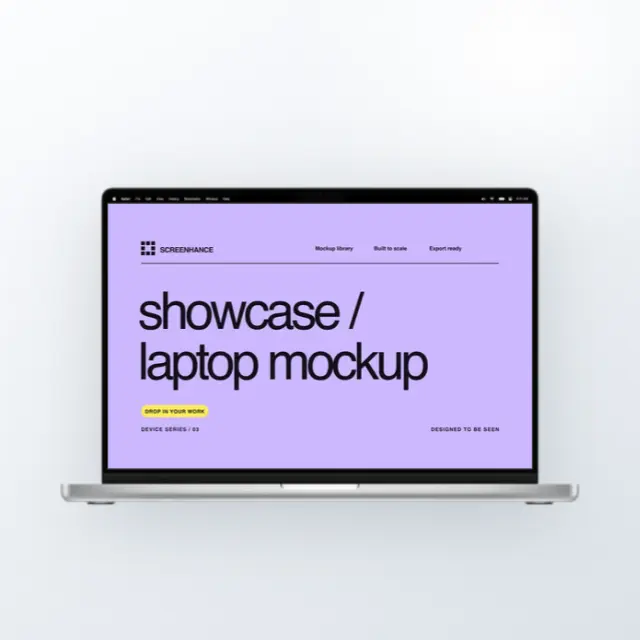
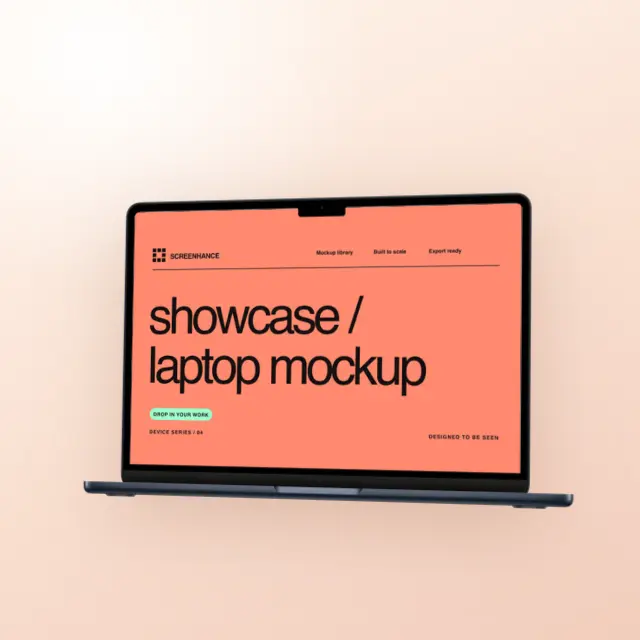
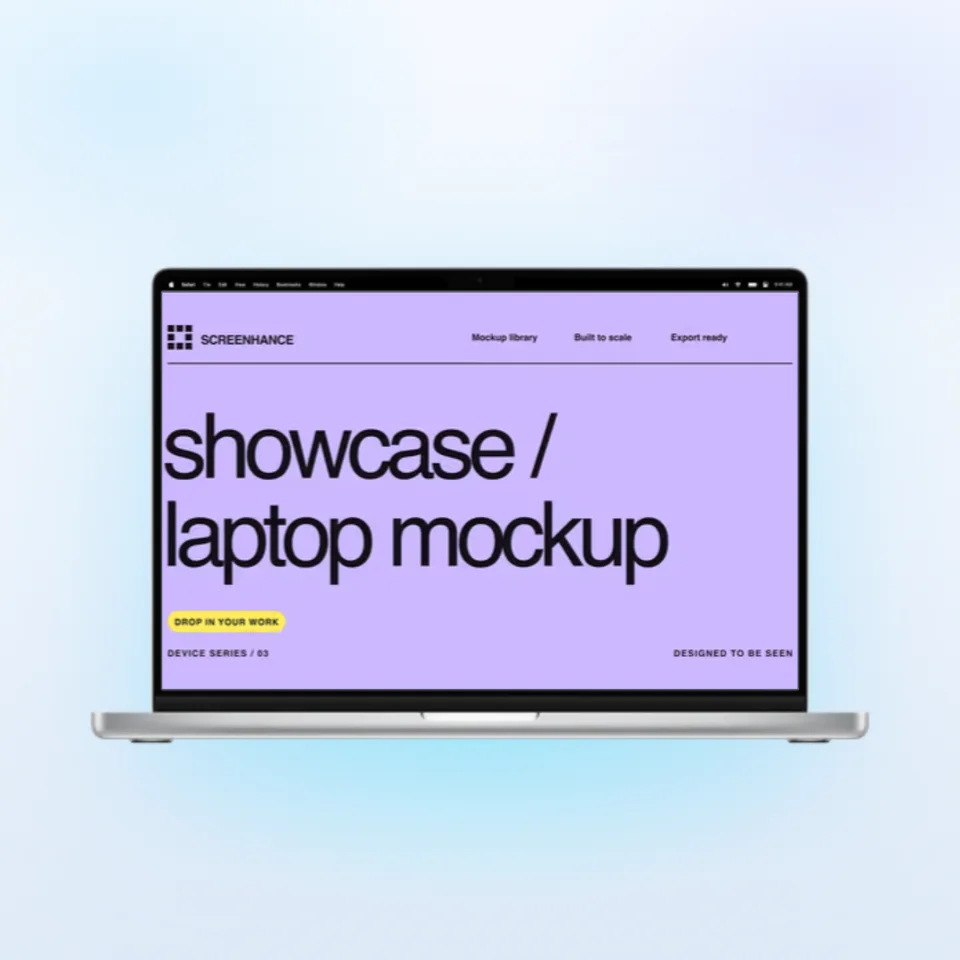
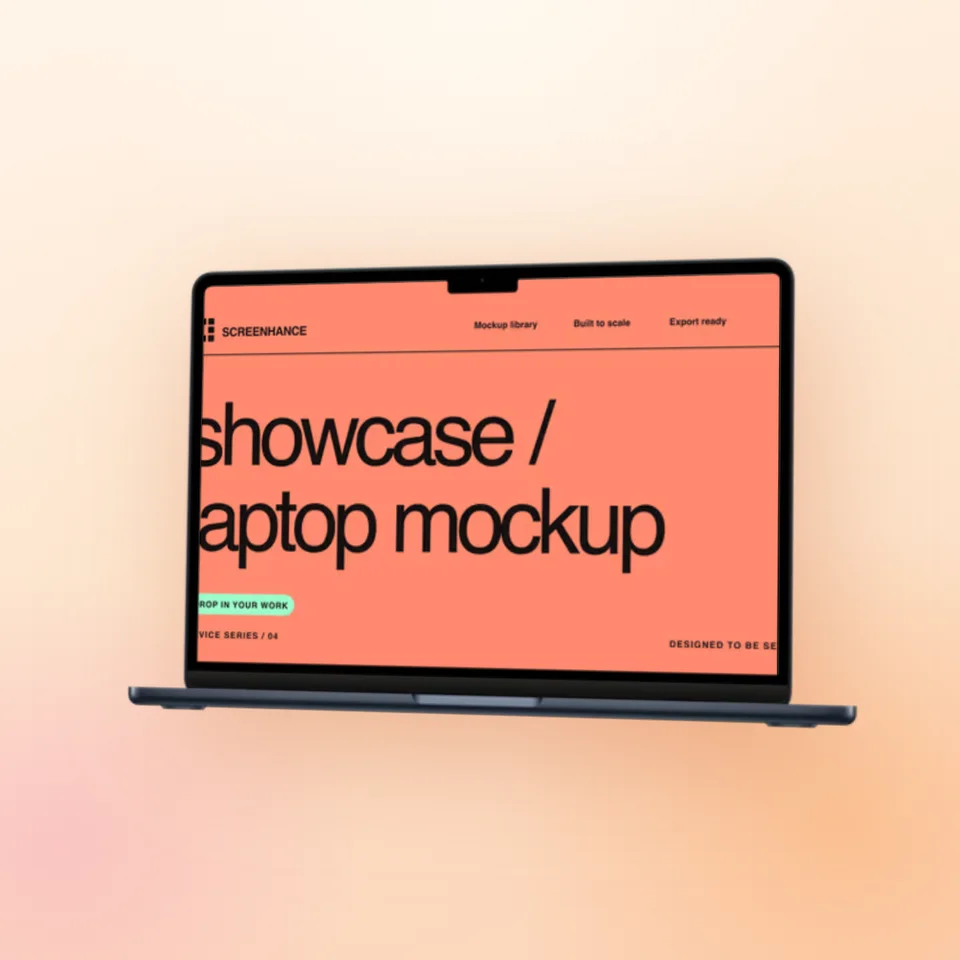
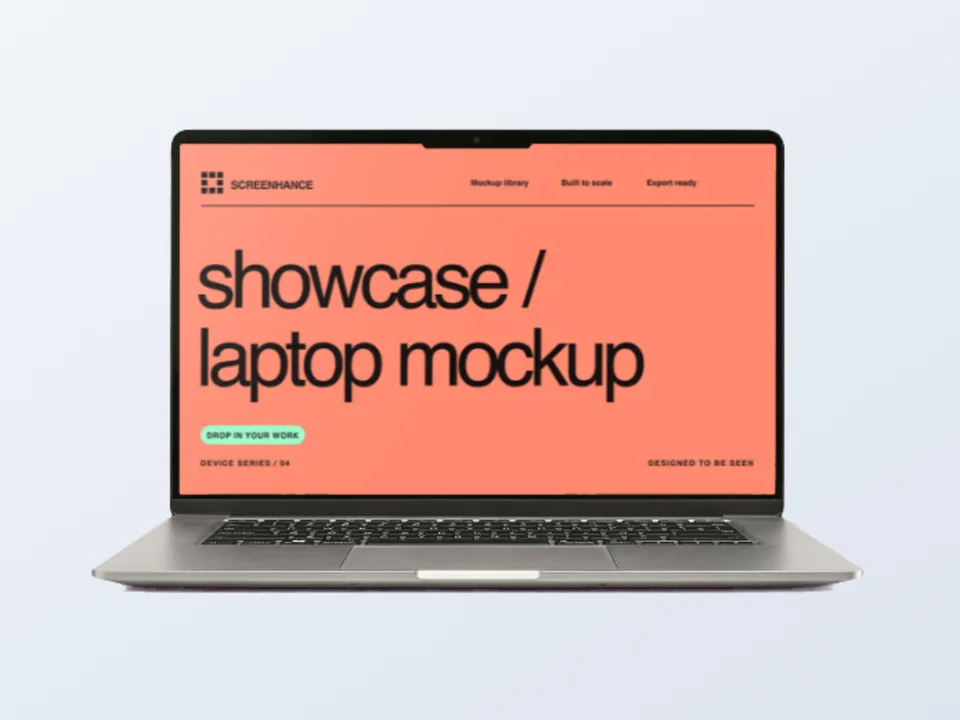
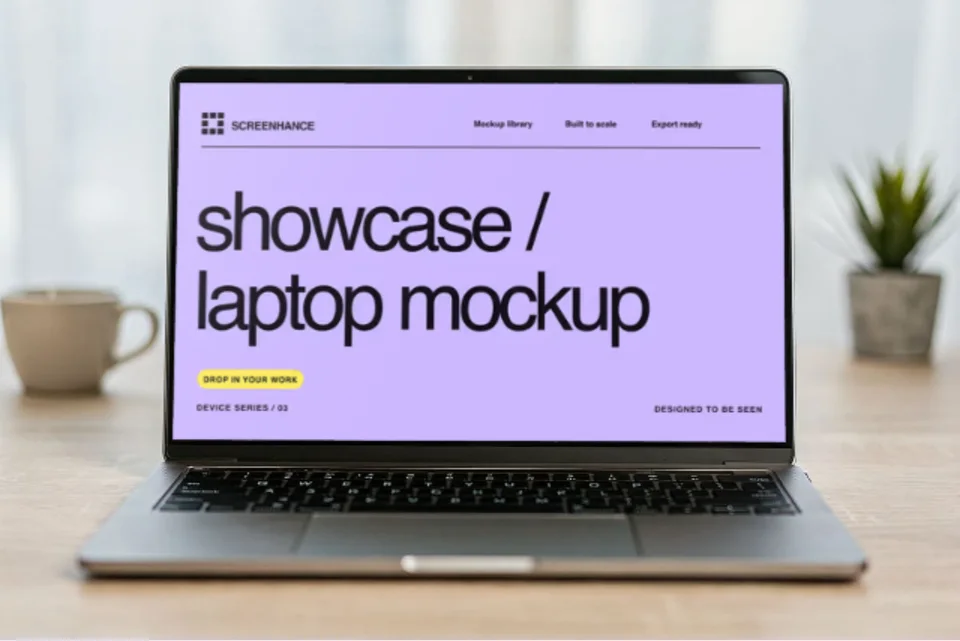
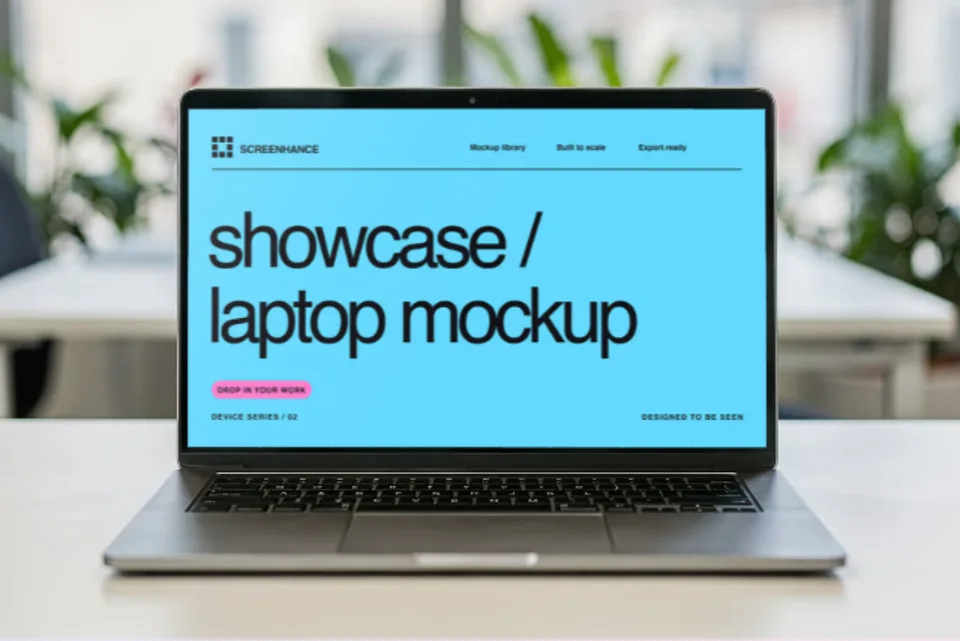

MacBook Pro · Onyx Opening
A midnight MacBook opens, holds its screen, then closes in one connected, seamless studio film.
Use motion templatePut a website, SaaS app, or dashboard screenshot inside a MacBook Air 13-inch or MacBook Pro 16-inch frame. Export a static image or animated GIF or video mockups for Product Hunt openers and landing-page hero loops.
Loved by 3,000+ creators
Search by product, surface, or style. Open any result in the editor.
Open a template to replace the demo image, change the background and finish, and adjust the motion. Each scene keeps one device in focus.
A midnight MacBook opens, holds its screen, then closes in one connected, seamless studio film.
Use motion template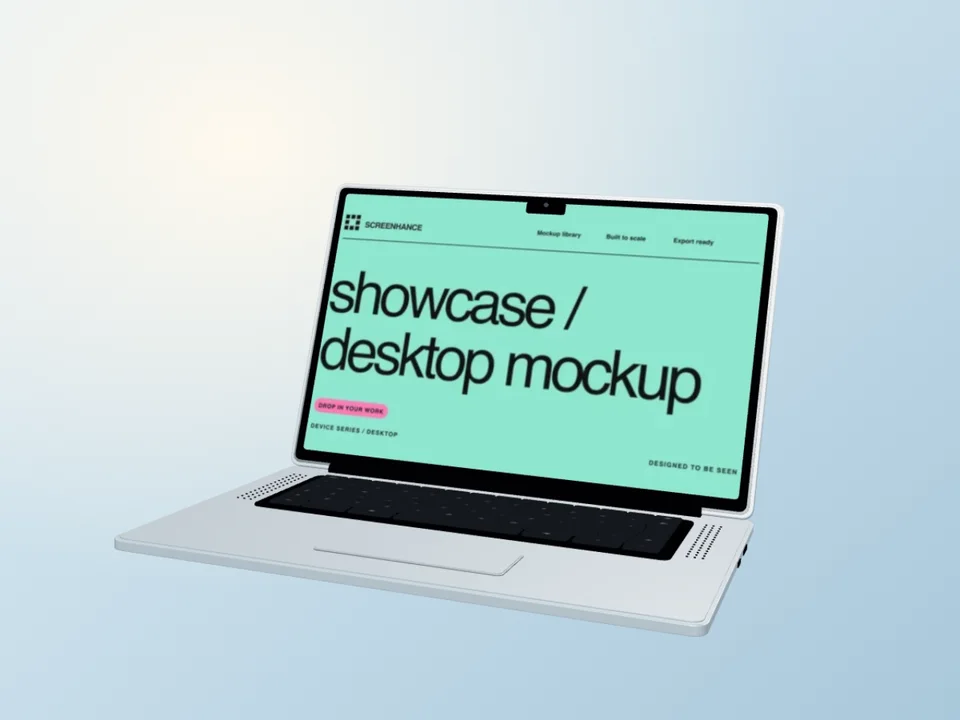
A sky-blue Air glides through a gentle arc, showing the slim edge, keyboard and your website.
Use motion template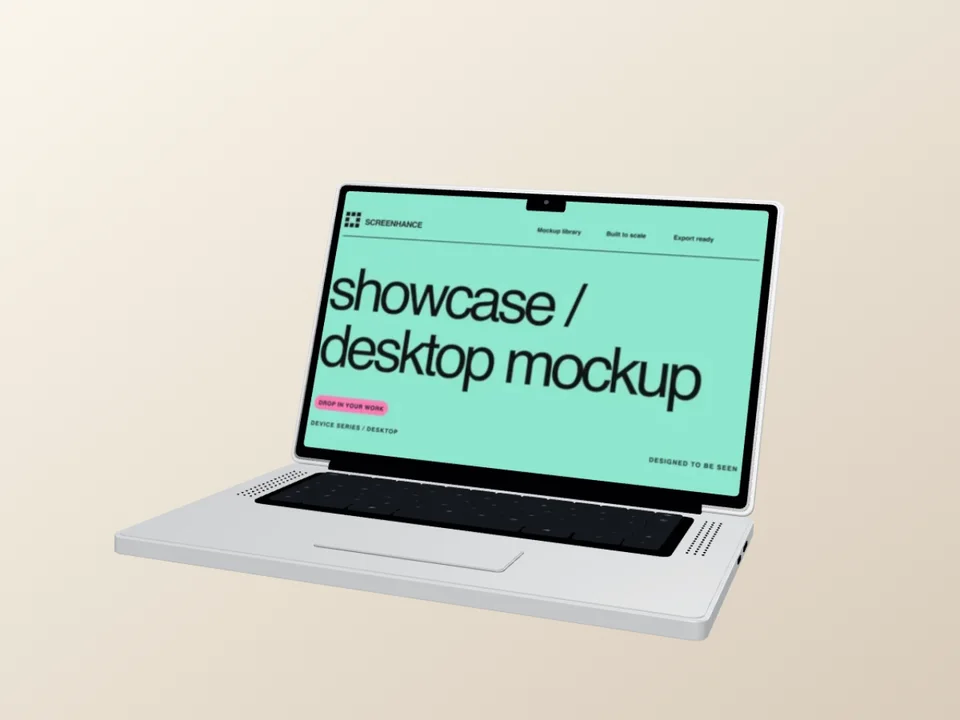
A complete silver hardware turn, with deliberate holds on the screen and the back of the lid.
Use motion template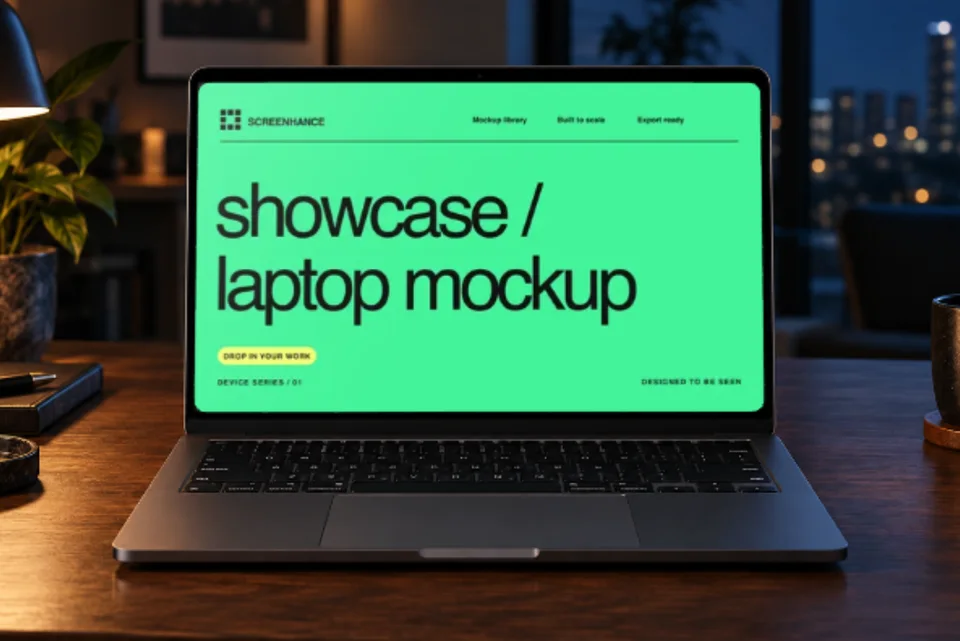
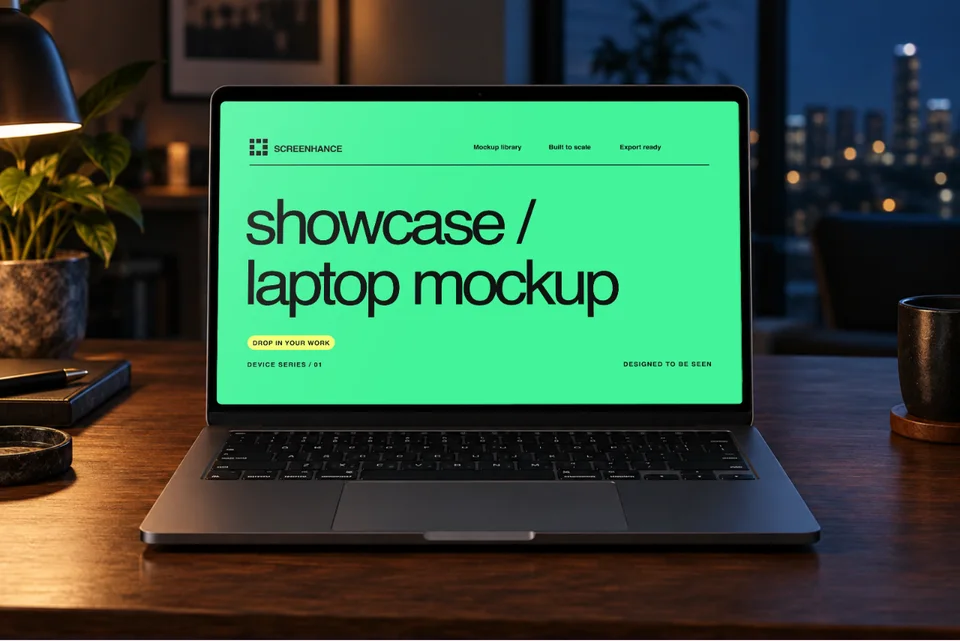
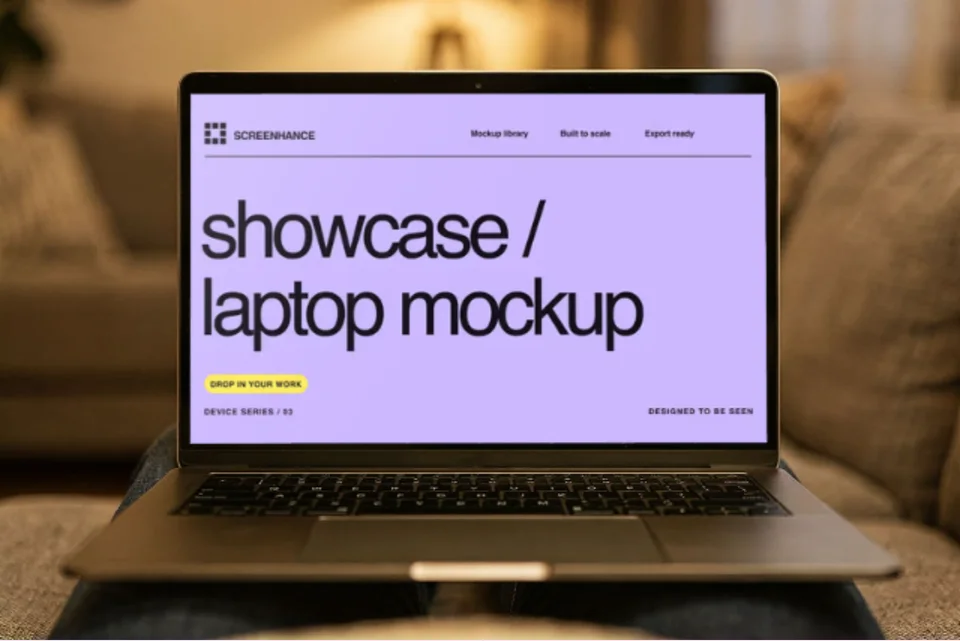
Warm lamplight, midnight-blue windows and a gentle camera drift around your website. One editable screen in a realistic desk scene.
Use motion template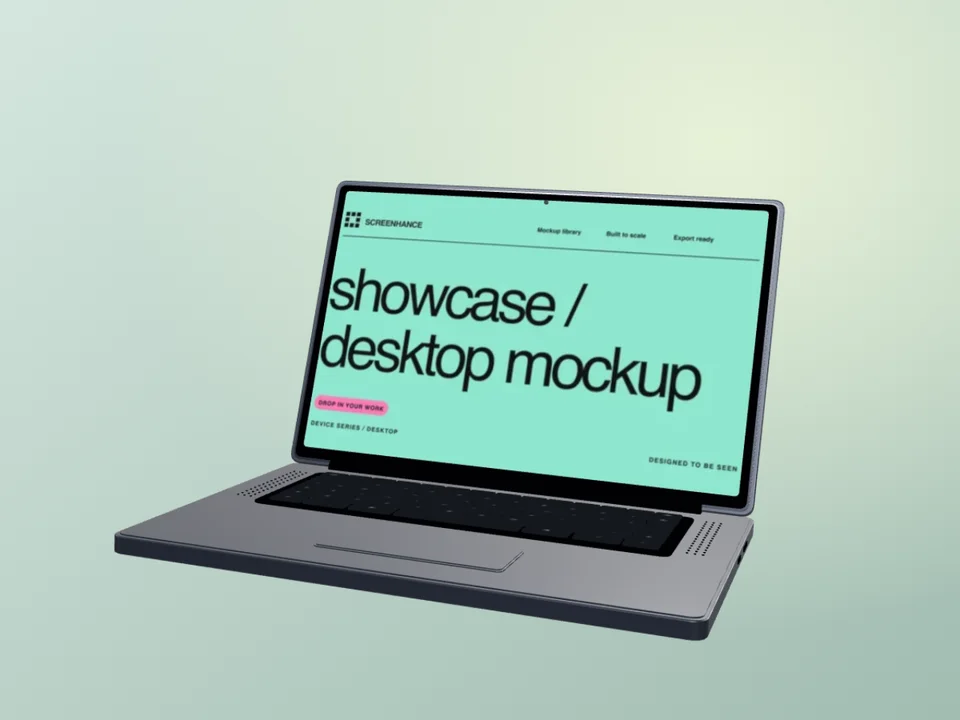
A graphite laptop moves from a three-quarter view into a centered, readable screen close-up.
Use motion template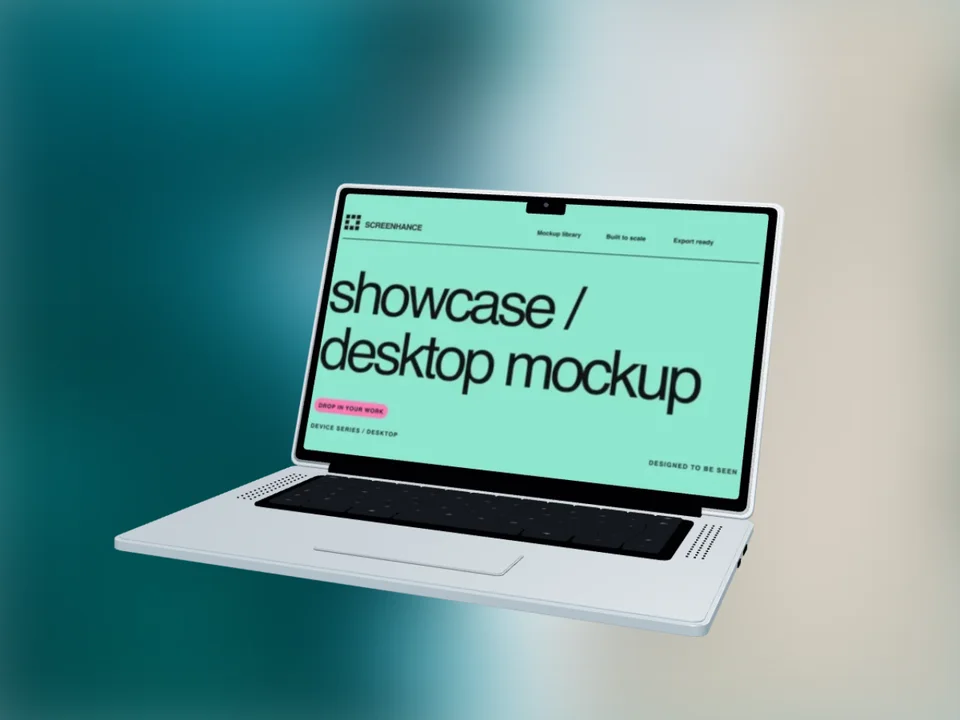
A slow overhead camera sweep above a sky-blue Air, set against softly blurred sea and sand.
Use motion templateOpen a specific scene, see practical composition guidance, then replace the example with your real design in the editor.
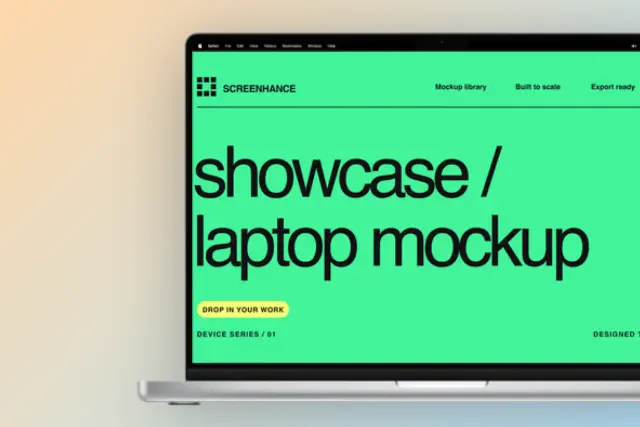
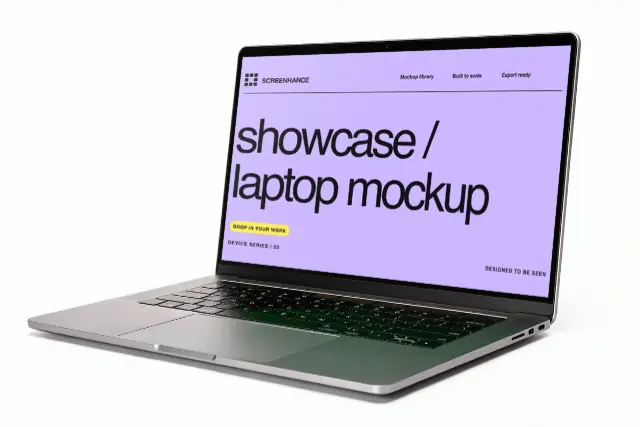
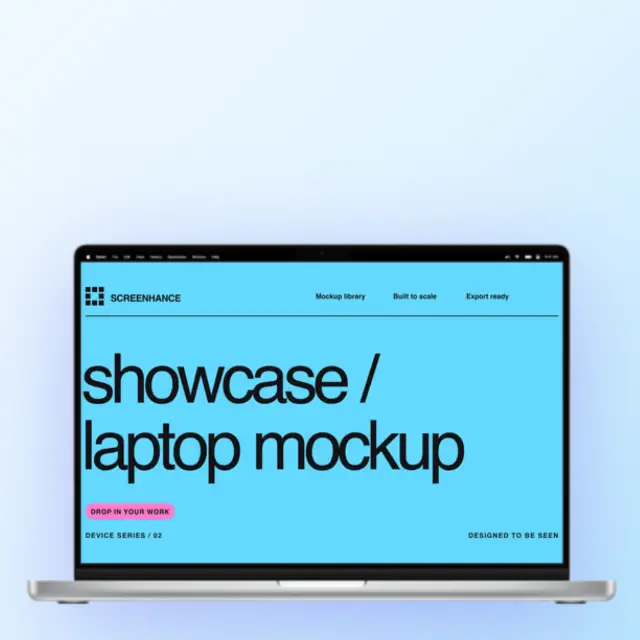
Front-facing, hero, and left or right tilted frame options.
A thinner laptop frame with front, hero, and tilted views.
Keeps the interface easiest to inspect and annotate.
Adds hardware depth while keeping most of the screen visible.
Leaves room for copy or supporting artwork on the right.
Leaves room for copy or supporting artwork on the left.
Show your product in action on your website hero section.
Stand out with polished visuals on launch day.
Share updates with professional-looking screenshots.
Impress stakeholders with realistic product mockups.
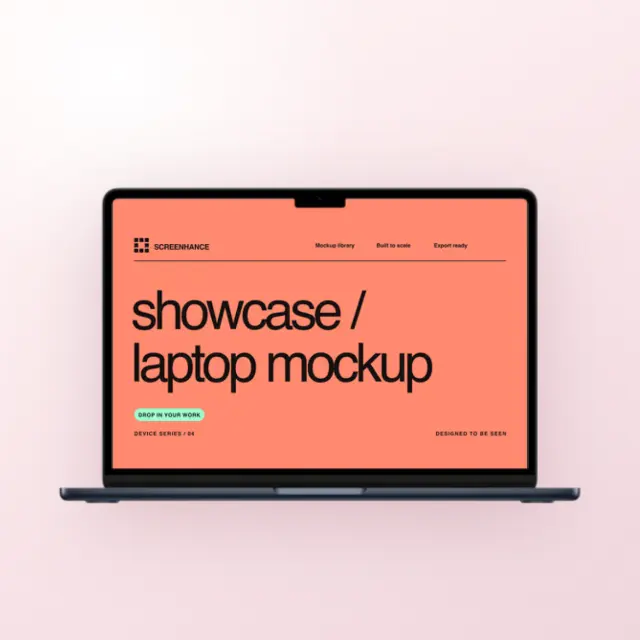
Screenhance currently includes MacBook Air 13-inch and MacBook Pro 16-inch frames. The Air has a thinner, lighter surround; the Pro gives a wide dashboard more room inside a darker frame. Neither model implies a particular audience or conversion result.
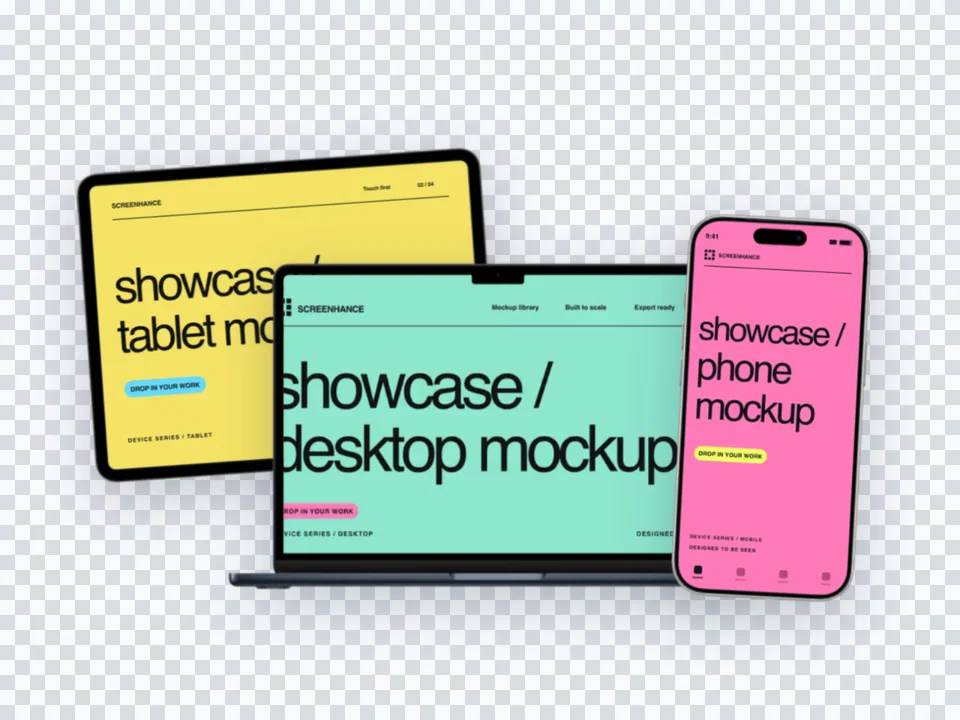
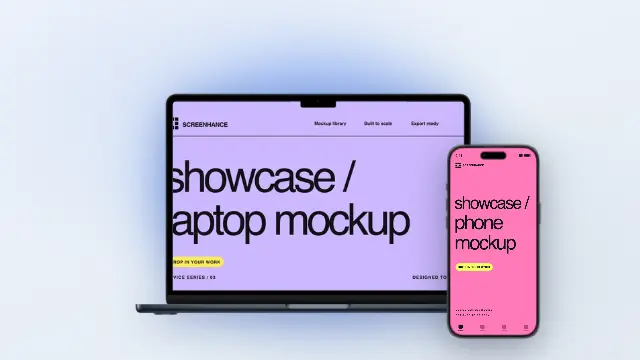
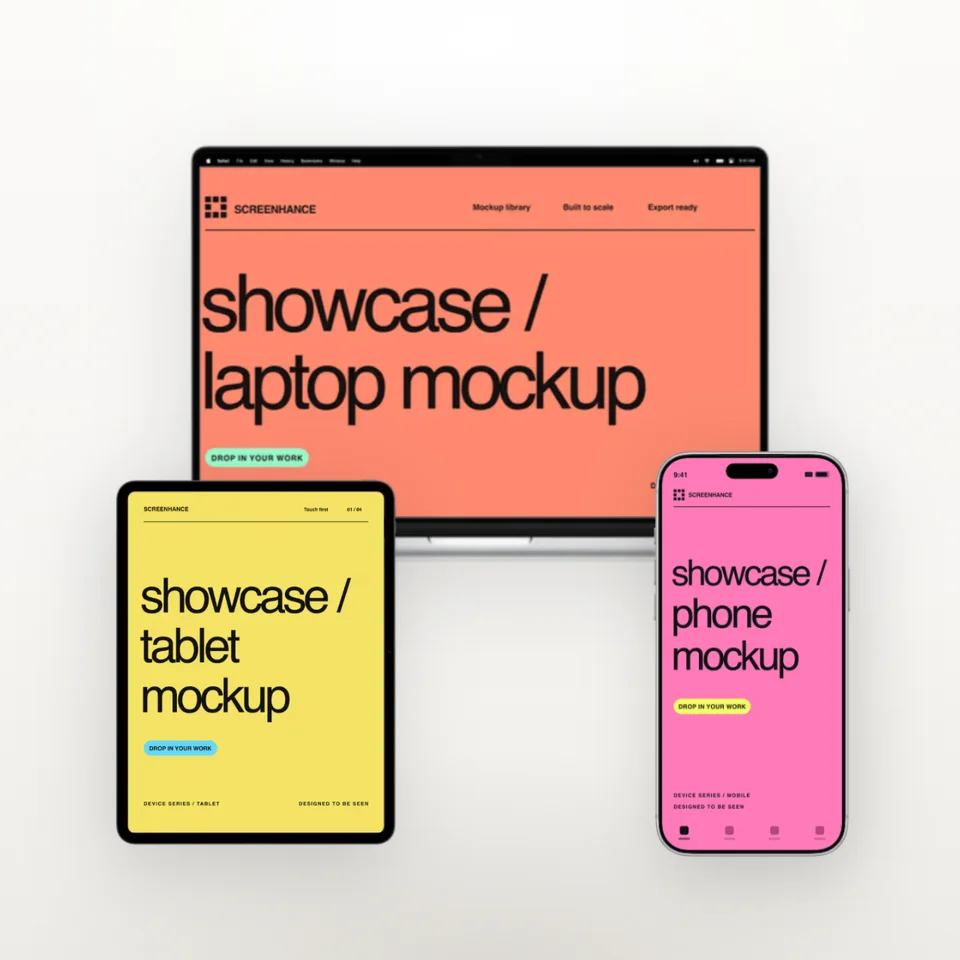
Choose by composition: keep important product details readable, match the surrounding campaign, and check the final crop. For a cross-device view, the iPhone mockup generator can add a phone screen without changing the laptop source.
Start with a clean source capture. Remove private information and obviously unfinished test data, choose a viewport that fits the workflow, and use the crop controls instead of stretching a 16:9 screenshot into a different screen shape. Preview small labels at the size the mockup will actually be shown.
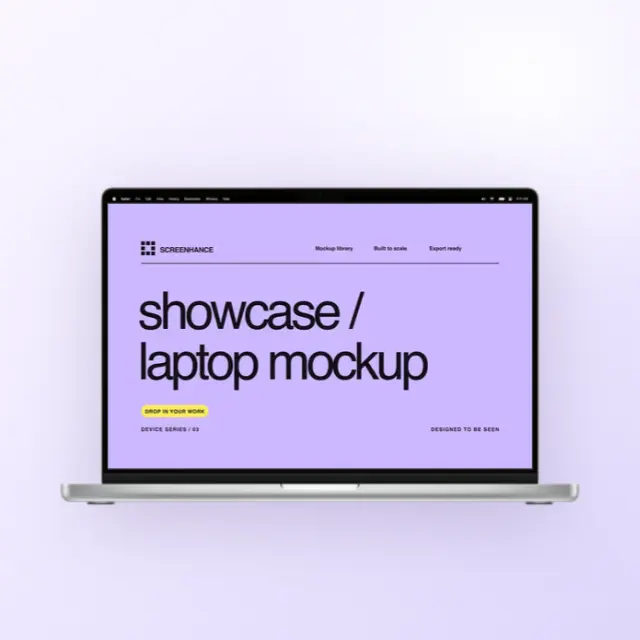
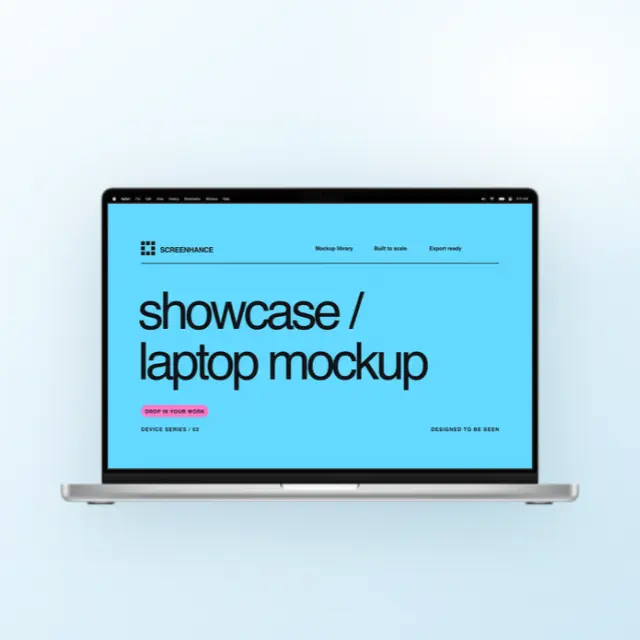
A front view keeps the interface easiest to inspect. An angled or cropped laptop can add depth for a hero or social card, but it also reduces the visible screen area. The landing page mockup generator includes wider compositions when you need room for a headline beside the device.
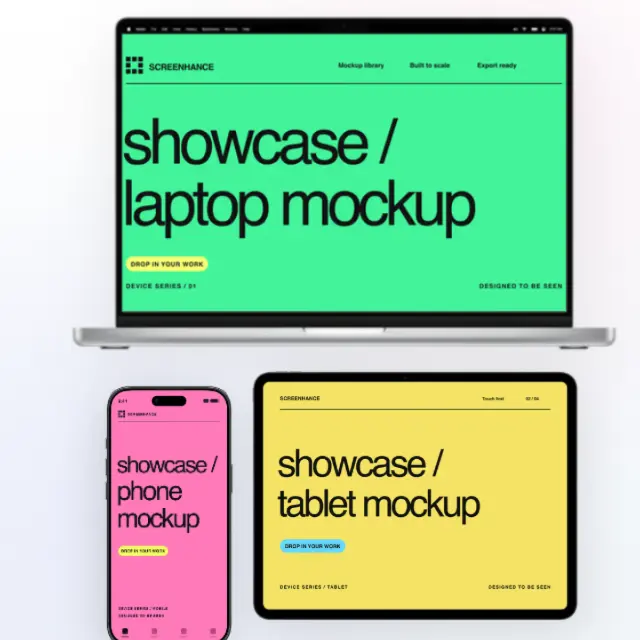
Screenhance includes photorealistic MacBook Pro 16-inch and MacBook Air 13-inch frames, each with front, hero and tilted angles, plus a set of clean drawn laptop frames when you want the screen to carry the image rather than the hardware.
Yes. This works as a free laptop mockup generator: drop in any website, app, or dashboard screenshot and place it in a realistic MacBook Pro or Air frame. The MacBook frames double as clean, current laptop mockups for landing pages, pitch decks, and social posts, and you can export a static PNG or an animated GIF or video.
Yes. A laptop frame can give a web app useful device context on a landing page. Keep the interface large enough to read, provide a good mobile crop, and compare the framed composition with a direct product screenshot for your own page.
Free image exports are 1x and watermarked. The $6 Launch Pass includes ten clean image exports over seven days, and Pro includes unlimited clean exports; both paid options can export static images at up to 3x.
They solve different jobs. Screenhance provides ready-to-edit device frames, scenes, backgrounds, and export controls for product visuals. Figma is broader interface and vector-design software and may be preferable when you need a custom component system or detailed manual layout.
Choose MacBook Air 13-inch for a thinner, lighter frame and MacBook Pro 16-inch when the screenshot benefits from a larger, darker surround. The hardware does not guarantee a marketing result; use the frame that keeps the real interface clear and fits the rest of the campaign.
Capture at or above the rendered size you need and keep text readable after the screenshot is placed inside the frame. There is no universal minimum: a full-width landing-page hero needs more source detail than a small documentation thumbnail.
Use Screenhance's crop controls to fit the screenshot to the visible screen area without stretching it. If the source and frame have different aspect ratios, choose which edges to crop or leave deliberate space rather than distorting the interface.
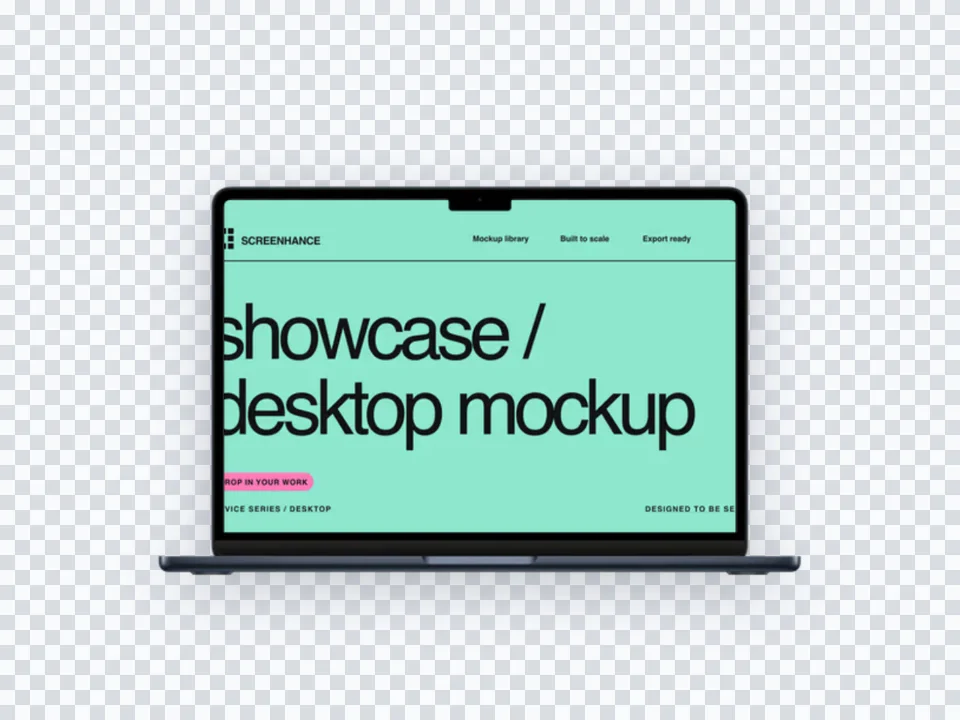
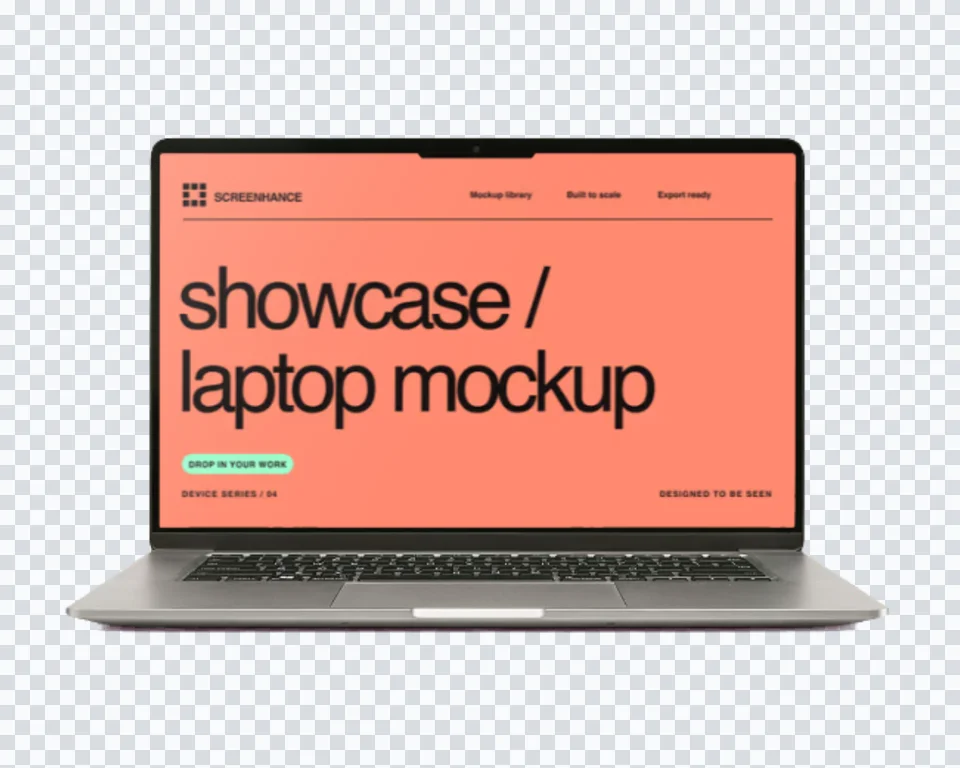
Yes. Toggle the background off and Screenhance exports a transparent PNG of just the MacBook frame with your screenshot inside. Useful when you want to composite the mockup into a custom hero in Figma or hand it to a designer for a deck.
Place the same artwork on another physical product or real-world scene.
Put your card design on real card stock
Start creatingTurn a book cover into a photorealistic 3D mockup
Start creatingYour design on a real product box
Start creatingPut your design or app on a photorealistic billboard
Start creatingNo-background devices, hands, apparel, and print
Start creatingTee, hoodie, cap, and tote cutouts that share one backdrop
Start creatingUpload your screenshot and get a polished MacBook mockup in seconds.