Use Cases
Transform your plain screenshots into stunning product mockups in seconds. Add device frames, beautiful backgrounds, and professional styling without any design skills.
Loved by 2,000+ creators

Pick a template, drop in your screenshot, and export a polished mockup in seconds.
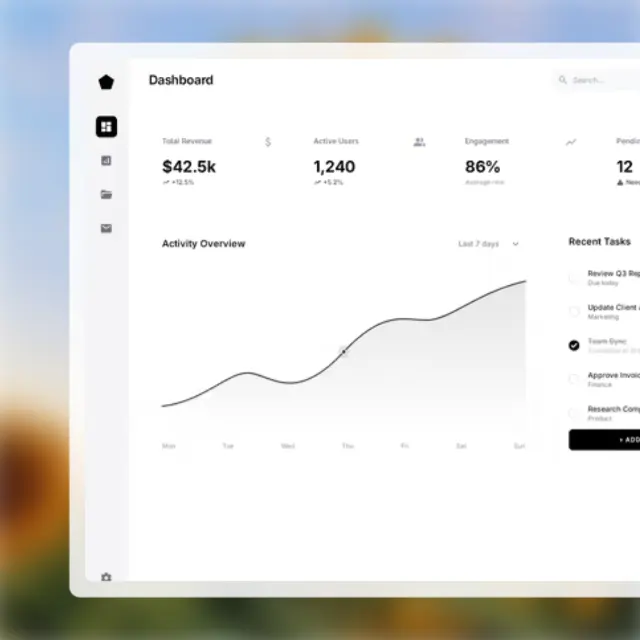
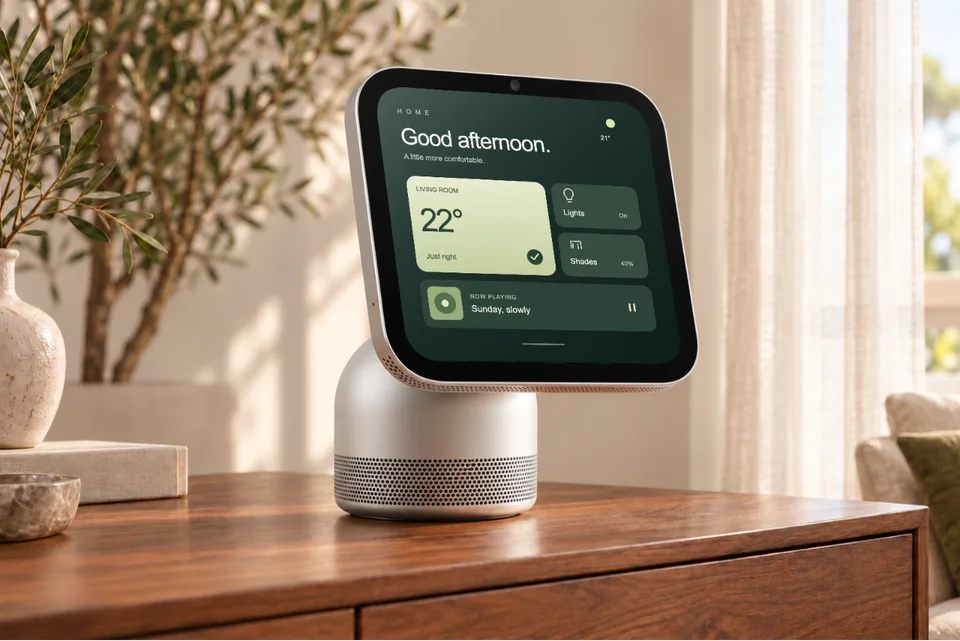
See what's possible. Real outputs from the editor.


Upload your screenshot and get a polished mockup in seconds. No waiting, no complexity.
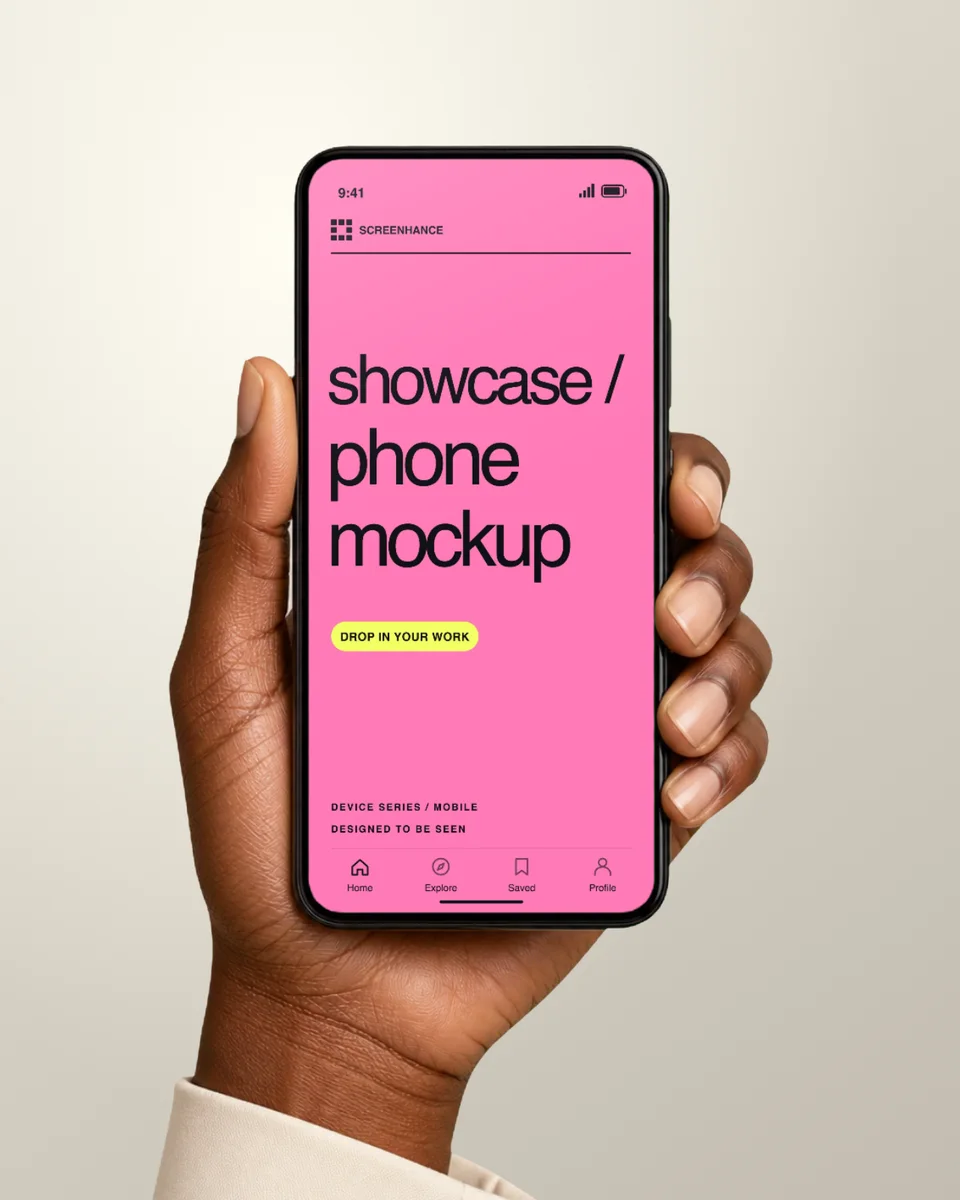
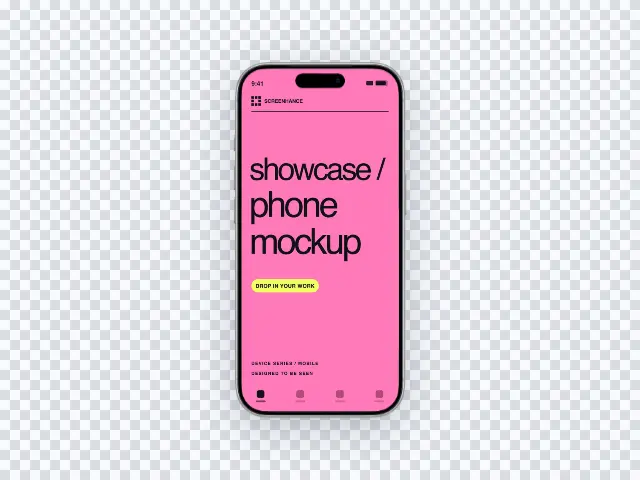
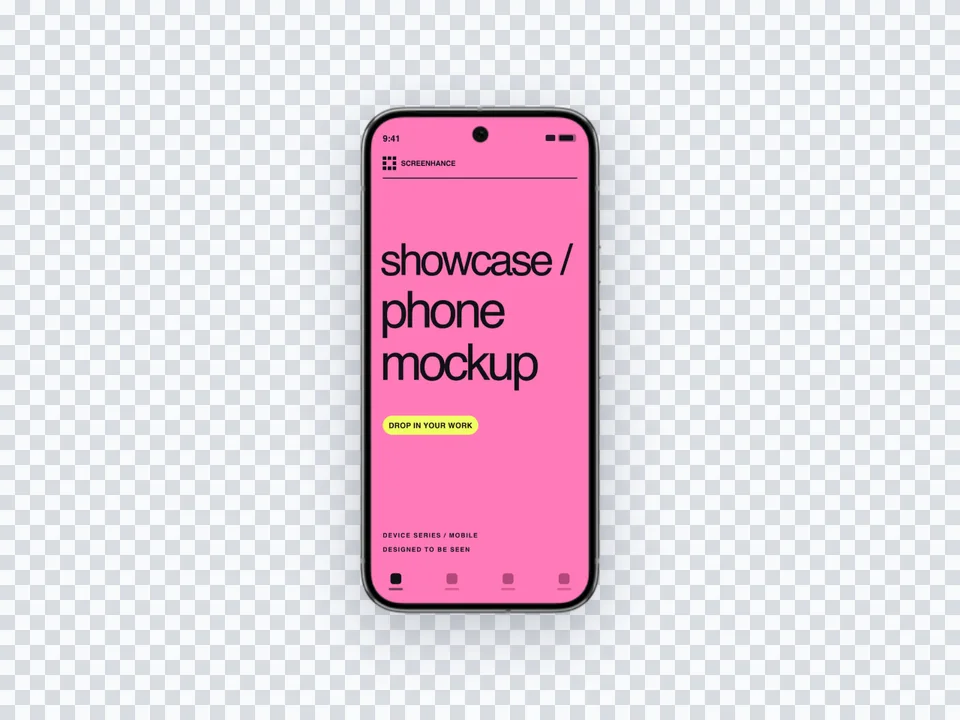
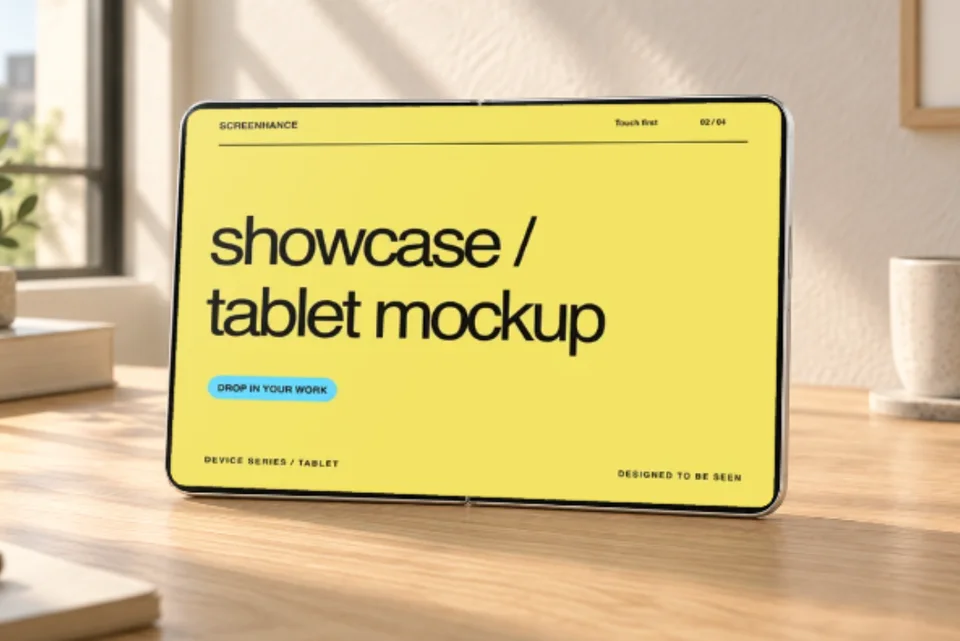
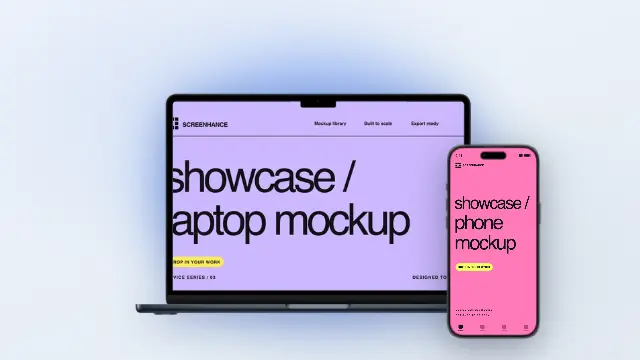
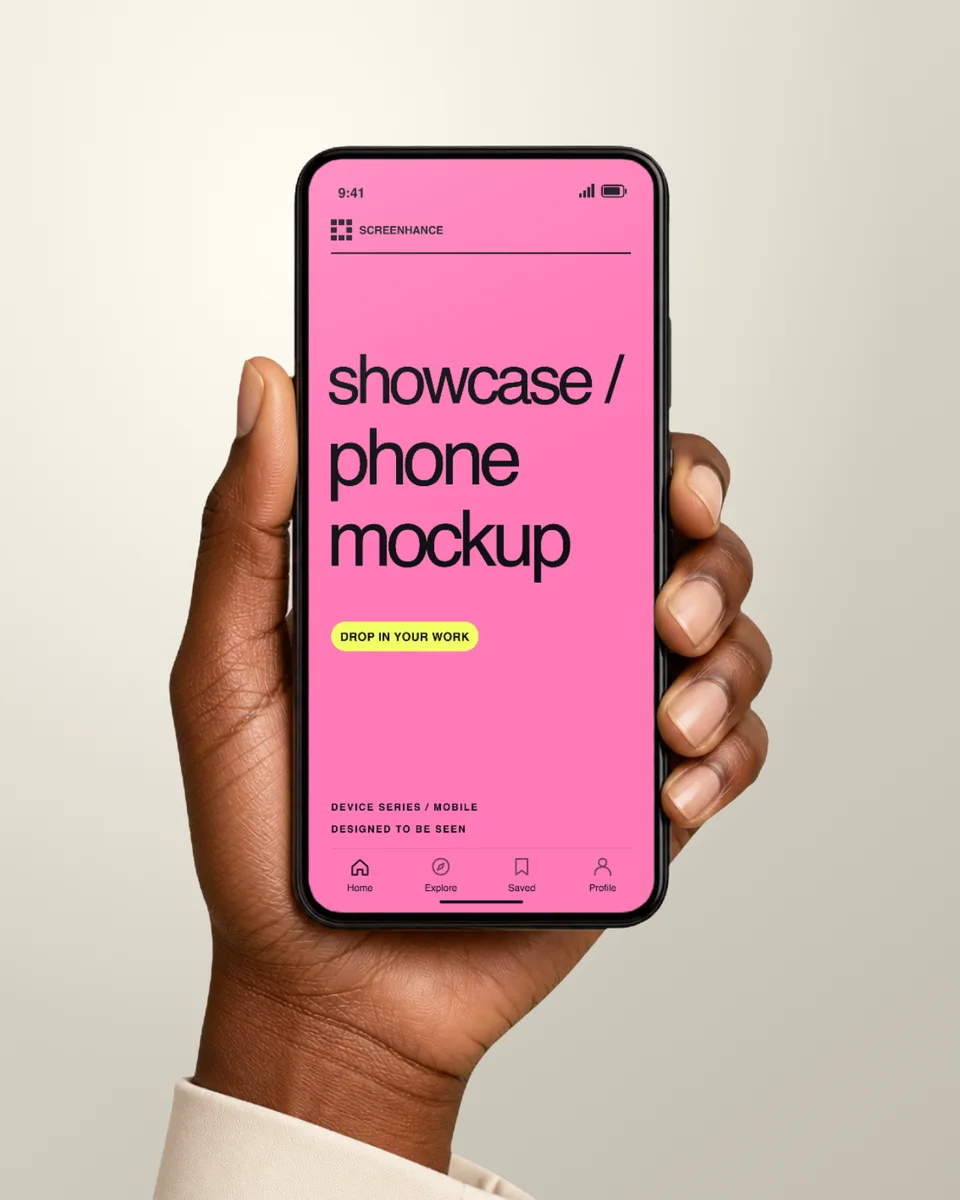
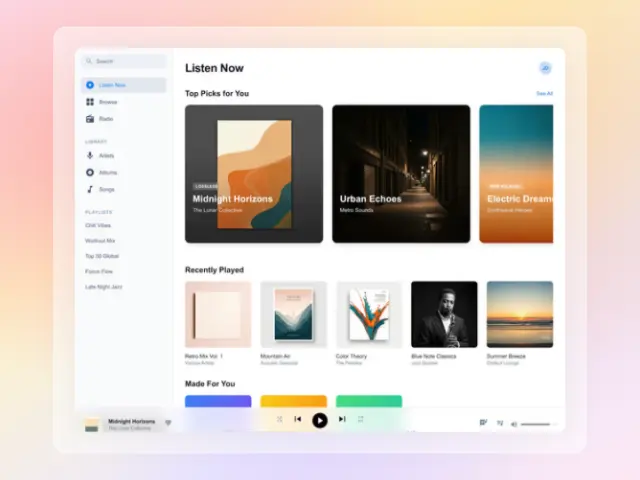
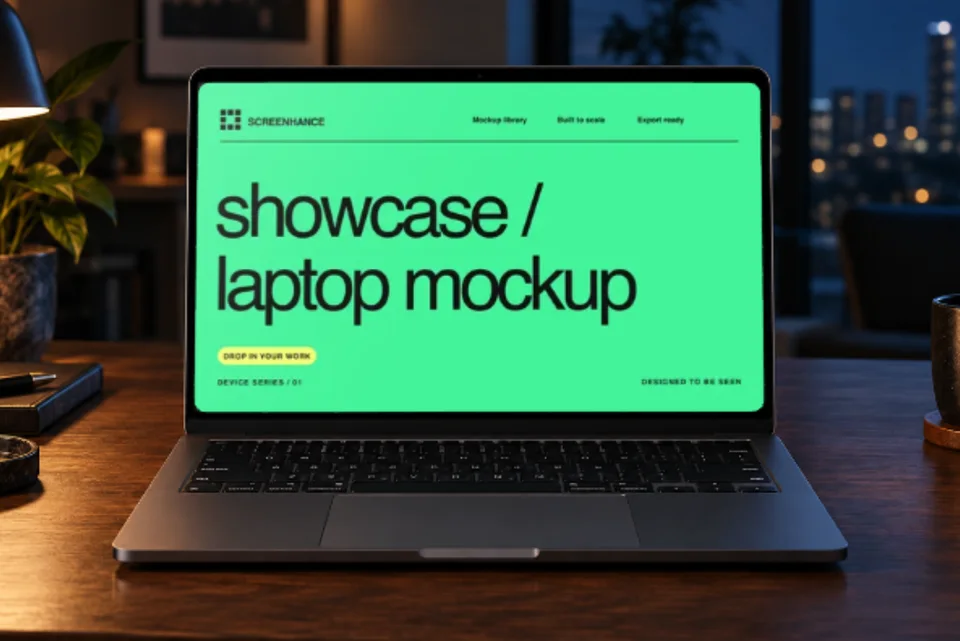
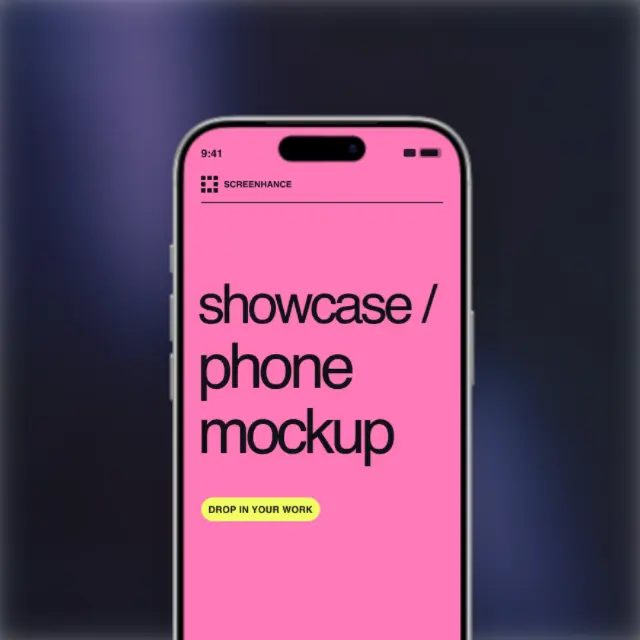
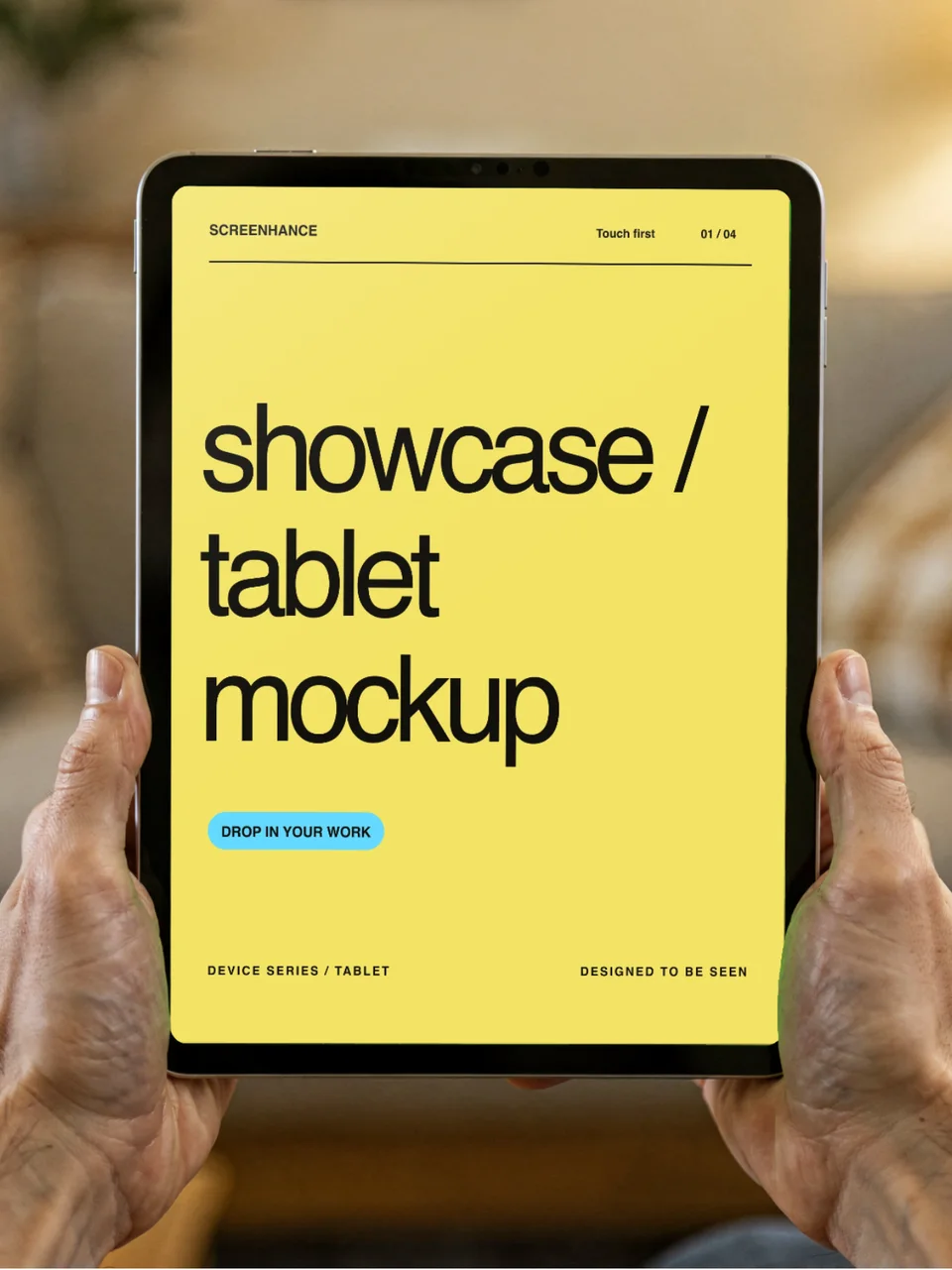
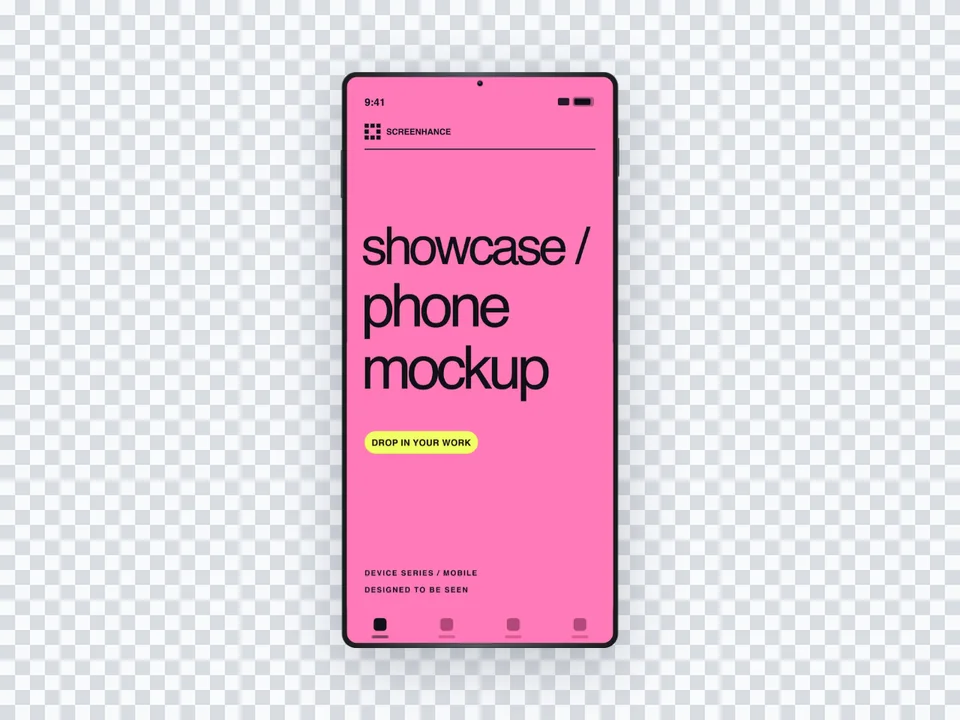
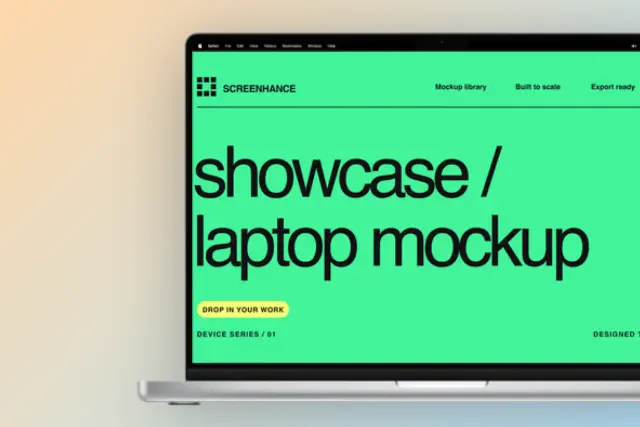
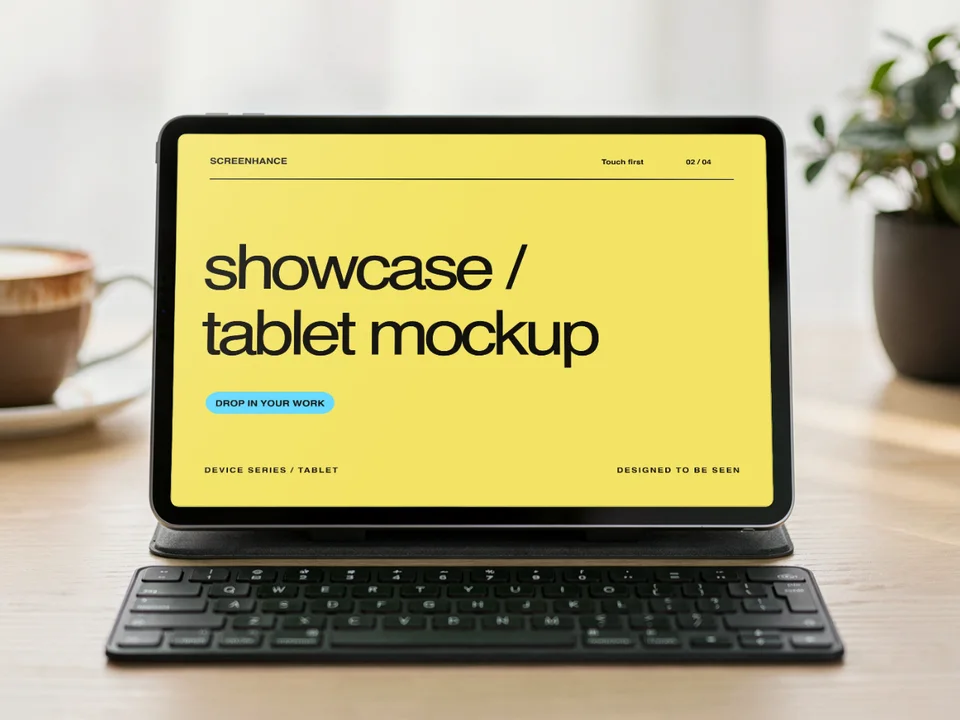
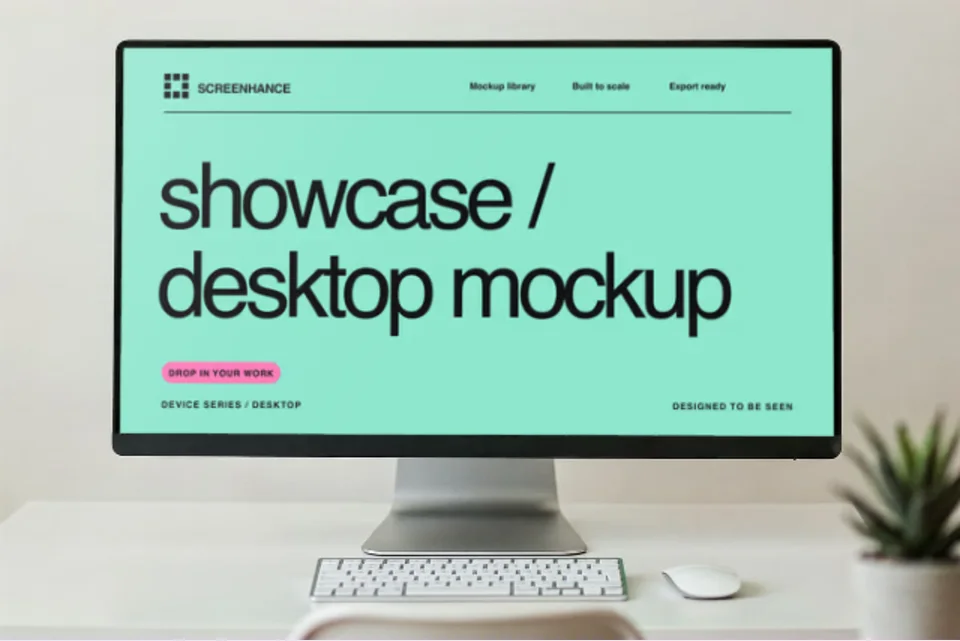
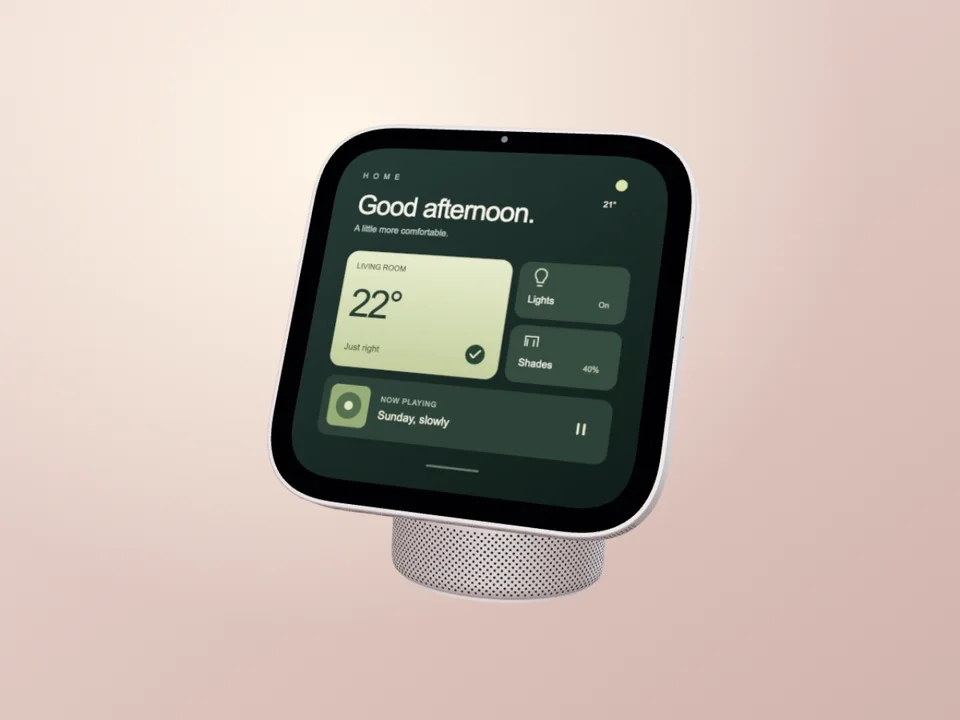
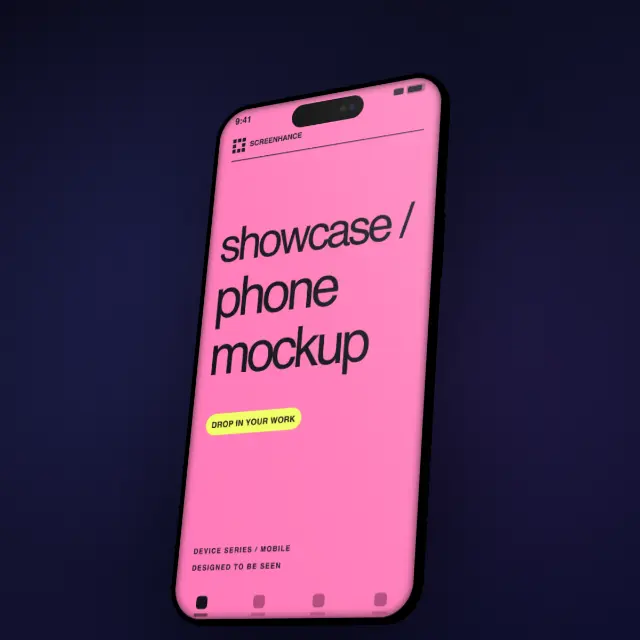
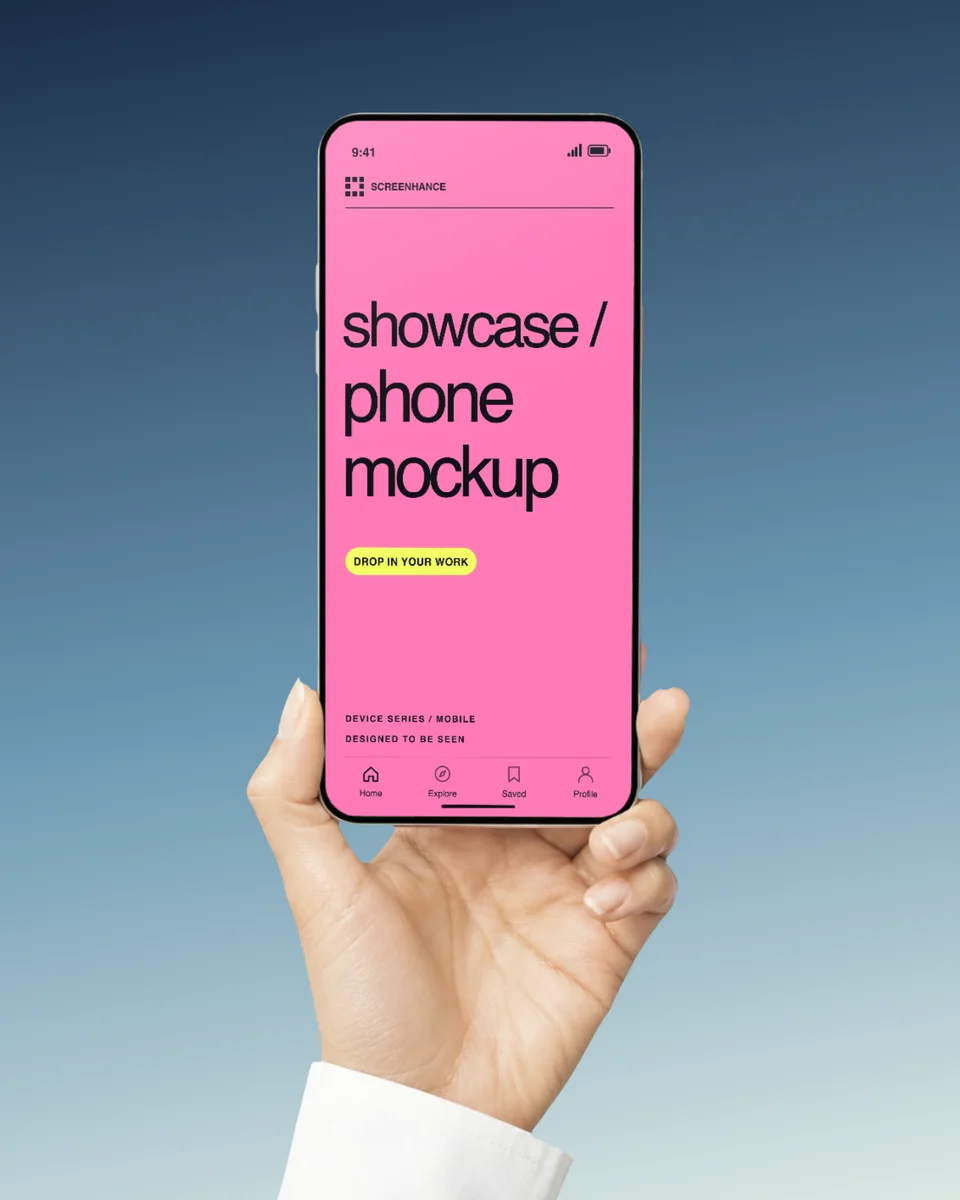
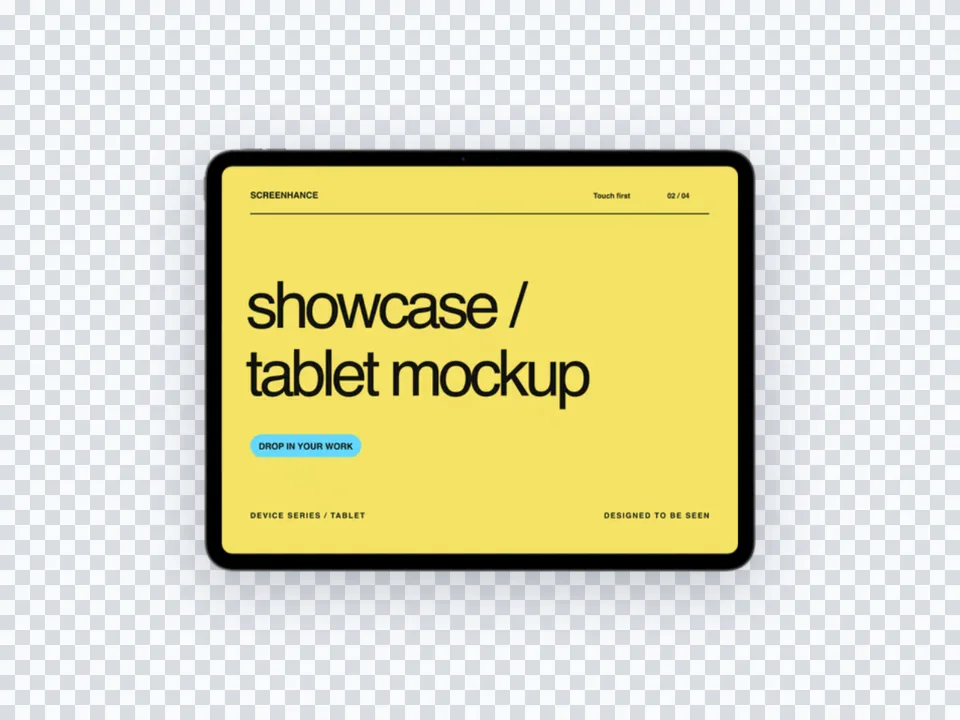
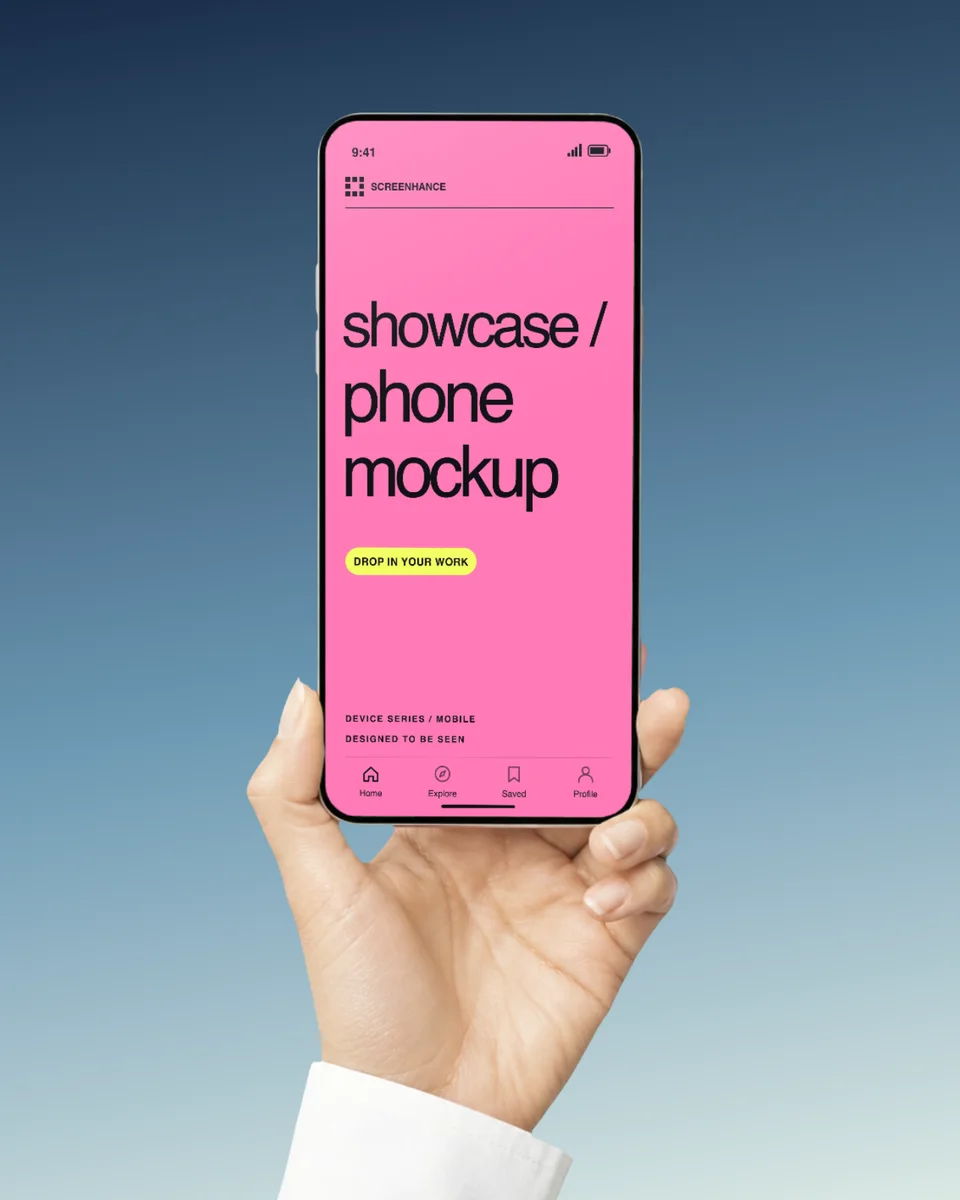
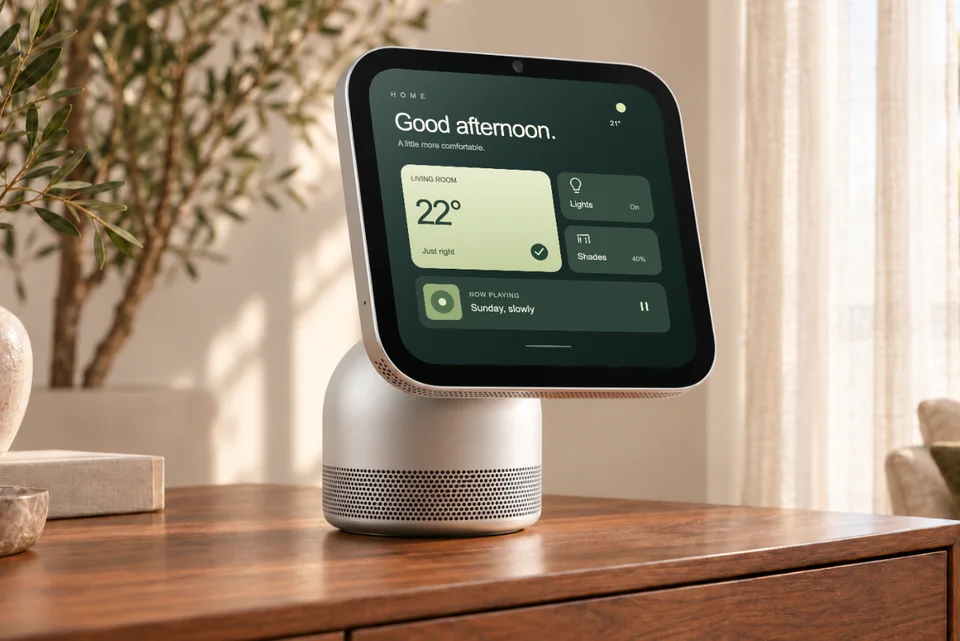
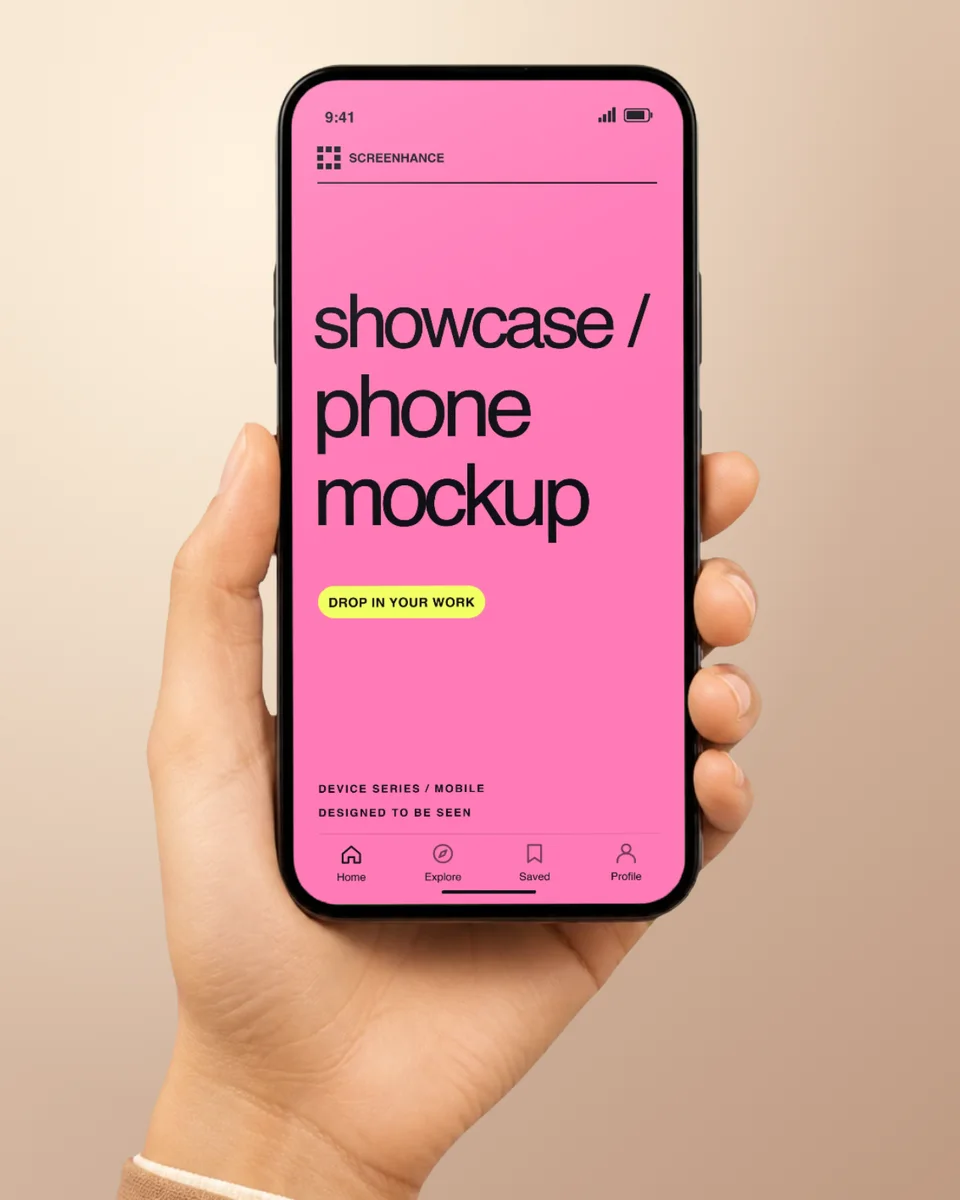
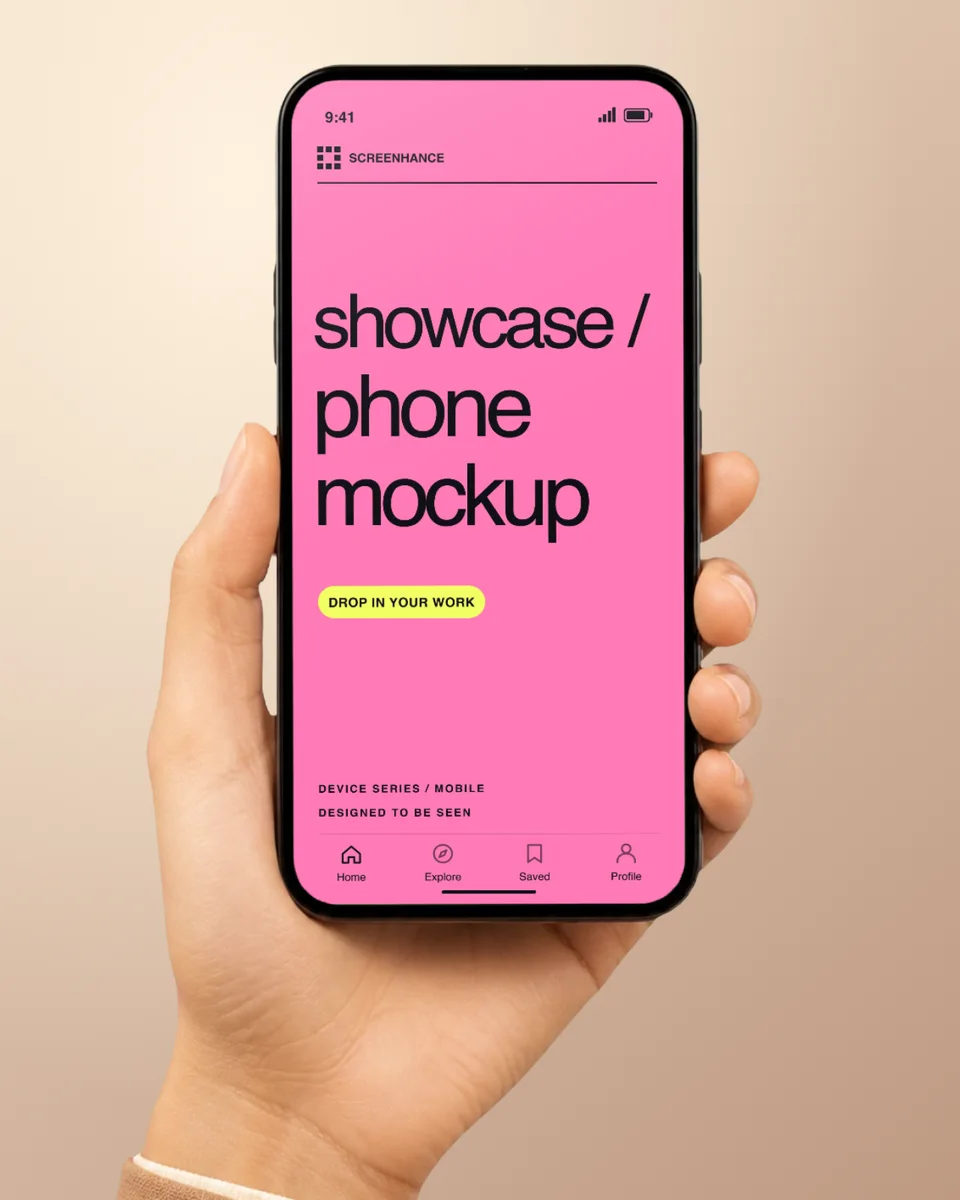
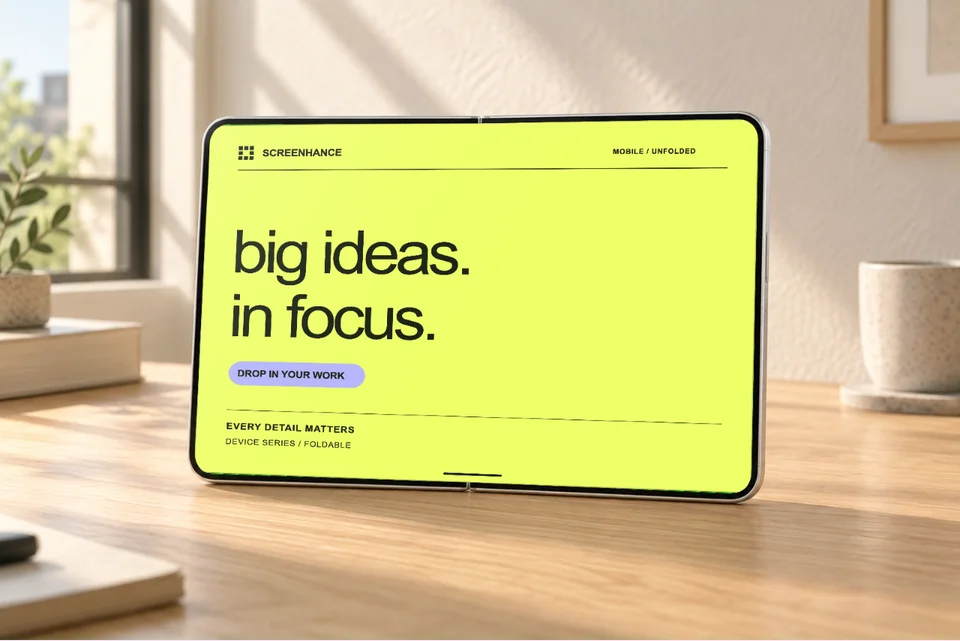
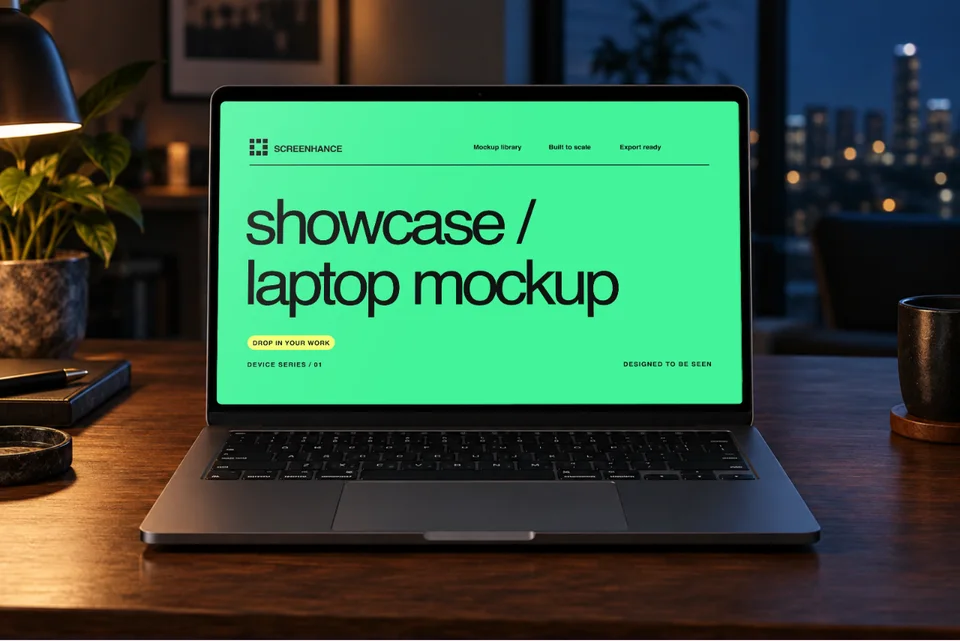
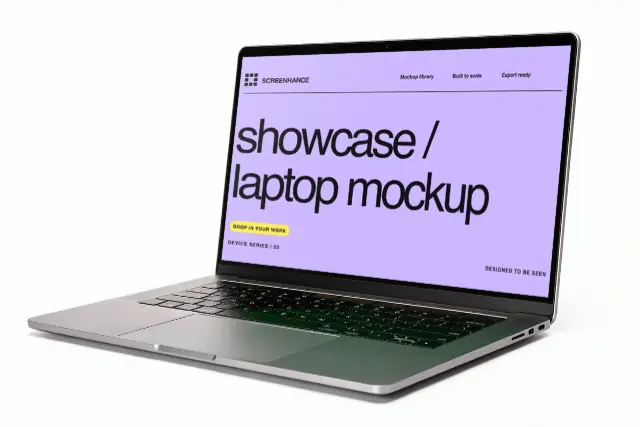
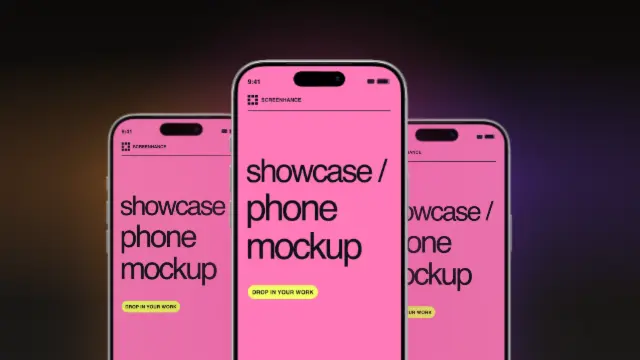
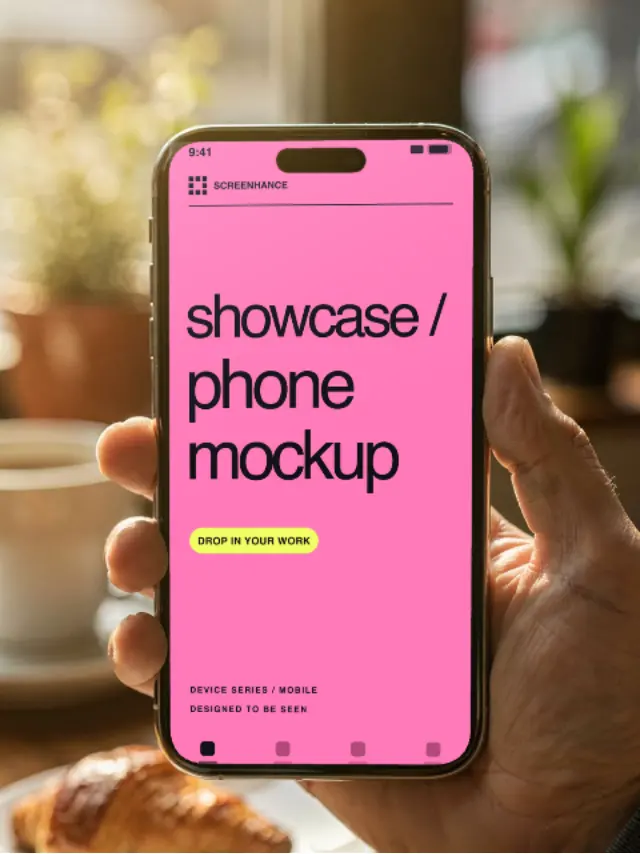
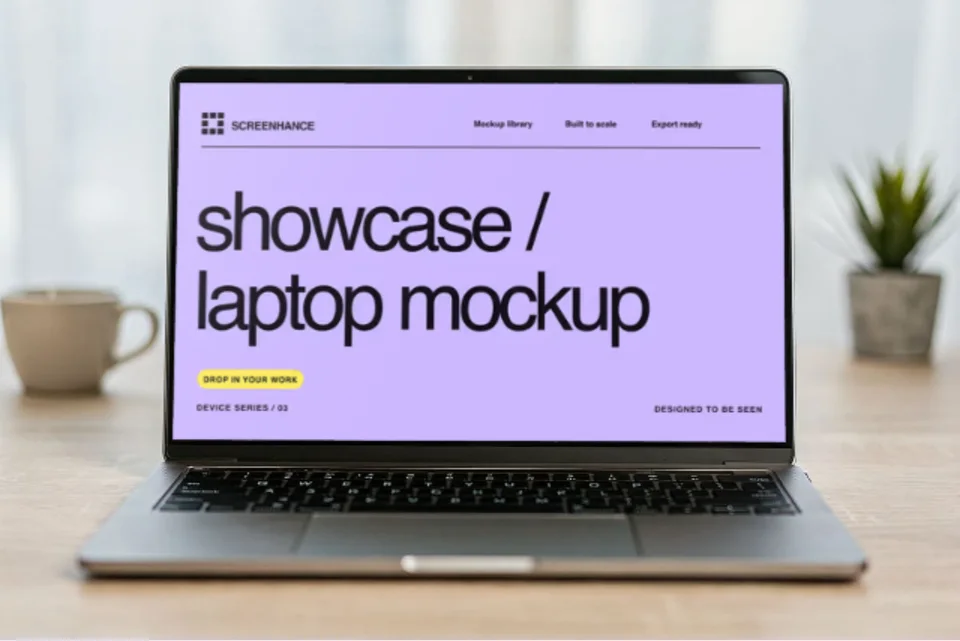
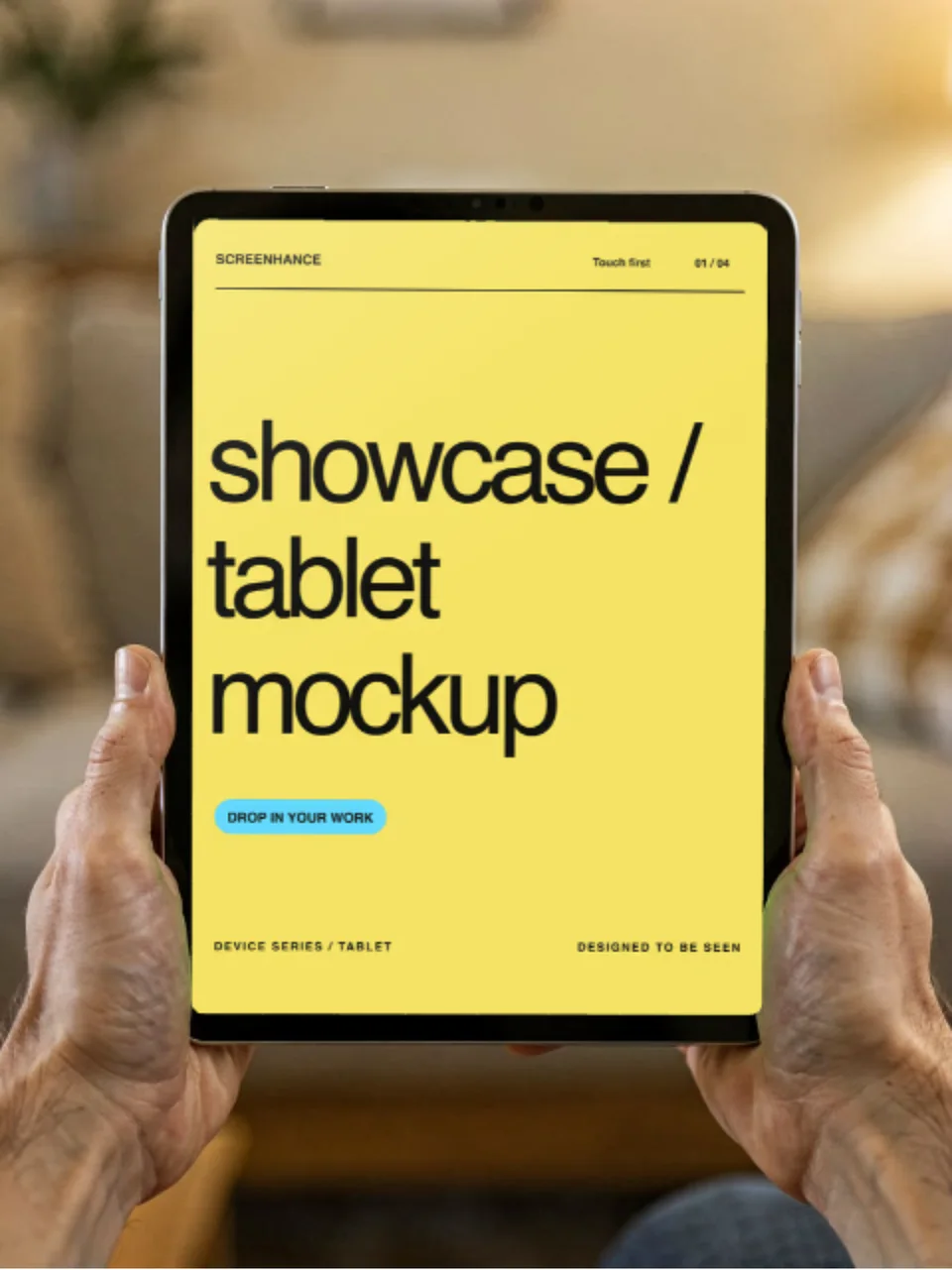
Add iPhone, MacBook, iPad, and Android frames to showcase your app or website.
Choose from gradients, solid colors, or custom backgrounds to make your mockup pop.
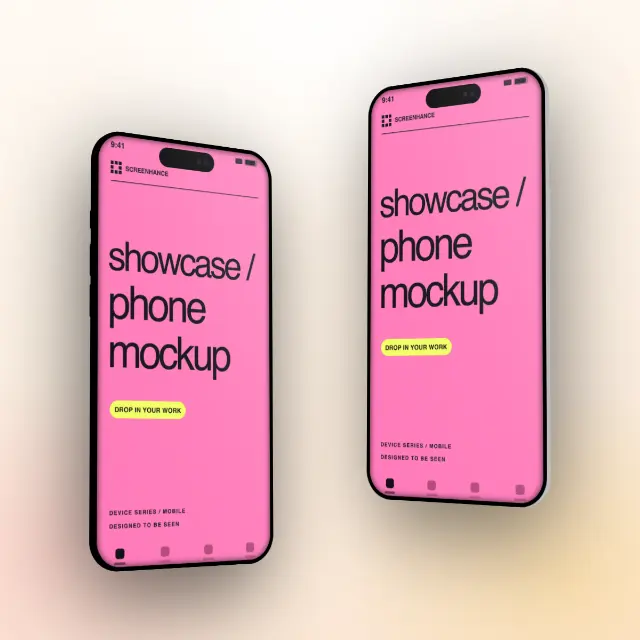
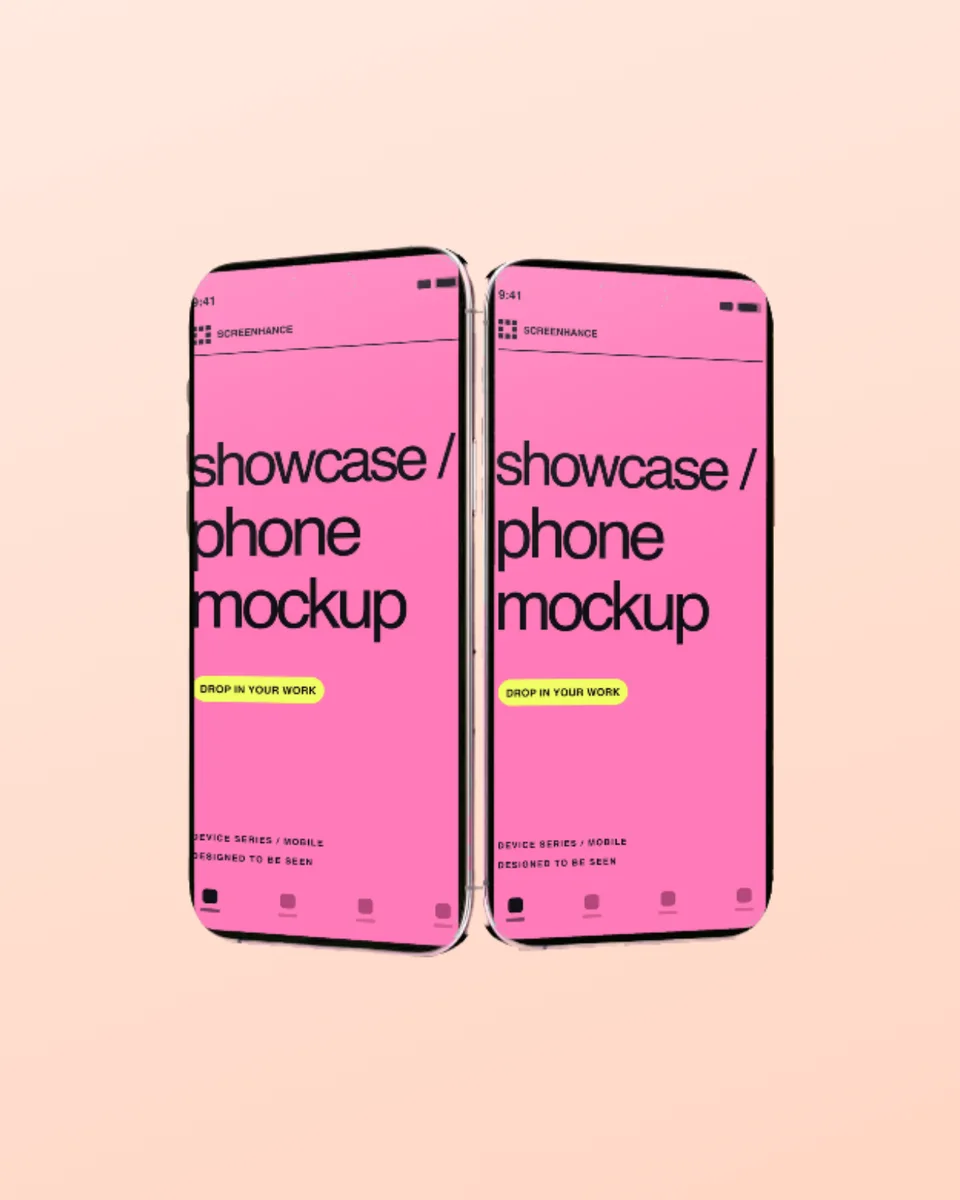
Hero shots, grids, cascades, and more. Pick the layout that tells your story.
Download as PNG, JPEG, or WebP. Perfect for websites, social media, and presentations.
Anyone can create professional mockups. Our tool does the heavy lifting for you.
Create professional mockups in three simple steps. No design skills required.
Drag and drop or select any screenshot, design, or image from your device.
Pick from iPhone, iPad, MacBook, browser frames and beautiful gradient backgrounds.
Download as PNG, WebP, JPEG, GIF, or video. Ready for marketing in seconds.
Two capabilities that separate Screenhance from every other mockup tool in 2026: animated exports and App Store screenshot localization.
Template-driven motion — float, reveal, parallax. Export animated mockups at Product Hunt, landing-page, and Twitter/X dimensions. Most mockup tools are static-only.
One master design, per-locale captions, every required Apple and Google Play size per language. RTL and CJK support. Apple reports localized listings drive 2-3x install lifts.
iPhone 17 Pro Max (1320×2868), iPhone Air (1260×2736), iPad Pro M4 (2064×2752), and the full Google Play set — exported from one design in a single pass.
Pick a template, drop in your screenshot, export. No Figma, no Photoshop, no learning curve. Free tier covers 3 exports a month; $6 Week Pass unlocks unlimited for a launch.
Drag and drop or click to upload any screenshot from your computer.
Select a device frame, background, and layout that fits your brand.
Export your polished mockup and use it anywhere - websites, social media, presentations.
Raw screenshots have a place — bug reports, internal docs, customer support — but they are almost always the wrong format for anything public-facing. A raw screenshot has no border, no shadow, no context, so the eye reads it as a UI fragment instead of a product. That works against you on Twitter and LinkedIn, where you are competing for attention with images that have been deliberately composed. A mockup adds three signals at once: device context (this is a real product running on a real device), production polish (someone cared enough to frame this), and brand identity (the background and frame choices tell the viewer what kind of product this is before they read a word).
There is one specific case where the raw screenshot wins: technical proof. If you are showing a terminal output, a config diff, or an “it actually works” moment to a developer audience, a device frame can feel performative and undermine the credibility you are trying to build. For everything else — landing pages, change-logs, launch tweets, sales decks, App Store listings — a mockup converts measurably better. If your launch deck still has flat un-framed screenshots in it, swap them through our mockup generator in fifteen minutes before the next pitch.
Each platform crops images differently and rewards different composition. Twitter previews land in feeds at roughly 16:9, so anything taller gets center-cropped and the top and bottom of your mockup disappear. Compose your mockup so the device frame and any text overlay sit inside the middle 70% of the canvas. LinkedIn is the opposite — square (1:1) and 4:5 portrait images take up significantly more vertical space in the feed, which means they earn more dwell time. Export the same mockup at 1:1 for LinkedIn and 16:9 for Twitter rather than reusing one ratio everywhere.
Product Hunt is a special case. The gallery on a Product Hunt page renders thumbnails small, but the first image becomes the social card the platform pushes to email and Twitter, so it has to read at thumbnail size. Use a tight crop with big text and a single device, not a wide multi-device hero shot — the multi-device shot looks great on the page but illegible in the email. For animated mockups (scroll-recordings, click-throughs), keep the loop under six seconds and the file under 8MB or Twitter will silently transcode it into a low-quality MP4. The Product Hunt gallery generator ships templates pre-sized to each gallery slot for exactly this reason.
A screenshot mockup generator places your screenshots inside device frames with professional backgrounds and text — turning raw captures into marketing-ready visuals.
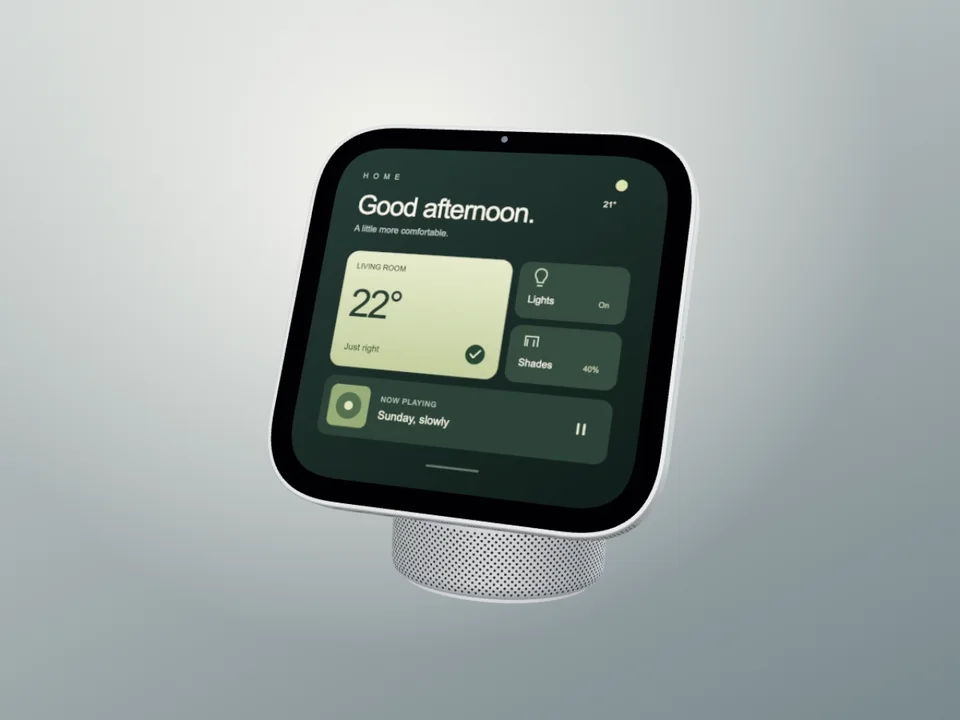
iPhone, MacBook, iPad, Apple Watch, Android phones, and browser frames (Chrome, Safari, Arc). Both light and dark frame styles available.
Yes. Export as PNG, WebP, or JPEG for static images. GIF and WebM for animated mockups. Pro users get up to 3x Retina resolution.
Yes. The free plan includes 3 exports per month with all templates, device frames, and backgrounds. Pro plans start at $6.
Use a mockup for anything public-facing — landing pages, launch tweets, App Store listings, sales decks. Raw screenshots are fine for bug reports and developer-to-developer technical proof, where a device frame can feel performative and undercut credibility.
Export Twitter mockups at 16:9 and LinkedIn at 1:1 or 4:5. LinkedIn rewards taller images with more dwell time; Twitter center-crops anything taller than 16:9 and chops off the top and bottom of your composition.
Yes. Screenhance supports animated mockups exported as GIF or WebM — useful for scroll recordings, hover states, and click-throughs. Keep loops under six seconds and the file under 8MB so Twitter doesn't re-encode and degrade quality.
Figma is general-purpose; Screenhance is specialised. A designer can absolutely build a mockup in Figma in 30 minutes. Screenhance ships the same result in 30 seconds because device frames, shadows, and gradient backgrounds are already wired up — you trade flexibility for speed, which is the right trade for marketing assets you ship weekly.
Yes. Drop multiple screenshots into a Screenhance project and the same template applies to each, with consistent frame, background, and crop. Useful when you're shipping a set of App Store screenshots or feature-section visuals that need to look like a family.
Explore more ways to create stunning visuals with Screenhance.
Visuals for product changelogs
Try it freeNewsletter and campaign visuals
Try it freeCreate viral-worthy screenshot posts
Try it freeScreenshots tuned for App Store SEO
Try it freeRealistic and minimal device frames
Try it freeNo-watermark mockups on the free plan
Try it freeJoin thousands of creators using Screenhance to make their products look amazing.