Use Cases
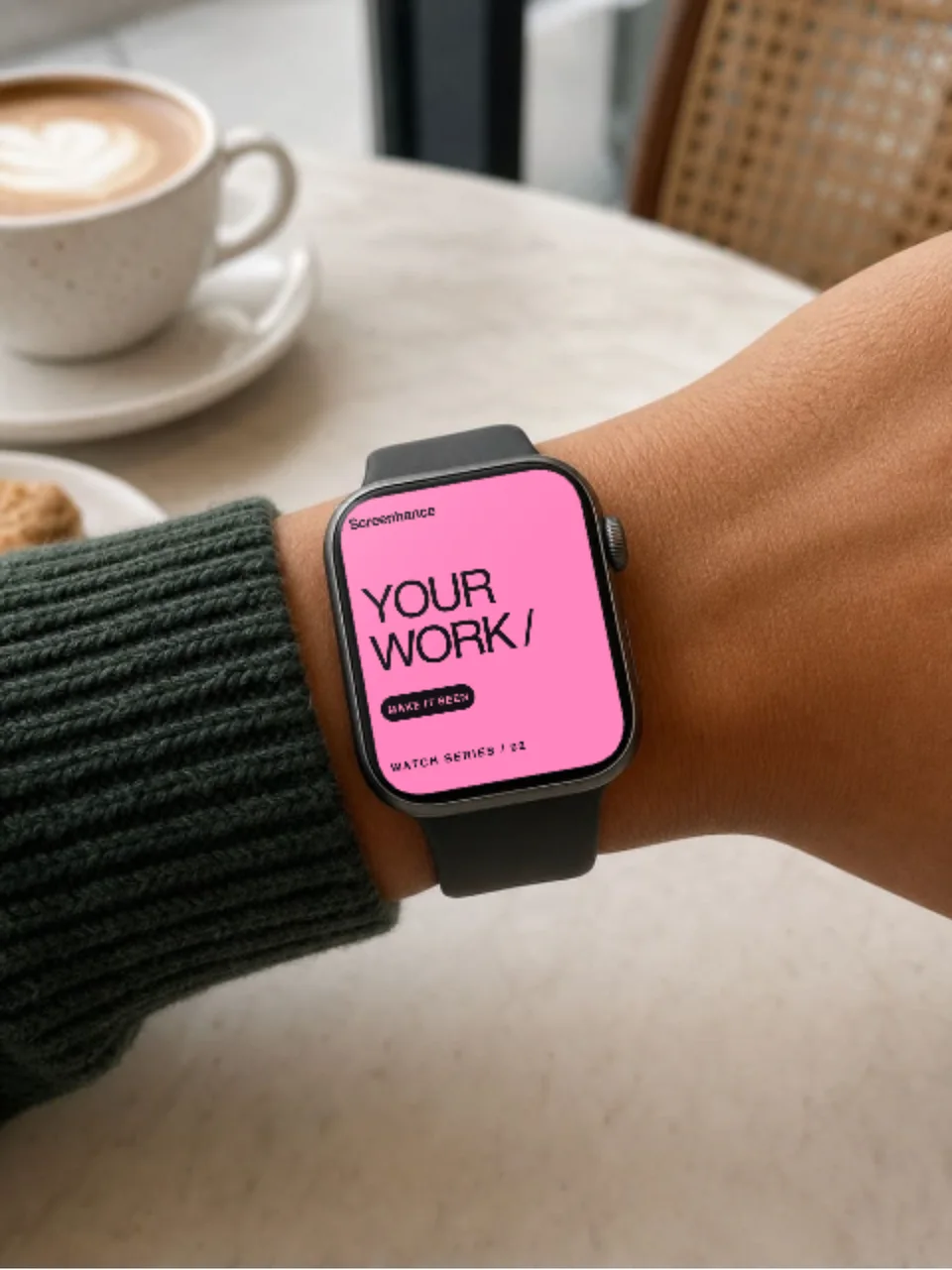
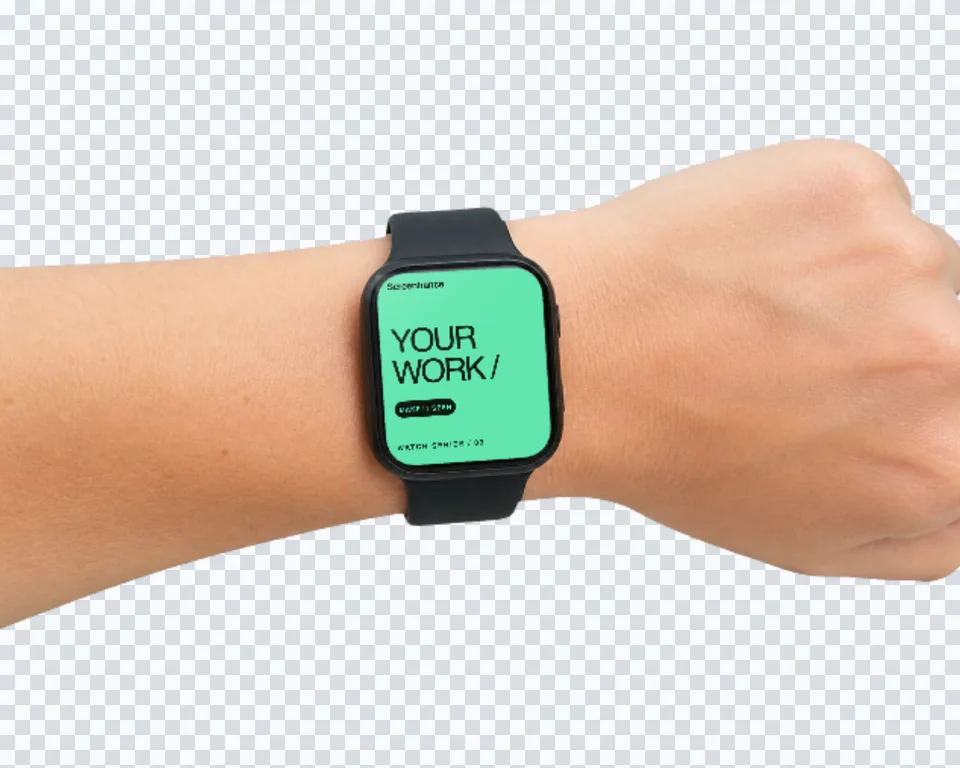
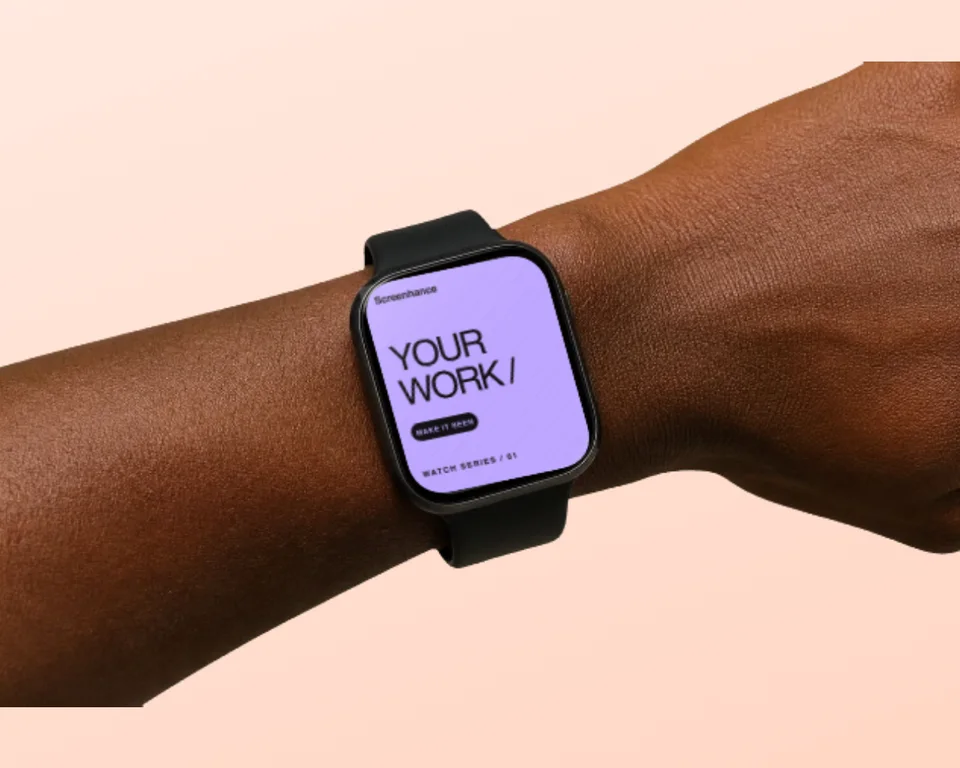
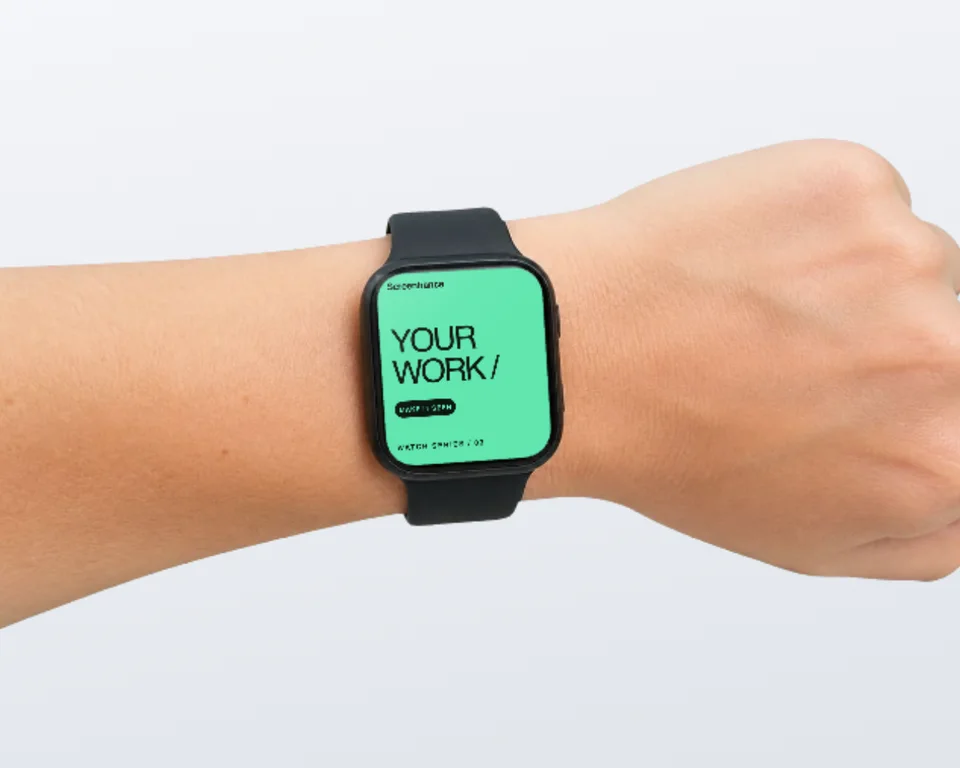
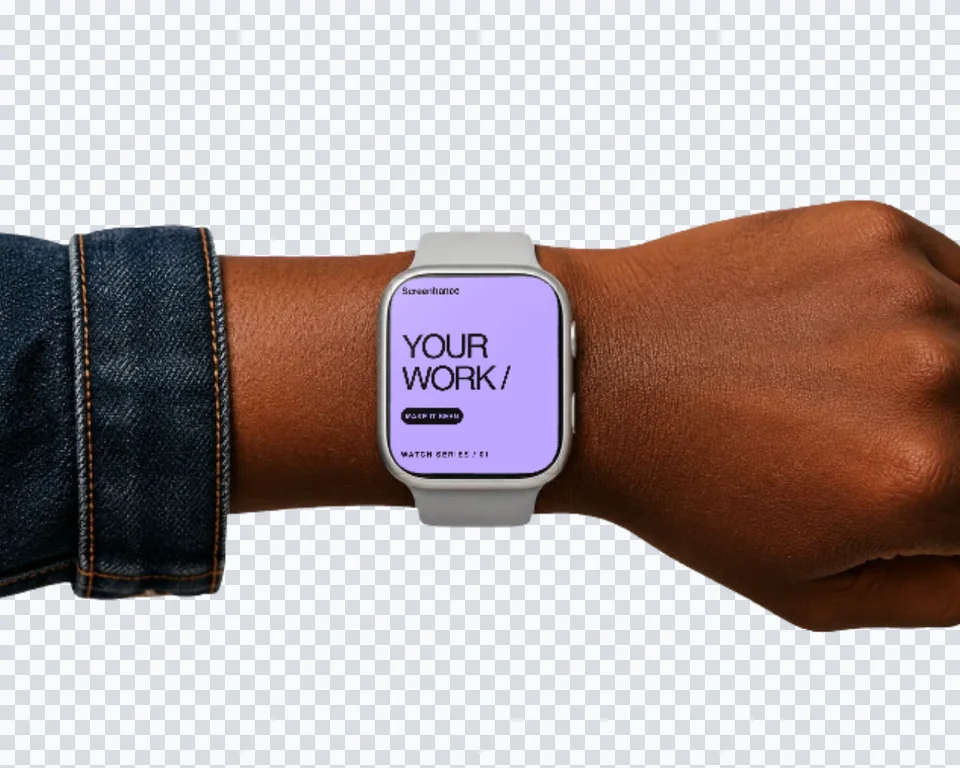
Free Apple Watch mockup generator with realistic Apple Watch Series 11 frames — 46mm in silver and space gray, 42mm in jet black. Drop your watchOS screenshot into the frame and export a static PNG or an animated GIF/WebM in seconds. Pair it with an iPhone mockup to show your companion app on both devices.
Loved by 2,000+ creators
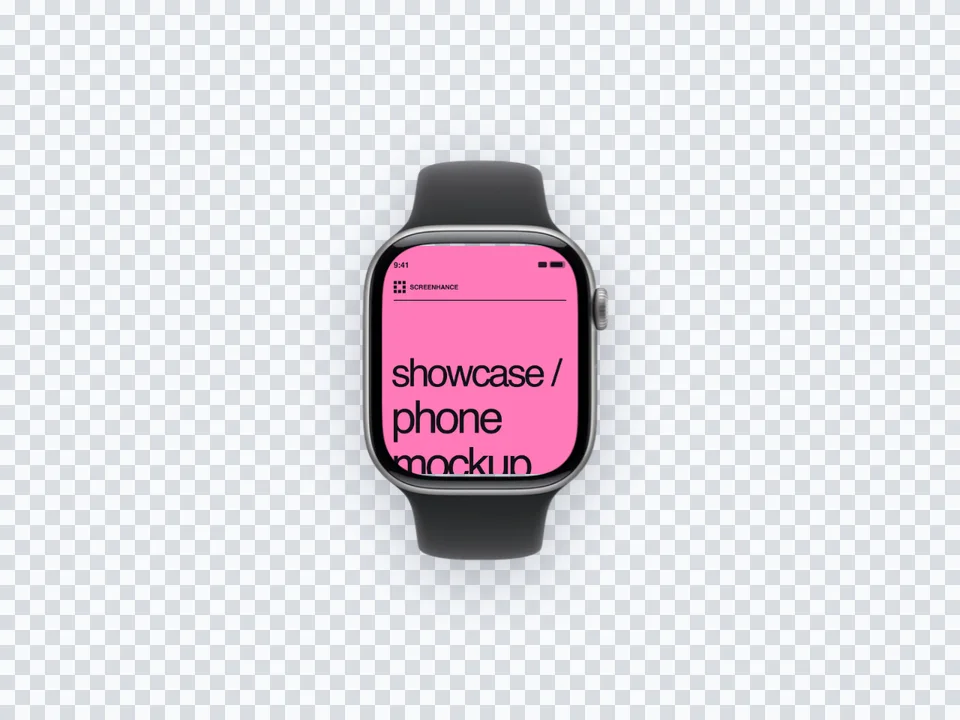
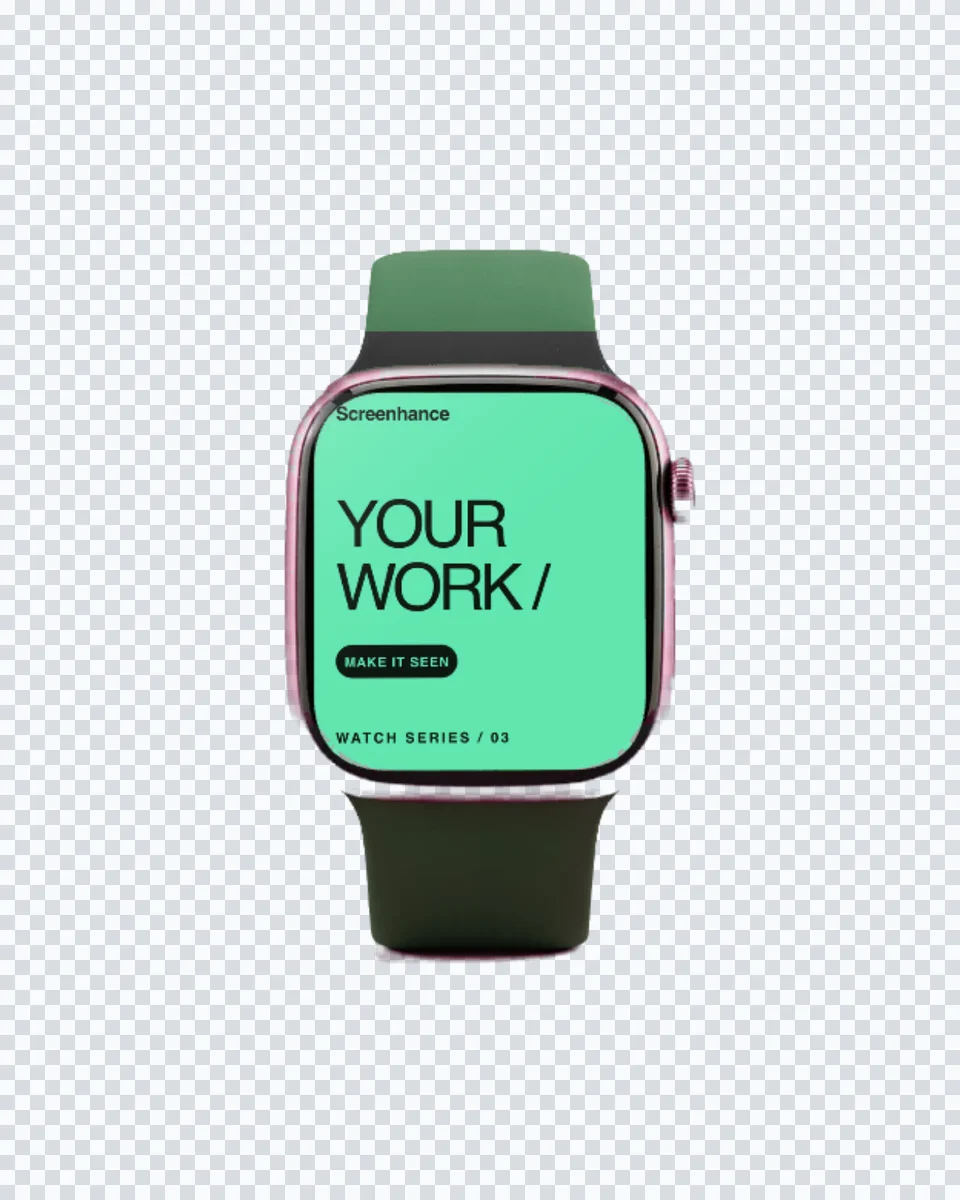
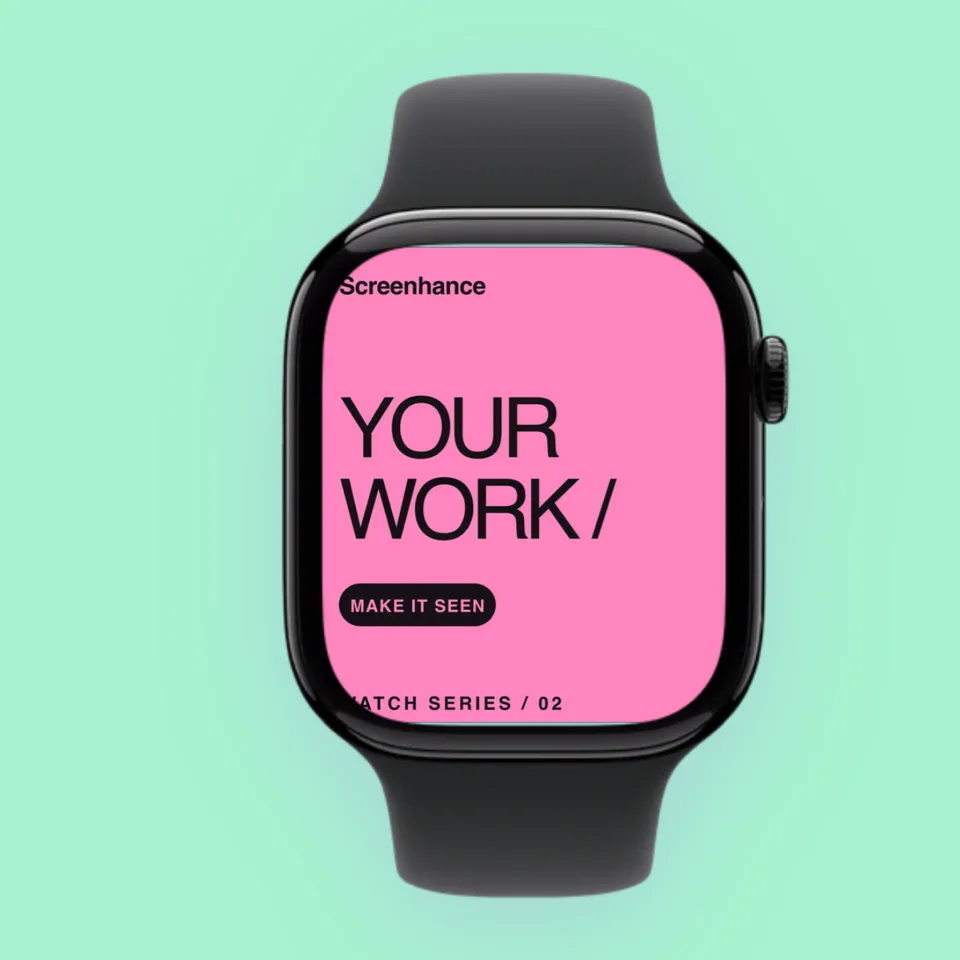
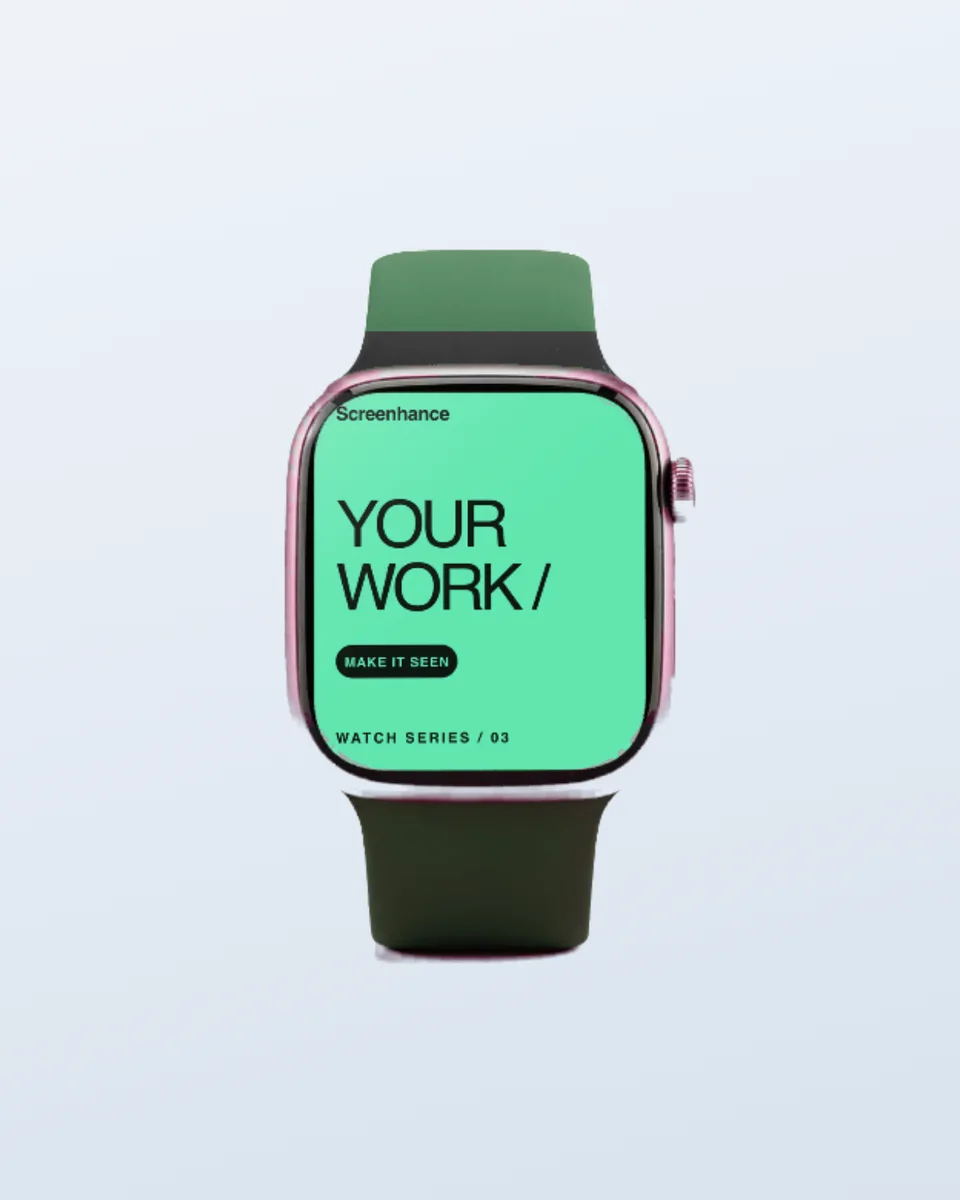
Pixel-accurate Apple Watch Series 11 frames in both case sizes and three finishes.
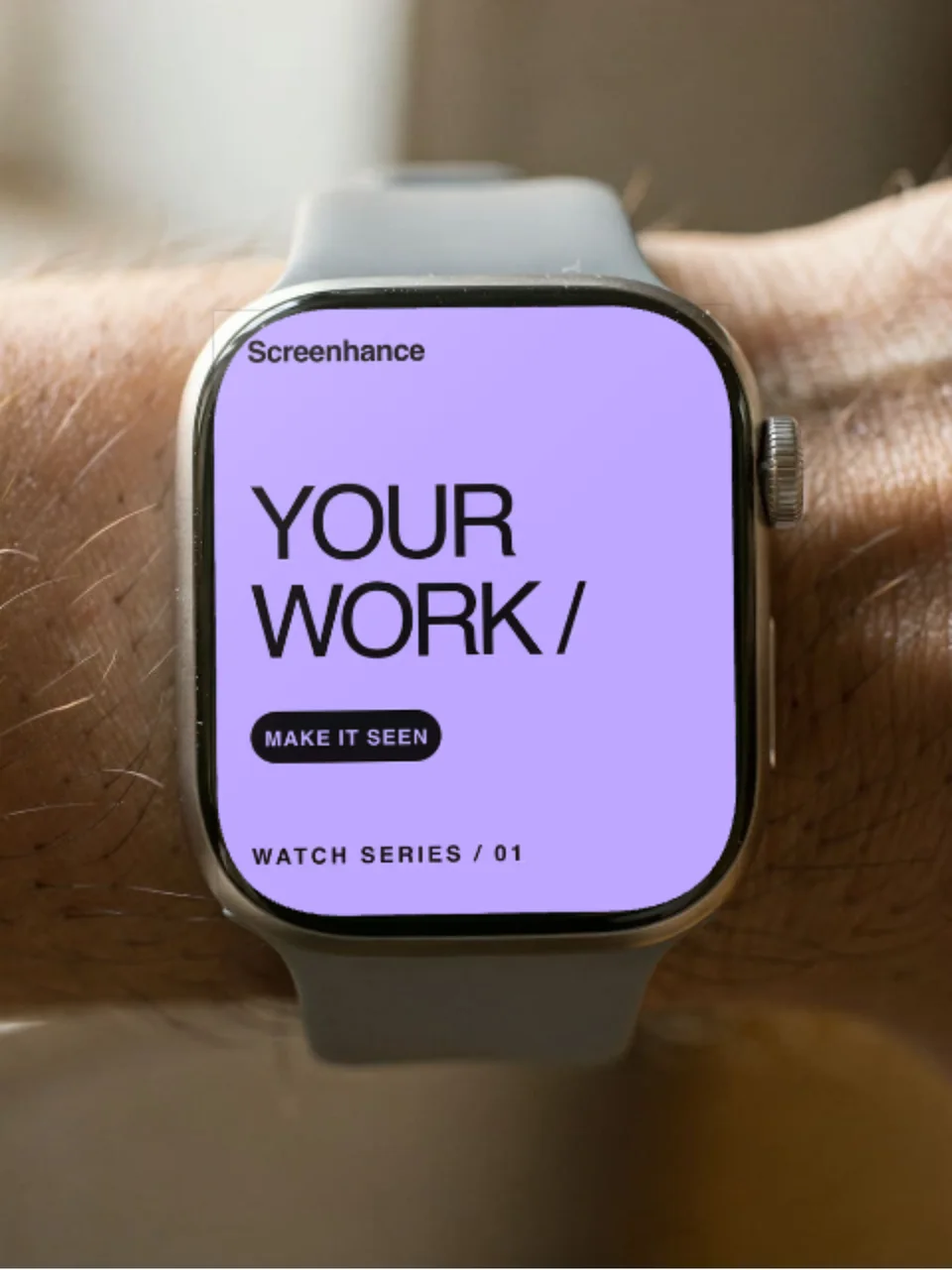
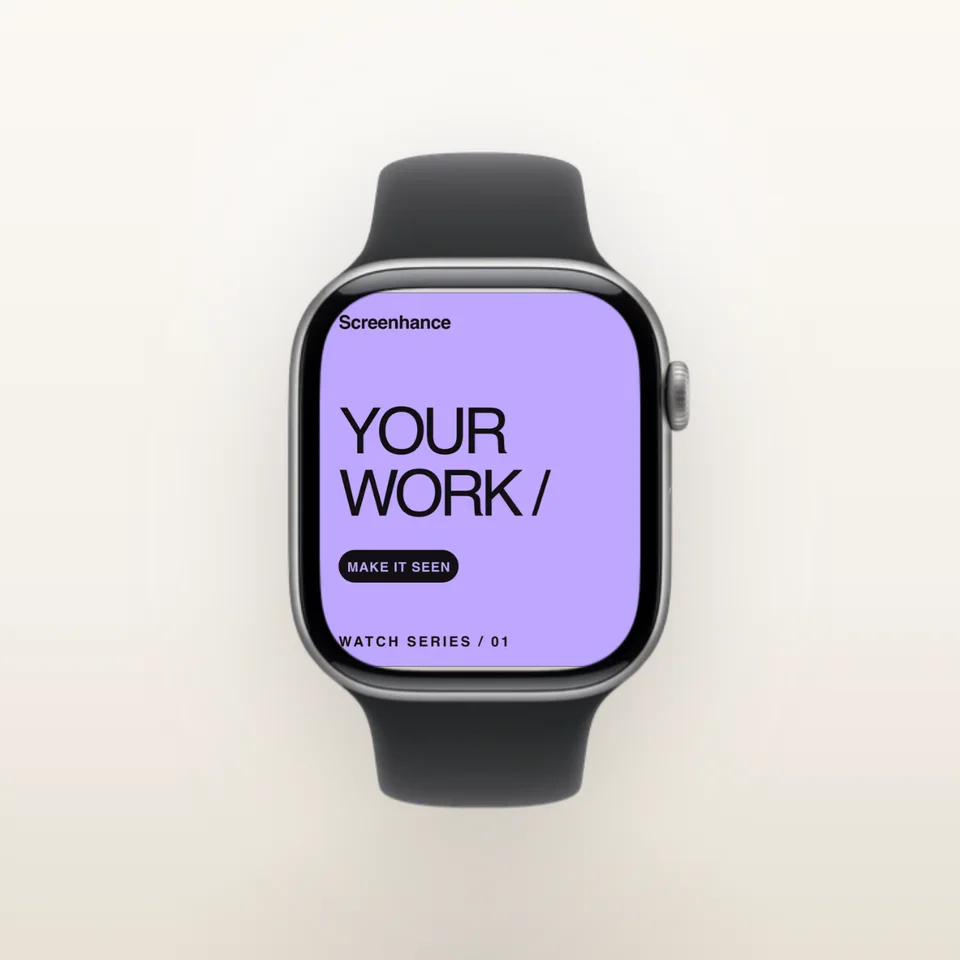
Series 11 — 46mm Silver
Series 11 — 46mm Space Gray
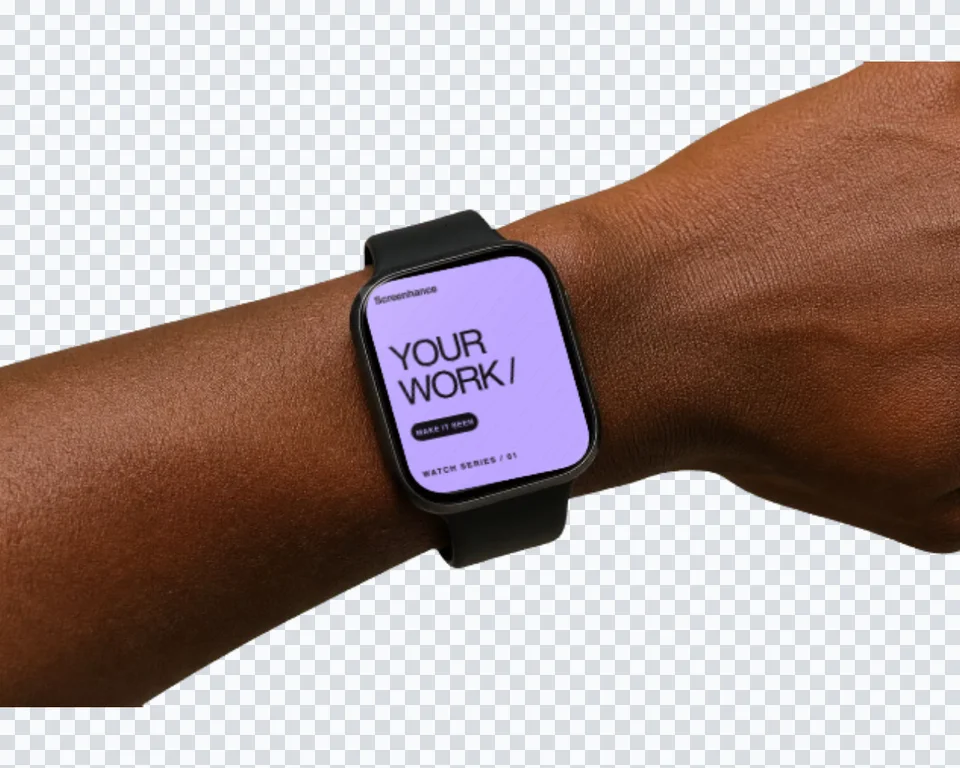
Series 11 — 42mm Jet Black
Create professional mockups in three simple steps. No design skills required.
Drag and drop or select any screenshot, design, or image from your device.
Pick from iPhone, iPad, MacBook, browser frames and beautiful gradient backgrounds.
Download as PNG, WebP, JPEG, GIF, or video. Ready for marketing in seconds.
Two capabilities that separate Screenhance from every other mockup tool in 2026: animated exports and App Store screenshot localization.
Template-driven motion — float, reveal, parallax. Export animated mockups at Product Hunt, landing-page, and Twitter/X dimensions. Most mockup tools are static-only.
One master design, per-locale captions, every required Apple and Google Play size per language. RTL and CJK support. Apple reports localized listings drive 2-3x install lifts.
iPhone 17 Pro Max (1320×2868), iPhone Air (1260×2736), iPad Pro M4 (2064×2752), and the full Google Play set — exported from one design in a single pass.
Pick a template, drop in your screenshot, export. No Figma, no Photoshop, no learning curve. Free tier covers 3 exports a month; $6 Week Pass unlocks unlimited for a launch.
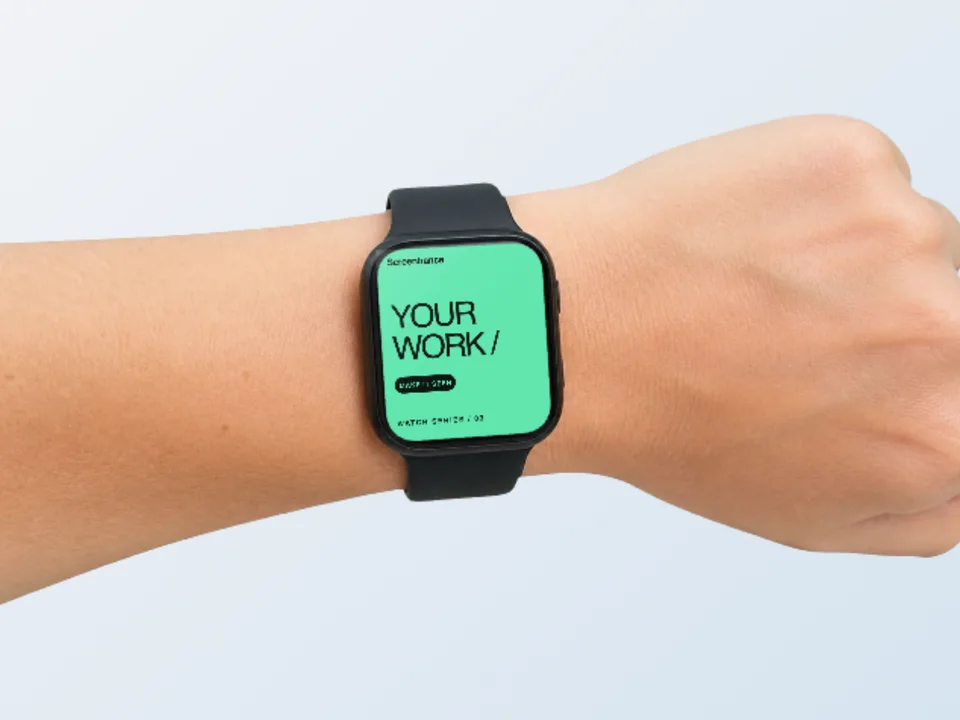
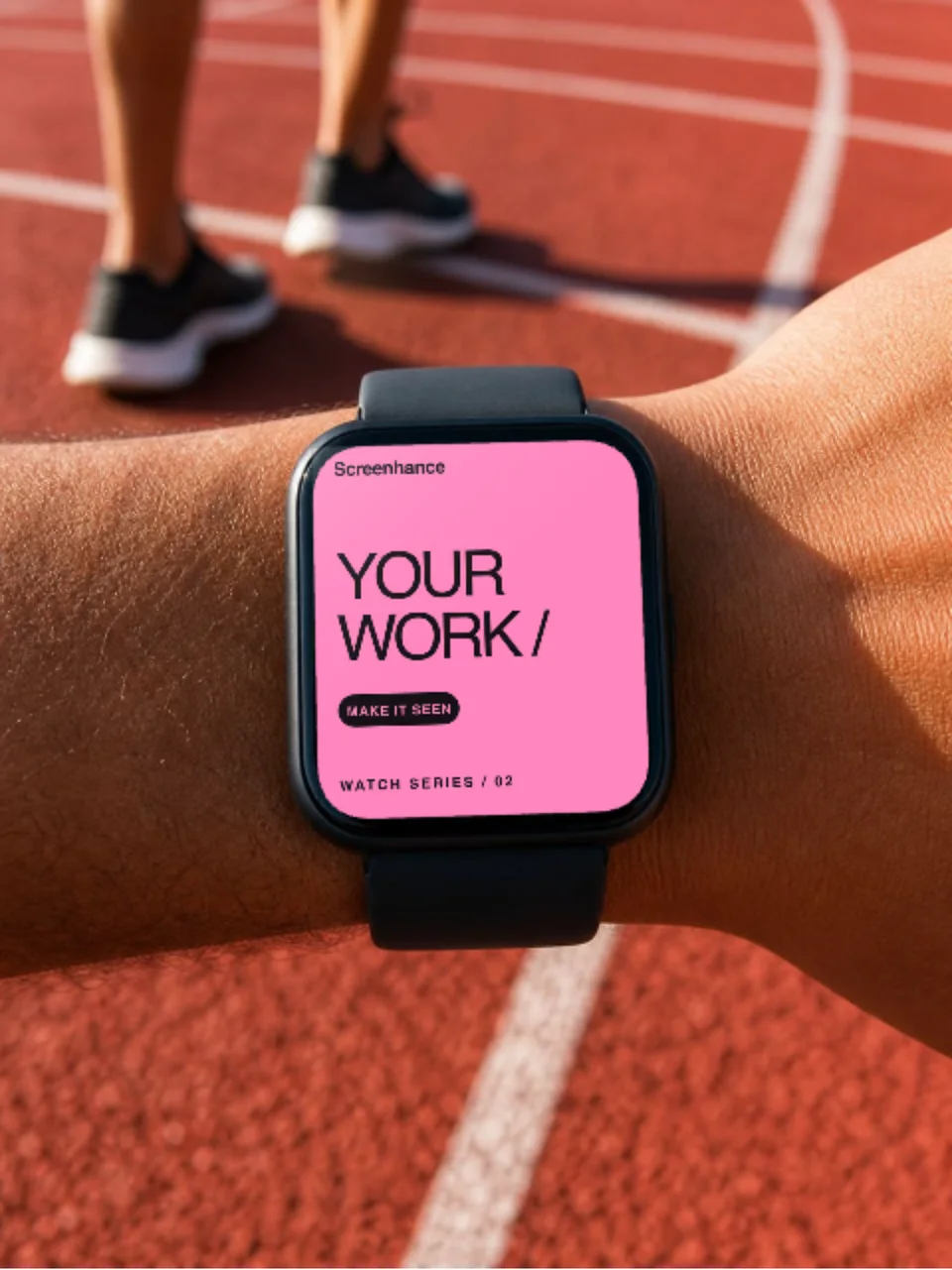
Show rings, workouts, and heart-rate complications on the wrist. The Apple Watch frame is the single strongest signal that your app belongs on a wearable.
Landing-page heroes, Product Hunt galleries, and social posts for watchOS apps and complications. Show the watch face your app actually renders.
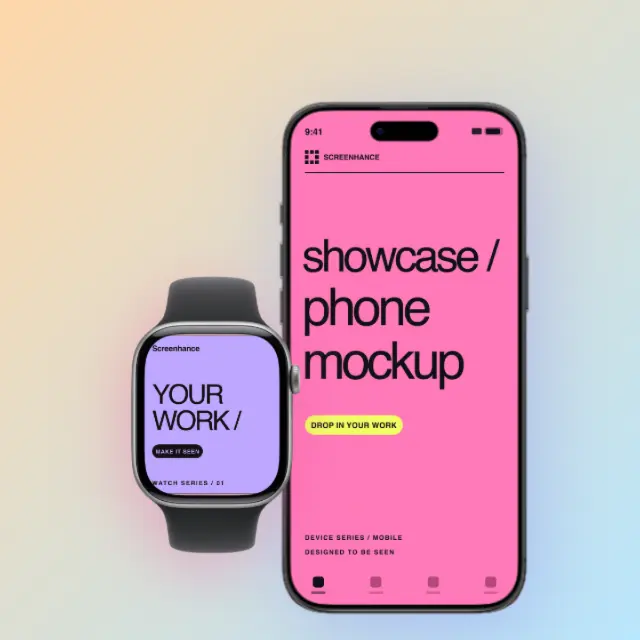
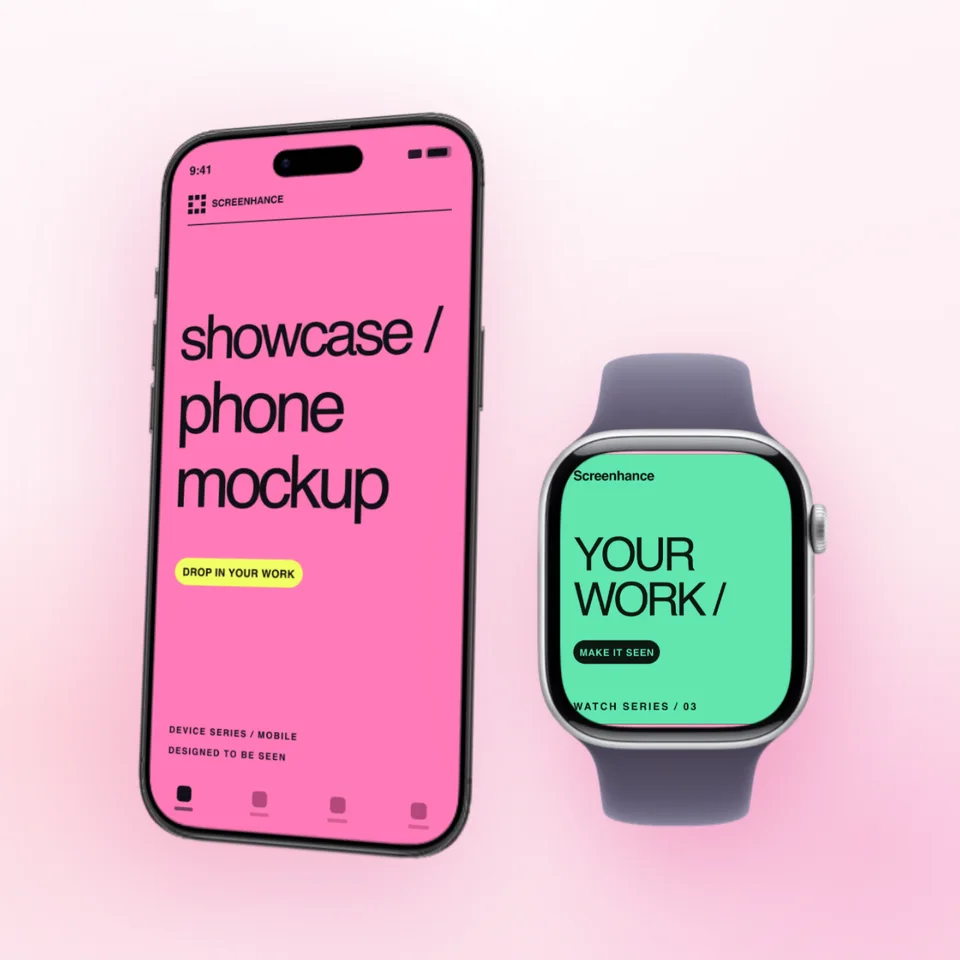
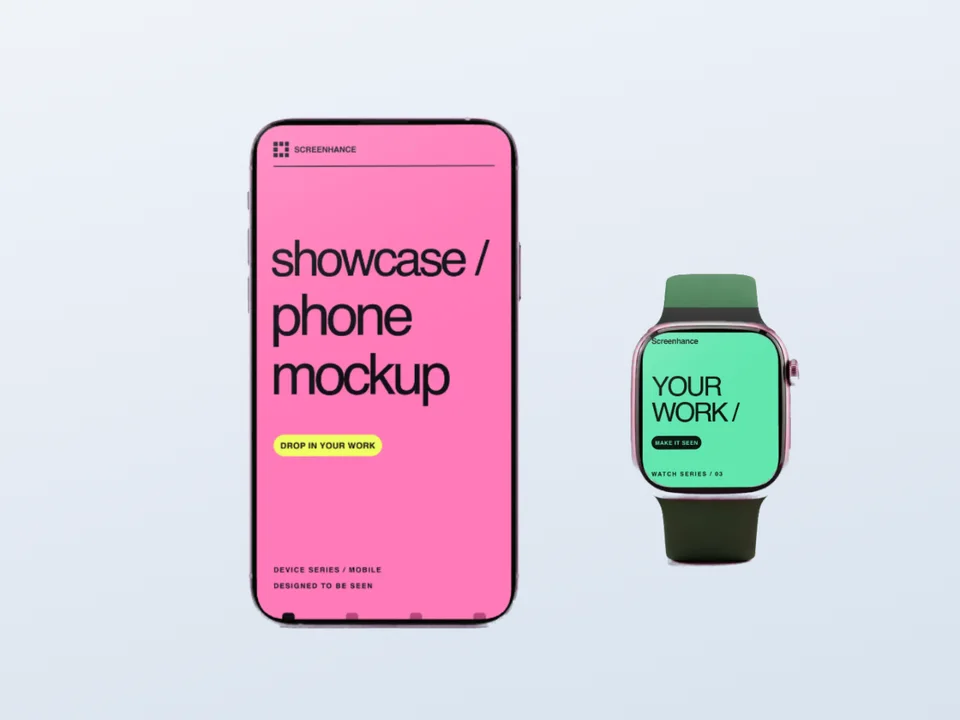
Pair an Apple Watch frame with an iPhone frame to show the same app across both devices — the standard layout for apps with a watch extension.
Demonstrate a wearable product convincingly without a photoshoot or a physical device on hand.
Apple Watch Series 11 ships in two case sizes — 46mm and 42mm — and the one you mock up in changes how the screenshot reads. The 46mm case gives the screen more room, so dense UI (full workout summaries, multi-line lists, rich complications) stays legible at small render sizes. The 42mm case reads as more compact and personal.
Use 46mm for feature graphics where the watch is the hero and the UI needs to be readable — App Store-adjacent marketing, landing-page heroes, and anywhere the watch is shown large.
Use 42mm when the watch is a secondary element — for example, sitting beside a larger iPhone mockup — or when you want to emphasise the everyday, on-the-wrist feel of the product.
Whichever size you pick, keep it consistent across a launch. Mixing a 46mm hero and a 42mm secondary shot inside one composition reads as an oversight, not a choice.
The Apple Watch screen is small and rounded, so a mockup lives or dies on the source screenshot. Capture at the watch's native resolution from the watchOS Simulator or a real device — never upscale a cropped iPhone screenshot, because the corner radius and aspect ratio won't match the frame.
Mind the rounded corners. watchOS clips content to the case's rounded rectangle. Keep critical UI — buttons, key numbers, the time — away from the extreme corners so the frame doesn't clip them.
Pick a believable watch face. If you're showing a complication, render it on a watch face that exists. A fictional face leaks that the screenshot was faked. The same goes for the status bar — the time on the watch should match the time on a paired iPhone in the same composition.
Avoid placeholder data. "0 steps", "-- bpm", and empty rings make a fitness app look broken. Use real, believable metrics even in marketing mockups.
Most watchOS apps are extensions of an iPhone app, and the most effective marketing shows both. Place the iPhone mockup slightly behind and to one side, with the Apple Watch in front — a clear visual hierarchy that says "phone first, watch as a glanceable companion."
Keep both devices the same generation. An iPhone 17 Pro paired with an Apple Watch Series 11 reads as current; pairing a current watch with an older iPhone frame reads as careless. For the full walkthrough — frame choice, capture tips, and animated watch faces — read the Apple Watch mockup guide, or see the general mockup generator for multi-device compositions.

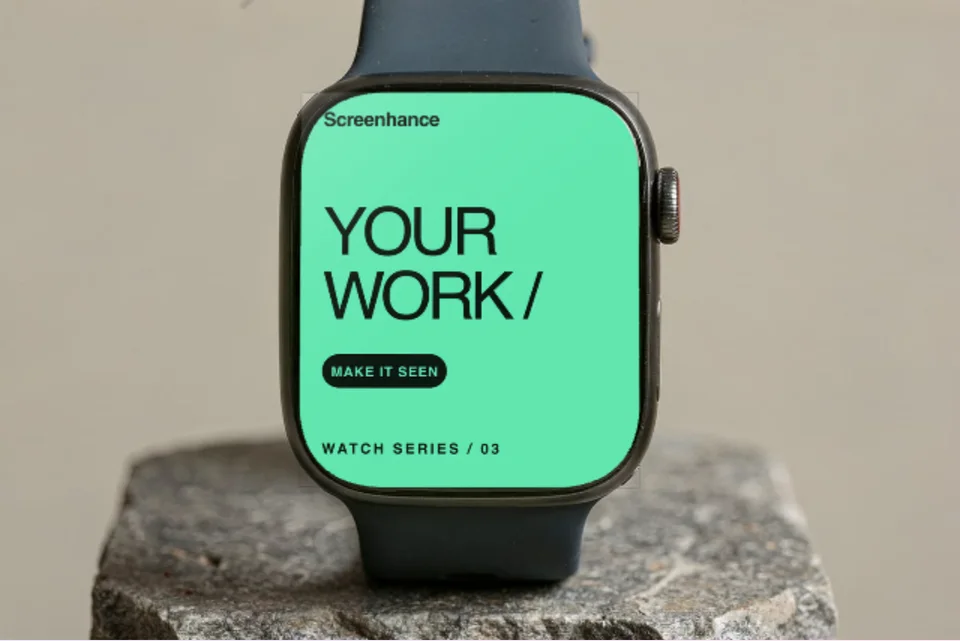
Screenhance ships Apple Watch Series 11 frames in both sizes — 46mm (silver and space gray finishes) and 42mm (jet black). The Series 11 frame is visually close to Series 10 and SE 3, so the same mockup reads correctly for any current-generation Apple Watch marketing.
You can design Apple Watch marketing visuals — landing-page heroes, social posts, and feature graphics — in the visual editor with a realistic watch frame. For the App Store listing itself, Apple Watch screenshots are uploaded at watchOS-specific sizes through App Store Connect; Screenhance is best for the surrounding marketing mockups rather than the in-listing watch screenshots.
No. Upload your watchOS screenshot, pick an Apple Watch frame and background, and export. The screenshot snaps into the watch's screen area automatically — no masking, no Photoshop.
Export Apple Watch mockups as PNG, WebP, or JPEG. Pro users can also export animated GIF or WebM — useful for showing a watch face or complication updating — and get up to 3x resolution for Retina displays.
Yes. Combine an Apple Watch frame and an iPhone frame on the same canvas to show a companion app across both devices. This is the standard layout for fitness, health, and productivity apps that ship a watchOS extension.
Explore more ways to create stunning visuals with Screenhance.
Make any screenshot look professional
Try it freeEdit, annotate, and reframe screenshots
Try it freeCreate marketing visuals for SaaS
Try it freeHighlight features with annotated visuals
Try it freeLaunch-ready visuals for startups
Try it freeMockups for investor decks
Try it freeNo Photoshop or Figma required. Upload your watchOS screenshot and download a polished Apple Watch mockup.