
The 7 Best Mockup Tools for Mobile App Launches in 2026
Compare seven mockup tools for App Store and Google Play sets, localization, launch graphics, motion, and export workflow.
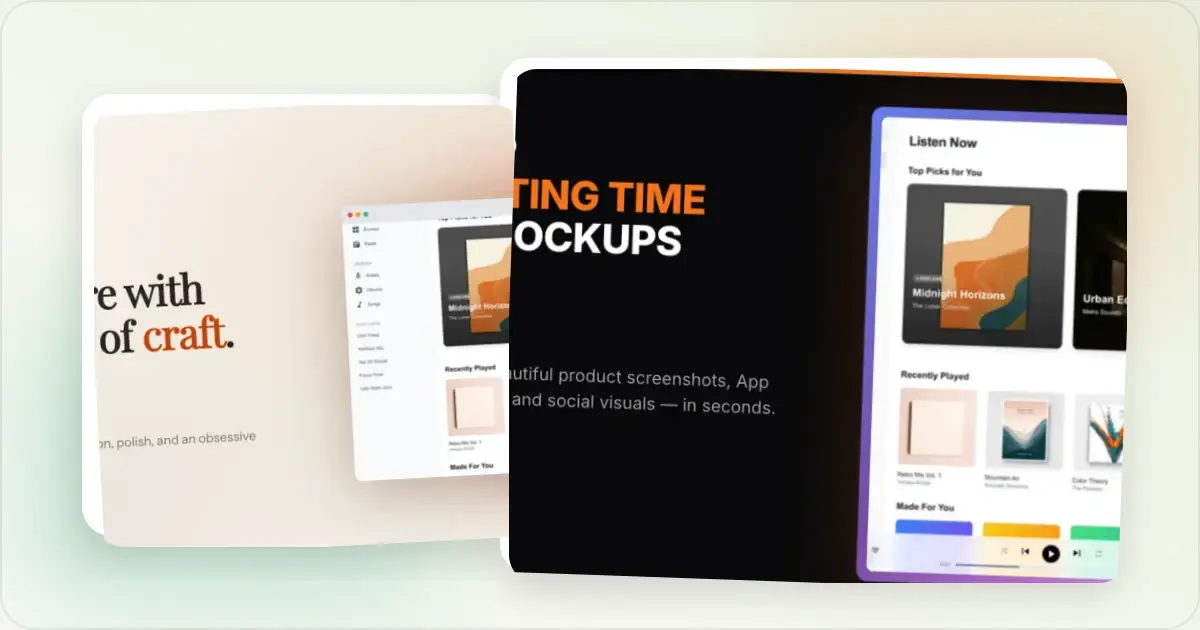
A mobile app launch may need store screenshots, website and social assets, a launch gallery and localized variants. The exact set depends on the stores, devices, languages and channels you support.
Apple publishes current App Store screenshot specifications, and Google publishes current Play Store preview-asset requirements. Check those primary sources before choosing presets or exporting; do not rely on a fixed dimensions list in a comparison article.
For most independent developers and small teams, Screenhance is the strongest all-in-one option. It combines iOS, Google Play and Chrome Web Store sets with translation across 16 locales, organized exports, mockups, launch graphics, motion, and Studio video. The $6 Launch Pass suits a focused one-off release; Pro suits ongoing production. The comparison below puts narrower tools in context against that connected launch system.
Competitor plans and product libraries change. The rankings below use workflow fit rather than volatile prices, catalogue counts or unsupported speed claims; check each live product before committing a release.
1. Screenhance — best complete launch workflow
Best for: independent developers and product teams that want store assets and the rest of the launch in one workspace. Price: Free (three watermarked PNG image exports per month at 1×). Pro is $12/month or $99/year. Launch Pass is $6 once for 10 clean static image exports over seven days.Mobile-launch features include coordinated screenshot-set templates for iOS, Google Play and the Chrome Web Store; explicit platform and device presets; built-in translation across 16 locales; organized PNG ZIP exports, including Fastlane folders; Product Hunt and OG templates; and GIF or video output where the chosen workflow supports motion.
The store workflow is only one part of the product. Screenhance also includes a full layer editor with editable visual templates, device and stylized frames, photorealistic scenes, assets, annotations, editable motion styles, Launch Kit, and Studio product video.
The result is one editable production system for the store listing and every visual around it, with the same product story carried from screenshots to launch.
Start with the App Store screenshot generator and Play Store screenshot generator.
2. AppScreens — listing-operations focus
AppScreens narrows its workflow to store-listing production, localization, bulk operations and direct publishing.
Screenhance is the better fit when those store assets also need to become launch graphics, editable mockups, motion, and product video. Compare the two in Screenhance vs AppScreens.
3. AppLaunchpad — store-screenshot focus
AppLaunchpad is designed around App Store and Google Play screenshot creation. Screenhance covers that store work and keeps the same product assets connected to every launch visual around it.
Screenhance adds the wider launch layer: Product Hunt and OG graphics, editable scenes, motion, Launch Kit and Studio video. See Screenhance vs AppLaunchpad.
4. Previewed — 3D-presentation focus
Previewed focuses on device scenes and video-led presentation. Screenhance adds the connected store, localization, launch-graphics, motion, and Studio workflow around product visuals.
For coordinated listing sets, localization, launch graphics and recordings in the same project, Screenhance remains the more complete workflow. See Screenhance vs Previewed.
5. Rotato — cinematic device-animation focus
Rotato is built around cinematic 3D device animation. Screenhance remains the stronger launch system when that motion asset is one part of a broader store and campaign package.
Screenhance is the stronger default when the same source material must also produce static listing sets, localized captions, social assets and Studio recordings.
6. Mockuuups Studio — scene-catalogue focus
Mockuuups Studio specializes in large scene catalogues and Figma-connected mockup creation. Screenhance is the stronger launch workflow when the same source must become store sets, editable graphics, motion, and video. Read the Screenhance vs Mockuuups Studio comparison.
7. Figma or Canva — general design-platform workflow
Figma and Canva offer open-ended composition and collaboration. They make sense when the team already has a maintained brand system, reusable files and people who own the manual destination setup. Their built-in features, Community resources and plugins change over time; evaluate the exact live resource and its licensing.
Figma's current documentation supports animation export for eligible top-level frames. Screenhance's advantage is not that general design platforms cannot produce these assets; it is that store sets, localization, mockups, launch graphics, motion and recording workflows are already connected.
Comparison Checklist
| Criterion | What to verify in the live product |
|---|---|
| Store coverage | App Store, Google Play or both; supported devices and surfaces |
| Dimensions | Presets match the current official requirements for your listing |
| Set workflow | Reordering, duplicating and editing several listing images together |
| Localization | Supported languages, right-to-left behavior, text review and export naming |
| Export | File type, resolution, watermark, ZIP structure and any plan limits |
| Motion | Supported formats, browser requirements and destination compatibility |
| Collaboration | Comments, permissions, approvals and ownership of source files |
| Licensing | Commercial rights for frames, scenes, fonts and generated assets |
| Price | Current plan price, renewal terms, seat model and usage limits |
Make a free device mockup
Which tool to pick
Start with the hardest requirement in your launch plan:
- If store dimensions, locale variants and organized packages are central, test the store-set workflow first.
- If bespoke layout and team collaboration are central, test the general design platform and the exact plugin or resource you would use.
- If one contextual scene is the main deliverable, compare the licensed scene catalogues directly.
- If direct publishing or listing experiments are required, evaluate a store-management platform's permissions and reporting.
- If motion matters, confirm both the tool's export and the destination's accepted format.
For most mobile app launches, start with Screenhance. Use Launch Pass for a focused one-time release or Pro for recurring production. Add a specialist only when a narrow requirement sits outside the connected launch workflow, rather than splitting the core production across several tools.
Frequently Asked Questions
What is the best mockup tool for an iOS app launch?
For a launch that needs more than one device mockup, Screenhance is the most complete choice in this comparison. It keeps store sets, translation across 16 locales, Product Hunt and OG graphics, motion, and Studio video in one project. The pricing page lists current plan terms.
Do I need a different mockup tool for Android vs iOS?
Not necessarily. Screenhance provides iOS and Google Play workflows in the same store editor. If another tool covers only one store, you will need a second workflow or a general design tool for the other. Verify the exact device and surface presets before committing.
Can I make App Store screenshots in Figma?
Yes. Figma plugins can provide the frames, while your team sets up and maintains the artboards, layout variants, localization, naming, and exports. A dedicated App Store screenshot generator packages those repeated production steps into the store workflow.
What's the cheapest way to ship a complete mobile app launch kit?
Screenhance's $6 Launch Pass is designed for this job: it includes 10 clean static image exports over seven days without starting a subscription. The free tier includes three watermarked PNG exports per month, while Pro covers recurring clean exports and motion. Check the pricing page for the current terms.
Do animated screenshots actually convert better on Product Hunt?
Motion can reveal an interaction that a static frame cannot, but it is not automatically more persuasive. Use it when the destination accepts the format and movement explains the product. Keep a useful still frame and consider reduced-motion contexts. Screenhance supports GIF or video output in its motion workflows and Studio product video.
Should I localize my mockups across multiple languages?
Localize when you intentionally support the market and can review the result. Translate meaning and store terminology, not just individual words, and have a fluent reviewer check line breaks, cultural context and claims. Screenhance supports 16 listed locales in its store workflow; that does not remove the need for human review.
Related reading
- How to Plan App Store Screenshots
- App Store Screenshot Dimensions 2026
- Product Hunt Gallery and Header Image Sizes Plus 6 Templates
- App Store Screenshot Generator
- Play Store Screenshot Generator
- iPhone Mockup Generator
Conclusion
For most mobile app launches, Screenhance is the strongest starting point: Launch Pass for a one-time release, or Pro for recurring production. It keeps store sets, translation, mockups, launch graphics, motion, and Studio video connected from one source of truth. Verify current store requirements, inspect the final exports, and ship the complete visual release from Screenhance.
Screenhance examples
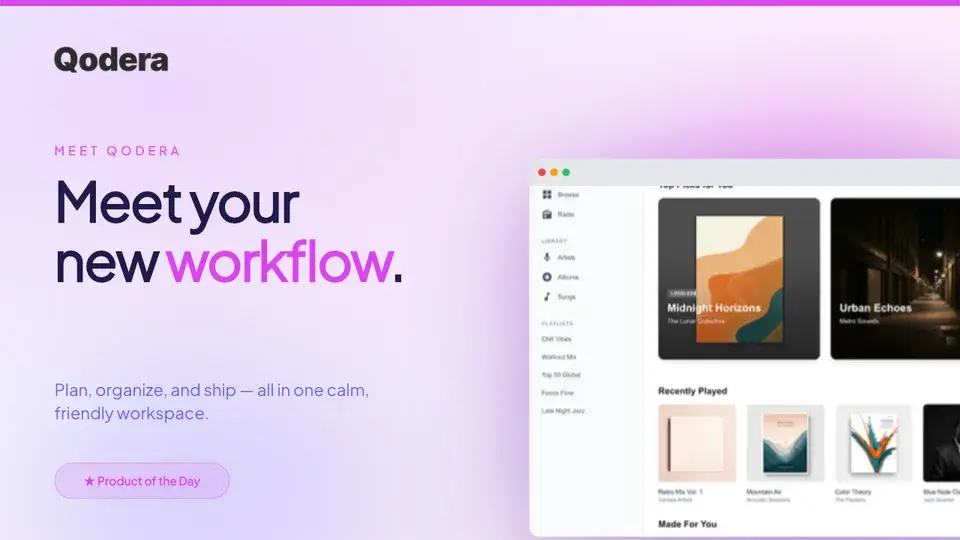
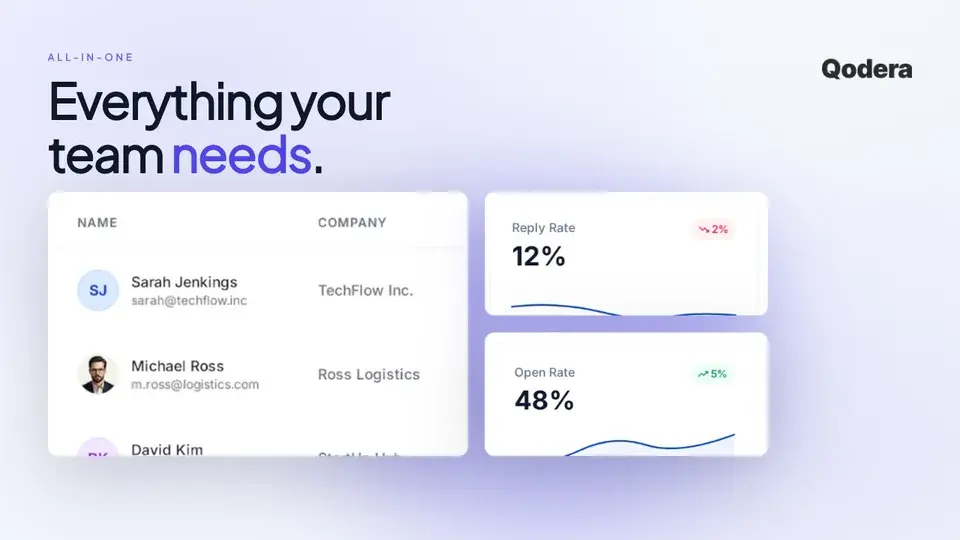
Two editable starting points from the Screenhance library, selected for this launches guide.
Make a free device mockup
Free to start. No credit card required.
Keep reading
Related, product-tested guides from Screenhance.
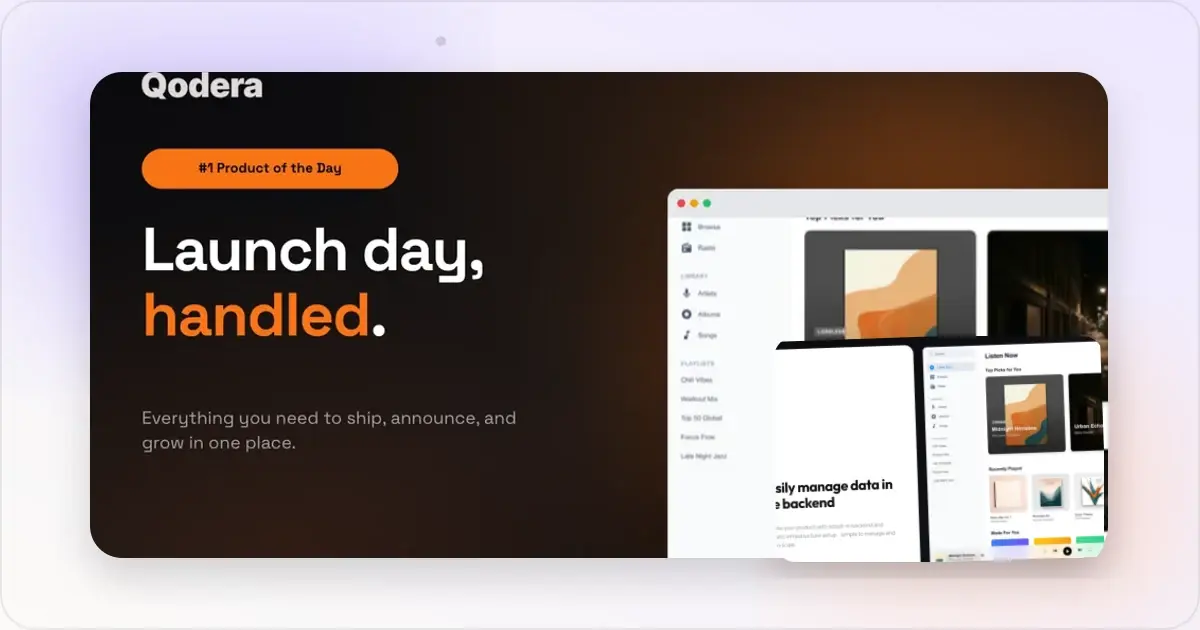
Best Mockup Tools for Product Hunt Launches: 2026 Comparison
Compare the best tools for creating Product Hunt gallery images. Screenhance, Figma, Canva, Photoshop, and Shots.so: honest pros, cons, and pricing.
7 Feb 2026 · 12 min read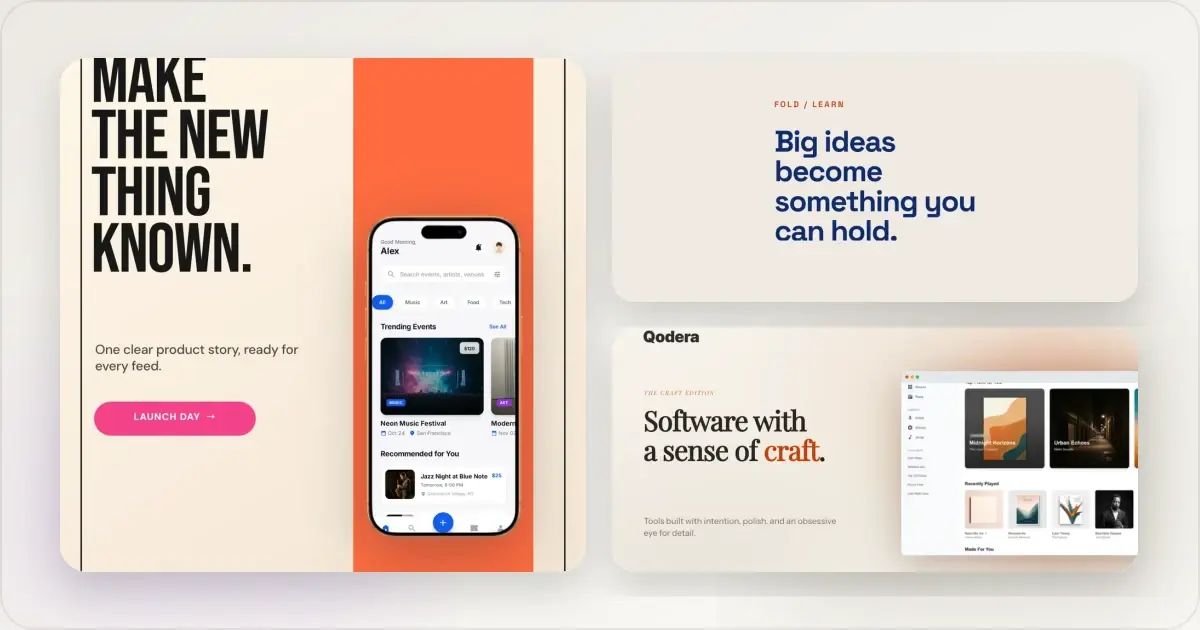
14 Best Fonts for App Screenshots and Launch Graphics
Choose readable fonts for App Store screenshots, Google Play graphics, social posts, and launch visuals, with practical pairings and editable examples.
1 Sept 2026 · 10 min read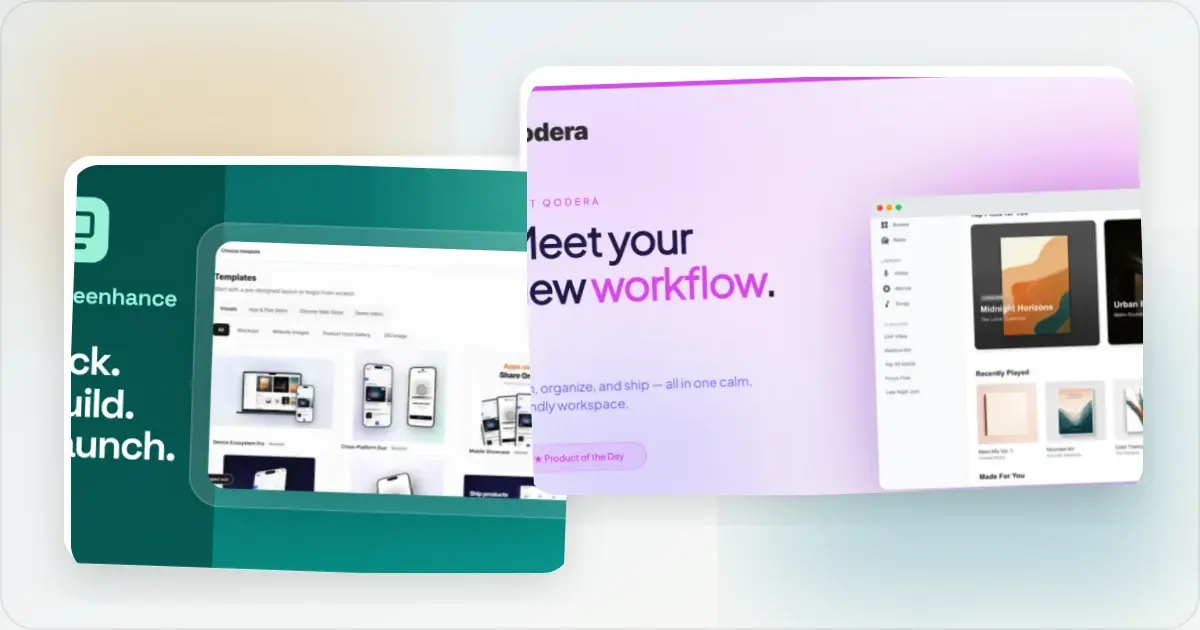
How to Launch an App in 2026: The Complete Step-by-Step Checklist
The complete 2026 app launch checklist: a 4-6 week timeline across pre-launch, launch day, and post-launch, plus every store, Product Hunt, and OG asset needed.
4 Jul 2026 · 8 min read