Use Cases
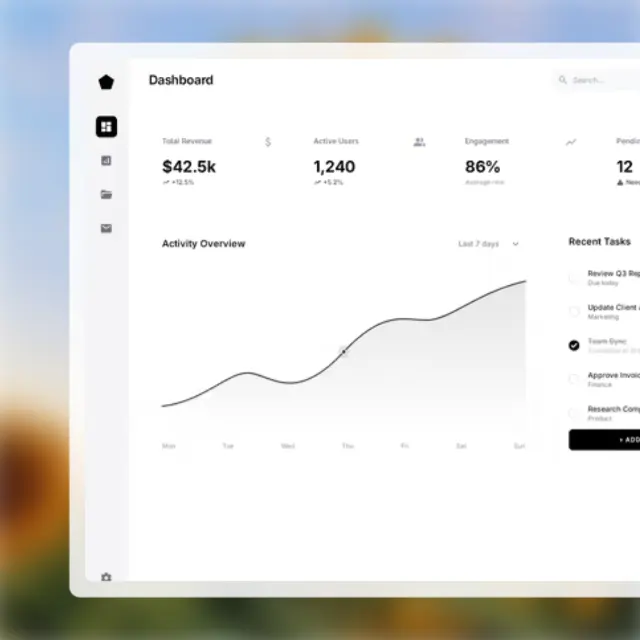
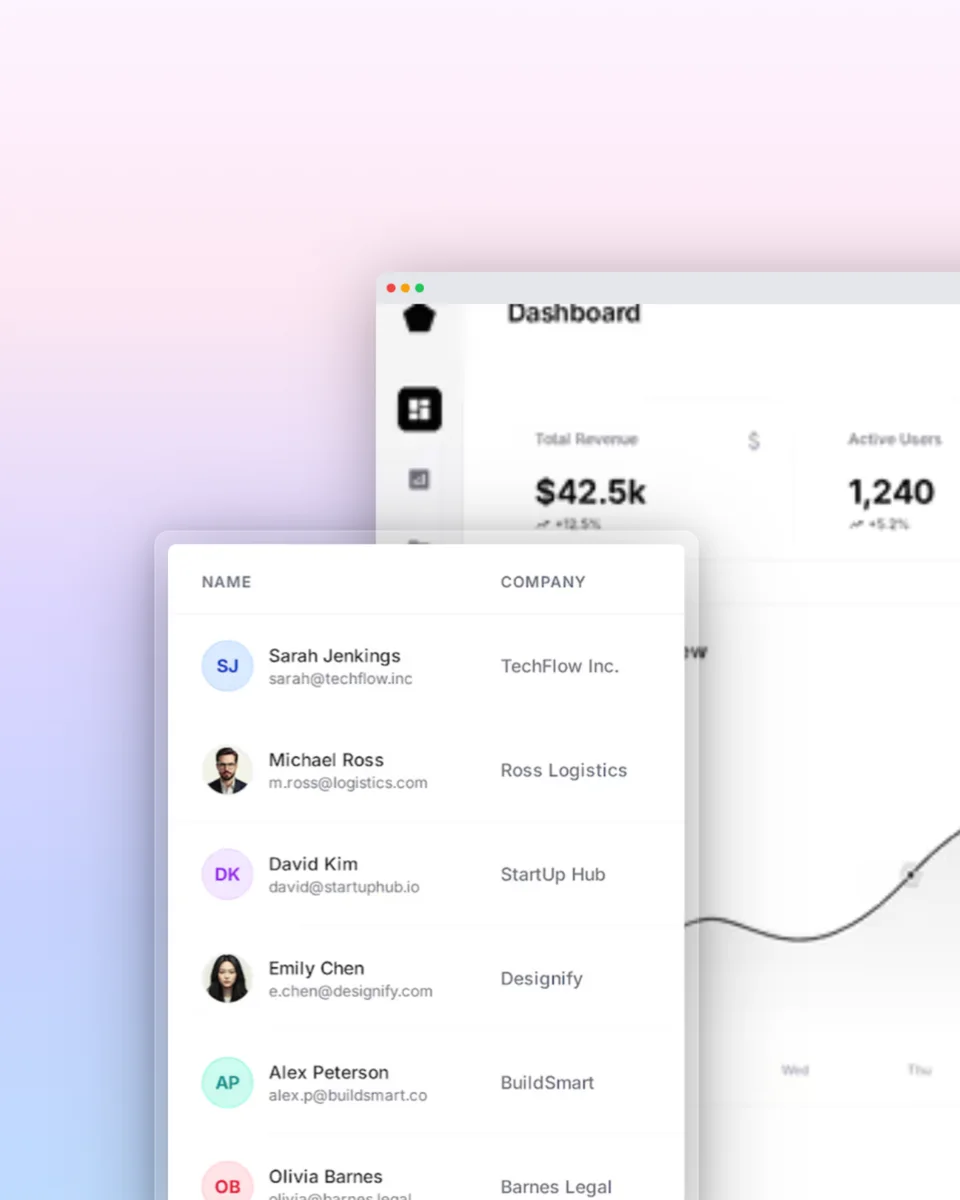
Turn plain screenshots into stunning visuals. Add beautiful backgrounds, soft shadows, rounded corners, and professional polish - all in seconds.
Loved by 2,000+ creators

100+ templates to make any screenshot look stunning. Pick one and export in seconds.
See what's possible. Real outputs from the editor.


Choose from dozens of beautiful gradient presets or create your own.
Pick any color that matches your brand or content.
Add depth with customizable drop shadows.
Smooth, modern corner radius for a polished look.
Control the breathing room around your screenshot.
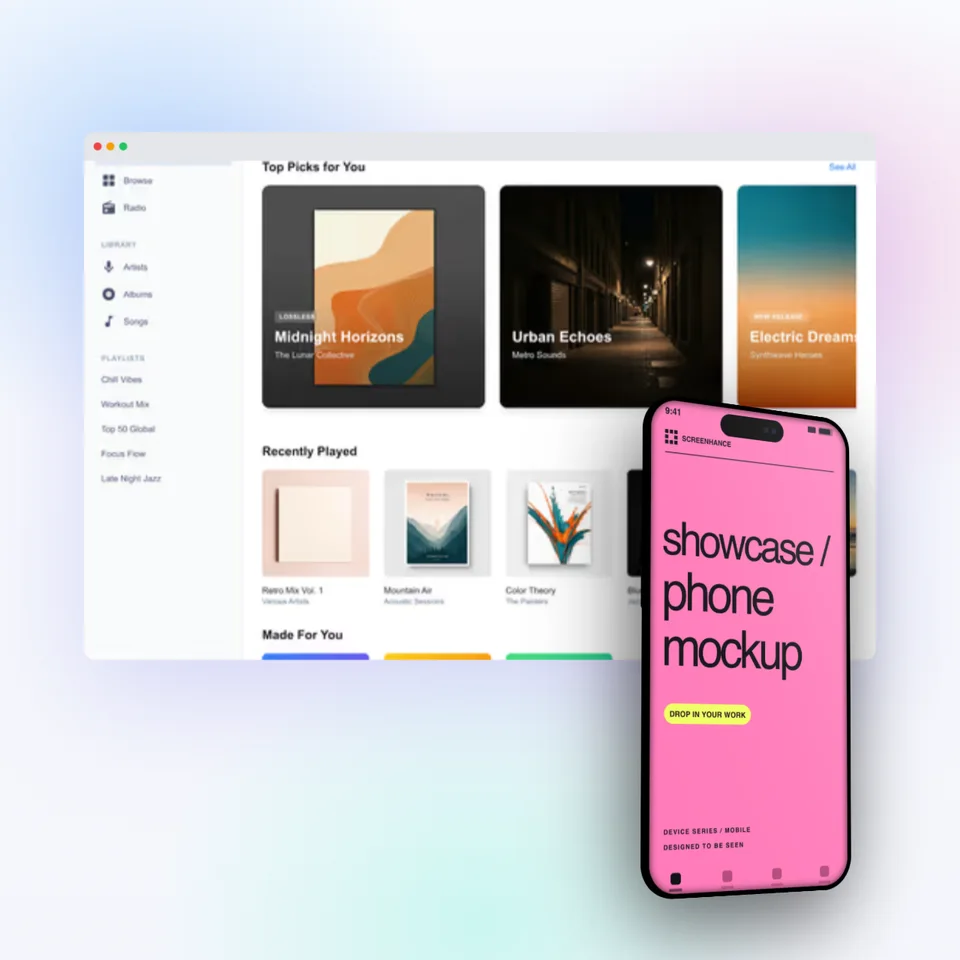
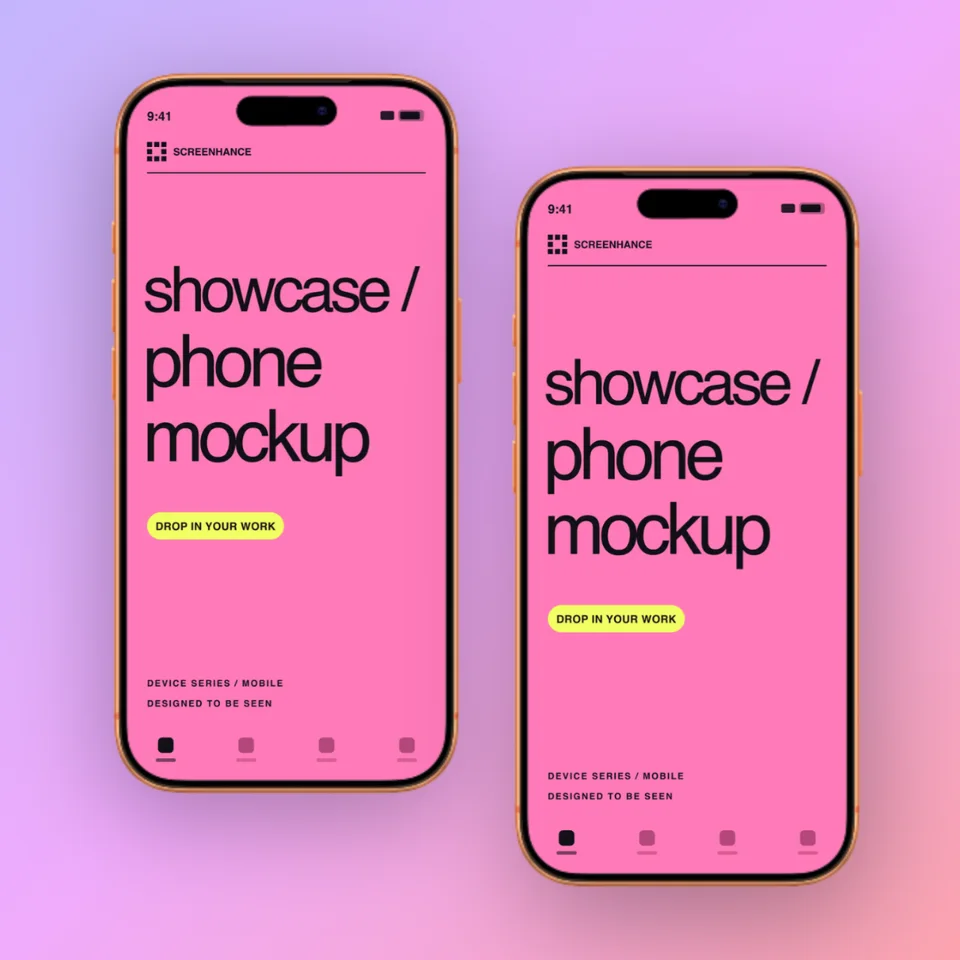
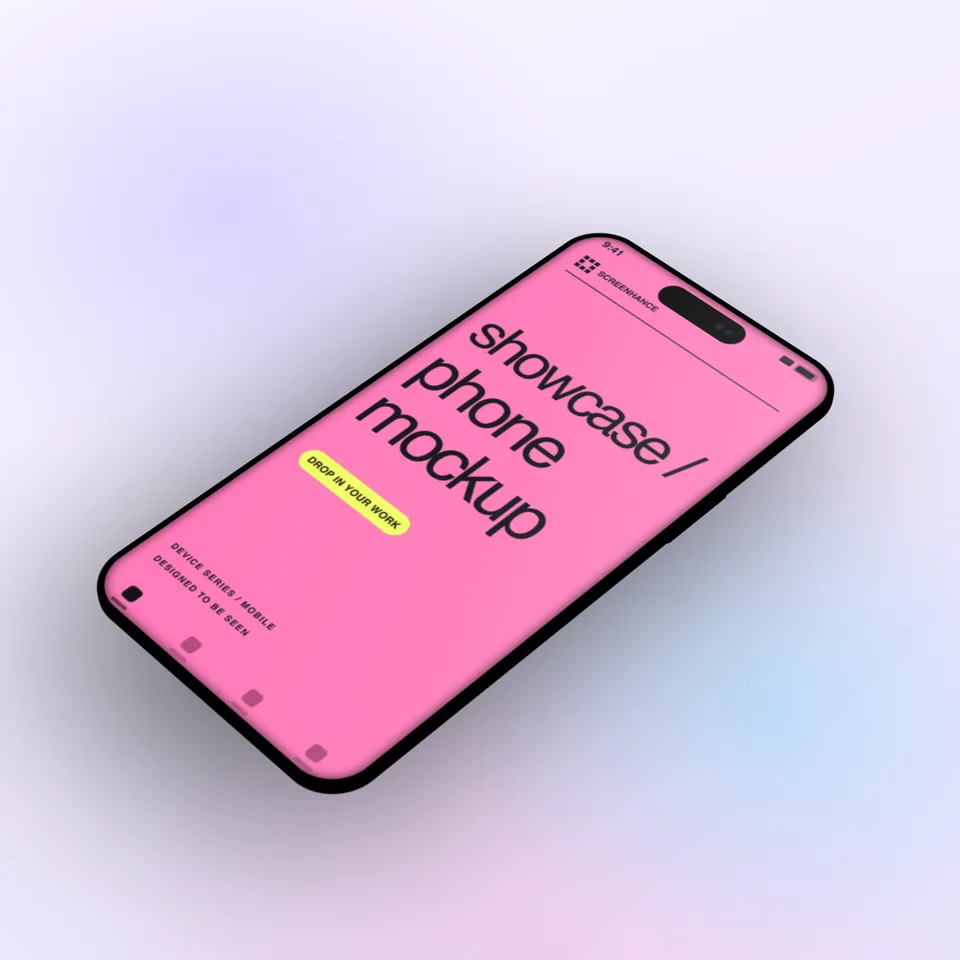
Optionally add browser or phone frames for context.
Create professional mockups in three simple steps. No design skills required.
Drag and drop or select any screenshot, design, or image from your device.
Pick from iPhone, iPad, MacBook, browser frames and beautiful gradient backgrounds.
Download as PNG, WebP, JPEG, GIF, or video. Ready for marketing in seconds.
Two capabilities that separate Screenhance from every other mockup tool in 2026: animated exports and App Store screenshot localization.
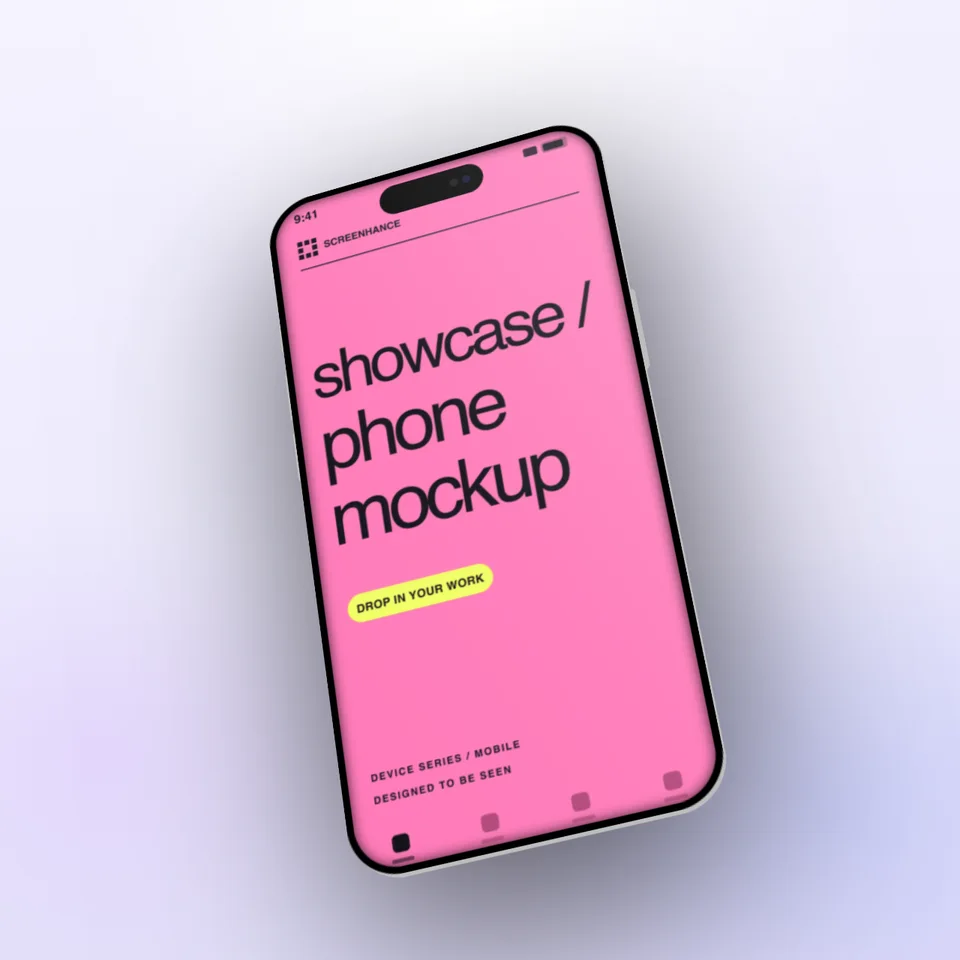
Template-driven motion — float, reveal, parallax. Export animated mockups at Product Hunt, landing-page, and Twitter/X dimensions. Most mockup tools are static-only.
One master design, per-locale captions, every required Apple and Google Play size per language. RTL and CJK support. Apple reports localized listings drive 2-3x install lifts.
iPhone 17 Pro Max (1320×2868), iPhone Air (1260×2736), iPad Pro M4 (2064×2752), and the full Google Play set — exported from one design in a single pass.
Pick a template, drop in your screenshot, export. No Figma, no Photoshop, no learning curve. Free tier covers 3 exports a month; $6 Week Pass unlocks unlimited for a launch.
Plain screenshots get scrolled past. Beautiful ones stop the scroll and get engagement.
Enhance your content with visually appealing screenshots that readers actually want to look at.
Make your docs look professional and increase user trust in your product.
Impress your audience with polished visuals instead of raw screenshots.
For years “beautify a screenshot” meant one thing: drop it on a gradient, round the corners, add a shadow. Three operations, done in any free web tool. That output has aged into a visual cliche. You can spot a 2021-style beautified screenshot in a Twitter feed from across the room: pastel purple-to-pink mesh background, 24px rounded corners, a soft blur shadow underneath.
The 2026 definition is broader and pickier. It still includes background, corner, and shadow — those are table stakes — but now also covers chrome composition (do you show the browser frame, the OS window, the cursor, the URL bar?), motion (is this a still or a 2-second loop?), aspect ratio targeting (1200×630 for OG, 1080×1350 for LinkedIn portrait, 1170×2532 for App Store iPhone 15 Pro), and density (1x for docs, 2x for landing pages, 3x for ads). A “beautified” screenshot in 2026 is a screenshot composed for a specific surface.
The other shift is around realism. The gradient-glass-aurora aesthetic of 2022 has cooled. Cleaner backgrounds — flat colors, subtle noise, soft single-source lighting — perform better in feeds where every competitor is also using a gradient. Less ornament, more contrast.
The right tool depends on what you are shipping and how much you will reuse the asset. Three honest rules of thumb.
Use the raw screenshot for internal Slack messages, bug reports, support tickets, and pull request comments. Beautifying these wastes everyone’s time and looks faintly ridiculous when the context is “here is the bug.” The raw capture is the most honest signal in engineering and support.
Use a beautifier like Screenhance for everything that ships externally but is one of many — blog post images, social cards, Product Hunt gallery panels, changelog posts, sales-deck slides. The economics only work if you can ship the asset in under five minutes. Hiring a designer for a tweet image is irrational; doing it in Figma takes twenty minutes you do not have. A beautifier templated to the right aspect ratio is the only sensible answer.
Hire a designer for the assets that define your brand — the homepage hero, the pricing page mockup, the launch video thumbnail, the App Store hero panel. These get viewed a million times each and they should not look like they came out of a template. A beautifier is the wrong tool for the front door. Use Screenhance for everything else and let your designer focus on the work that compounds.
A screenshot beautifier transforms plain, raw screenshots into visually appealing images by adding backgrounds, shadows, rounded corners, and other styling effects. It makes your screenshots look professional without needing design skills.
Yes! Screenhance offers gradient presets, solid colors, and the ability to upload your own custom background images. Pro users get access to all background options.
Beautifying focuses on styling the screenshot itself (backgrounds, shadows, corners), while device frames place your screenshot inside a realistic device like an iPhone or MacBook. You can do both in Screenhance!
Yes! The free plan includes 3 exports per month with basic beautification features. Pro plans unlock unlimited exports, higher resolutions, and all styling options.
No. Raw captures are the right signal for engineering, QA, and support contexts. Adding a gradient background to a stack trace screenshot looks unserious and slows down the people trying to read it. Beautifying is for external assets — blog posts, social cards, landing pages, decks.
Gradients are not dead but they are no longer a differentiator. If every competitor in your category uses a purple-to-pink mesh, switching to a flat color with subtle noise will look fresher and stand out further in the scroll. Use gradients when they fit the brand, not as a default.
1x for documentation and embedded help articles. 2x for landing pages, blog hero images, and social cards — covers Retina and most high-DPI displays. 3x only if you are exporting for paid ad creatives where ad networks compress aggressively. Going above 3x produces files large enough to hurt page load without visible benefit.
Only if you export at the wrong size or format. A 2x WebP at the natural display dimension is usually under 200KB. A 4K PNG is two megabytes. Screenhance exports WebP and JPEG at the resolution you actually need, so the beautified version is rarely heavier than the raw screenshot.
Explore more ways to create stunning visuals with Screenhance.
Create iOS and Android store visuals
Try it freeGenerate compliant App Store screenshots
Try it freeResolve the App Store Connect wrong-dimensions error
Try it freePolish app screenshots for any store
Try it freeAndroid-ready Google Play visuals
Try it freeiOS-specific screenshot sets
Try it freeIt takes 5 seconds to transform a plain screenshot into something stunning.