Use Cases
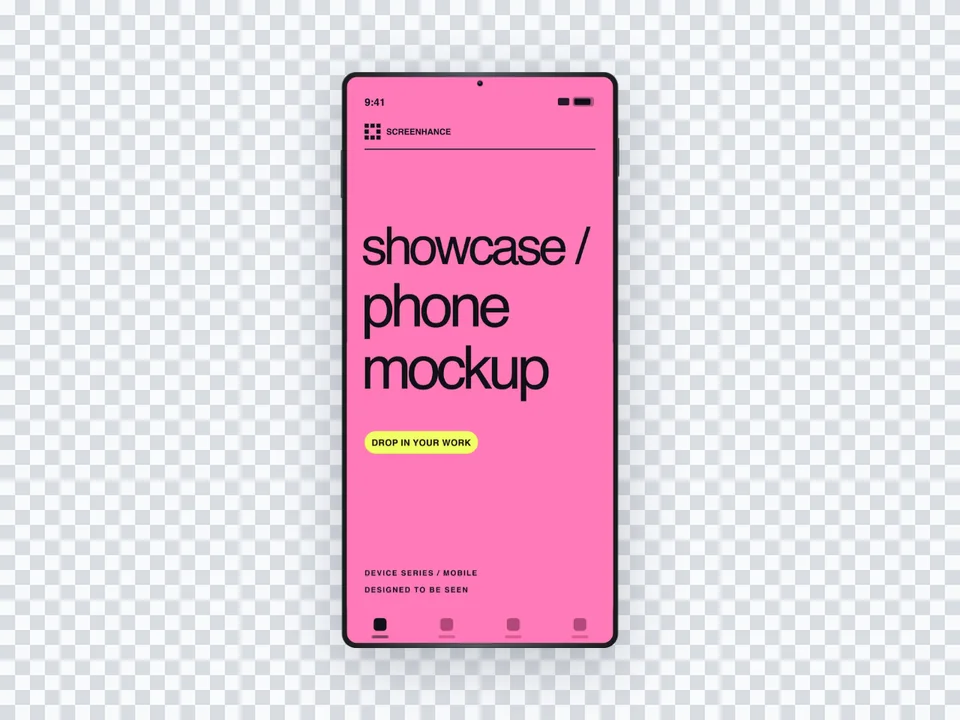
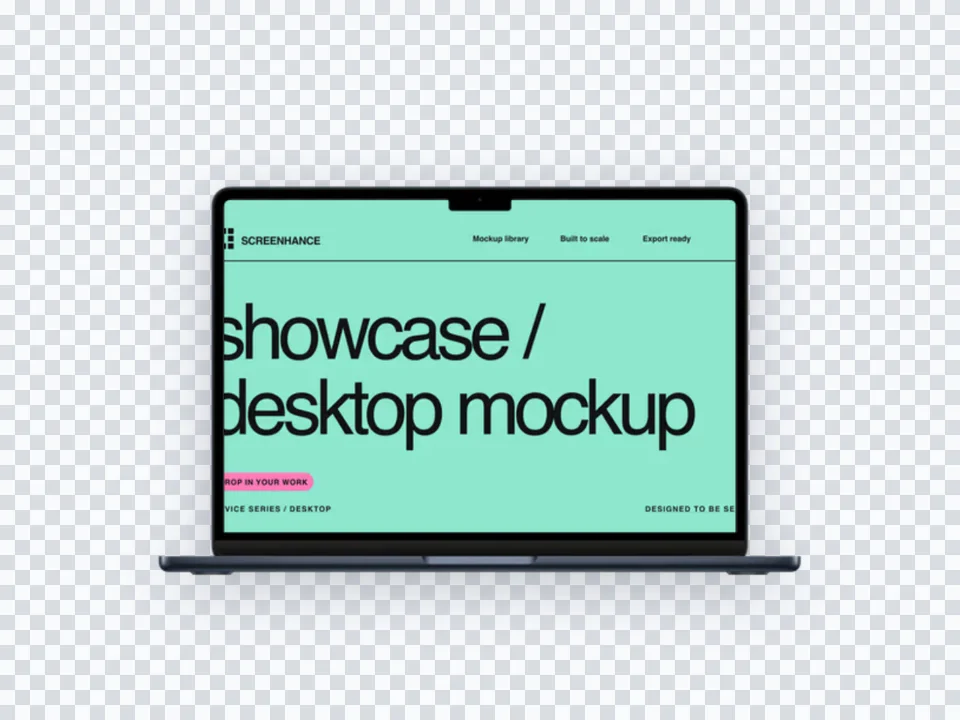
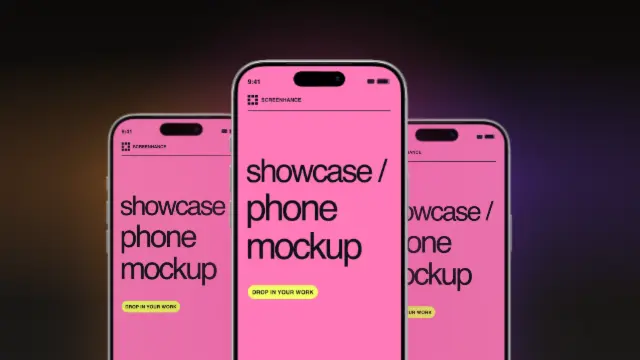
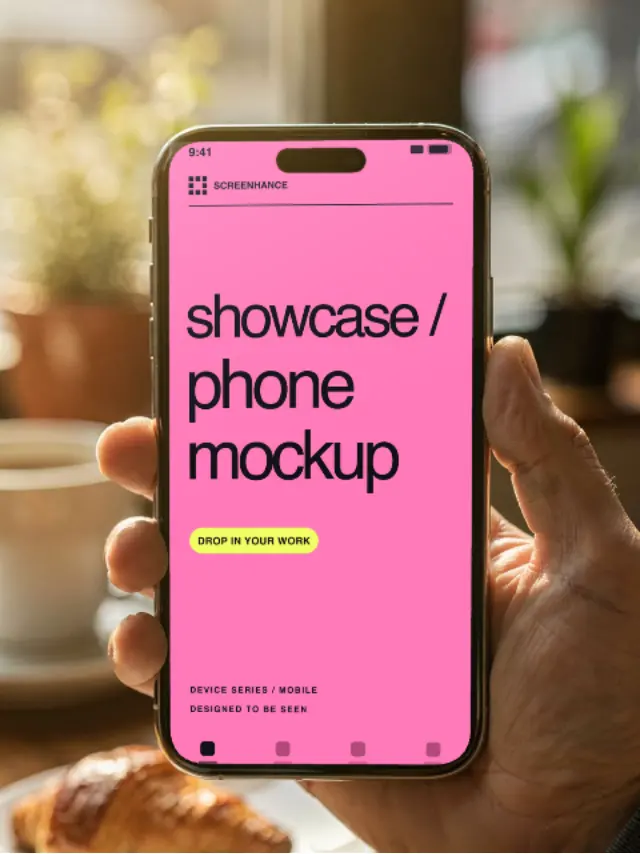
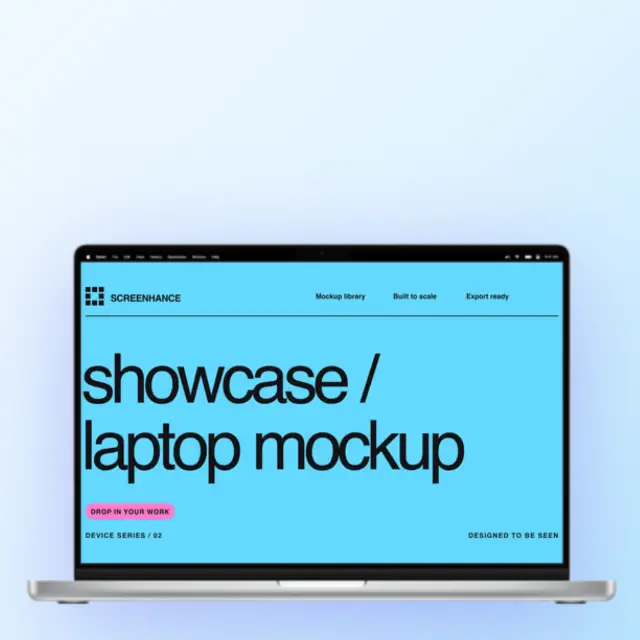
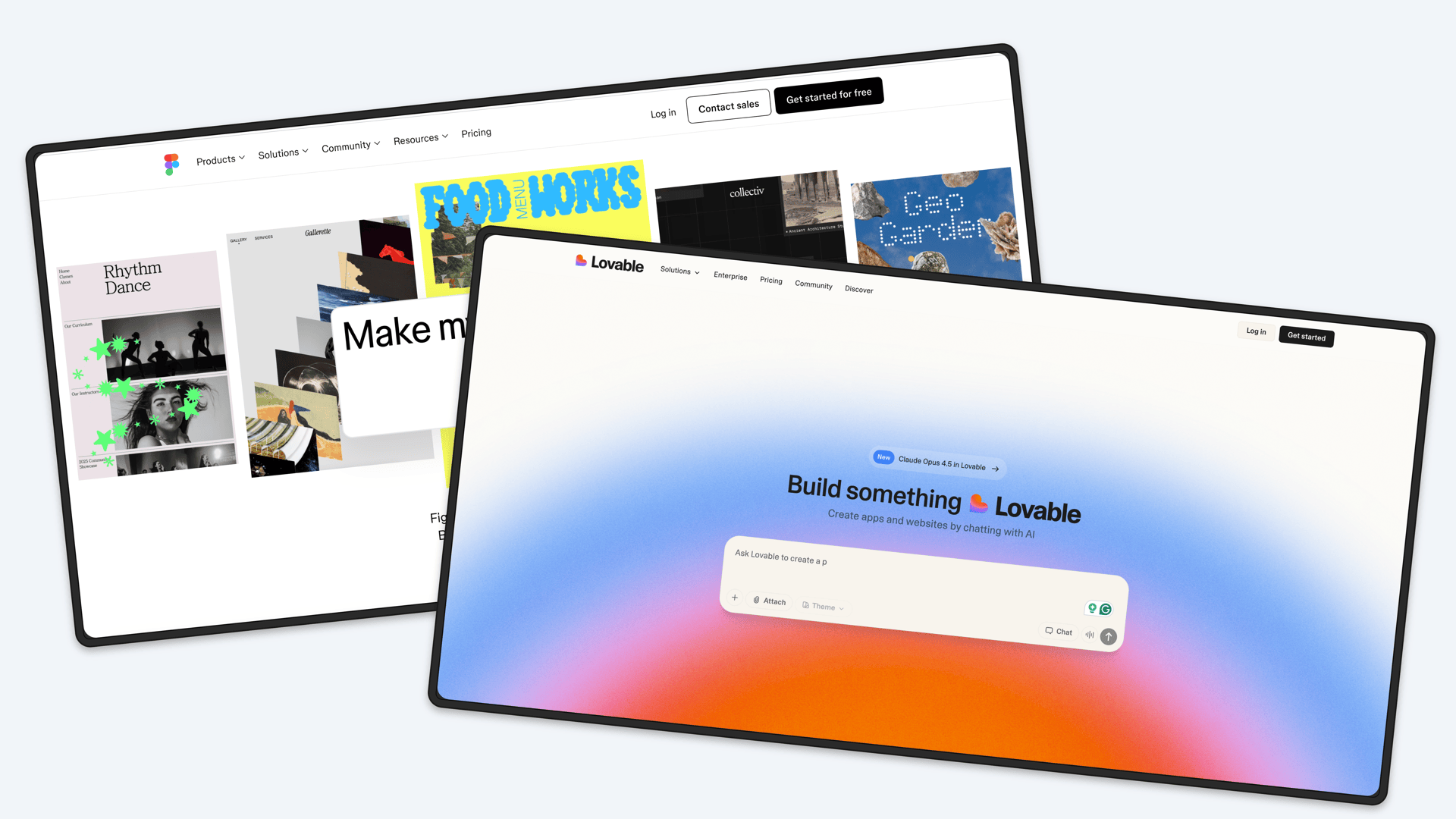
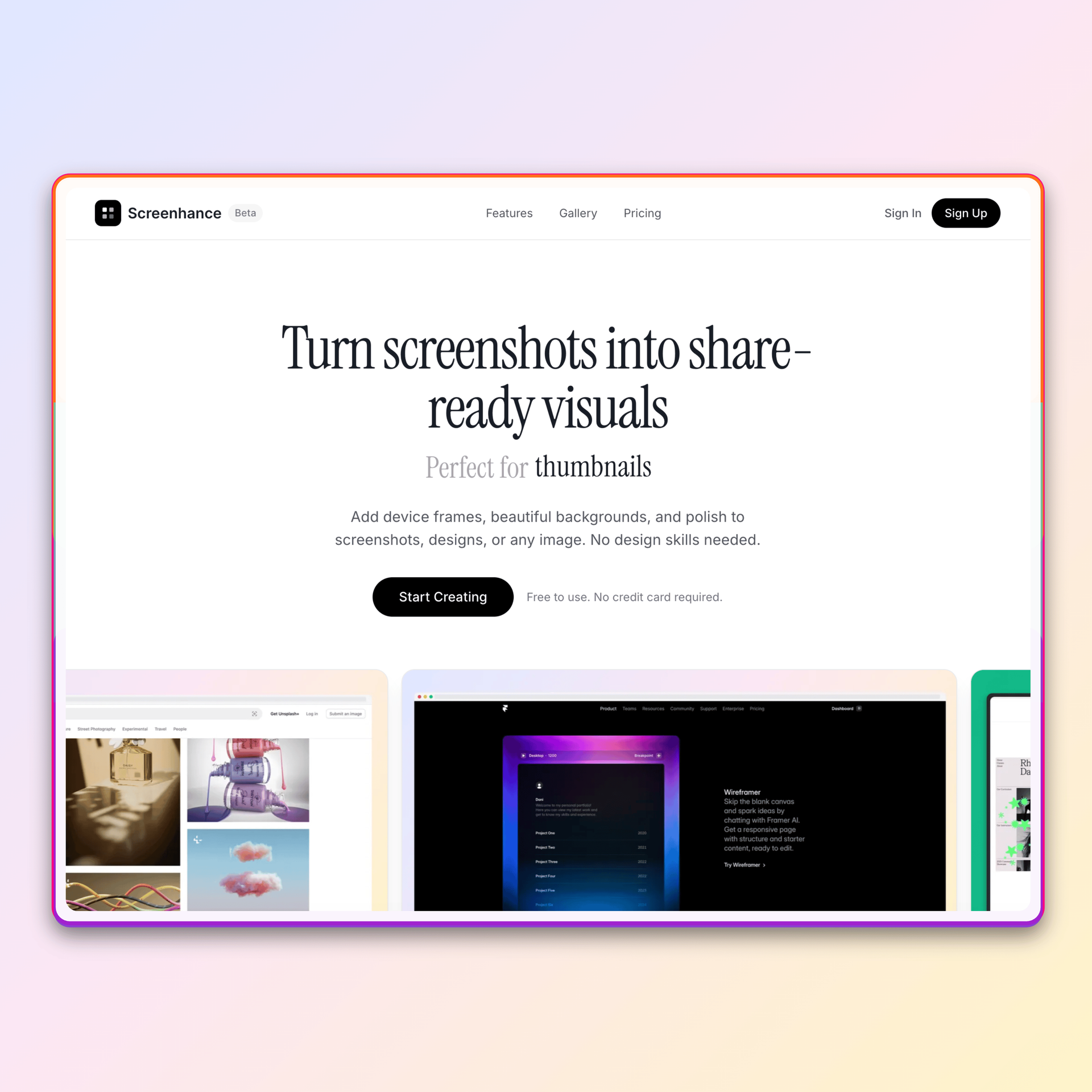
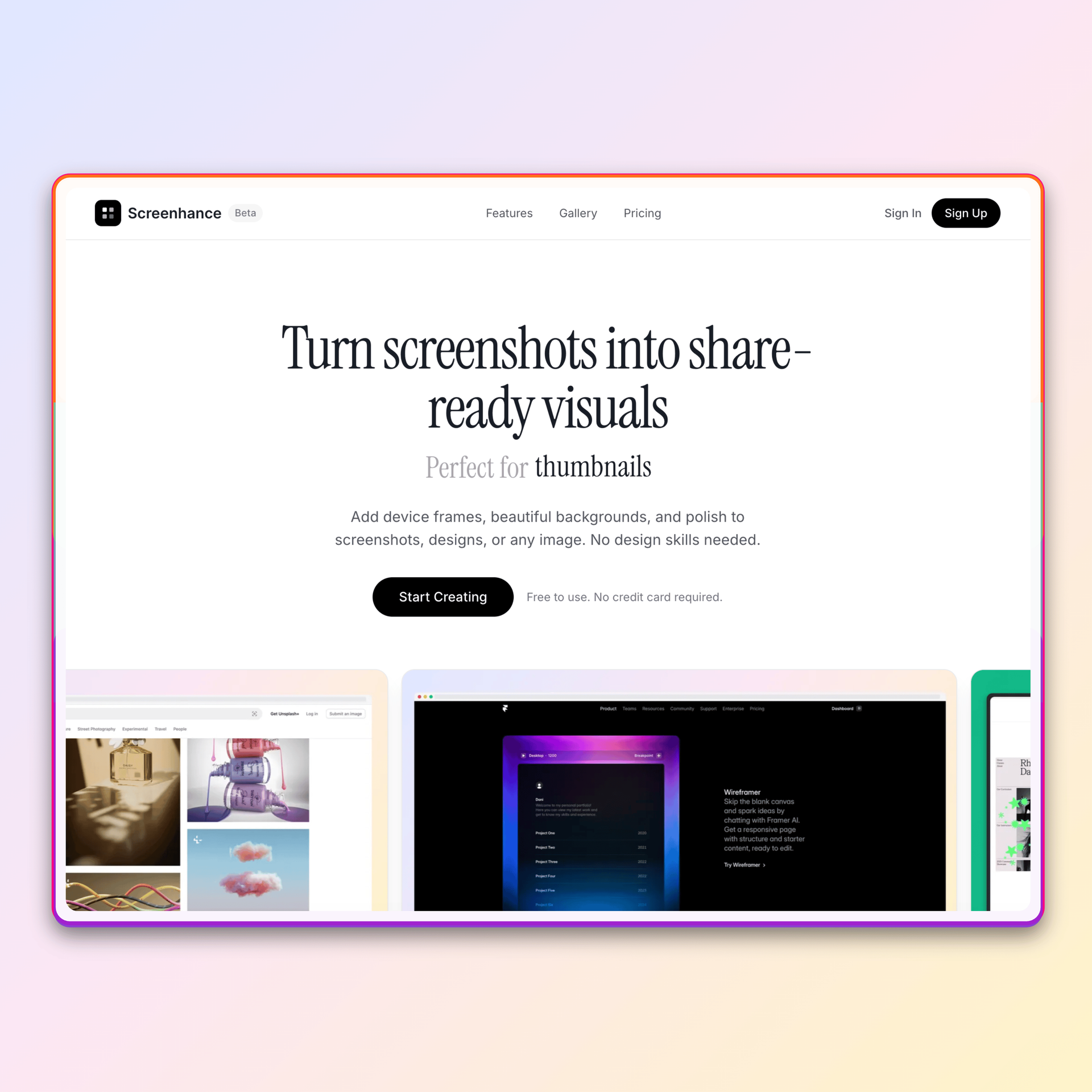
Don't know Figma? Don't have time to learn? Create professional device mockups in seconds. Just upload your screenshot and download a polished result.
Loved by 2,000+ creators
No Figma skills needed. Pick a template, drop in your screenshot, and export.
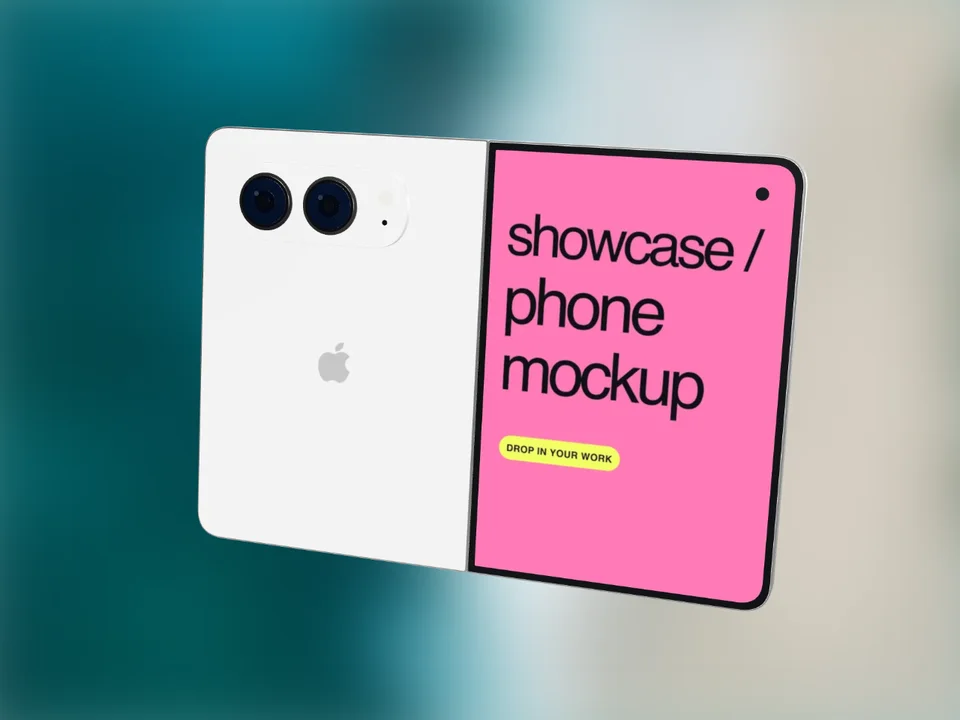
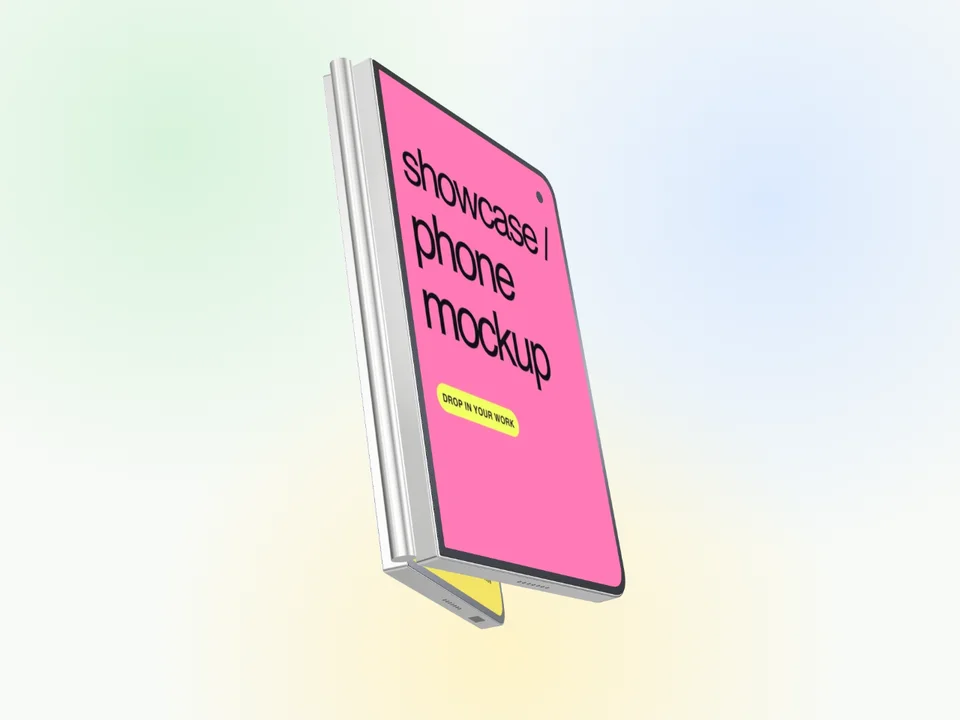
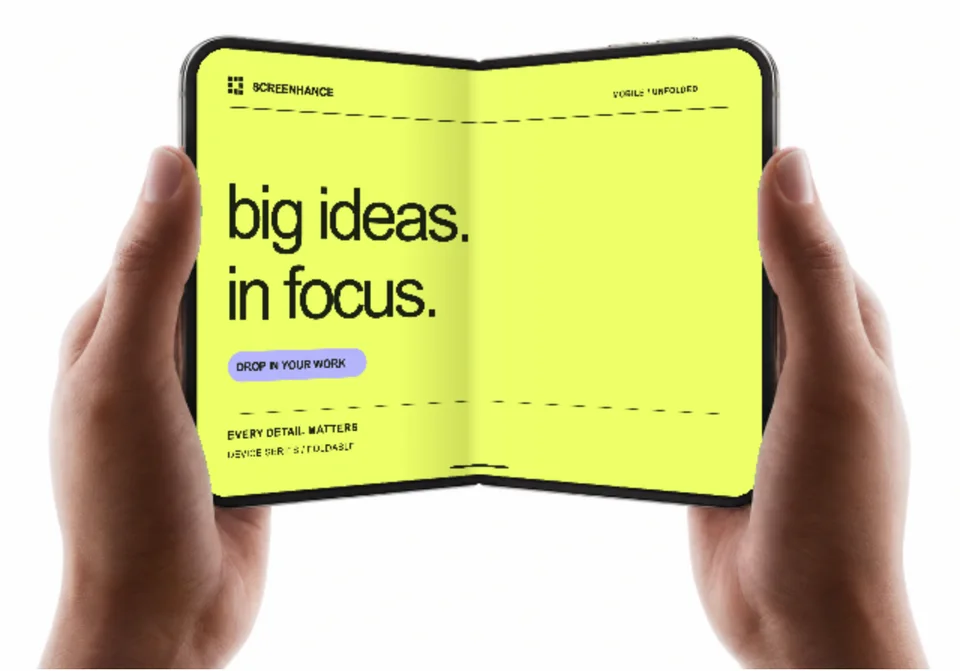
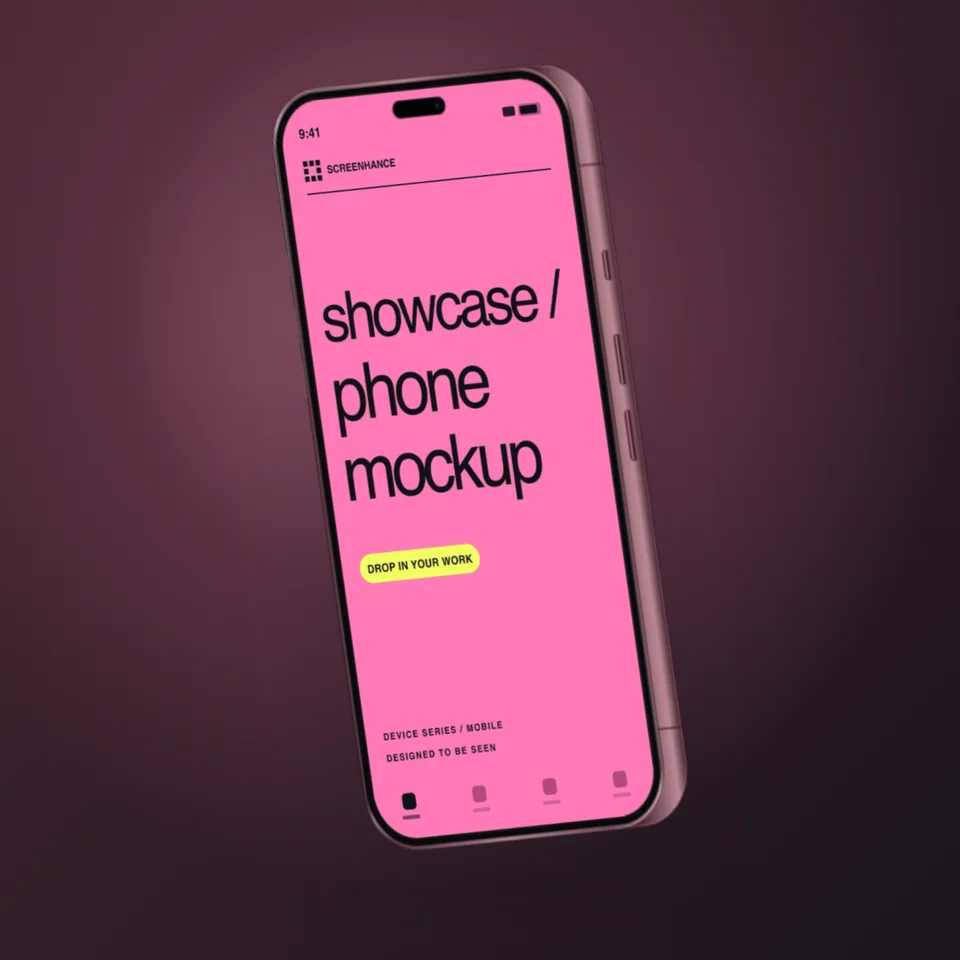
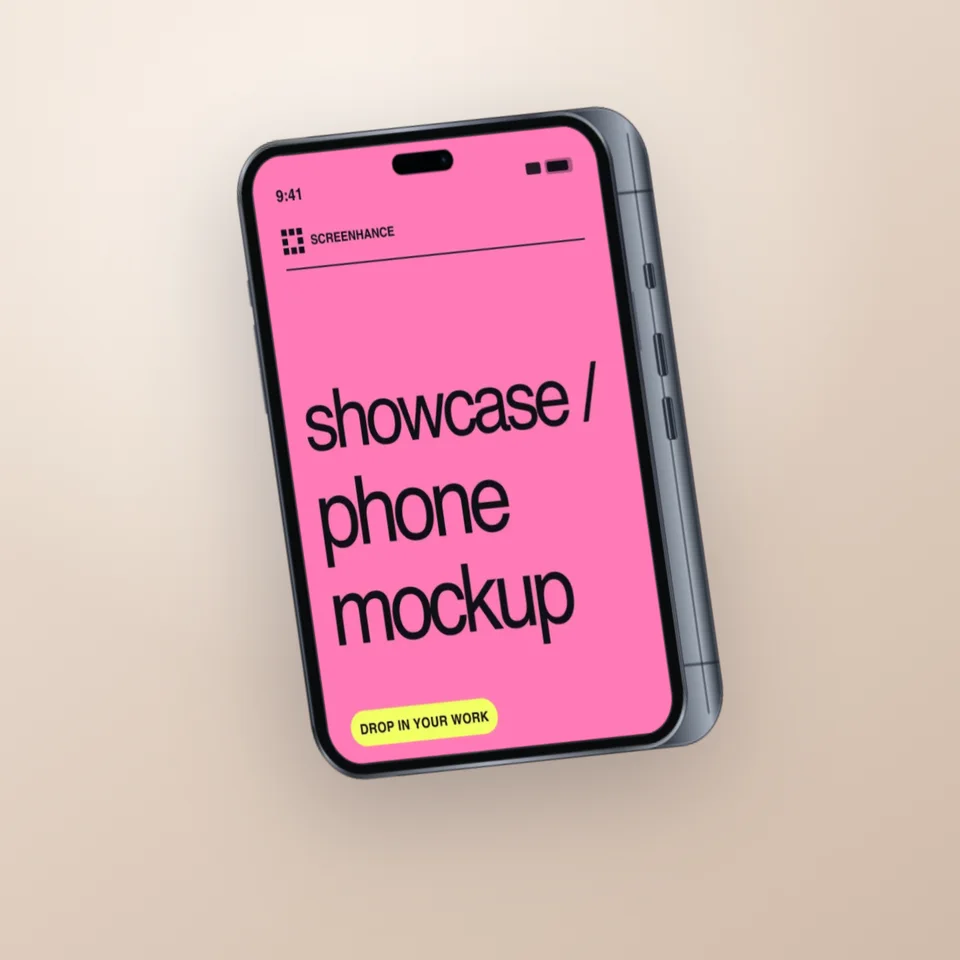
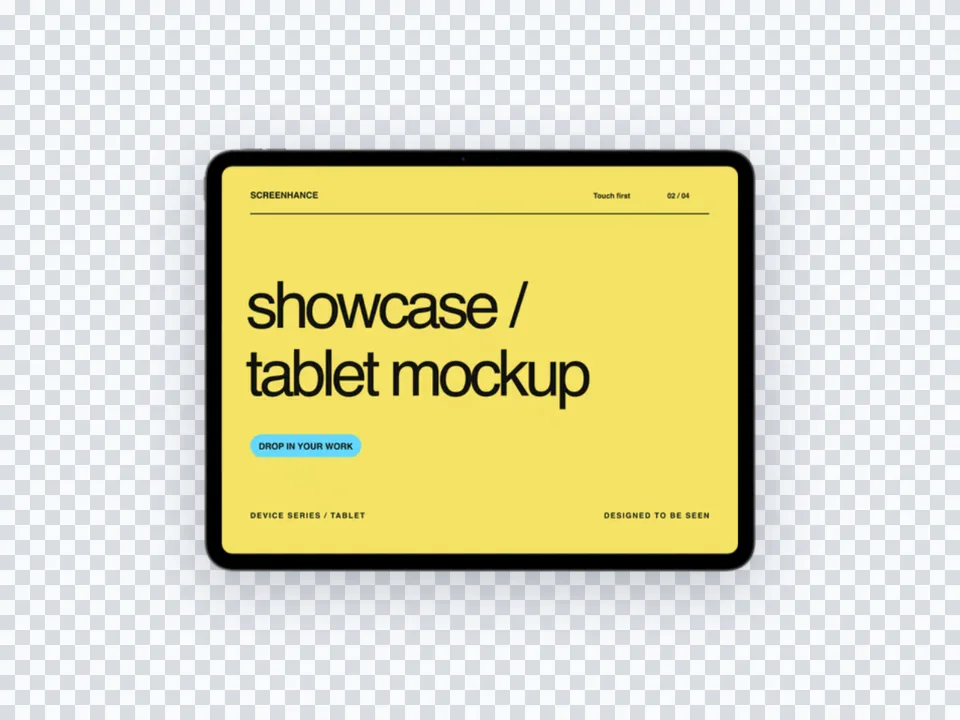
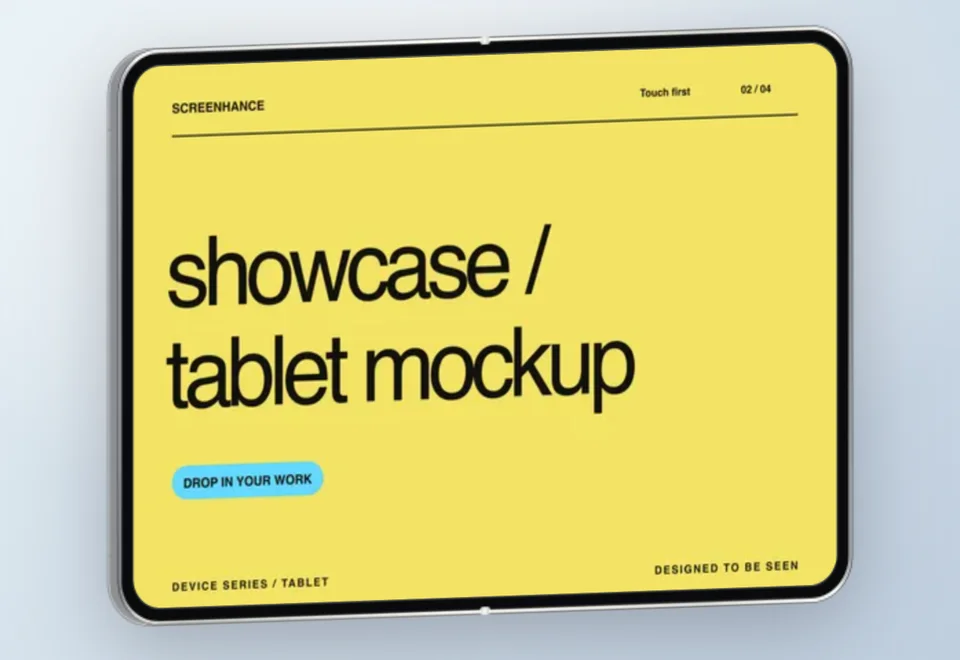
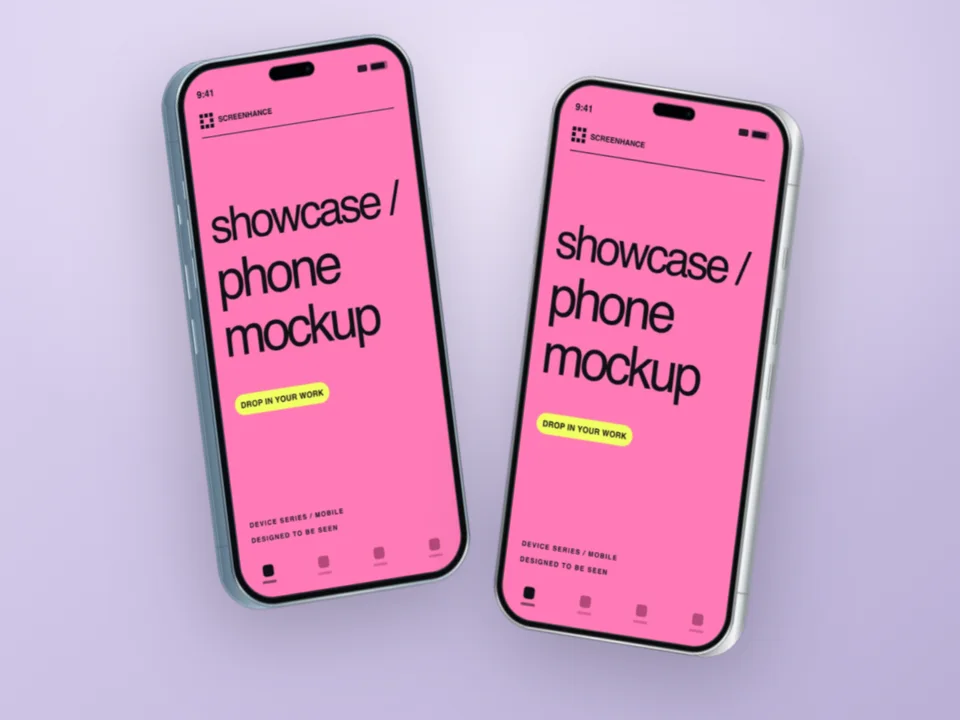
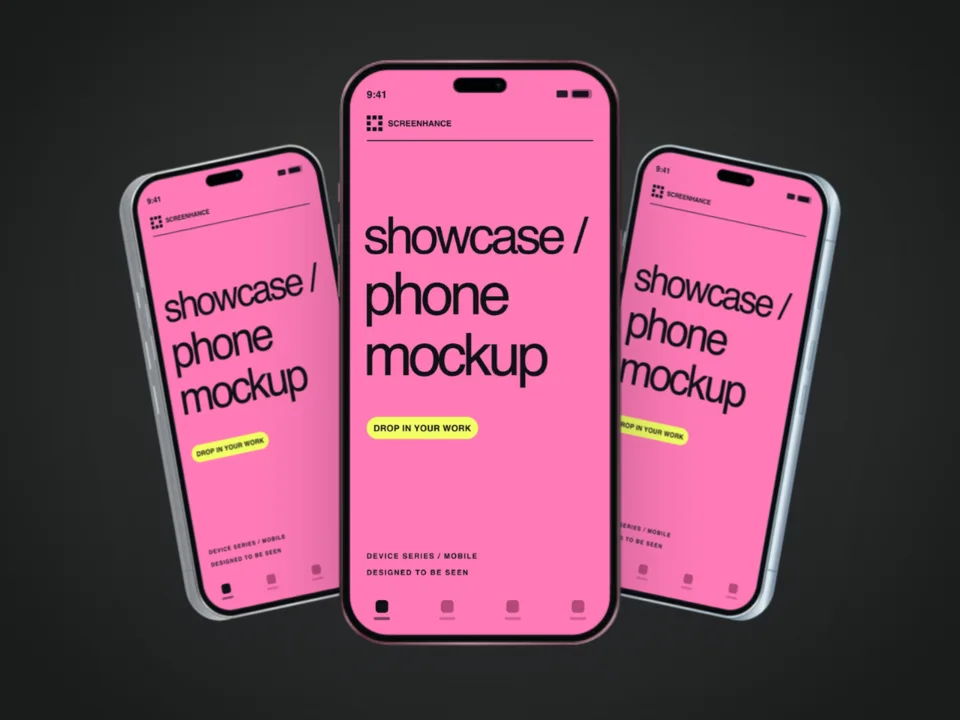
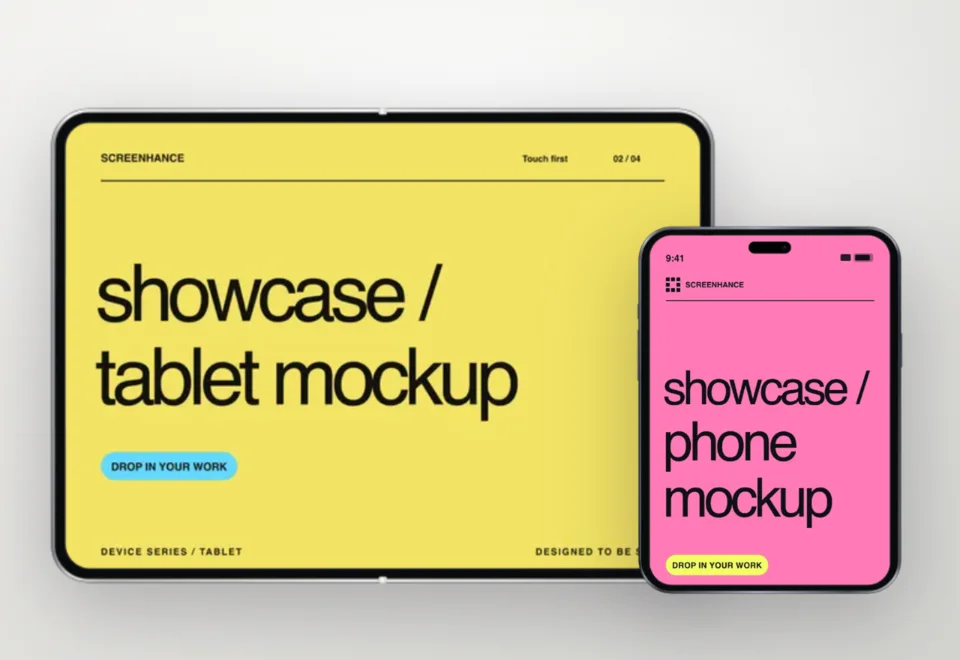
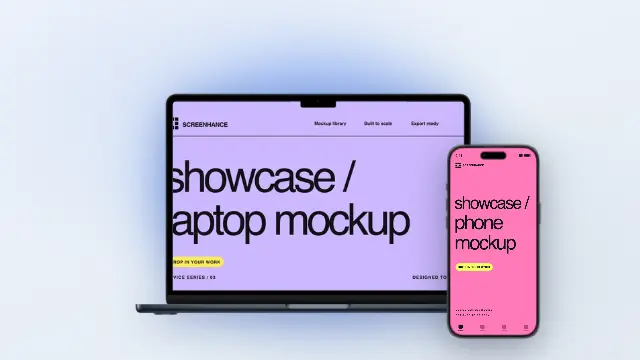
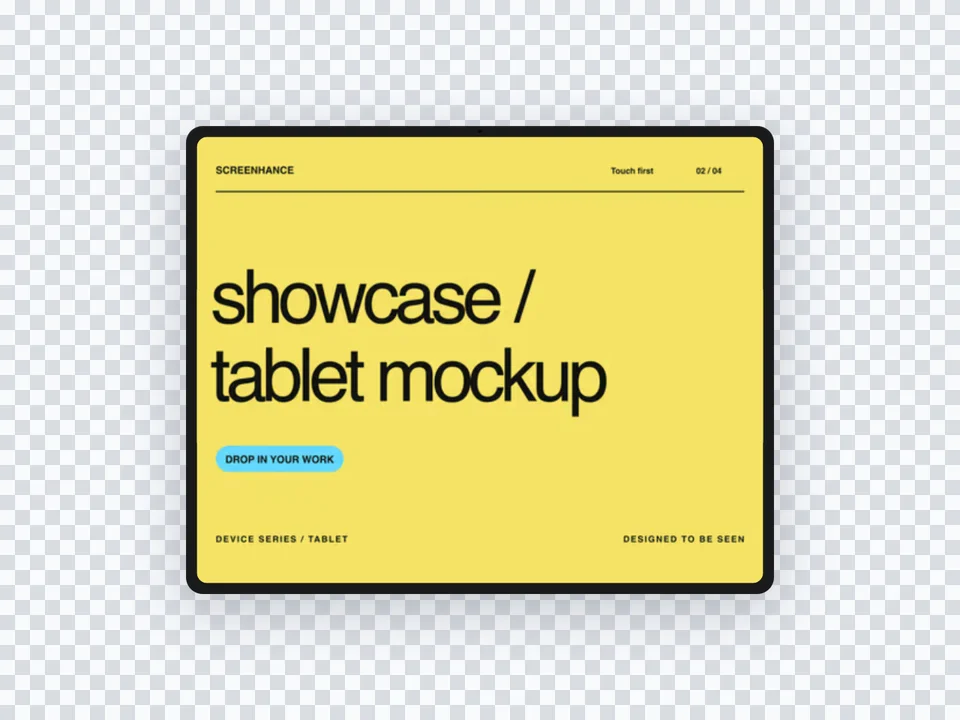
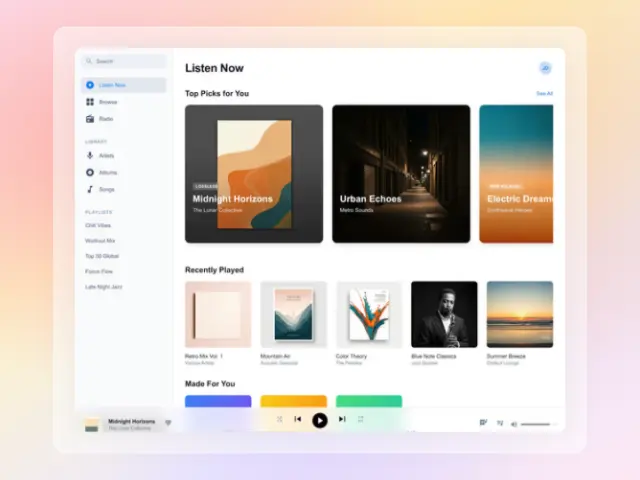
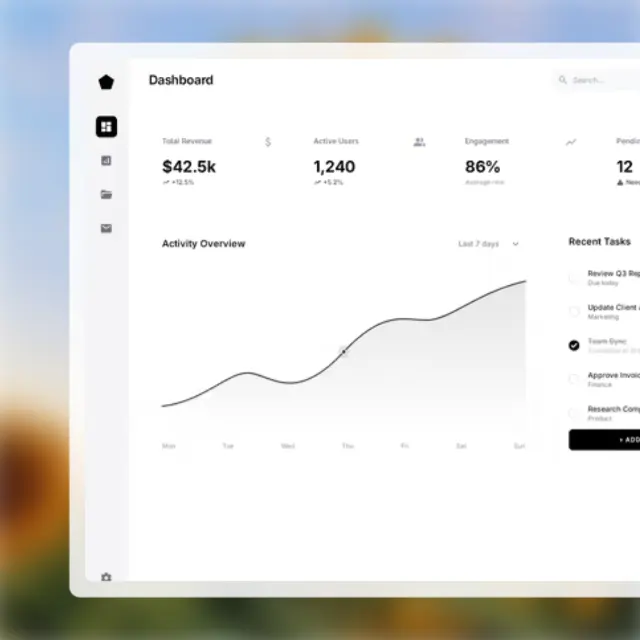
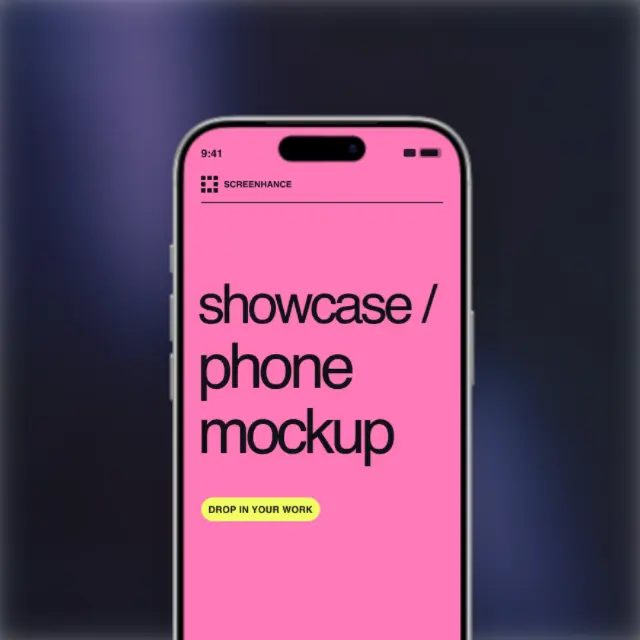
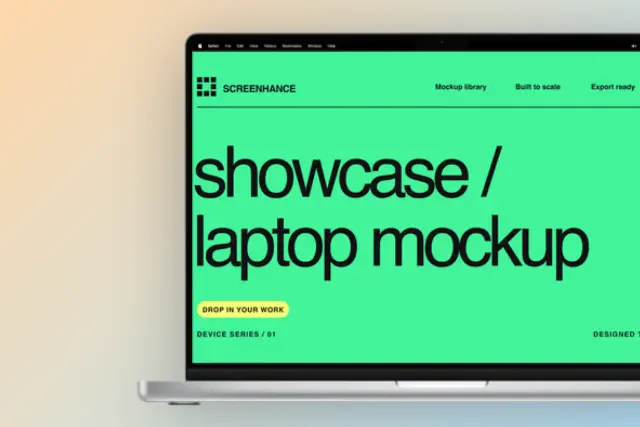
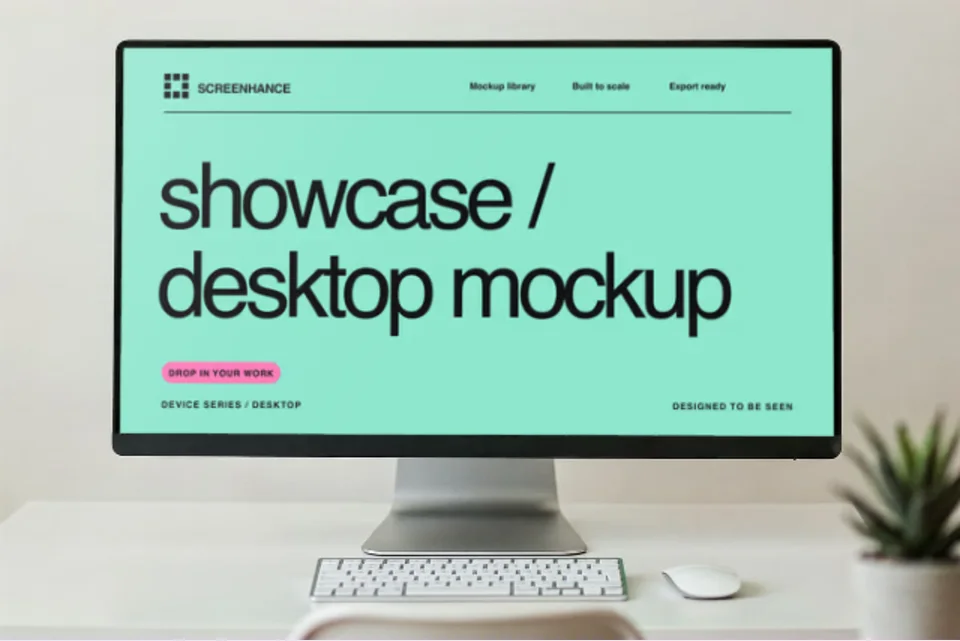
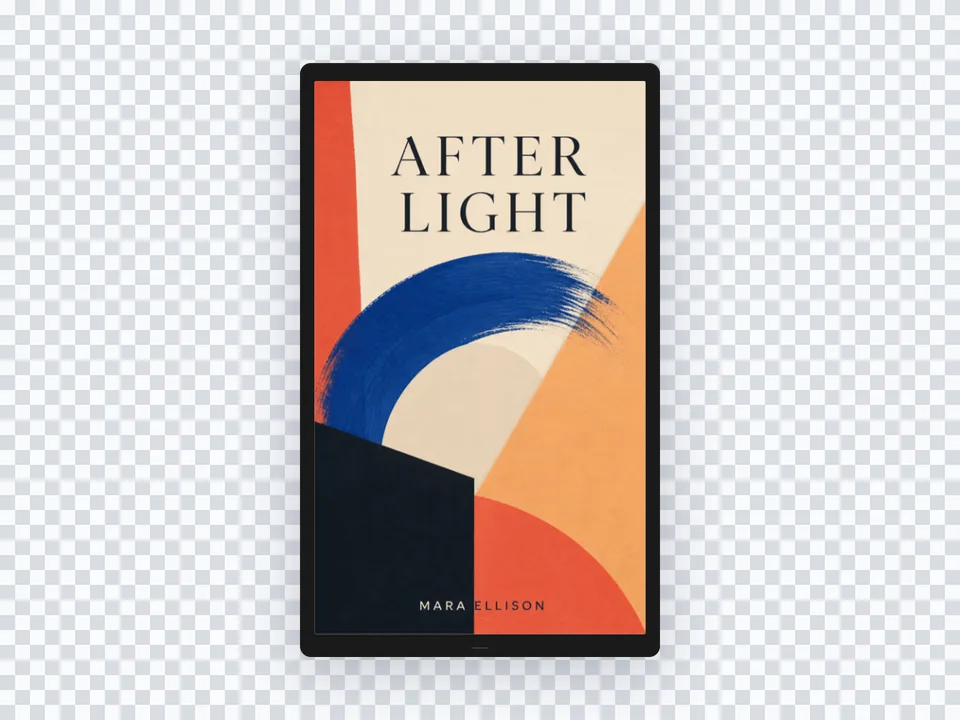
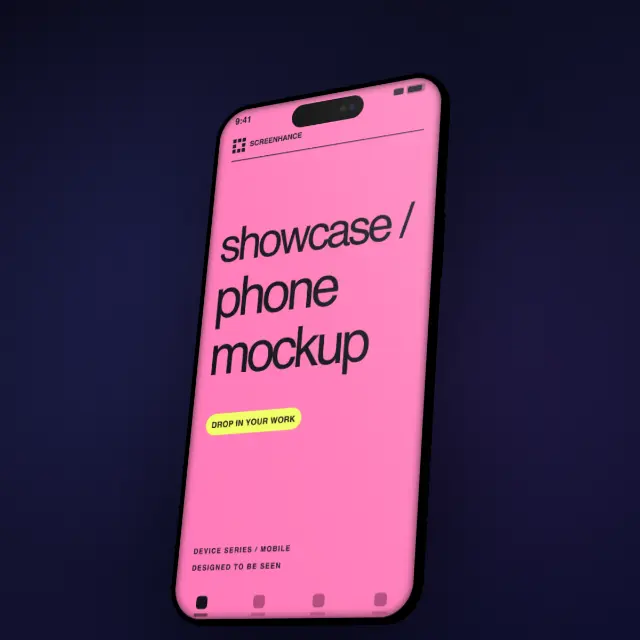
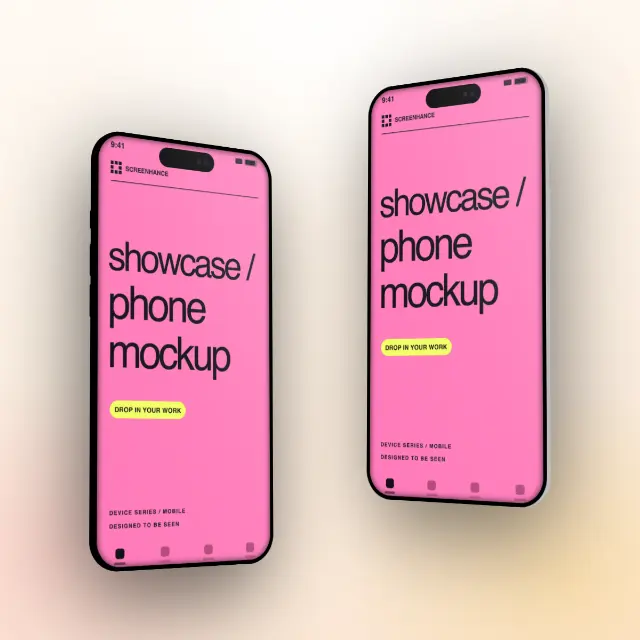
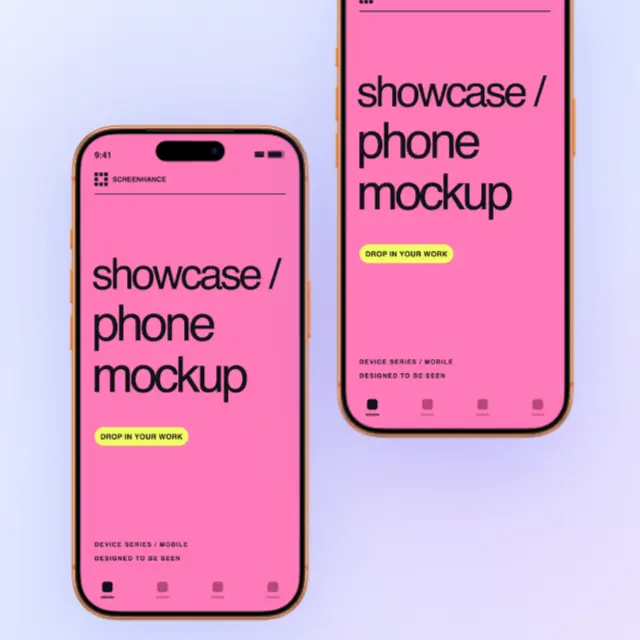
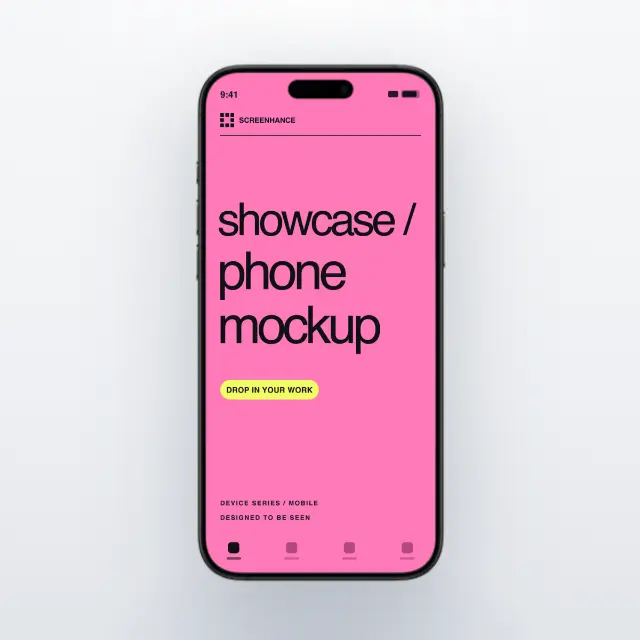
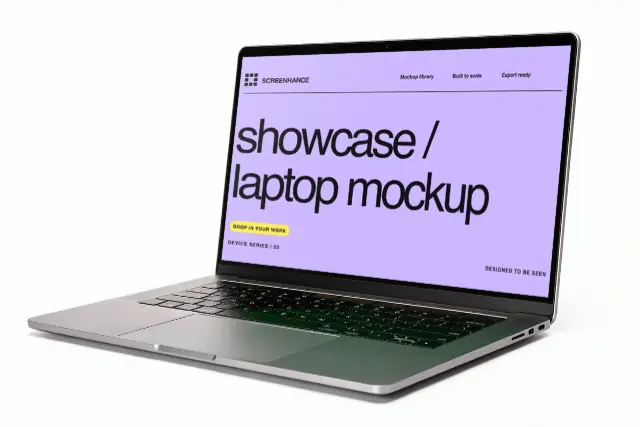
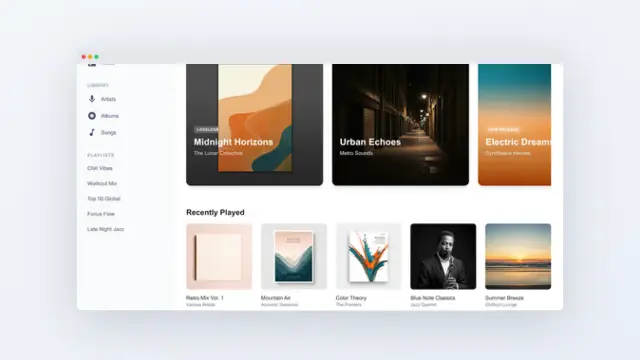
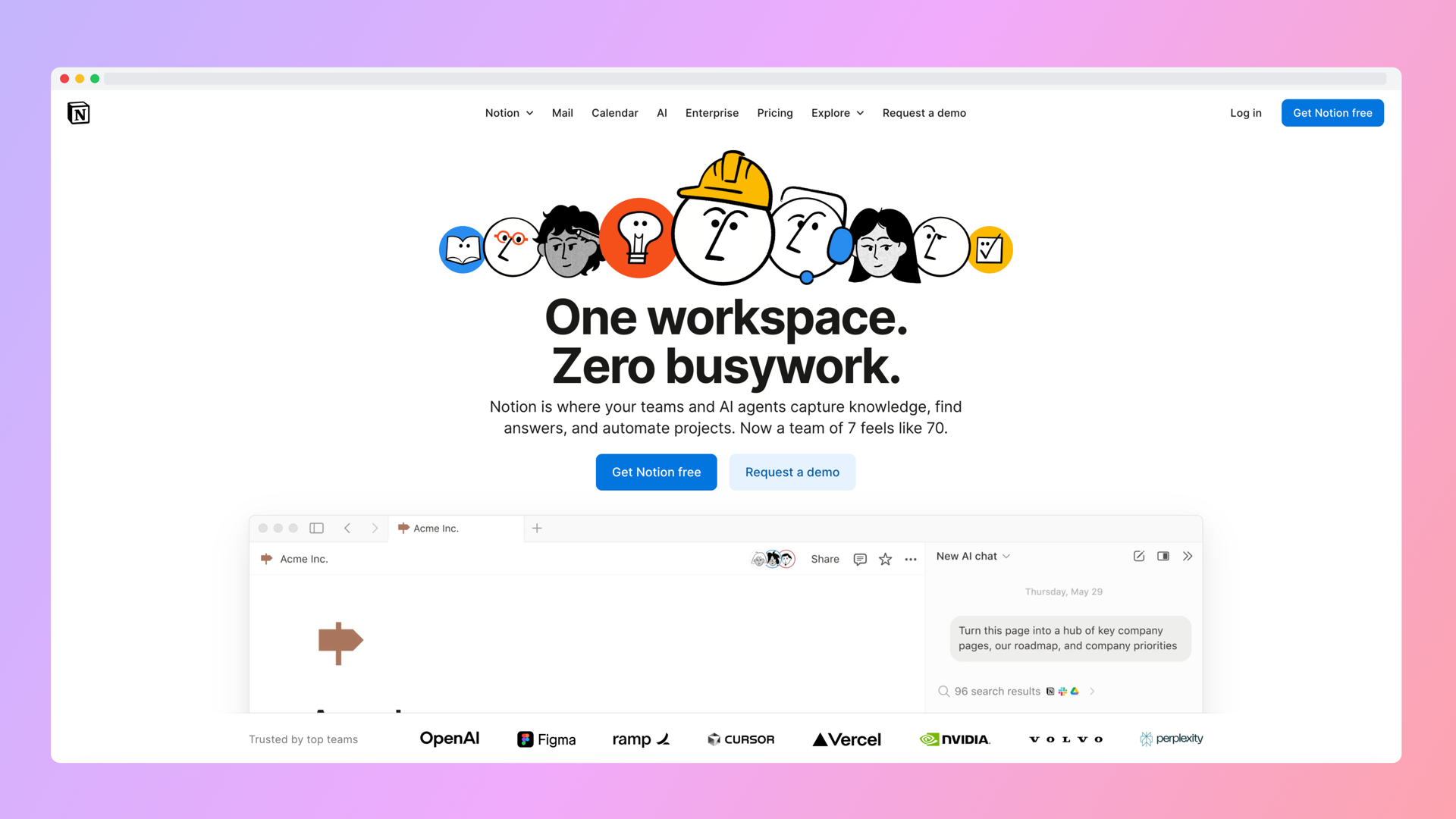
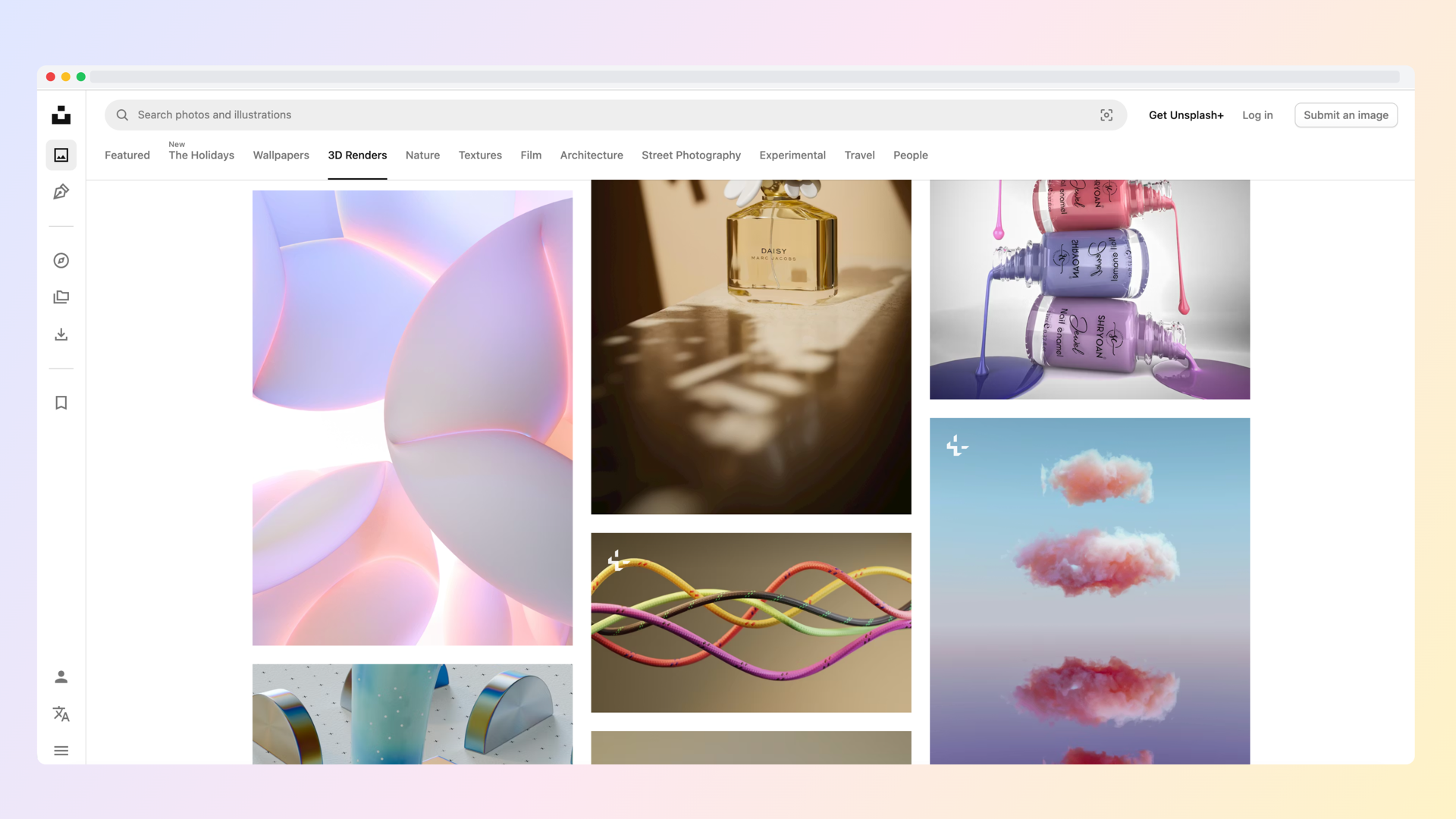
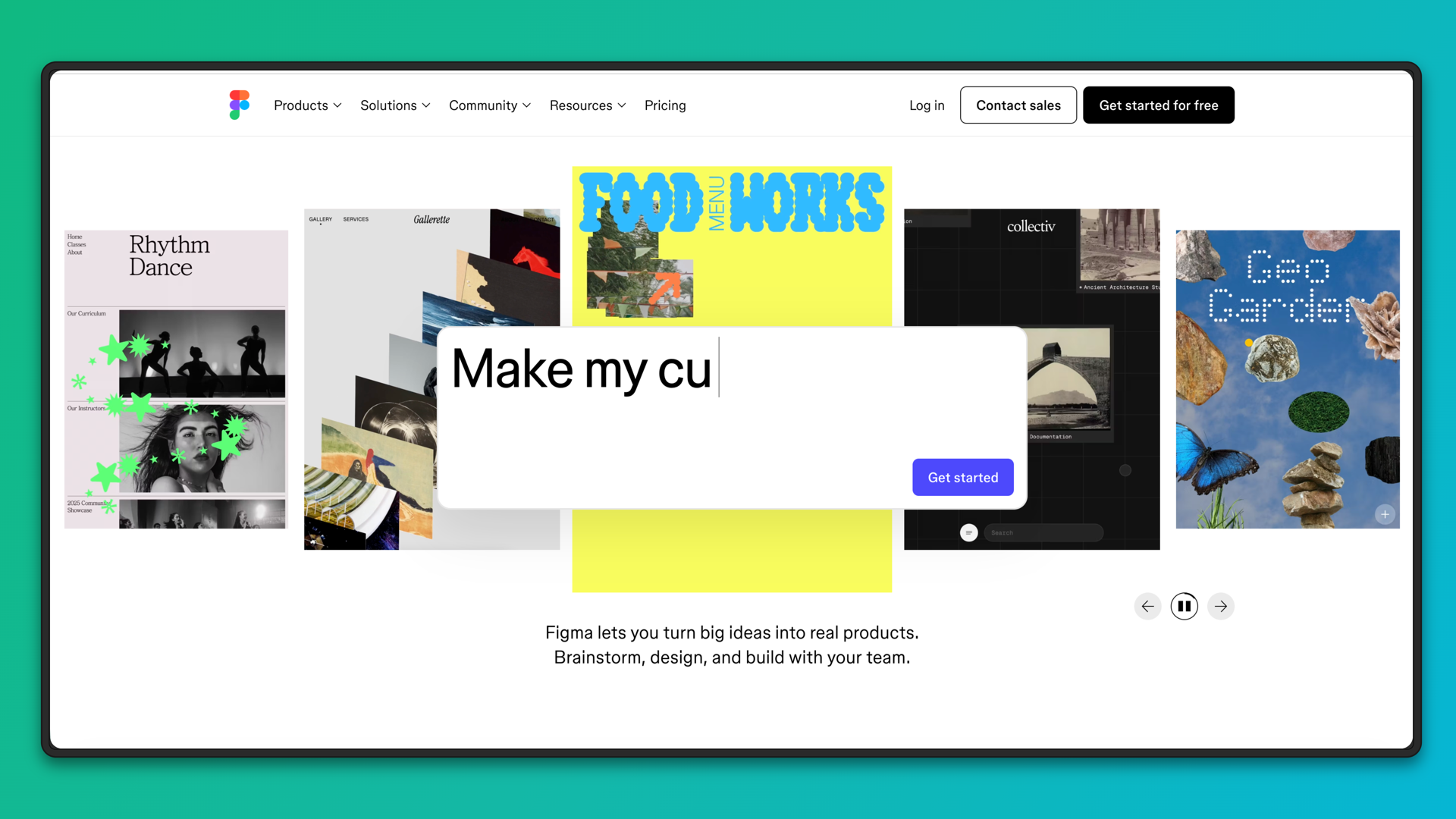
See what's possible. Real outputs from the editor.


Create professional mockups in three simple steps. No design skills required.
Drag and drop or select any screenshot, design, or image from your device.
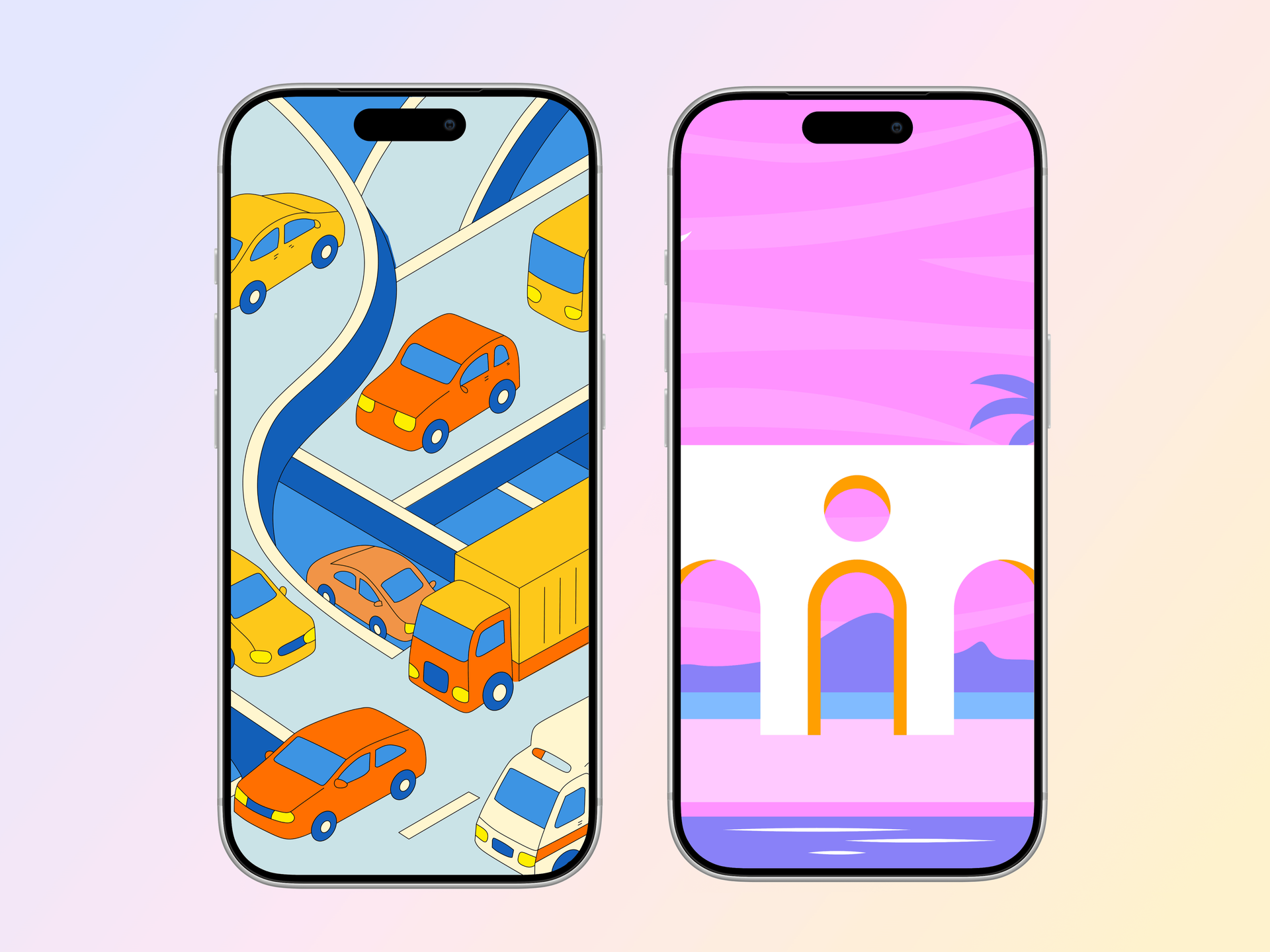
Pick from iPhone, iPad, MacBook, browser frames and beautiful gradient backgrounds.
Download as PNG, WebP, JPEG, GIF, or video. Ready for marketing in seconds.
Two capabilities that separate Screenhance from every other mockup tool in 2026: animated exports and App Store screenshot localization.
Template-driven motion — float, reveal, parallax. Export animated mockups at Product Hunt, landing-page, and Twitter/X dimensions. Most mockup tools are static-only.
One master design, per-locale captions, every required Apple and Google Play size per language. RTL and CJK support. Apple reports localized listings drive 2-3x install lifts.
iPhone 17 Pro Max (1320×2868), iPhone Air (1260×2736), iPad Pro M4 (2064×2752), and the full Google Play set — exported from one design in a single pass.
Pick a template, drop in your screenshot, export. No Figma, no Photoshop, no learning curve. Free tier covers 3 exports a month; $6 Week Pass unlocks unlimited for a launch.
Focus on building. Let us handle the visual polish for your product screenshots.
Ship faster without waiting on design resources. Look professional from day one.
Create on-brand visuals without learning complex design tools.
Make beautiful screenshots for tutorials, reviews, and comparisons.
Figma is a great design tool. We use it daily. But every time someone runs a mockup workflow through Figma, the same tax shows up: ten to twenty minutes per image. Find the right community mockup file, install a plugin, drop the screenshot into a smart object, reapply masks, fix the export settings, do it again at a different size for App Store, do it again at a different size for Product Hunt.
Layer management is the other tax. A clean Figma mockup file has 30+ layers \u2014 device frame, status bar, shadow, screen mask, background, text, decorative shapes. Touch one wrong group and the export breaks. For a designer who works in Figma daily, fine. For a founder, marketer, or developer who needs a clean image and a clean export, every one of those layers is friction.
Plugins do not fix it. Even the best mockup plugins still demand a Figma file to live in, version management, and someone to remember which plugin produced which asset. Screenhance does not run on plugins \u2014 every device frame, gradient, and template is native to the editor.
Figma is the right answer for the actual design work \u2014 custom UI, design systems, component libraries, hand-off to engineering, and prototyping flows. None of that goes away. Screenhance does not draw UI, design components, or run usability sessions. If your job is to design the product, you stay in Figma.
The healthy split: design the screen in Figma, export a flat PNG, and bring it into Screenhance for the mockup, device frame, background, and final marketing-ready asset. That hand-off takes seconds and lets the design system stay in Figma where it belongs. The output \u2014 App Store screenshots, landing page heroes, feature launch posts \u2014 never had a reason to be Figma artboards in the first place.
Screenhance is purpose-built for mockups. No design skills needed — pick a template, drop in your screenshot, and export. What takes 30 minutes in Figma takes 2 minutes here.
No. Every template is ready to use. Upload your screenshot, customize colors and text, and export. No layers, no artboards, no learning curve.
You can export screenshots or images from Figma and use them in Screenhance templates. Drop them into device frames with professional backgrounds.
Yes. The free plan includes 3 exports per month with all templates and device frames. Pro plans start at $6 for a 7-day pass.
There are several — Mockup, Vectary, Angle, Artboard Studio. They work, but they assume you live in Figma every day. The plugin still needs a host file, smart-object layers, render time, and export tuning. If mockups are your weekly bottleneck, the plugin layer is the slow part, not Figma itself.
Drag and drop, paste from clipboard, or upload a PNG. There is no Figma export pipeline, no smart-object reapplication, and no resizing math. Screenhance auto-fits the screenshot to the device frame at the correct aspect ratio.
Yes. The most common pattern: designers stay in Figma for product UI, then marketers, founders, or developers grab the exported screenshots and run them through Screenhance for marketing assets. The design hand-off does not need a Figma seat for the non-designer.
It is downstream of your design system, not part of it. Your tokens, components, and patterns stay in Figma. Screenhance handles the last-mile composition — frame, background, layout — for the marketing version of those designs.
That is the entire reason this page exists. Figma is a powerful tool, and it has a real learning curve — auto-layout, constraints, components, variants, plugins, exports. For occasional mockup work, the learning cost is not worth it. Screenhance has effectively no learning curve: pick template, drop screenshot, export.
Explore more ways to create stunning visuals with Screenhance.
Create marketing visuals for SaaS
Try it freeHighlight features with annotated visuals
Try it freeLaunch-ready visuals for startups
Try it freeMockups for investor decks
Try it freeVisuals for product changelogs
Try it freeNewsletter and campaign visuals
Try it free