Screenhance

Free iPhone 18 Pro mockup generator

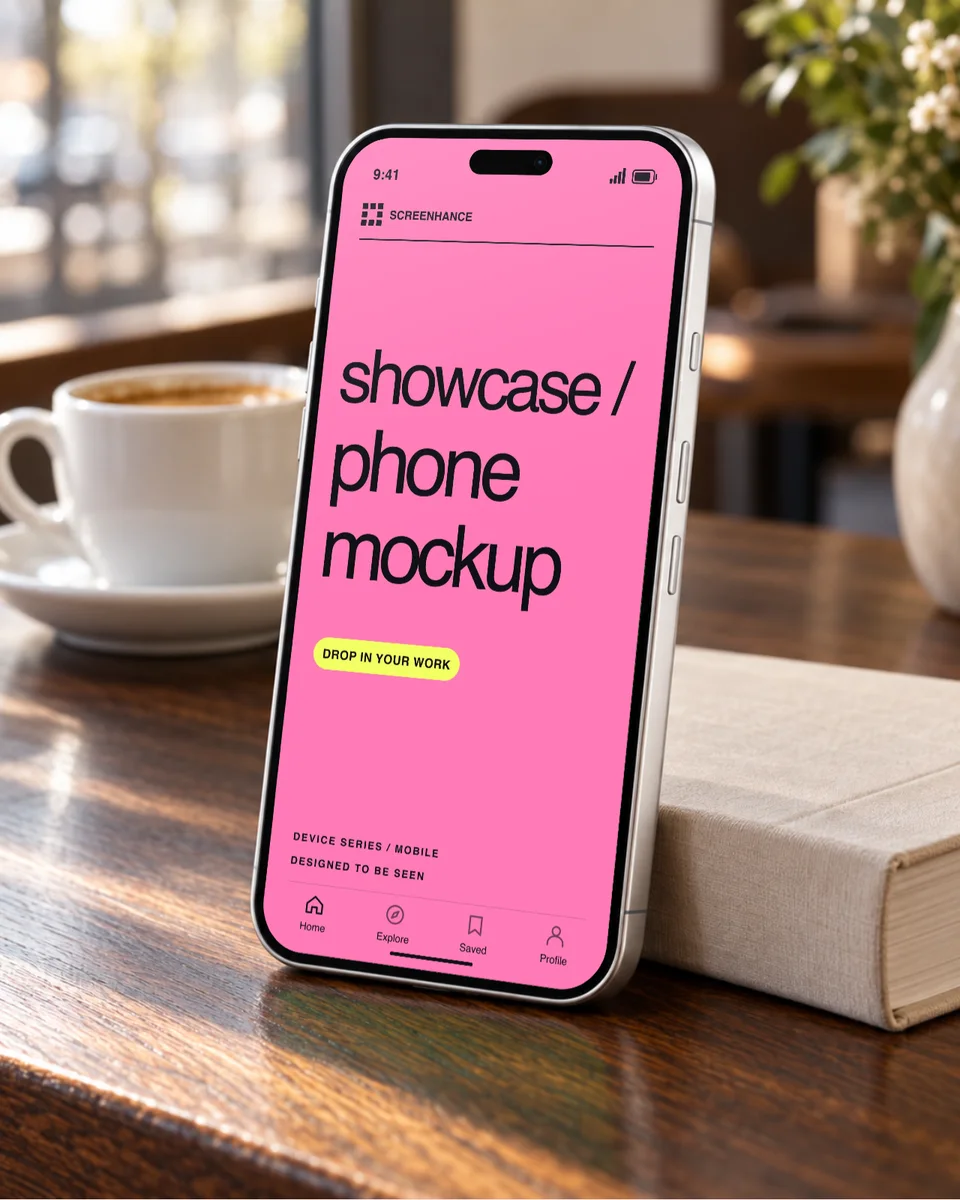
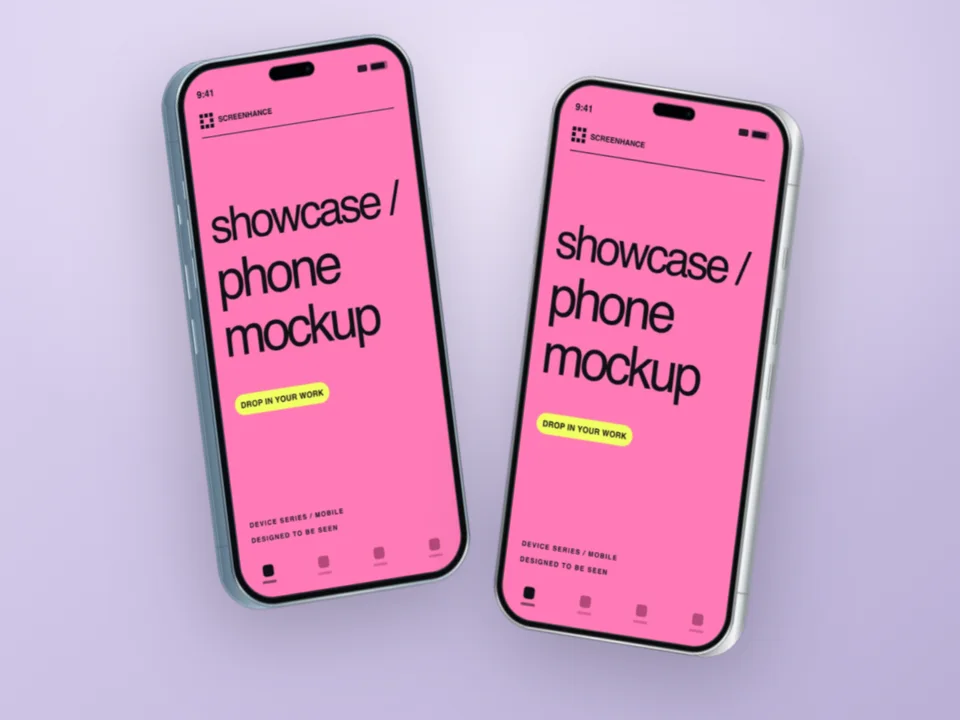
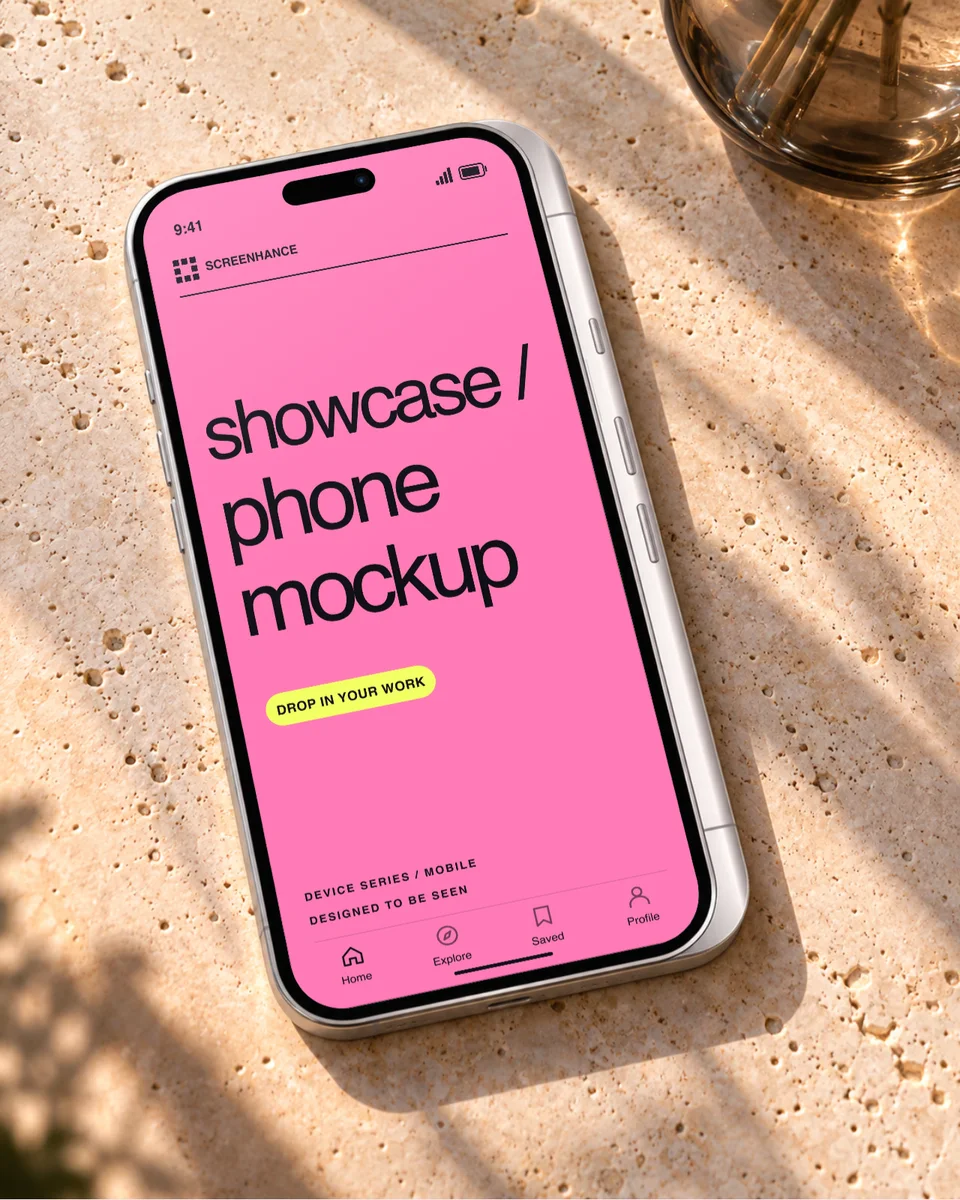
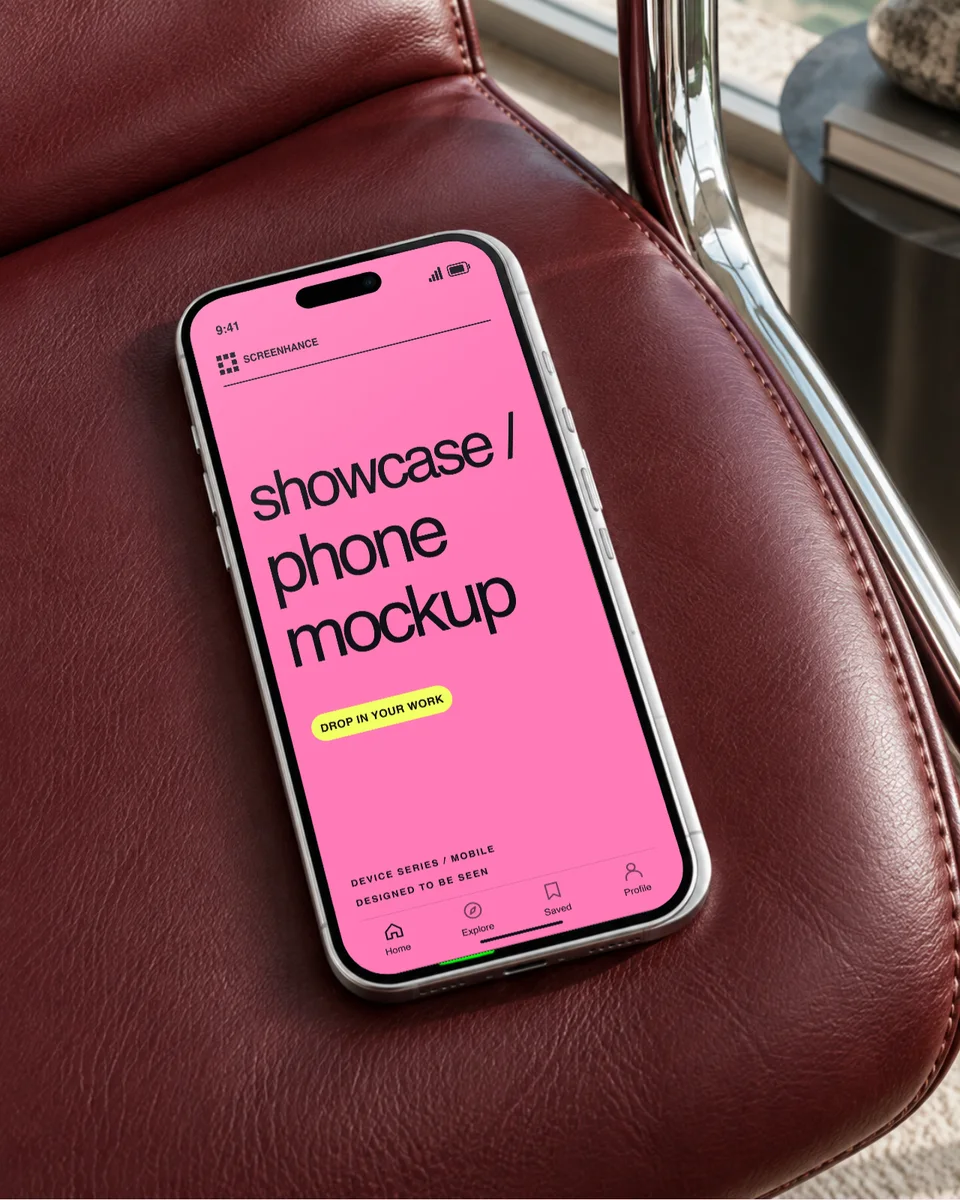
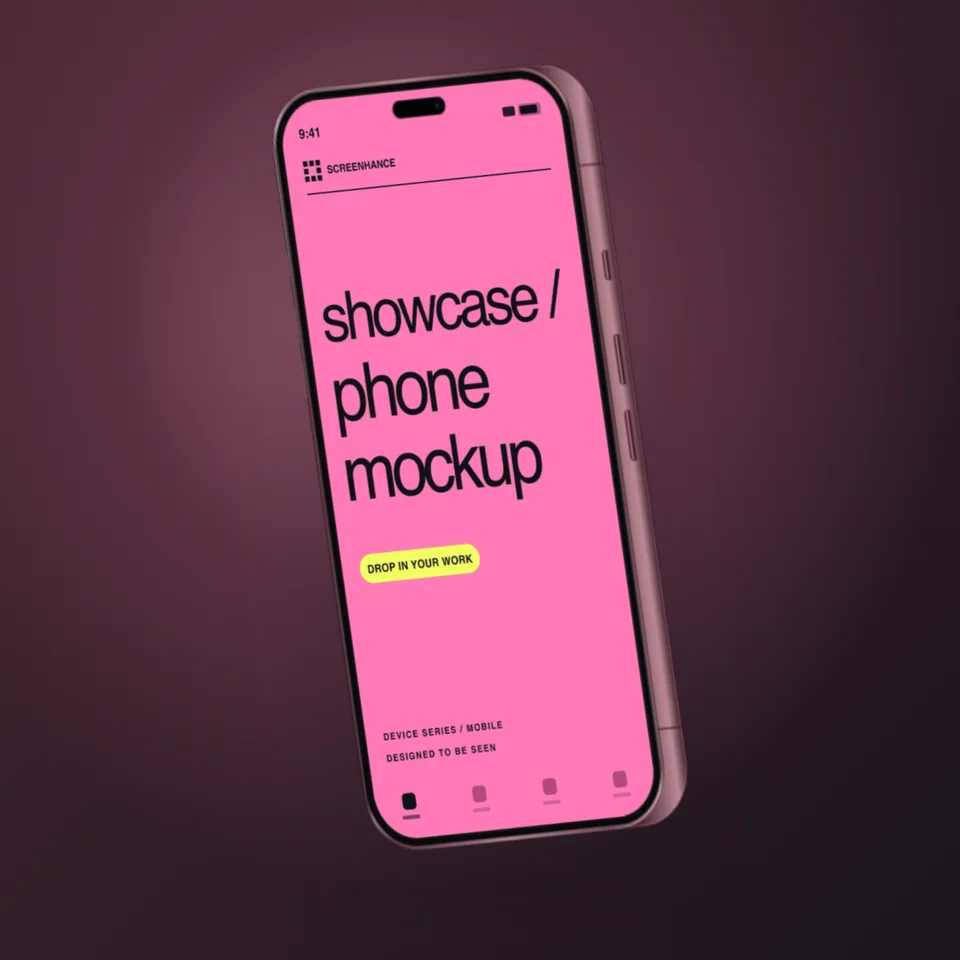
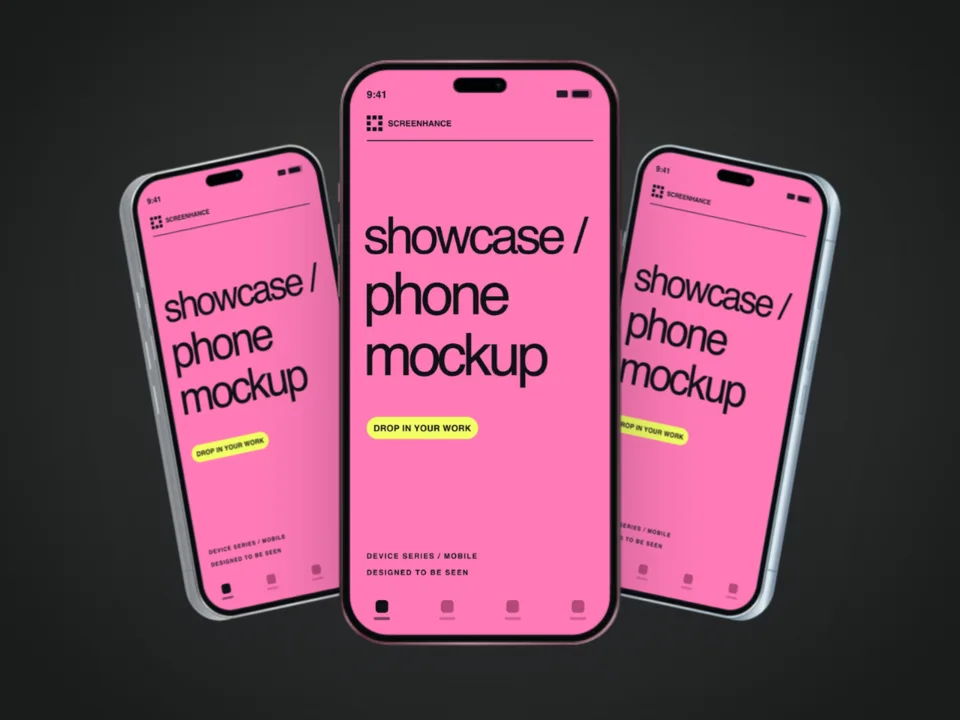
Screenhance has iPhone 18 Pro and iPhone 18 Pro Max frames in Black, Silver, Glacier and Burgundy, with a front view plus angled, side and back views. Pick a photo scene or a studio composition below, replace the sample screen with your app and export a PNG.

A free account includes 3 watermarked PNG exports a month. Compare export plans.

4.9 · 2,000+ ratings

Loved by 3,000+ creators

Launch posts with the same phone

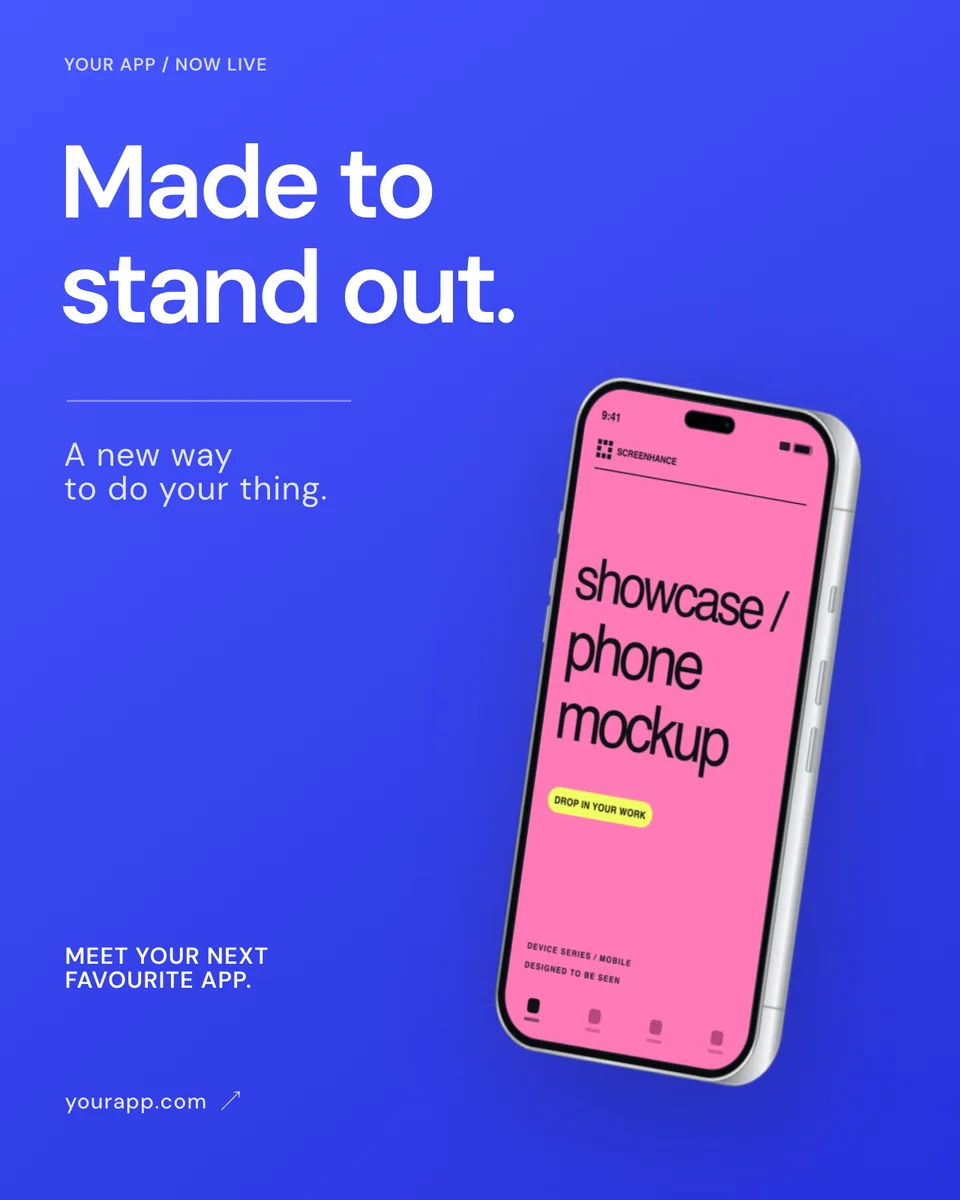
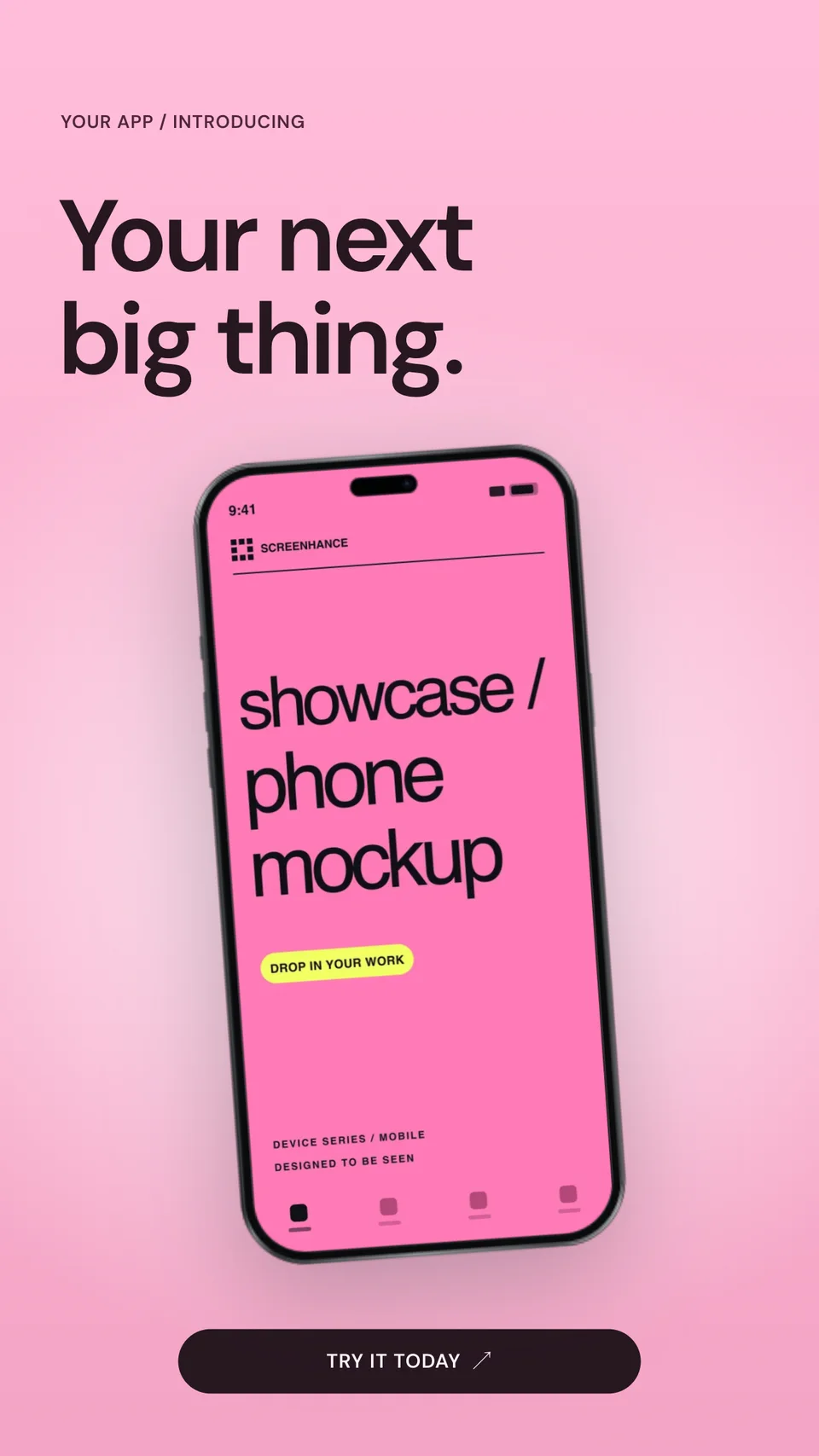
An Instagram post and a Story built around an angled iPhone 18 Pro, ready for launch day.

An App Store set on the iPhone 18 Pro Max

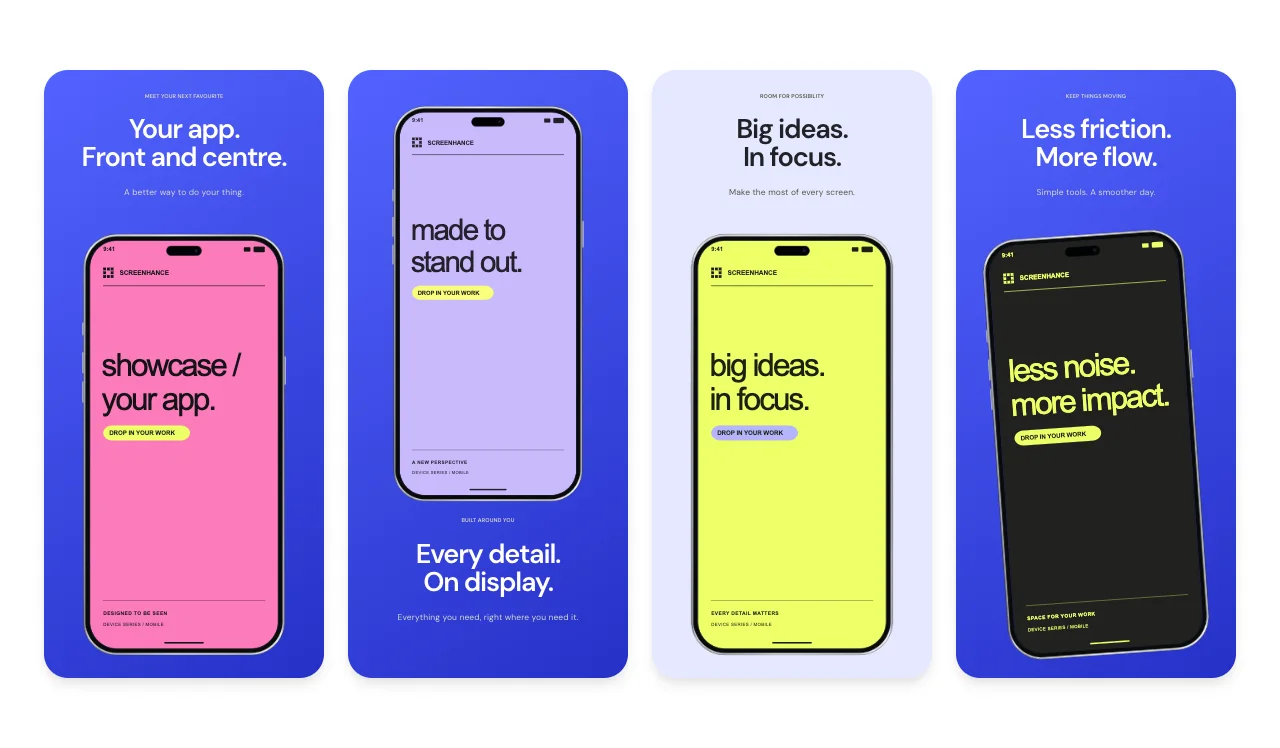
iPhone 18 Pro · Store Story is a 5-slide App Store story with oversized iPhone 18 Pro Max devices and editable captions. It opens on a 1320 × 2868 canvas, and you can export the required 1206 × 2622 medium Dynamic Island size from the same set.

Building screenshots for a specific kind of app? Browse App Store screenshot templates by app category.

iPhone 18 Pro, Store Story App Store screenshot template with iPhone 18 Pro Max frames
Use this template

iPhone 18 Pro · Store Story

5 slides · bold

iPhoneEditorialSingle deviceBig type

iPhone 18 Pro frames in the library

ModelFinishesViews
iPhone 18 ProBlack, Silver, Glacier, BurgundyFront, Front left, Front right, Three-quarter, Side left, Side right, Back left, Back right
iPhone 18 Pro MaxBlack, Silver, Glacier, BurgundyFront, Front left, Front right, Three-quarter, Side left, Side right, Back left, Back right

The App Store editor uses the front view of each frame. The angled, side and back views are in the mockup editor, where you can also add backgrounds, text and a second device.

iPhone 18 Pro screenshot sizes for the App Store

ModelApple display groupAccepted portrait sizes
iPhone 18 Pro MaxDynamic Island (large display)1320 × 2868
iPhone 18 ProDynamic Island (medium display)1179 × 2556 or 1206 × 2622

Apple currently lists the medium Dynamic Island group as the required iPhone screenshot set. The square and landscape mockups above are for websites, decks and social posts; App Store uploads must match an accepted size exactly.

Verified against Apple's screenshot specifications on 13 October 2026. Every accepted size is in the App Store screenshot sizes guide, and the App Store screenshot generator covers localized and multi-size sets.

Other new iPhone frames

Supporting the foldable as well? The iPhone Duo mockup generator has open and closed frames, 3D fold views and a folding animation. For iPhone 17, iPhone Air and older models, use the iPhone mockup generator.

Frequently Asked Questions

Which iPhone 18 models can I use?

iPhone 18 Pro and iPhone 18 Pro Max, each in Black, Silver, Glacier and Burgundy, with front, angled, side and back views. iPhone 17, iPhone Air and older frames are on the general iPhone mockup generator page.

Is the iPhone 18 mockup generator free?

Yes. A free account includes 3 watermarked PNG exports at 1× each month. The $6 Launch Pass includes 10 clean static image exports over 7 days, and Pro adds unlimited clean exports and motion formats for $12 per month or $99 per year.

Can I use an iPhone 18 Pro frame in App Store screenshots?

Yes. Open the iPhone 18 Pro store set or any App Store template, choose an iPhone 18 Pro frame in the App Store editor, and export an accepted size such as 1206 × 2622 for the required medium Dynamic Island group or 1320 × 2868 for the large group.

Does the iPhone 18 Pro frame include the Dynamic Island?

Yes. The frames draw the Dynamic Island at the top of the screen. If your screenshot already shows a status bar, check the top edge for a doubled island before you export.

Can I show the back of the iPhone 18 Pro?

Yes. The back left and back right views show the camera housing in each finish. They suit hardware-led launch posts, paired with a front view that shows your app.

How is an iPhone 18 Pro mockup different from an App Store screenshot?

A mockup places your screen in a device inside a larger composition for websites, social posts and launch pages. An App Store screenshot must match one of Apple's accepted pixel sizes, so use the App Store editor and an accepted preset for store uploads.

Create an iPhone 18 Pro mockup

Upload a screenshot, choose a finish and an angle, and export a PNG from your browser.