Screenhance

Twitter Card Generator

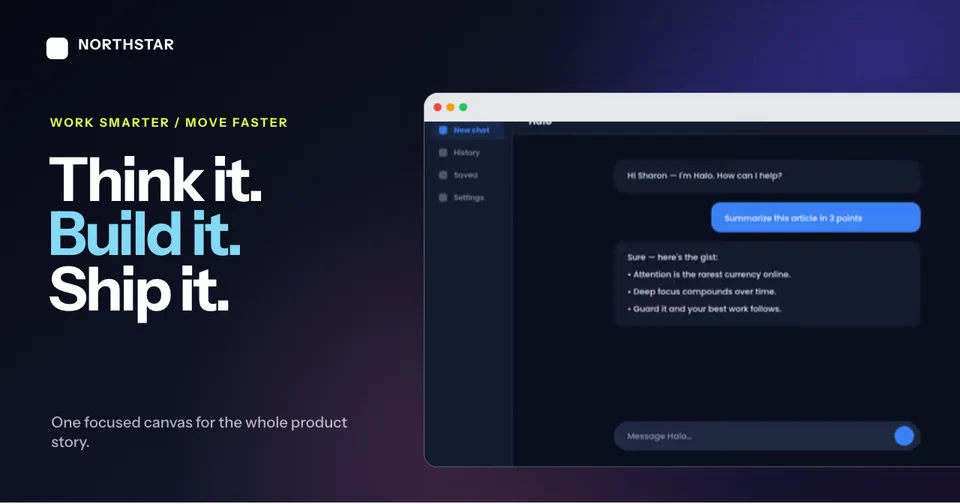
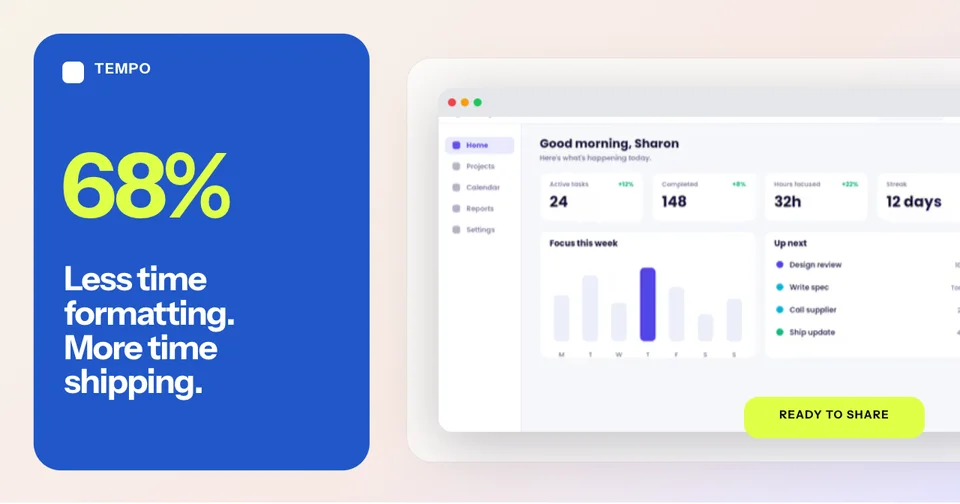
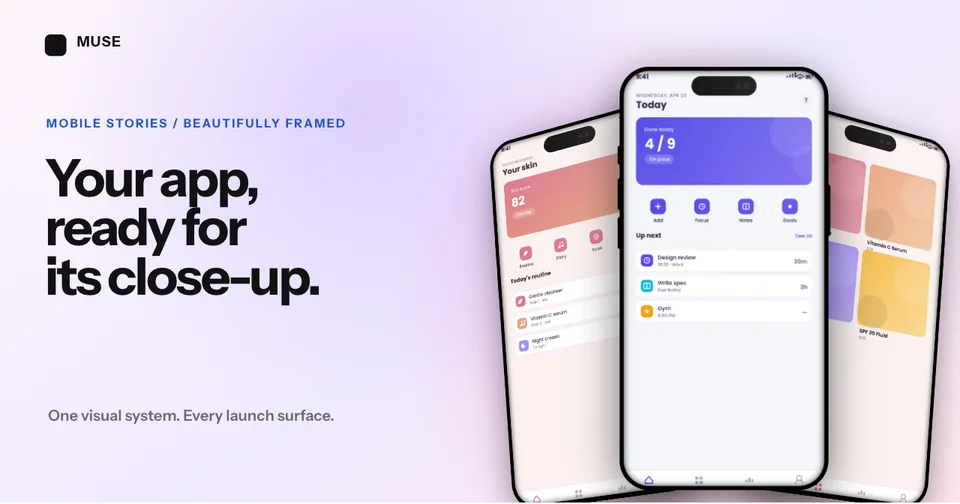
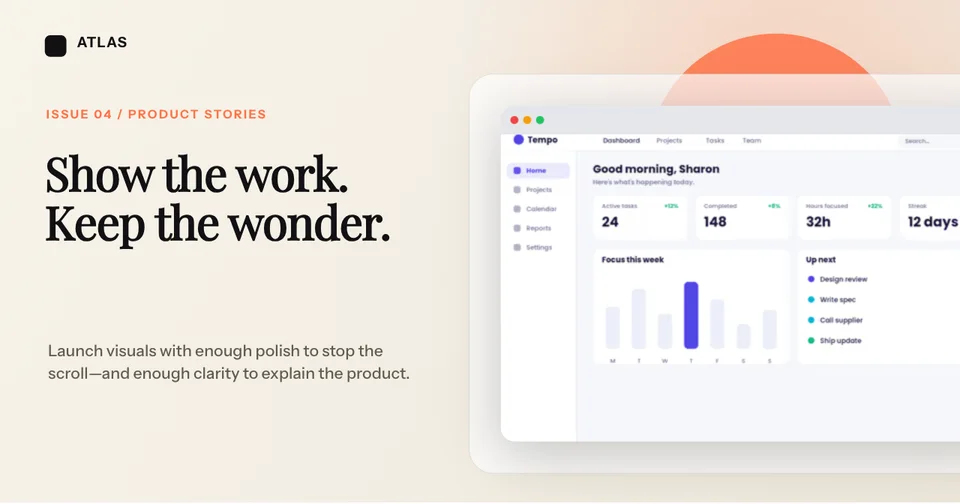
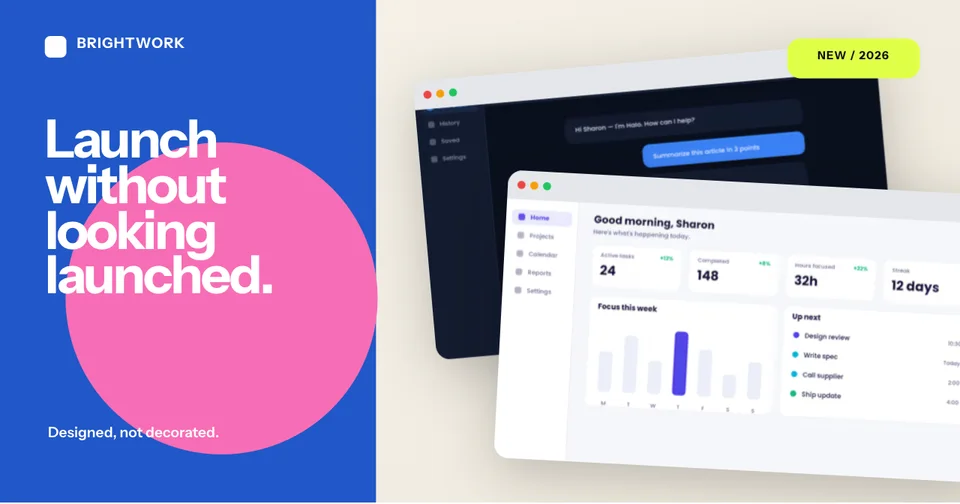
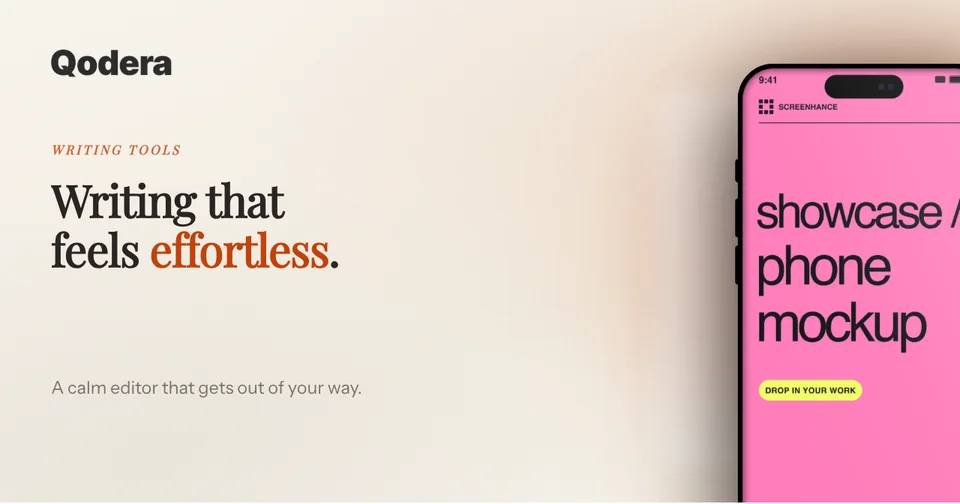
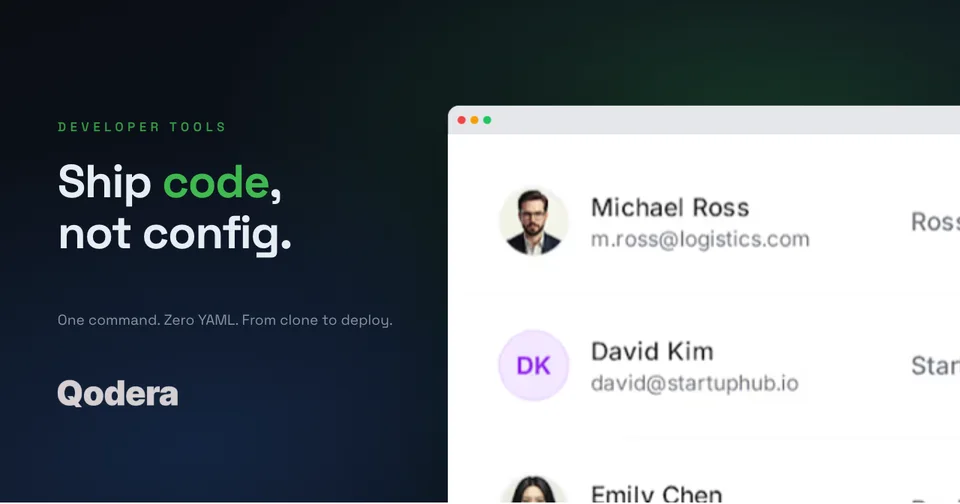
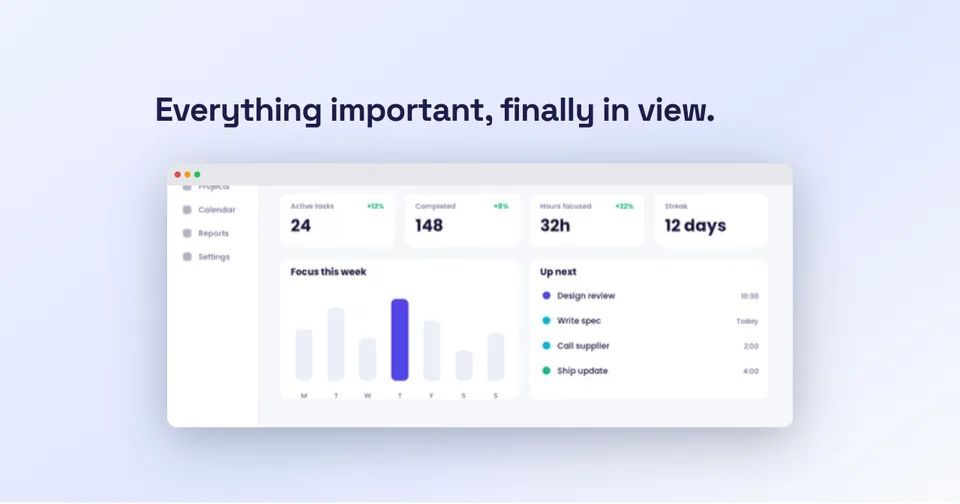
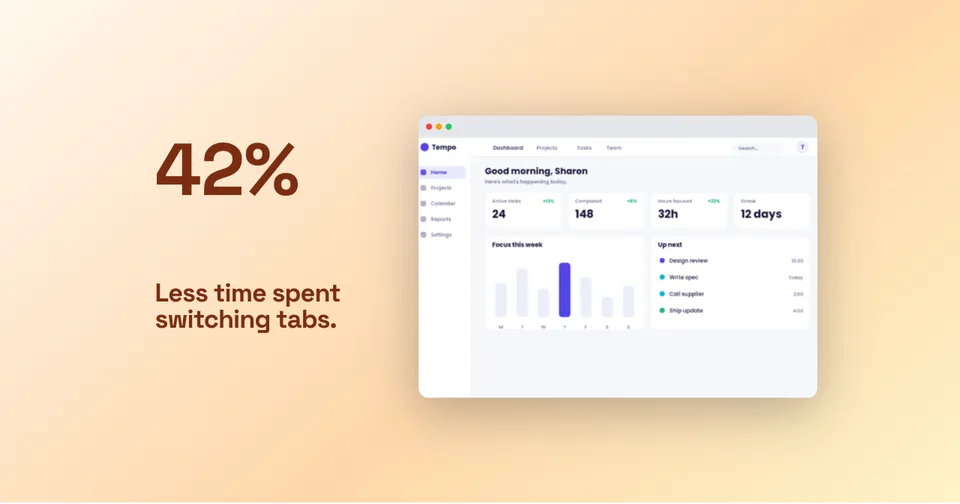
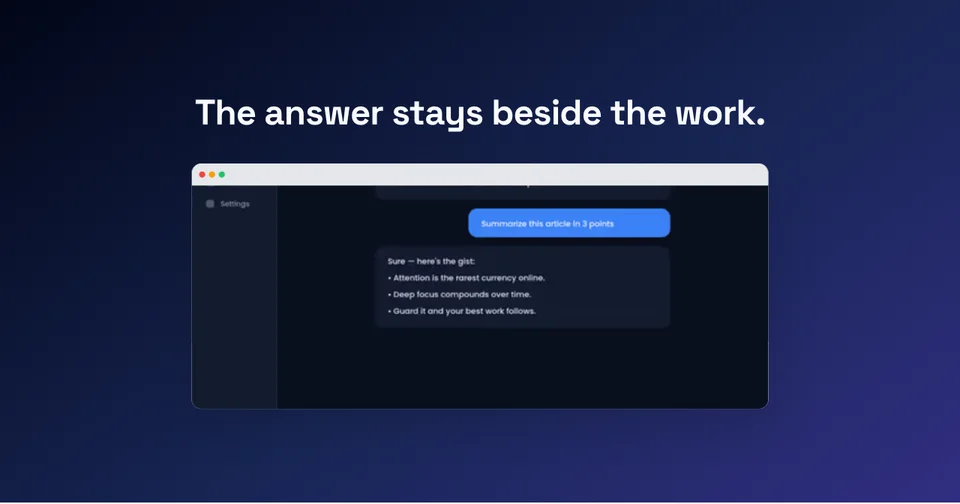
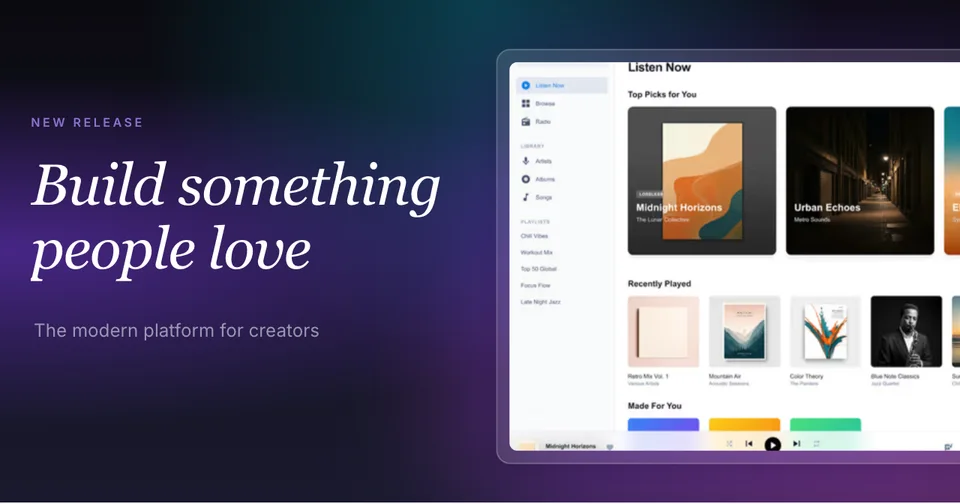
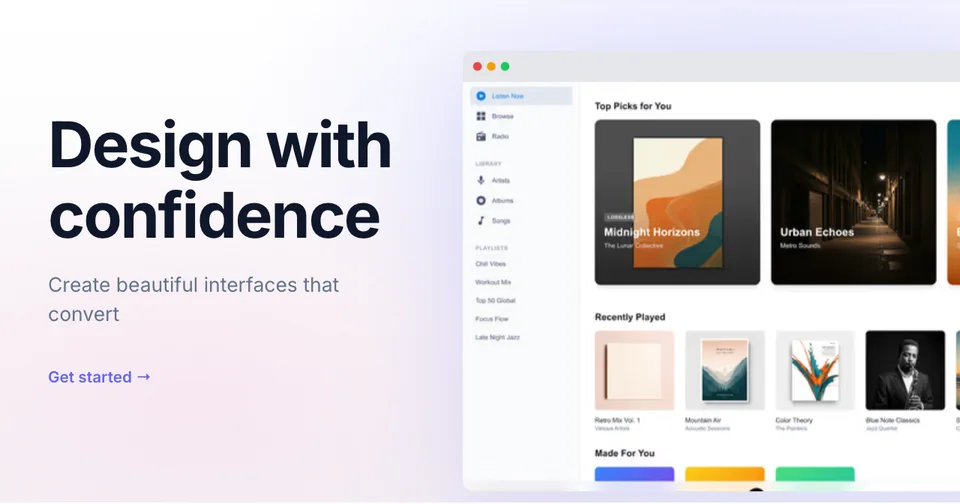
Create stunning Twitter/X card images that get clicks. Templates pre-sized to 1200×628 with device mockups, gradients, and text overlays. Stand out in the timeline.

4.9 · 2,000+ ratings

Loved by 3,000+ creators

Twitter Card Templates

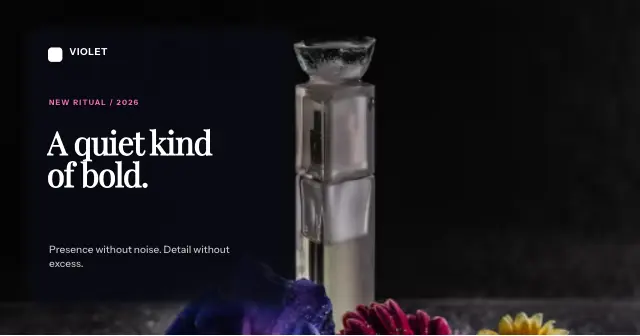
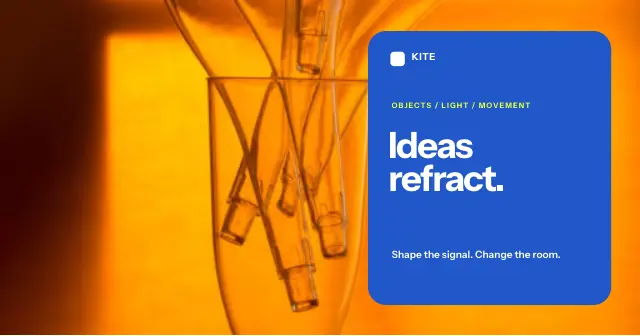
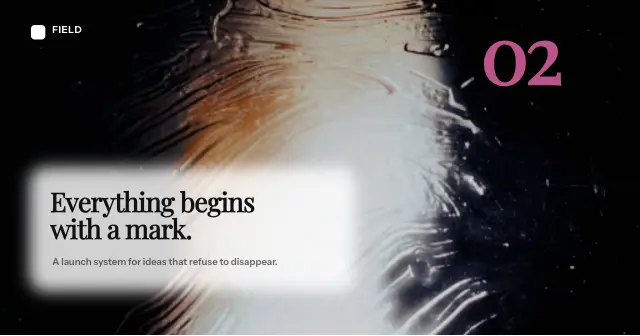
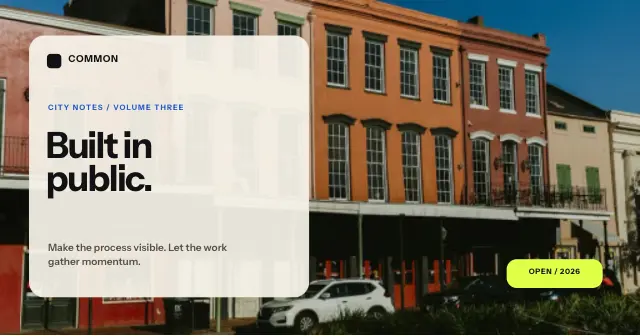
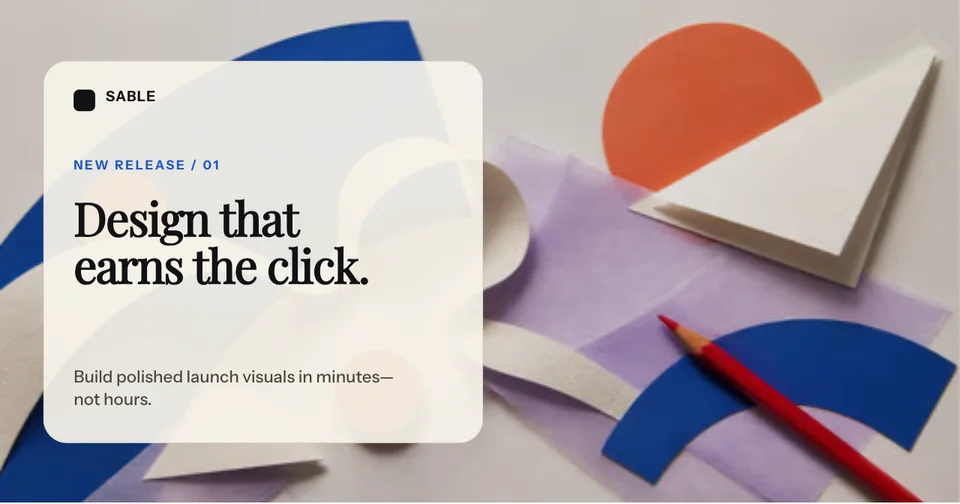
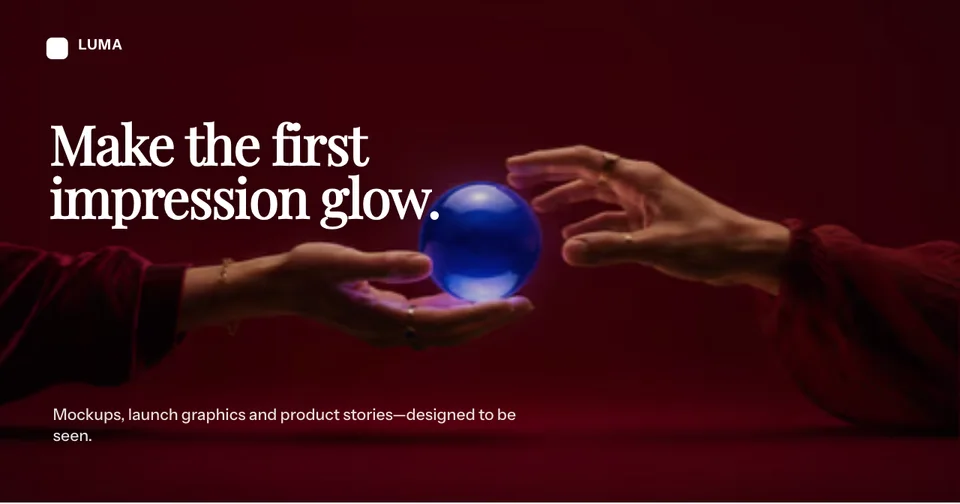
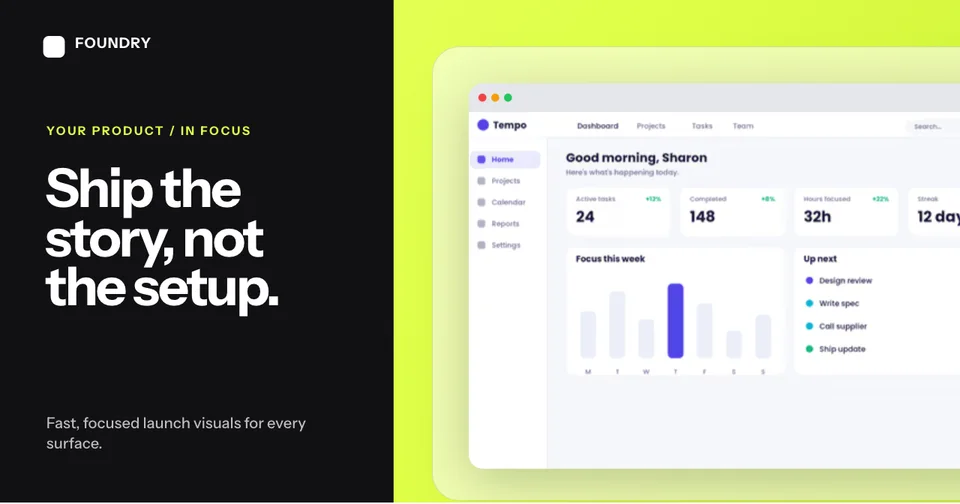
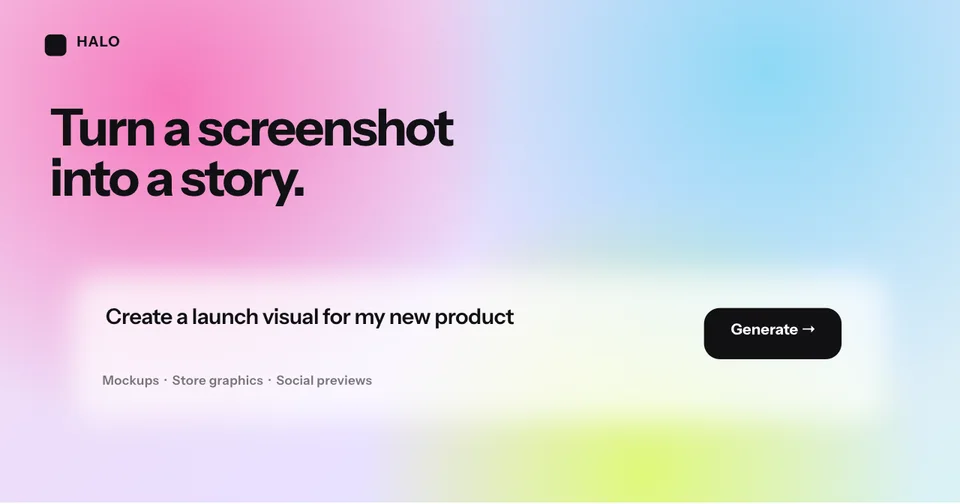
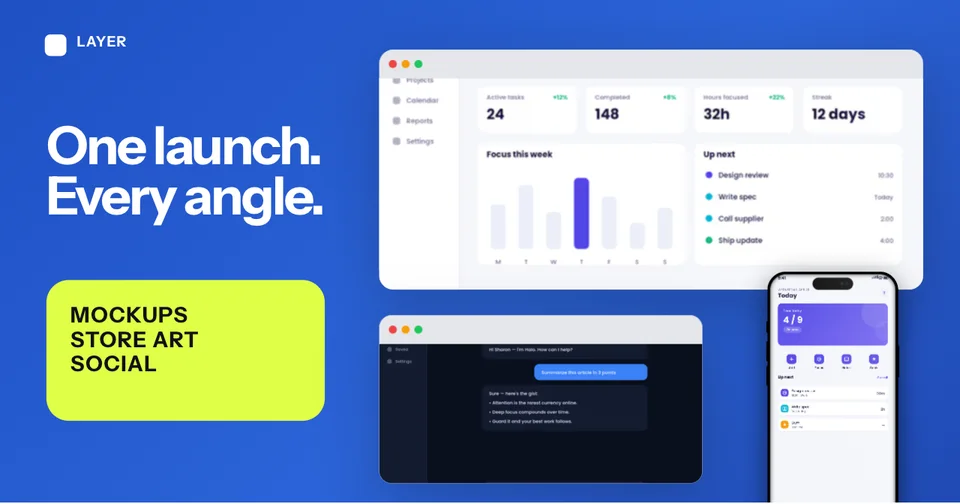
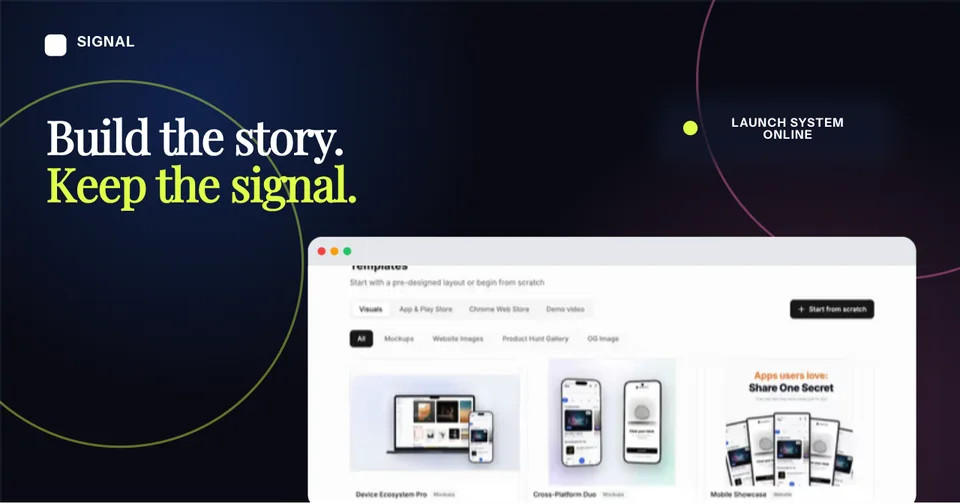
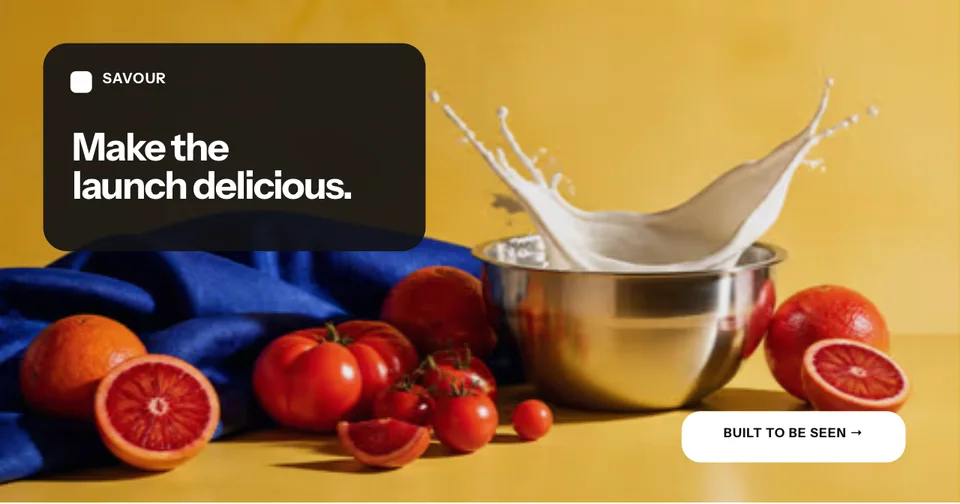
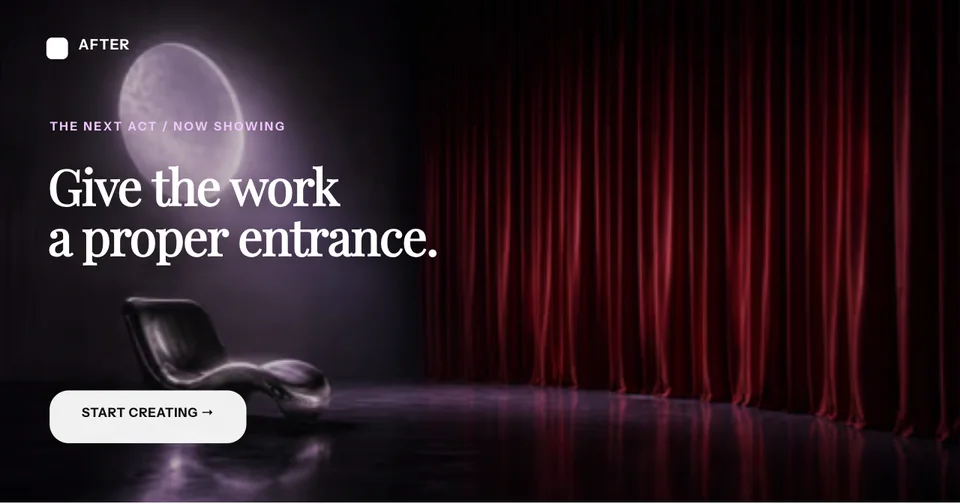
Pre-sized to 1200×628. Pick a template, add your screenshots, and create cards that stop the scroll.

What Is a Twitter Card?

A Twitter Card is the rich media preview that appears when you share a link on Twitter/X. Instead of showing just a plain URL, Twitter Cards display an image, title, and description that make your content stand out in the timeline.

There are two main types of Twitter Cards. The summary_large_image card displays a large 1200×628 image above the title and description, taking up significant space in the feed. The summary card shows a smaller square thumbnail (minimum 144×144) next to the text. For maximum visibility and engagement, summary_large_image is almost always the better choice.

Twitter reads the card information from meta tags in your page's HTML. If no Twitter-specific tags are found, it falls back to Open Graph tags. A well-crafted Twitter Card image can dramatically increase your click-through rate and engagement.

Read the guide: How to Create Social Cards That Get Clicks →

Twitter Card Specifications

Everything you need to know about Twitter Card formats and requirements.

Summary Large Image

1200×628

5MB max · PNG, JPG, GIF, WebP

Summary

144×144 min

5MB max · PNG, JPG, GIF, WebP

Required meta tags

<meta name="twitter:card" content="summary_large_image" />
<meta name="twitter:title" content="Your Page Title" />
<meta name="twitter:description" content="Your description" />
<meta name="twitter:image" content="https://example.com/card.png" />

What Gets Clicked on Twitter/X

Five design principles for Twitter cards that drive engagement.

1

Dark mode friendly colors

Most Twitter/X users are on dark mode. Use high-contrast colors that pop against dark backgrounds. Avoid light grays and whites that blend in.

2

Numbers in headlines

Cards with specific numbers get more clicks. “5 ways to...” or “3x faster” catches the eye while scrolling through a fast-moving timeline.

3

Before/after visuals

Show a transformation or comparison. Side-by-side screenshots of “before” and “after” using your product create instant curiosity.

4

Bold single-color backgrounds

Simple, bold backgrounds with one dominant color make your card stand out. Avoid busy patterns that compete with your main content.

5

Product screenshots

Real product screenshots inside device mockups build credibility and give viewers a preview of what they’ll find when they click through.

How It Works

Move from source material to a polished launch asset without rebuilding the design in another tool.

Step 1

Start from a template or blank

Choose a visual template, a store-listing set, a Launch Kit, or an empty canvas for full control.

Step 2

Build the complete composition

Add screenshots, photo scenes, device frames, text, icons, annotations, backgrounds, layers, and motion in the browser editor.

Step 3

Export for the real destination

Download PNG, WebP, JPEG, GIF, WebM, or MP4, or export organized iOS, Google Play, and Chrome screenshot ZIPs.

Why Choose Screenhance?

Screenhance covers the full path from a raw screenshot or screen recording to coordinated, editable launch assets.

Frames + photorealistic scenes

Use current device frames, stylized treatments, or photorealistic placements across phones, tablets, laptops, watches, TVs, print, apparel, and outdoor media.

editable visual templates

Start with a complete composition for mockups, Product Hunt, OG images, website heroes, Play feature graphics, or Chrome Web Store promo assets, then edit every layer.

Store-listing sets and localization

Create coordinated iOS, Google Play, and Chrome Web Store screenshot sets, edit localized copy across supported languages, and export organized PNG ZIPs, including fastlane-ready iOS folders.

Motion and product video

Animate layers with editable motion styles and export GIF or WebM, or record and polish a product demo in Studio with frames, cursor motion, captions, audio, and MP4/WebM export.

How Screenhance Compares for Twitter Cards

See how Screenhance compares to other Twitter card tools.

FeatureScreenhanceTwitter Card ValidatorCanvaPlacid
Pre-sized 1200×628 templatesYesPreview onlyManual resizeYes
Design skills neededNoneN/ABasicNone
Device framesYesNoNoLimited
Custom backgroundsgradients, glass, meshNoYesBasic
Dark mode previewYesYesNoNo
Dynamic text overlaysYesNoYesYes
Export formatsPNG, WebP, JPEGN/APNG, JPGPNG, PDF
Free plan3 exports/monthFreeFree tier5/month
Price (paid)$6 Launch Pass or $12/monthFree$13/month$29/month

Frequently Asked Questions

What is the optimal Twitter card size?

The optimal Twitter card image size is 1200×628 pixels with a 1.91:1 aspect ratio. This is the recommended size for summary_large_image cards, which display the largest preview in timelines. Screenhance templates are pre-sized to this exact dimension.

What is the difference between summary and large image Twitter cards?

A summary card shows a small square thumbnail (144×144 minimum) next to the title and description. A summary_large_image card displays a large image preview (1200×628) above the title, taking up much more space in the timeline. Large image cards get significantly more engagement.

How do I test my Twitter cards?

You can test Twitter cards by sharing your URL in a tweet or DM. Twitter’s Card Validator tool was deprecated, but you can use third-party tools or simply paste your link into a new tweet draft to preview how your card will look before posting.

Do Twitter cards need different images from OG images?

Not necessarily. Twitter will use the twitter:image meta tag first, then fall back to og:image. Since both formats use similar dimensions (1200×628 vs 1200×630), one image often works for both. However, you can create separate images to optimize for each platform.

What file types does Twitter support for card images?

Twitter supports PNG, JPG, GIF, and WebP formats for card images. The maximum file size is 5MB. PNG is recommended for screenshots and graphics with text, while JPG works well for photographic images.

Can I add text overlays to my Twitter card images?

Yes! Screenhance lets you add custom text overlays, headlines, and descriptions directly onto your Twitter card images. Combined with device mockups and gradient backgrounds, you can create cards that stand out in any timeline.

Stop Getting Scrolled Past

A stunning Twitter card is the difference between a scroll and a click. Create yours in minutes with Screenhance.