Use Cases
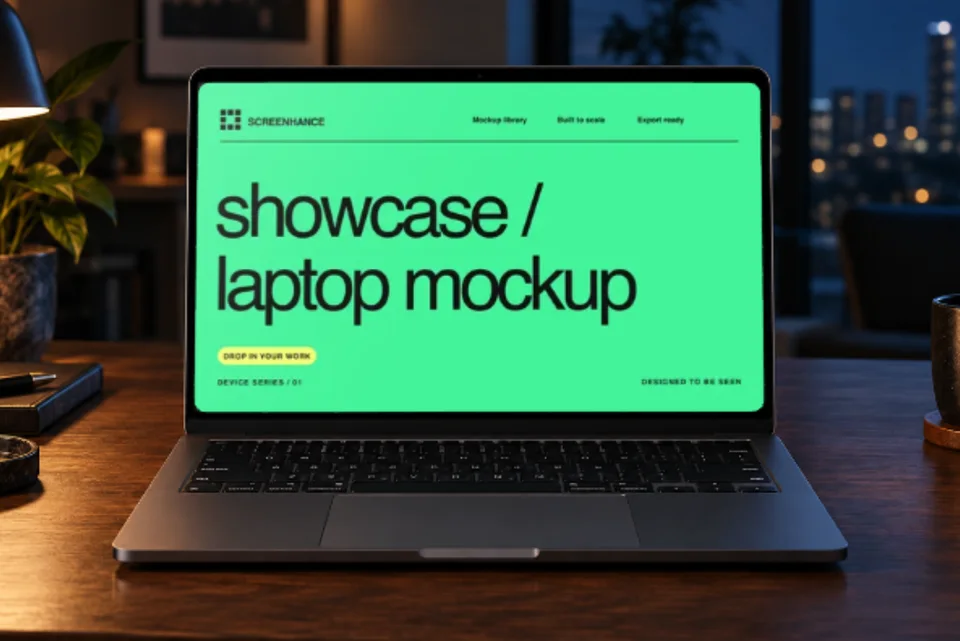
Drop in a screenshot, pick a template with motion (float, reveal, parallax), export as animated GIF or WebM at Product Hunt, landing page, X, or OG dimensions. No video editor, no keyframing, no screen recording required.
Loved by 2,000+ creators

Shots.so, Smartmockups, Mockuphone, Placeit, and most Figma plugins export static images only. If you want animation, the standard workflow is to take that static mockup, drop it into a separate motion-design tool (After Effects, Jitter), keyframe the motion, render to video, and export to GIF or WebM.
Screenhance is animation-native: motion is built into templates, the export pipeline produces GIF and WebM directly, and the output is sized for the actual launch surfaces (Product Hunt galleries at 1270×760, landing page heroes, Twitter/X video embeds, OG cards). The whole loop — screenshot in, animated mockup out — runs in under two minutes.
Pick a template, drop in your screenshot, export animated. No keyframing required.
An animated lead slot in your 1270×760 gallery consistently lifts tap-through 10-30% versus a static lead.
A 4-6 second looping hero animation outperforms static hero images in most published A/B tests when the motion is calm.
Native video embeds get materially more impressions than static images on X. Animated mockups as MP4 or WebM are the format that ships.
If you don't have a Screen Studio recording, an animated mockup exported as MP4 is the next-best App Preview asset for the App Store and Google Play preview slots.
A short GIF in a release post communicates a new feature 3-5x faster than a screenshot plus paragraph.
Both platforms unfurl GIFs and WebM inline. A 4-second animation of a new feature outperforms a screenshot in cross-team announcements.
GIF is the universal default. Every browser, every email client, every social platform, every chat tool renders GIF inline without question. The trade-off is file size and color depth — GIF is limited to 256 colors per frame and a 5-second animated mockup is commonly 3-10 MB. Pick GIF when compatibility matters more than weight: email campaigns, README files, internal docs, Slack messages, and any context where you don't control the renderer.
WebM is the modern web default. Millions of colors, file sizes 5-10x smaller than the equivalent GIF, supported natively in every current browser and on most modern social platforms. The trade-off is a handful of contexts (some older email clients, some workspace tools) still don't render WebM inline and fall back to a download prompt. Pick WebM for landing page heroes, Twitter/X video embeds, modern blog posts, and Notion docs.
MP4 is the cross-platform video default. Smaller than WebM in many encodes, universal hardware-accelerated playback, the only format the App Store accepts for App Preview Videos. Pick MP4 when the target is video-native: App Store preview slots, Google Play promo videos, YouTube uploads, and any context that explicitly expects video rather than animated image.
In practice for indie launches the common pattern is to export the same animated mockup in two formats: WebM for the landing page hero and Twitter, GIF for the email announcement and internal Slack. Both formats render from the same Screenhance master in one extra click — there's no second design pass.
Create professional mockups in three simple steps. No design skills required.
Drag and drop or select any screenshot, design, or image from your device.
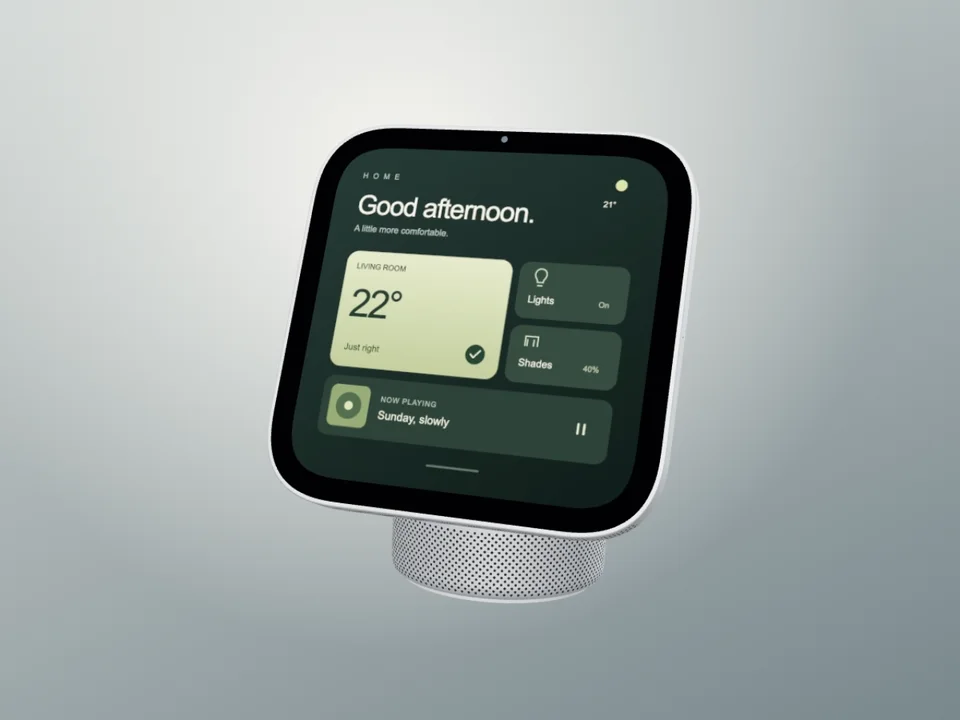
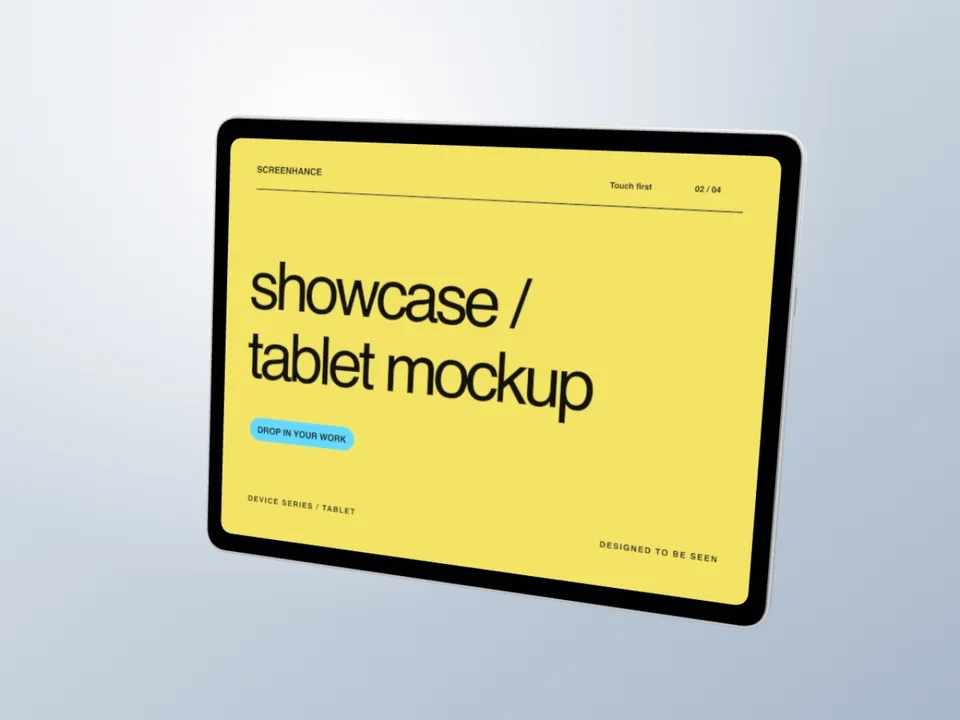
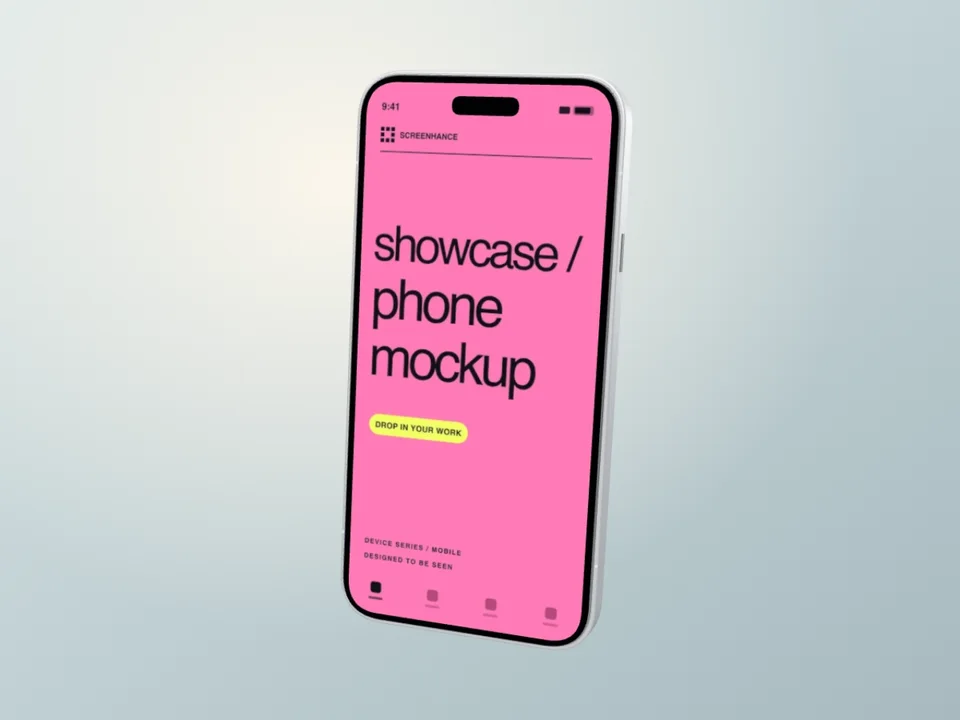
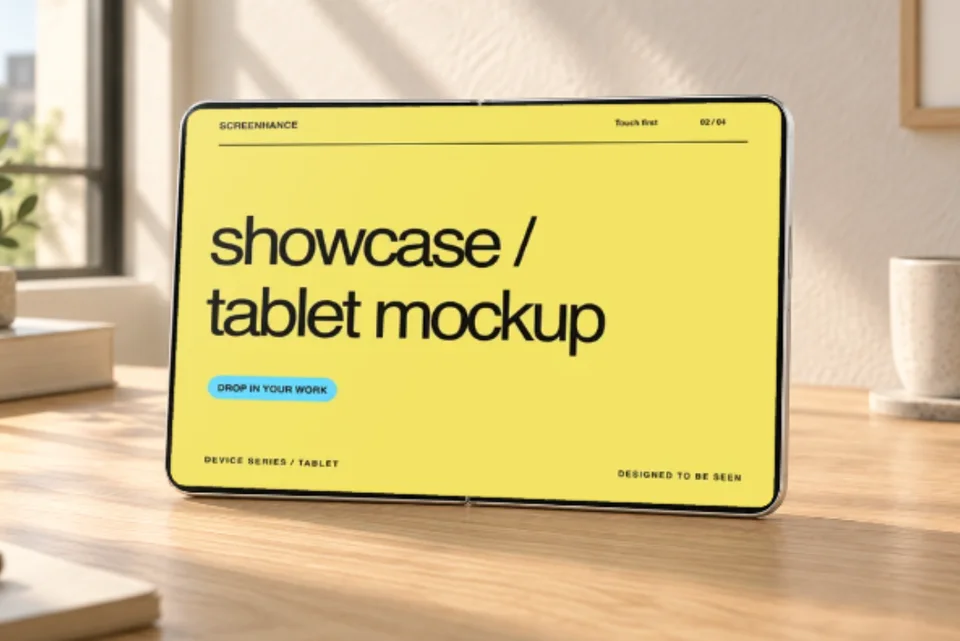
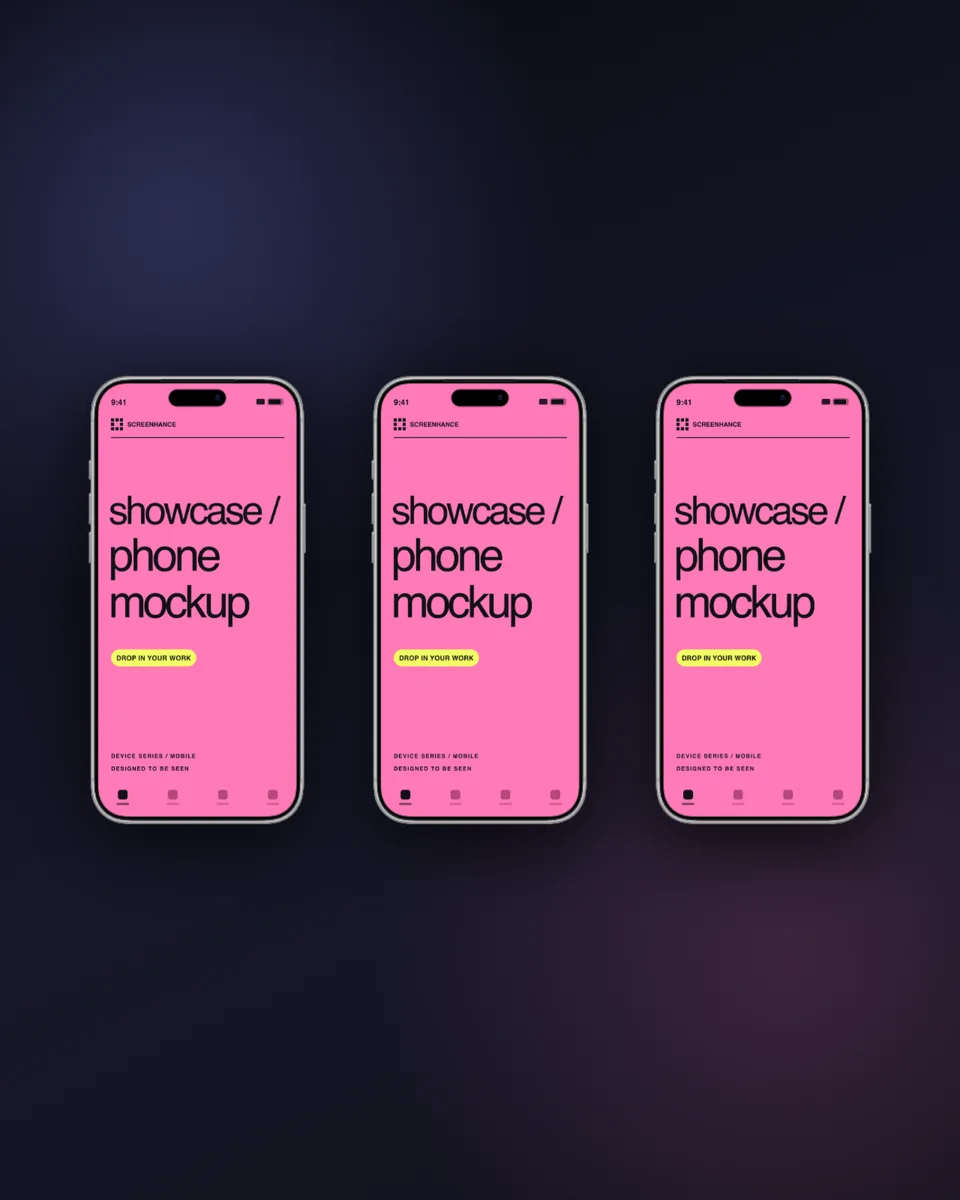
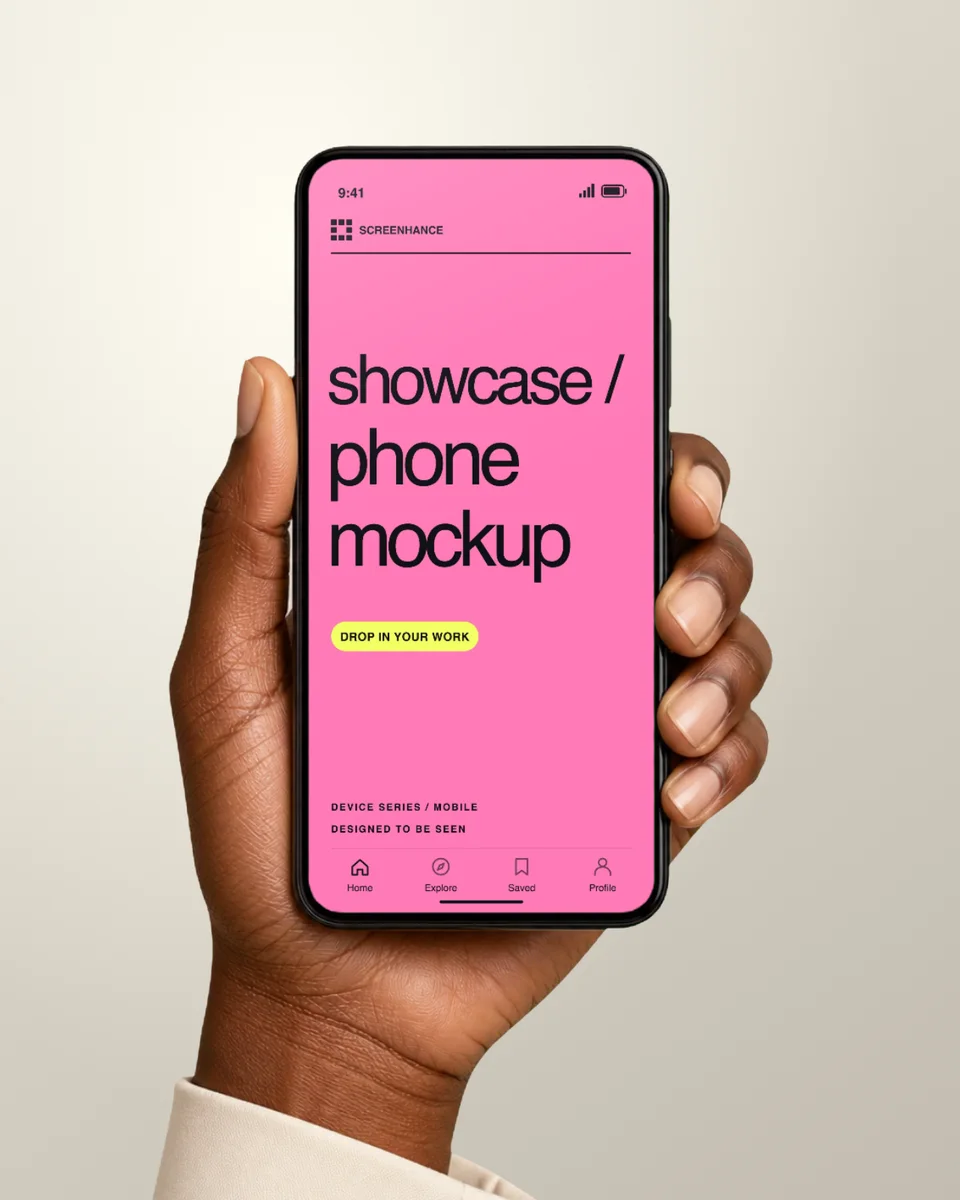
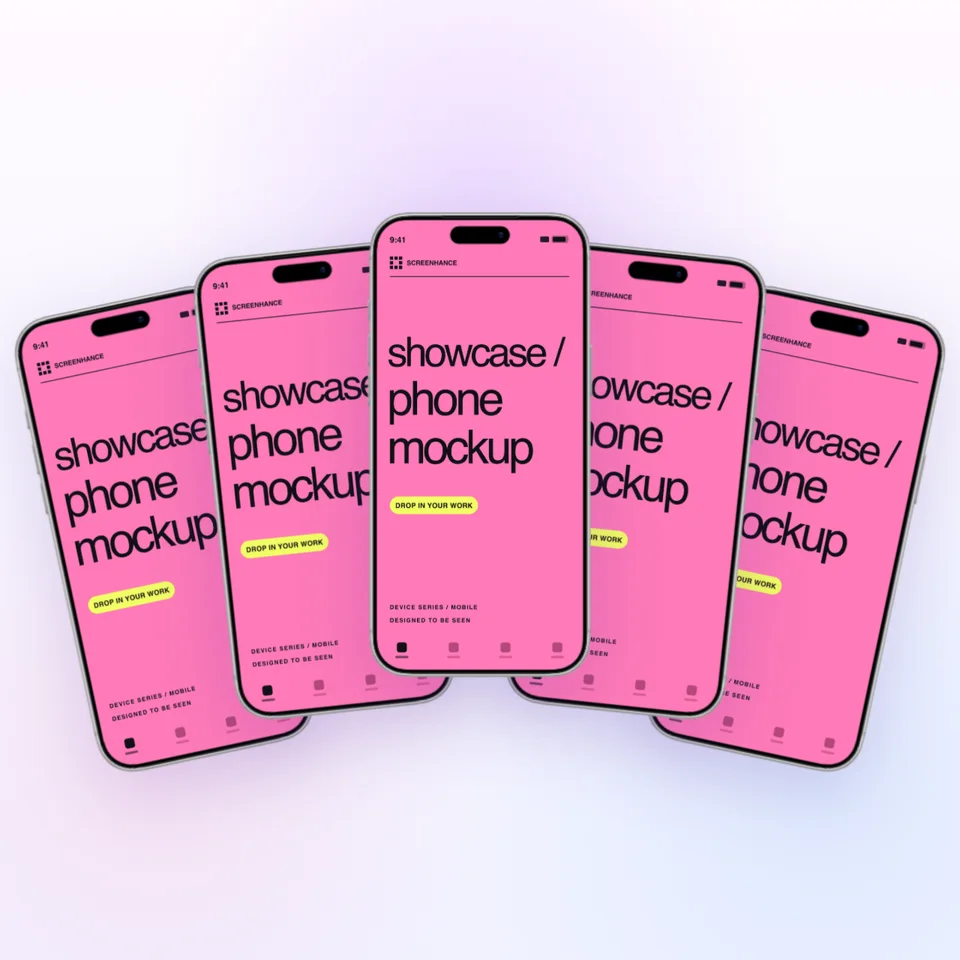
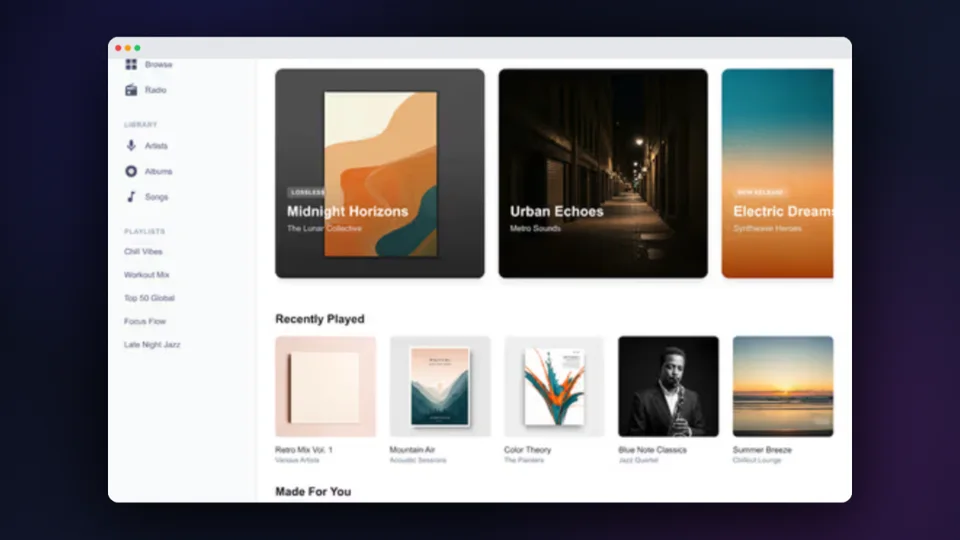
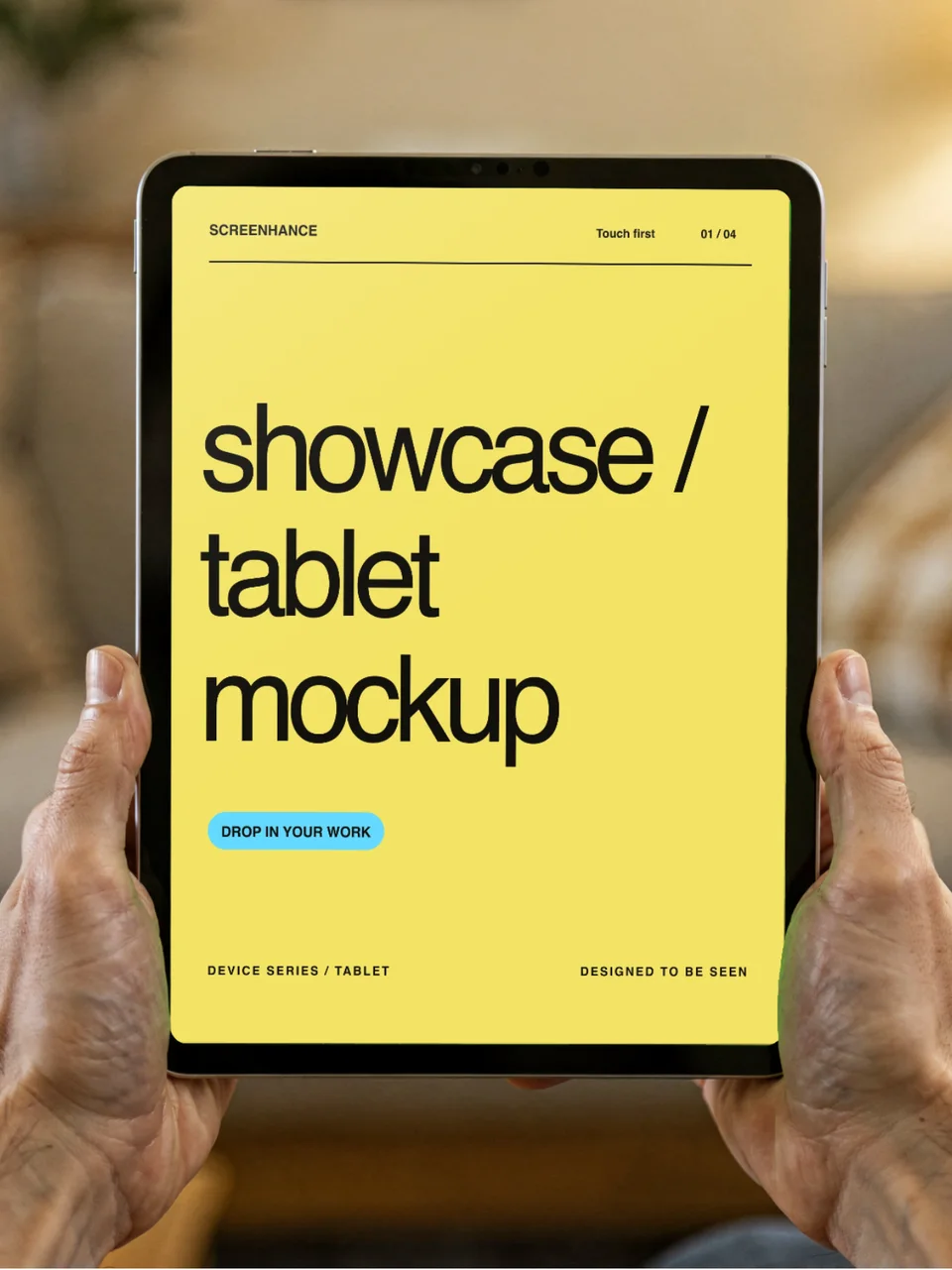
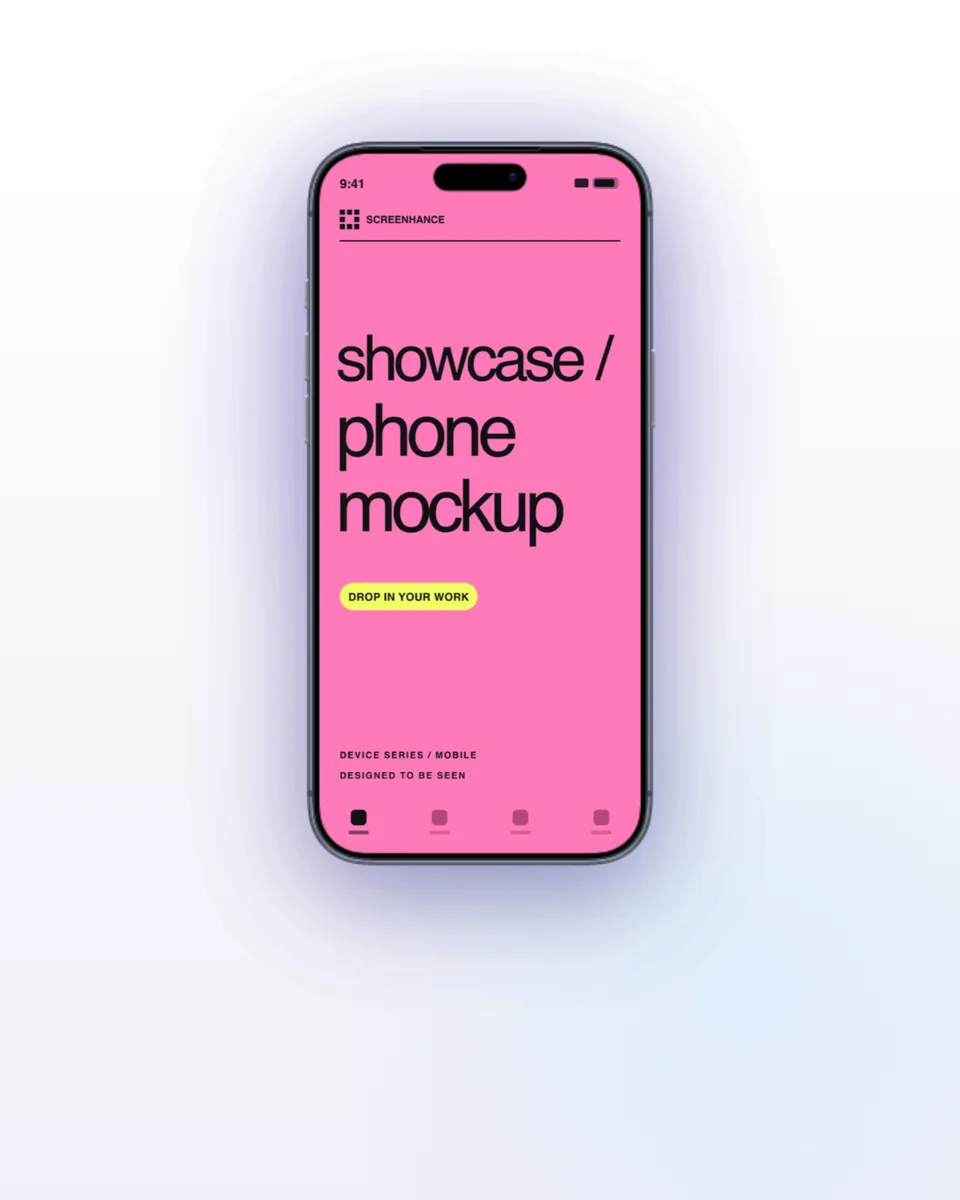
Pick from iPhone, iPad, MacBook, browser frames and beautiful gradient backgrounds.
Download as PNG, WebP, JPEG, GIF, or video. Ready for marketing in seconds.
Four distinct categories of "animated app demo" tool, each solving a different shape of the problem. Screenhance is the framed-mockup category — purpose-built for screenshots wrapped in device frames at launch dimensions.
| Feature | Screenhance | Screen Studio | Jitter | Rotato |
|---|---|---|---|---|
| Output format | GIF, WebM, MP4 | MP4, GIF | MP4, WebM, GIF, Lottie | MP4, GIF |
| Input | Screenshot or short clip | Live screen recording | Static design layers | Screenshot on 3D device |
| Built-in device frames | 43+ (iPhone, MacBook, iPad, Android, browser) | Recording chrome | No (bring your own) | 3D iPhone, Mac, iPad, Watch |
| Exports at App Store / Product Hunt sizes | Yes | No | Manual canvas setup | No |
| Animation style | Template-driven (float, reveal, parallax) | Cursor + zoom polish on recording | Custom keyframed | 3D rotation |
| macOS only | No (web) | Yes | No (web) | No (web + desktop) |
| Price | $6 Week Pass or $8/month | $89 one-time | $24/month | $7/month or $59 lifetime |
For the full comparison with workflows and combinations, read Animated App Demos in 2026: Screen Studio, Jitter, Rotato, Screenhance Compared →
Two capabilities that separate Screenhance from every other mockup tool in 2026: animated exports and App Store screenshot localization.
Template-driven motion — float, reveal, parallax. Export animated mockups at Product Hunt, landing-page, and Twitter/X dimensions. Most mockup tools are static-only.
One master design, per-locale captions, every required Apple and Google Play size per language. RTL and CJK support. Apple reports localized listings drive 2-3x install lifts.
iPhone 17 Pro Max (1320×2868), iPhone Air (1260×2736), iPad Pro M4 (2064×2752), and the full Google Play set — exported from one design in a single pass.
Pick a template, drop in your screenshot, export. No Figma, no Photoshop, no learning curve. Free tier covers 3 exports a month; $6 Week Pass unlocks unlimited for a launch.
Float, reveal, parallax, hover, and subtle motion on text and device layers. Effects are template-driven, not keyframed — pick a template with motion built in, swap your screenshot, and export. For custom keyframe animation from existing static design layers, use Jitter. For polished screen recordings of a live product, use Screen Studio.
GIF is universally supported, plays in every browser, every email client, and every social platform. File sizes are large (3-10 MB common) and color depth is limited to 256 colors per frame. WebM is modern, supports millions of colors, file sizes are 5-10x smaller, but a handful of contexts (some older email clients, some Slack workspaces) still don't render WebM. Default to WebM for landing pages and X/Twitter where the platform handles it; default to GIF for email, older platforms, and maximum compatibility.
App Store screenshots themselves must be static PNG or JPEG — Apple does not accept GIF or WebM in screenshot slots. However, the App Preview Video slot (one per device size, up to 30 seconds) accepts video, and animated mockups exported as MP4 fit there. The most common pattern is static App Store screenshots plus an animated Product Hunt gallery and animated landing-page hero.
Every Screenhance template includes the dimensions appropriate for its use case. Product Hunt gallery animated slots export at 1270 × 760. Landing page hero animations export at common hero widths (1440-1920 wide). Twitter/X embedded video preferred at 1280 × 720. OG card animations export at 1200 × 630. You can override dimensions in the editor.
Most animated templates loop in 3-8 seconds, which keeps file size reasonable and matches how viewers actually watch motion in galleries and landing pages. Going past 10 seconds inflates file size disproportionately for GIF and doesn't add conversion value — short, looping motion outperforms long demos in every published test we've seen.
Animated exports (GIF and WebM) are unlocked on the Week Pass ($6 one-time, 7 days) and Pro ($8/month). The free plan exports static PNG with a watermark. The reasoning: animated renders are computationally heavier and the use case is launches — the Week Pass is built for exactly that.
Explore more ways to create stunning visuals with Screenhance.
Screenshots tuned for App Store SEO
Try it freeRealistic and minimal device frames
Try it freeNo-watermark mockups on the free plan
Try it freeCreate mockups without design skills
Try it freeMockups without the complexity
Try it freeMore templates, more device frames
Try it freeFloat, reveal, parallax. Exported as GIF or WebM at the dimensions your launch surface actually needs.