ScreenhanceBeta

Google Pixel Mockup Generator

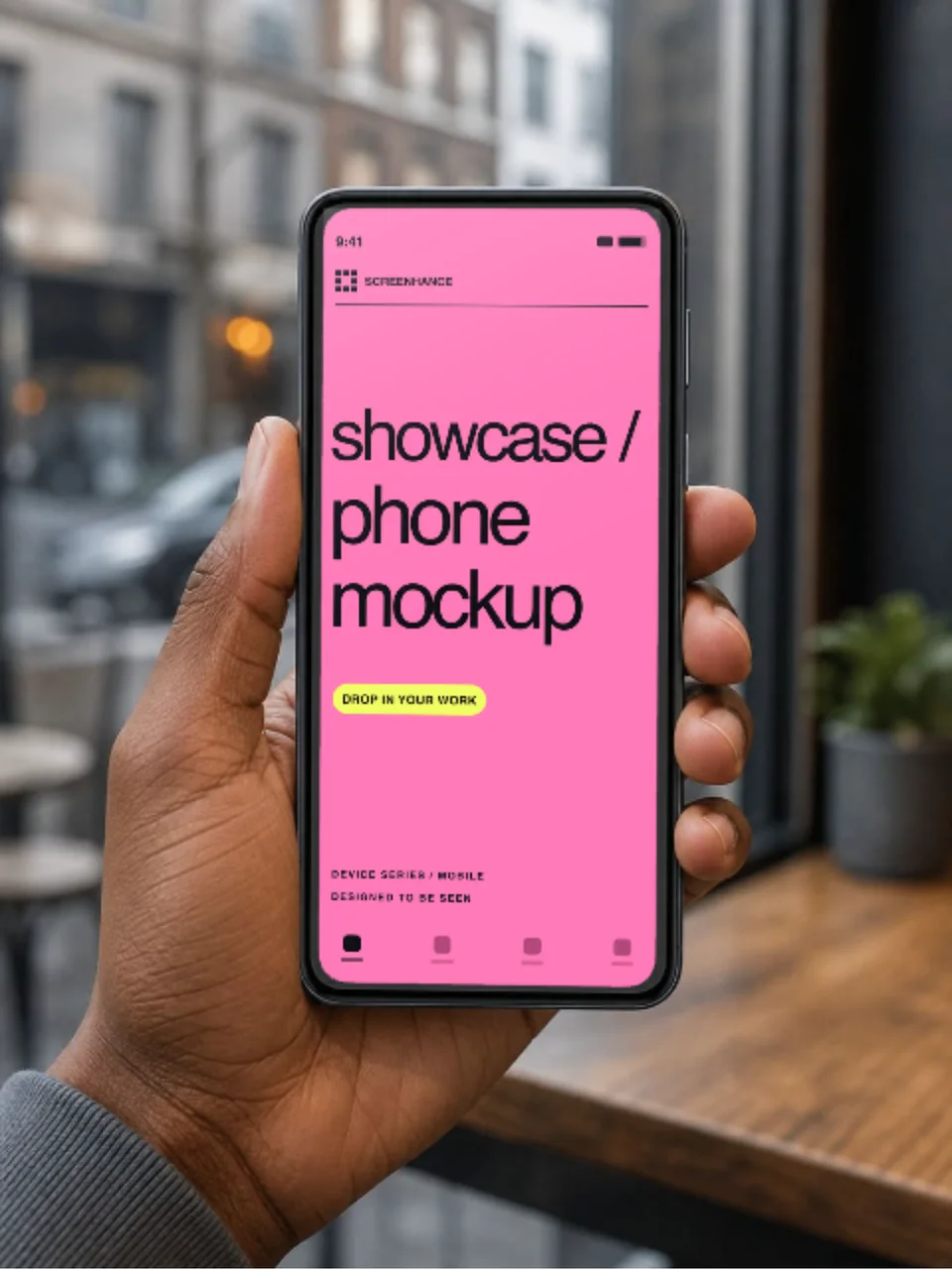
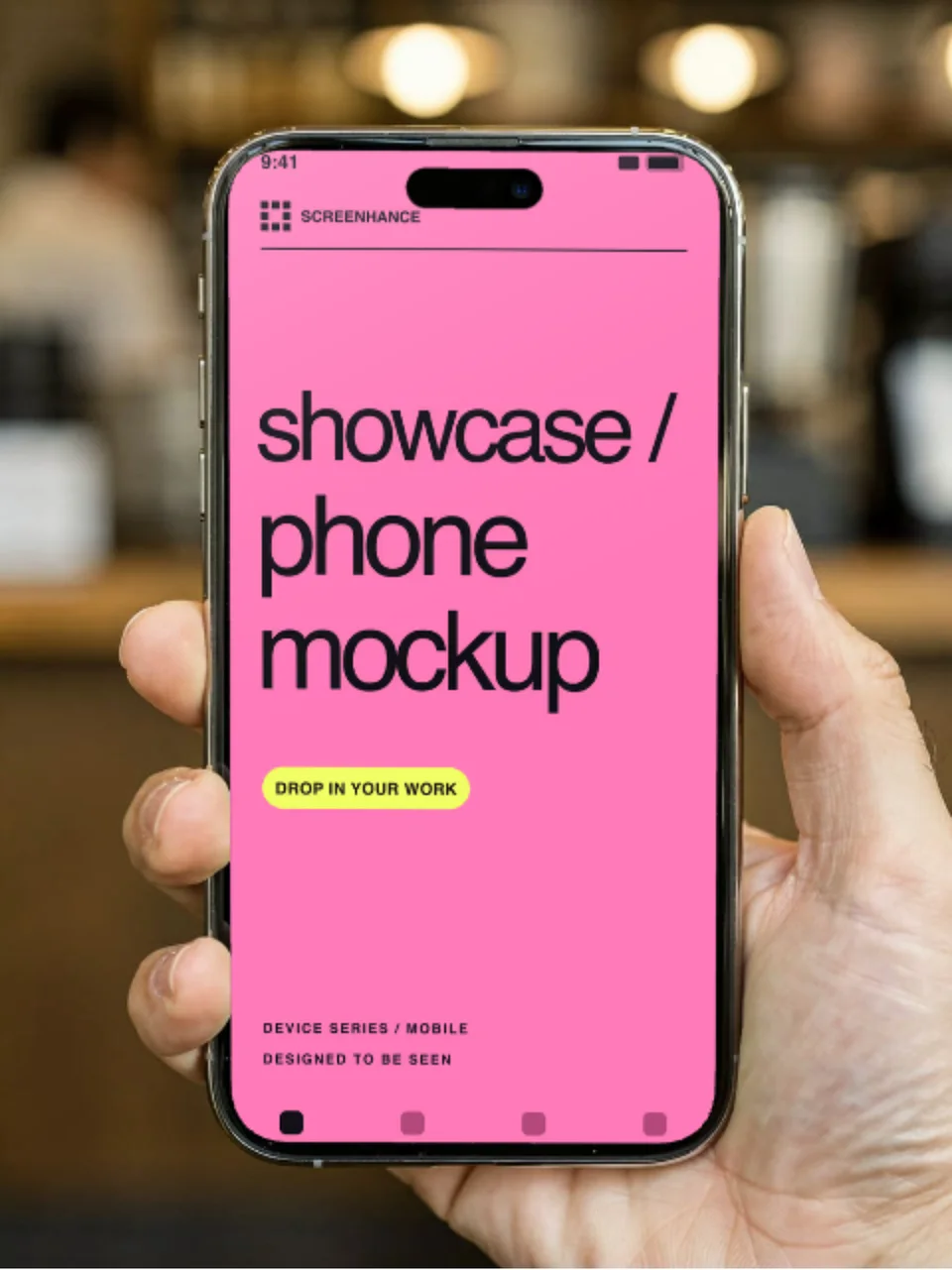
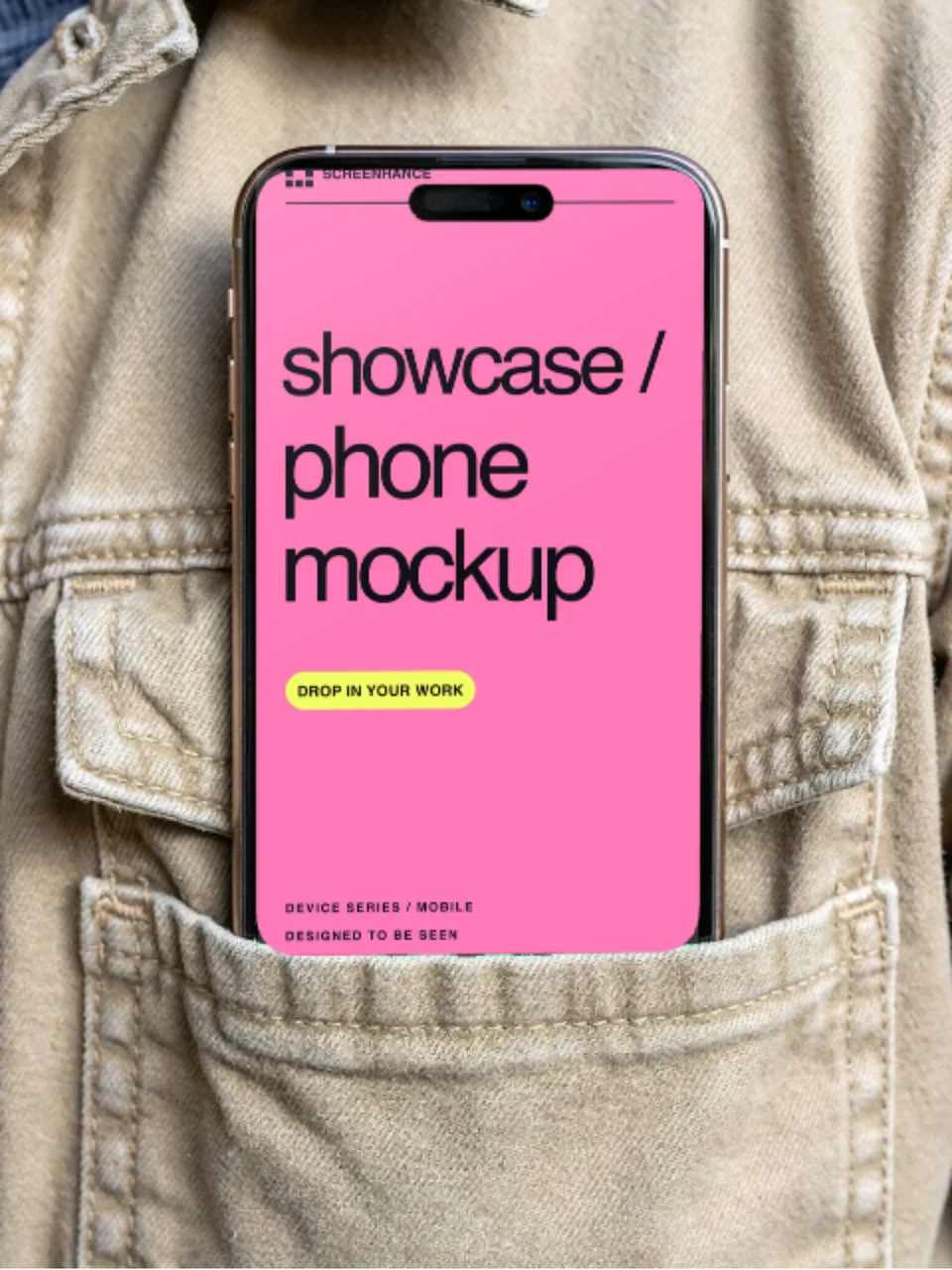
Free Google Pixel mockup generator with realistic Pixel 9 Pro frames in Obsidian and Hazel. Drop your Android screenshot into a pixel-perfect Pixel frame and export a PNG, an animated GIF/WebM, or a full Google Play screenshot set in seconds.

Olivia RhyePhoenix BakerLana SteinerDemi WilkinsonDrew Cano
4.9

Loved by 2,000+ creators

Available Pixel Frames

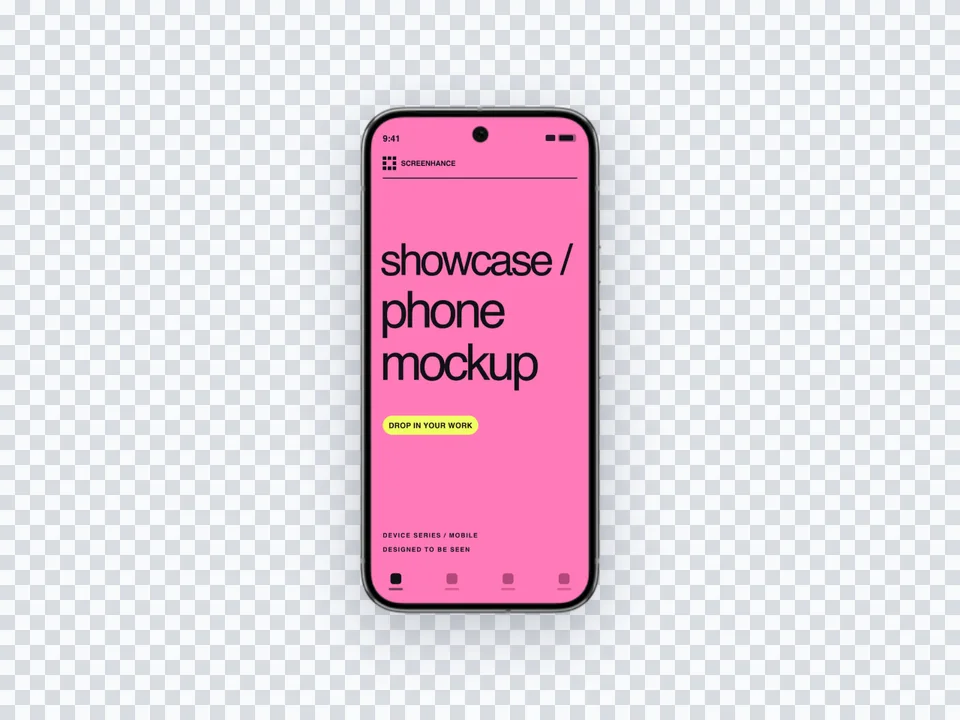
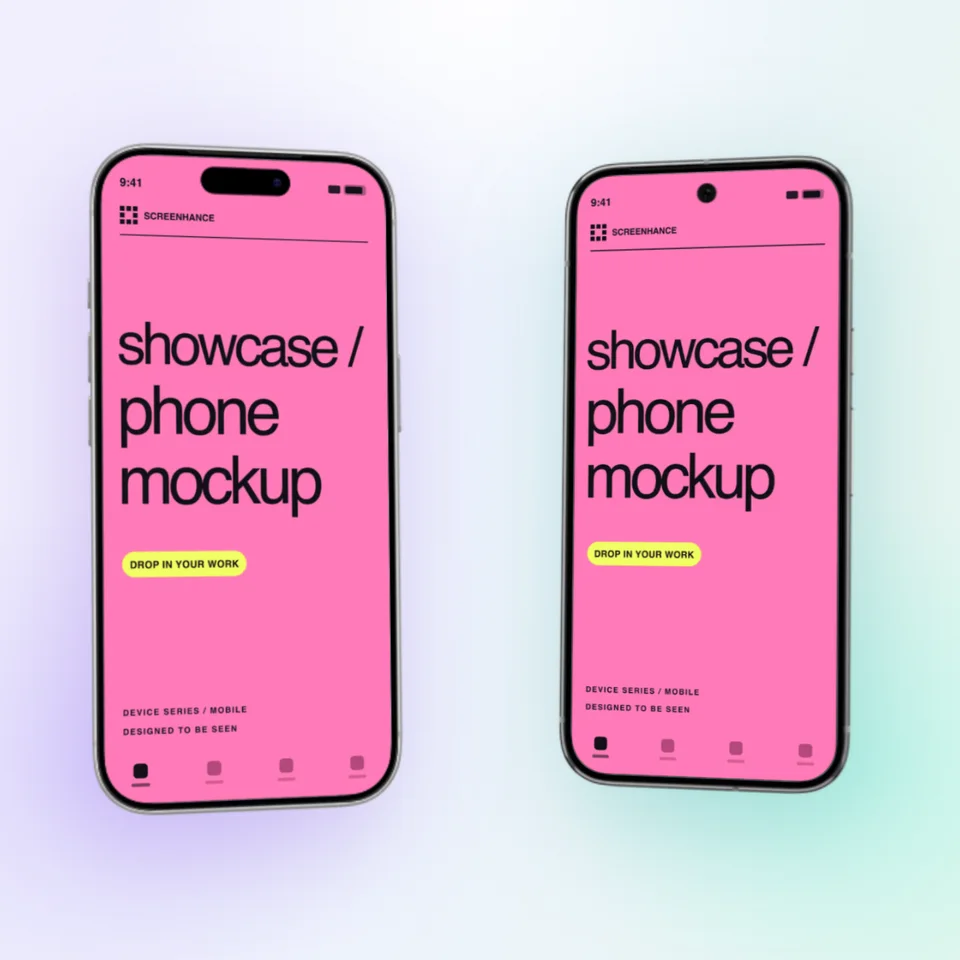
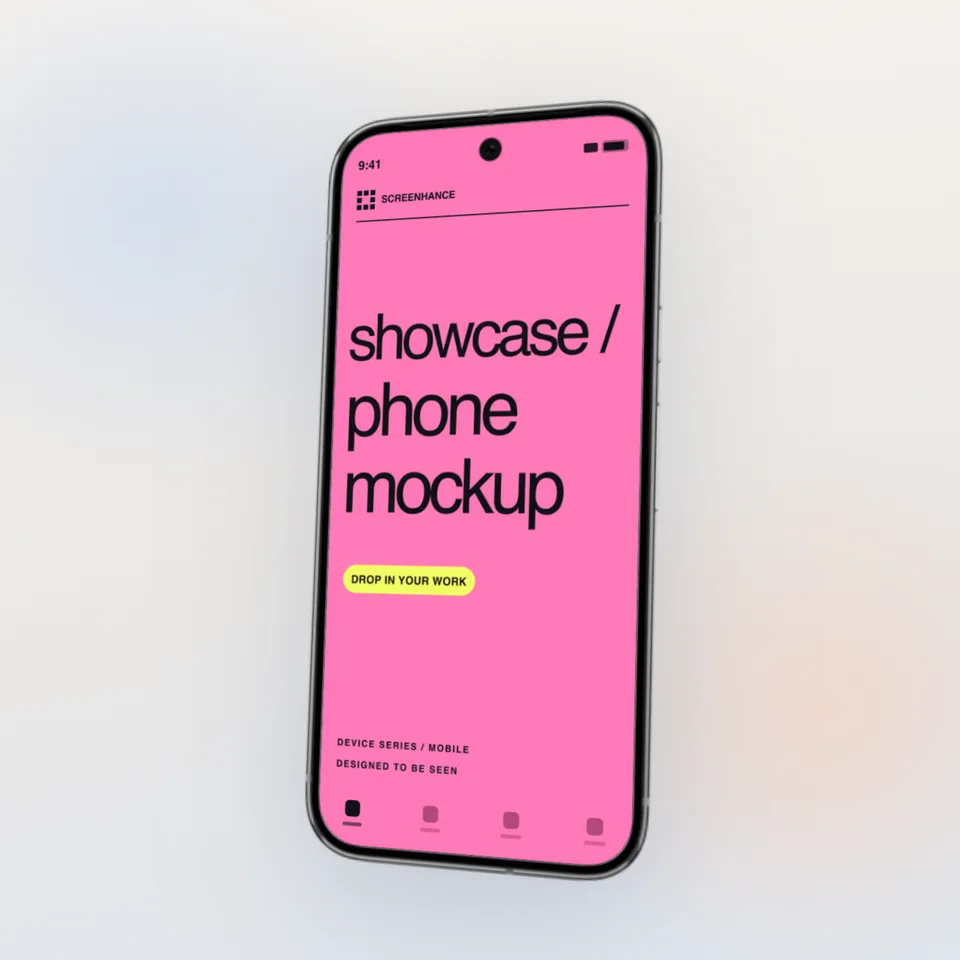
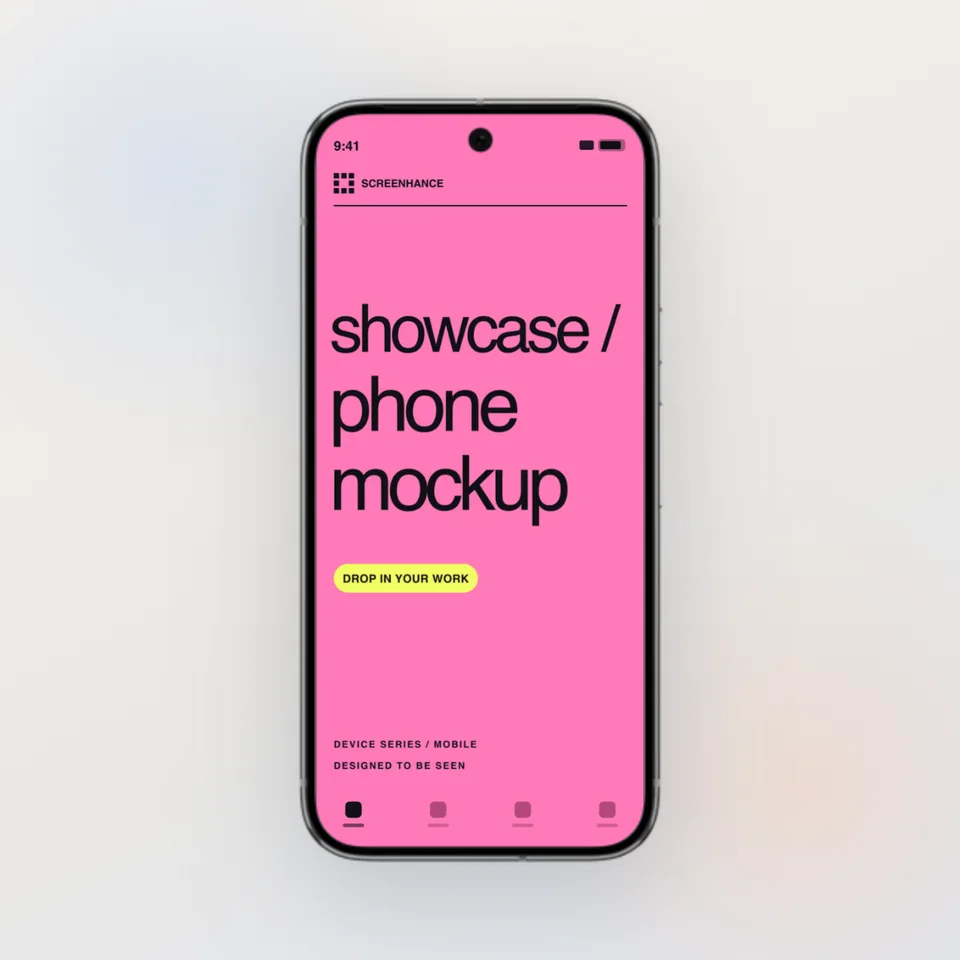
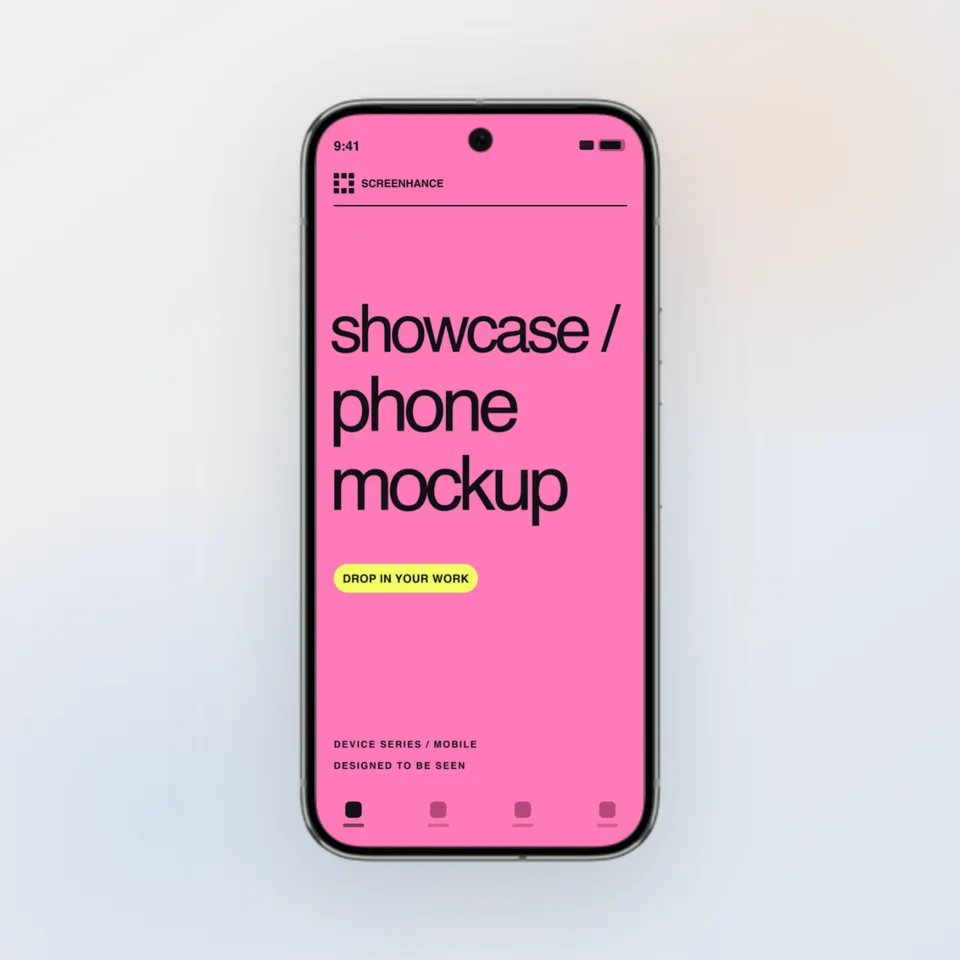
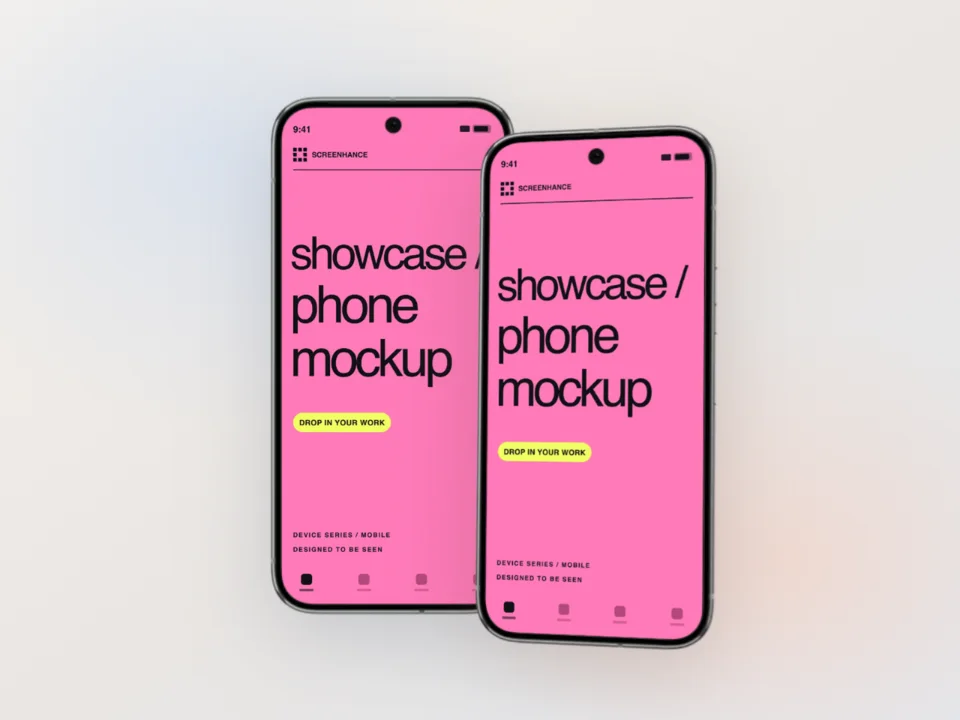
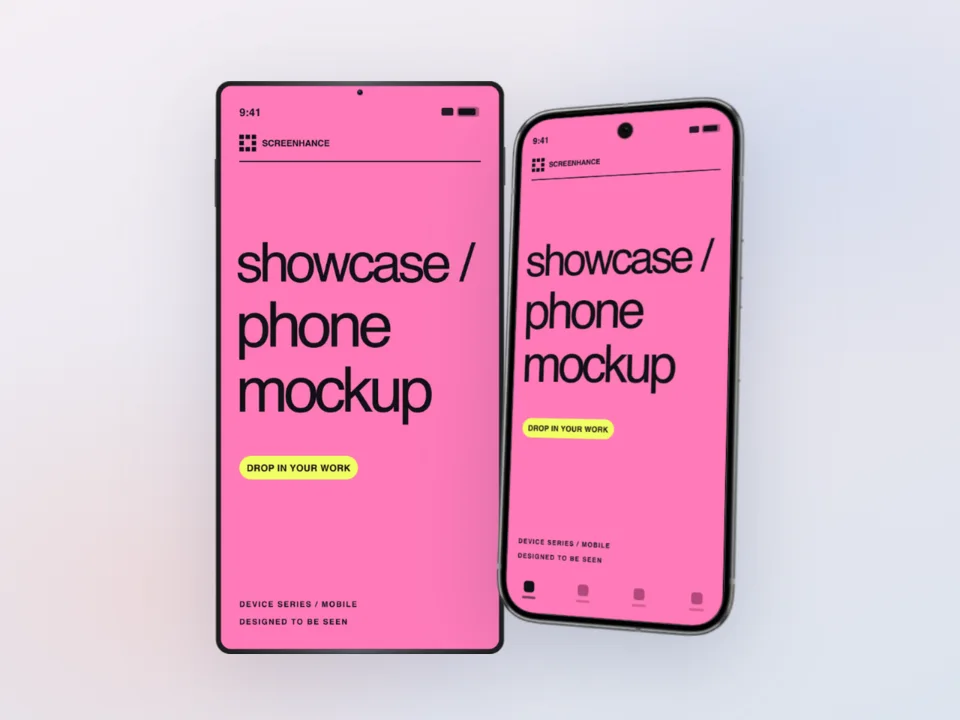
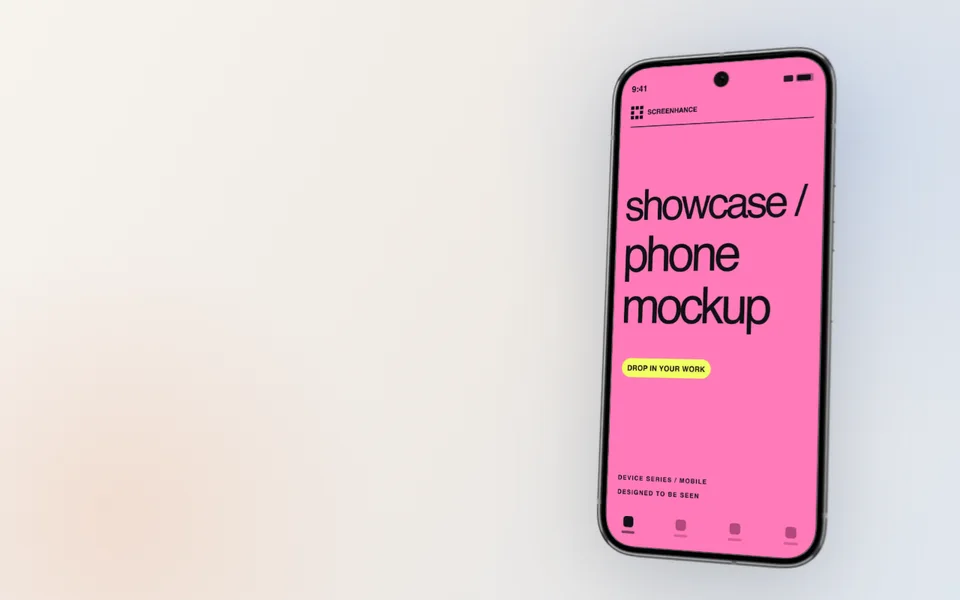
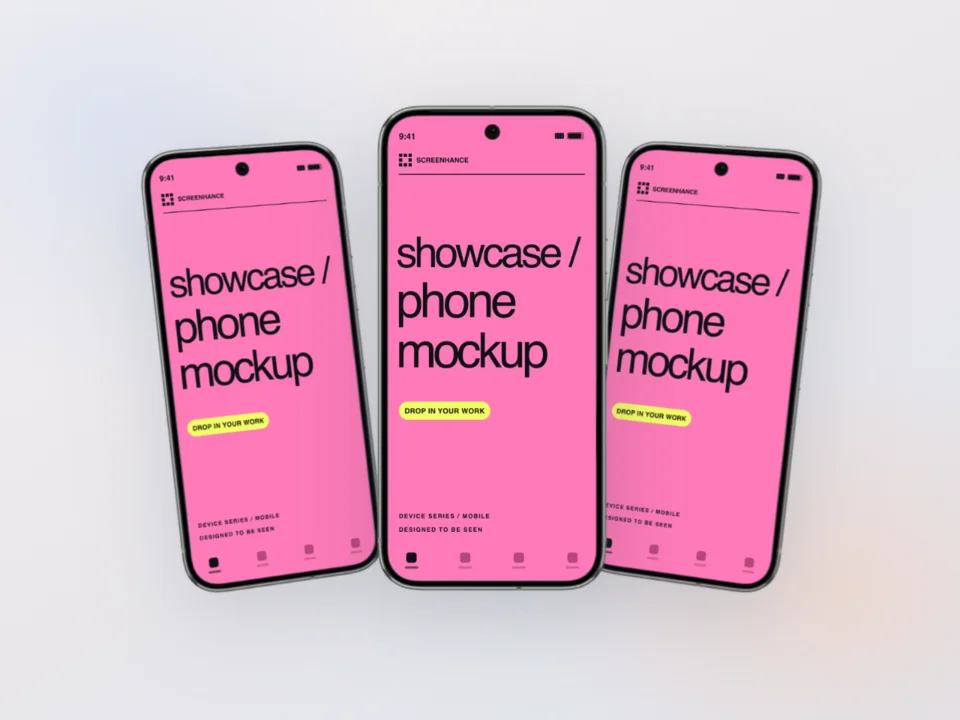
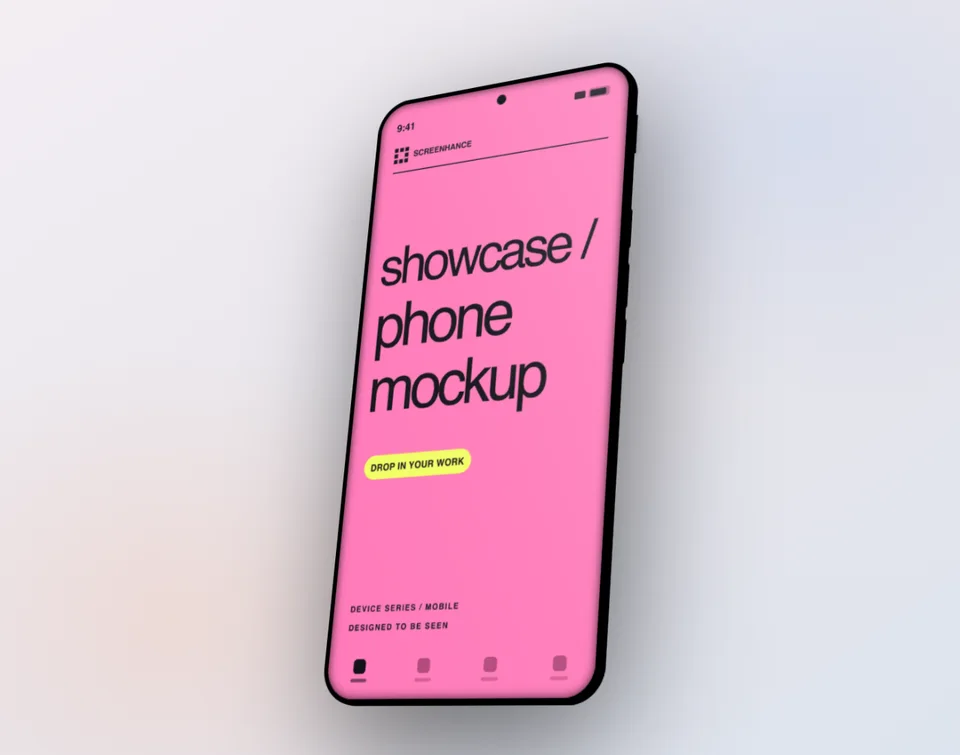
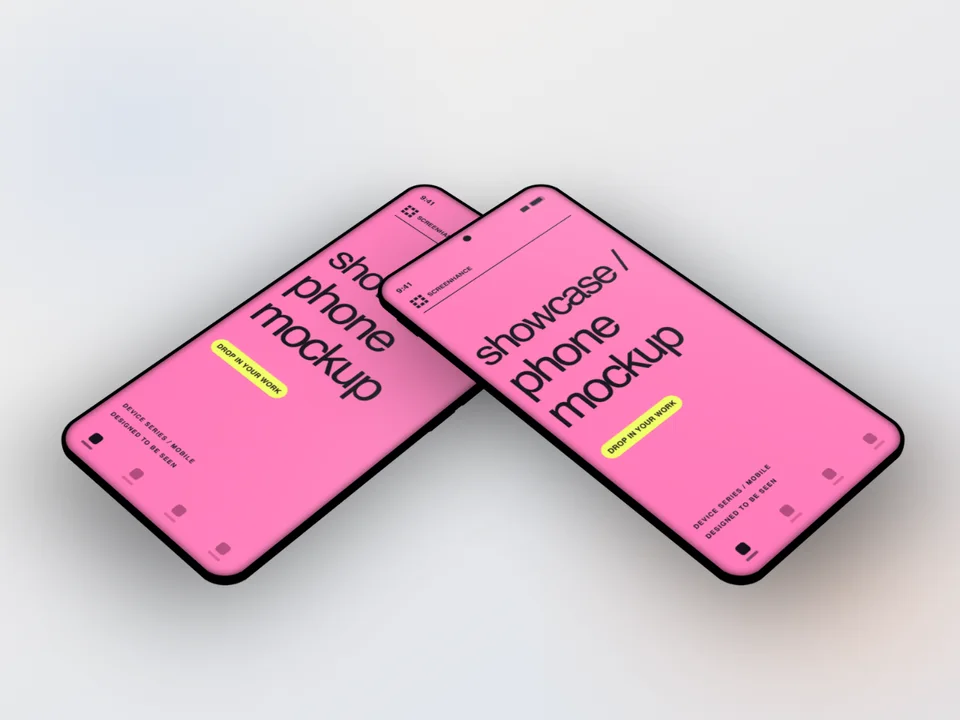
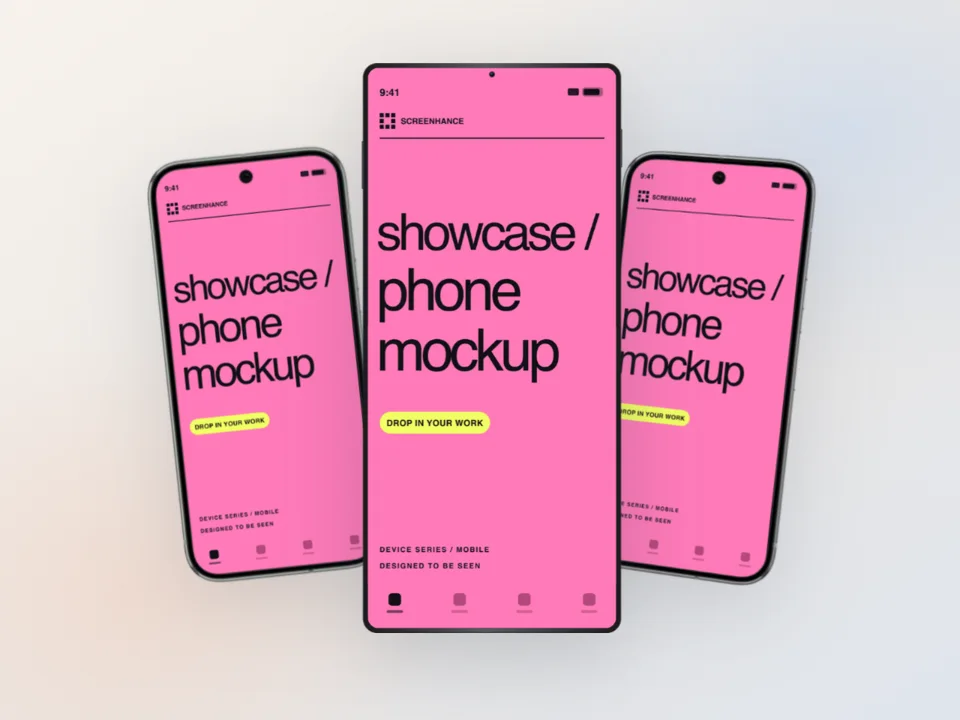
Pixel-accurate Pixel 9 Pro frames, with straight, tilted, and hero angles.

Pixel 9 Pro — Obsidian

Pixel 9 Pro — Hazel

How It Works

Create professional mockups in three simple steps. No design skills required.

Step 1

Upload your screenshot

Drag and drop or select any screenshot, design, or image from your device.

Step 2

Choose frame & background

Pick from iPhone, iPad, MacBook, browser frames and beautiful gradient backgrounds.

Step 3

Export & share

Download as PNG, WebP, JPEG, GIF, or video. Ready for marketing in seconds.

Why Choose Screenhance?

Two capabilities that separate Screenhance from every other mockup tool in 2026: animated exports and App Store screenshot localization.

Animated GIF & WebM exports

Template-driven motion — float, reveal, parallax. Export animated mockups at Product Hunt, landing-page, and Twitter/X dimensions. Most mockup tools are static-only.

App Store localization in 80+ languages

One master design, per-locale captions, every required Apple and Google Play size per language. RTL and CJK support. Apple reports localized listings drive 2-3x install lifts.

Every required Apple & Google size

iPhone 17 Pro Max (1320×2868), iPhone Air (1260×2736), iPad Pro M4 (2064×2752), and the full Google Play set — exported from one design in a single pass.

30 seconds, zero design skills

Pick a template, drop in your screenshot, export. No Figma, no Photoshop, no learning curve. Free tier covers 3 exports a month; $6 Week Pass unlocks unlimited for a launch.

Perfect For

Play Store screenshots

Build a full Google Play listing set in the Pixel frame and export every required size — phone, 7-inch tablet, and 10-inch tablet — from one design.

Android-first product marketing

Stock Android on a Pixel is the cleanest way to say "this is an Android app." No carrier skins, no manufacturer UI in the way.

Landing pages & Product Hunt

Hero images and gallery shots that show your app on the device Google itself markets with.

Developer portfolios & docs

Frame Android UI cleanly for case studies, documentation, and design specs.

Pixel vs Galaxy: which Android frame to pick

For Android marketing the frame choice usually comes down to Pixel or Samsung Galaxy, and they signal different things. A Pixel reads as stock Android, developer-friendly, and "the reference device." It's what Google uses in its own Play Store and Material Design marketing, so a Pixel frame reads as the canonical Android phone.

A Galaxy reads as mainstream and consumer — Samsung is the best-selling Android brand, so a Galaxy frame can feel more "real users." If you want either, the broader Android mockup generator covers both.

For most app marketing — especially Play Store listings, developer docs, and anything design-system-adjacent — the Pixel is the safer default. It keeps the focus on your UI rather than on a manufacturer's skin.

Pixel mockups for the Play Store

Google Play shows up to 8 screenshots per device type. The Pixel frame is the natural choice for that set — it matches the device Google promotes, and it keeps your screenshots looking like the platform they ship on.

In the App Store / Play Store editor you design once and export every required size: phone at 1080×1920, 7-inch tablet at 1200×1920, and 10-inch tablet at 1920×1200. The same Pixel-framed design scales to all of them. Start from the Play Store screenshot generator or browse Play Store templates.

Common Pixel mockup mistakes

Wrong aspect ratio. Pixel screens are taller than older 16:9 Android phones. Capture at the device's native resolution so the screenshot fills the frame without letterboxing or stretching.

iOS UI in an Android frame. Dropping an iOS screenshot into a Pixel frame is an instant credibility hit — the navigation bar, system font, and back gestures all give it away. Use a real Android capture.

Mismatched status bar. The clock, battery, and signal icons should look like Android, not iOS. A believable Android status bar sells the mockup.

Outdated frame. A Pixel 4 frame on a 2026 app dates the marketing. The Pixel 9 Pro frame keeps the listing current. For the full walkthrough — Pixel vs Galaxy, Play Store sets, and Material You — read the Google Pixel mockup guide, or the Android screenshot sizes guide.

Frequently Asked Questions

What Pixel models are supported?

Screenhance ships realistic Pixel 9 Pro frames in two finishes — Obsidian (black) and Hazel (warm green-grey). The Pixel 9 Pro frame represents Google's current flagship and stock Android, so it reads correctly for any modern Pixel marketing or Play Store visual.

Can I create Play Store screenshots with the Pixel frame?

Yes. The Pixel frame is available in the App Store / Play Store editor, where you can build a full Google Play screenshot set and export every required size — phone (1080×1920), 7-inch tablet, and 10-inch tablet — from one design. See the Play Store screenshot generator for the dedicated flow.

What's the difference between this and the Android mockup generator?

The Android mockup generator covers Android broadly, including Samsung Galaxy frames. This page is Pixel-specific: it uses the Pixel 9 Pro frame, which signals stock Android and is the reference device most Android-first products and Play Store listings market with.

Do I need design skills to use this?

No. Upload your Android screenshot, choose a Pixel frame and background, and export. The screenshot fits the Pixel screen area automatically — no masking, no Photoshop, no Figma.

What export formats are available?

Export Pixel mockups as PNG, WebP, or JPEG. Pro users can also export animated GIF or WebM, and get up to 3x resolution for high-density Android displays.

Create Pixel Mockups in Seconds

No Photoshop or Figma required. Upload your Android screenshot and download a polished Pixel mockup.