
%2FOlivia%20Rhye.webp&w=64&q=75)
%2FPhoenix%20Baker.webp&w=64&q=75)
%2FLana%20Steiner.webp&w=64&q=75)
%2FDemi%20Wilkinson.webp&w=64&q=75)
%2FDrew%20Cano.webp&w=64&q=75)
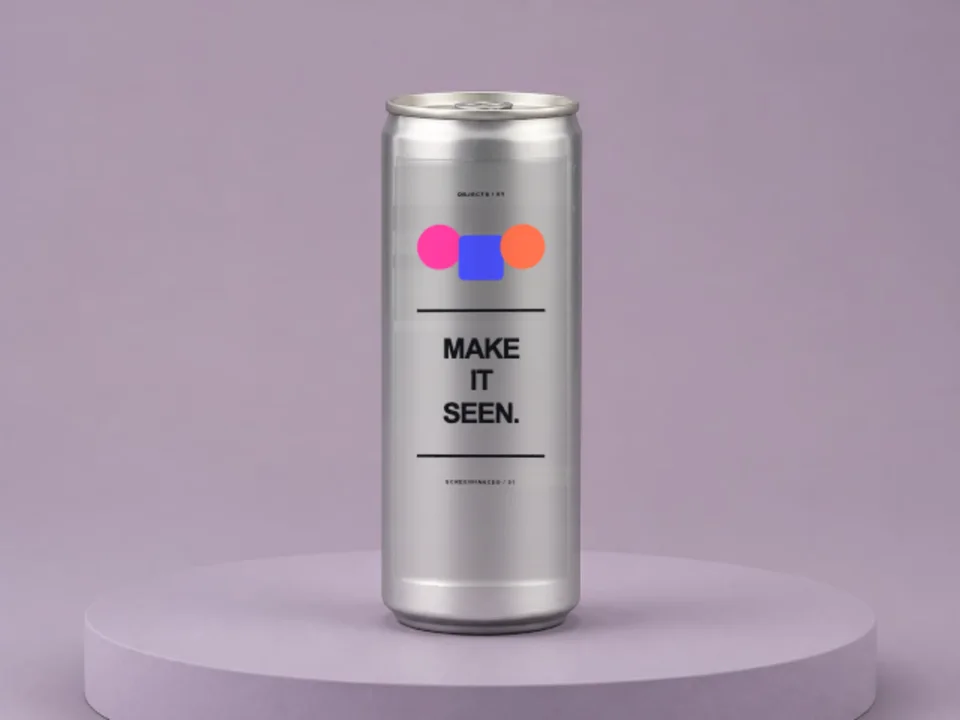
Slim can
A tall energy-drink proportion on a muted lilac studio set.
Online mockup maker · No PSD
Show beverage branding on slim and standard aluminium cans. The editable panel follows the photographed cylinder while the metal and studio light stay intact.
Loved by 3,000+ creators
Can Mockups appear first. Filter the complete packaging library by product type or style.
A tall energy-drink proportion on a muted lilac studio set.
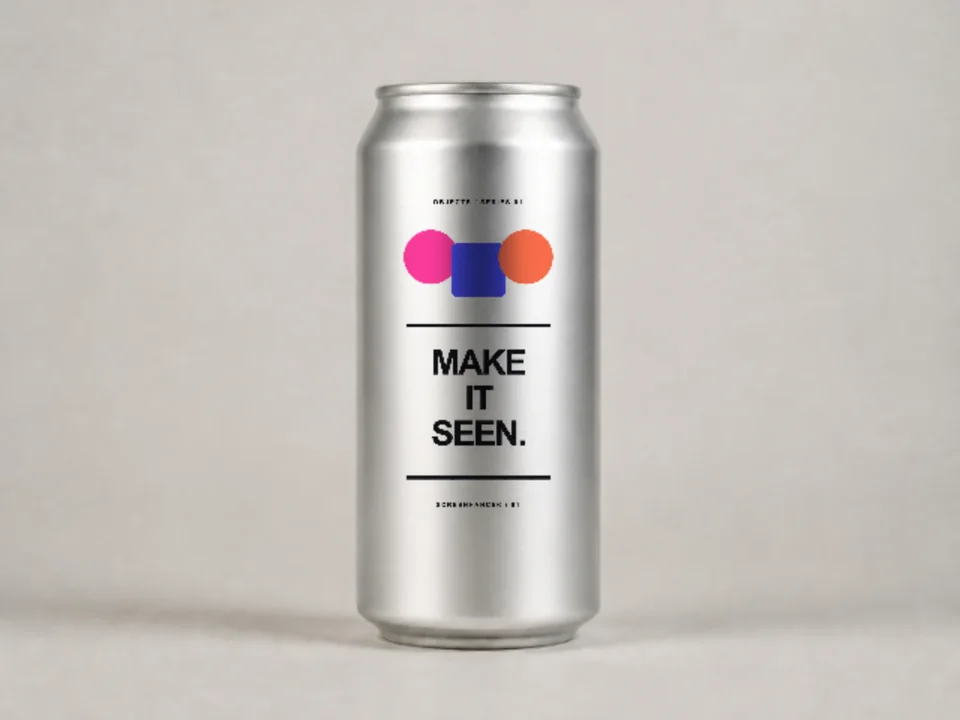
A classic beverage format with a clean silver finish.
A direct view that keeps small type and product marks readable.
Yes. The library includes a dedicated tall slim-can scene as well as a standard aluminium can.
No. Screenhance runs in the browser. Pick a scene, replace the placeholder with your artwork and export from the same editor.
Yes. Upload a PNG, JPEG or WebP. Screenhance crops it to the photographed print area without stretching the design.
Image exports are available as PNG, JPEG and WebP. Higher resolutions and watermark-free exports depend on your plan or Launch Pass.
Place the same artwork on another physical product or real-world scene.
Put your card design on real card stock
Start creatingTurn a book cover into a photorealistic 3D mockup
Start creatingYour design on a real product box
Start creatingPut your design or app on a photorealistic billboard
Start creatingNo-background devices, hands, apparel, and print
Start creatingTee, hoodie, cap, and tote cutouts that share one backdrop
Start creatingChoose a scene, add your real artwork and export a presentation-ready image.
Start free