
How to turn app screens into a clear store story
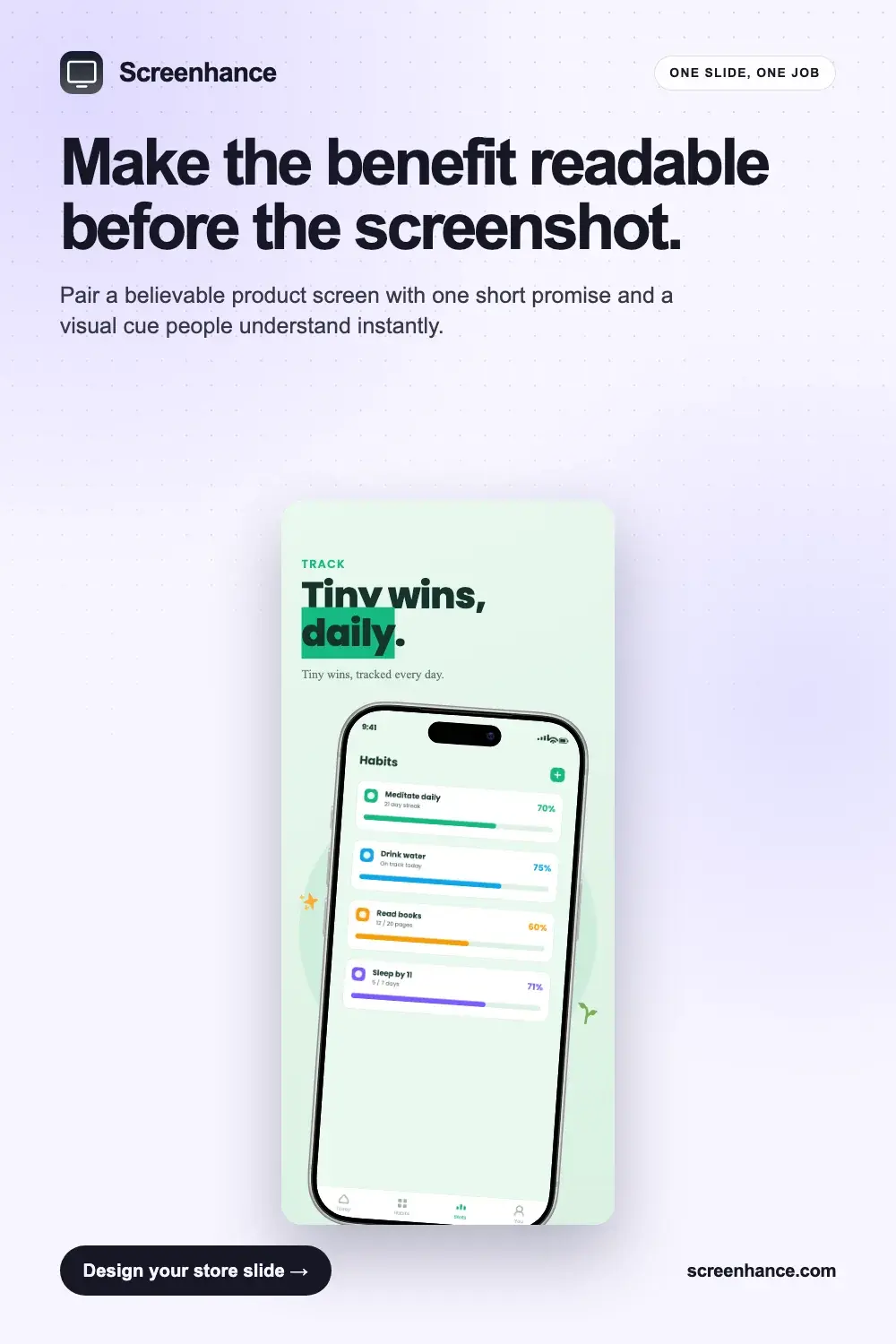
Start with the outcome a customer wants, not the name of the feature. The first screenshot needs a short promise that still reads at thumbnail size. Use the second and third slides to prove that promise with the real interface, then use the later slides for secondary workflows and trust signals.
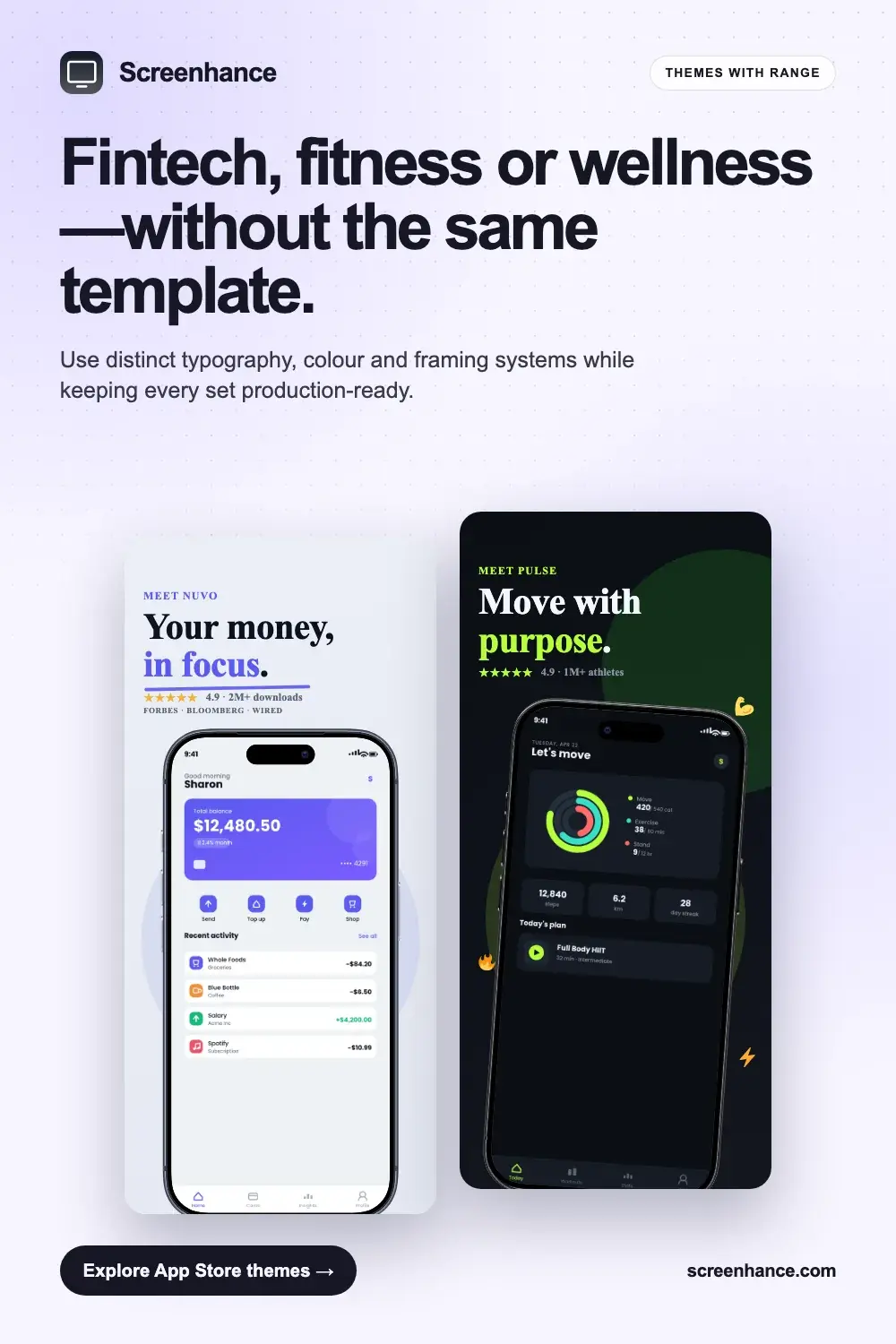
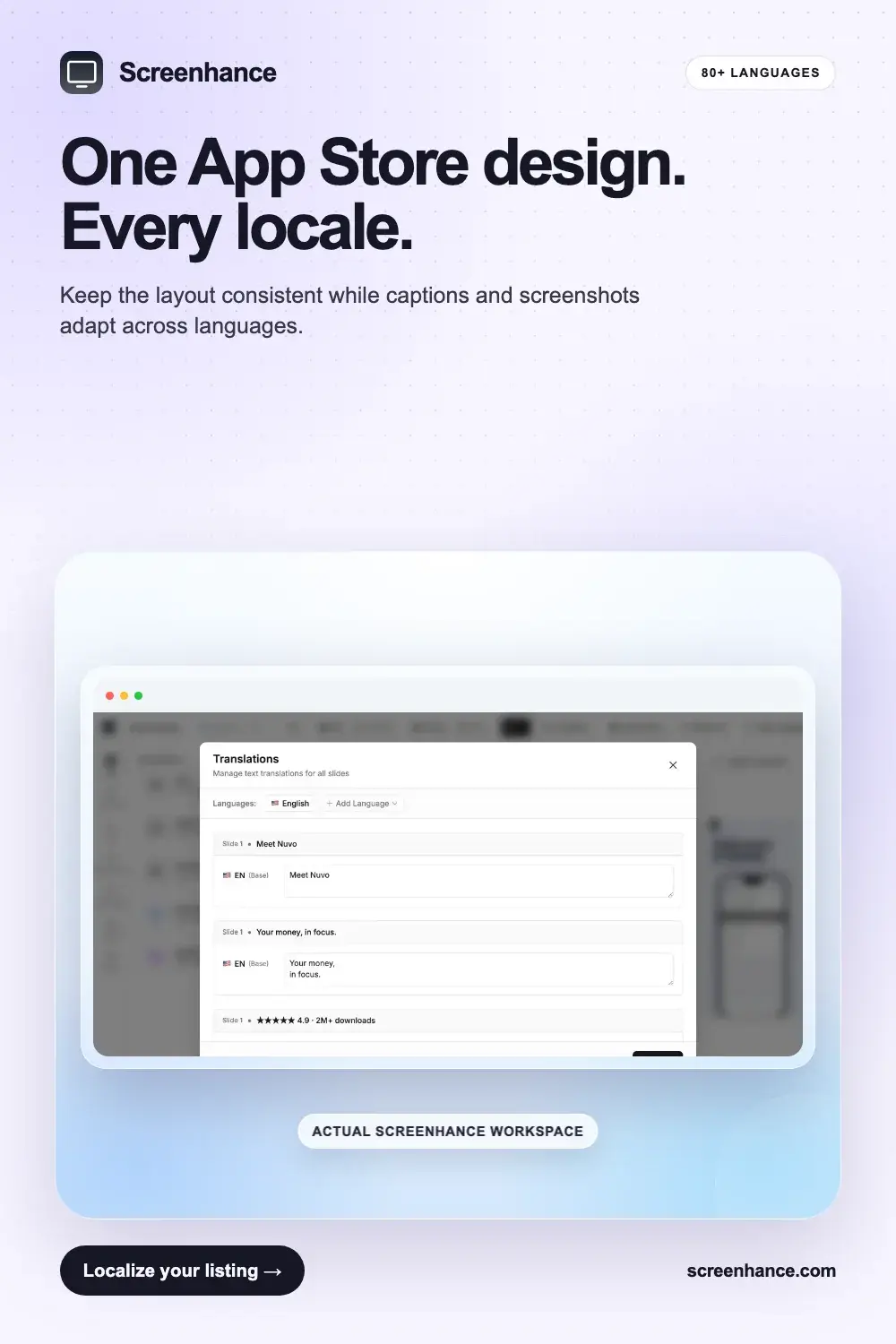
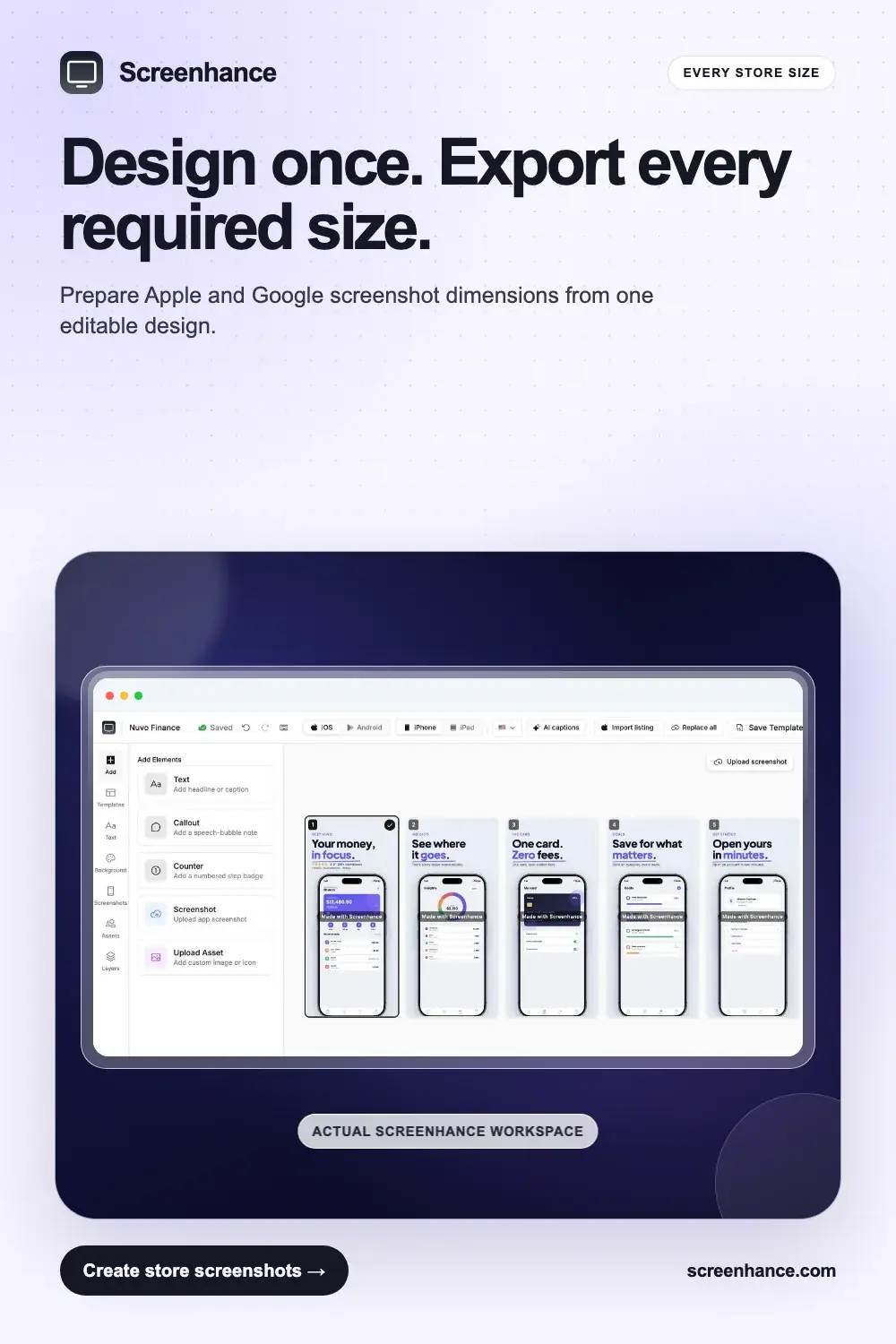
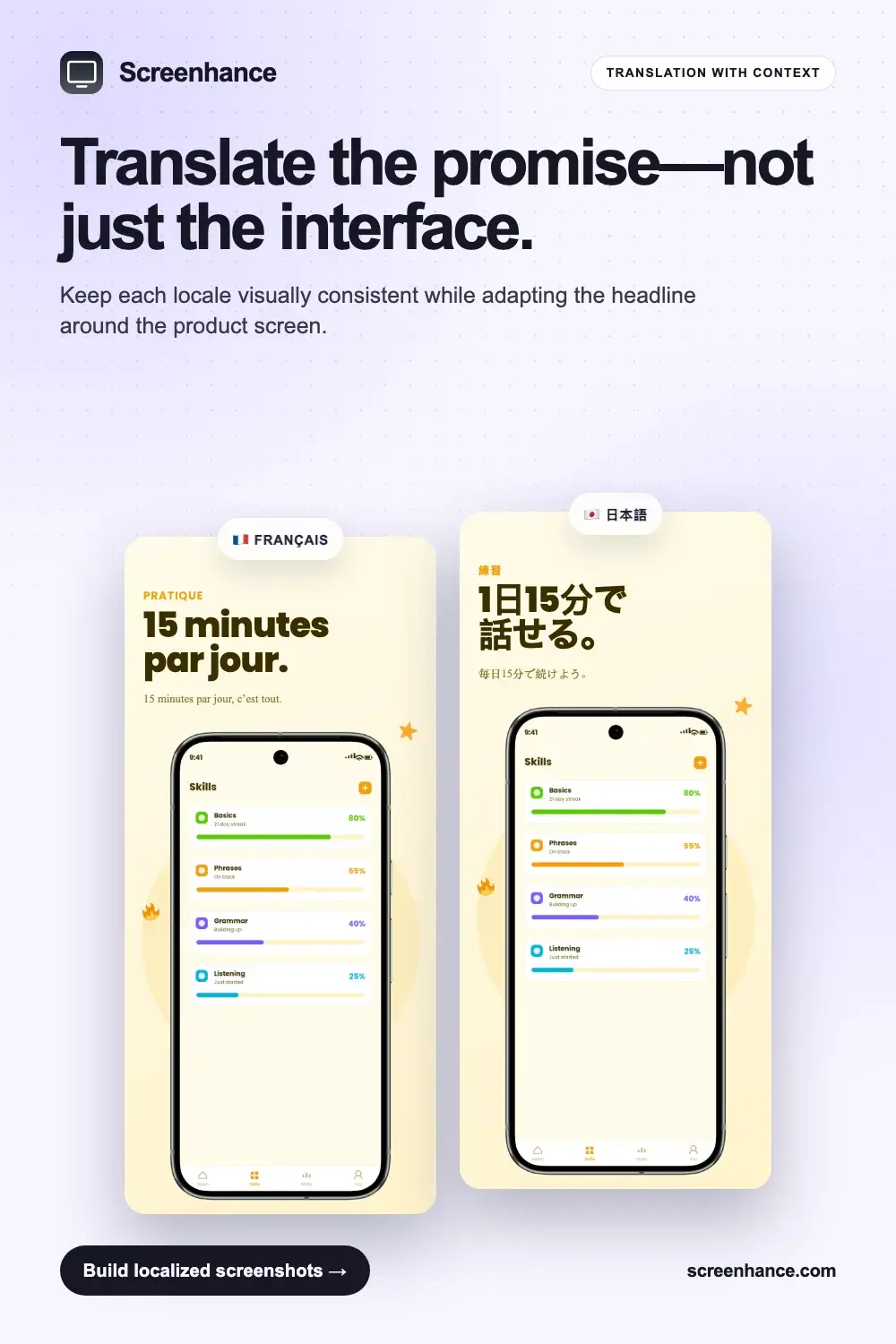
Keep one type scale, one caption position and one background system across the set. When the structure stays fixed, localisation and size changes become production work instead of redesign work. Screenhance keeps the same composition while adapting the screenshots for different devices and languages.
Want to make one? Start with the matching template gallery, or use the App Store screenshot generator for the full workflow and export sizes.