Use Cases
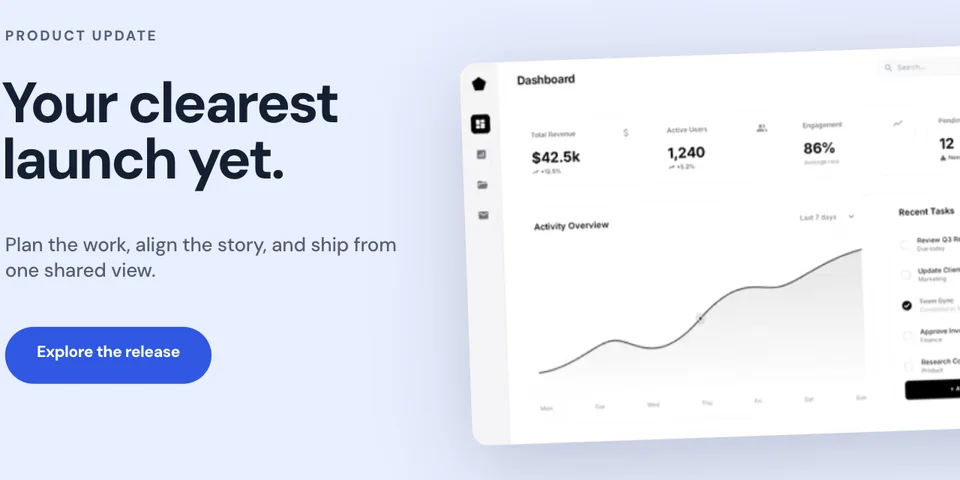
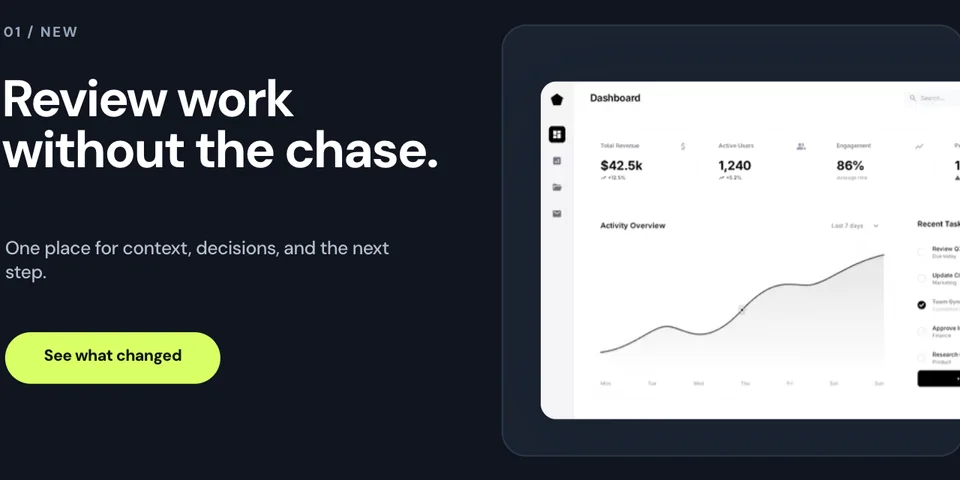
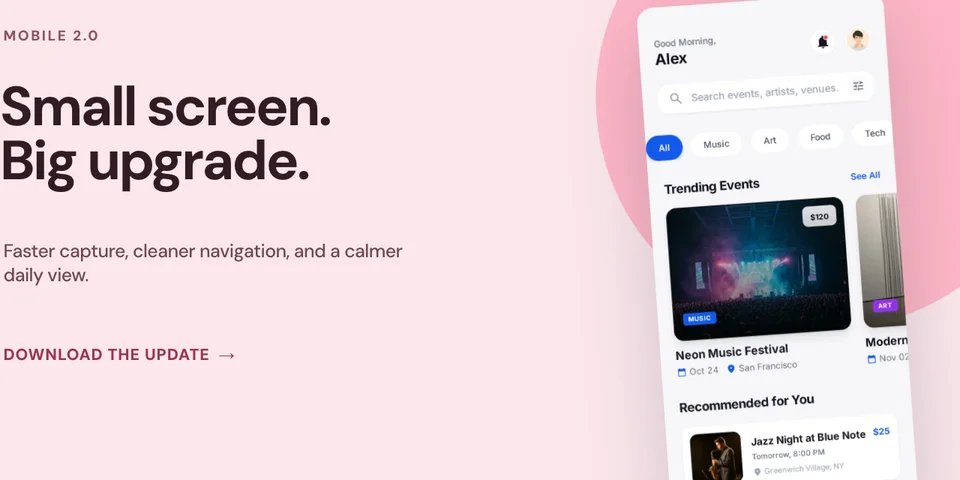
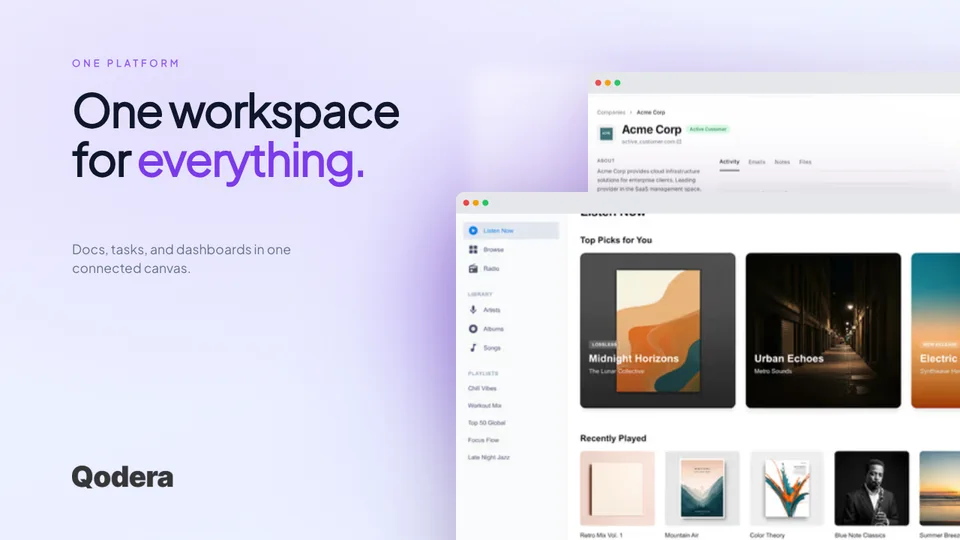
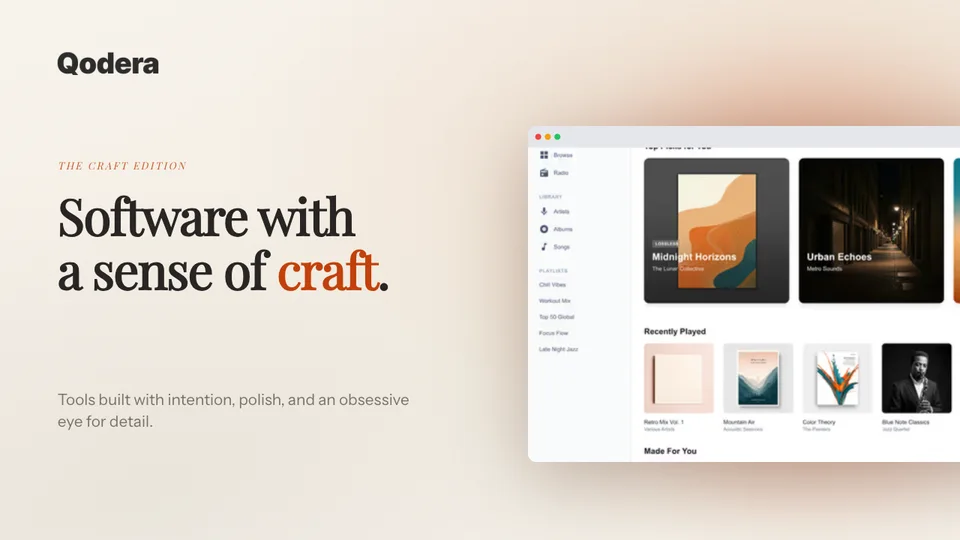
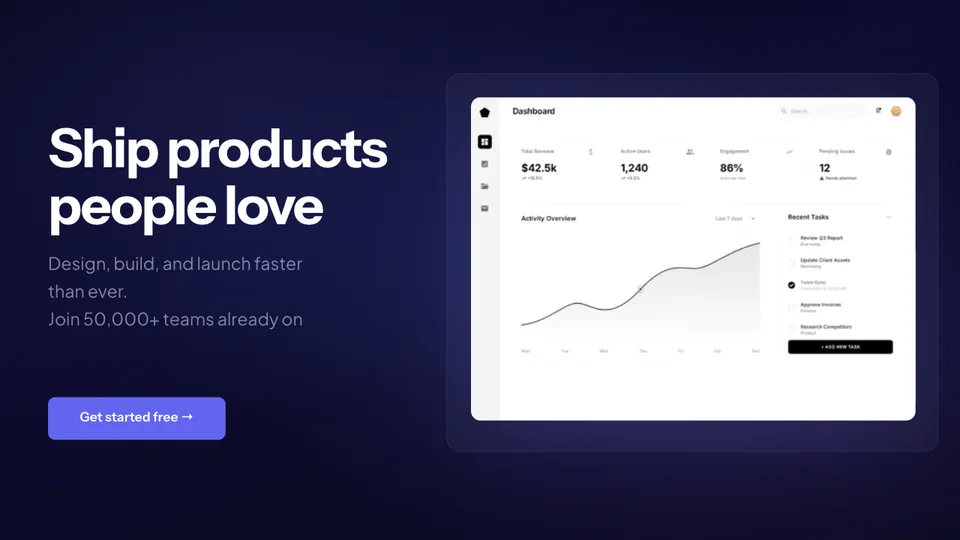
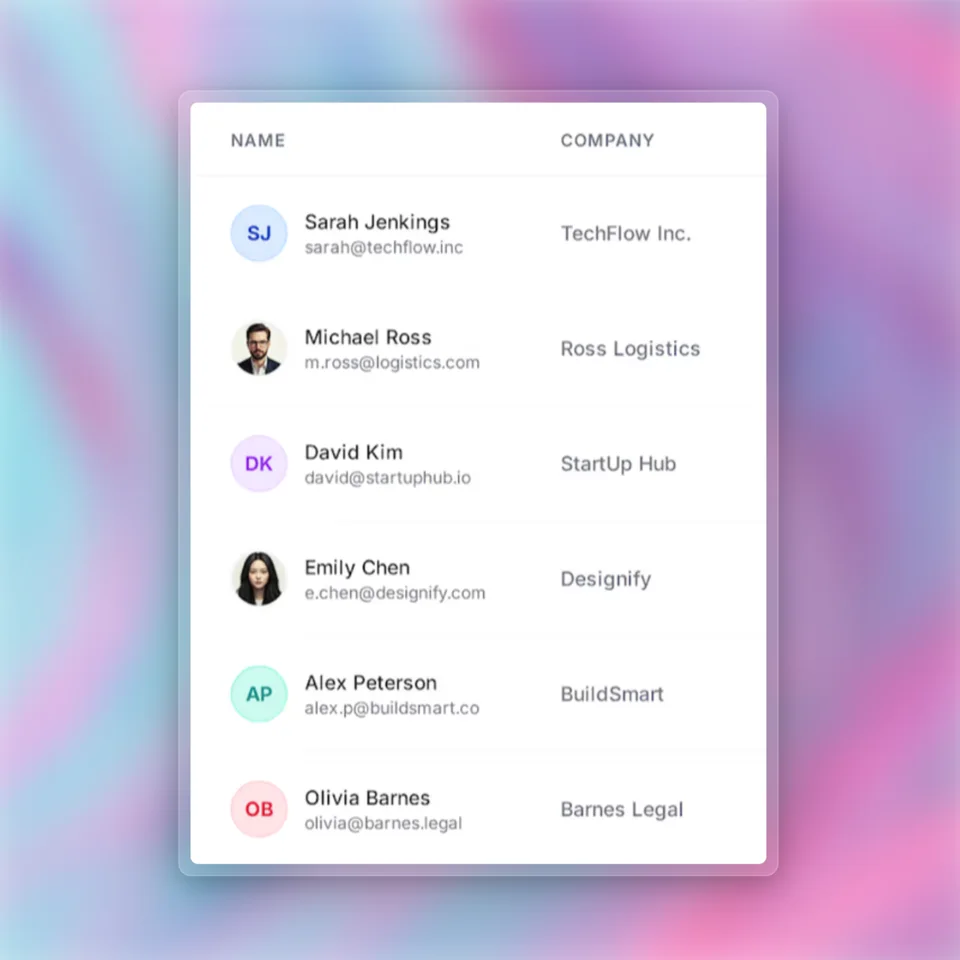
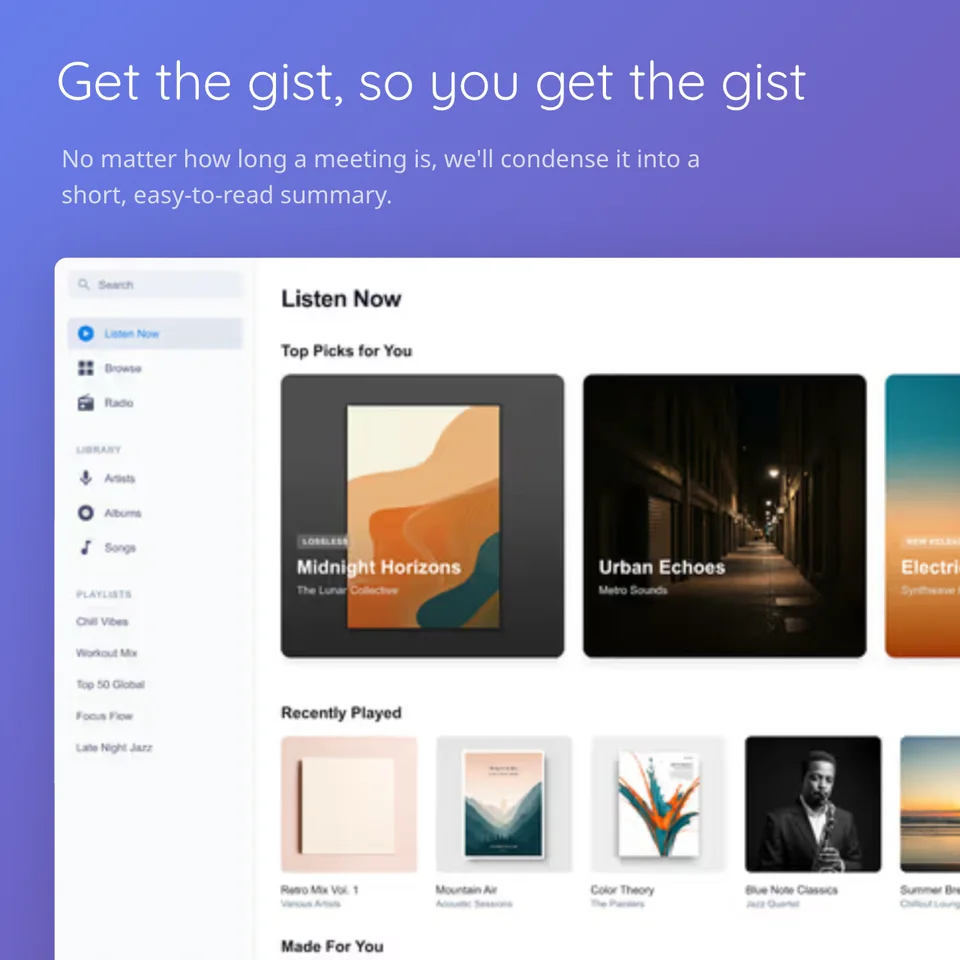
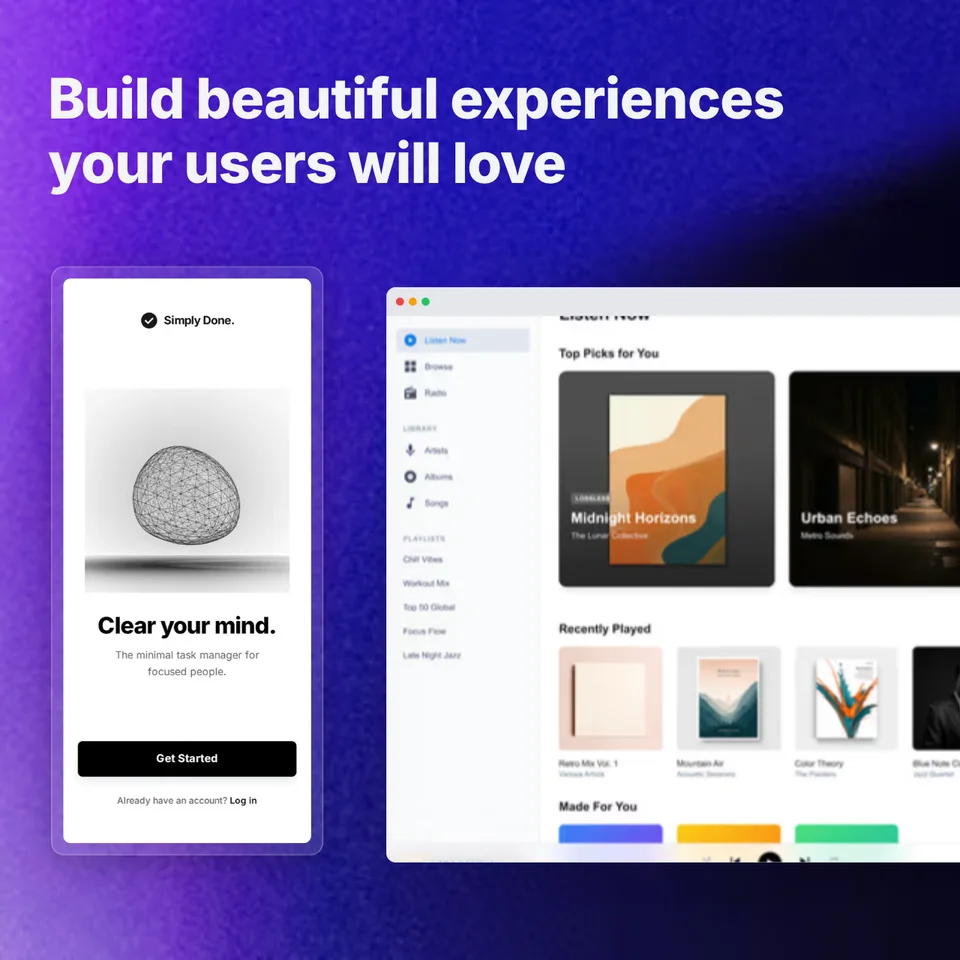
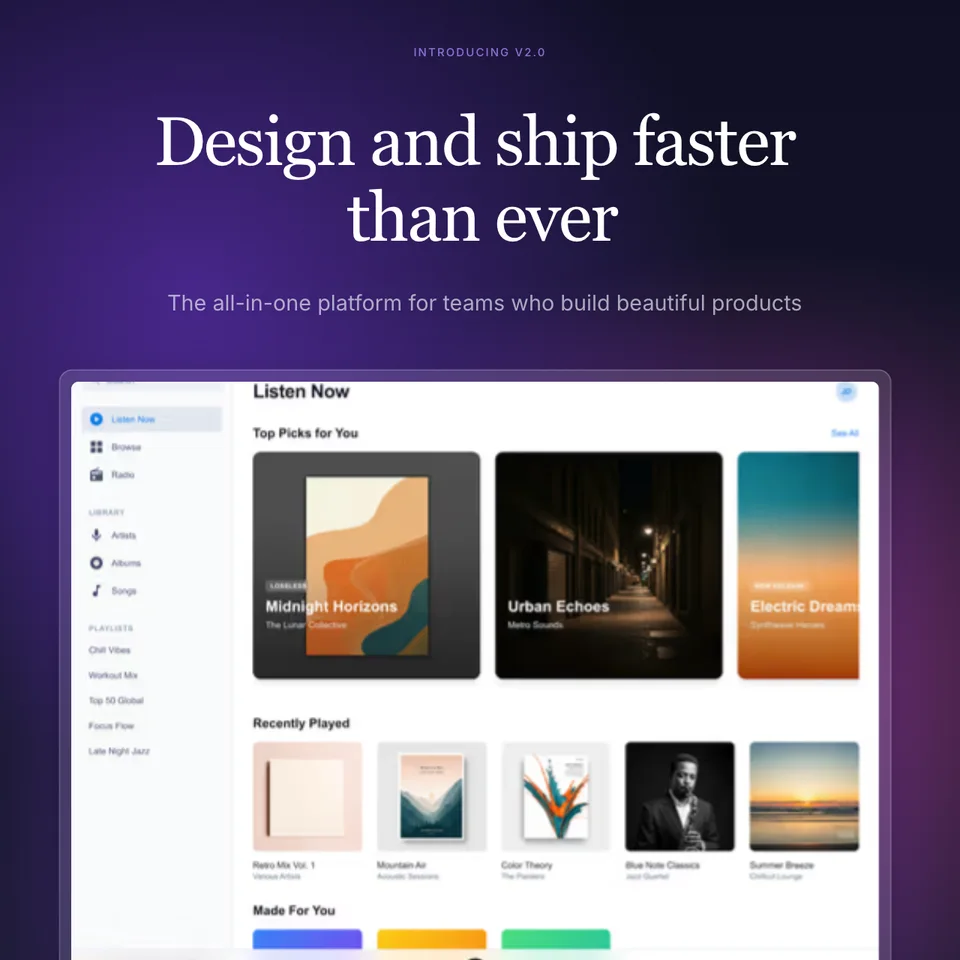
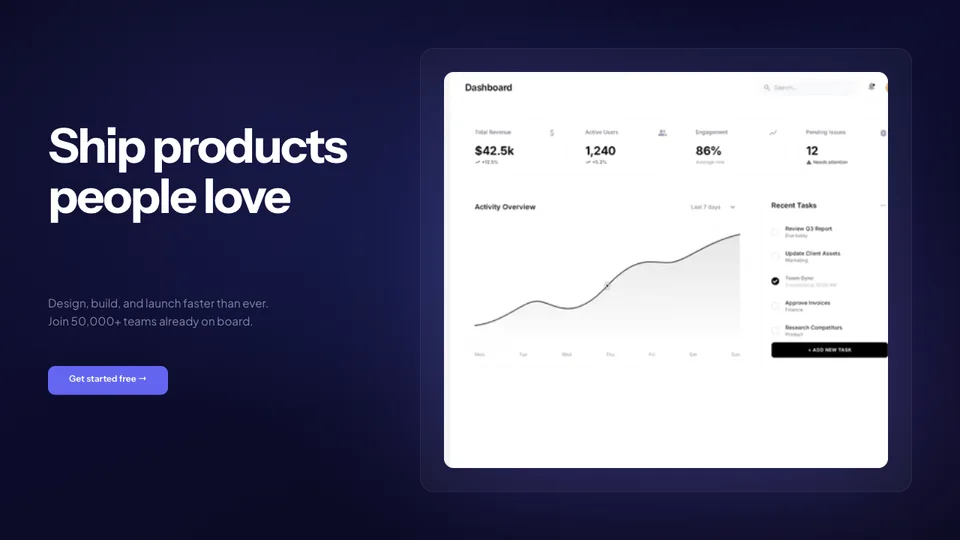
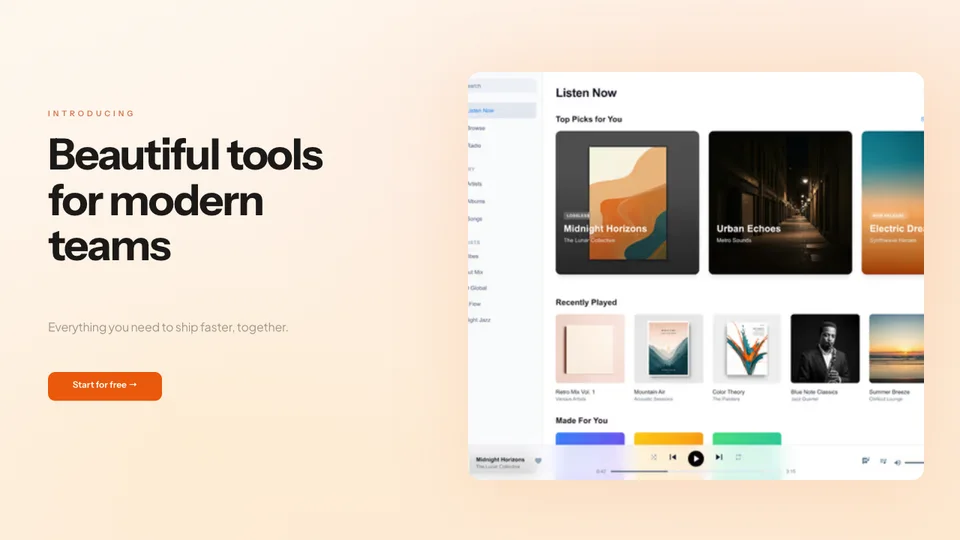
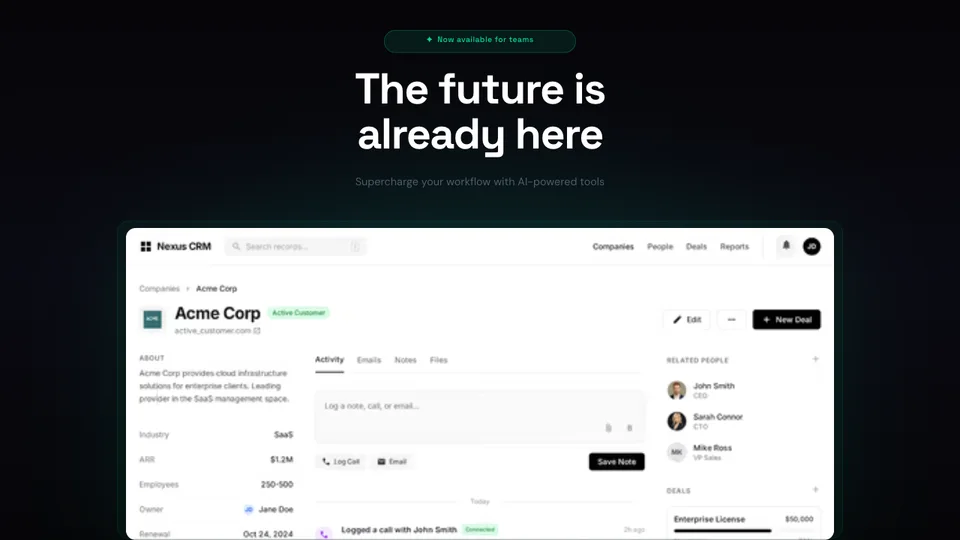
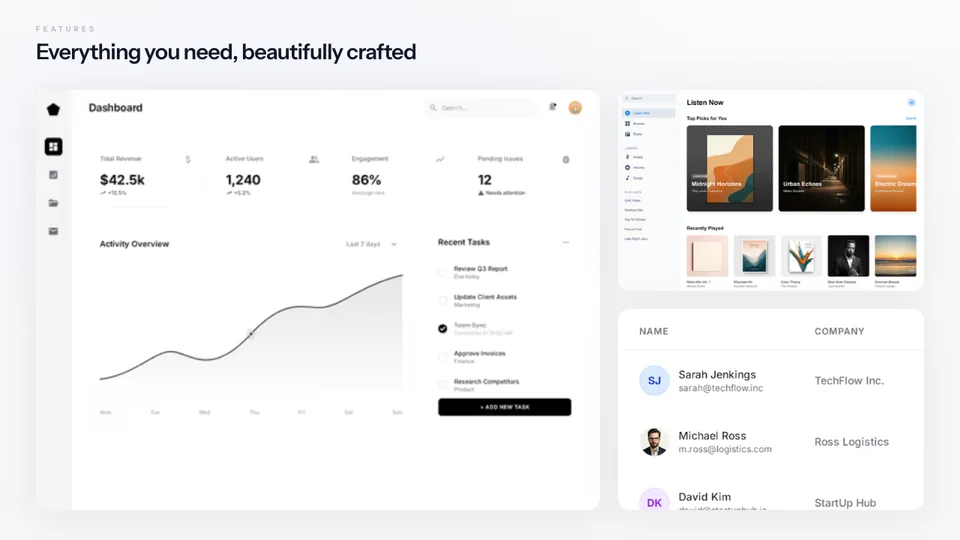
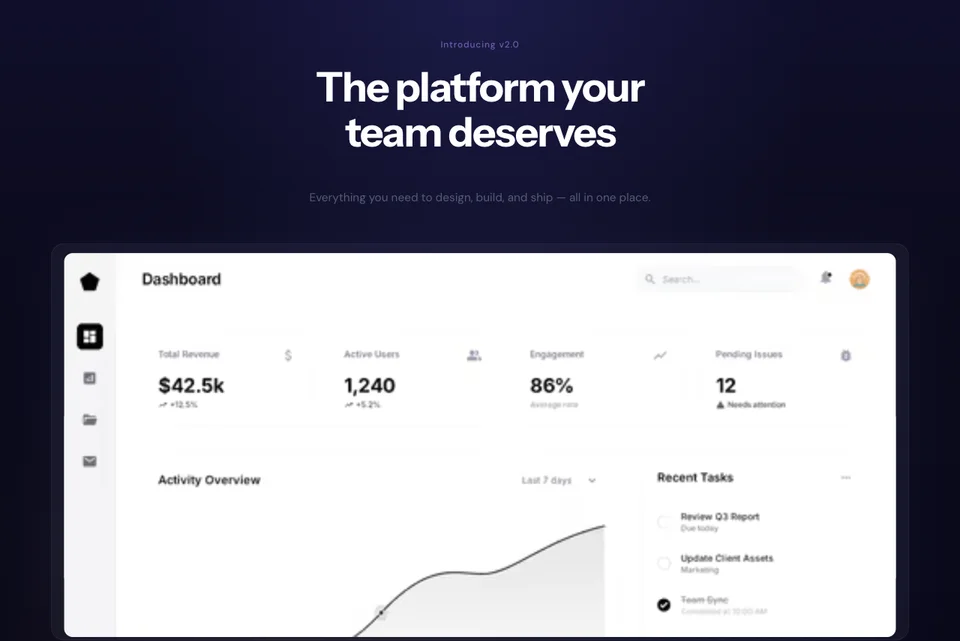
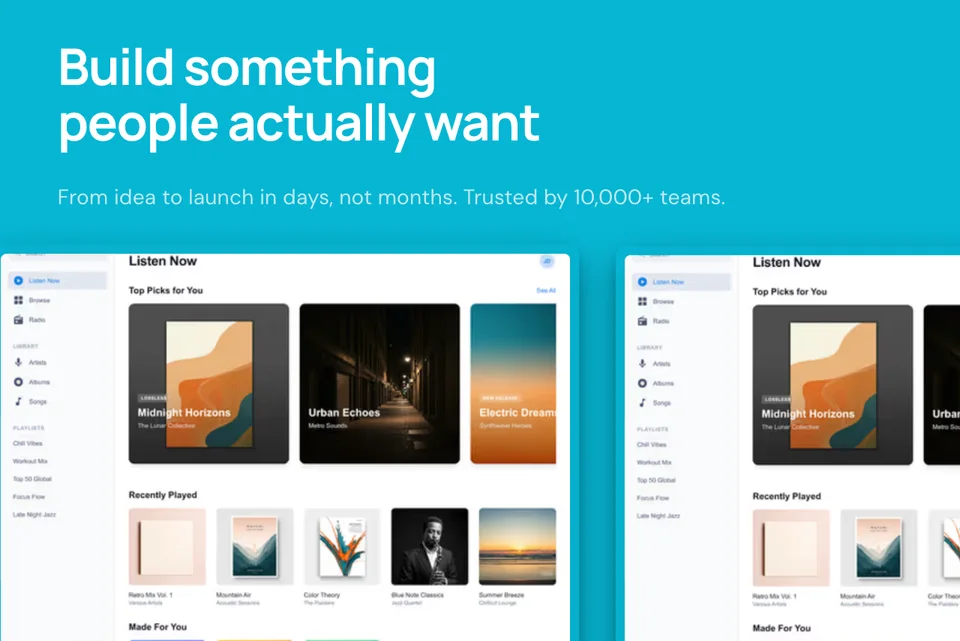
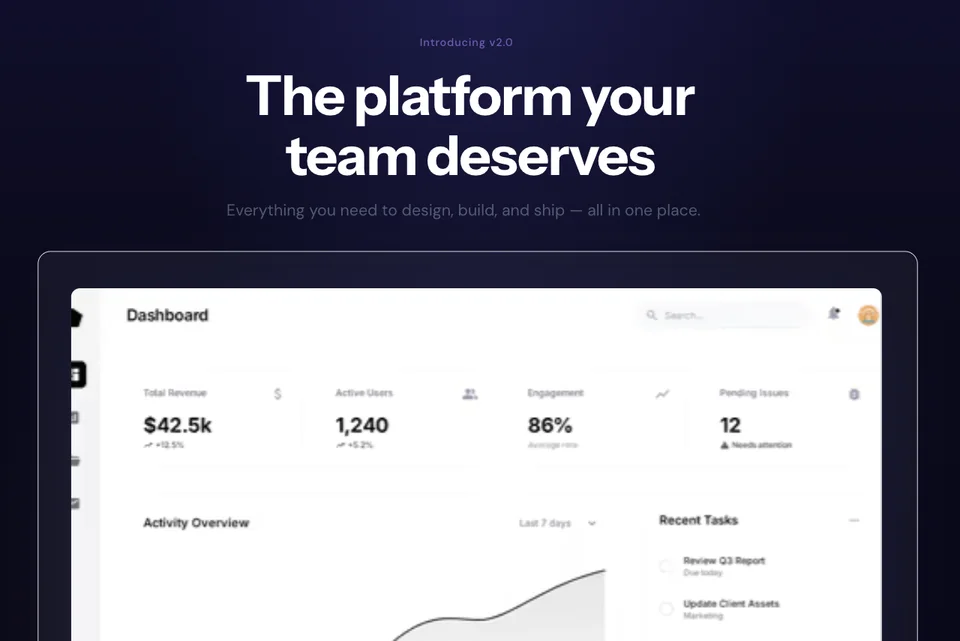
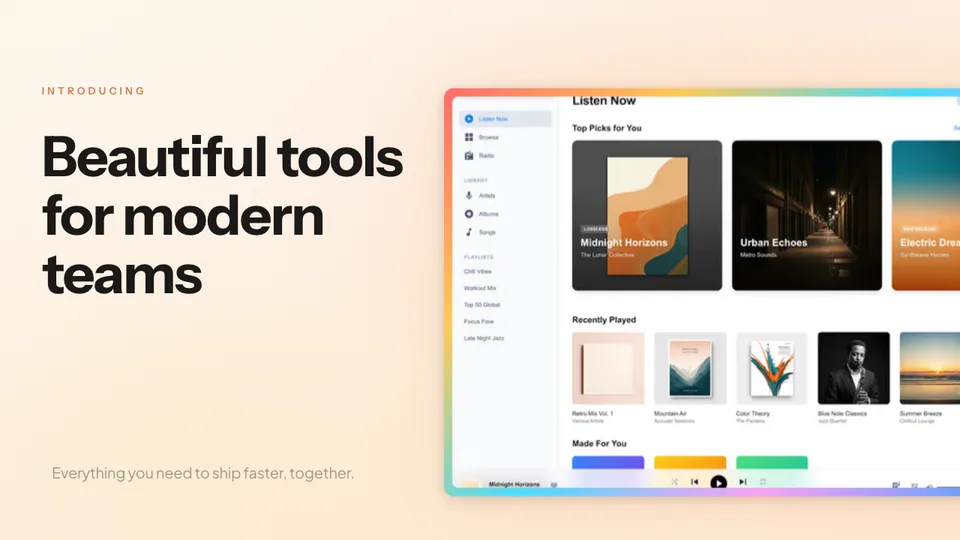
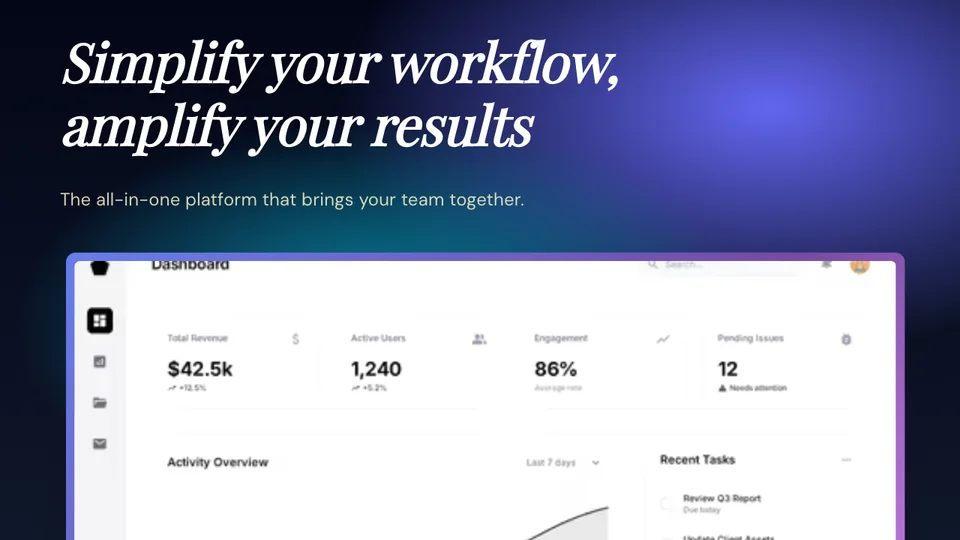
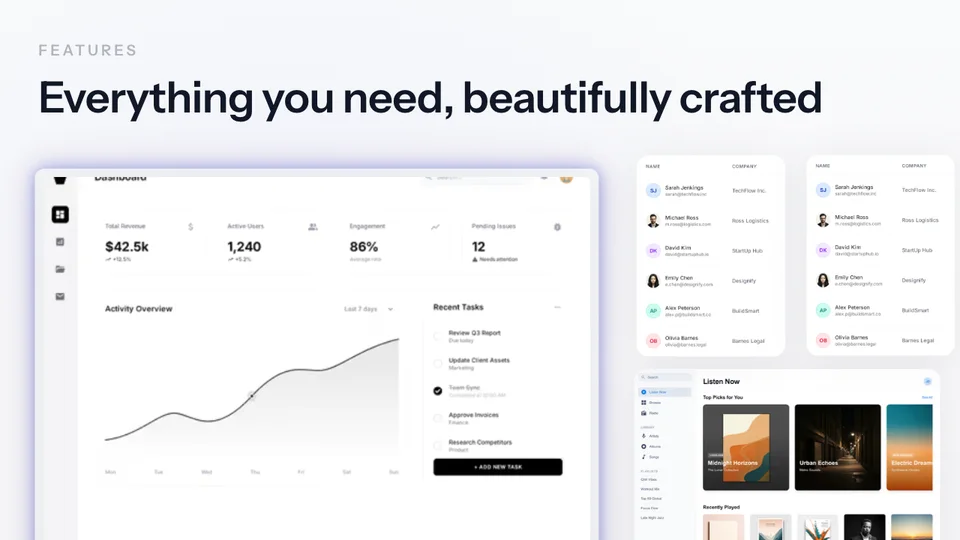
Create professional product mockups for your pitch deck. Show investors exactly what you've built with polished device frames and beautiful backgrounds.
Loved by 2,000+ creators
Device mockups that make your product look polished in any investor presentation.
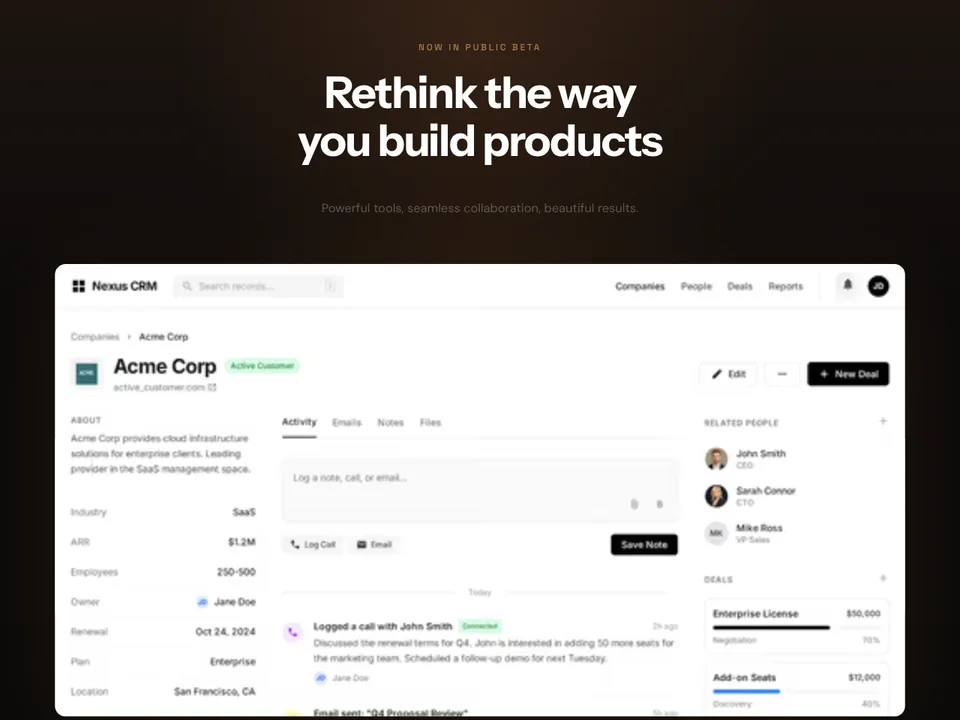
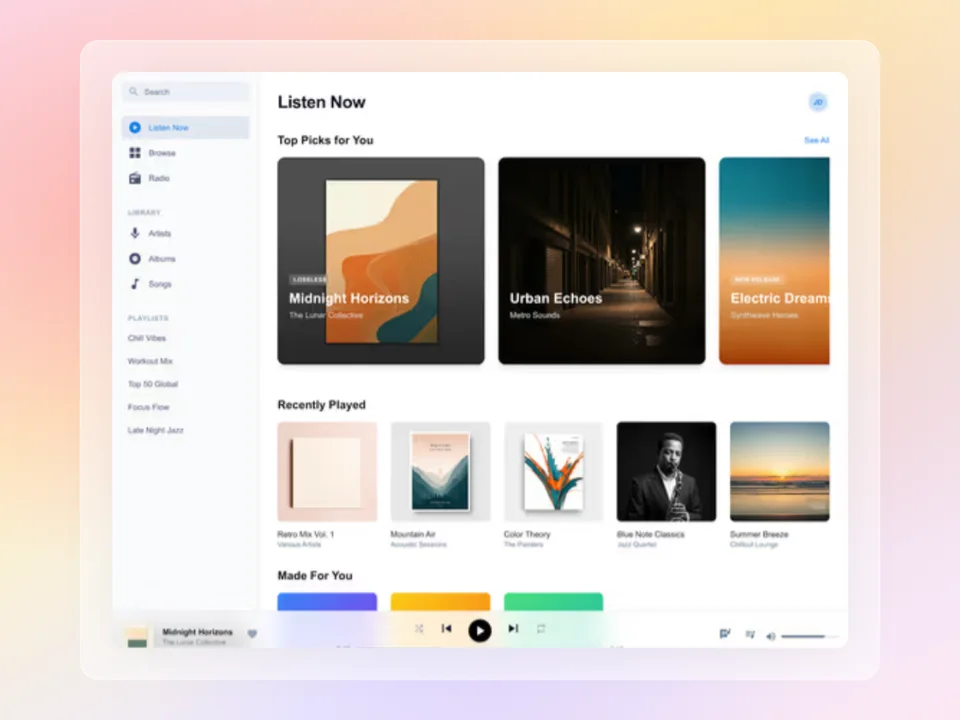
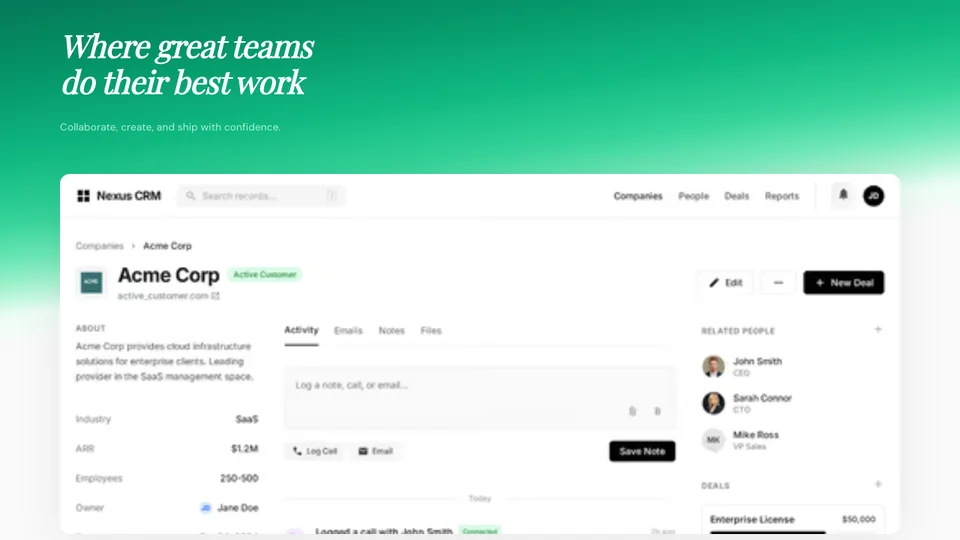
A pitch deck mockup is a polished product screenshot placed inside a device frame with a professional background — designed specifically for investor presentations. Instead of pasting a raw screenshot into your slide, a mockup presents your product in the best possible light.
Raw screenshots look unfinished in pitch decks. They have browser chrome, bookmark bars, and inconsistent sizing that makes your product look amateur. A well-crafted mockup strips all that away and shows investors a clean, focused view of what you've built.
The difference matters. Investors evaluate hundreds of decks. A polished product slide signals that you care about details — and that attention to craft extends to your product, your team, and your execution.
Read the guide: How to Create SaaS Landing Page Screenshots That Convert →
Strategic placement of product mockups throughout your deck tells a compelling visual story.
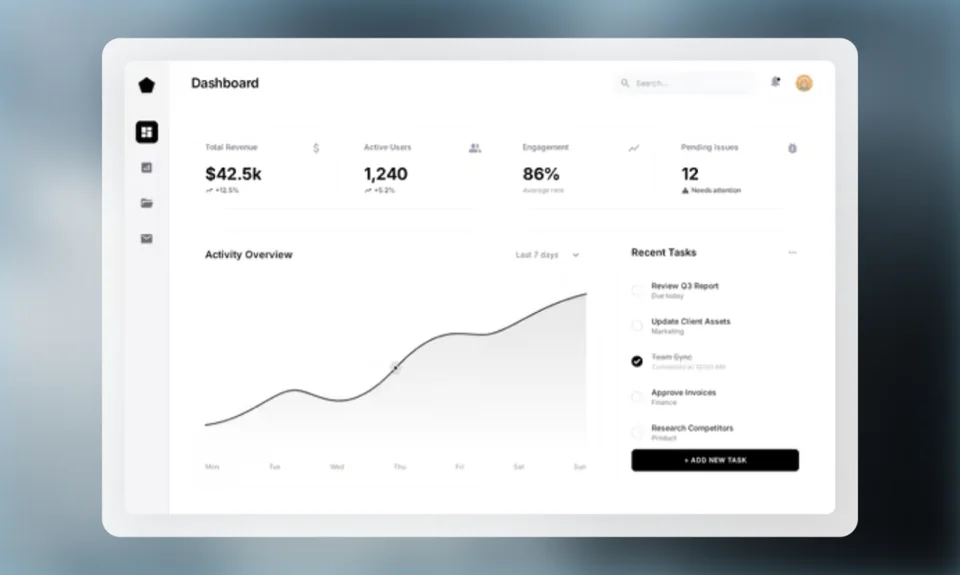
The most important product visual in your deck. A full-screen mockup of your product’s main interface in a MacBook or browser frame. This is where investors first see what you’ve built.
Show 2–3 screenshots walking through a key workflow. Place each in a consistent device frame to demonstrate how your product works step by step.
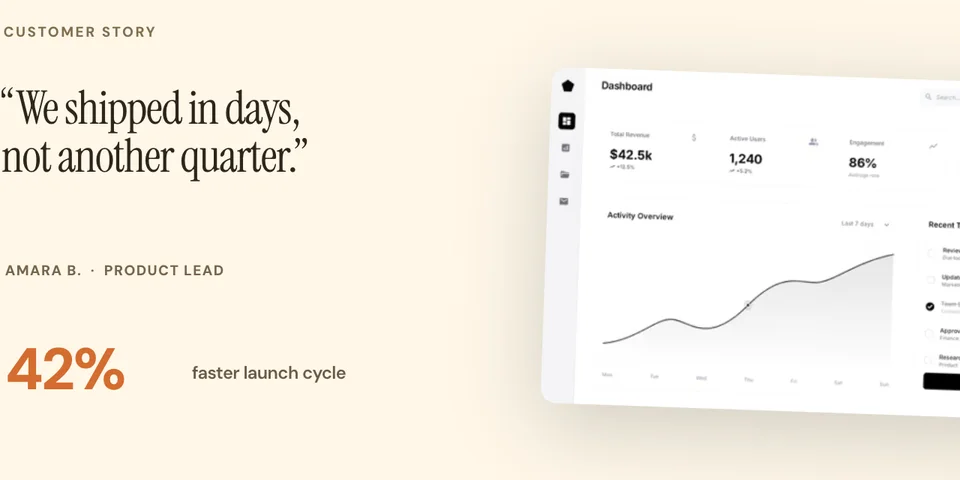
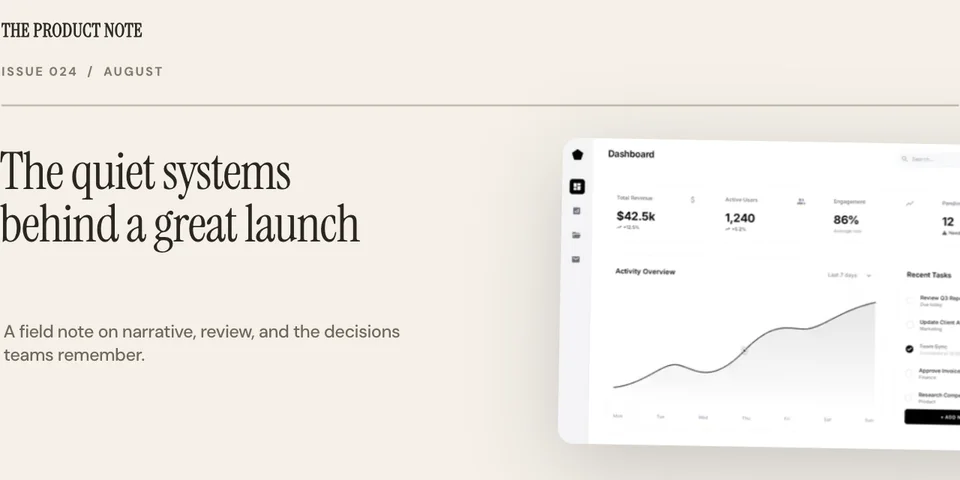
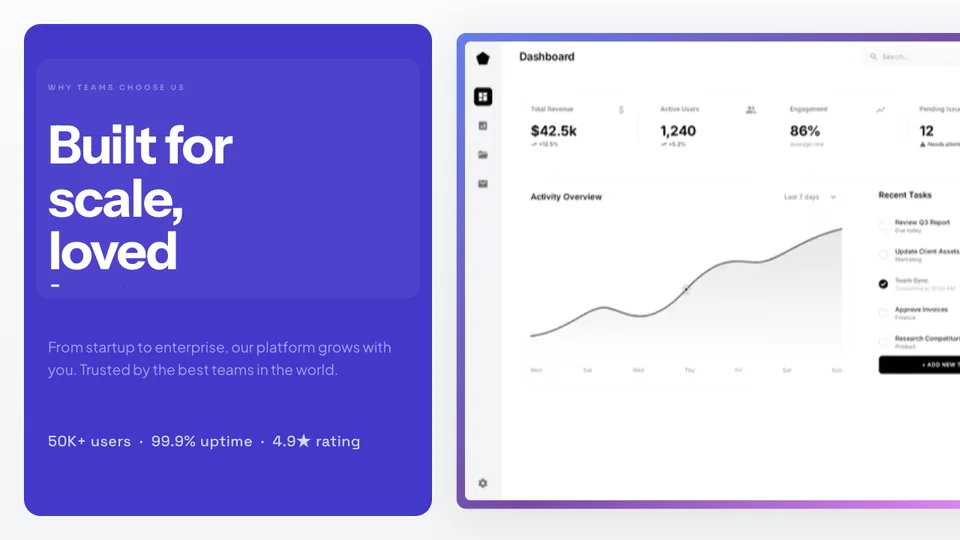
If you have a dashboard with real metrics, show it. A polished screenshot of your analytics dashboard builds credibility and proves traction.
Place your growth charts and metrics in a device frame to keep the visual style consistent. Even data slides benefit from polished presentation.
Show where your product is headed. A mockup of planned features or future UI helps investors see the bigger picture and the opportunity ahead.
Follow these best practices to make your product visuals stand out in investor presentations.
Most pitch deck slides have white or light backgrounds. Using a dark gradient behind your device mockup creates contrast and makes your product screenshot pop against the slide.
Match the standard slide aspect ratio so your mockups fill the slide without awkward cropping or letterboxing. Screenhance supports 16:9 exports out of the box.
Investors want to see what you’ve actually built. Use real screenshots of your product, not wireframes or prototypes. Real UI builds credibility and shows execution ability.
Pick one device frame style and use it across all product slides. Mixing MacBook, browser, and floating window frames in the same deck looks inconsistent and unprofessional.
Create professional mockups in three simple steps. No design skills required.
Drag and drop or select any screenshot, design, or image from your device.
Pick from iPhone, iPad, MacBook, browser frames and beautiful gradient backgrounds.
Download as PNG, WebP, JPEG, GIF, or video. Ready for marketing in seconds.
The fastest way to create professional mockups without learning complex design tools.
Unlike Figma or Photoshop, Screenhance is built for non-designers. Anyone can create professional mockups.
Generate polished mockups in seconds, not hours. Perfect for fast-moving teams and launches.
Export as PNG, WebP, JPEG for images, or GIF and WebM for animated visuals.
Choose from gradients, solid colors, or transparent backgrounds. No need to design your own.
See how Screenhance compares to other tools for creating pitch deck product visuals.
| Feature | Screenhance | Figma | Keynote | PowerPoint |
|---|---|---|---|---|
| Purpose-built for product mockups | Yes | General design | Presentation tool | Presentation tool |
| Design skills needed | None | Advanced | Basic | Basic |
| Device frames | 40+ (MacBook, browser, iPhone, iPad) | Manual setup | None | None |
| Professional backgrounds | 100+ gradients, glass, aurora | Design your own | Basic slide backgrounds | Basic slide backgrounds |
| Time to create mockup | Under 2 minutes | 30+ minutes | 15+ minutes | 15+ minutes |
| 16:9 slide format | Yes | Custom setup | Native | Native |
| High-res export | Yes (2x, 3x) | Yes | Limited | Limited |
| Free plan | 3 exports/month | Free tier | Free (macOS) | Microsoft 365 |
| Price (paid) | $6/week or $8/month | $15/month | Free | $7/month |
Pitch deck slides are typically 16:9 aspect ratio (1920×1080 pixels). For high-resolution presentations, export at 2x (3840×2160). Screenhance templates support standard slide dimensions so your mockups fit perfectly without stretching or cropping.
Use real screenshots placed inside device mockups. Investors want to see your actual product, but raw screenshots look unprofessional in presentations. A device frame with a clean background makes your product look polished while still showing the real UI.
For SaaS products, a MacBook or browser frame works best. They feel premium and familiar. For mobile apps, use an iPhone or Android frame. Screenhance offers 40+ device frames so you can match your product’s platform.
Yes. Screenhance supports custom aspect ratios including 16:9, which is the standard for pitch deck slides. You can also export at specific pixel dimensions to match your presentation software.
Most pitch decks include 2–4 product screenshots: a hero shot on the product slide, workflow screenshots on the demo slide, and optionally a metrics dashboard and a future product vision. Keep it focused — each screenshot should serve a specific narrative purpose.
Yes, Screenhance offers a free plan with 3 exports per month. You get access to all templates and device frames. Pro plans unlock higher resolution exports and additional features.
Explore more ways to create stunning visuals with Screenhance.
Free online mockup generator for all devices
Try it freeTransform plain screenshots into beautiful mockups
Try it freeCreate stunning iPhone device mockups
Try it freeShowcase apps in iPad Pro and Air frames
Try it freeYour pitch deck deserves polished product mockups. Create professional device-framed screenshots with beautiful backgrounds — in minutes with Screenhance.