Screenhance

Free iPhone 16 Mockup Generator

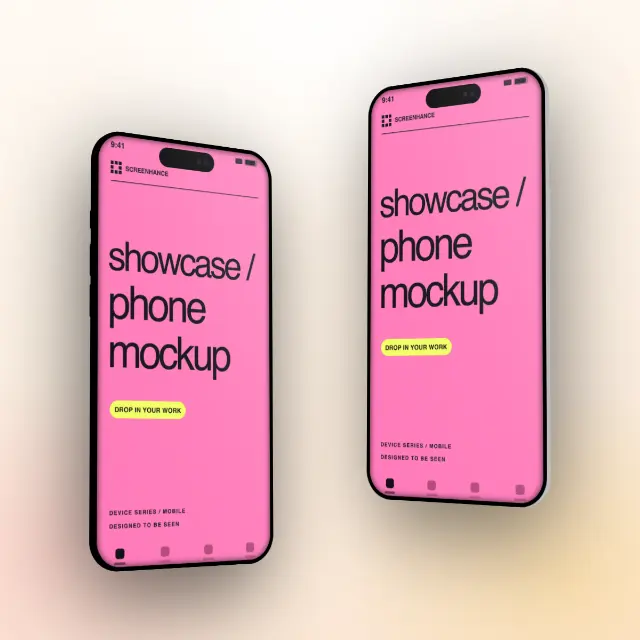
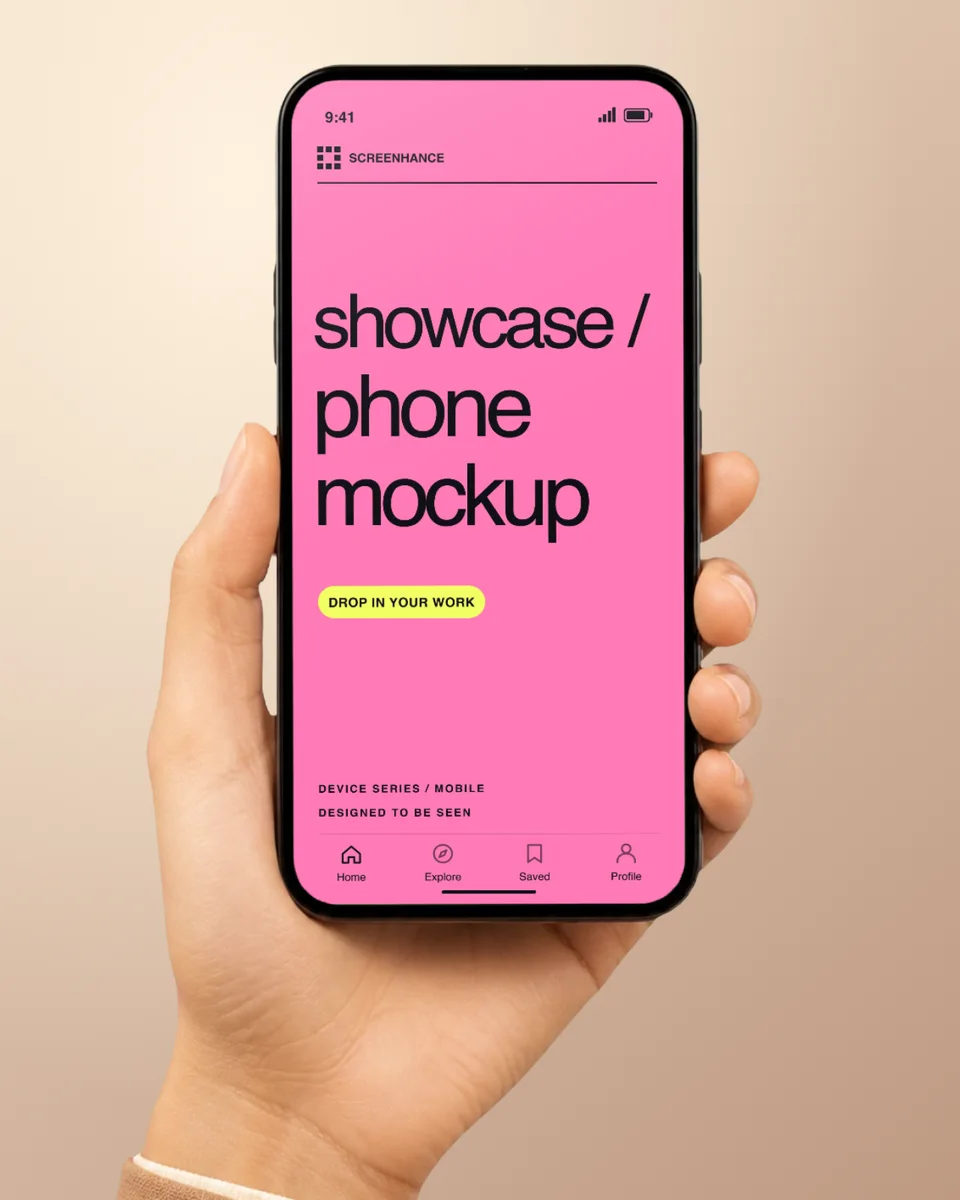
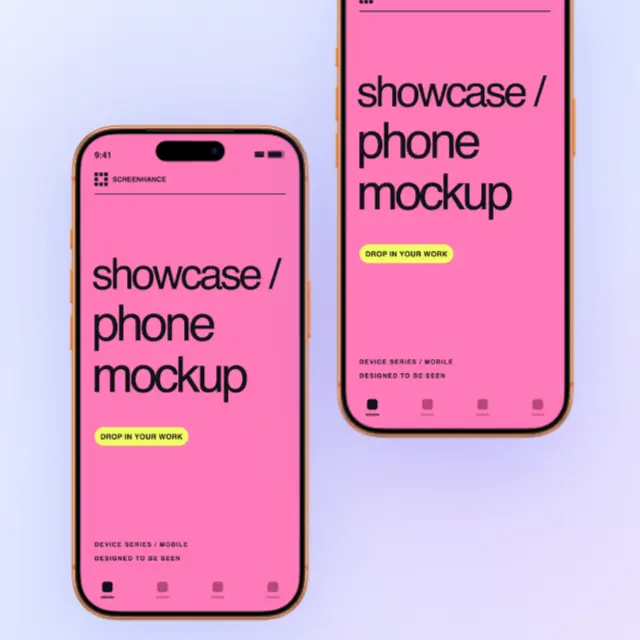
Create stunning iPhone 16 and iPhone 16 Pro mockups in seconds. Realistic device frames with Dynamic Island, latest colors, and high-resolution export.

4.9 · 2,000+ ratings

Loved by 3,000+ creators

Browse all mockup categories

Browse every phone mockup template

Search by product, surface, or style. Open any result in the editor.

What is an iPhone 16 Mockup Generator?

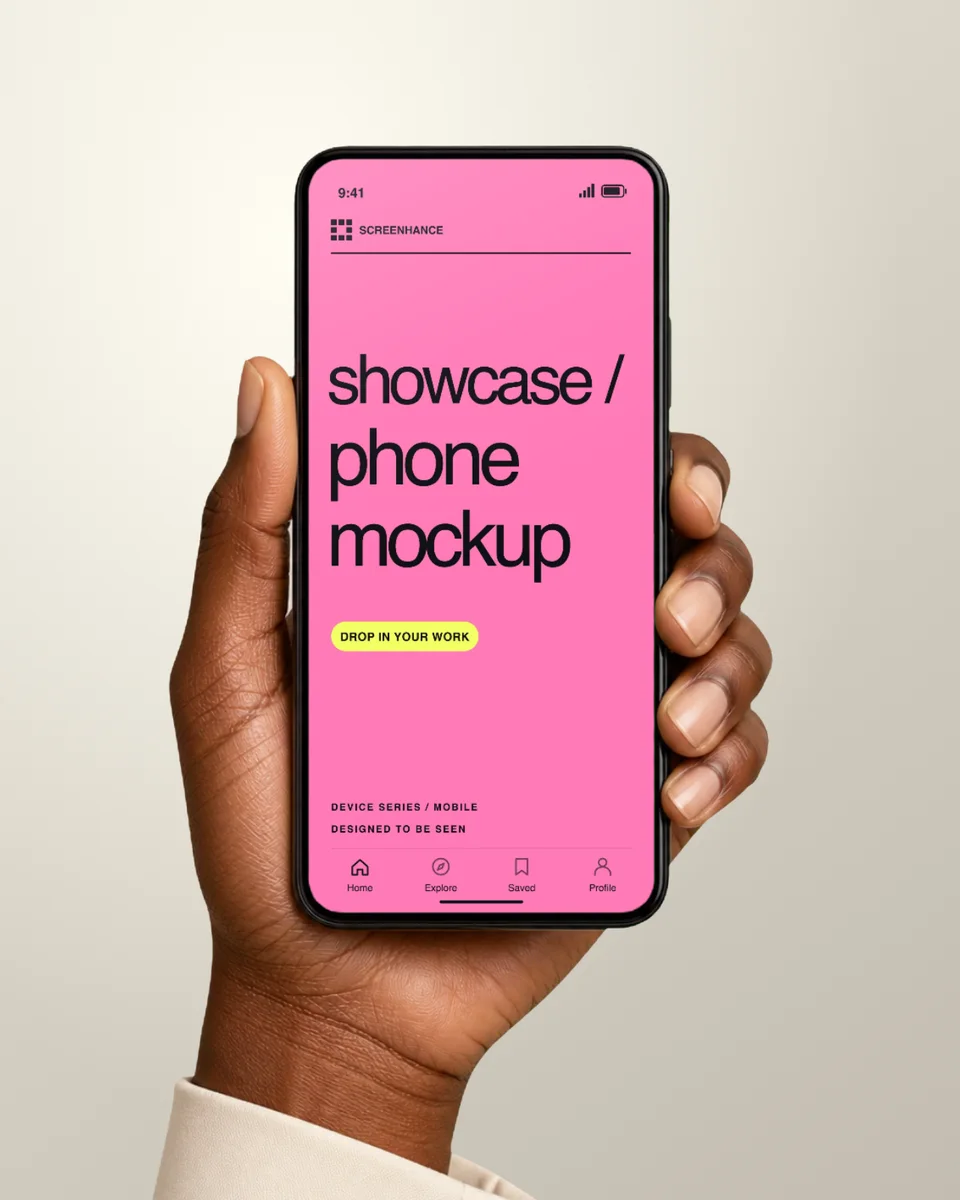
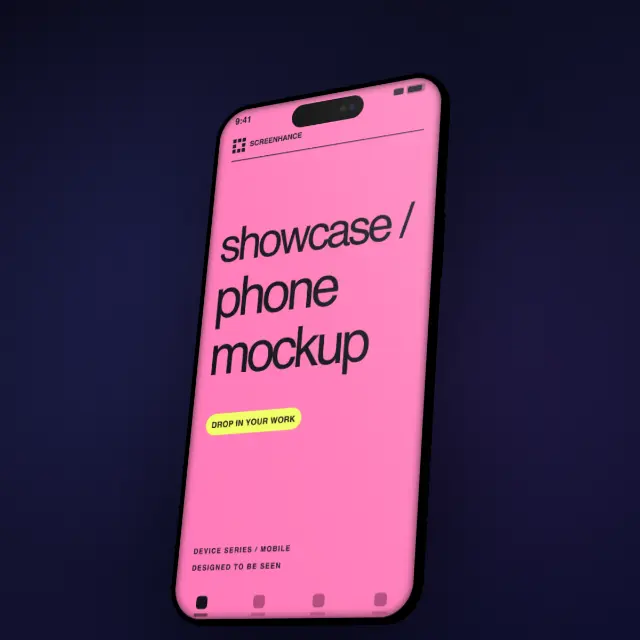
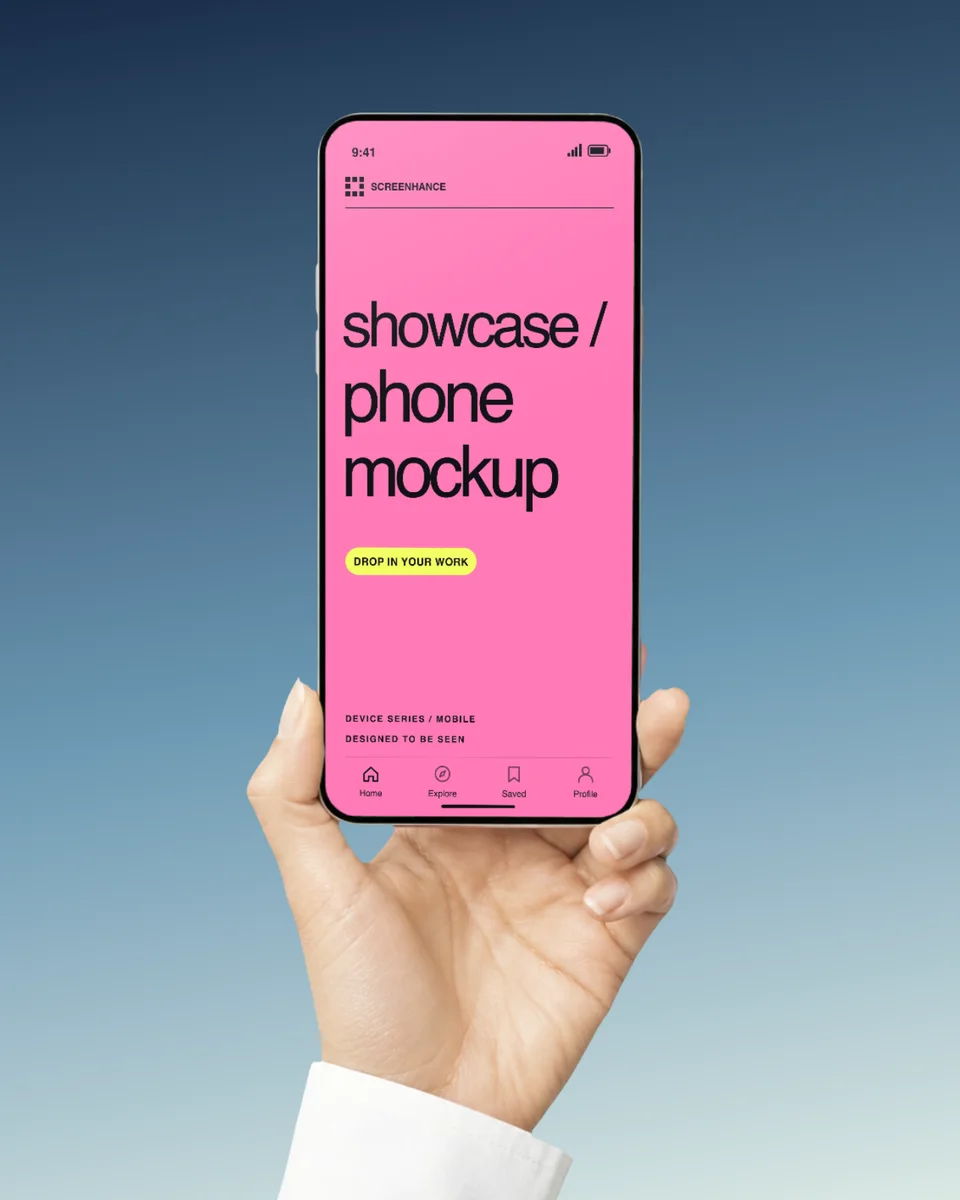
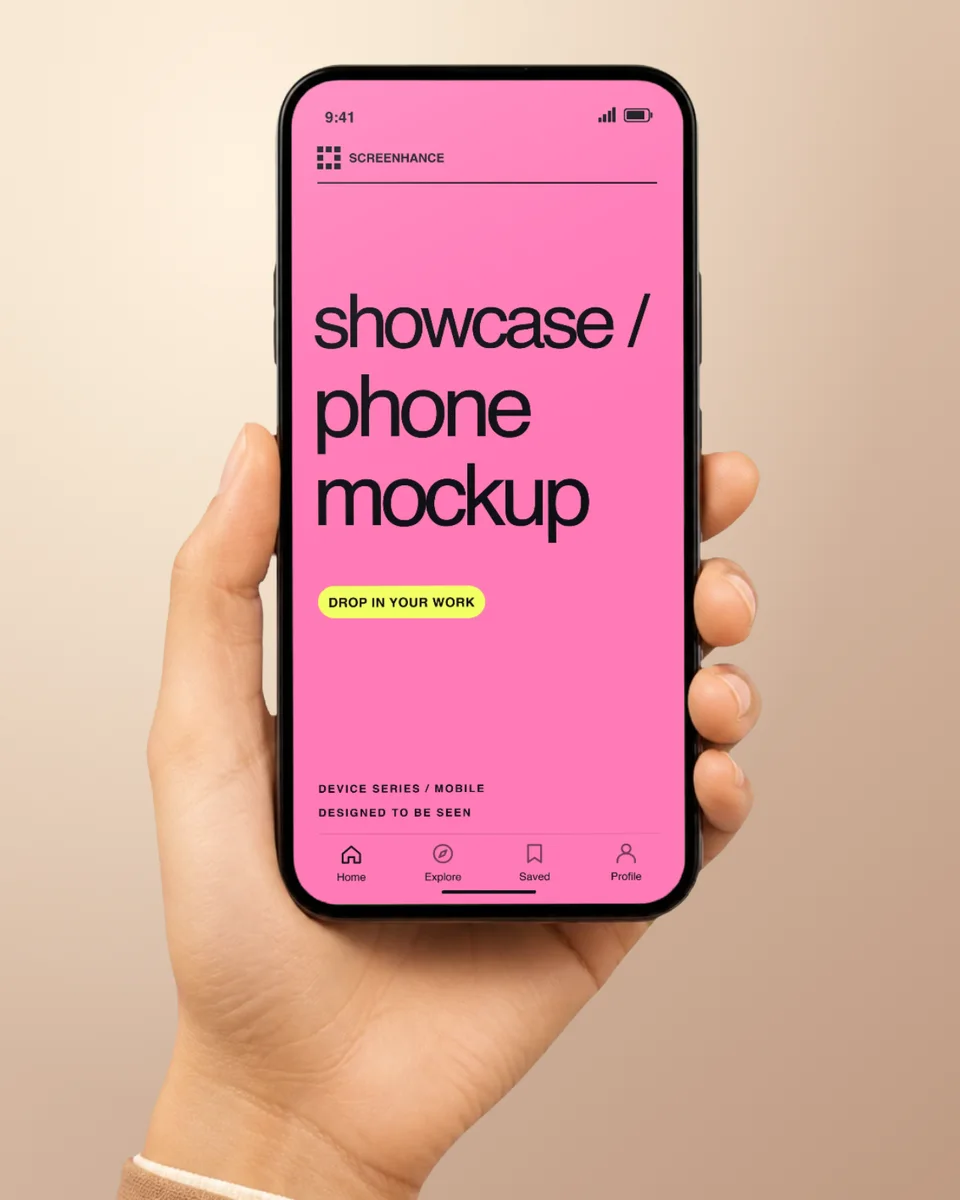
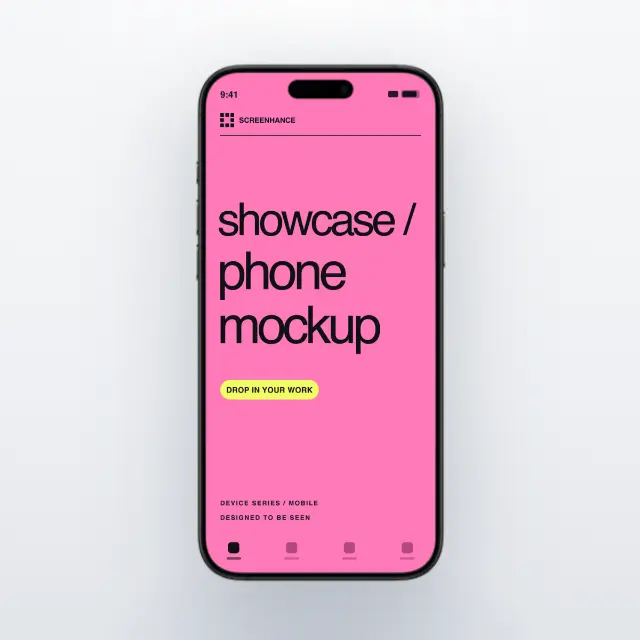
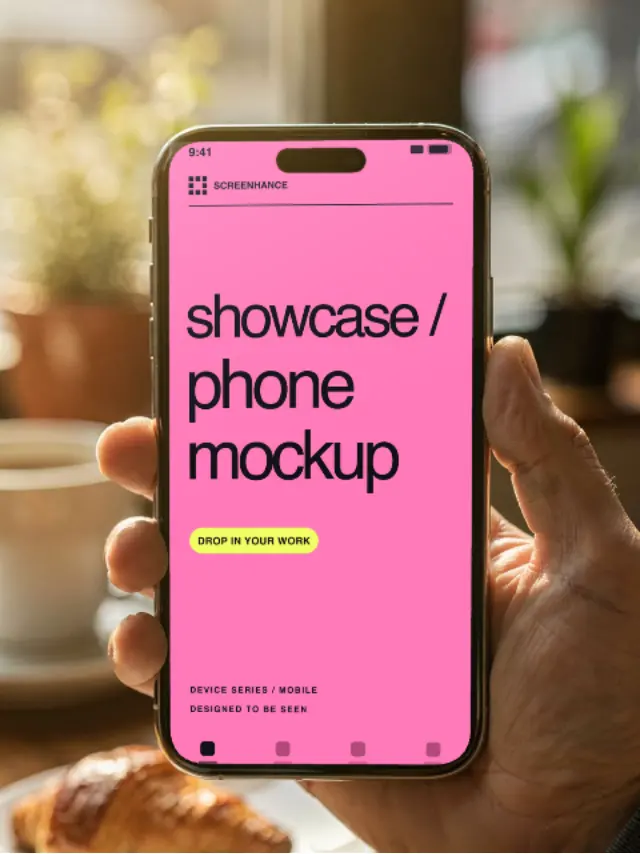
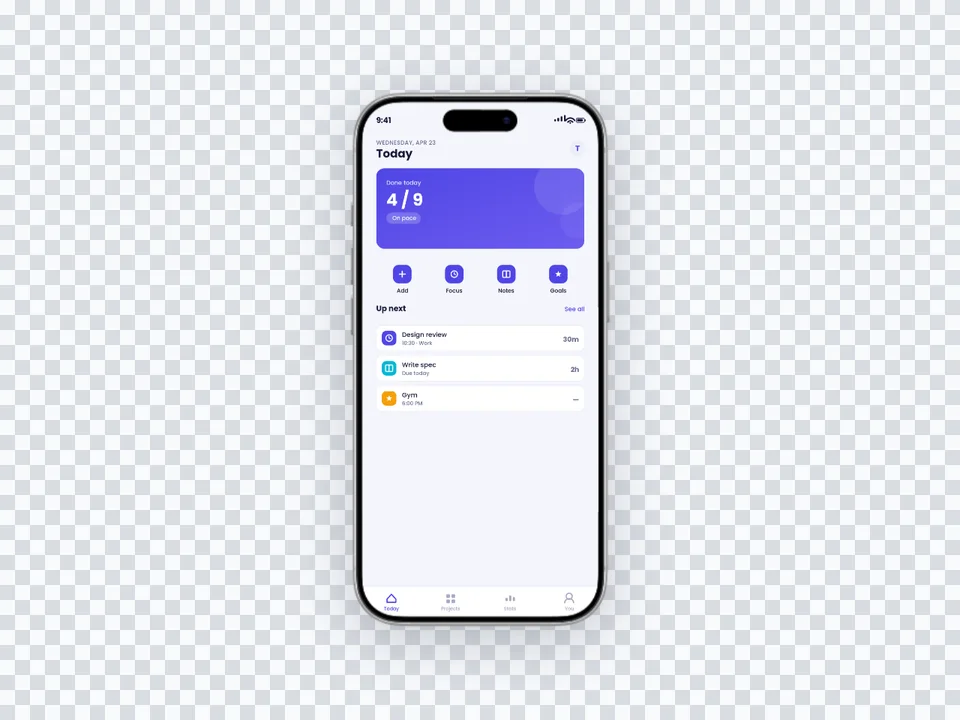
An iPhone 16 mockup generator lets you place your app screenshots or designs into realistic iPhone 16 device frames. The result is a professional-looking image that shows your app exactly as it would appear on the latest Apple hardware — complete with Dynamic Island, slim bezels, and accurate color finishes.

Whether you need mockups for App Store listings, marketing websites, or investor presentations, Screenhance generates pixel-perfect iPhone 16 frames in seconds without Photoshop or Figma.

Looking for free iPhone 16 mockups? Check out our guide to free iPhone 16 mockups.

Available iPhone 16 Models

Pixel-perfect frames for every iPhone 16 model, with accurate dimensions and colors.

iPhone 16

6.1″ display

1179 × 2556 px

iPhone 16 Plus

6.7″ display

1290 × 2796 px

iPhone 16 Pro

6.3″ display

1206 × 2622 px

iPhone 16 Pro Max

6.9″ display

1320 × 2868 px

How It Works

Move from source material to a polished launch asset without rebuilding the design in another tool.

Step 1

Start from a template or blank

Choose a visual template, a store-listing set, a Launch Kit, or an empty canvas for full control.

Step 2

Build the complete composition

Add screenshots, photo scenes, device frames, text, icons, annotations, backgrounds, layers, and motion in the browser editor.

Step 3

Export for the real destination

Download PNG, WebP, JPEG, GIF, WebM, or MP4, or export organized iOS, Google Play, and Chrome screenshot ZIPs.

Why Choose Screenhance?

Screenhance covers the full path from a raw screenshot or screen recording to coordinated, editable launch assets.

Frames + photorealistic scenes

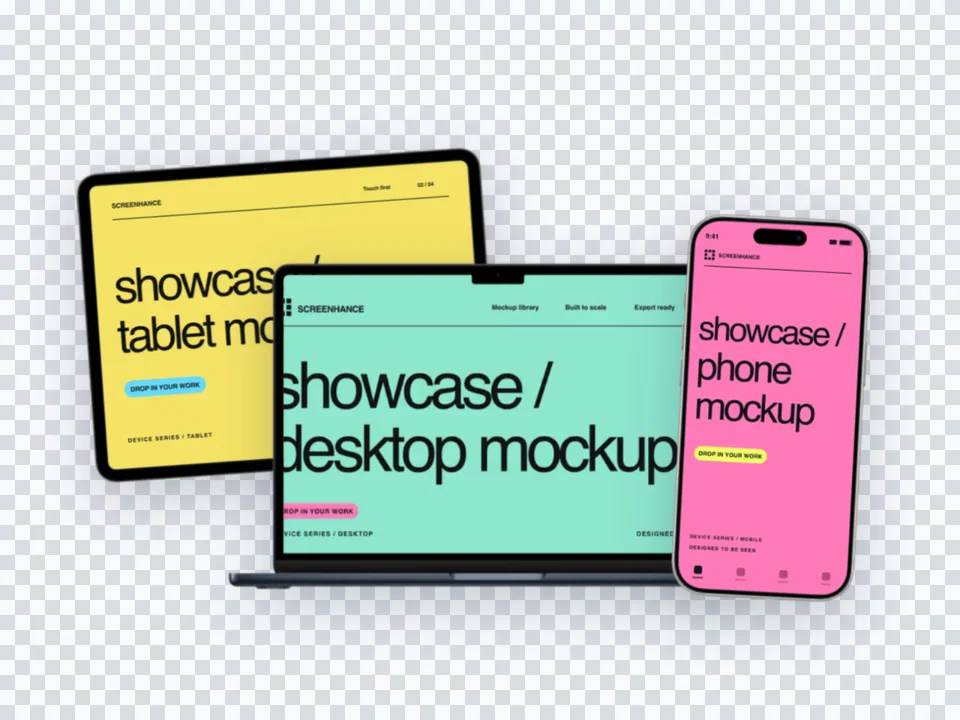
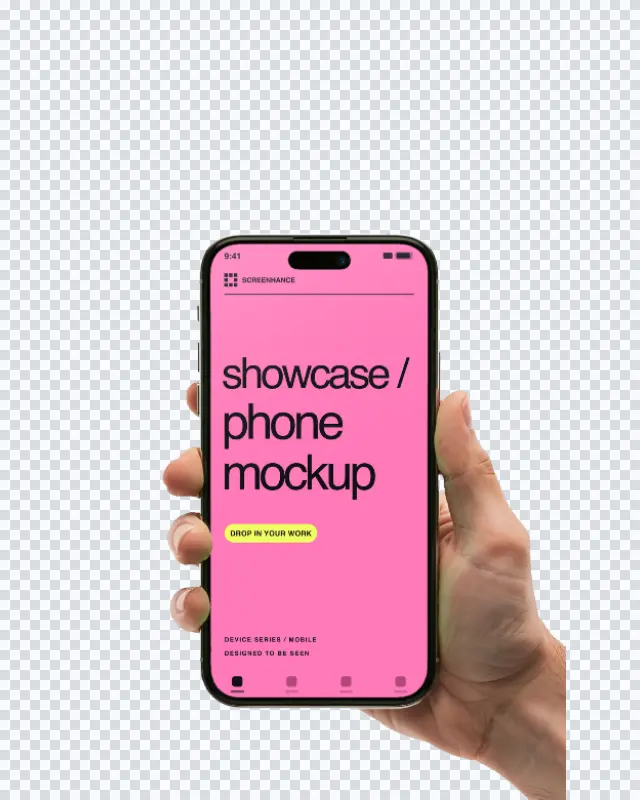
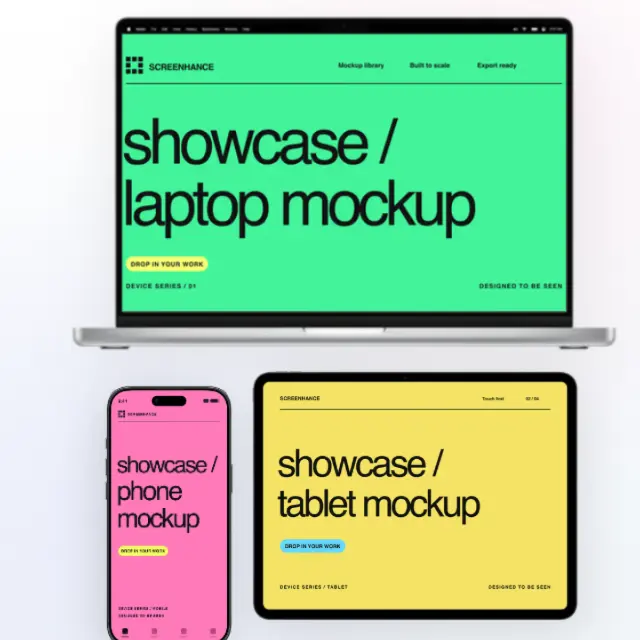
Use current device frames, stylized treatments, or photorealistic placements across phones, tablets, laptops, watches, TVs, print, apparel, and outdoor media.

editable visual templates

Start with a complete composition for mockups, Product Hunt, OG images, website heroes, Play feature graphics, or Chrome Web Store promo assets, then edit every layer.

Store-listing sets and localization

Create coordinated iOS, Google Play, and Chrome Web Store screenshot sets, edit localized copy across supported languages, and export organized PNG ZIPs, including fastlane-ready iOS folders.

Motion and product video

Animate layers with editable motion styles and export GIF or WebM, or record and polish a product demo in Studio with frames, cursor motion, captions, audio, and MP4/WebM export.

Perfect For

App Store Screenshots

Create submission-ready screenshots with the latest iPhone 16 frames. Show your app on the device your users actually own.

Marketing Websites

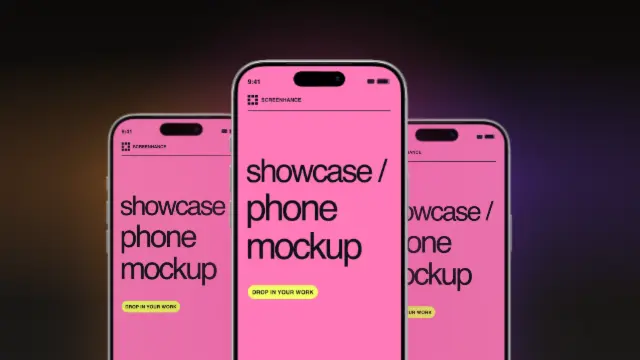
Add polished iPhone 16 mockups to hero sections, feature pages, and landing pages to boost credibility.

Social Media Content

Share eye-catching app previews on Twitter, LinkedIn, and Instagram with realistic iPhone 16 frames.

Pitch Decks

Impress investors with professional mockups that showcase your product on the newest Apple hardware.

iPhone 16 vs iPhone 17 mockups: when to use each

The honest answer in 2026 is that iPhone 16 is still the workhorse and iPhone 17 is the signal. By mid-cycle, iPhone 16 owns the largest active install base among Pro users, which means it's the frame most prospective customers actually recognize as "their phone." App Store screenshots and marketing pages built around iPhone 16 frames will feel current to the widest possible audience without making the design look dated when 17 saturates next year.

iPhone 17 frames make sense in narrower contexts. Launch announcements, dev tools, hardware-adjacent apps, and brands whose audience over-indexes on early adopters benefit from showing the newest device — it signals you ship fast and pay attention. Designer portfolios and agency case studies also lean toward the latest model because the implied recency boosts perceived freshness of the work itself.

What you should not do is mix generations on the same surface. An App Store screenshot set with iPhone 16 Pro on slide one and iPhone 17 on slide three looks like an incomplete refresh, not a deliberate choice. Pick one generation per campaign and stay there until you do a coordinated swap across App Store screenshots, the website, social cards, and any in-app screenshots in your onboarding.

One reliable middle ground: use iPhone 16 frames on the App Store and web (broad audience), and iPhone 17 frames in your launch blog post or release notes (tighter, more tech-aware audience). That way you get reach and recency without contaminating either surface.

Common iPhone 16 mockup mistakes

The biggest one is the Dynamic Island getting doubled. If your screenshot already contains a status bar with a notch or island rendered by your design tool, the frame will overlay its own island on top, and the result looks like a smudge. Always strip the status bar from your source screenshot before placing it in the frame — the frame supplies the correct one for the iPhone 16 generation you picked.

The second is mismatched resolution. iPhone 16 uses 1179×2556, iPhone 16 Plus uses 1290×2796, Pro uses 1206×2622, and Pro Max uses 1320×2868. Simulator screenshots taken at the wrong scale factor will fit the frame but render slightly soft or stretched because the editor has to interpolate. Configure your simulator or device to capture at the native resolution before exporting.

The third is button-cluster inconsistency. iPhone 16 introduced the Camera Control button on the right edge below the side button, and earlier-generation frames don't have it. If your hero shot uses an iPhone 16 frame but your secondary images use an older iPhone 14 frame, the missing button is a giveaway to anyone who knows the device. Keep generations consistent or commit to a minimal frame that hides the edges entirely.

Finally, color choice. Desert Titanium and Natural Titanium are flattering for product photography but compete with warm gradient backgrounds. Black Titanium and White Titanium photograph more cleanly across the full background range. If you're building a system you'll reuse across multiple mockups and social media posts, default to one of the neutrals.

Frequently Asked Questions

Which iPhone 16 models are available?

Screenhance includes frames for iPhone 16, iPhone 16 Plus, iPhone 16 Pro, and iPhone 16 Pro Max. Each model features accurate dimensions, Dynamic Island, and all official color options.

Is the iPhone 16 mockup generator free?

Yes. The free plan includes three 1× watermarked PNG exports per month and lets you use the iPhone 16 templates and frames while editing. The $6 Launch Pass includes 10 clean static image exports over 7 days; Pro adds unlimited clean exports and motion formats.

Can I use iPhone 16 mockups for App Store screenshots?

Absolutely. Export at the exact dimensions Apple requires for App Store submissions. iPhone 16 Pro Max exports at 1320×2868 pixels, perfectly matching the 6.9-inch display requirement.

What colors are available for iPhone 16 frames?

All official colors including Ultramarine, Teal, Pink, White, and Black for iPhone 16. For iPhone 16 Pro models, you can choose from Desert Titanium, Natural Titanium, White Titanium, and Black Titanium finishes.

Should I ship iPhone 16 or iPhone 17 mockups in 2026?

Use whichever device the majority of your install base actually owns. As of mid-2026, iPhone 16 is still the most common Pro device in user pockets, so it remains a safe choice for App Store screenshots and marketing. iPhone 17 frames make sense for tech-forward brands, dev tools, and launches aimed at early adopters. The wrong answer is mixing them on the same listing or landing page.

How big should the Dynamic Island appear in my mockup?

Trust the frame. The Dynamic Island is a fixed cutout at the top of the iPhone 16 display, and Screenhance frames render it at the correct size and position relative to the bezel. If your UI screenshot includes its own status bar or notch, hide it before uploading so the frame's island stays visible without doubling up.

Why does my iPhone 16 mockup look stretched?

Usually a resolution mismatch. iPhone 16 displays at 1179×2556 logical pixels and iPhone 16 Pro Max at 1320×2868. If you upload a screenshot taken from a simulator at a different scale, the editor scales it to fit the frame and can introduce subtle stretching. Always export simulator screenshots at the native device resolution before dropping them into a mockup.

Can I show the iPhone 16 in different colors across one campaign?

You can, but it usually reads as scattered. Pick one finish — most teams default to Black Titanium for Pro or Black for the standard iPhone 16 because they photograph cleanly on any background — and reuse it across App Store, web, and social. Save the alternate colors for product launches where the color itself is part of the story.

What's the most common mistake in iPhone 16 mockups?

Mixing generations within a single page. A hero image with iPhone 16 Pro, a feature card with iPhone 14, and an App Store badge showing iPhone 13 reads as carelessness even if visitors can't articulate it. Pick one current-generation iPhone and use it consistently across every surface until you intentionally refresh.

Create iPhone 16 Mockups in Seconds

No Photoshop or Figma required. Just upload your screenshot and download a polished iPhone 16 mockup.