Use Cases
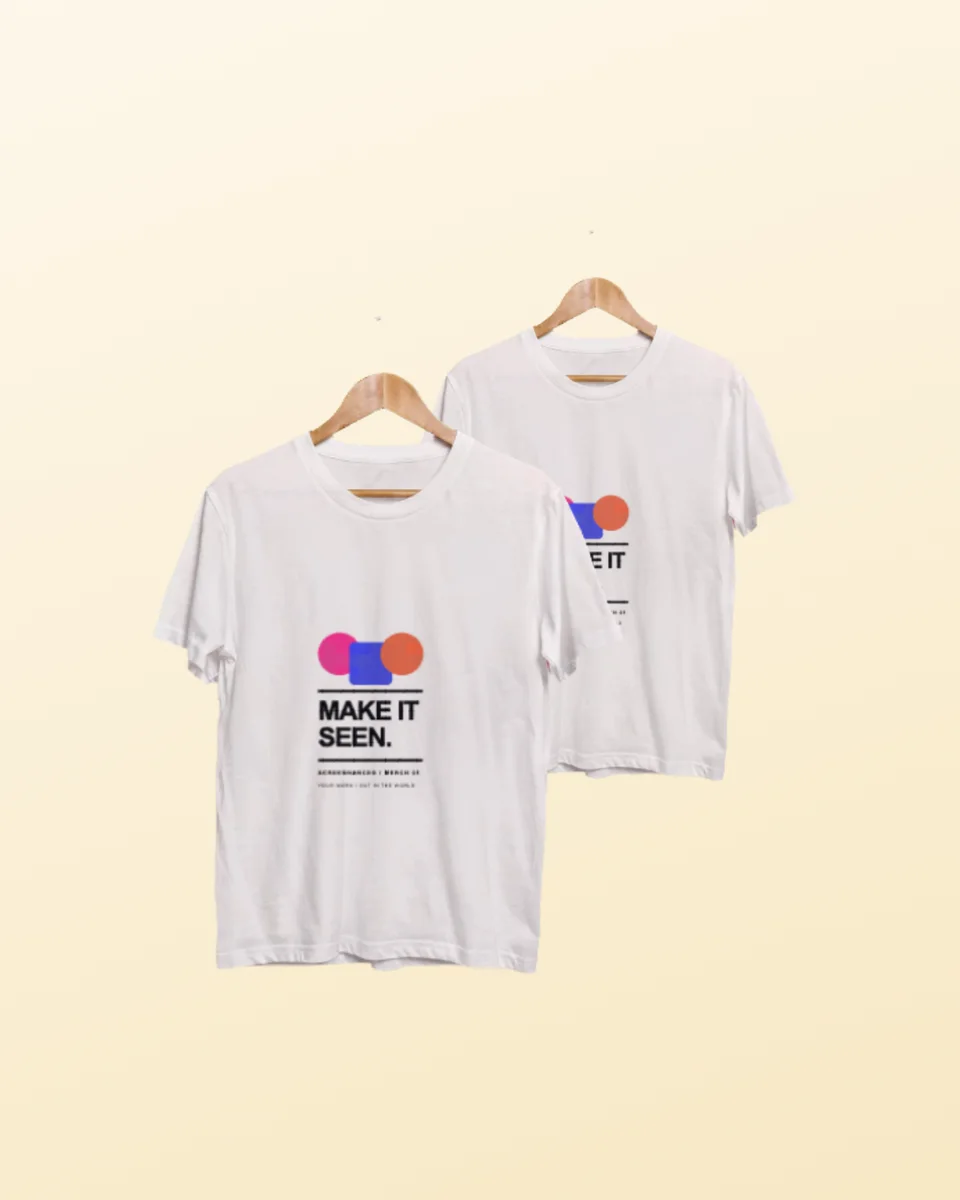
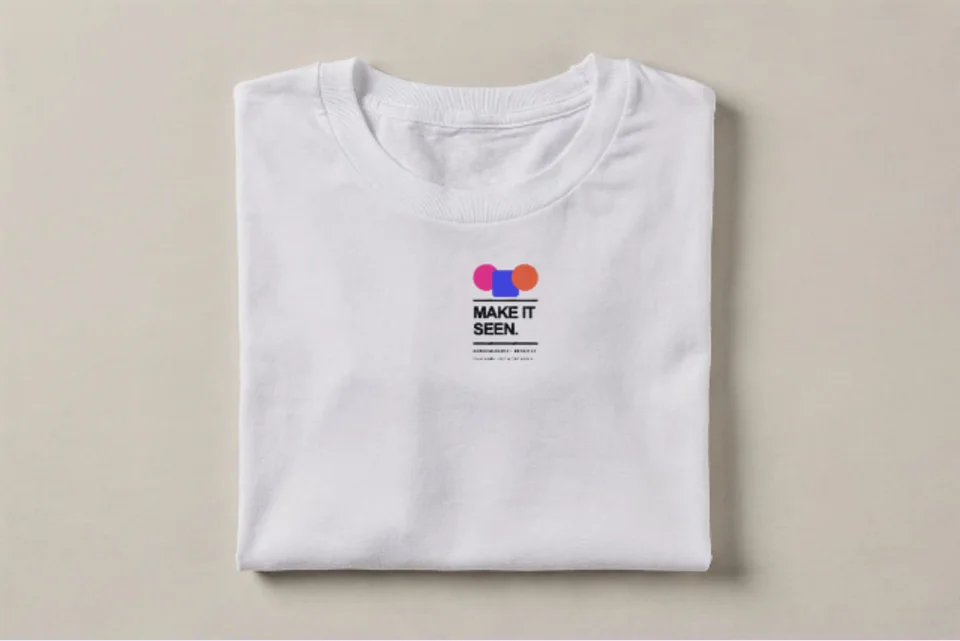
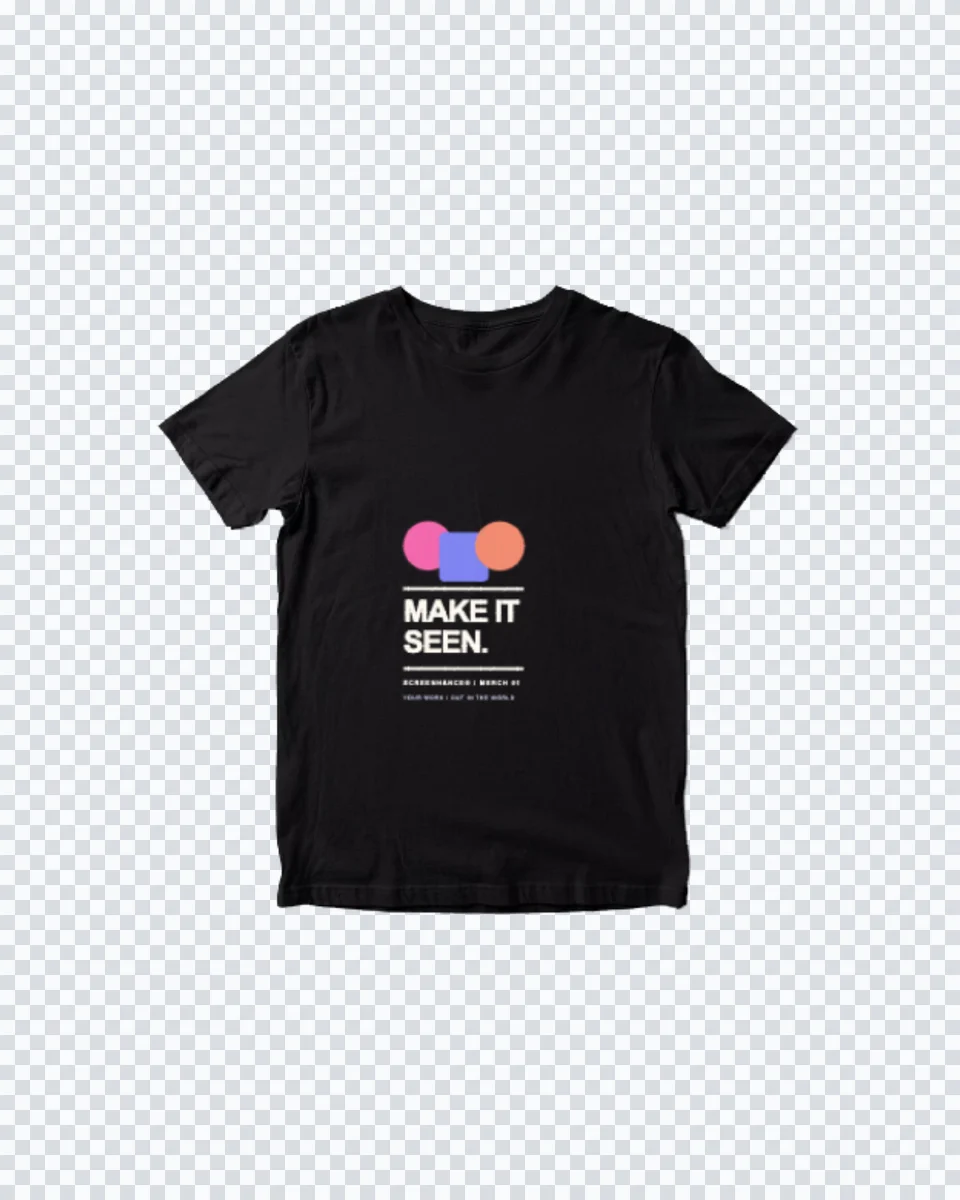
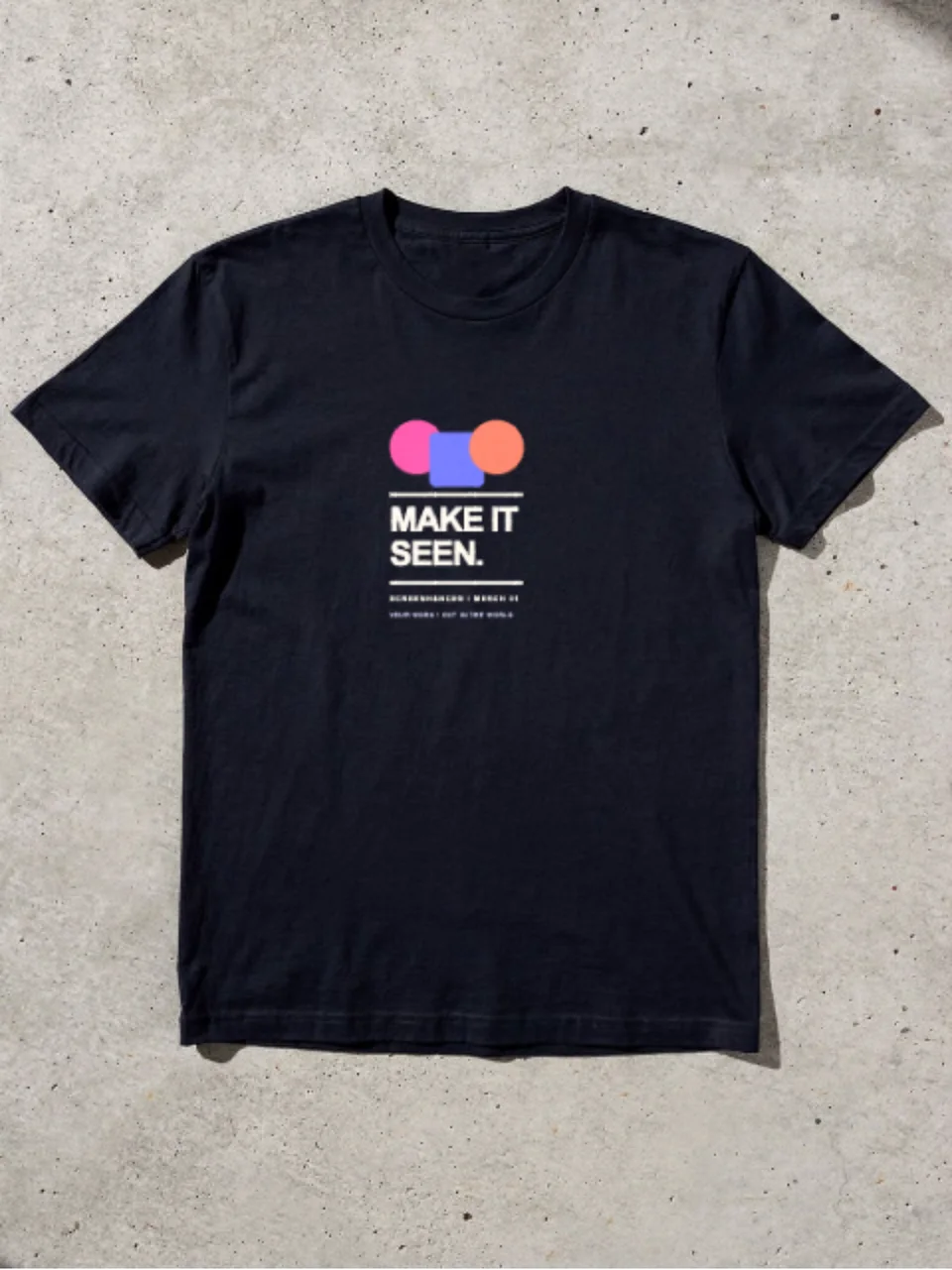
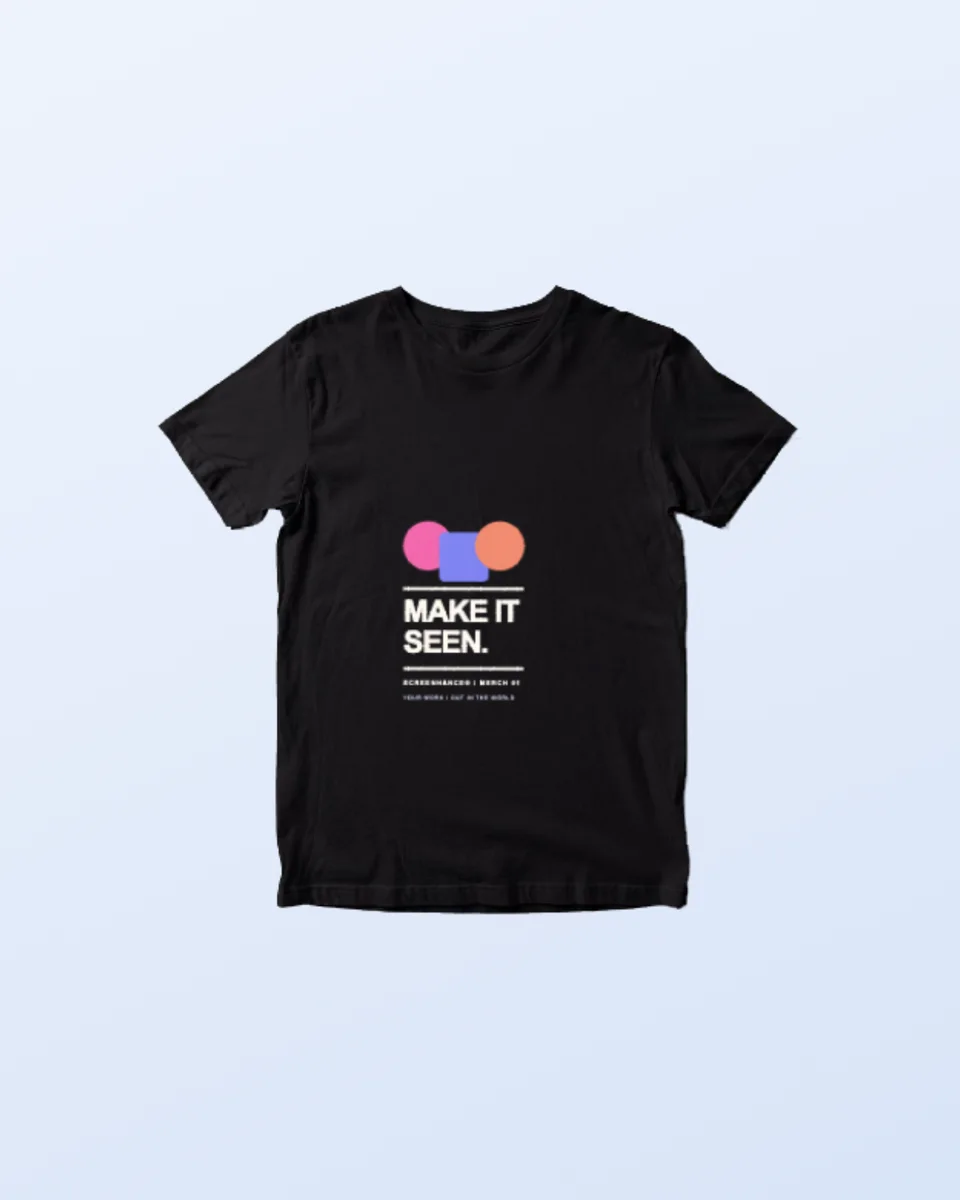
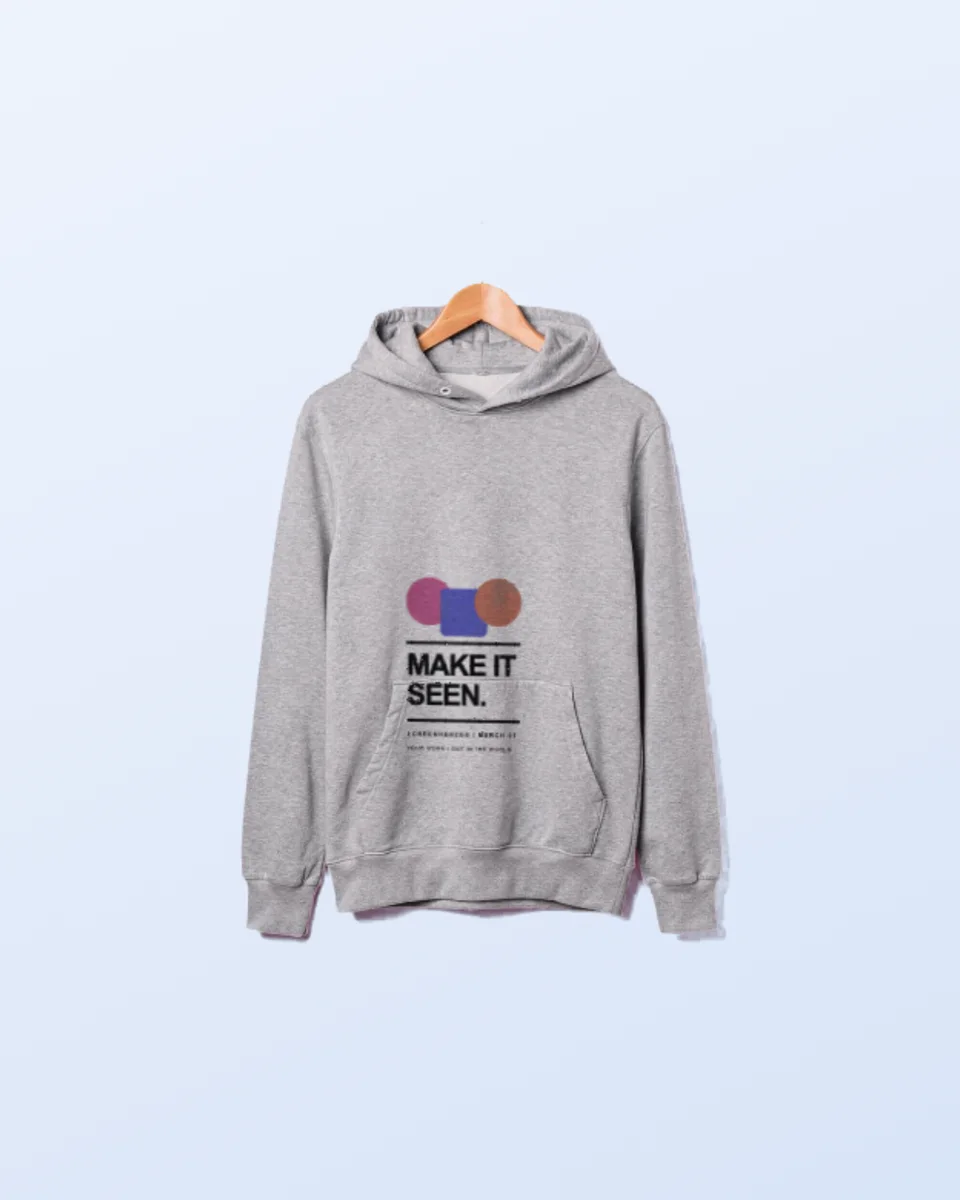
See a design on cotton before you print a single unit. Drop your artwork onto a black tee, a hoodie, a sweatshirt, a cap or a tote, all cut out on transparency so the whole range can sit on one background. Free, in the browser, no Photoshop and no PSD.
Loved by 2,000+ creators
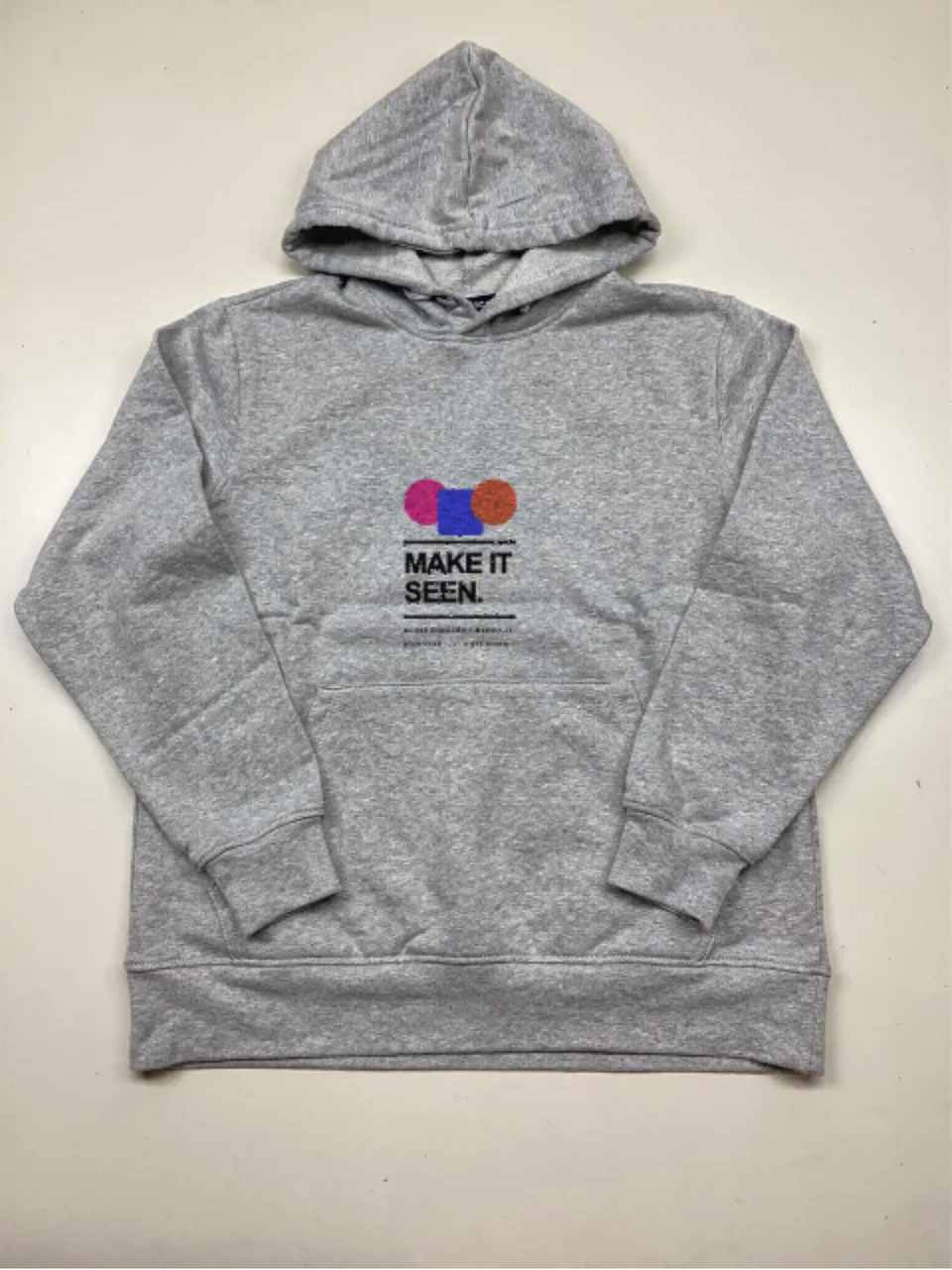
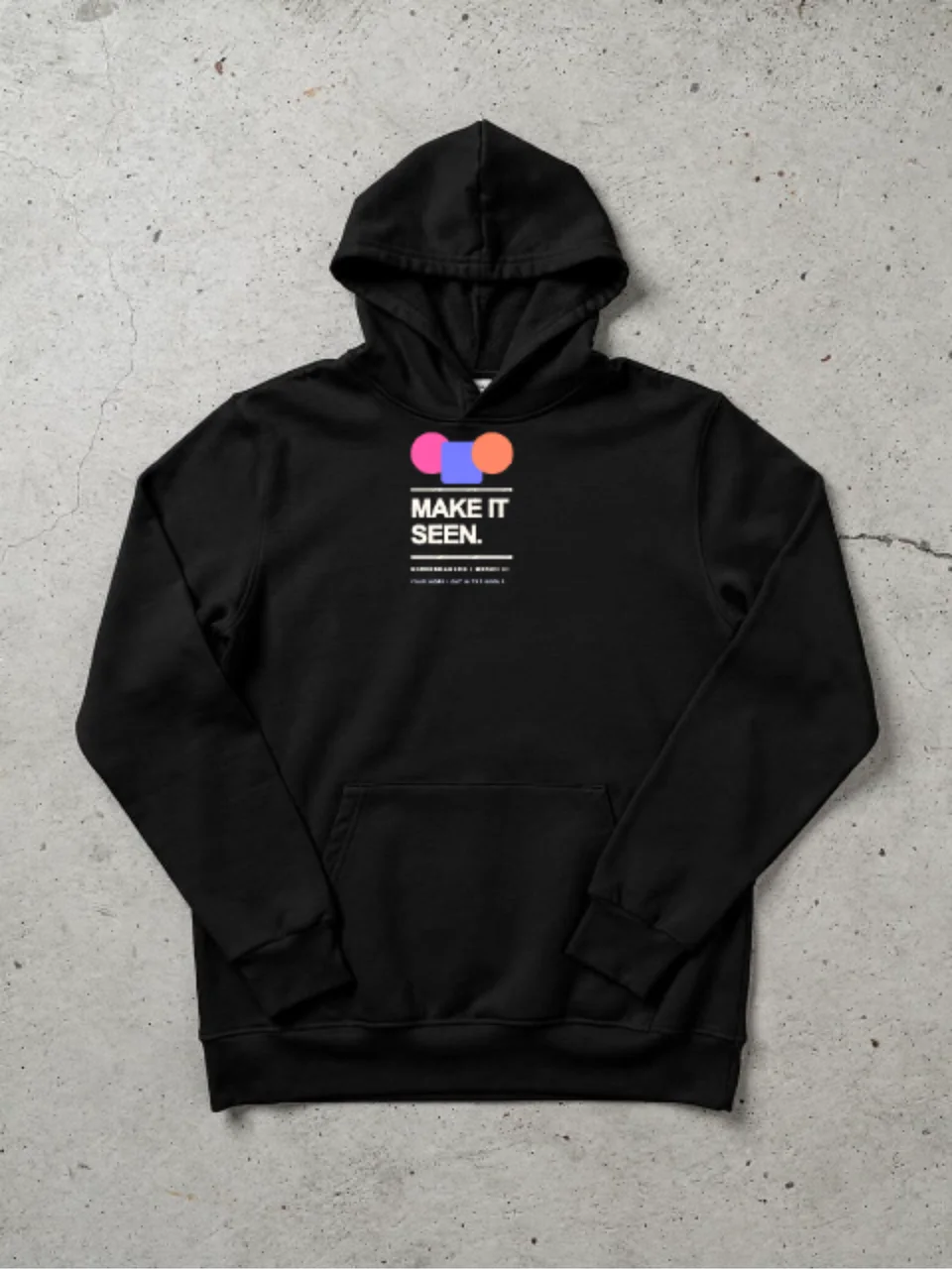
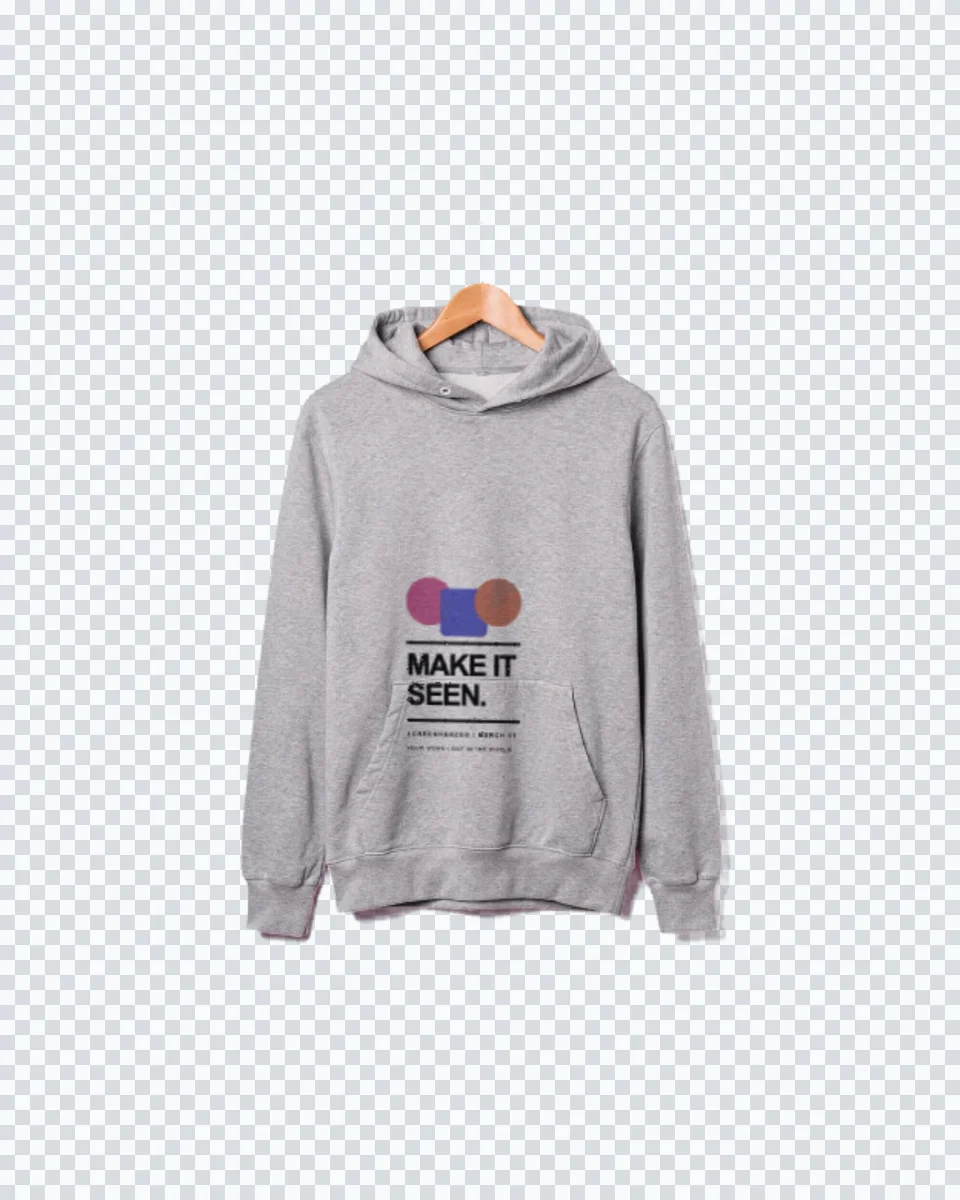
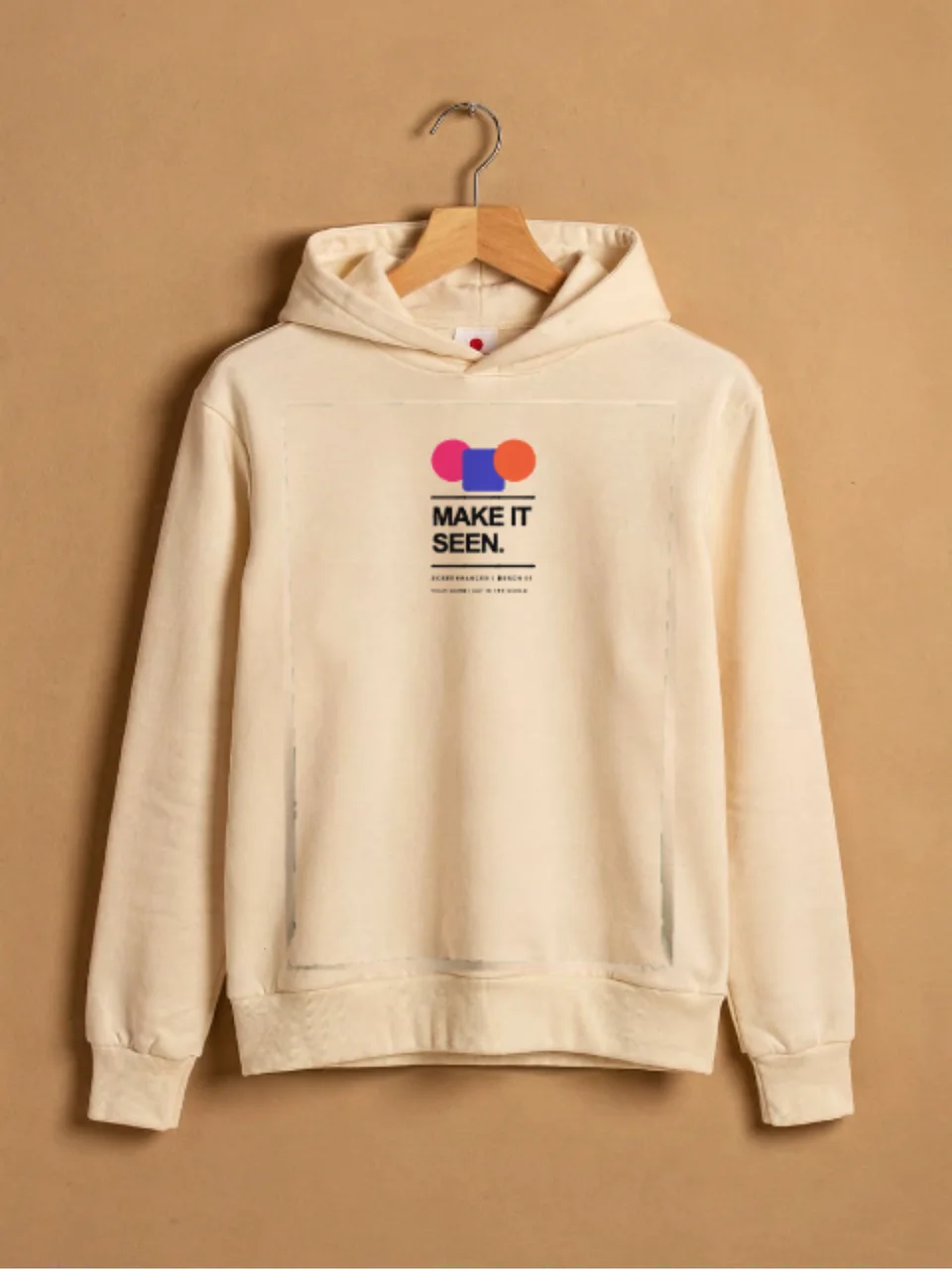
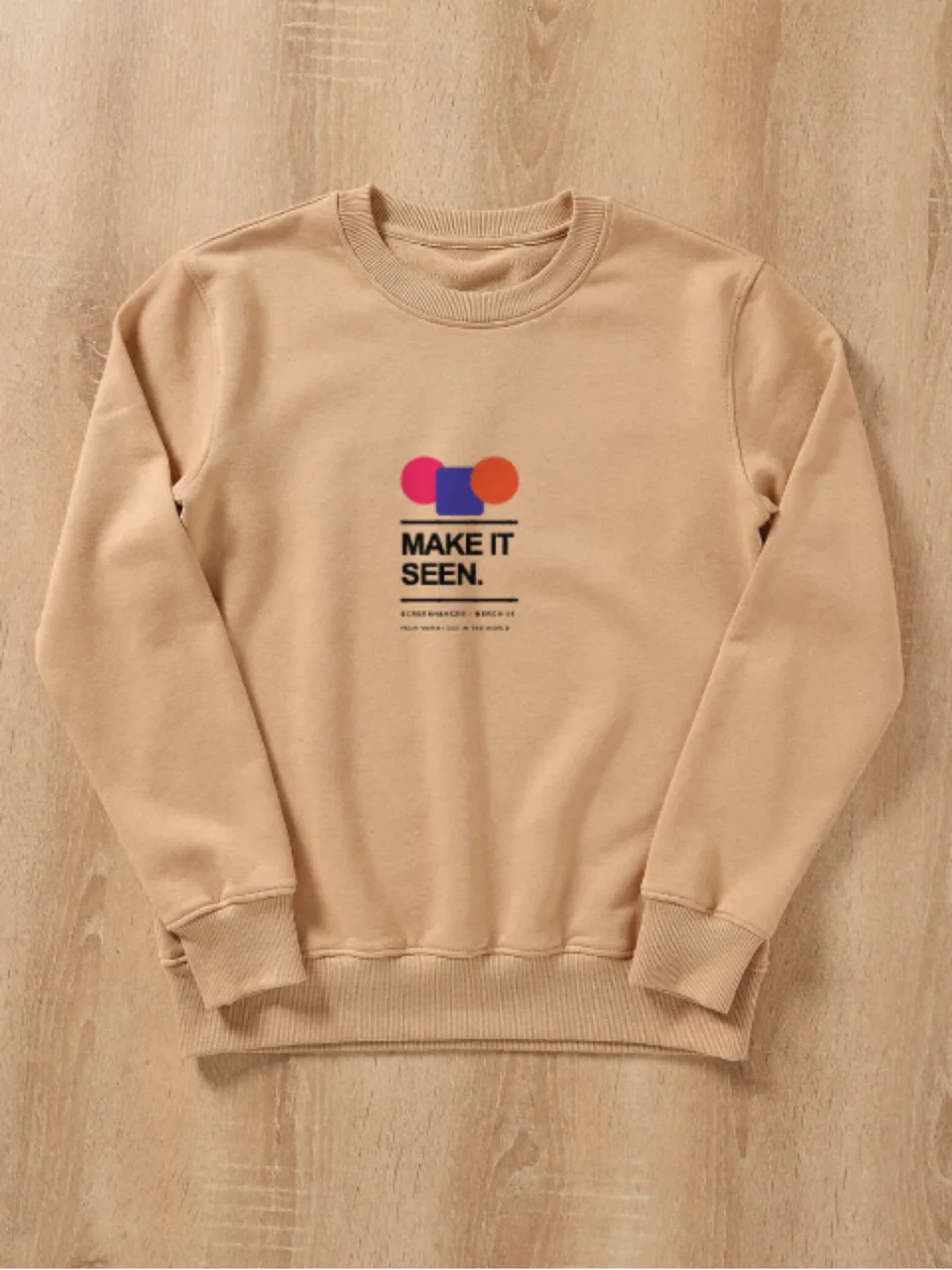
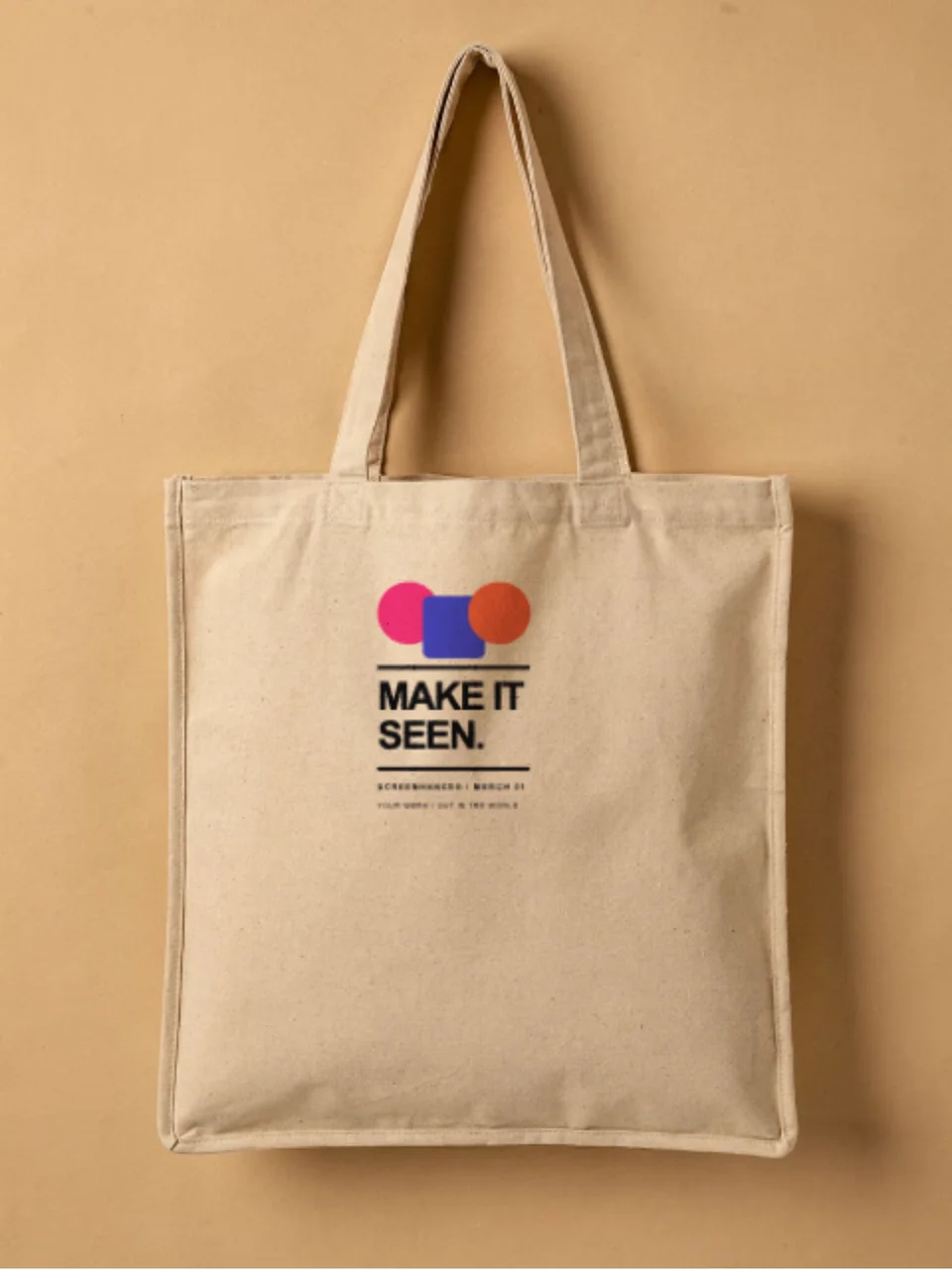
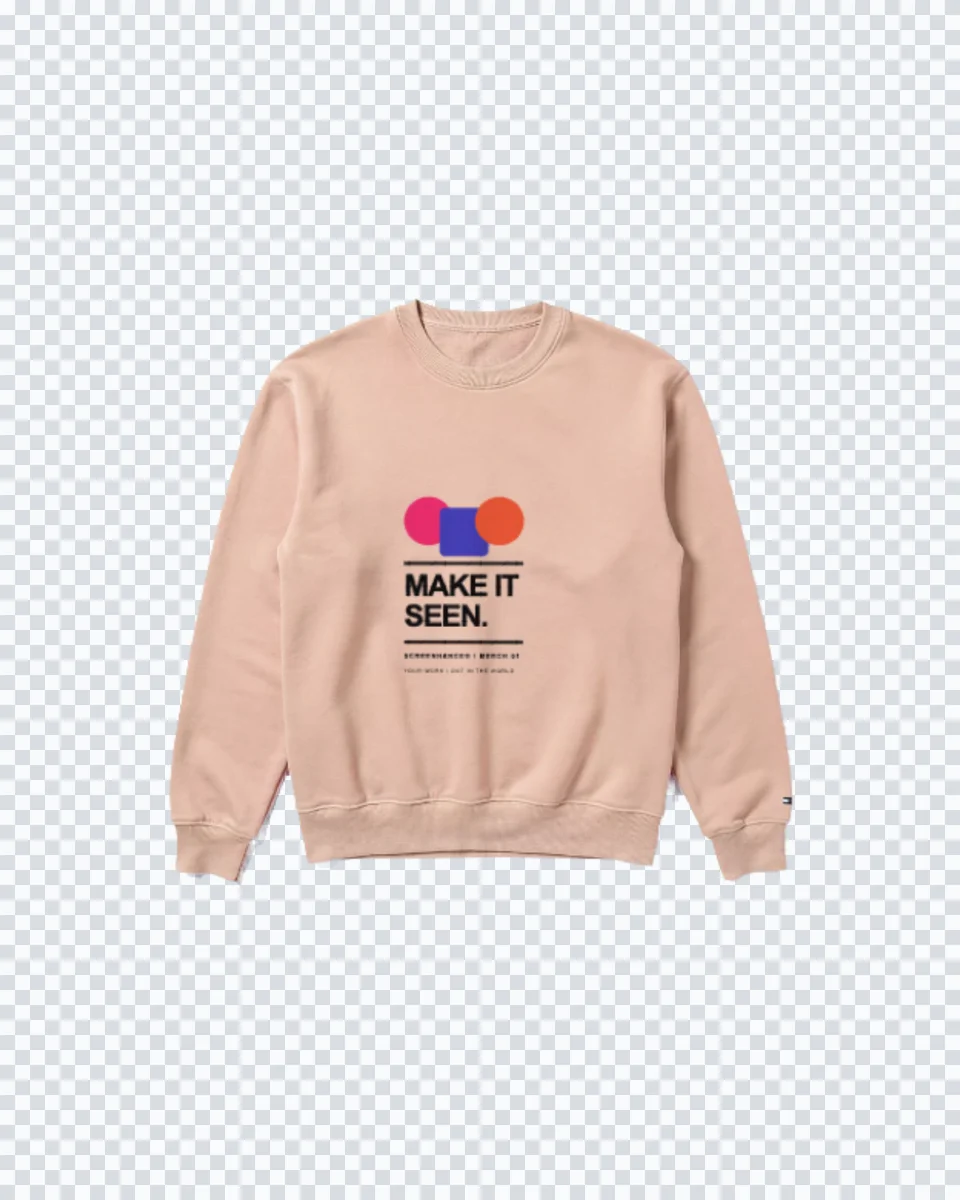
Real garments cut out on transparency, with your artwork printed into the fabric. Click one to open it in the editor and drop in your design.
Merch is judged as a set. The tee, the hoodie and the cap are shot the same way and cut out the same way, so they line up on a single board without the mismatched shadows and colour casts you get from three different stock photos.
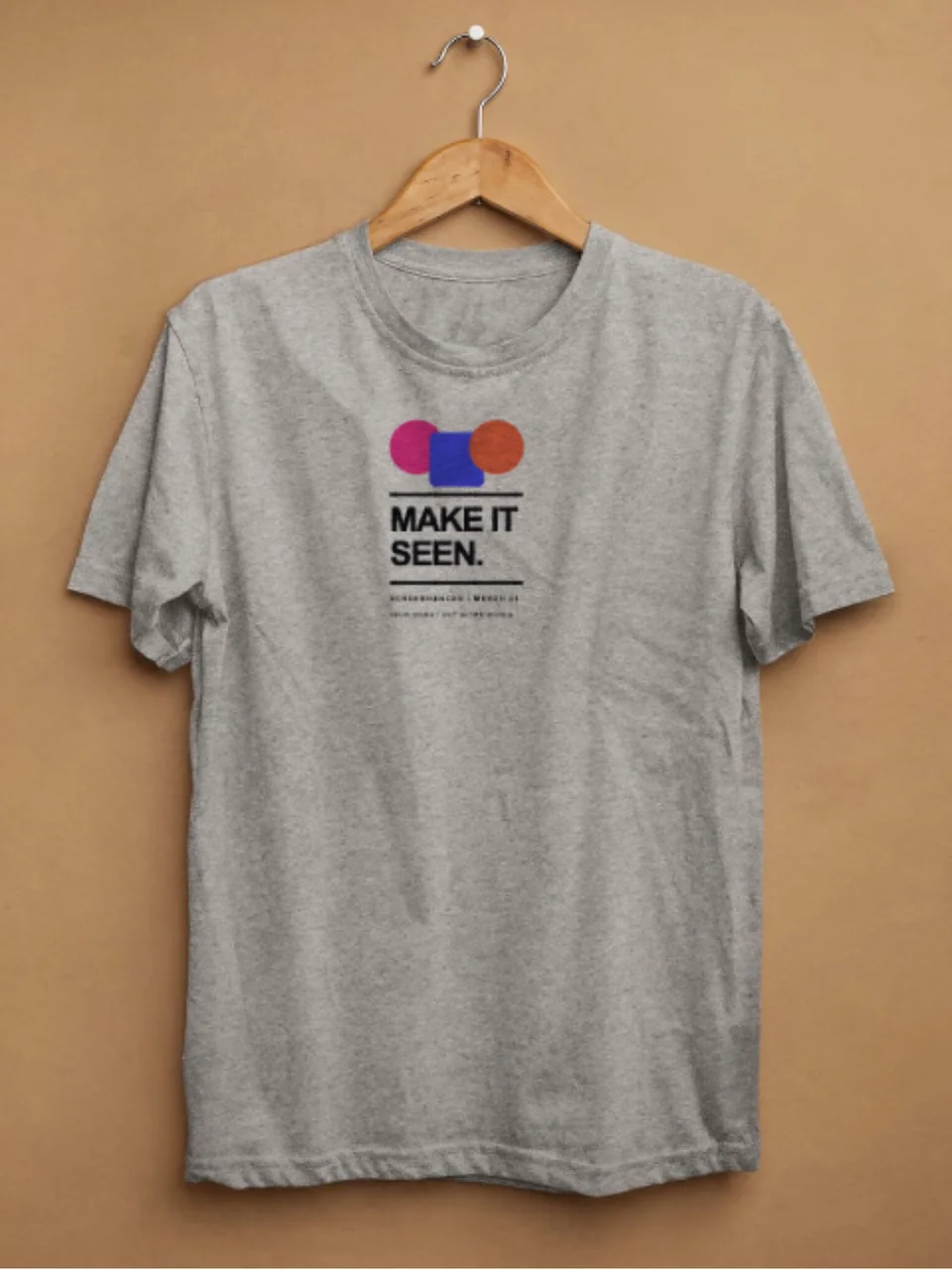
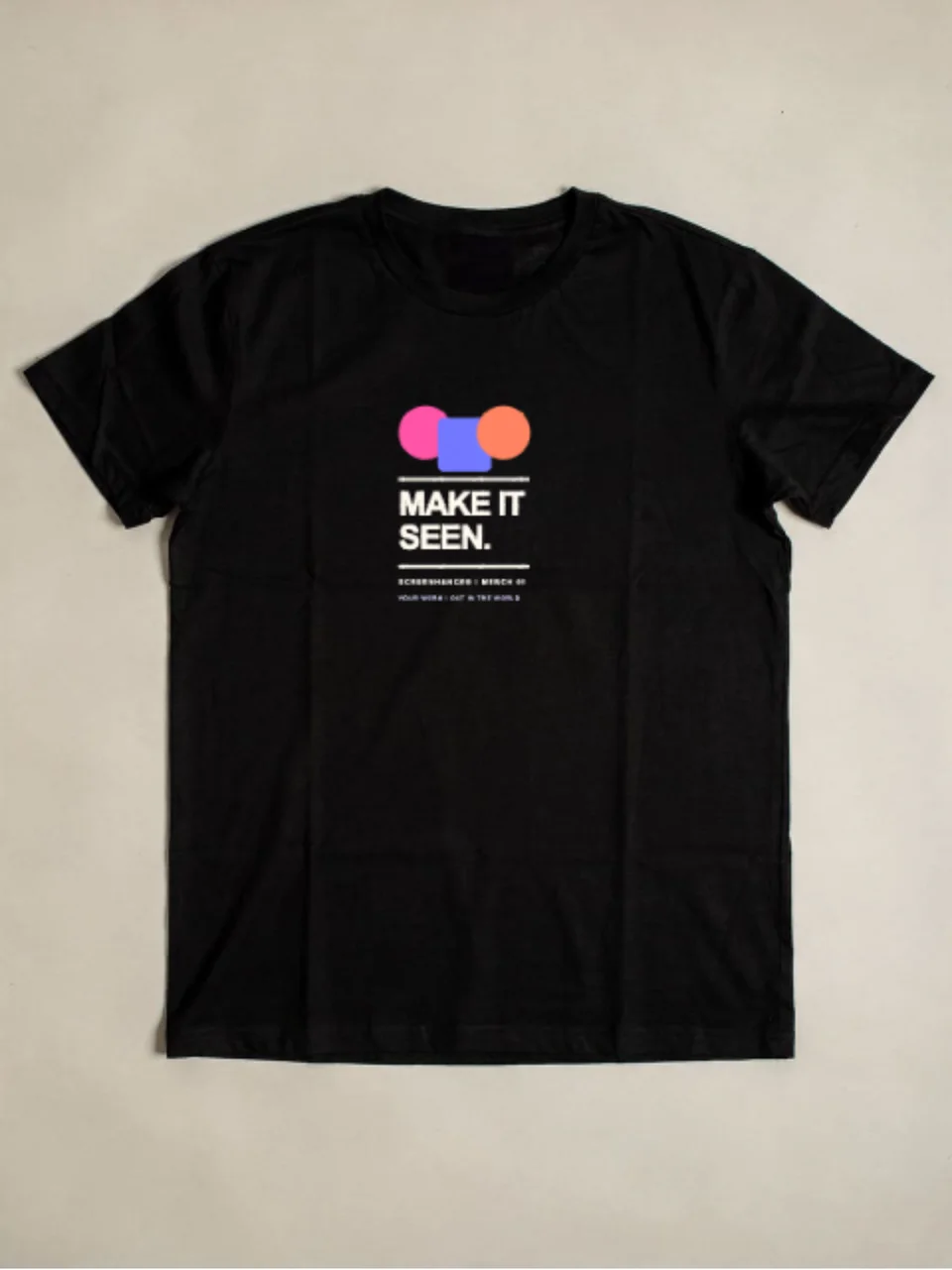
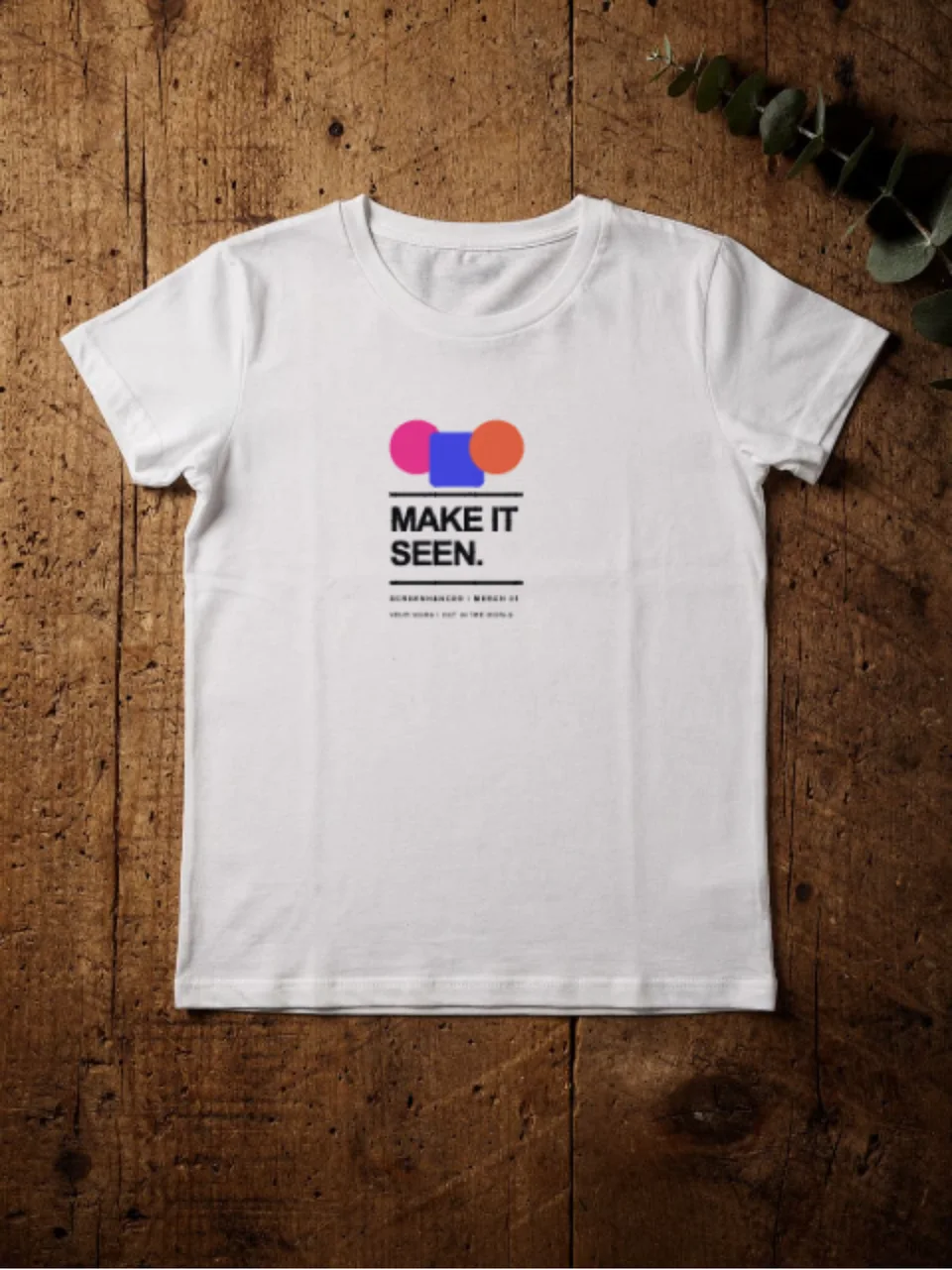
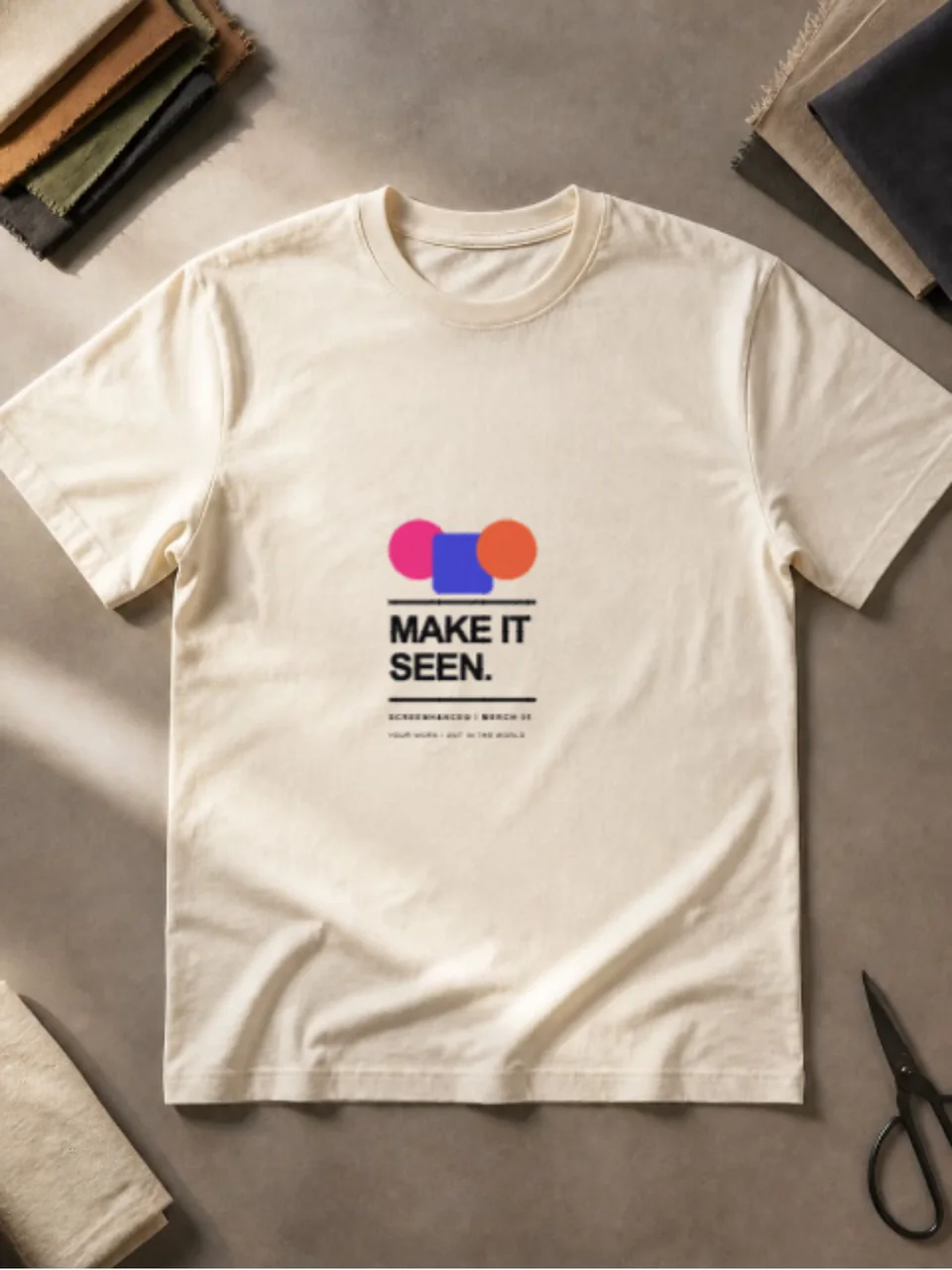
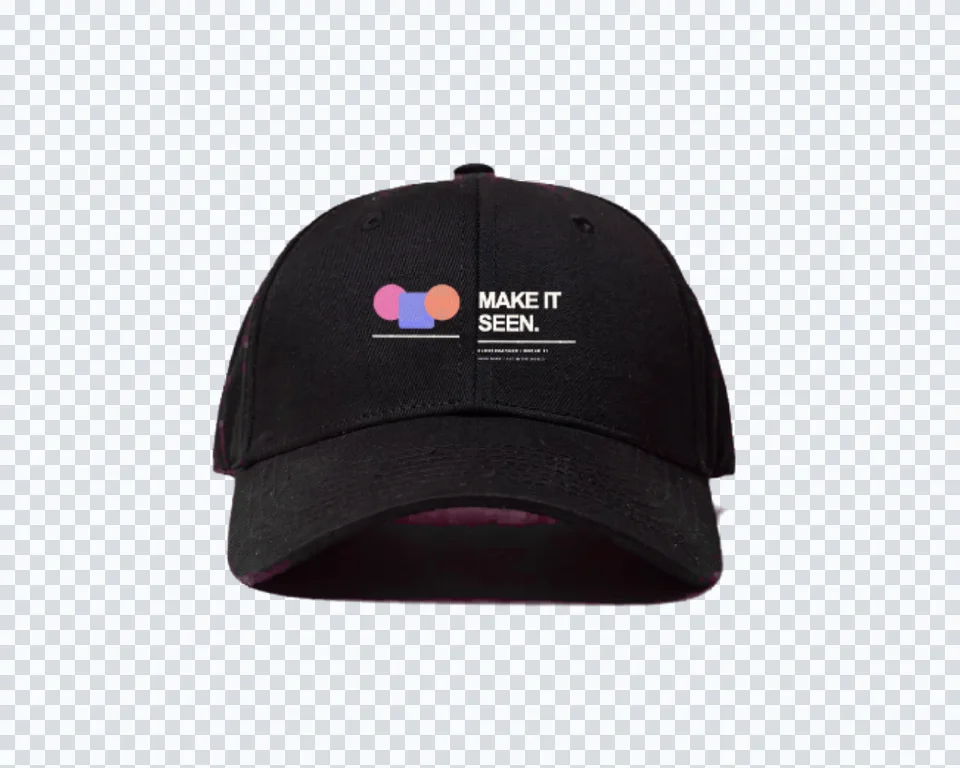
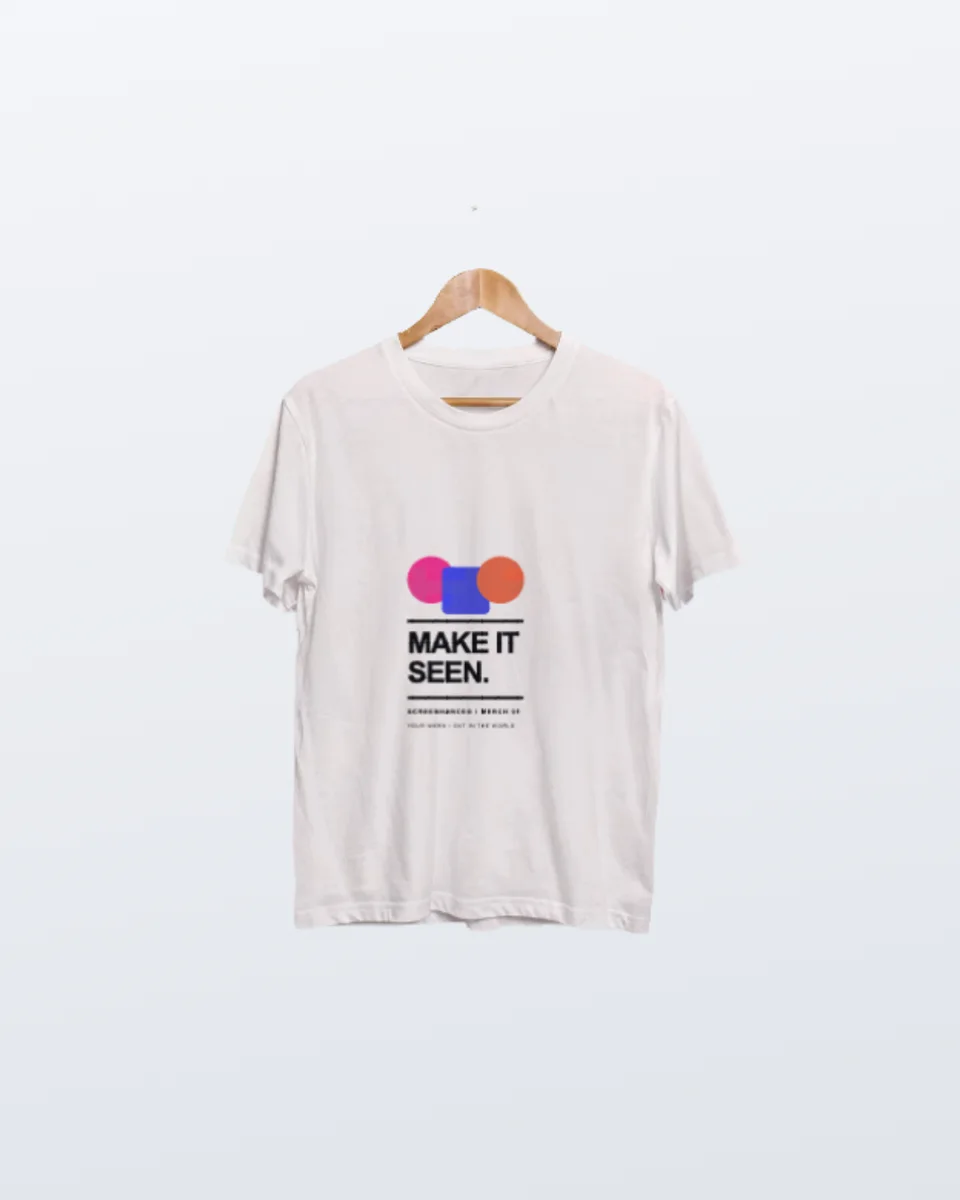
Solo T-shirt black, Solo Hoodie, Solo Sweatshirt and Solo Cap, each isolated and lit alike.
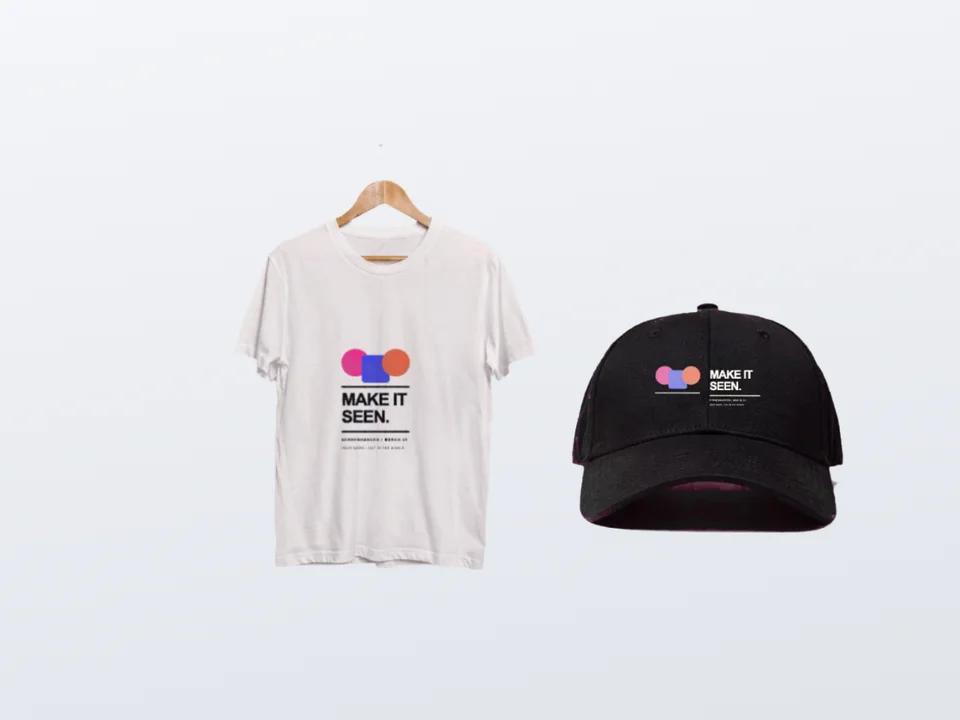
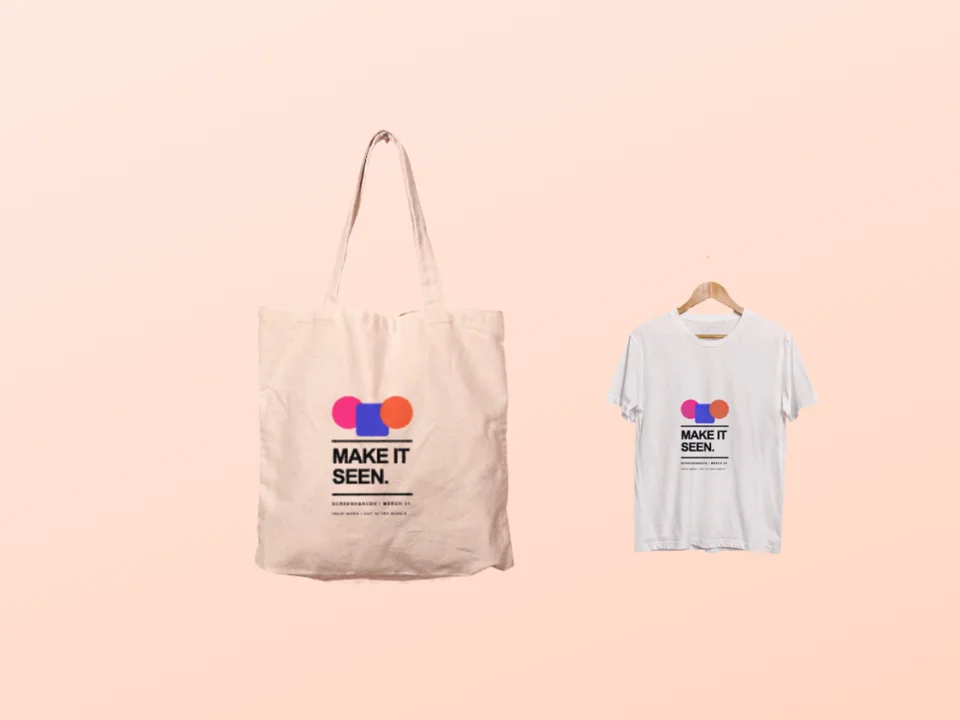
Tee and cap, and Tote and tee, hold two garments in one frame with a separate slot for each design.
Every scene here is a cutout, so the backdrop is your brand colour, your gradient, or your own photo.
Create professional mockups in three simple steps. No design skills required.
Drag and drop or select any screenshot, design, or image from your device.
Pick from iPhone, iPad, MacBook, browser frames and beautiful gradient backgrounds.
Download as PNG, WebP, JPEG, GIF, or video. Ready for marketing in seconds.
Two capabilities that separate Screenhance from every other mockup tool in 2026: animated exports and App Store screenshot localization.
Template-driven motion — float, reveal, parallax. Export animated mockups at Product Hunt, landing-page, and Twitter/X dimensions. Most mockup tools are static-only.
One master design, per-locale captions, every required Apple and Google Play size per language. RTL and CJK support. Apple reports localized listings drive 2-3x install lifts.
iPhone 17 Pro Max (1320×2868), iPhone Air (1260×2736), iPad Pro M4 (2064×2752), and the full Google Play set — exported from one design in a single pass.
Pick a template, drop in your screenshot, export. No Figma, no Photoshop, no learning curve. Free tier covers 3 exports a month; the $6 Launch Pass covers a launch with 10 watermark-free image exports.
A drop is rarely one shirt. Show the tee, the hoodie and the cap together so the bundle price makes sense.
Get sign-off on a conference giveaway from people who need to see it, not read a spec sheet.
Build a lookbook page while the first run is still at the printer, and swap artwork as the line changes.
A logo on a garment is the slide that convinces a client the mark works away from a screen.
Jersey is a knit, not a woven sheet. It has a fine looped surface, it drapes rather than lies, and it soaks up light instead of reflecting it, which is why garments photograph matte with soft shadow rather than hard highlights. On a hoodie the hood throws a band of shade across the upper chest and the pouch seam breaks the print area. On a cap the front panel is a curved, structured face, so a logo bends with the crown. Any of those cues, missed, is what makes a pasted rectangle read as fake in half a second.
Screenhance composites underneath all of that. Your file is warped into the print area first, then the garment’s own luminance is multiplied back over it, so a fold darkens the ink that crosses it and the edge of the chest falls away exactly as the photograph does. The compositor also samples the fabric colour behind your design, which is why a transparent PNG lands with no visible box around it.
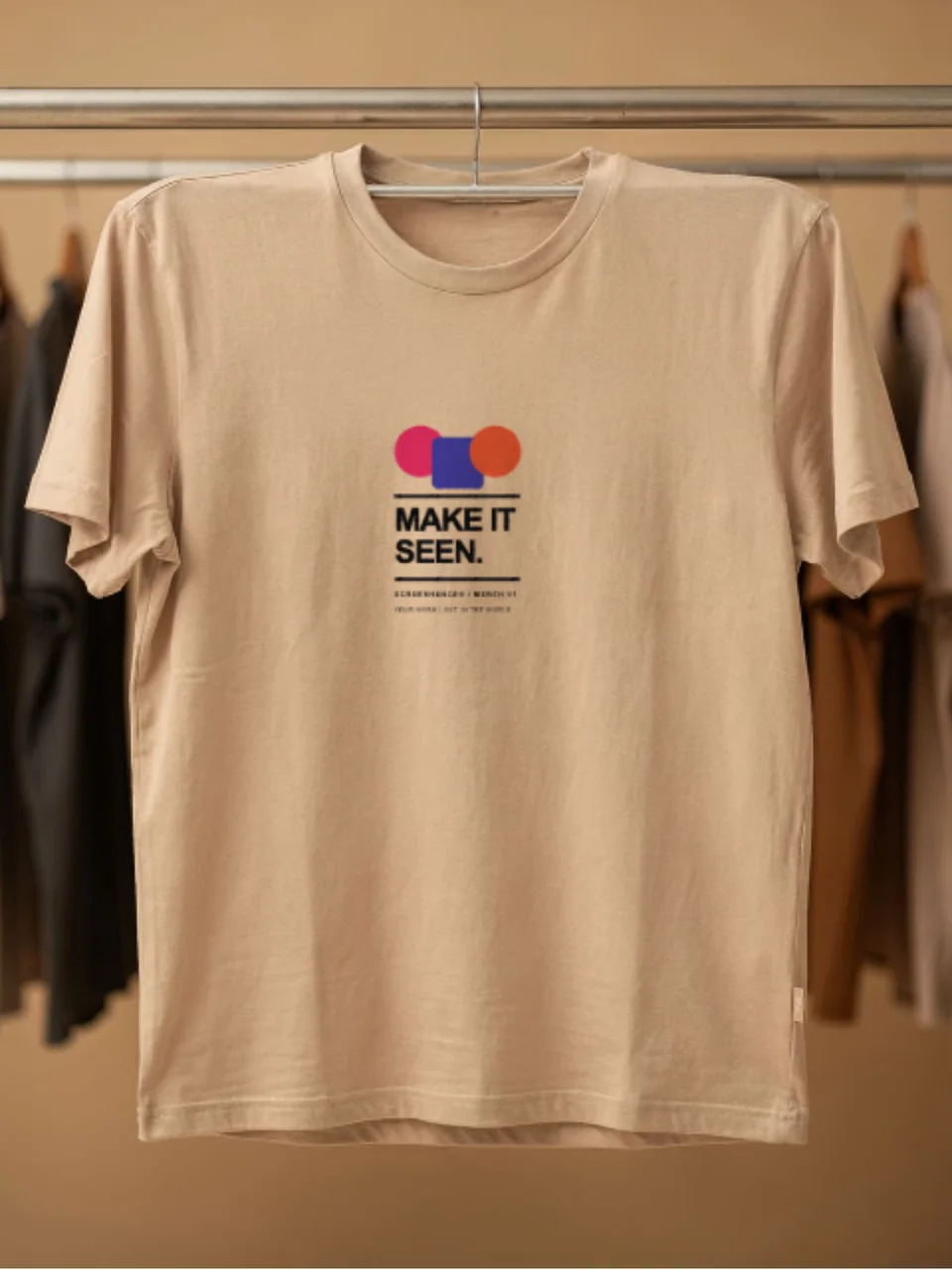
The cutout scenes on this page are the range view: no background, matched lighting, every piece placeable on the same colour. When you want the piece photographed in a room instead, each garment has its own page with studio scenes. Start with the t-shirt mockup generator for flat lays, hangers and a rail; the hoodie mockup generator for heavyweight fleece; or the cap mockup generator when the design is a small front-panel logo.
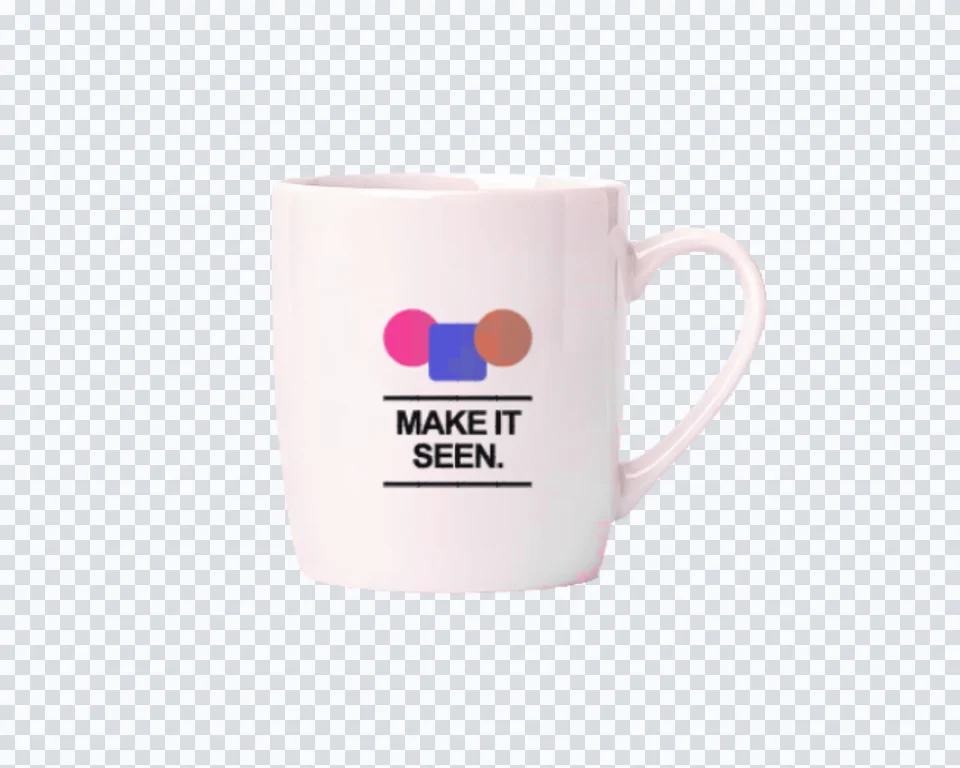
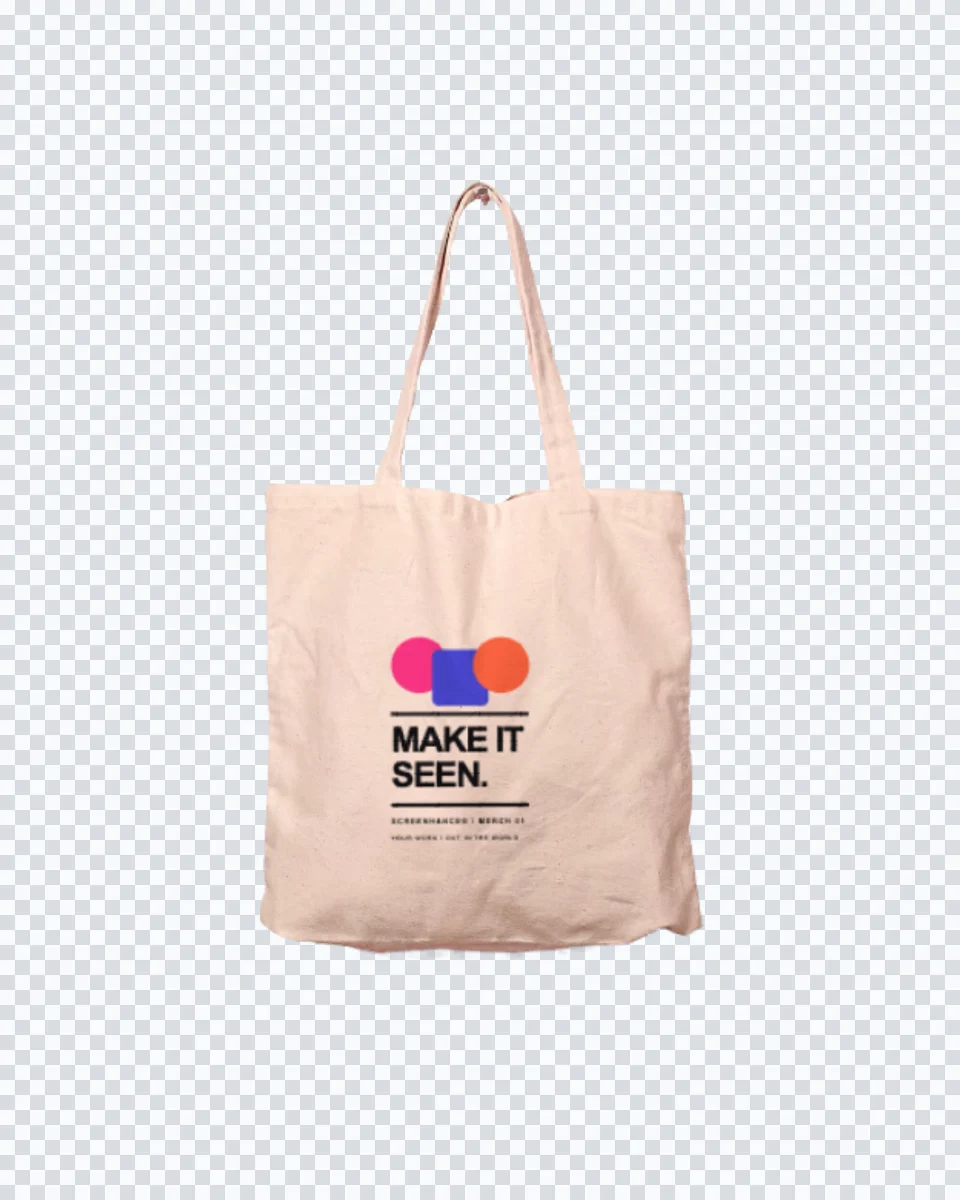
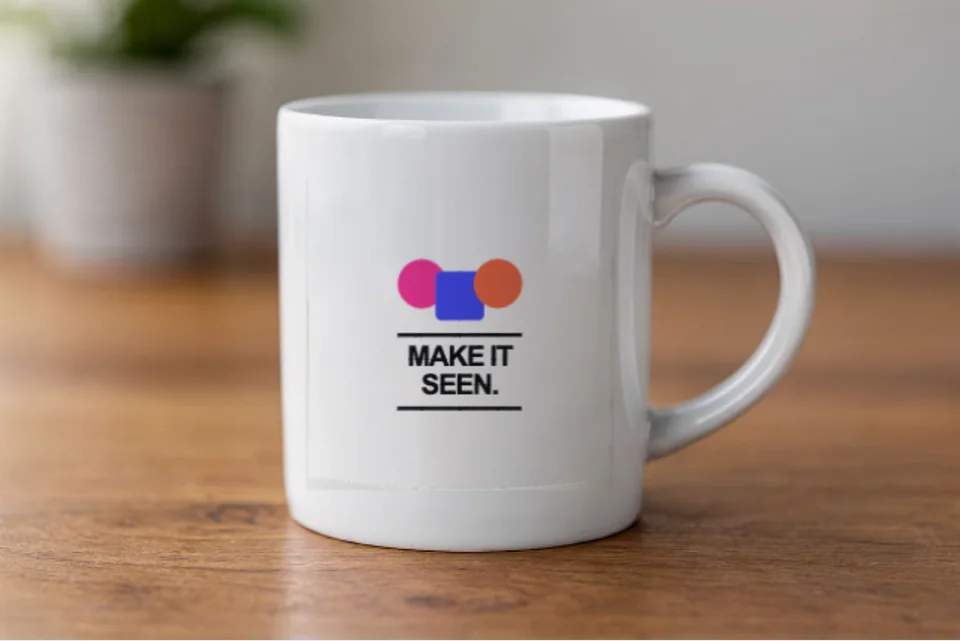
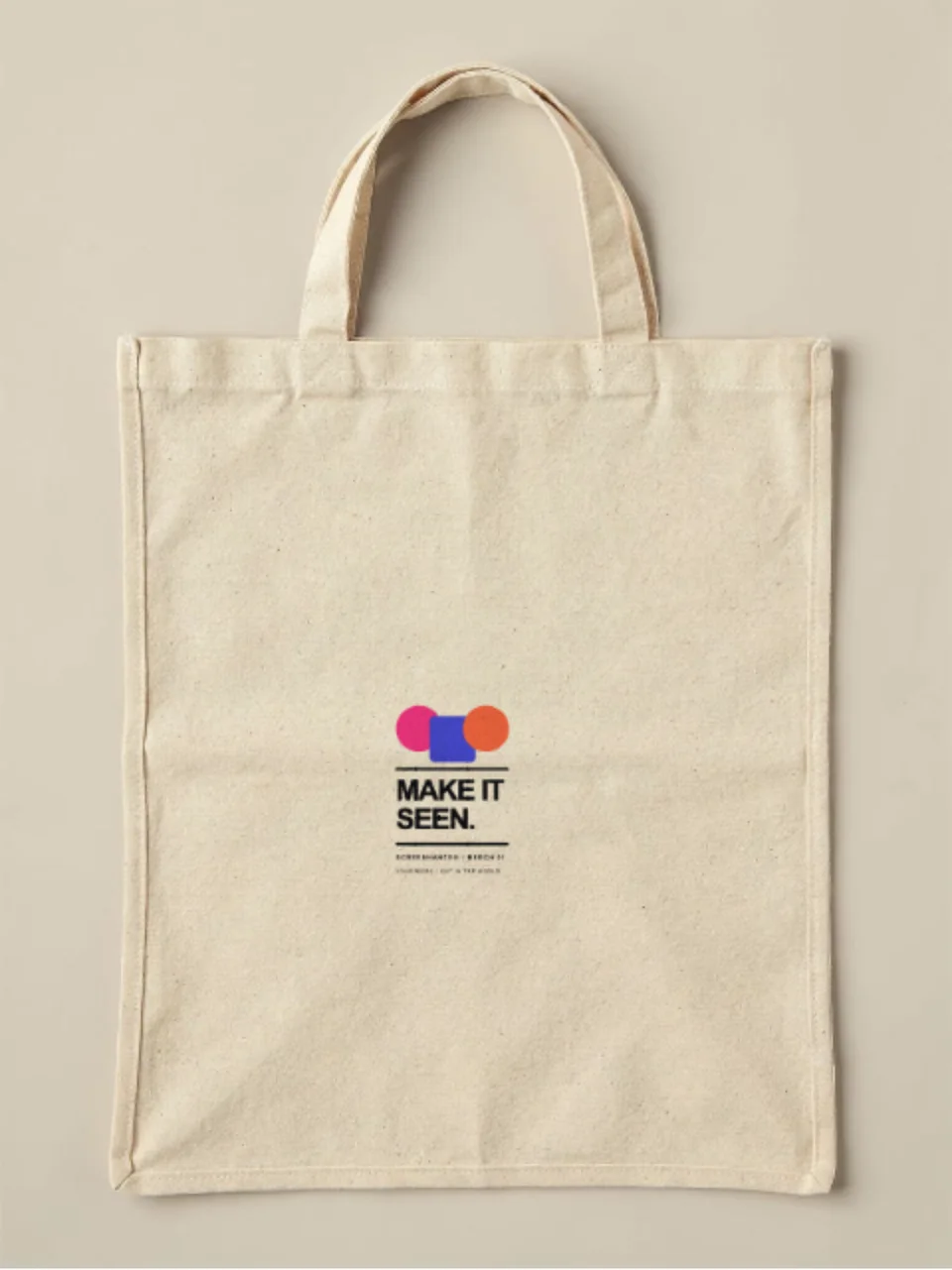
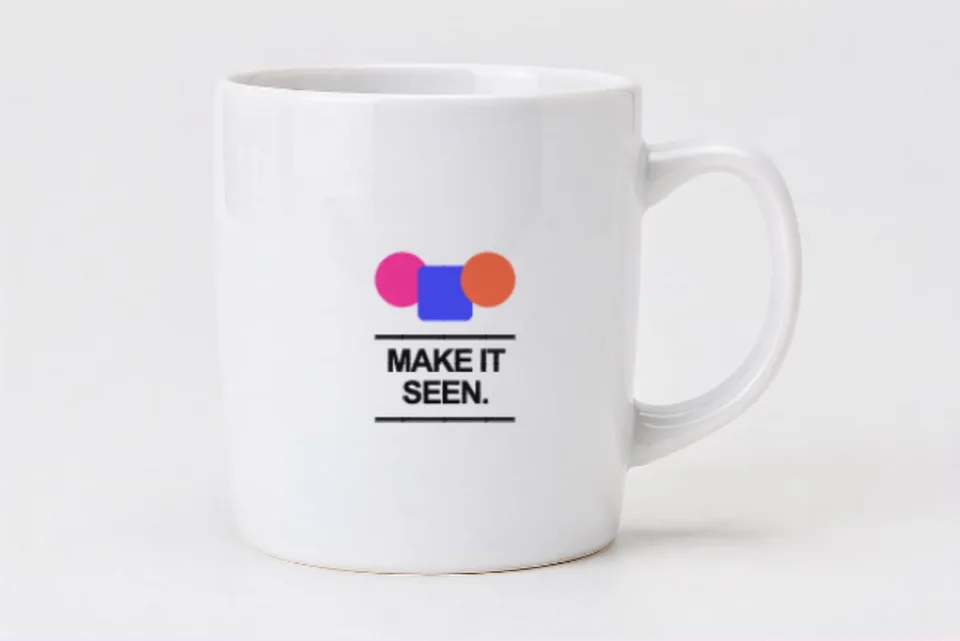
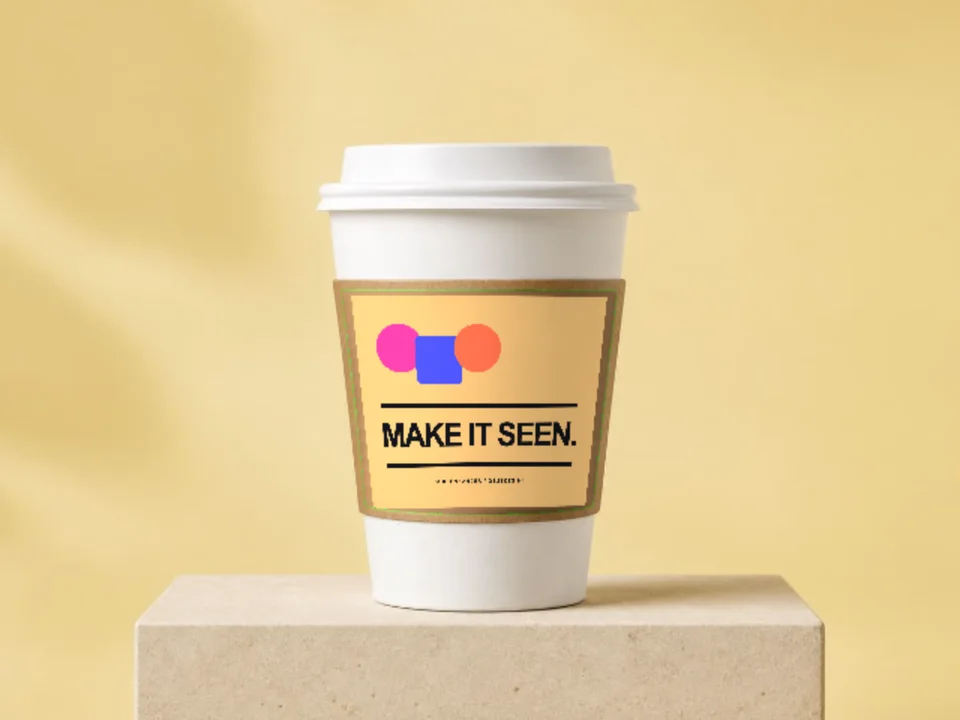
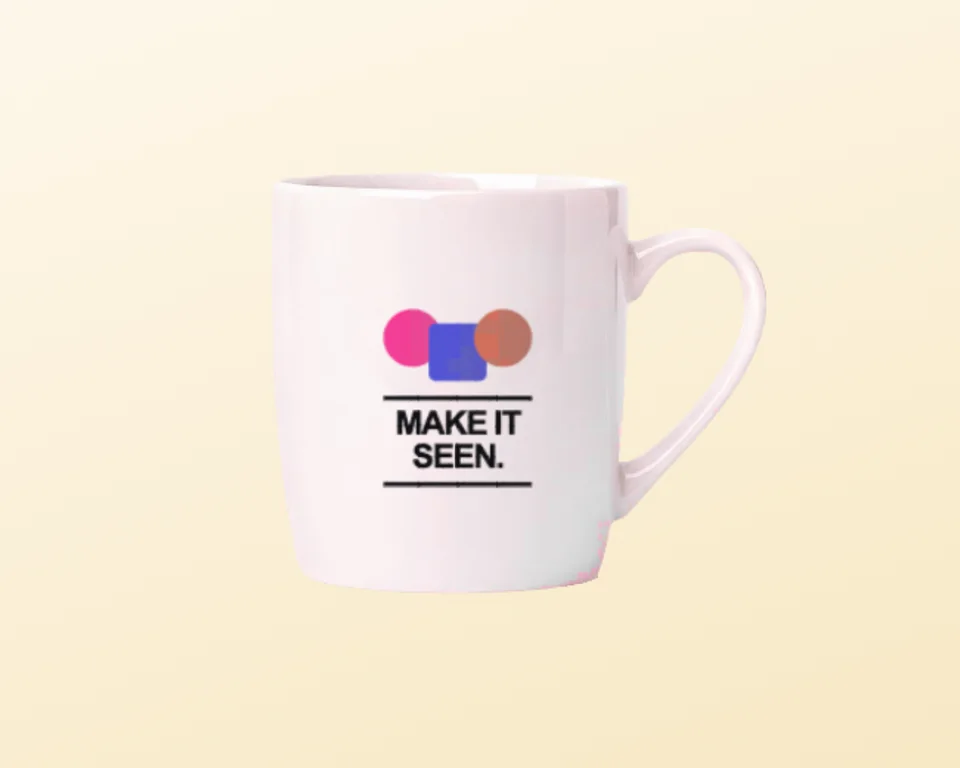
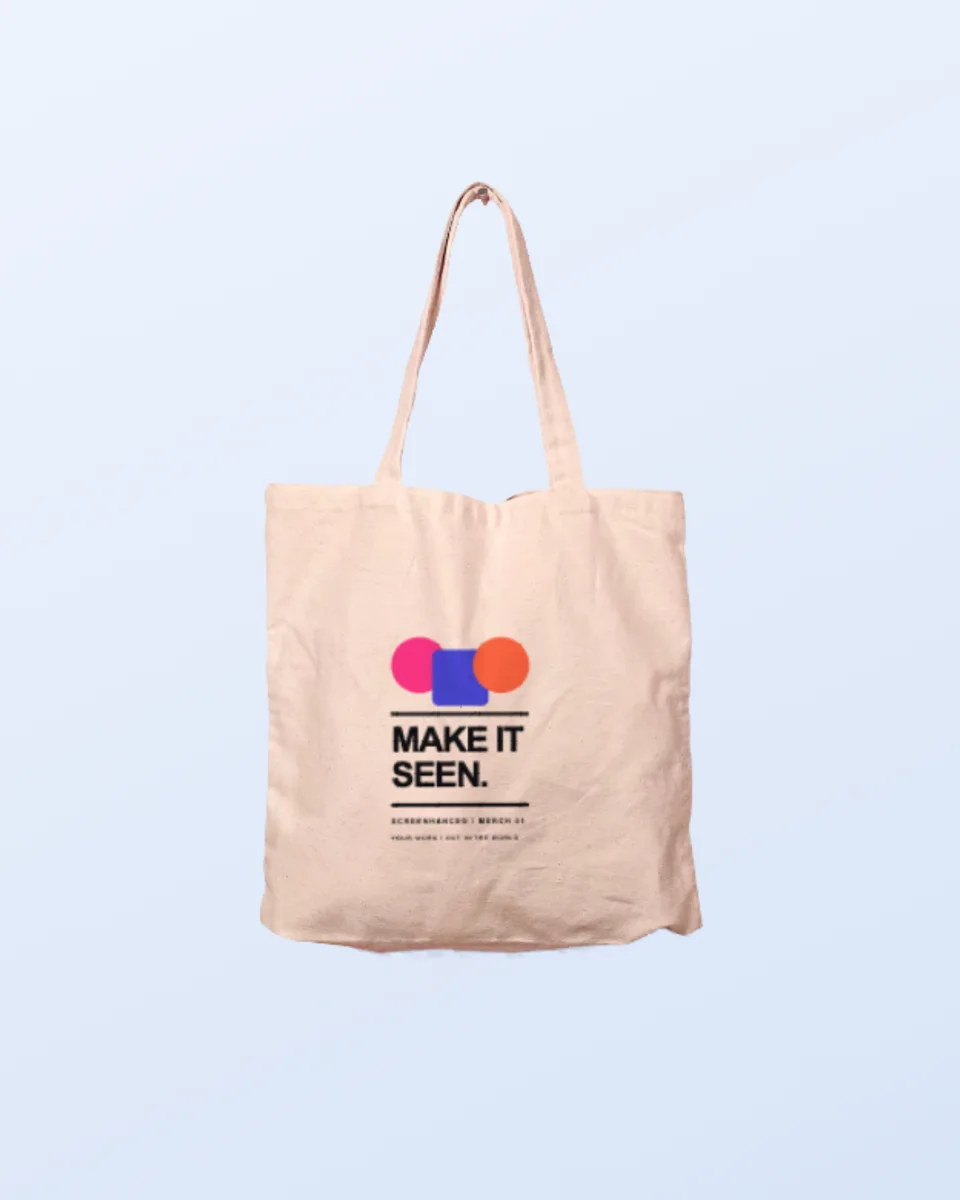
Merch usually spills past clothing, and the same compositing handles the rest of it: a canvas tote, a ceramic mug, or a die-cut sticker. If you want to browse everything at once, the mockup generator hub lists every scene by surface. Upload once, present the whole drop.

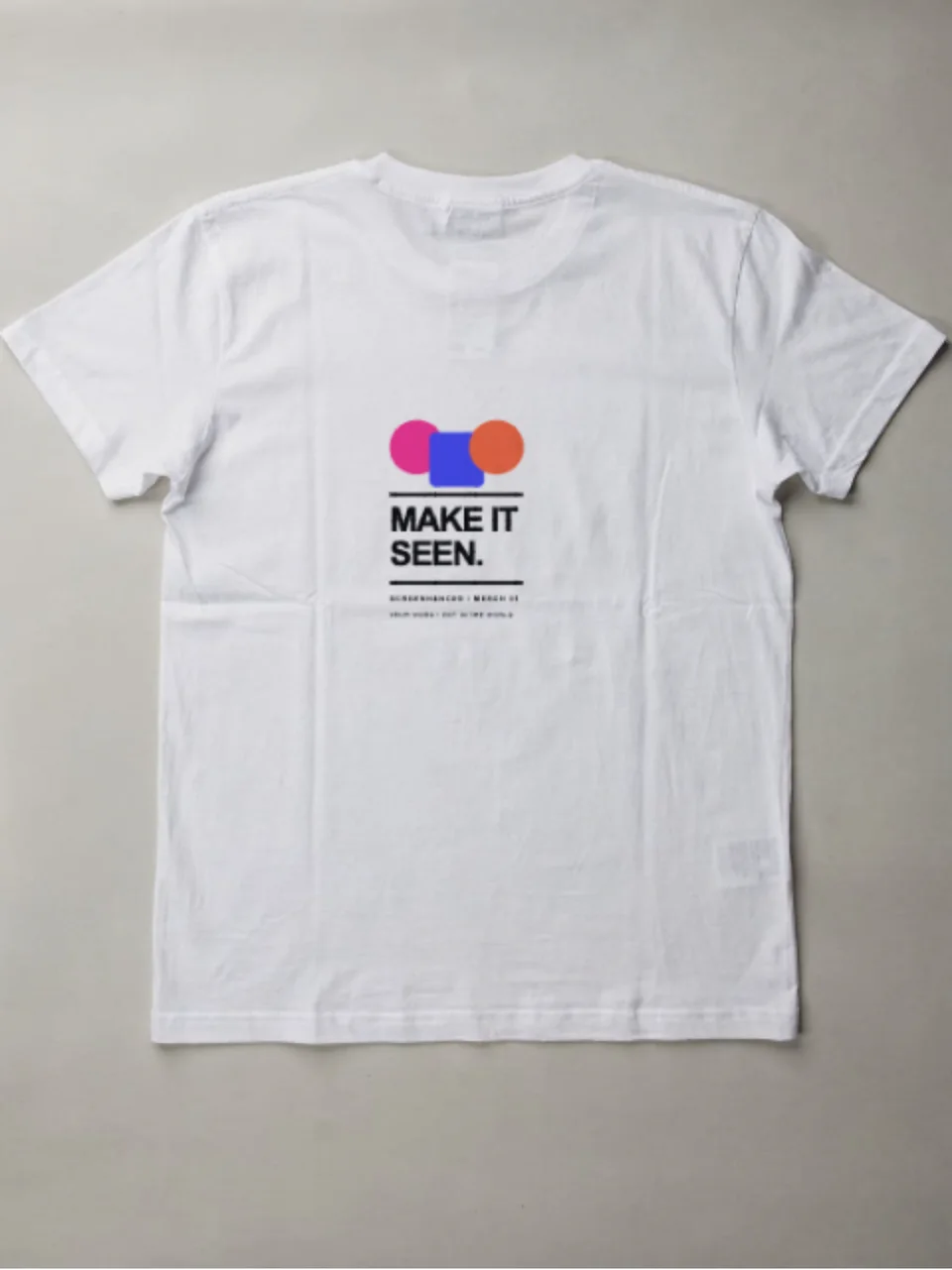
It is a photograph of a garment with your artwork composited into the print area, so you can see how a design reads on cotton before anything is printed. Screenhance warps your file onto the garment and multiplies the garment's own light and shadow back over it, which is what makes ink look absorbed into the fabric rather than laid on top of the picture.
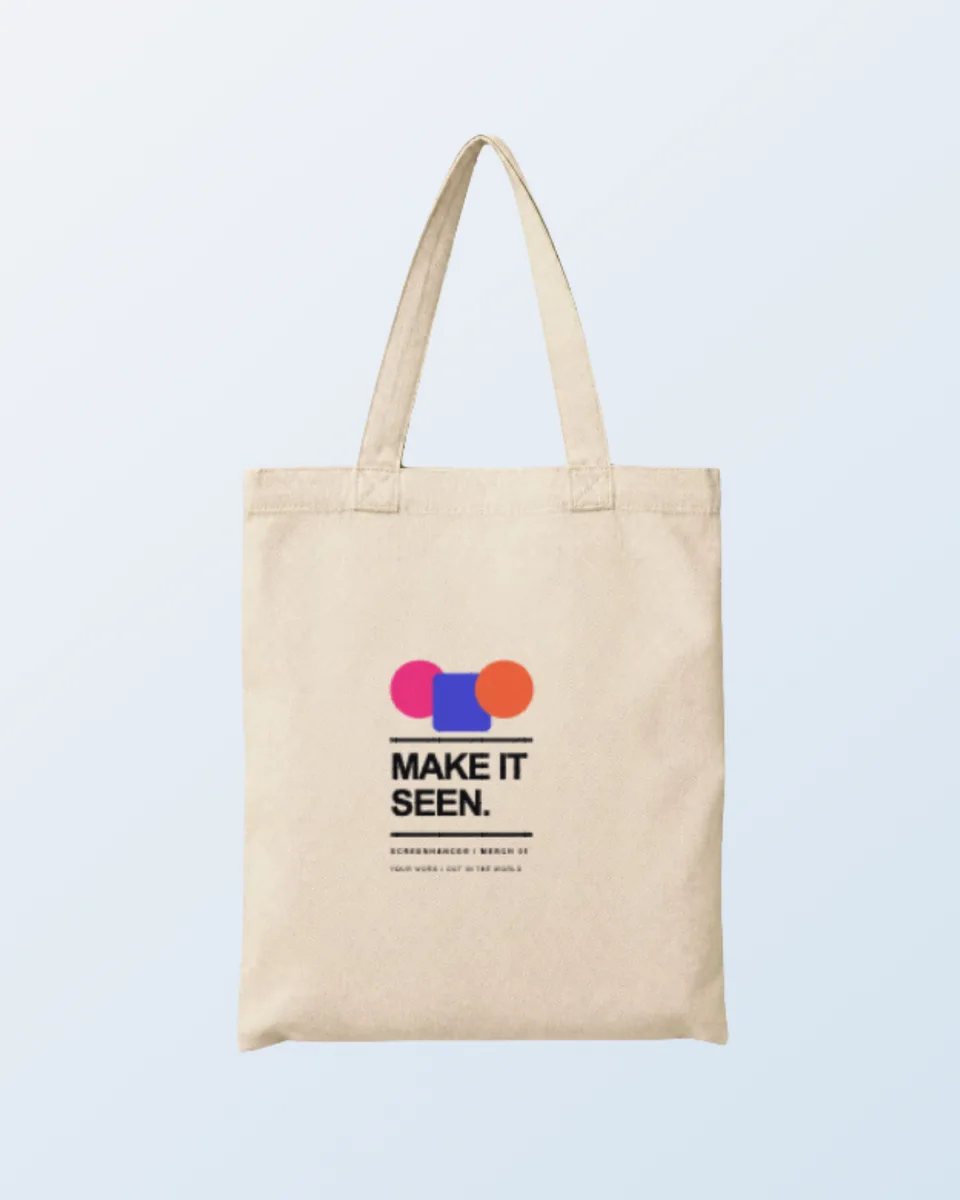
The apparel scenes on this page cover a black t-shirt, a hoodie, a sweatshirt and a cap as single pieces, plus two-garment frames: Tee and cap, and Tote and tee. Each of those two-garment scenes has a separate upload slot per item, so the chest graphic and the cap logo can be different files.
A PNG with a transparent background gives the best result, because the garment colour shows through the gaps the way a real print does. A JPG works, but it carries its own rectangle. Aim for at least 2000 px on the long edge in sRGB. A standard adult chest print is about 30 cm wide, roughly a third of the shirt, so artwork that is square or a little taller than wide usually sits better than a wide banner.
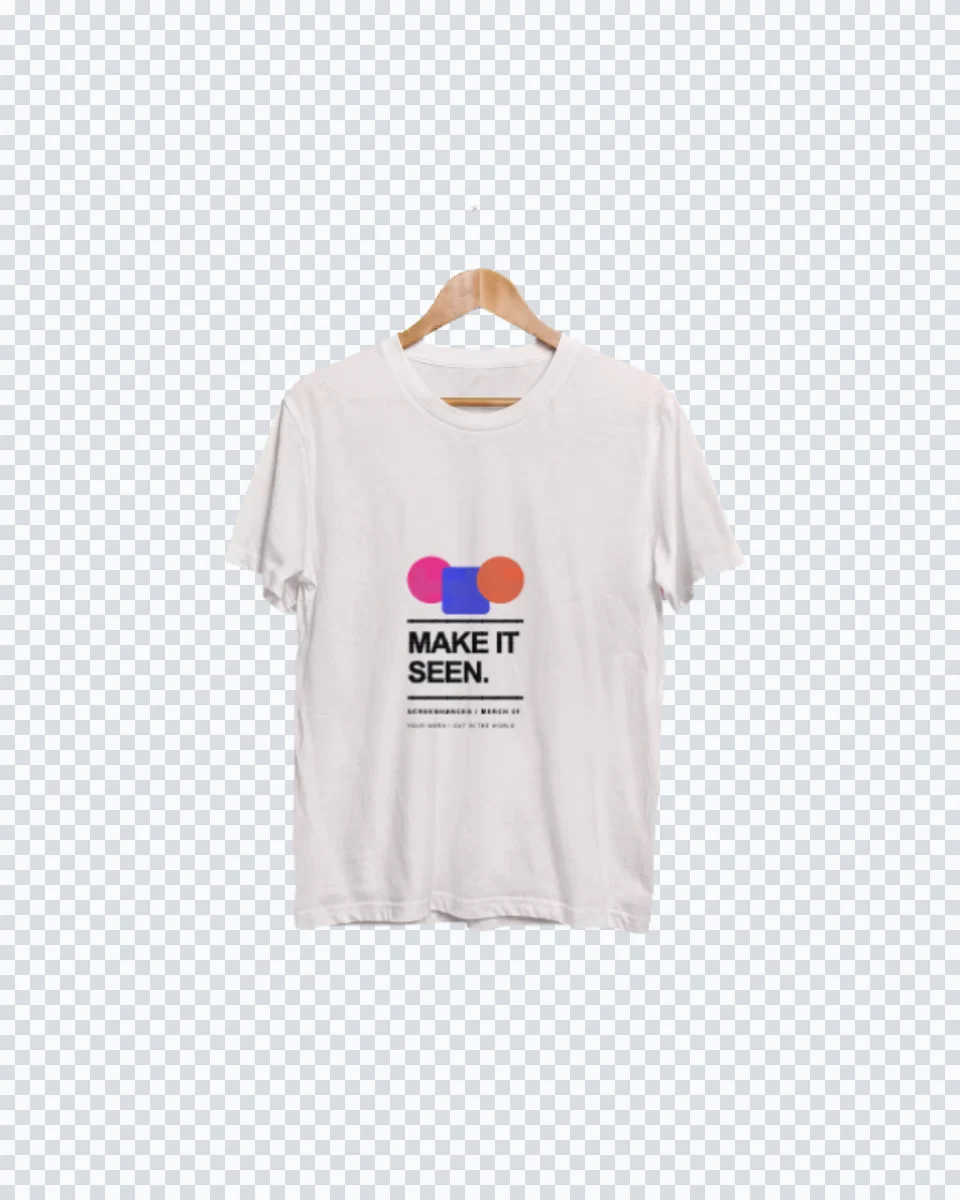
They are cutouts. The garment is isolated on transparency, so the backdrop is whatever you put behind it: a brand colour, a gradient, a lookbook slide, or your own photograph. It also means a tee, a hoodie and a cap can share one background at one scale, which is impossible to fake across three separate stock photos.
Often not, and this is the useful part of seeing it early. The compositor samples the real garment colour under your design, so dark navy or charcoal linework simply disappears into a black shirt, exactly as it would on a real garment printed without a white underbase. Swap in a light version of the artwork and re-upload; the scene stays the same.
Yes to both. Every apparel scene is included on the free plan, and free exports carry a small watermark. Pro removes the watermark, starting at a $6 one-time week pass. Exports are your own artwork on a licensed scene, so there is nothing to credit and no per-product licence to buy before you list.
Explore more ways to create stunning visuals with Screenhance.
Create stunning iPhone device mockups
Try it freeShowcase apps in iPad Pro and Air frames
Try it freeCreate iOS and Android store visuals
Try it freeMake any screenshot look professional
Try it freeArrows, highlights, and auto-numbered steps
Try it freeRecord your screen and click to place a guiding zoom
Try it freePick a garment, drop in your artwork, and export a photorealistic apparel mockup in under a minute.