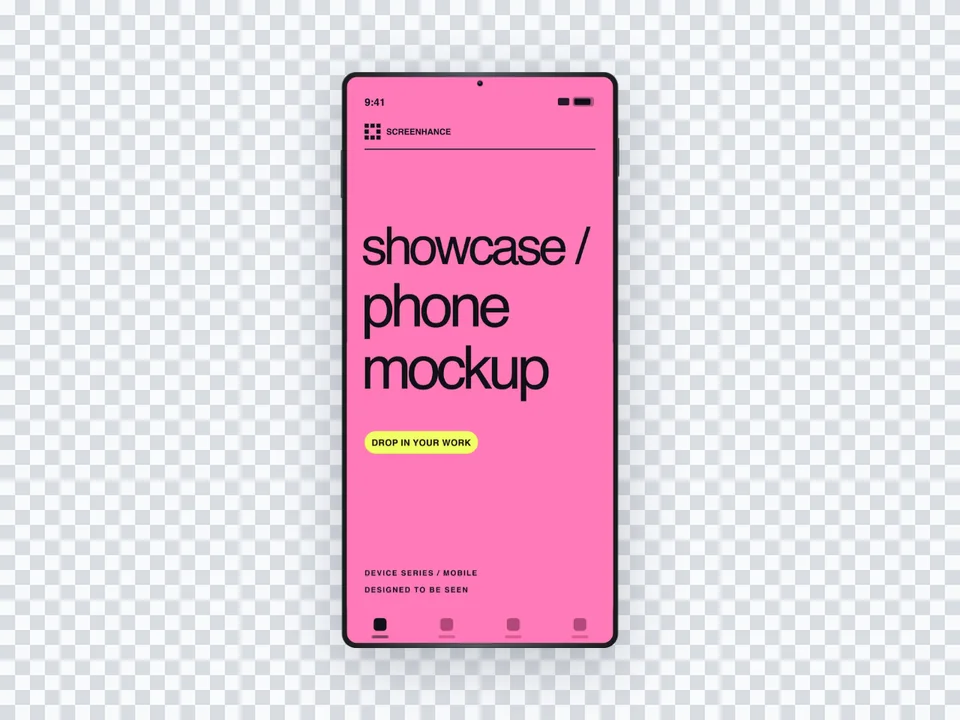
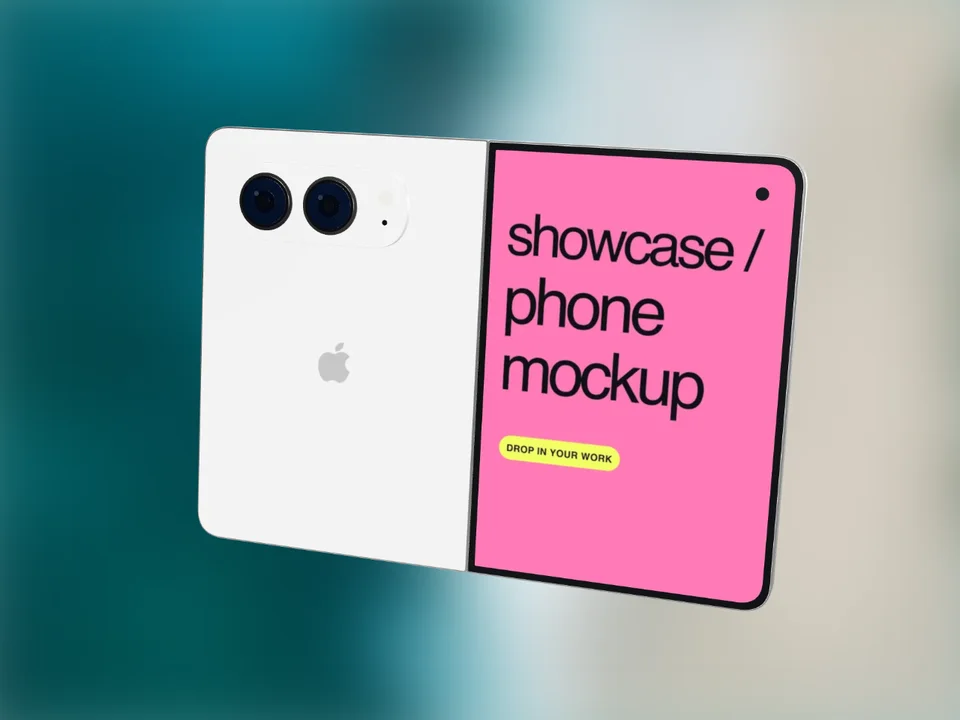
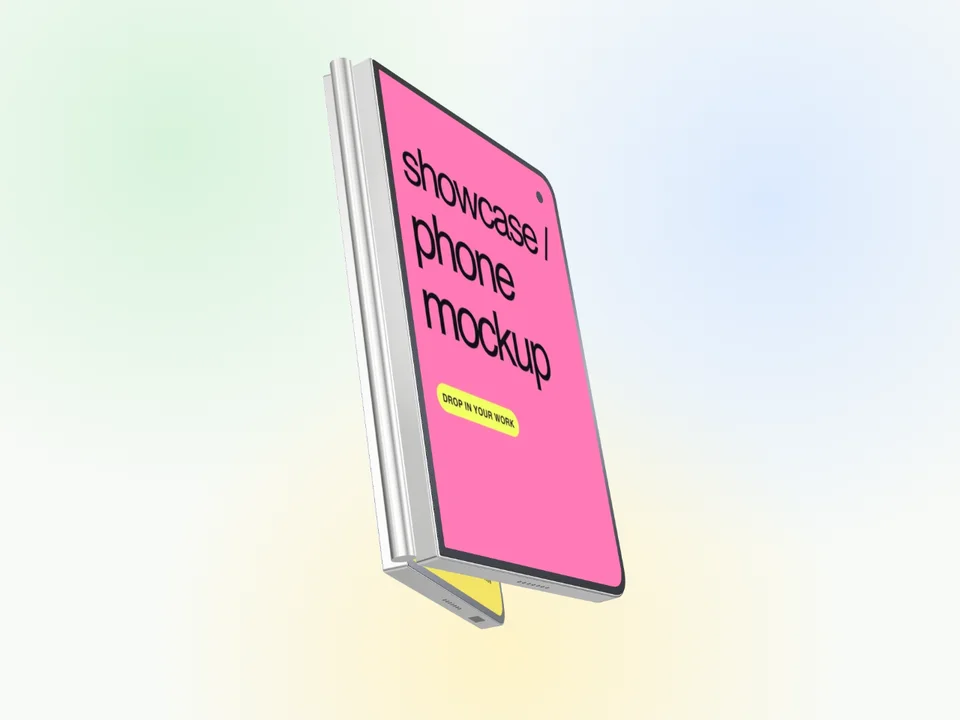
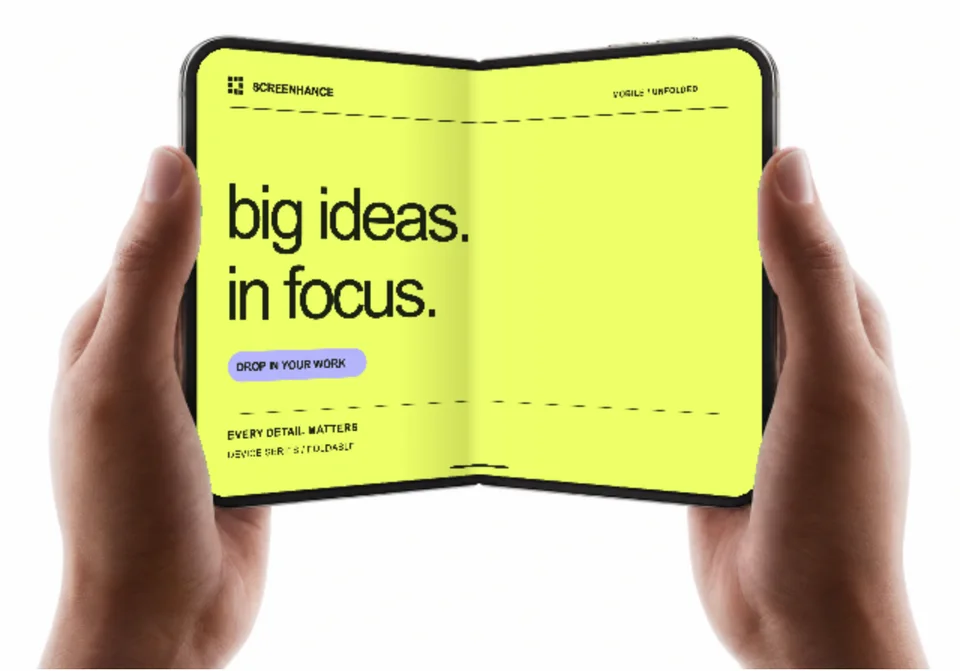
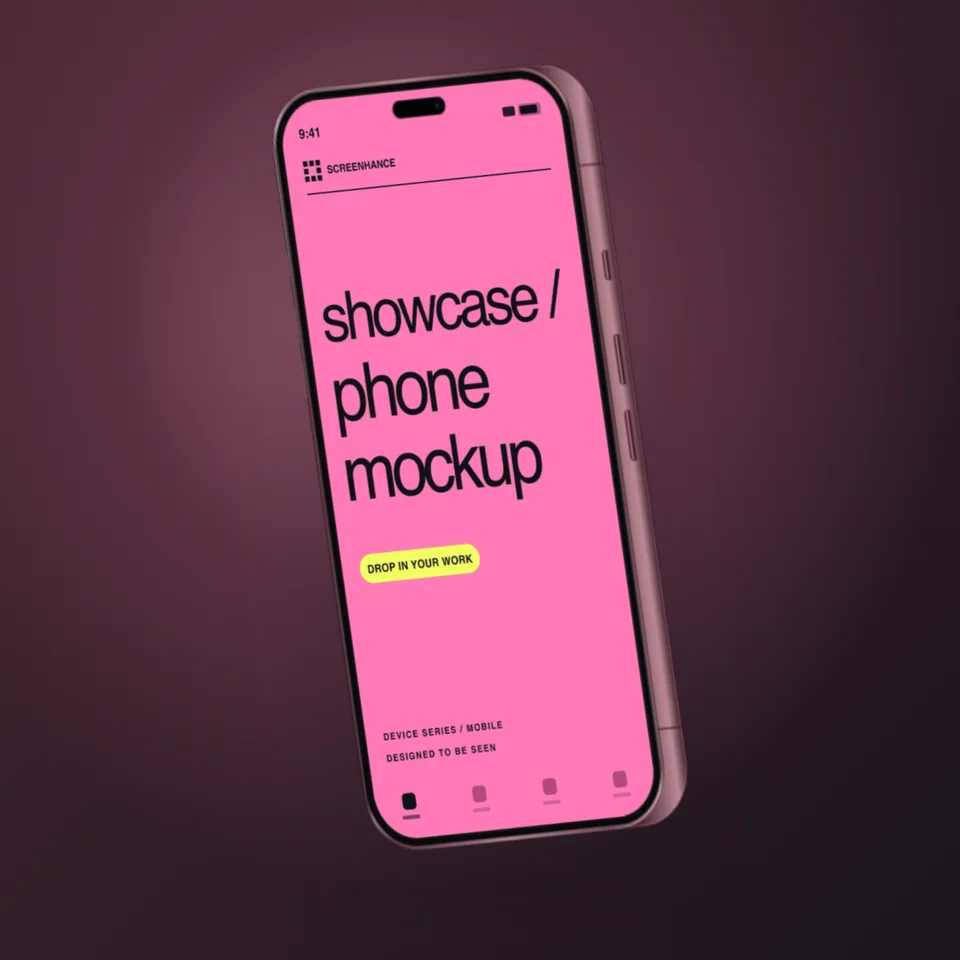
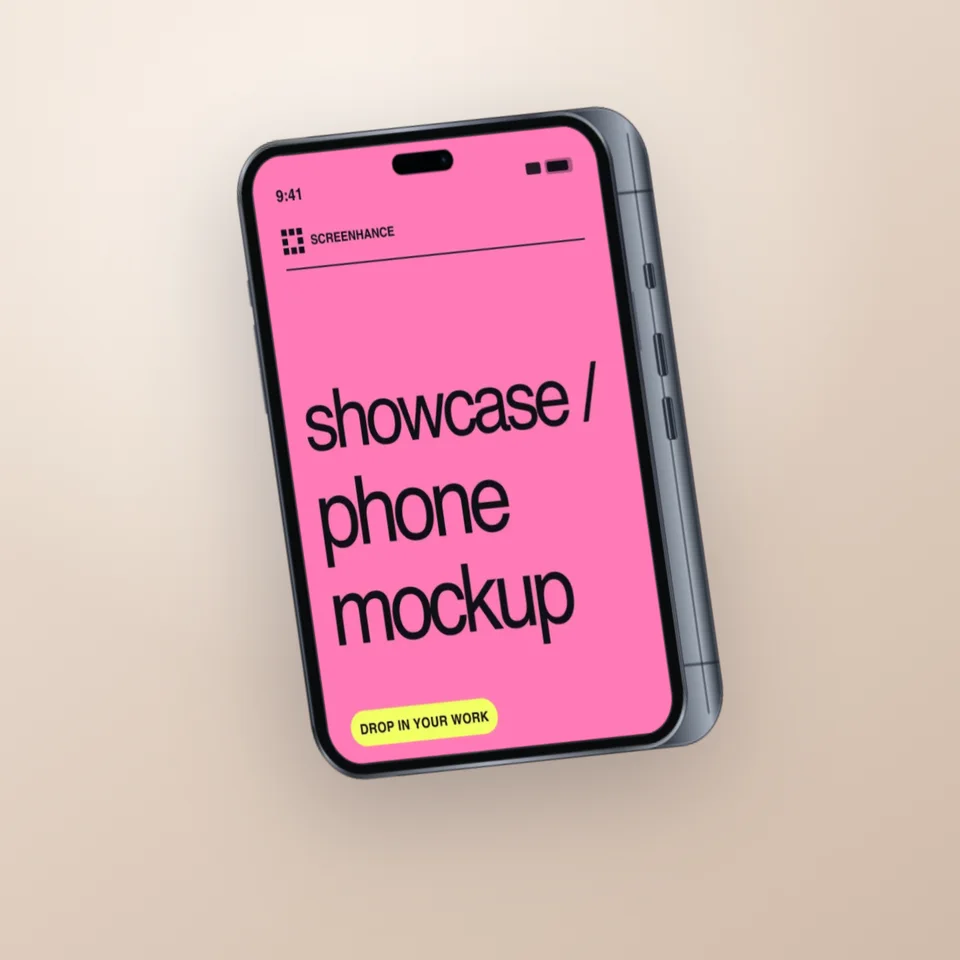
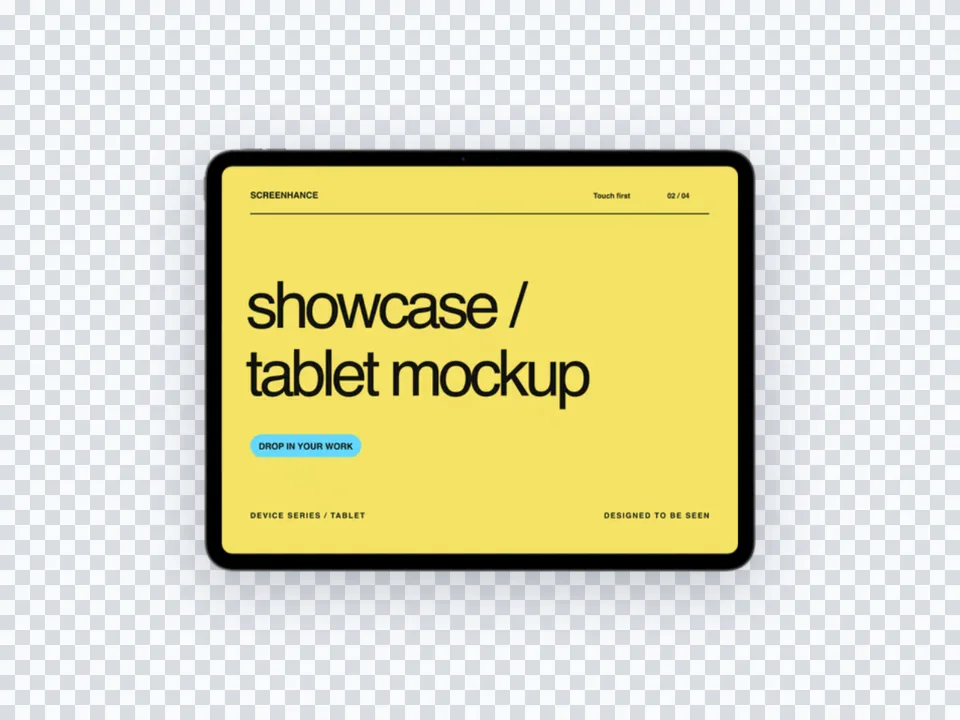
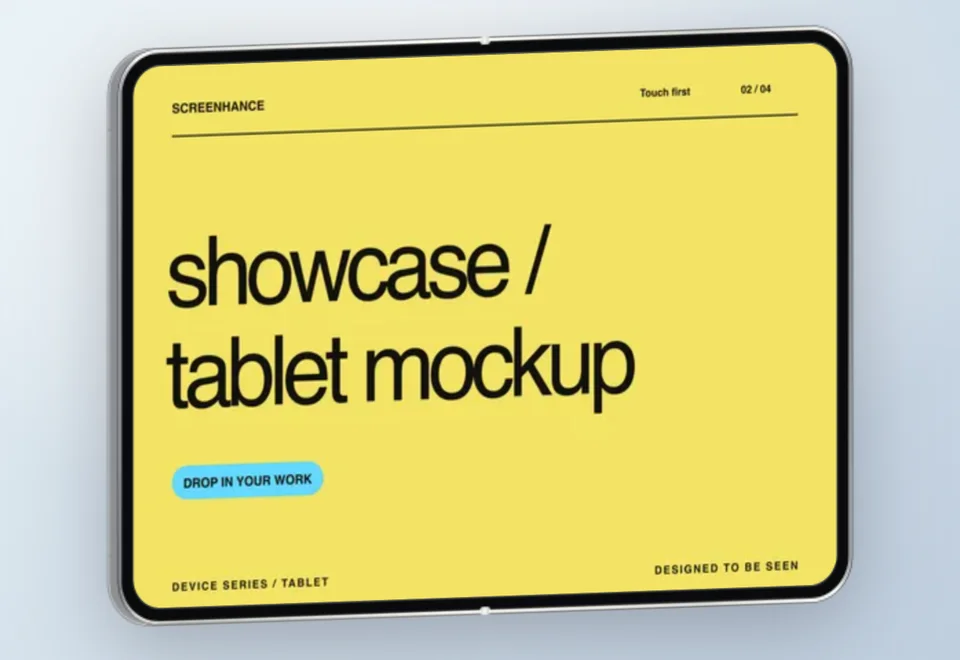
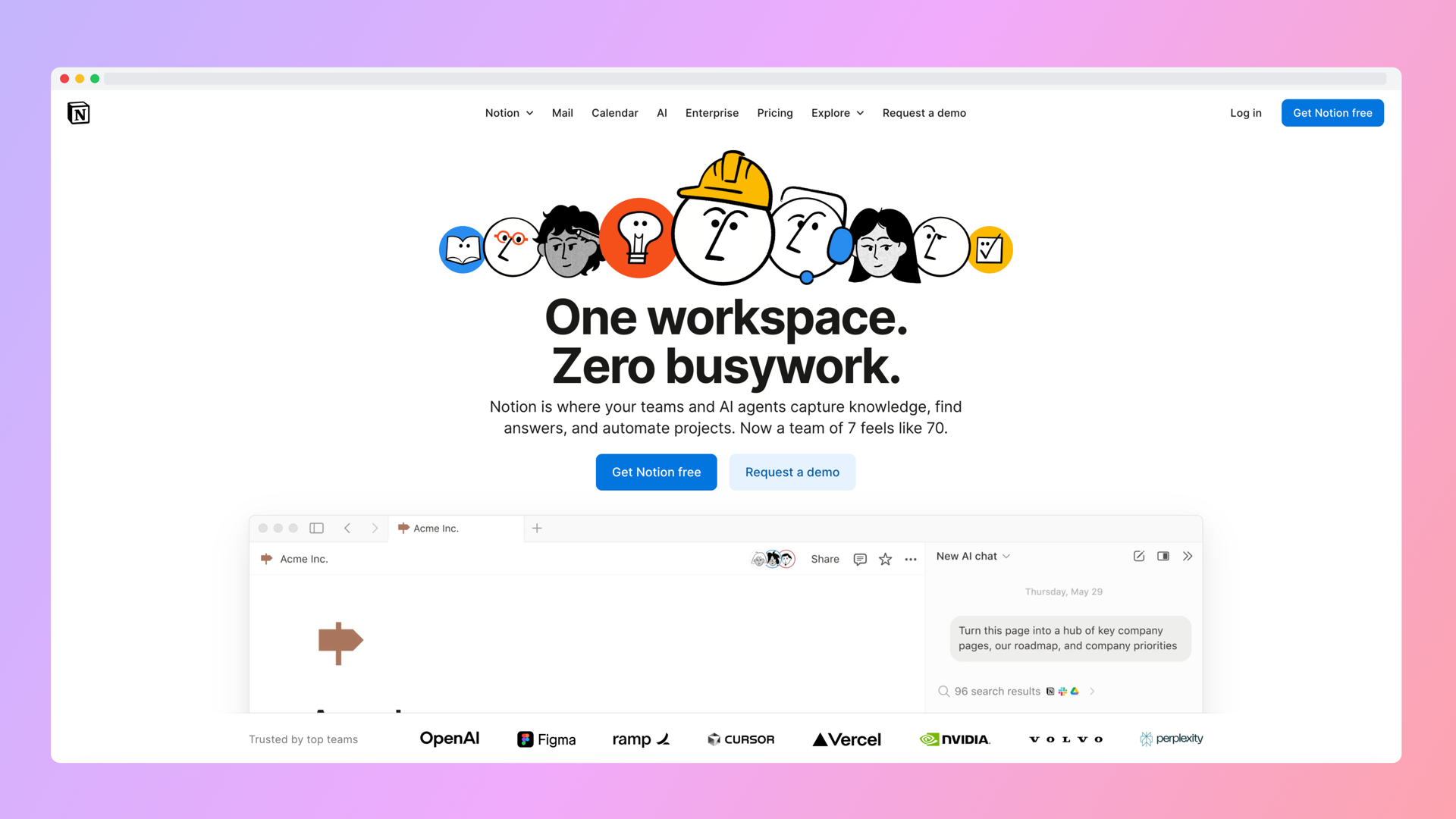
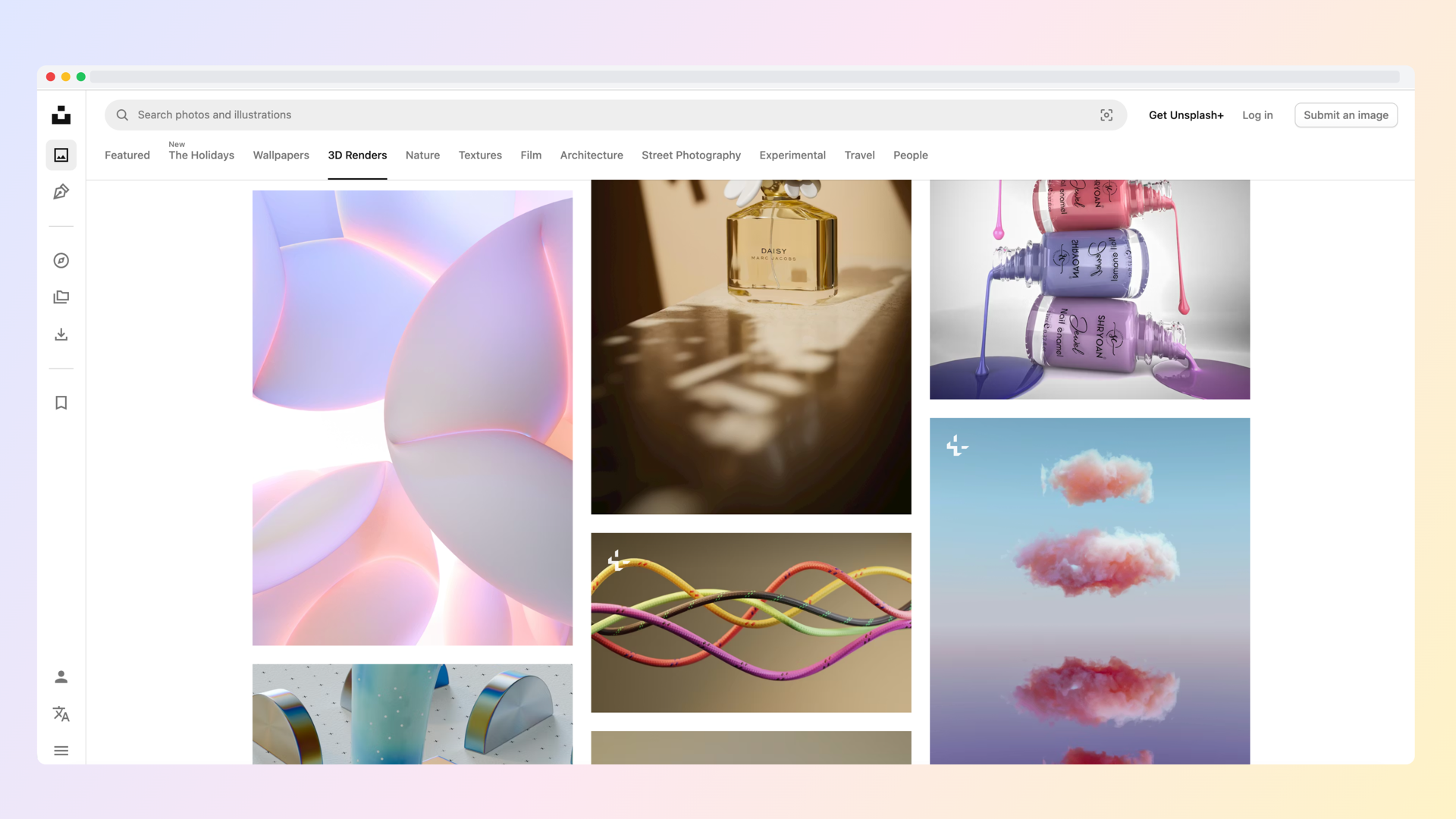
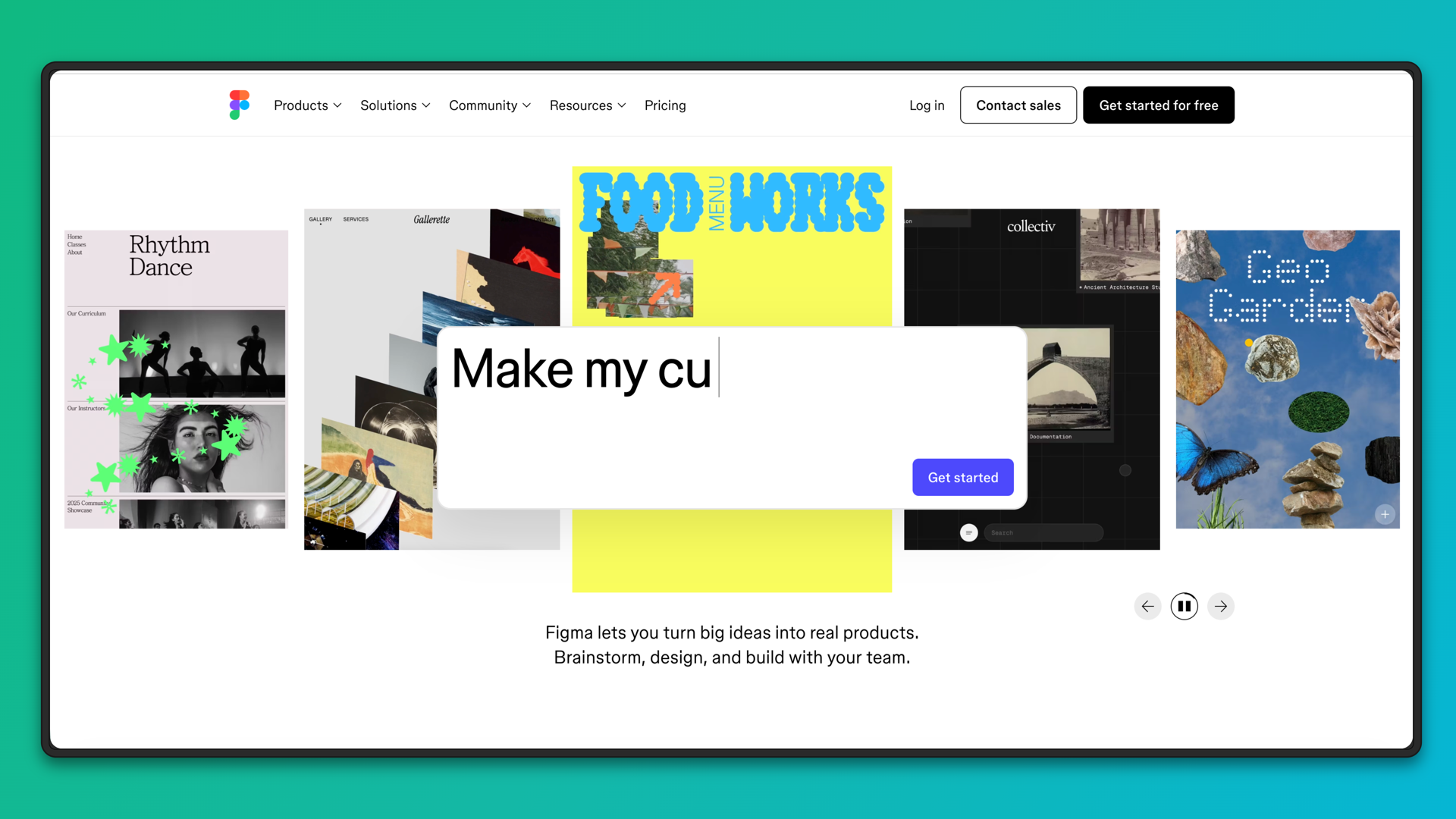
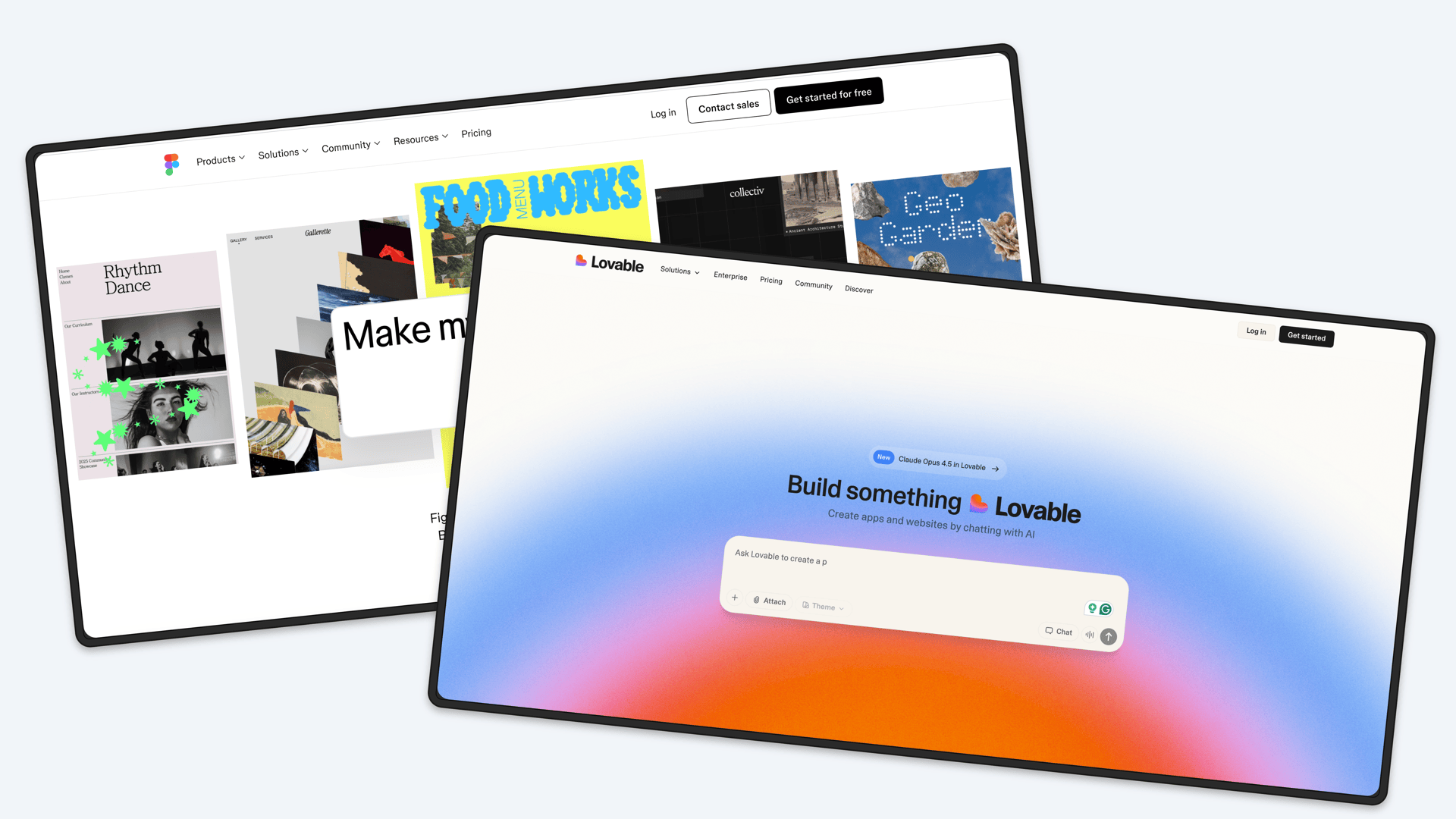
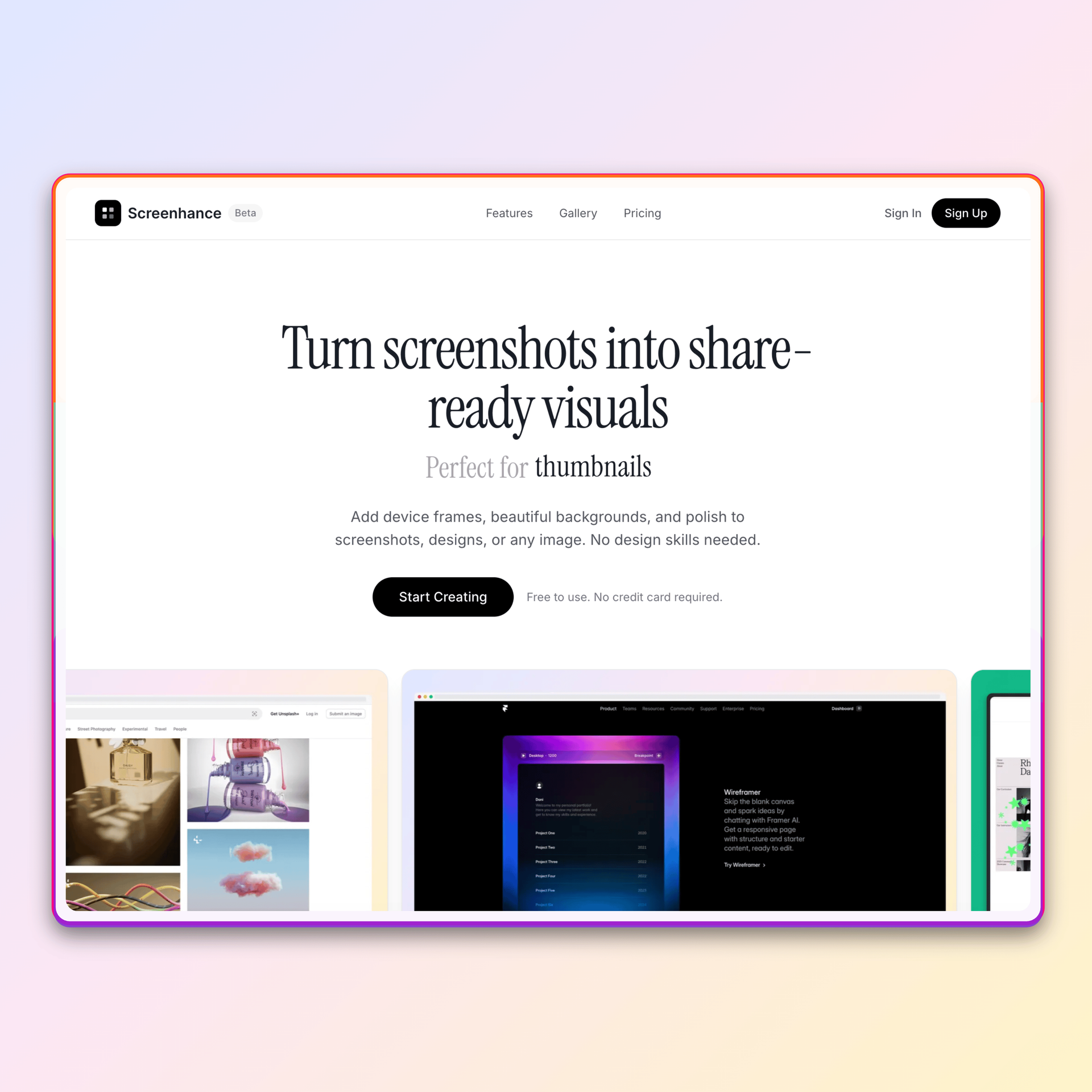
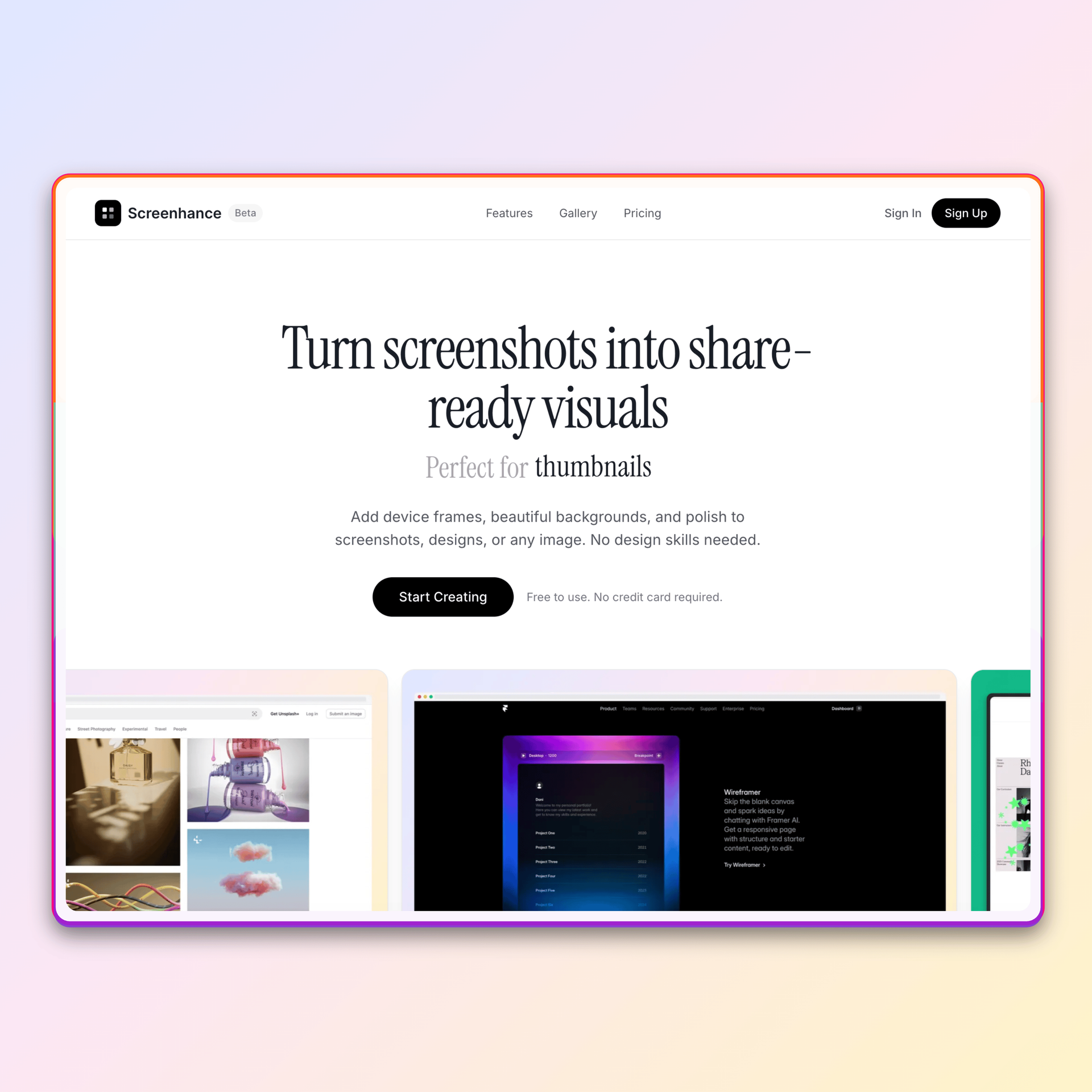
Keep the original screenshots, brand colors and type choices when moving between tools. A downloaded image or video does not preserve its editable project layers. Upload those source assets to Screenhance and rebuild only the compositions you intend to edit or reuse.
Match the existing direction with Screenhance background controls, saved brand settings, text styling, frames, and uploads. Then keep the result editable rather than treating the migration as another flat export.
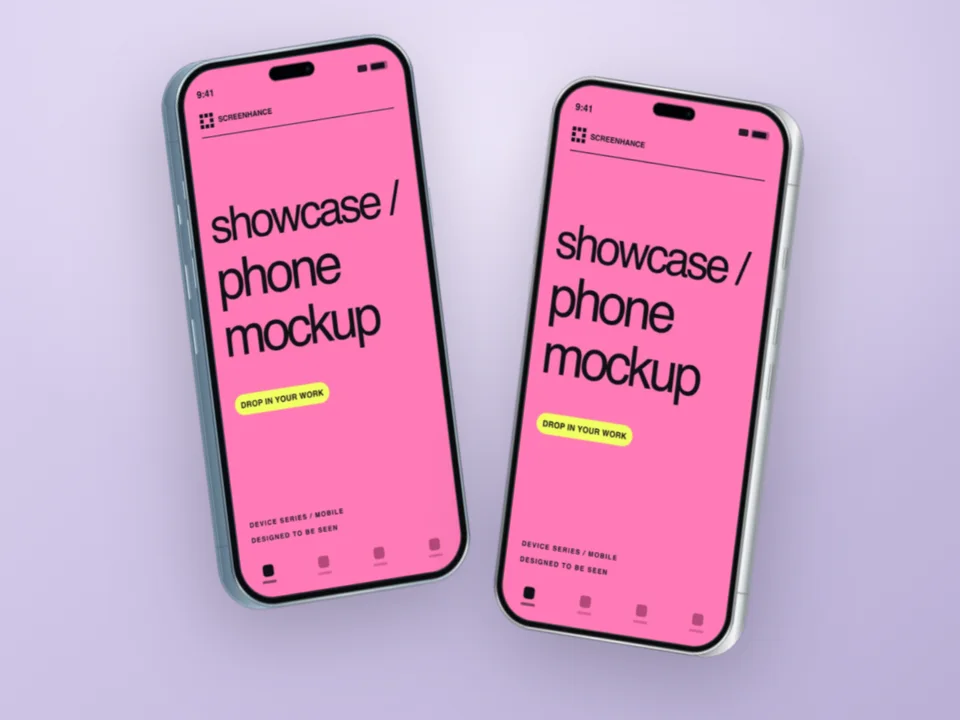
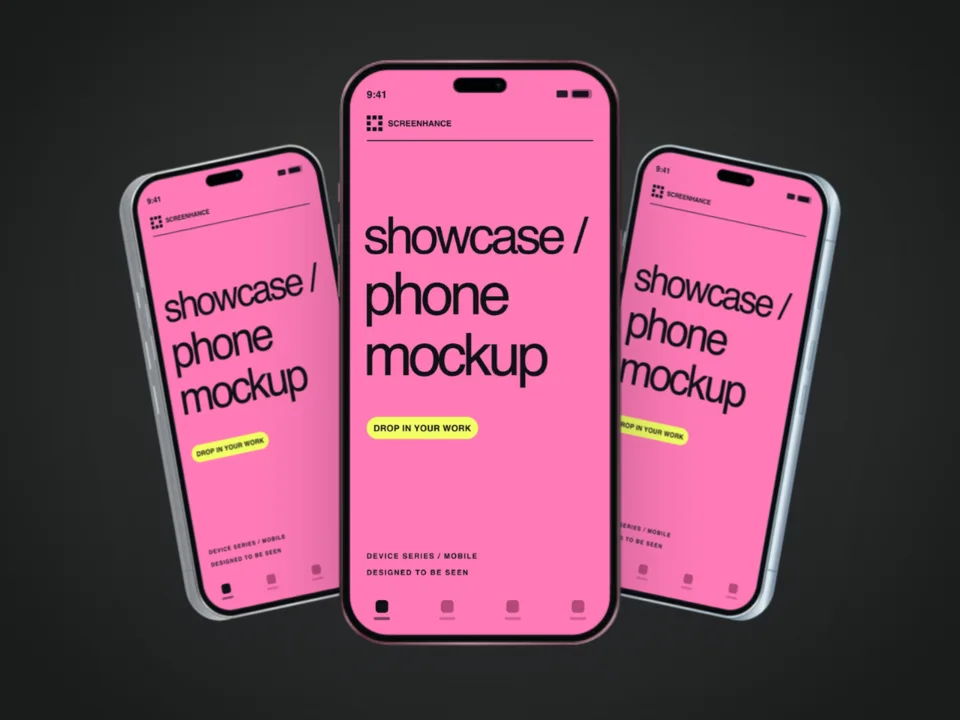
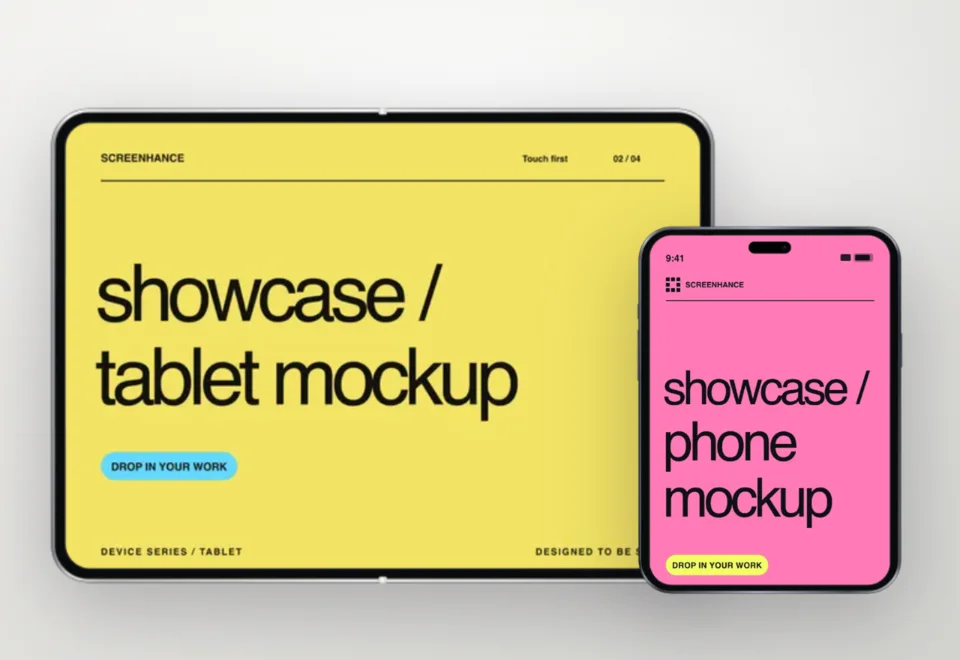
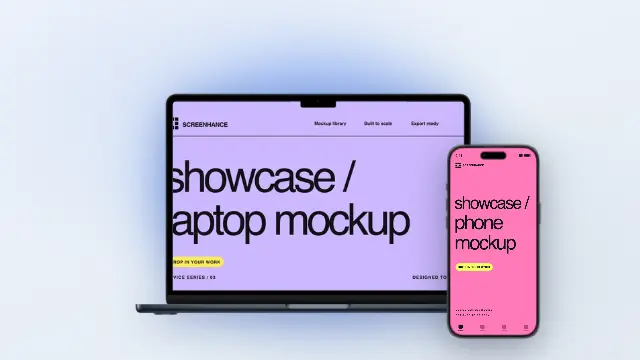
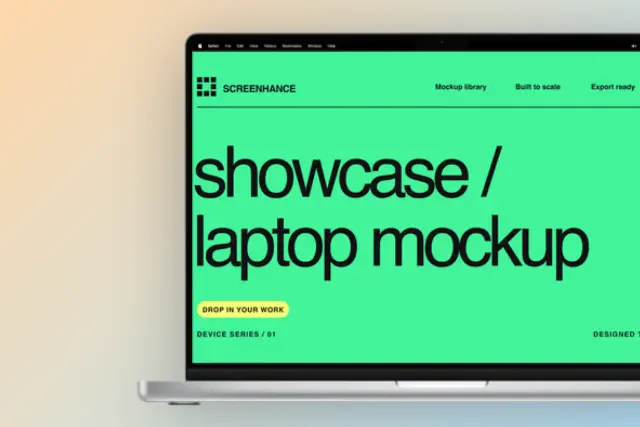
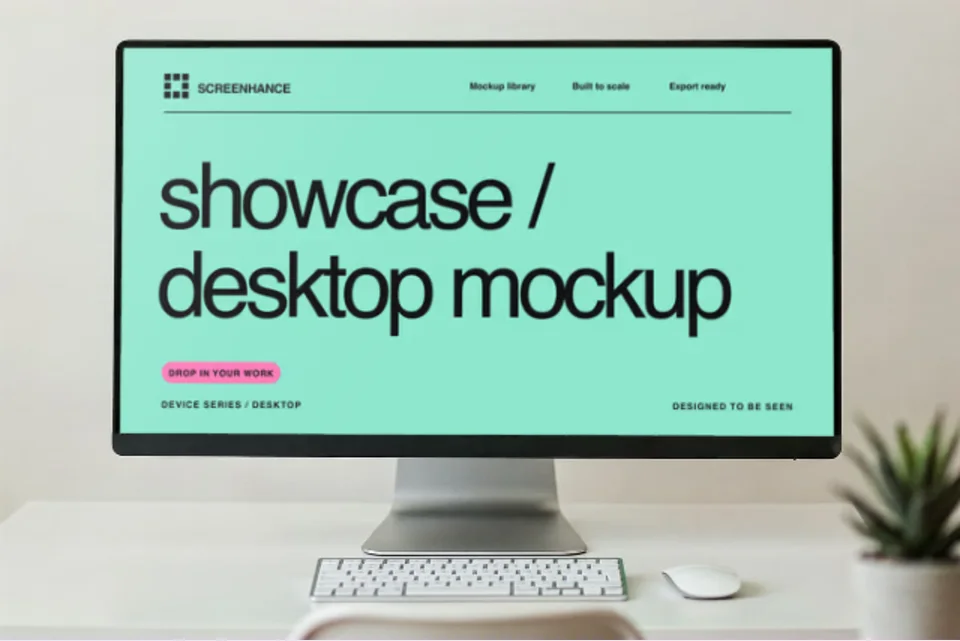
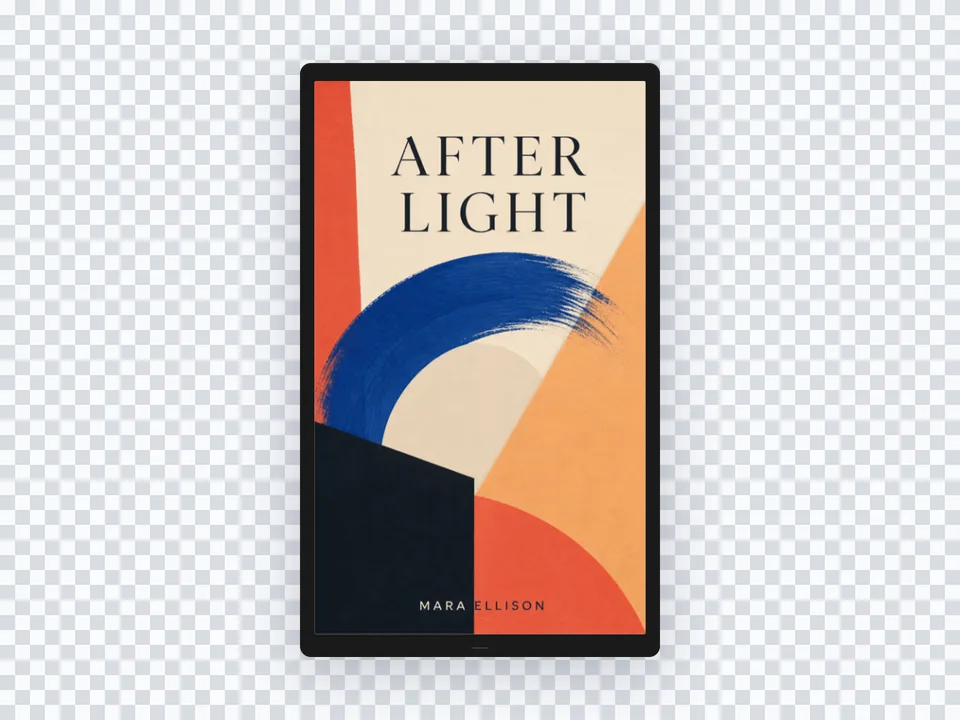
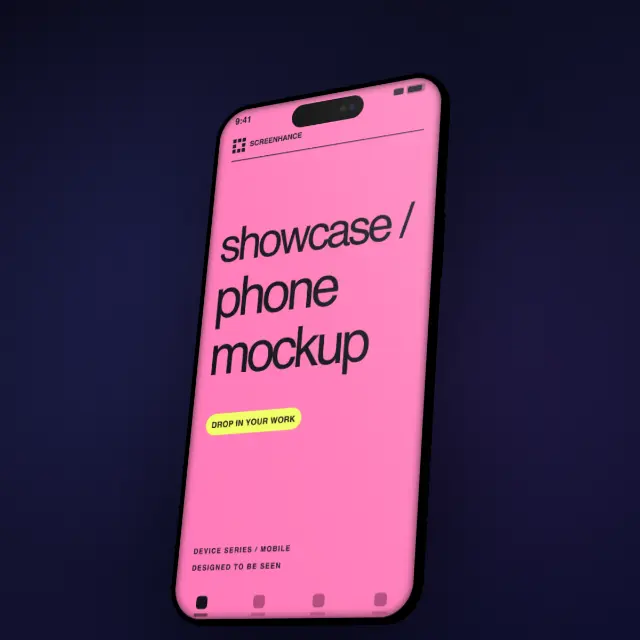
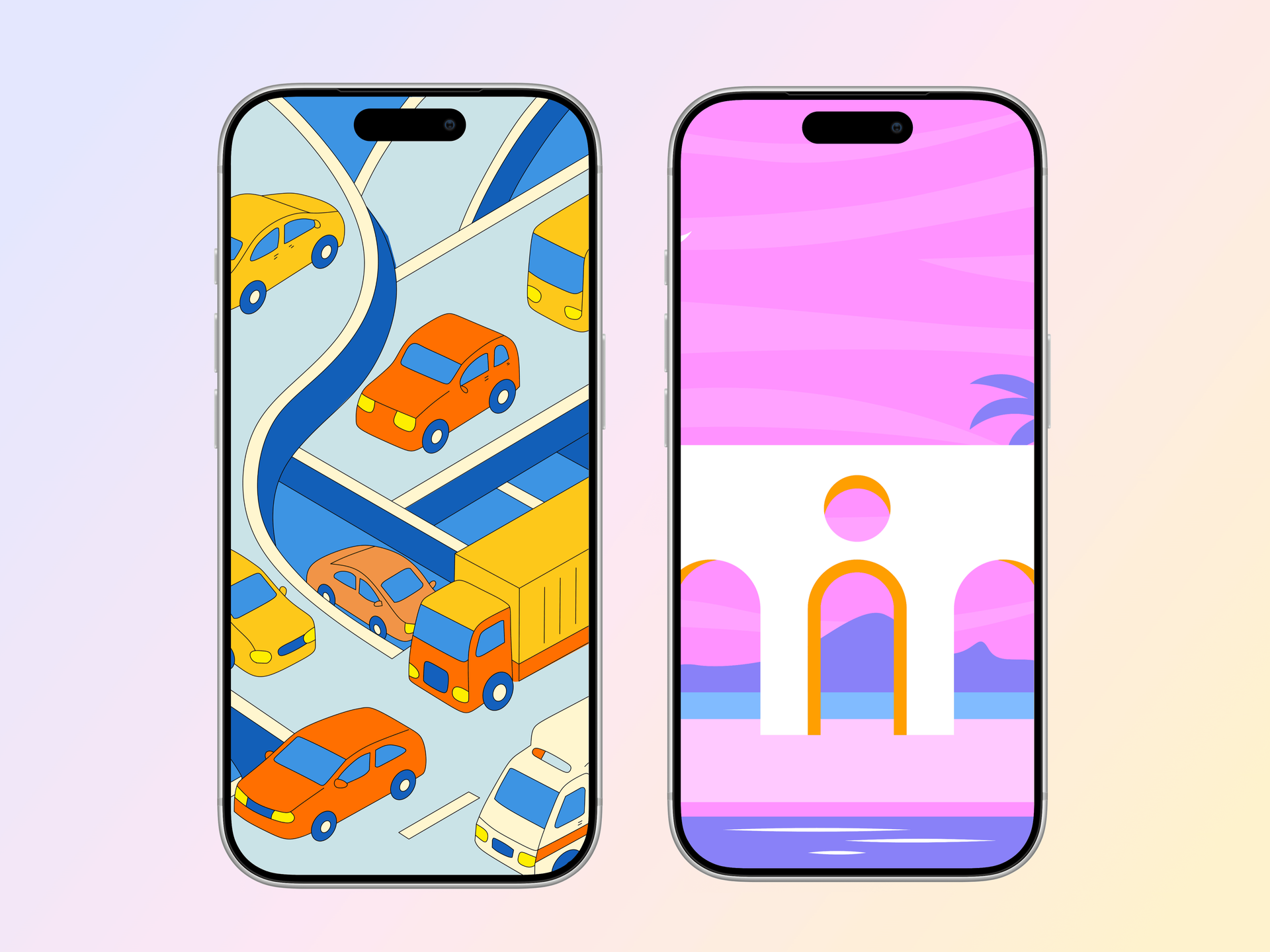
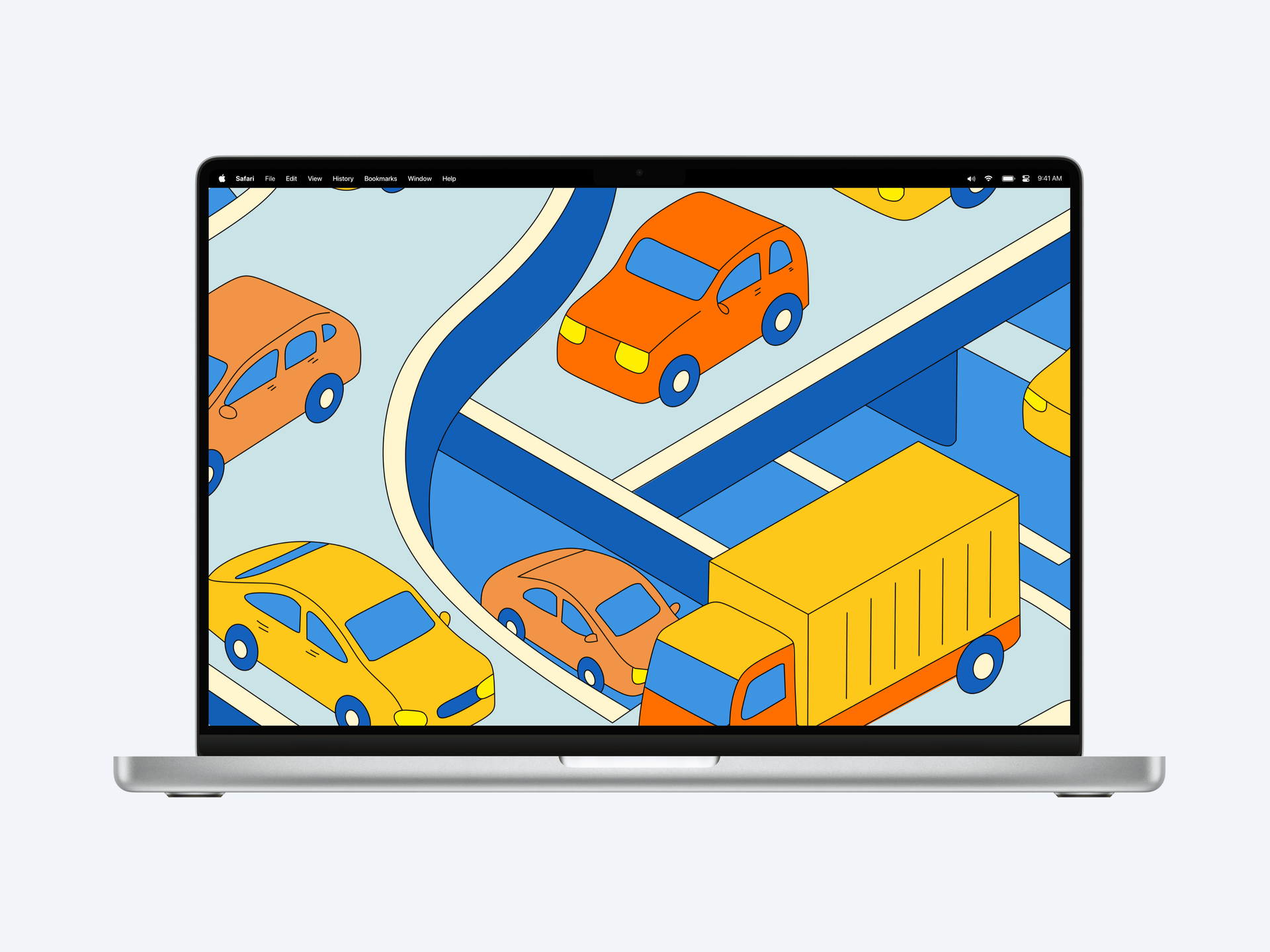
Once the core composition is rebuilt, extend it across device and stylized frames, photorealistic scenes, editable visual templates, store sets, launch galleries, motion, Launch Kit, and Studio video without migrating again for each destination.
One rule worth following: do not re-export the assets you have already shipped just to make them “consistent.” Replacing a live OG image or a Product Hunt gallery panel mid-campaign creates a worse problem than the original visual mismatch — cache invalidation, broken social previews, and a half-launched campaign that suddenly looks like it changed direction. Lock the assets that are live and use the new tool for the new work. Migration is forward-only.

%2FOlivia%20Rhye.webp&w=64&q=75)
%2FPhoenix%20Baker.webp&w=64&q=75)
%2FLana%20Steiner.webp&w=64&q=75)
%2FDemi%20Wilkinson.webp&w=64&q=75)
%2FDrew%20Cano.webp&w=64&q=75)