Use Cases
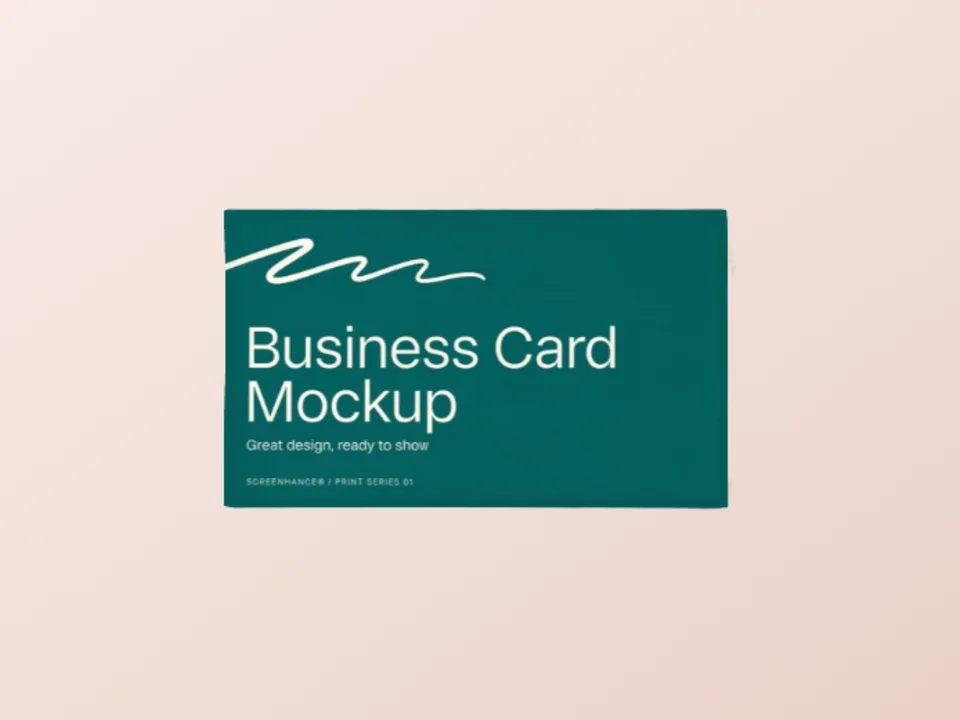
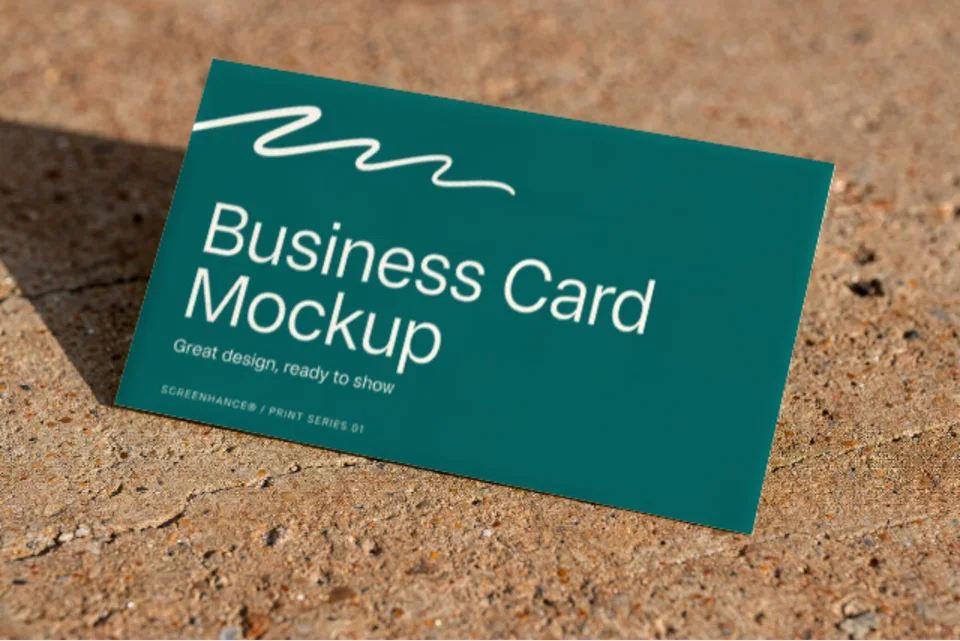
Put your card design on real card stock, shot from above on textured concrete. Upload, export, done. Free, in the browser, no Photoshop and no PSD smart object.
Loved by 2,000+ creators
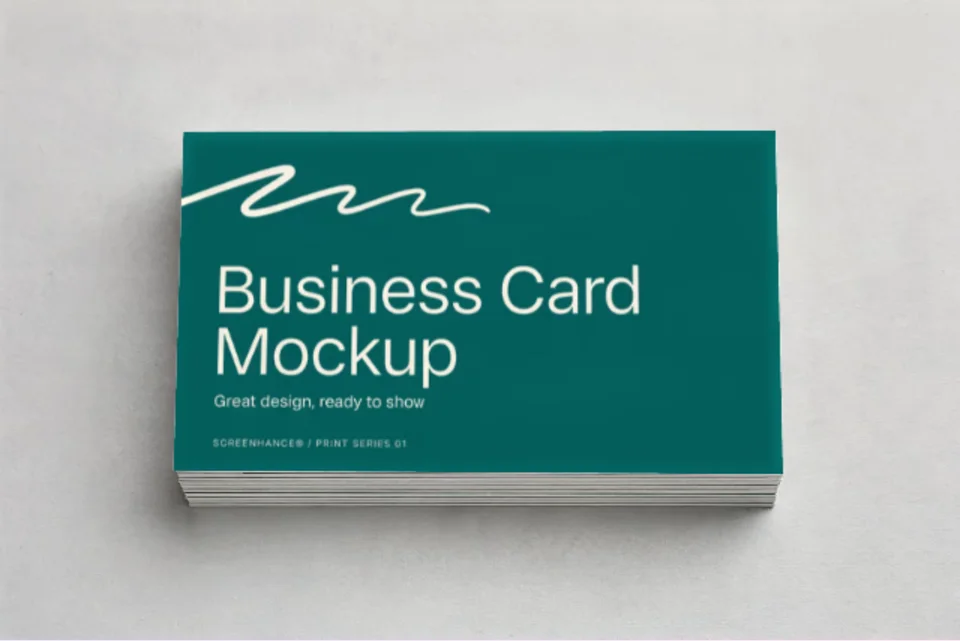
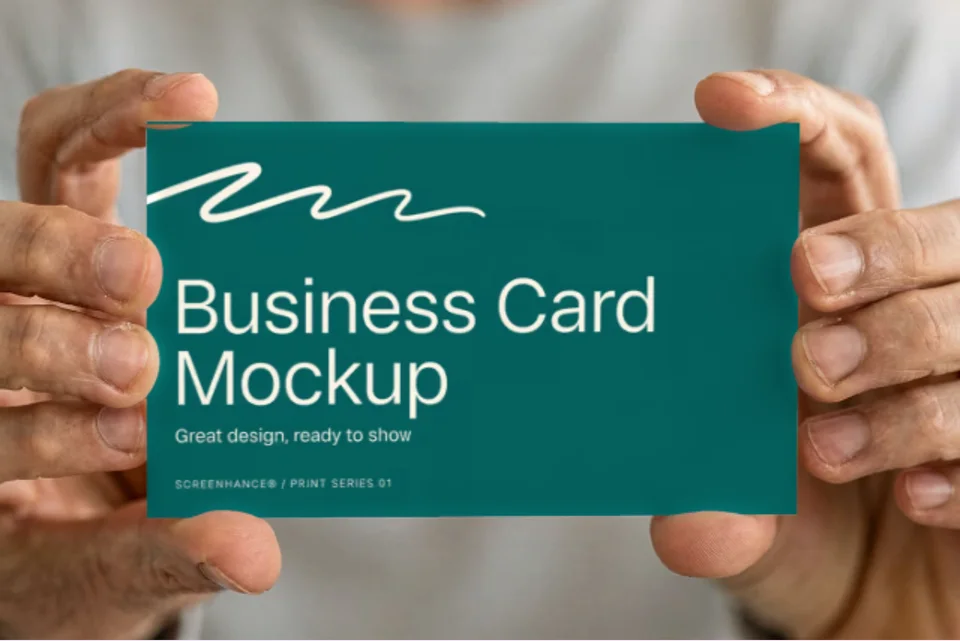
Real photographs with your design printed onto the stock. Click one to open it in the editor and drop in your artwork.
The card is a photograph, not a vector rectangle. Your design picks up the paper grain and the crisp edge shadow that make a printed card look printed.
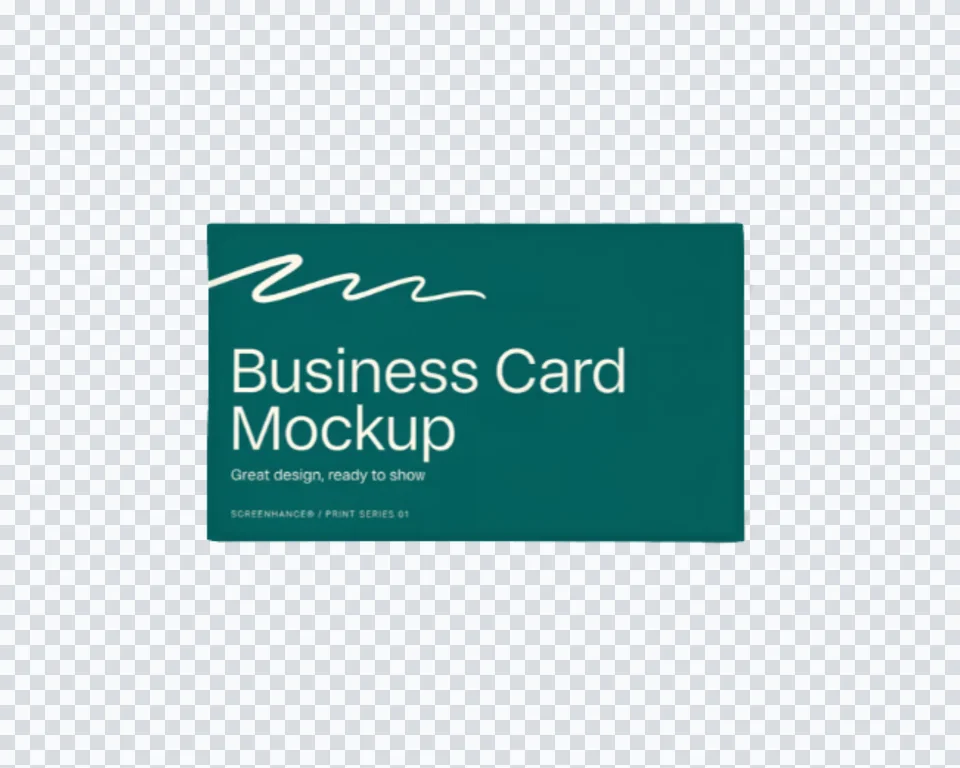
Straight overhead on warm concrete. The standard identity-presentation shot.
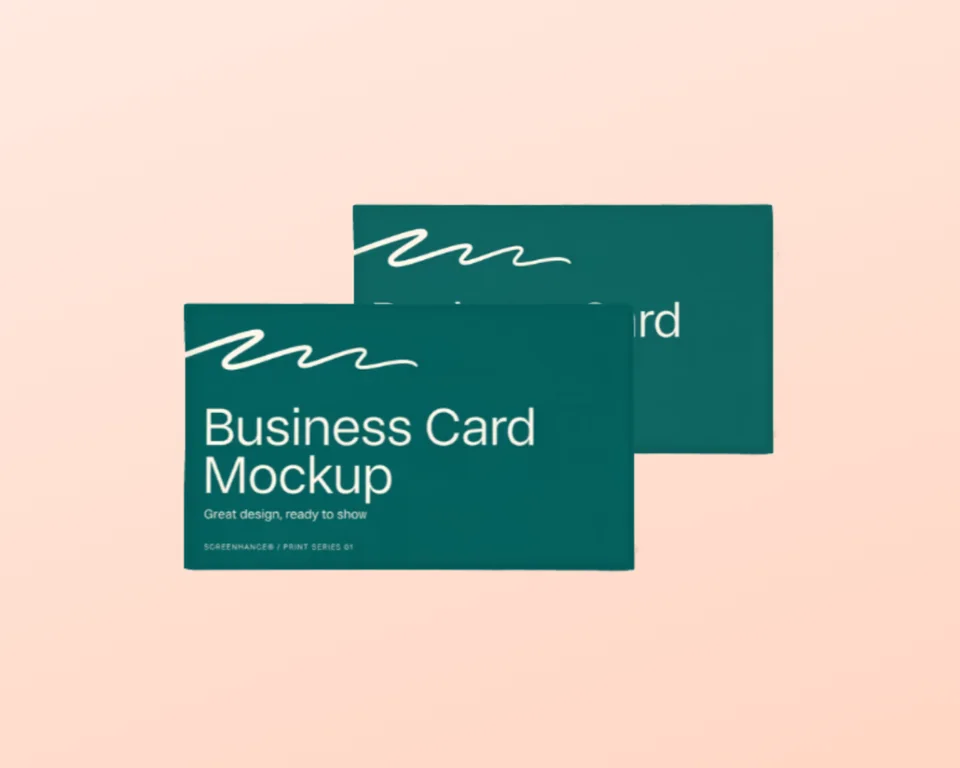
A second card sits beside the first, so a two-sided identity reads naturally.
Built for 3.5x2 inch and 85x55 mm designs, cropped to fit and never stretched.
Create professional mockups in three simple steps. No design skills required.
Drag and drop or select any screenshot, design, or image from your device.
Pick from iPhone, iPad, MacBook, browser frames and beautiful gradient backgrounds.
Download as PNG, WebP, JPEG, GIF, or video. Ready for marketing in seconds.
Two capabilities that separate Screenhance from every other mockup tool in 2026: animated exports and App Store screenshot localization.
Template-driven motion — float, reveal, parallax. Export animated mockups at Product Hunt, landing-page, and Twitter/X dimensions. Most mockup tools are static-only.
One master design, per-locale captions, every required Apple and Google Play size per language. RTL and CJK support. Apple reports localized listings drive 2-3x install lifts.
iPhone 17 Pro Max (1320×2868), iPhone Air (1260×2736), iPad Pro M4 (2064×2752), and the full Google Play set — exported from one design in a single pass.
Pick a template, drop in your screenshot, export. No Figma, no Photoshop, no learning curve. Free tier covers 3 exports a month; the $6 Launch Pass covers a launch with 10 watermark-free image exports.
Present a card in a brand deck without booking a photographer.
Show your own card on a portfolio or about page before it is printed.
Give clients a proof that looks like the finished job, not a flat PDF.
Check a card design in the real world before committing to a print run.
A business card is the first thing most identity presentations show, and a flat rectangle of the artwork undersells it every time. Clients respond to paper: the grain, the weight, the shadow the card throws on the surface underneath it.
Screenhance gets you there without Photoshop. Your design is composited onto a real photographed card, and the surface’s own light is multiplied back over it, so the print sits on the stock instead of hovering above it. Swap the artwork and the mockup updates instantly, which matters when a client asks to see three directions.
The same compositing that prints your card places artwork on a framed poster, a graphic on a t-shirt, a cover on a book, or a screenshot on a phone in someone’s hand. Upload once, present it anywhere.

Upload your card design, open the business card scene, and Screenhance composites it onto a real card photographed from above. The card keeps its own paper texture and edge shadow. Export a high-resolution PNG.
Yes. You can create and preview business card mockups for free, with a small watermark on free exports. Every scene is included on the free plan. Pro just removes the watermark, starting at a $6 one-time week pass.
Yes. The scene uses a standard landscape card, and your upload is centre-cropped to fit rather than stretched, so a 3.5x2 inch or 85x55 mm design sits correctly without distortion.
Yes. Export the front from one scene and the back from another, then place them side by side. The flat lay, the stack, the angled shot and the held card all read as the same identity, so a two-sided card presents naturally across a spread.
No. Stationery mockups are usually PSD smart objects that need Photoshop. Screenhance composites in the browser and shows your real card design immediately, with nothing to install.
Yes. Exports are yours to use in brand presentations, portfolios, and proposals. Every export is your own design composited onto a licensed scene.
Explore more ways to create stunning visuals with Screenhance.
Turn any website into a framed mockup
Try it freeEdit, annotate, and reframe screenshots
Try it freeEvery launch visual from one brief: App Store, Product Hunt, OG, and website
Try it freeYour artwork as a stretched canvas or framed print on a wall
Try it freeYour design on a real canvas tote
Try it freeYour logo on a real baseball cap
Try it freeUpload your card design and export a photorealistic mockup in under a minute.