Use Cases
Put your design on a real brochure. Upload your artwork, pick a bi-fold, a flyer or a menu, and export a print-ready presentation image. Free, in the browser, no Photoshop.
Loved by 2,000+ creators
Real photographs with your design printed onto the paper. Click one to open it in the editor and drop in your artwork.
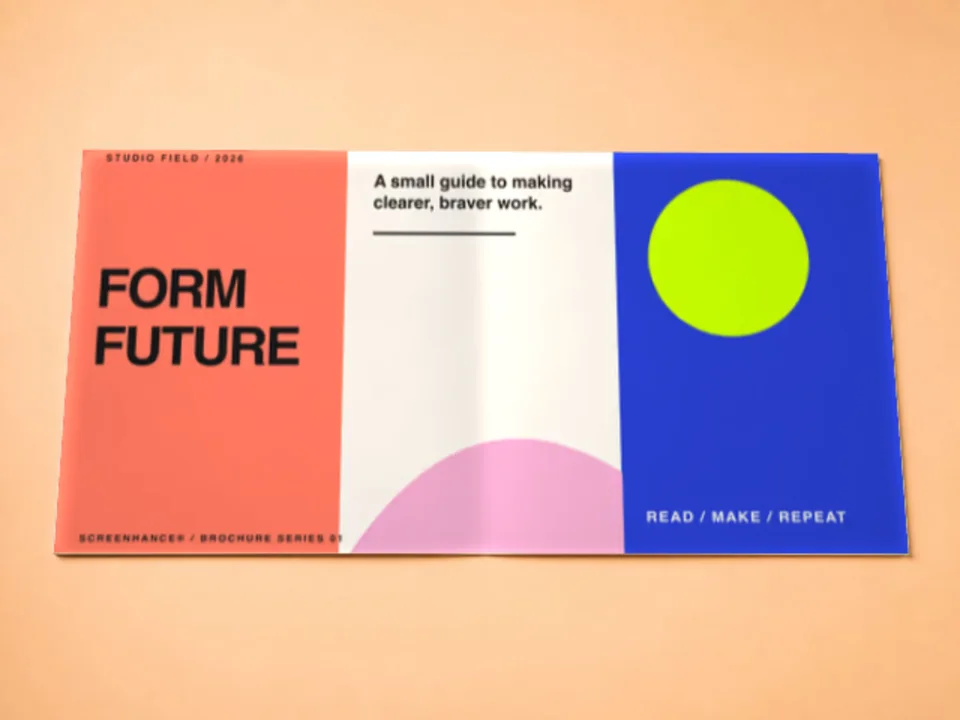
Each is a real photograph, so your artwork inherits the paper’s fold shadows and surface light rather than sitting flat on top of the image.
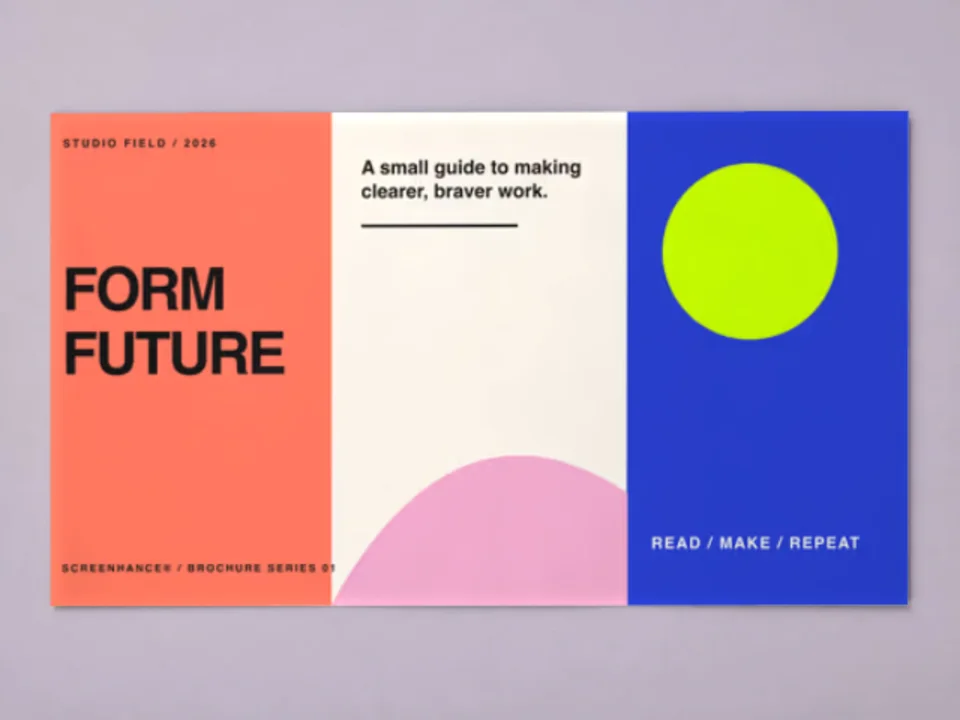
Two inner panels with a natural fold shadow down the centre. The standard brochure shot.
Two inner pages with a soft centre fold, for a simpler leaflet.
A flyer flat lay, a flyer in hand, and a menu standing on a cafe table.
Create professional mockups in three simple steps. No design skills required.
Drag and drop or select any screenshot, design, or image from your device.
Pick from iPhone, iPad, MacBook, browser frames and beautiful gradient backgrounds.
Download as PNG, WebP, JPEG, GIF, or video. Ready for marketing in seconds.
Two capabilities that separate Screenhance from every other mockup tool in 2026: animated exports and App Store screenshot localization.
Template-driven motion — float, reveal, parallax. Export animated mockups at Product Hunt, landing-page, and Twitter/X dimensions. Most mockup tools are static-only.
One master design, per-locale captions, every required Apple and Google Play size per language. RTL and CJK support. Apple reports localized listings drive 2-3x install lifts.
iPhone 17 Pro Max (1320×2868), iPhone Air (1260×2736), iPad Pro M4 (2064×2752), and the full Google Play set — exported from one design in a single pass.
Pick a template, drop in your screenshot, export. No Figma, no Photoshop, no learning curve. Free tier covers 3 exports a month; the $6 Launch Pass covers a launch with 10 watermark-free image exports.
Present a folded piece without a mock-up print run.
Show collateral in context inside a client deck.
Preview a menu or an event leaflet before printing.
Give clients a proof that reads as the finished job.
Folded print is the hardest thing to present as a flat file. A folded piece exported as flat rectangles tells a client nothing about how it opens or how the panels read in sequence.
Screenhance composites in the browser. Your artwork is placed into the panel area of a real photograph and the paper’s own fold shadows are multiplied back over it, so the print behaves like paper.
If the piece does not fold, you probably want a neighbouring page. Flyer mockups cover a single unfolded A4 or A5 sheet, flat or held in the hand, and menu mockups put a card on a cafe table.
The same compositing works across every surface: a magazine, a poster, a business card, or product packaging. Upload once, present it anywhere.
Upload your artwork, pick a brochure scene, and Screenhance composites it onto the panels of a real photograph, keeping the natural fold shadows. Export a high-resolution PNG.
Yes. You can create and preview brochure mockups for free, with a small watermark on free exports. Every scene is included on the free plan. Pro just removes the watermark, starting at a $6 one-time week pass.
The bi-fold is what ships today. It opens to two inner panels presented as one artwork area, with the fold shadow falling naturally down the centre of your design. A tri-fold scene is not in the library yet, so if you need three panels shown folded, this is not the tool for it right now.
Yes, and both have their own dedicated scenes. A flyer is a single unfolded sheet, so the flyer mockup generator has a flat lay and a held-in-hand shot. A menu card standing on a cafe table lives on the menu mockup generator. Use this page when the piece folds, because the fold shadow across the panels is what makes a brochure read as a brochure.
No. Most brochure mockups online are PSD smart objects that need Photoshop. Screenhance composites in the browser and shows your real design immediately, with nothing to install.
Yes. Exports are yours to use in client presentations, proofs, and portfolios. Every export is your own design composited onto a licensed scene.
Explore more ways to create stunning visuals with Screenhance.
Android-ready Google Play visuals
Try it freeTurn any website into a framed mockup
Try it freeEdit, annotate, and reframe screenshots
Try it freeLatest iPhone 16 and 16 Pro frames
Try it freeShowcase websites in MacBook frames
Try it freeSeries 11 frames for watchOS apps
Try it freeUpload your artwork and export a photorealistic brochure mockup in under a minute.