Use Cases
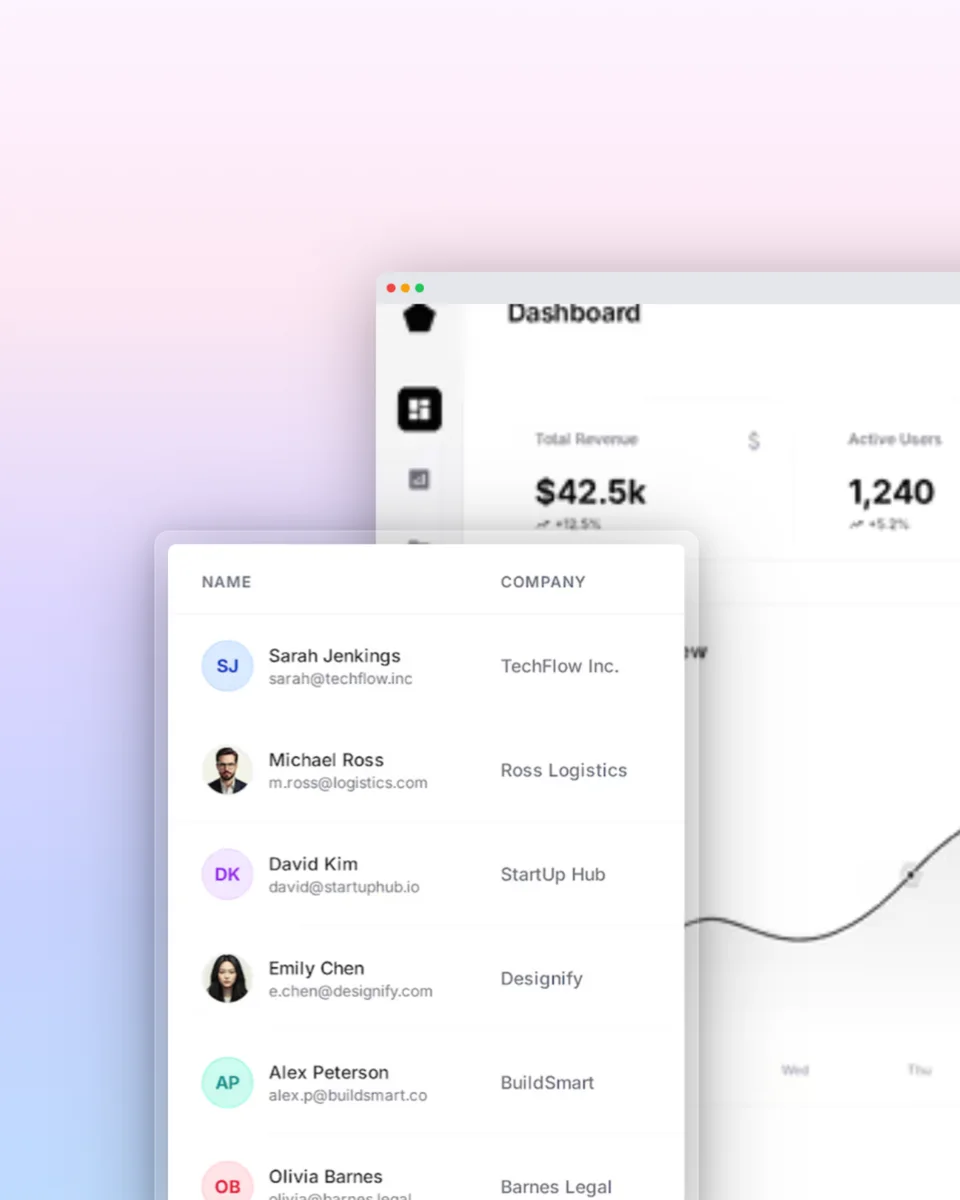
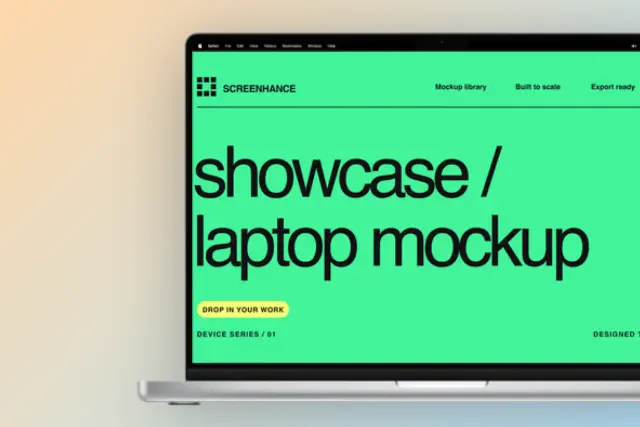
Create polished product visuals for your startup. From landing pages to pitch decks to social media — one tool for every screenshot your SaaS needs.
Loved by 2,000+ creators
Professional templates for landing pages, social media, and marketing. Pick one and customize in minutes.
One tool, every format. Create all the product visuals your startup needs from a single workflow.
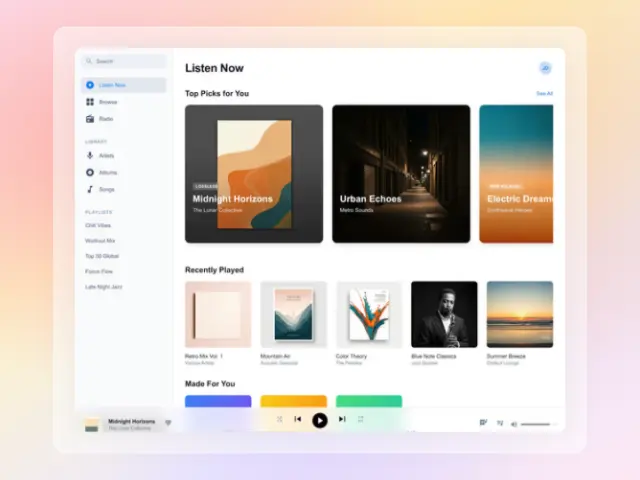
Full-width product screenshots in device frames for your above-the-fold section. The most important visual on your entire site.
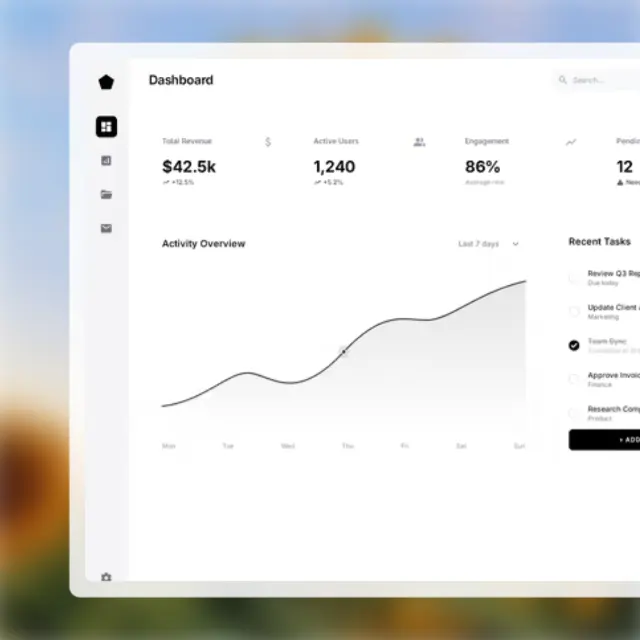
Focused screenshots highlighting individual features. Perfect for alternating layouts and feature grid sections.
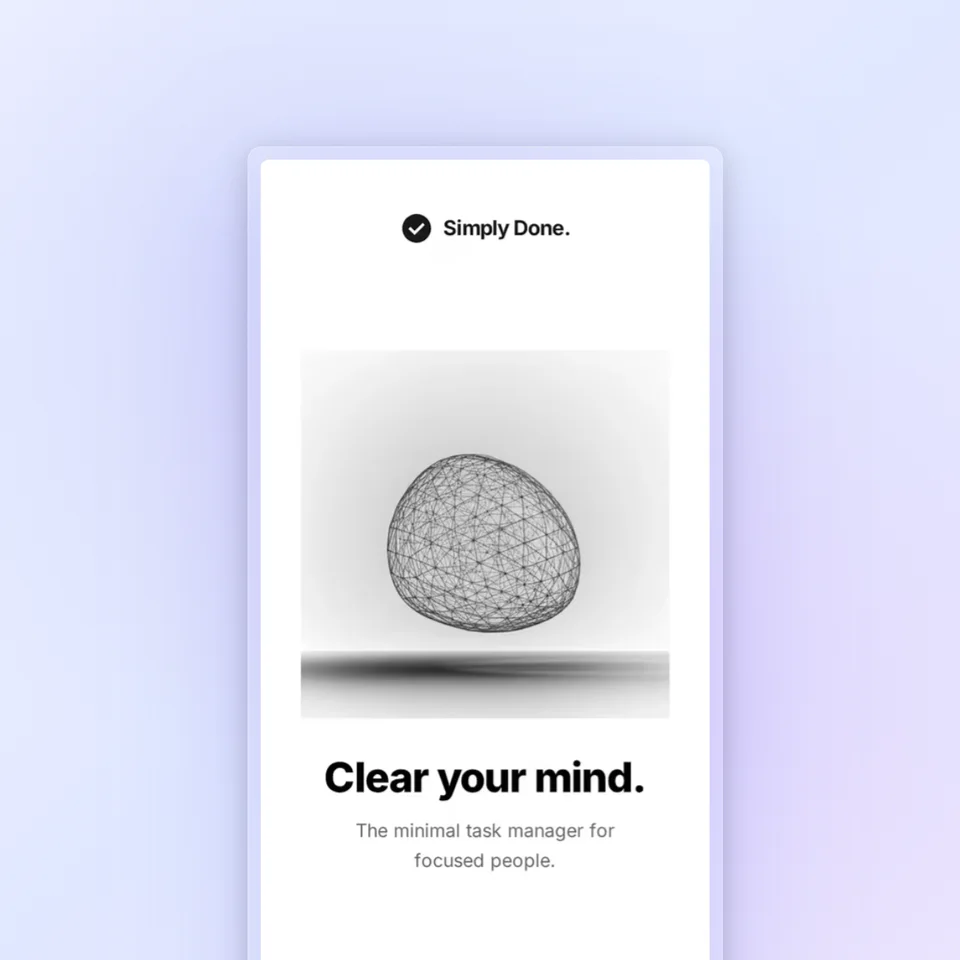
Eye-catching product visuals for Twitter, LinkedIn, and Instagram. Stand out in crowded feeds with polished mockups.
Professional product mockups that impress investors. Show what you've built with device frames and clean backgrounds.
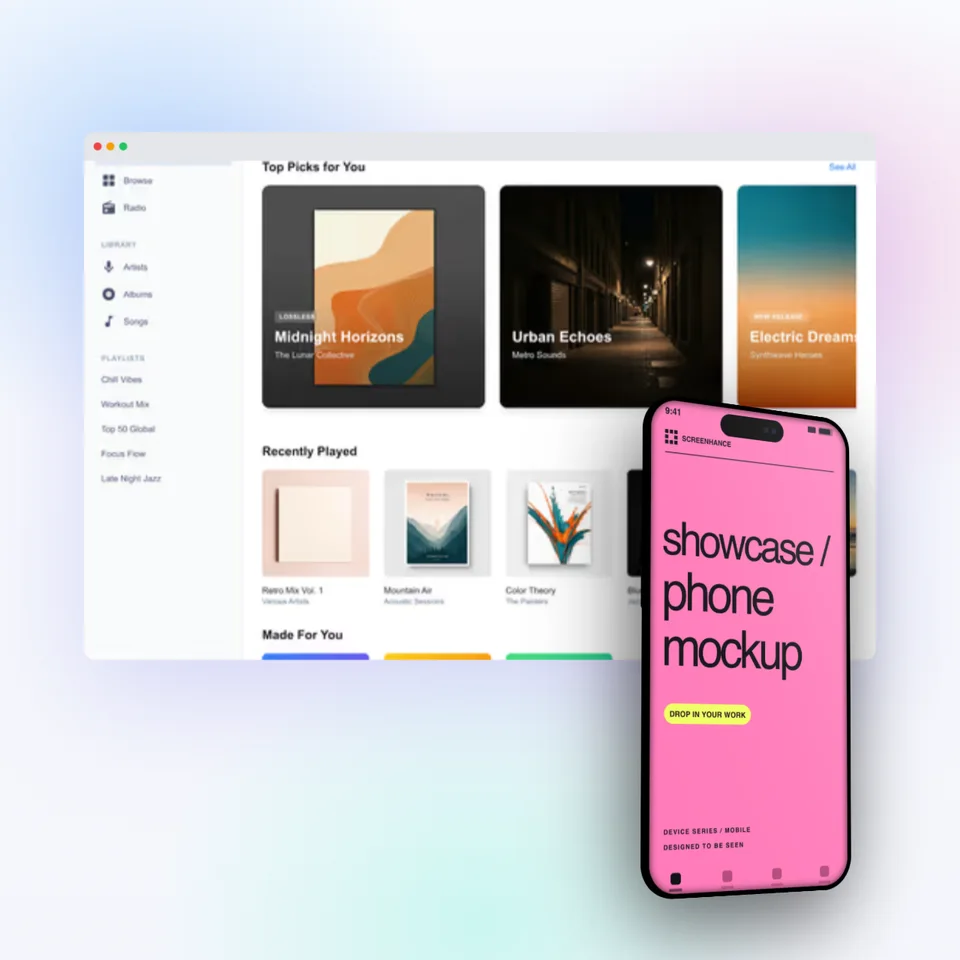
Device-framed screenshots optimized for the App Store and Google Play. Drive more downloads with polished visuals.
Product screenshots for tutorials, guides, and announcements. Make your content more engaging and shareable.
Built for speed, consistency, and teams without a dedicated designer.
Screenhance is built for founders and marketers. Pick a template, upload your screenshot, and export. Professional results without professional design skills.
Use the same device frames, backgrounds, and color palettes across every visual. Your landing page, pitch deck, and social posts all look like they came from the same brand.
Create a polished product visual in under 2 minutes. No Figma files to manage, no Photoshop layers to wrestle with. Just upload, customize, and export.
Export at any resolution for any platform. Web, social media, app stores, pitch decks — Screenhance handles the sizing and formatting automatically.
Create professional mockups in three simple steps. No design skills required.
Drag and drop or select any screenshot, design, or image from your device.
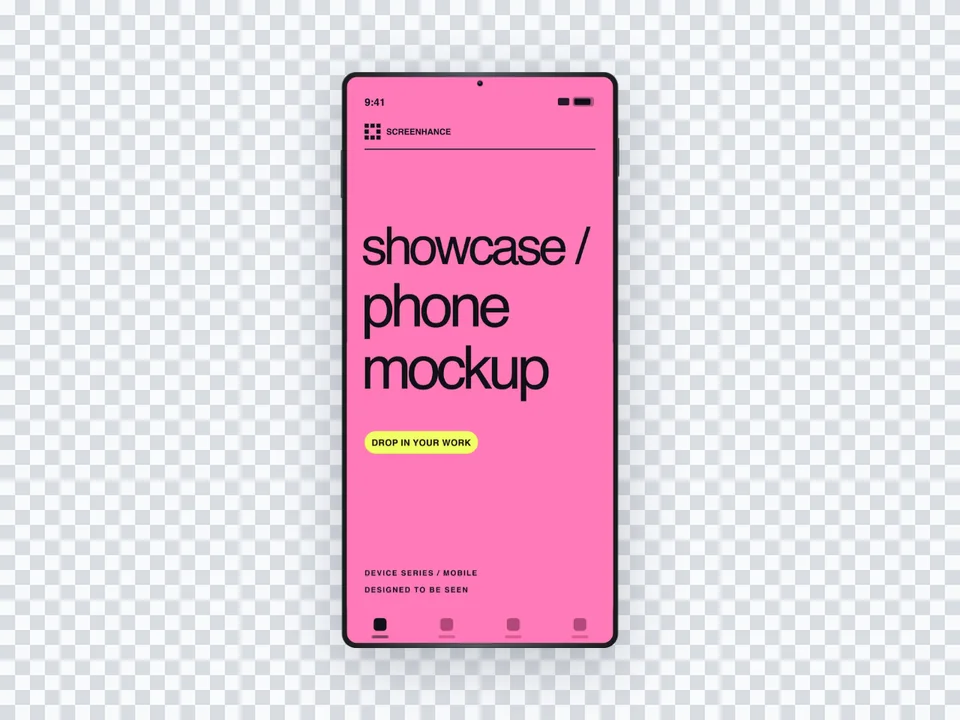
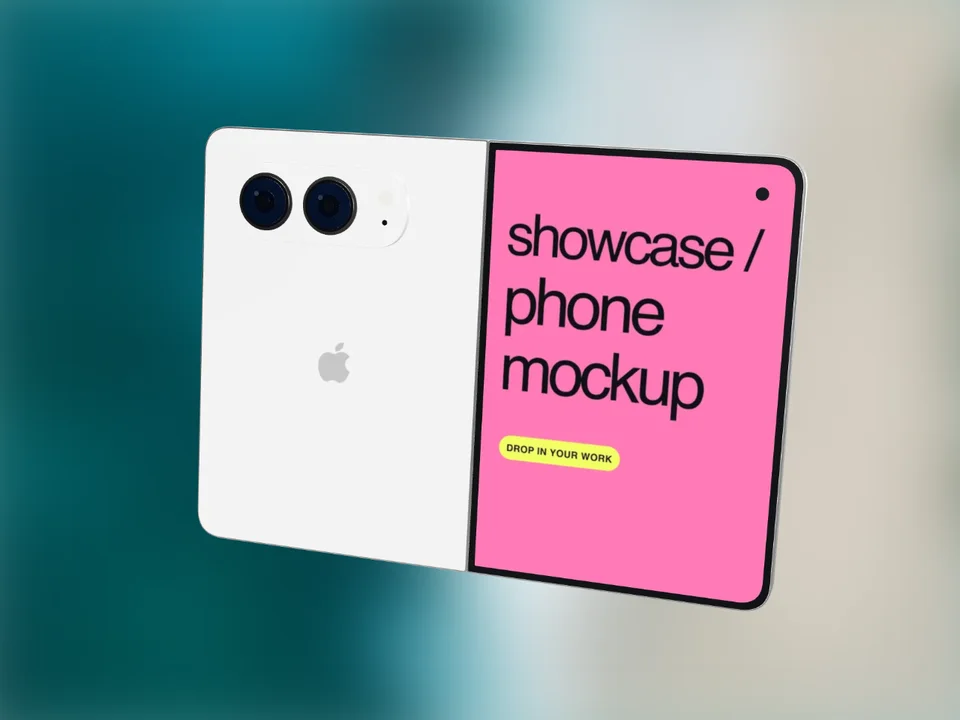
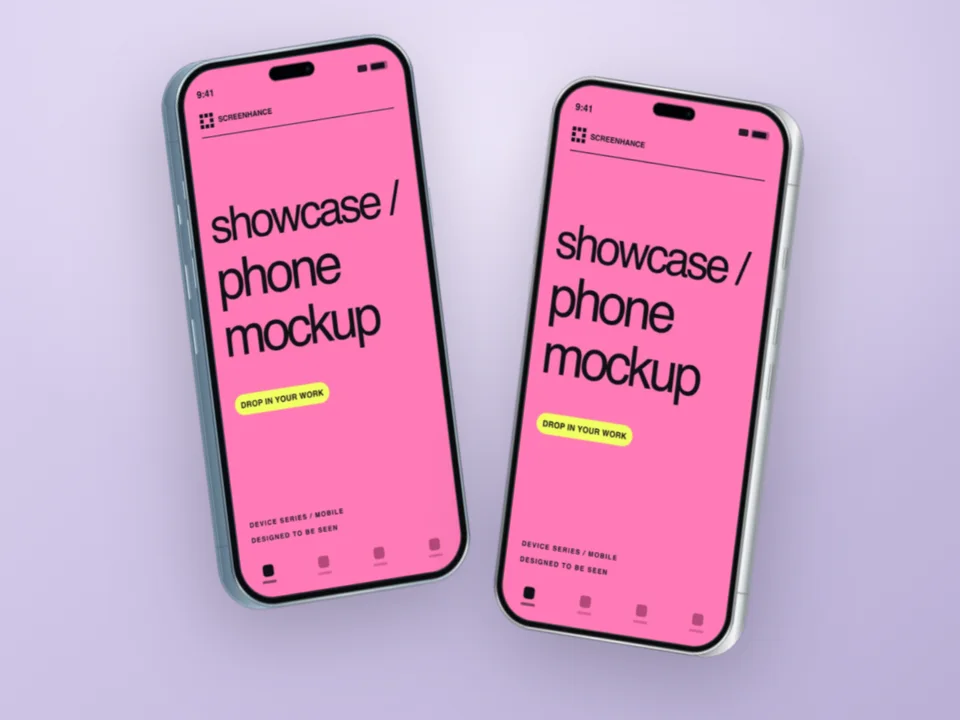
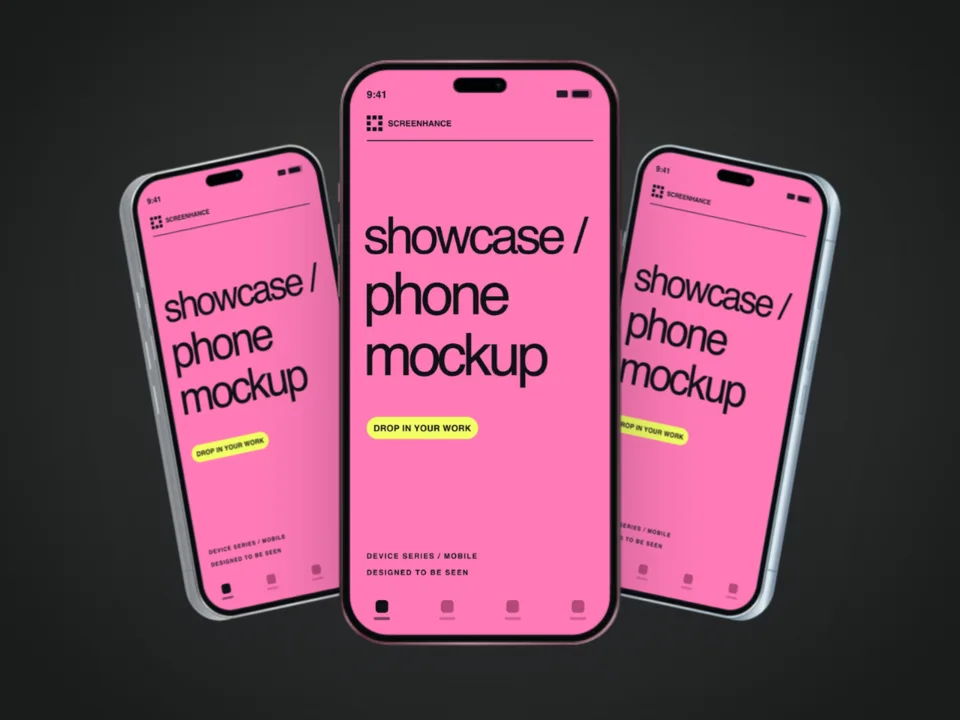
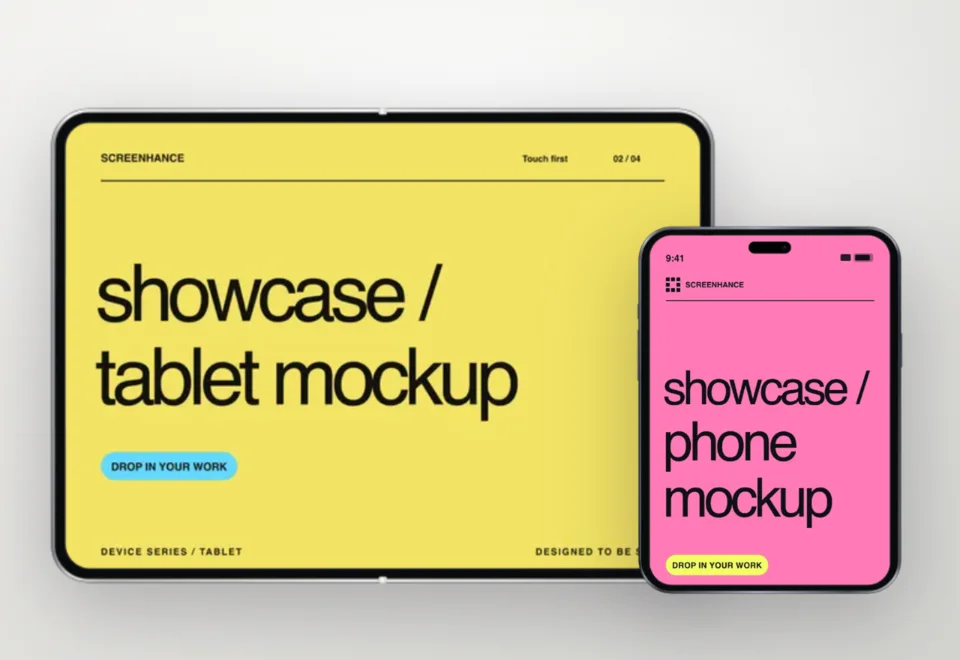
Pick from iPhone, iPad, MacBook, browser frames and beautiful gradient backgrounds.
Download as PNG, WebP, JPEG, GIF, or video. Ready for marketing in seconds.
The fastest way to create professional mockups without learning complex design tools.
Unlike Figma or Photoshop, Screenhance is built for non-designers. Anyone can create professional mockups.
Generate polished mockups in seconds, not hours. Perfect for fast-moving teams and launches.
Export as PNG, WebP, JPEG for images, or GIF and WebM for animated visuals.
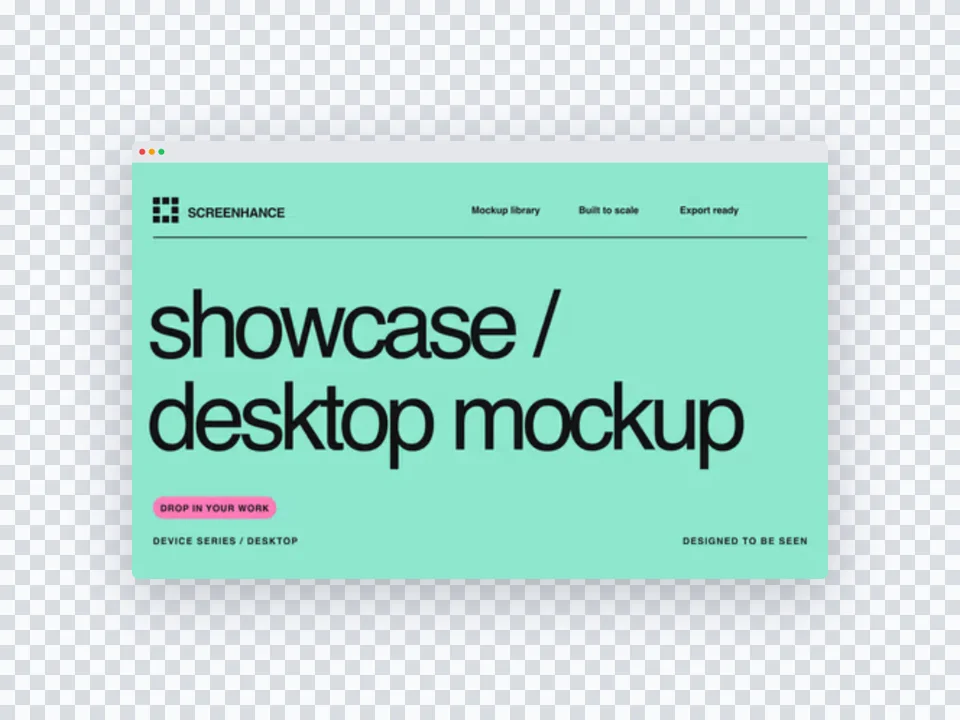
Choose from gradients, solid colors, or transparent backgrounds. No need to design your own.
See how Screenhance compares to other tools for creating startup marketing visuals.
| Feature | Screenhance | Figma | Canva | Photoshop |
|---|---|---|---|---|
| Purpose-built for product screenshots | Yes | General design | General design | Photo editing |
| Design skills needed | None | Advanced | Basic | Expert |
| Device frames | 40+ (MacBook, browser, iPhone, iPad) | Manual setup | Limited clipart | Manual PSD mockups |
| Professional backgrounds | 100+ gradients, glass, aurora | Design your own | Basic templates | Manual creation |
| Time to create a visual | Under 2 minutes | 30+ minutes | 15+ minutes | 1+ hours |
| Brand consistency | Built-in | Manual effort | Brand kit (paid) | Manual effort |
| Retina export (2x, 3x) | Yes | Yes | No | Manual |
| Free plan | 3 exports/month | Free tier | Free tier | No free plan |
| Price (paid) | $6/week or $8/month | $15/month | $13/month | $23/month |
A startup screenshot tool is a specialized design tool that helps startups create polished product visuals without needing a designer. It takes raw screenshots and transforms them into professional marketing images with device frames, gradient backgrounds, and text overlays — ready for landing pages, pitch decks, social media, and more.
Startups need product visuals for landing page hero sections, feature showcases, social media posts, pitch deck slides, app store listings, blog post images, Product Hunt galleries, and email marketing. A good screenshot tool covers all these formats from a single workflow.
Yes. Screenhance lets you set consistent backgrounds, device frames, and color palettes across all your exports. Create one look and apply it everywhere — from your landing page to your pitch deck to your social media posts.
Screenhance exports in PNG, WebP, GIF, and WebM formats. You can export at 1x, 2x, or 3x resolution for Retina displays. WebP is recommended for web use, PNG for presentations and pitch decks.
No. Screenhance is built for founders and marketers, not designers. Pick a template, upload your screenshot, and export. The tool handles device frames, backgrounds, and layout automatically.
Yes, Screenhance offers a free plan with 3 exports per month. You get access to all templates and device frames. Pro plans unlock higher resolution exports and additional features.
Explore more ways to create stunning visuals with Screenhance.
Free online mockup generator for all devices
Try it freeTransform plain screenshots into beautiful mockups
Try it freeCreate stunning iPhone device mockups
Try it freeShowcase apps in iPad Pro and Air frames
Try it freeYour startup deserves polished product visuals. Create landing page heroes, pitch deck mockups, and social media images — all in minutes with Screenhance.