
%2FOlivia%20Rhye.webp&w=64&q=75)
%2FPhoenix%20Baker.webp&w=64&q=75)
%2FLana%20Steiner.webp&w=64&q=75)
%2FDemi%20Wilkinson.webp&w=64&q=75)
%2FDrew%20Cano.webp&w=64&q=75)
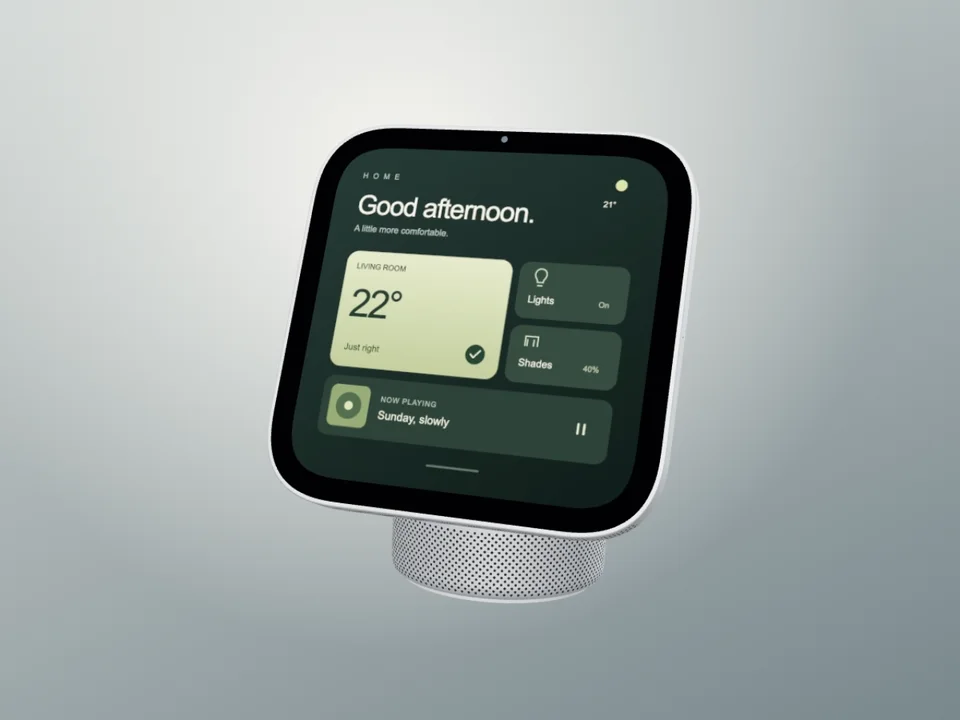
HomeView · Silver Studio Film
Apple HomeView with its rounded square display, short hinge and tall domed aluminum speaker base. A full hardware turn reveals its screen, silver rail and rounded speaker in an eight-second loop.
Use motion templateHonest comparison · October 2026
Rotato specializes in cinematic 3D device films. Screenhance is a web-based product-launch workspace spanning editable visuals, device and stylized frames, photorealistic scenes, store sets, localization, composition motion, 3D device templates, Launch Kit, and Studio screen-recording video.
Loved by 3,000+ creators
Screenhance is a browser-based visual production suite for product launches: a layer-based editor, editable visual templates, device and stylized frames, photorealistic scenes, store-listing screenshot sets, motion exports, a brand-aware Launch Kit, and a screen-recording Studio.
Rotato specializes in 3D device presentation, with a Mac app and a separate browser product.
Verified against Rotato's public pricing and feature pages as of October 2026.
| Feature | Screenhance | Rotato |
|---|---|---|
| Platform | Browser | Mac app and separate Web product |
| Device motion | Editable 3D turns, folding tours and laptop reveals | 3D scene animation and camera controls |
| Animation export | GIF and video; Pro for clean motion exports | Mac: H.264, HEVC and ProRes 4444; check Web export support |
| Store visuals | Coordinated iOS, Google Play and Chrome store sets | App Store templates and image export |
| Screenshot replacement | Replace screens; separate inner/cover controls for Duo | Image/video inputs and a Figma plugin |
| Pricing model | Free static exports; Pro $12/month or $99/year | One-time Mac plans; Web priced separately |
Its specialist focus, compared with Screenhance's complete launch workflow.
Rotato advertises camera-lens controls, custom reflections and an animation timeline. It is worth evaluating when those production controls are central to the brief.
The Mac app documents alpha-capable HEVC and ProRes 4444 output. Web has separate capabilities and licensing; confirm the required codec in the product you choose.
The workflows where Screenhance replaces more tools and ships more of the launch.
Screenhance combines device motion with editable store screenshot sets, social posts, OG images and Product Hunt visuals. You can keep the screenshot, copy and visual treatment together across those outputs.
Translate store captions across 16 supported locales while keeping the set organized. Choose the device presets and export the resulting screenshot sets as ZIP files.
Use the Visual Editor for animated device mockups, or Studio for an actual screen recording with zooms, captions and audio. Pick the workflow that fits the source material.
Choose Screenhance
you want editable device motion alongside store screenshot sets, localized captions, social graphics and recorded product demos in one browser workspace.
Start freeRotato's specific use case
you need detailed 3D scene direction or a production codec such as ProRes, and its current platform and license meet your requirements.
Move from source material to a polished launch asset without rebuilding the design in another tool.
Choose a visual template, a store-listing set, a Launch Kit, or an empty canvas for full control.
Add screenshots, photo scenes, device frames, text, icons, annotations, backgrounds, layers, and motion in the browser editor.
Download PNG, WebP, JPEG, GIF, WebM, or MP4, or export organized iOS, Google Play, and Chrome screenshot ZIPs.
Screenhance covers the full path from a raw screenshot or screen recording to coordinated, editable launch assets.
Use current device frames, stylized treatments, or photorealistic placements across phones, tablets, laptops, watches, TVs, print, apparel, and outdoor media.
Start with a complete composition for mockups, Product Hunt, OG images, website heroes, Play feature graphics, or Chrome Web Store promo assets, then edit every layer.
Create coordinated iOS, Google Play, and Chrome Web Store screenshot sets, edit localized copy across supported languages, and export organized PNG ZIPs, including fastlane-ready iOS folders.
Animate layers with editable motion styles and export GIF or WebM, or record and polish a product demo in Studio with frames, cursor motion, captions, audio, and MP4/WebM export.
Yes. Its templates cover iPhone, iPhone Duo, MacBook, laptops, iPad, Pixel and Studio Display. Replace screens, change finishes and backgrounds, and adjust the duration of preset hardware turns, openings and folding motion.
No. Rotato offers a native Mac app and Rotato Web for browser use, with separate licences. Check feature and export support in the product you plan to use.
Yes. Rotato advertises App Store templates and image export. Screenhance includes coordinated screenshot sets, device presets, caption translation across 16 locales and ZIP export.
Yes. The free plan includes three watermarked static image exports per month. Clean animated exports require Pro at $12 per month or $99 per year. The $6 Launch Pass covers ten clean static image exports over seven days.
Start with the required output. Screenhance's editable device templates suit a composed product loop and its surrounding launch assets. Evaluate Rotato's camera and rendering controls when the brief needs detailed 3D direction. Try the actual screen and crop before choosing.
Try the Screenhance workflow that best matches what you came to compare.
Every launch visual from one brief: App Store, Product Hunt, OG, and website
Start creatingRecord, click-to-zoom, frame, and export a demo video
Start creatingHero images and landing page assets
Start creatingFree online mockup generator for all devices
Start creatingEdit, annotate, and reframe screenshots
Start creatingRecord a tab with cursor and click data for smooth motion and auto zoom
Start creating3 free exports per month. Launch Pass at $6 for one-off launches. No credit card to start.
Open a template to replace the demo image, change the background and finish, and adjust the motion. Each scene keeps one device in focus.
Apple HomeView with its rounded square display, short hinge and tall domed aluminum speaker base. A full hardware turn reveals its screen, silver rail and rounded speaker in an eight-second loop.
Use motion template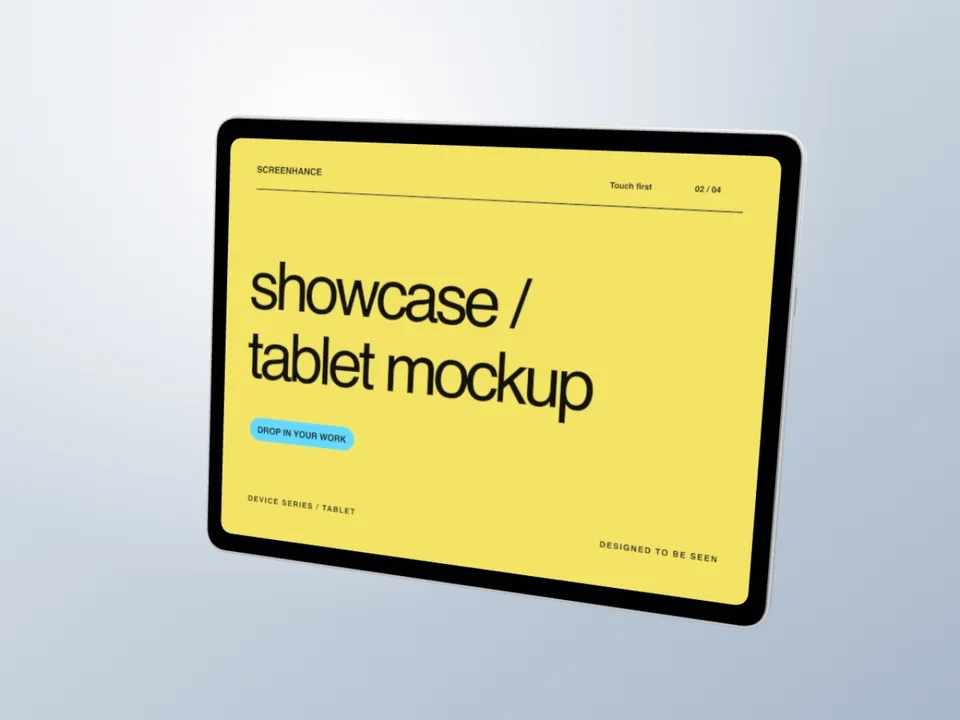
A complete silver iPad Pro hardware turn, revealing the camera, slim aluminum back and your editable landscape screen in an eight-second loop.
Use motion template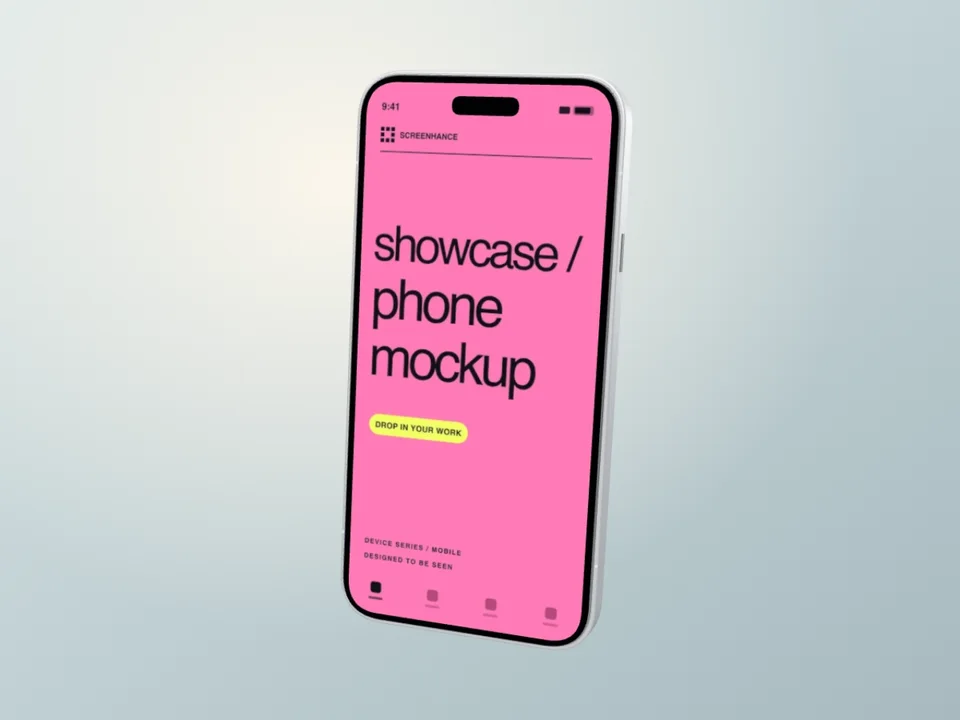
A silver iPhone 18 Pro turns from its wide camera housing, through the polished side rail, into a readable app-screen hold. Original illustrative hardware.
Use motion templateReviewed October 12, 2026 using Rotato’s official product information, feature documentation and pricing terms. This is a comparison of documented capabilities and Screenhance’s current templates, not a timed benchmark.
For a practical starting point, open an animated mockup with your own screenshot. Check the crop, the screen hold and the exported file at its final display size. A MacBook mockup gives a wide dashboard room; an iPhone mockup suits a portrait app screen.