Screenhance

Banner Mockup Generator

Put your artwork on a real vinyl banner in seconds. Upload your design, pick an outdoor scene, and export a client-ready image. Free, in the browser, no Photoshop and no PSD.

Olivia RhyePhoenix BakerLana SteinerDemi WilkinsonDrew Cano
4.9

Loved by 2,000+ creators

Printed on vinyl, in daylight

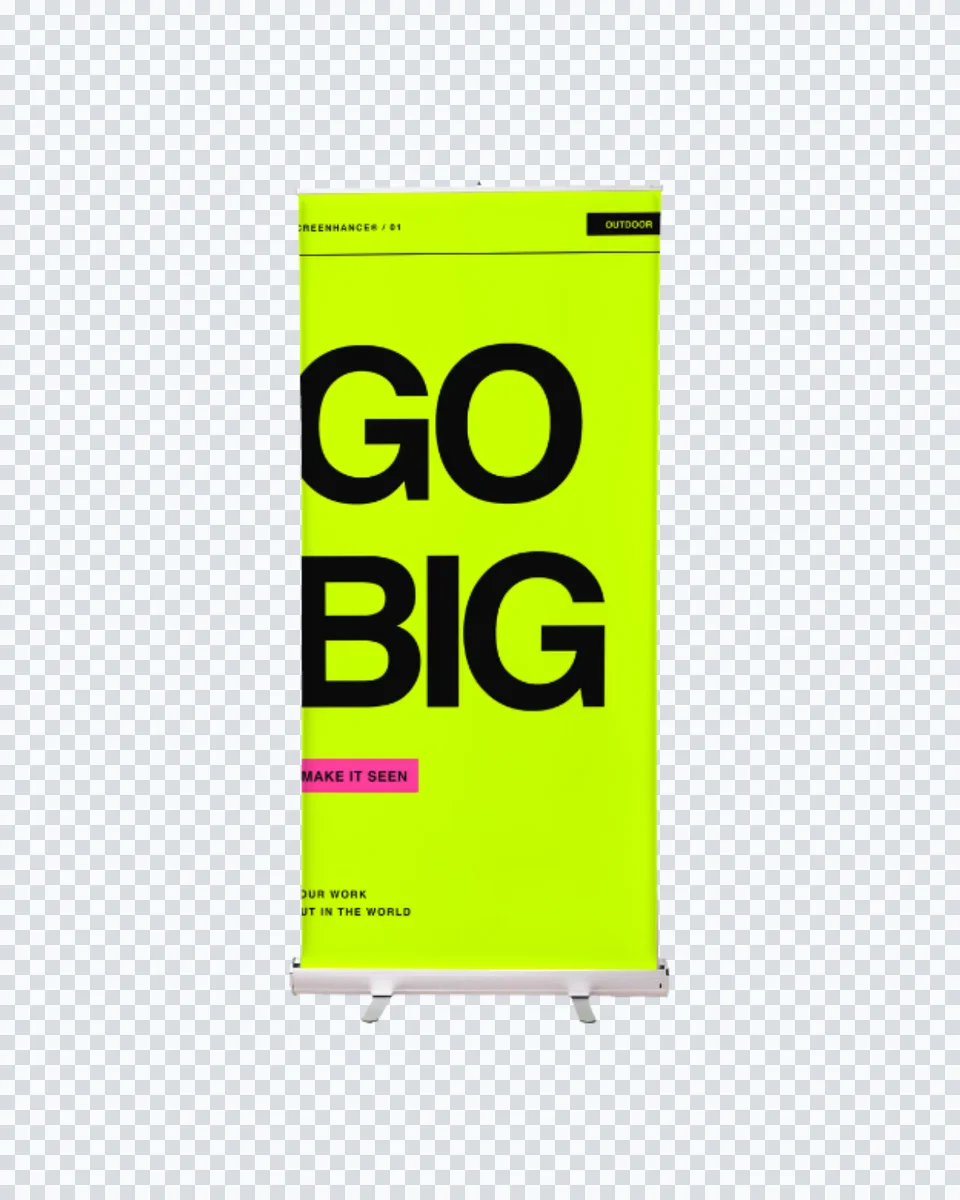
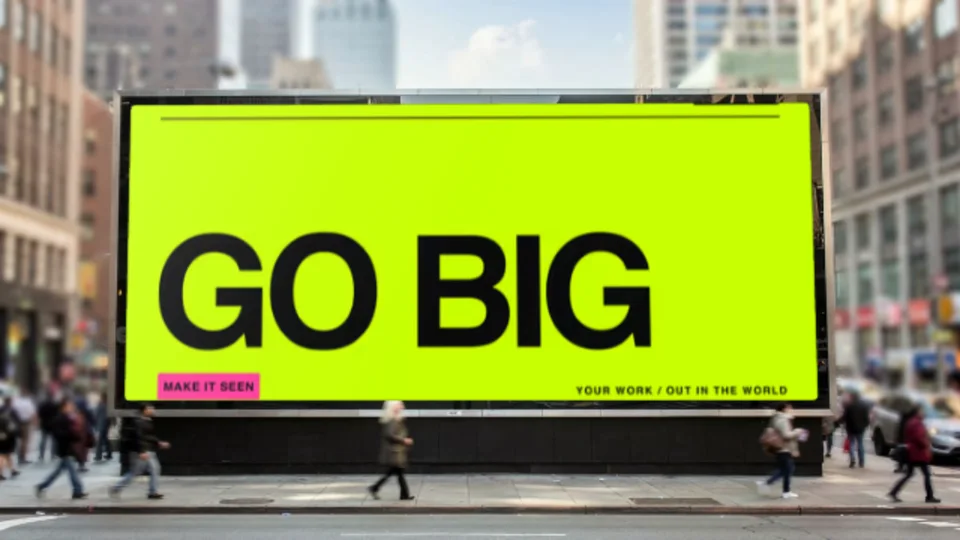
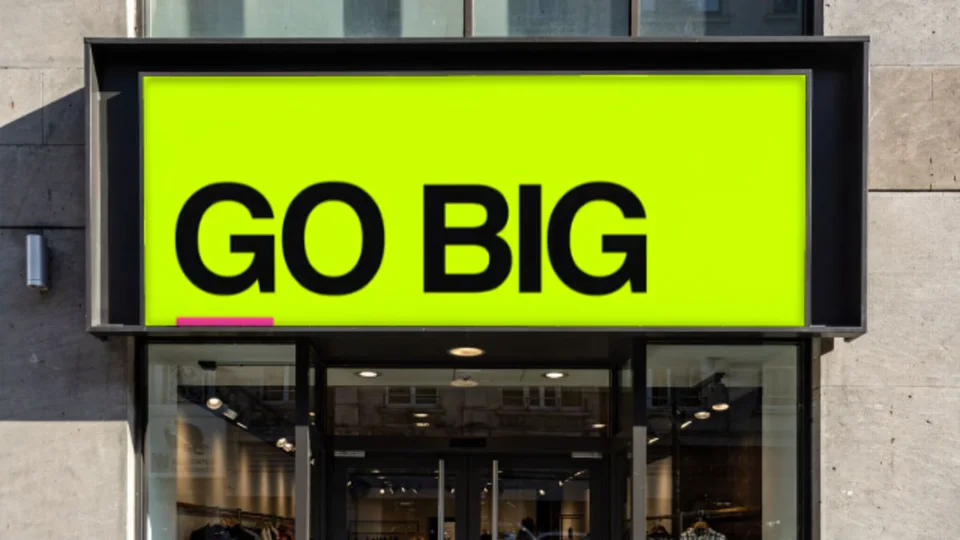
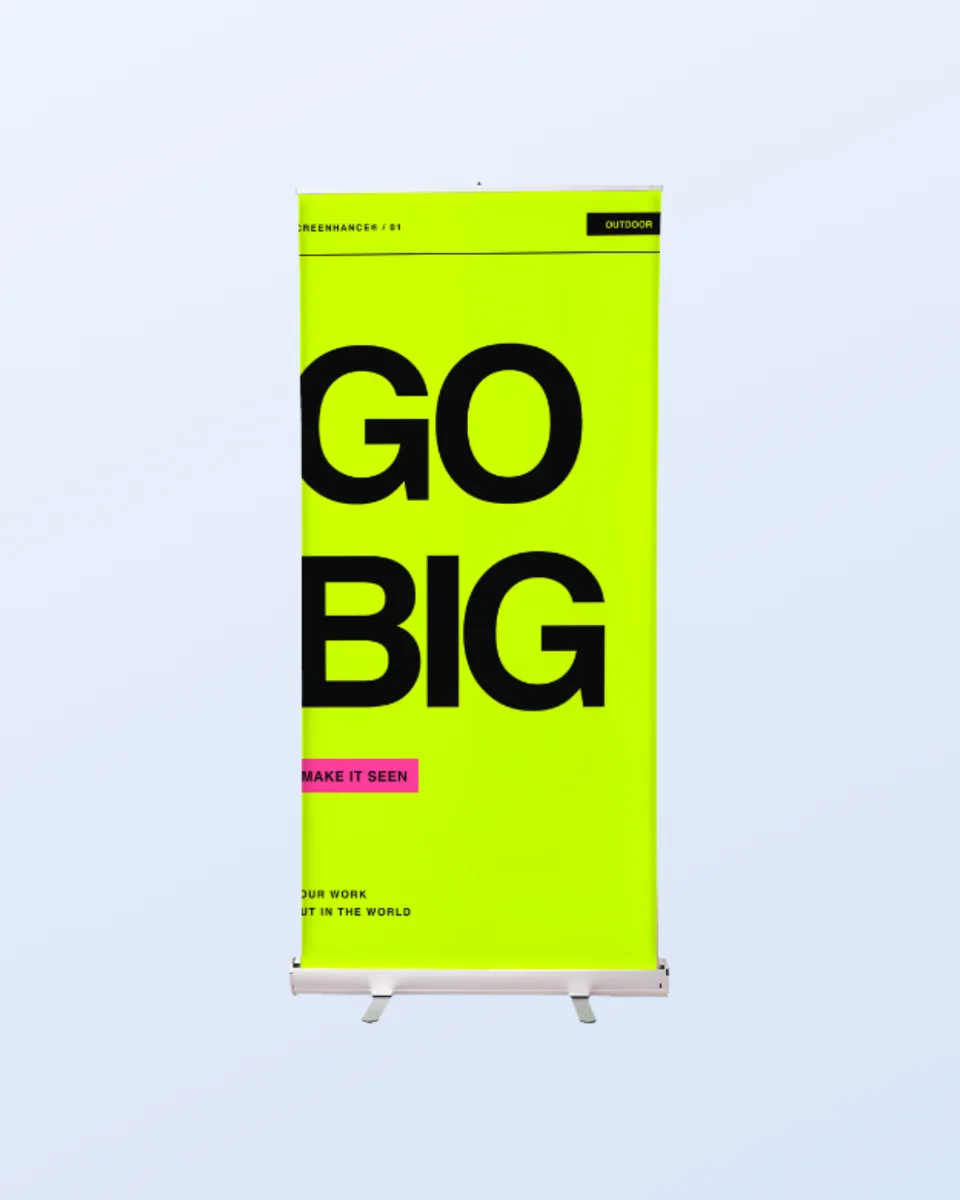
The banner is a real photograph on a real street. Your artwork picks up the daylight falling across it, which is what a client needs to see before signing off a print run.

Fence-mounted, outdoors

Stretched flat beside a city pavement. The standard event or promo shot.

Wide format

A true landscape print area, so a 3:1 or 16:9 design fits without cropping.

Scales up

Export at full resolution for a proof, or crop square for a social post.

How It Works

Create professional mockups in three simple steps. No design skills required.

Step 1

Upload your screenshot

Drag and drop or select any screenshot, design, or image from your device.

Step 2

Choose frame & background

Pick from iPhone, iPad, MacBook, browser frames and beautiful gradient backgrounds.

Step 3

Export & share

Download as PNG, WebP, JPEG, GIF, or video. Ready for marketing in seconds.

Why Choose Screenhance?

Two capabilities that separate Screenhance from every other mockup tool in 2026: animated exports and App Store screenshot localization.

Animated GIF & WebM exports

Template-driven motion — float, reveal, parallax. Export animated mockups at Product Hunt, landing-page, and Twitter/X dimensions. Most mockup tools are static-only.

App Store localization in 80+ languages

One master design, per-locale captions, every required Apple and Google Play size per language. RTL and CJK support. Apple reports localized listings drive 2-3x install lifts.

Every required Apple & Google size

iPhone 17 Pro Max (1320×2868), iPhone Air (1260×2736), iPad Pro M4 (2064×2752), and the full Google Play set — exported from one design in a single pass.

30 seconds, zero design skills

Pick a template, drop in your screenshot, export. No Figma, no Photoshop, no learning curve. Free tier covers 3 exports a month; the $6 Launch Pass covers a launch with 10 watermark-free image exports.

Perfect for

Print shops

Show a client the finished banner before the vinyl goes on the roll.

Event teams

Preview conference and festival signage in situ.

Agencies

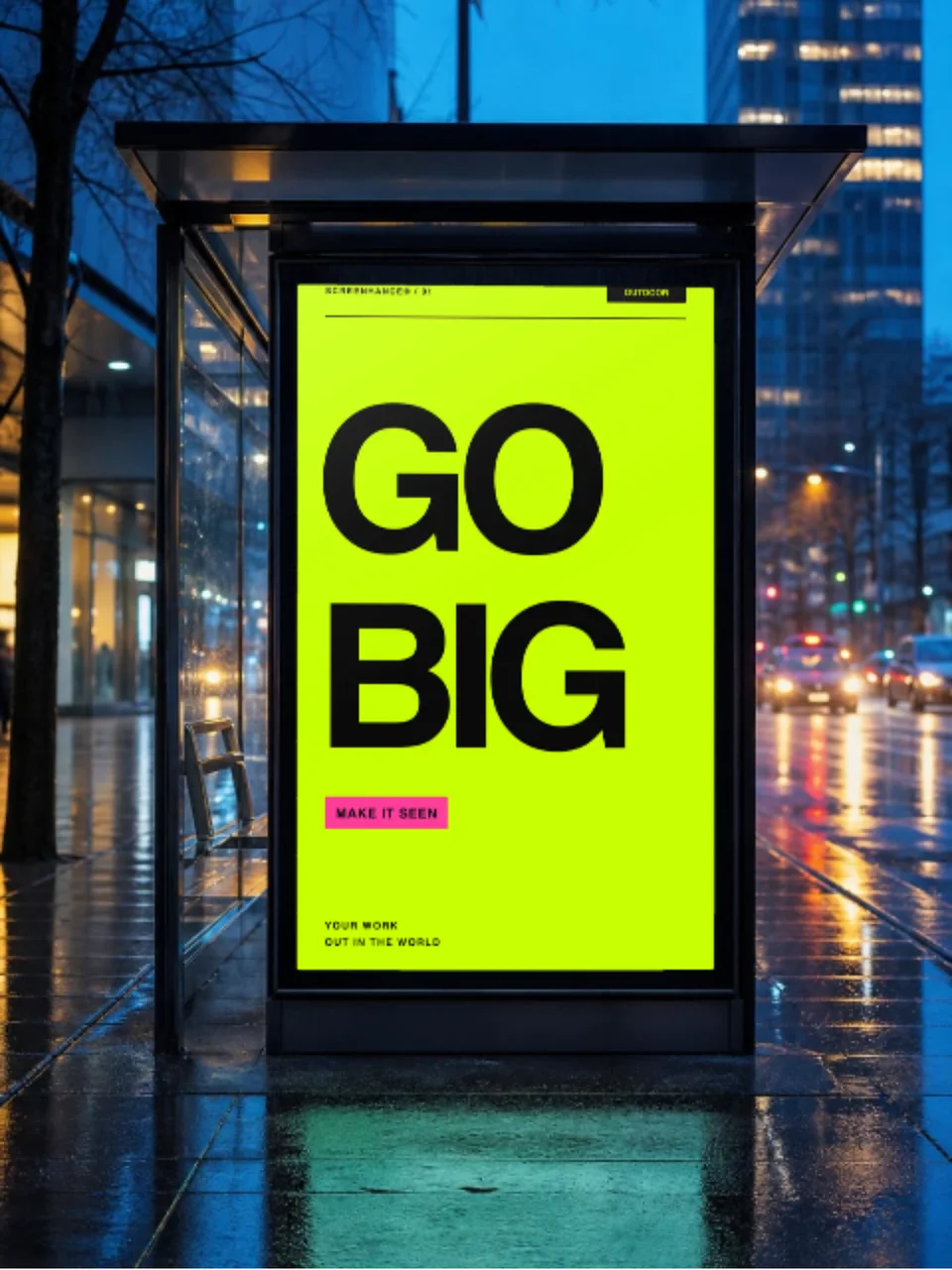
Put an out-of-home concept in a real street for a pitch deck.

Local businesses

Check a promo banner reads at a distance before ordering.

A banner mockup without the PSD

Large-format print is expensive to get wrong. A flat artboard tells a client nothing about how a banner reads on a fence in daylight, at the size and distance people will actually see it.

Screenhance composites in the browser. Your artwork is warped onto the banner’s print area and the scene’s own light is carried back over it. Change the design and the mockup updates instantly.

One studio for every mockup

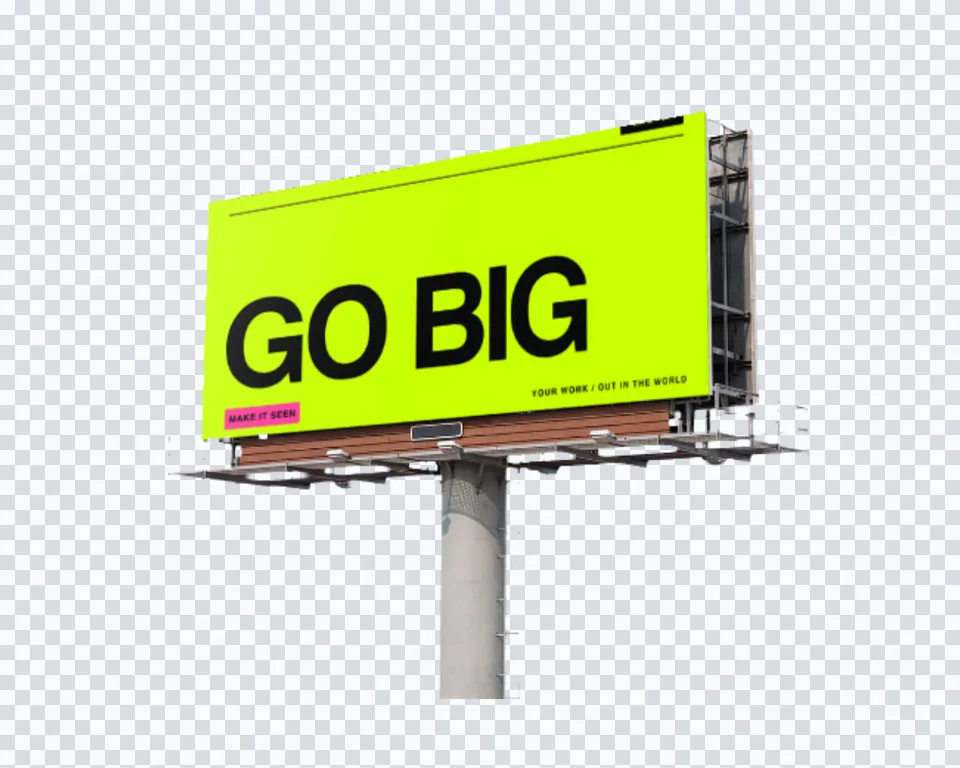
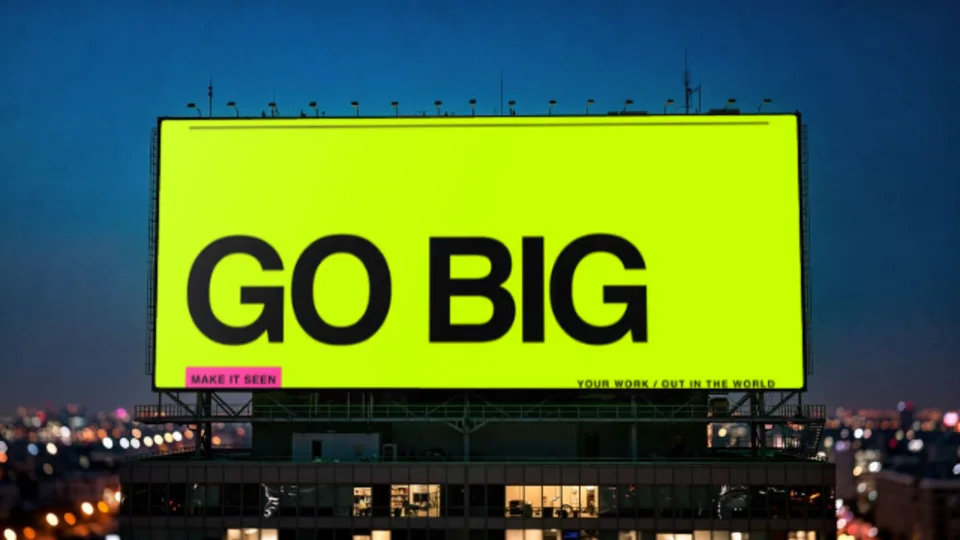
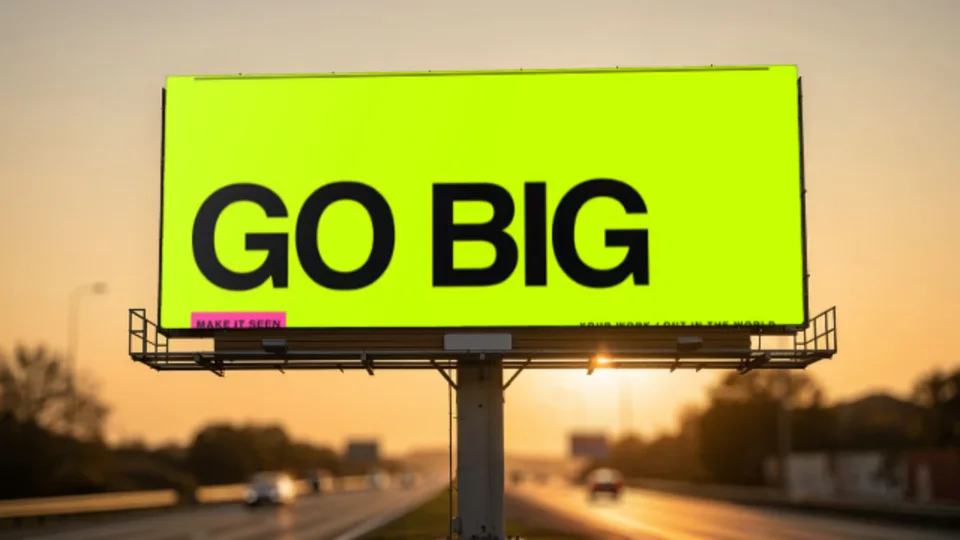
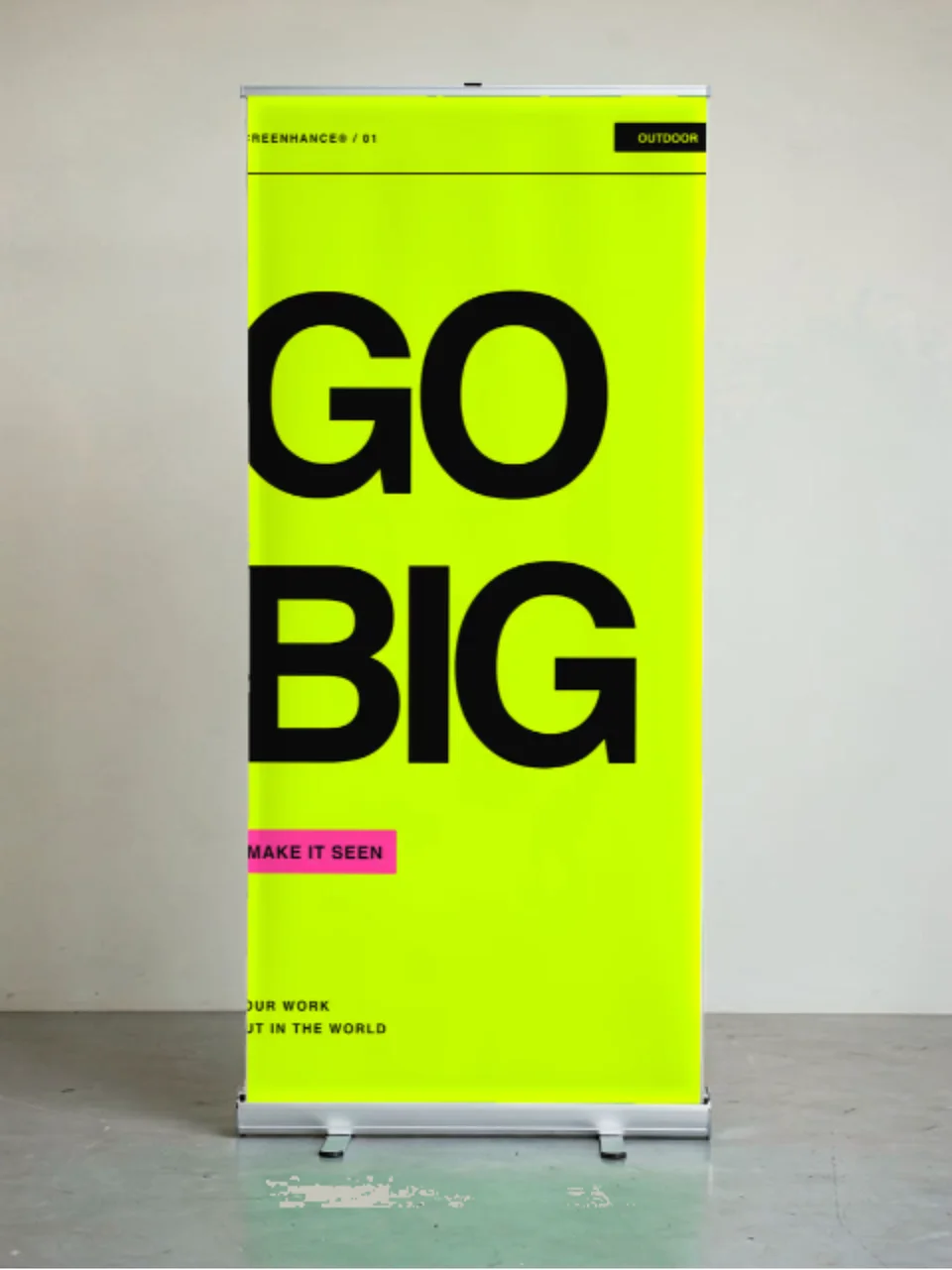
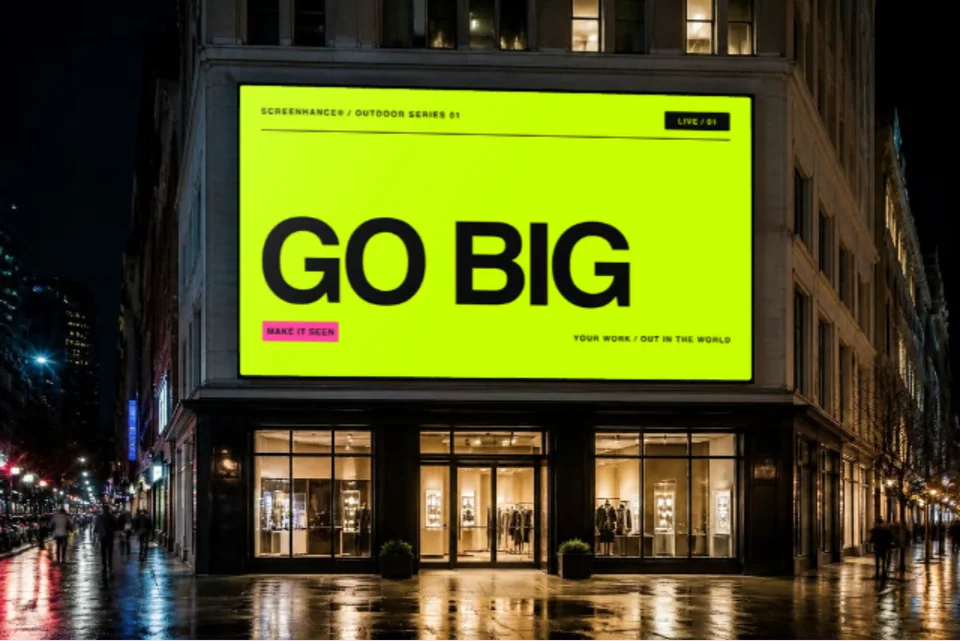
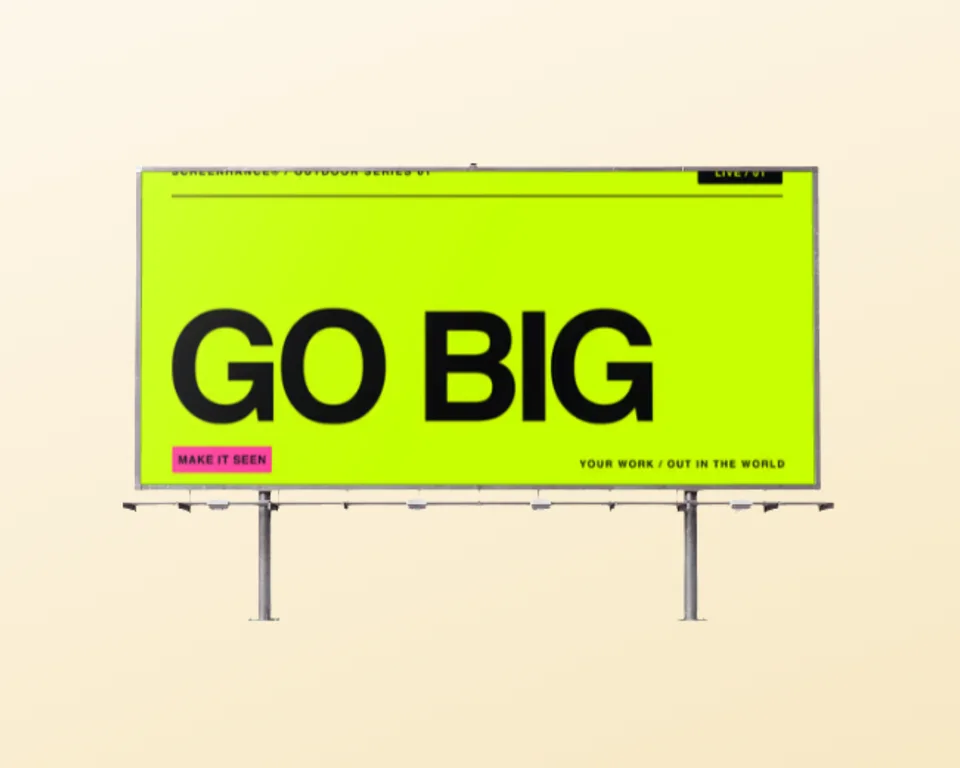
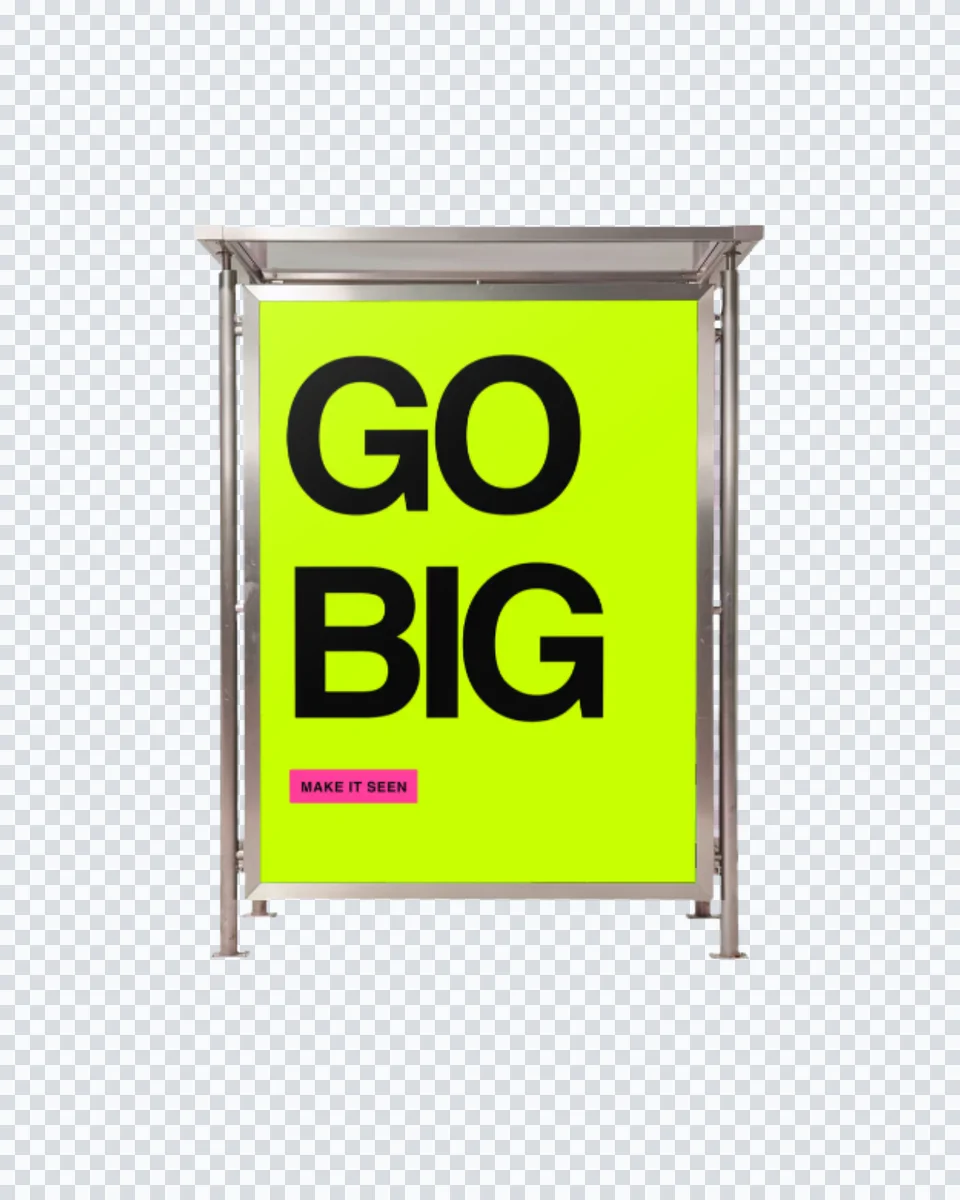
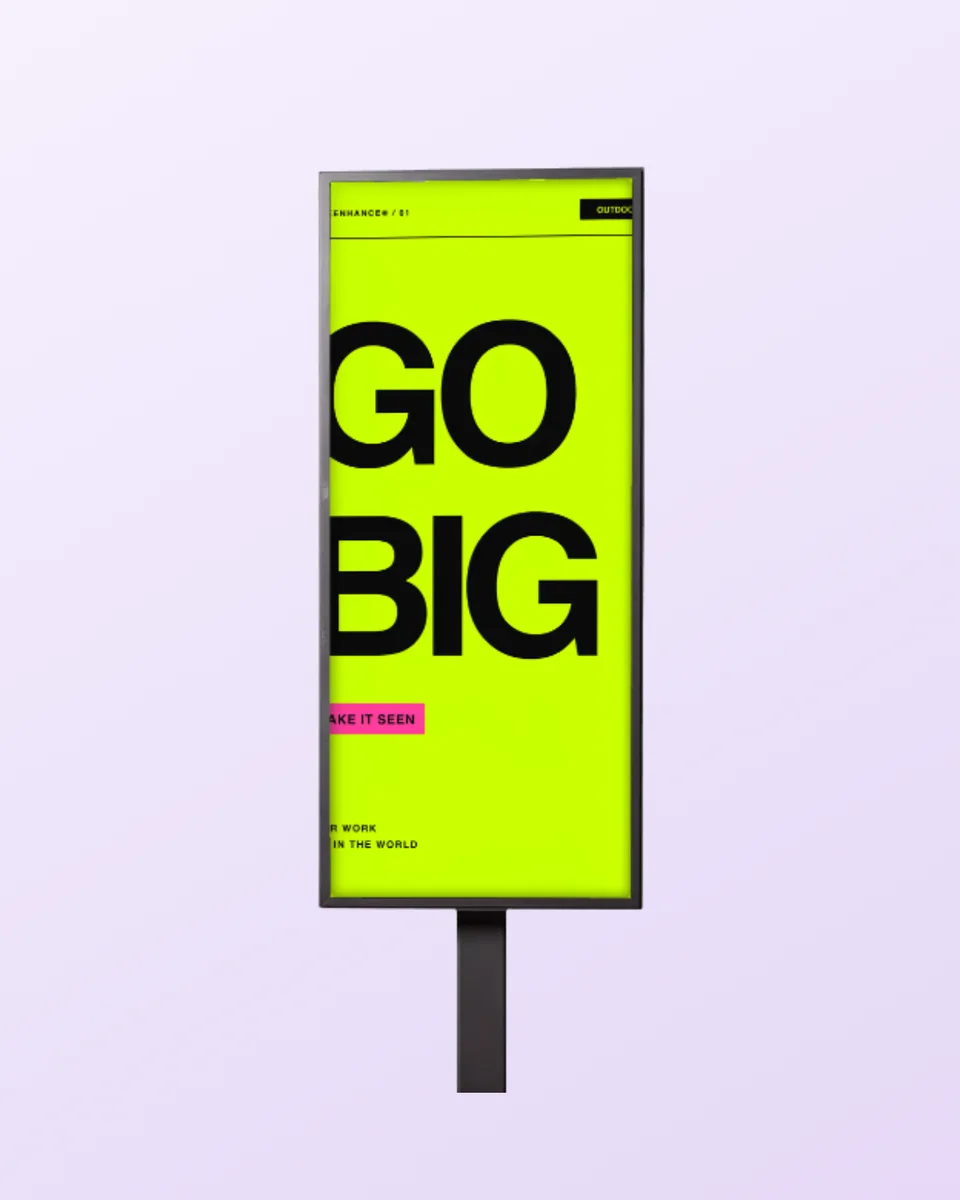
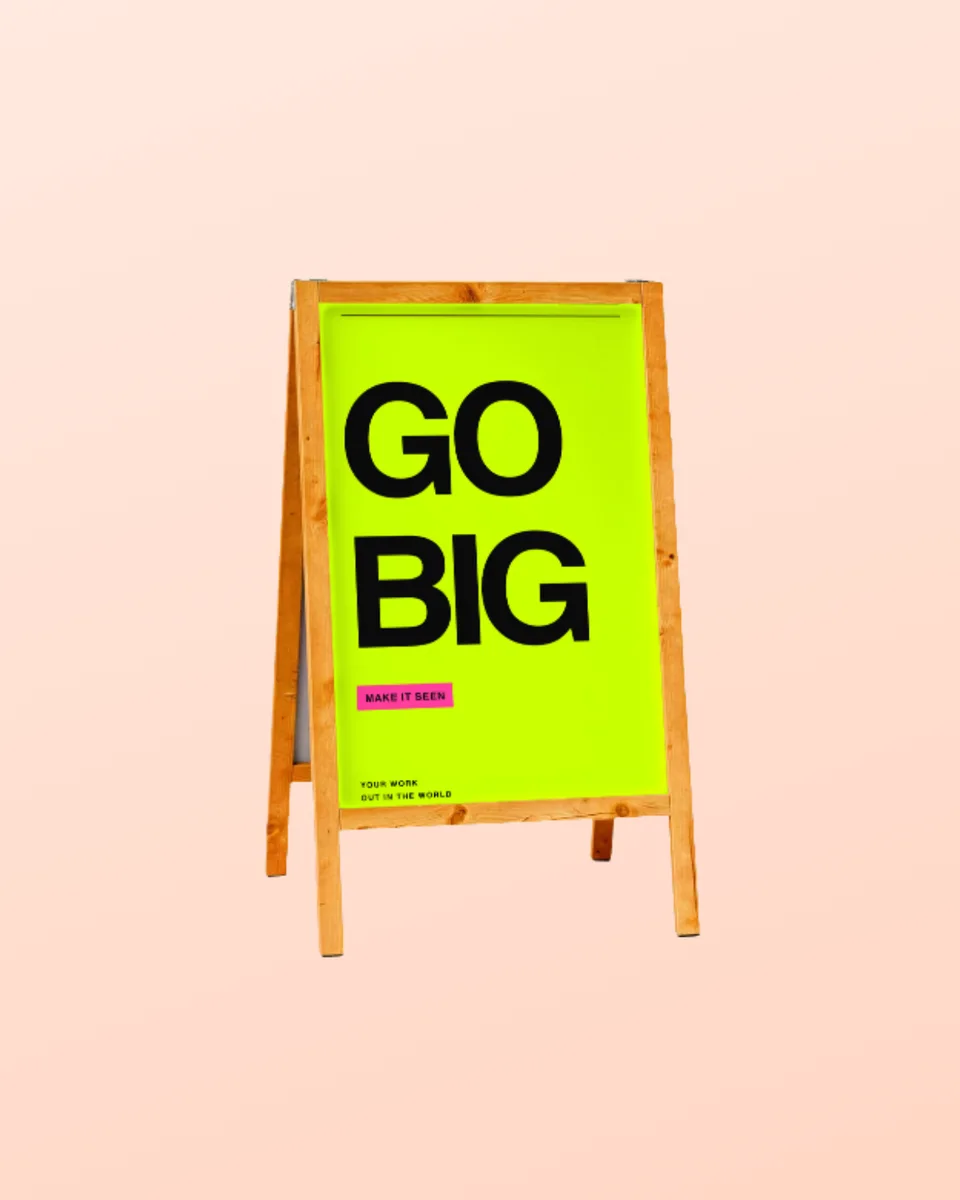
The same compositing works across every surface:a billboard, a poster, a sticker, a brochure. If the piece is mounted rather than rigged, the signage mockup generator covers storefront fascias, roll-ups and A-frames. Upload once, present it anywhere.

Frequently Asked Questions

How do I make a banner mockup?

Upload your artwork, pick a banner scene, and Screenhance composites it onto the vinyl of a real outdoor photograph. The banner keeps the scene's own daylight. Export a high-resolution PNG.

Is the banner mockup generator free?

Yes. You can create and preview banner mockups for free, with a small watermark on free exports. Every scene is included on the free plan. Pro just removes the watermark, starting at a $6 one-time week pass.

What aspect ratio should my artwork be?

The outdoor banner is a wide landscape print area, so a 3:1 or 16:9 design fits cleanly. Anything else is cover-fitted to the banner's shape with no distortion.

Can I use these for client proofs?

Yes. Exports are yours to use in client proofs, pitch decks, ads, and social posts. Every export is your own design composited onto a licensed scene.

Do I need Photoshop?

No. Most banner mockups online are PSD smart objects that need Photoshop. Screenhance composites in the browser and shows your real design immediately, with nothing to install.

Do you have billboards too?

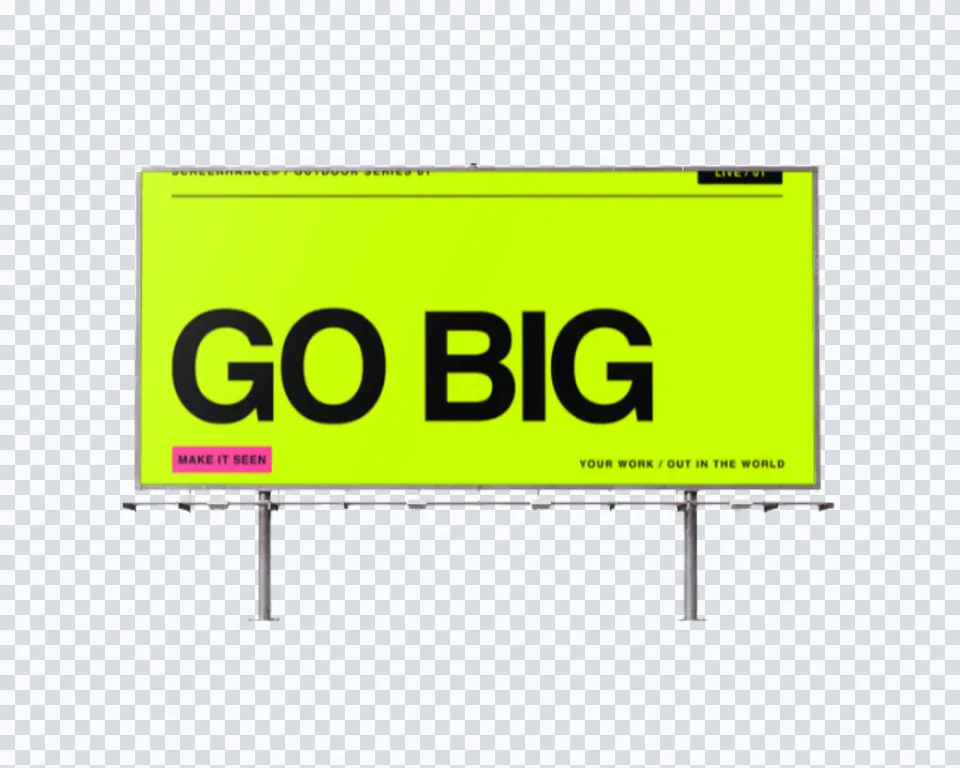
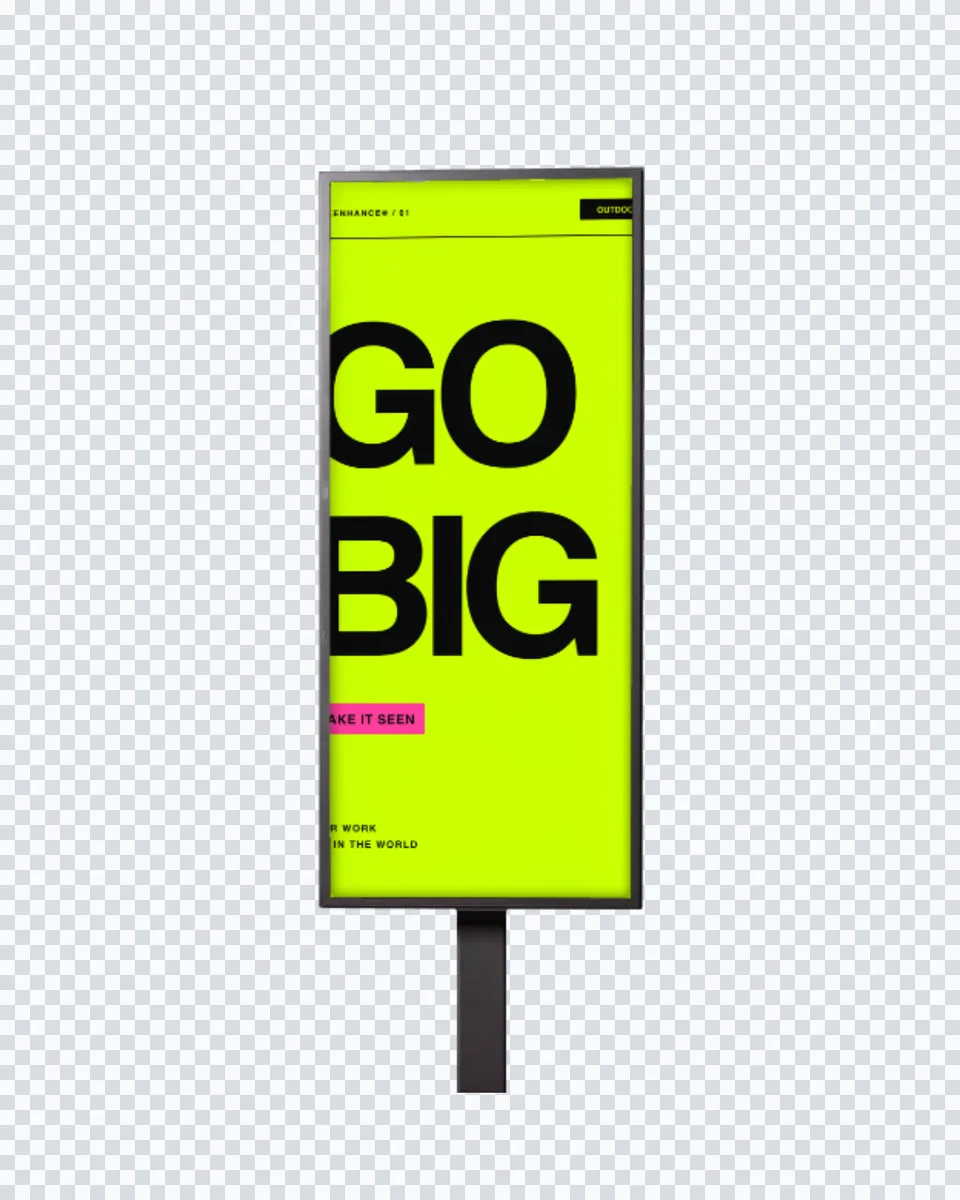
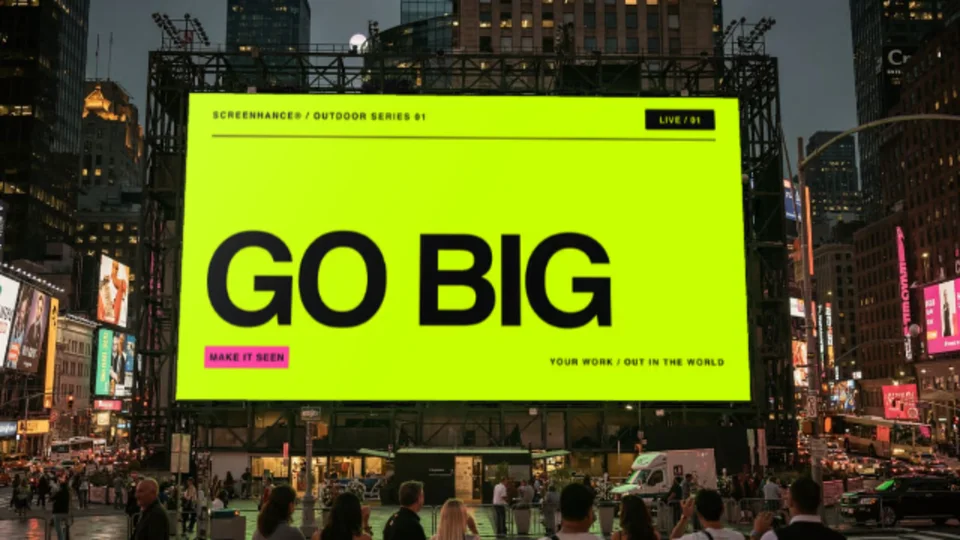
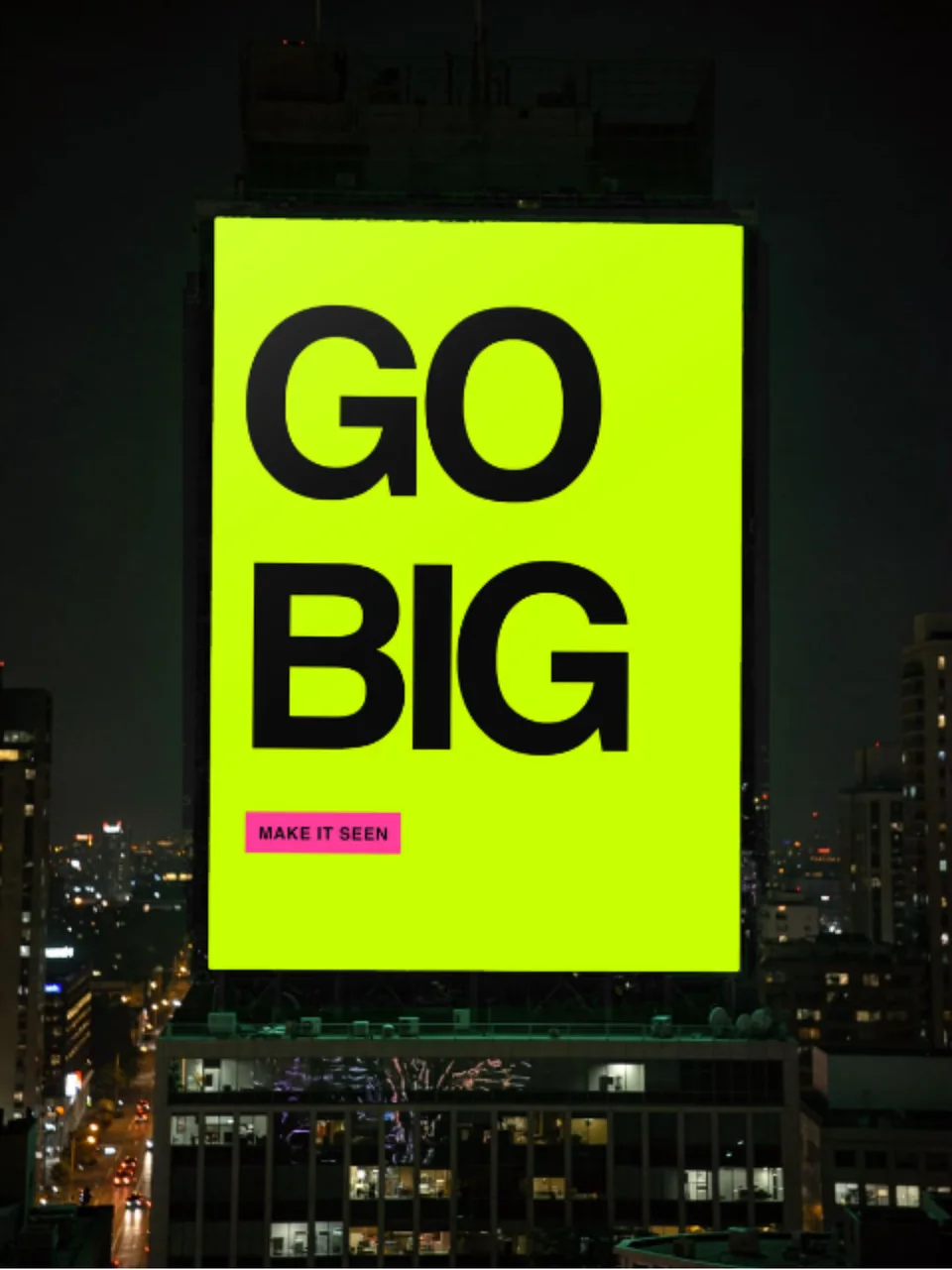
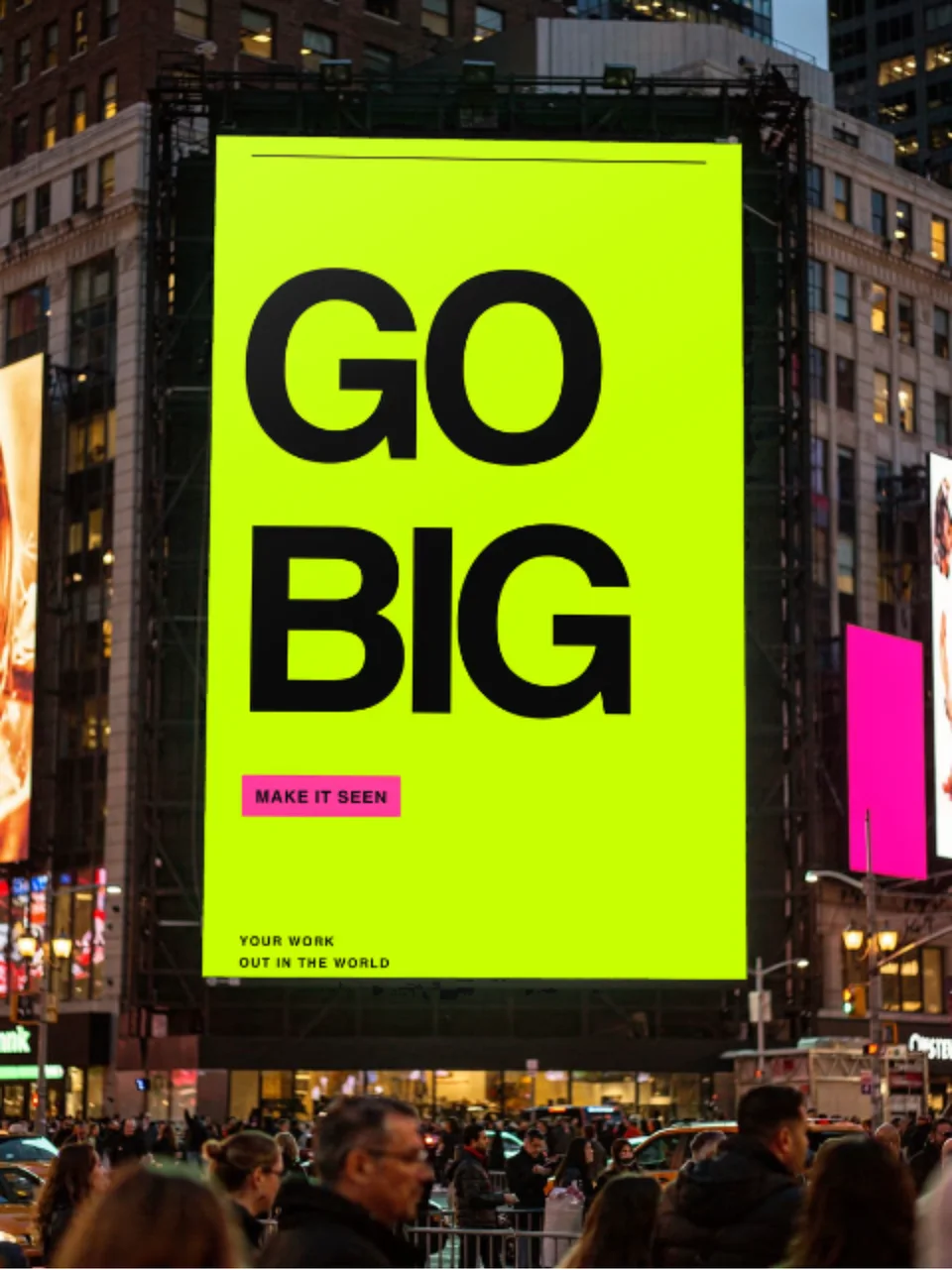
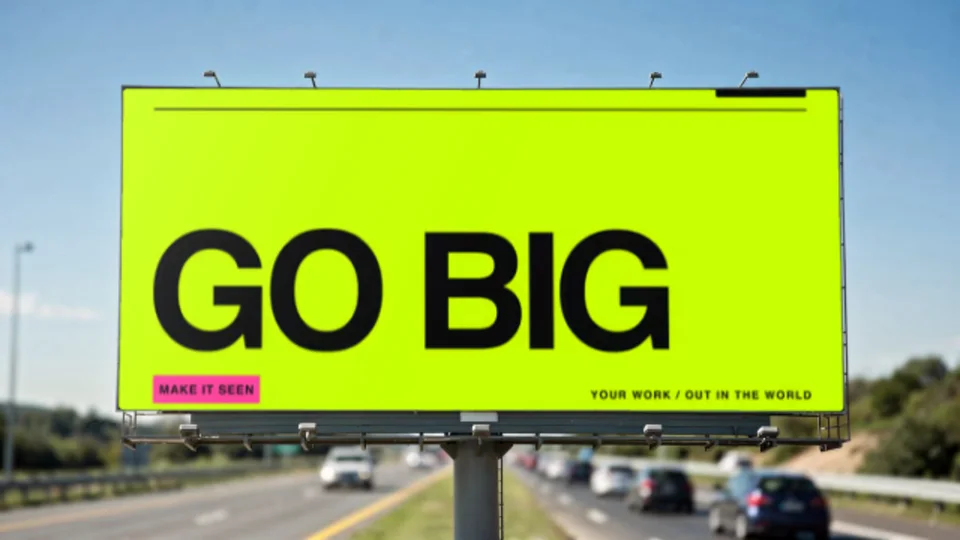
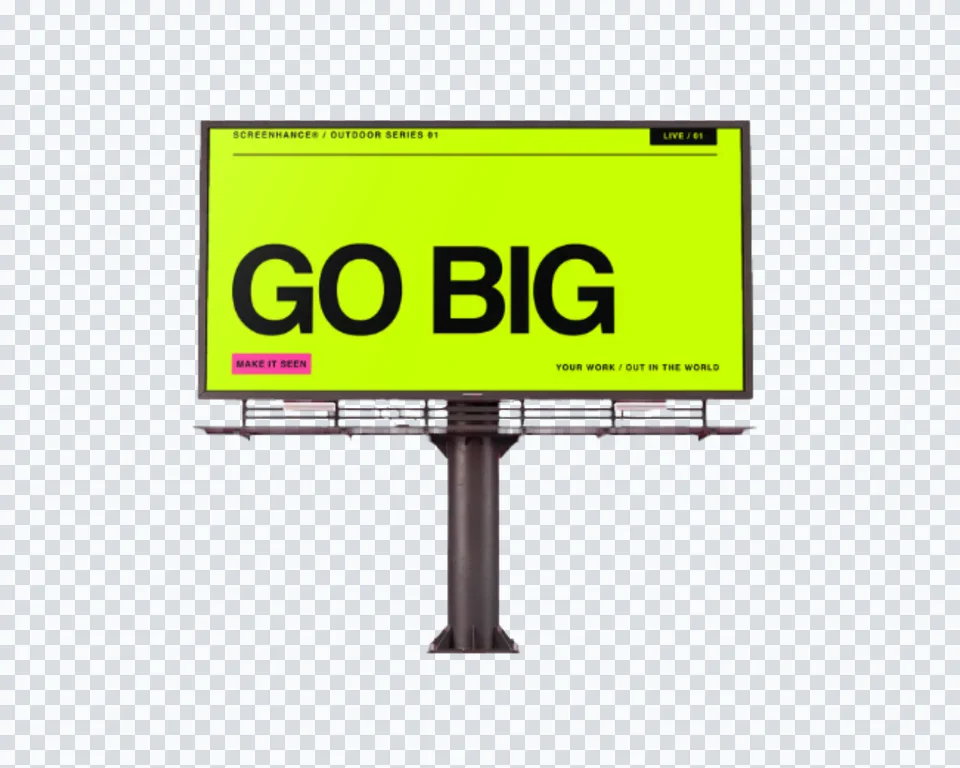
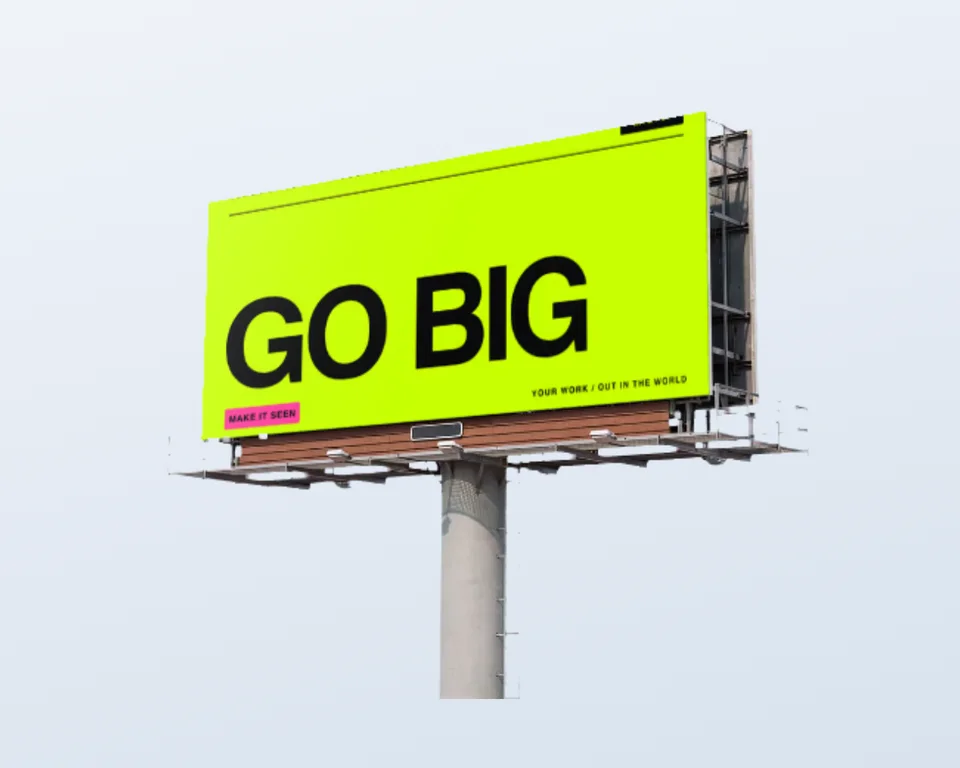
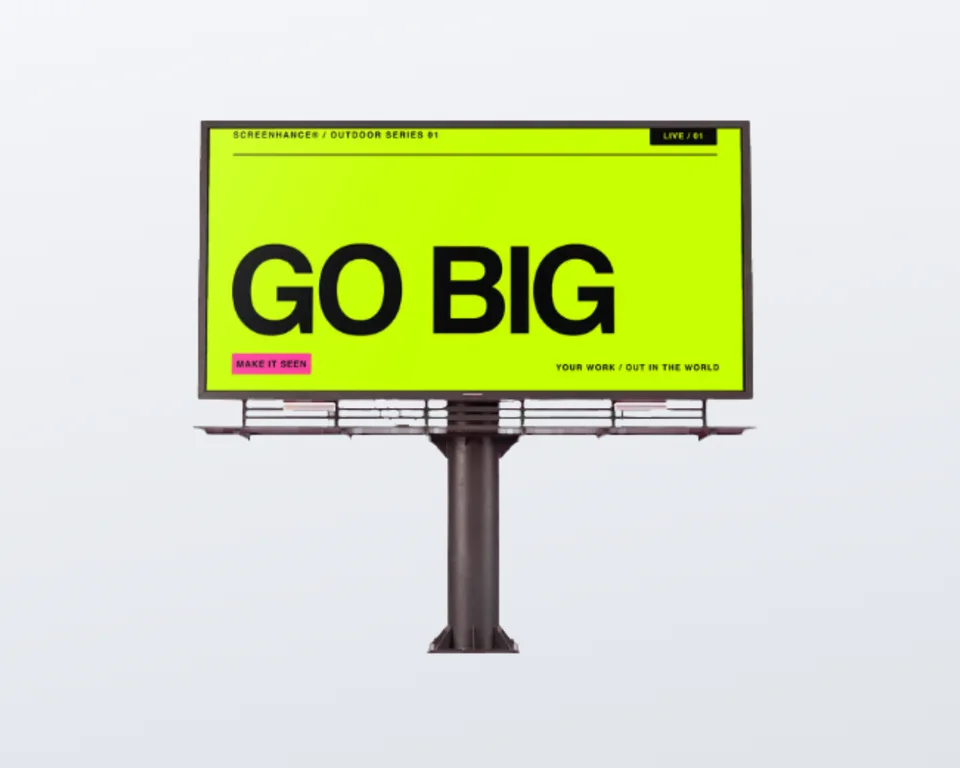
Yes. If you need out-of-home at a larger scale, the billboard scenes put your artwork on a highway board or a Times Square screen.

Put it on a banner

Upload your artwork, pick a scene, and export a photorealistic banner mockup in under a minute.