
Play Store screenshot templates
Browse editable Google Play listing layouts, replace the example screens and captions, then select the Android phone or tablet output presets your listing needs.
%2FOlivia%20Rhye.webp&w=64&q=75)
%2FPhoenix%20Baker.webp&w=64&q=75)
%2FLana%20Steiner.webp&w=64&q=75)
%2FDemi%20Wilkinson.webp&w=64&q=75)
%2FDrew%20Cano.webp&w=64&q=75)
Loved by 3,000+ creators
Browse 95 Play Store templates
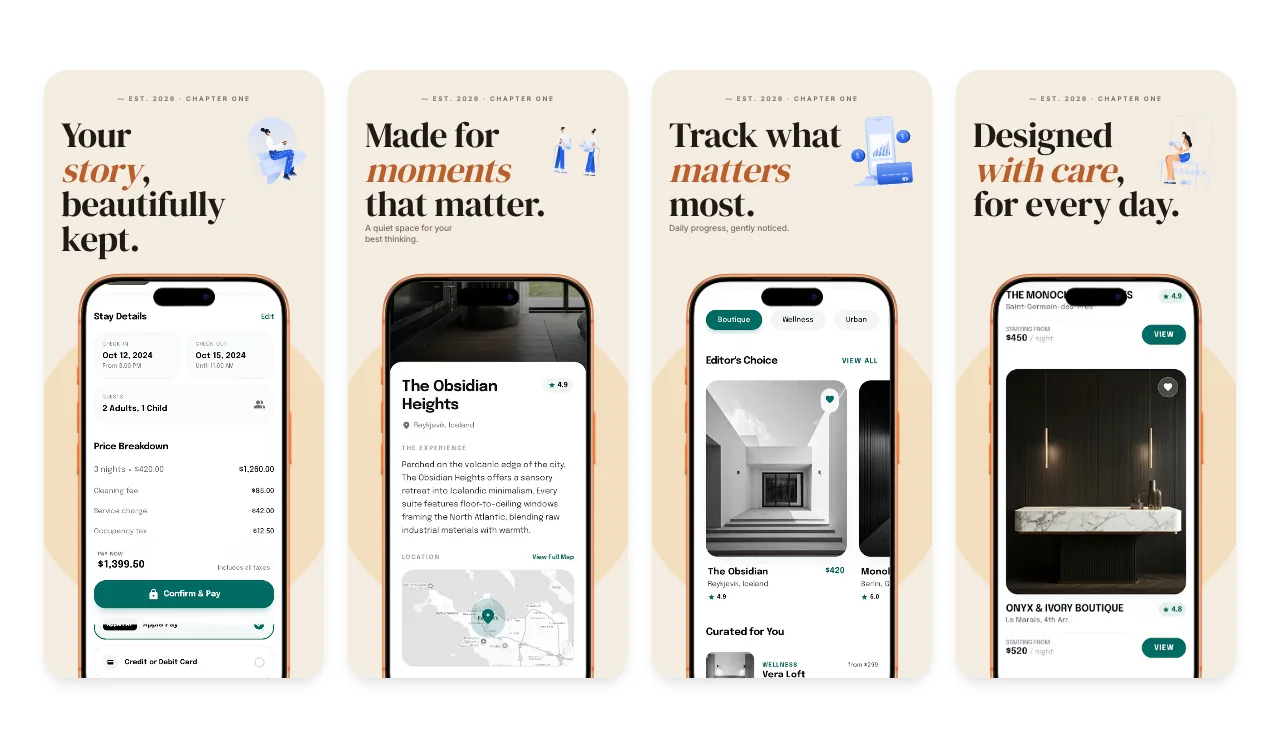
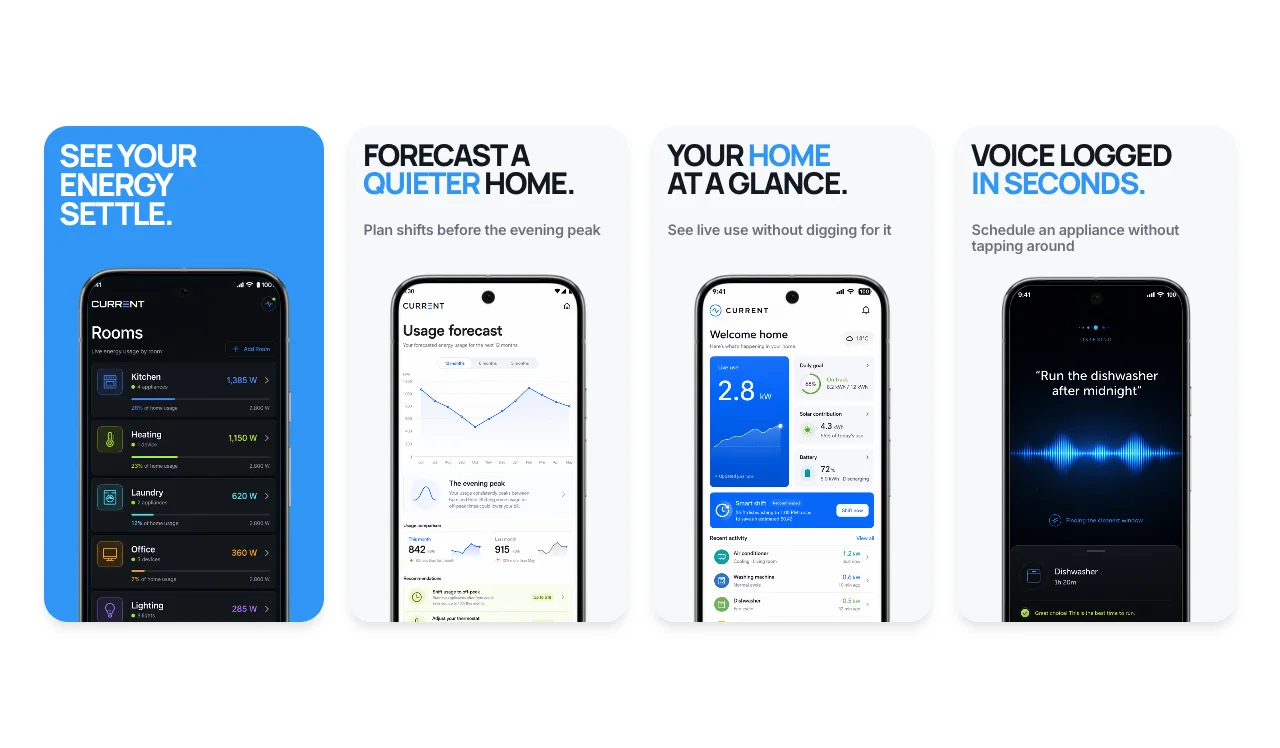
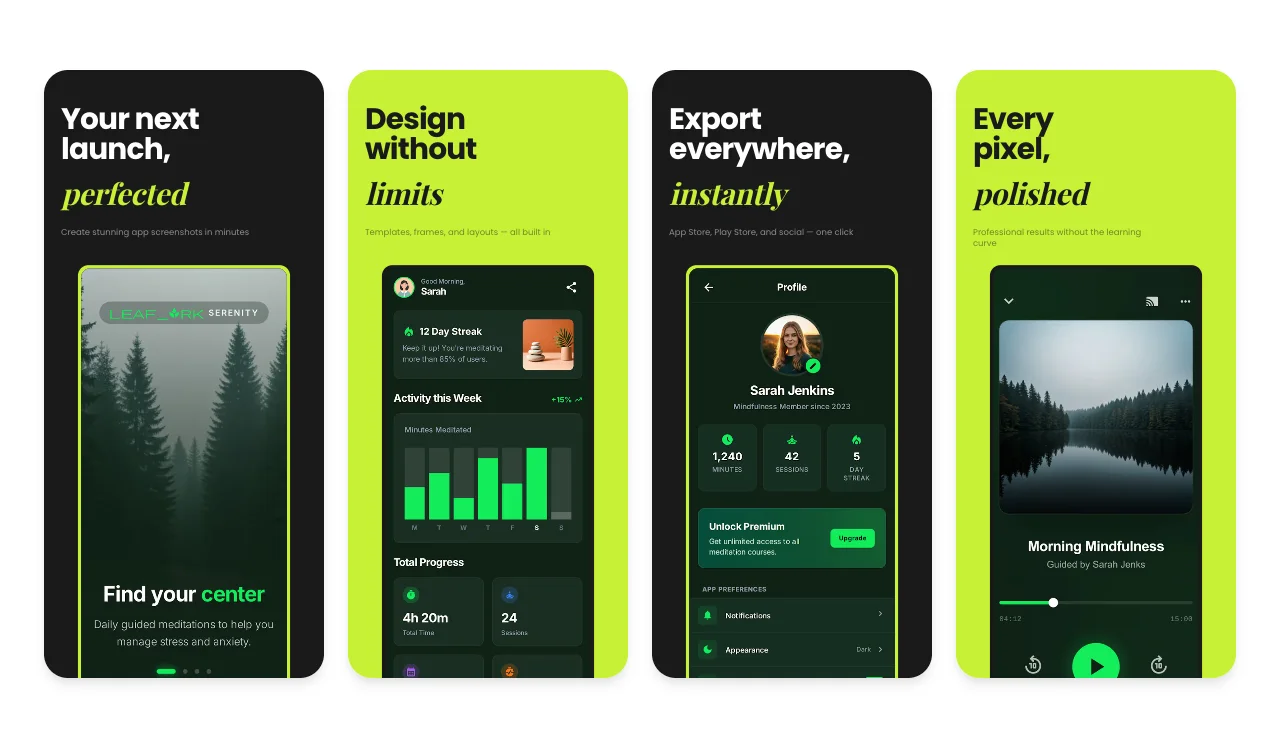
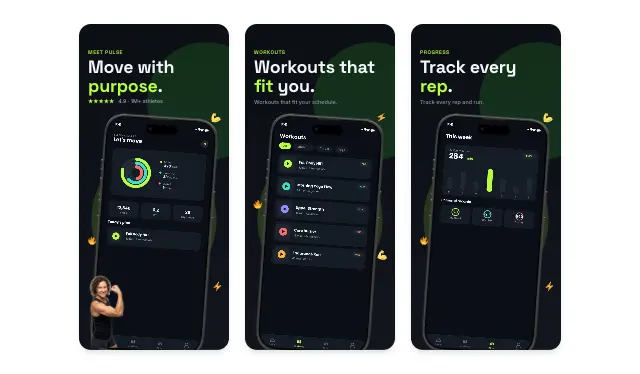
Each card below is a multi-slide template. Click any to open the editor with that template applied — the editor opens in Android mode by default so the canvas is sized for Play Store output.
95 templates
Refine store screenshots
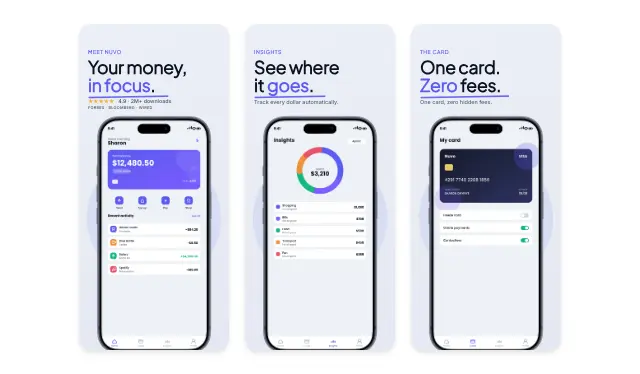
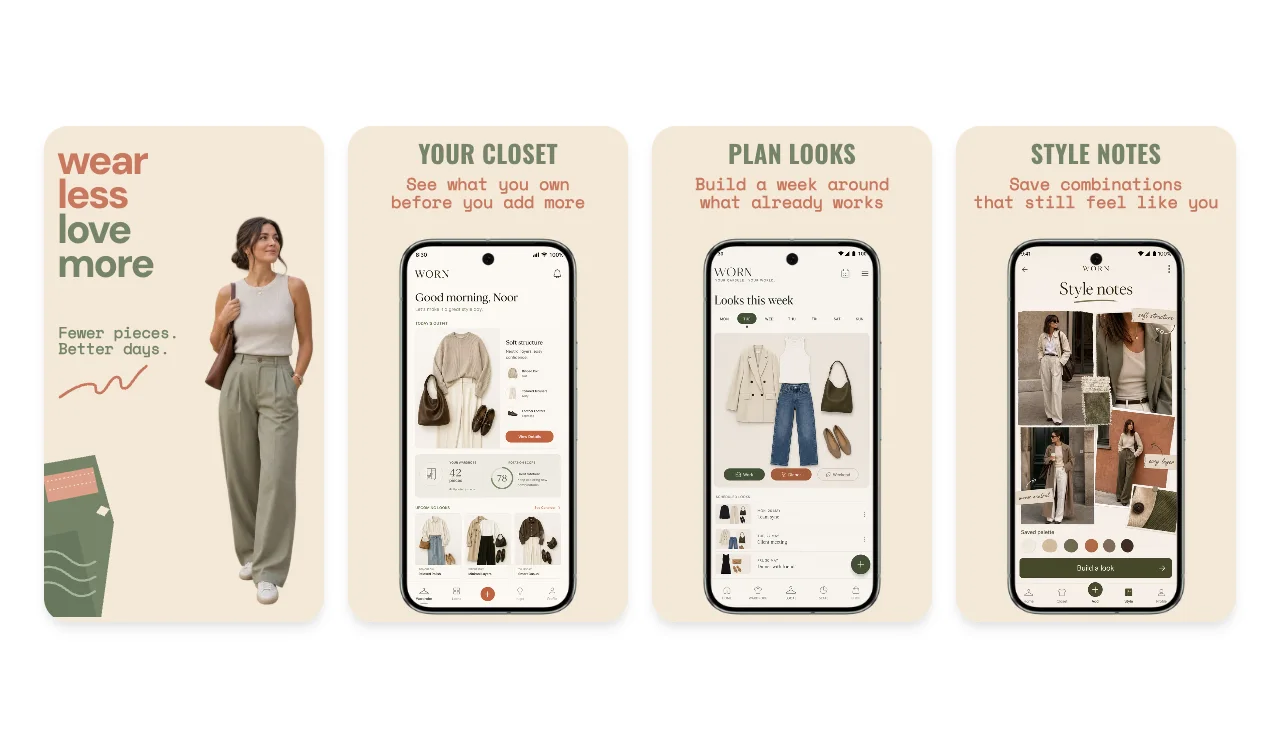
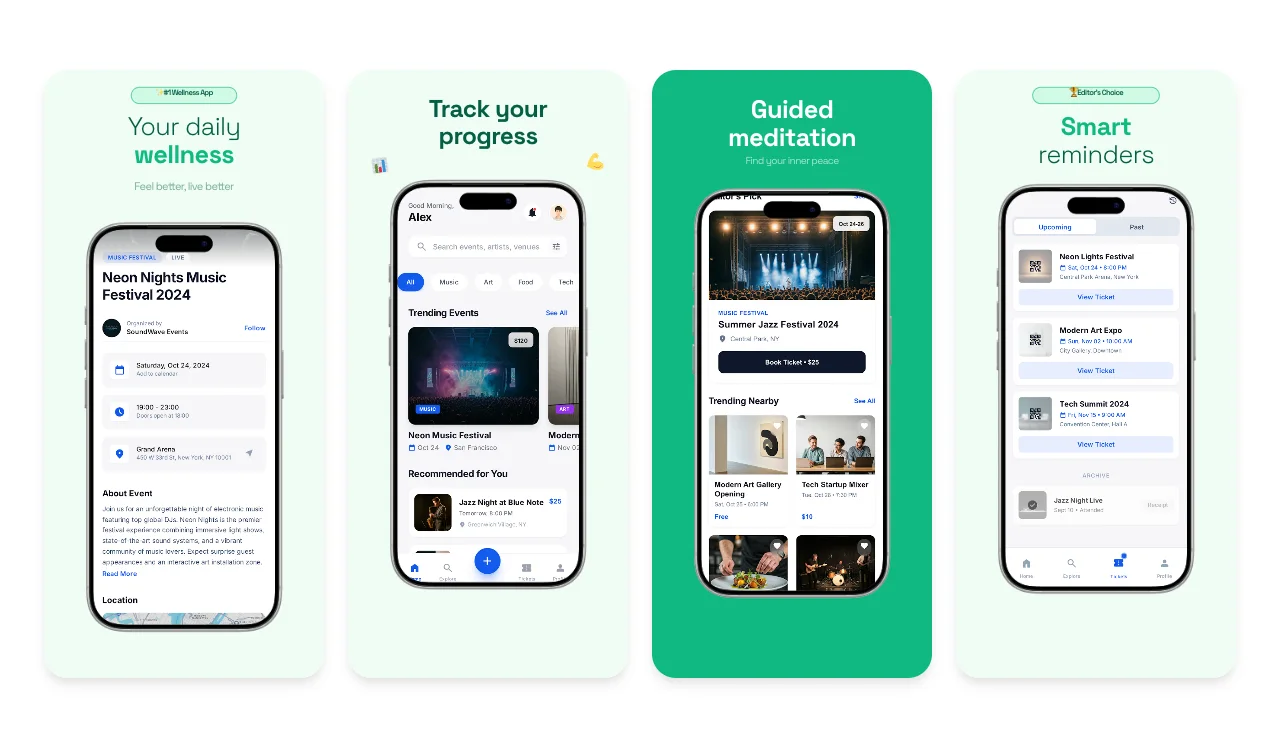
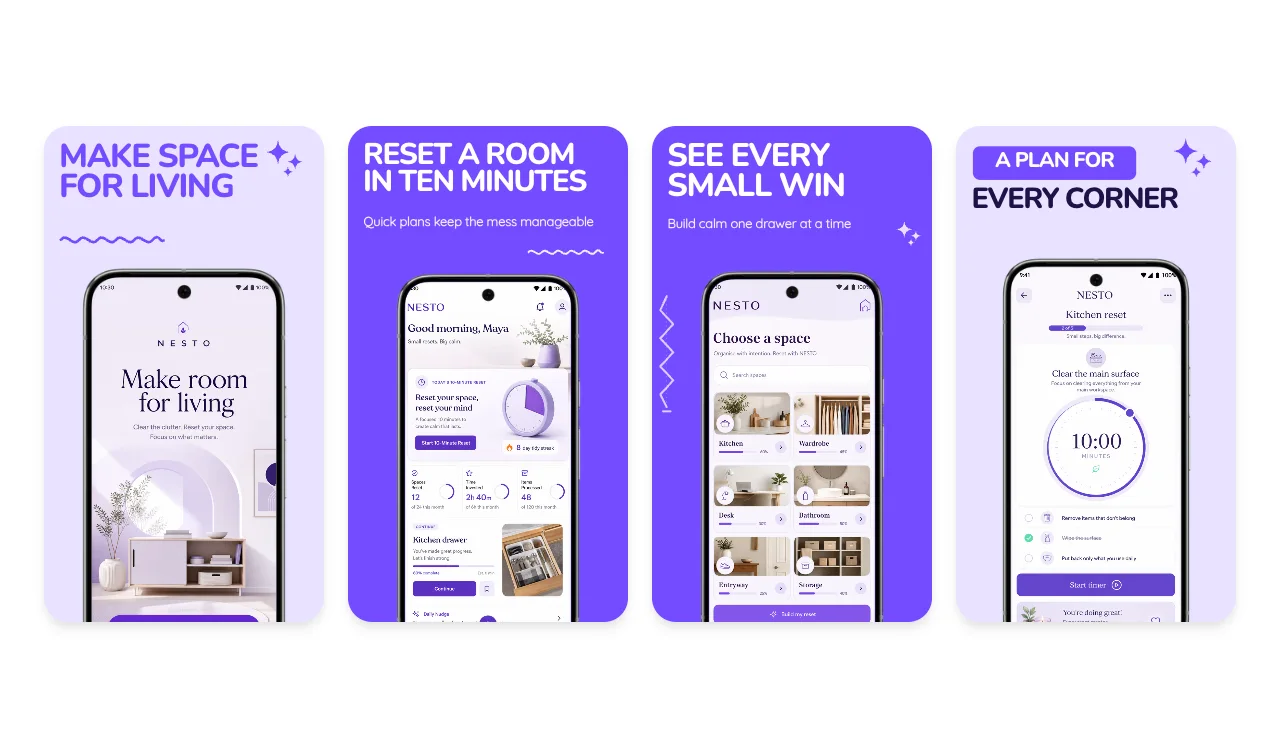
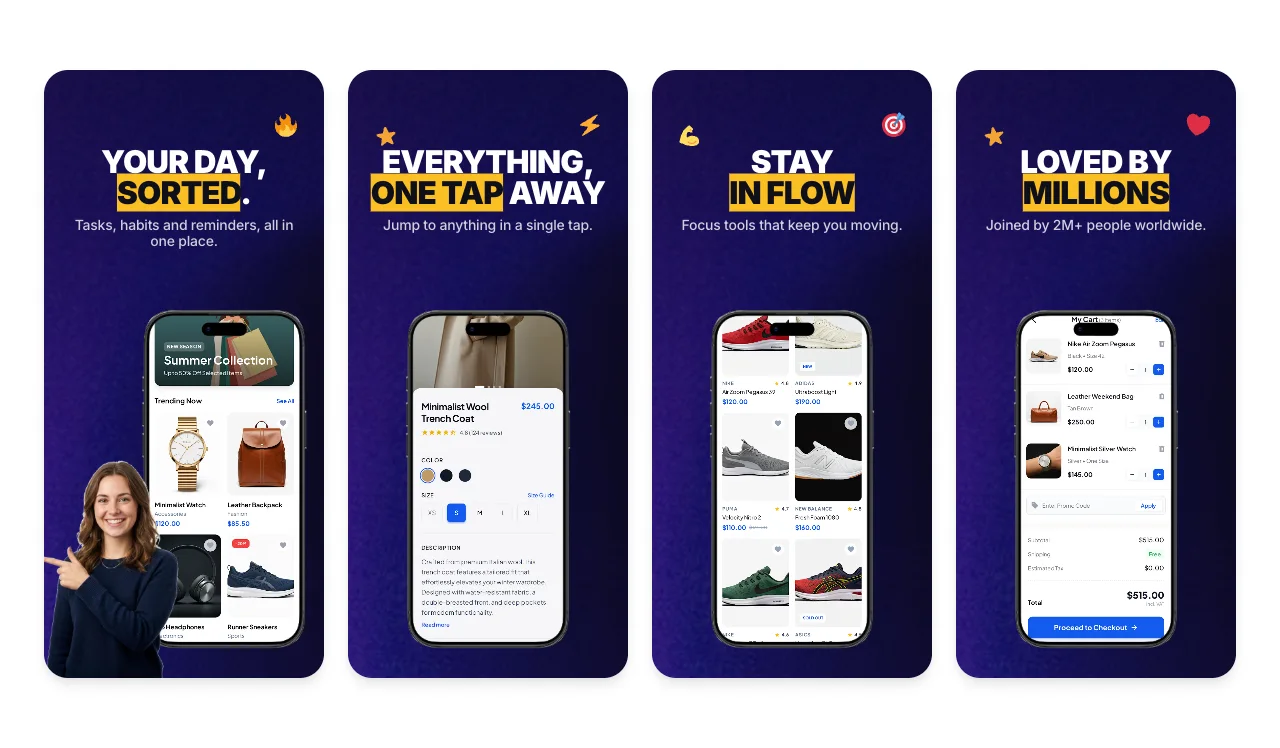
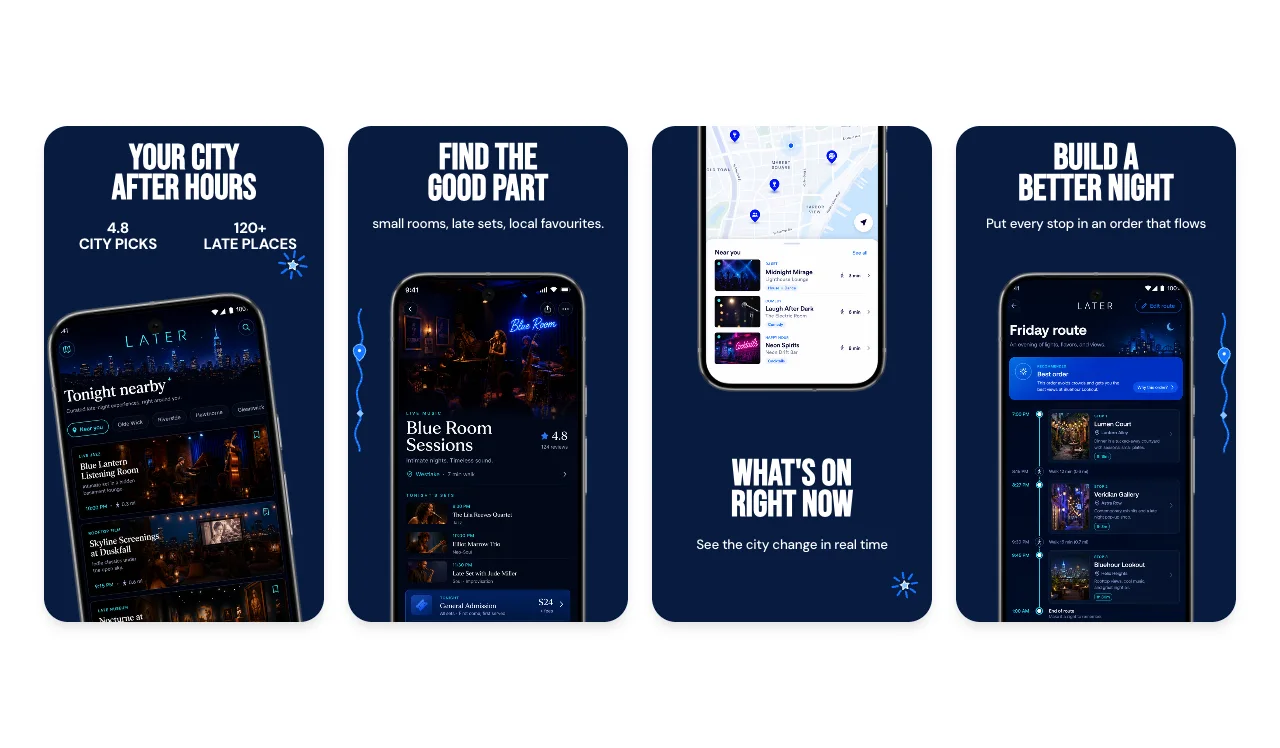
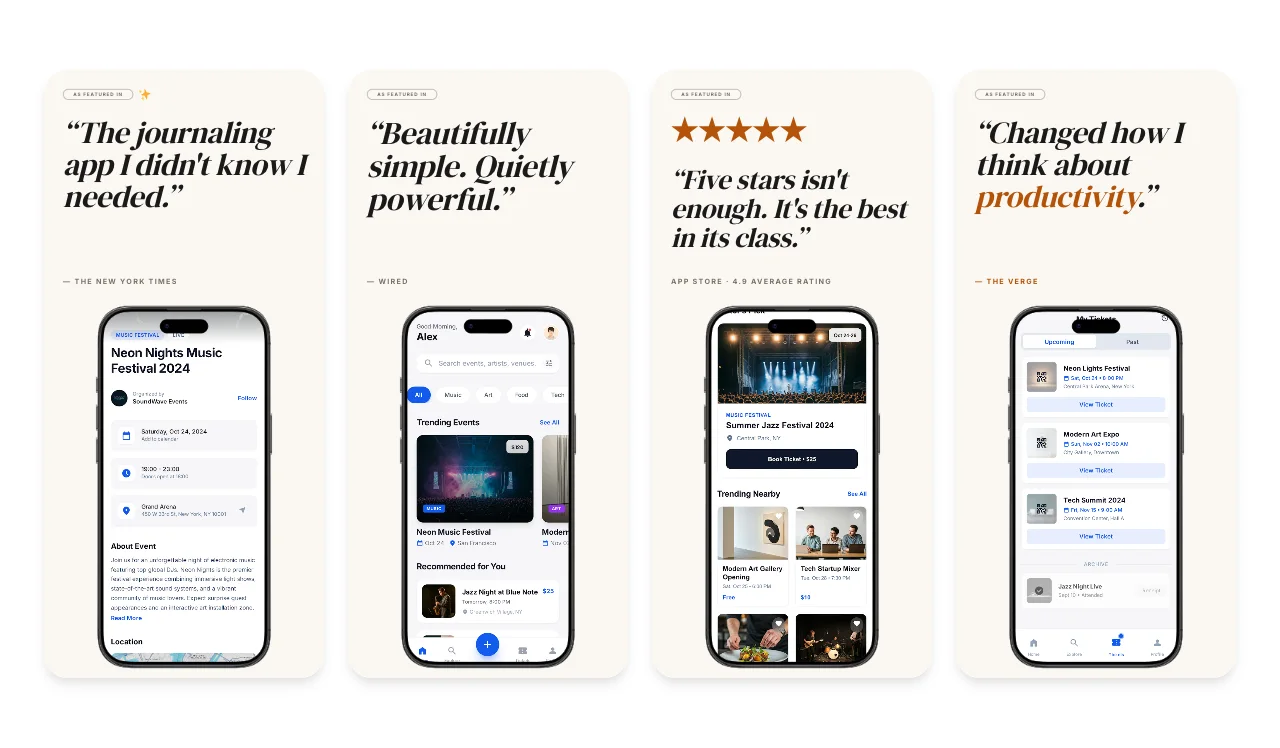
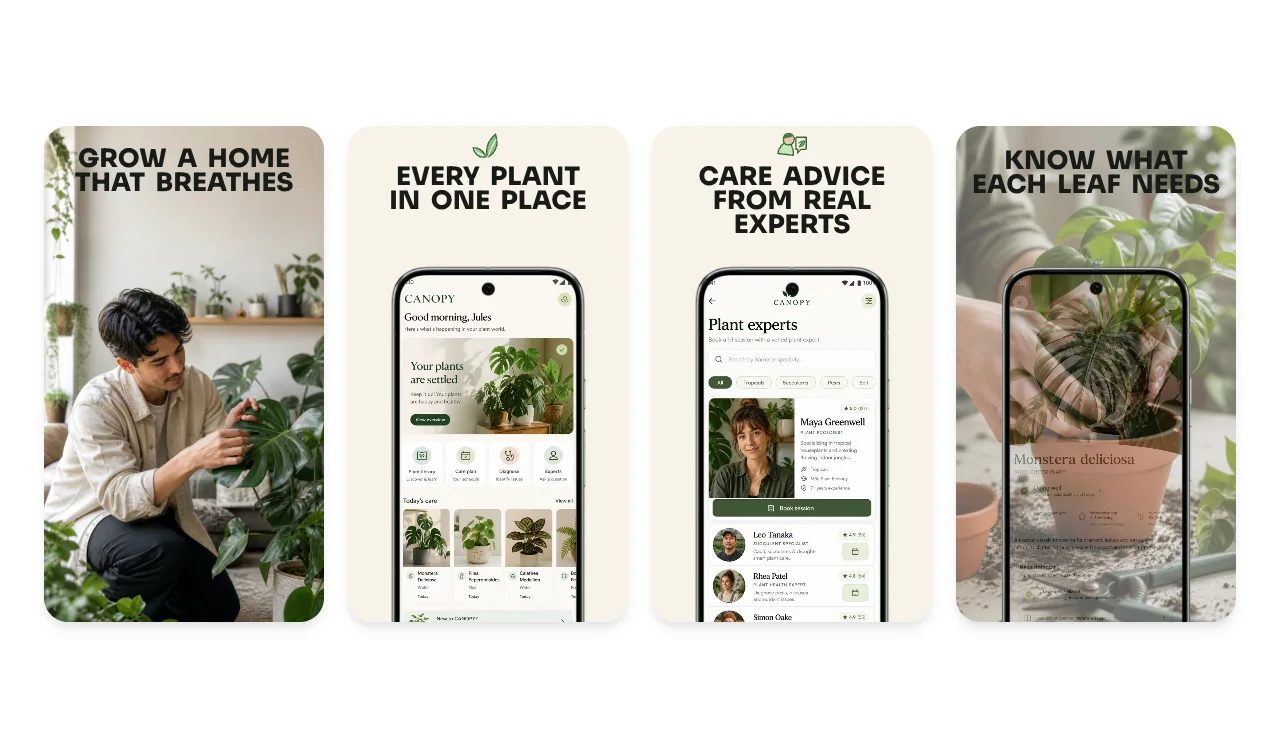
What are Play Store screenshot templates?
A Play Store screenshot template is a pre-designed layout for the screenshots Google Play shows in your app listing. Each template can include a background, caption area, device treatment and slots for your real app screens. Pick a layout, replace the example content and review each image before export.
The same visual system can be adapted for Google Play and the Apple App Store, but the stores do not share one requirements table. Select the relevant Android, iPhone or iPad output and inspect caption wrapping, screenshot scale and crop in each version.
- ✓The live gallery shows its current template count and filters
- ✓Android phone and tablet starting presets in the store editor
- ✓Pixel 9 Pro and Galaxy treatments, plus frame-free layouts
- ✓Three watermarked PNG exports per month on the free plan
Current Google Play requirements and guidance
Google's base screenshot rules use ranges rather than one fixed phone resolution. The 1080×1920 portrait and 1920×1080 landscape sizes match Google's recommendation-eligibility guidance for apps; they are not universal upload requirements.
| Asset / context | Dimensions | Other rule | Count / status |
|---|---|---|---|
| Base screenshot upload | 320–3840 px per side | Long side no more than 2× short side | At least 2 overall; up to 8 per device type |
| Recommendation-eligible app format | At least 1080 px | 9:16 portrait or 16:9 landscape | At least 4 for eligible app formats |
| Tablet and Chromebook | 1080–7680 px | 9:16 portrait or 16:9 landscape | Minimum 4 for large-screen listings |
| Feature graphic | 1024 × 500 | JPEG or 24-bit PNG, no alpha | Required |
| App icon | 512 × 512 | 32-bit PNG with alpha, max 1024 KB | Required |
Sources: Google Play Console — Graphic assets, screenshots, and video.
Frequently asked questions
Answers to the most common questions about Play Store templates and Google Play screenshot sizes.
What are Play Store screenshot templates?
What screenshot sizes does Google Play require?
Can I use the same templates for the App Store and Play Store?
How many Play Store screenshots should I upload?
Are these Play Store templates free?
Do I need a separate template for tablets?
Can I add Android device frames around my screenshots?
What's the difference between this page and /play-store-screenshot-generator?
Related tools and pages
Play Store Screenshot Generator
Full marketing-page walkthrough of the editor — frames, text, backgrounds, batch export — for Google Play screenshots.
App Store Screenshot Generator
The iOS counterpart to this page — same templates, sized for Apple App Store dimensions (iPhone 6.9″, 6.7″, iPad 13″).
Android Mockup Generator
For non-store use cases. Drop an Android screenshot into a Pixel or Galaxy frame for blog posts, social, or landing pages.
All templates
The full template gallery — Product Hunt, Website, OG images, Mockups, and the App & Play Store category combined.
ASO Screenshot Tool
A practical workflow for planning, exporting and testing store screenshots without invented conversion benchmarks.
Blog
Tutorials and examples for designing and testing App Store and Google Play screenshot sets.
Ready to design your Play Store listing?
Pick a template above or start from scratch, then choose the Android outputs your supported listing actually needs.
No credit card required · 3 free exports per month