Use Cases
Show the sign before anyone cuts vinyl. Upload your artwork and put it on a real storefront fascia, a roll-up banner or a pavement A-frame, then export a high-resolution image. Free, in the browser, no Photoshop and no PSD.
Loved by 2,000+ creators
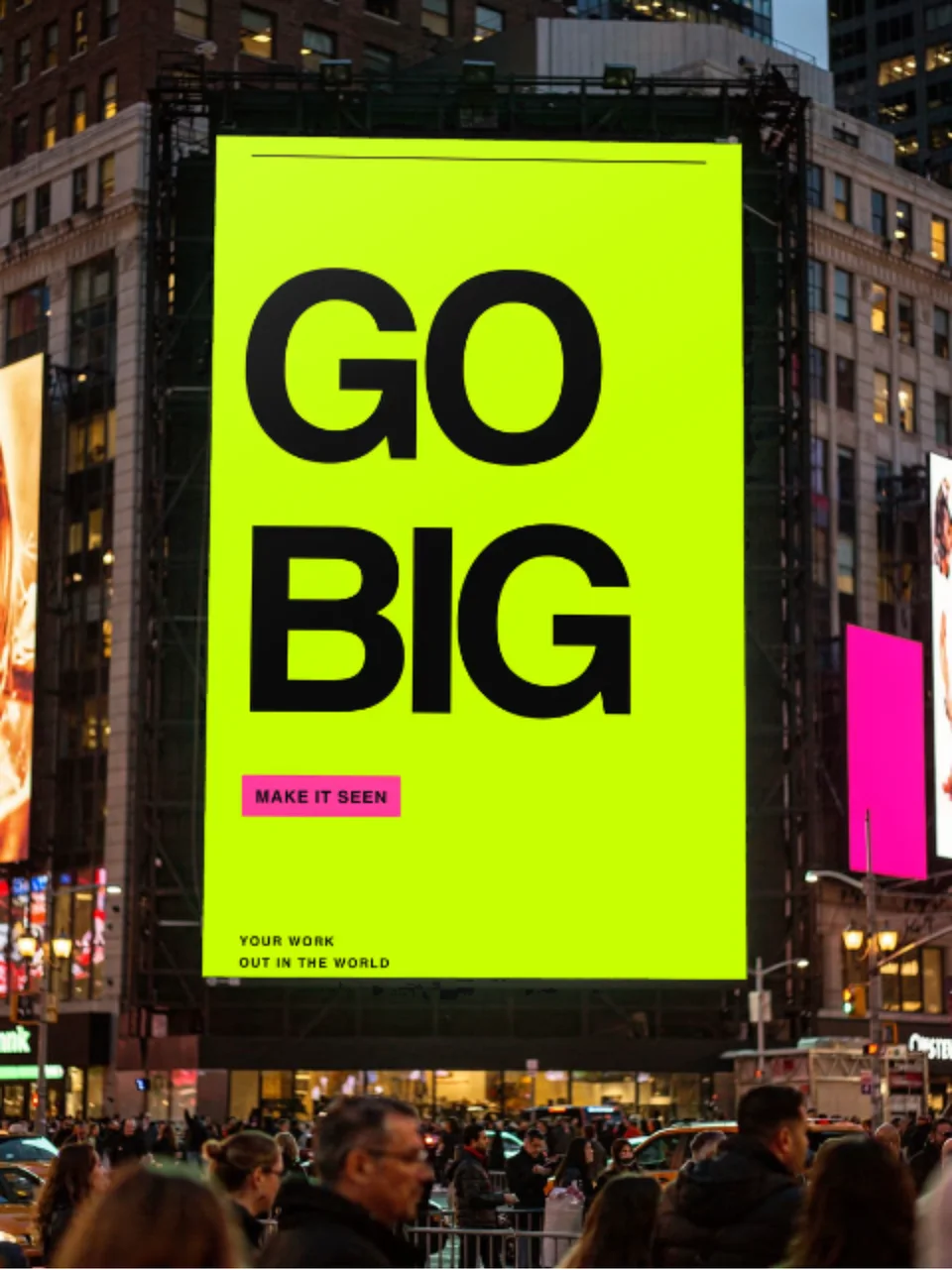
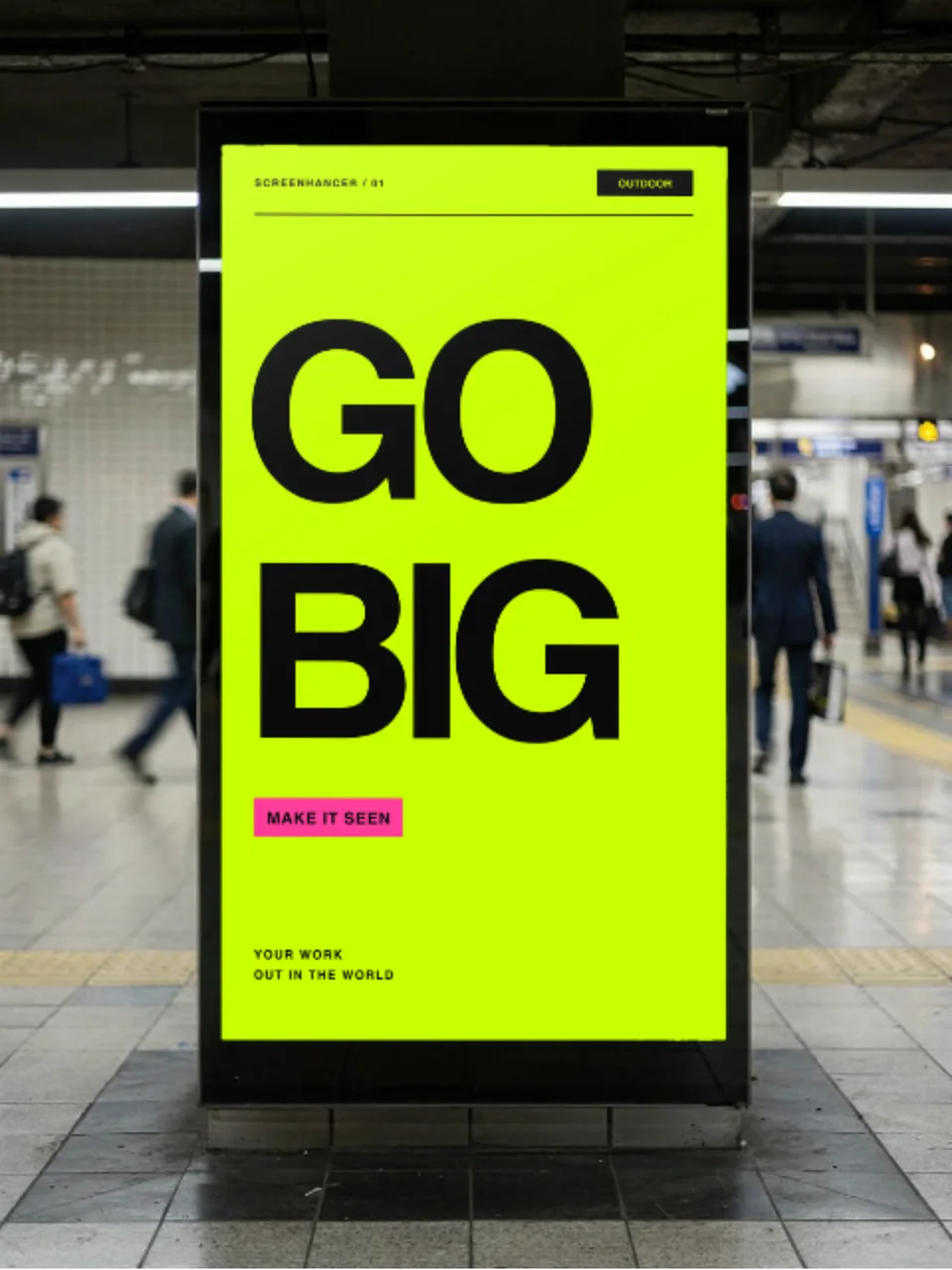
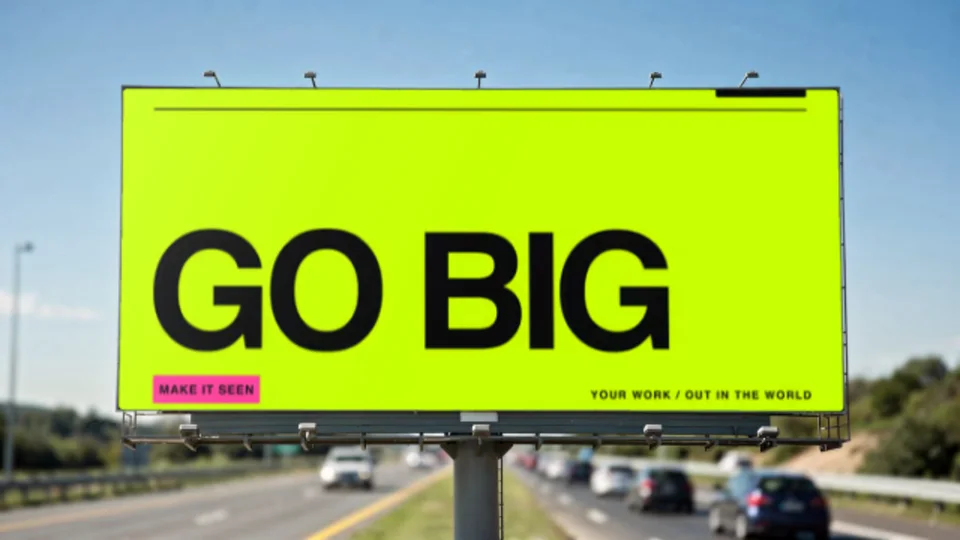
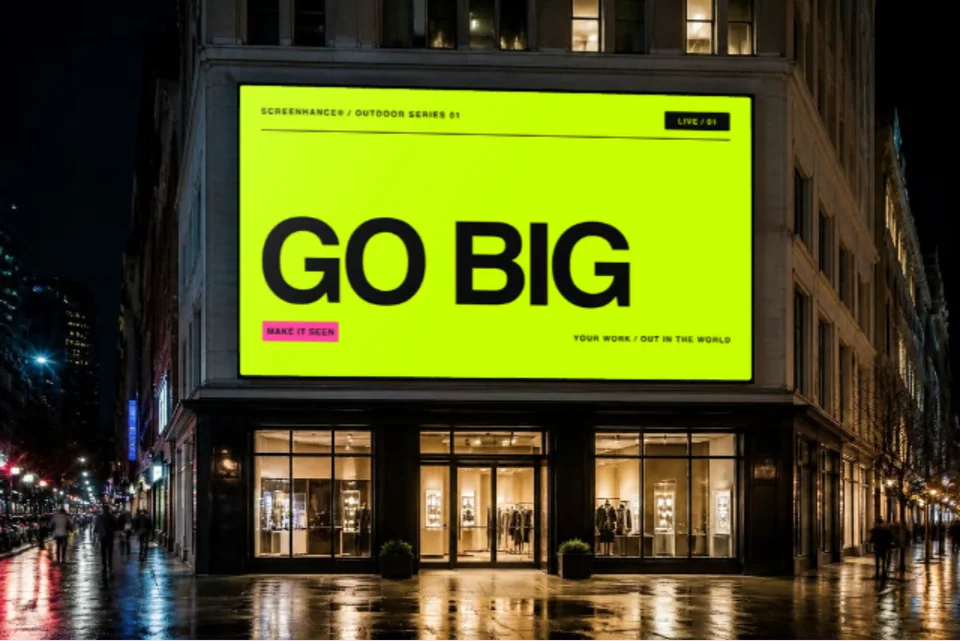
Real photographs with your artwork printed onto the sign face. Click one to open it in the editor and drop in your design.
Signage is judged in daylight, from across a pavement, on materials that behave differently. A fascia panel sits proud of the wall and casts a hard shadow. A pull-up banner is fabric, so it holds a faint vertical bow. A sandwich board leans back, which means your artwork is never square to the camera. Each scene composites your design underneath that behaviour.
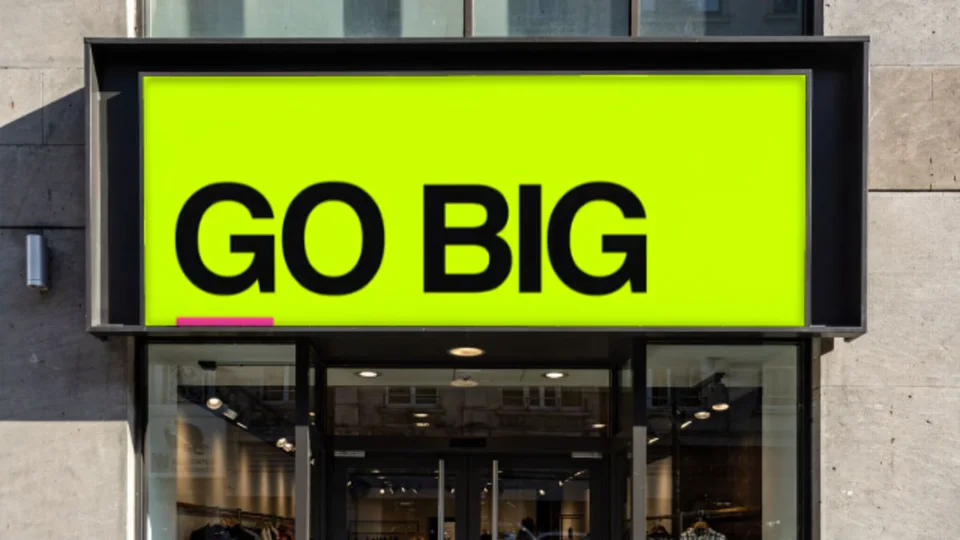
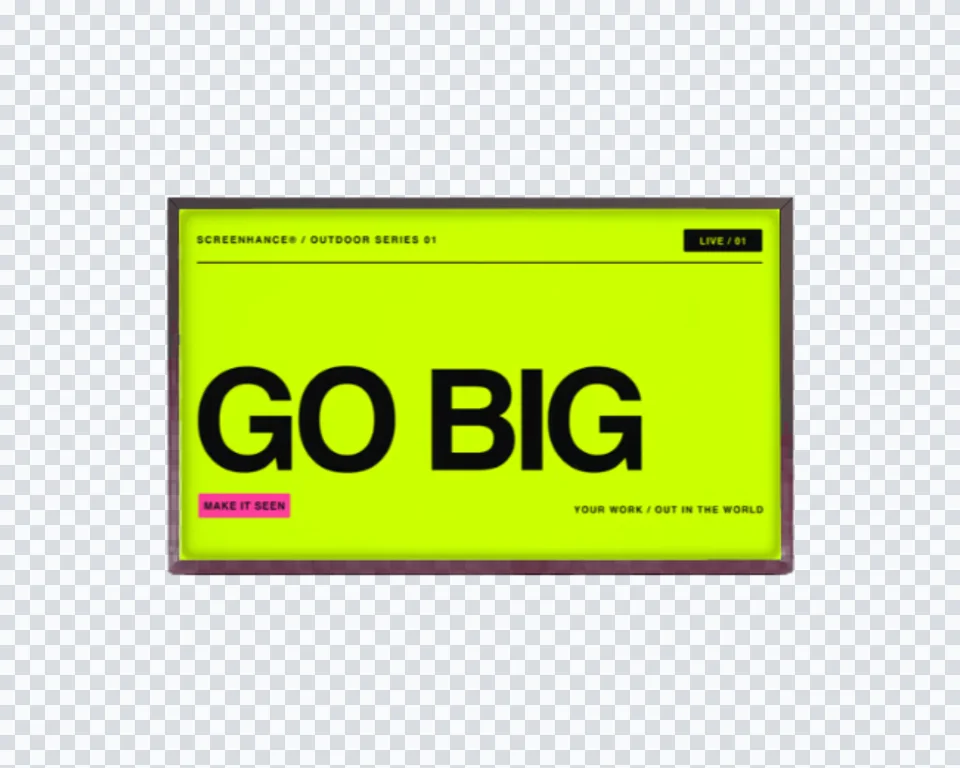
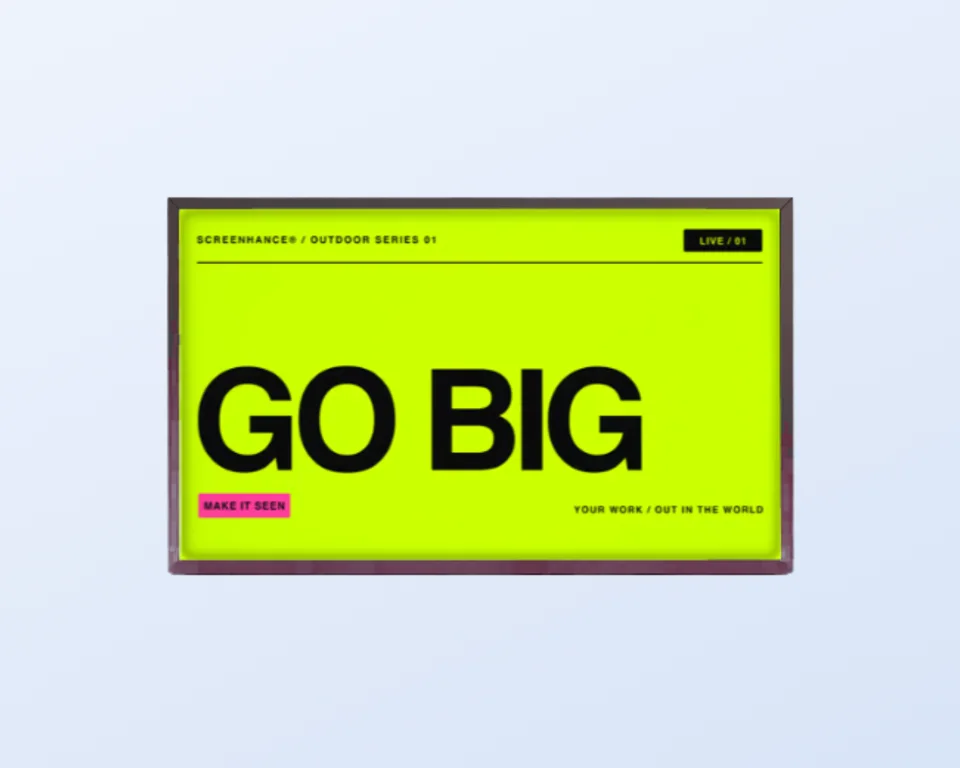
A wide sign box above a shop entrance. The housing lip stays in front of your artwork, the way it would on the street.
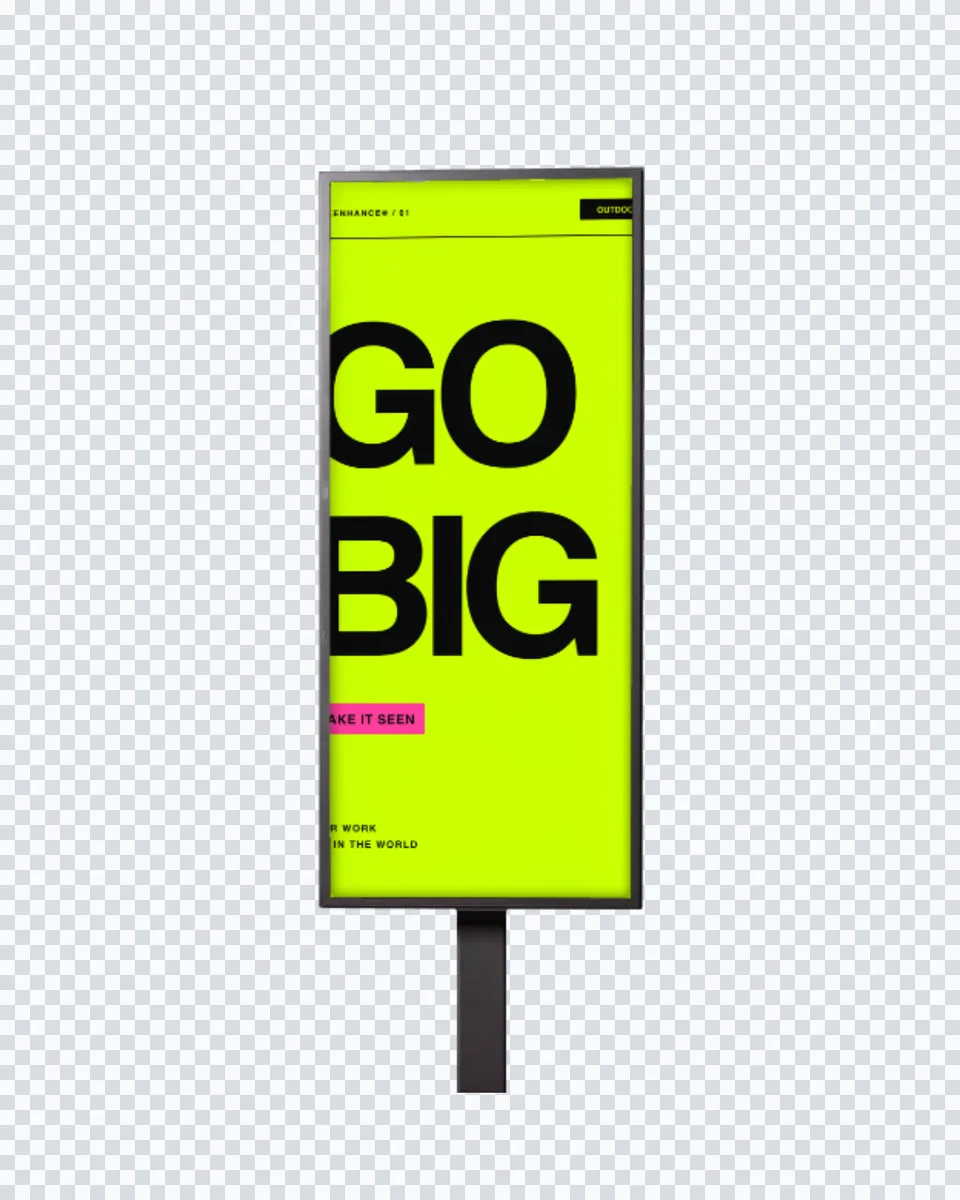
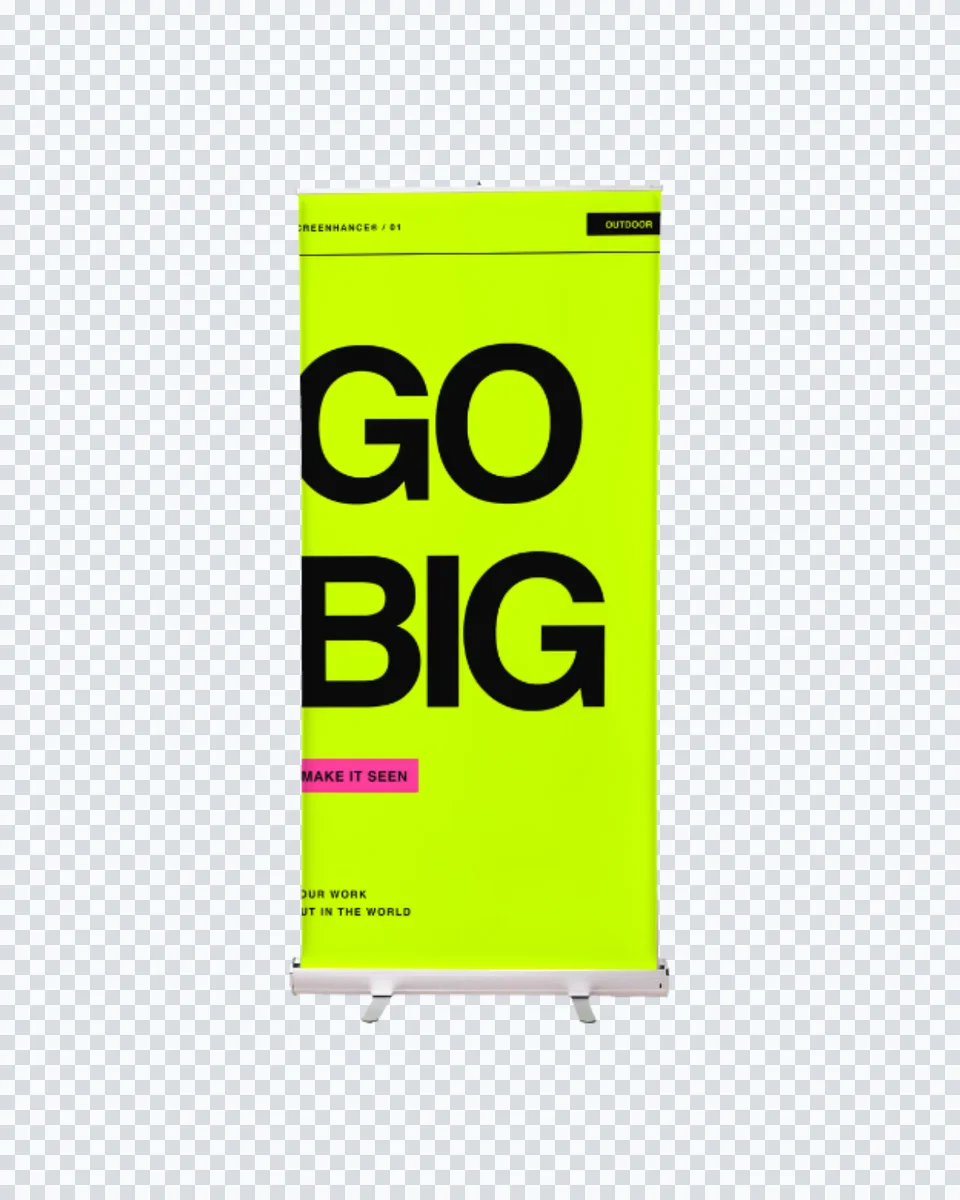
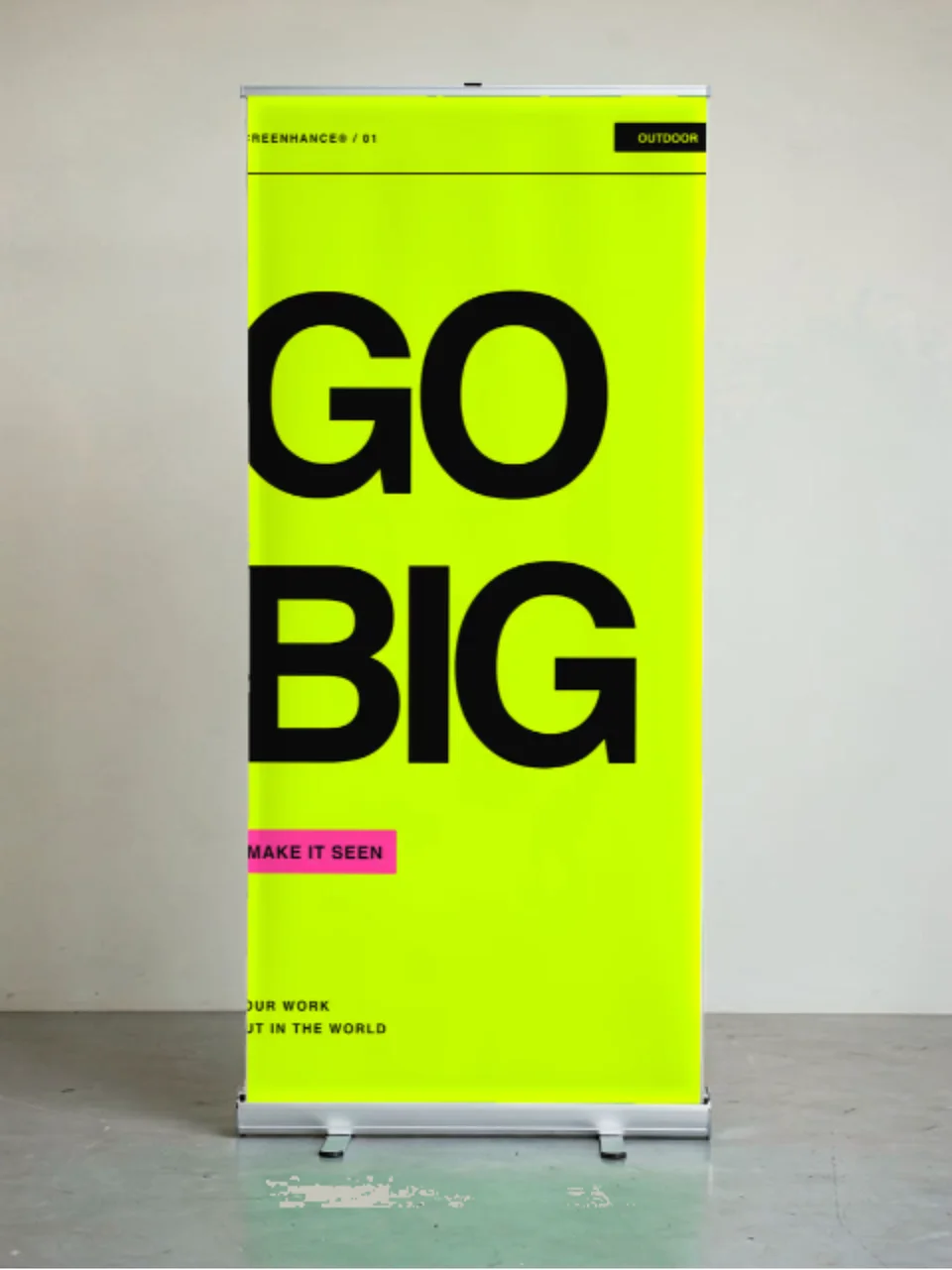
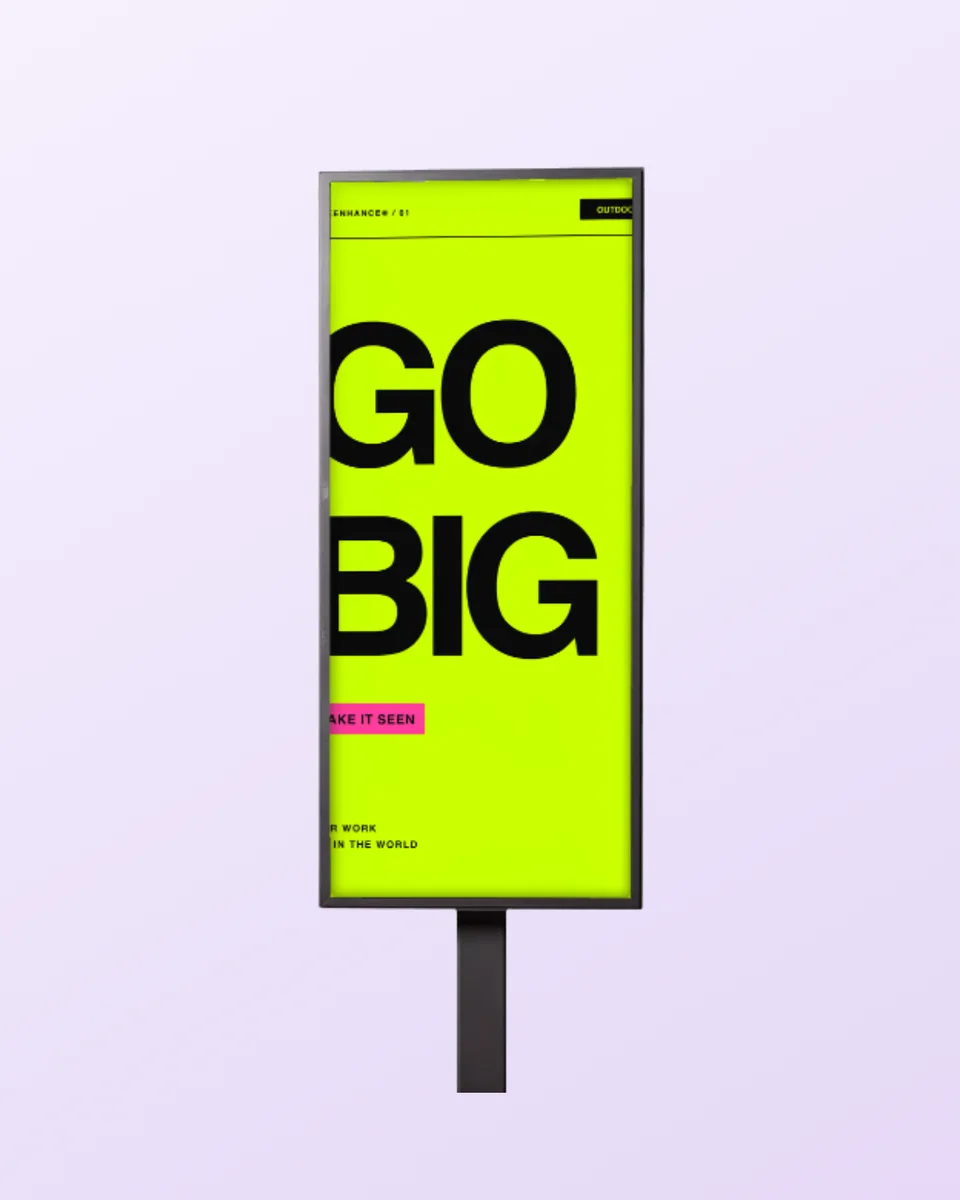
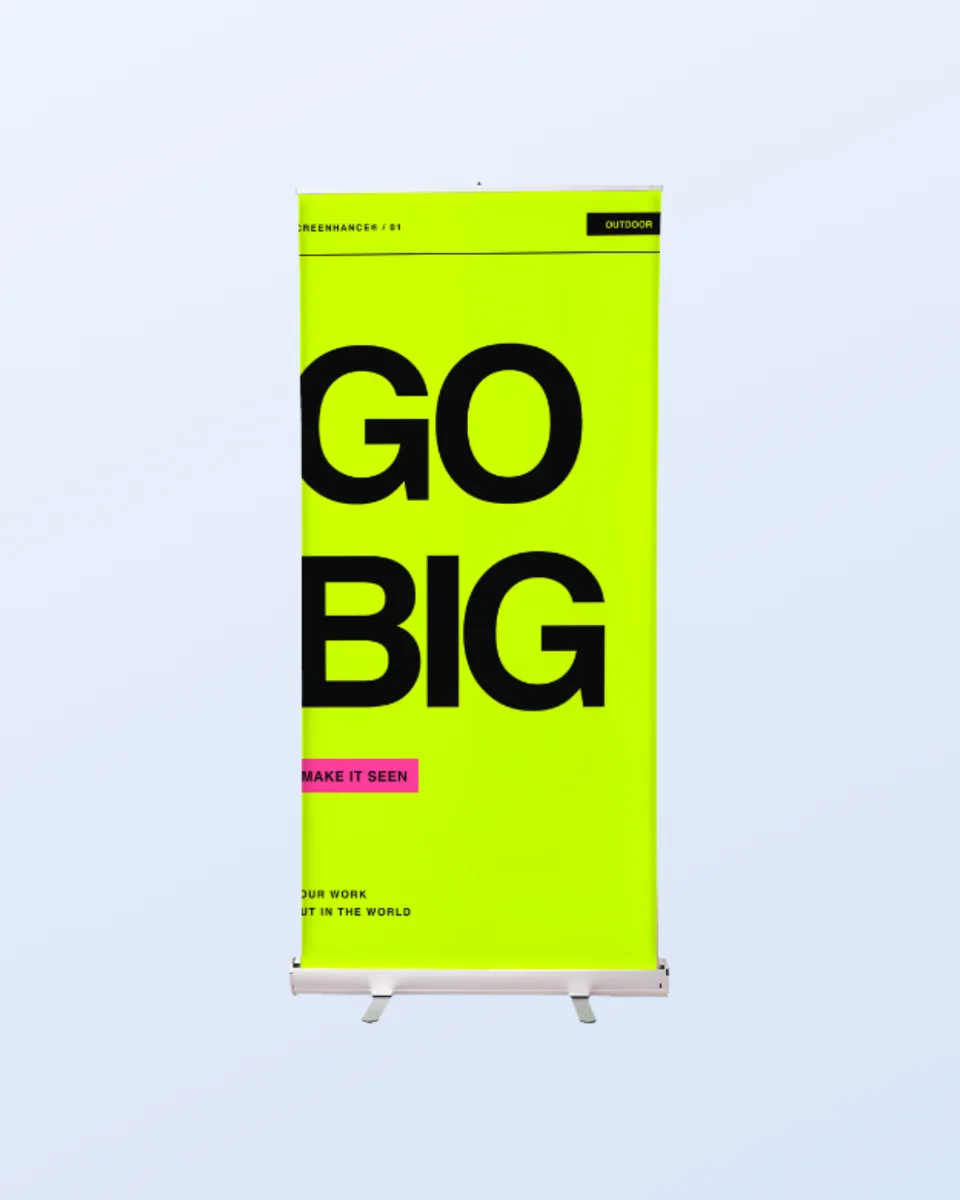
A tall pull-up with an aluminium rail and base cassette. The stand and its feet photograph as hardware, not as part of your design.
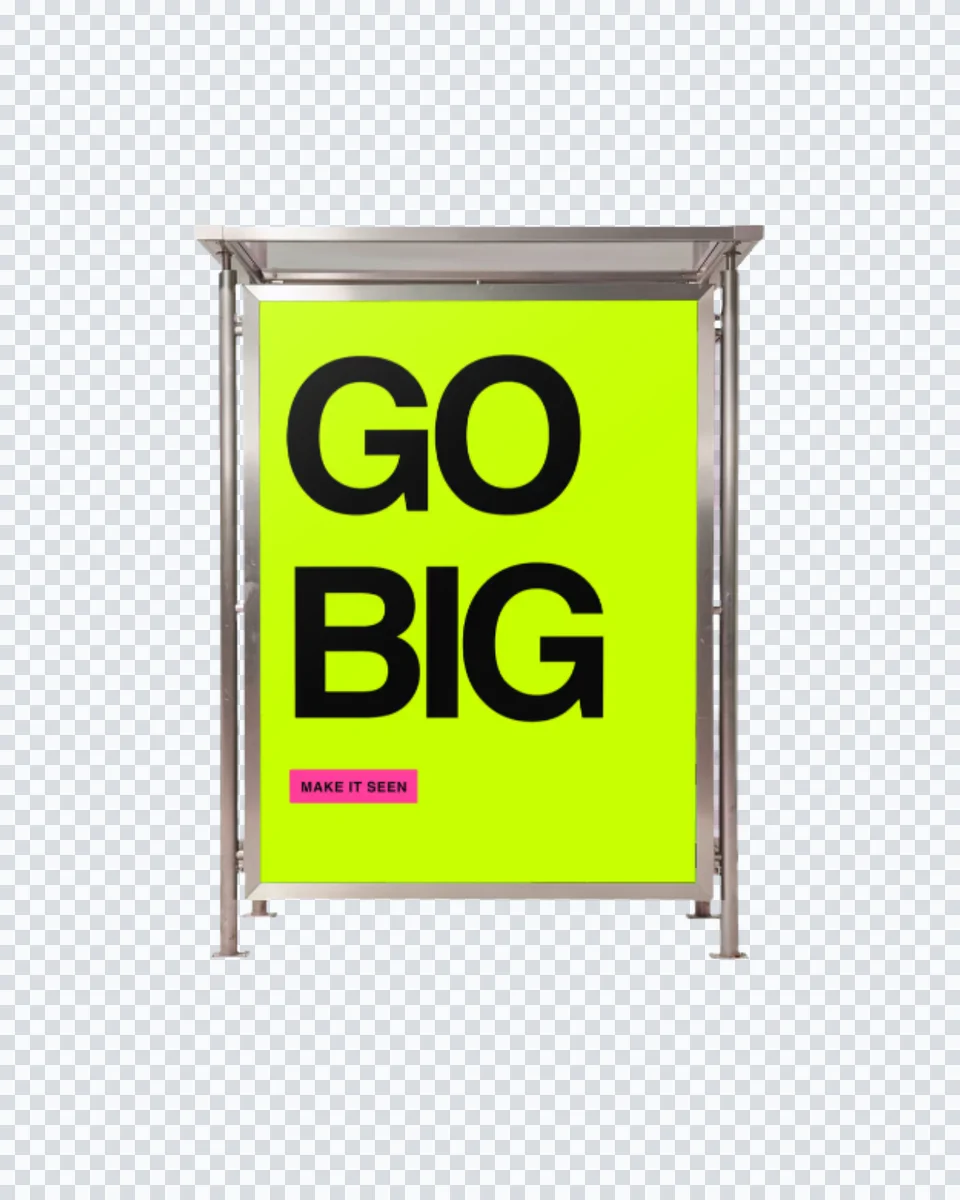
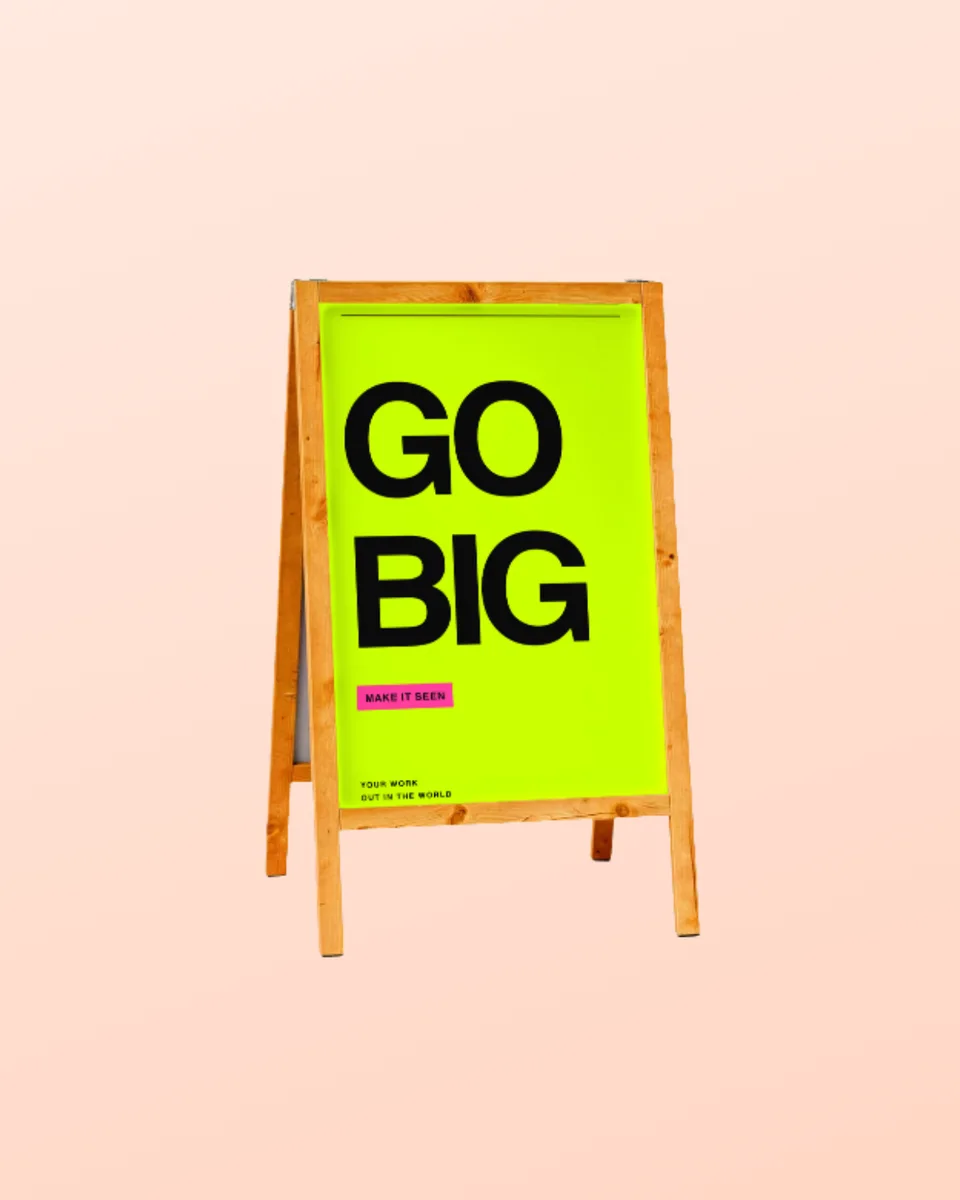
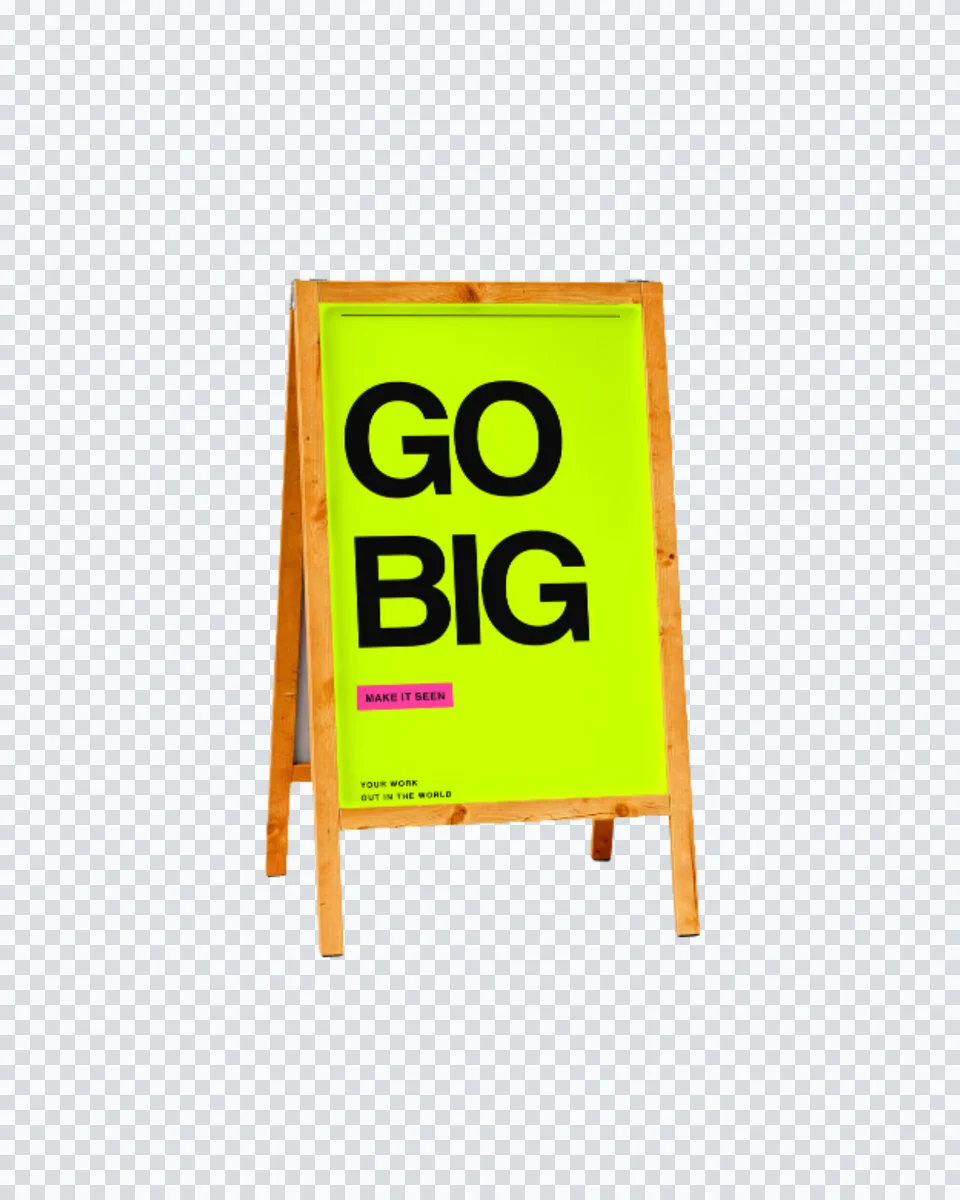
A pine sandwich board with no background at all, so the sign can sit on your own colour or slide.
Create professional mockups in three simple steps. No design skills required.
Drag and drop or select any screenshot, design, or image from your device.
Pick from iPhone, iPad, MacBook, browser frames and beautiful gradient backgrounds.
Download as PNG, WebP, JPEG, GIF, or video. Ready for marketing in seconds.
Two capabilities that separate Screenhance from every other mockup tool in 2026: animated exports and App Store screenshot localization.
Template-driven motion — float, reveal, parallax. Export animated mockups at Product Hunt, landing-page, and Twitter/X dimensions. Most mockup tools are static-only.
One master design, per-locale captions, every required Apple and Google Play size per language. RTL and CJK support. Apple reports localized listings drive 2-3x install lifts.
iPhone 17 Pro Max (1320×2868), iPhone Air (1260×2736), iPad Pro M4 (2064×2752), and the full Google Play set — exported from one design in a single pass.
Pick a template, drop in your screenshot, export. No Figma, no Photoshop, no learning curve. Free tier covers 3 exports a month; the $6 Launch Pass covers a launch with 10 watermark-free image exports.
Send the visual with the quote. Customers approve a fascia far faster when they can see it above their own kind of doorway.
Test two name treatments at full size before committing to acrylic, and post the winner as an opening announcement.
Sign off the roll-up artwork weeks before the stand goes up, with the top rail and base already in the shot.
A wordmark that works on screen can fall apart at sign scale. Put it on a real fascia while the identity is still moveable.
The traditional way to show a sign is to photograph the building, open the shot in Photoshop, mask the fascia by hand and free-transform the artwork into the four corners. It works, and it takes an afternoon per elevation. The moment the customer asks to see the logo bigger, or in white instead of black, the afternoon starts again.
Screenhance keeps the perspective corners as part of the scene, so your artwork is warped into them the instant you upload it. The panel’s own light and its cast shadow are multiplied back over your design, and the housing edge is masked in front of it. Swapping in the next colourway is a re-upload, not a re-mask, which is what makes it usable during a call rather than after one.
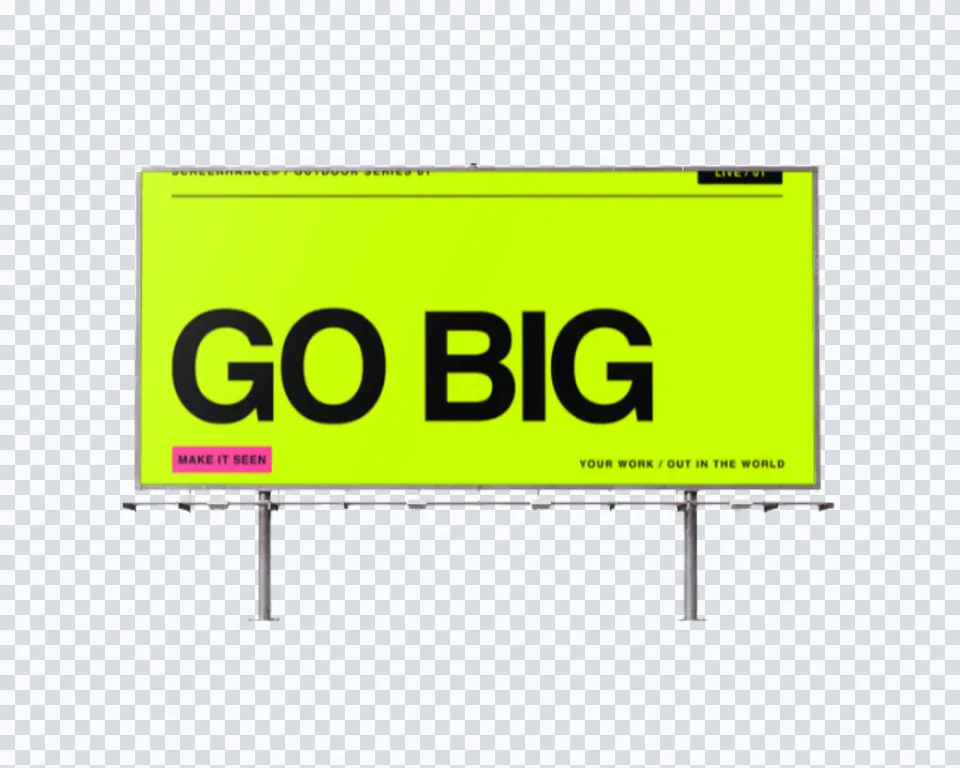
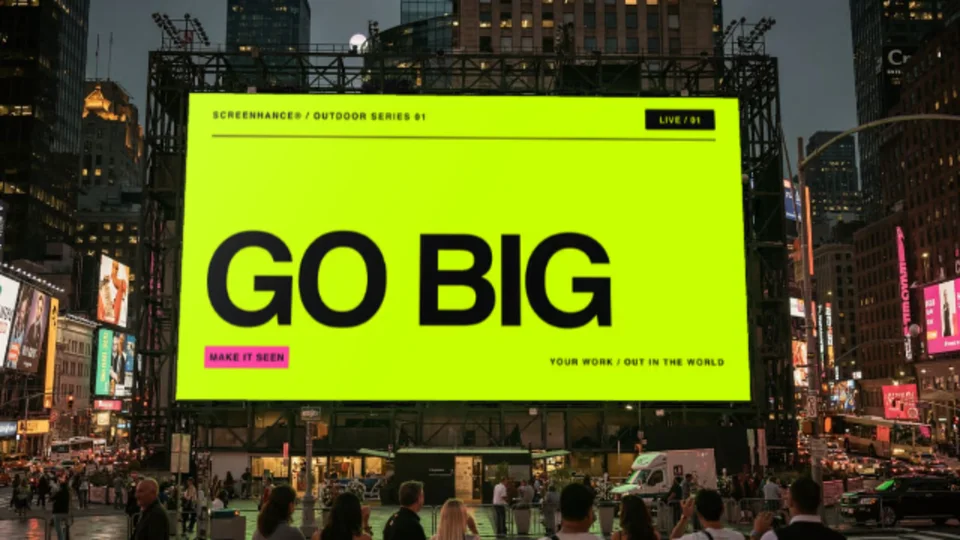
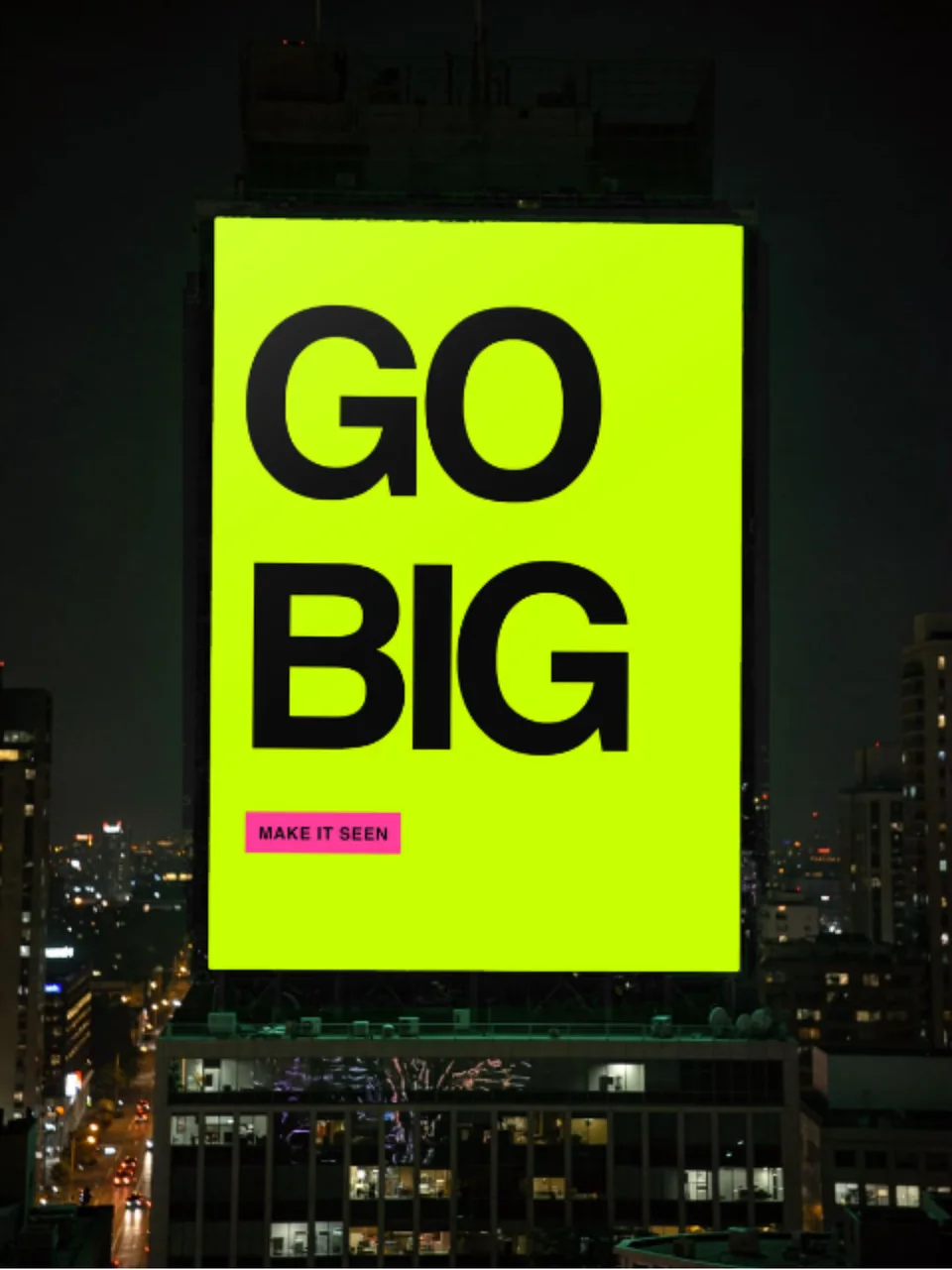
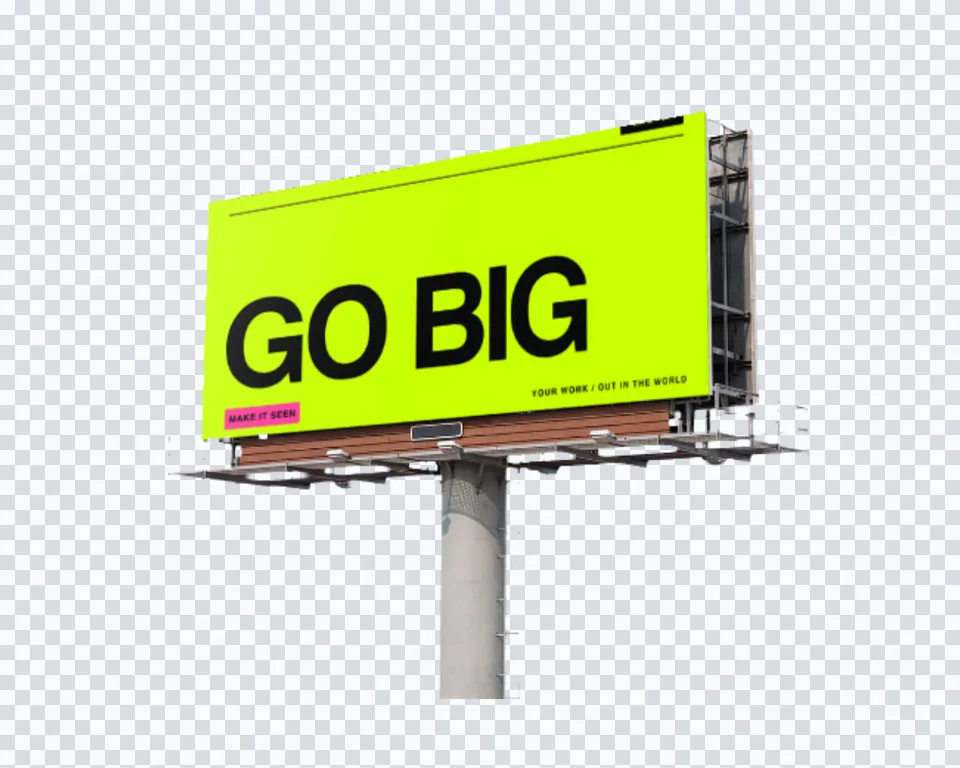
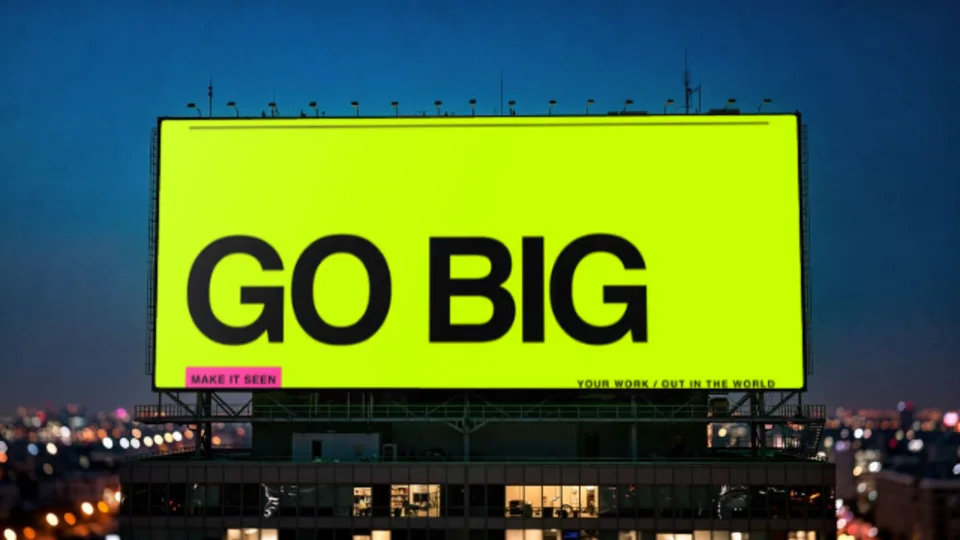
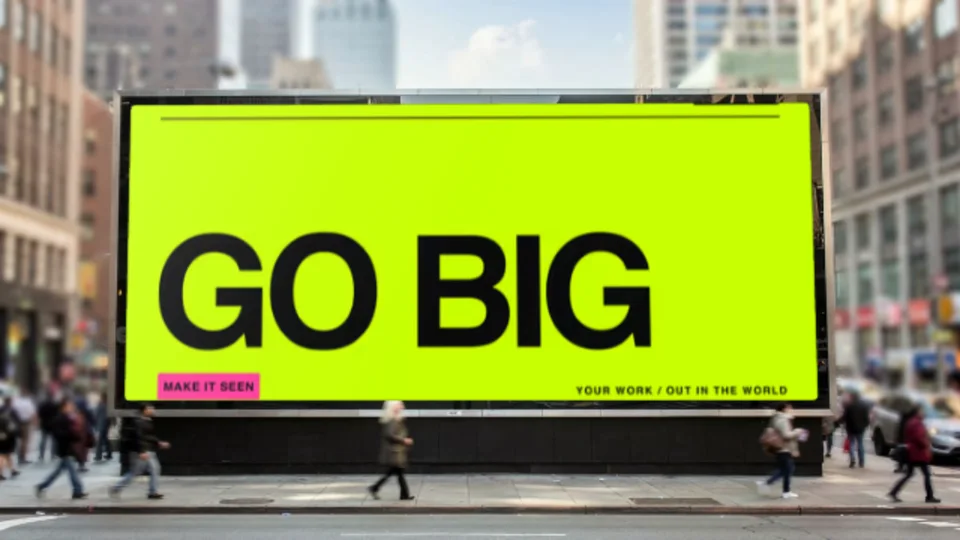
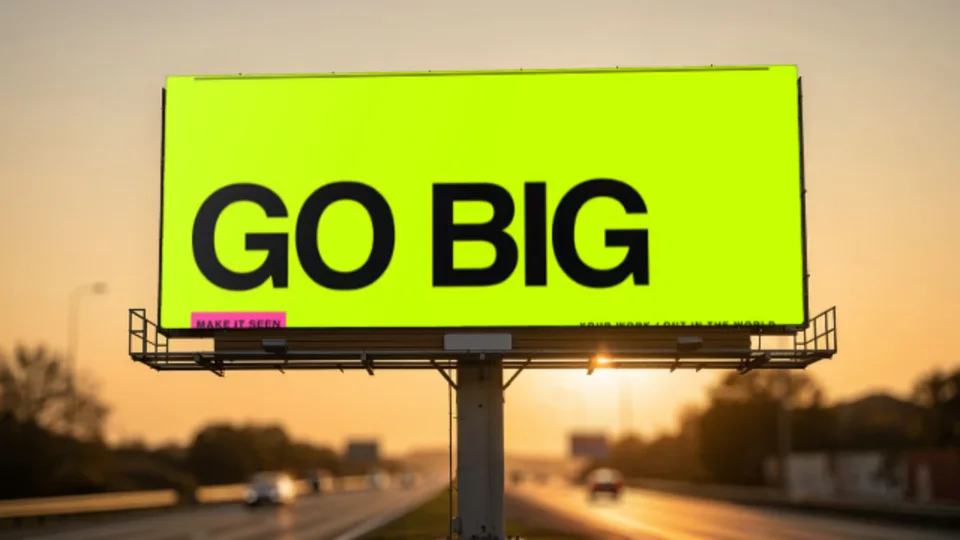
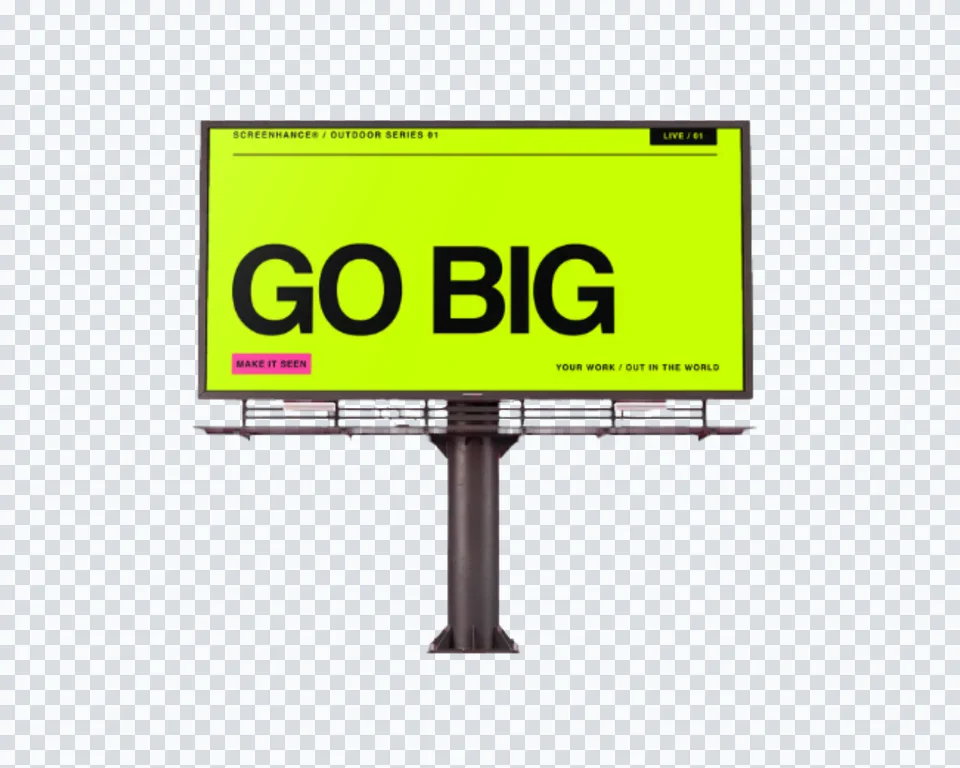
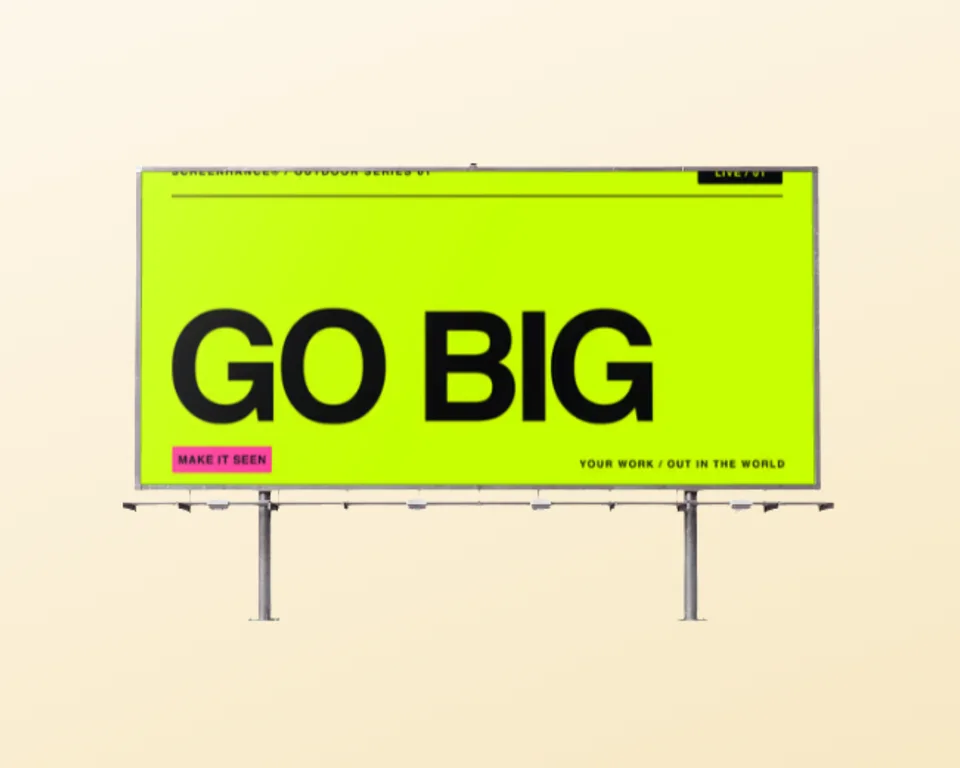
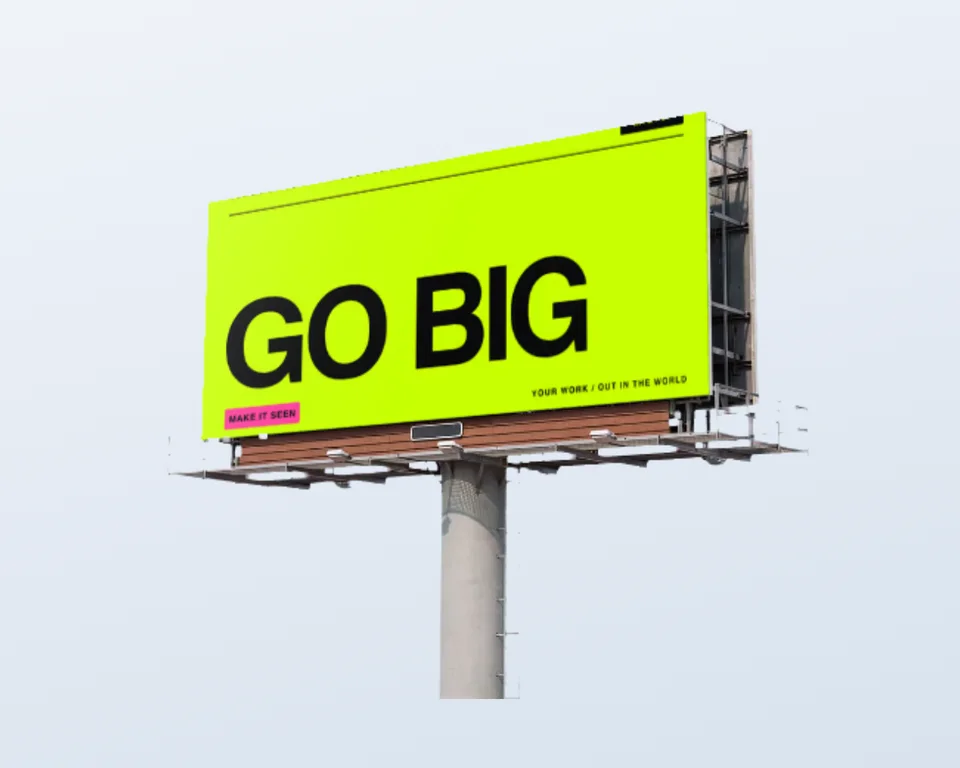
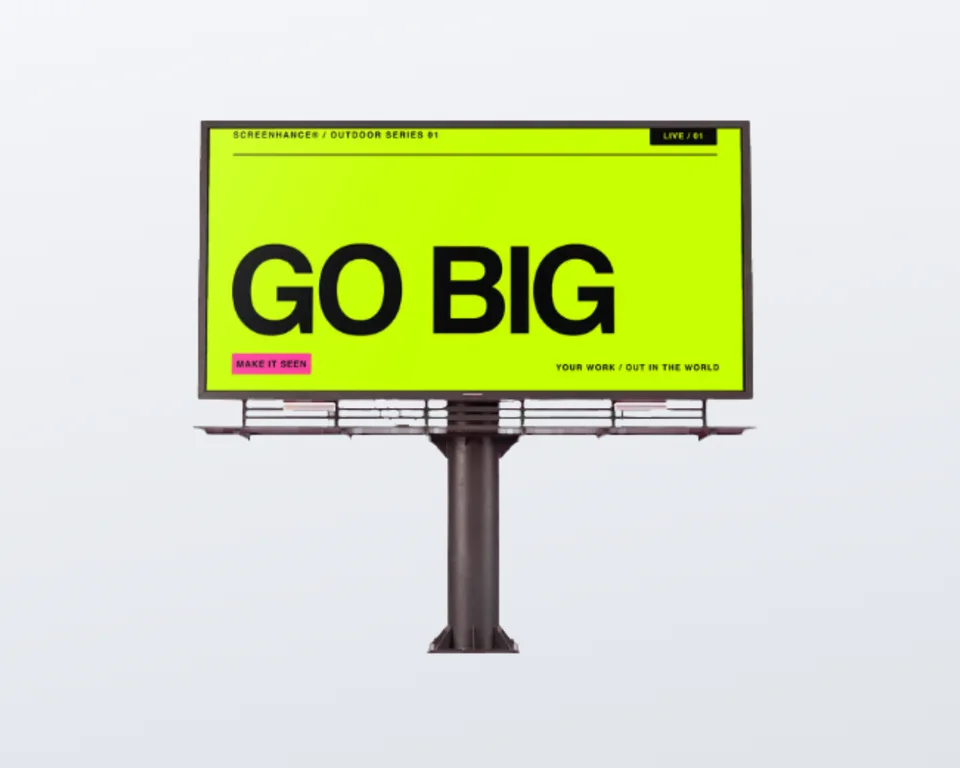
Signage covers a lot of very different objects, and the wrong scene undersells the work. A fascia is permanent and gets read at walking distance, so a wide panel with the building around it is the persuasive shot. A roll-up lives for two days in a hall, so the stand hardware matters more than the setting. An A-frame is read from three metres by someone deciding whether to come in, which is why it is the one place a short line of copy beats a logo. If your piece is rigged to a fence or a railing rather than mounted, the banner mockup generator has the outdoor vinyl scene with grommets and ties. If it is a paid roadside site, start on the billboard mockup generator instead.
A sign is rarely the only thing a new location needs. The same upload carries across a window poster, a table menu, an opening flyer and the cards on the counter, so the whole identity can be presented in one pass instead of one asset at a time.

Upload your sign artwork, choose a sign in a real photograph, and Screenhance warps the design onto the panel face in perspective. The fascia keeps its own daylight and the housing lip still overlaps the top edge, so it reads as a printed sign rather than a rectangle laid on a photo. Export a high-resolution PNG.
Yes. Every sign scene is included on the free plan, so you can build and export storefront, roll-up and A-frame shots without paying. Free exports carry a small watermark. Pro removes it, starting at a $6 one-time week pass.
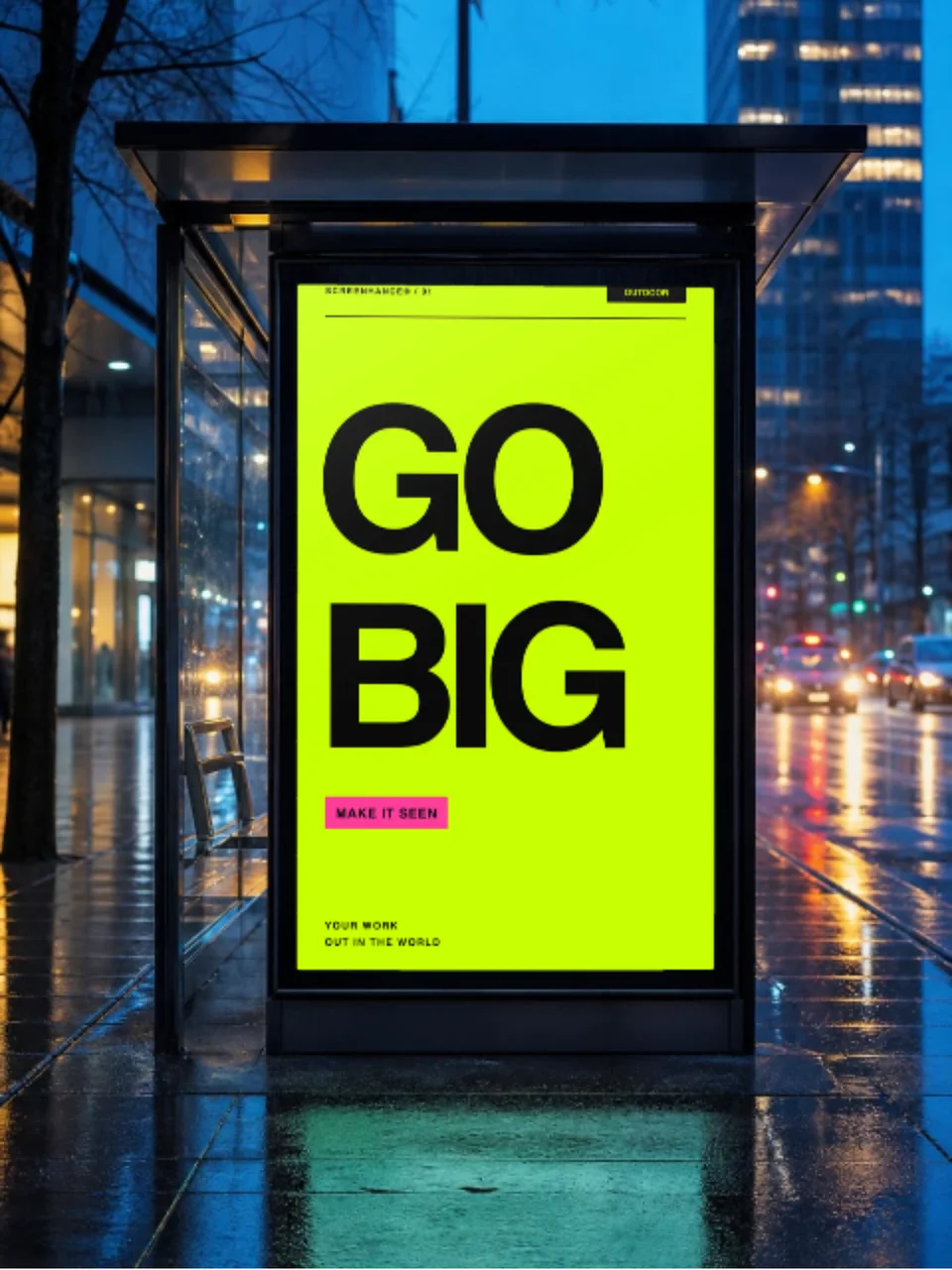
It depends on the sign. The storefront fascia panel is wide, close to 16:9. The roll-up banner is a tall portrait strip about twice as tall as it is wide, which matches the usual pull-up cassette. The A-frame insert is portrait but far squarer, near 2:3. Upload artwork already cut to that shape and nothing important gets trimmed. If the ratio is off, the editor warns you before it crops.
The storefront scene is a fascia sign box mounted over a shop entrance on a stone facade, shot in flat daylight with the glass doors below. The roll-up scene is a fabric pull-up banner with an aluminium top rail and a base cassette standing on a concrete floor. The A-frame is a pine sandwich board with a hinged top and a removable insert panel.
Yes. Three of the sign scenes are cutouts, delivered on transparency: the framed storefront panel, the A-frame board and the roll-up banner. Export a PNG with an alpha channel and drop the sign straight onto your own brand colour, a deck slide or a site hero, without a street scene deciding the mood of the shot.
Yes. Exports are yours for pitches, quotes, planning submissions, portfolios and social posts. Each one is your own artwork composited onto a licensed photograph, so there is no per-use licence to buy and nothing to credit. Print shops and sign makers use the same scene to show a customer the fascia before anything is cut.
Explore more ways to create stunning visuals with Screenhance.
Android-ready Google Play visuals
Try it freeTurn any website into a framed mockup
Try it freeEdit, annotate, and reframe screenshots
Try it freeYour cover design on a real notebook
Try it freeYour artwork as a stretched canvas or framed print on a wall
Try it freeYour design on a real canvas tote
Try it freeUpload your sign artwork, pick a fascia, a roll-up or an A-frame, and export a photorealistic mockup in under a minute.