Use Cases
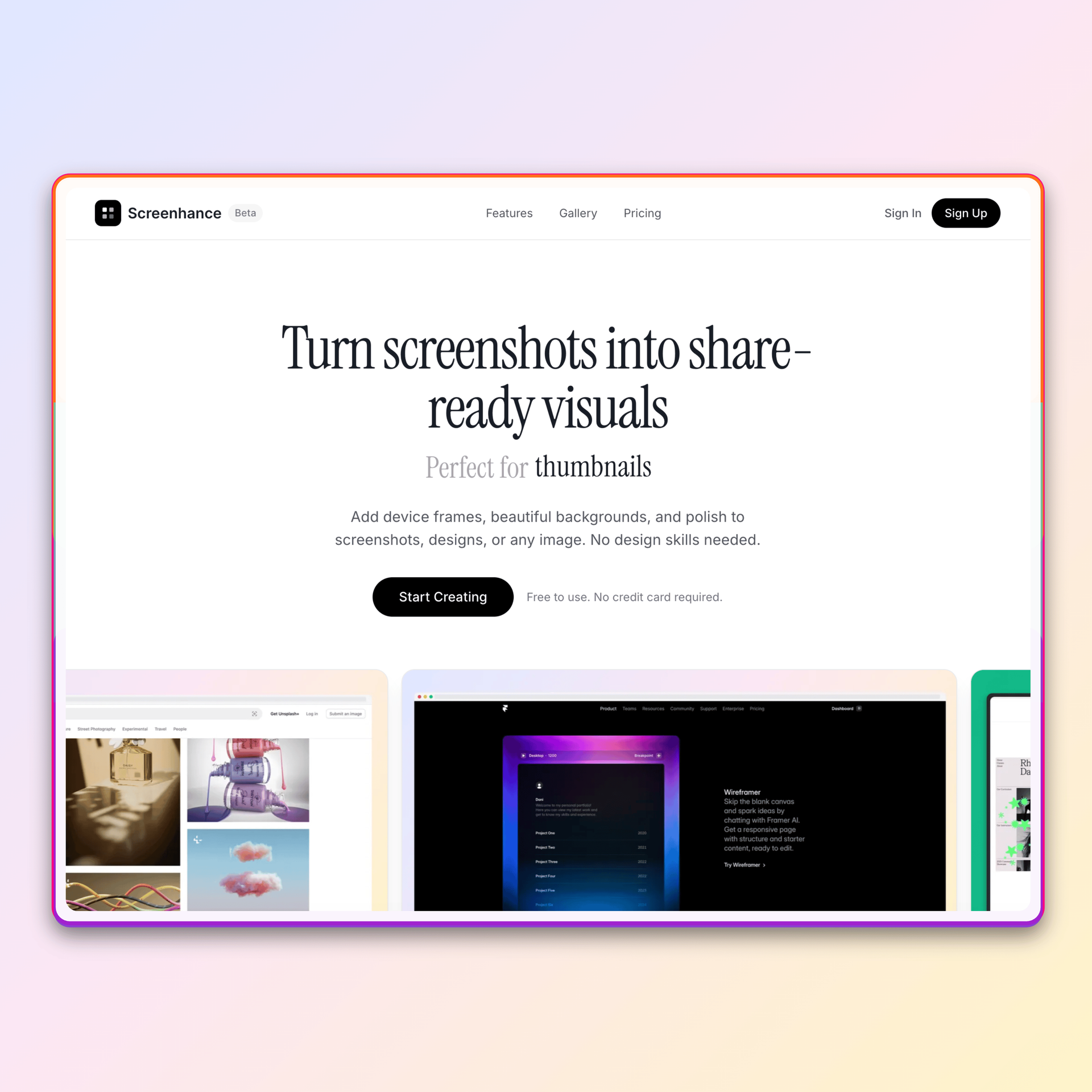
Canva is great for social media posts. But for device mockups and screenshot visuals? Screenhance gets you there in 10 seconds flat.
Loved by 2,000+ creators
Every template is designed for screenshots and device mockups. No searching, no resizing.
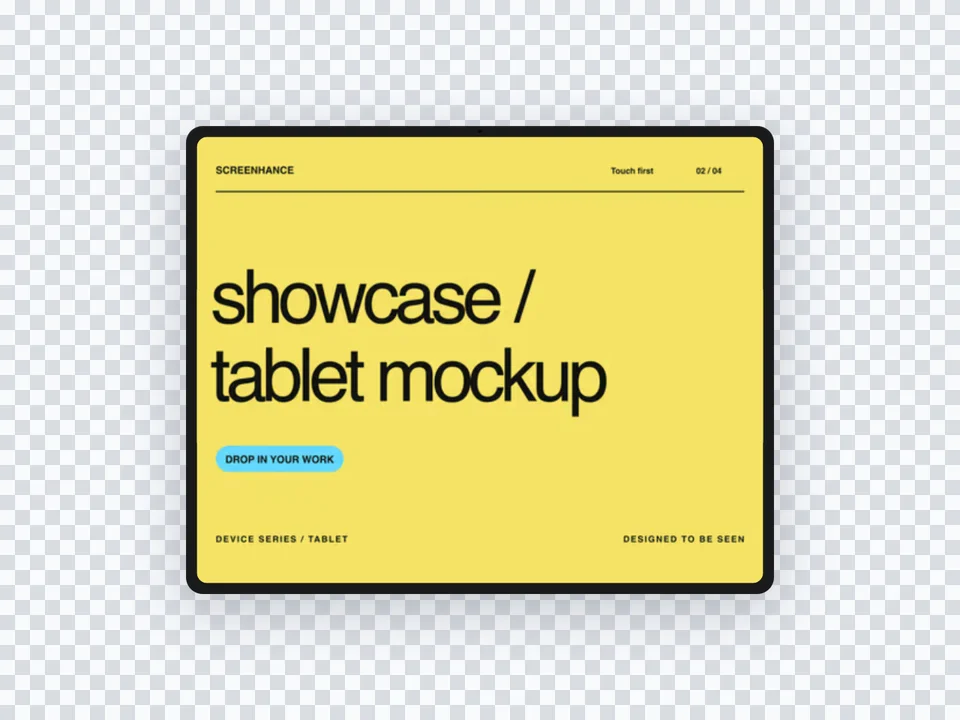
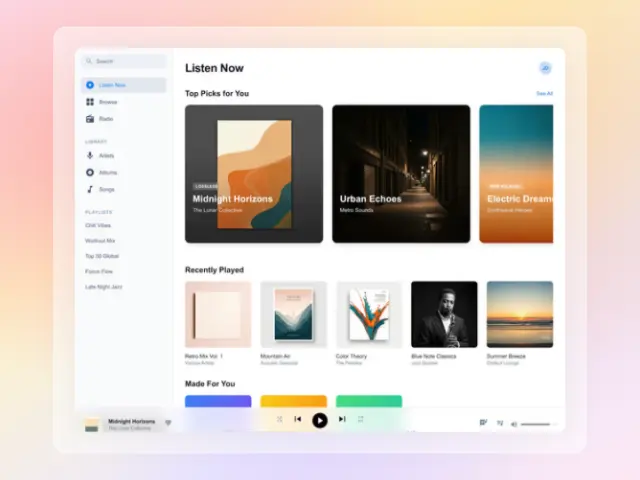
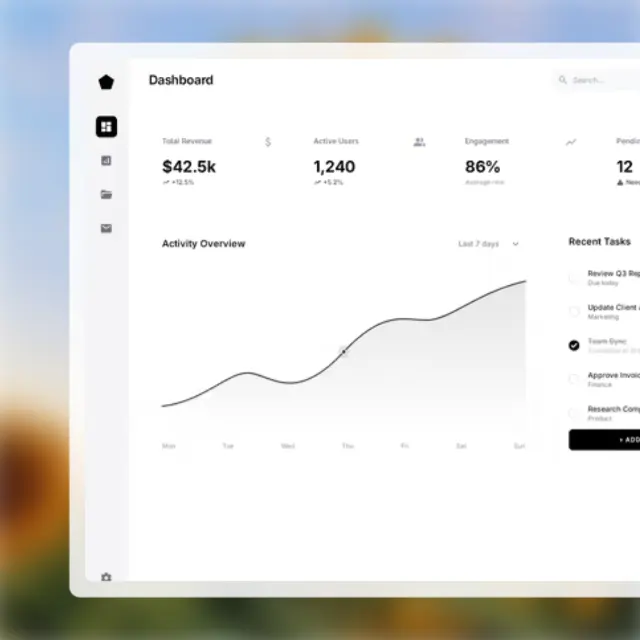
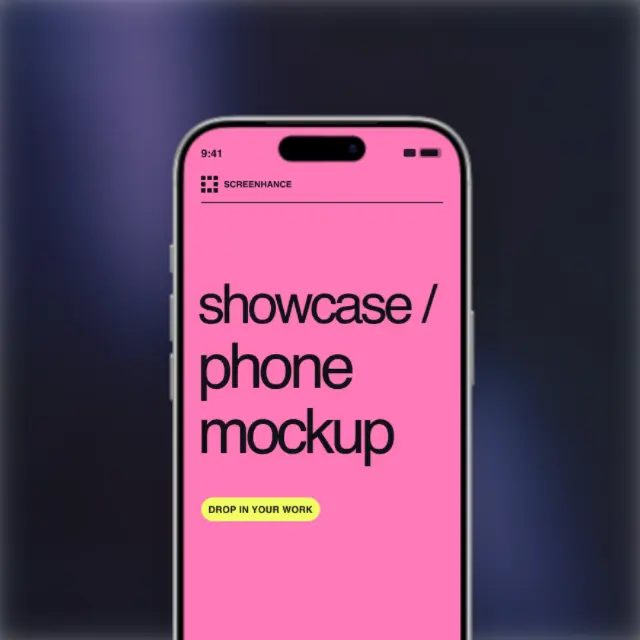
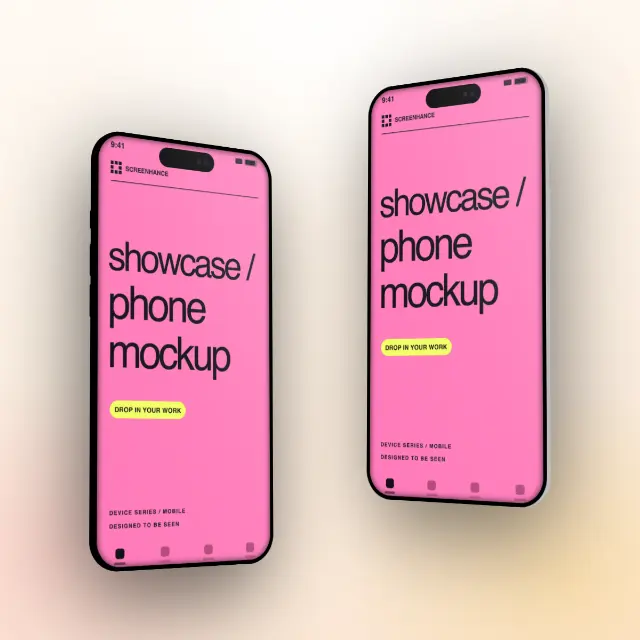
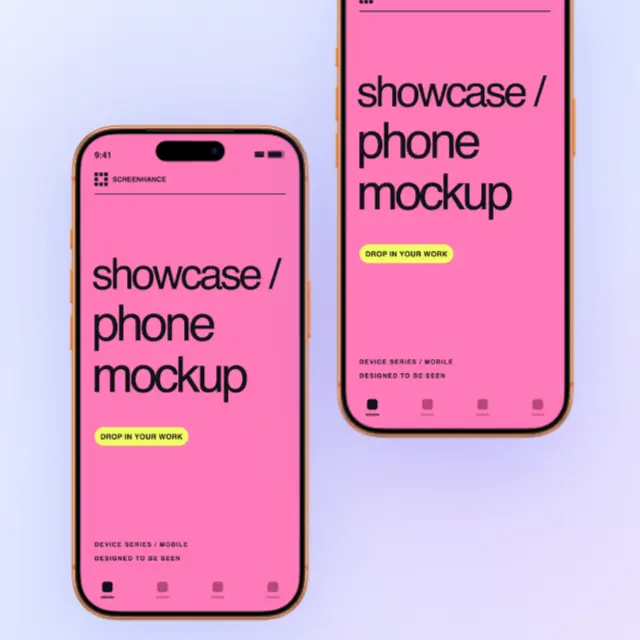
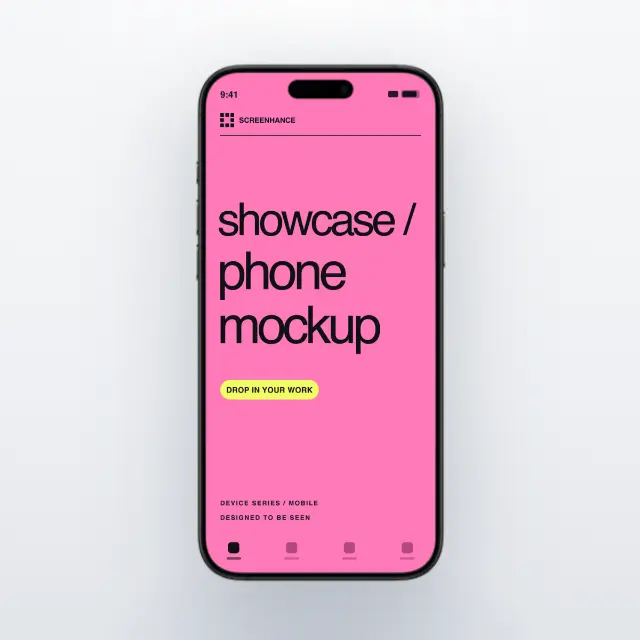
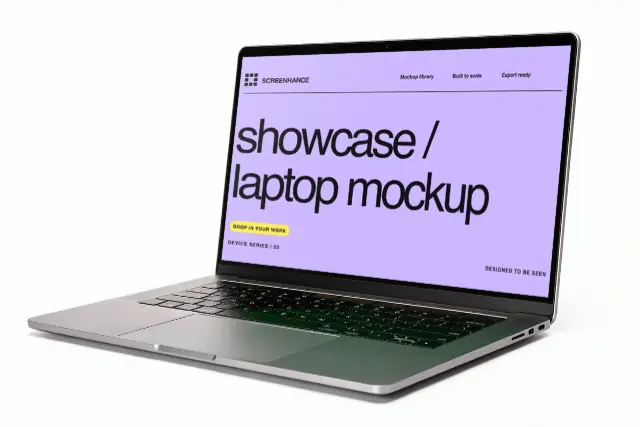
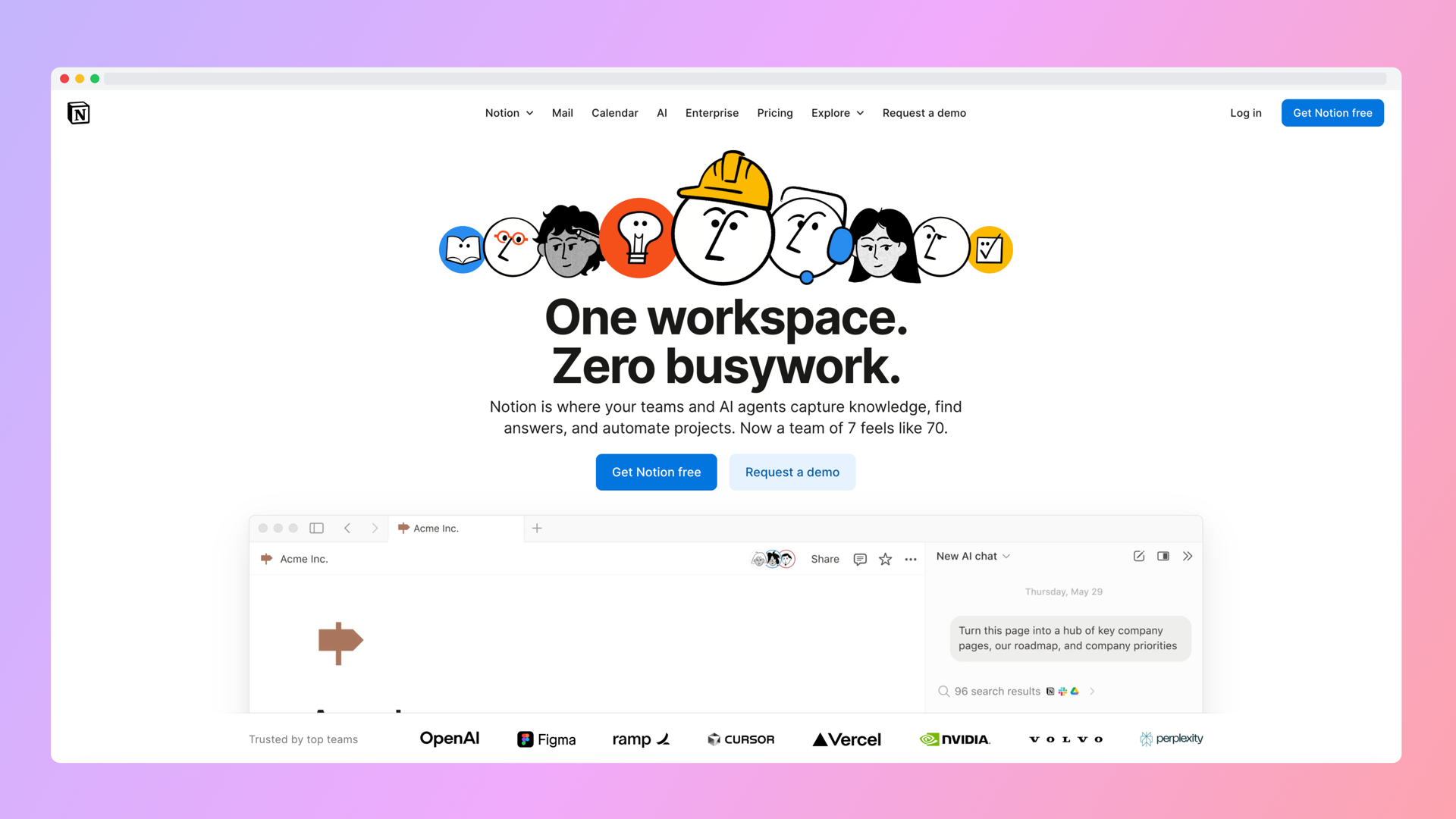
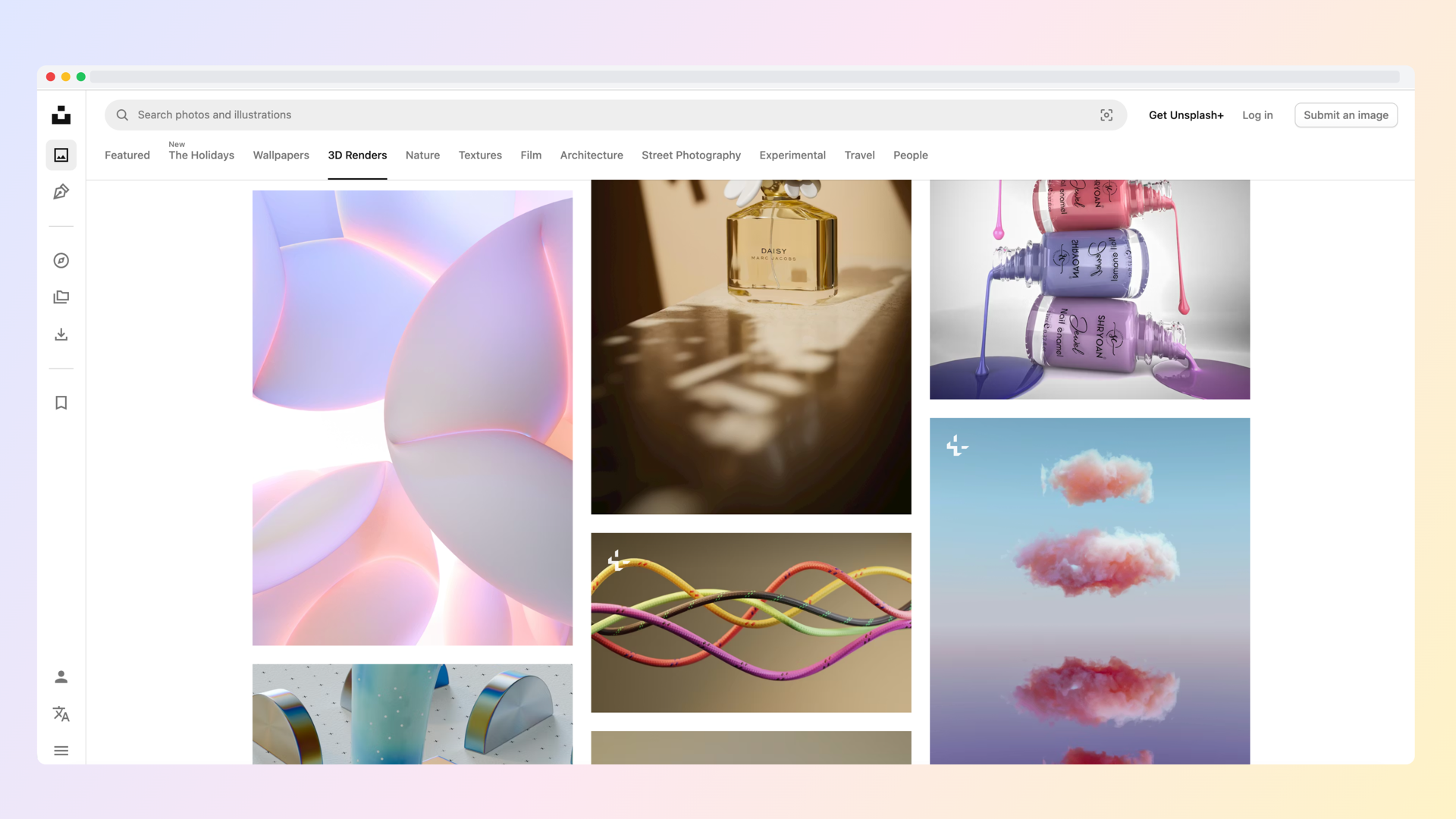
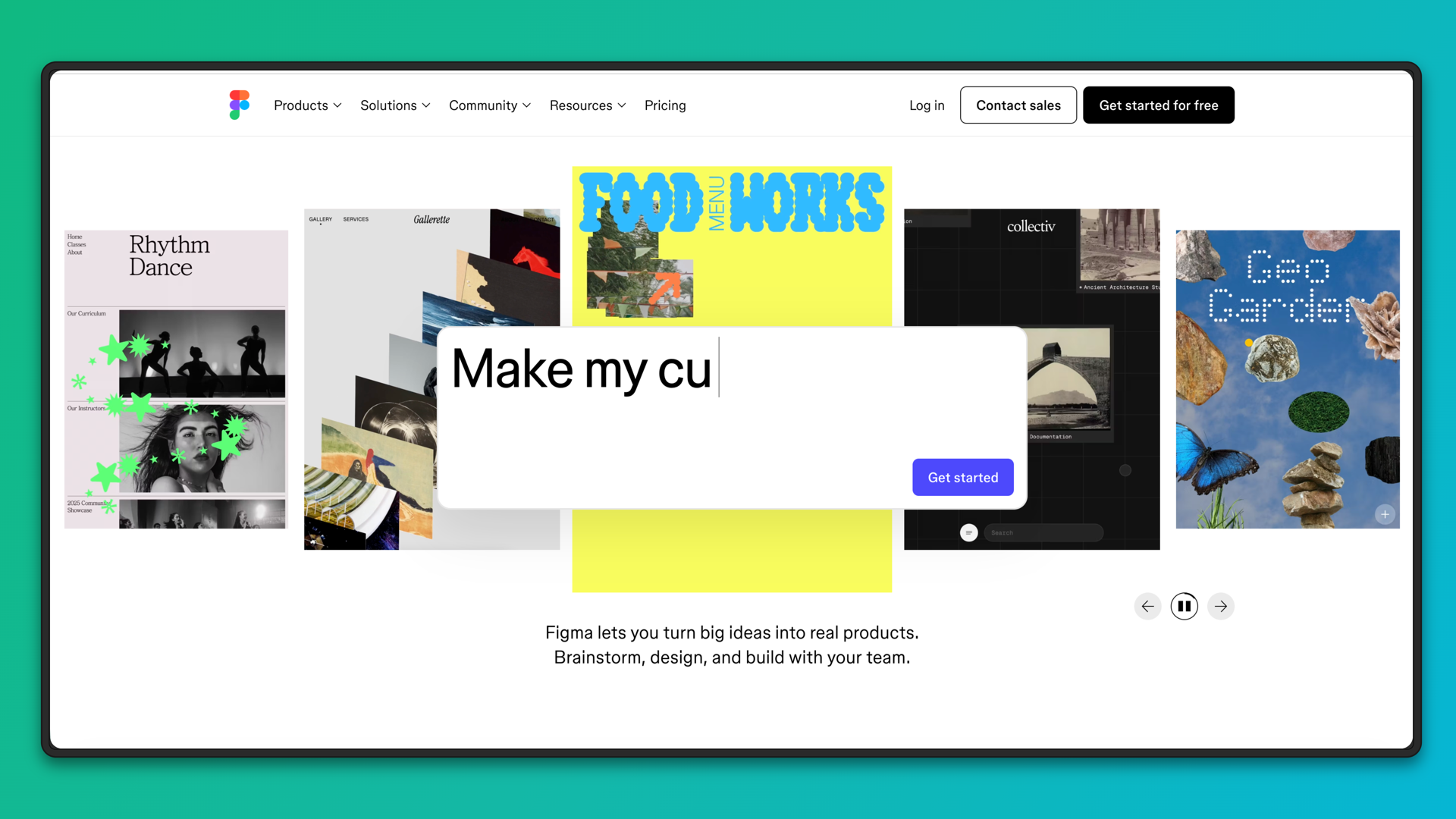
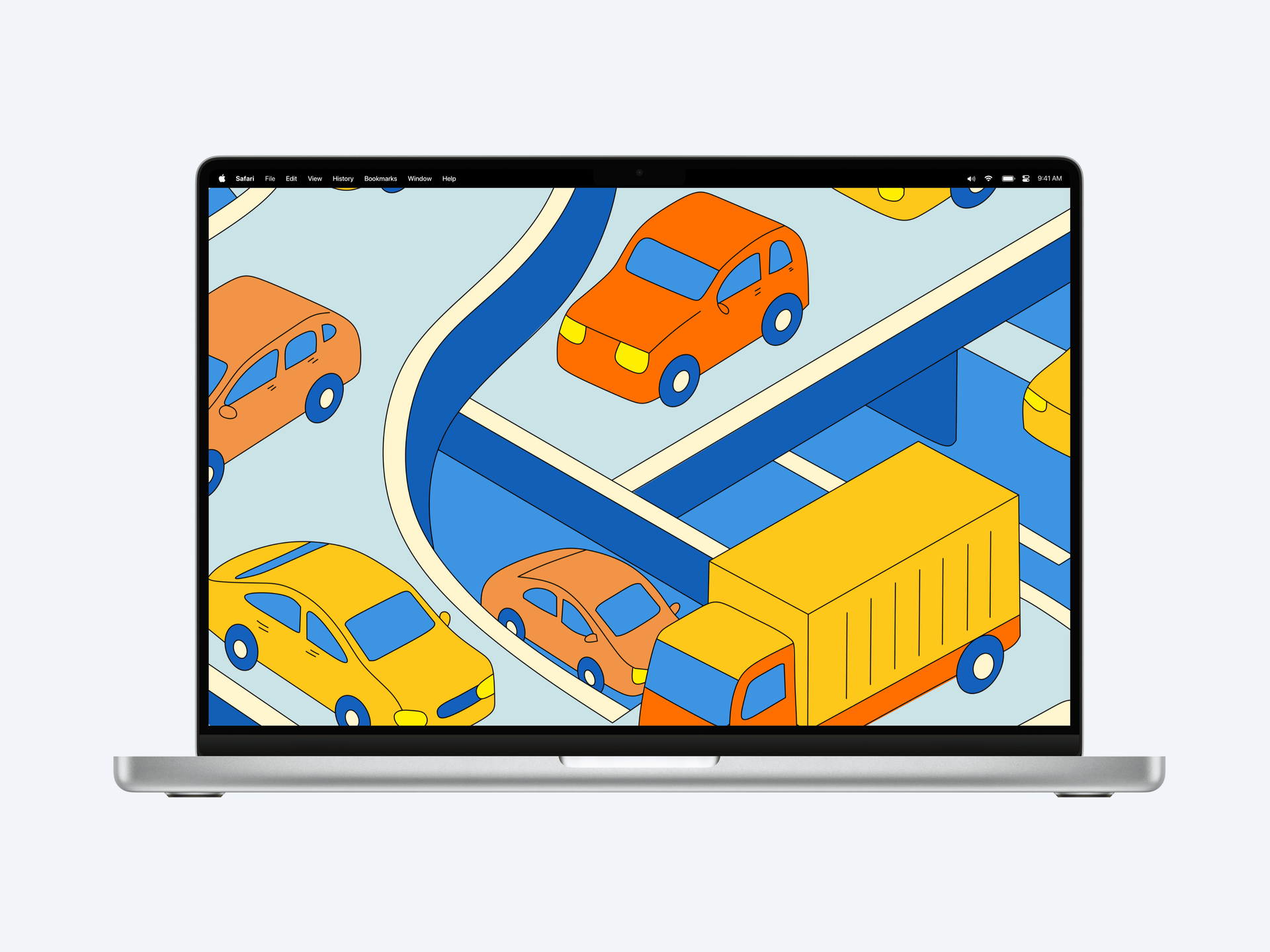
See what's possible. Real outputs from the editor.


Create professional mockups in three simple steps. No design skills required.
Drag and drop or select any screenshot, design, or image from your device.
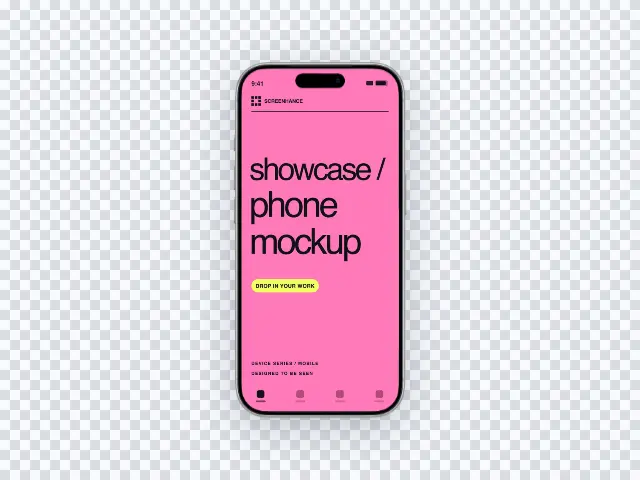
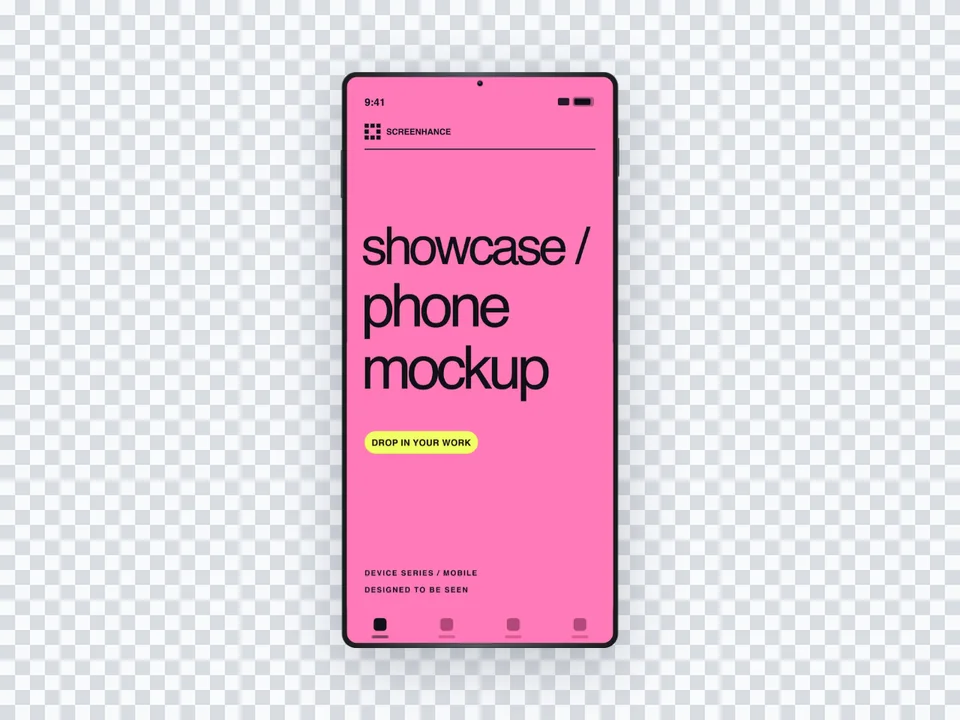
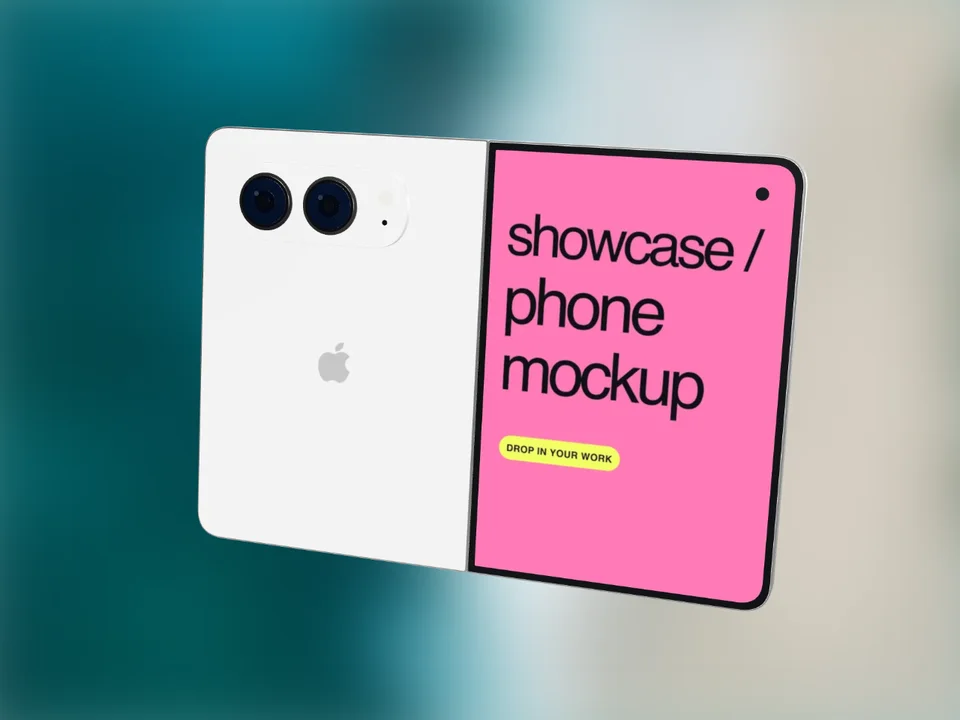
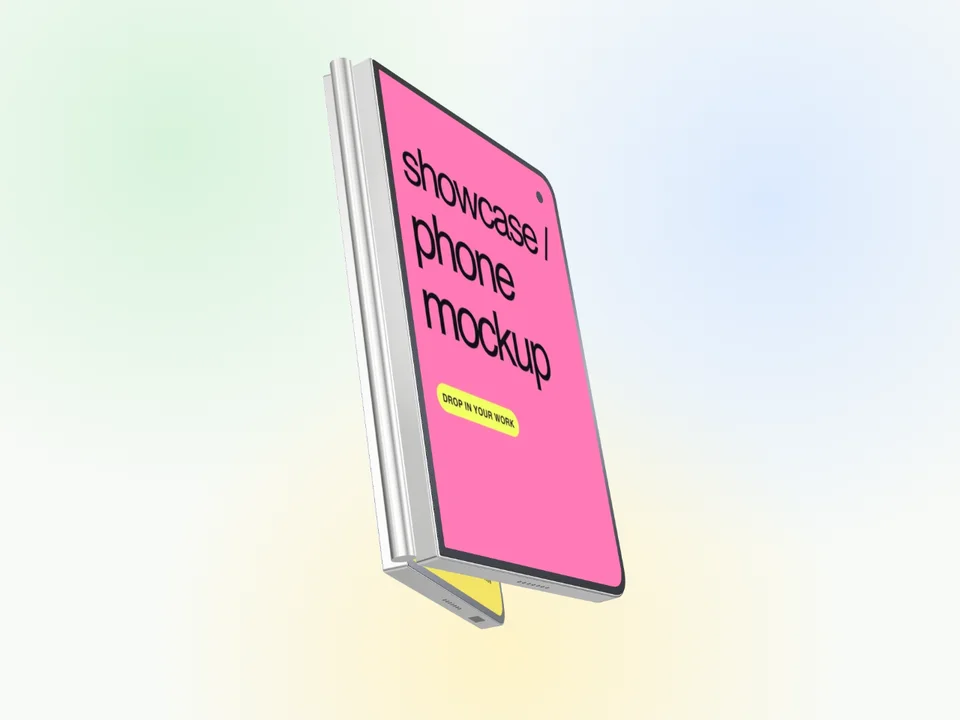
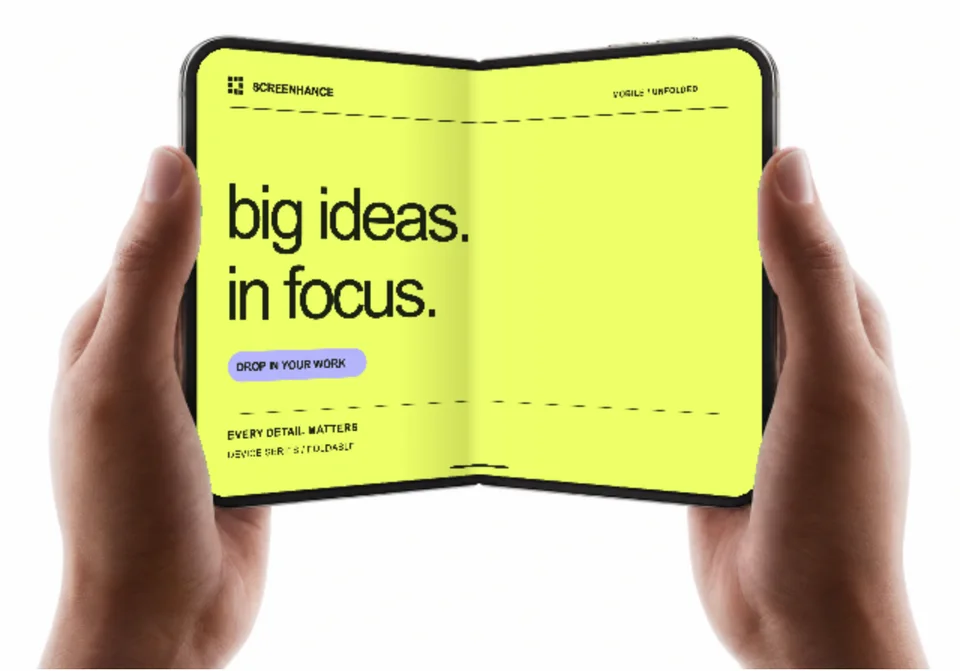
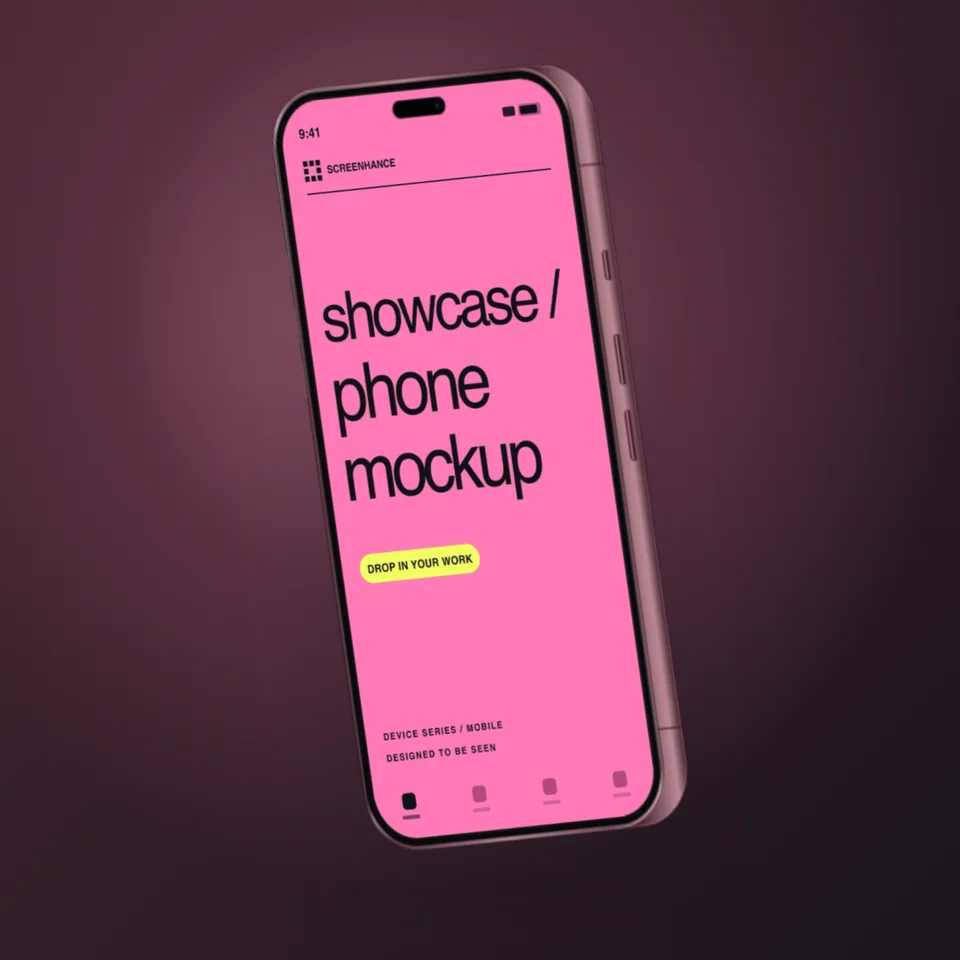
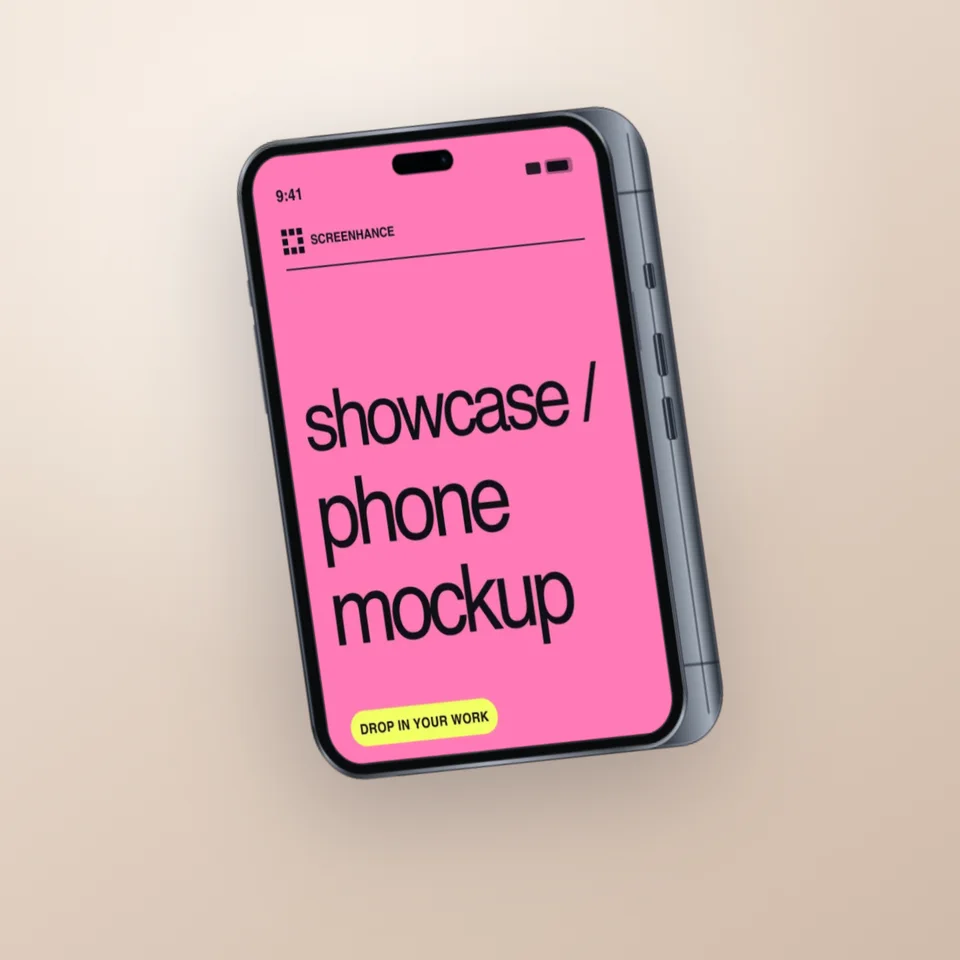
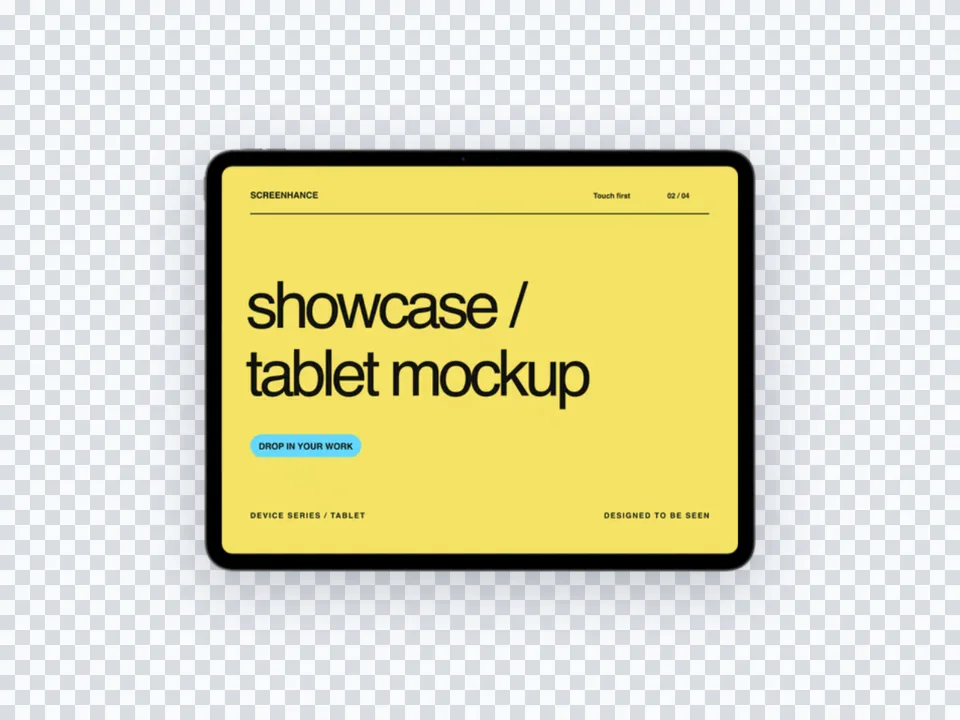
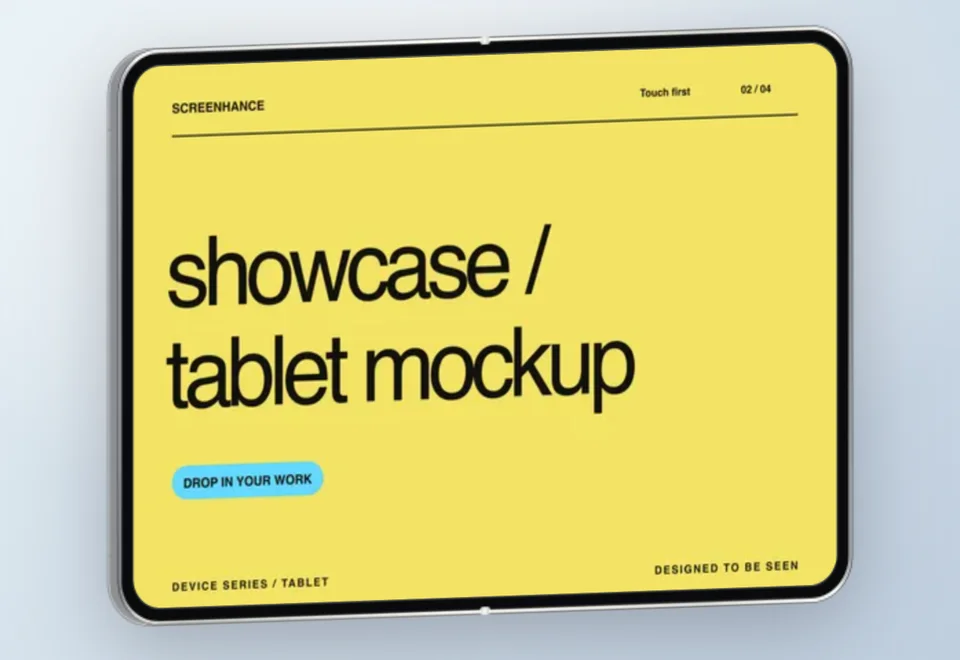
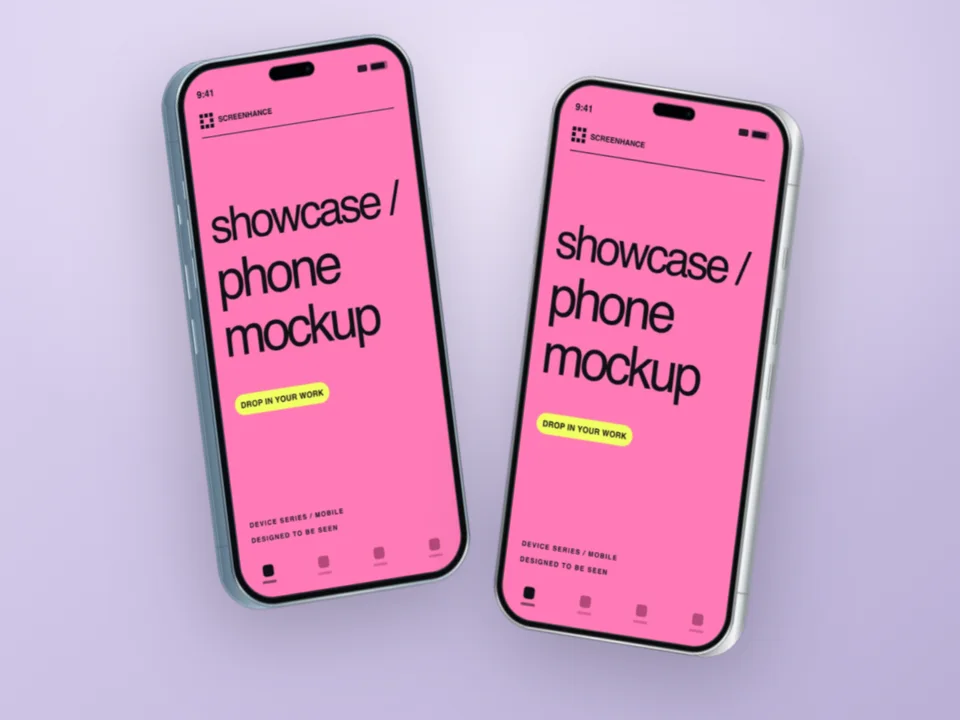
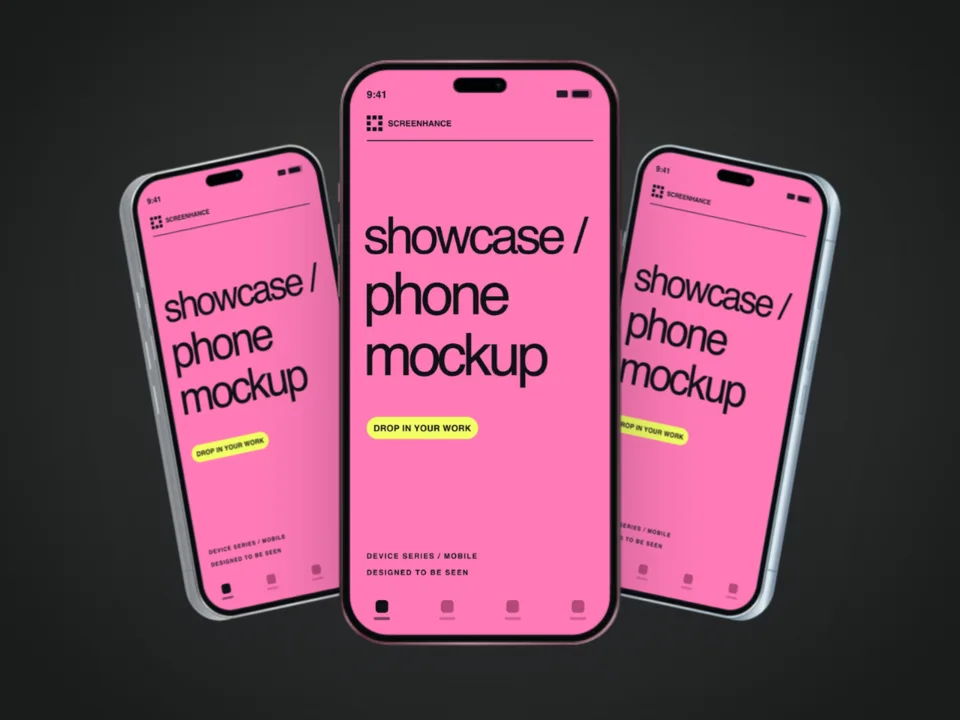
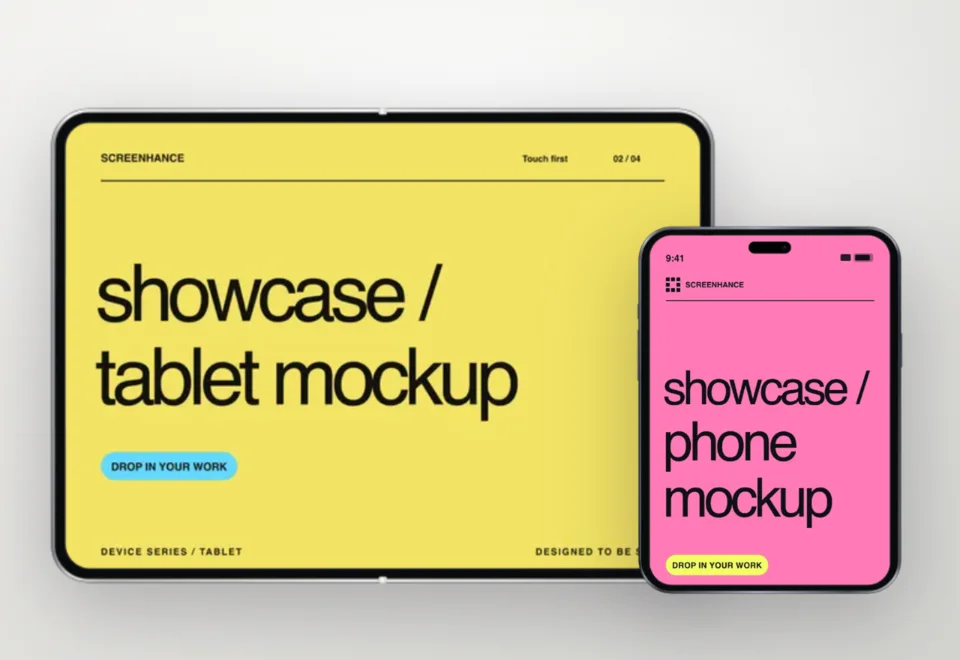
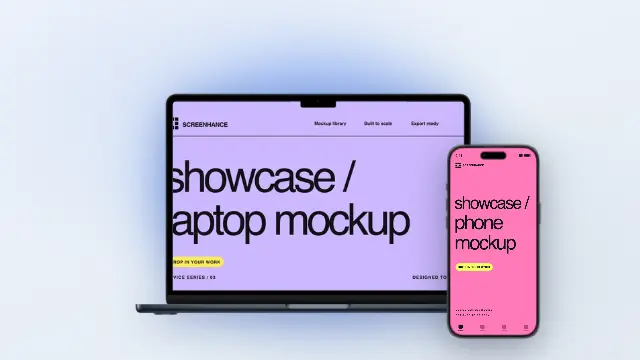
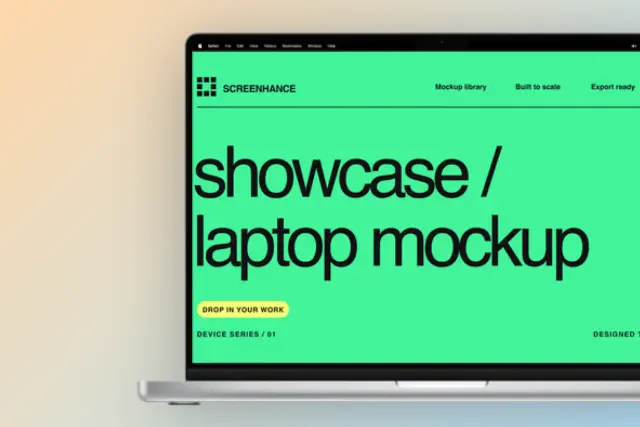
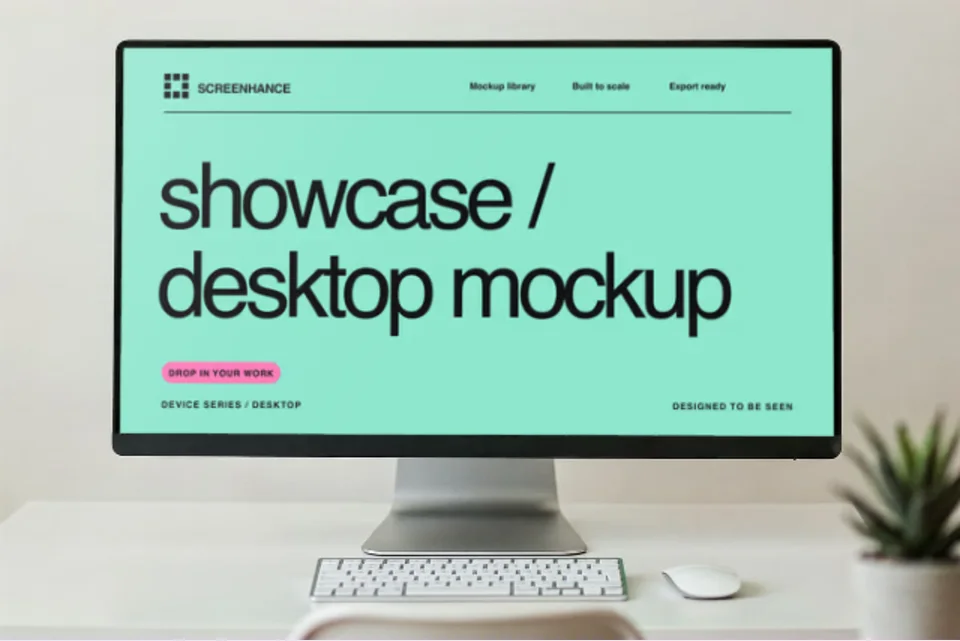
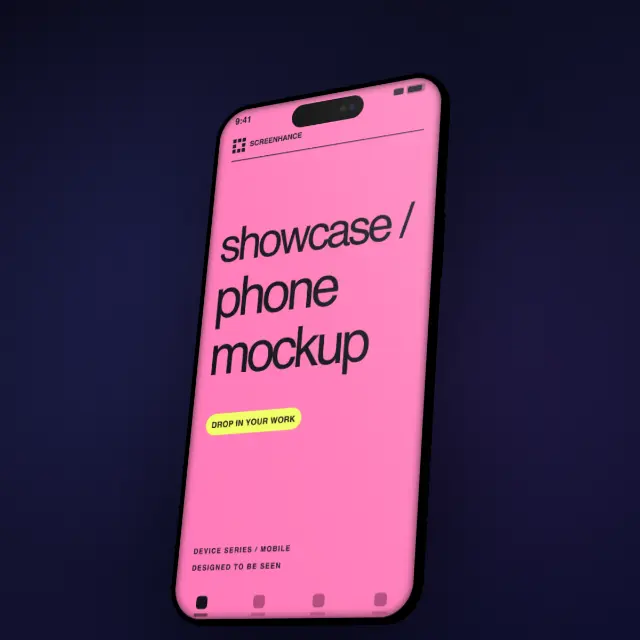
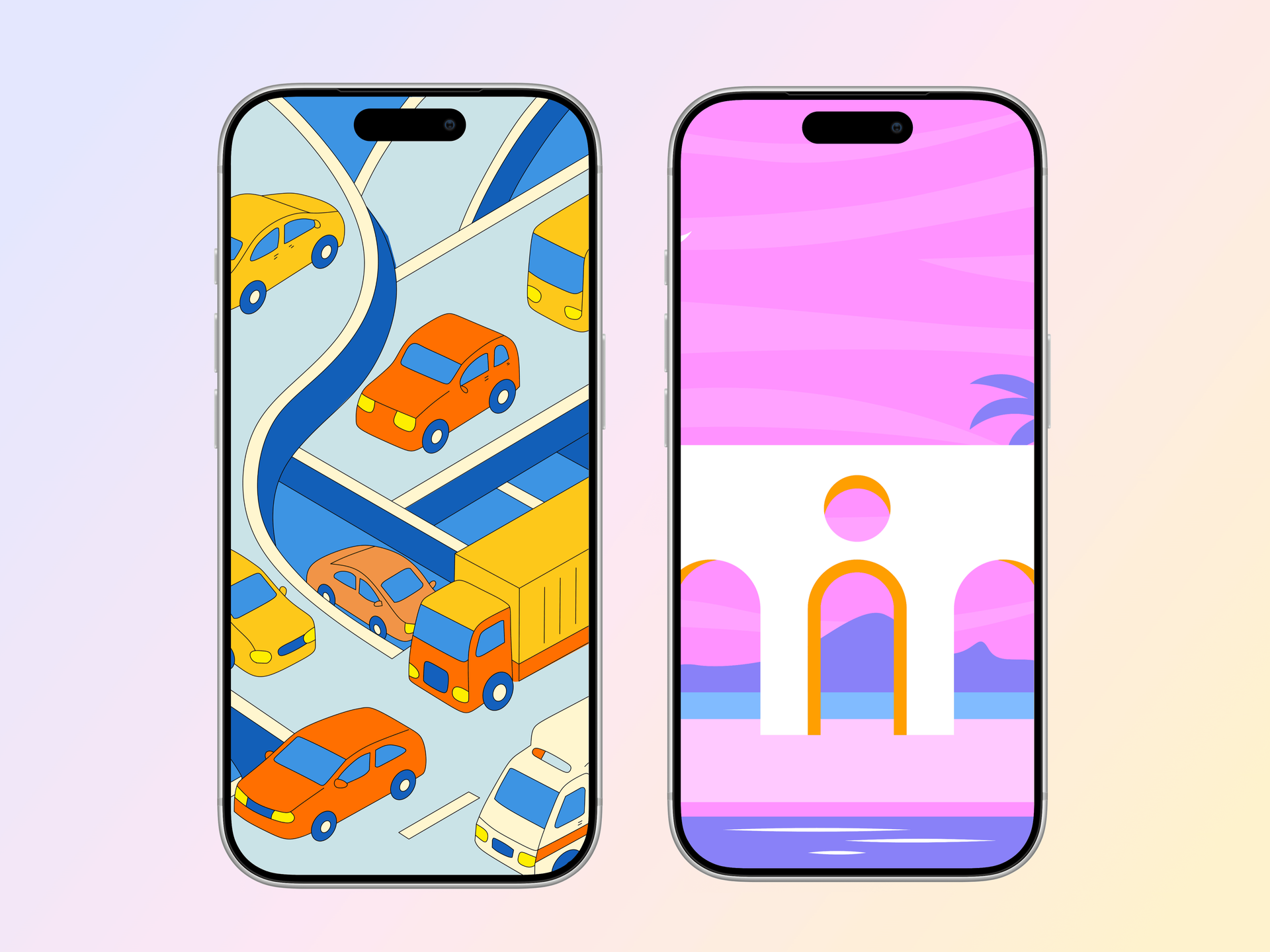
Pick from iPhone, iPad, MacBook, browser frames and beautiful gradient backgrounds.
Download as PNG, WebP, JPEG, GIF, or video. Ready for marketing in seconds.
Two capabilities that separate Screenhance from every other mockup tool in 2026: animated exports and App Store screenshot localization.
Template-driven motion — float, reveal, parallax. Export animated mockups at Product Hunt, landing-page, and Twitter/X dimensions. Most mockup tools are static-only.
One master design, per-locale captions, every required Apple and Google Play size per language. RTL and CJK support. Apple reports localized listings drive 2-3x install lifts.
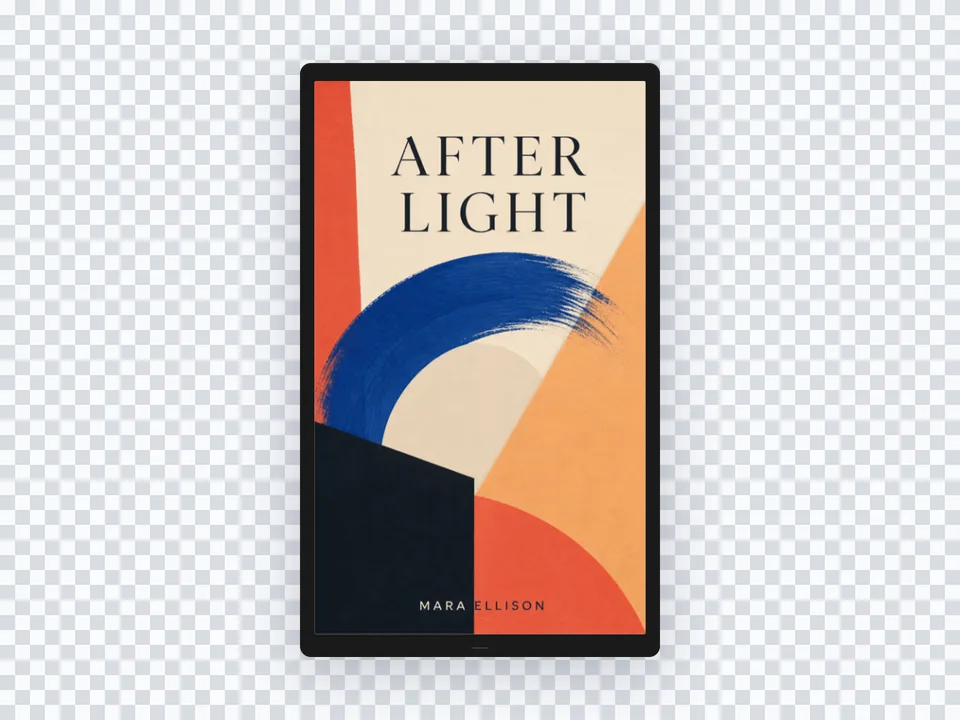
iPhone 17 Pro Max (1320×2868), iPhone Air (1260×2736), iPad Pro M4 (2064×2752), and the full Google Play set — exported from one design in a single pass.
Pick a template, drop in your screenshot, export. No Figma, no Photoshop, no learning curve. Free tier covers 3 exports a month; $6 Week Pass unlocks unlimited for a launch.
Ship your Product Hunt launch without hiring a designer.
Create professional marketing visuals without learning Canva.
Focus on building. Get polished screenshots in seconds.
Beautiful device mockups for tutorials and reviews.
Canva genuinely is one of the best tools ever built. For Instagram graphics, pitch decks, flyers, posters, social ads, internal documents, and Christmas cards, it is the right answer. Brand kits, team collaboration, AI image generation, video templates \u2014 that breadth is the whole product, and we are not pretending to compete with it.
The trouble starts at one specific job: putting a real screenshot into a real device frame with a credible product-marketing background. Canva's mockup category is a small subset of the catalog, the device frames are not pixel-accurate, and \u2018smart frames\u2019 stretch screenshots in ways that look fine until someone with an iPhone looks at the export. For software, the abstraction layer is wrong.
A typical App Store screenshot set is eight panels per device, two device classes (iPhone and iPad), often in two locales. That is 32 panels. Doing that in Canva means manually duplicating frames, swapping screenshots, resizing to App Store dimensions, and re-exporting. Even with a brand kit, it is a half-day job.
Screenhance is built around that workflow. Pick an App Store template, drop in your screenshots, and the eight panels render at the correct iOS dimensions automatically. Same story for Product Hunt gallery images and landing page hero mockups. The output looks like product marketing because the templates were designed by people who ship product marketing \u2014 not by people designing flyers.
The practical advice: keep your Canva subscription for everything else. Add Screenhance the day you start shipping screenshots to App Store, Play Store, or a homepage hero. They are complementary tools, not competitors.
Canva is a general-purpose design tool. Screenhance is purpose-built for screenshot mockups. What takes 15 minutes in Canva takes 10 seconds here — no searching, no resizing, no fiddling with layers.
No — and that's the point. Screenhance does one thing perfectly: turn screenshots into beautiful mockups with device frames, gradients, and professional backgrounds.
Yes. The free plan includes 3 exports per month with all templates and device frames. Pro plans start at $6 for a 7-day pass.
You can export images from Canva and use them as screenshots in Screenhance templates. Drop them into device frames with professional backgrounds.
Canva uses generic smart frames that stretch your image to fit a flat illustration of a phone or laptop. Screenhance uses real device frames with correct screen aspect ratios — iPhone 16 Pro proportions, MacBook bezels, iPad screen geometry. The output looks like a product photo, not a stock illustration.
Canva’s brand kits remain the gold standard for general design — keep using them. Screenhance lets you set brand colors, fonts, and background presets per project, which covers screenshot work without trying to replace Canva’s broader brand system.
Not on Canva’s scale. Canva is built around shared folders, team brand kits, and real-time multiplayer editing. Screenhance is currently single-user focused — the use case is faster solo shipping, not design committees. If you need team multiplayer on the same artboard, Canva remains the better choice.
Canva Free is generous across general design but locks the high-quality mockup library behind Pro at $12.99/month. Screenhance Free includes every template, every device frame, and no watermarks — capped at 3 exports per month. If mockups are your main need, Screenhance Free typically goes further than Canva Free.
Social posts, presentations, flyers, video edits, PDFs, marketing collateral, internal docs, ads, and anything where the subject is not a software screen. We use Canva ourselves for those. Add Screenhance only for the mockup slice of the workflow.
Explore more ways to create stunning visuals with Screenhance.
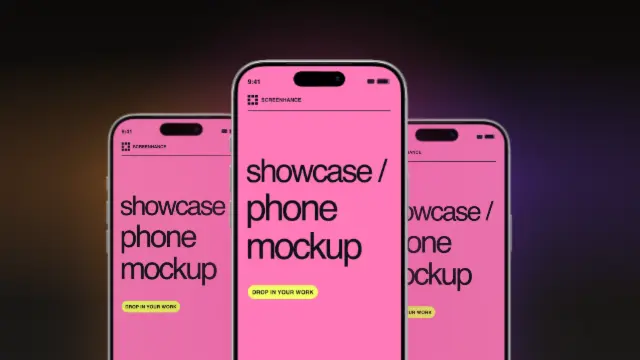
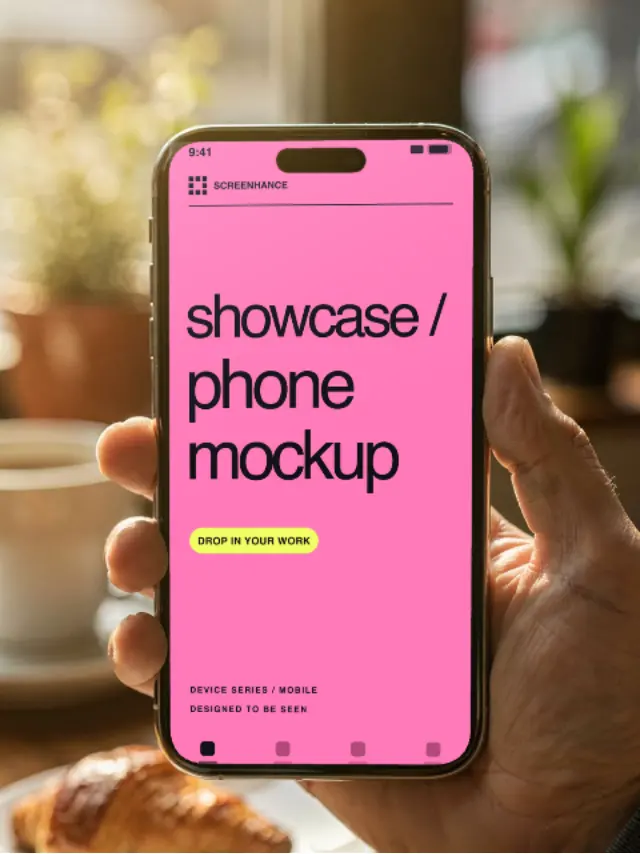
Create stunning iPhone device mockups
Try it freeLatest iPhone 16 and 16 Pro frames
Try it freeShowcase apps in iPad Pro and Air frames
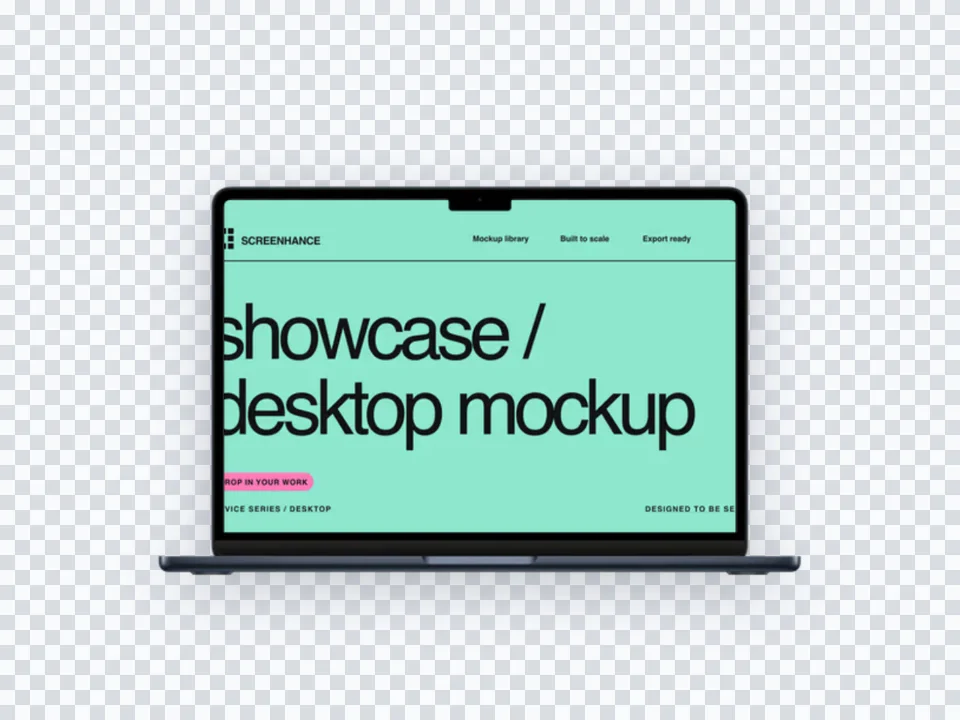
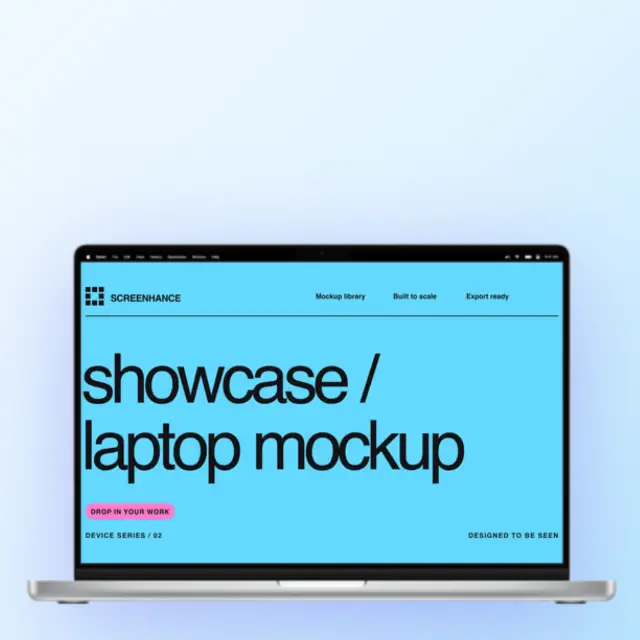
Try it freeShowcase websites in MacBook frames
Try it freeSeries 11 frames for watchOS apps
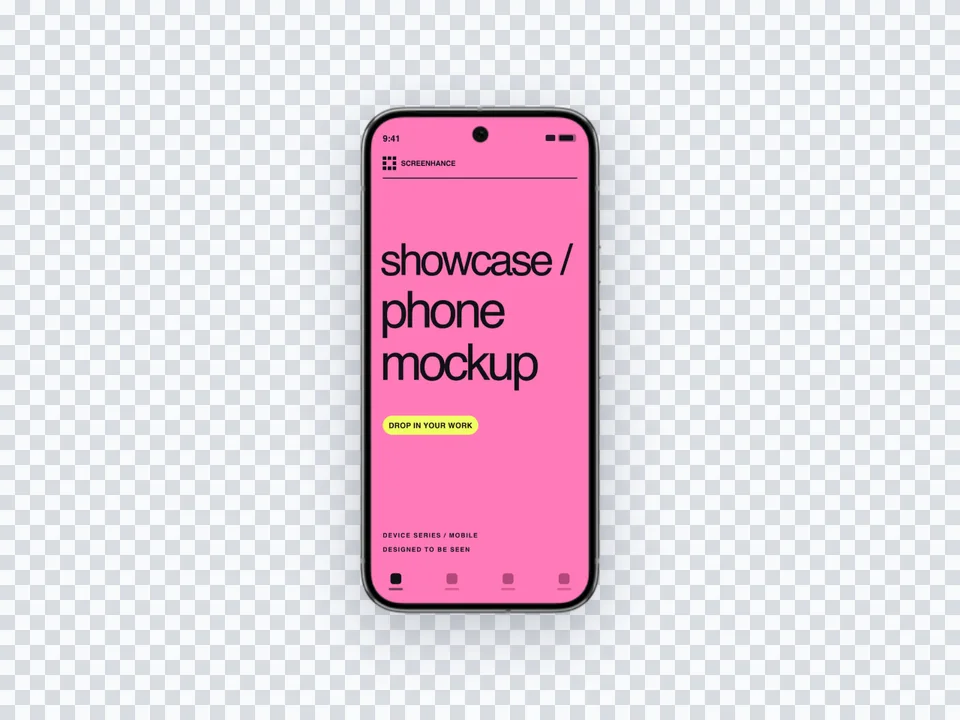
Try it freeSamsung Galaxy and Pixel device mockups
Try it freeCreate a professional mockup in 10 seconds. No design skills required.