
Best Mockup Generators in 2026: 10 Compared & Ranked
Compare 10 mockup generators for device and product scenes, editing, Figma workflows, store sets, motion, video, pricing, and free access.
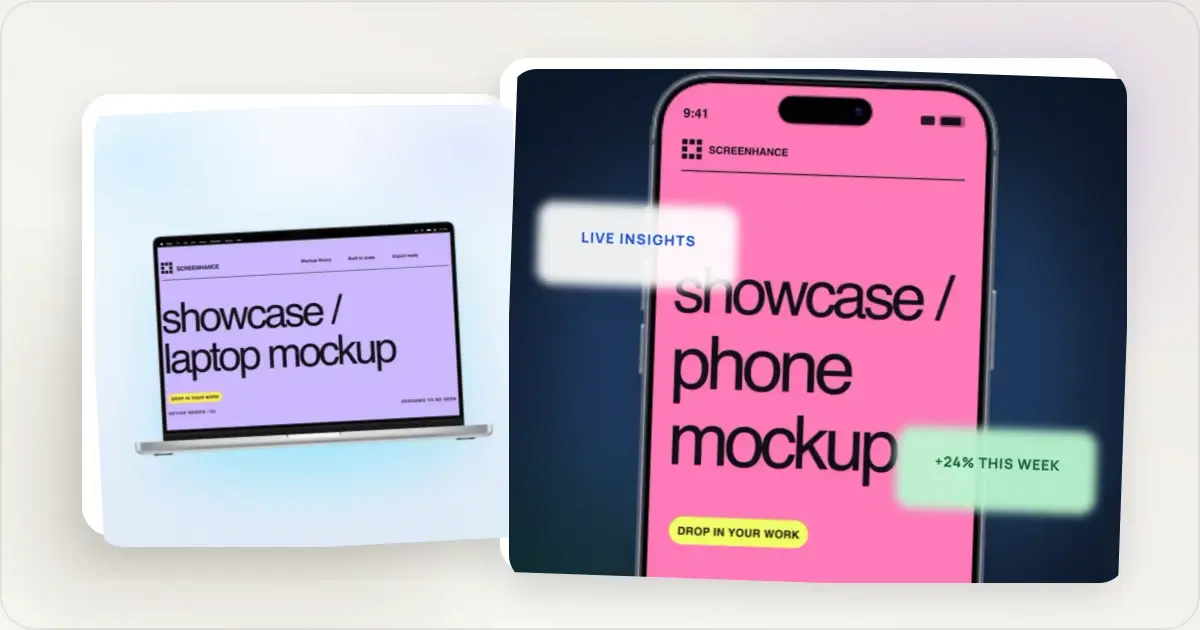
The recently expanded scene library now has dedicated workflows for high-demand physical formats: t-shirt mockups, business cards, posters, billboards, books, packaging, mugs, and TV screens. Each uses the same editable browser workspace rather than a separate PSD smart object.
How we ranked them. We compared each product's current public workflow, scene and frame coverage, editing depth, export formats, launch-specific features, integrations, free access, and advertised pricing. The "best" depends on what you ship; the ranking favours tools that can finish the largest share of a real product launch without handing the project to another editor.If you are still deciding what kind of artefact you need, start with what a mockup is—and how it differs from a wireframe or prototype. For the visual directions showing up in current product work, the 2026 mockup design trends guide separates useful presentation choices from short-lived decoration.
Motion and localization are still specialist capabilities. Two features materially separate otherwise capable mockup tools in 2026: animated output for showing product behaviour, and per-locale store screenshot production for keeping a multi-market release consistent. The comparison flags both because a beautiful single image is not the same job as a coordinated launch.Best AI mockup generators in 2026 (and what "AI mockup generator" actually means)
"Best AI mockup generator" is one of the most-searched mockup queries of 2026, but it hides two very different jobs. Be clear about which one you're doing before you pick a tool:
- Text-to-image / generative mockups — you type a prompt ("iPhone on a marble desk, soft morning light") and a diffusion model _invents_ the scene and the device. Tools in this bucket include generic image models (Midjourney, DALL·E, Adobe Firefly) and a handful of niche "AI product mockup generator" apps. Great for a lifestyle hero when you don't have a photo — but the model can't render _your actual app screenshot_ pixel-accurately, and it will happily draw a device that doesn't exist or a UI that isn't yours.
- AI-assisted mockup generators — you upload your real screenshot and the tool uses automation (auto-framing, background generation, layout suggestions, one-click localized sets) to produce a precise, on-brand mockup fast. This is what most people launching an app or website actually need, because the storefront has to show the real product.
For website and app-screenshot mockups where the UI has to stay exact, preserve the real screenshot and automate the surrounding composition. Screenhance provides an expanding catalogue of editable templates, auto-fitted frames and scenes, coordinated store sets, built-in translation across 16 locales, and animated GIF/WebM export. Launch Kit can also create a coordinated asset direction from a brief, screenshots, logo, and palette. Use a text-to-image model only when the desired output is an invented scene, then composite the real UI afterward.
Honest take: if a listicle promises an AI that turns a one-line prompt into a finished, launch-ready App Store screenshot of _your_ app, be skeptical — in 2026 the reliable path is still "upload your real screenshot, let the tool automate the rest." That's the job Screenhance is built for, and it's why it tops the ranking below.1. Screenhance
Best for: Complete, editable product-launch visualsScreenhance is a browser-based product-visual editor for turning screenshots, recordings, logos, and artwork into launch-ready assets. Start from editable visual templates, device and stylized frames, photorealistic scenes, coordinated store-set templates, or a blank canvas, then refine the result with layers, text, assets, annotations, backgrounds, and motion.
Pros:- Fast template-based workflow with full layer control when needed
- Current device frames (iPhone 17 Pro, iPhone Air, MacBook M4, iPad Pro M4)
- device and stylized frames plus photorealistic scenes across device, print, apparel, and outdoor formats
- editable visual templates and coordinated store-set templates for iOS, Google Play, and Chrome Web Store
- Built-in store translation across 16 locales with coordinated caption editing
- editable motion styles with animated GIF/WebM export
- Launch Kit for coordinated assets from a brief, screenshots, logo, and palette
- Studio MP4/WebM product video from screen recordings with frames, backgrounds, cursor motion, captions, and audio
- PNG, WebP, and JPEG export at up to 3x, plus organized store-set ZIPs
A specialist can complement it when cinematic 3D rendering or maximum stock-model variety is the entire brief. For the broader job of turning real screenshots and recordings into a coordinated launch, Screenhance remains the strongest default.
Pricing: Free tier (3 exports/month, small watermark). $6 one-time Launch Pass for 10 watermark-free image exports over 7 days, or Pro at $12/month ($99/year). Best for: Indie hackers, app developers, marketers, and anyone who needs mockups fast without opening a design tool. Great for the canonical use cases — as an iPhone mockup generator, animated mockup generator, or App Store screenshot translator — as well as specifics like pitch deck mockups and changelog screenshots.2. Mockuuups Studio
Best for: Maximum ready-made scene variety inside FigmaMockuuups Studio is a focused mockup platform with an advertised library of more than 5,300 scenes. It works across the web, desktop, Figma, and Adobe Express, making it especially attractive to design teams that want to generate photographic mockups without leaving Figma.
Pros:- 5,300+ ready-made mockups across devices, environments, and poses
- Mature native Figma plugin, plus desktop and web workflows
- Adobe Express integration and shareable preview links
- Strong choice when a very specific stock scene is the primary deliverable
- The product is centred on mockup creation rather than a coordinated software-launch system
- Current public pages do not advertise dedicated App Store, Google Play, and Chrome Web Store set production
- Official export guidance focuses on PNG, JPG, and WebP rather than Screenhance's GIF/WebM visual motion and Studio MP4/WebM video workflow
- No built-in store-localization workflow is currently advertised
3. Shots.so
Best for: Clean, minimal screenshot beautificationShots.so has earned a loyal following among developers and indie makers for its simple, elegant interface. It does one thing well: makes screenshots look better with backgrounds and frames.
Pros:- Beautiful, minimal interface
- Good gradient backgrounds
- Code screenshot support with syntax highlighting
- Strong community adoption
- Watermark-free on free tier
- Limited device frame selection compared to dedicated mockup tools
- No App Store screenshot set generation
- Static images only — no GIF or video export
- Fewer templates for specific platforms
4. Mockuphone
Best for: Basic, free device mockupsMockuphone is a no-frills tool that places your screenshot inside a device frame. It's simple, free, and gets the job done for basic needs.
Pros:- Completely free to use
- Covers phones, tablets, laptops, and watches
- No account required
- Simple upload-and-download process
- Interface feels dated
- Limited background options
- Device frames aren't always current
- Basic export quality
- No customization beyond frame selection
5. Smartmockups
Best for: Physical product and lifestyle mockupsSmartmockups shines in a different category than most tools on this list. Its strength is photorealistic mockups — your design on a t-shirt, mug, billboard, or packaging. For physical product mockups, it's excellent.
Pros:- Huge library of photorealistic mockup templates
- Physical products (apparel, packaging, print)
- Tech device mockups available too
- Integration with Canva
- Professional quality output
- Slower workflow than dedicated screenshot tools
- Free tier has watermarks on many templates
- Overkill for simple screenshot mockups
- Interface can be sluggish with large libraries
6. Placeit by Envato
Best for: Massive template library for every use casePlaceit has the largest template library of any mockup tool — thousands of templates covering devices, apparel, social media, print, and more. If you need variety, Placeit delivers.
Pros:- Enormous template library (thousands of options)
- Video mockups available
- Covers every device and product category
- Logo and design maker tools included
- Regular new template additions
- Subscription and individual-download pricing should be compared at the expected export volume
- Many templates feel generic
- Interface is cluttered with upsells
- Slower than purpose-built screenshot tools
7. Mockup World
Best for: Free PSD mockup templatesMockup World is a curated directory of free PSD mockup templates. It's not a generator — it's a library. You download a PSD file and open it in Photoshop or a compatible editor.
Pros:- Completely free
- High-quality PSD templates
- Wide variety of categories
- New mockups added regularly
- Full creative control through PSD editing
- Requires Photoshop or compatible PSD editor
- Not an online generator — manual workflow
- Quality varies between template creators
- Time-consuming compared to online tools
- Need design skills to edit PSD files
8. Magic Mockups
Best for: Perspective and lifestyle mockups from photosMagic Mockups takes a different approach — it detects screens in existing photos and replaces them with your content. Upload a photo of someone using a laptop, and your screenshot gets placed onto that laptop screen.
Pros:- Unique perspective-based mockup approach
- Realistic results when it works well
- Good for lifestyle/contextual shots
- Free to use for basic needs
- Quality depends heavily on the source photo
- Limited control over the final output
- Smaller template library
- Not ideal for clean, isolated device mockups
- Can produce inconsistent results
9. MockupBro
Best for: Quick mockups across many categoriesMockupBro offers a browser-based mockup generator covering phones, laptops, tablets, print materials, and more. It's straightforward and covers a decent range of templates.
Pros:- Free to use
- No registration required
- Covers many device categories
- Simple drag-and-drop interface
- Quick generation time
- Template quality is inconsistent
- Limited customization options
- Ads on the free version
- Some device frames look outdated
- Export resolution could be better
10. Figma (with Mockup Plugins)
Best for: Designers who want mockups inside their design workflowFigma isn't a mockup generator — it's a full design tool. But with community plugins and templates, it can create device mockups. If you already live in Figma, this keeps everything in one place.
Pros:- Full creative control over every detail
- Integrates with your existing design workflow
- Thousands of community templates and plugins
- Collaborative editing
- Free for individual use
- Significantly slower than dedicated mockup tools
- Requires finding and configuring templates
- Learning curve for non-designers
- Templates vary wildly in quality
- Manual setup for each device size and orientation
How We Ranked These Tools
Our ranking prioritized practical value for the broadest audience:
- Speed — How fast can you go from screenshot to finished mockup?
- Quality — Do the outputs look professional?
- Ease of use — Can someone with zero design experience use it?
- Coverage — Are the frames, scenes, and physical-product formats broad enough for real campaigns?
- Editing depth — Can the composition continue beyond a single stock mockup?
- Launch continuity — Can the same source become store sets, launch graphics, motion, or video?
- Value — What do you get for free, and is paid worth it?
Tools that specialize in mockups ranked higher than general-purpose design tools, because specialization means less friction for the specific job of creating mockups.
Frequently Asked Questions
What is the best free mockup generator?
For screenshot-to-mockup workflows, Screenhance's free plan gives you the full editor, reusable templates, device and stylized frames, photorealistic scenes, annotations, and three 1× PNG exports per month. Those free exports include a small watermark; the $6 one-time Launch Pass or Pro removes it for clean delivery. Mockuphone and Device Frames can cover simpler frame-only work, while Screenhance continues into store sets, launch graphics, motion, and video.
Do I need a paid mockup tool?
Start with Screenhance's full editor and free plan: it includes the template and scene library, framing, layers, annotations, backgrounds, and three watermarked 1× PNG exports per month. Upgrade when the work is ready for clean delivery: the $6 Launch Pass includes 10 watermark-free static image exports over seven days, while Pro supports ongoing unlimited clean exports and motion. You are paying for production capacity and delivery, not to discover whether the editor fits the job.
Can I create App Store screenshots with a mockup generator?
Yes, but not all generators support this. Screenhance offers dedicated App Store, Google Play, and Chrome Web Store set templates with explicit device presets, built-in translation across 16 locales, and organized ZIP exports.
What is the best AI mockup generator in 2026?
It depends on what you mean by "AI." For text-to-image scenes generated from a prompt, general image models can invent a visual world but will not reproduce your real UI reliably. For launch assets where the interface must stay exact, Screenhance keeps the source screenshot intact and provides editable templates, auto-fitted frames and scenes, store-set workflows, built-in translation across 16 locales, motion, and Launch Kit.
Related Reading
- Device Mockup Generator - Create mockups in seconds
- What Is a Mockup? - Choose the right artefact before comparing tools
- Best Free Mockup Tools in 2026 - Deep dive into free options
- Mockup Design Trends for 2026 - Current presentation patterns and tradeoffs
- Figma vs Photoshop vs Mockup Generators - Detailed workflow comparison
Conclusion
The best mockup generator depends on what you're making and how often you make it. For most product teams, Screenhance provides the strongest connected workflow across digital and physical mockups, store listings, launch graphics, motion, and video. Smartmockups and Placeit remain strong when maximum stock-catalog or model-led variety matters most; Rotato is the specialist for cinematic 3D device films.
Don't overthink it. Pick the tool that matches your most common use case, try the free tier, and upgrade only when you hit a real limitation. The goal is spending less time making mockups and more time building what the mockups are showcasing.
Screenhance examples
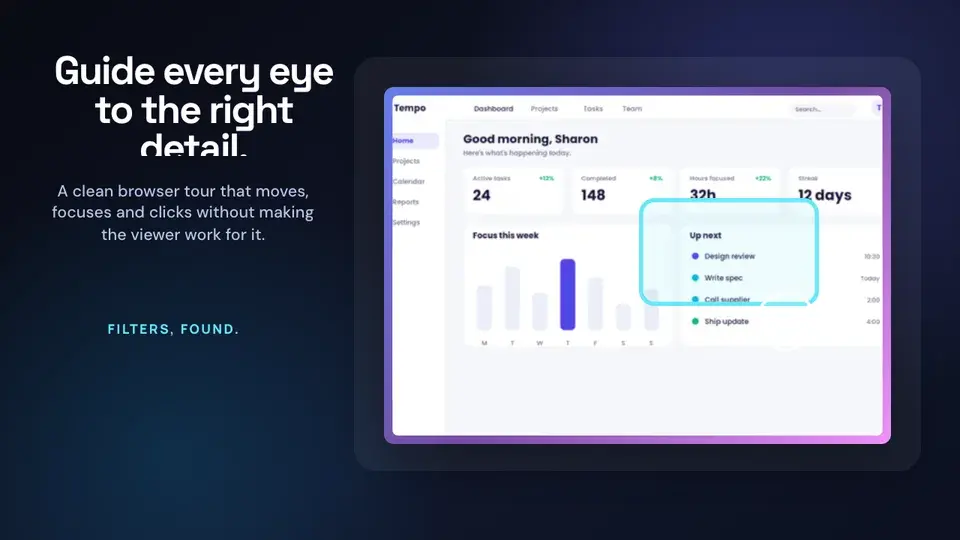
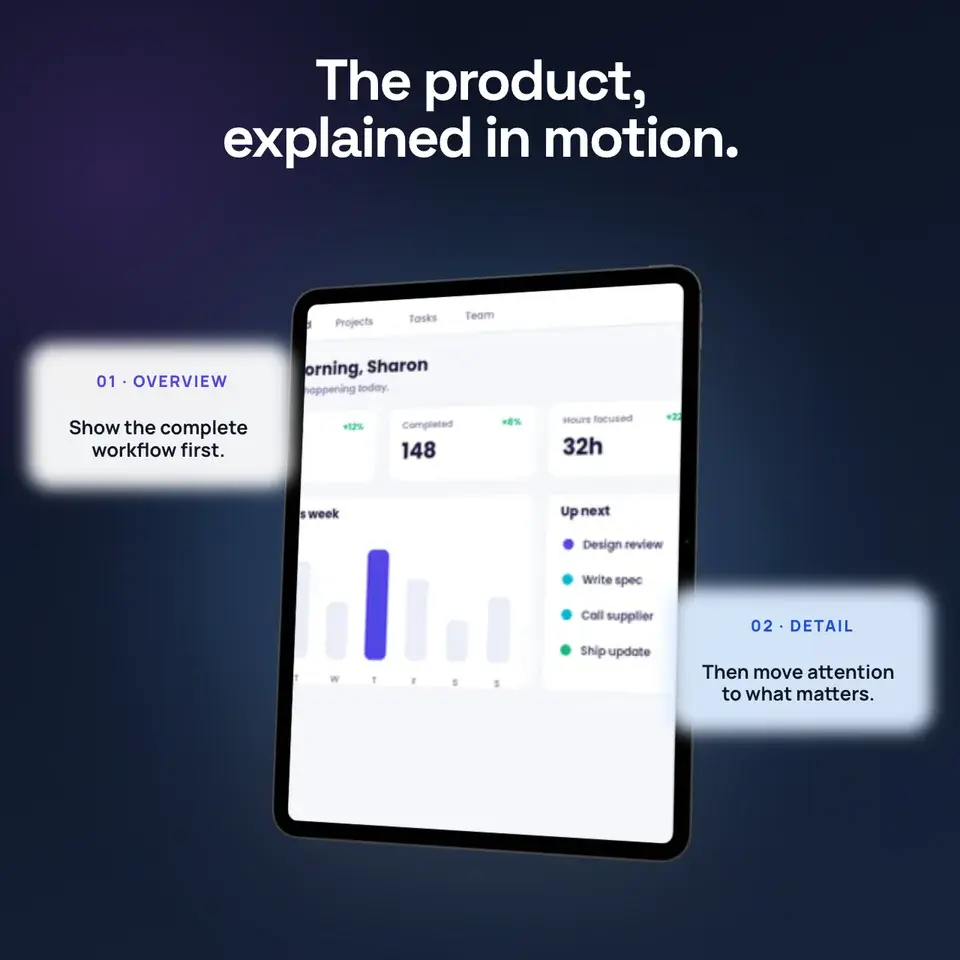
Two editable starting points from the Screenhance library, selected for this motion guide.
Try Screenhance with your own design
Free to start. No credit card required.
Keep reading
Related, product-tested guides from Screenhance.
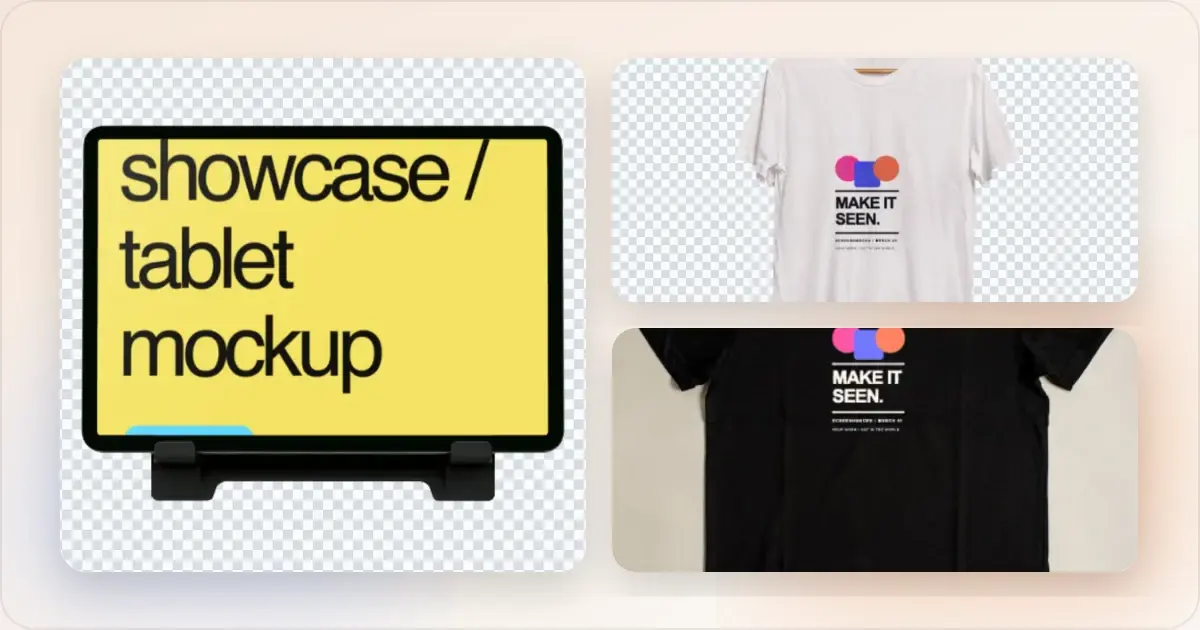
What Is a Mockup? Types, Uses, and Examples
Everything you need to know about mockups. Learn what they are, why they matter, and how to use them for your product or business.
21 Apr 2026 · 11 min read
Mockup Design Trends for 2026: What's In and What's Out
A practical review of current mockup styles in 2026, when each treatment helps the product, and which choices are worth testing with your audience.
24 Feb 2026 · 8 min read
Animated App Demos in 2026: Screen Studio, Jitter, Rotato, and Screenhance
Compare Screen Studio, Jitter, Rotato, and Screenhance for screen-recording video, motion design, 3D mockups, and complete launch assets.
13 May 2026 · 6 min read