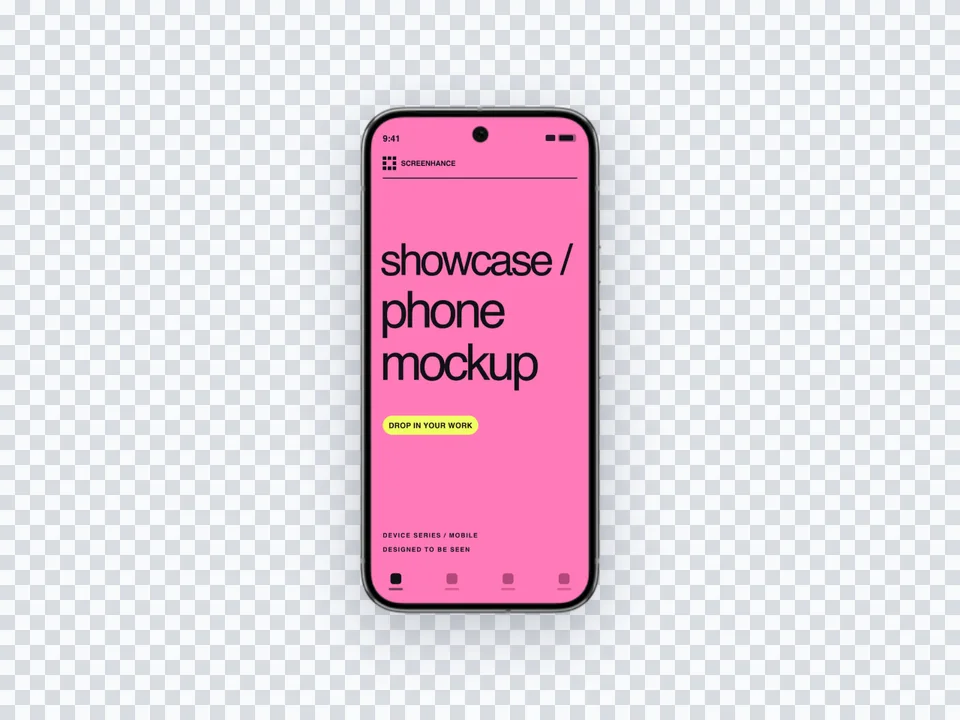
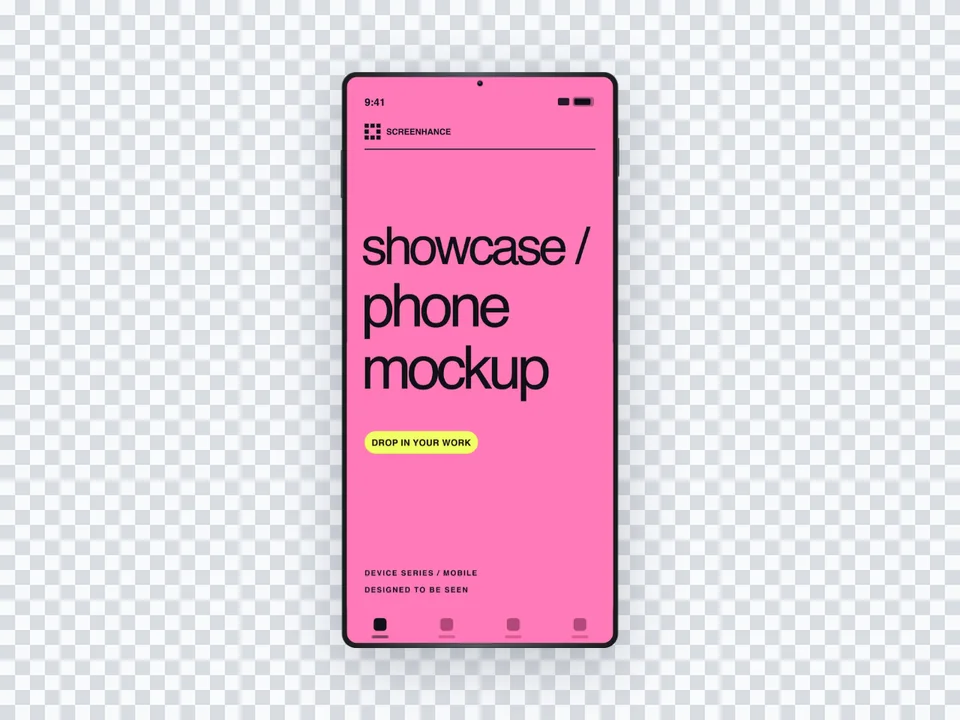
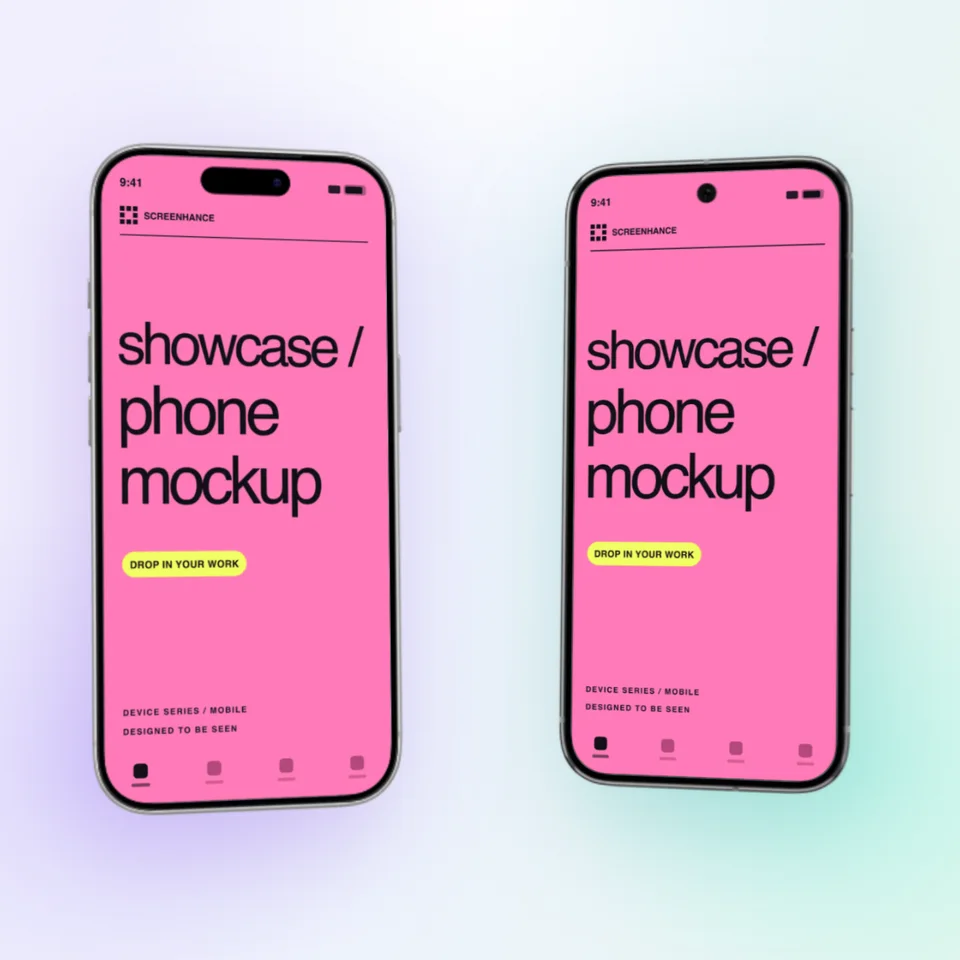
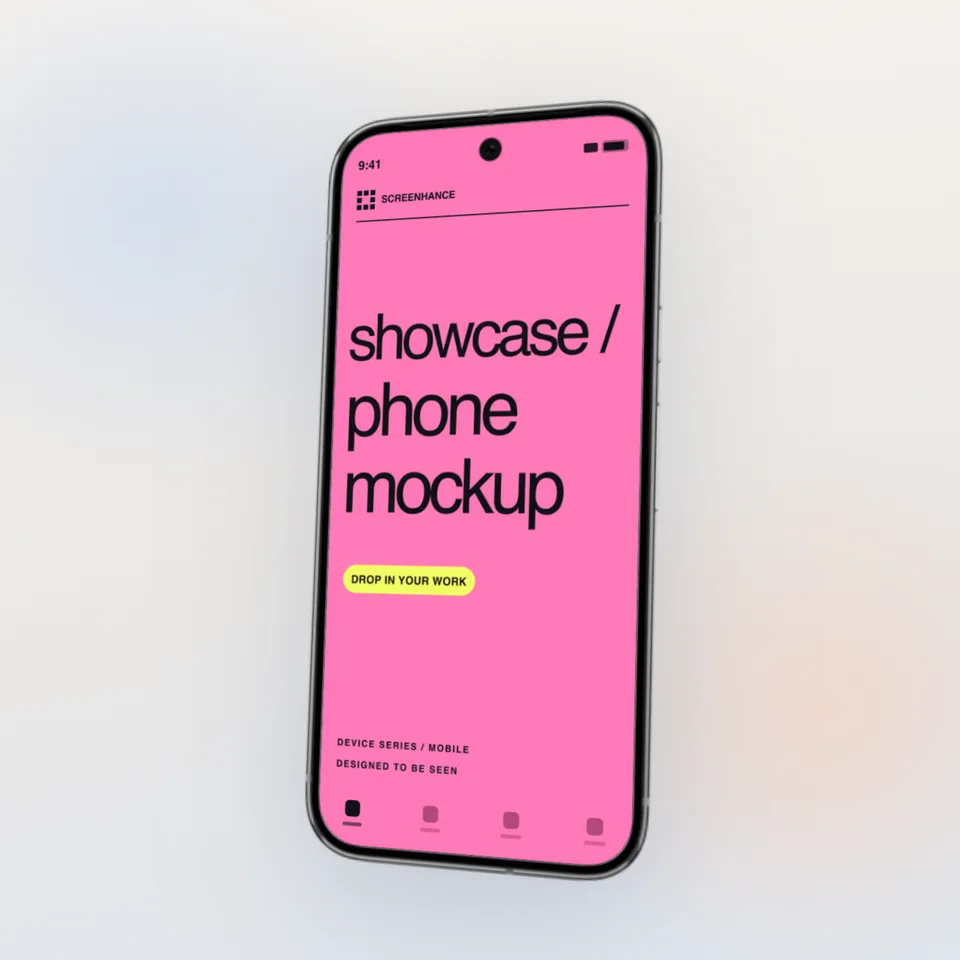
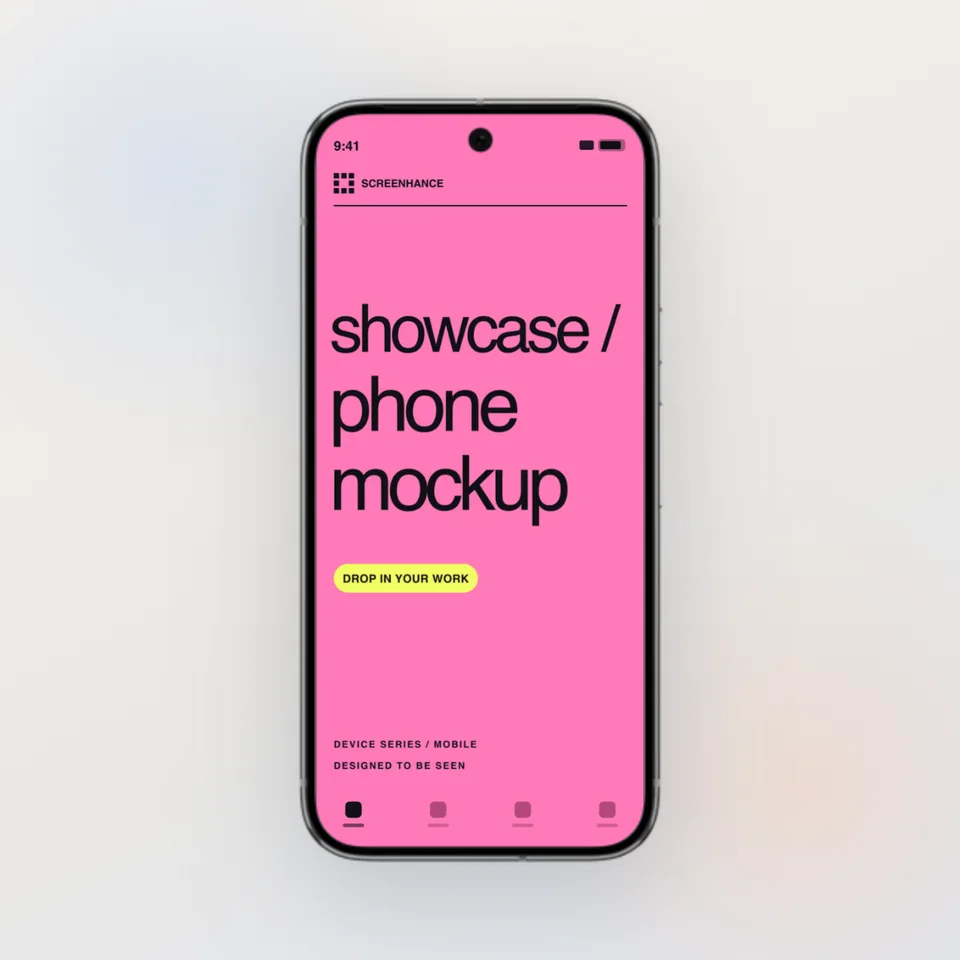
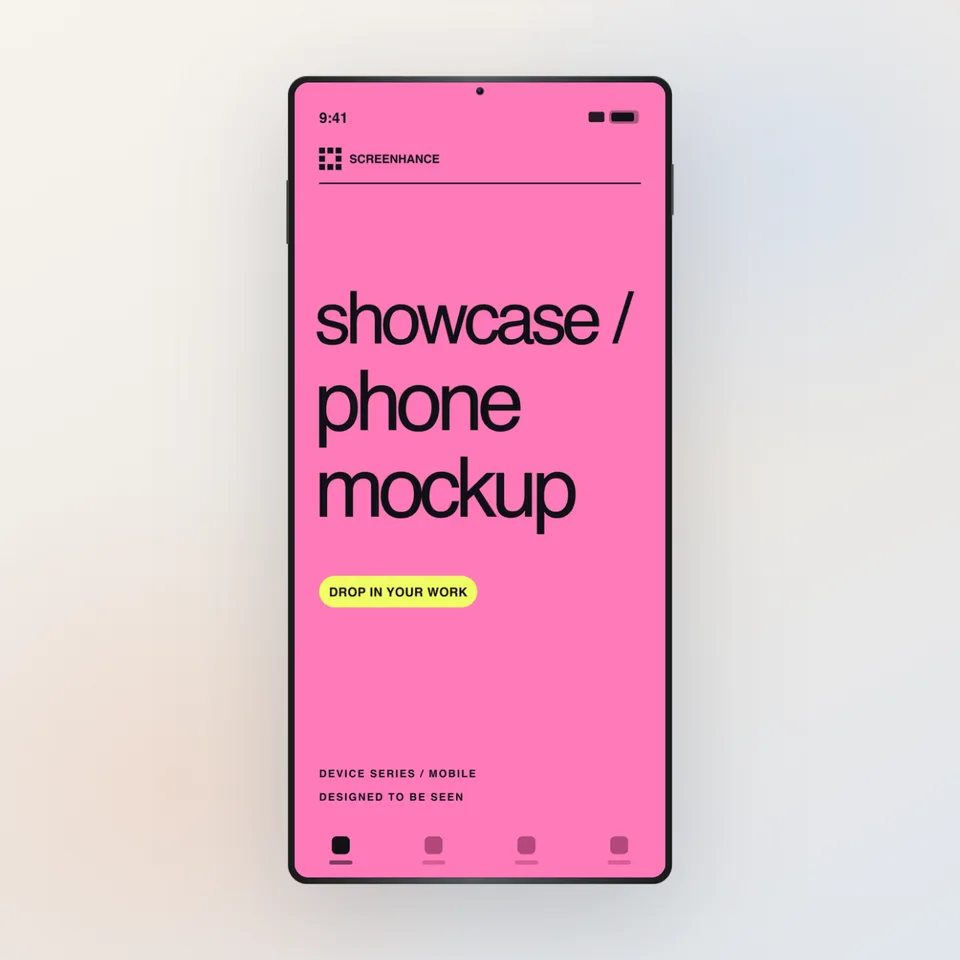
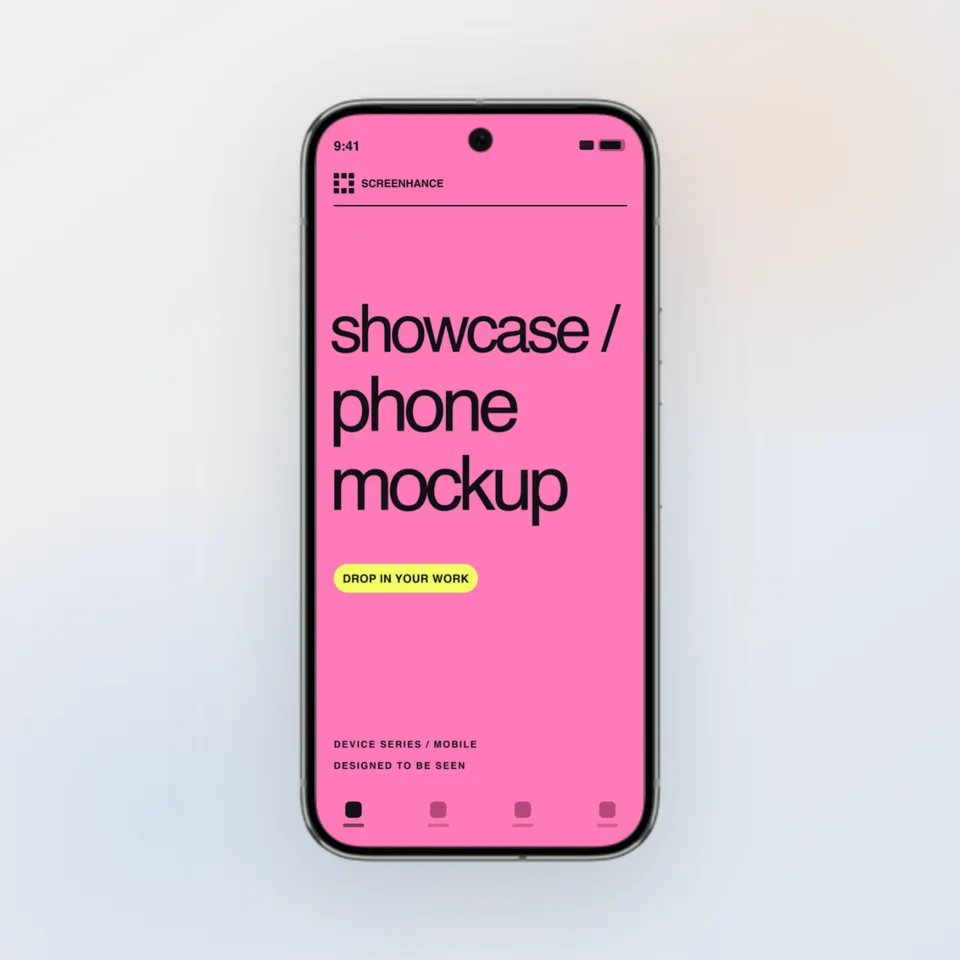
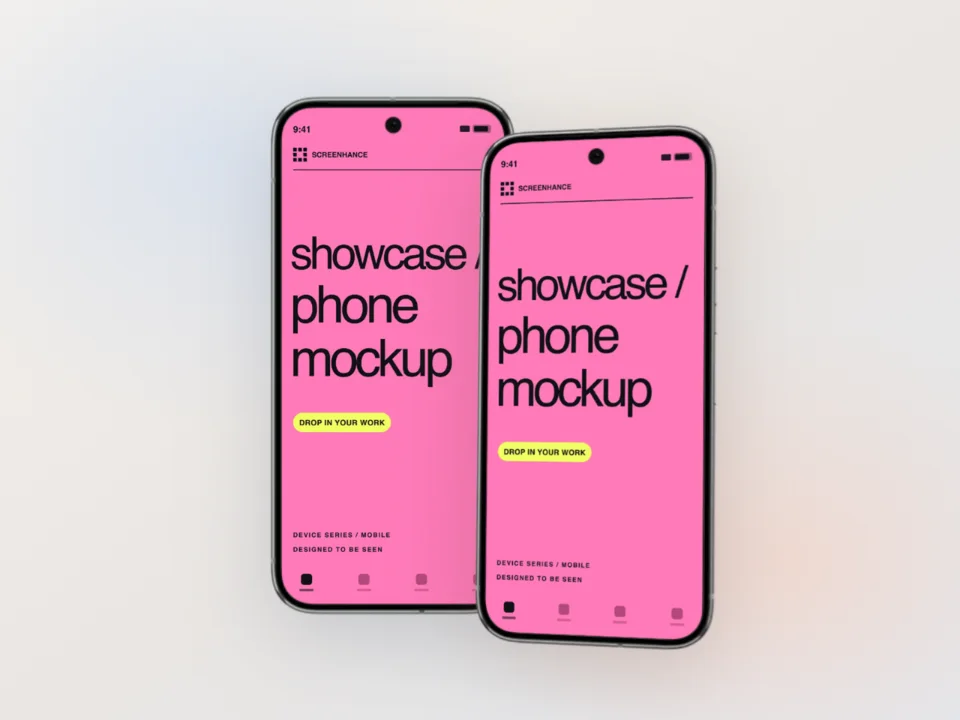
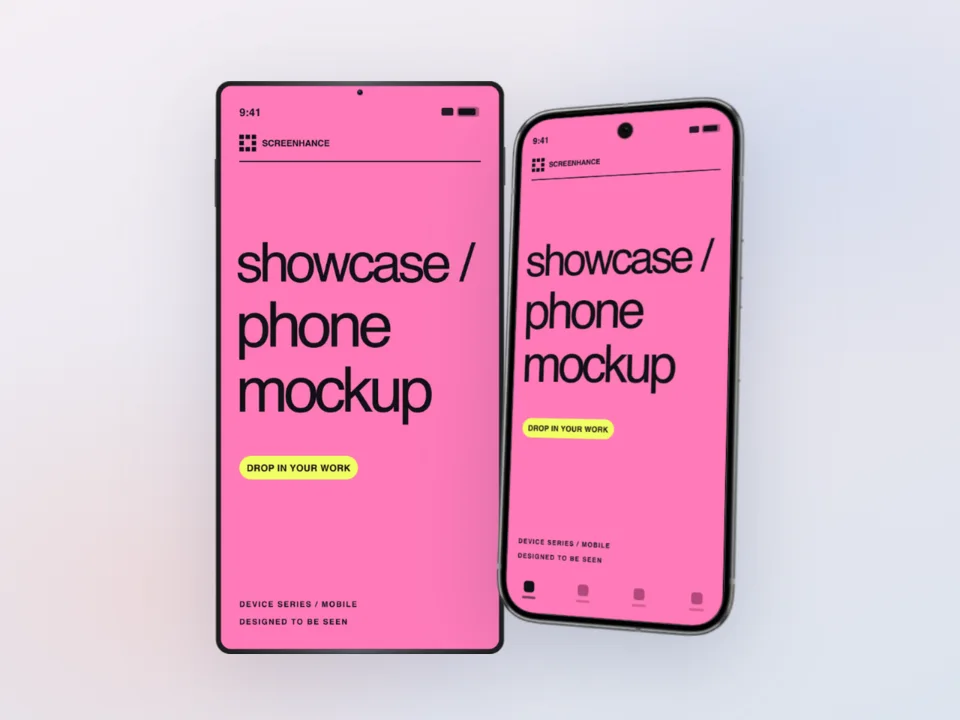
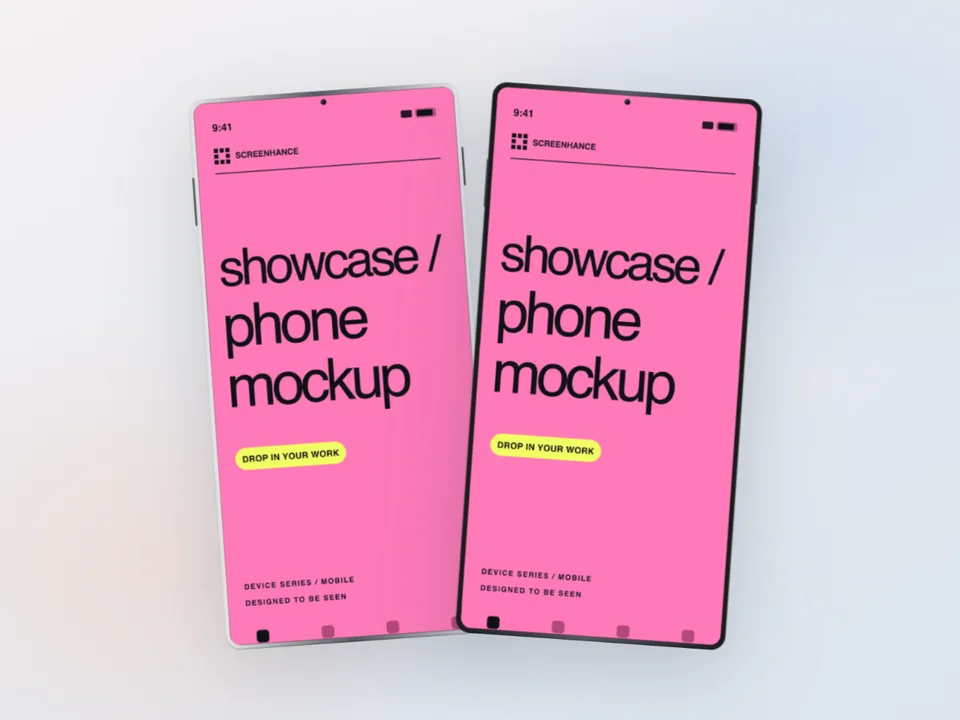
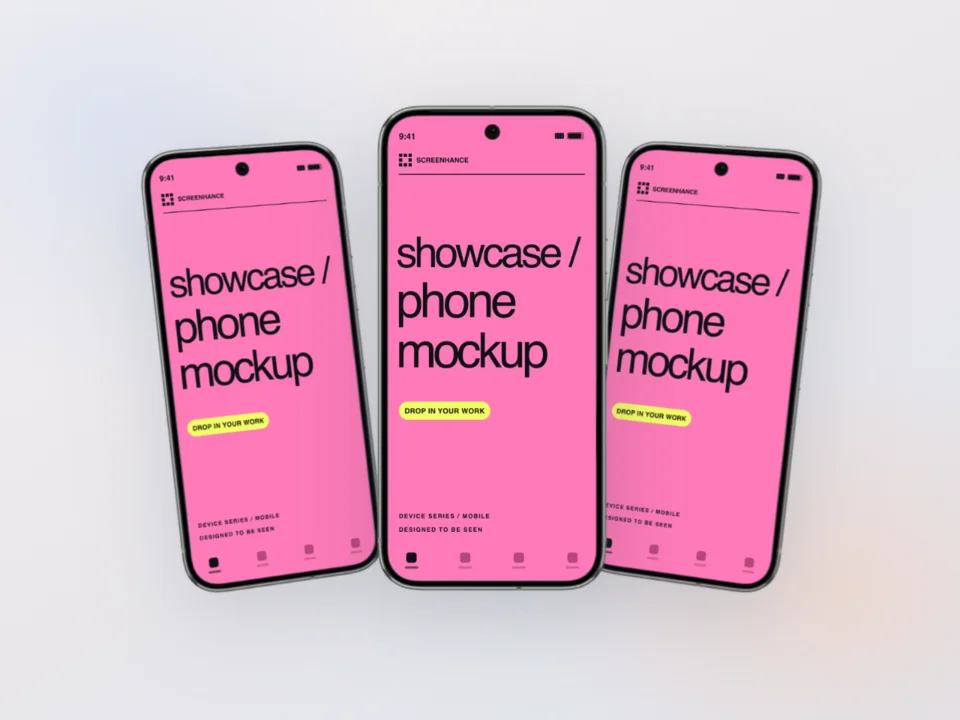
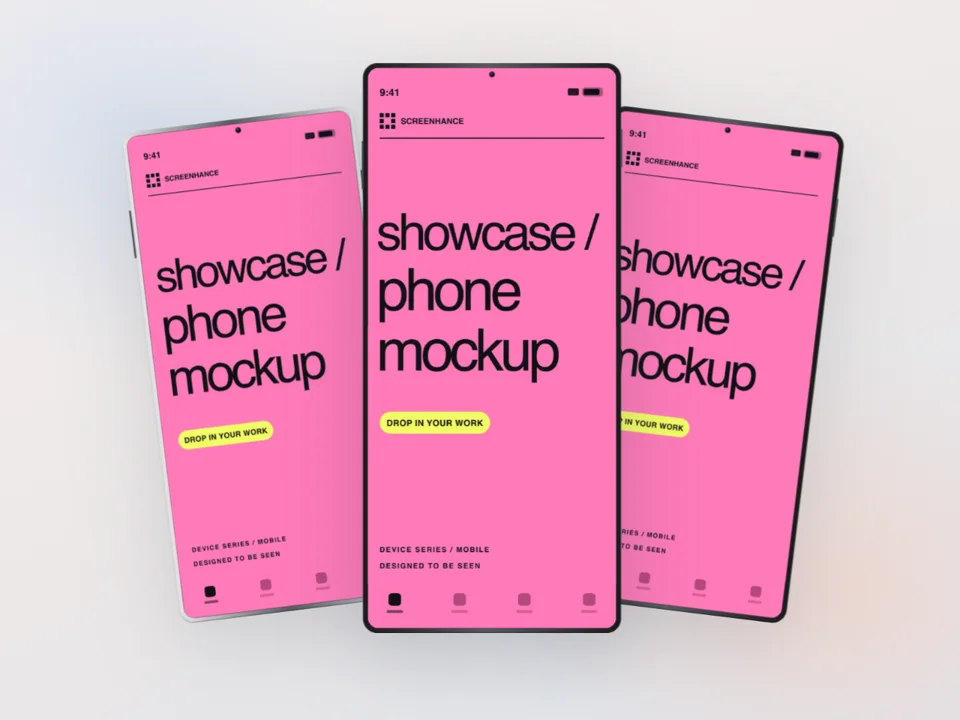
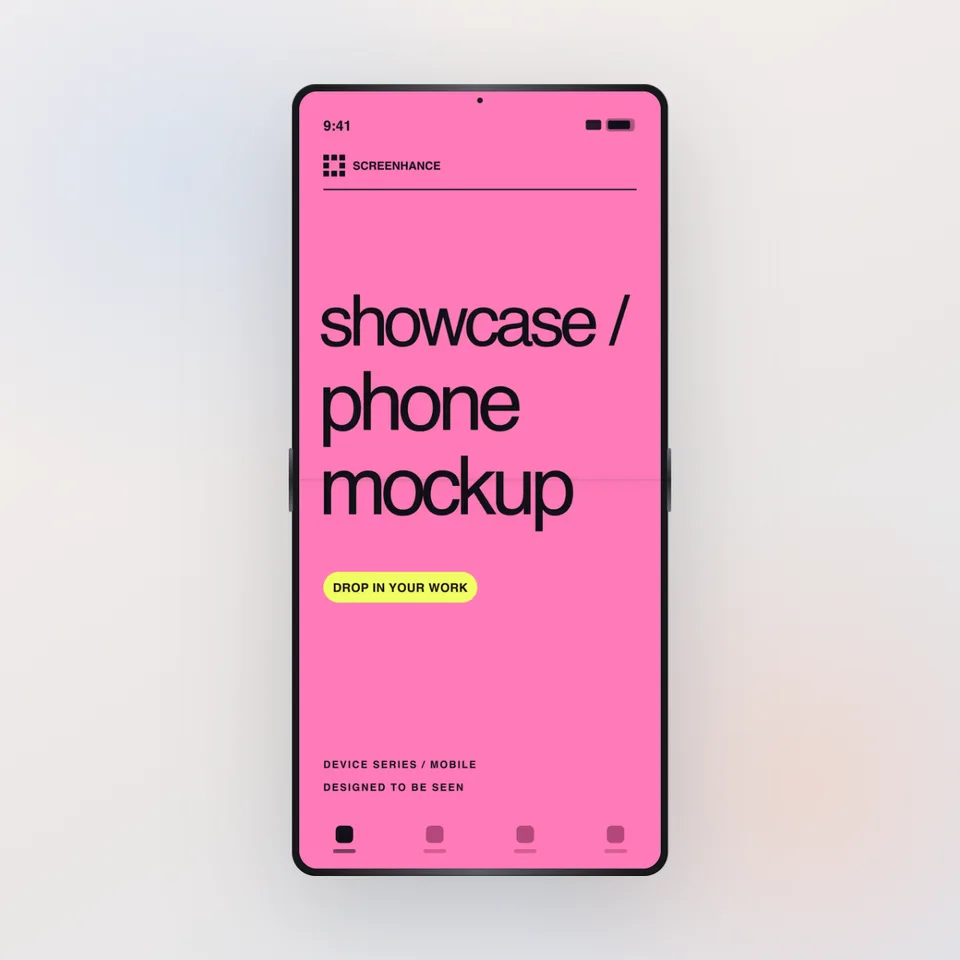
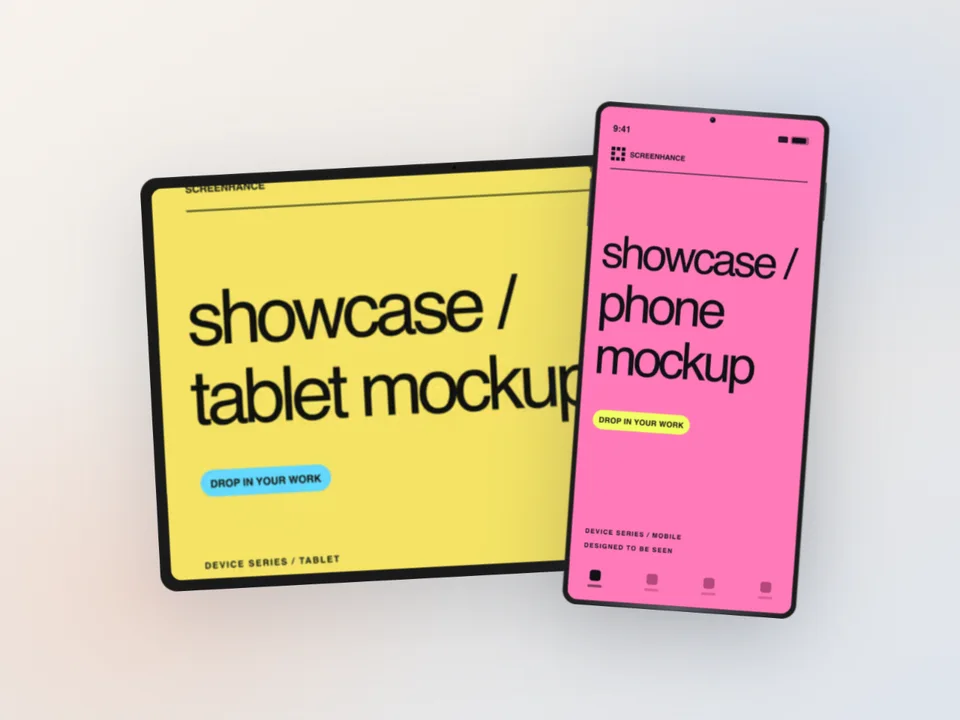
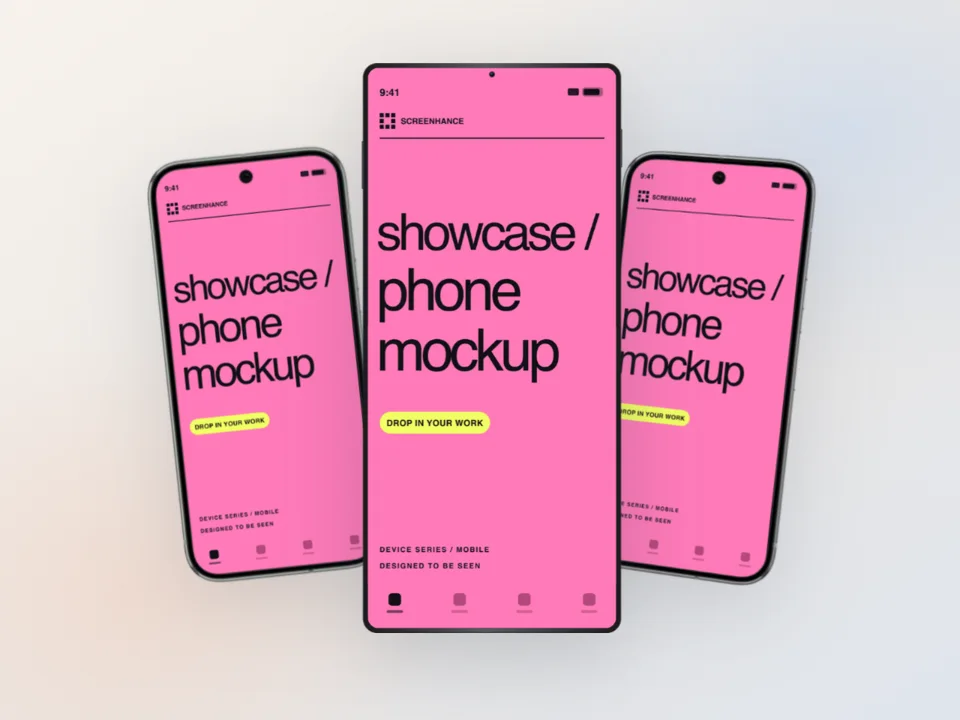
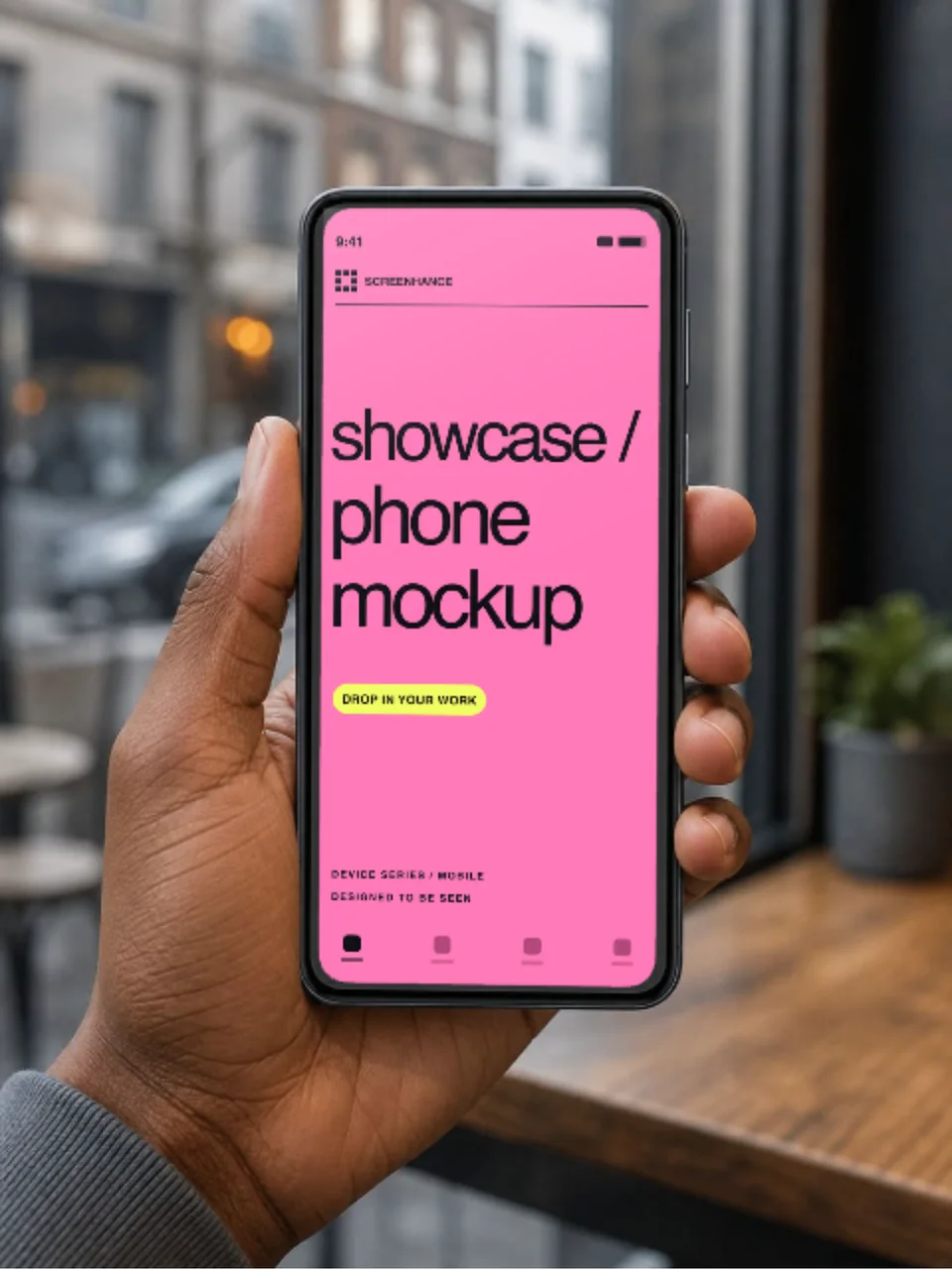
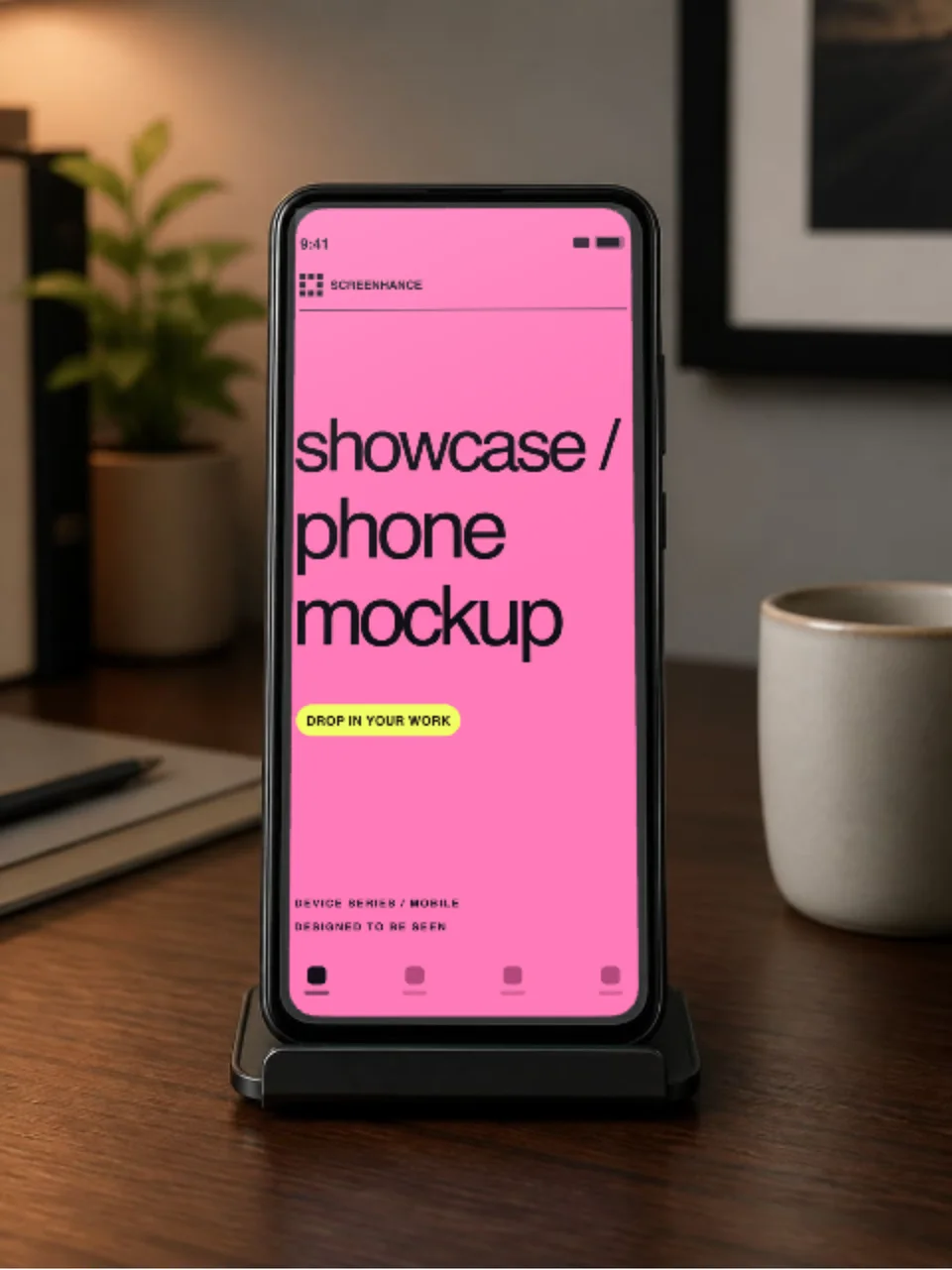
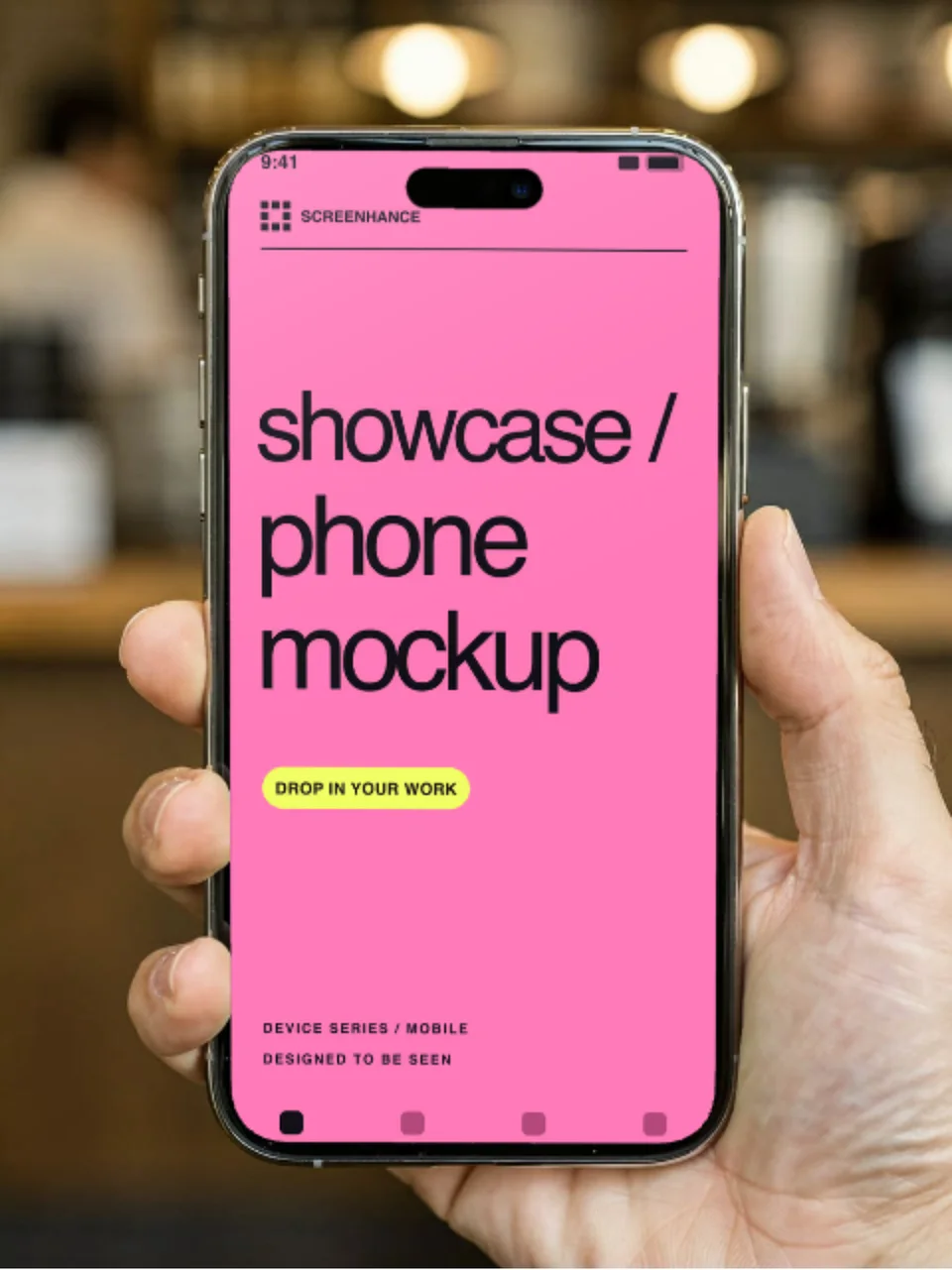
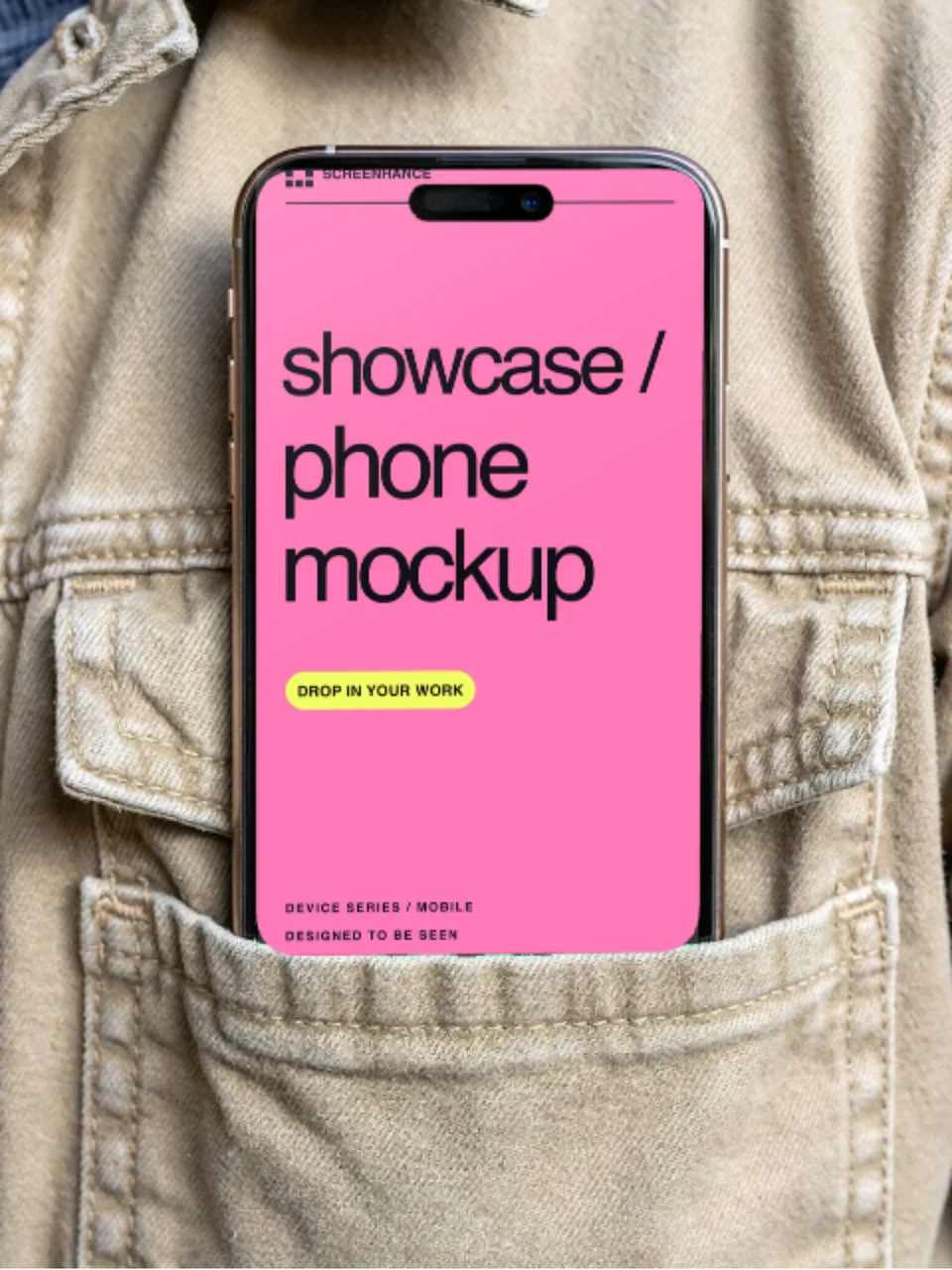
Android spans many device families, so the frame should reflect the product story rather than a market stereotype. A Pixel 9 Pro is useful for a clear stock-Android presentation; a Samsung Galaxy frame gives another familiar phone treatment. A neutral frame is often better when the exact hardware is not part of the message.
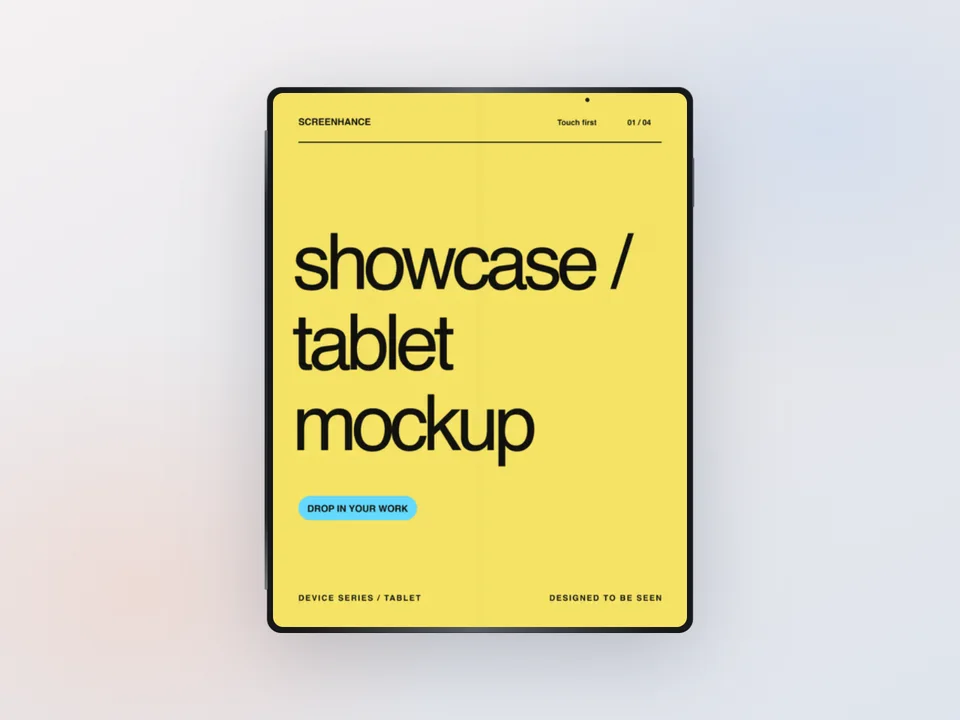
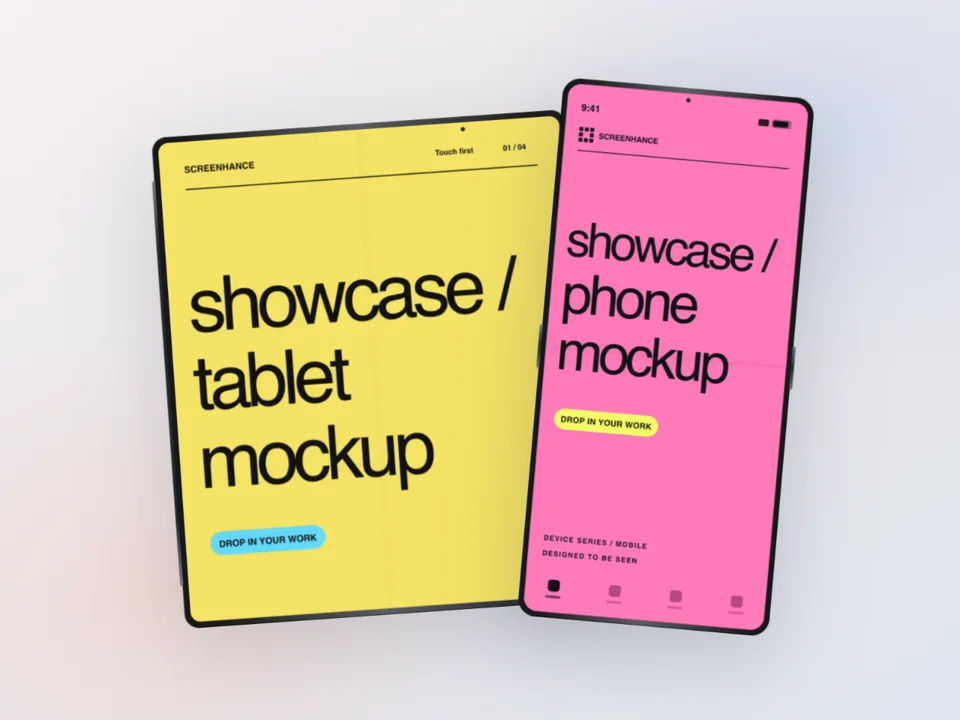
Use a Fold, Flip, or Galaxy Tab frame only when the interface shown is suitable for that form factor. If the app is phone-only, a standard portrait frame is more truthful. The iPhone mockup generator covers an iOS counterpart when you need a cross-platform composition.
Google Play can present the gallery differently by device and surface. Start with the clearest current app view, use each later image for a distinct workflow, and inspect the listing on the device types you support. A frame is optional: Google recommends avoiding device imagery that can date quickly, so use one when it adds useful context and remove it when it makes the interface too small. The Play Store screenshot templates include Pixel-framed and frame-free sets.
Google accepts screenshots within documented pixel and aspect-ratio ranges rather than requiring one universal 1080×1920 file. Screenhance provides practical phone and tablet presets; the Play Store screenshot generator explains the current ranges and helps you review each output before upload.

%2FOlivia%20Rhye.webp&w=64&q=75)
%2FPhoenix%20Baker.webp&w=64&q=75)
%2FLana%20Steiner.webp&w=64&q=75)
%2FDemi%20Wilkinson.webp&w=64&q=75)
%2FDrew%20Cano.webp&w=64&q=75)