
%2FOlivia%20Rhye.webp&w=64&q=75)
%2FPhoenix%20Baker.webp&w=64&q=75)
%2FLana%20Steiner.webp&w=64&q=75)
%2FDemi%20Wilkinson.webp&w=64&q=75)
%2FDrew%20Cano.webp&w=64&q=75)
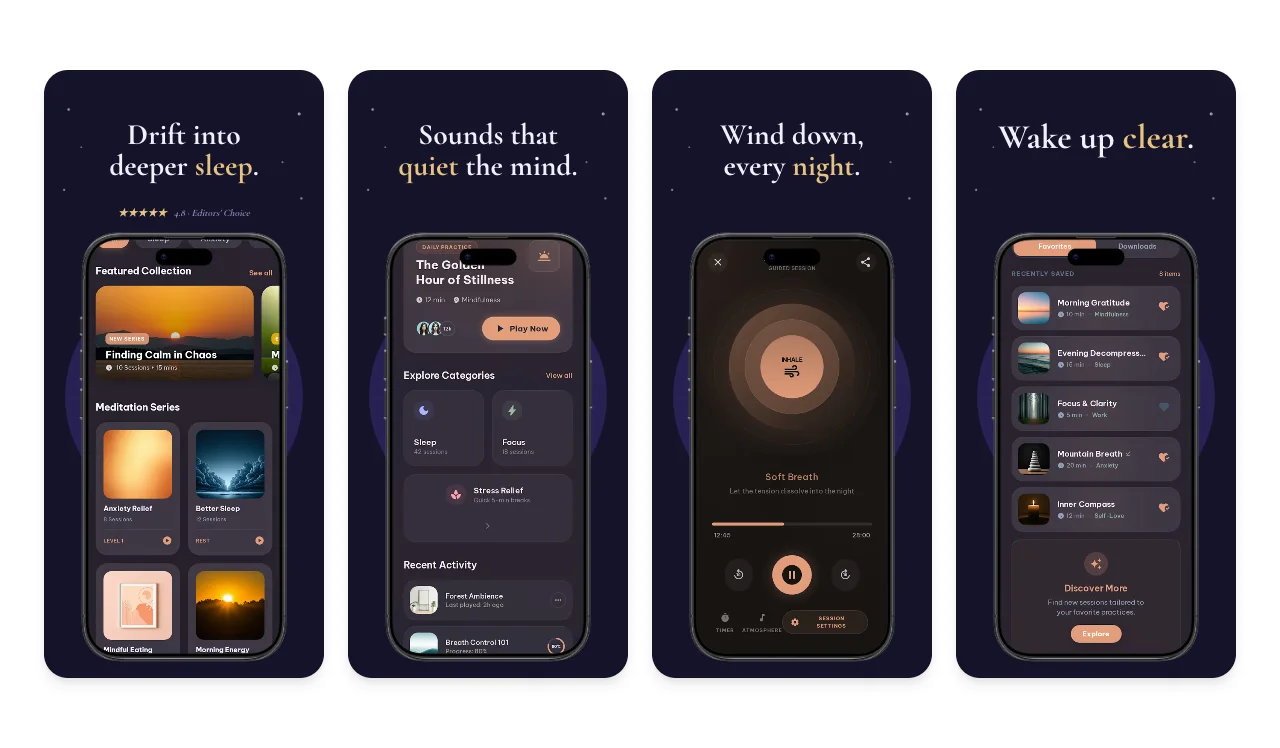
App & Play Store
A captioned, device-framed set in the right sizes—or Chrome Web Store visuals for extensions.
Add your real product screenshots once. Screenhance turns them into a coordinated App & Play Store set, Product Hunt gallery, website hero, social card, and launch video—on-brand and fully editable.
Start free · no credit card · edit every layer before export
Loved by 3,000+ creators
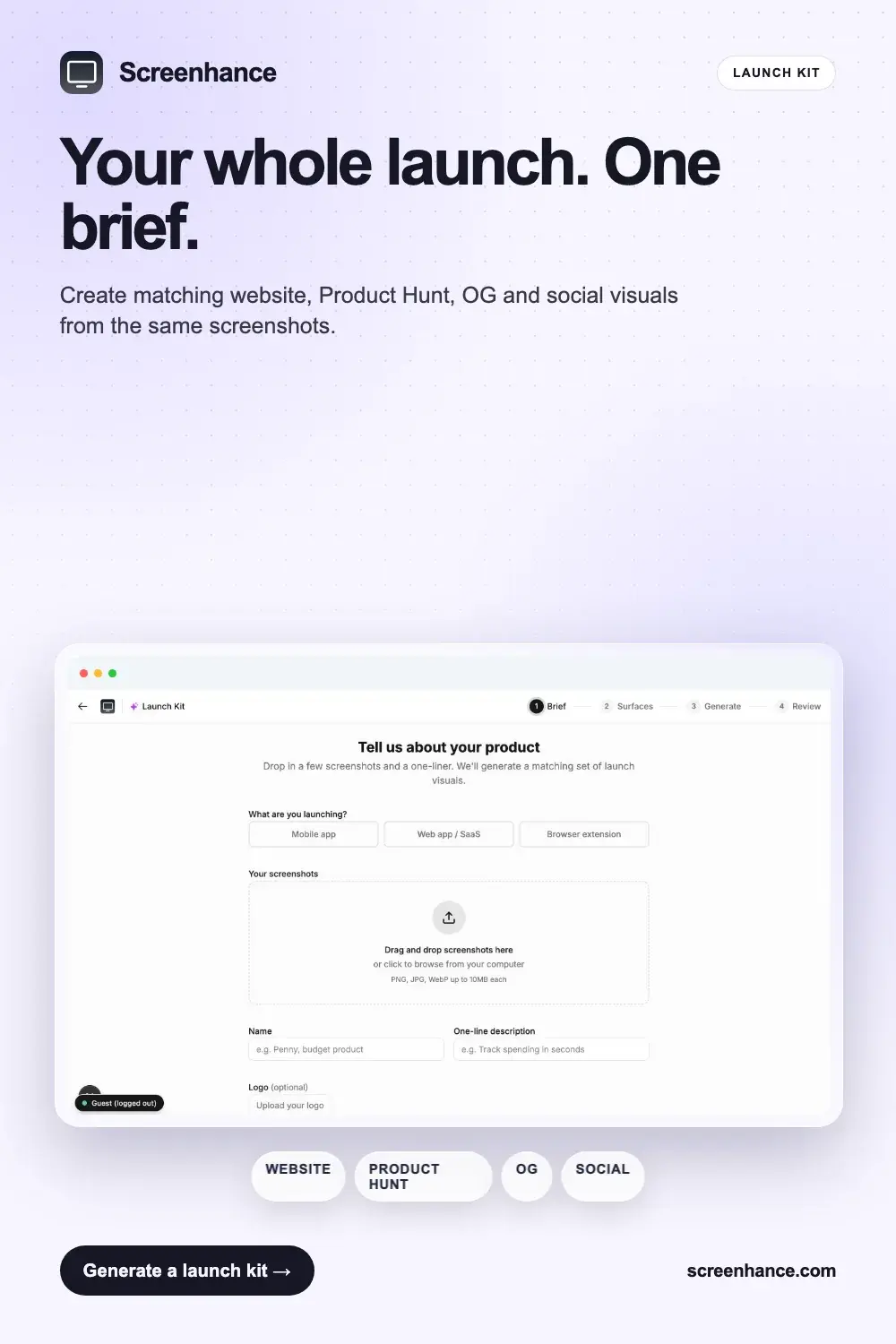
The kit is generated as a connected system—not a pile of unrelated templates. Review the full set together, then open any output to refine it in its specialist editor.
One visual direction, adapted for every destination.
Stop rebuilding the same product story for every platform. Each output keeps the same screenshots, palette, framing, and message while fitting the place it needs to appear.
A captioned, device-framed set in the right sizes—or Chrome Web Store visuals for extensions.
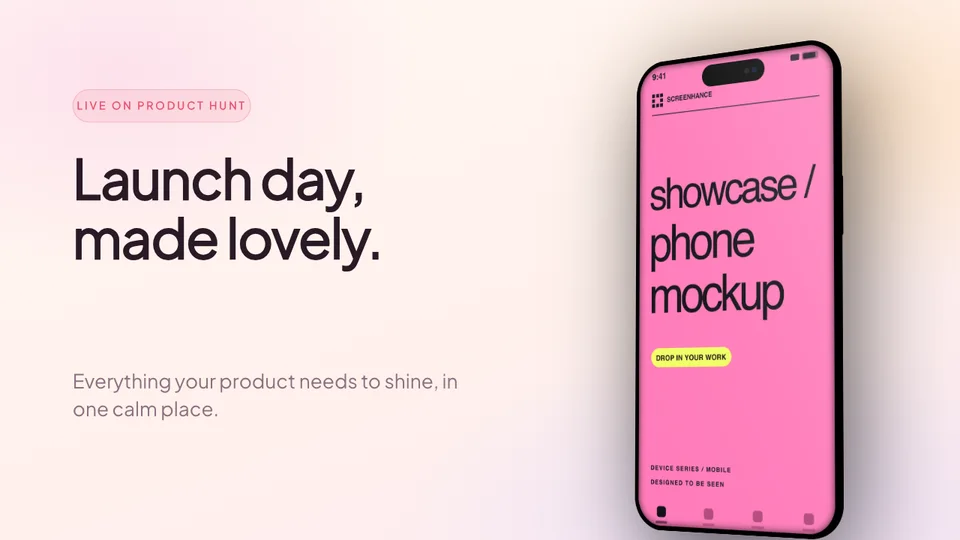
A matching gallery that turns the product story into a launch-day sequence.
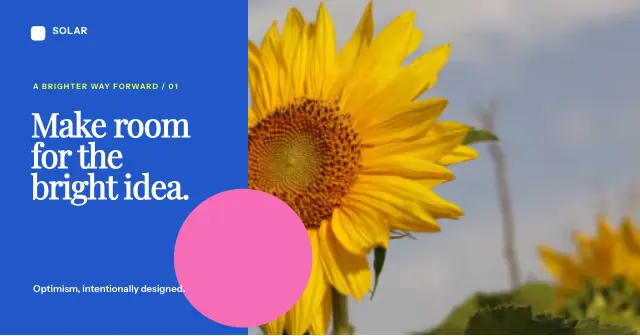
A 1200×630 share card so every link and announcement looks deliberately designed.
A landing-page visual built from the same product UI, palette, framing, and message.
Turn a short recording into a focused product clip that belongs to the same campaign.
Show the product working in a short, branded film for Product Hunt and social.
Most launch tools make you start again for every surface—or hand you a flattened image you cannot really change. Launch Kit keeps the system coordinated and the result editable.
Upload a few, we auto-pull your brand colors from them.
App name, a one-liner, and a vibe (or keep the auto palette).
Every surface at once, on-brand. Open any to fine-tune.
The full kit is the fastest coordinated path. Every surface also has its own focused generator when you only need one deliverable.
Every iPhone & iPad size, captioned and framed.
Explore →Android phone and tablet sizes for Google Play.
Explore →Launch-day gallery images at 1270×760.
Explore →1200×630 share cards for every platform.
Explore →A landing-page hero that matches the set.
Explore →The 1024×500 Google Play feature graphic.
Explore →It surpassed what I expected. The flow is direct, with great layouts and templates for screenshots.
Clean, easy to use, and I especially love the one-week pass.
The subtle motion adds a premium feel without becoming distracting.
It looks great. I really like the pricing, especially being able to try it without entering a card.
Well designed and useful for decks and product launches.
It's the full set of visuals you need to launch an app or product, App Store / Google Play screenshots, a Product Hunt gallery, an Open Graph social image, and a website hero, generated together from one brief so they all share the same brand look.
Upload a few product screenshots, type a one-line description, and pick a vibe (or let us pull your colors straight from the screenshots). Screenhance picks matching templates per surface, applies your brand palette, drops in your screenshots, and writes the captions, then shows you the whole set to fine-tune.
Yes, that's the point. Every asset opens in the full Screenhance editor, so you can tweak copy, swap screenshots, adjust colors, and export. Generated, then yours to perfect.
Yes. Tell us what you're launching, mobile app, web app, or browser extension, and the store surface adapts (App Store / Google Play screenshots for mobile, Chrome Web Store for web apps and extensions). The other surfaces apply to everyone.
No. A logo is optional. If you don't have one, we simply leave it off rather than showing a placeholder. No design skills needed; the brand colors and layout are handled for you.
You can build and preview a full Launch Kit for free. Free exports include a small Screenhance watermark, removed by the $6 one-time Launch Pass or Pro.
Start free, edit every output, then export the complete matching set when it is ready.