Screenhance

Free iPhone Duo mockup generator

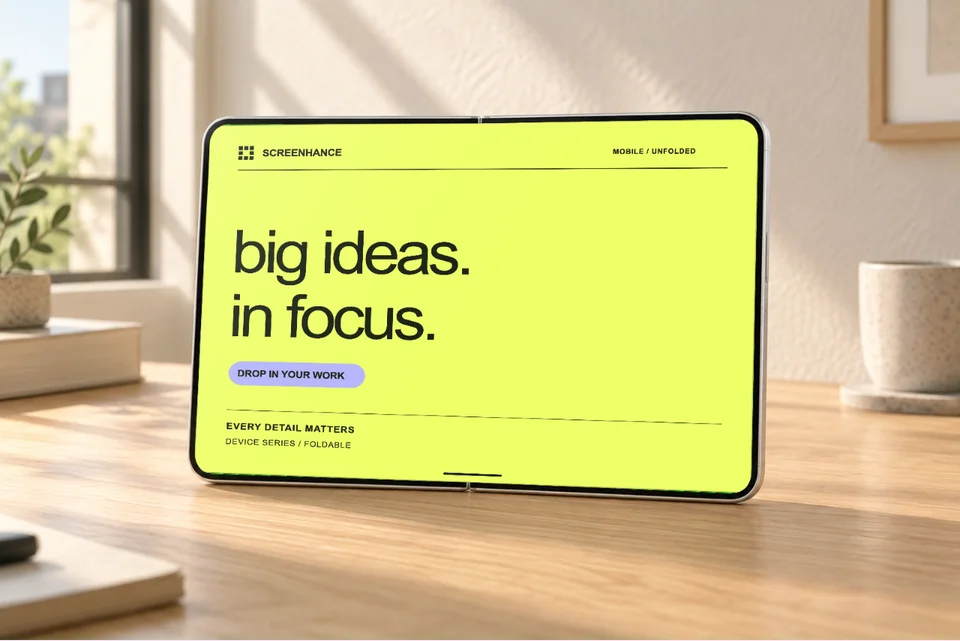
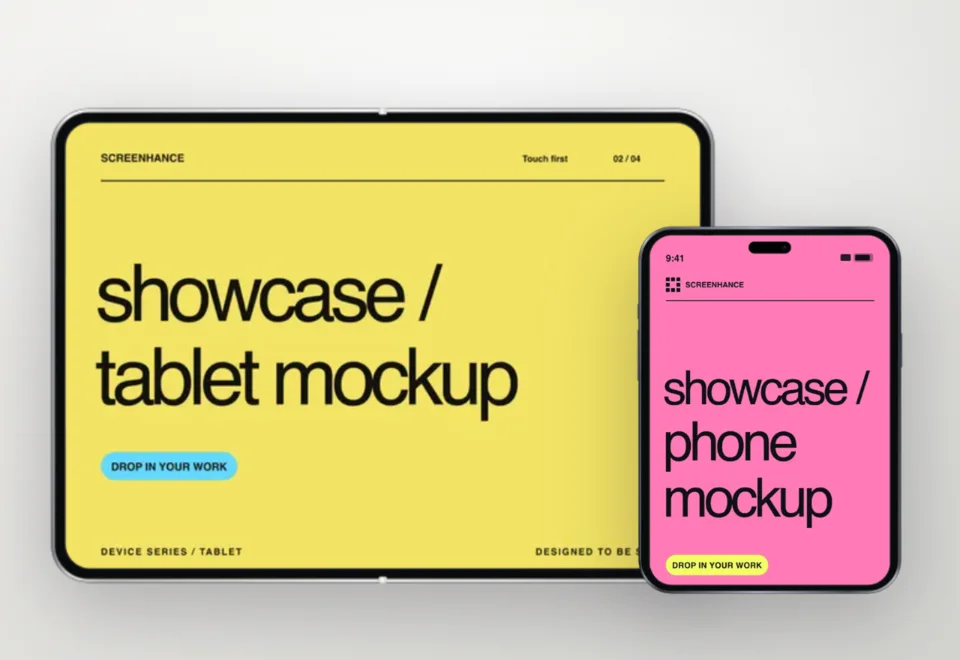
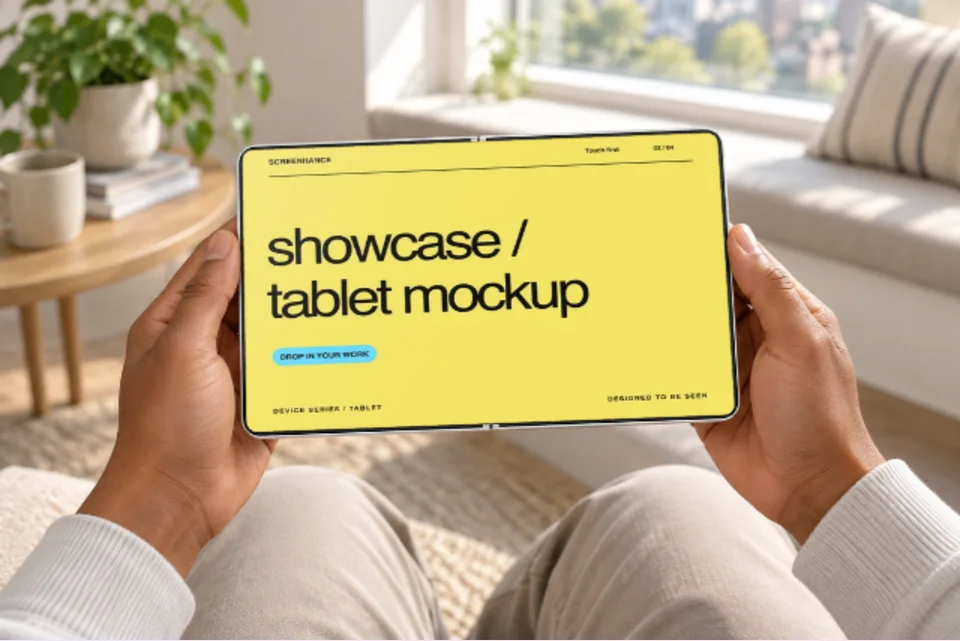
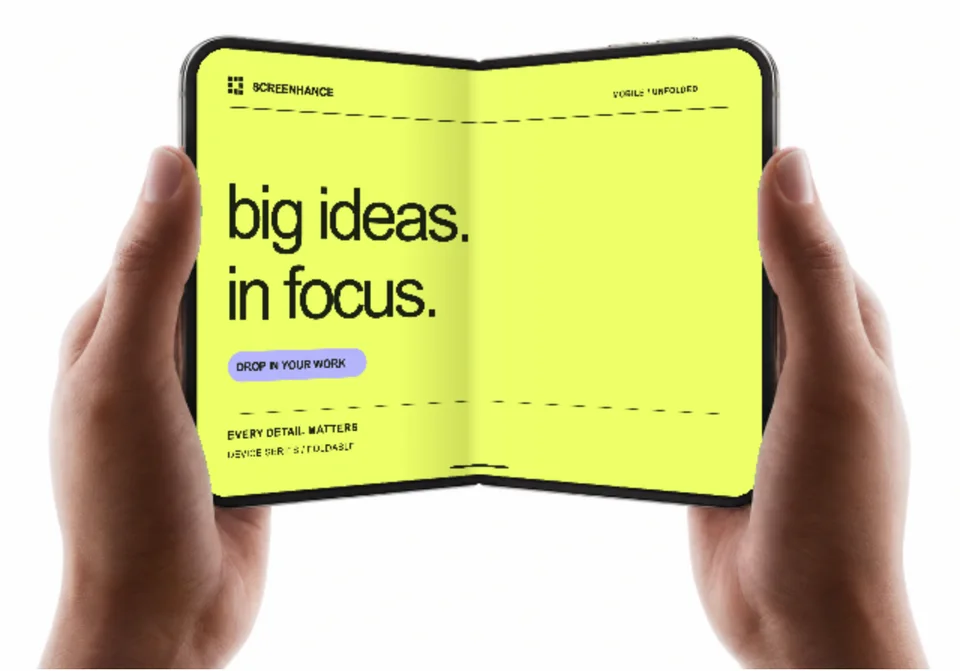
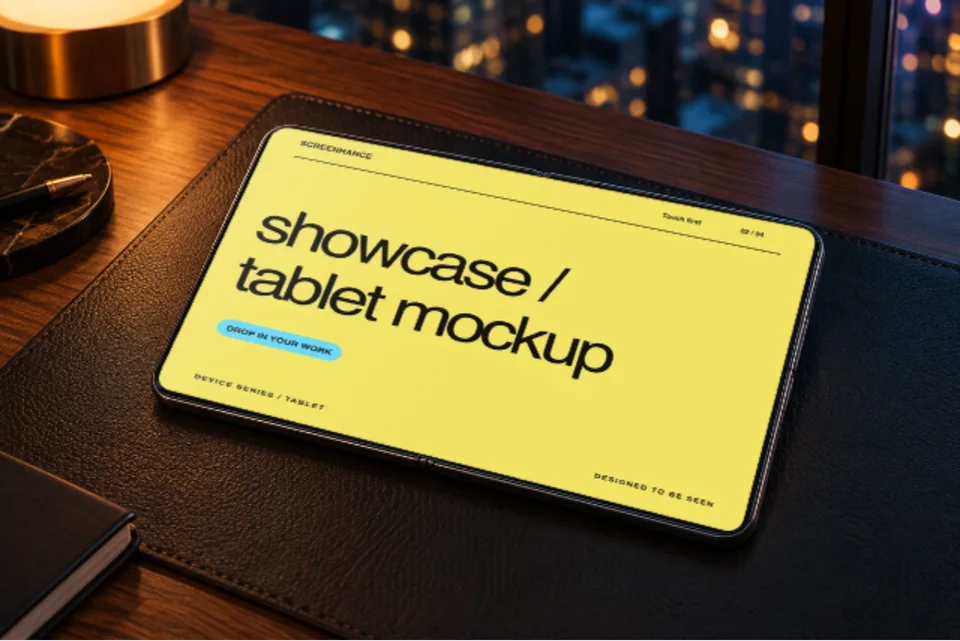
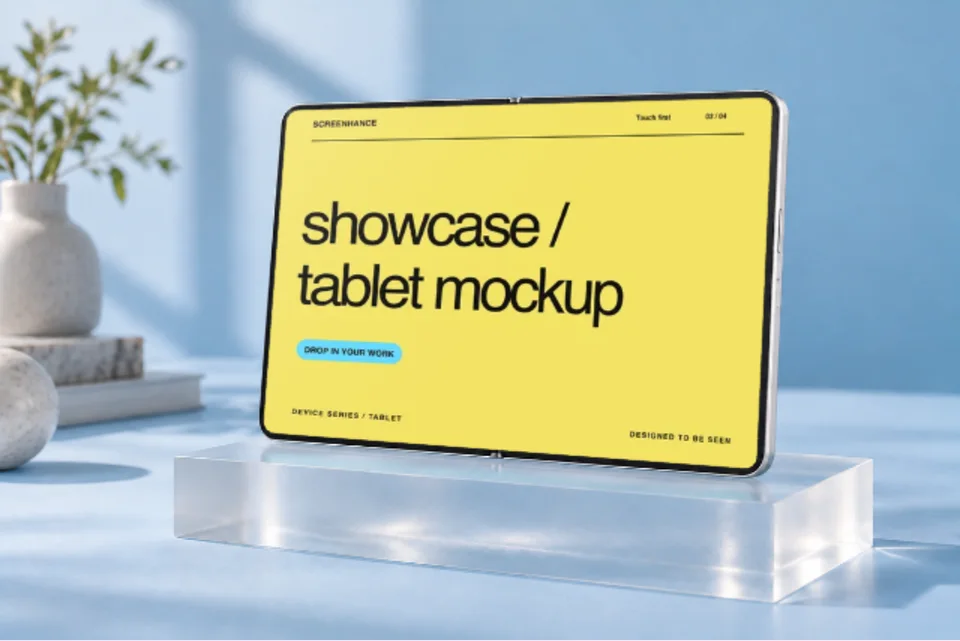
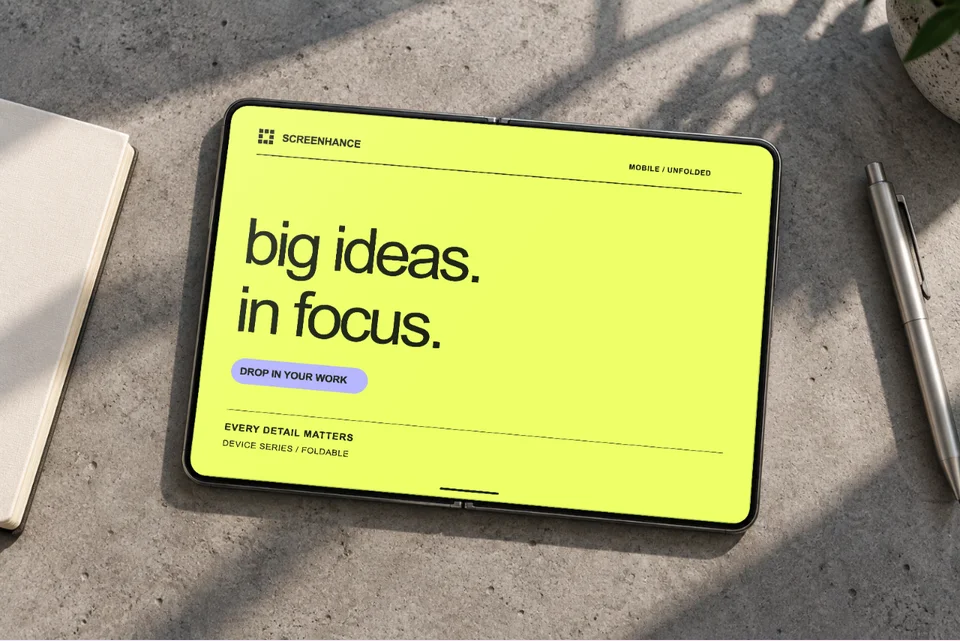
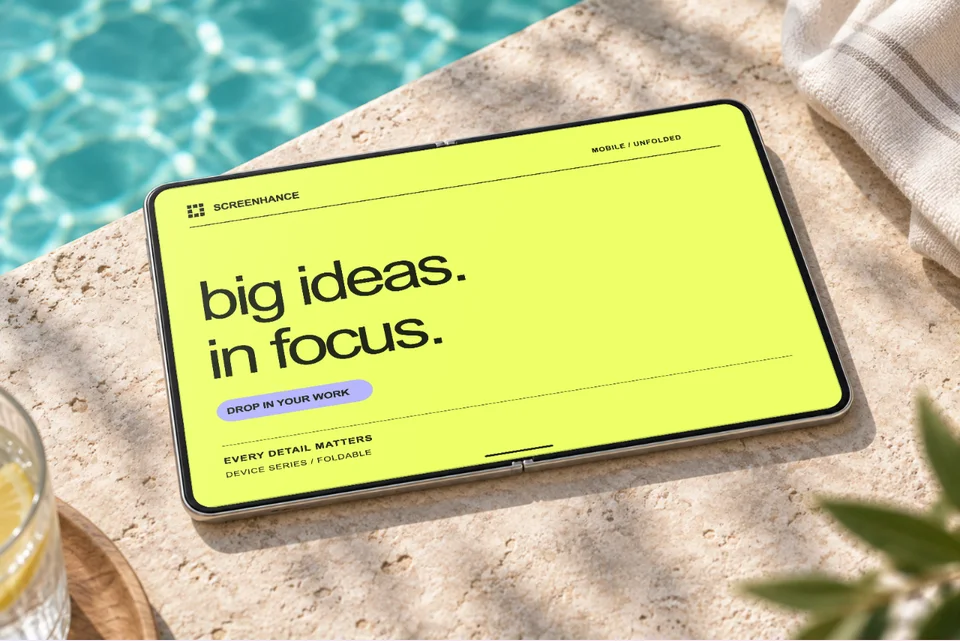
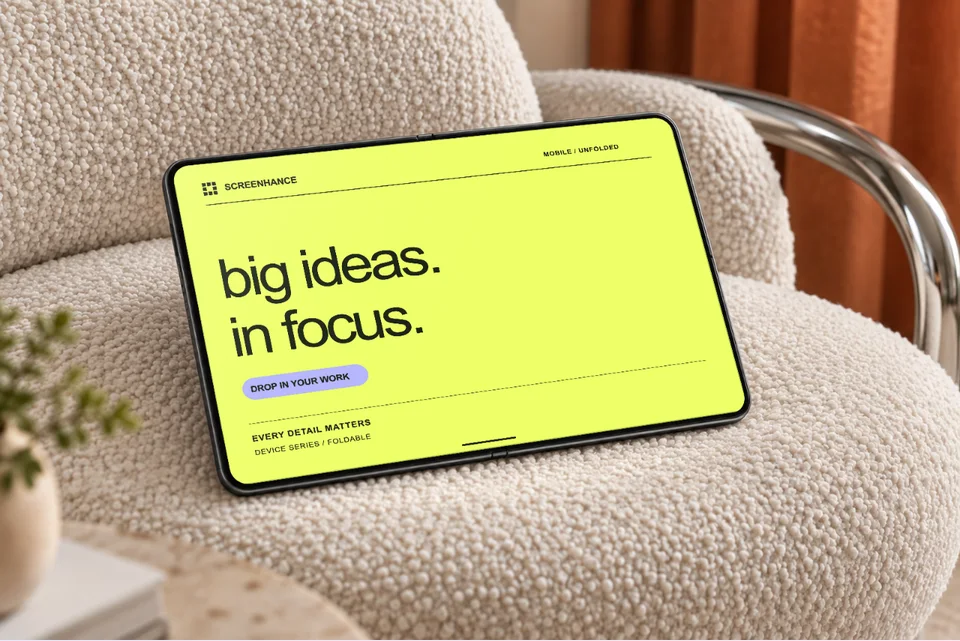
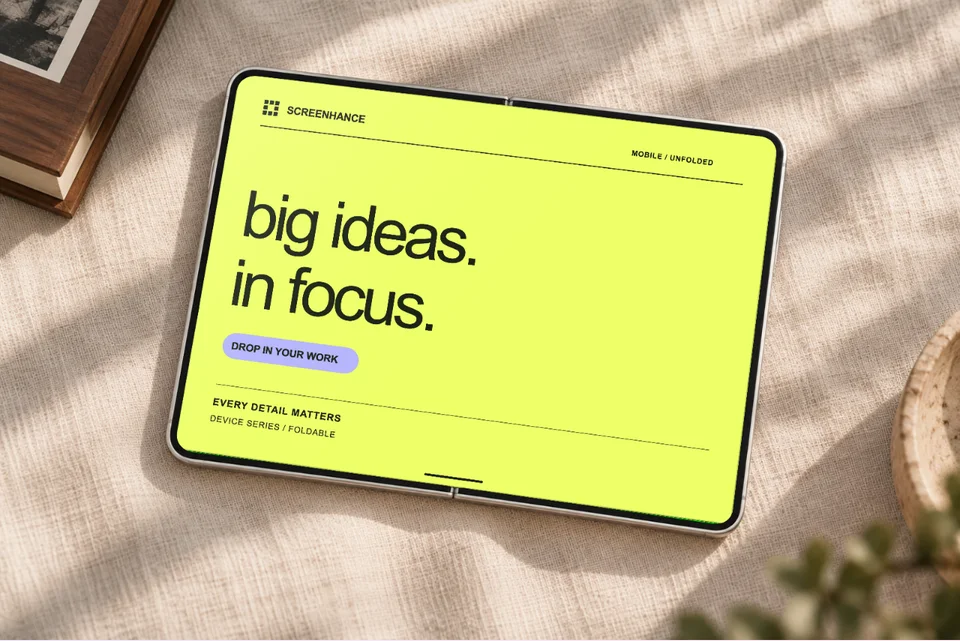
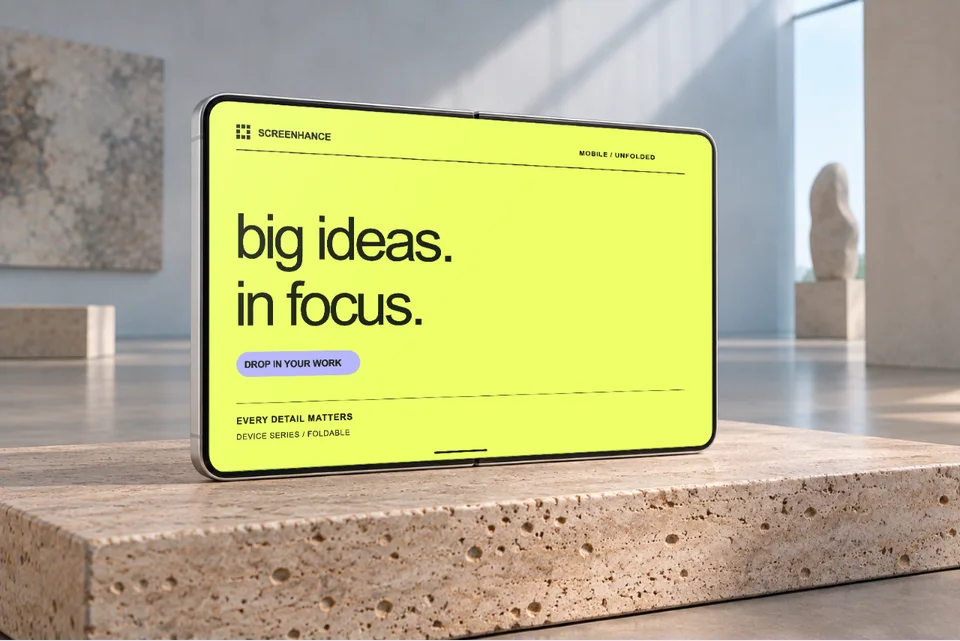
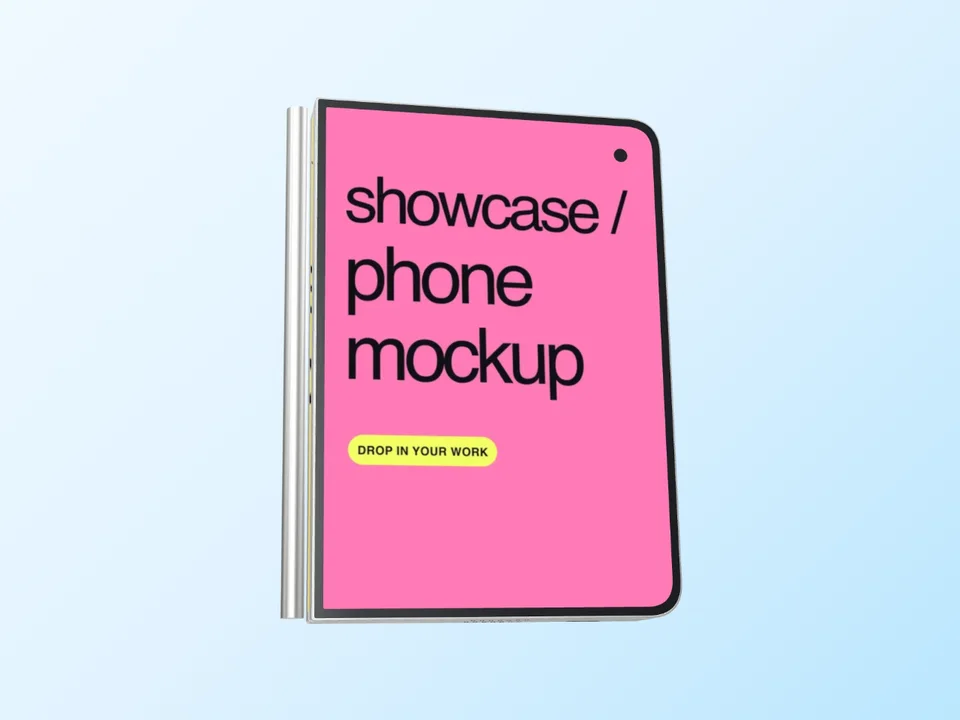
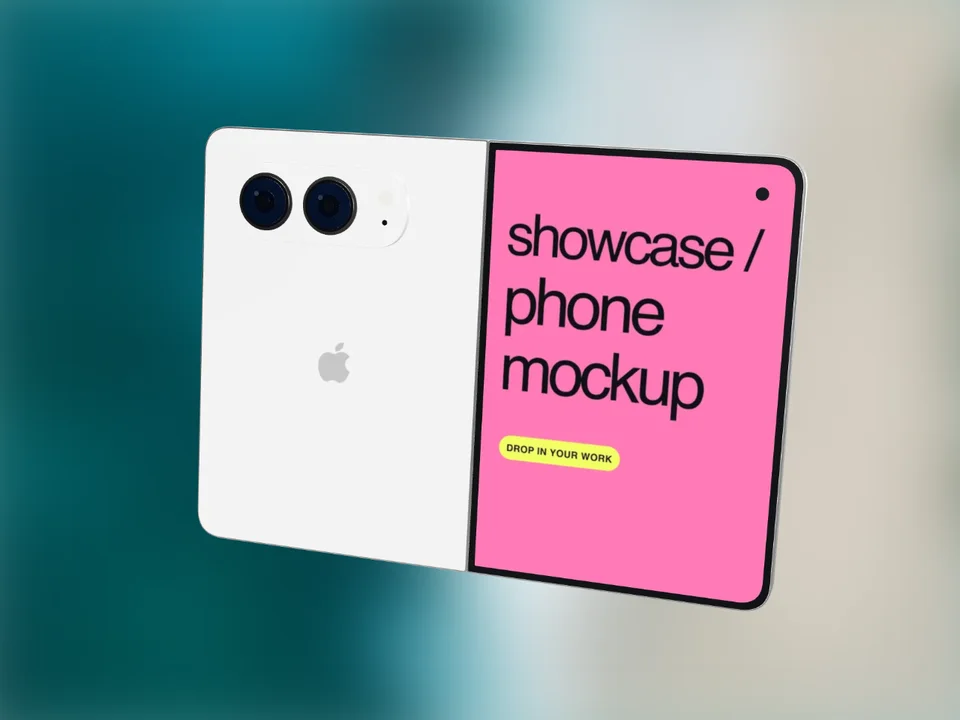
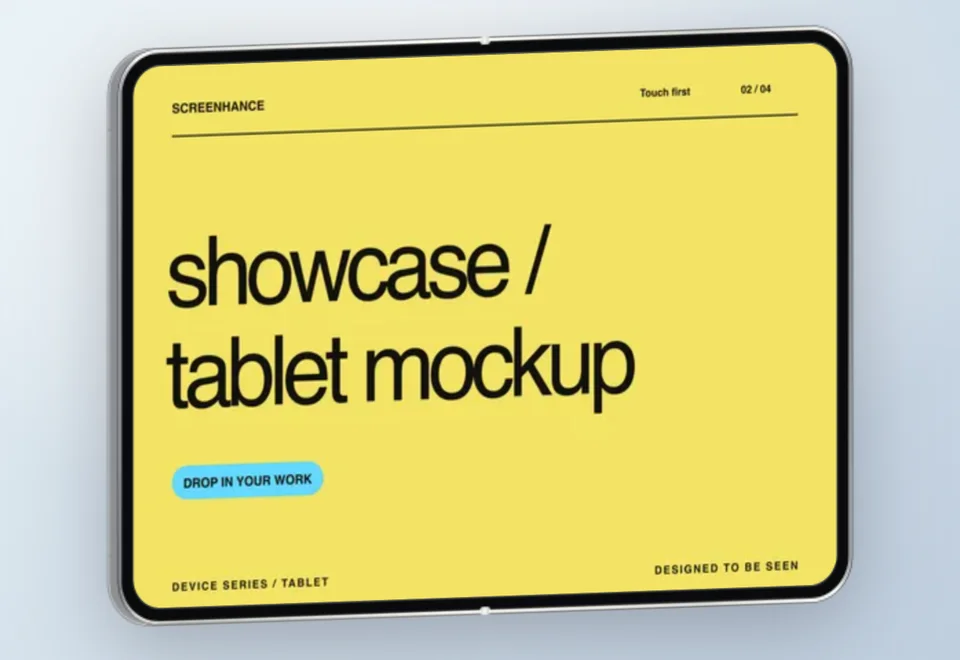
Screenhance has iPhone Duo frames for the open and closed device in Night Sky and Star White, 6 3D views from the outer display to the hinge, 10 photo scenes and a folding tour in which both screens are replaceable. Pick one below, add your screens and export a PNG.

A free account includes 3 watermarked PNG exports a month. Compare export plans.

4.9 · 2,000+ ratings

Loved by 3,000+ creators

Animated Duo templates

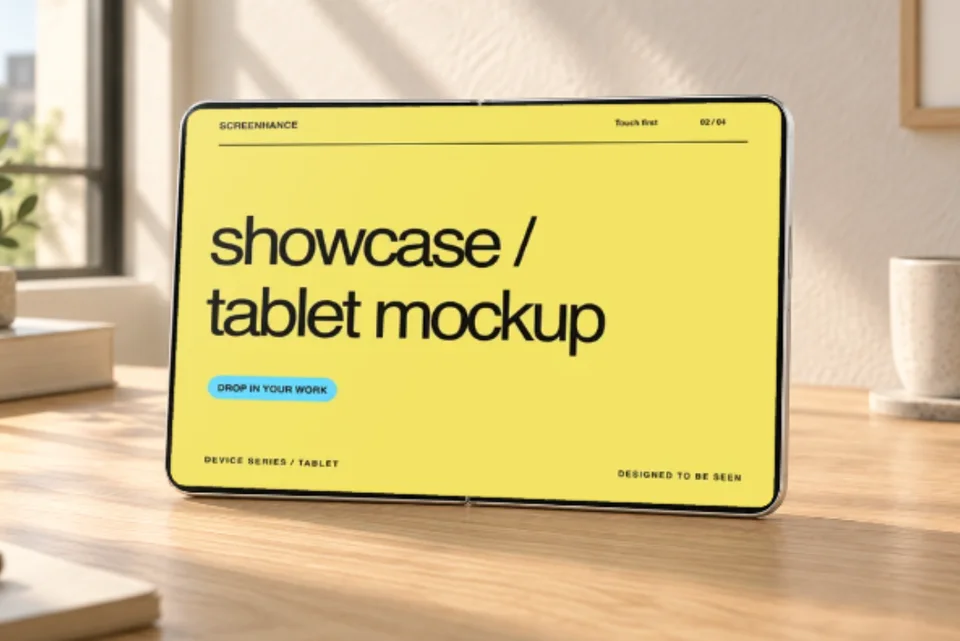
A folding tour and a slow camera move across a sunlit desk. Animated exports are part of Pro.

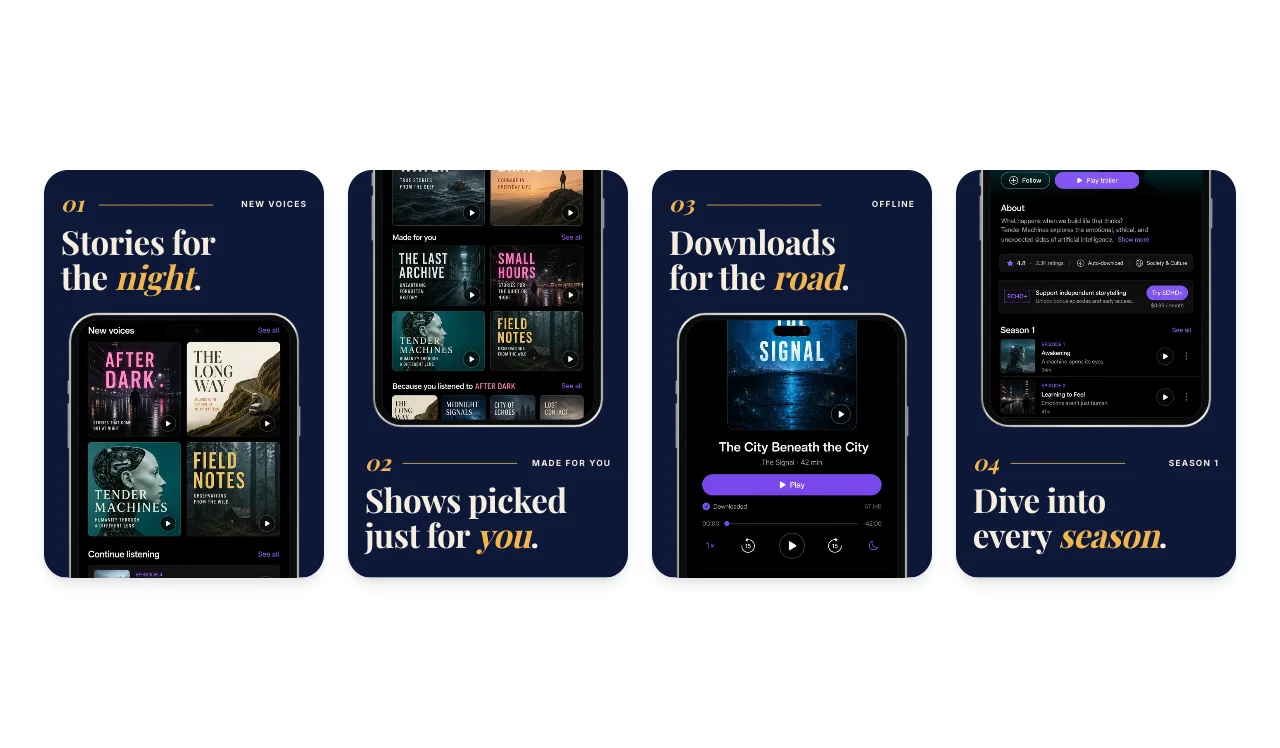
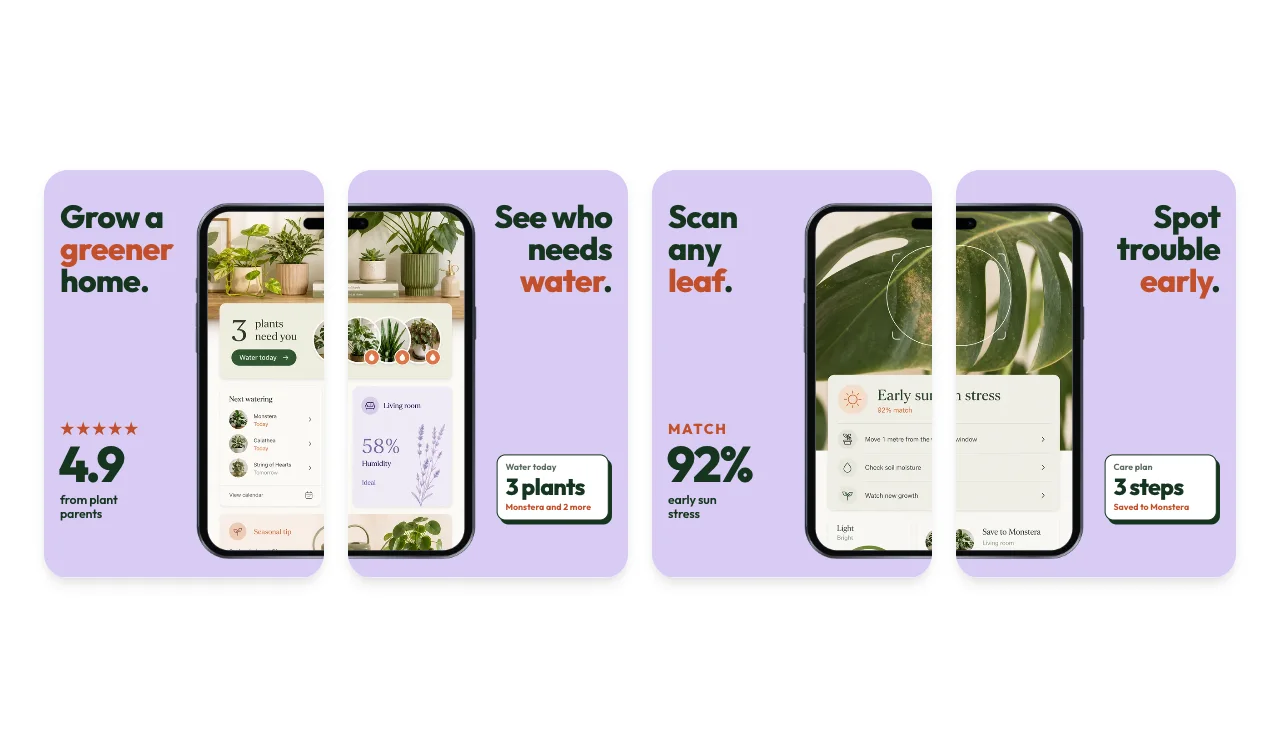
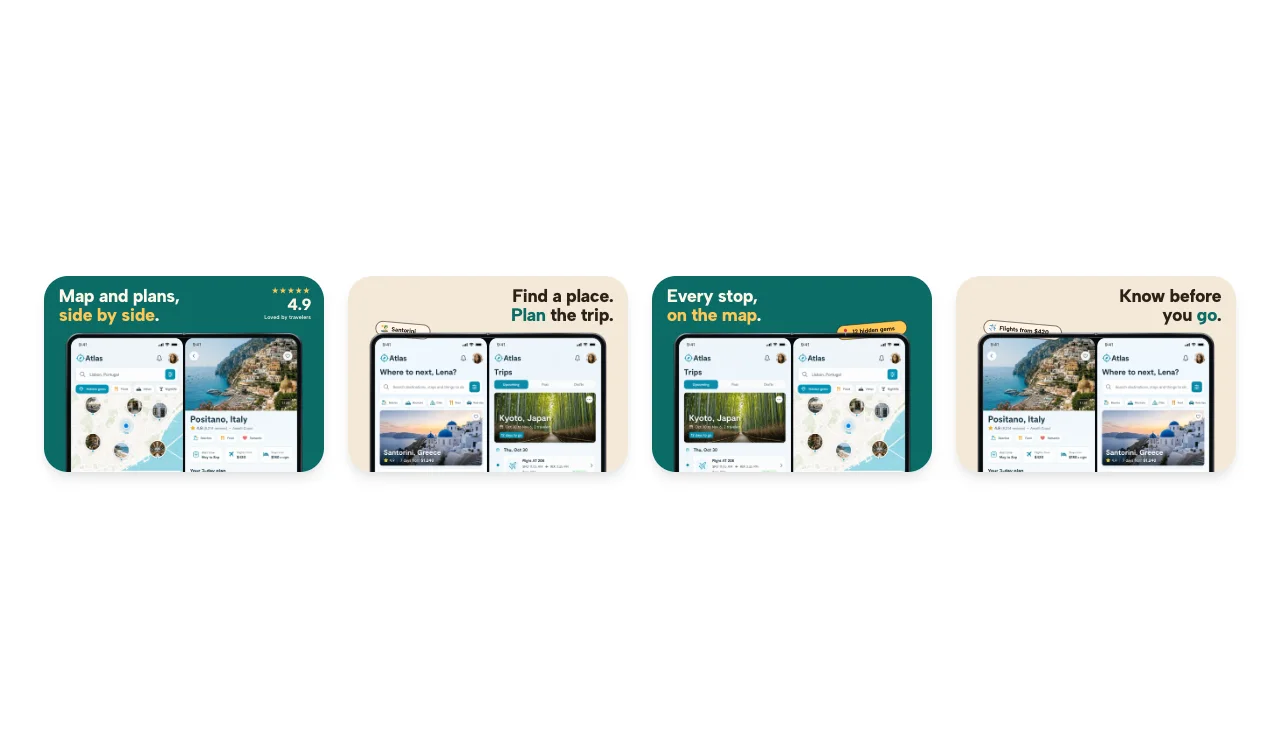
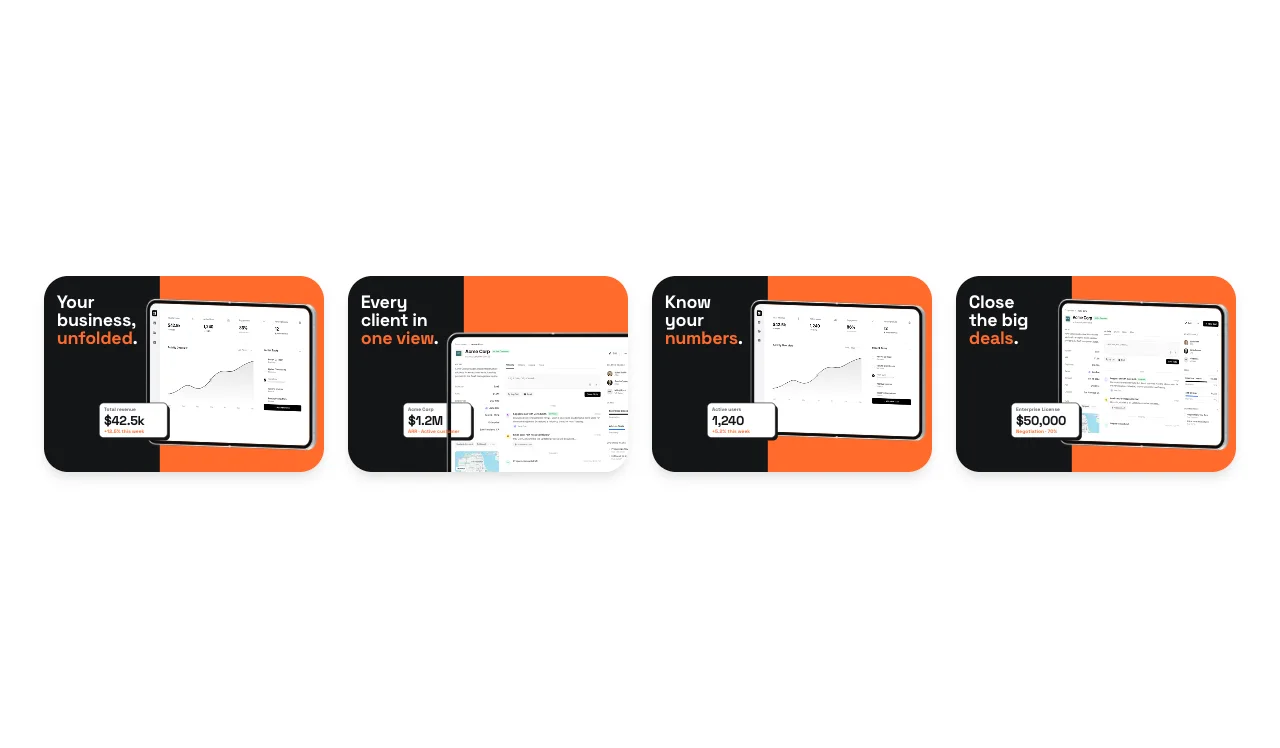
App Store sets for the inner and outer displays

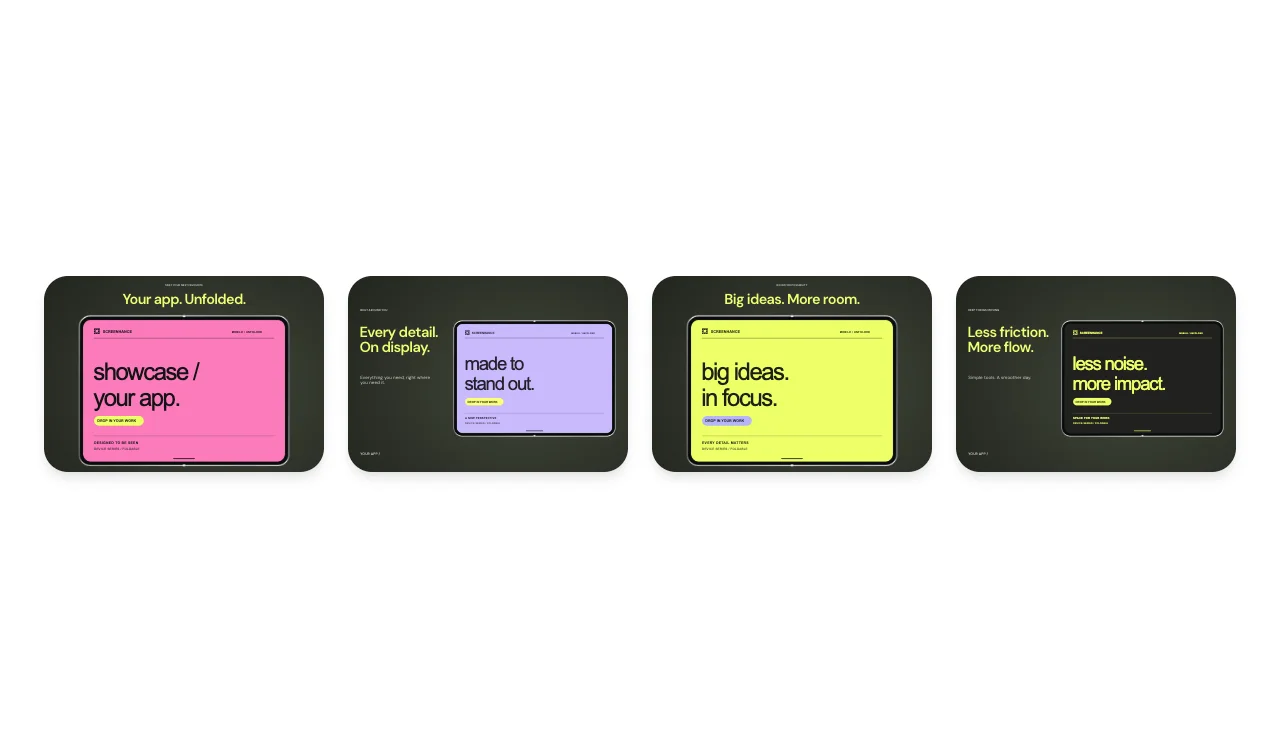
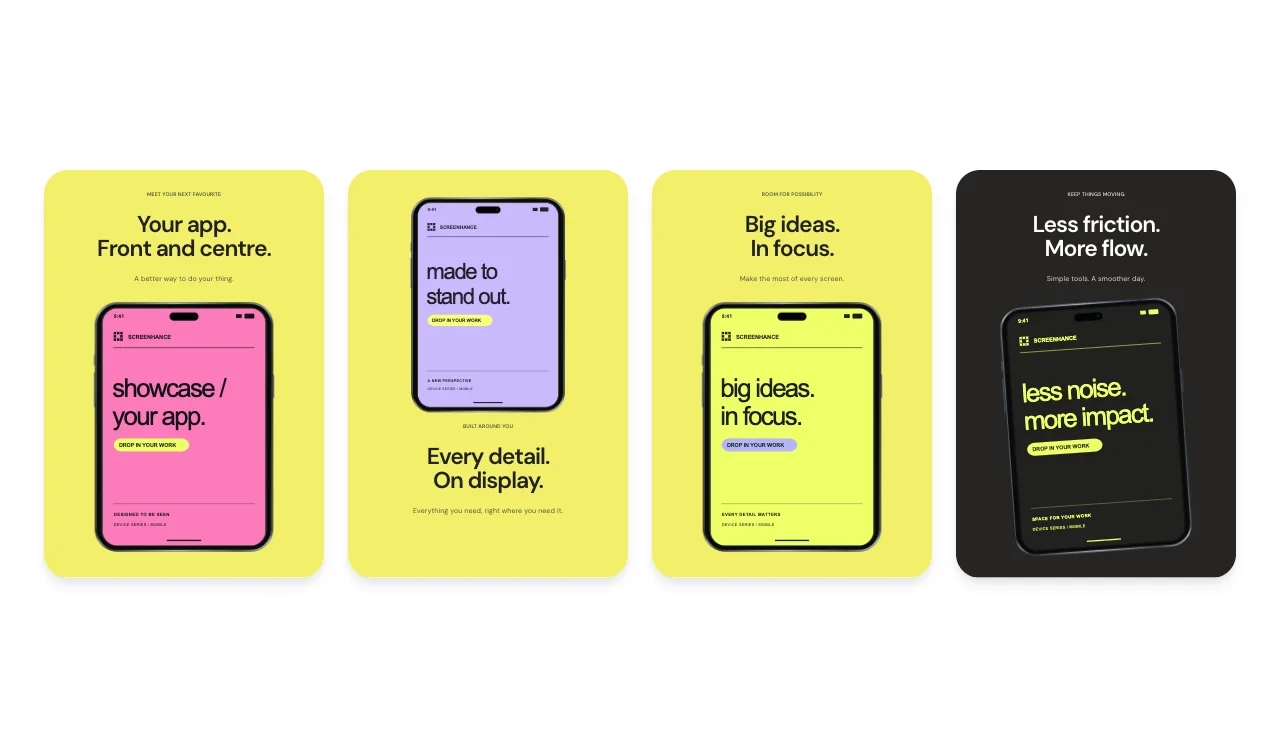
Apple lists separate Duo screenshot sizes: 1398 × 2034 for the outer display and 2007 × 2853 for the inner display in portrait, reversed for landscape. Its current reference says Duo screenshots become required in April 2027 for apps using the iOS 27.1 SDK or later. These store stories open at the matching Duo size in the App Store editor.

Need sets for a particular kind of app? Browse App Store screenshot templates by app category, and check every accepted size in the App Store screenshot sizes guide.

iPhone Duo frames in the library

FrameFinishesViews
iPhone Duo · OpenNight Sky, Star WhiteFront, Front left, Front right, Three-quarter, Side left, Side right
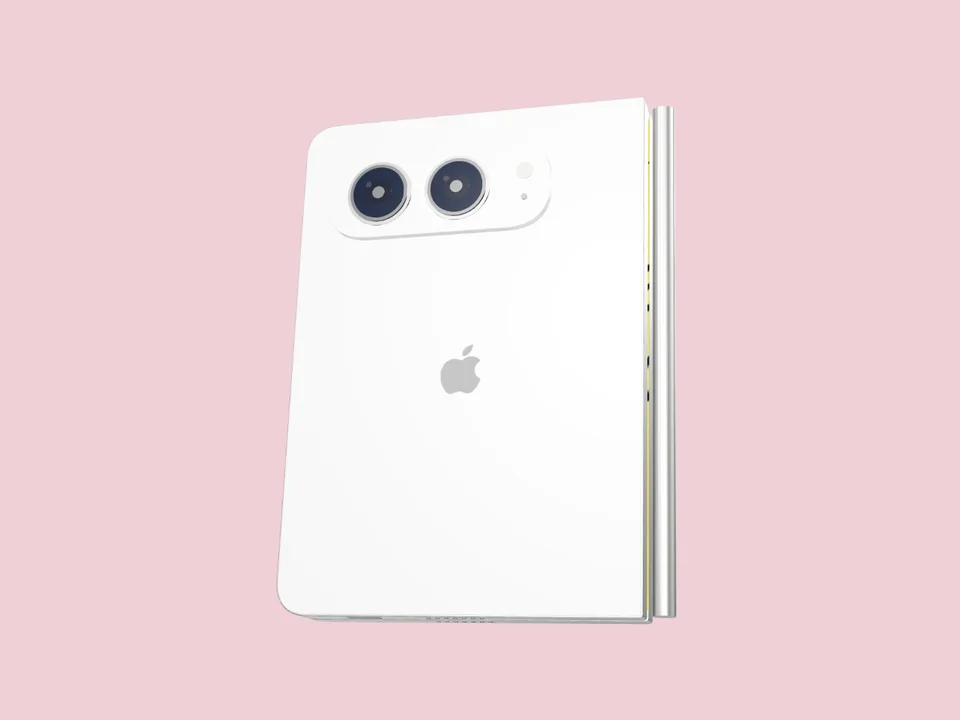
iPhone Duo · ClosedNight Sky, Star WhiteFront, Front left, Front right, Three-quarter, Side left, Side right, Back left, Back right
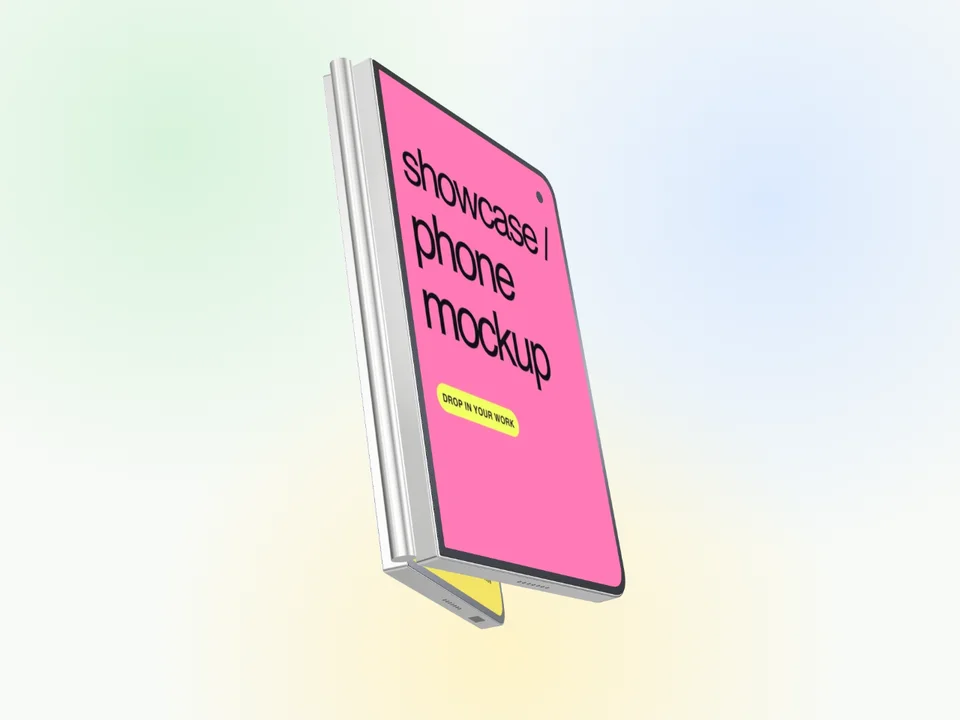
iPhone Duo 3DStar White, Night SkyOpen display, Half open, Outer display, Camera back, Open exterior, Side & hinge

The App Store editor uses the front view of the open and closed frames. Angled views, 3D views and the folding animation are in the mockup editor.

Showing both screens

The Duo has two displays, so plan which screen tells which part of the story. The outer display suits quick, glanceable tasks; the open inner display has room for a side-by-side layout or a wider canvas. Capture each at its own size so neither screen is stretched to fit the other.

The iPhone Duo folding mockup tutorial explains how to replace and crop both screens in the folding tour. For the iPhone 18 Pro and Pro Max, use the iPhone 18 mockup generator; for earlier models, the iPhone mockup generator.

Frequently Asked Questions

Can I show the iPhone Duo open and closed?

Yes. There are open and closed Duo frames in Night Sky and Star White, a layout that shows both states together, and 6 3D views: open display, half open, outer display, camera back, open exterior and side & hinge.

Can I replace both Duo screens?

Yes. In the folding tour the inner and outer screens are separate images that you replace and crop independently. The iPhone Duo folding mockup tutorial on the Screenhance blog walks through it.

What size are iPhone Duo App Store screenshots?

Apple lists 1398 × 2034 for the outer display and 2007 × 2853 for the inner display in portrait, reversed for landscape. Its current reference says Duo screenshots become required in April 2027 for apps using the iOS 27.1 SDK or later, so recheck the requirement when you prepare that release.

Is the iPhone Duo mockup generator free?

Yes. A free account includes 3 watermarked PNG exports at 1× each month. The $6 Launch Pass includes 10 clean static image exports over 7 days, and Pro adds unlimited clean exports plus GIF and video for $12 per month or $99 per year.

Can I export the folding animation?

Animated GIF and video exports are part of Pro. On any plan you can open the folding tour and replace both screens, and the static Duo templates export as PNG.

Create an iPhone Duo mockup

Add your inner and outer screens, choose a finish and export a PNG from your browser.