
%2FOlivia%20Rhye.webp&w=64&q=75)
%2FPhoenix%20Baker.webp&w=64&q=75)
%2FLana%20Steiner.webp&w=64&q=75)
%2FDemi%20Wilkinson.webp&w=64&q=75)
%2FDrew%20Cano.webp&w=64&q=75)
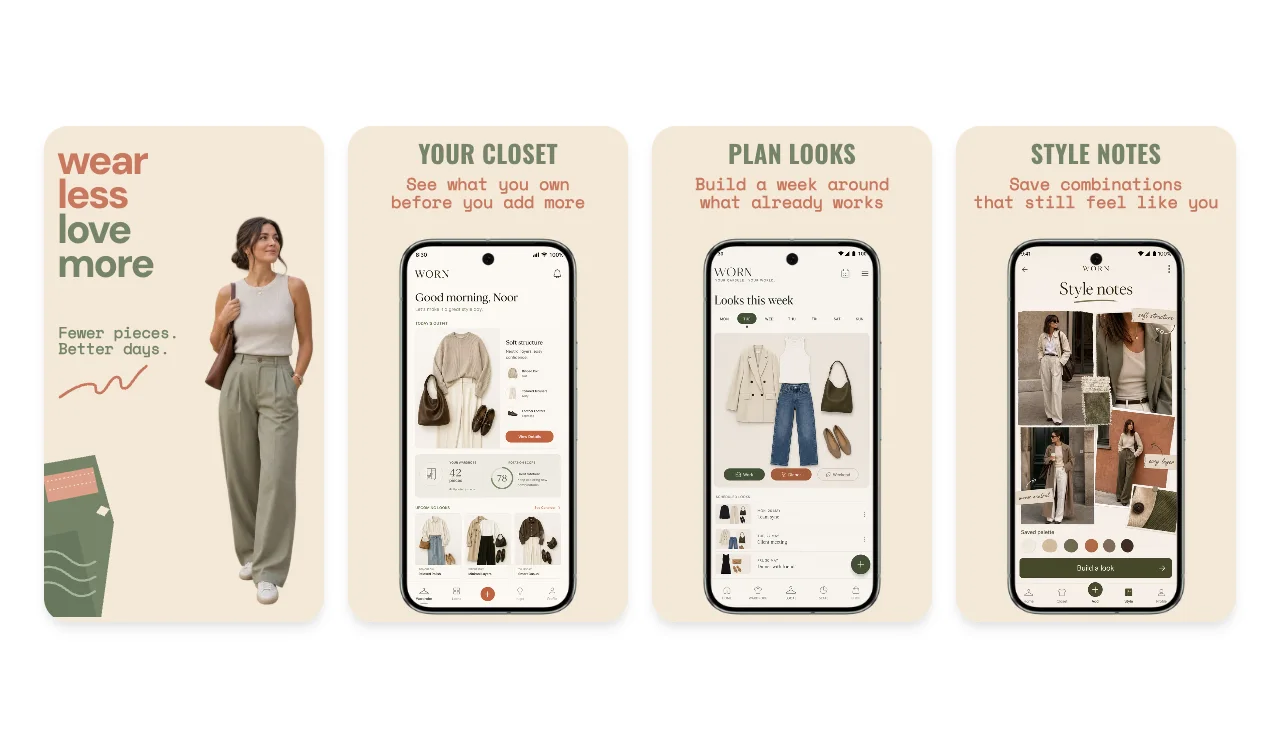
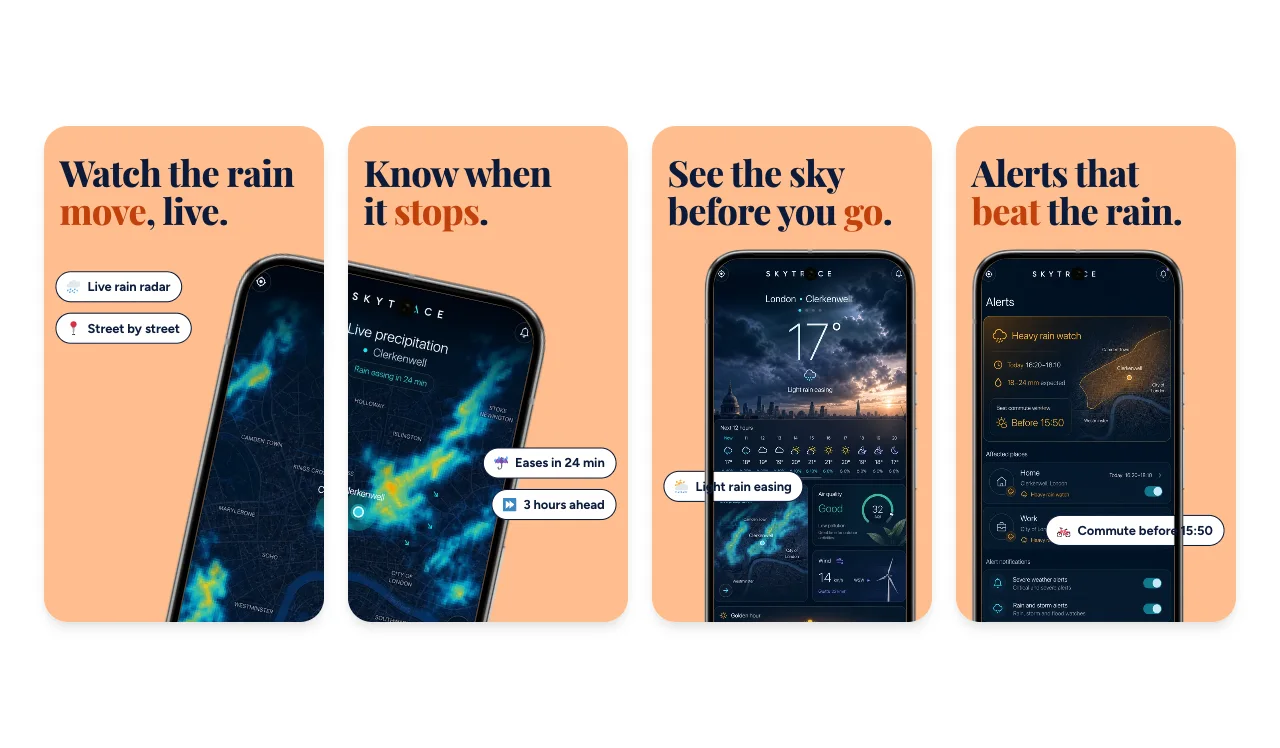
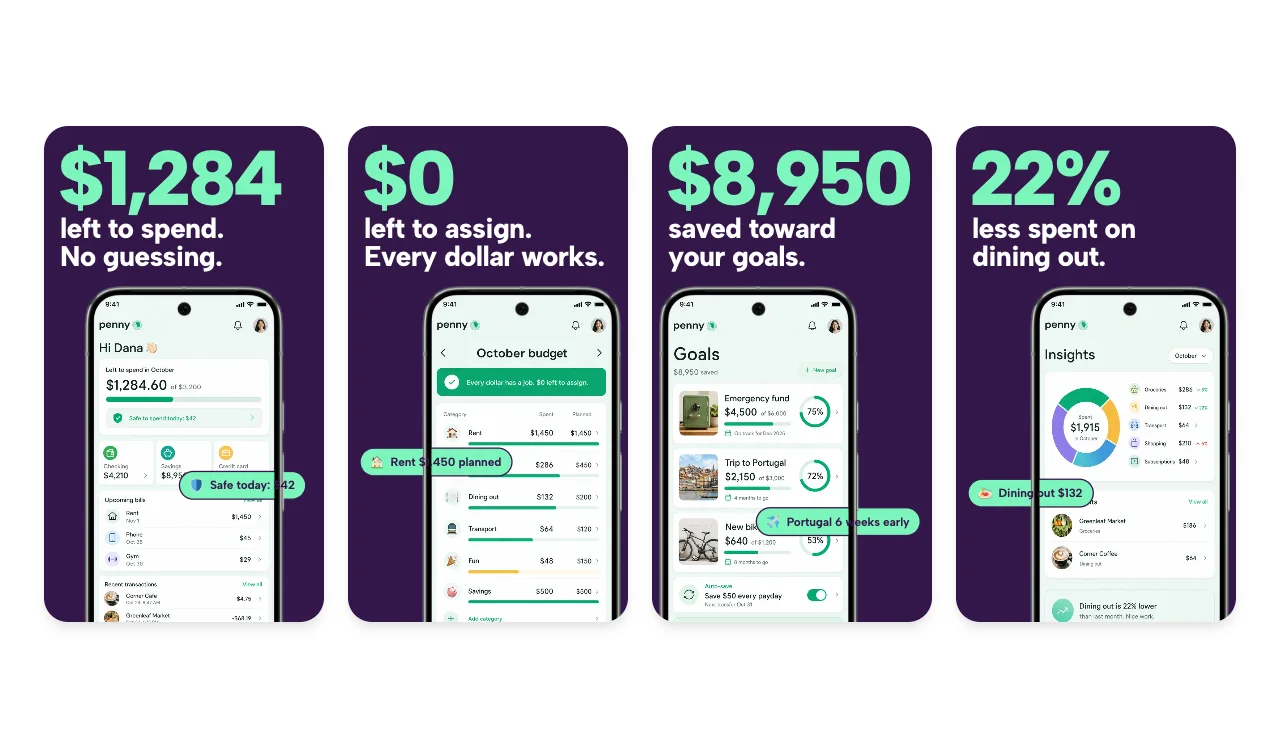
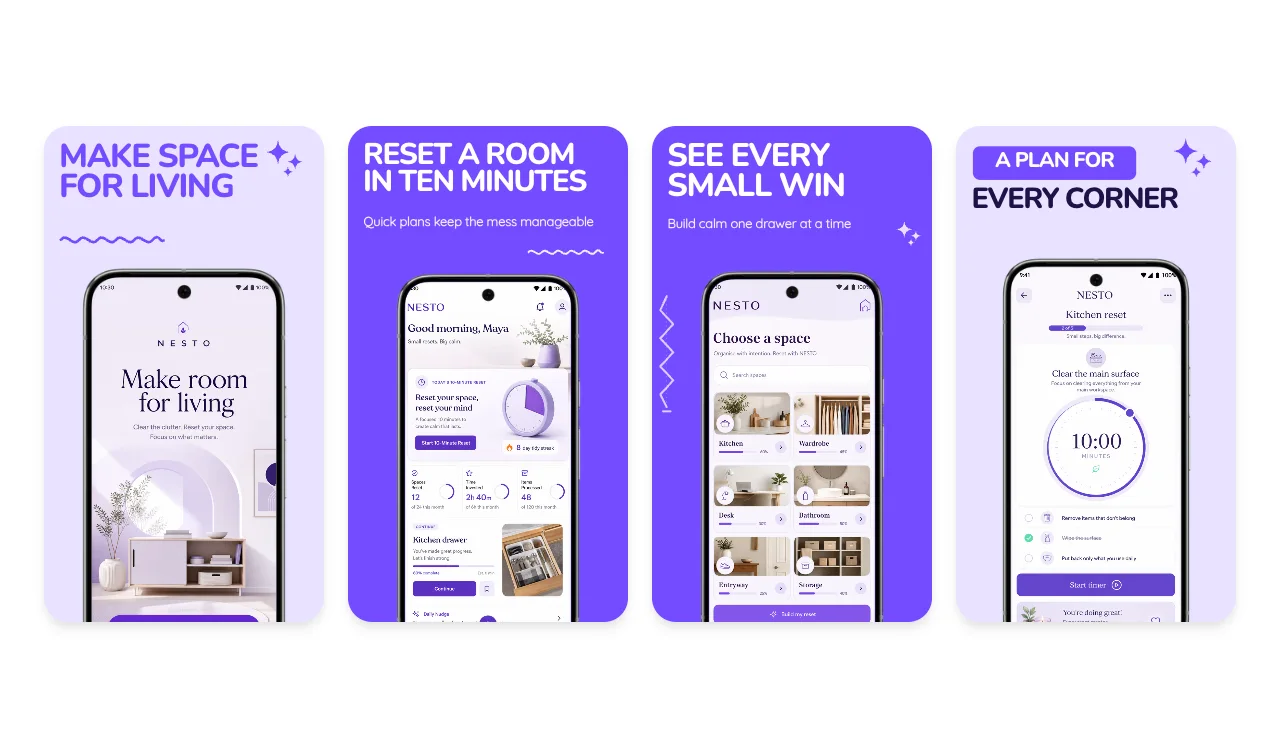
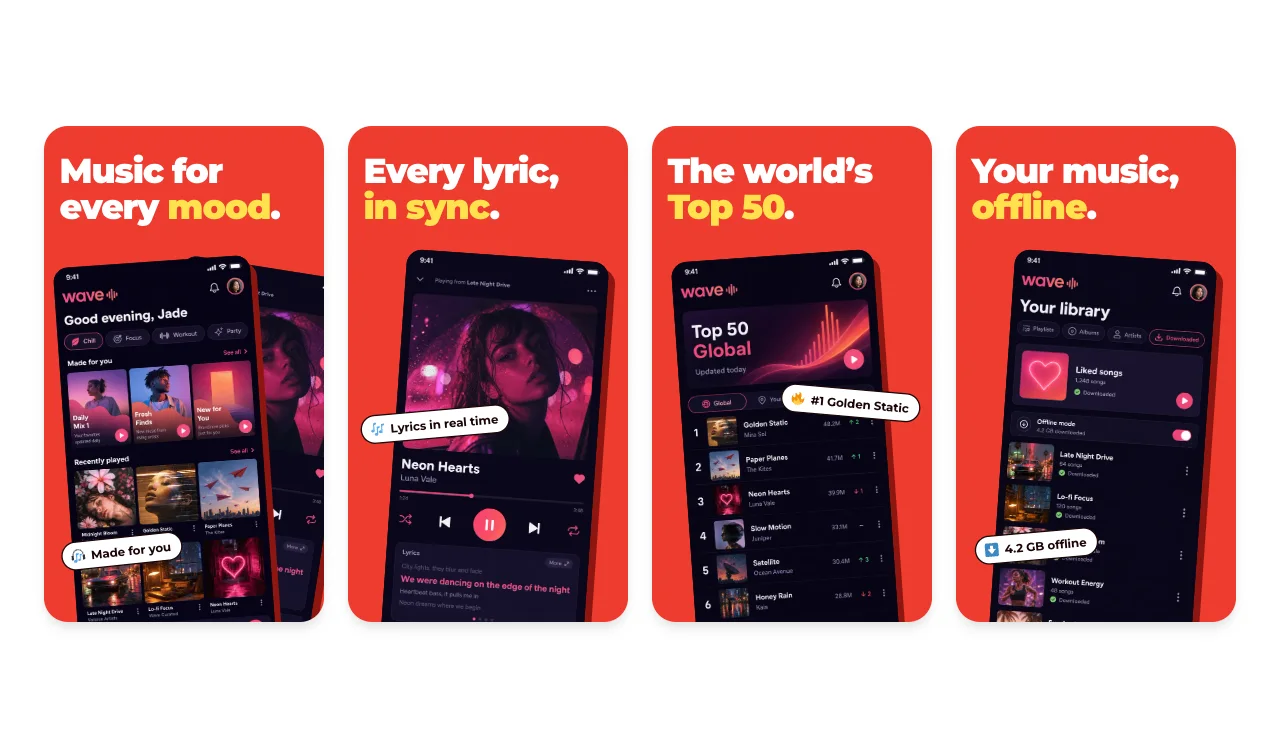
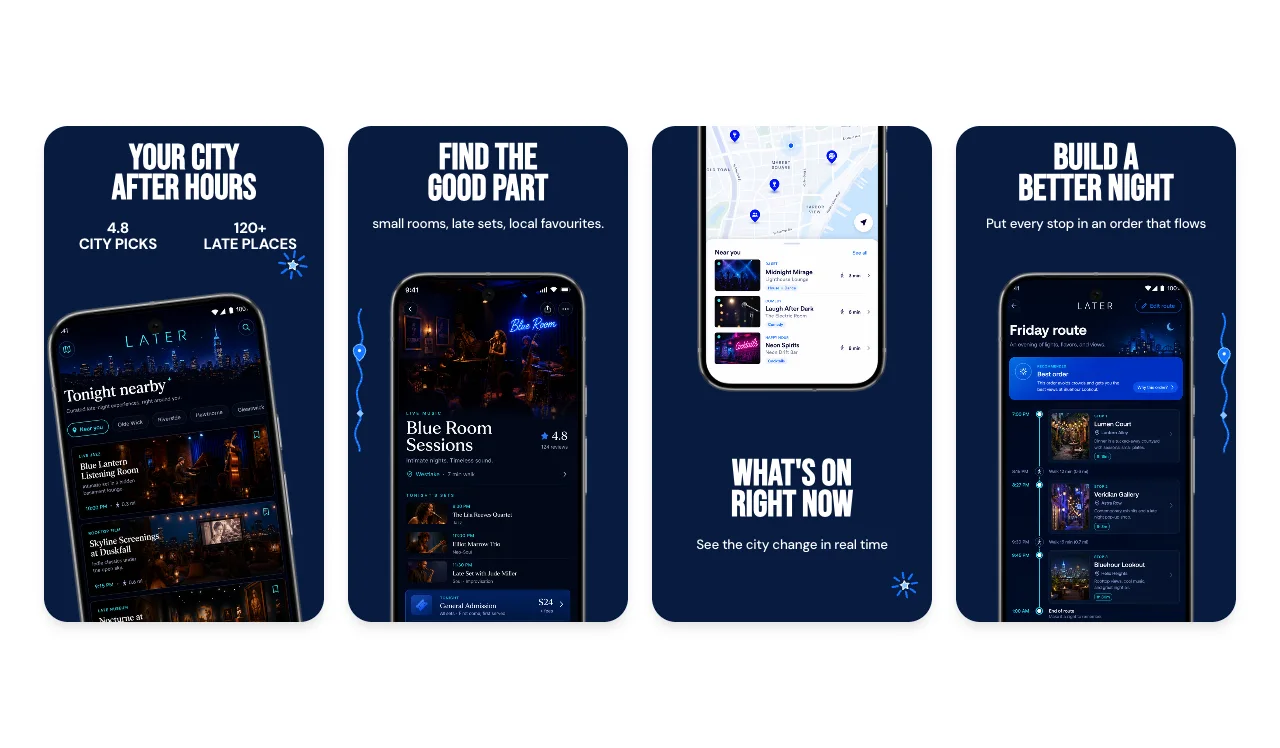
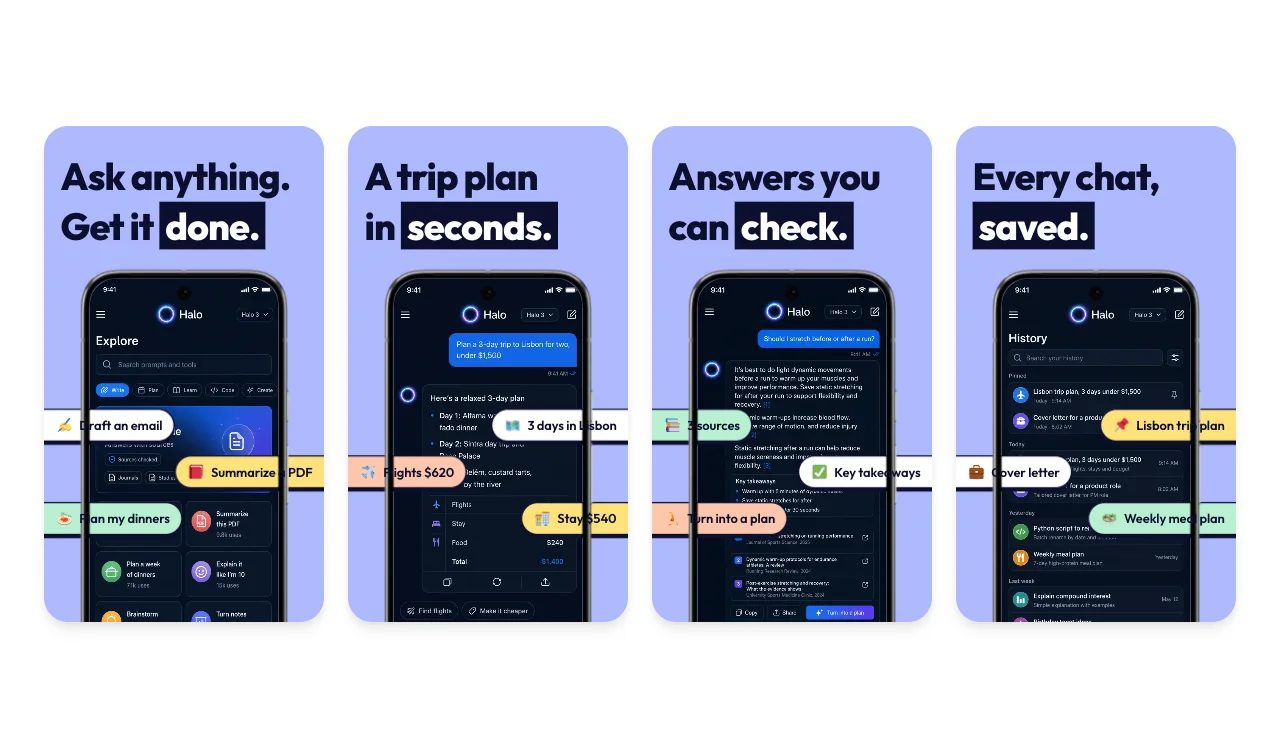
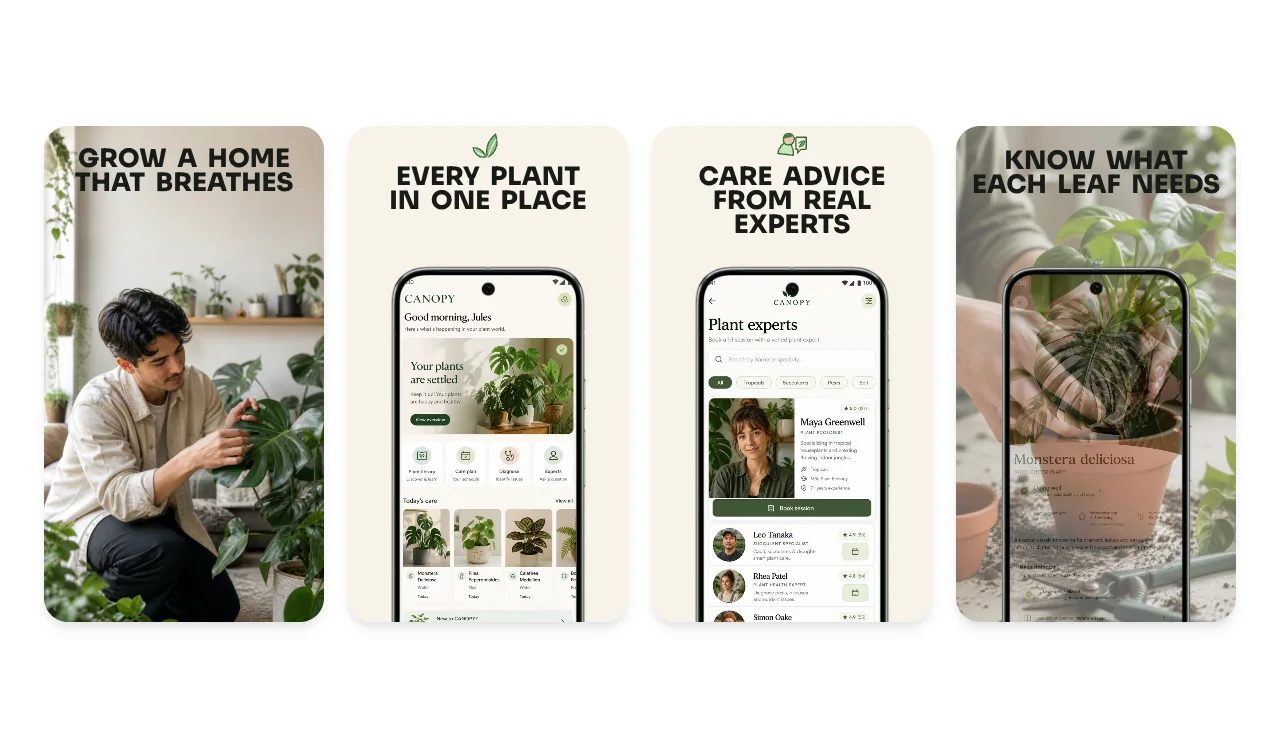
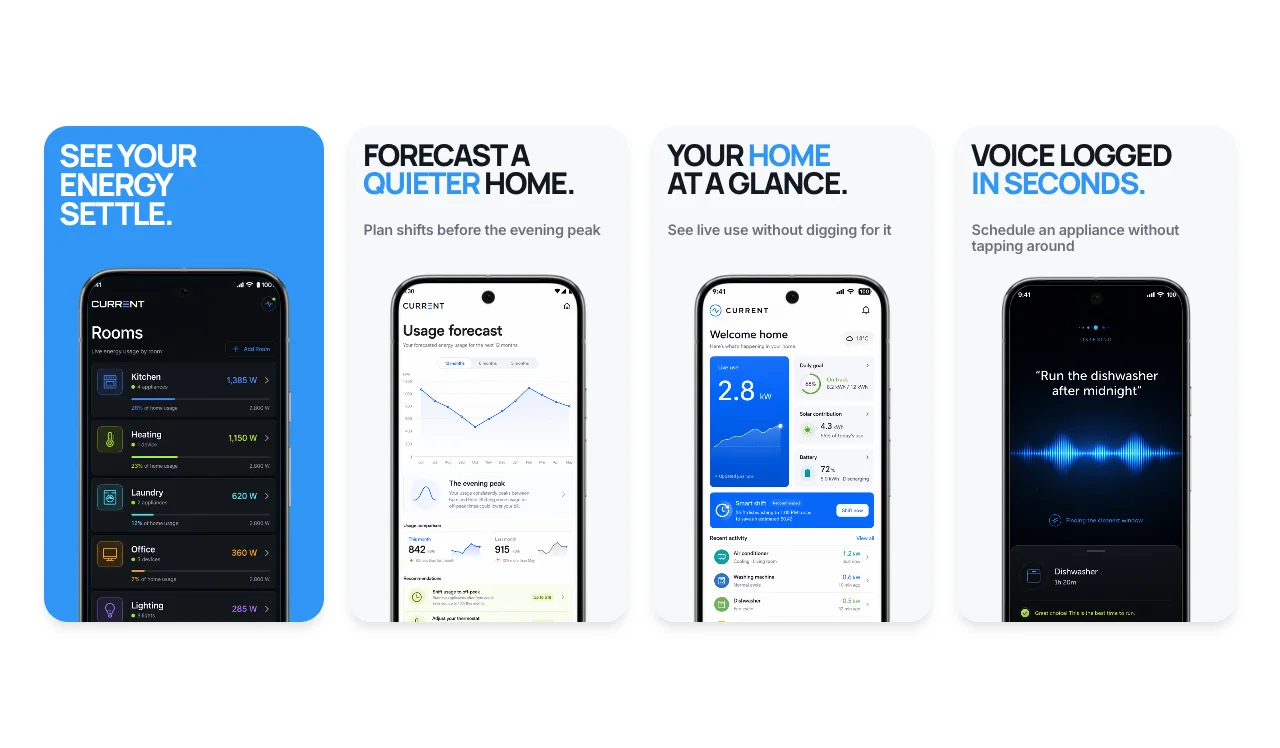
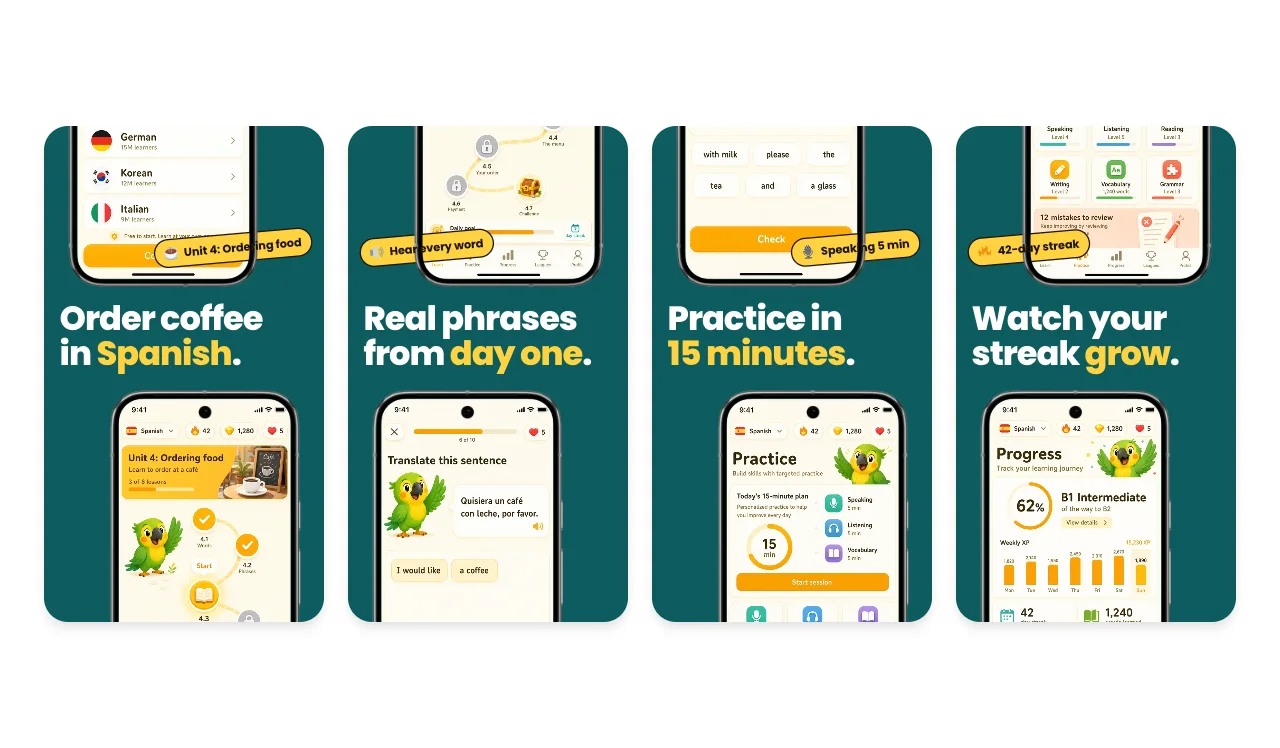
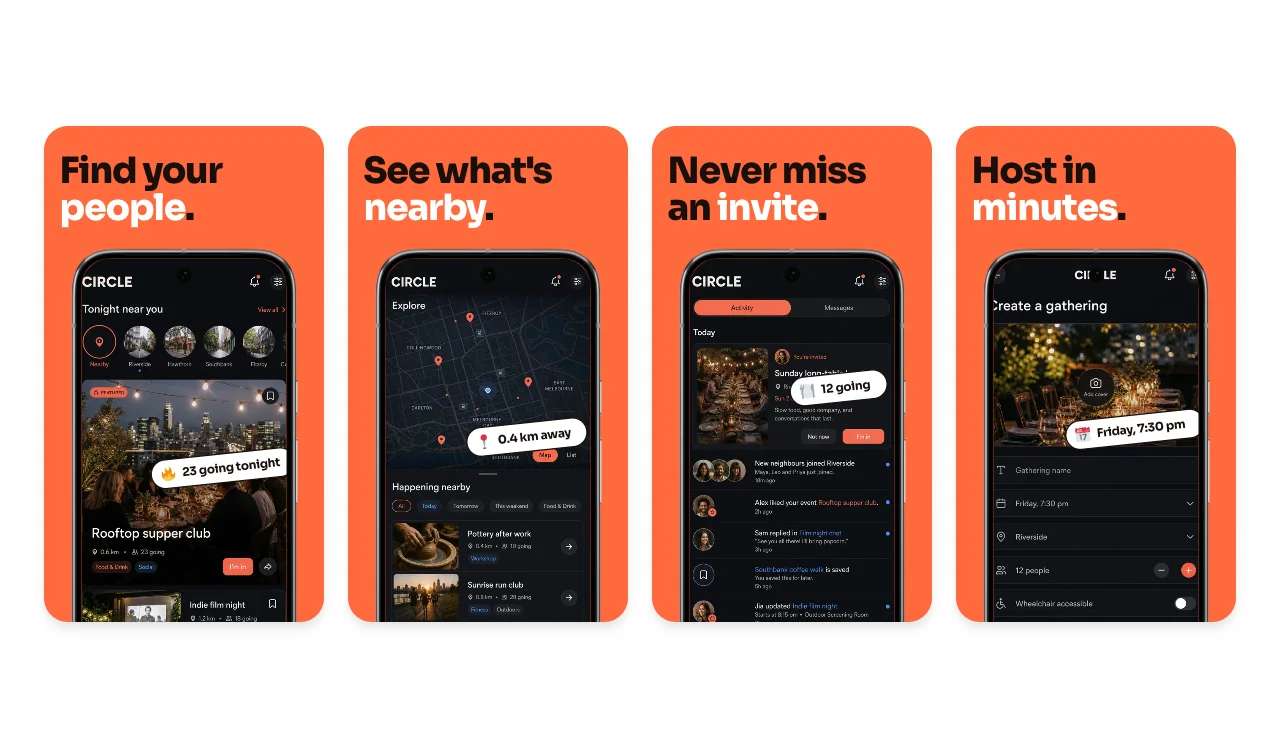
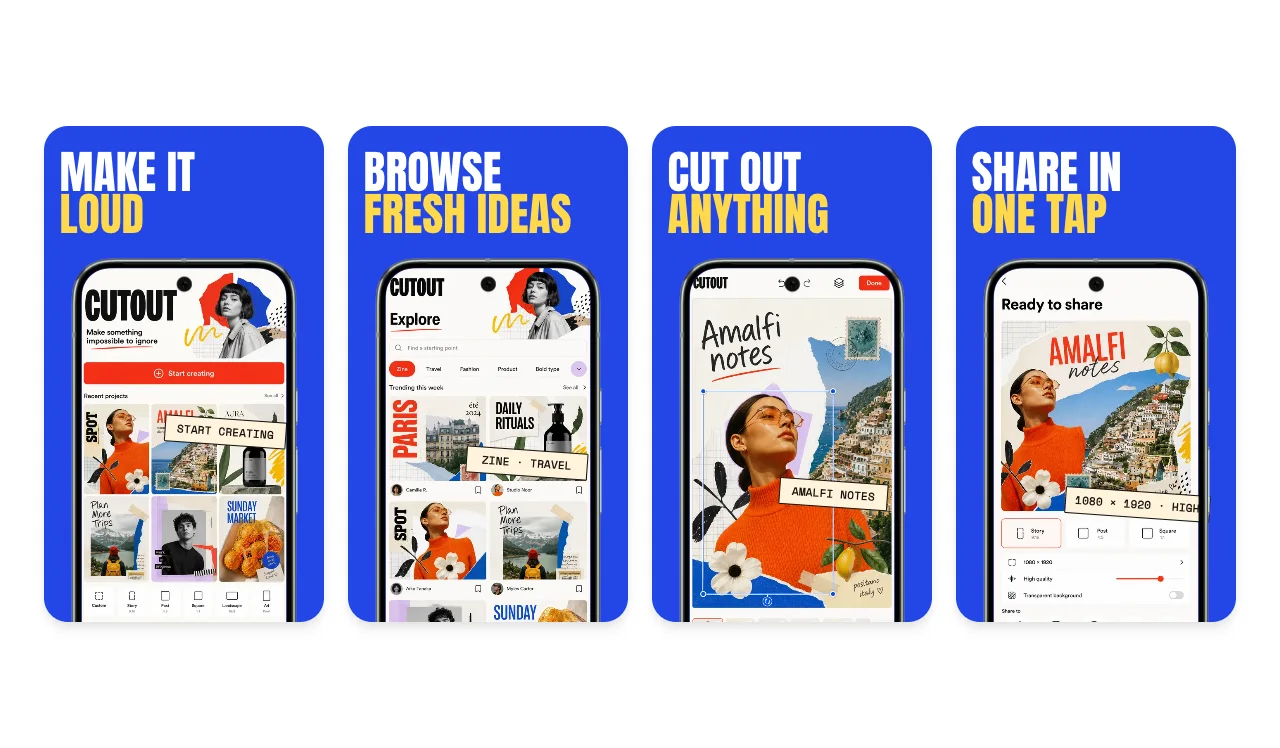
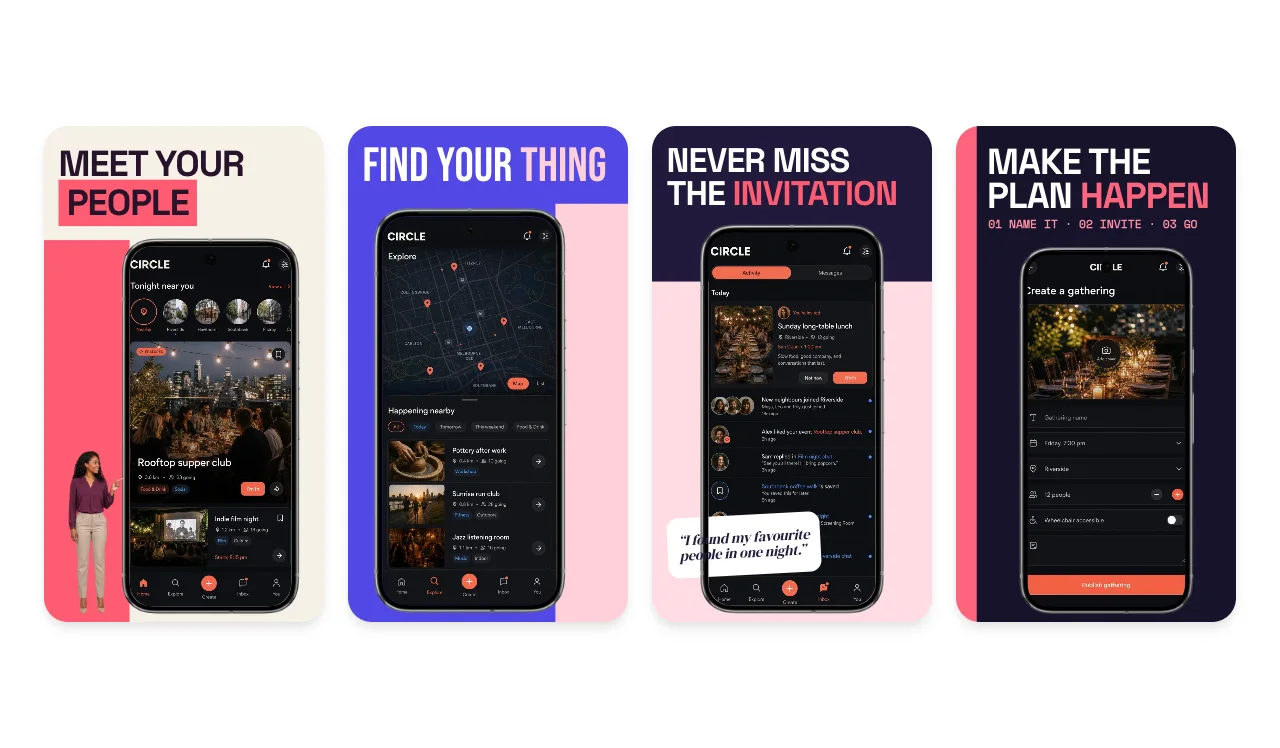
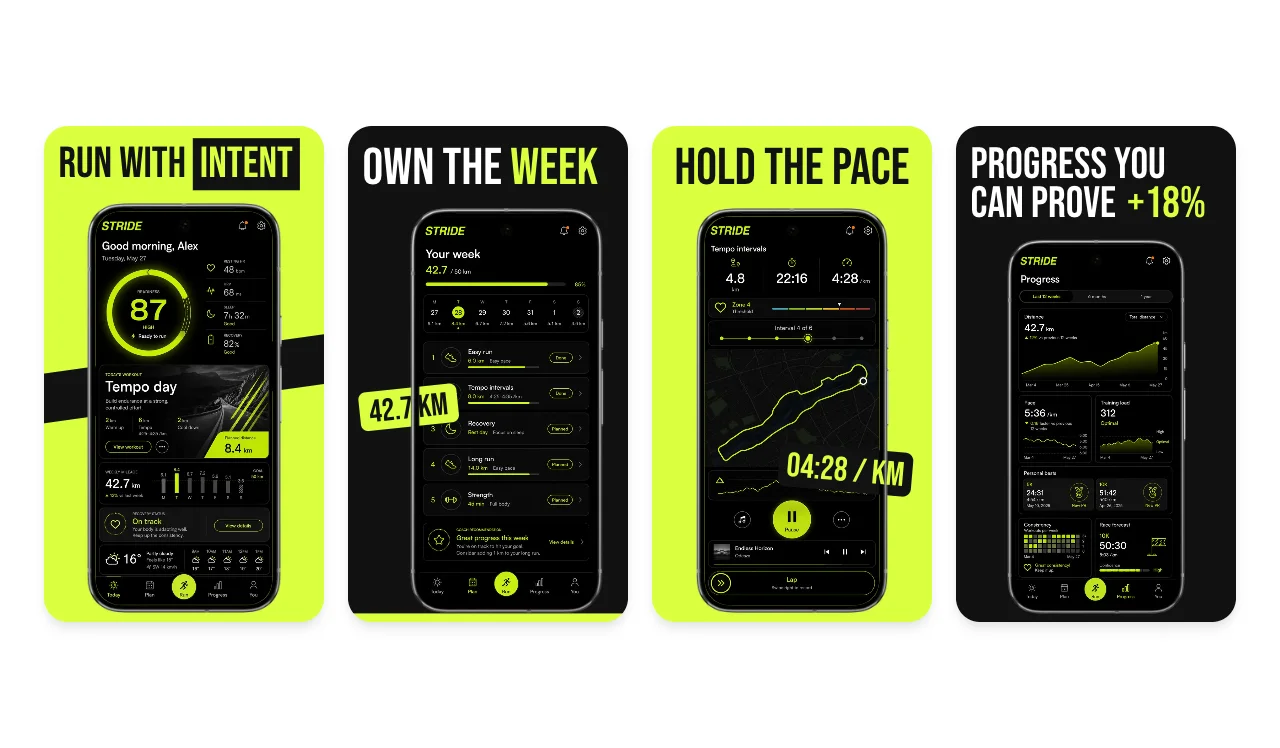
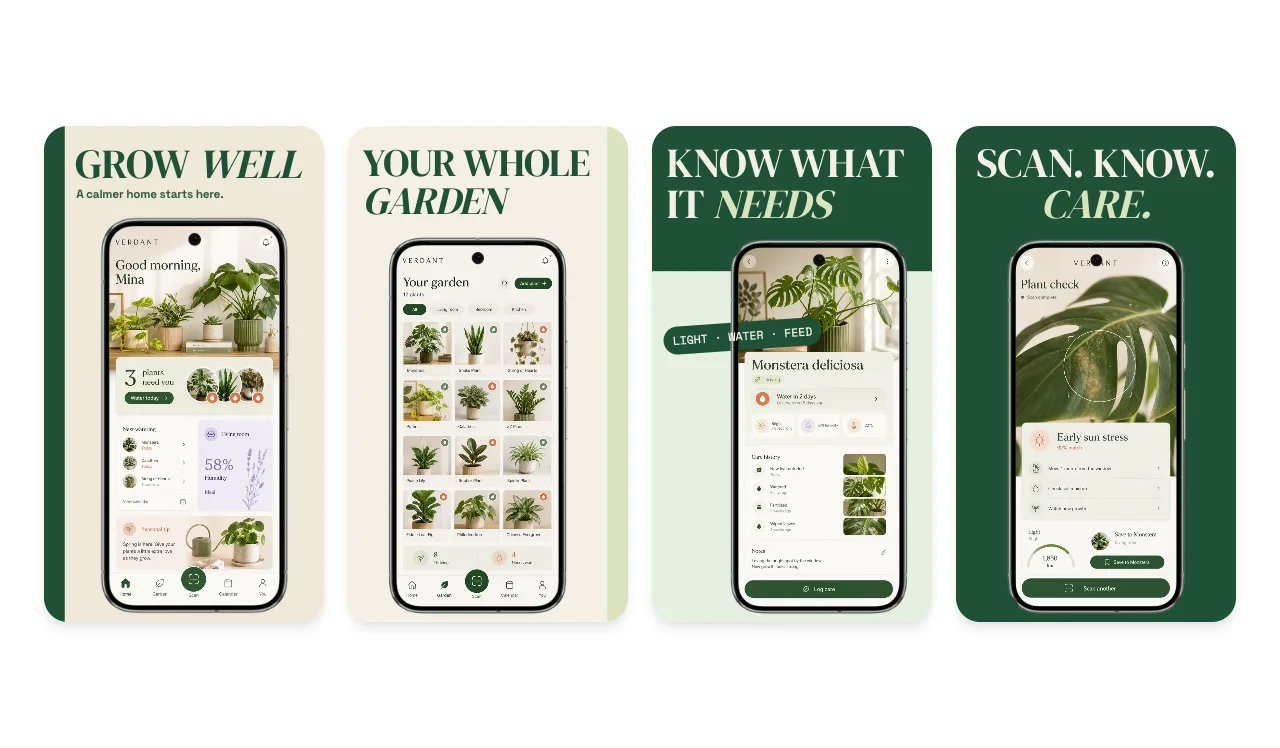
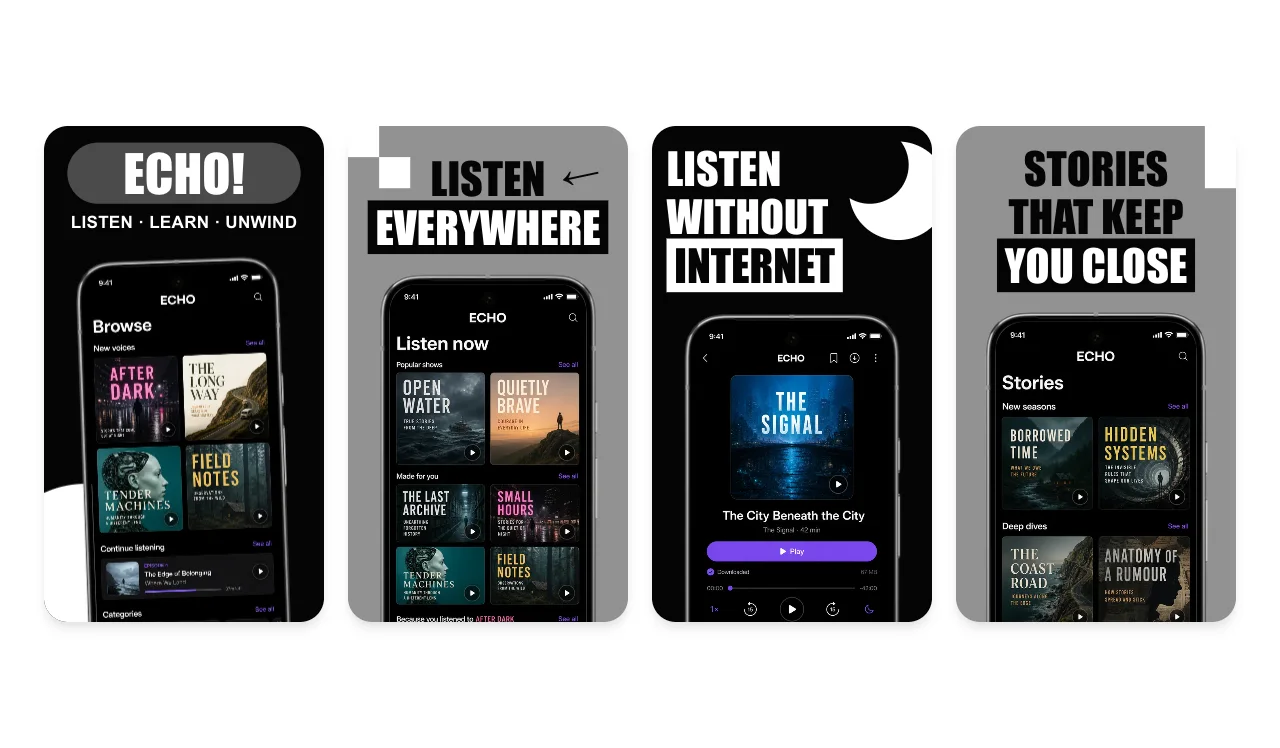
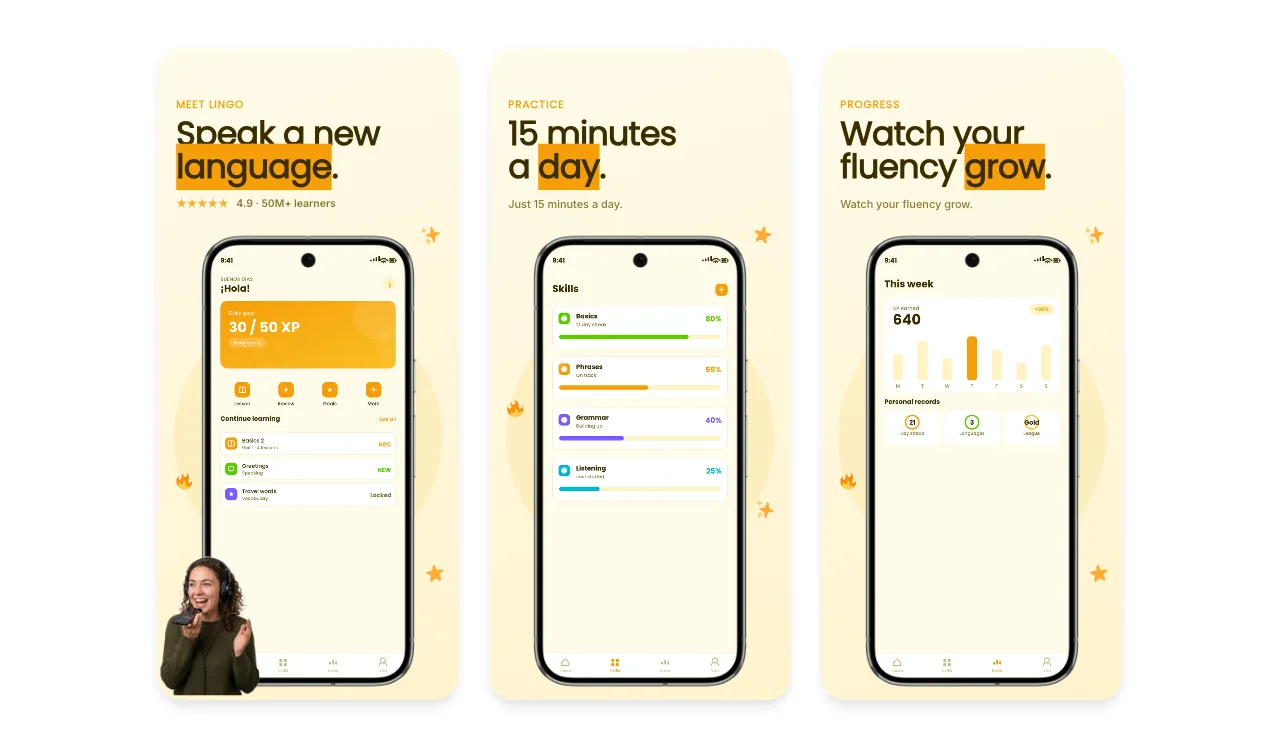
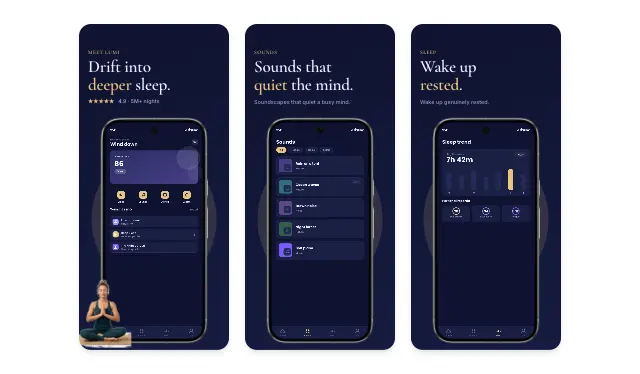
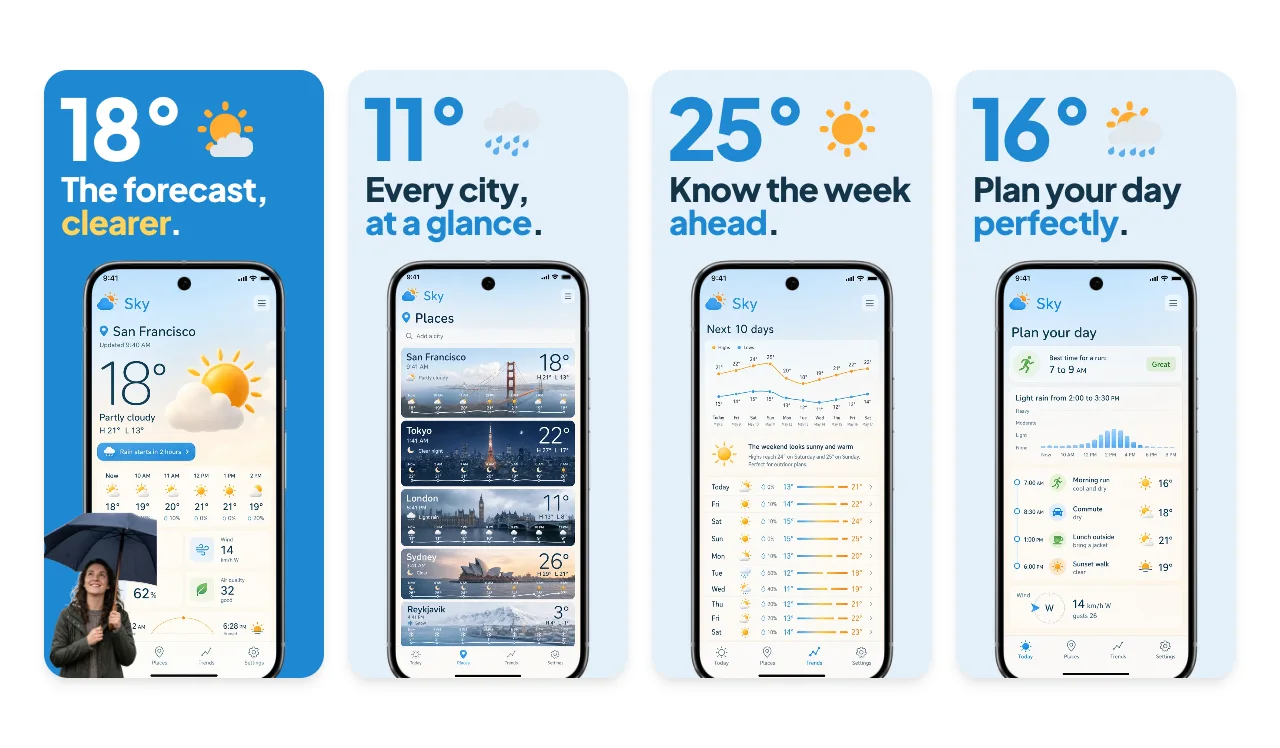
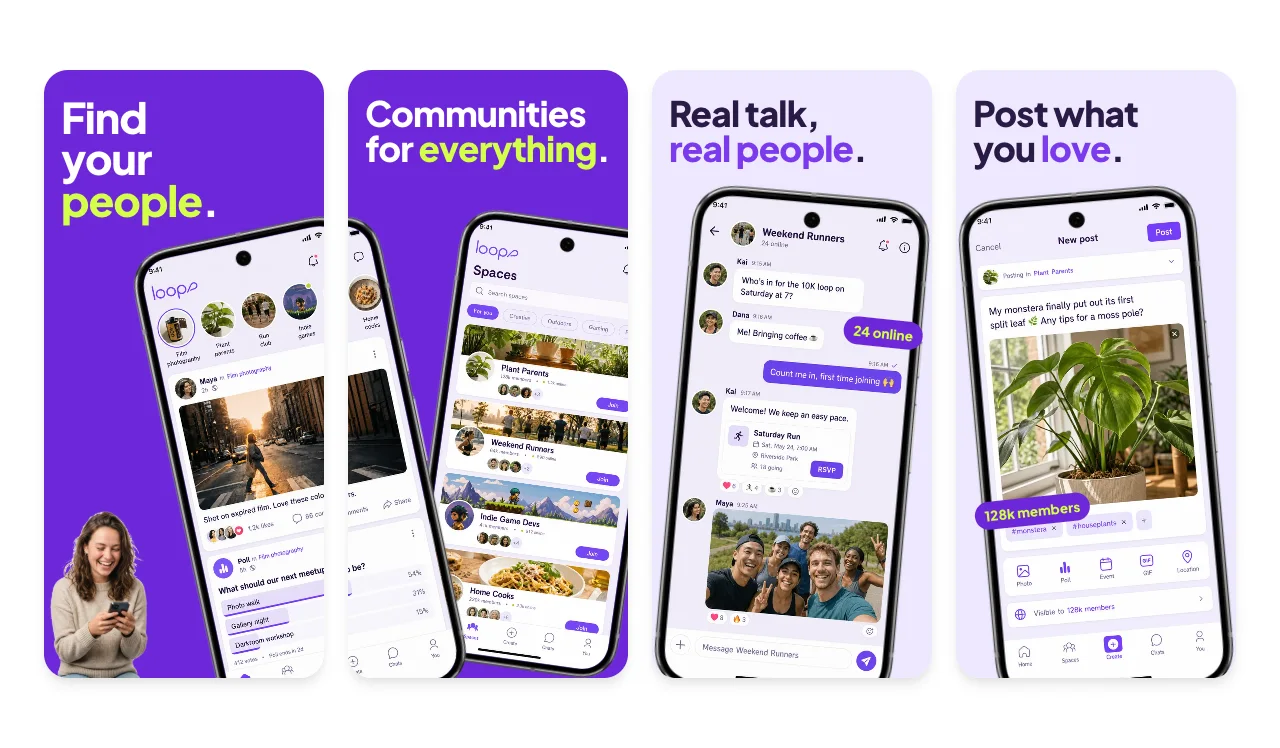
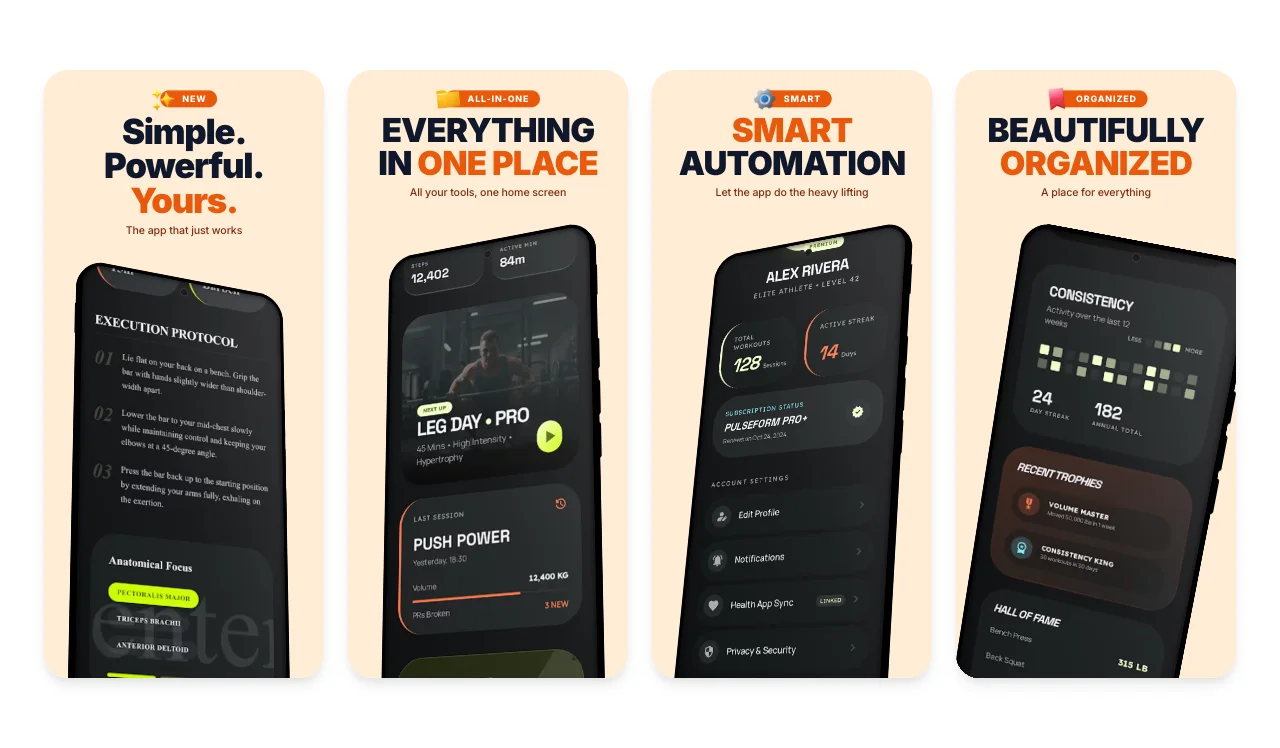
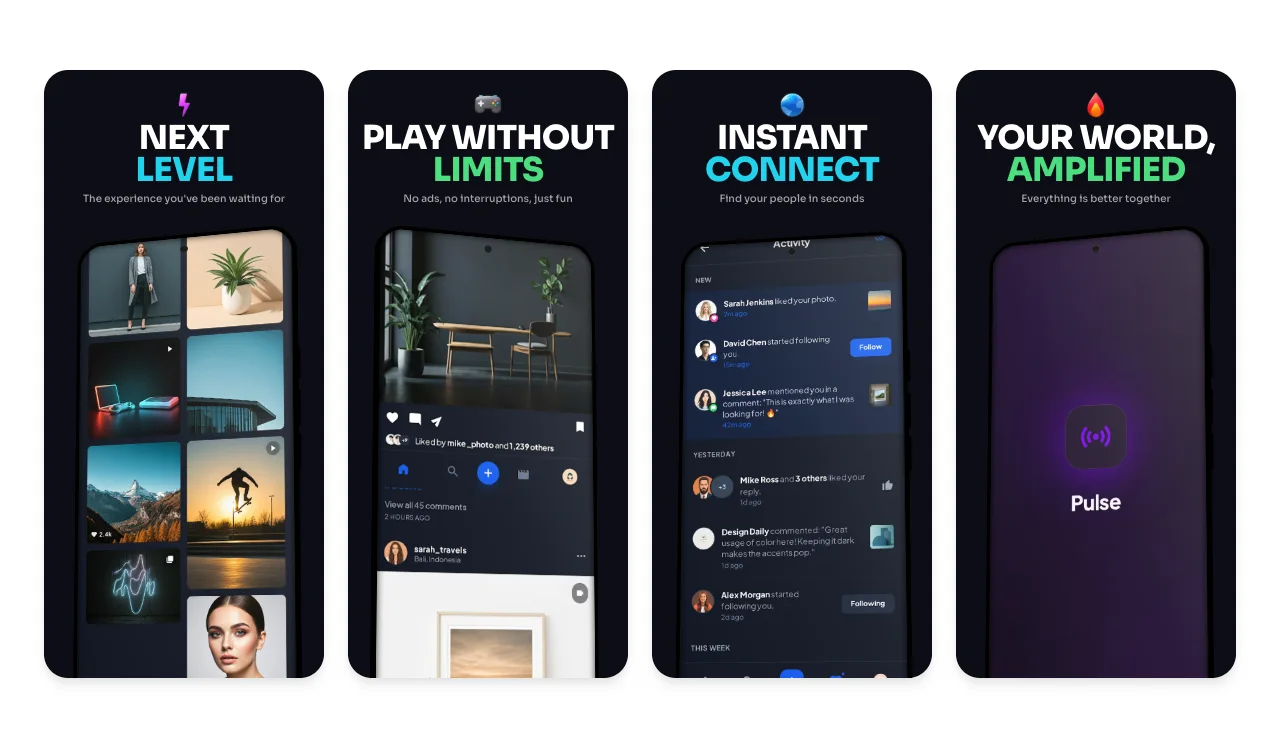
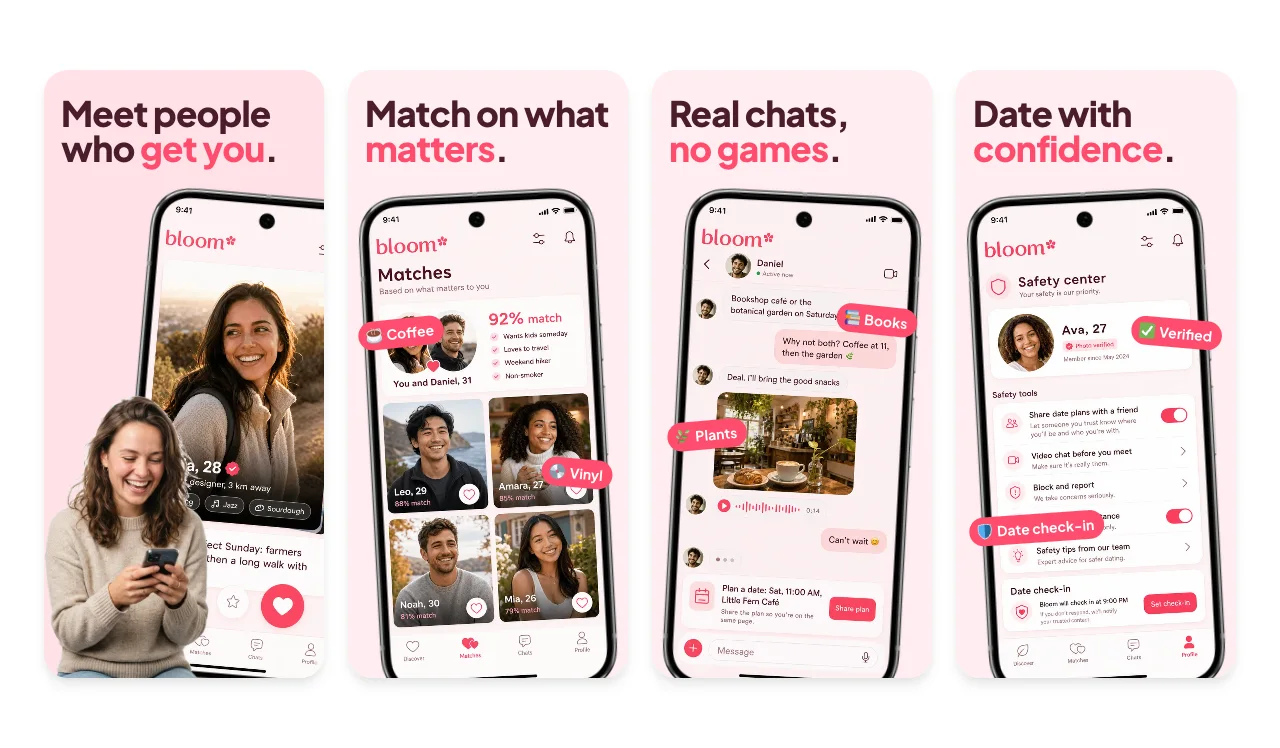
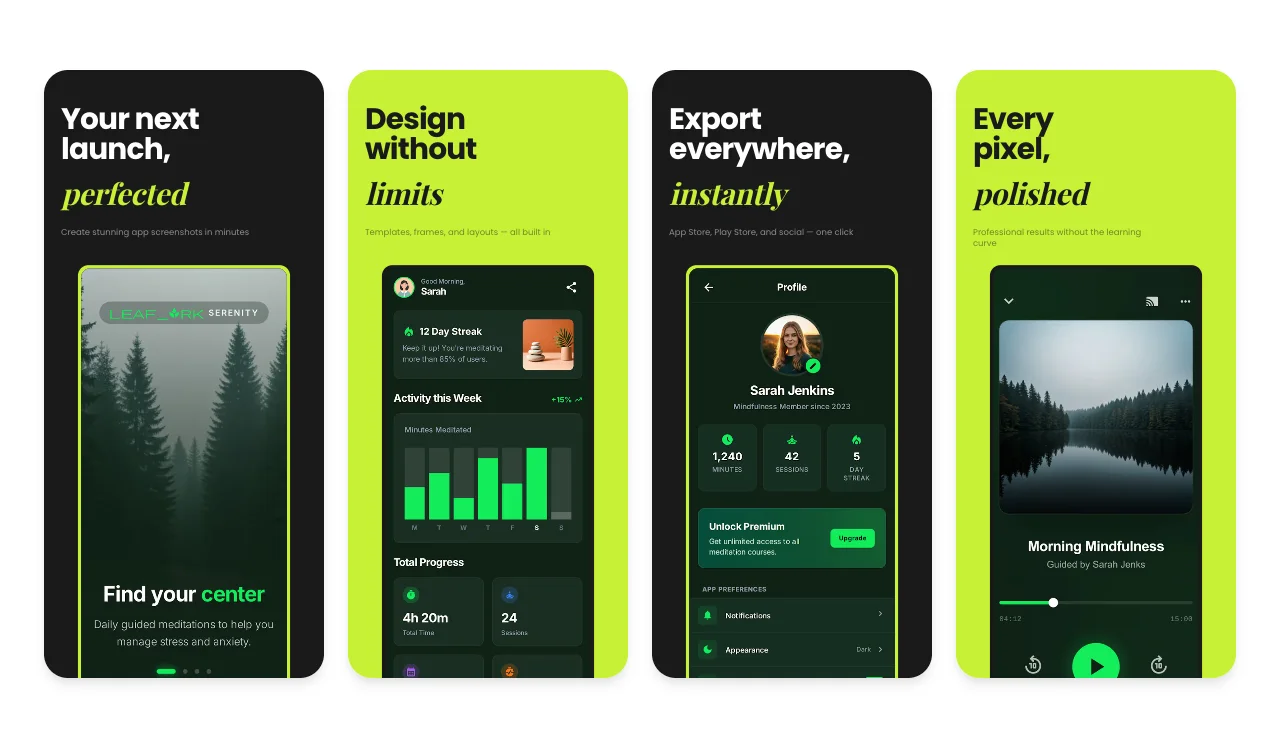
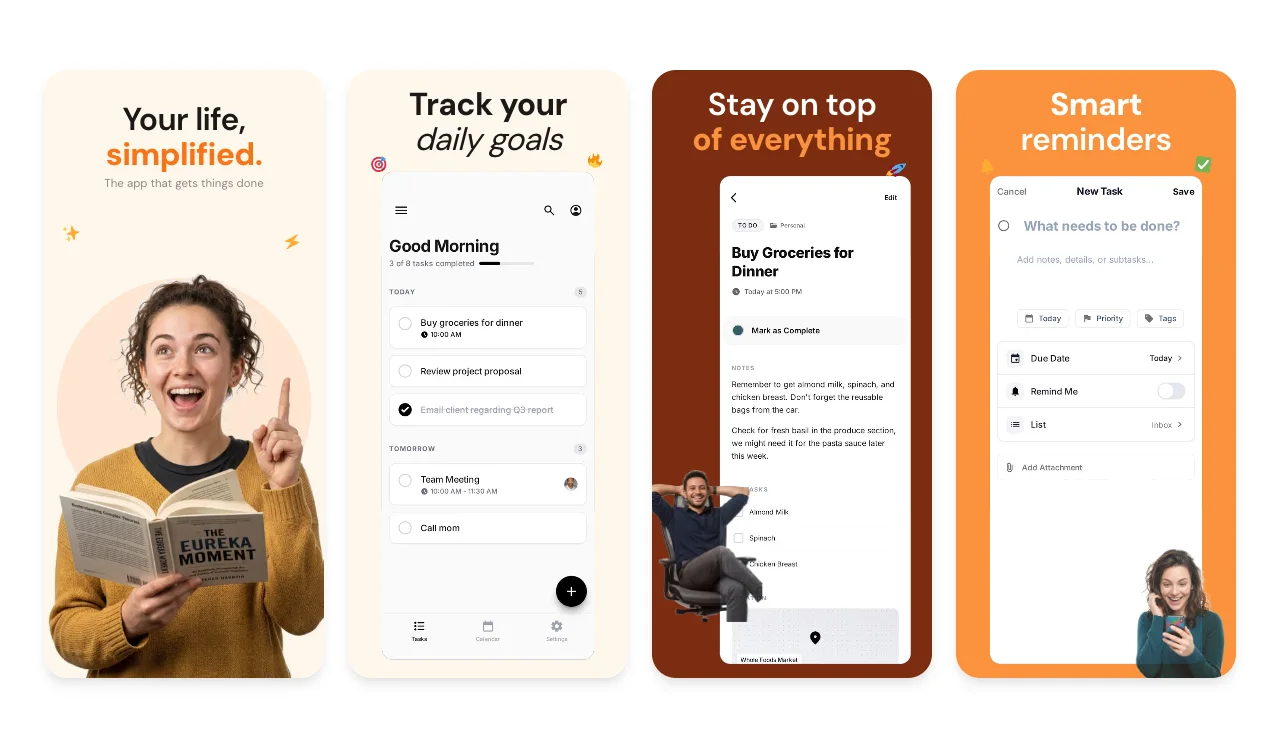
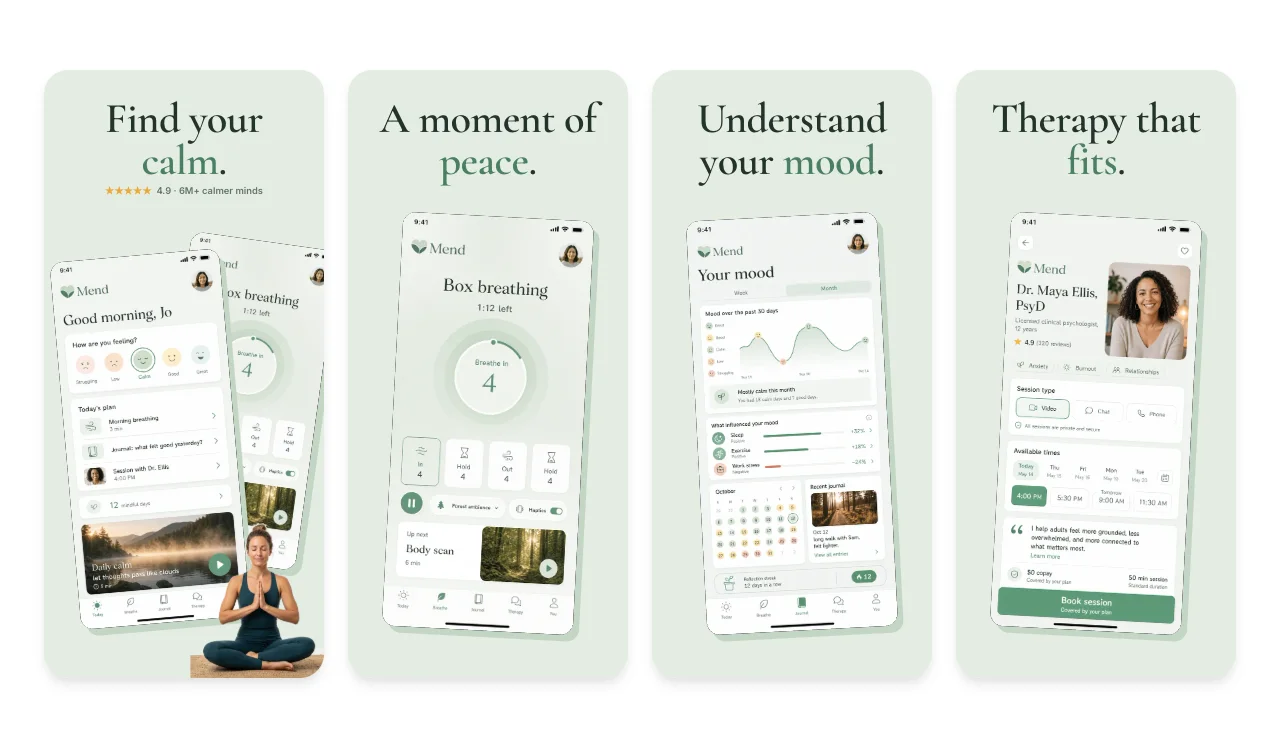
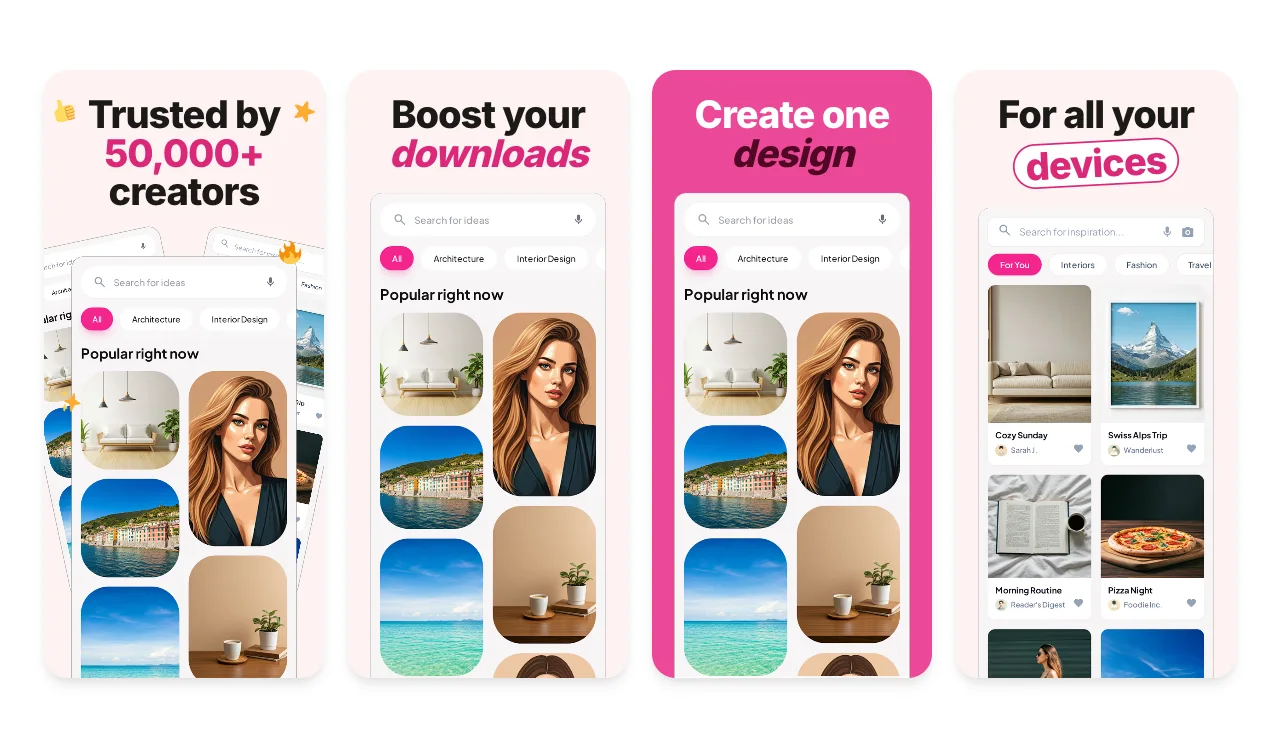
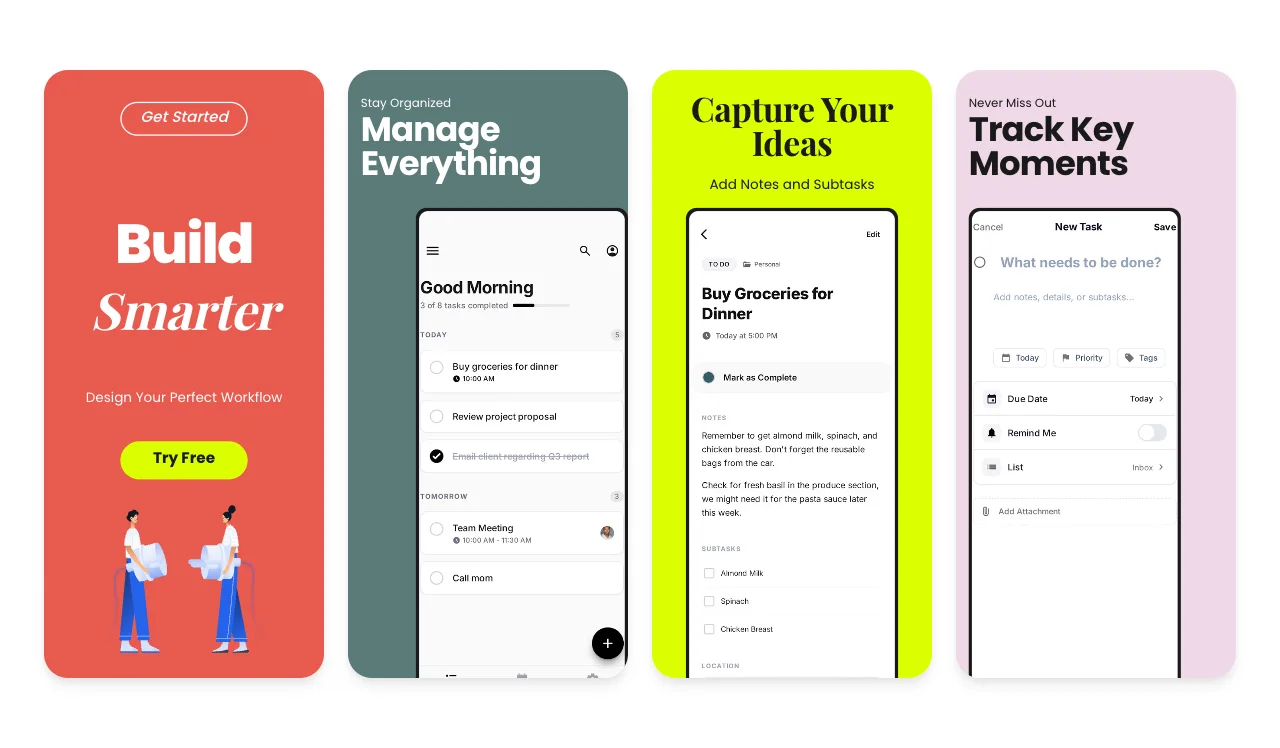
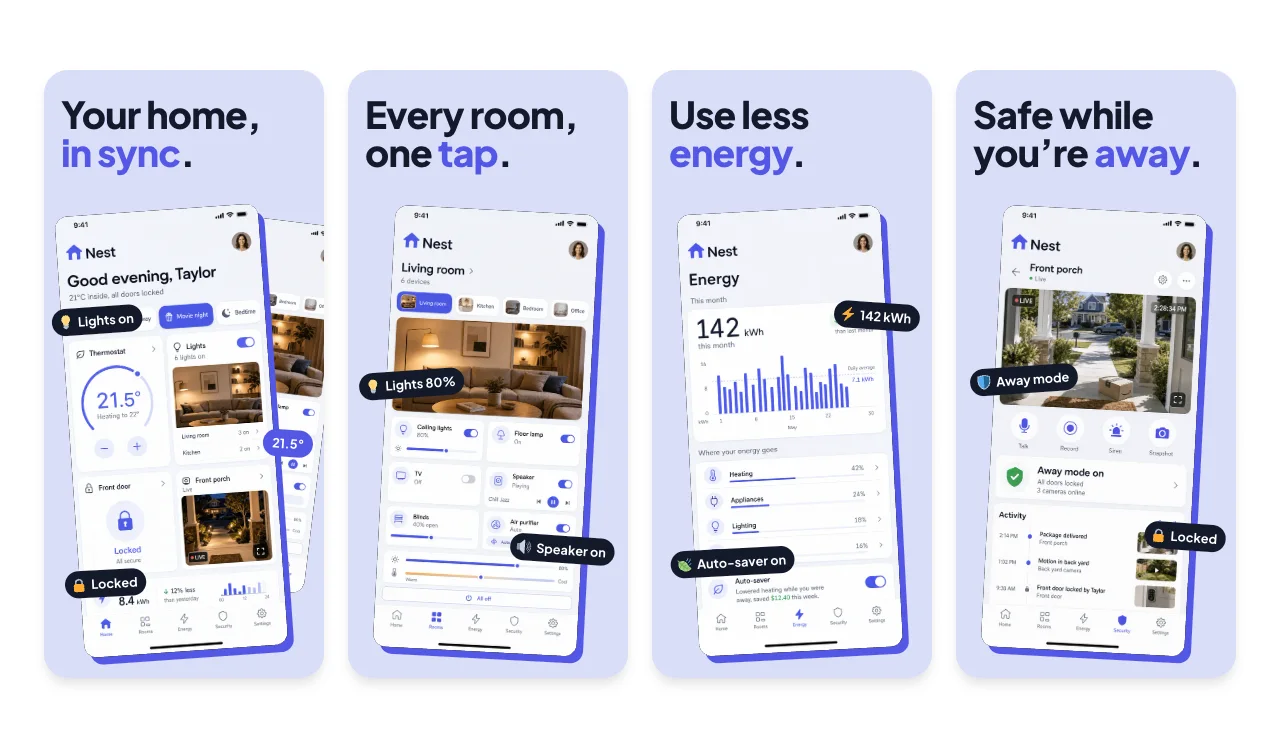
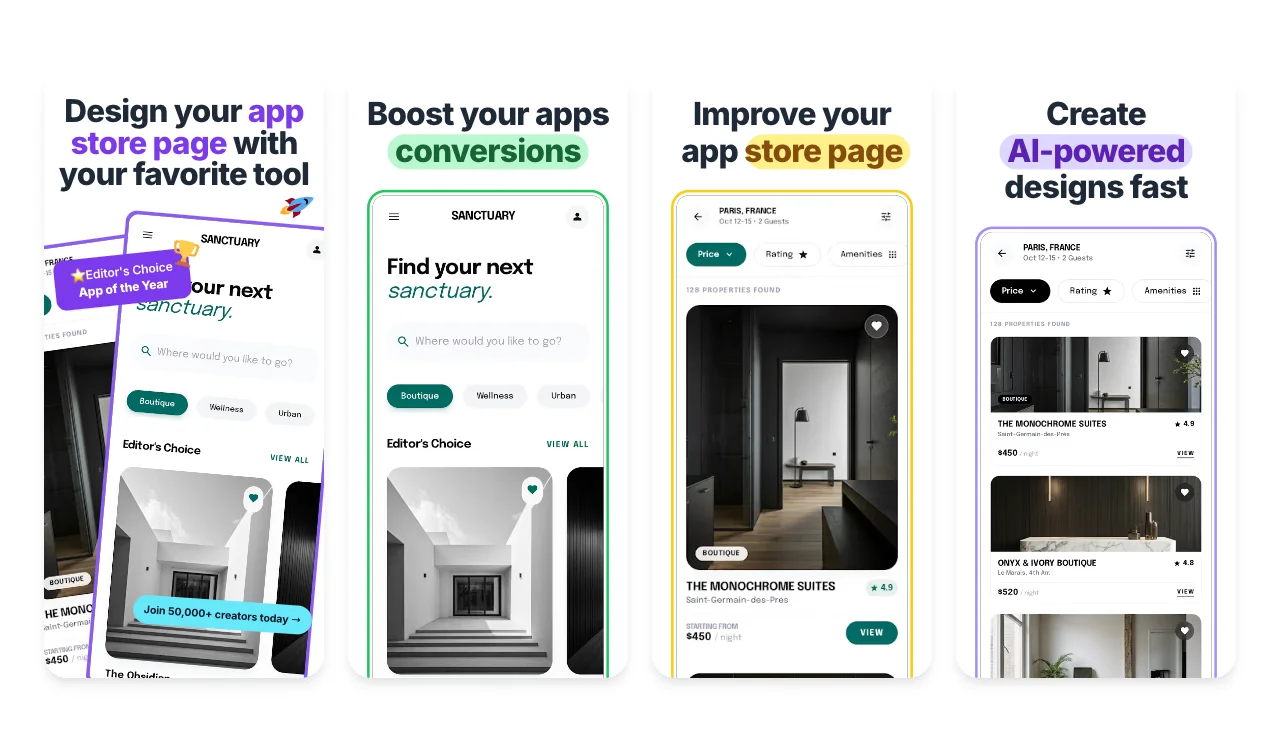
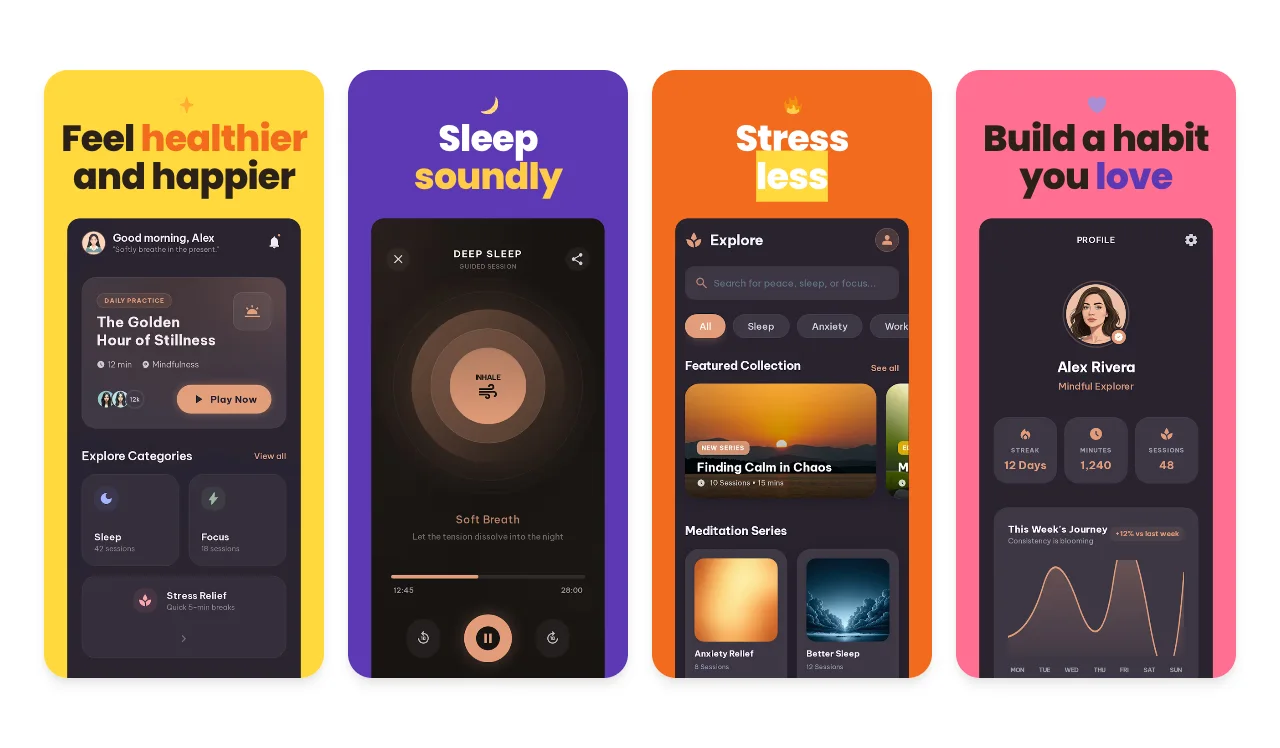
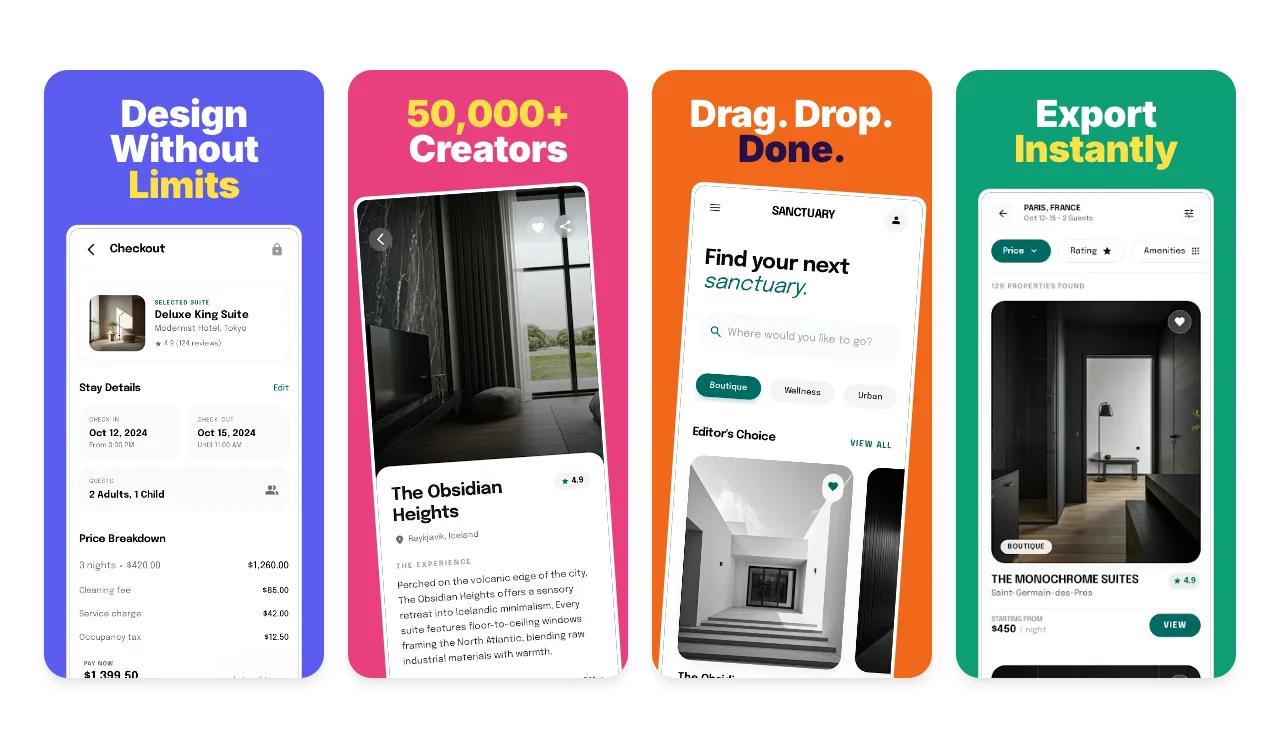
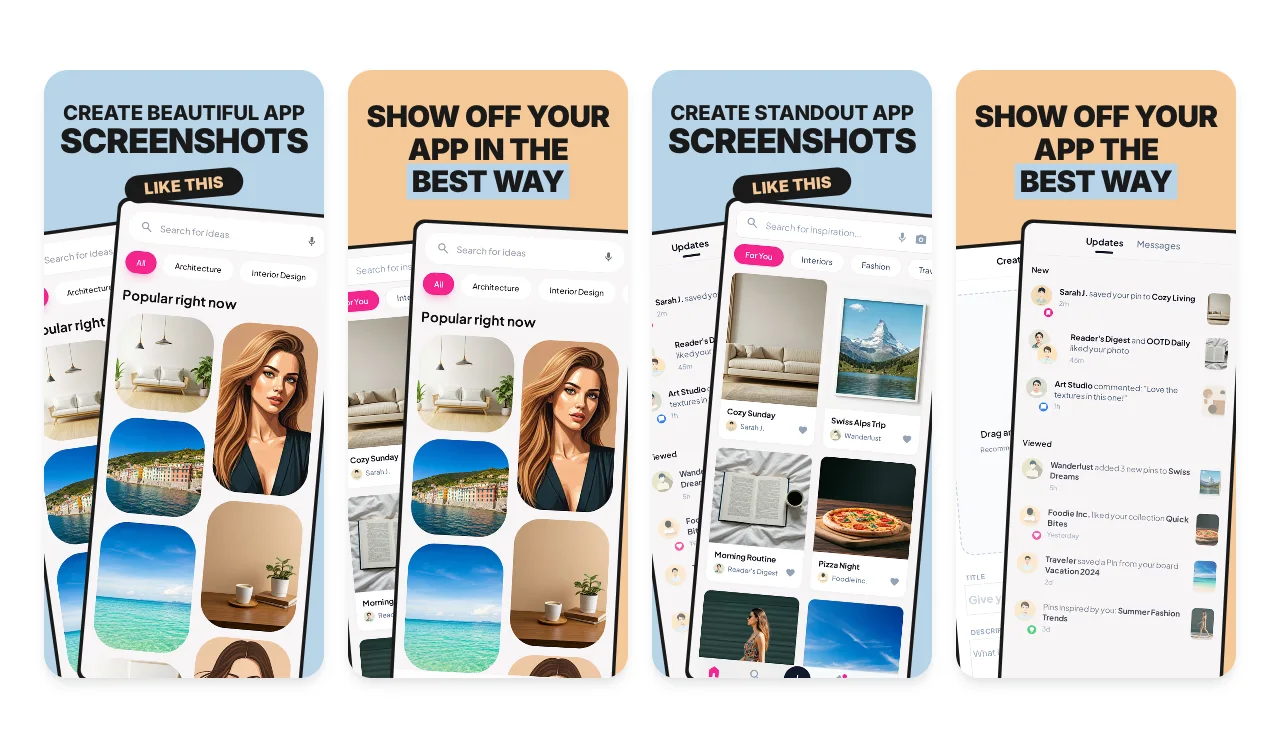
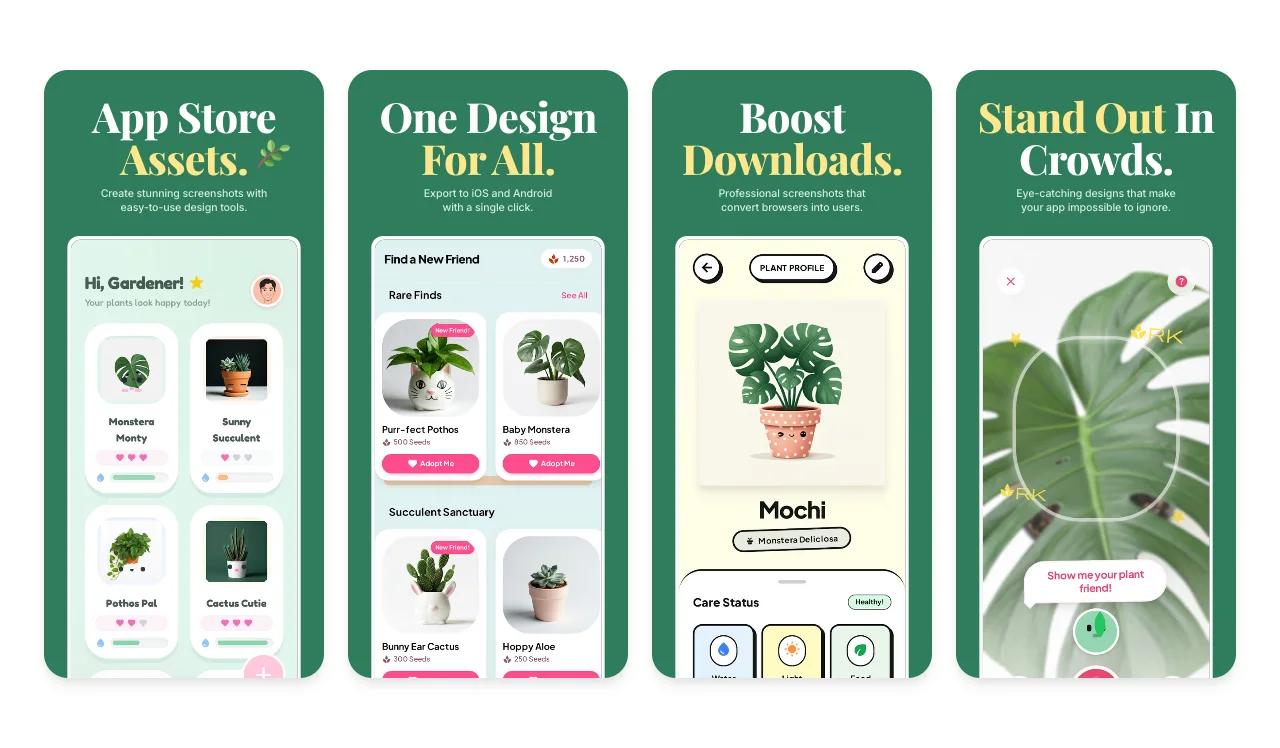
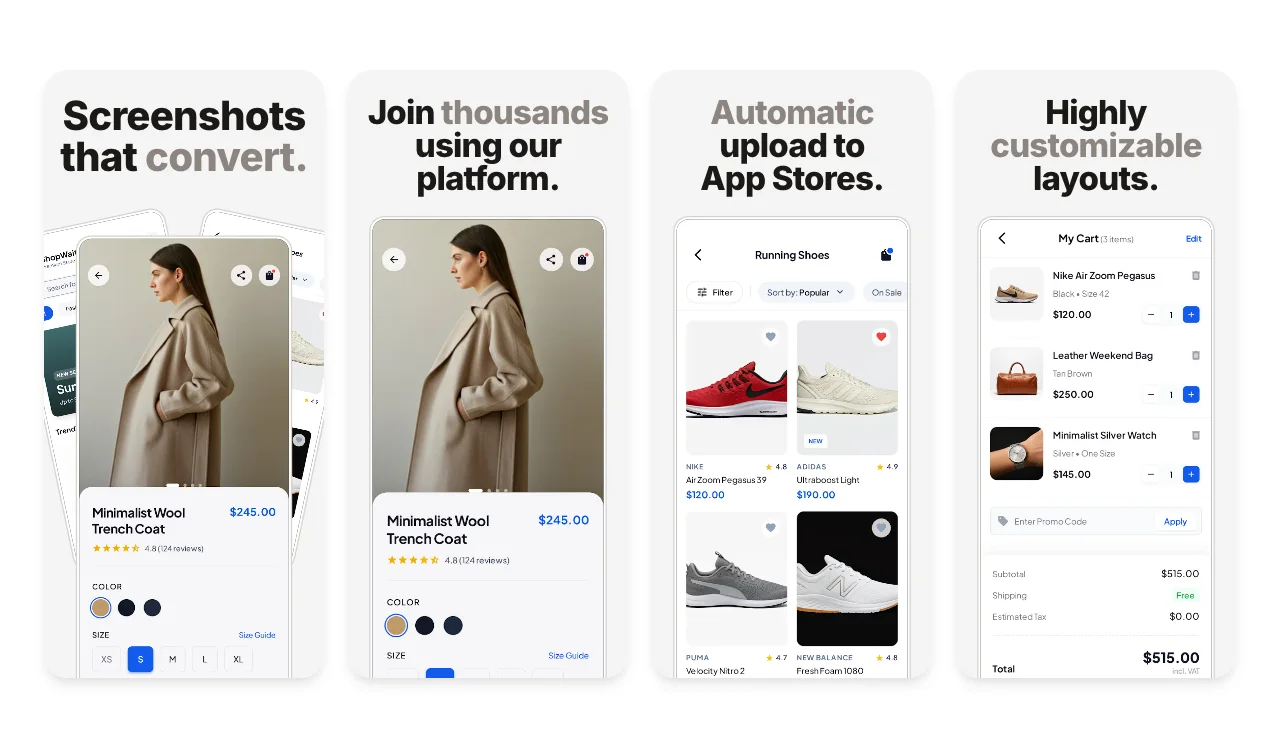
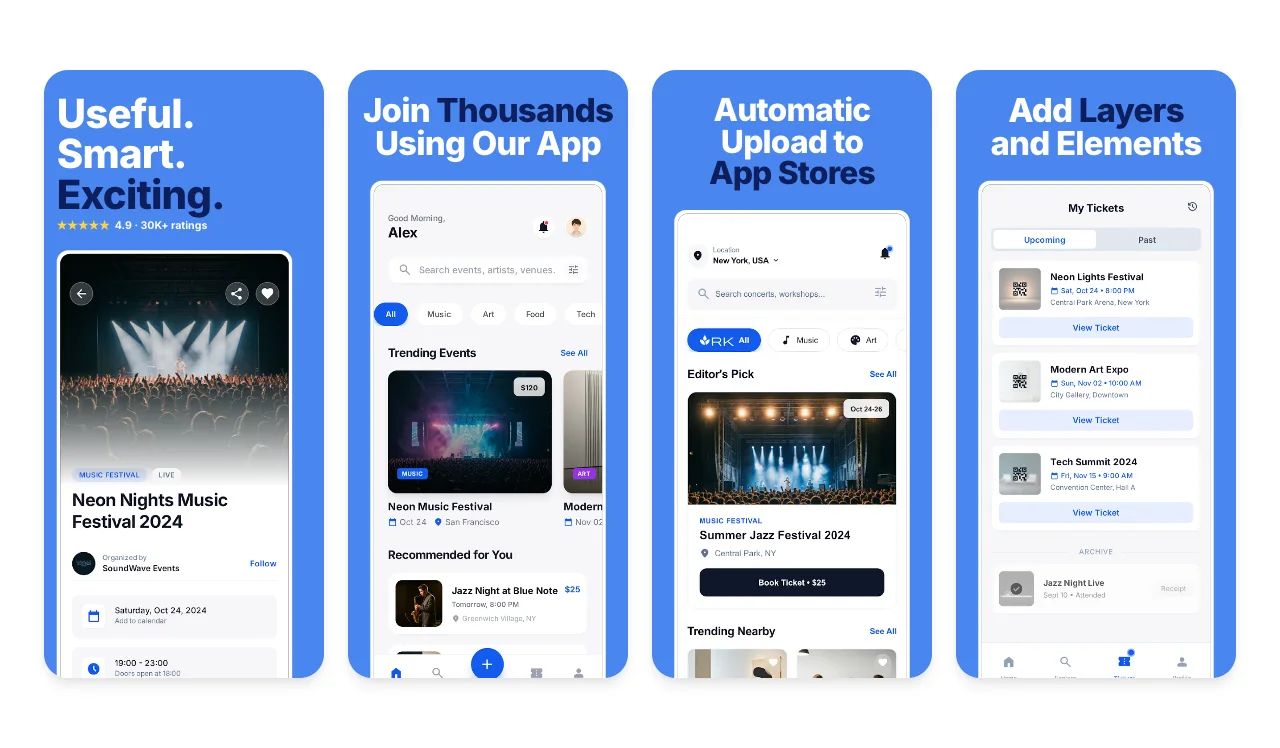
Android presentation
Use Pixel or Galaxy frames, a simple frameless layout, editable captions, backgrounds, and supporting assets.
Google Play · Android phone and tablet sets
Turn your real Android interface into a coordinated Google Play screenshot set. Edit every screen and caption together, adapt the design for phone and tablet, and export organized images for Play Console.
Try every template free. Free includes 3 watermarked PNG exports per month. The $6 Launch Pass adds 10 clean image exports over 7 days; Pro is $12/month. Compare export plans.
Loved by 3,000+ creators
Screenhance makes Google Play screenshots from one editable design. Choose an Android template, replace the screens and captions, and export phone and tablet images for Play Console, which asks for at least two screenshots and accepts up to eight per device type. Free exports one size and language at a time; the $6 Launch Pass, Pro and Teams export every selected size and language together.
Browse complete Google Play screenshot sets, led by sets made for Android. Replace the example screens and captions in an editable slide sequence.
No credit card required
Replace screens and captions across one editable set, keep frames, backgrounds, and typography consistent, and prepare the phone and tablet outputs your release needs.
Start with an editable Play Store template, then replace the sample captures with screens from the current version of your app.
Use a short caption only when it clarifies the UI below it. Keep the actual product visible and remove claims the screen cannot support.
Compose high-resolution portrait or landscape versions for the phone and tablet device types your app supports, then match each export to its Play Console field.
Check dimensions, cropping, legibility, device context, and current Play Console fields before you upload each exported image.
Replace a capture once, edit the set as one campaign, and prepare the outputs your Android release needs.
Use Pixel or Galaxy frames, a simple frameless layout, editable captions, backgrounds, and supporting assets.
Keep typography, color, spacing, and screenshot order consistent while refining individual slides.
Export the chosen phone and tablet compositions together with Launch Pass or Pro, with one visual system across every file.
The base upload rules are broad. Google adds narrower guidance for screenshots used in recommendation formats and for large-screen device sections.
Listing requirement
Use JPEG or 24-bit PNG without alpha. Both dimensions must be 320–3840 px, and the long side can be no more than twice the short side.
Recommendation formats
Google specifies 9:16 portrait or 16:9 landscape for app recommendation formats that use screenshots. This is narrower than the base accepted range.
Tablets and Chromebooks
Google's large-screen section calls for at least four screenshots, 1080–7680 px, in 9:16 or 16:9, without extra text that can be cut off on Play homepages.
Show the current in-app experience and prioritize UI in the first three screenshots. Google says any necessary tagline should use no more than 20% of the image.
Avoid calls to action, price or promotional language, ranking claims, and obsolete device imagery. Localize added captions and add concise alt text in Play Console.

Required listing graphic
Google requires a feature graphic to publish a store listing. Export it as a JPEG or 24-bit PNG without alpha. Google Play uses it as the cover image of your preview video, if you add one, and in large-format collections.
Make a 1024 × 500 feature graphicScreenhance gives you ready-made canvases for a coordinated Android set. Start with high-resolution portrait or landscape compositions, then match each final output to the device-specific Play Console field you are filling.
1080 × 1920 portrait and 1920 × 1080 landscape are useful working presets because they match Google's high-resolution 9:16 and 16:9 recommendation guidance.
Tablet workspaces help you recompose the layout around the real large-screen interface. Select a final 9:16 or 16:9 output and check the live large-screen requirements before upload.
Drop existing images below to check pixel dimensions and aspect ratio against Google's base accepted range. The checker does not inspect screenshot content or replace a review in Play Console.
Check the pixel size and file format for Google Play screenshots. Files stay in your browser and are not stored.
This checks dimensions and file type only. Check the selected display slot, colour profile, transparency and artwork separately. A matching size does not guarantee store approval.
Files dropped into this checker stay in your browser and are not stored. Images uploaded to the editor are processed to create your project and may be stored temporarily; read the privacy policy.
Reuse the typography, palette, screenshot order, and source captures for Android and iOS, then adapt the composition to each store's device fields. The App Store screenshot generator uses Apple's accepted display classes, while this workflow follows Google Play's range and device-specific guidance.
Follow the Android template walkthrough and release checklist or browse Play Store templates.
Everything Screenhance has for a Google Play store listing, from the first template to the final size check.
Android-first Google Play sets with Pixel frames or device-neutral layouts.
Edit screens, captions and phone or tablet outputs as one set.
You are here
Current Play Console rules, screenshot order and localization.
Check pixel dimensions and aspect ratio in your browser before upload.
Create the 1024 × 500 graphic Google requires to publish.
Pixel and Galaxy frames for promo images beyond the store listing.
It surpassed what I expected. The flow is direct, with great layouts and templates for screenshots.
Clean, easy to use, and I especially love the one-week pass.
The subtle motion adds a premium feel without becoming distracting.
It looks great. I really like the pricing, especially being able to try it without entering a card.
Well designed and useful for decks and product launches.
Google Play requires at least two screenshots across the supported device types in a store listing and allows up to eight for each device type. Files must be JPEG or 24-bit PNG without alpha. Each dimension must be between 320 and 3840 pixels, and the longest side cannot be more than twice the shortest side.
No. Google accepts a broader range for the base listing. Its 1080×1920 portrait and 1920×1080 landscape guidance matters for recommendation formats that use screenshots: apps need at least four screenshots at 1080 pixels or higher in 9:16 or 16:9. Screenhance uses those dimensions as practical phone presets.
Yes when your app supports both layouts. Google Play has separate device-specific upload sections. Its current large-screen guidance calls for at least four tablet or Chromebook screenshots, between 1080 and 7680 pixels, in 9:16 portrait or 16:9 landscape. Review the real tablet interface rather than stretching a phone capture.
Yes. Screenhance includes Pixel and Galaxy frames, and you can also use a frameless layout. Google recommends avoiding device imagery in screenshots because it can become obsolete or alienate some users, so treat frames as an optional creative choice and review the final set against Google's current guidance.
You can keep the same visual system, but do not upload one store's files unchanged to the other. Google Play and App Store Connect have different file rules, device slots, and presentation contexts. Derive both sets from the same editable source, then review each output separately.
Yes. Free includes three watermarked PNG exports at 1× each month. The $6 Launch Pass includes 10 clean static exports over seven days, multi-size export, and up to 3× resolution. Pro costs $12 per month or $99 per year and includes unlimited clean exports for ongoing work.
You'll also need App Store screenshots, a feature graphic, a Product Hunt gallery, and an OG image. Upload your screenshots once and Launch Kit generates them all, on-brand and matching.
Continue preparing the same App Store, Google Play, or Chrome listing.
iOS-specific screenshot sets
Start creatingValidate screenshots before App Store Connect rejects them
Start creatingResolve the App Store Connect wrong-dimensions error
Start creatingLocalize App Store screenshots in 16 locales
Start creatingPromo tiles, marquee, and screenshots
Start creatingCreate iOS and Android store visuals
Start creatingReplace the sample screens, choose the Android outputs you need, and review every file against the current Play Console requirements.
Start Creating Free