Use Cases
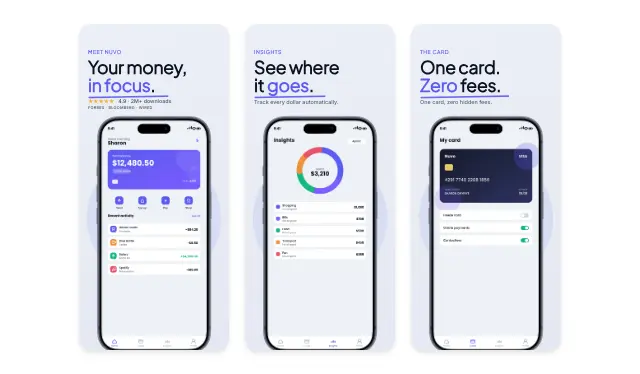
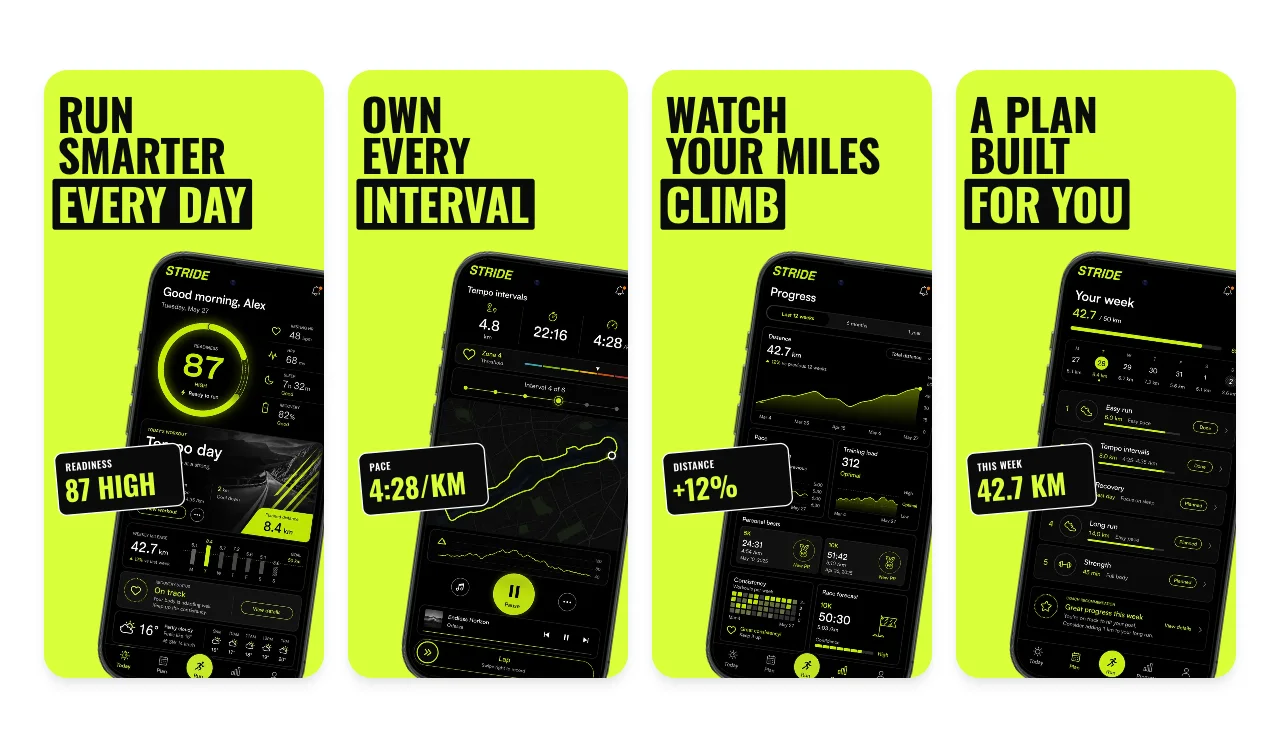
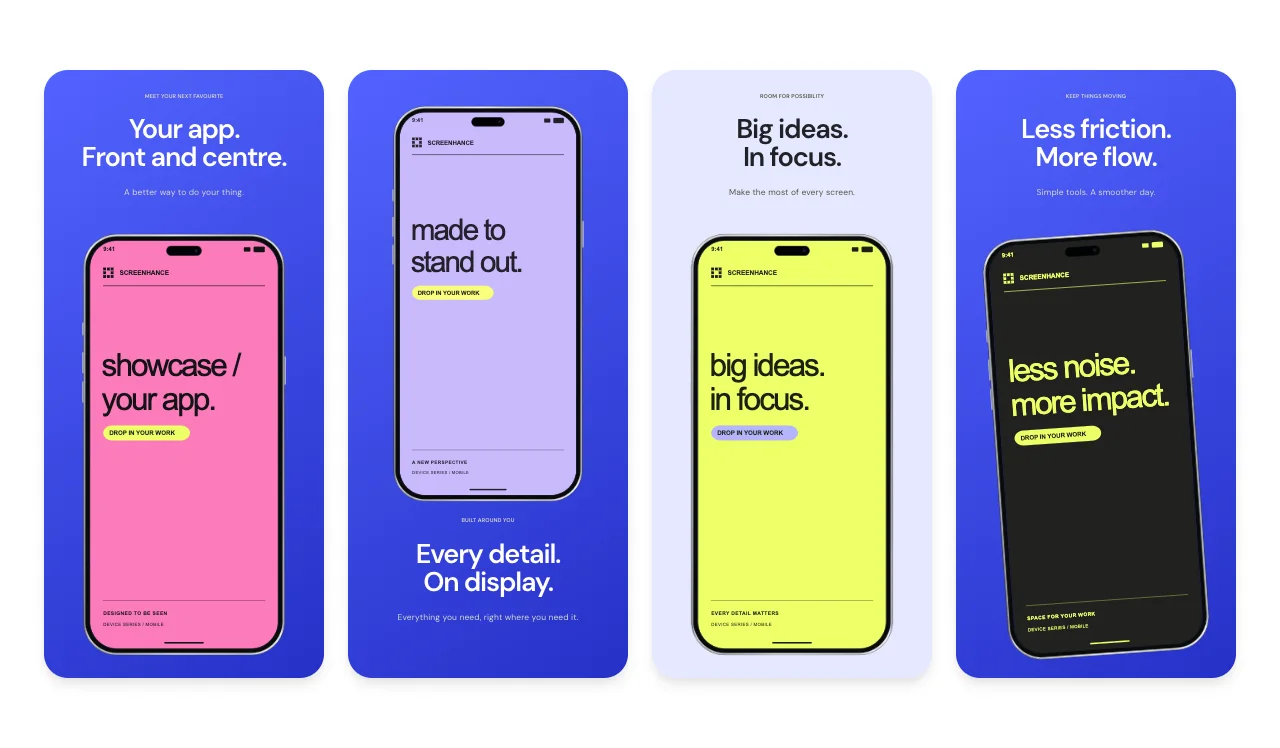
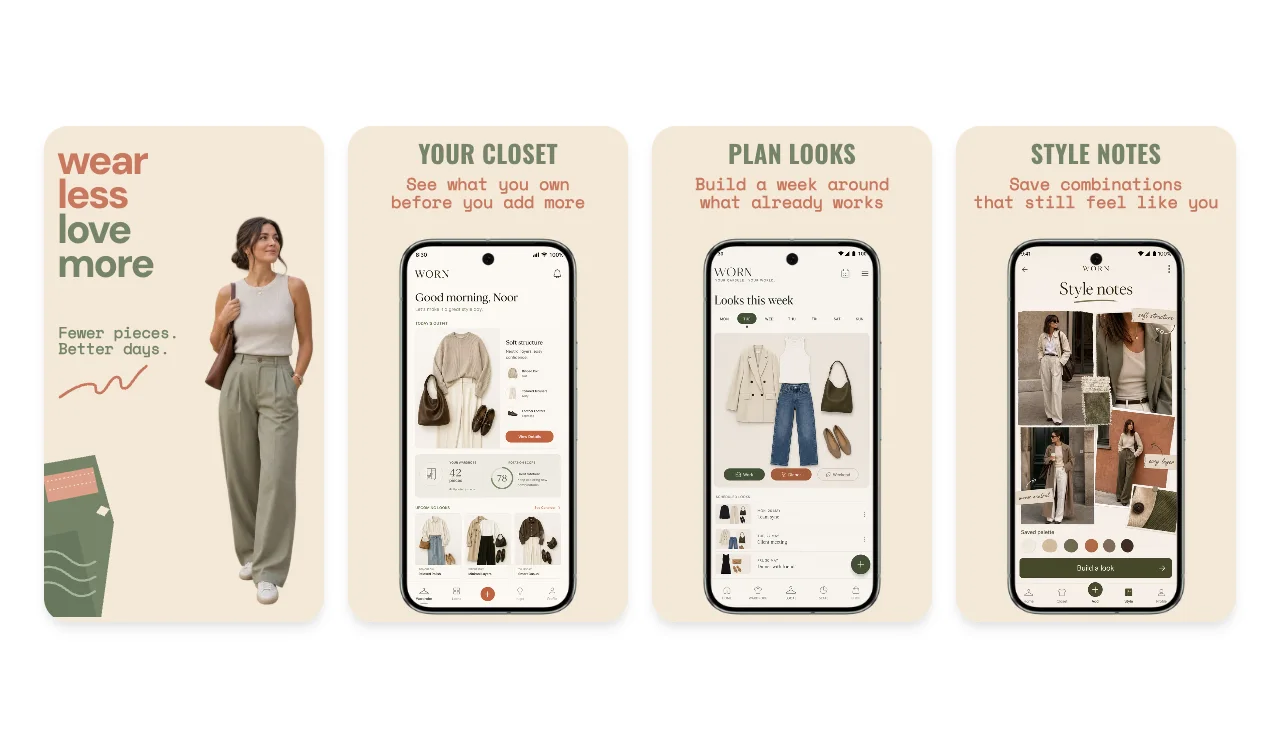
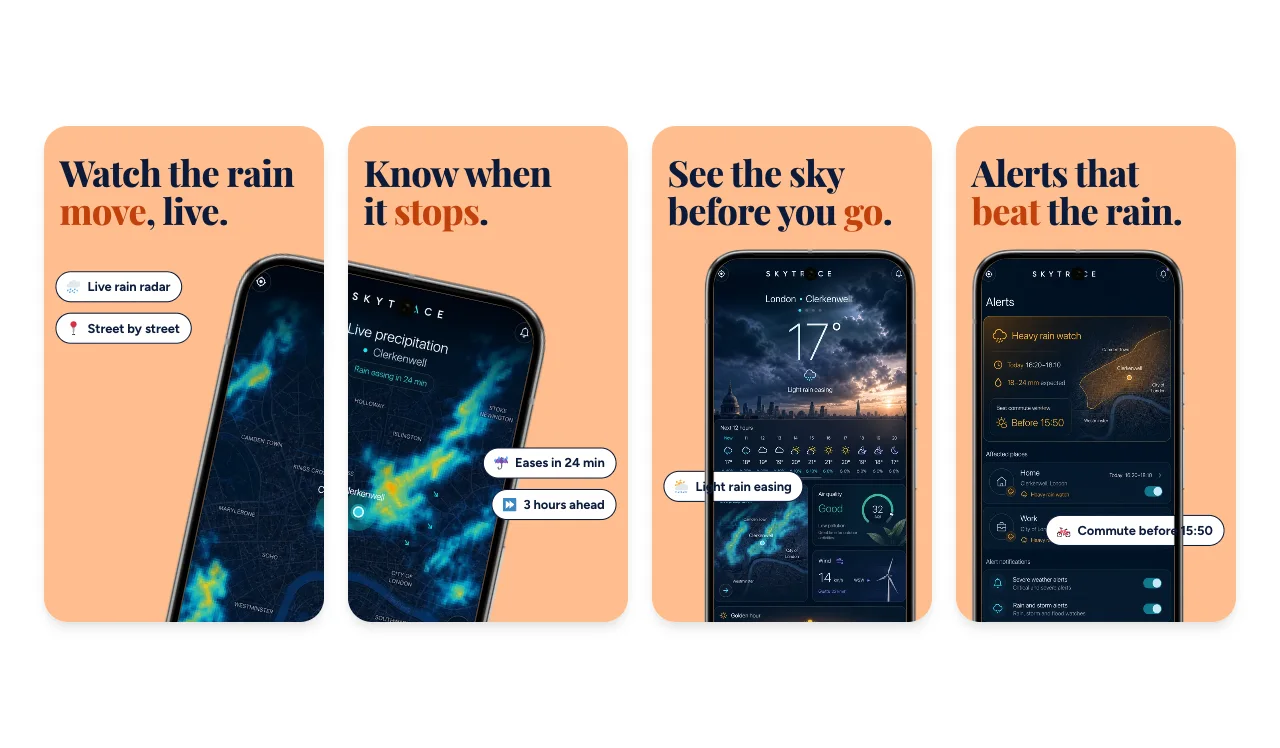
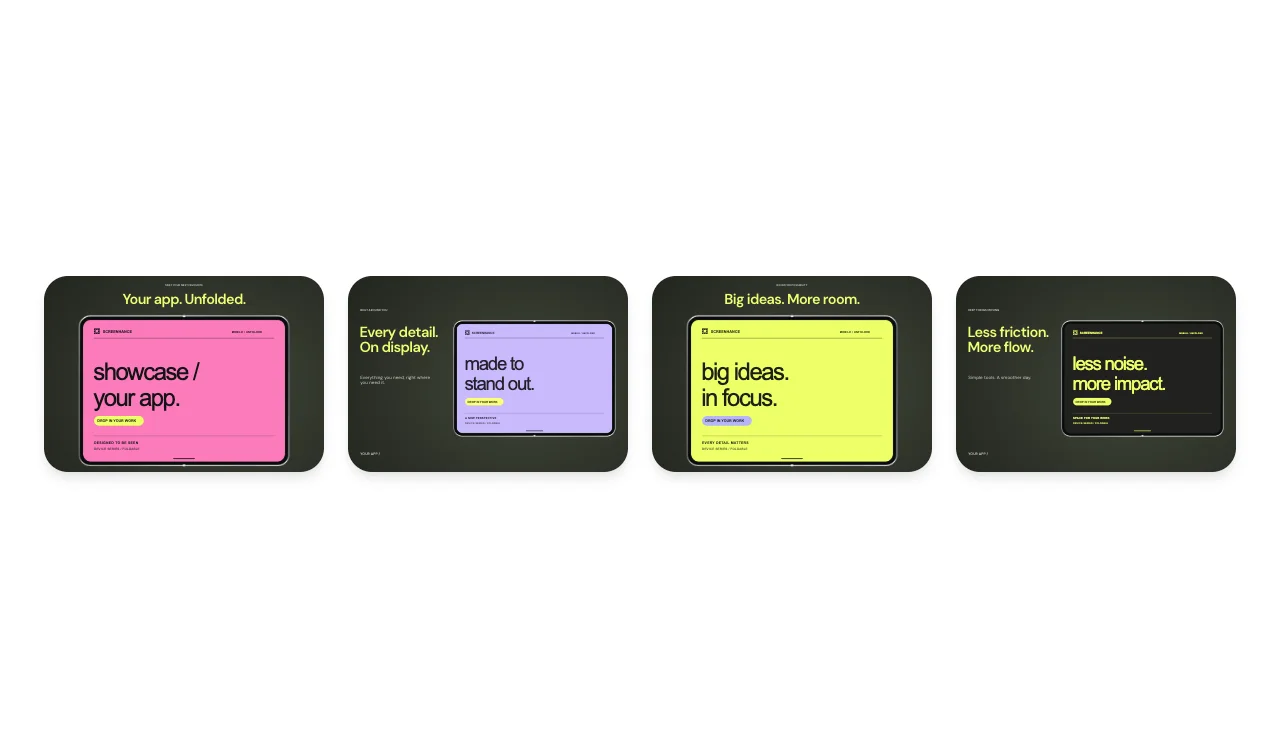
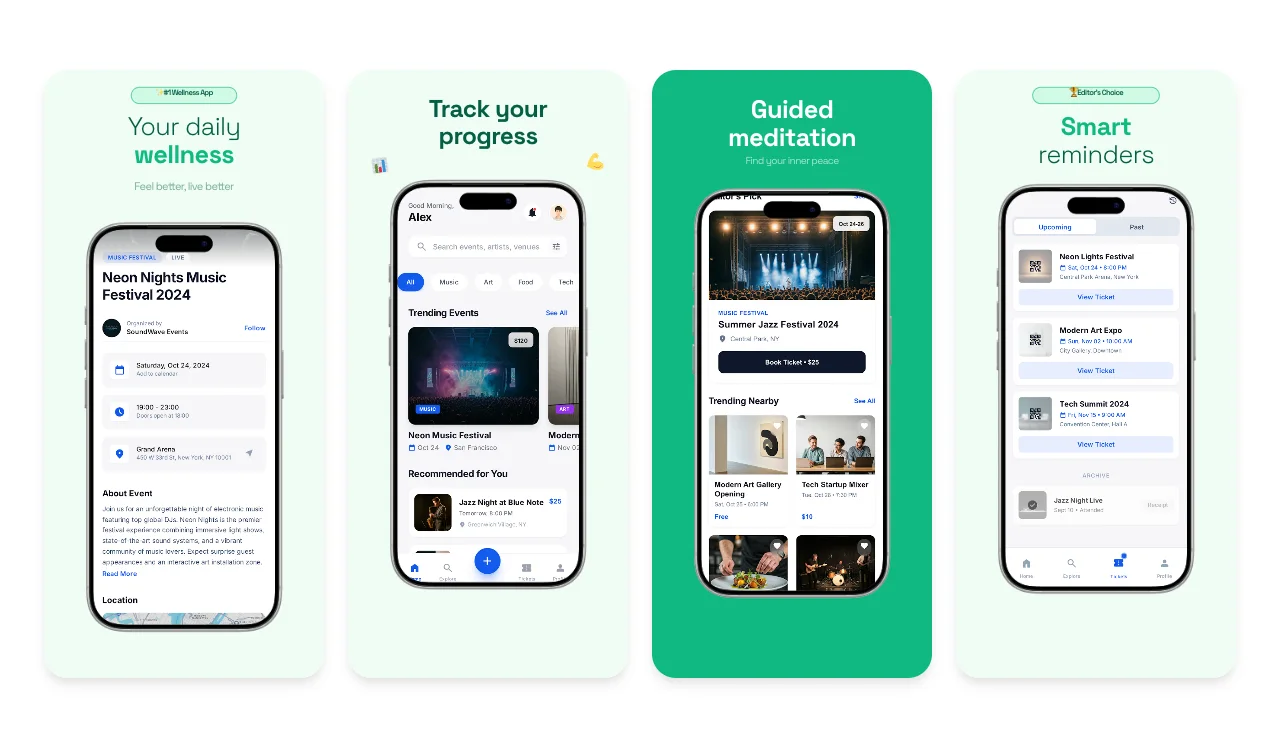
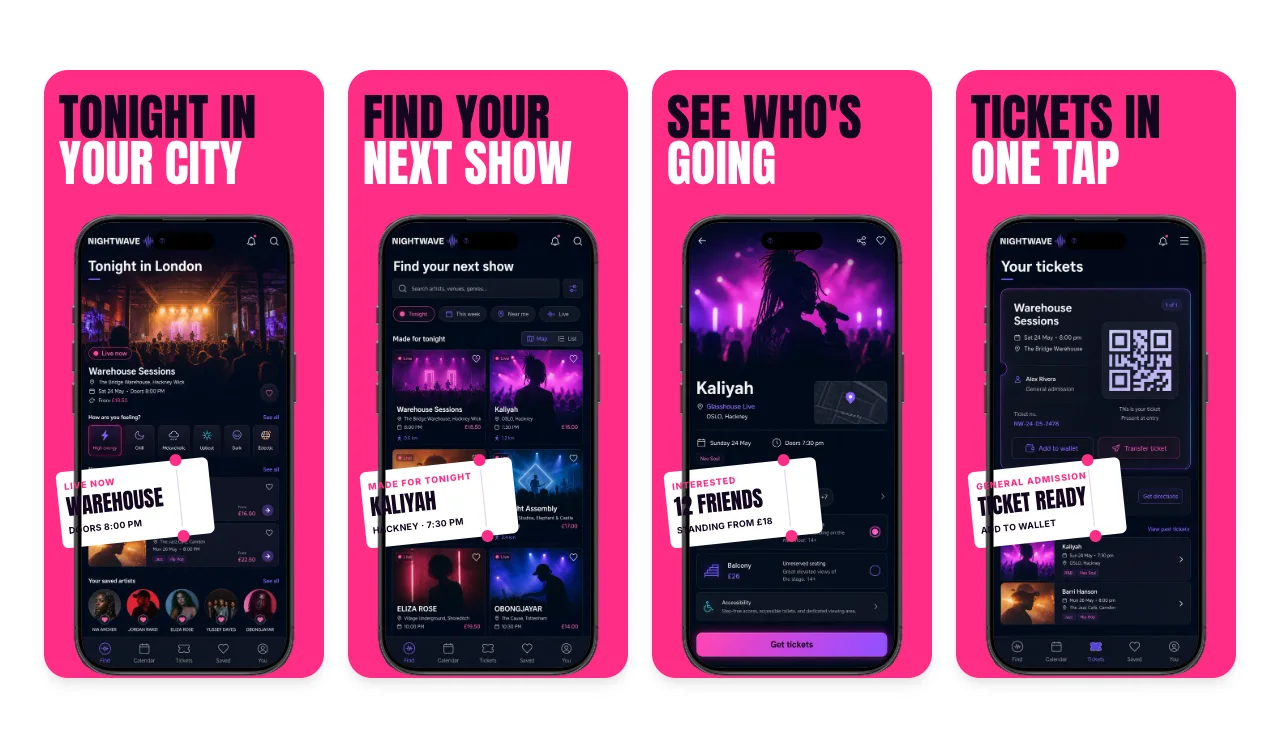
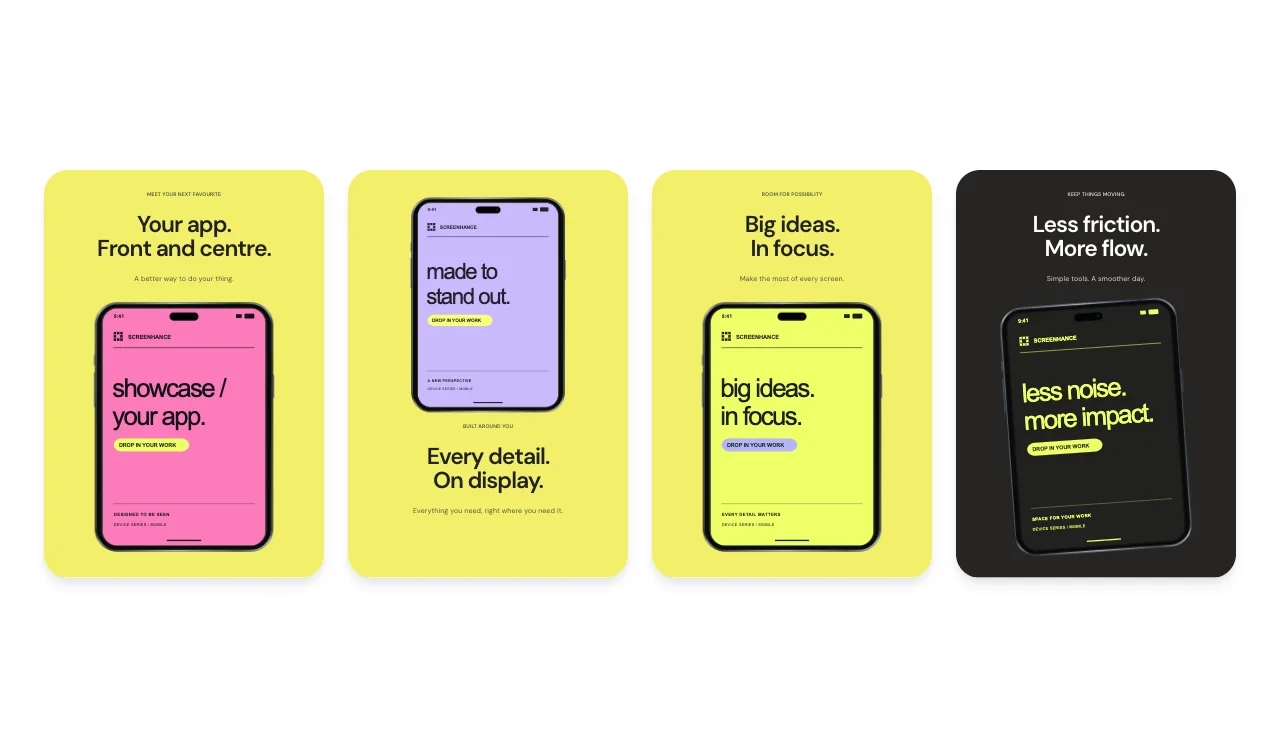
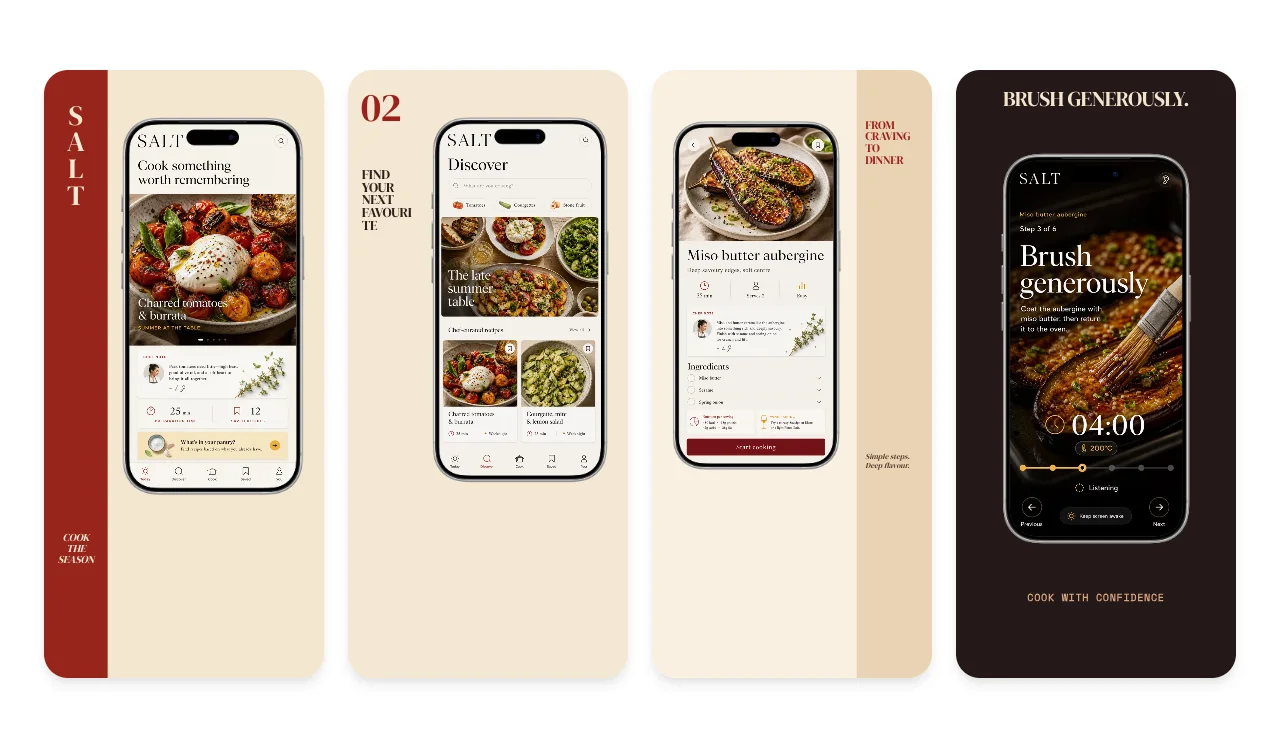
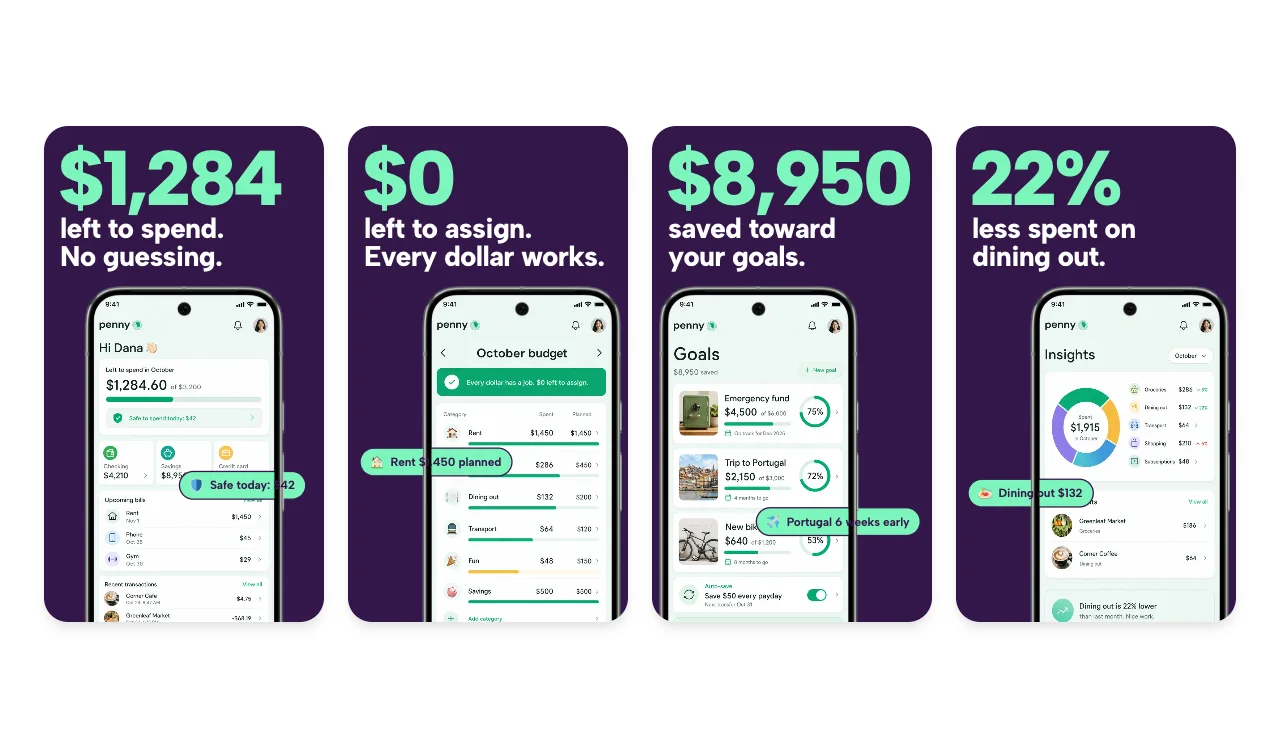
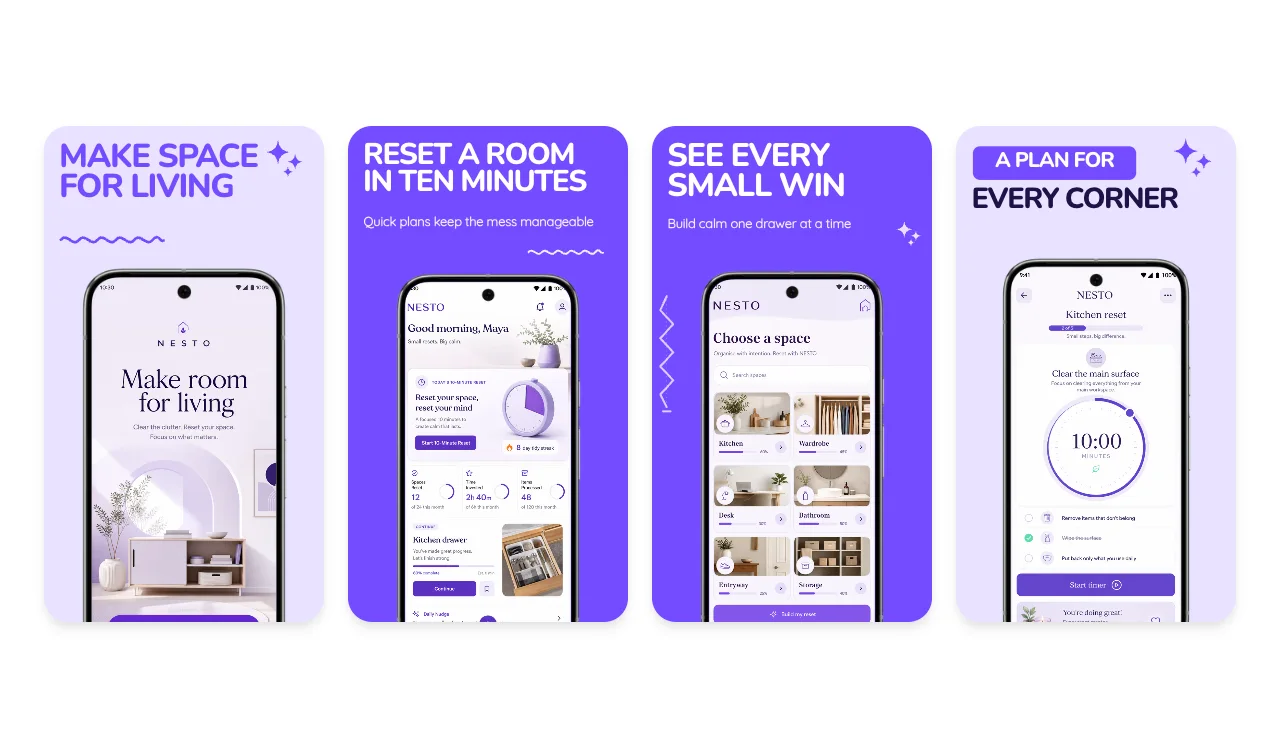
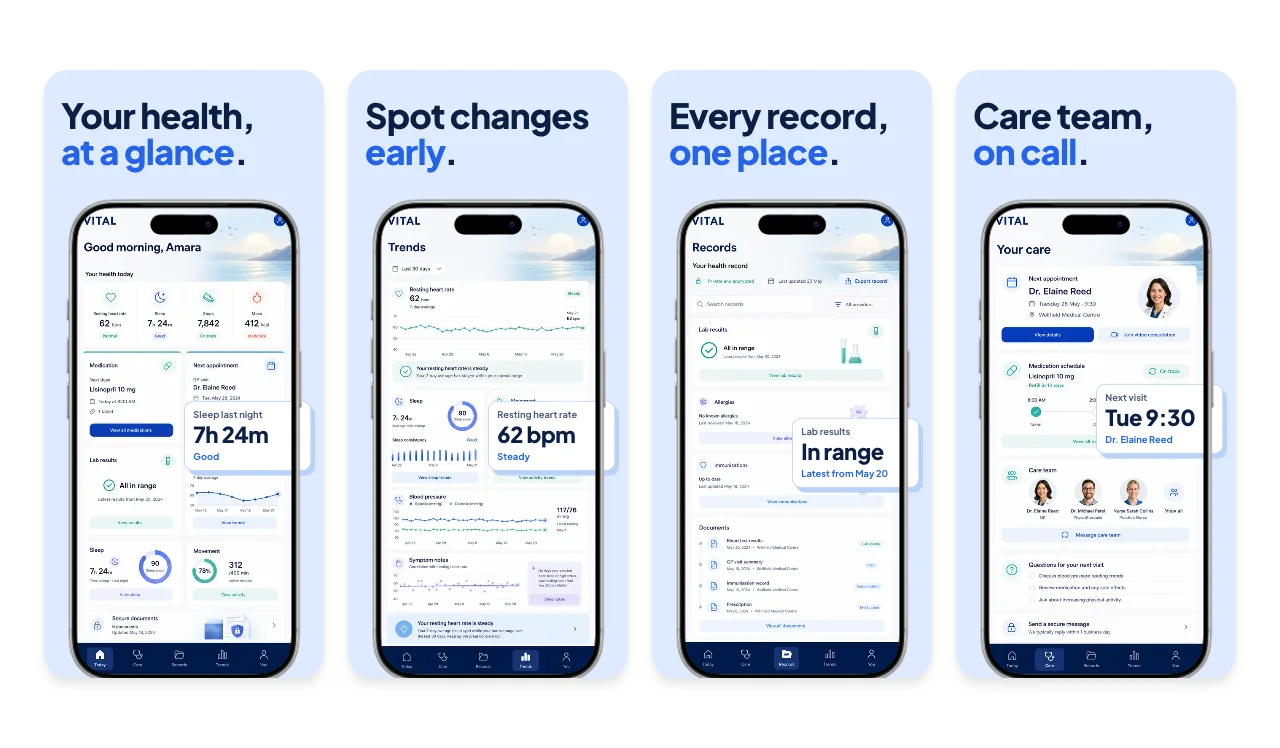
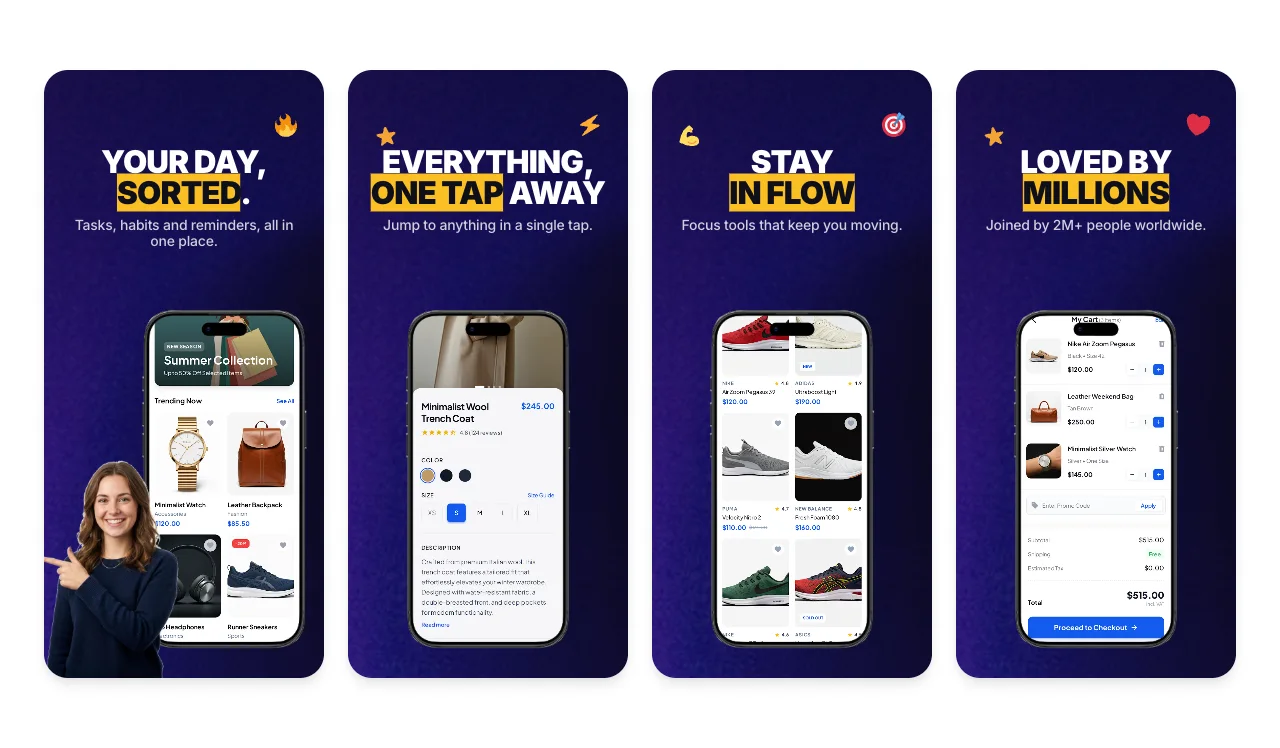
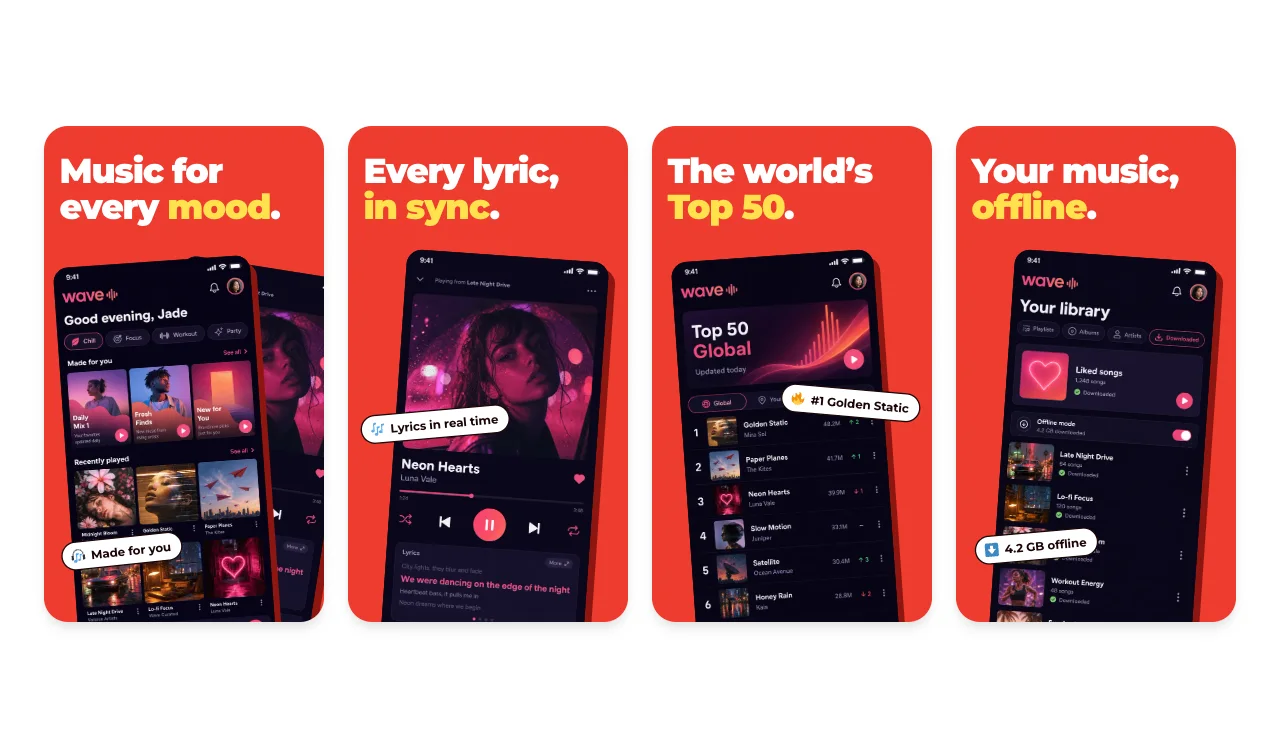
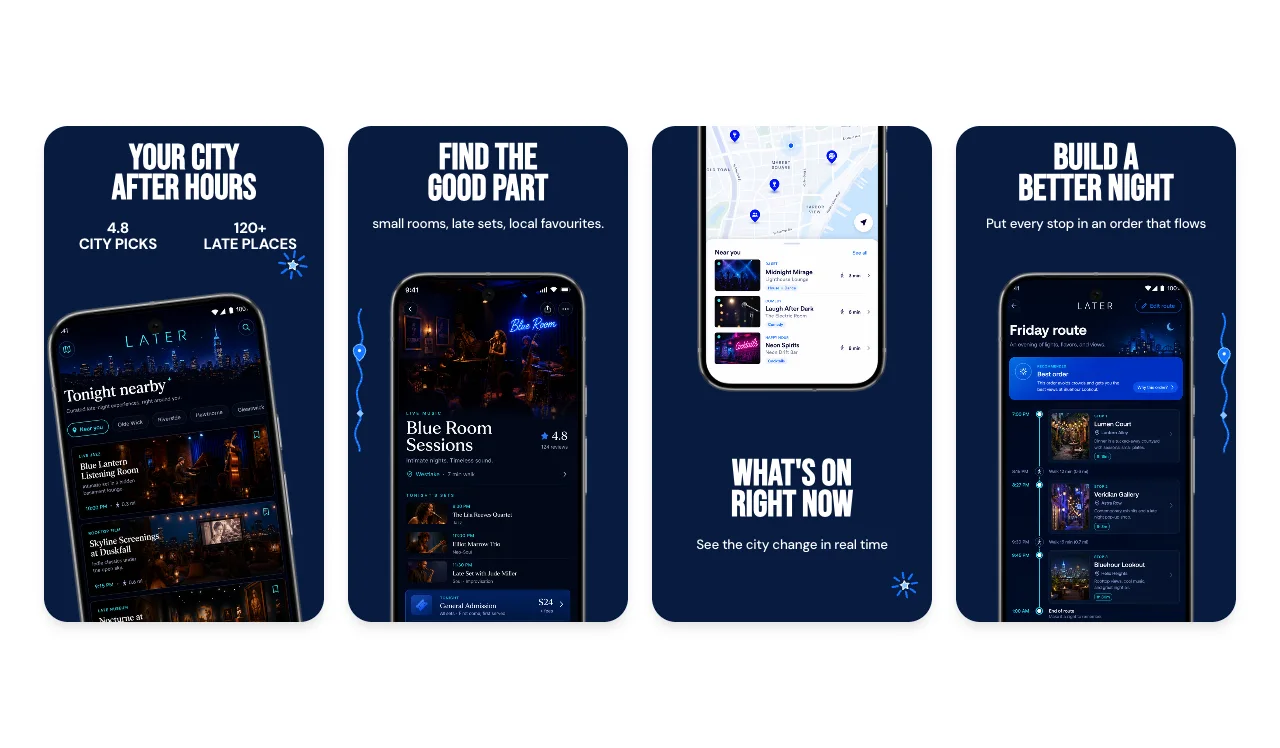
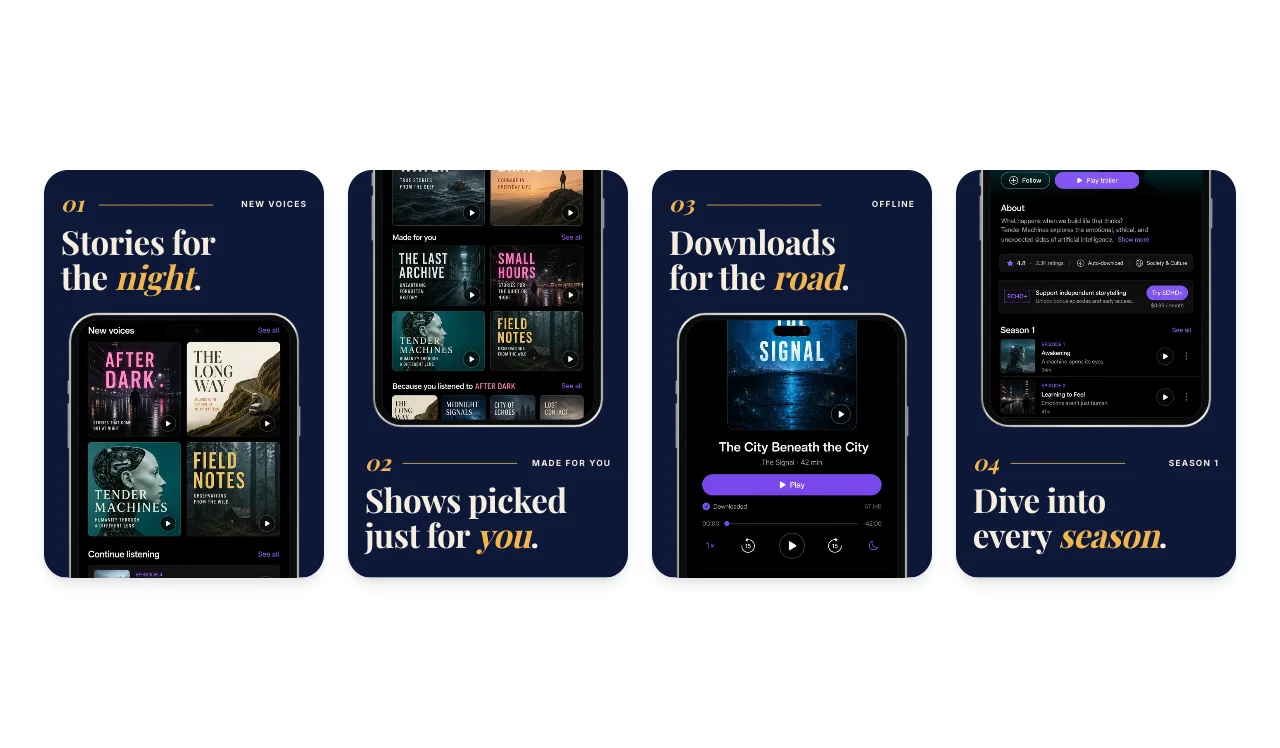
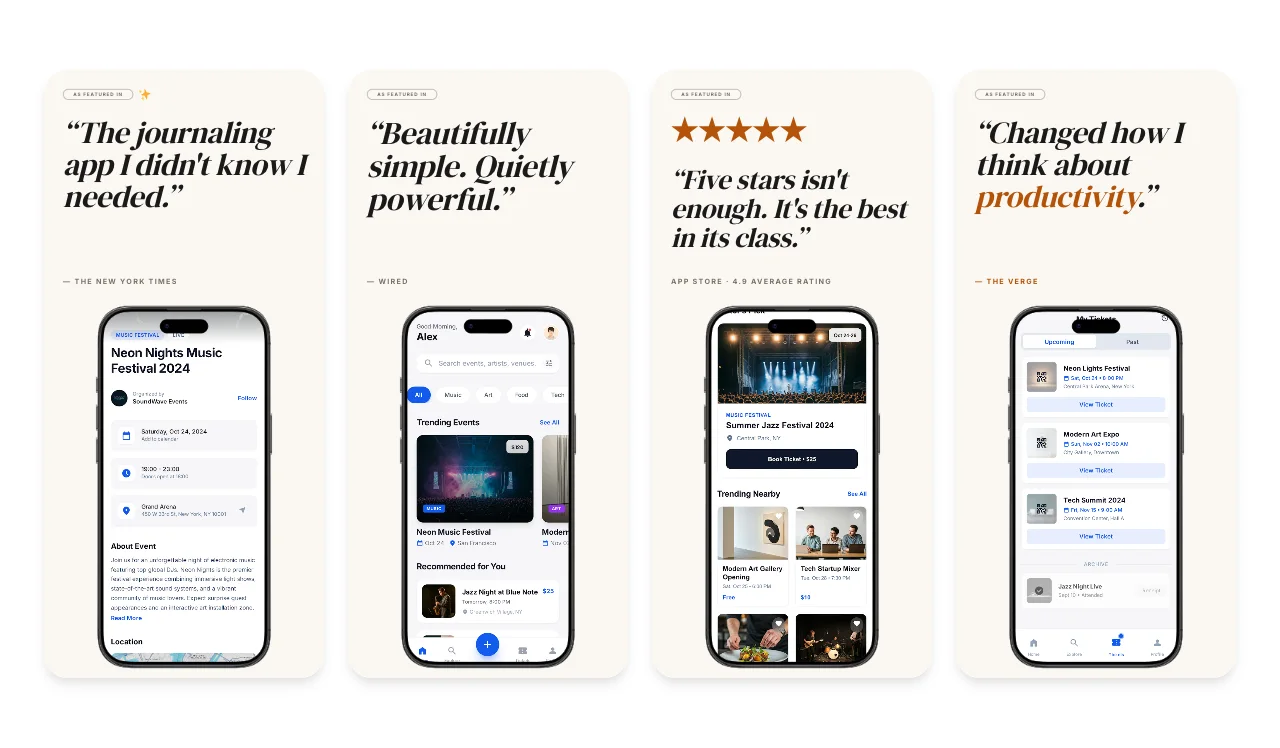
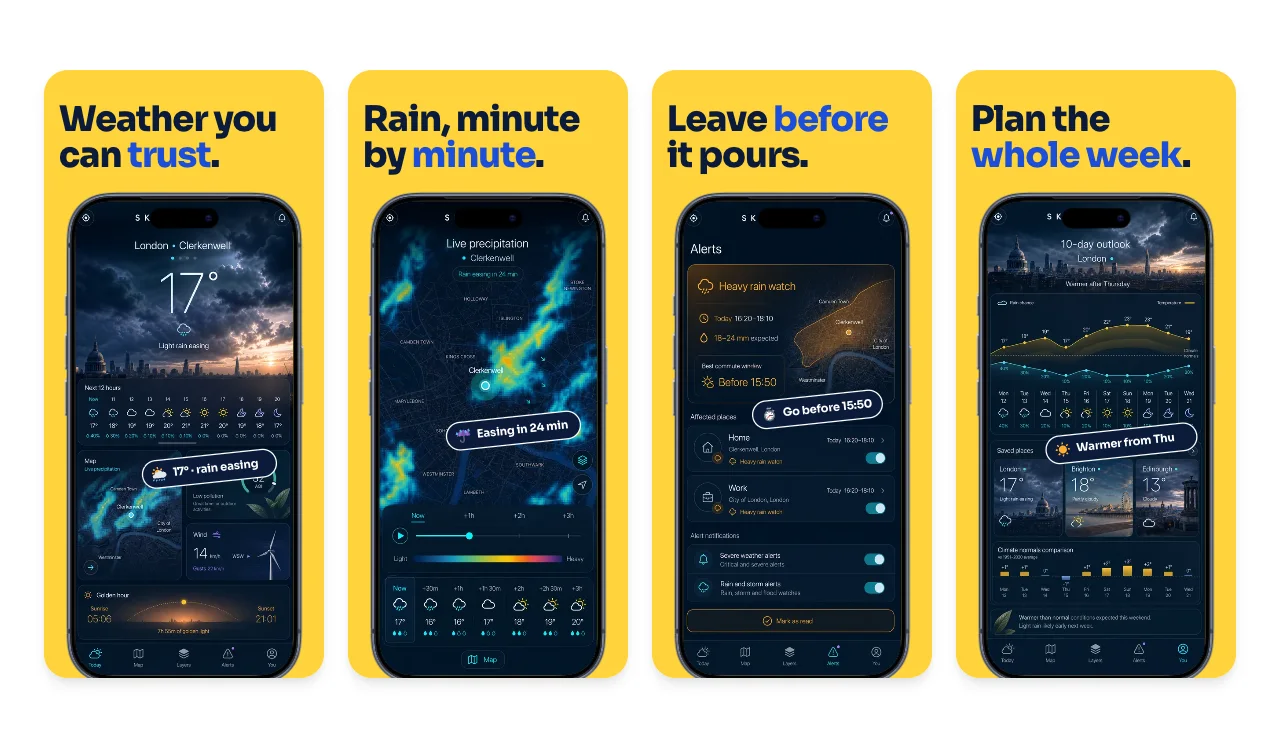
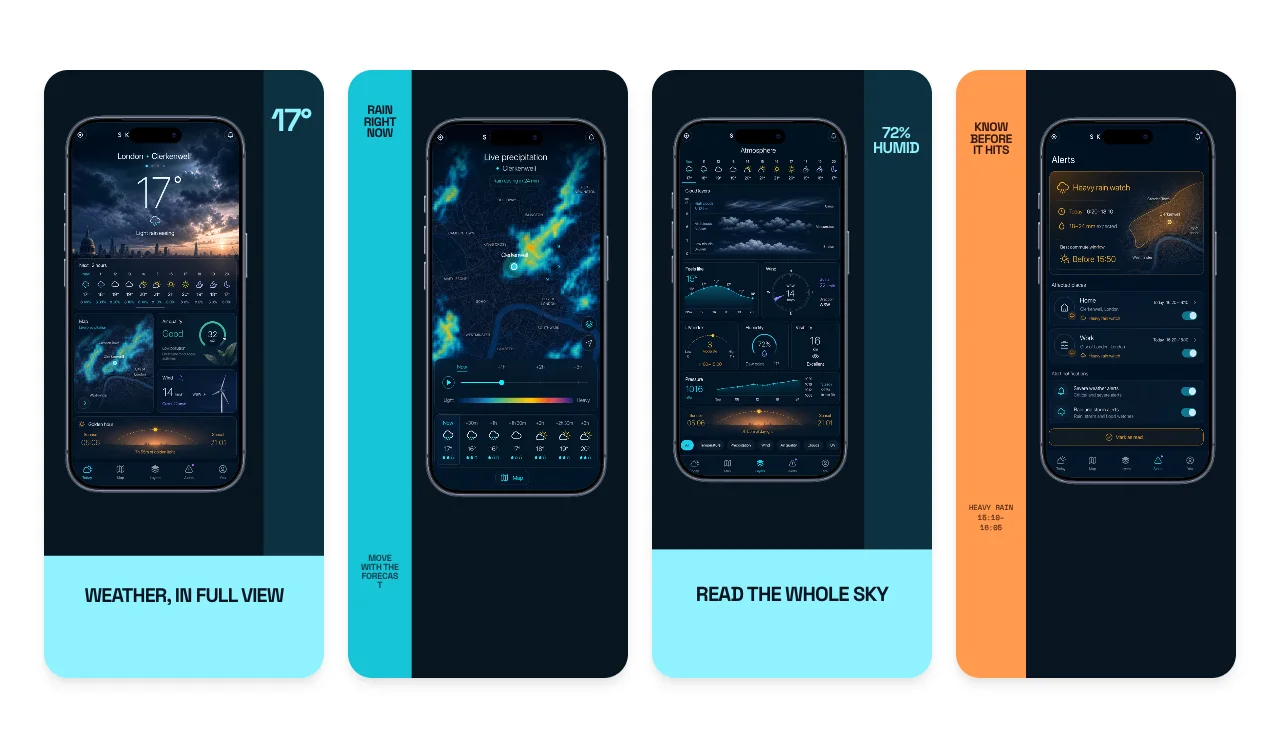
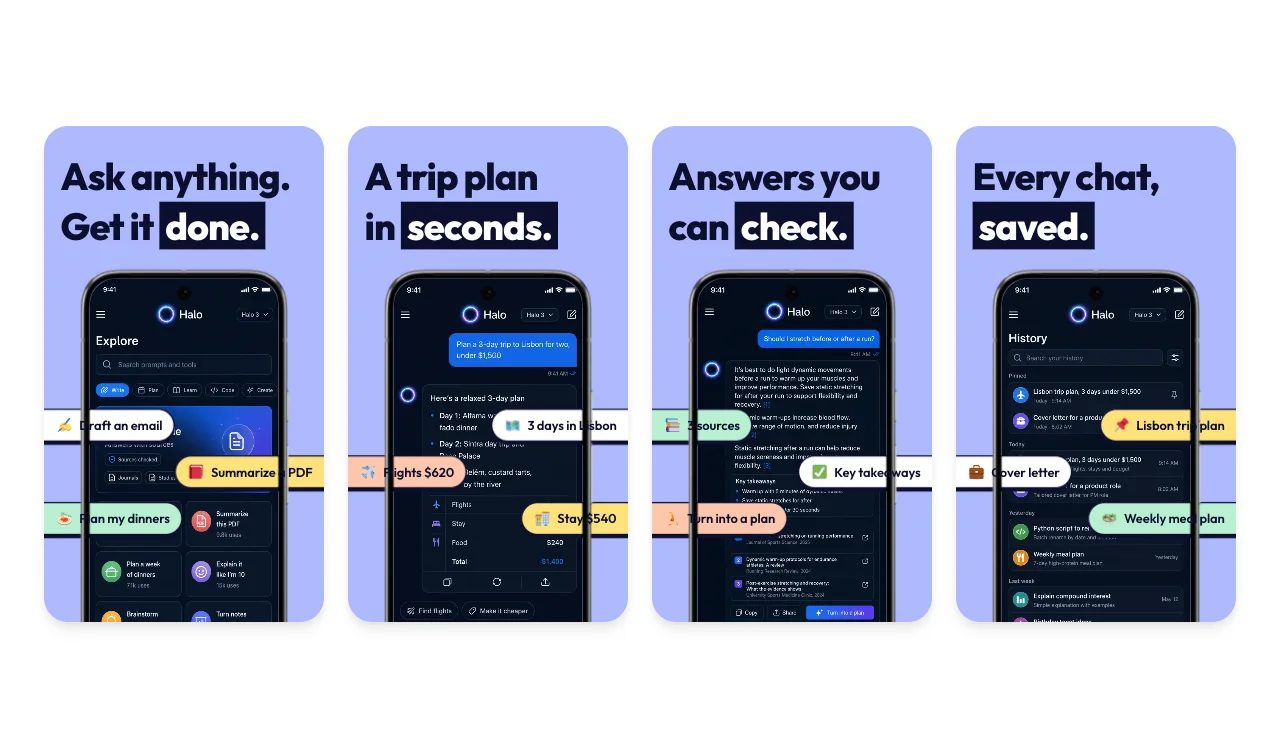
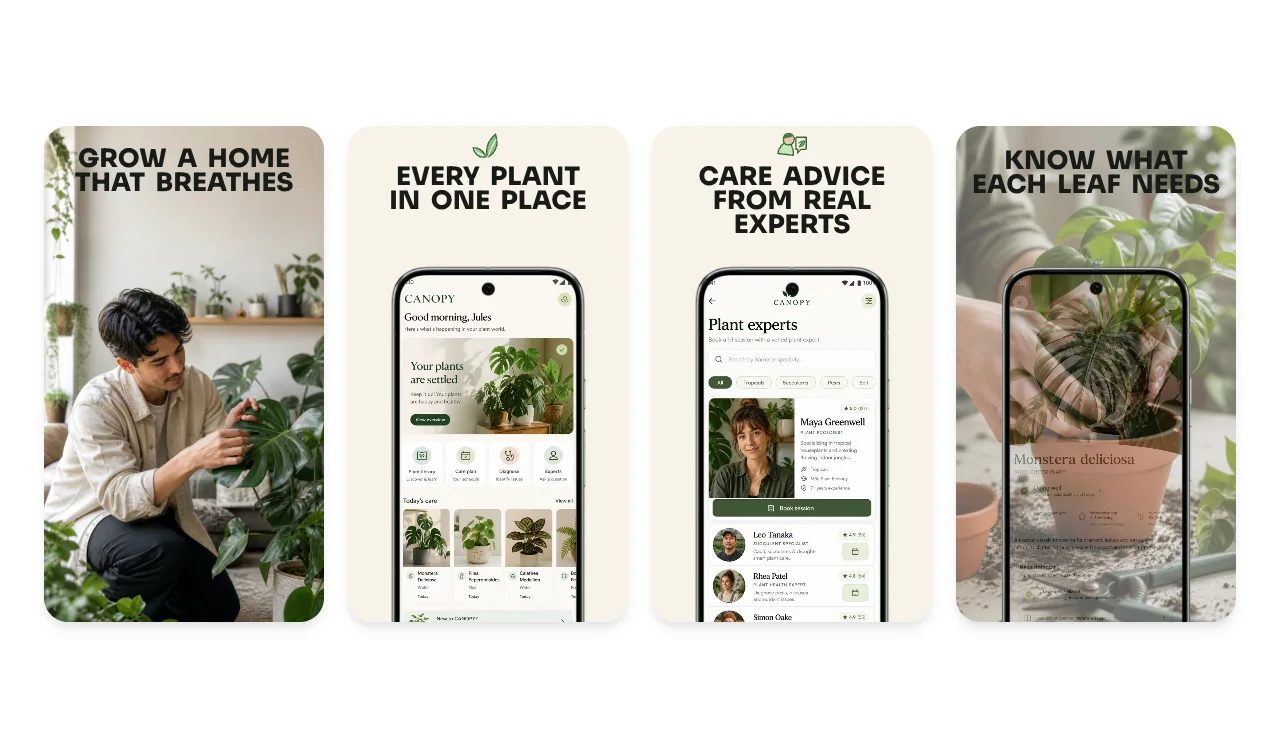
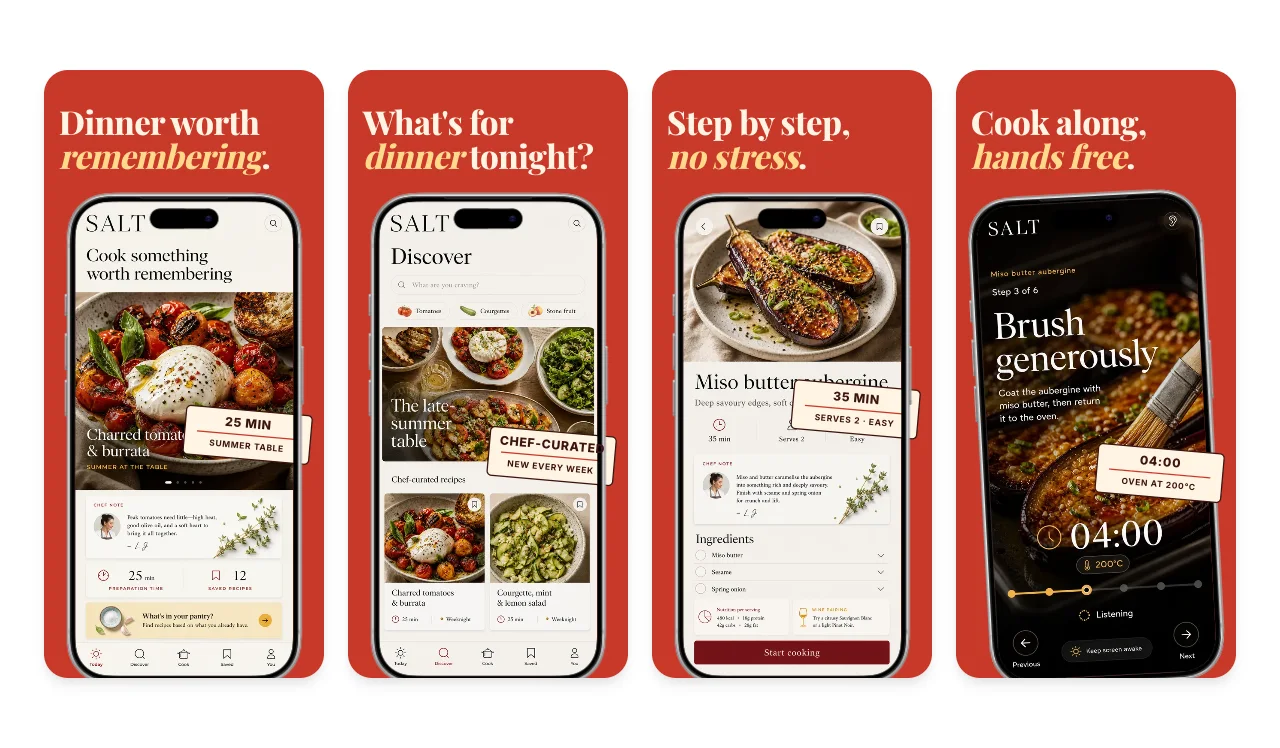
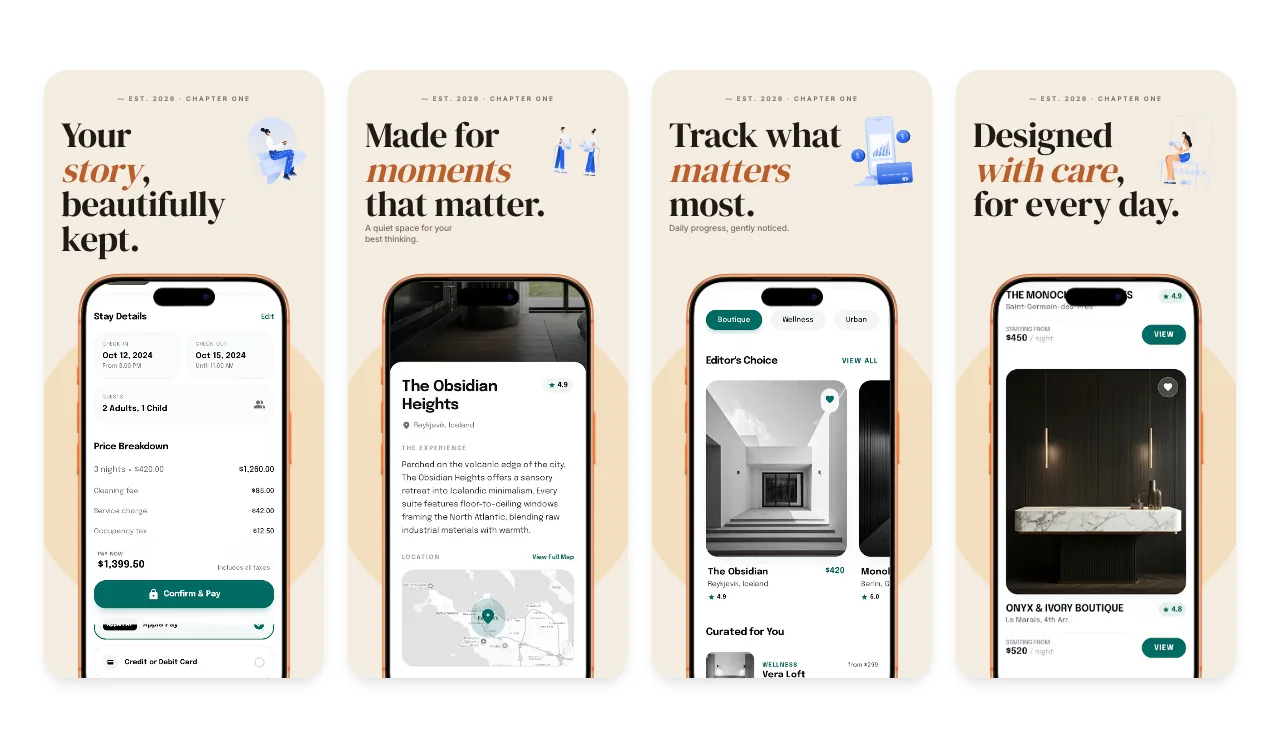
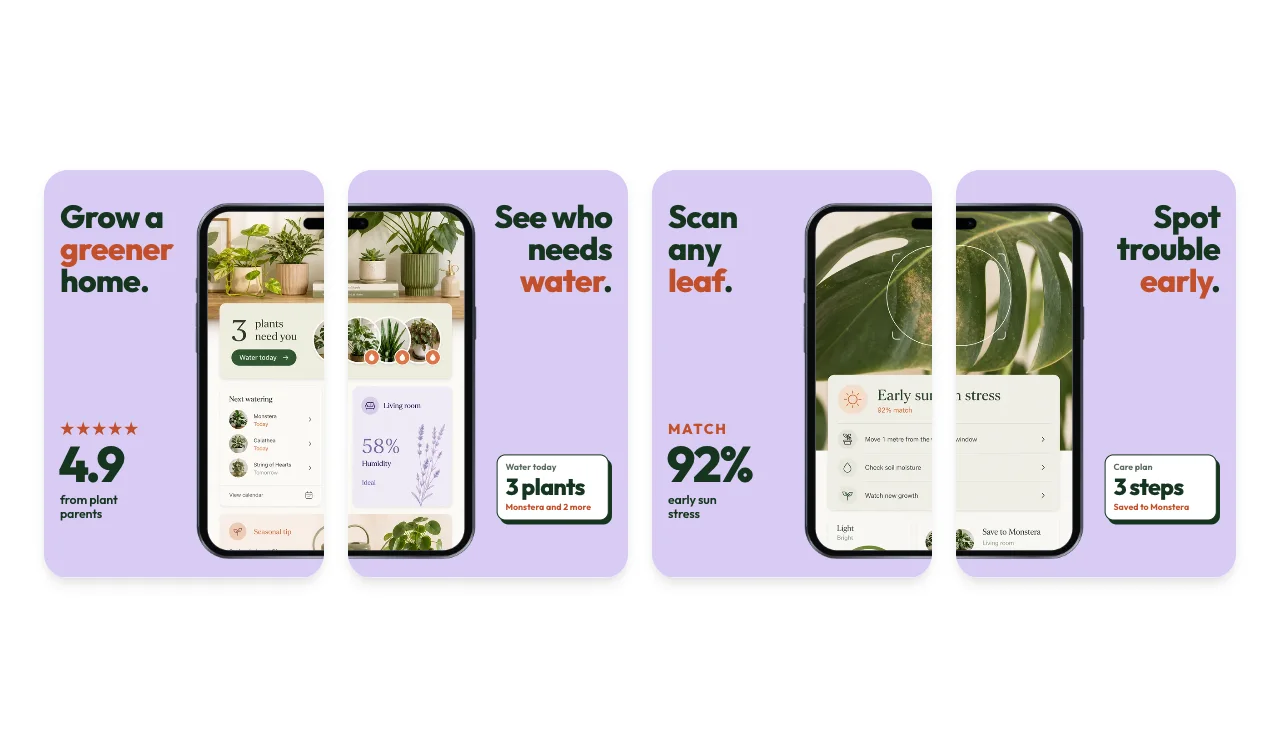
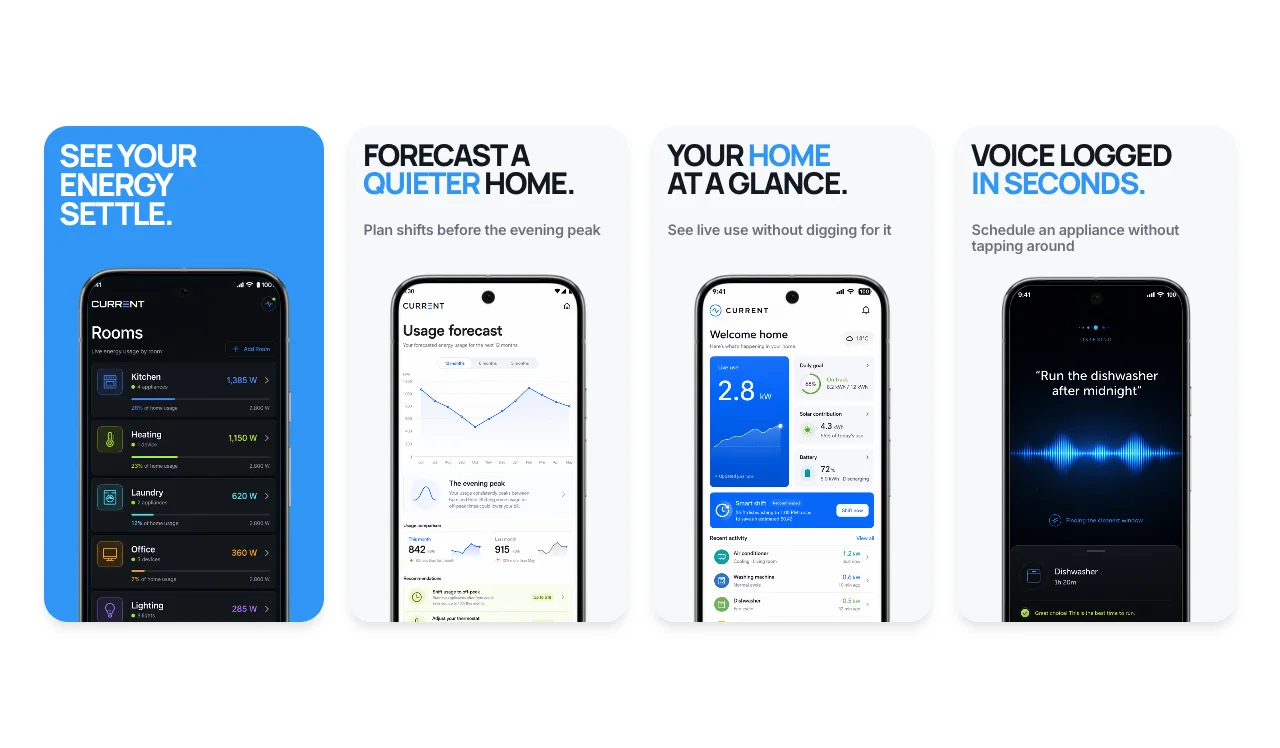
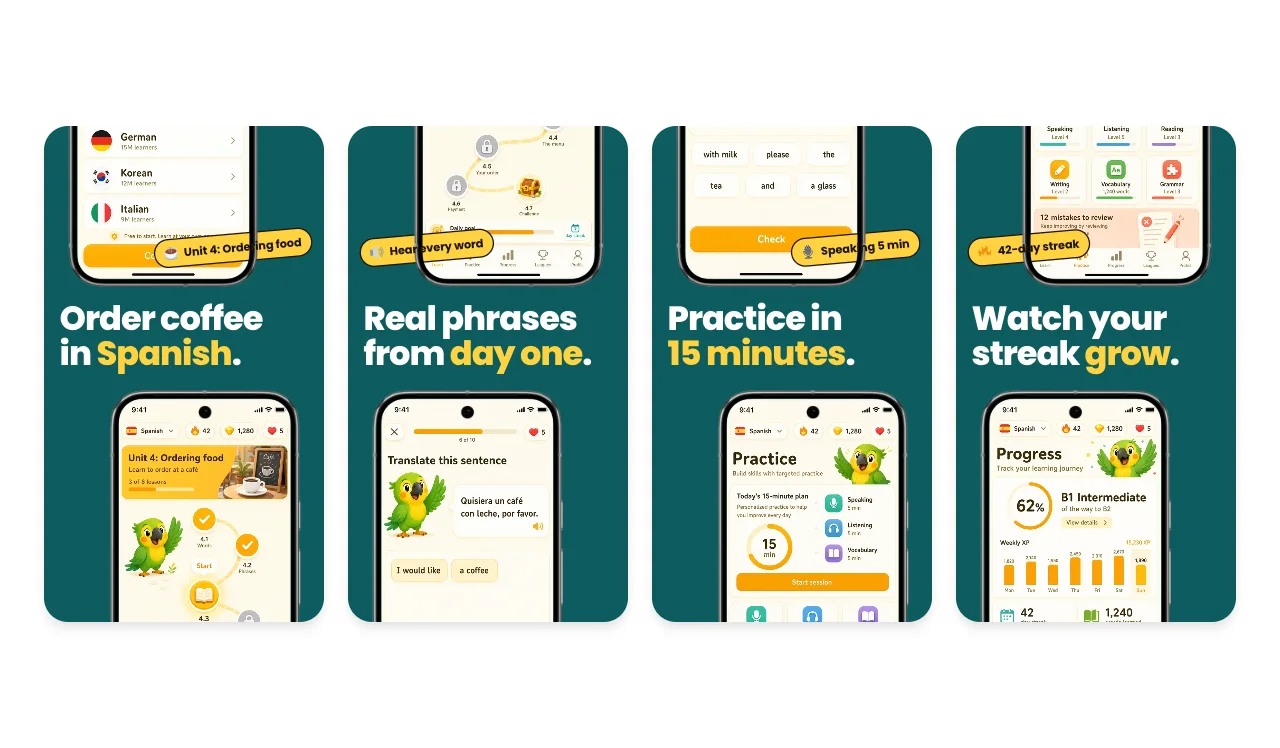
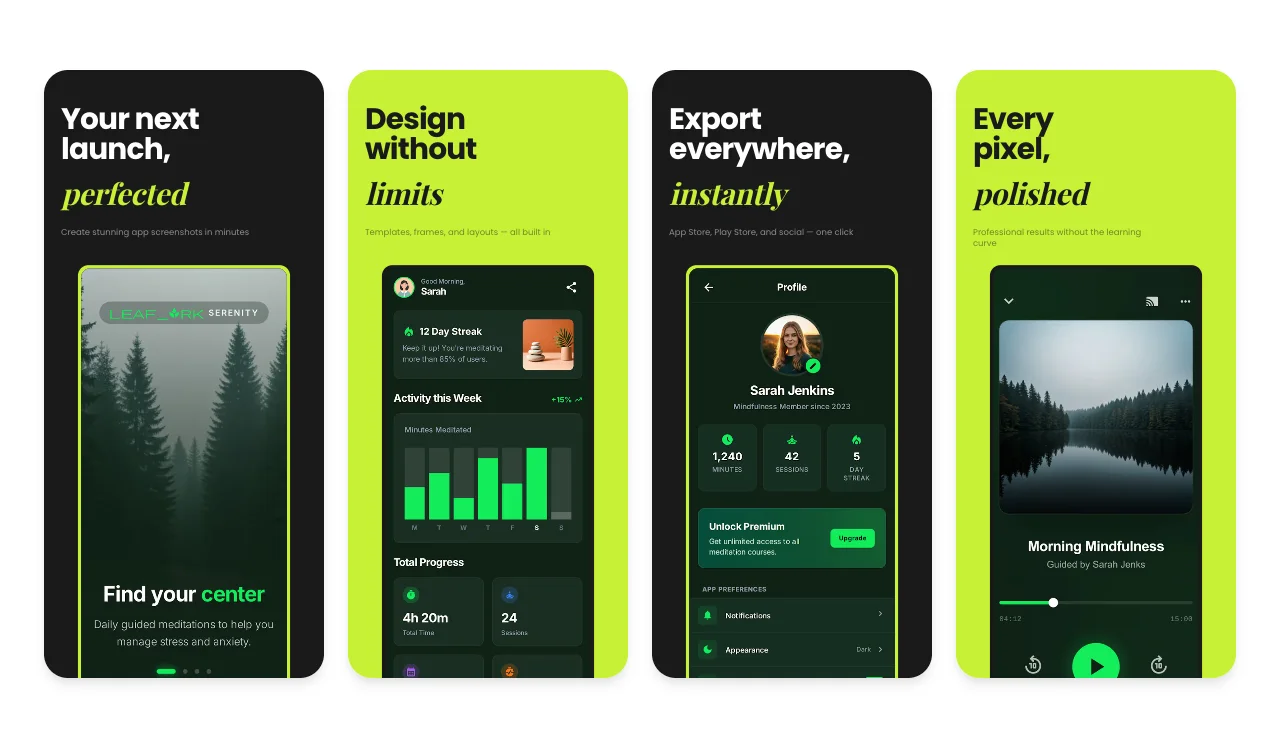
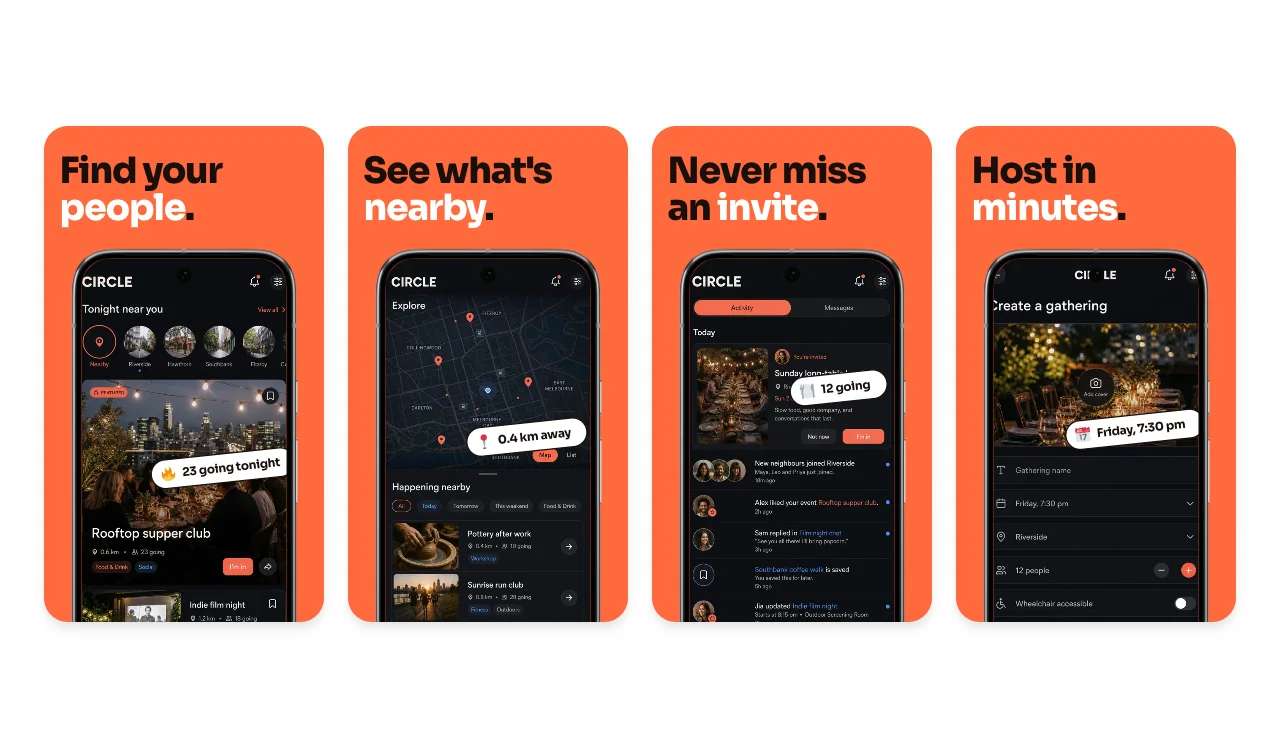
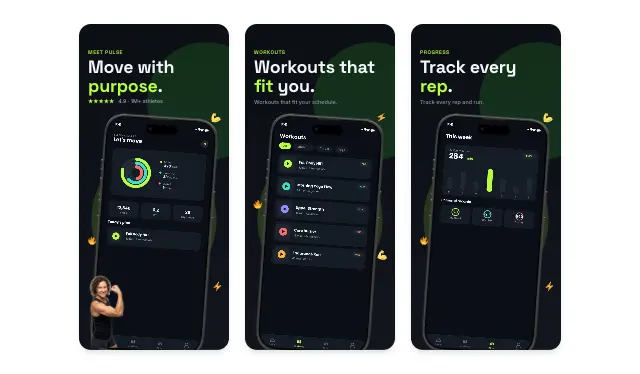
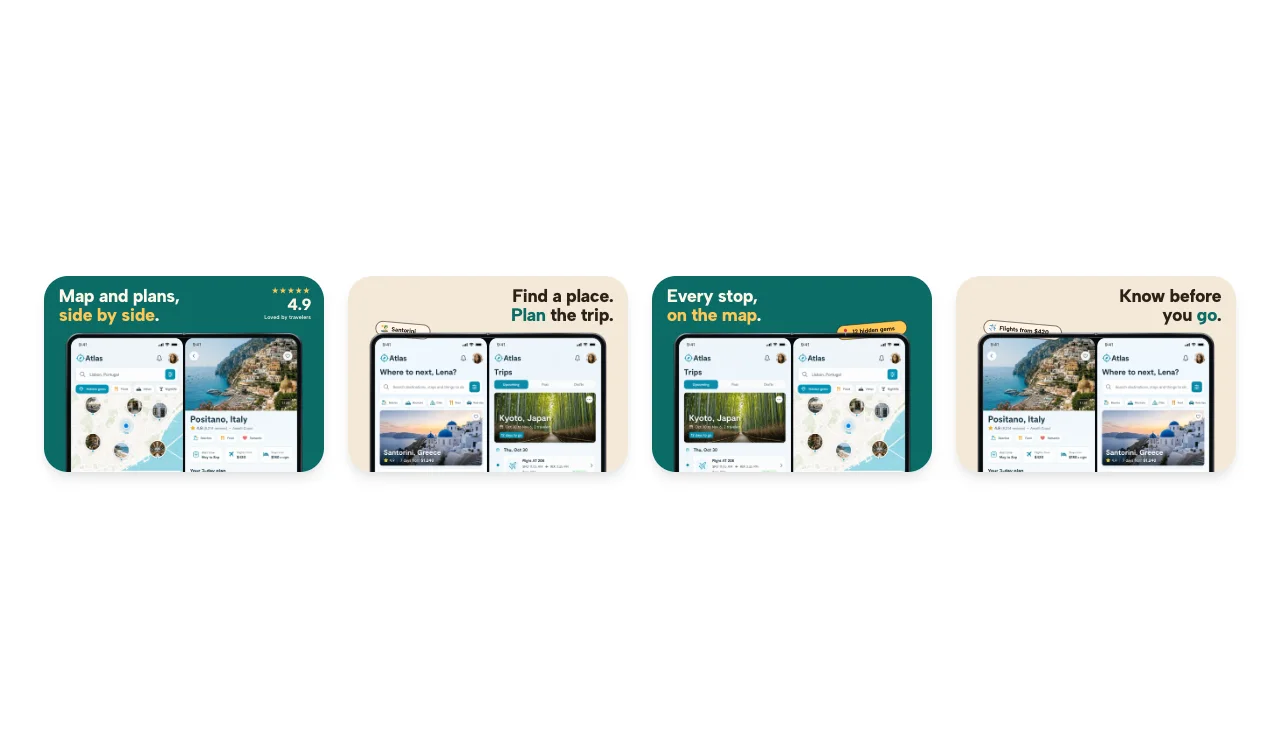
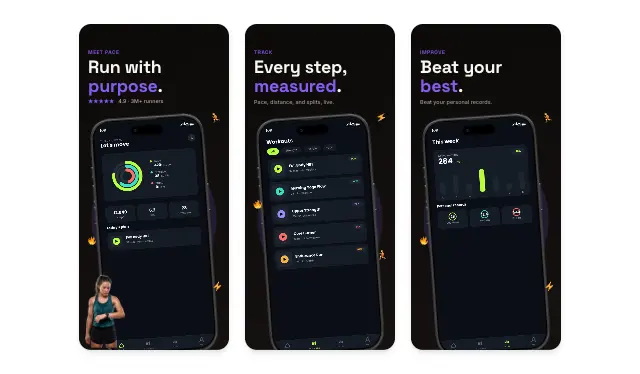
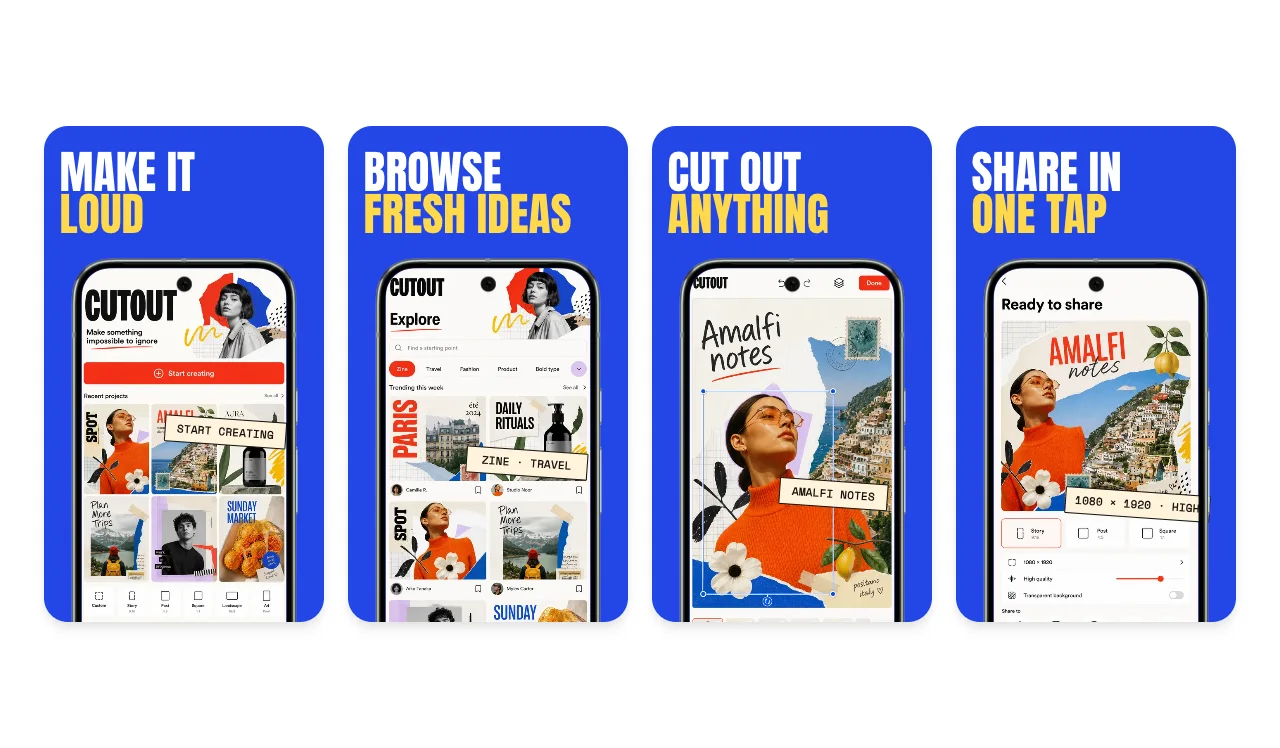
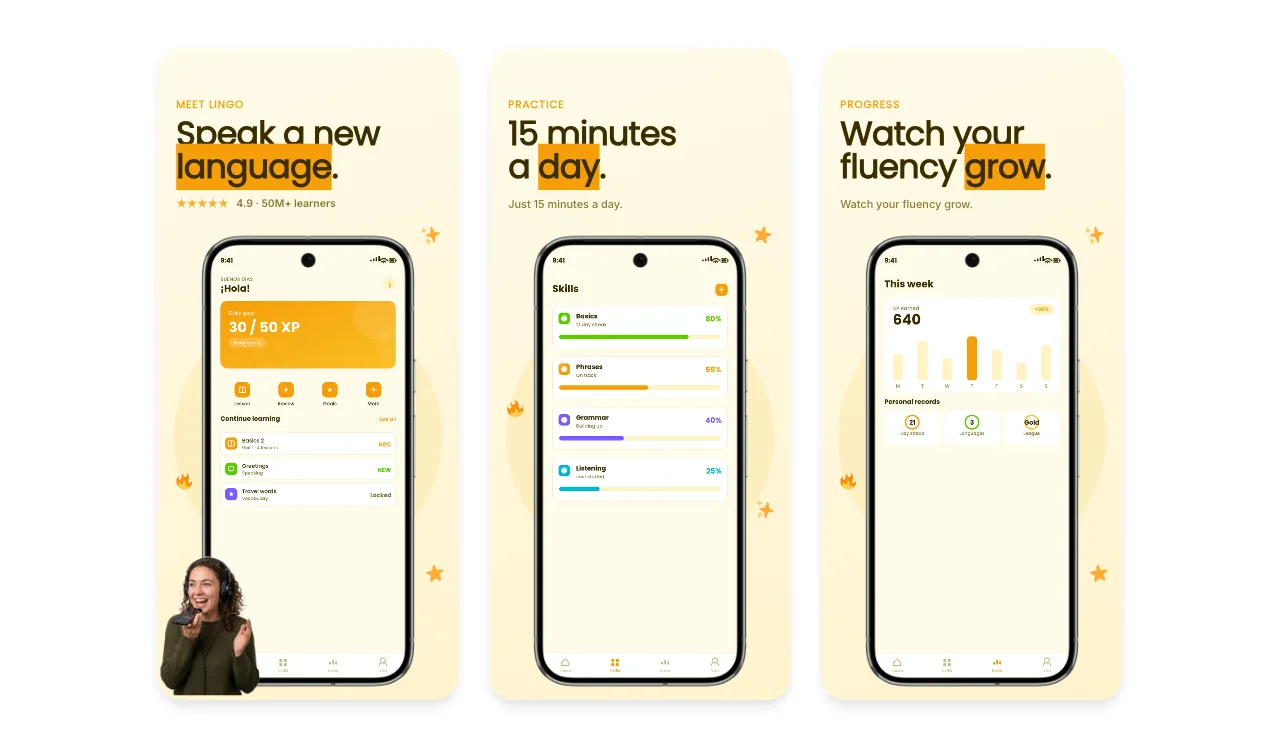
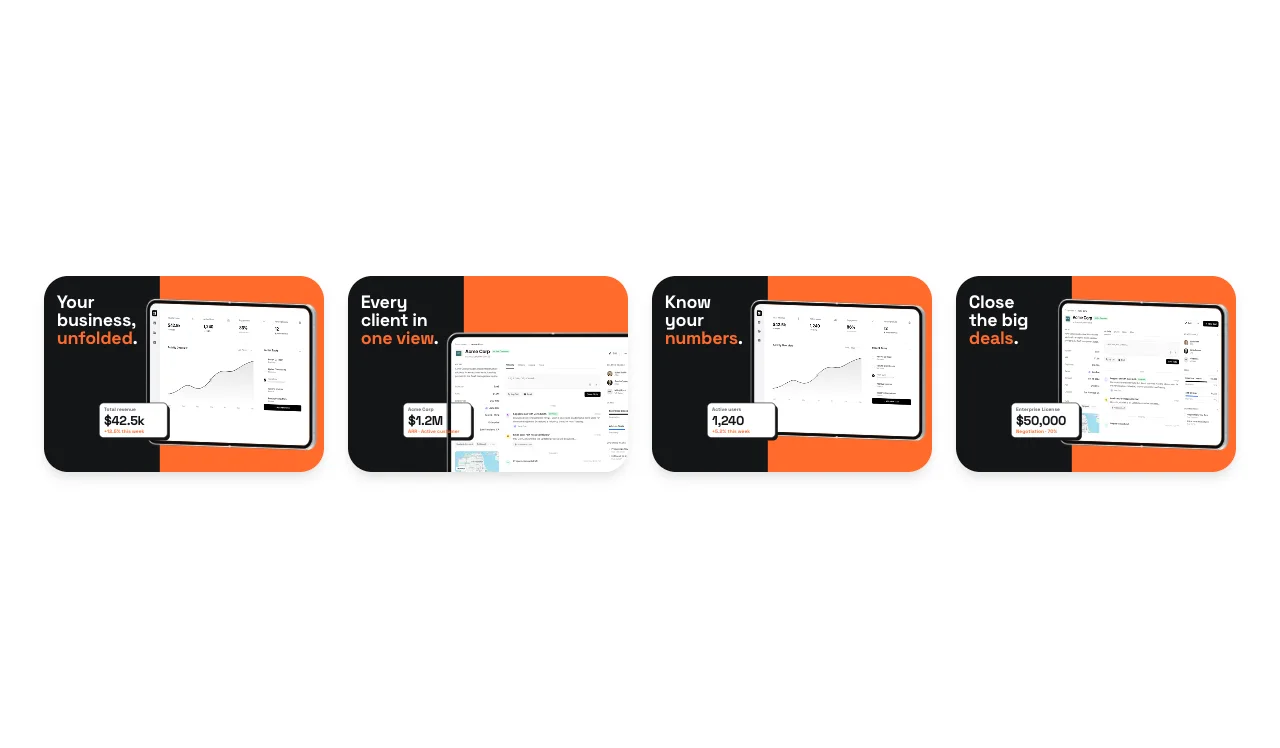
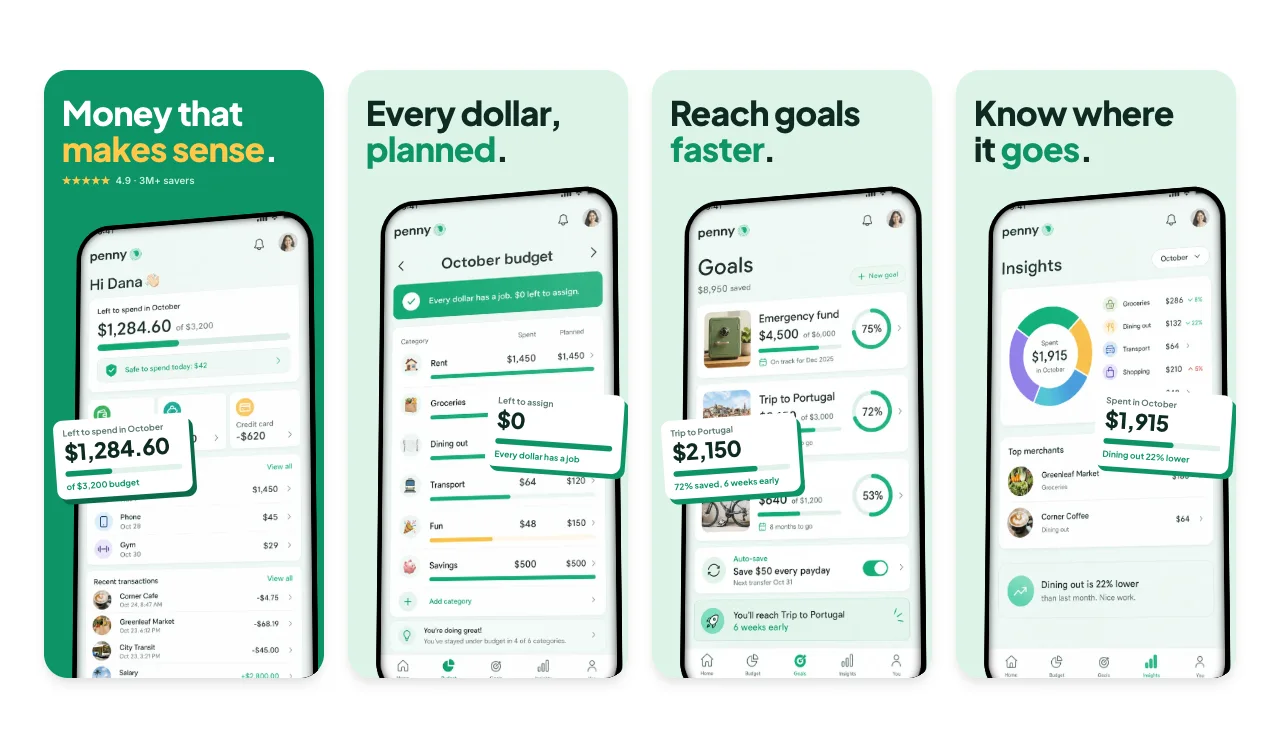
Optimize your App Store and Google Play screenshots for maximum conversion. Professional templates designed for ASO best practices.
Loved by 2,000+ creators
Pick a template, upload your screenshots, and export every size Apple and Google require. Each template has multiple slides ready to customize.
No credit card required
A/B Test-Ready
Create multiple variants to test what converts best
Multi-Language Export
Localize screenshots for every target market at once
All Device Sizes
iPhone, iPad, and Android — export all from one design
Conversion-Optimized
Templates built around ASO best practices
App Store Optimization (ASO) is how you improve your app's visibility and conversion rate in the App Store and Google Play. While keywords and titles drive search ranking, screenshots are the number one factor in whether someone actually downloads your app — they account for up to 80% of the install decision.
An ASO screenshot tool helps you create visuals that are specifically designed to convert browsers into downloaders. That means benefit-driven captions, clear visual hierarchy, professional device frames, and layouts tested across thousands of app listings. Screenhance gives you all of this without needing a designer.
Read the guide: How to Create App Store Screenshots That Convert →
Follow these proven strategies to create screenshots that maximize your app store conversion rate.
Your first screenshot gets the most views — make it count. Show the single most compelling reason someone should download your app. This is your hook.
Instead of 'Calendar View,' write 'Never Miss a Meeting.' Instead of 'Budget Tracker,' write 'Save $500 Every Month.' Benefits tell users what they get, not what the app does.
Users want to see what the app actually looks like with real data. Empty states and lorem ipsum text reduce trust. Fill your screenshots with realistic, relatable content.
Portrait screenshots show more detail of your app UI. Landscape can create a more cinematic feel, especially for games. A/B test both orientations to see what converts better for your category.
Translating captions and showing local content can increase conversion by 20-30% in non-English markets. Screenhance lets you export localized versions from one design.
The data is clear — your app store screenshots are the most important conversion factor. Here's what the research shows.
80%
of users decide based on screenshots alone
Most users never read the description — they scroll through screenshots and make a snap decision.
25-35%
conversion lift from optimized screenshots
A/B tests consistently show that professional, benefit-driven screenshots outperform raw app captures.
7 sec
average time spent on an app listing
Users give you 7 seconds. Clear captions and polished visuals make every second count.
3x
more installs with localized screenshots
Apps that localize screenshots for key markets see up to 3x more installs in those regions.
1st
screenshot gets 60% of all views
Your first screenshot is by far the most viewed. Lead with your strongest value proposition.
5-8
screenshots is the sweet spot
Top-performing apps use 5-8 screenshots. Enough to tell a story, not so many that users disengage.
Create professional mockups in three simple steps. No design skills required.
Drag and drop or select any screenshot, design, or image from your device.
Pick from iPhone, iPad, MacBook, browser frames and beautiful gradient backgrounds.
Download as PNG, WebP, JPEG, GIF, or video. Ready for marketing in seconds.
The fastest way to create professional mockups without learning complex design tools.
Unlike Figma or Photoshop, Screenhance is built for non-designers. Anyone can create professional mockups.
Generate polished mockups in seconds, not hours. Perfect for fast-moving teams and launches.
Export as PNG, WebP, JPEG for images, or GIF and WebM for animated visuals.
Choose from gradients, solid colors, or transparent backgrounds. No need to design your own.
ASO (App Store Optimization) is the process of improving your app's visibility and conversion rate in the App Store and Google Play. Screenshots are the single most influential factor in a user's decision to download — they account for up to 80% of the download decision because most users never read the description.
Well-designed screenshots can increase conversion rates by 25-35%. Users spend an average of 7 seconds on your listing before deciding to download or leave. Professional screenshots with clear benefit-driven captions make those seconds count by quickly communicating your app's value.
Yes. Apple supports product page optimization (A/B testing) for up to 3 alternative screenshot sets. Google Play offers store listing experiments. Testing different screenshot orders, captions, and styles helps you find the combination that converts best for your audience.
Focus on benefits, not features. Instead of 'Calendar View Available,' write 'Never Miss an Important Date.' Keep captions short (5-7 words), use large readable fonts, and lead with your strongest selling point on the first screenshot.
Update your screenshots whenever you release a major feature, during seasonal campaigns, or at least every 3-6 months. Fresh screenshots signal an actively maintained app and give you the opportunity to test new messaging and improve conversion rates.
Yes. The free plan includes 3 exports per month with full access to all conversion-optimized templates. Pro plans unlock unlimited batch export, multi-language support, and additional features for ASO professionals.
Explore more ways to create stunning visuals with Screenhance.
Free online mockup generator for all devices
Try it freeTransform plain screenshots into beautiful mockups
Try it freeCreate stunning iPhone device mockups
Try it freeShowcase apps in iPad Pro and Air frames
Try it freeStop losing downloads to weak screenshots. Create conversion-optimized visuals with professional templates built for ASO.