Screenhance

Menu Mockup Generator

Put your menu design on a real cafe table in seconds. Upload your artwork, pick a standing card or a folded menu, and export a proof-ready image. Free, in the browser, no Photoshop and no PSD.

Olivia RhyePhoenix BakerLana SteinerDemi WilkinsonDrew Cano
4.9

Loved by 2,000+ creators

A menu is judged in the room it lives in

Nobody reads a menu flat on a white background. They see it on a table, at an angle, under warm light, with the room falling out of focus behind it. Your artwork is composited into that photograph rather than laid on top of it, so a client can judge whether the type is still readable at the size it will actually be.

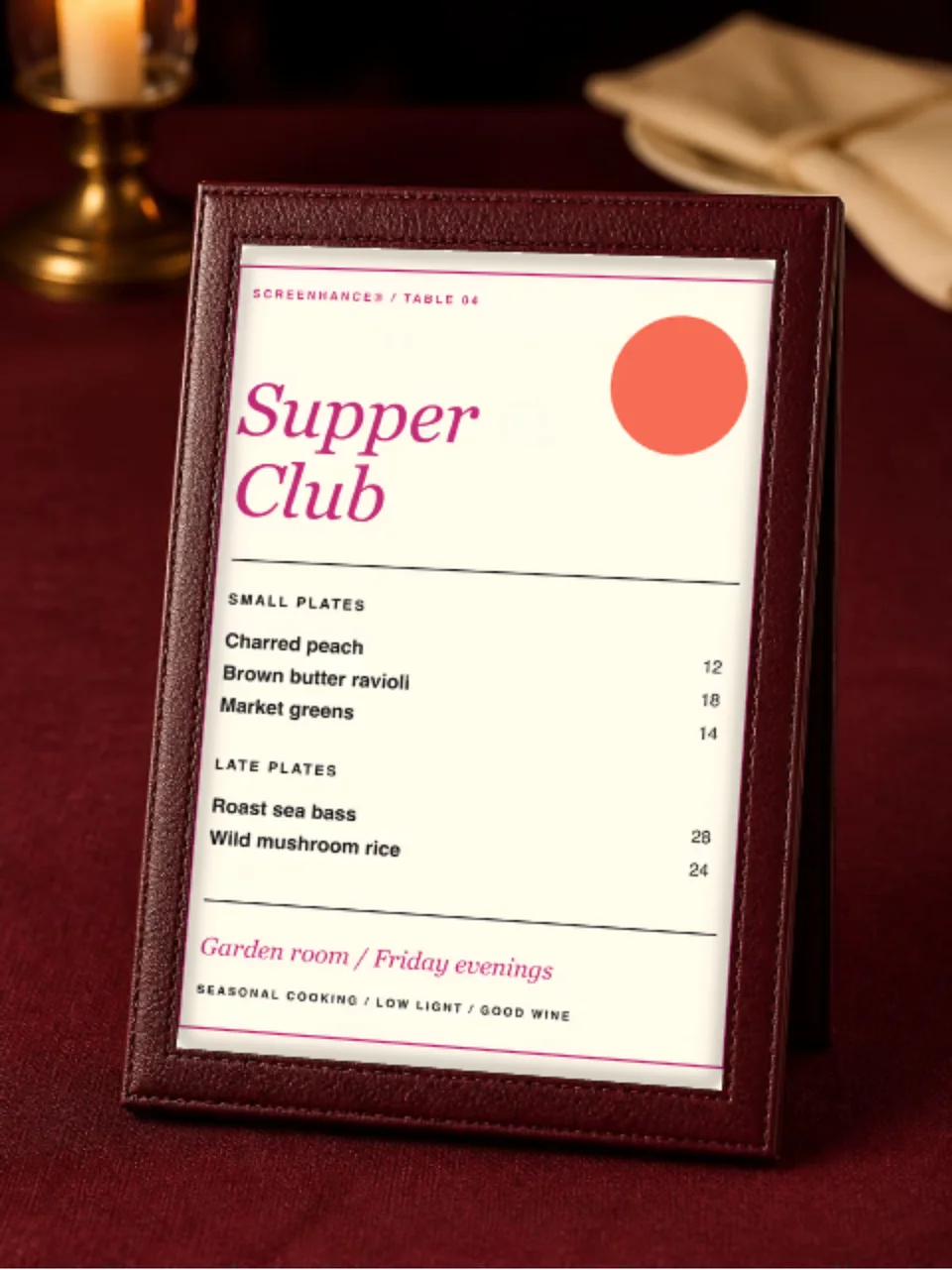
Card on a cafe table

Warm light, shallow depth of field, and the shadow the card casts on the wood.

Folded menus

A bi-fold scene, with the fold shadow crossing your panels.

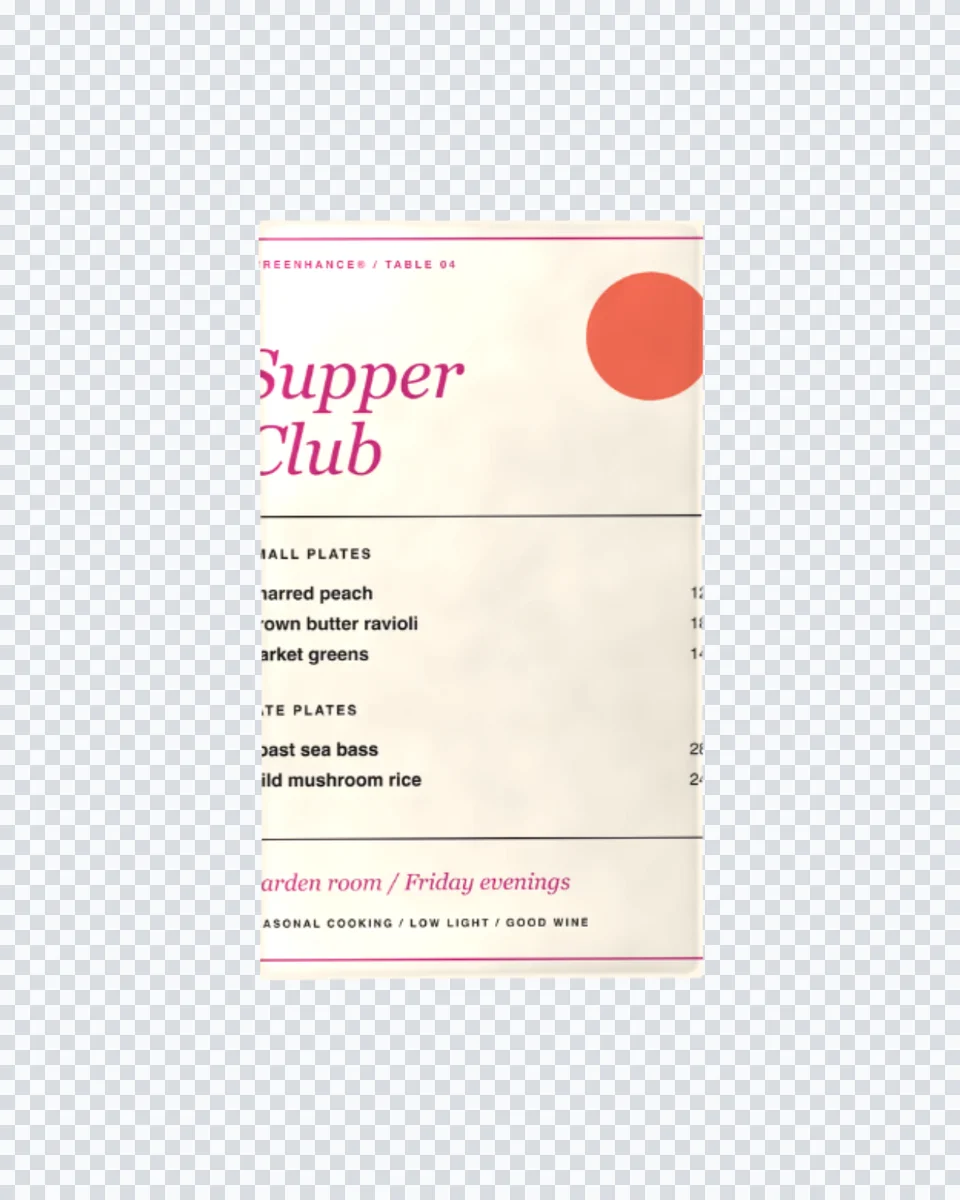
No background at all

A cutout menu on transparency, for a deck slide or your own brand colour.

How It Works

Create professional mockups in three simple steps. No design skills required.

Step 1

Upload your screenshot

Drag and drop or select any screenshot, design, or image from your device.

Step 2

Choose frame & background

Pick from iPhone, iPad, MacBook, browser frames and beautiful gradient backgrounds.

Step 3

Export & share

Download as PNG, WebP, JPEG, GIF, or video. Ready for marketing in seconds.

Why Choose Screenhance?

Two capabilities that separate Screenhance from every other mockup tool in 2026: animated exports and App Store screenshot localization.

Animated GIF & WebM exports

Template-driven motion — float, reveal, parallax. Export animated mockups at Product Hunt, landing-page, and Twitter/X dimensions. Most mockup tools are static-only.

App Store localization in 80+ languages

One master design, per-locale captions, every required Apple and Google Play size per language. RTL and CJK support. Apple reports localized listings drive 2-3x install lifts.

Every required Apple & Google size

iPhone 17 Pro Max (1320×2868), iPhone Air (1260×2736), iPad Pro M4 (2064×2752), and the full Google Play set — exported from one design in a single pass.

30 seconds, zero design skills

Pick a template, drop in your screenshot, export. No Figma, no Photoshop, no learning curve. Free tier covers 3 exports a month; the $6 Launch Pass covers a launch with 10 watermark-free image exports.

Perfect for

Restaurants and cafes

Show a seasonal menu on social without staging a photograph every time it changes.

Menu designers

Present a proof in context, so the conversation is about the layout and not the paper.

Brand and hospitality studios

Pitch a whole identity with the menu, the flyer and the business card all lit the same way.

Pop-ups and food trucks

A shareable menu image before a single card has been printed.

A menu mockup without the PSD

Restaurant menus change more often than almost any other print piece. A new season, a supplier change, a price rise, and the whole thing needs re-presenting. That is exactly the workflow a PSD smart object is worst at: open Photoshop, find the layer, paste, flatten, export, and do it again in three weeks.

Screenhance composites in the browser, so re-presenting a menu is a re-upload. Your artwork is warped onto the card in the photograph, then the scene’s own light and shadow are multiplied back over it, which is why the print picks up the warmth of the table rather than sitting on it as a bright rectangle.

Readable at the size it will be read

The most useful thing a menu mockup does is catch type that is too small. On a screen at full width, nine-point dish descriptions look fine. On a card photographed at table distance, they disappear. Because the scene composites your real artwork rather than a placeholder, the mockup fails in the same place the print would, which is the point of making one.

The rest of a hospitality set works the same way: a flyer, a folded brochure, a business card, a framed poster, or a branded mug.

Frequently Asked Questions

How do I make a restaurant menu mockup?

Upload your menu artwork, pick a scene, and Screenhance composites it onto the card in a real photograph. The table light, the shallow depth of field and the shadow under the card all stay, so the menu looks like it is sitting in the room. Export a high-resolution PNG.

Is the menu mockup generator free?

Yes. You can create and preview menu mockups for free, with a small watermark on free exports. Every scene is included on the free plan. Pro just removes the watermark, starting at a $6 one-time week pass.

Does it work for a folded menu as well as a single card?

Yes. A single-card menu goes into the cafe table scene. A folded menu goes into the bi-fold scene, where the fold shadow crosses your panels, which is what makes a folded menu read as folded rather than as a flat image with a line down it.

What proportions should my menu artwork be?

The table scene is shaped to a tall portrait card, close to A4 and A5 proportions. Design at whichever size you will print and upload the full artwork. If the file is landscape or square, the editor warns you before it crops rather than silently cutting your dish names off.

Can I show a digital menu on a screen instead?

Yes, though that is a different scene. If you are presenting a QR menu or an ordering app, use a phone or tablet scene and put the screenshot on the device. The print scenes here are for a physical card on a table.

Do I need Photoshop or InDesign?

No. Menu mockups are usually distributed as PSD smart objects, which means owning Photoshop and repeating the placement for every seasonal version. Screenhance composites in the browser and shows your real artwork immediately, with nothing to install.

Put it on the table

Upload your menu, pick a scene, and export a photorealistic mockup in under a minute.