Launch-ready visuals in minutes
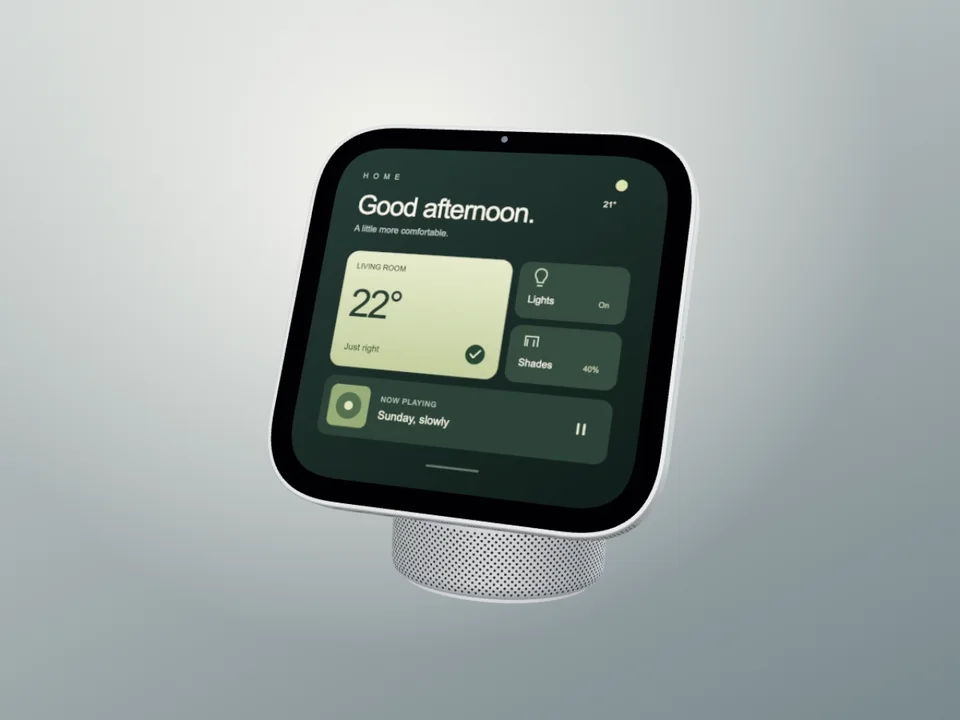
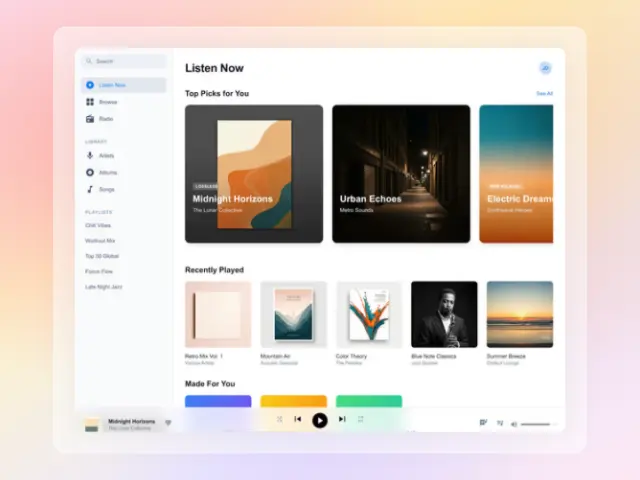
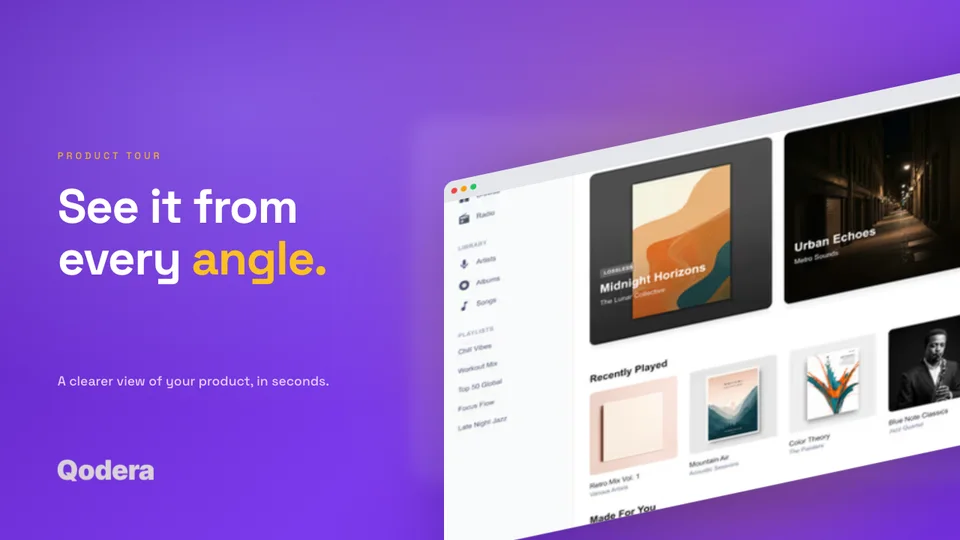
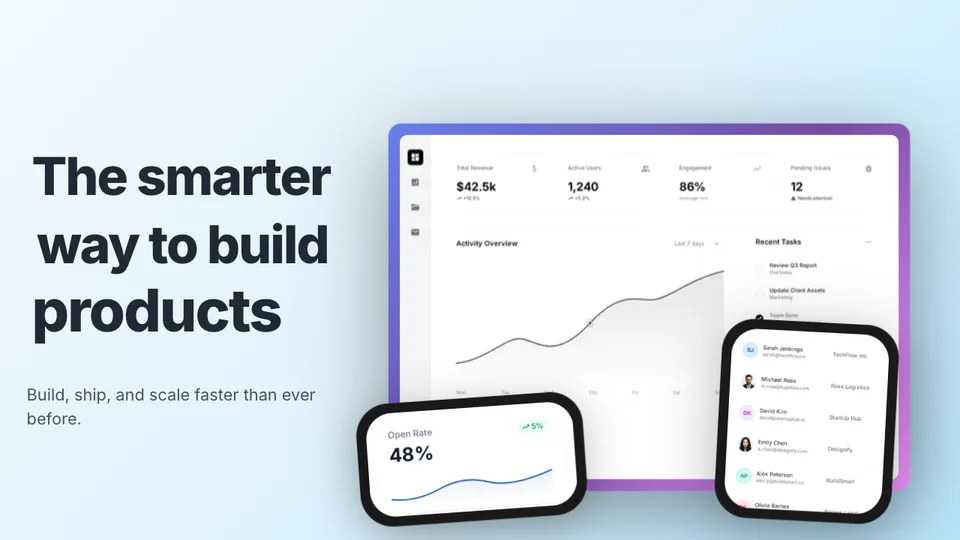
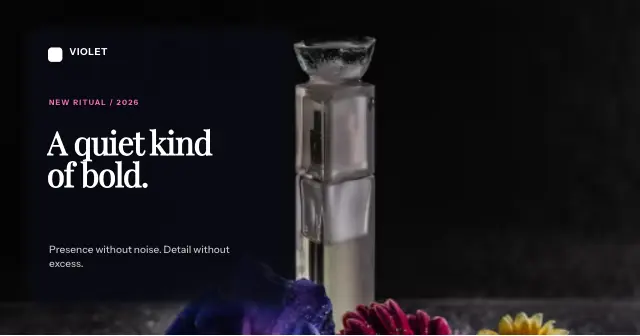
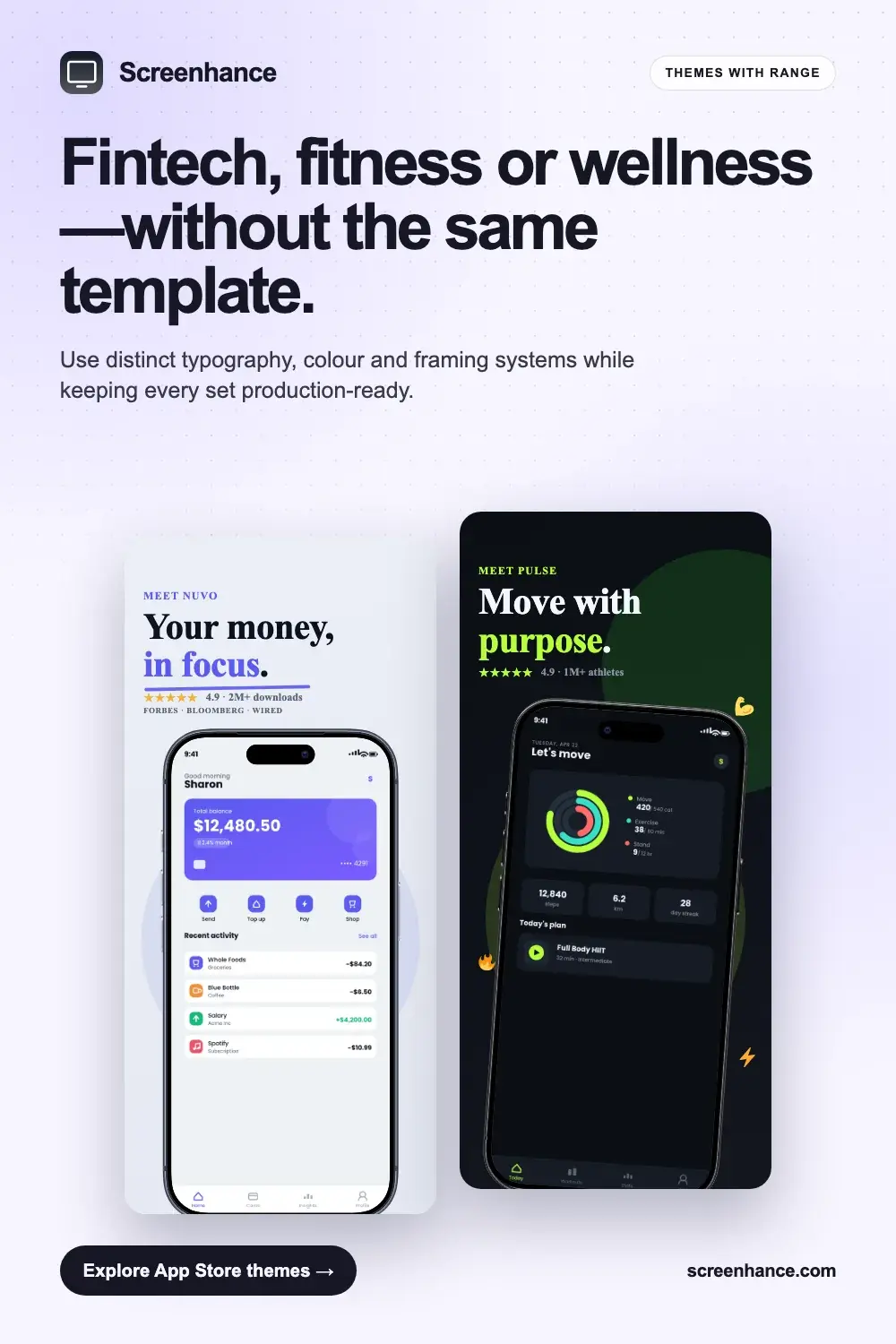
Animated mockups, App Store screenshots localized for 80+ languages, OG images, website visuals — 100+ templates, 43 device frames. No design skills needed.
- Animation-native (GIF & WebM)
- App Store localization in 80+ languages
- Every Apple & Google dimension
- 30-second exports
Loved by 2,000+ creators


Your whole launch, from one brief
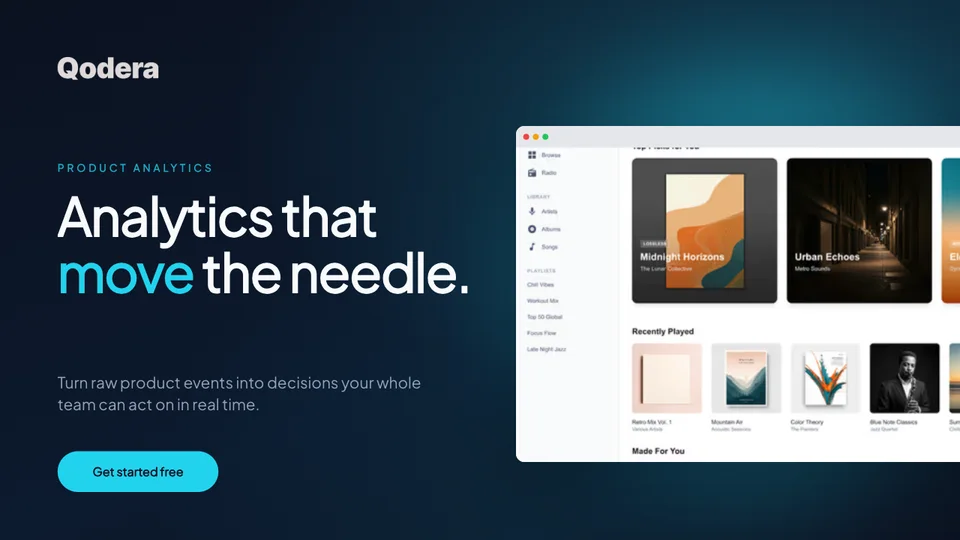
One brief covers your whole launch: App Store, Play Store, Product Hunt, OG, and website visuals. Upload your screenshots once and Launch Kit generates them all, on-brand and matching.
Every visual your launch needs
From mockups to marketing assets — one tool, every visual you need.
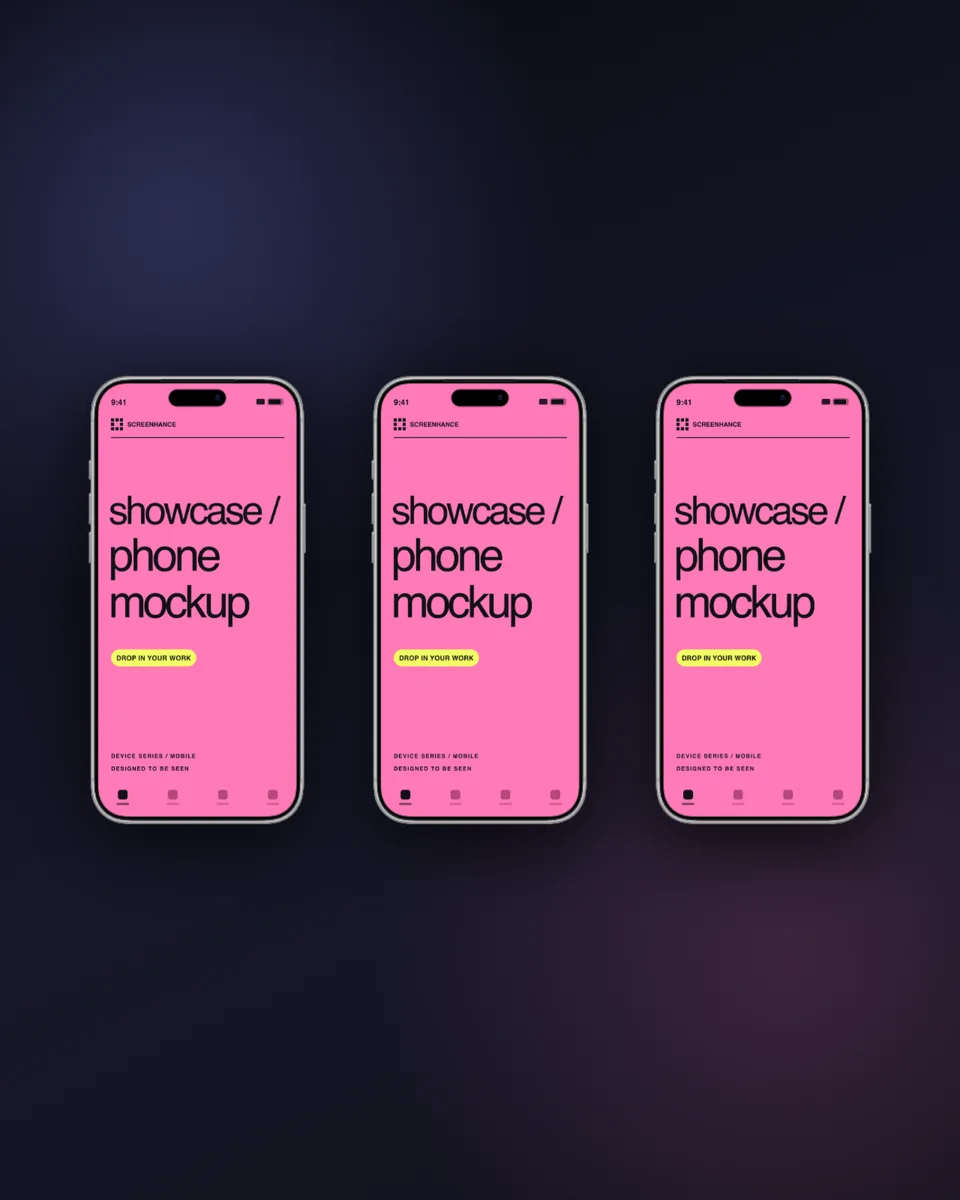
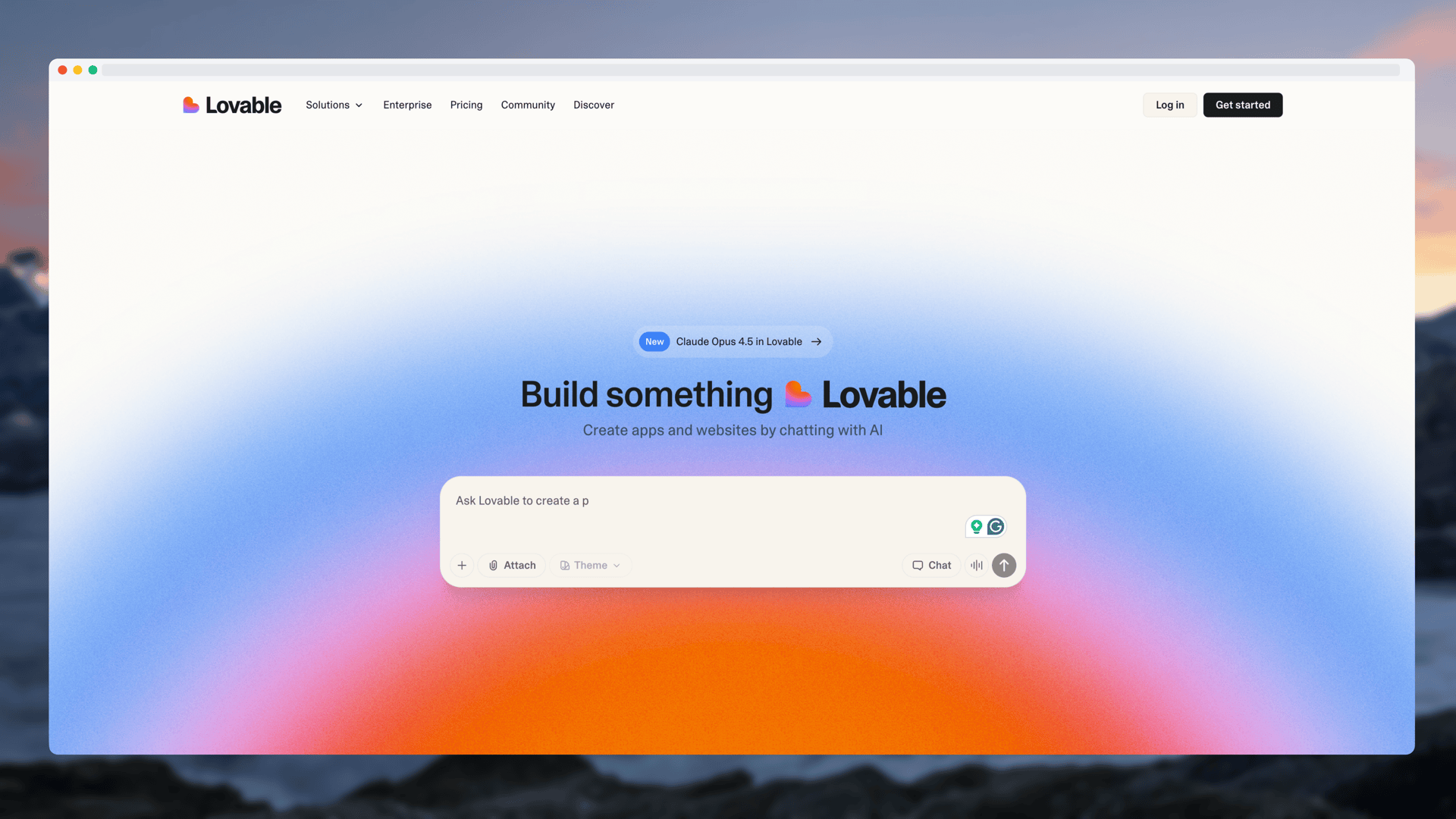
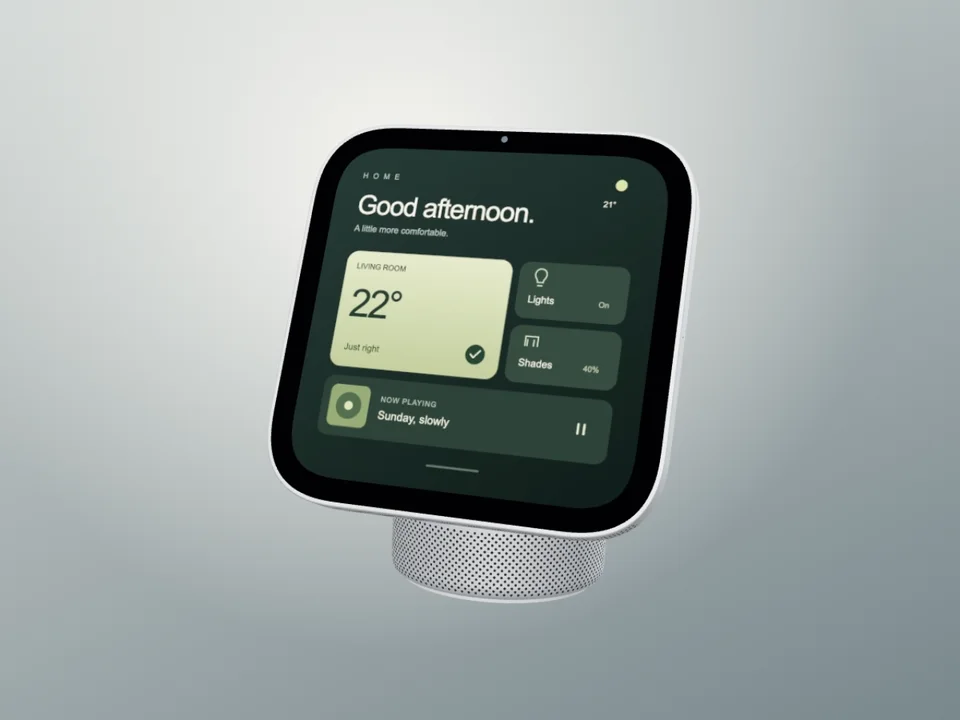
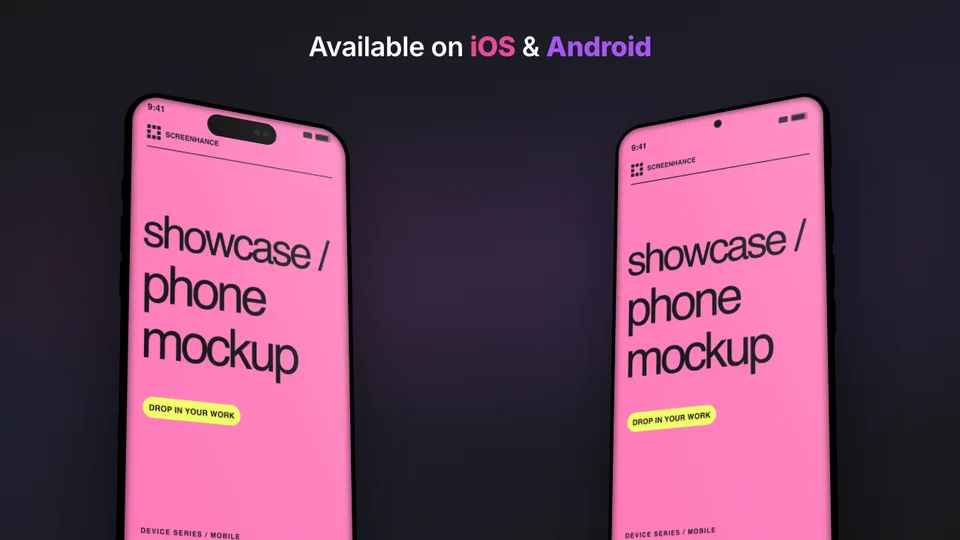
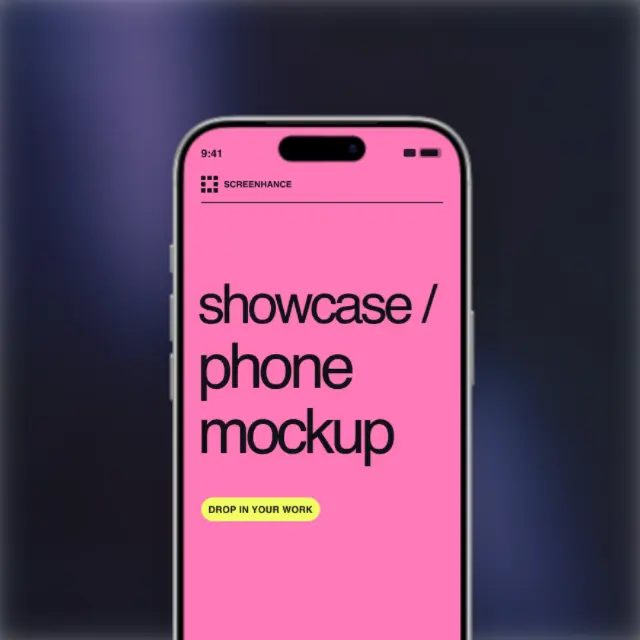
Device frame mockups
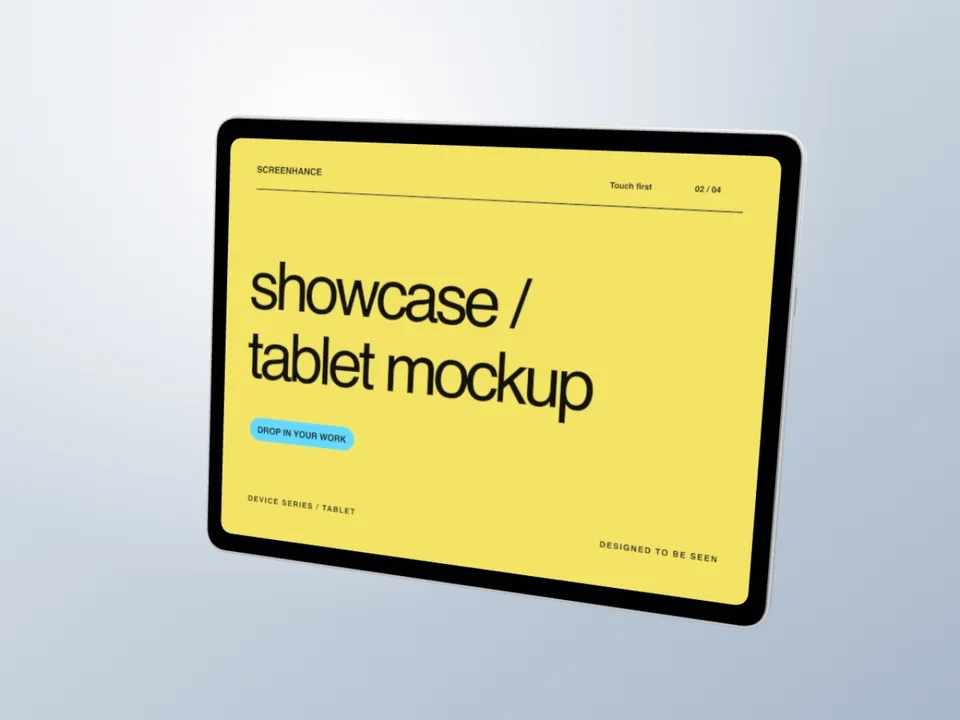
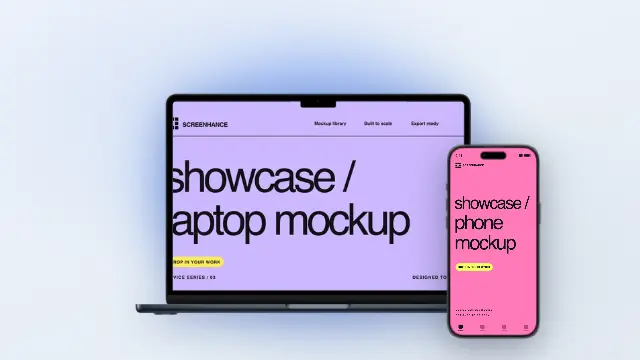
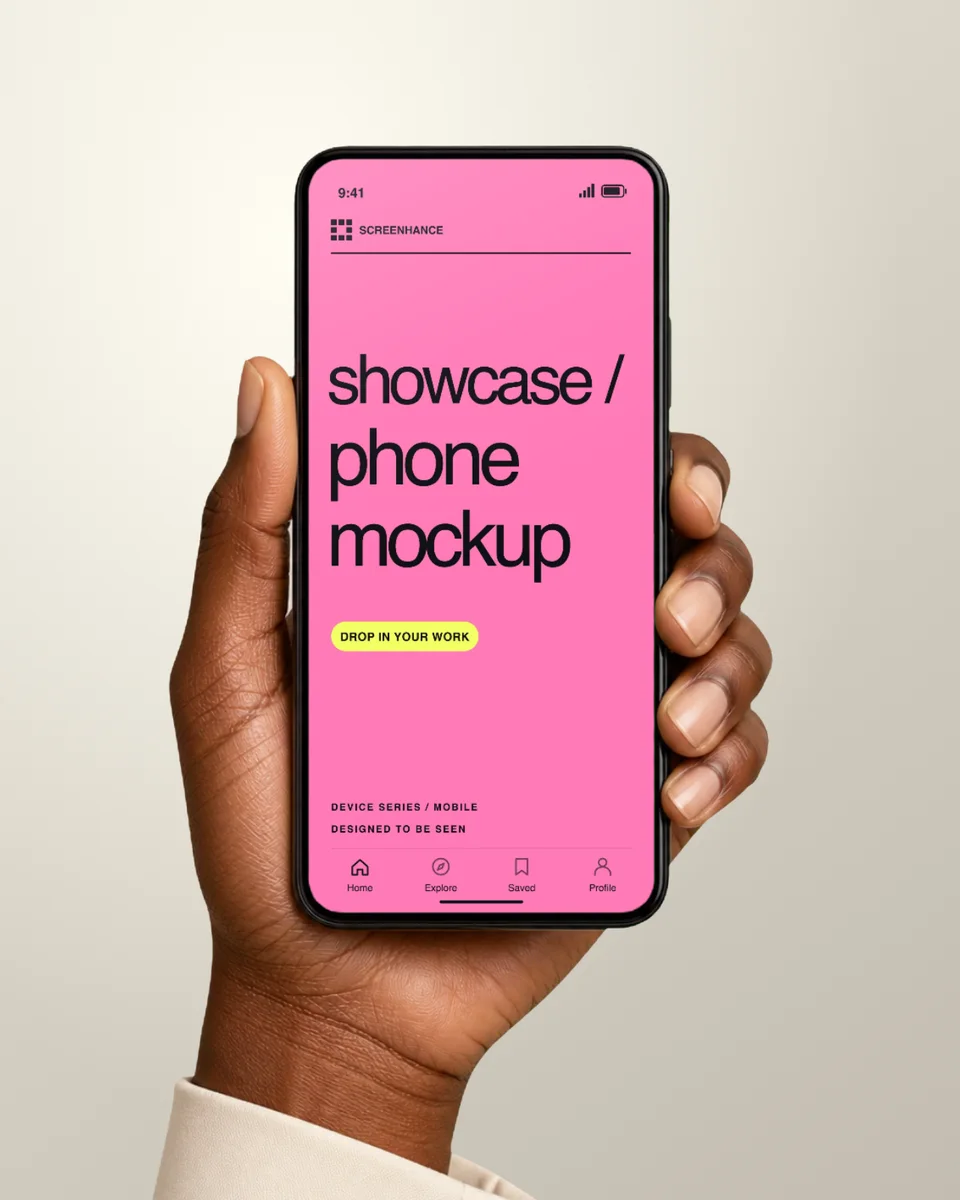
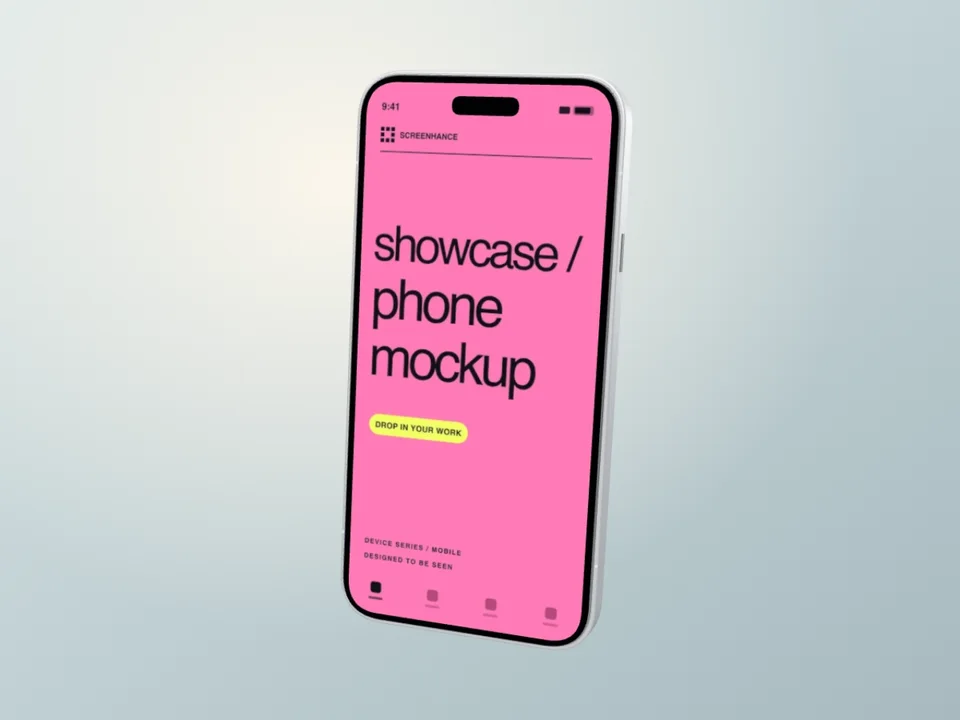
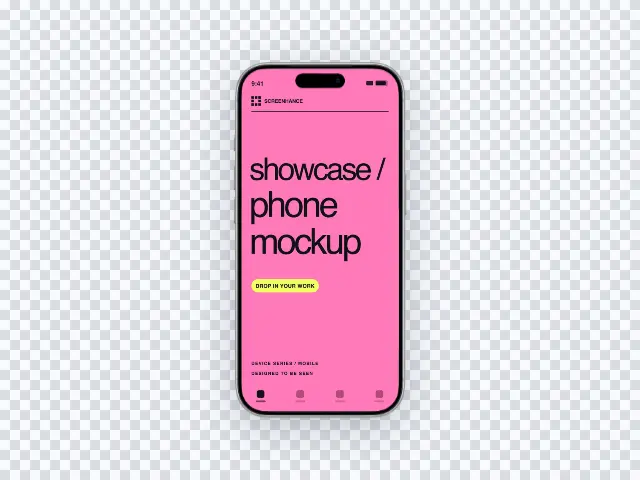
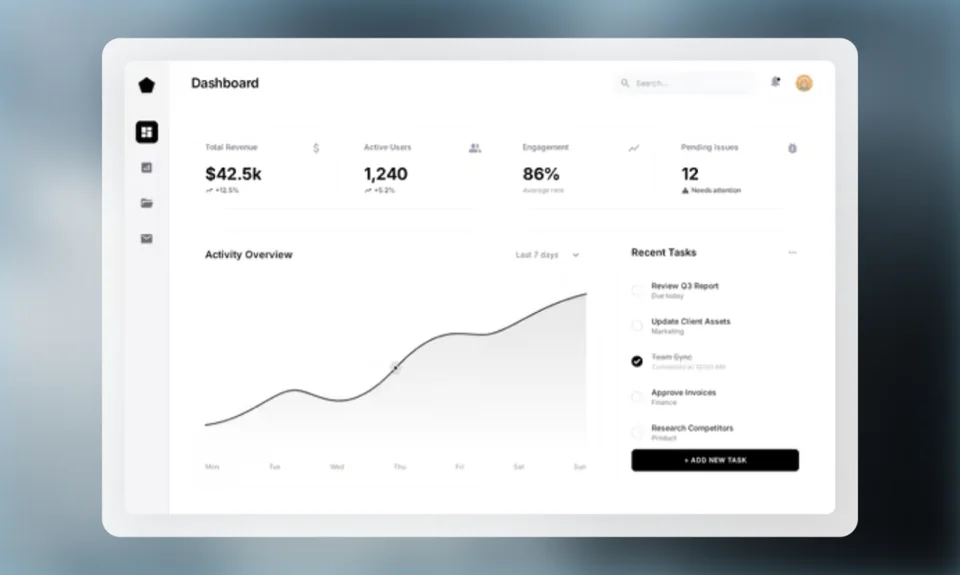
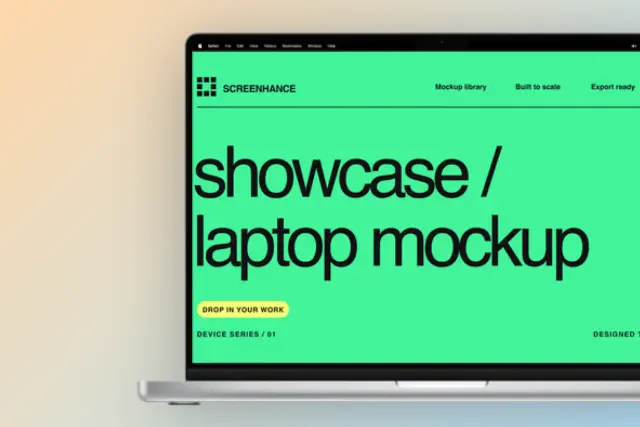
Place your screenshots inside iPhone, MacBook, iPad, Apple Watch, and browser frames. 43 device frames in multiple colors and styles.
How it works
From screenshot to launch-ready visual in under a minute.
Pick a template
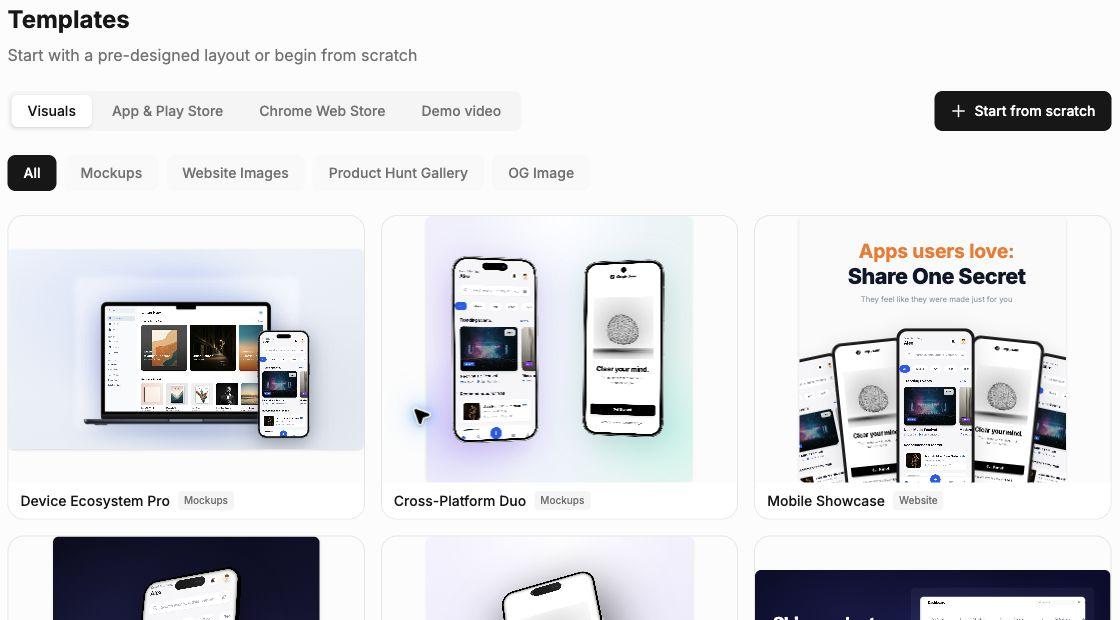
100+ templates for mockups, Product Hunt, OG images, and more.
Drop in your screenshots
Upload screenshots. They auto-fit with device frames and backgrounds.
Export and ship
Download as PNG, WebP, JPEG, GIF, or video. Ready in seconds.
Built for speed
Everything you need to create professional visuals in minutes.
Animated Mockup Exports
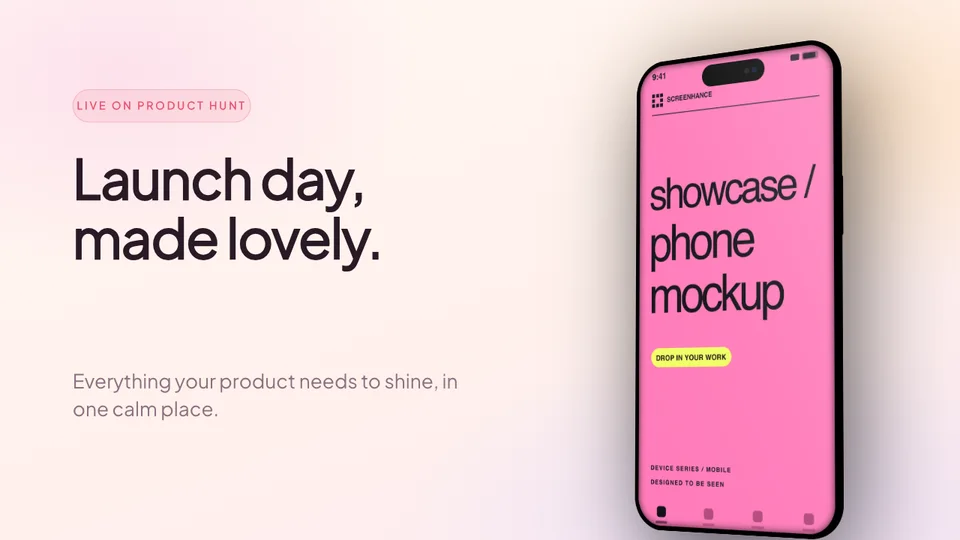
Float, reveal, parallax. GIF and WebM at Product Hunt, hero, and X dimensions.
App Store Localization (80+ Languages)
One master, per-locale captions, every required size per language. RTL & CJK.
App Store & Google Play Sets
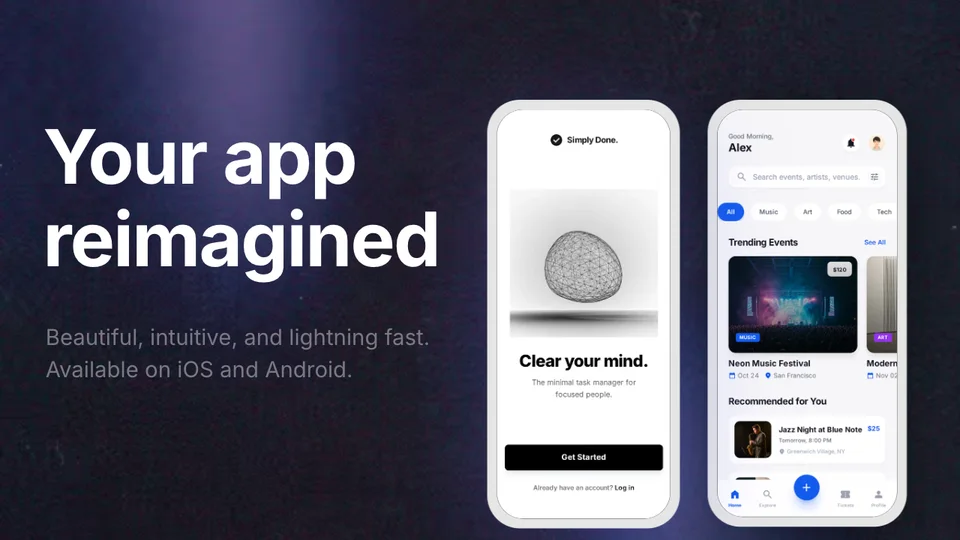
Every required Apple and Android dimension exported from one design.
43 Device Frames
iPhone 17 Pro, iPhone Air, MacBook M4, iPad Pro M4, Pixel 10, browsers, Watch.
Stunning Backgrounds
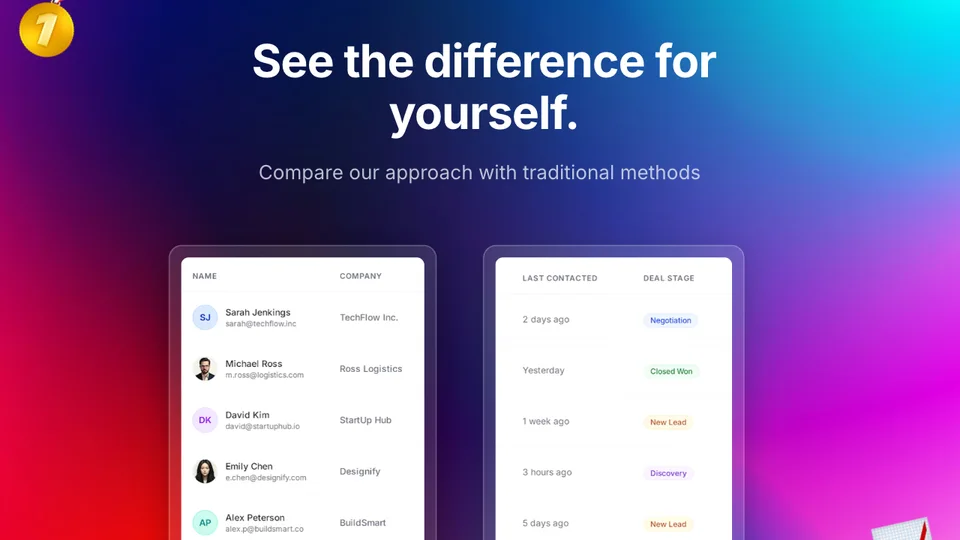
Gradients, glass, aurora, mesh, or upload your own.
Text Editing
Headlines, captions, and descriptions right in the editor.
Multi-format Export
PNG, WebP, JPEG, GIF, WebM, MP4. Up to 3x Retina.
Illustrations & Emojis
Drop in illustrations and emoji to make designs pop.
How Screenhance compares
See how Screenhance stacks up against other popular mockup tools.
| Feature | Screenhance | Shots.so | Smartmockups | Figma |
|---|---|---|---|---|
| Design skills needed | None | None | None | Advanced |
| Time to first mockup | ~2 min | ~3 min | ~5 min | 30+ min |
| Device frames | 40+ (iPhone, MacBook, iPad, Watch, Android, browser) | 20+ | 30+ | Manual setup |
| Backgrounds | 100+ gradients, glass, aurora, mesh | Basic gradients | Solid colors | Design your own |
| App Store screenshot sets | Yes (multi-slide) | No | Limited | Manual |
| Animated exports (GIF/WebM) | Yes | No | No | No |
| Free plan | 3 exports/month | 5 exports/month | Watermarked | Free tier |
| Price (paid) | $6/week or $12/month | $5/month | $19/month | $15/month |
Loved by creators
Join creators, founders, and marketers making launch-ready visuals.
Sarah Chen
Product Designer
Screenhance has completely transformed how I create marketing visuals. What used to take hours in Figma now takes minutes.
Marcus Johnson
Indie Hacker
Finally, a tool that makes my screenshots look professional without needing design skills. My landing page conversions are up 40%!
Emily Rodriguez
Content Creator
The device frames and backgrounds are gorgeous. I use Screenhance for all my social media posts now.
David Kim
SaaS Founder
Best investment for our marketing team. The export quality is incredible and the interface is so intuitive.
Lisa Thompson
Marketing Lead
We've replaced 3 different tools with Screenhance. The time savings alone make it worth every penny.
Alex Patel
Freelance Developer
My clients love the mockups I create. Screenhance makes me look like a pro designer even though I'm not.
Rachel Green
UX Researcher
Perfect for creating presentation-ready screenshots. The motion effects are a game changer for demos.
Tom Wilson
Startup CEO
Screenhance helped us launch our product with beautiful visuals. Highly recommend for any startup.
Sarah Chen
Product Designer
Screenhance has completely transformed how I create marketing visuals. What used to take hours in Figma now takes minutes.
Marcus Johnson
Indie Hacker
Finally, a tool that makes my screenshots look professional without needing design skills. My landing page conversions are up 40%!
Emily Rodriguez
Content Creator
The device frames and backgrounds are gorgeous. I use Screenhance for all my social media posts now.
David Kim
SaaS Founder
Best investment for our marketing team. The export quality is incredible and the interface is so intuitive.
Lisa Thompson
Marketing Lead
We've replaced 3 different tools with Screenhance. The time savings alone make it worth every penny.
Alex Patel
Freelance Developer
My clients love the mockups I create. Screenhance makes me look like a pro designer even though I'm not.
Rachel Green
UX Researcher
Perfect for creating presentation-ready screenshots. The motion effects are a game changer for demos.
Tom Wilson
Startup CEO
Screenhance helped us launch our product with beautiful visuals. Highly recommend for any startup.
Lisa Thompson
Marketing Lead
We've replaced 3 different tools with Screenhance. The time savings alone make it worth every penny.
Alex Patel
Freelance Developer
My clients love the mockups I create. Screenhance makes me look like a pro designer even though I'm not.
Rachel Green
UX Researcher
Perfect for creating presentation-ready screenshots. The motion effects are a game changer for demos.
Tom Wilson
Startup CEO
Screenhance helped us launch our product with beautiful visuals. Highly recommend for any startup.
Sarah Chen
Product Designer
Screenhance has completely transformed how I create marketing visuals. What used to take hours in Figma now takes minutes.
Marcus Johnson
Indie Hacker
Finally, a tool that makes my screenshots look professional without needing design skills. My landing page conversions are up 40%!
Emily Rodriguez
Content Creator
The device frames and backgrounds are gorgeous. I use Screenhance for all my social media posts now.
David Kim
SaaS Founder
Best investment for our marketing team. The export quality is incredible and the interface is so intuitive.
Lisa Thompson
Marketing Lead
We've replaced 3 different tools with Screenhance. The time savings alone make it worth every penny.
Alex Patel
Freelance Developer
My clients love the mockups I create. Screenhance makes me look like a pro designer even though I'm not.
Rachel Green
UX Researcher
Perfect for creating presentation-ready screenshots. The motion effects are a game changer for demos.
Tom Wilson
Startup CEO
Screenhance helped us launch our product with beautiful visuals. Highly recommend for any startup.
Sarah Chen
Product Designer
Screenhance has completely transformed how I create marketing visuals. What used to take hours in Figma now takes minutes.
Marcus Johnson
Indie Hacker
Finally, a tool that makes my screenshots look professional without needing design skills. My landing page conversions are up 40%!
Emily Rodriguez
Content Creator
The device frames and backgrounds are gorgeous. I use Screenhance for all my social media posts now.
David Kim
SaaS Founder
Best investment for our marketing team. The export quality is incredible and the interface is so intuitive.
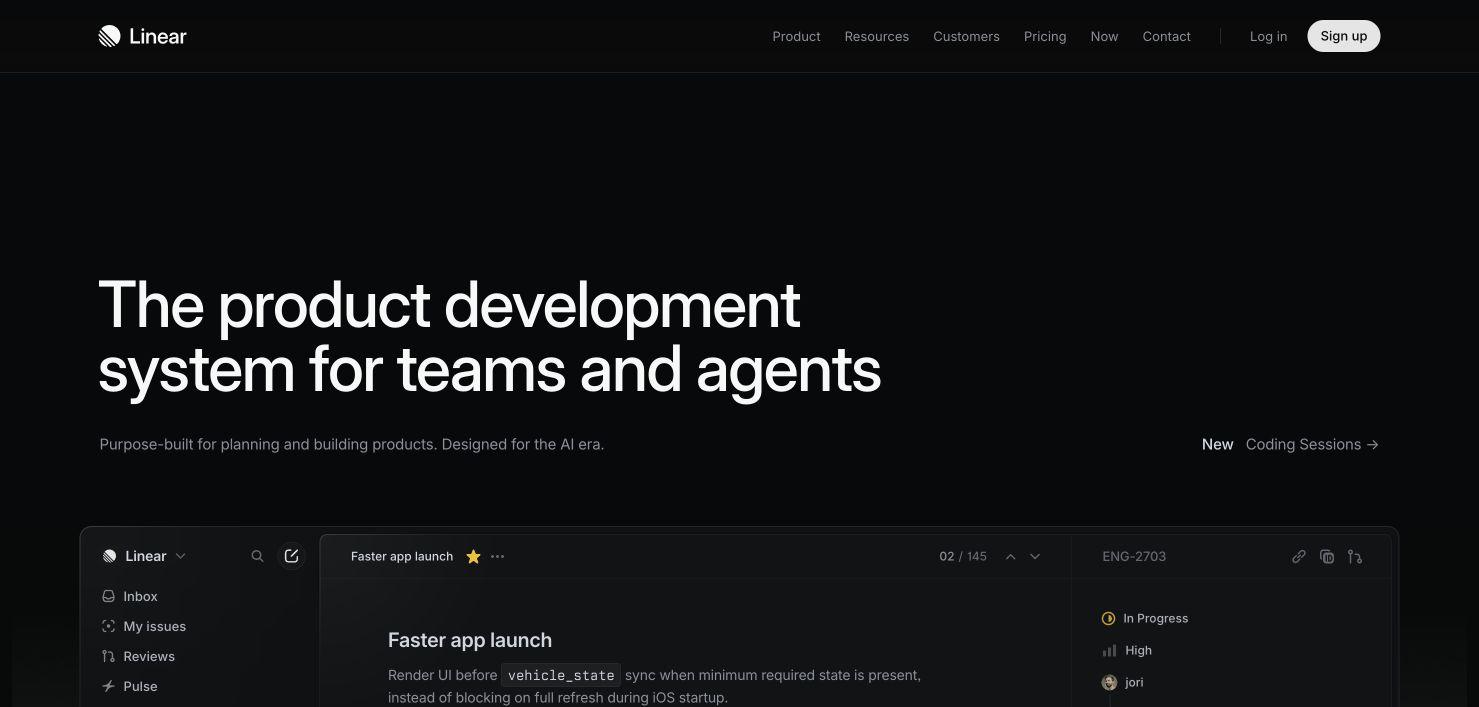
Made with Screenhance
See what's possible. Real outputs from the editor.


Simple pricing
Start free. Upgrade when you need more.
Save 31% with yearly billing — $99/year
Free
Get started and see what Screenhance can do.
- 3 exports per month (resets monthly)
- PNG format only
- 1x resolution
- Watermarked outputs
- 5-minute screen recordings (watermarked video preview)
- Basic layouts & themes
Pro
Everything you need for professional visuals and demo videos.
- Unlimited exports
- All formats (PNG, WebP, JPEG, GIF, WebM)
- Up to 3x resolution
- No watermarks
- 45-minute screen recordings
- 1 GB video saves
- Clean MP4 demo video export
- All layouts, themes & device frames
- Custom background uploads
Launch Pass
Clean image exports for launch week. No subscription.
- 10 watermark-free image exports
- All image formats & resolutions
- Covers images only (video stays watermarked)
- Valid for 7 days
Frequently asked questions
Everything you need to know about Screenhance.
Device mockups, Product Hunt gallery images (1270×760), OG social cards (1200×630), website hero visuals, and App Store screenshot sets. Each has purpose-built templates.
No. Pick a template, upload your screenshot, and export. No Figma or Photoshop needed.
PNG, WebP, JPEG for static. GIF and WebM for animated. Pro users get up to 3x Retina resolution.
3 exports per month, PNG format, 1x resolution, and basic themes. Small watermark. Screen recordings up to 5 minutes with a watermarked video preview. Great for trying it out.
10 watermark-free image exports over 7 days, $6 one-time. Perfect for launches. No subscription. Covers images only; demo videos keep the watermark.
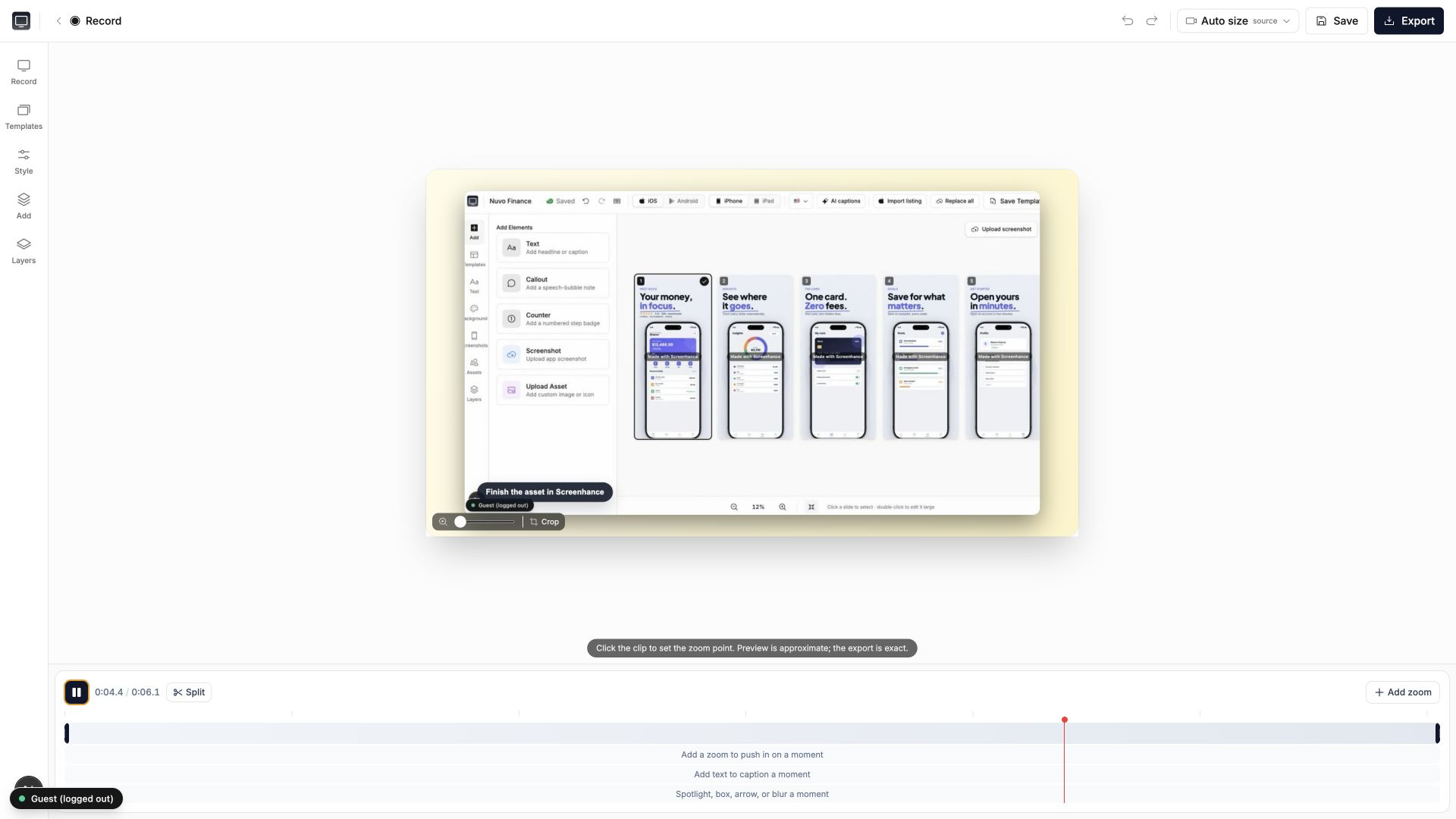
Yes. Screenhance Studio records your screen for product demos. Free plans record up to 5 minutes with a watermarked preview. Pro unlocks 45-minute recordings, 1 GB video saves, and clean MP4 export.
Yes. All outputs are yours for any use—websites, social, app stores, pitch decks. No attribution needed.
Over 100 templates across mockups, Product Hunt, OG images, website visuals, and App Store. New templates added regularly.
Still have questions? Reach out to us