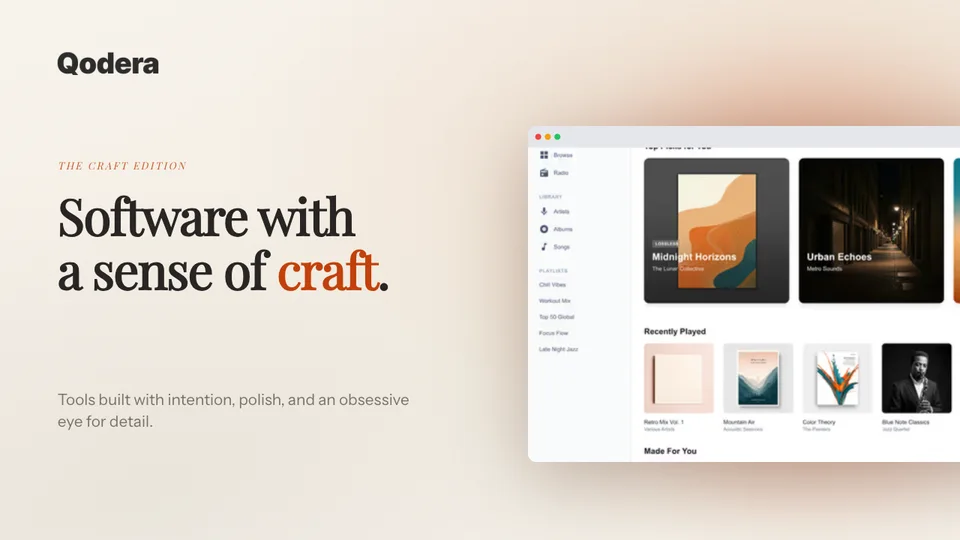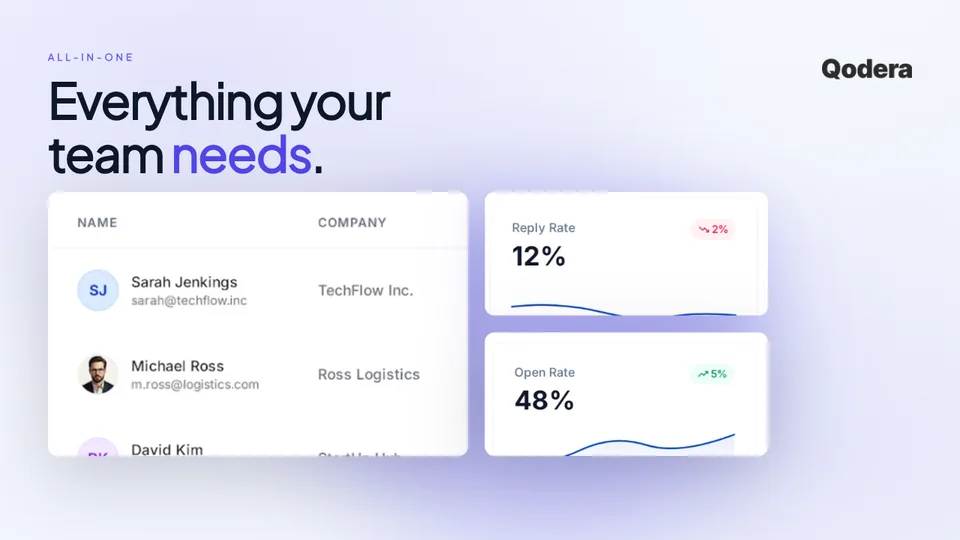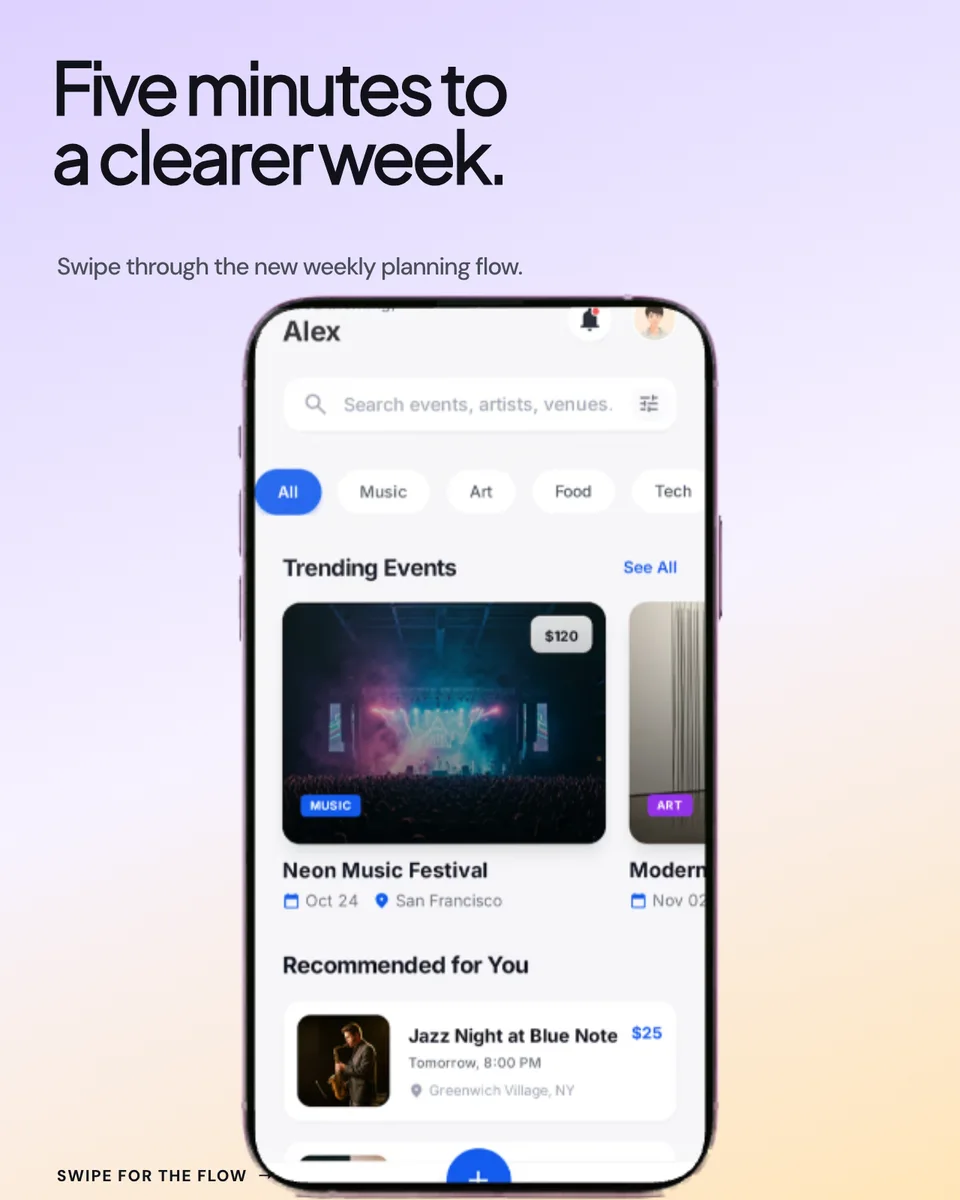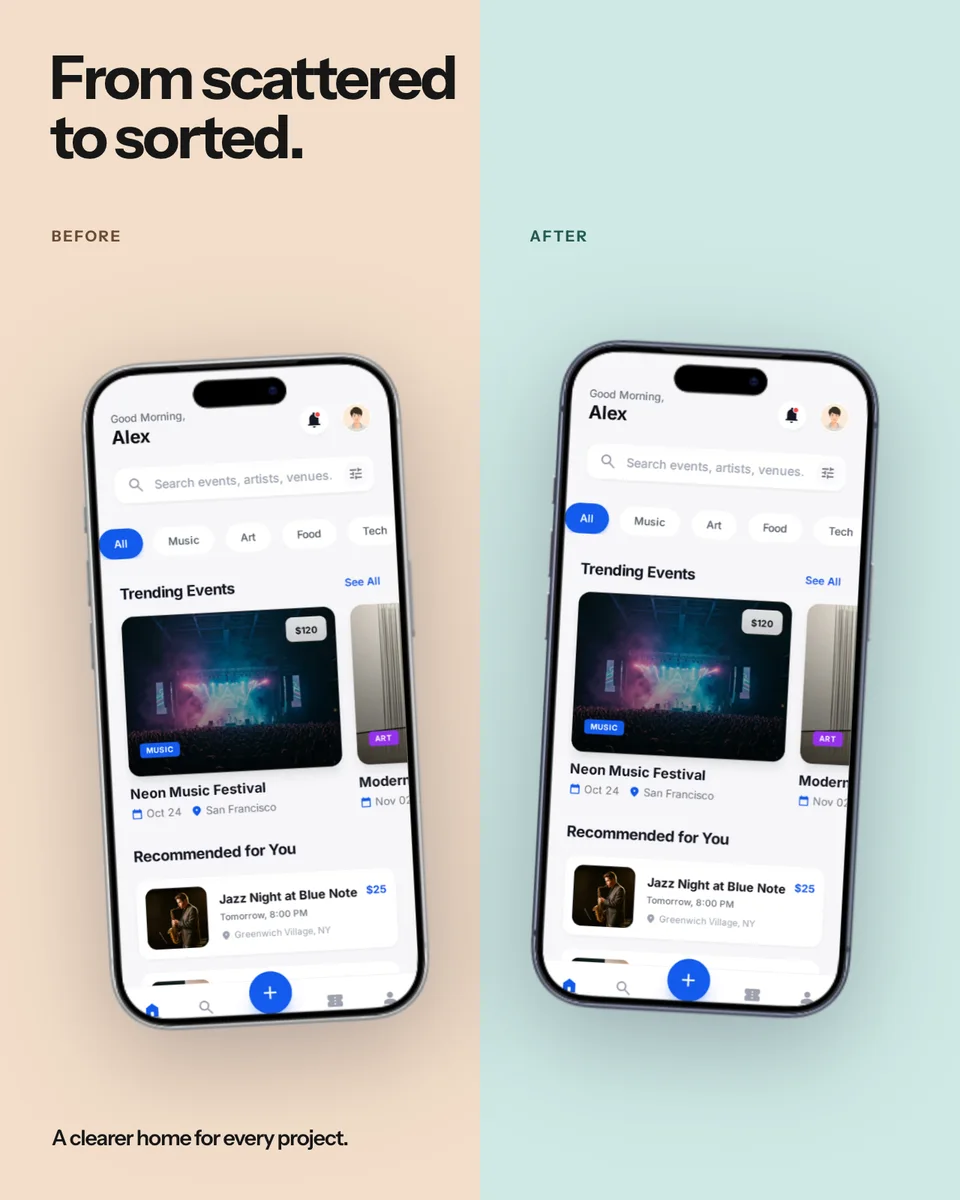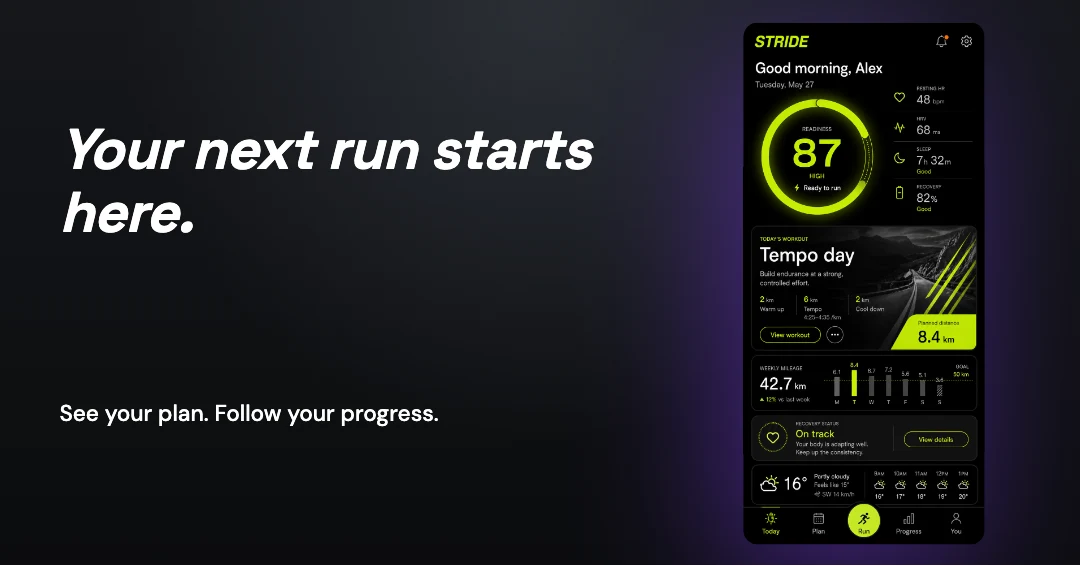
Stride · Fitness app
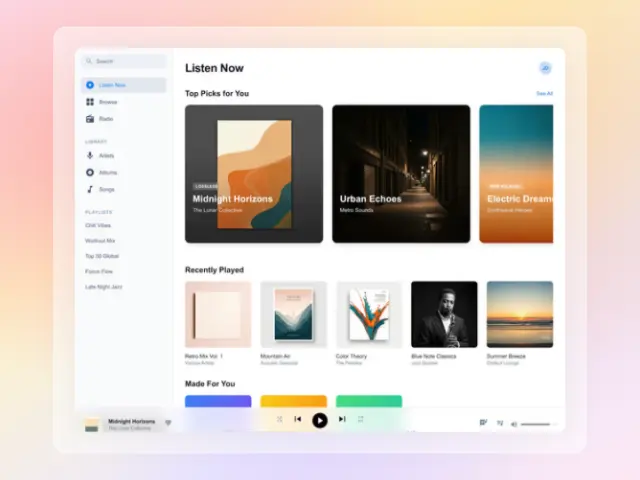
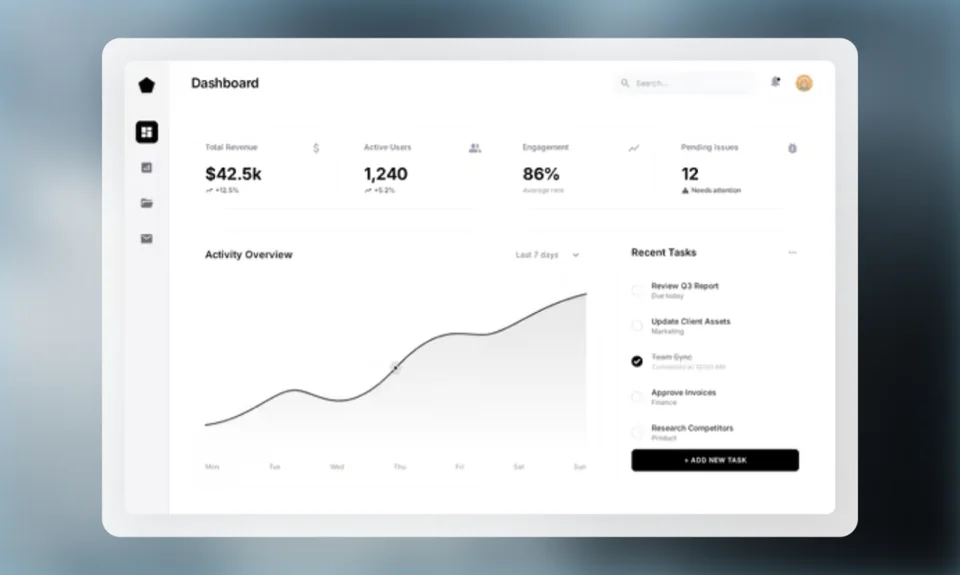
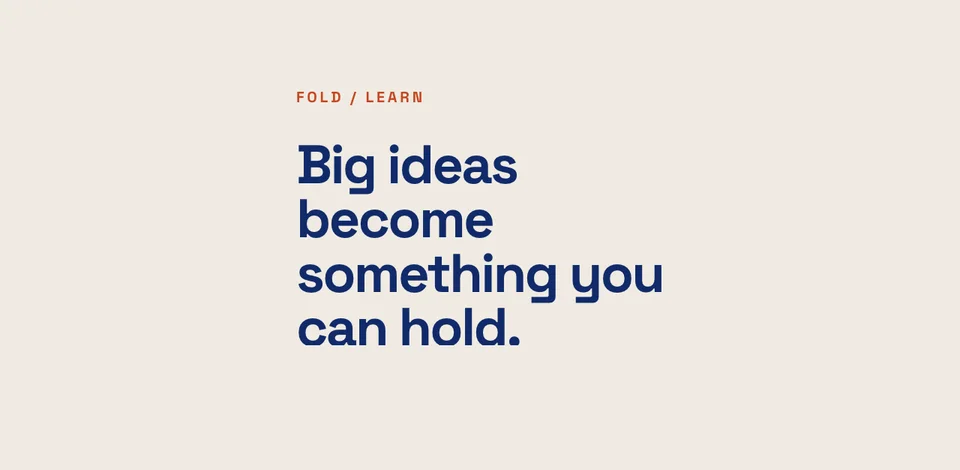
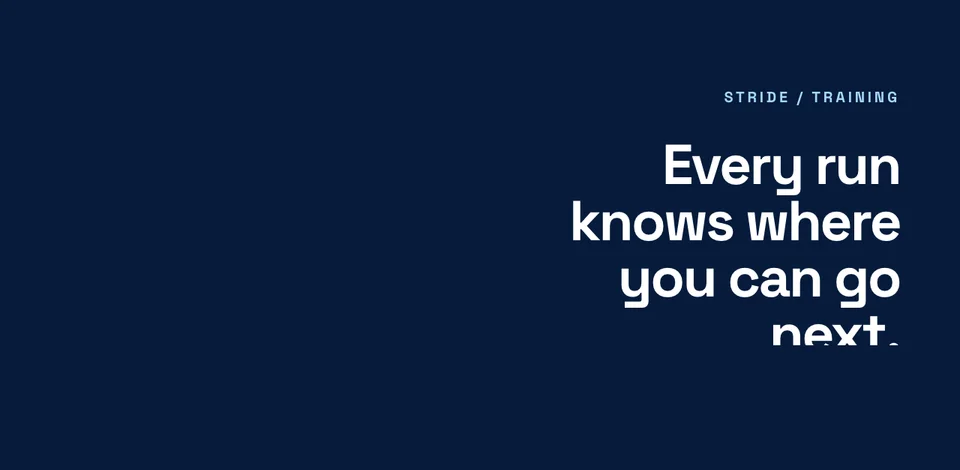
A training app, from first impression to store listing. App Store and Google Play sets, Apple header and search artwork, a link card and motion.
Explore the complete Stride exampleExplore App Store screenshots, product launch graphics and mockups for screens, print, merchandise and outdoor campaigns. Open any gallery for layout ideas and practical tips.
See which image goes where, then load the same screens and editable copy in Launch Kit. These are fictional product examples made with the actual editors.
A training app, from first impression to store listing. App Store and Google Play sets, Apple header and search artwork, a link card and motion.
Explore the complete Stride example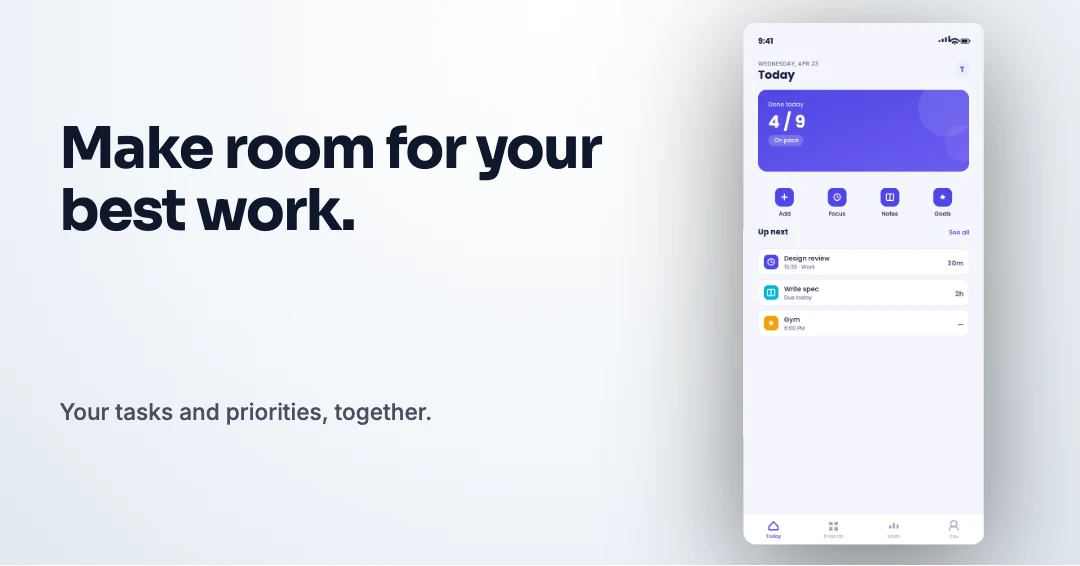
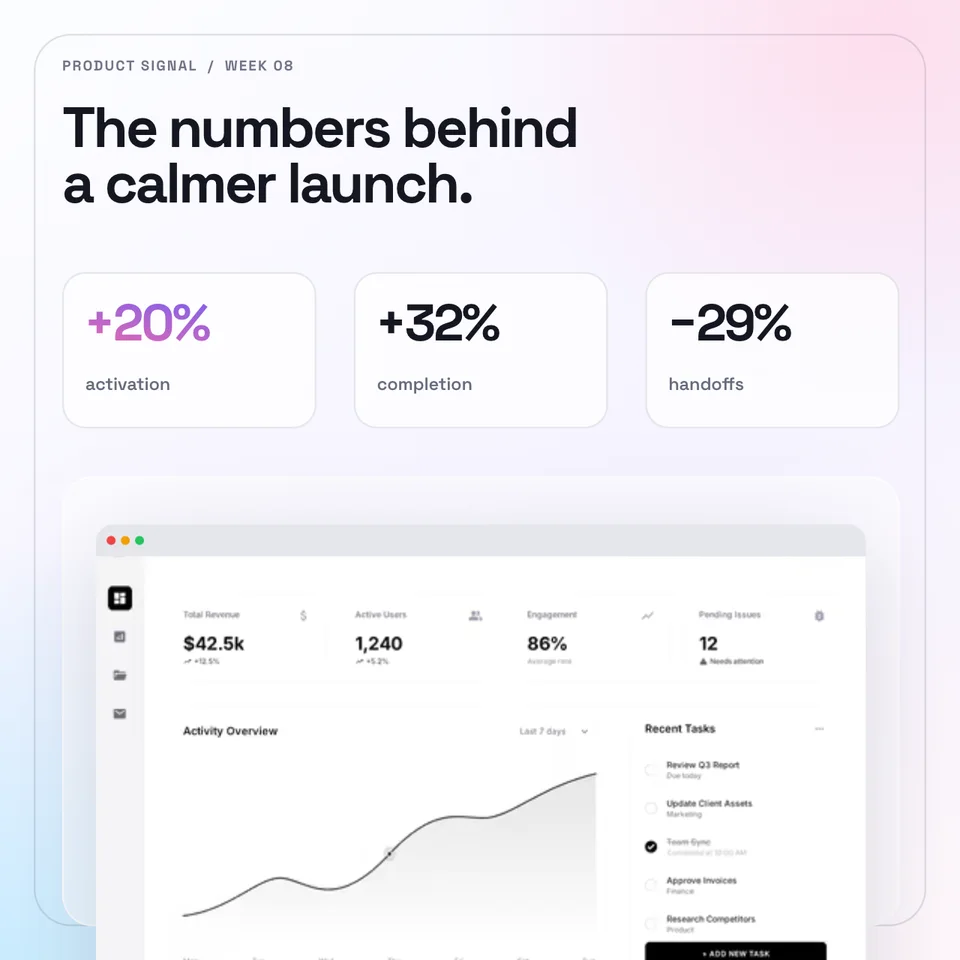
A calmer workday, across a coordinated launch. App Store and Google Play sets, Apple header and search artwork, a link card and motion.
Explore the complete Tempo example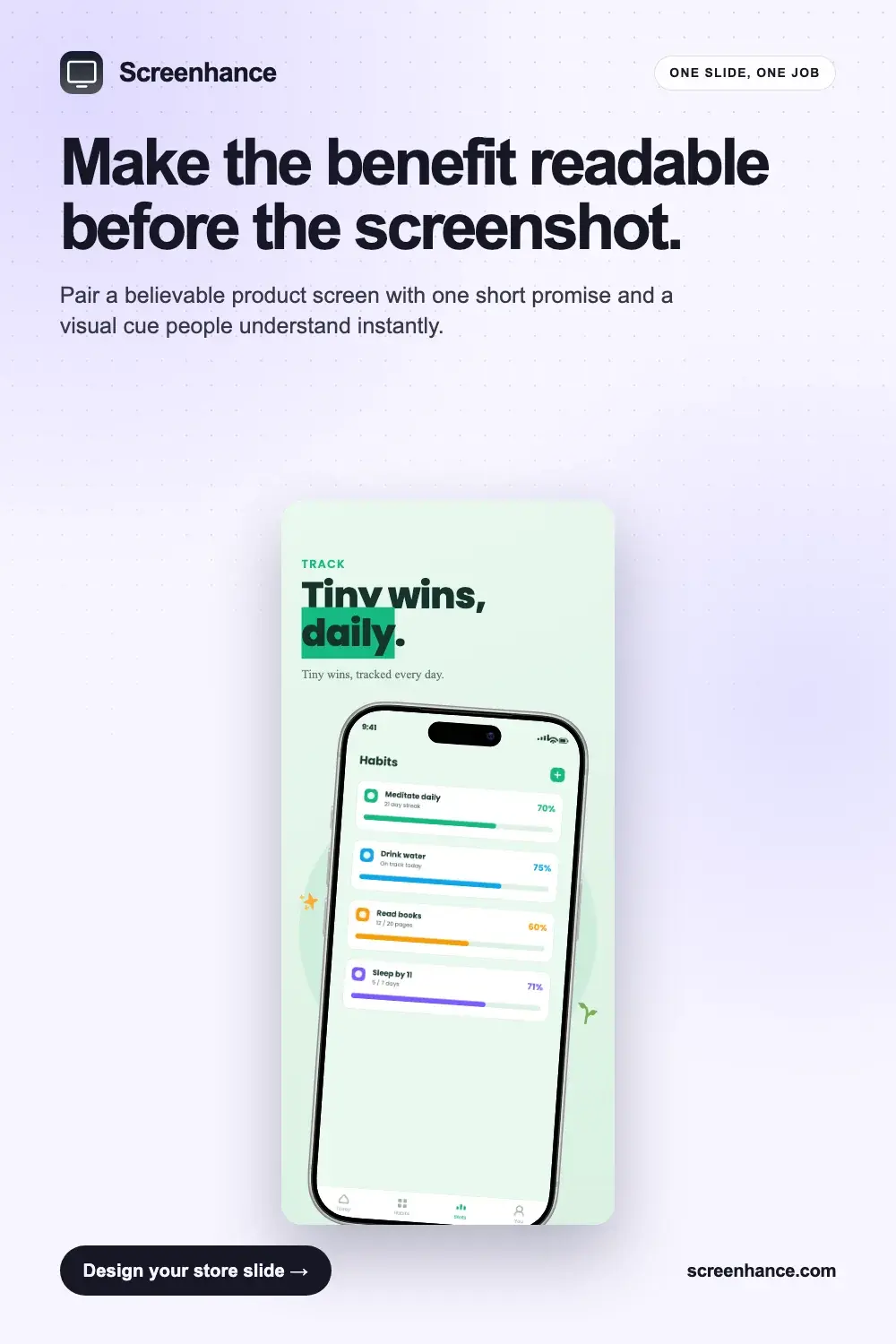
Explore App Store screenshot examples with clear headlines, large product screens, flexible themes, localisation, and phone and tablet presets.
Browse the gallery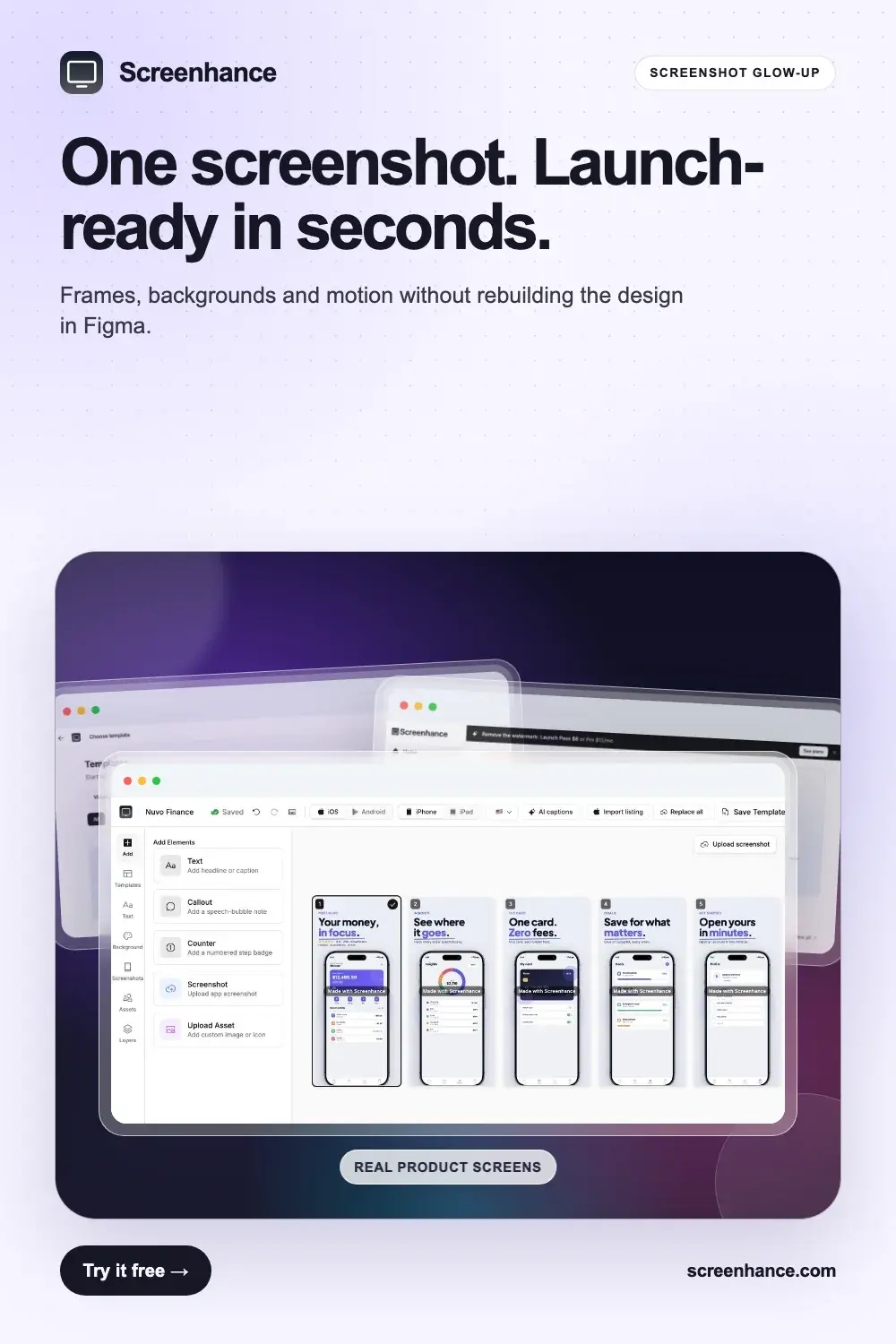
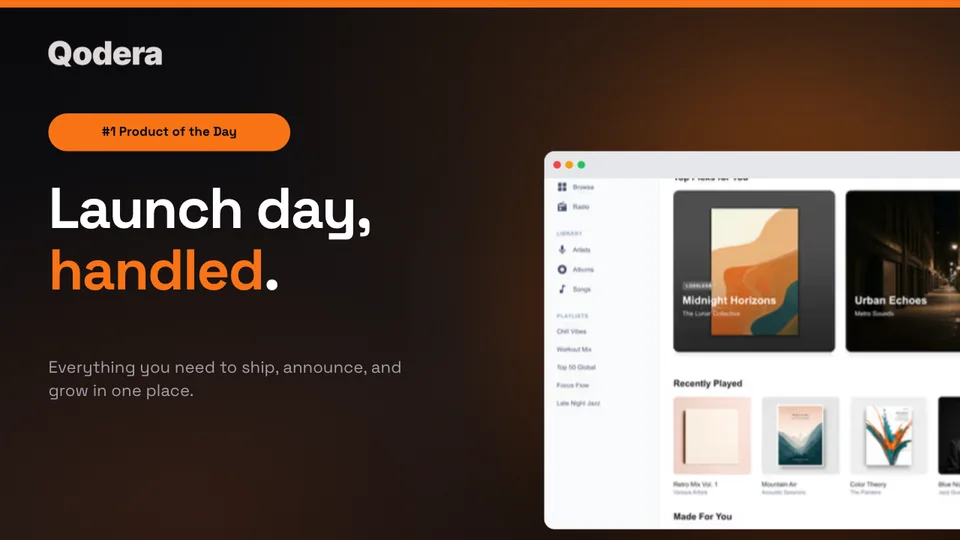
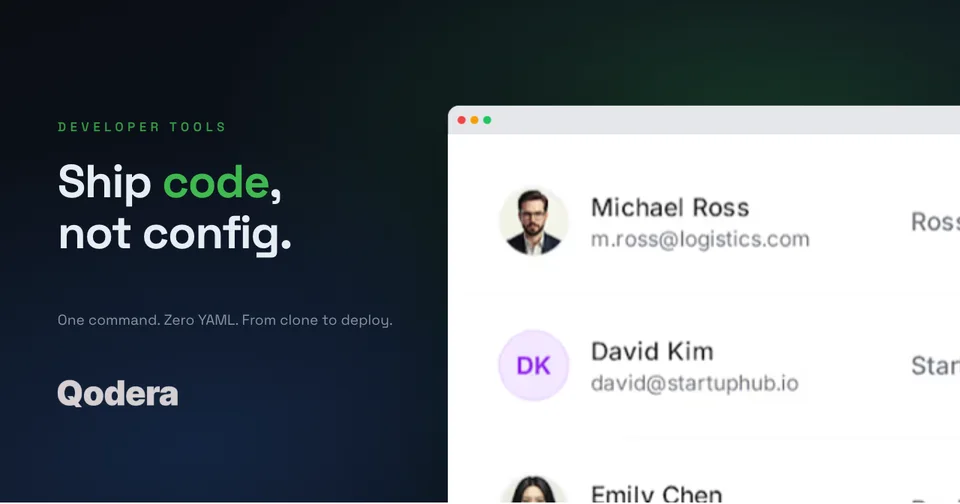
Explore launch visuals for Product Hunt, the Chrome Web Store, product demos, and social campaigns, all built from one consistent visual system.
Browse the gallery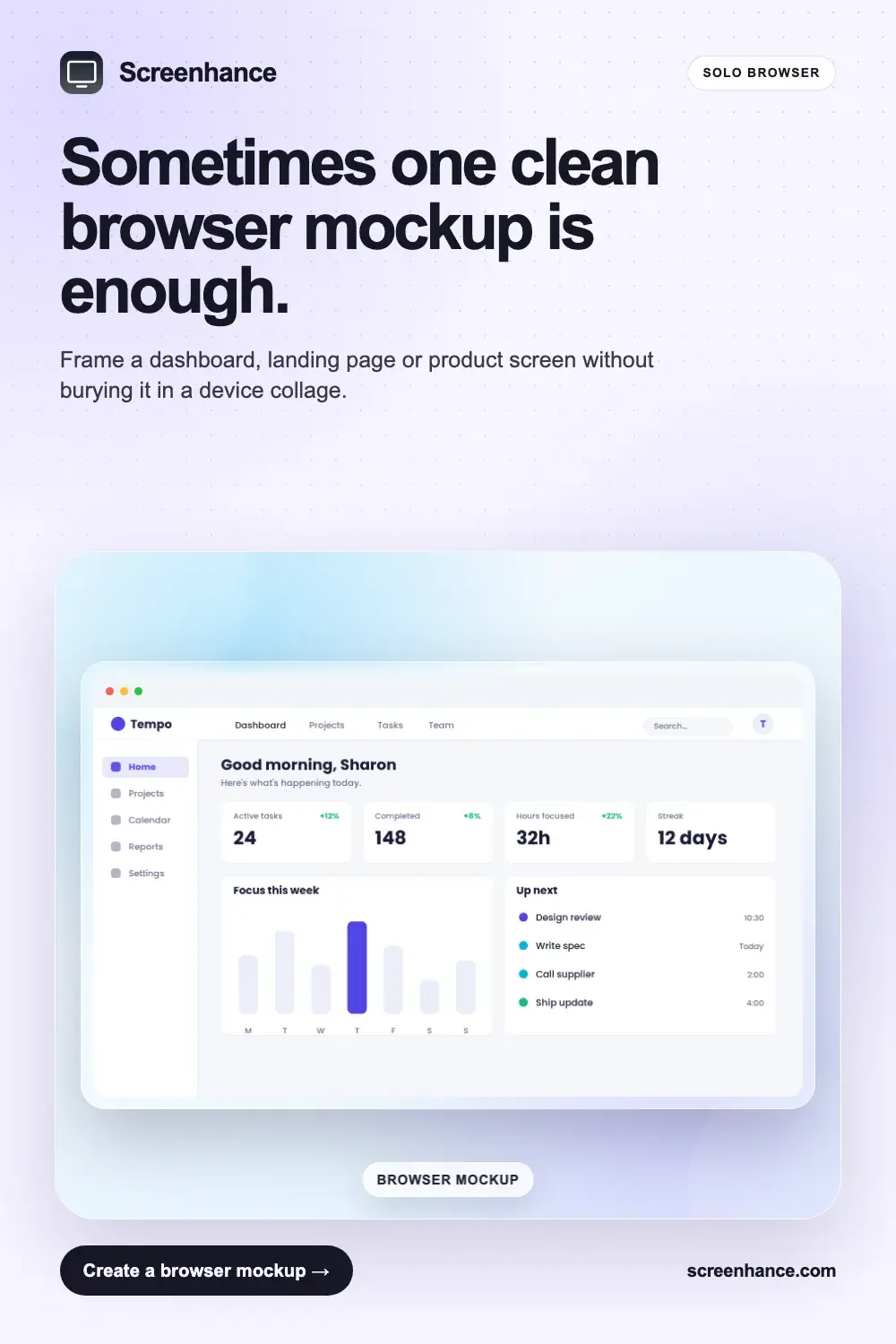
Explore product mockup examples for browsers, business cards, apparel, tote bags and billboards. Compare clean presentation views with realistic scenes.
Browse the galleryOpen any example in the editor, replace the product screen and copy, and adapt the same visual system to the destination you need.
A useful product screenshot is not a decoration around the UI. Its layout decides what someone notices first, what they understand next, and whether the product remains legible at the final size.
Make one interface the evidence for a short promise. Best for landing-page heroes and launch covers.
Give each slide one job so a carousel or store listing explains the workflow in order.
Use equal crops and device scale so the viewer can compare the product states fairly.
Group several related views around one dominant screen when the product needs breadth without a long sequence.
Pair a real, qualified result with the screen that gives the number context.
Let a website, deck, or campaign supply the final background while the device stays reusable.
Open the matching template, add your screenshot or artwork, adjust the copy and export the size you need. You can keep one visual system across every channel without rebuilding it from scratch.