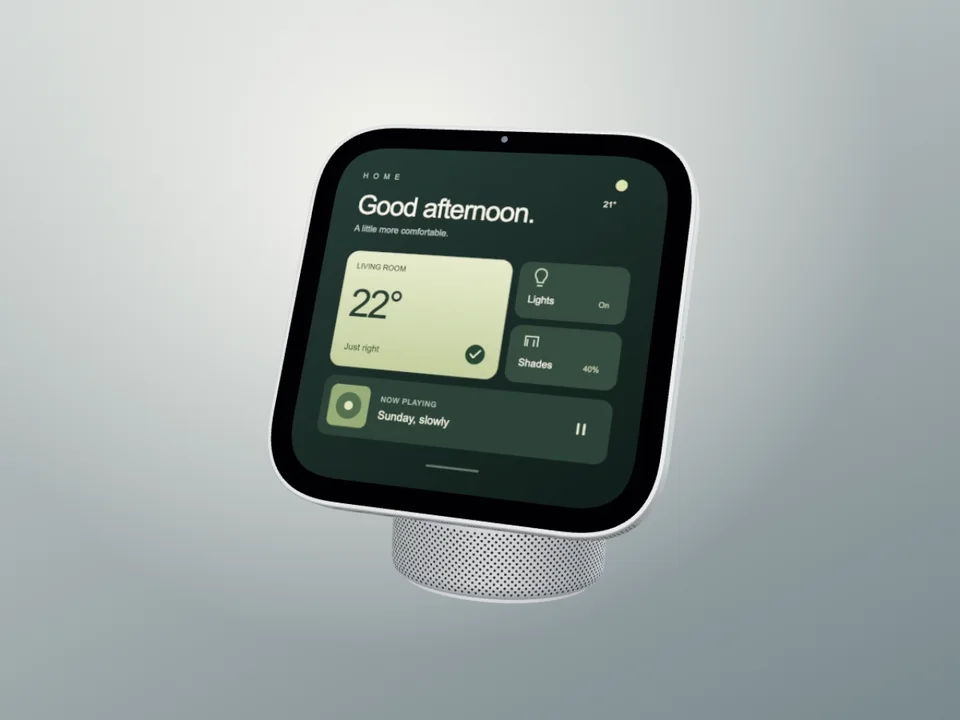
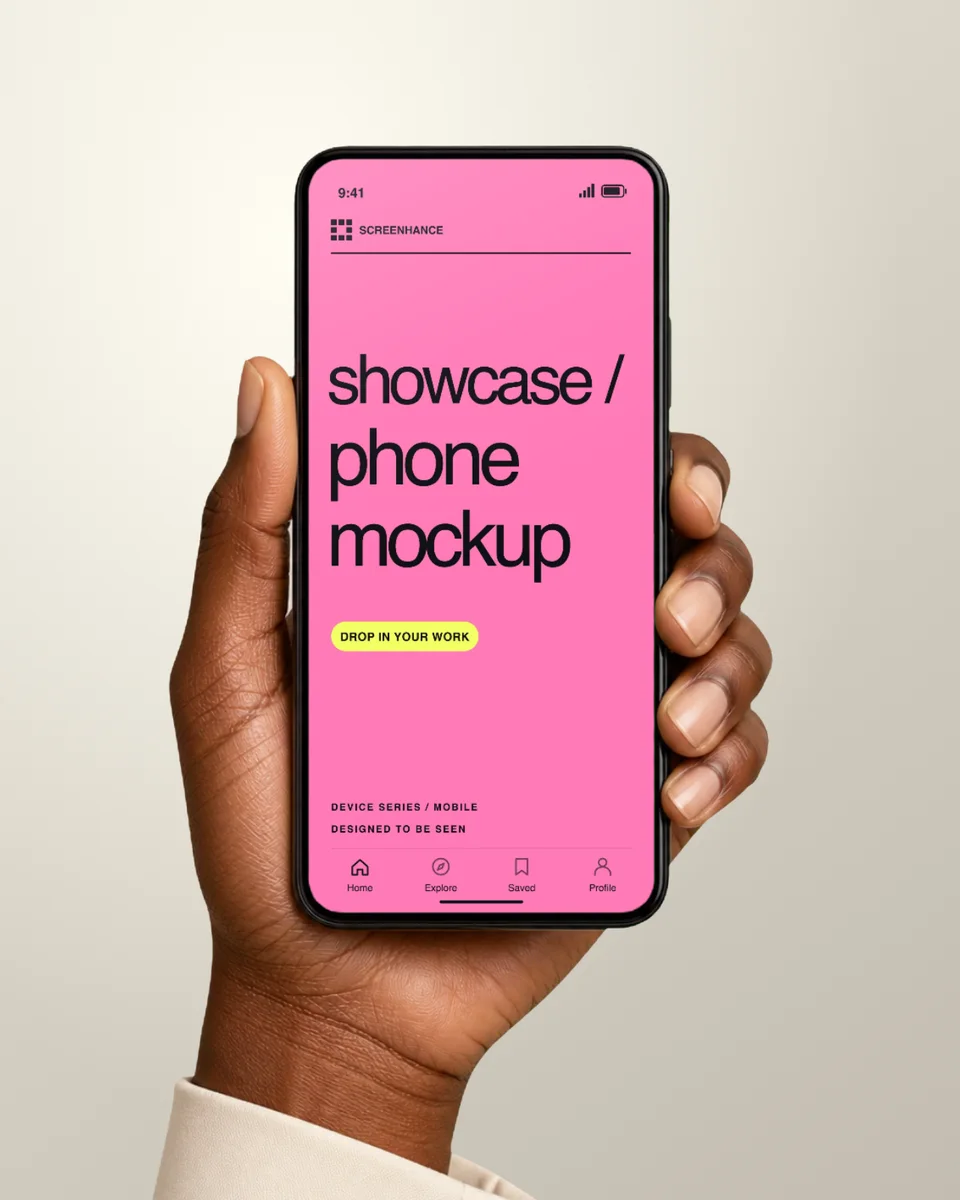
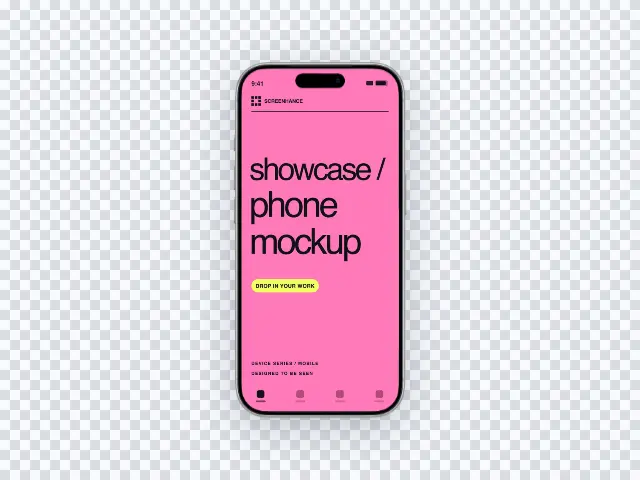
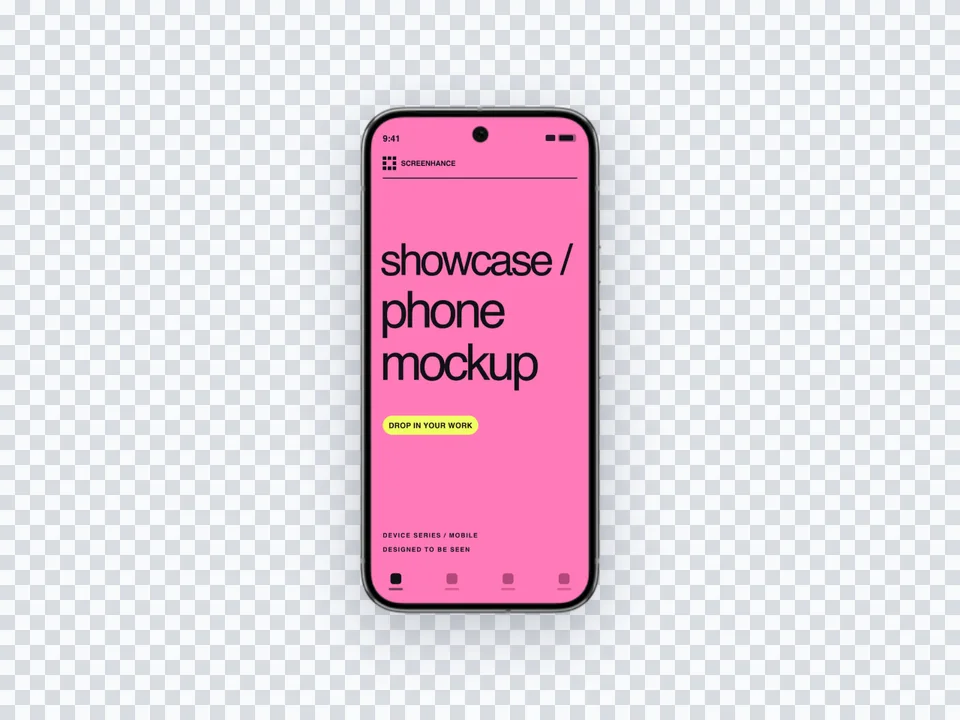
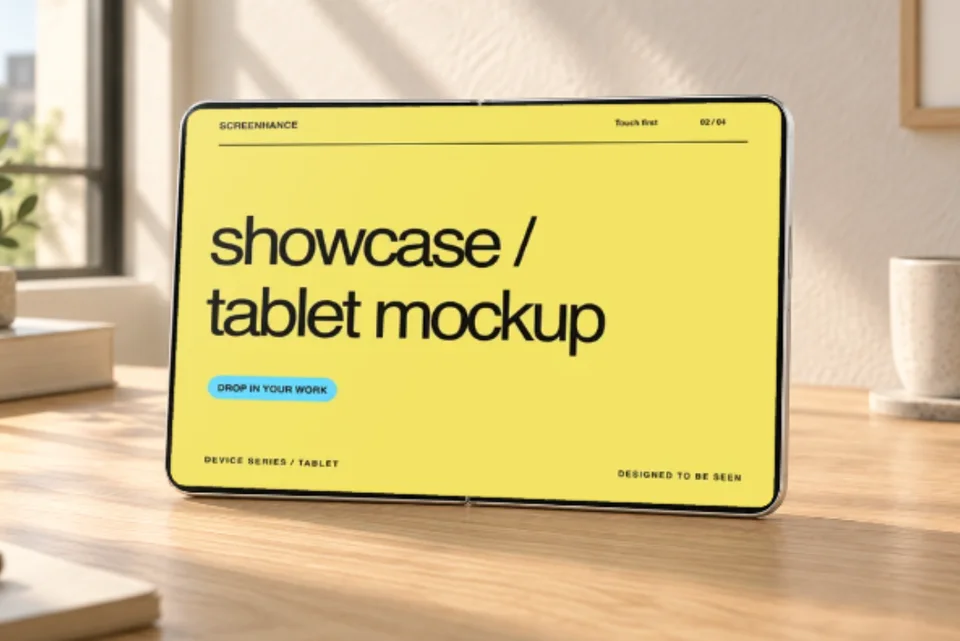
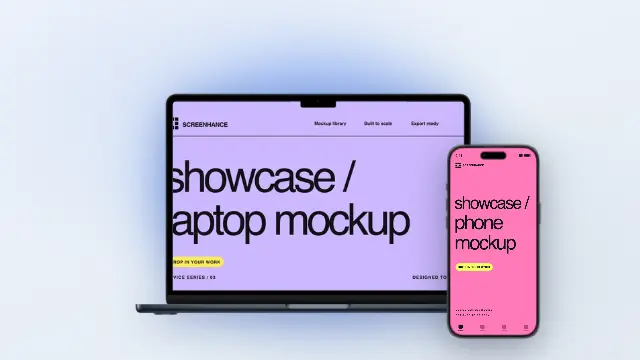
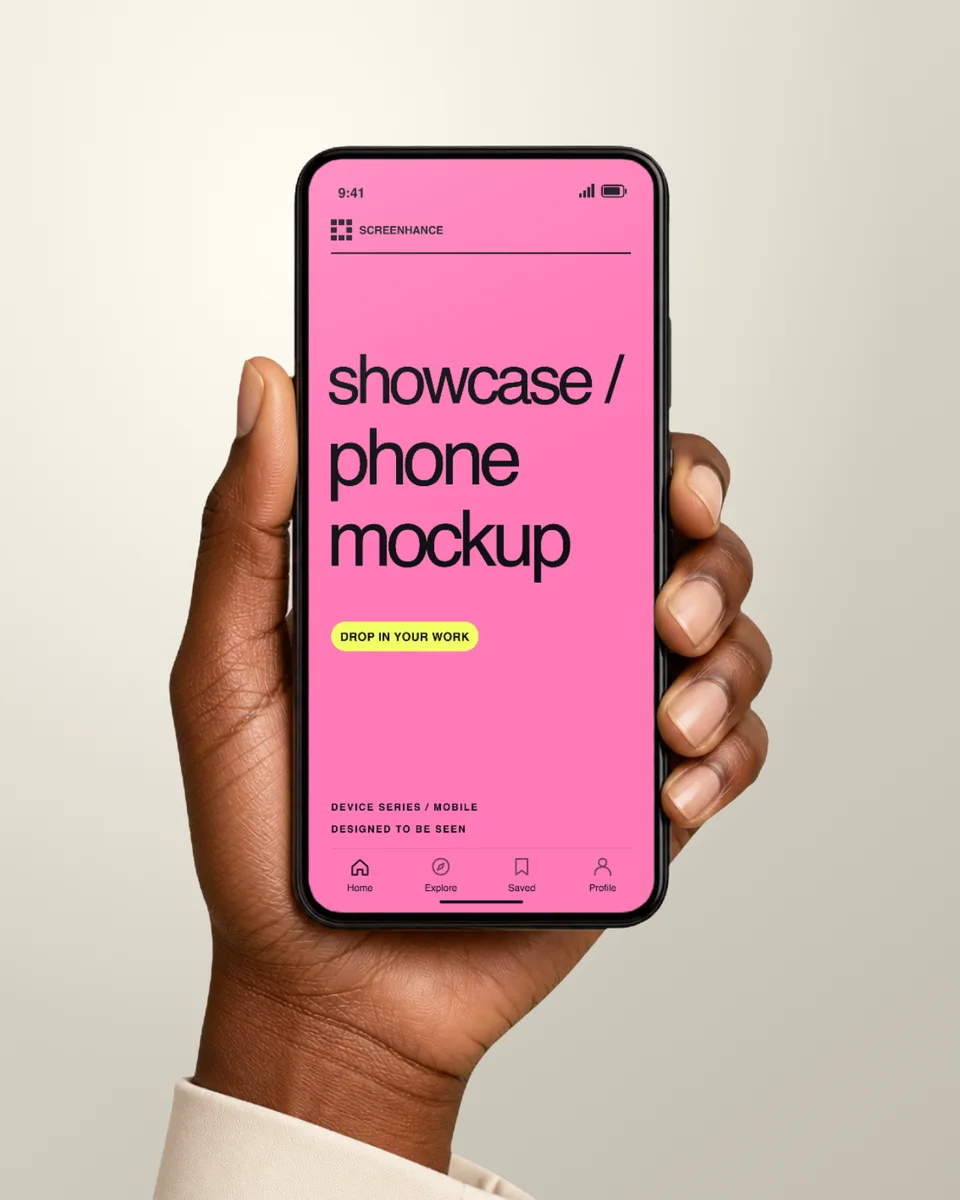
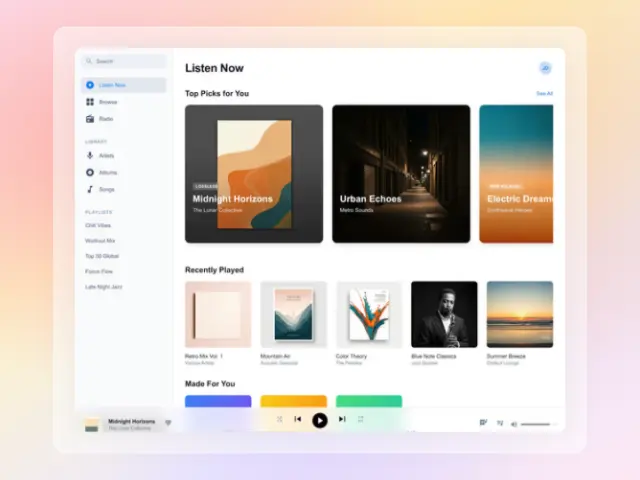
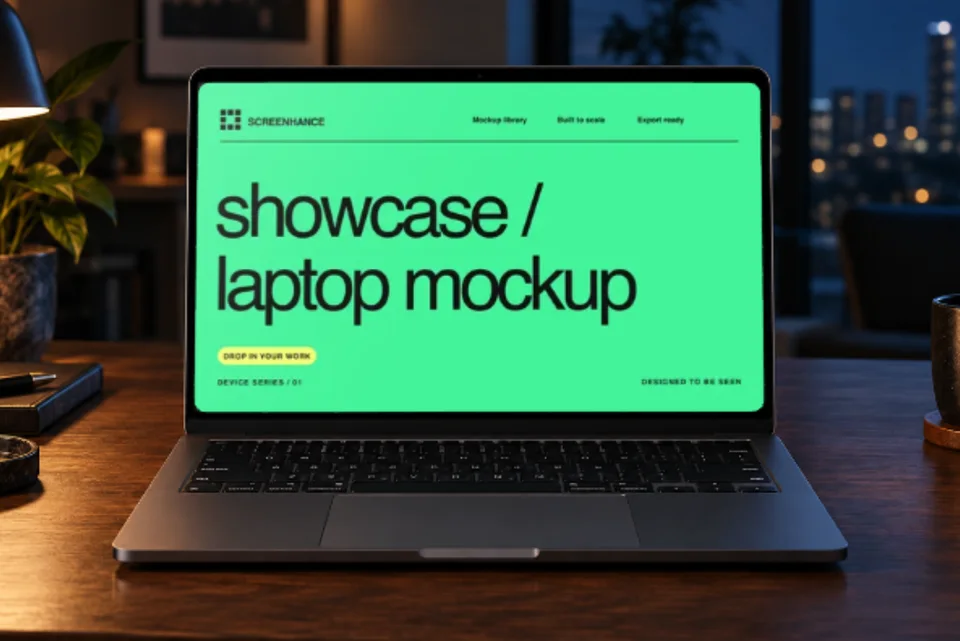
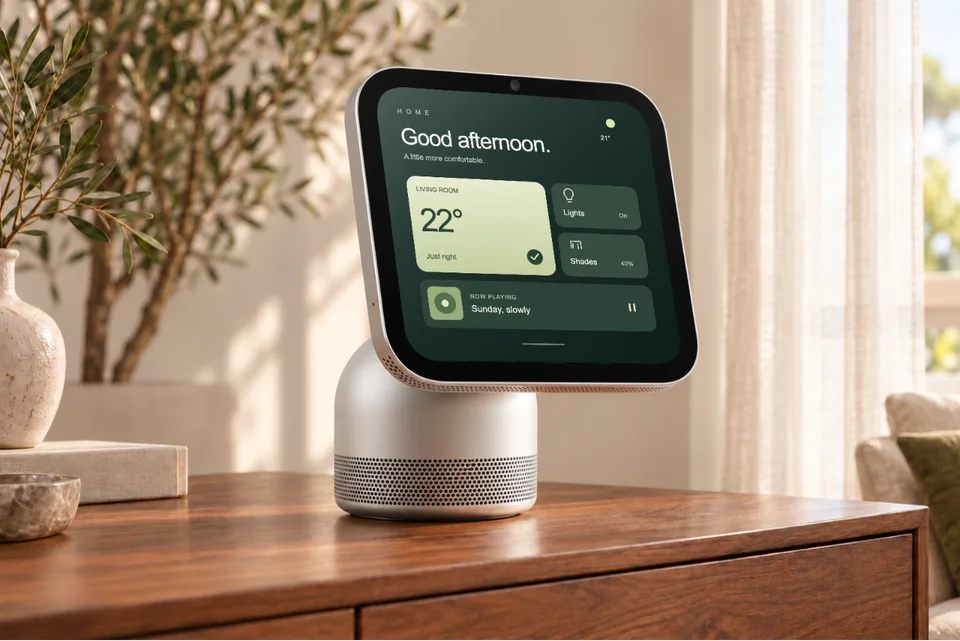
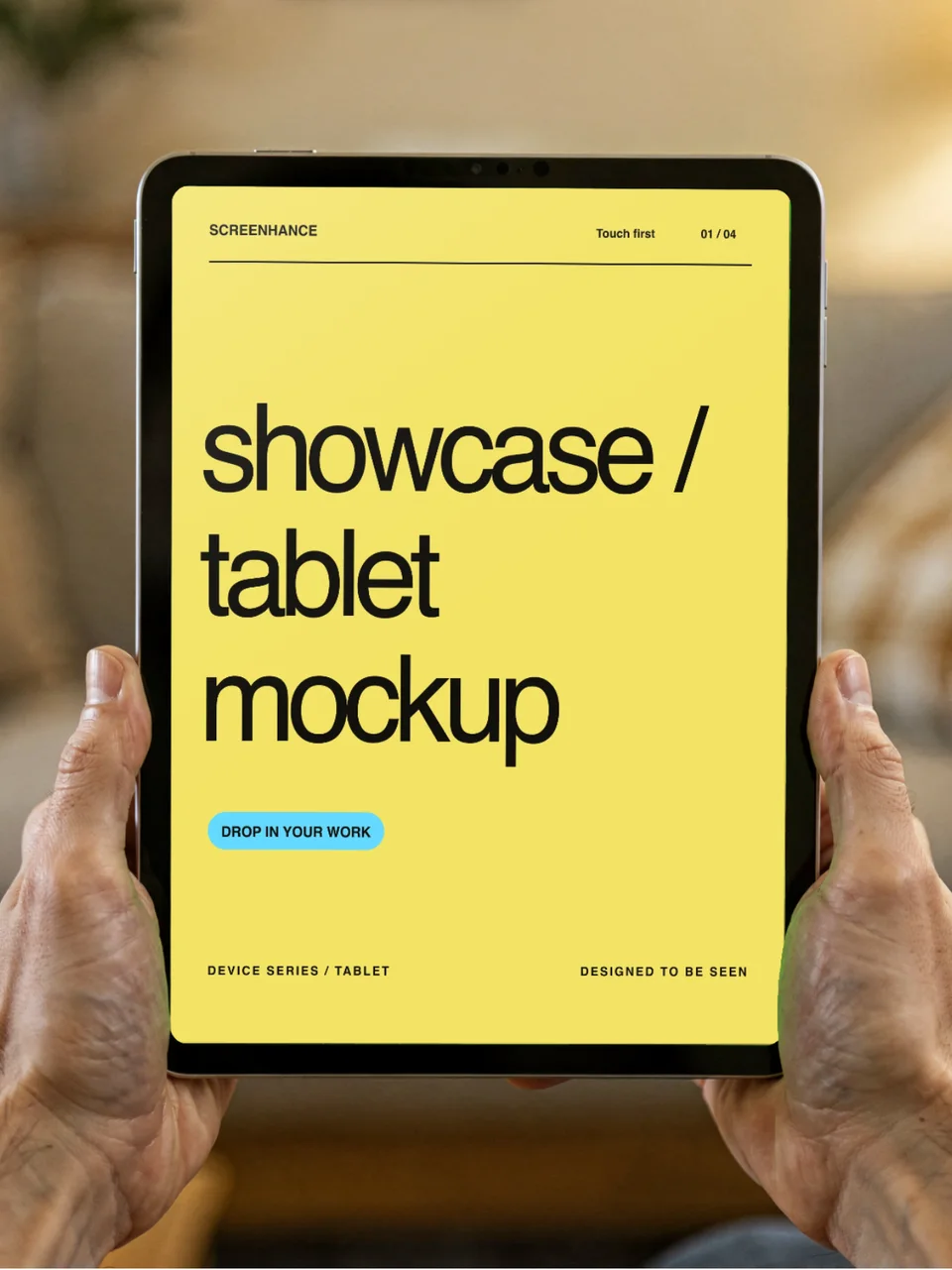
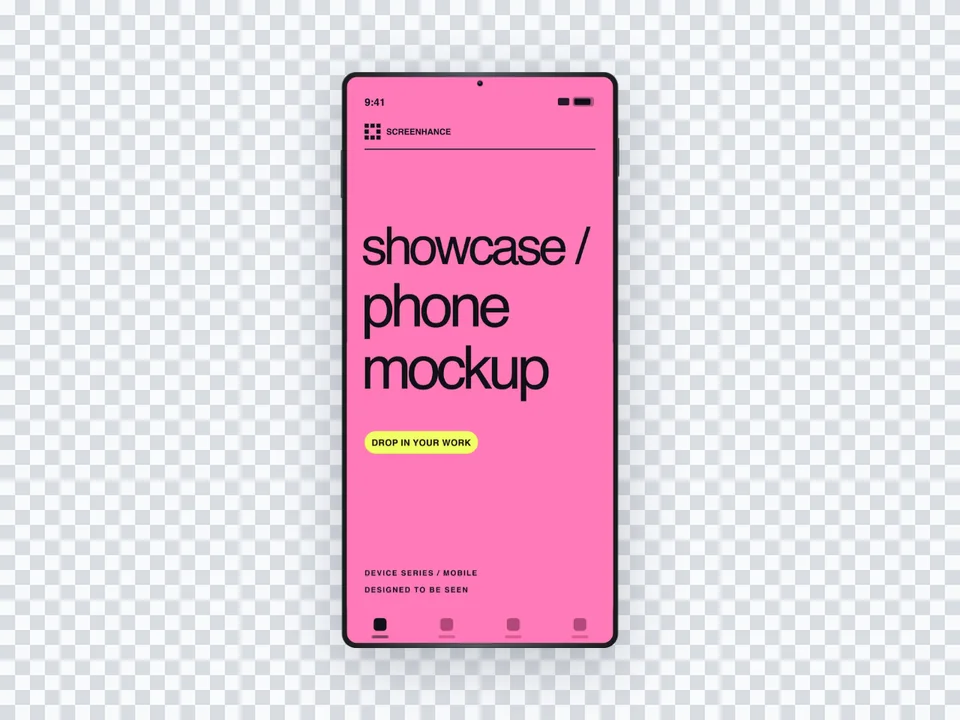
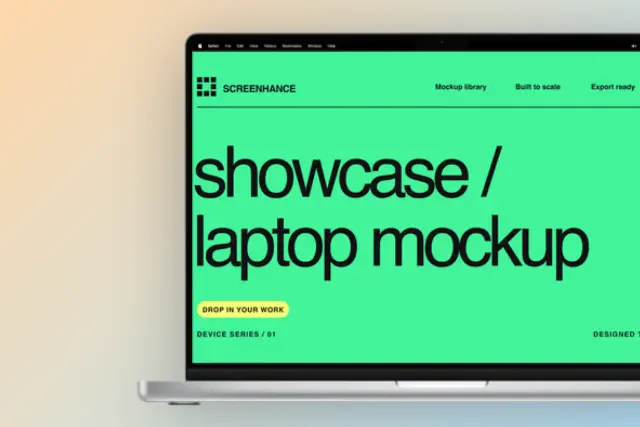
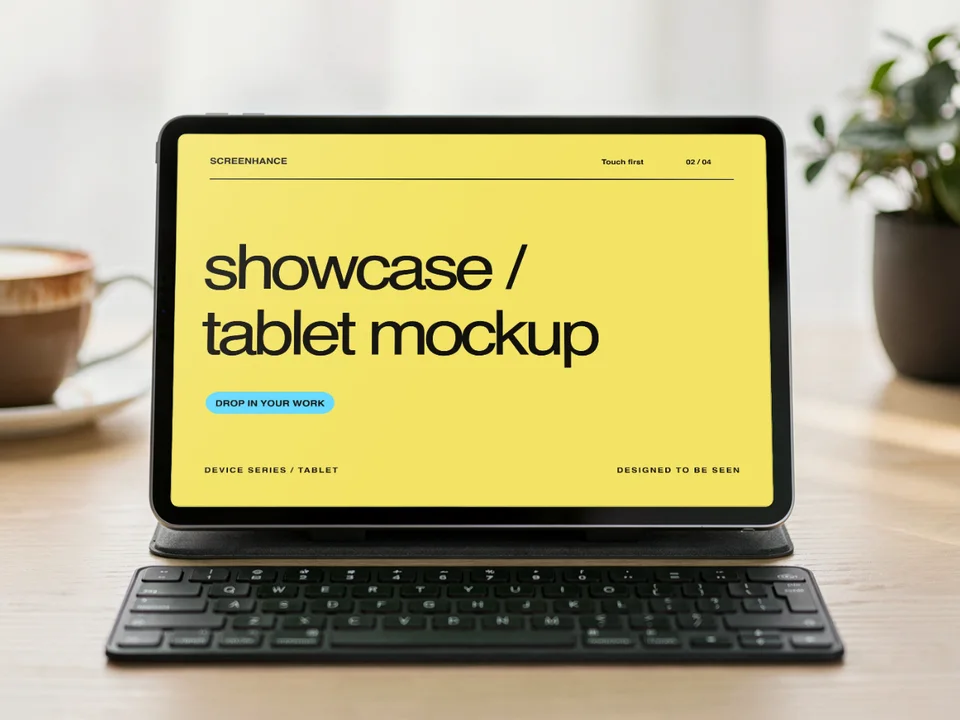
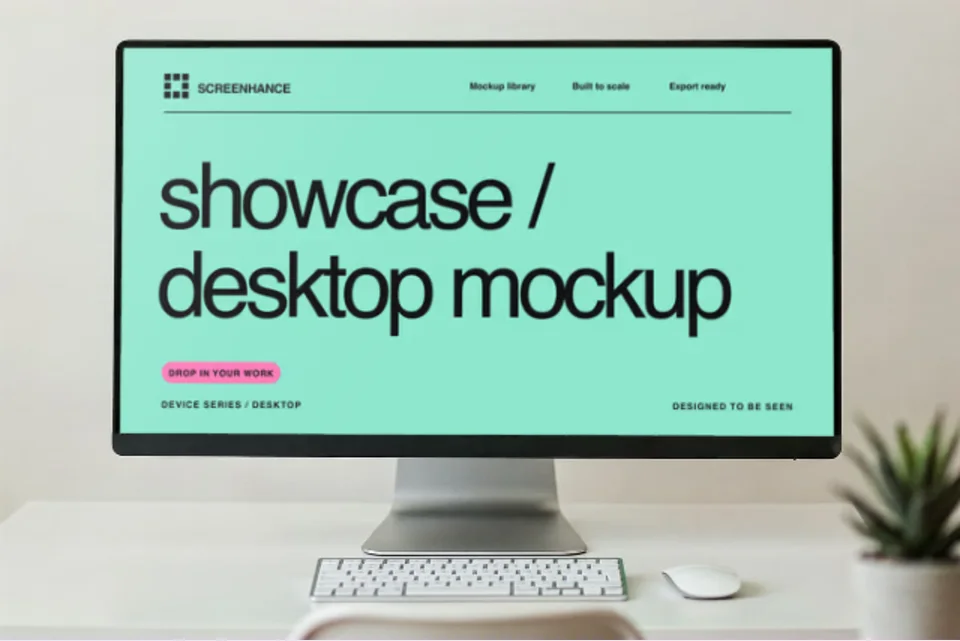
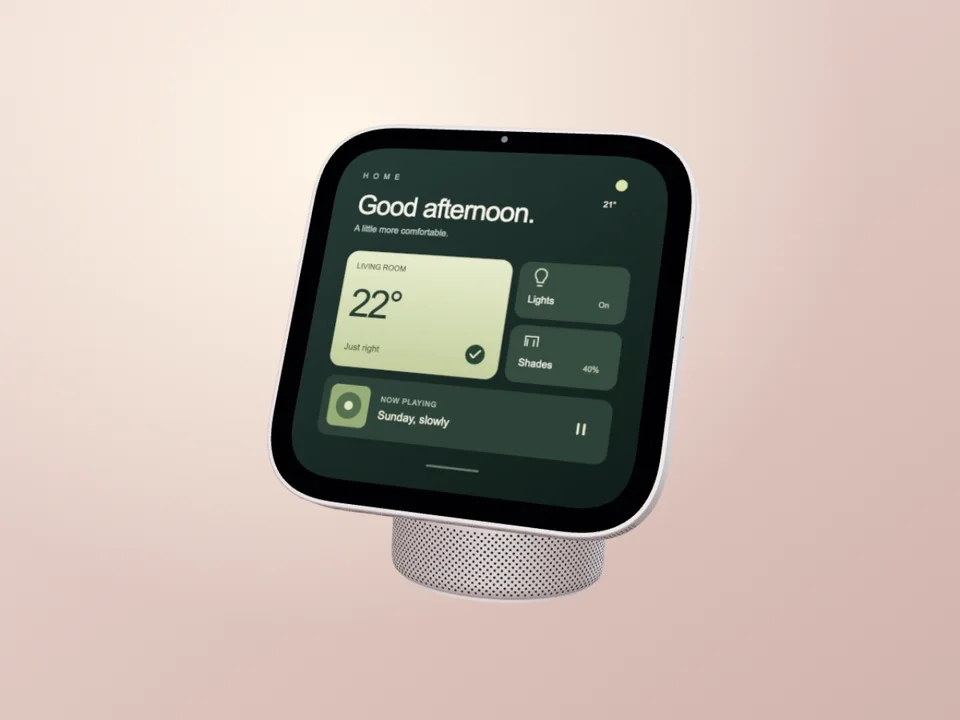
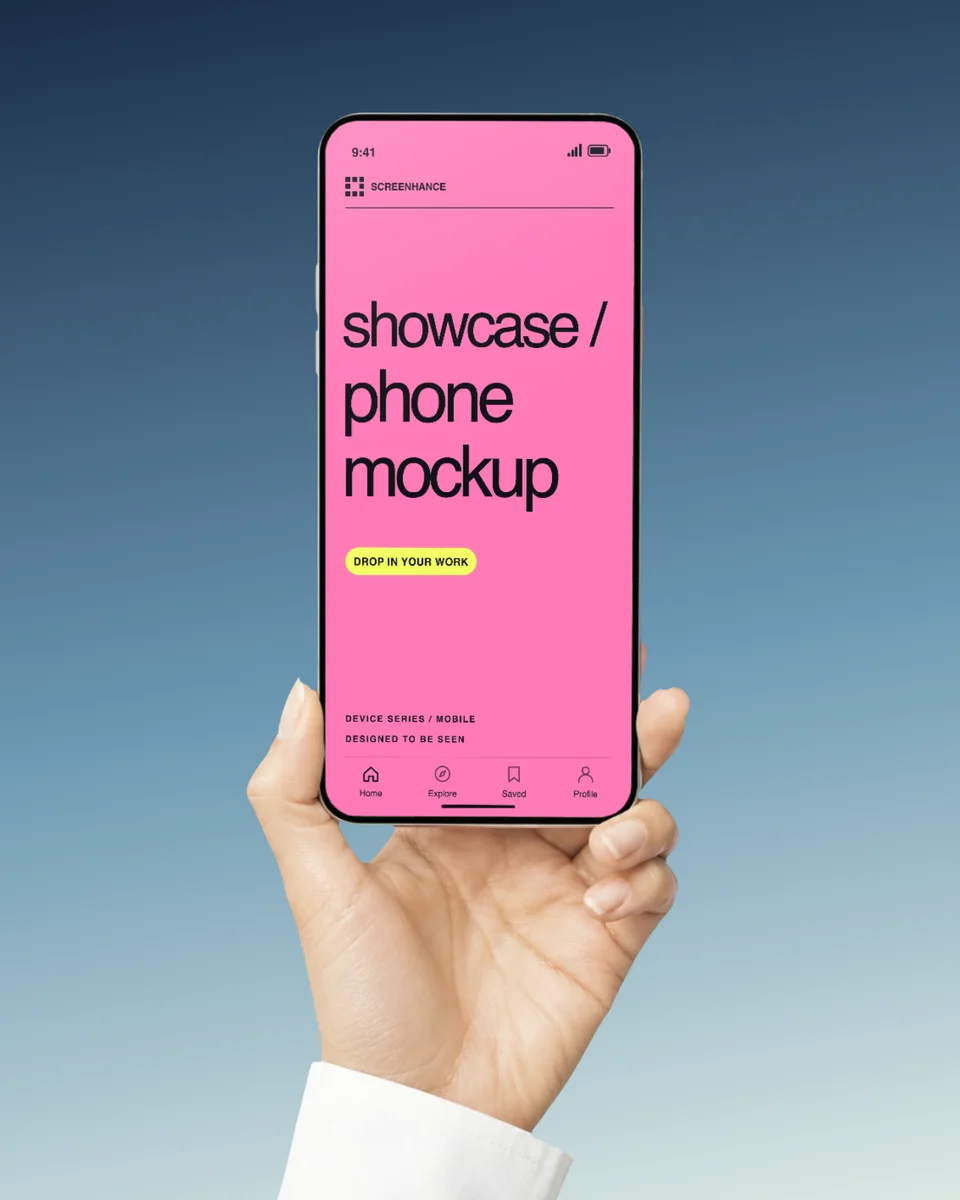
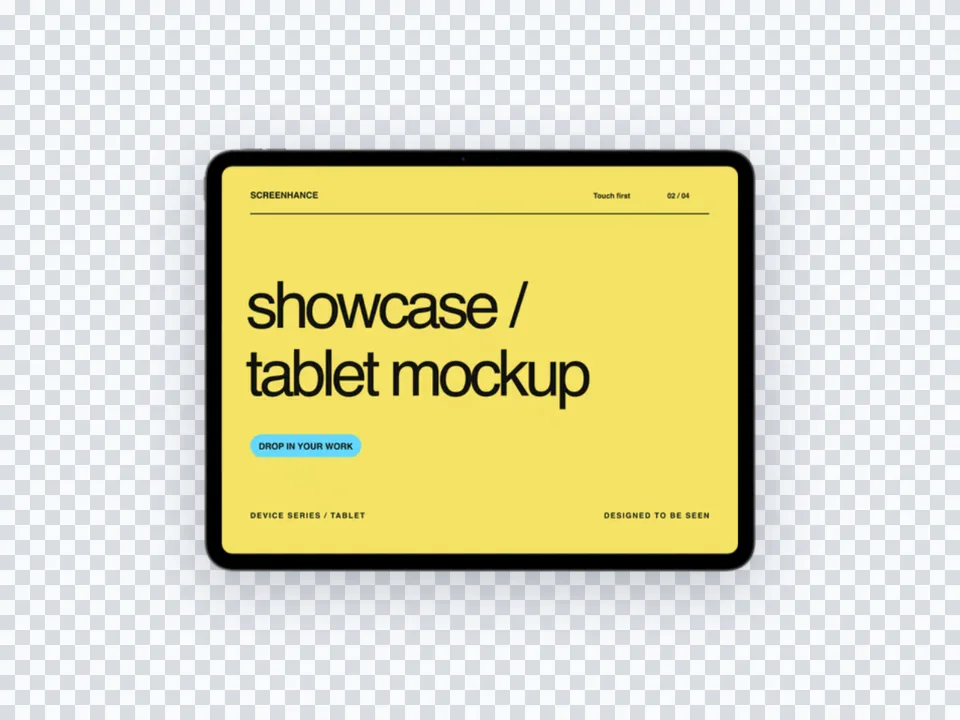
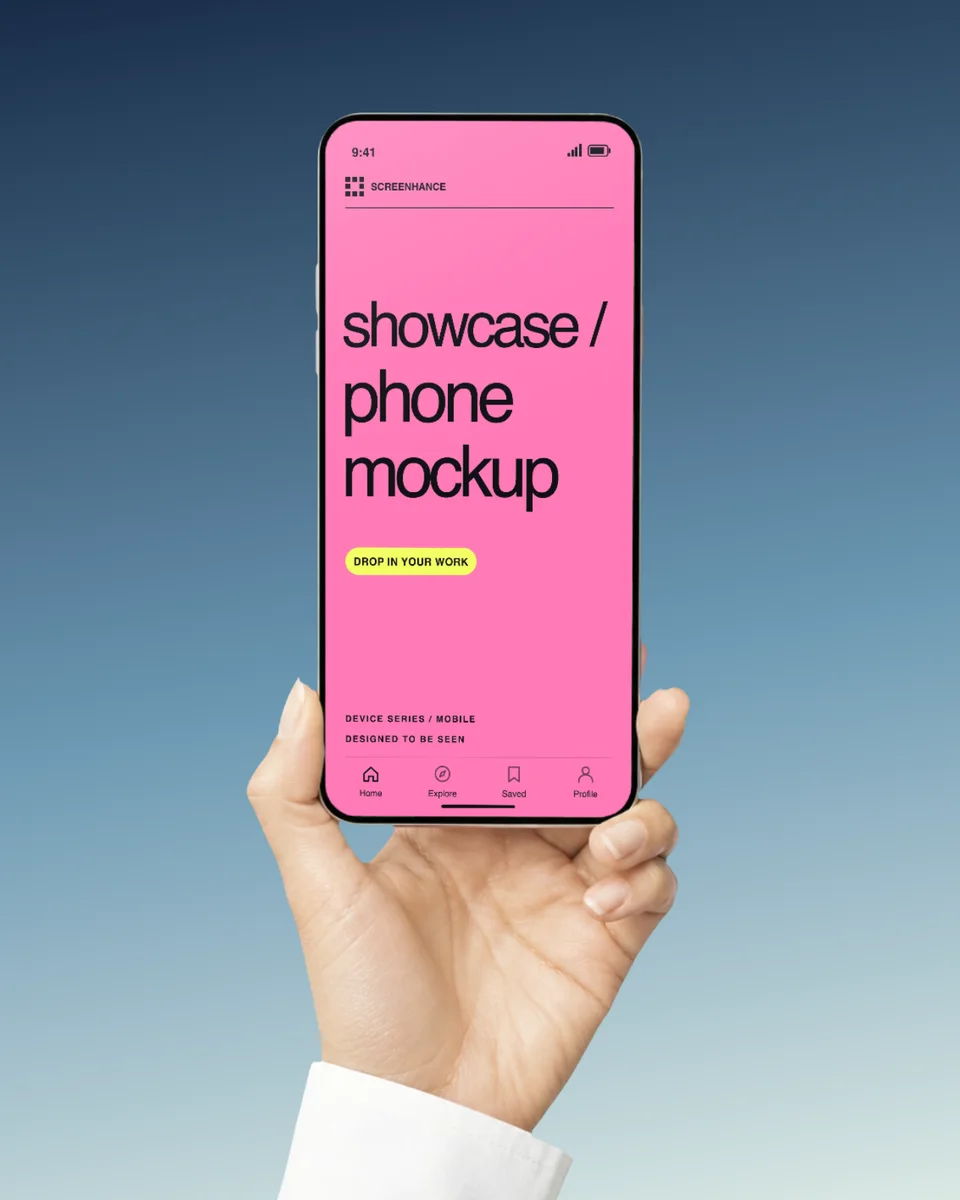
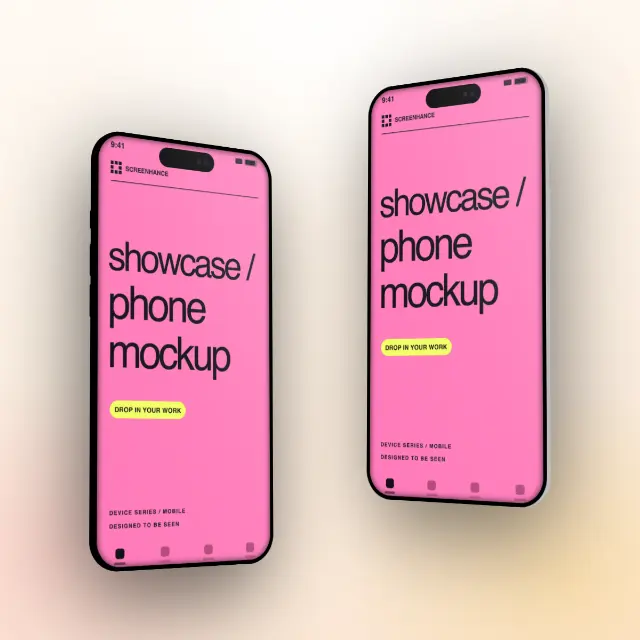
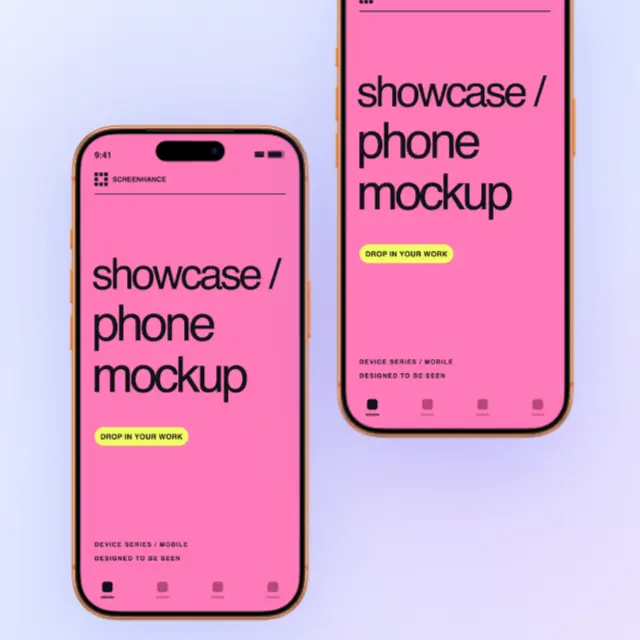
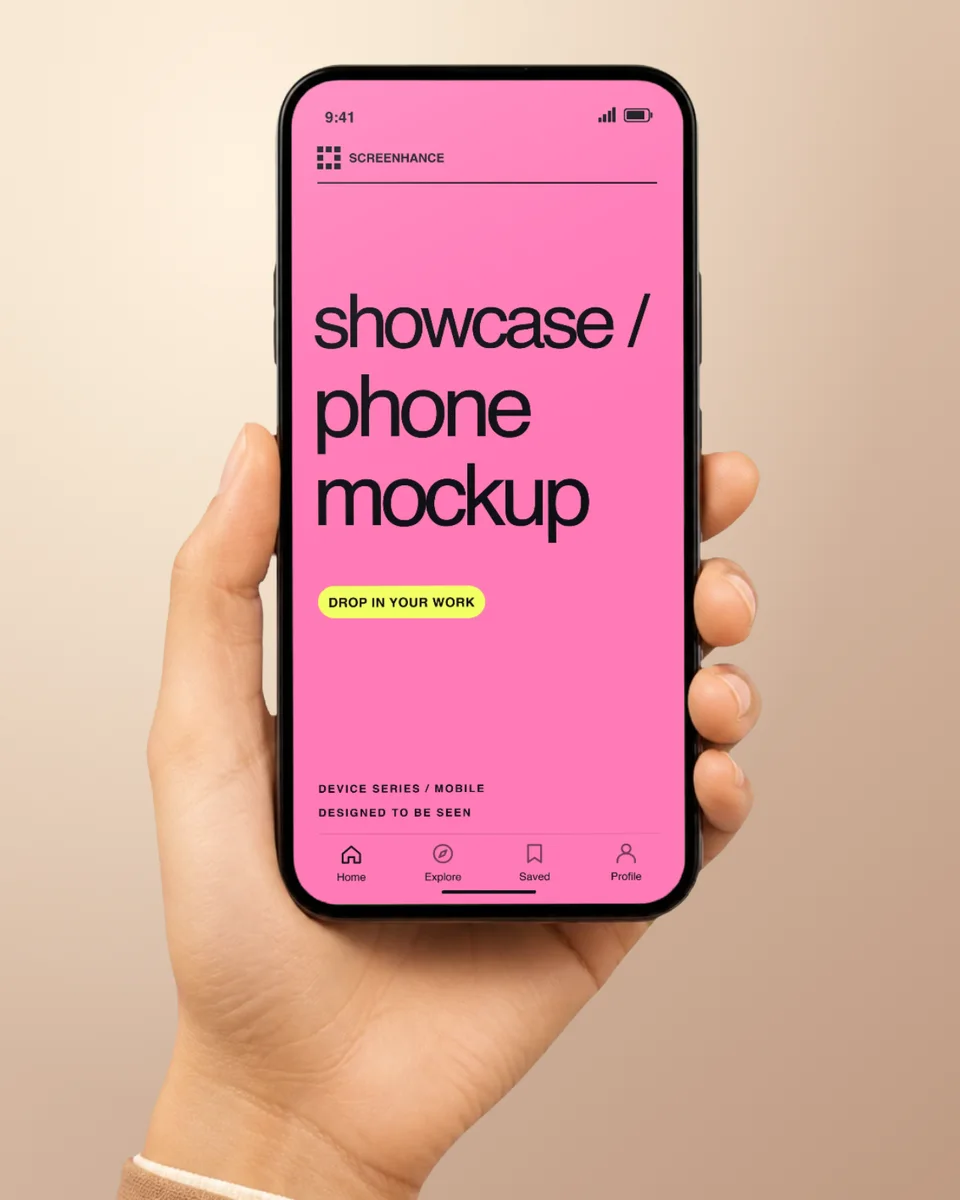
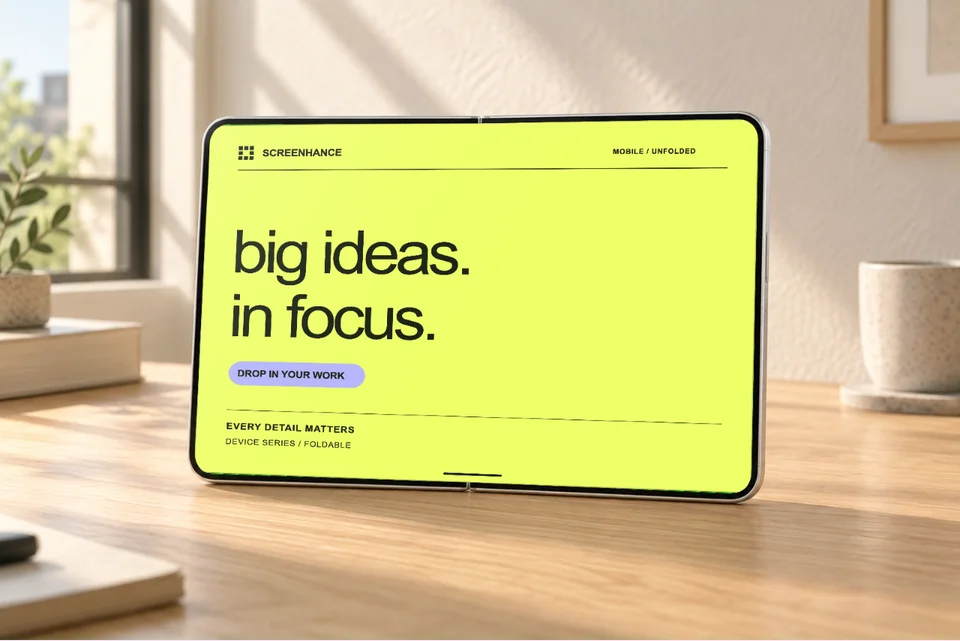
Screenhance's free plan is designed for trying the real product, not a separate demo catalog. You can start with the complete collection of editable visual templates, device and stylized frames, photorealistic scenes, and the editor's backgrounds, text, assets, and layout controls.
The plan includes 3 exports per month with a small Screenhance watermark. That is enough to validate a scene, create an occasional project visual, or learn which workflow suits your launch before paying. You do not need a credit card, and you can browse, upload, compose, and preview without creating an account; an account is required only when you export.
Every starting point uses the same editor as the paid plans. That means a free project can move from a device or physical-product mockup into a landing-page hero, store screenshot set, Product Hunt gallery, or social visual without rebuilding the source design in another tool.
Choose the $6 one-time Launch Pass when you have a focused release and want 10 watermark-free image exports over 7 days without starting a subscription. It is built for a launch week, portfolio update, client handoff, or one campaign that needs clean final files.
Choose Pro when visual production is ongoing. Pro adds unlimited watermark-free exports, resolution up to 3x, animated mockup exports, complete store-set workflows, and the broader recording and Studio video capabilities used across recurring launches.
A simple rule works well: use free to explore and create occasional assets, use the Launch Pass for one concentrated push, and use Pro when mockups, store listings, launch graphics, motion, or product video are part of your normal workflow. See the complete plan comparison for current limits.

%2FOlivia%20Rhye.webp&w=64&q=75)
%2FPhoenix%20Baker.webp&w=64&q=75)
%2FLana%20Steiner.webp&w=64&q=75)
%2FDemi%20Wilkinson.webp&w=64&q=75)
%2FDrew%20Cano.webp&w=64&q=75)