Use Cases
Product Hunt Launch Guide
Everything you need to prepare for a successful Product Hunt launch. From gallery images to launch day strategy — the complete visual checklist for makers.
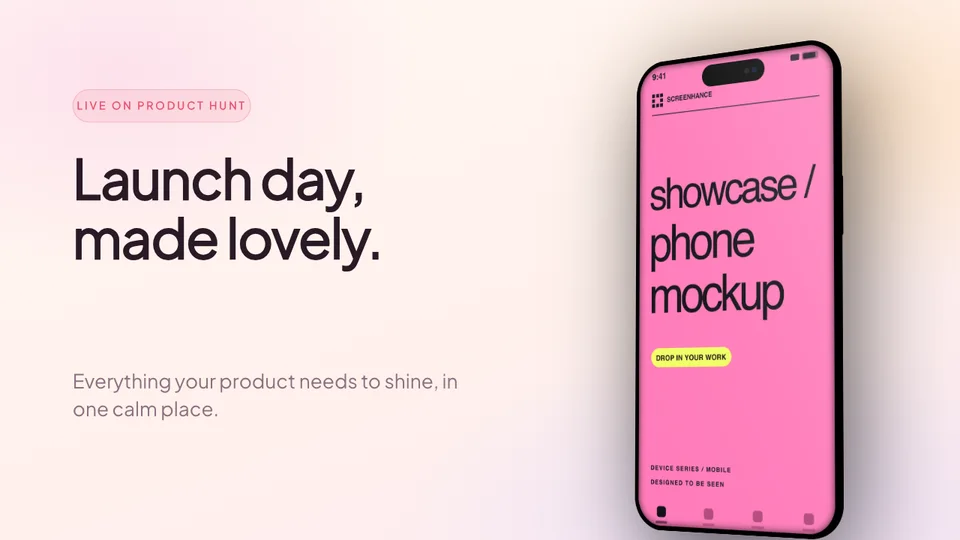
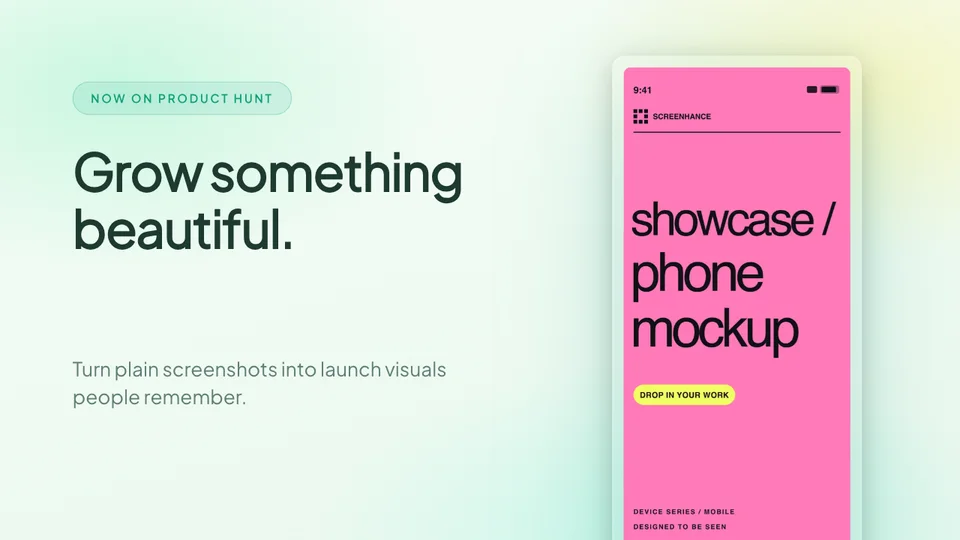
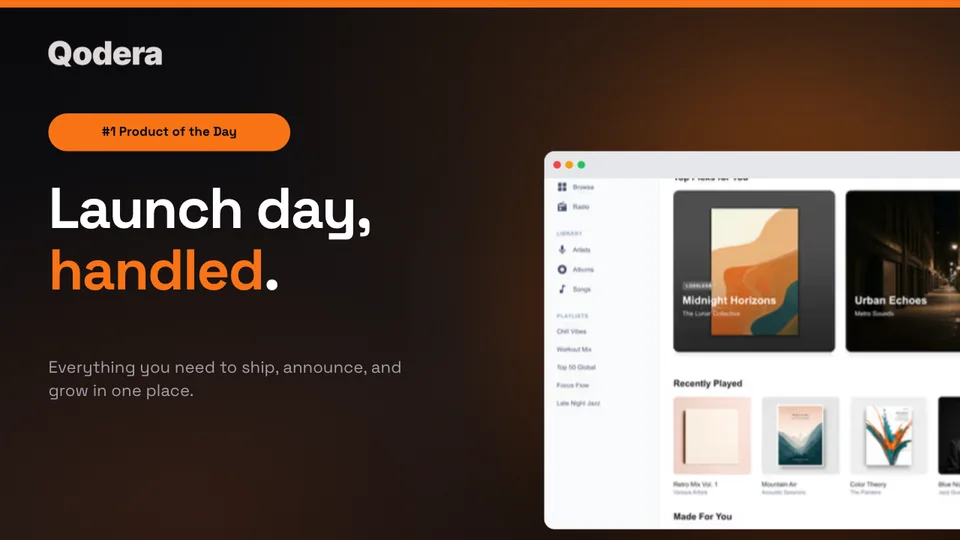
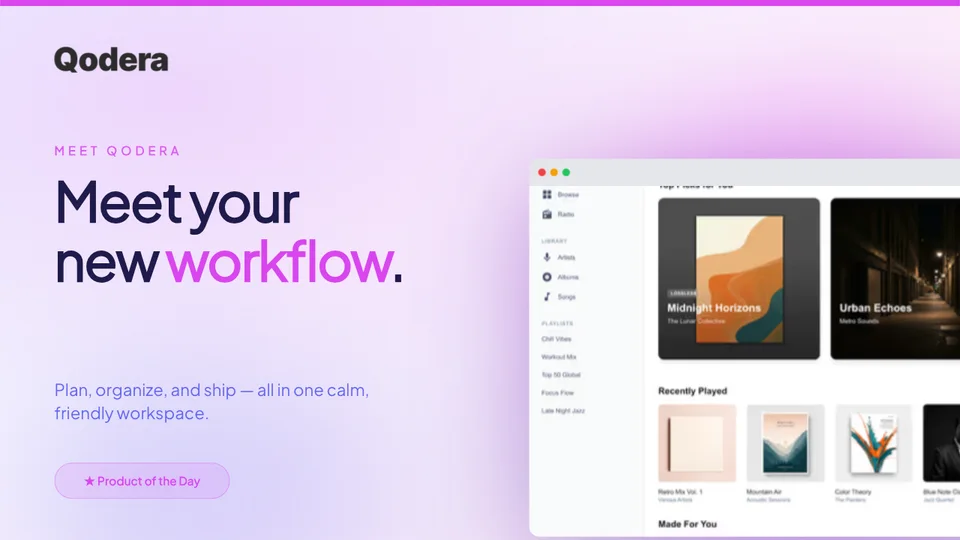
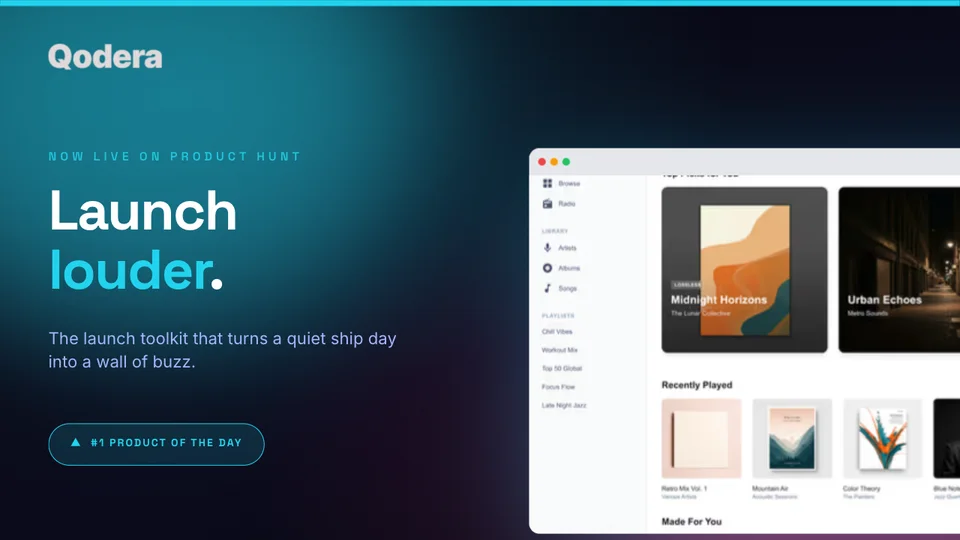
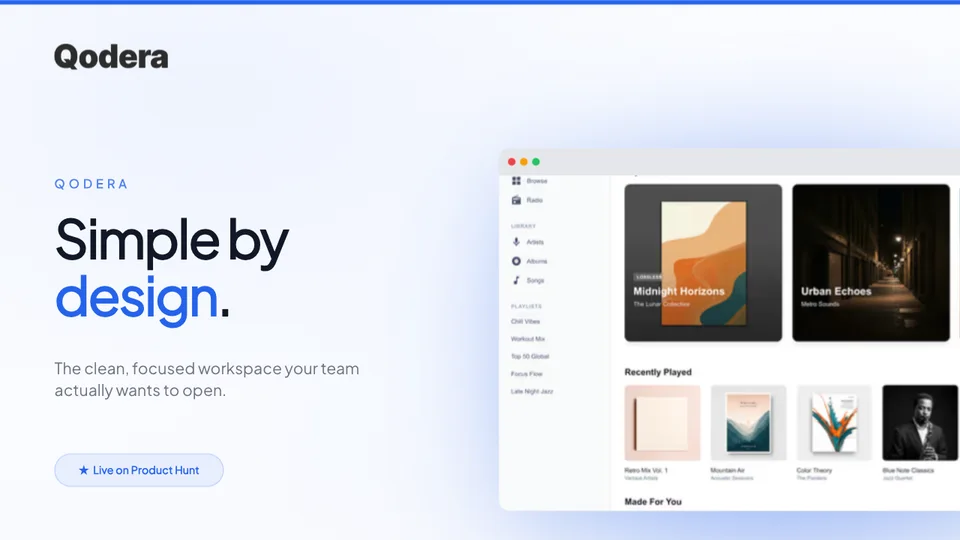
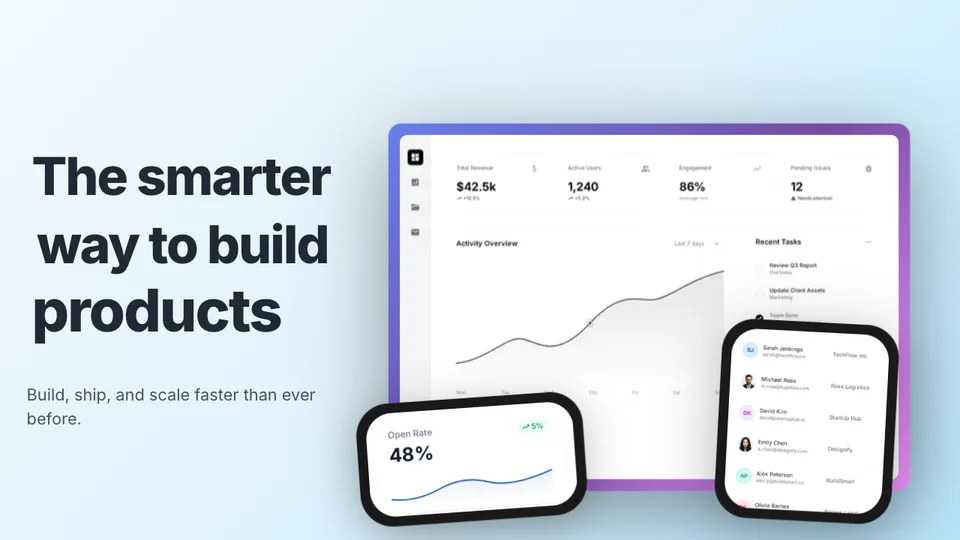
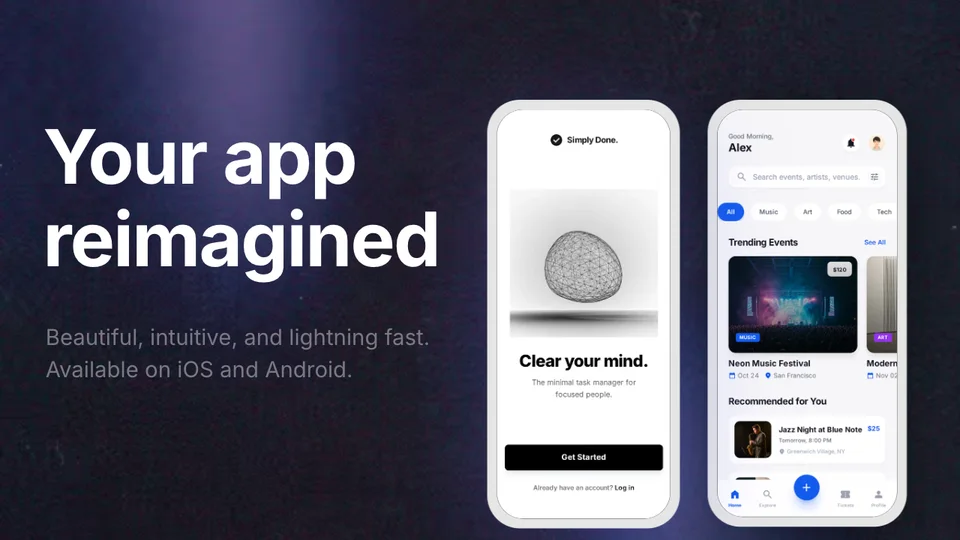
Launch-ready templates optimized for 1270×760. Pick one, add your screenshots, and ship.
Complete these 8 visual tasks before your launch day. For detailed guidance on each image, check out our Product Hunt mockup guide.
1. Create 6-8 gallery images at 1270×760
2. Design a compelling first image (this is your thumbnail)
3. Prepare a 240×240 logo
4. Write a tagline under 60 characters
5. Take fresh product screenshots
6. Place screenshots in device frames
7. Test images at thumbnail size (240×180)
8. Prepare social share images (OG images)
Your gallery images are the first thing hunters see. Make every pixel count. Read more about optimal gallery image sizing for Product Hunt.
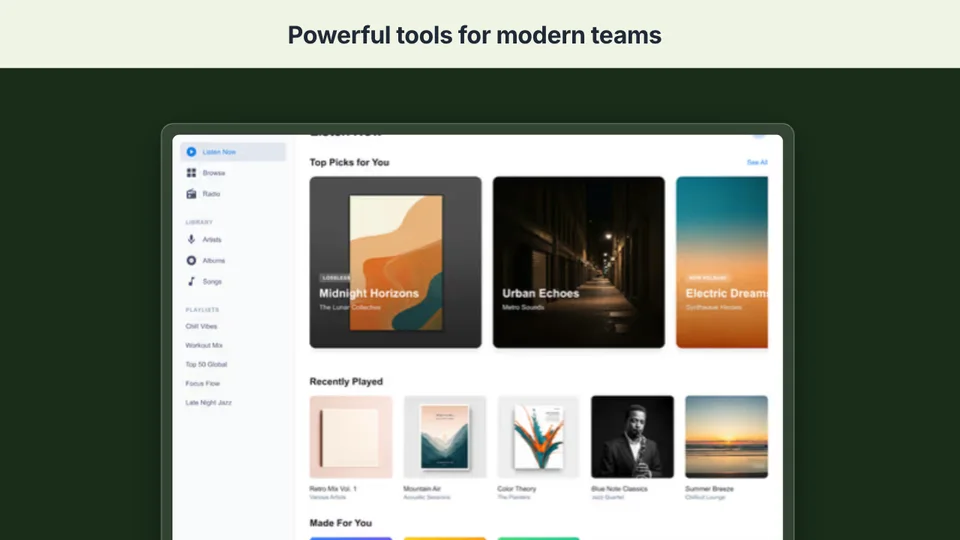
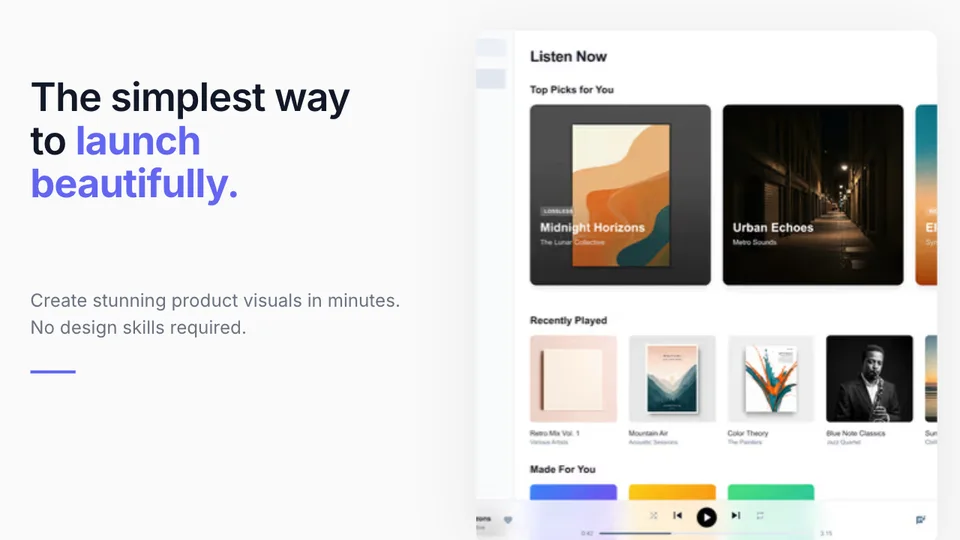
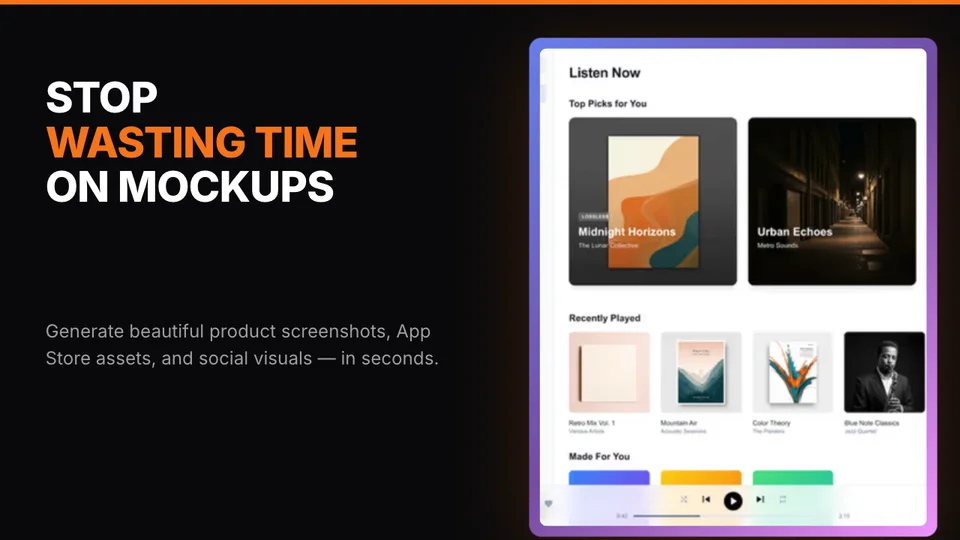
Your first gallery image appears as the thumbnail. Make it count with a bold headline and product screenshot.
Structure your gallery: hero → features → social proof → pricing/CTA. Each image should build on the last.
Consistent colors, fonts, and device frames across all images. Inconsistency kills credibility.
60%+ of Product Hunt browsing is mobile. Test your images at small sizes.
The recommended 6-image gallery structure that tells a compelling product story.
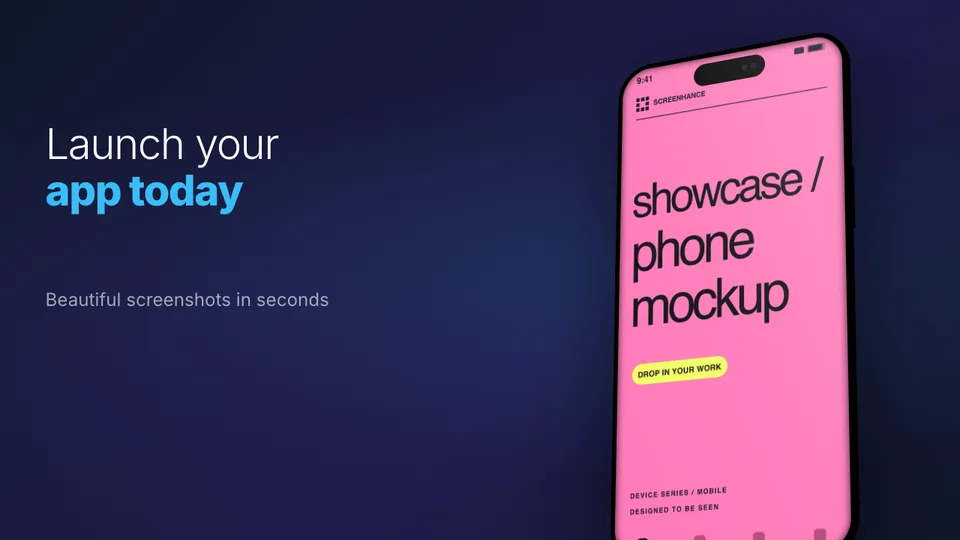
Bold headline + product in device frame
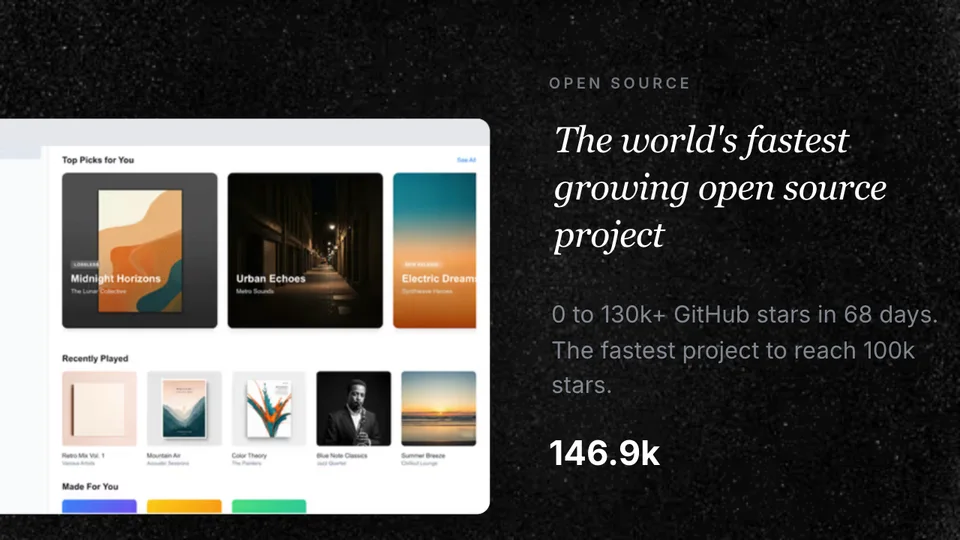
Screenshot with benefit-focused caption
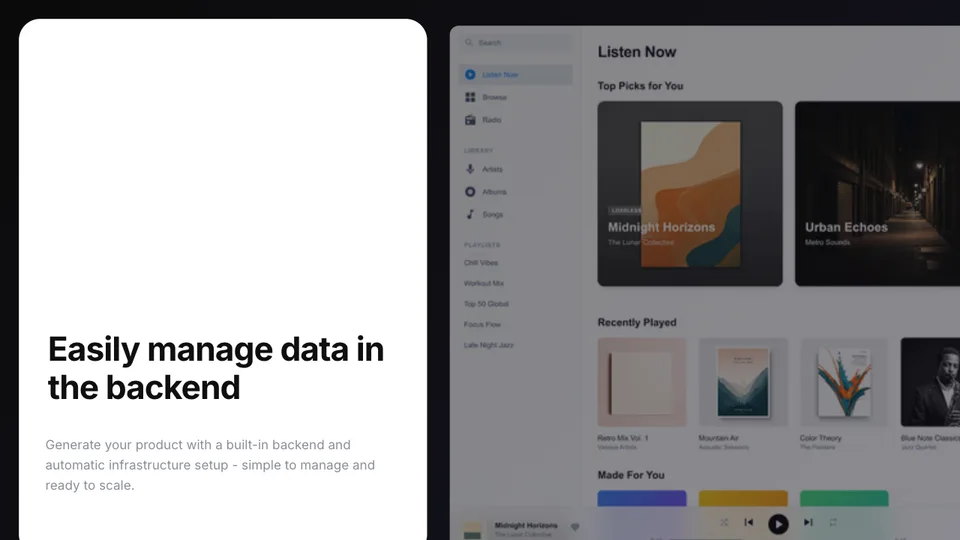
Different angle or workflow step
Show the transformation
Testimonials, metrics, or press logos
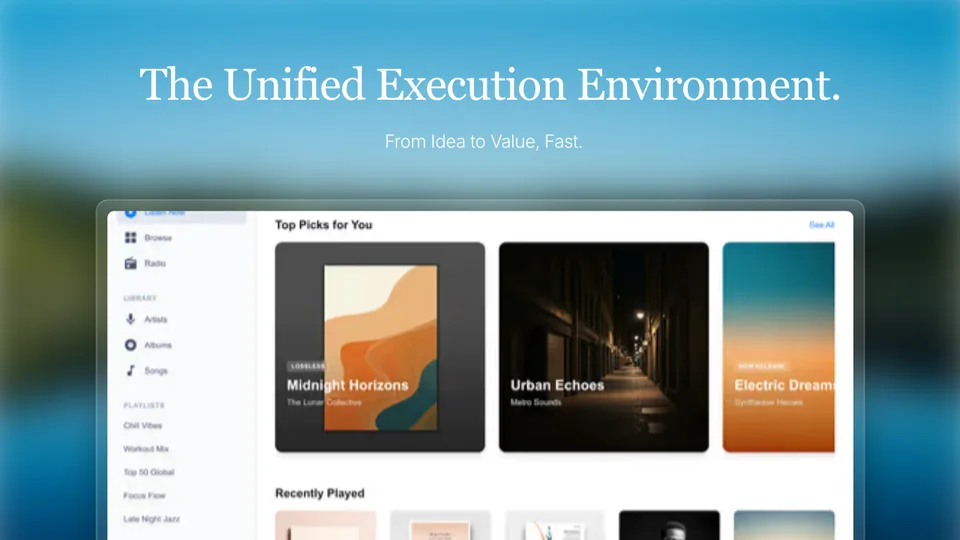
Pricing or "try it free" with clear next step
Quick reference for every image type you'll need for your Product Hunt listing.
1270×760px, PNG or JPEG, max 3MB, 8 slots max
240×180px (auto-cropped from first gallery image)
240×240px, PNG with transparent background
1200×630px for social sharing
Loved by 2,000+ creators
Create professional mockups in three simple steps. No design skills required.
Drag and drop or select any screenshot, design, or image from your device.
Pick from iPhone, iPad, MacBook, browser frames and beautiful gradient backgrounds.
Download as PNG, WebP, JPEG, GIF, or video. Ready for marketing in seconds.
Two capabilities that separate Screenhance from every other mockup tool in 2026: animated exports and App Store screenshot localization.
Template-driven motion — float, reveal, parallax. Export animated mockups at Product Hunt, landing-page, and Twitter/X dimensions. Most mockup tools are static-only.
One master design, per-locale captions, every required Apple and Google Play size per language. RTL and CJK support. Apple reports localized listings drive 2-3x install lifts.
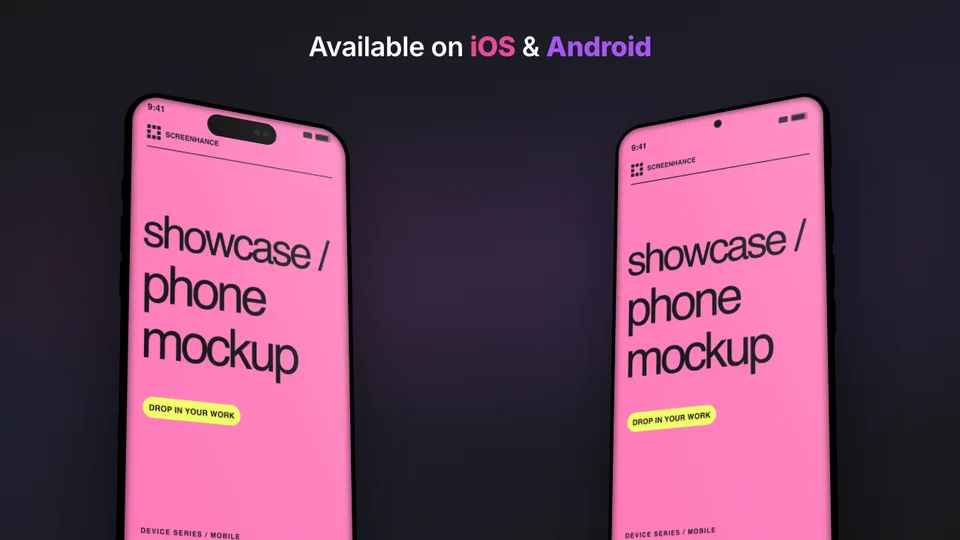
iPhone 17 Pro Max (1320×2868), iPhone Air (1260×2736), iPad Pro M4 (2064×2752), and the full Google Play set — exported from one design in a single pass.
Pick a template, drop in your screenshot, export. No Figma, no Photoshop, no learning curve. Free tier covers 3 exports a month; $6 Week Pass unlocks unlimited for a launch.
See how Screenhance compares for creating Product Hunt gallery images.
| Feature | Screenhance | Canva | Figma | Photoshop |
|---|---|---|---|---|
| Pre-sized PH templates | ✓ | ✗ | ✗ | ✗ |
| Device frames | ✓ | Limited | Plugin | Manual |
| No design skills needed | ✓ | ✓ | ✗ | ✗ |
| Export at 1270×760 | ✓ | Custom | Custom | Custom |
| Gradient backgrounds | ✓ | ✓ | ✓ | ✓ |
| Text overlays | ✓ | ✓ | ✓ | ✓ |
| Free plan | ✓ | ✓ | ✓ | ✗ |
| Price | Free / $9/mo | Free / $13/mo | Free / $15/mo | $23/mo |
The teams that ship clean Product Hunt launches do not pull an all-nighter the day before. They work backwards from launch day across two weeks, with visuals owning specific days. Here is the schedule that has held up across the launches we have watched succeed in 2026.
T-14 to T-10: Lock the product story. Write the tagline, the description, and the first comment. None of the visuals work if you do not know what you are arguing for. The hero gallery image has to confirm the tagline; the feature panels have to support the first comment. Get the words right first.
T-10 to T-7: Take fresh, clean product screenshots. Do not reuse last quarter's captures. UI changes faster than memory and a stale dashboard in your gallery is the loudest signal that you are not paying attention. Capture at the highest native resolution your tool supports, then crop down.
T-7 to T-4: Build the gallery in your Product Hunt gallery generator. Six to eight panels at 1270×760. Hero first, three to four feature shots, one social-proof panel, one CTA. Make every panel readable at thumbnail size; some hunters scroll fast.
T-4 to T-2: Make the thumbnail. The first gallery image gets cropped to 240×180 for the feed view. Test it. If the headline becomes unreadable or the screenshot disappears at thumbnail scale, redesign the panel. This is the highest-leverage image in the whole launch.
T-2 to T-1: Ship the supporting assets — the OG card for outbound links, the launch tweet image, the LinkedIn announcement graphic, the changelog banner. All of them should share the visual language of the gallery so cross-channel traffic recognises the launch instantly.
T-1: Nothing visual. Final copy review, dry-run the publish flow, sleep. The teams that scramble for assets on launch eve are the ones whose gallery looks rushed.
Product Hunt launches go live at 12:01 AM Pacific. The first sixty minutes set the trajectory of the day — the daily ranking algorithm leans heavily on early-velocity signals, and the assets you have ready in that first hour decide how much momentum compounds.
Minute zero: publish the launch tweet with your hero gallery image attached, not just the Product Hunt link. Twitter and X both compress link previews; pasting the image directly preserves the resolution and gives the post a thumbnail that earns retweets.
Minute fifteen: post the LinkedIn announcement with the square 1200×1200 version of the same image. LinkedIn down-ranks link posts in favour of native image posts, so the visual upload matters more than the Product Hunt URL.
Minute thirty: ship the email to your list with the launch banner inline. Use the 600px-wide email-optimised version, not the gallery panel — large images break in too many email clients to be worth the gamble.
Minute forty-five: post in the relevant Slack and Discord communities you are part of. Each community wants a slightly different image format; the OG card you generated for the link preview is what most of them will use. If you tried to design these assets at minute zero, you would still be designing them at noon.

Common questions about preparing visuals for your Product Hunt launch.
6-8 images is the sweet spot. Product Hunt allows up to 8. Use at least 6 to tell a complete visual story of your product.
1270×760 pixels is the required size. Images that don't match this ratio will be cropped automatically, which can cut off important content.
Your first image doubles as the thumbnail (shown at 240×180). Use a bold headline, your product in a device frame, and a clean background. Avoid cluttered designs — they become unreadable at thumbnail size.
At least 2-3 days before launch. This gives you time to iterate, get feedback, and test at different sizes. Don't rush visuals on launch day.
Product Hunt supports GIFs, and they can increase engagement. Use them for showing product workflows or interactions. Keep file sizes under 3MB and ensure the first frame looks good as a still image.
Yes, Screenhance offers a free plan with 3 exports per month. Templates are pre-sized to 1270×760 with Product Hunt-optimized layouts, device frames, and backgrounds.
Start two weeks out. The product story has to be locked before you can design visuals that support it, fresh screenshots need to be captured at the right resolution, and the thumbnail (the first gallery image cropped to 240×180) needs at least one round of testing. Teams that start three days out always look rushed in the feed.
The first gallery image — because it doubles as the thumbnail. Hunters scrolling the home page see 240×180 versions of that one panel. If the headline becomes unreadable or the screenshot vanishes at thumbnail scale, your launch loses traffic before anyone reads the tagline. Design the thumbnail first and let the rest of the gallery follow its visual language.
Yes, tightly. Hunters click through from the gallery to your site, and a visual mismatch between the Product Hunt panel and the landing page hero erodes trust instantly. Use the same device frames, same background style, and same typography on both sides of the click. The launch and the landing should look like one continuous experience.
Product Hunt launches go live at 12:01 AM Pacific. Post your launch tweet and LinkedIn announcement within the first fifteen minutes — the daily ranking is heavily front-loaded and early upvote velocity drives placement. Have all your visuals pre-rendered and queued; the first hour is not the time to be editing images.
Explore more ways to create stunning visuals with Screenhance.
Generate compliant App Store screenshots
Try it freeResolve the App Store Connect wrong-dimensions error
Try it freePolish app screenshots for any store
Try it freeAndroid-ready Google Play visuals
Try it freeiOS-specific screenshot sets
Try it freeLaunch-ready PH gallery images
Try it freeBeautiful gallery images can be the difference between getting noticed and getting lost. Create yours in minutes.