
%2FOlivia%20Rhye.webp&w=64&q=75)
%2FPhoenix%20Baker.webp&w=64&q=75)
%2FLana%20Steiner.webp&w=64&q=75)
%2FDemi%20Wilkinson.webp&w=64&q=75)
%2FDrew%20Cano.webp&w=64&q=75)
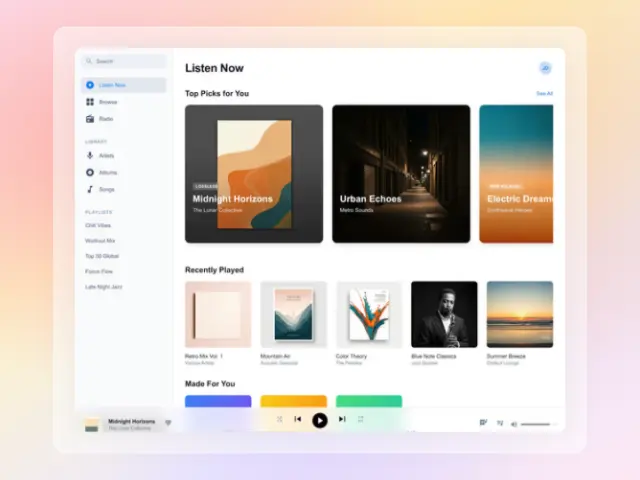
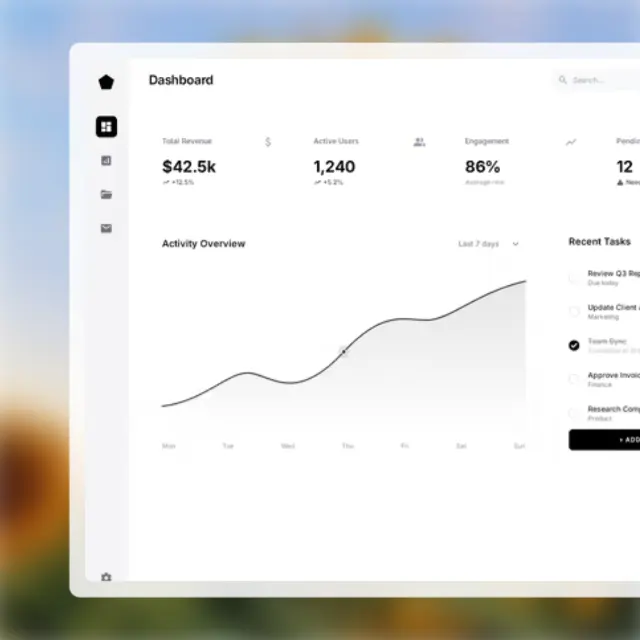
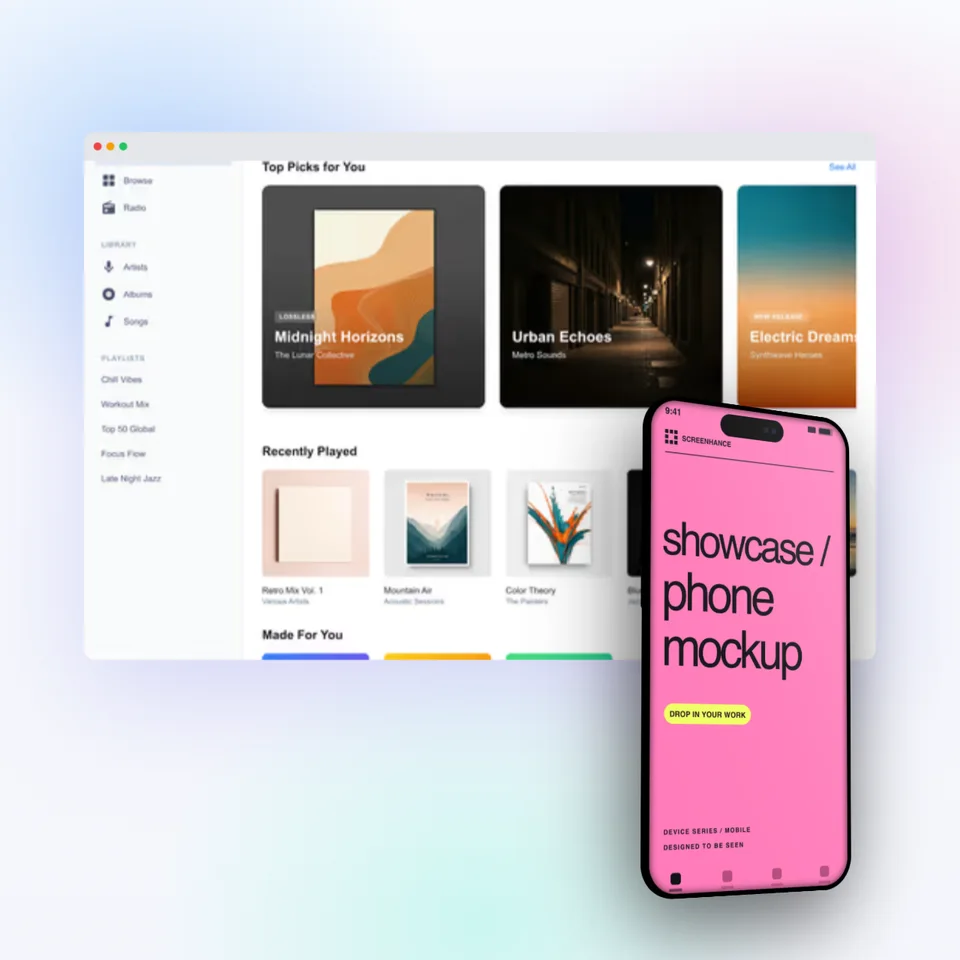
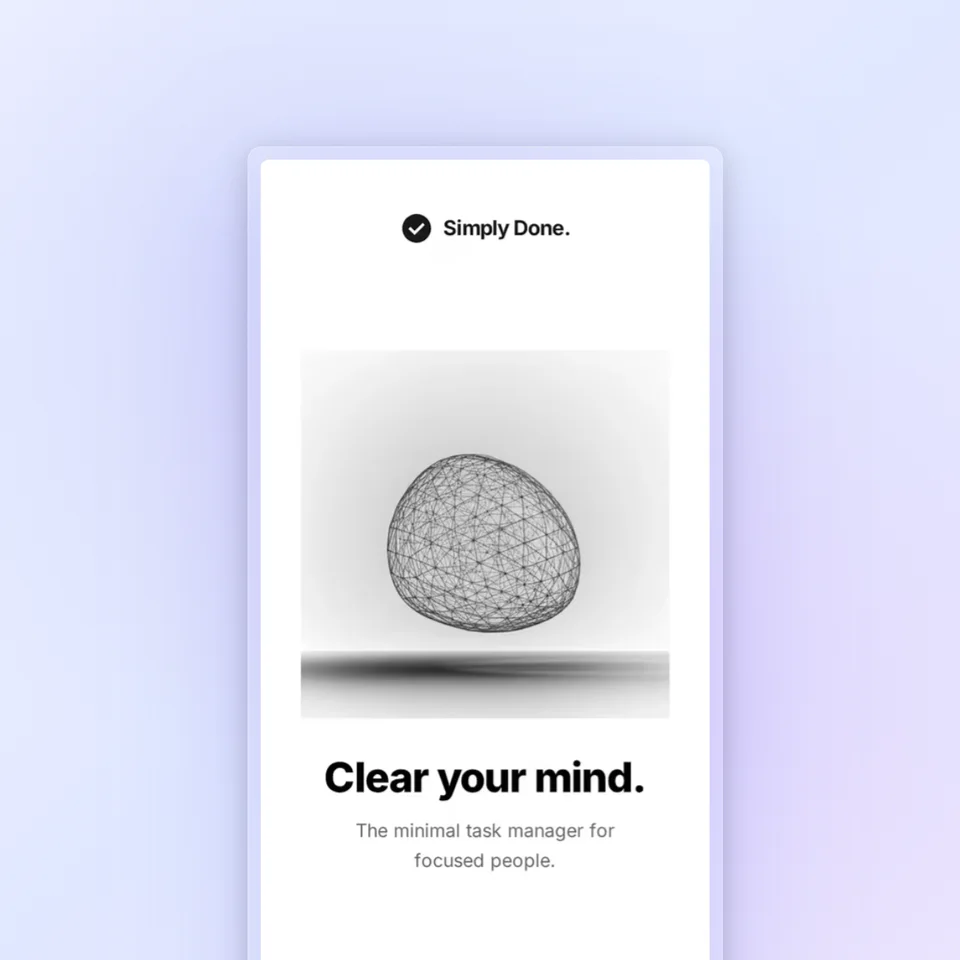
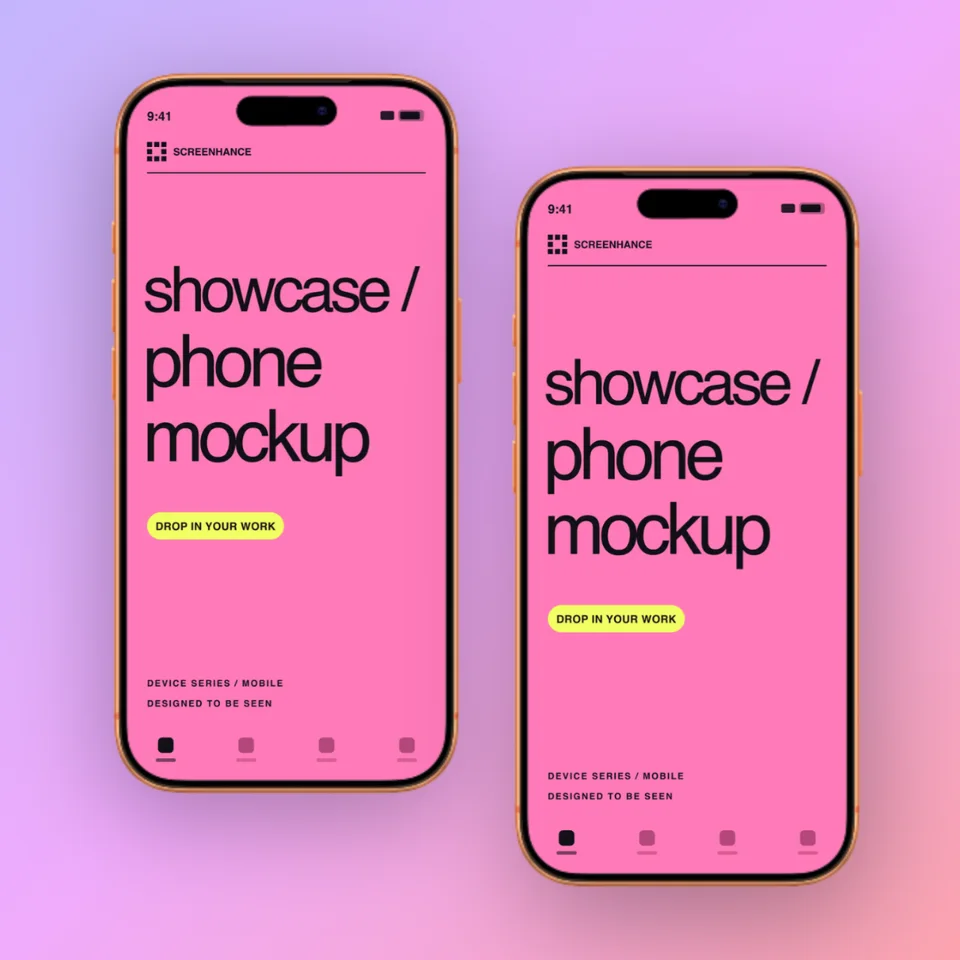
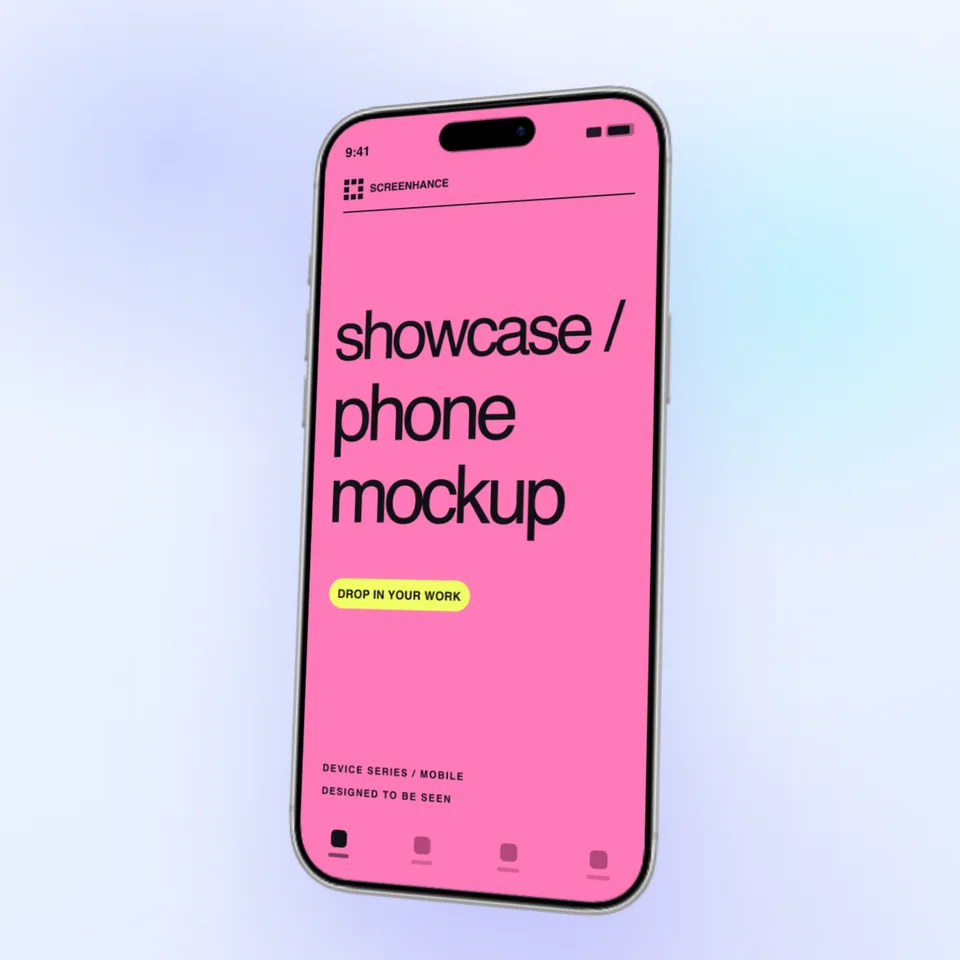
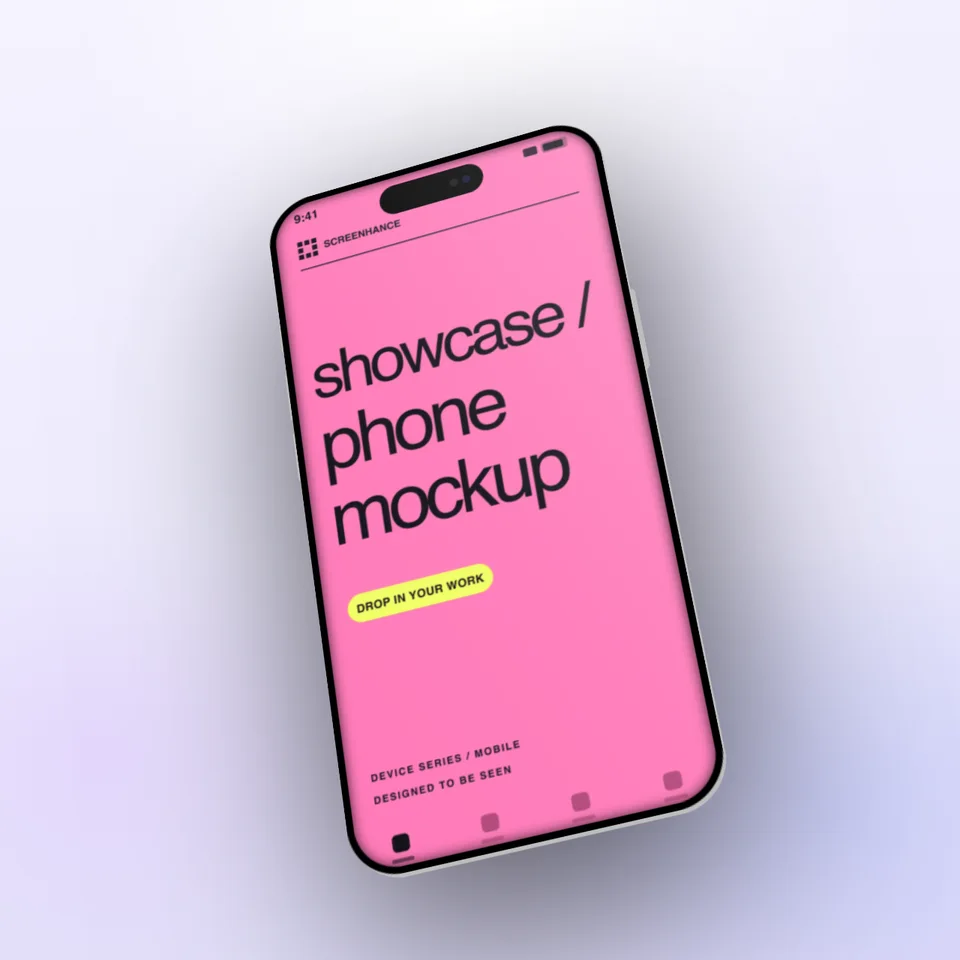
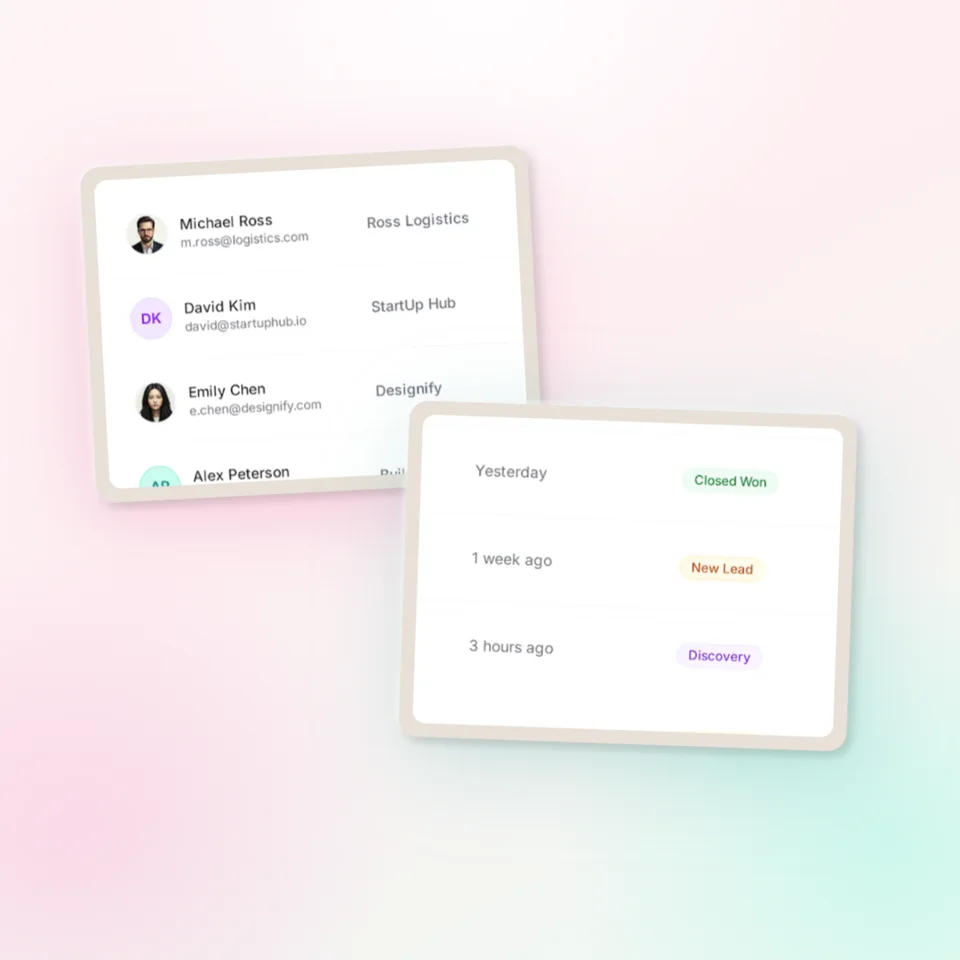
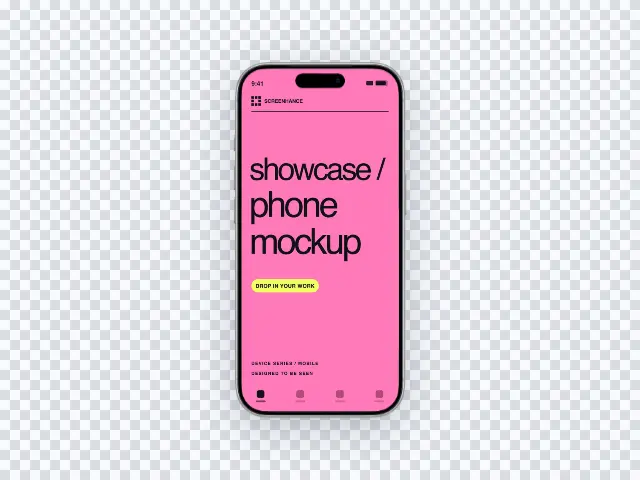
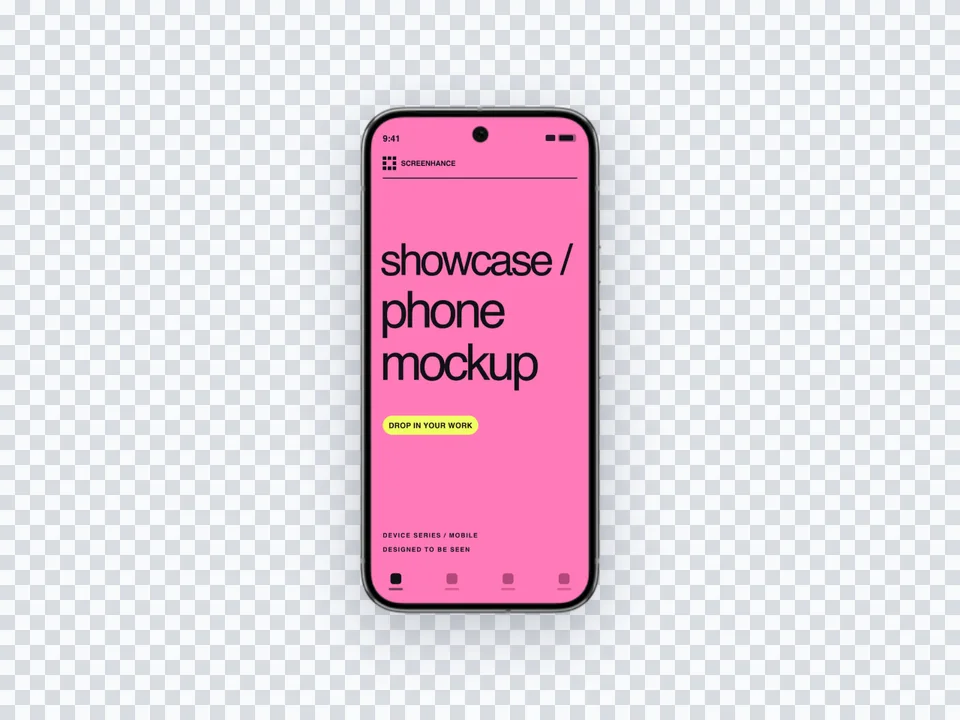


Alternating
Give each important feature room to explain itself.
Focus attention on one real product capability, then reuse the same visual direction across the landing page, changelog, launch post, email, and social update.
Loved by 3,000+ creators
Start with website feature images, then switch formats for social previews, launch galleries, or motion.
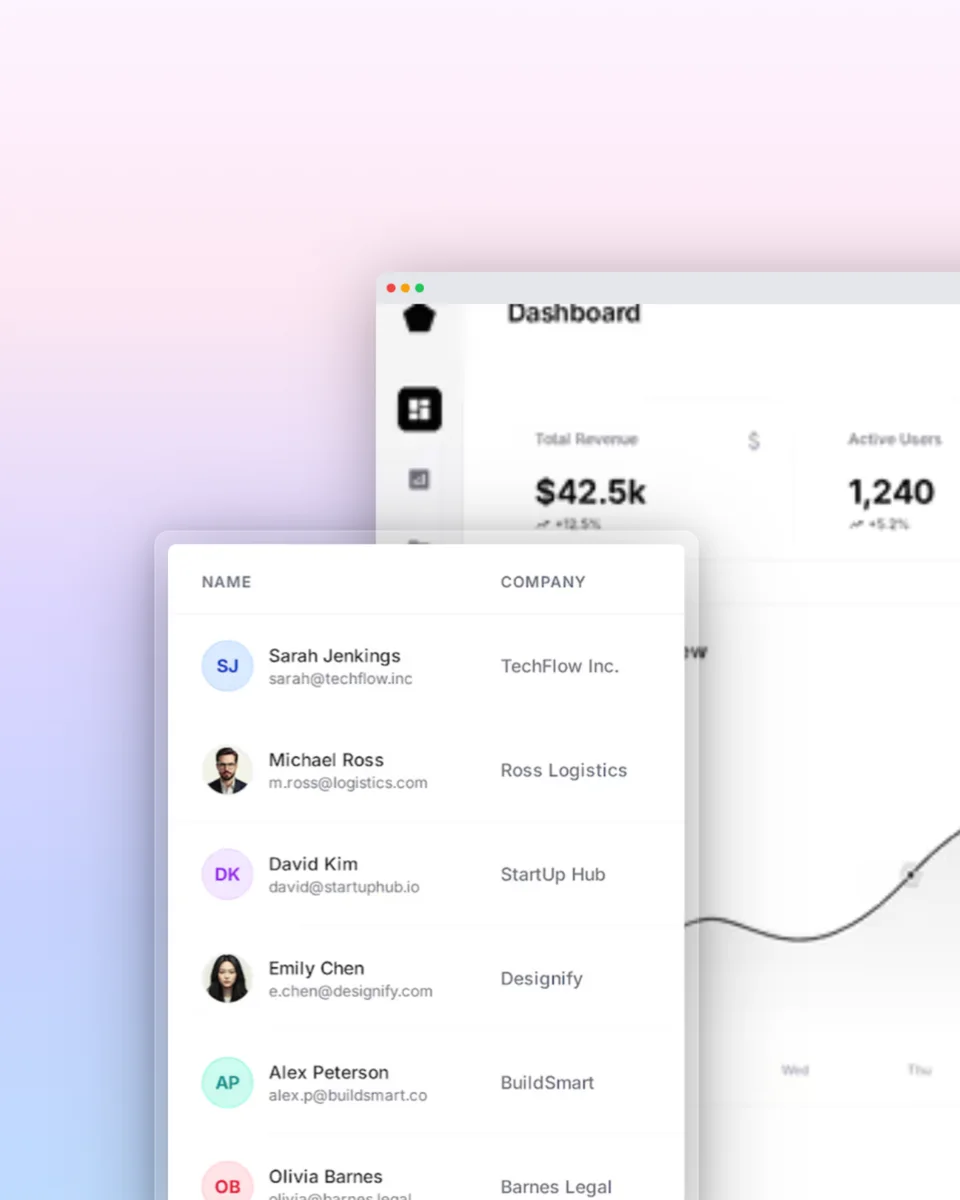
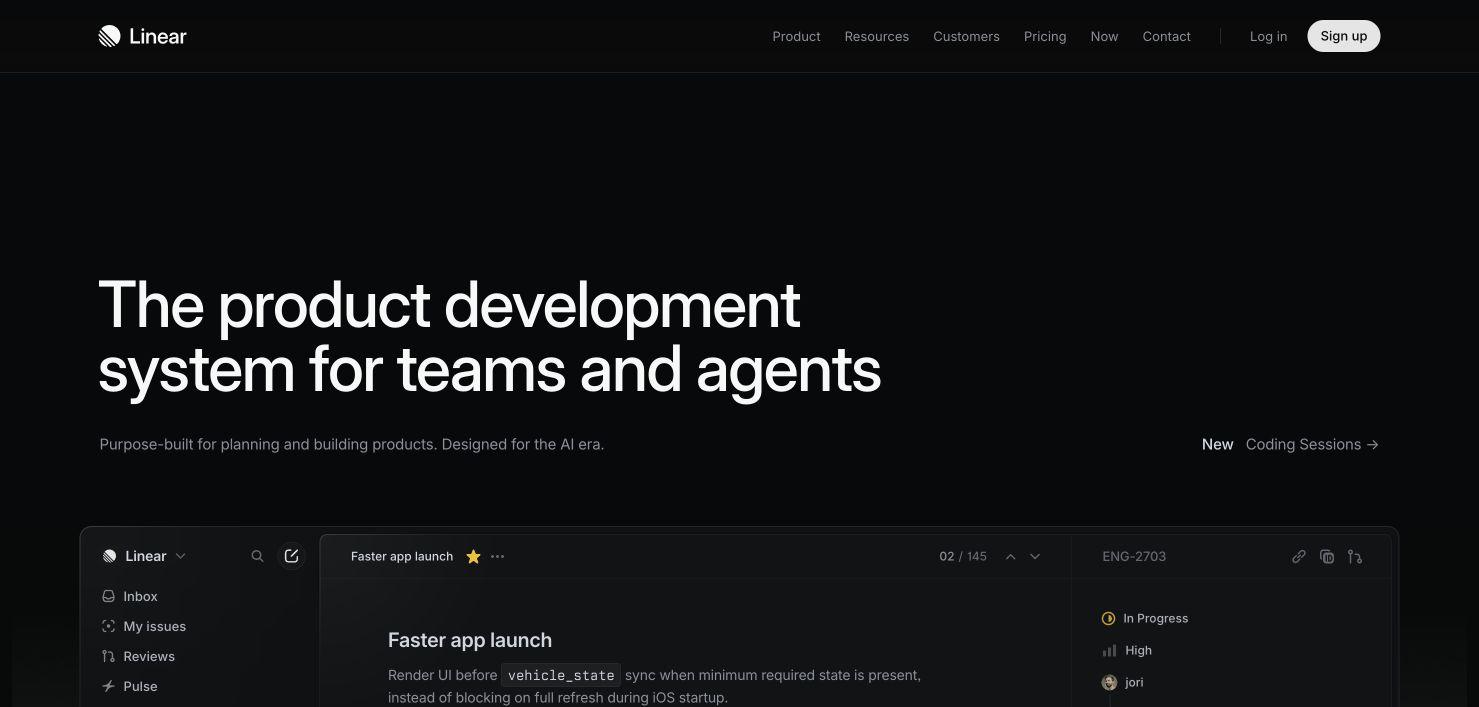
A feature screenshot isolates one useful part of the interface, gives it a clear frame, and places it in the layout customers will actually scan.
Crop to the relevant workflow, keep framing consistent, match the page background, and use annotations only when the interface cannot explain itself.
Give each important feature room to explain itself.
Make a broad product feel scannable at a glance.
Keep related workflows inside one focused visual area.
Show the difference or result beside the product UI.
Move from source material to a polished launch asset without rebuilding the design in another tool.
Choose a visual template, a store-listing set, a Launch Kit, or an empty canvas for full control.
Add screenshots, photo scenes, device frames, text, icons, annotations, backgrounds, layers, and motion in the browser editor.
Download PNG, WebP, JPEG, GIF, WebM, or MP4, or export organized iOS, Google Play, and Chrome screenshot ZIPs.
Screenhance covers the full path from a raw screenshot or screen recording to coordinated, editable launch assets.
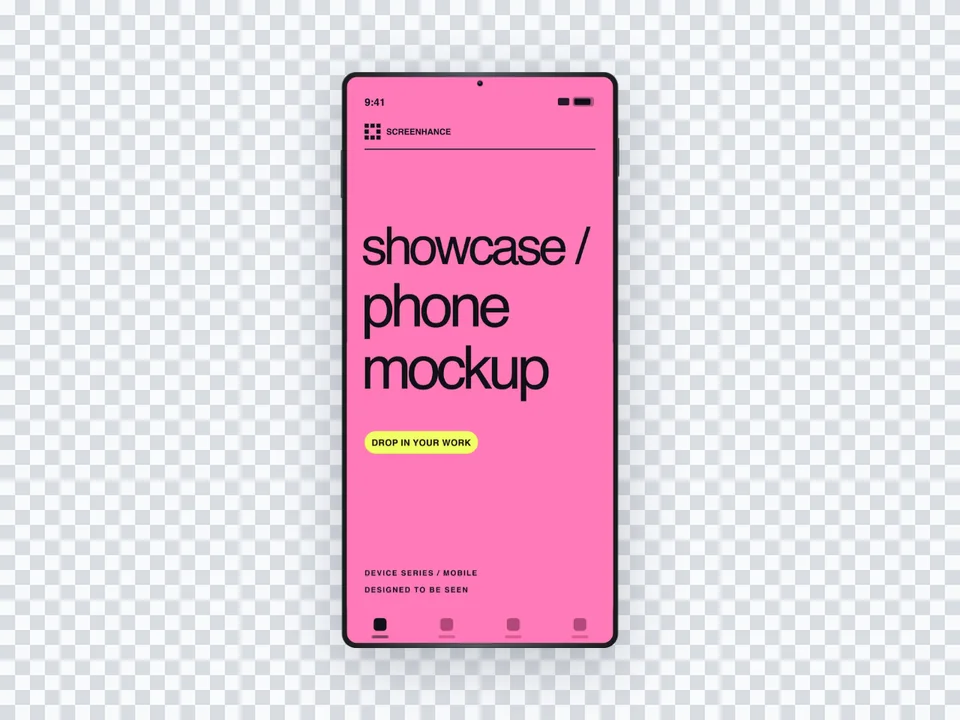
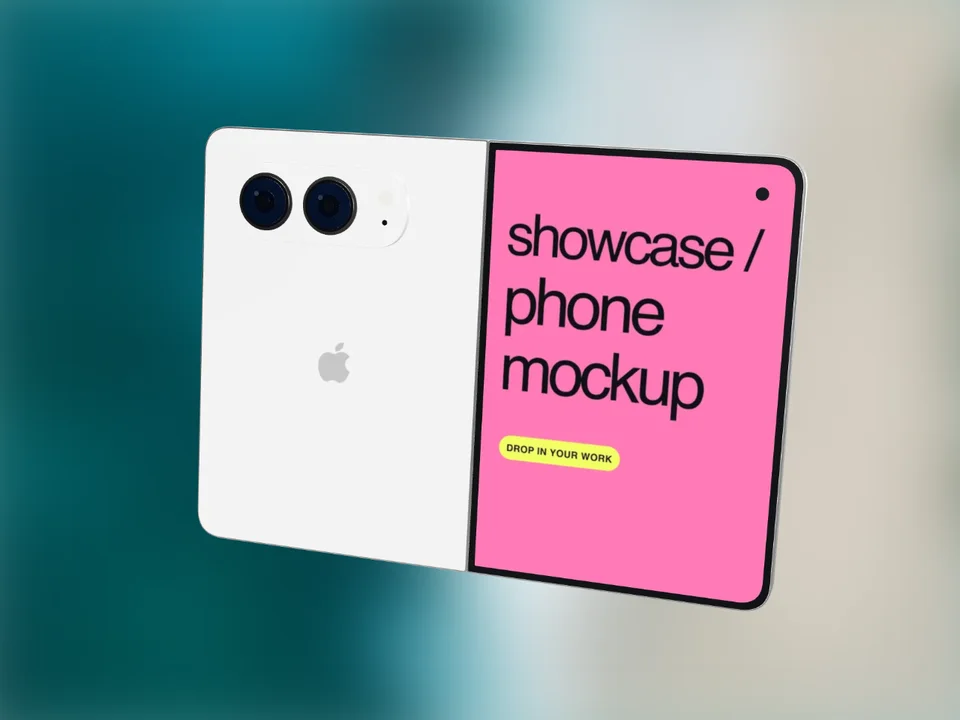
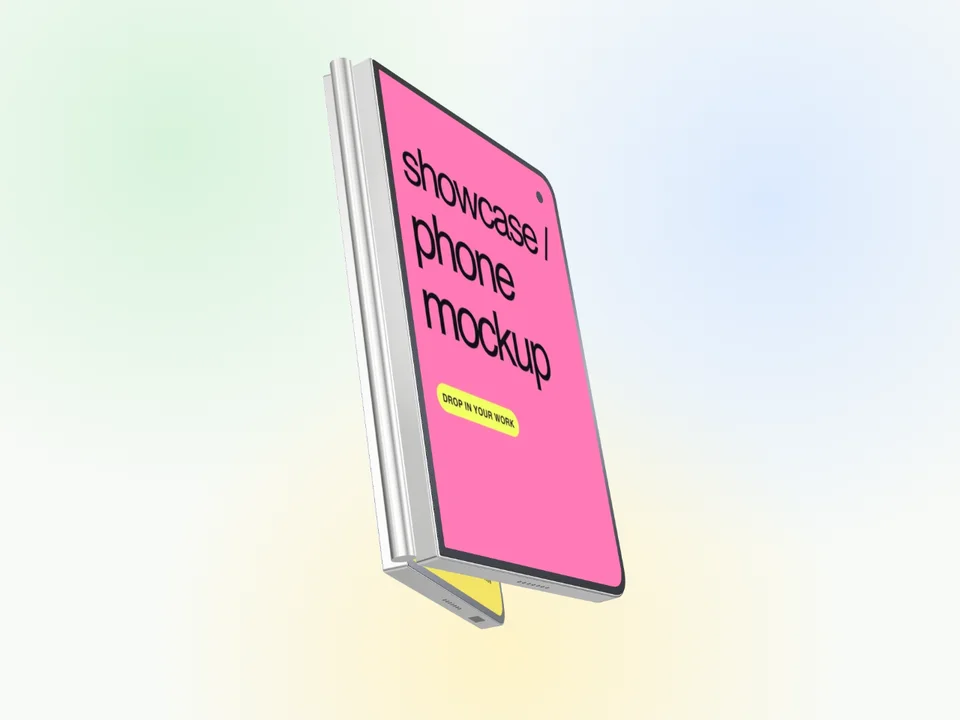
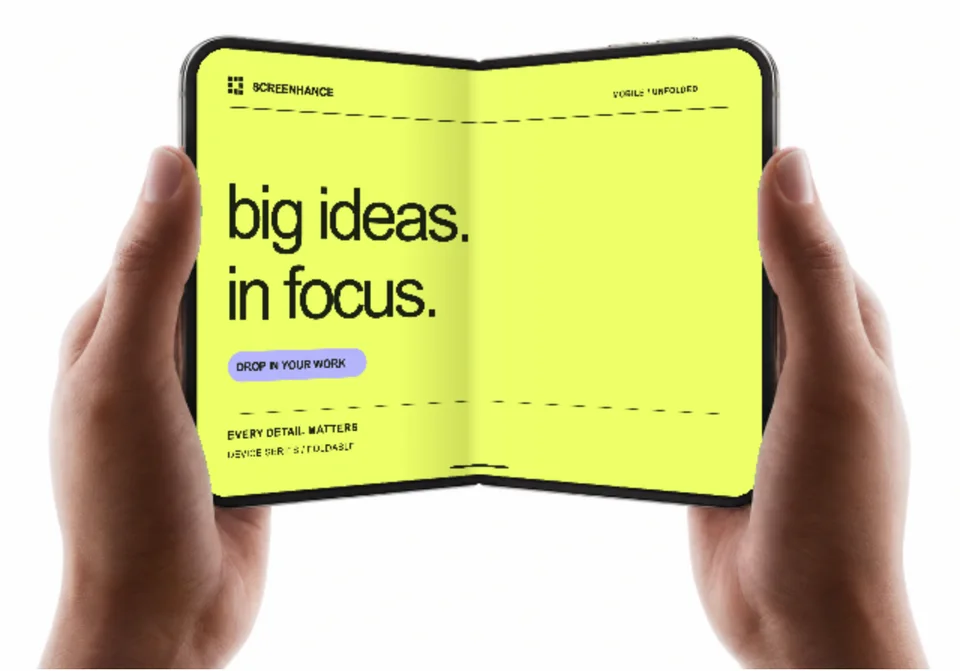
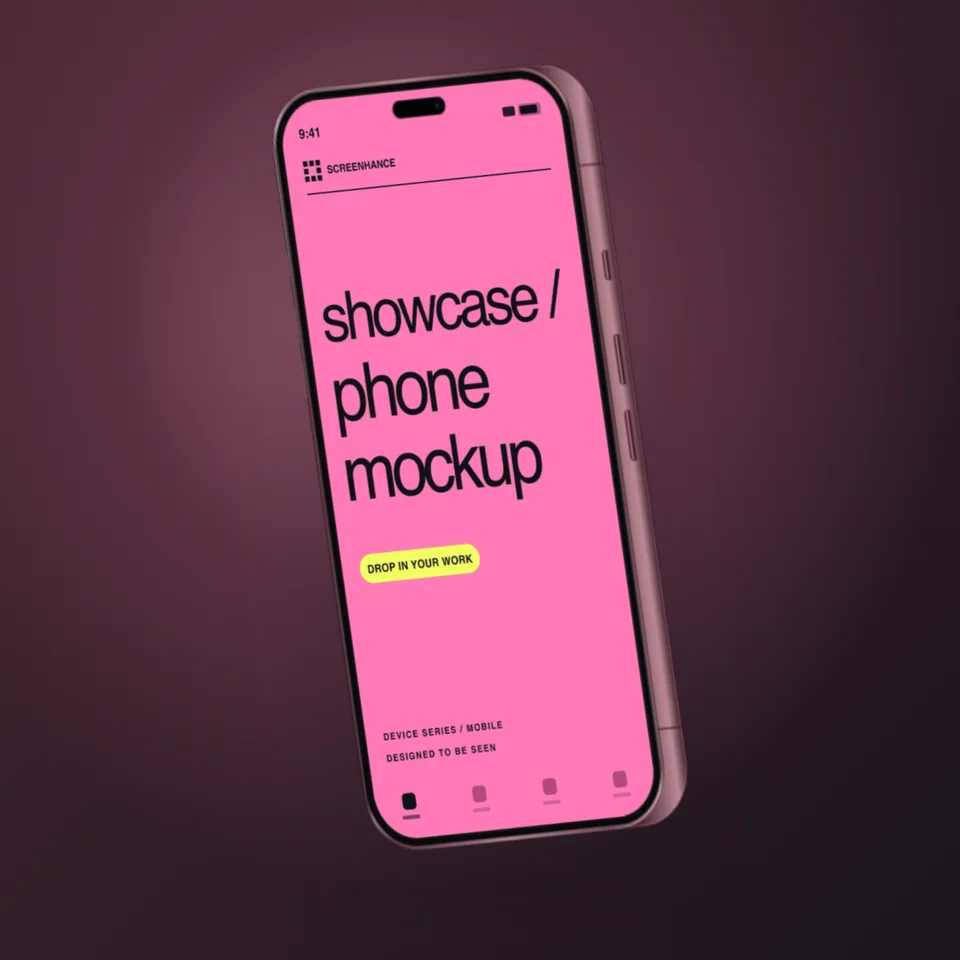
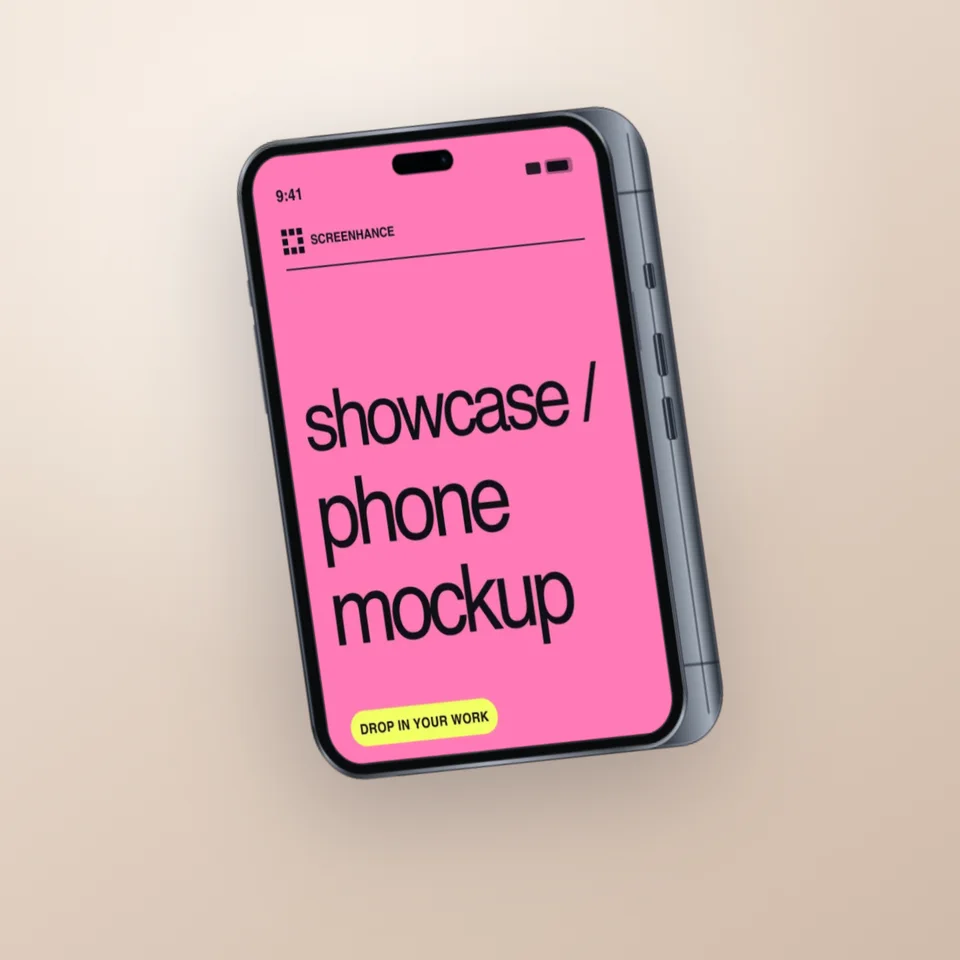
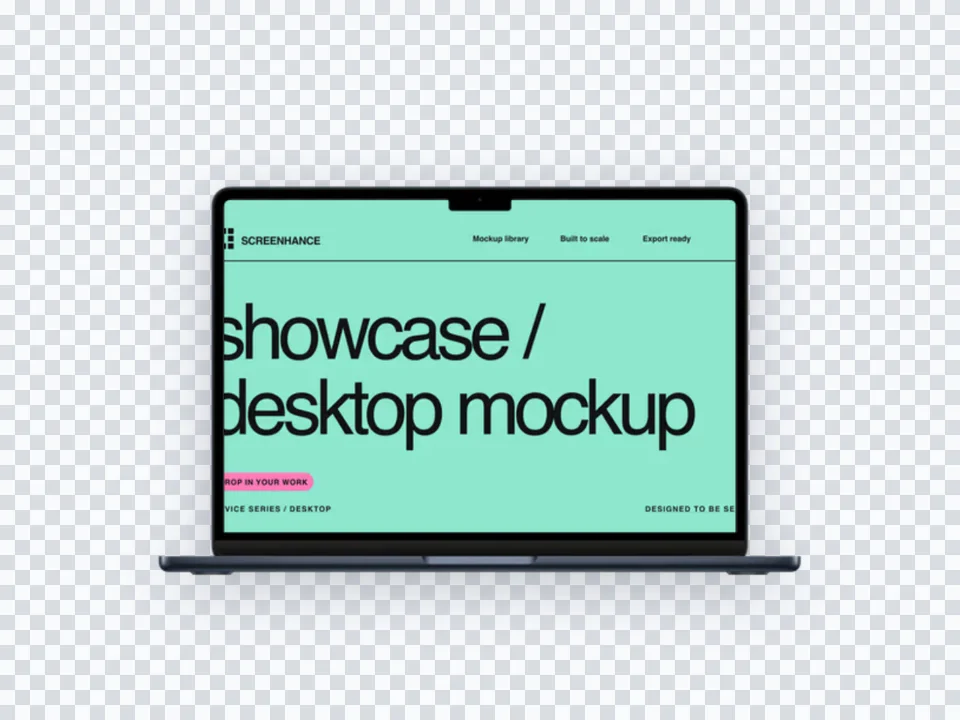
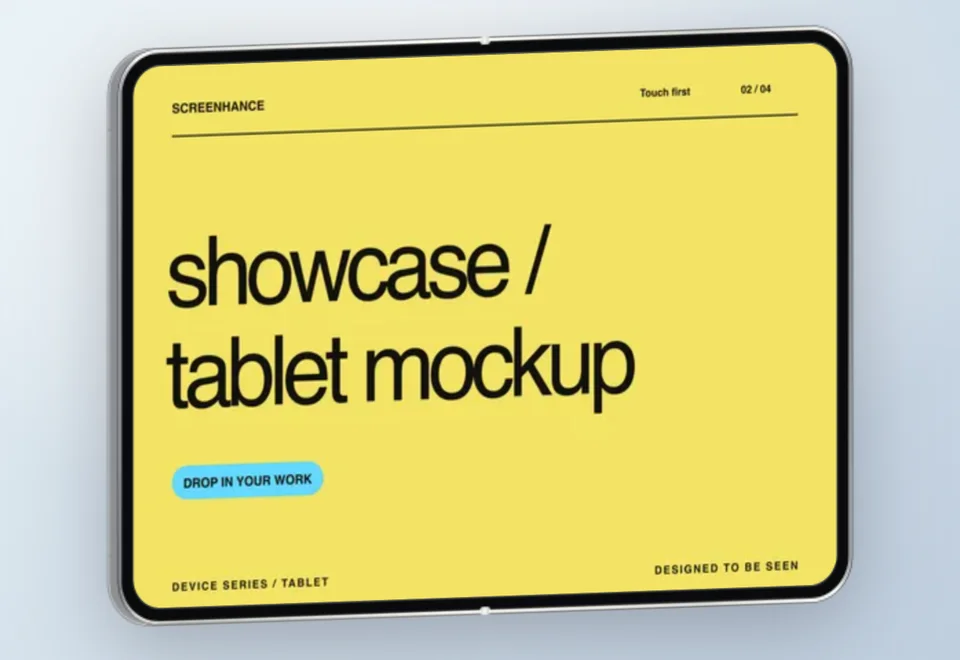
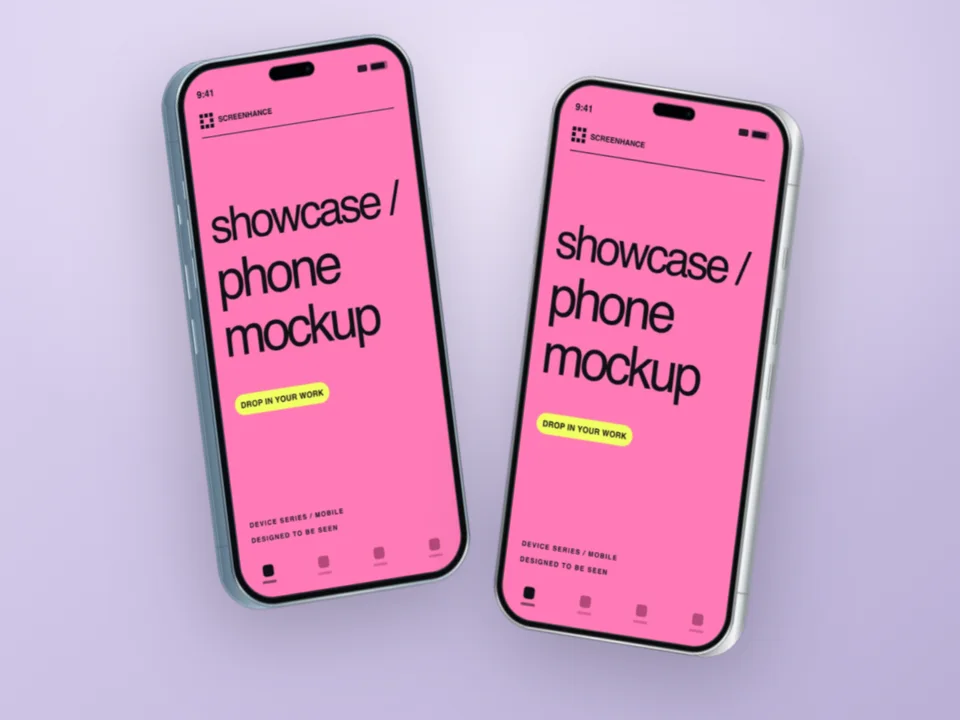
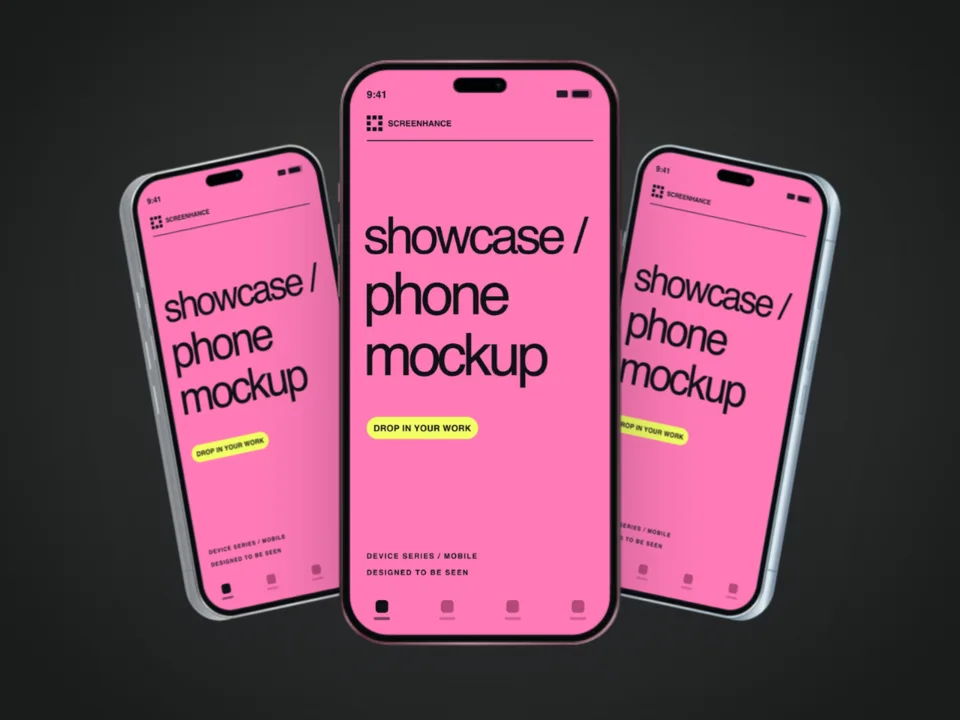
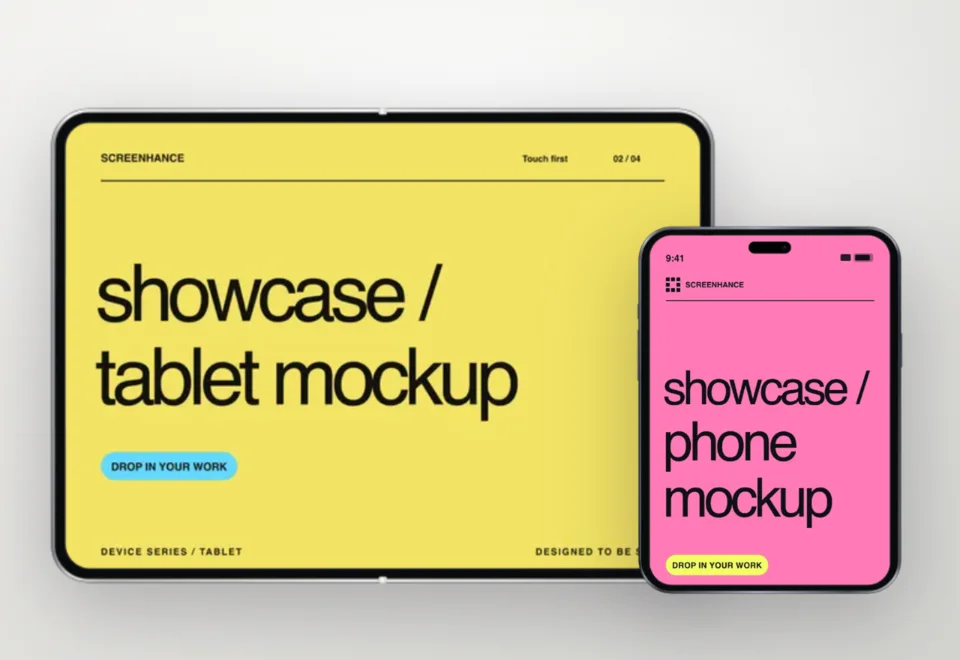
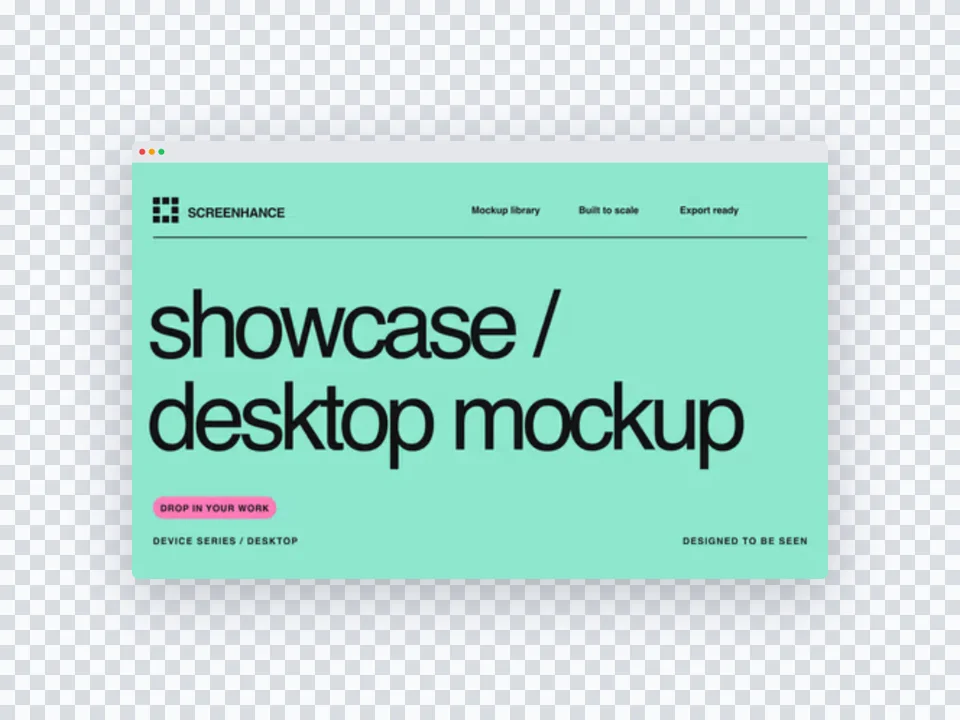
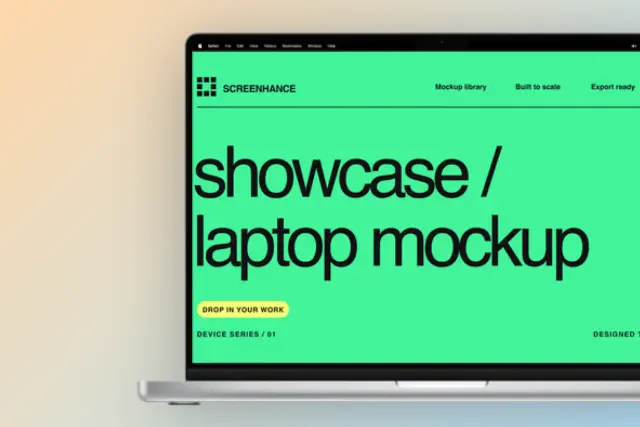
Use current device frames, stylized treatments, or photorealistic placements across phones, tablets, laptops, watches, TVs, print, apparel, and outdoor media.
Start with a complete composition for mockups, Product Hunt, OG images, website heroes, Play feature graphics, or Chrome Web Store promo assets, then edit every layer.
Create coordinated iOS, Google Play, and Chrome Web Store screenshot sets, edit localized copy across supported languages, and export organized PNG ZIPs, including fastlane-ready iOS folders.
Animate layers with editable motion styles and export GIF or WebM, or record and polish a product demo in Studio with frames, cursor motion, captions, audio, and MP4/WebM export.
See how Screenhance compares to other tools for creating feature section visuals.
| Feature | Screenhance | Figma | Canva | CleanShot X |
|---|---|---|---|---|
| Purpose-built for product screenshots | Yes | General design | General design | Screenshot capture |
| Design skills needed | None | Advanced | Basic | None |
| Device frames | 40+ (MacBook, browser, iPhone, iPad) | Manual setup | Limited clipart | Basic window frame |
| Professional backgrounds | gradients, glass, aurora | Design your own | Basic templates | Solid colors only |
| Consistent styling across images | Built-in | Manual effort | Brand kit (paid) | Limited |
| Time to create | Preset workflow | Manual workflow | Manual workflow | Capture workflow |
| Retina export (2x, 3x) | Yes | Yes | No | 2x only |
| Free plan | 3 exports/month | Free tier | Free tier | No free plan |
| Price (paid) | $6 Launch Pass or $12/month | $15/month | $13/month | $29 one-time |
A feature screenshot is a focused, cropped image of a specific product feature placed in a device frame with a clean background. It’s used in feature sections on SaaS landing pages to visually demonstrate what each feature does. Unlike full-page screenshots, feature screenshots zoom in on one specific capability.
For alternating layouts (image + text), 800×600 pixels works well. For feature grids (2×2 or 3×3), use 600×450 or 400×300 pixels. Always export at 2x resolution for Retina displays. Screenhance templates support all common feature section dimensions.
Yes, in most cases. Device frames add context and make your screenshots feel like a real product rather than a UI mockup. For feature sections, a browser frame or floating window works best. Keep the frame consistent across all features for a polished look.
Most SaaS landing pages showcase 3–6 key features with screenshots. Focus on your most valuable and differentiating features. Each screenshot should highlight one specific capability — don’t try to show everything in a single image.
Yes. Screenhance lets you use the same device frame, background style, and color palette across all your feature screenshots. This consistency makes your landing page look professionally designed, even without a designer.
Yes. The free plan includes three 1× watermarked PNG exports per month. You can use the templates and frames while editing. The $6 Launch Pass includes 10 clean static image exports over 7 days; Pro adds unlimited clean exports and motion formats.
Reuse the same source screenshot for another practical output.
Create marketing visuals for SaaS
Start creatingEvery launch visual from one brief: App Store, Product Hunt, OG, and website
Start creatingEdit, annotate, and reframe screenshots
Start creatingMake any screenshot look professional
Start creatingArrows, highlights, and auto-numbered steps
Start creatingBlur or redact sensitive info before you share
Start creatingYour feature sections deserve polished screenshots. Create consistent, professional visuals for every feature on your landing page — in minutes with Screenhance.