Use Cases
Show your Instagram post the way people actually see it, on a real phone in a real hand. Upload your square post, pick a scene, and export a presentation-ready image. Free, in the browser, no Photoshop.
Loved by 2,000+ creators
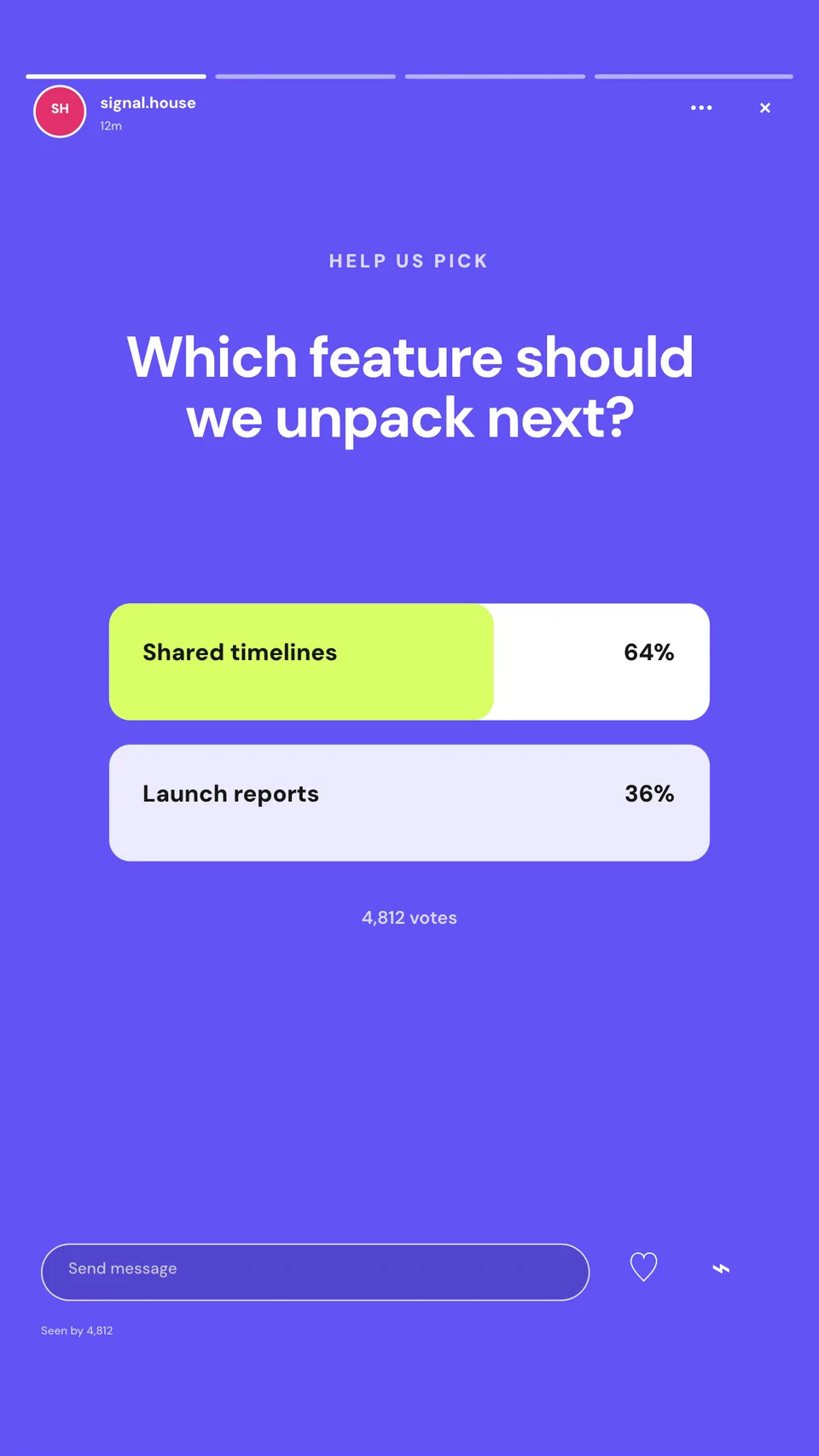
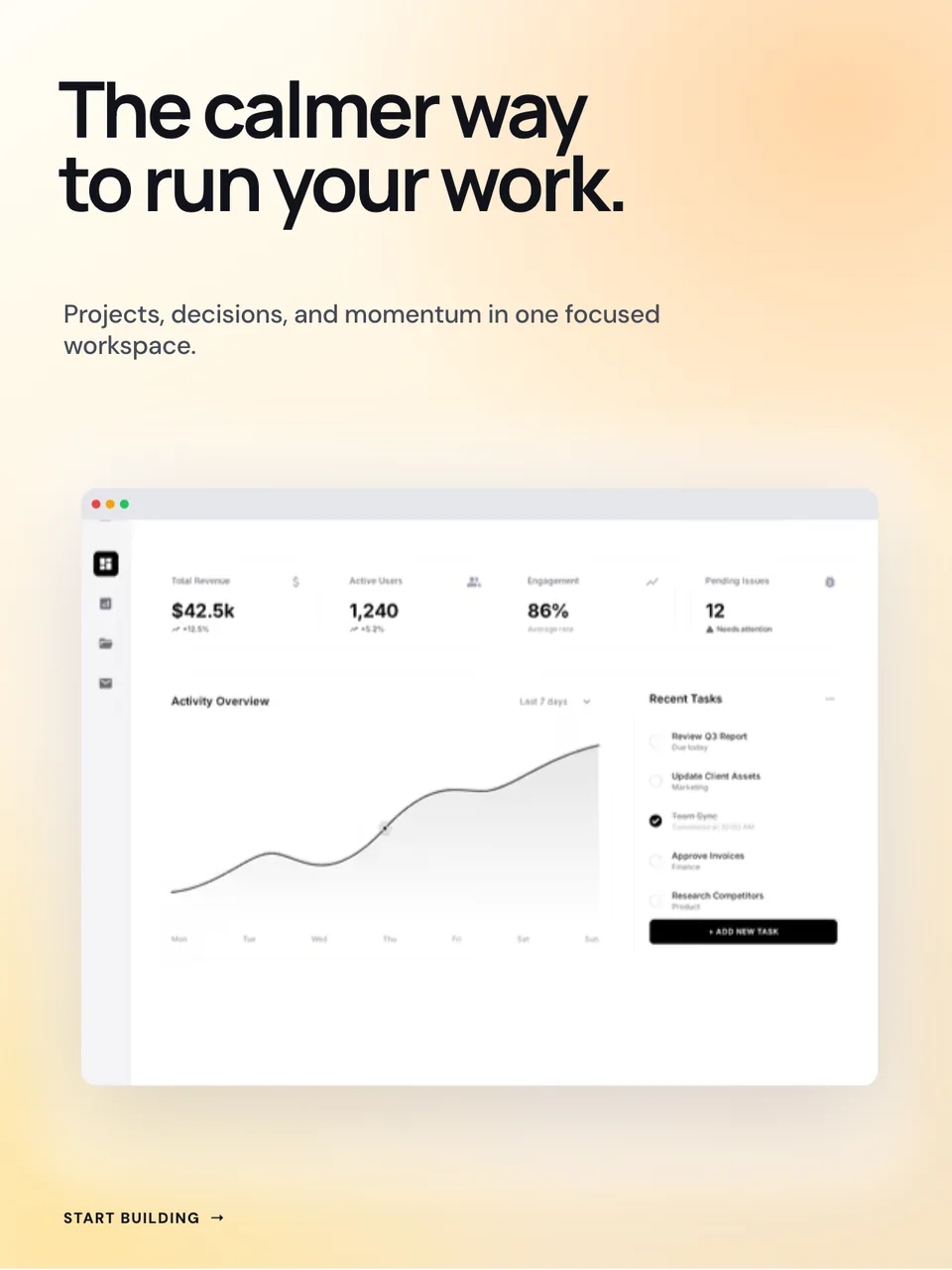
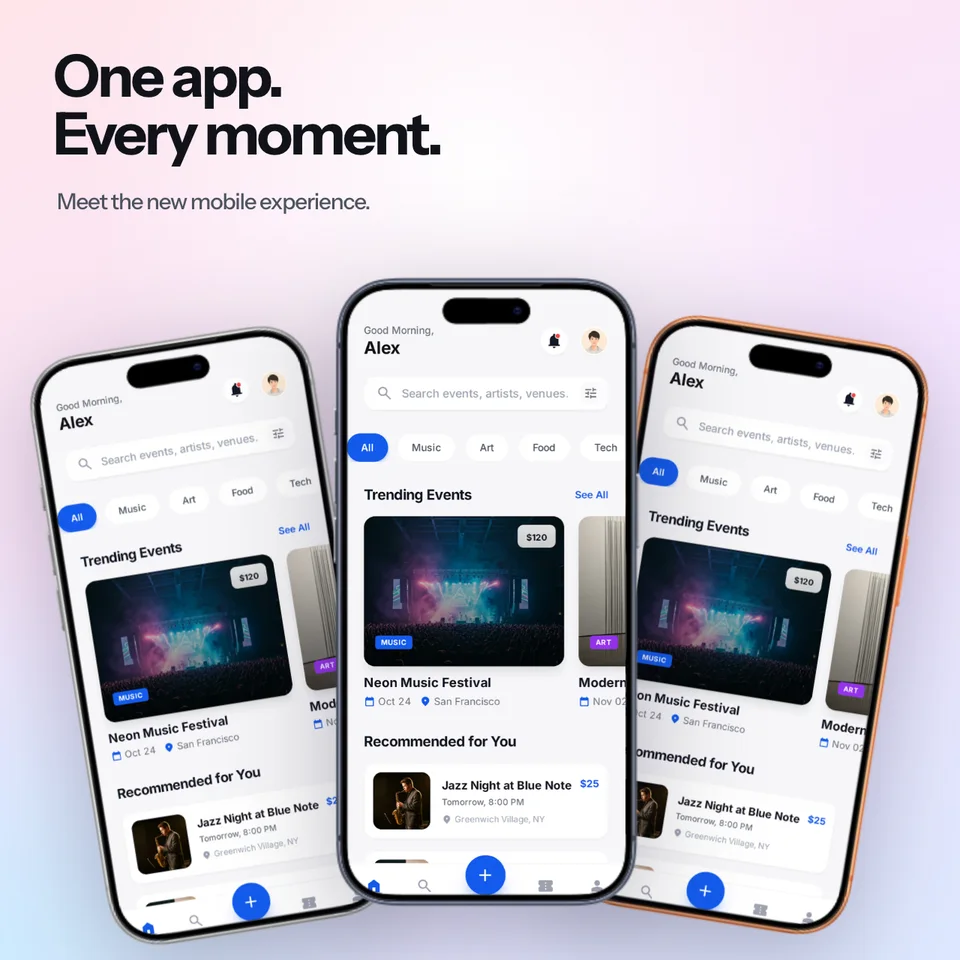
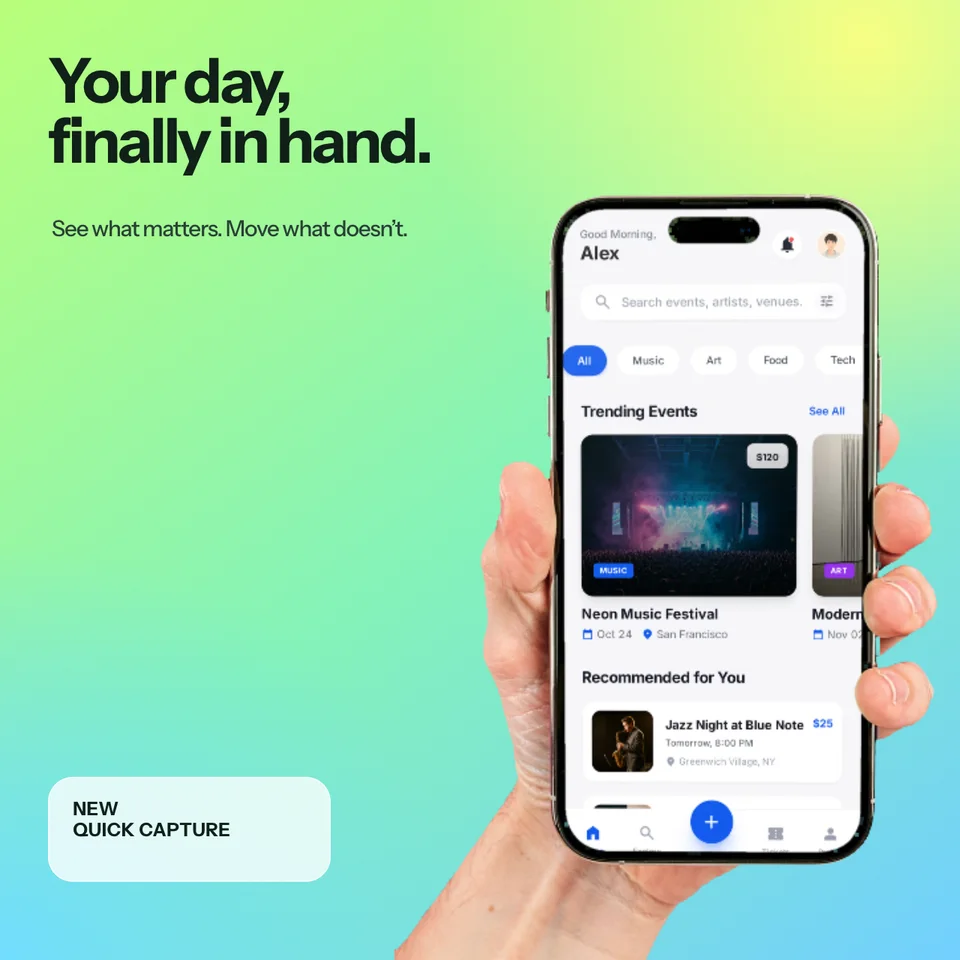
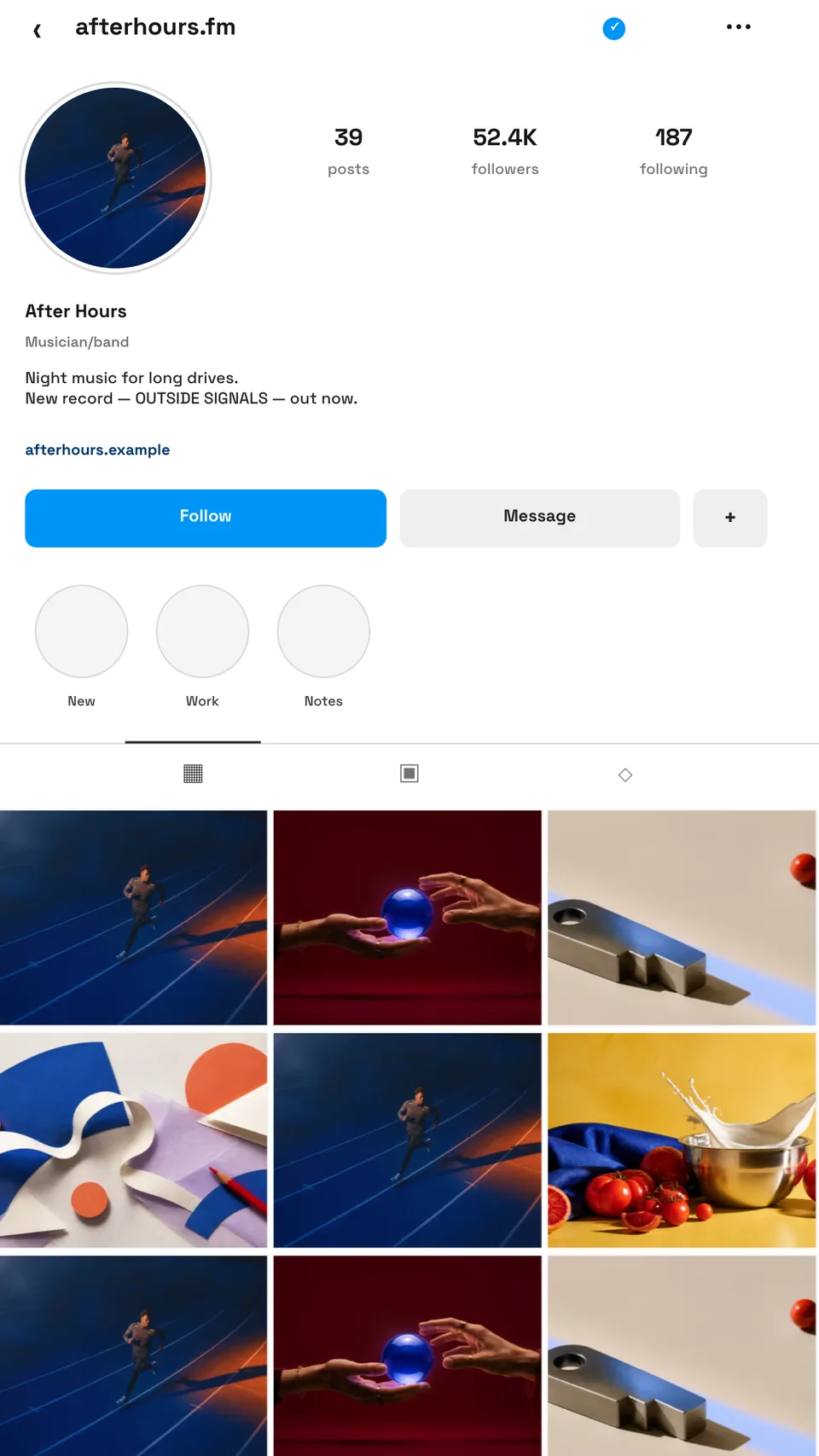
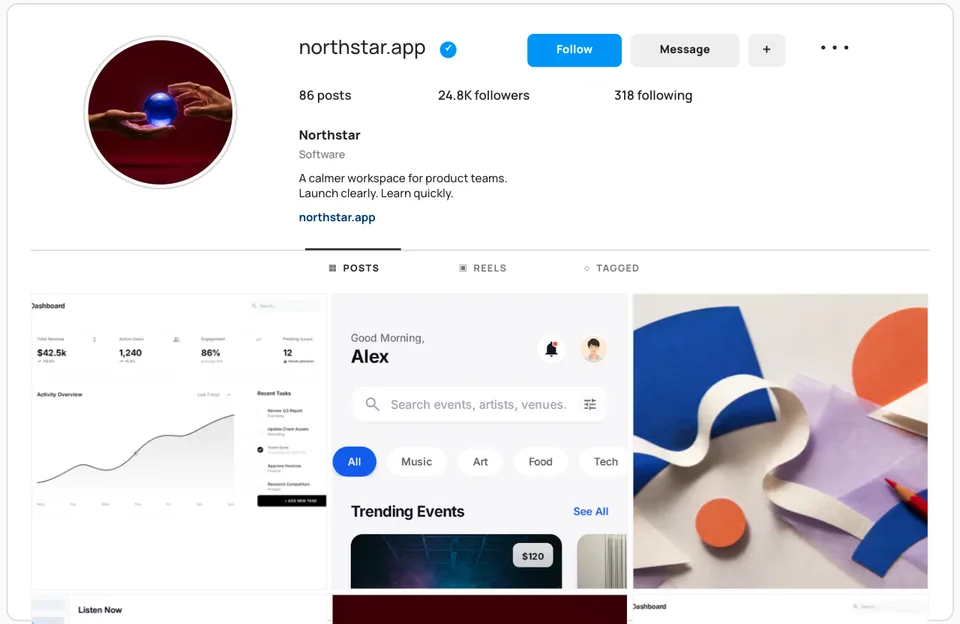
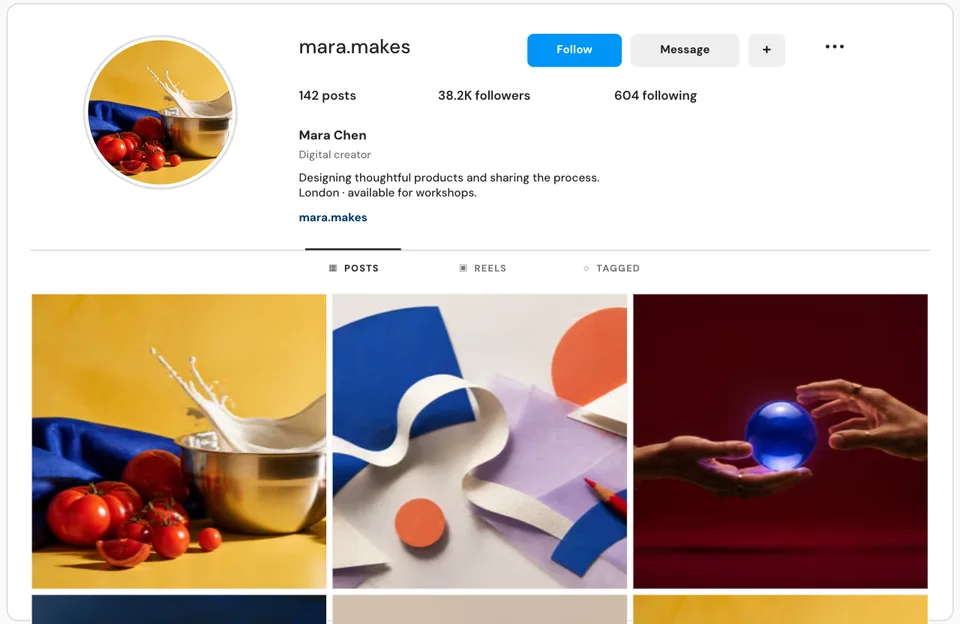
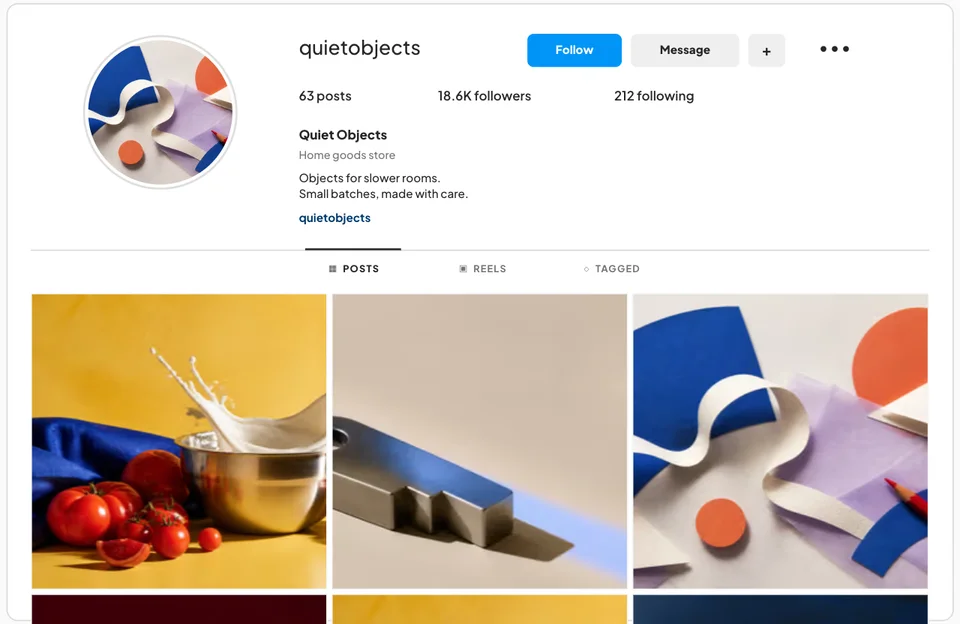
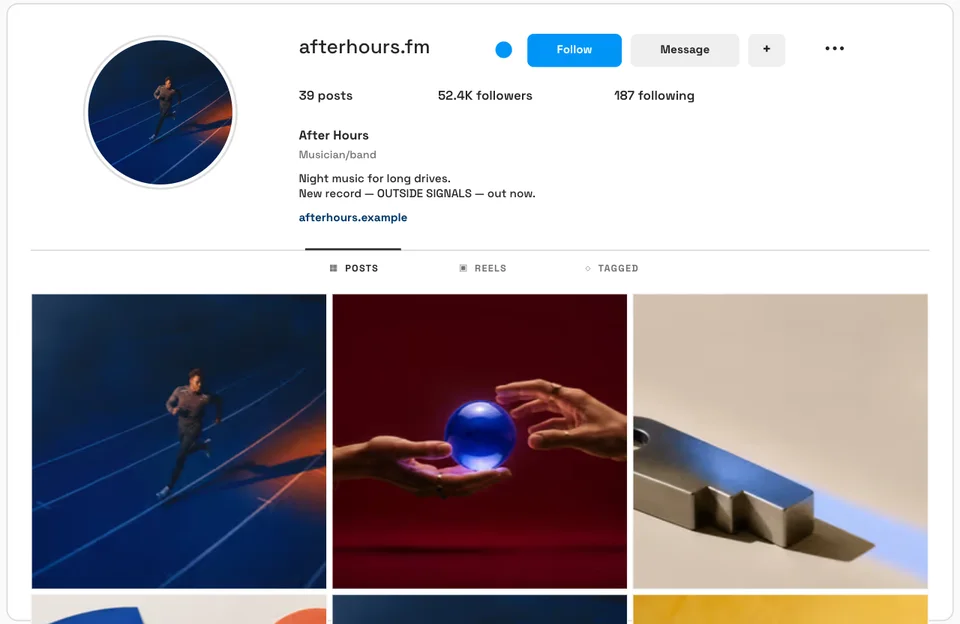
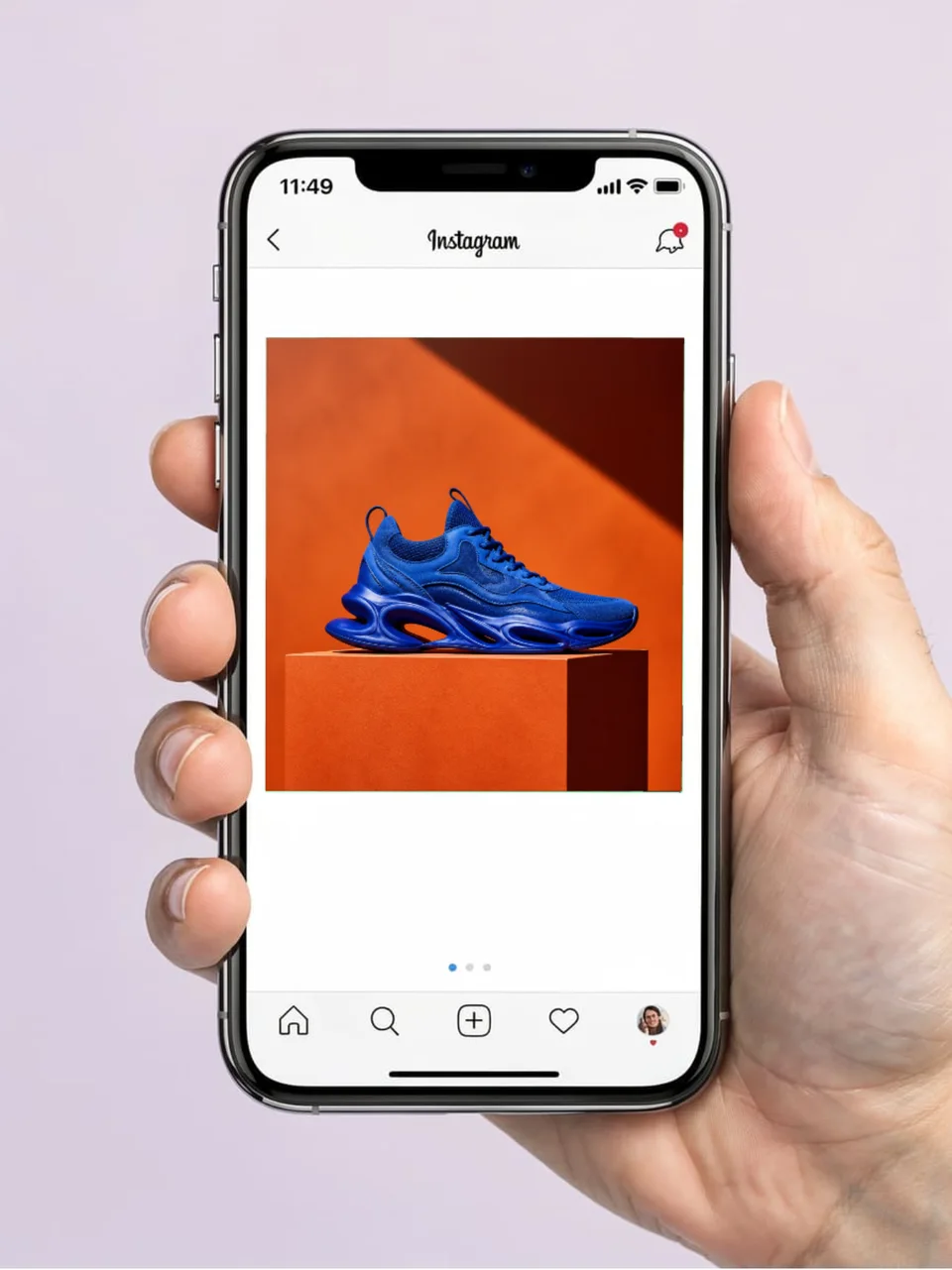
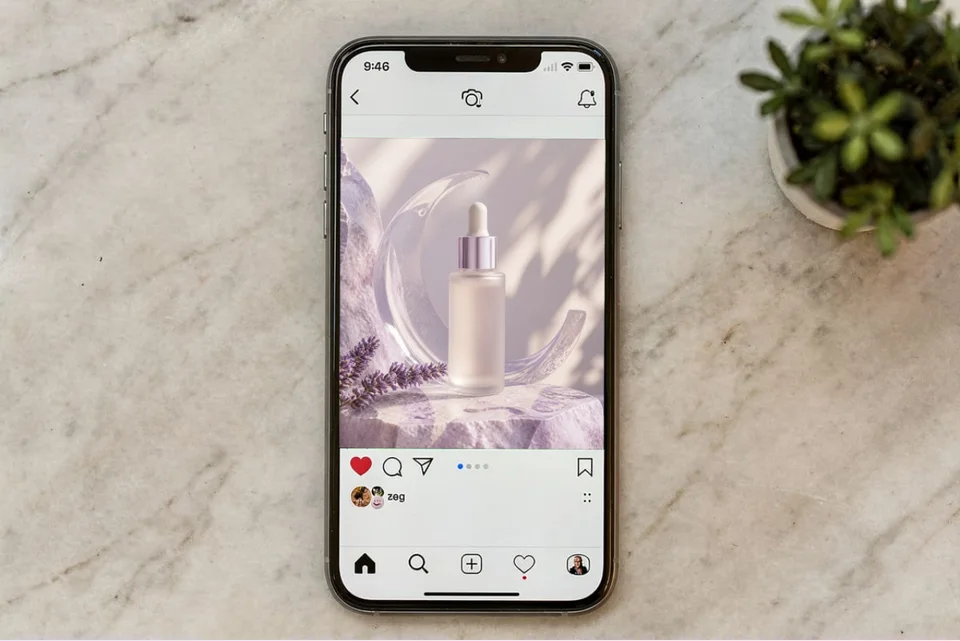
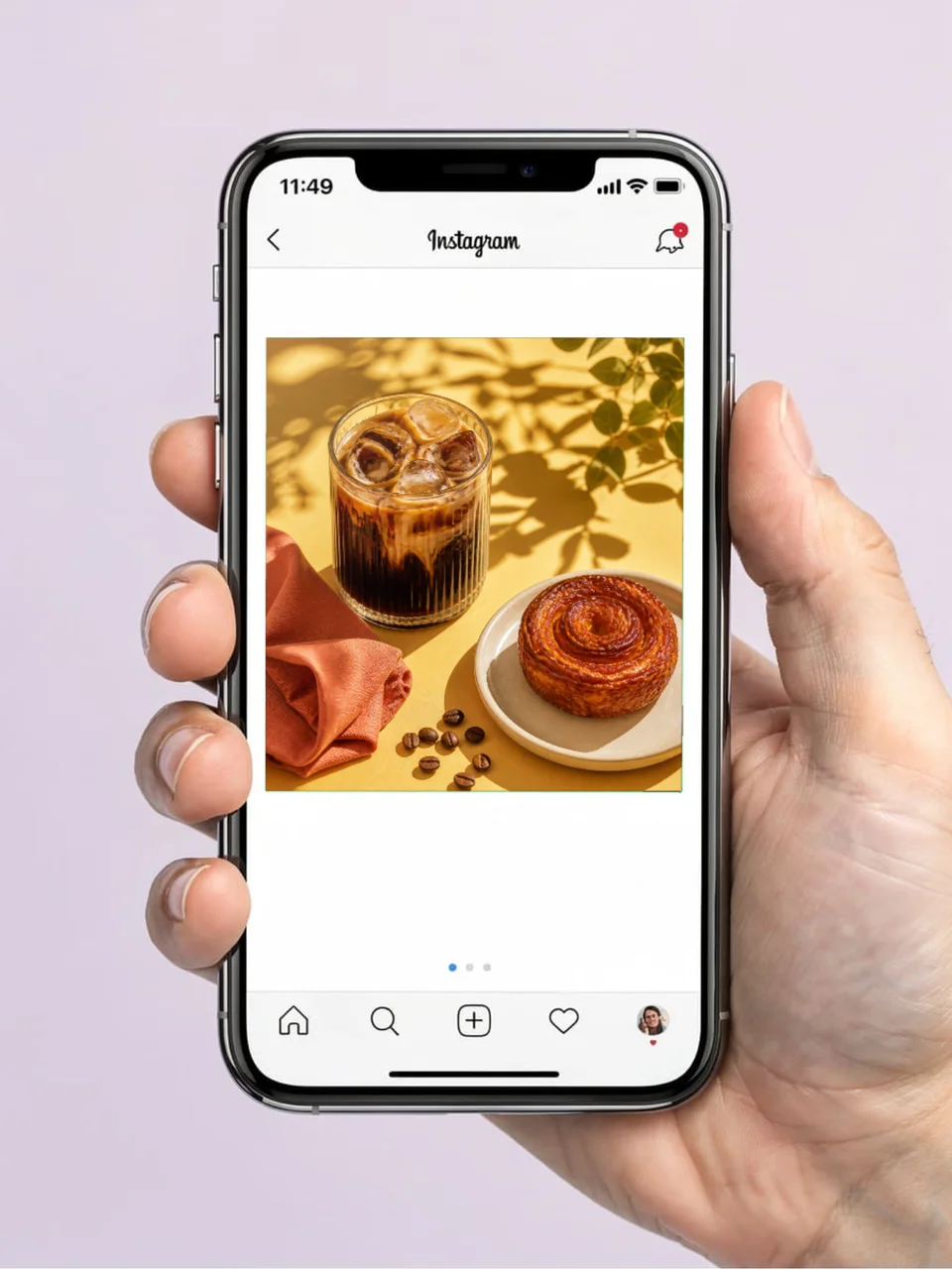
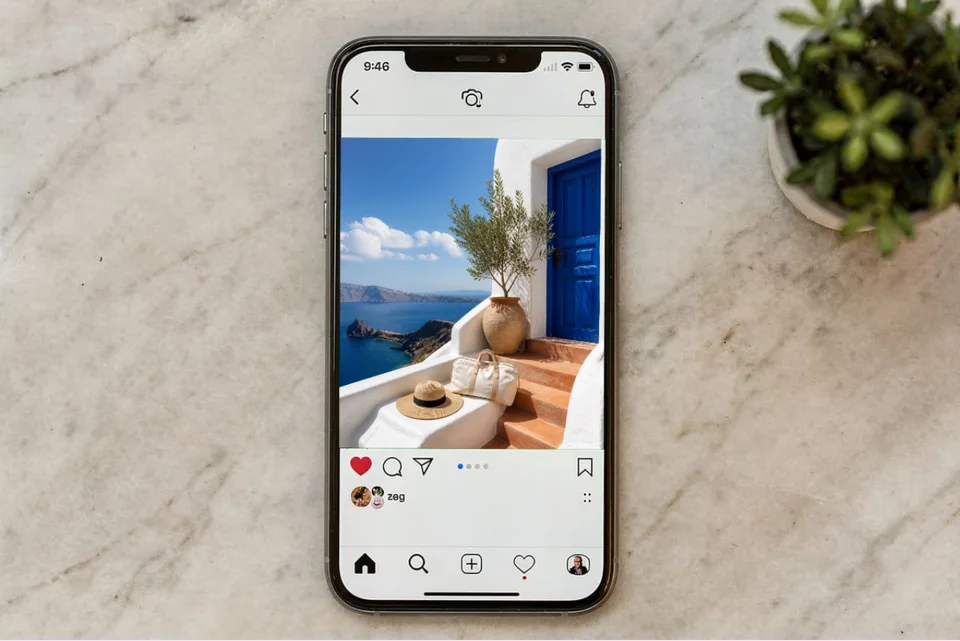
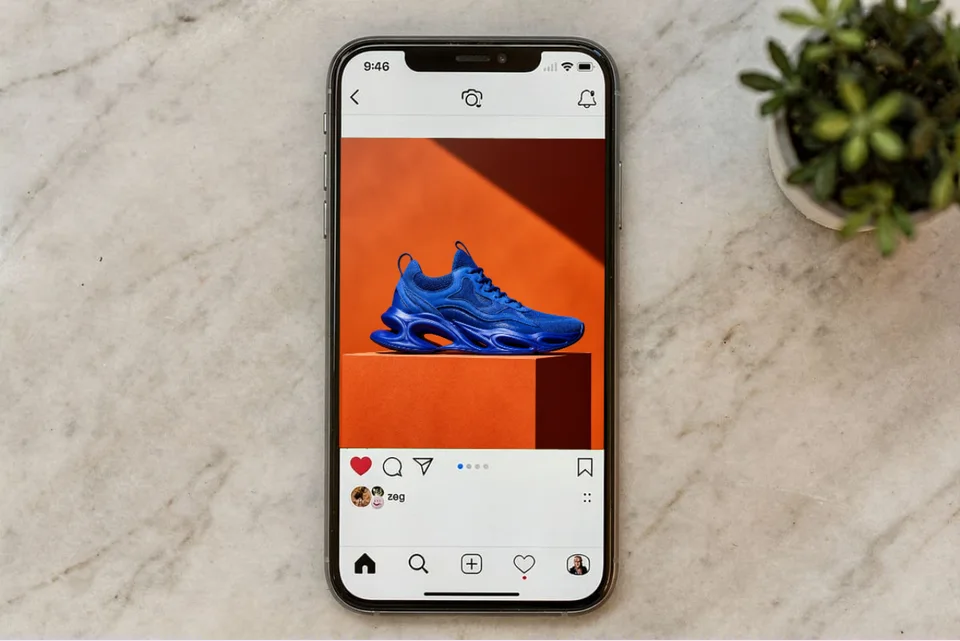
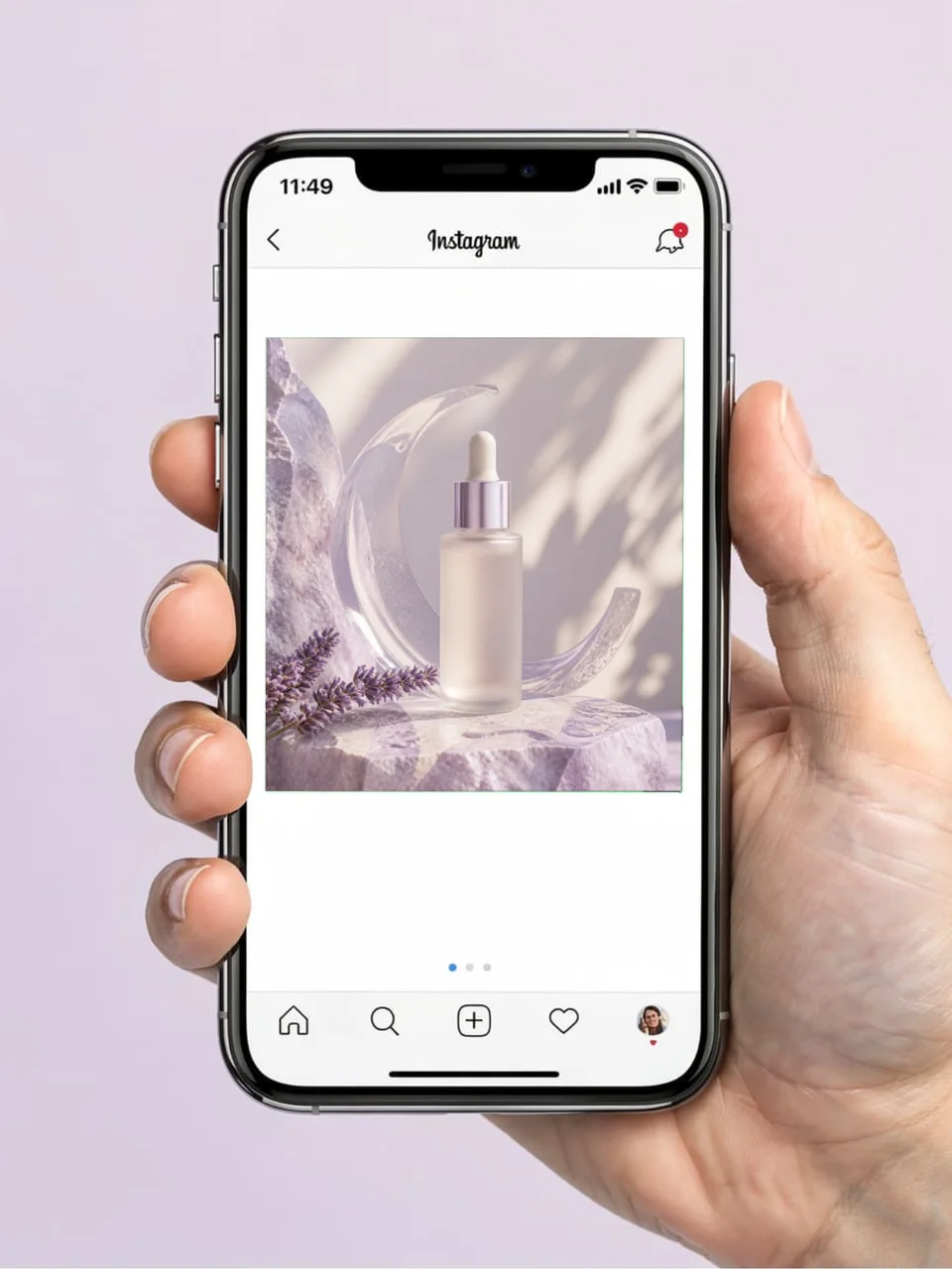
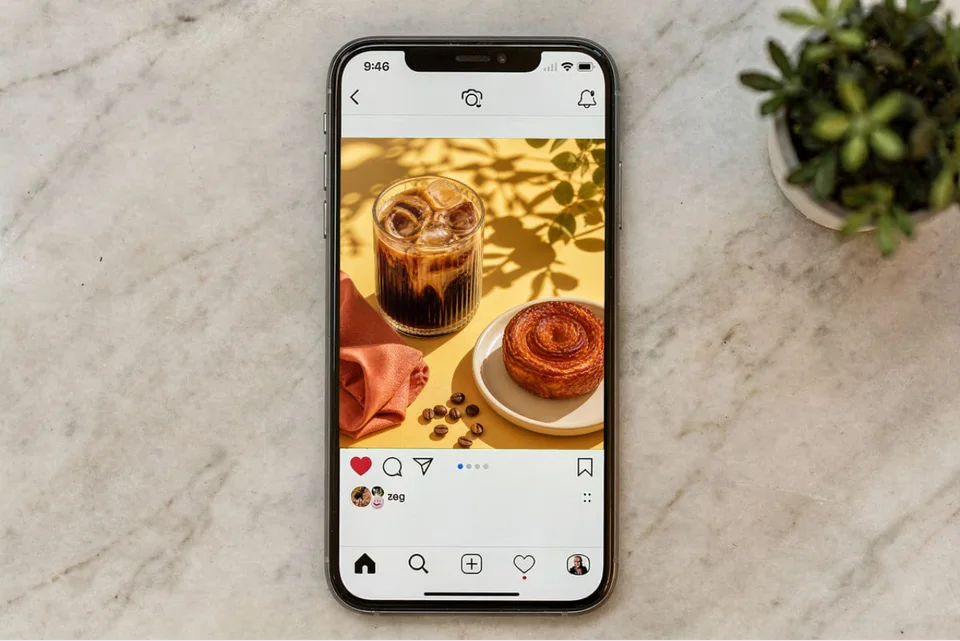
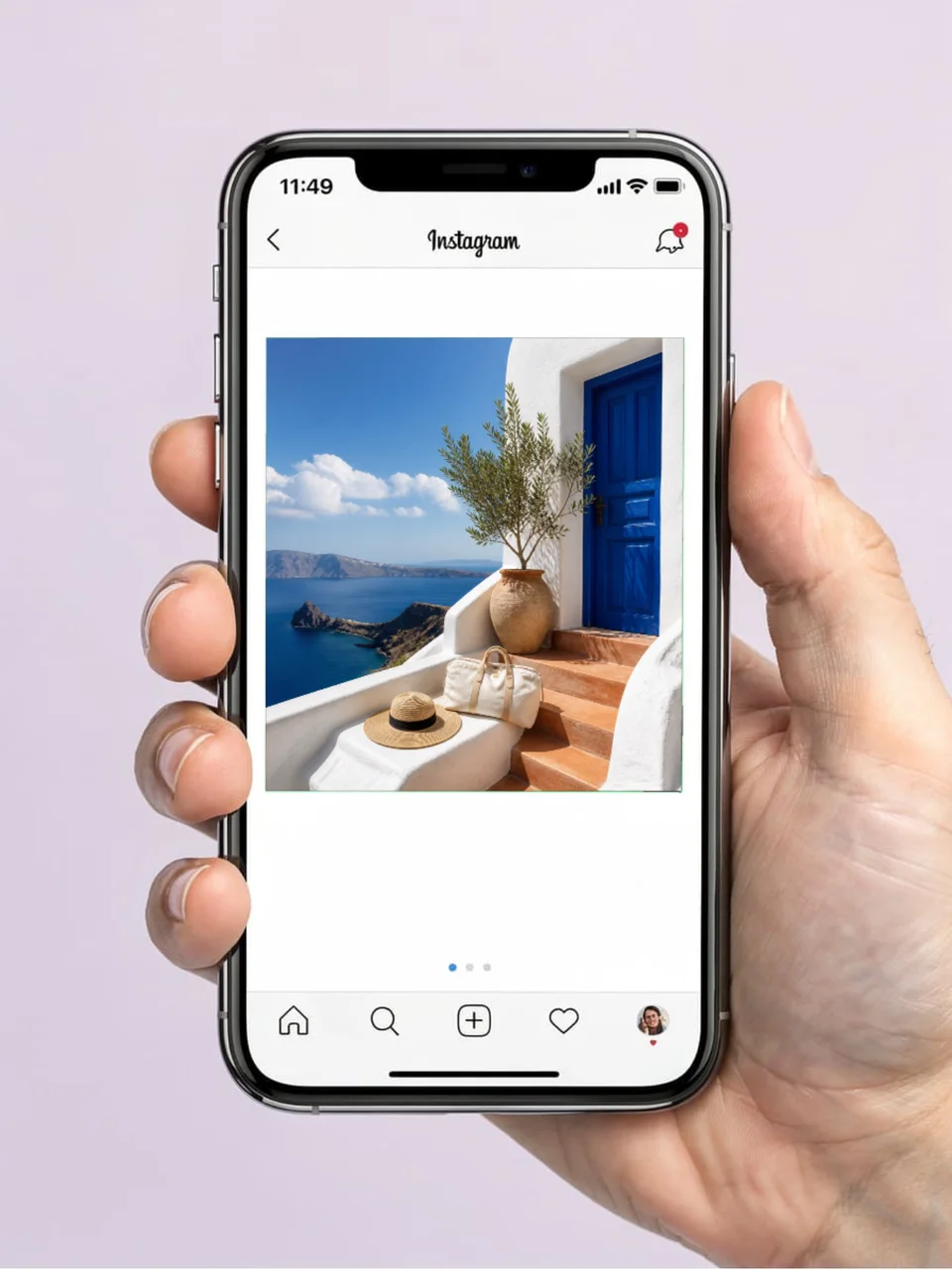
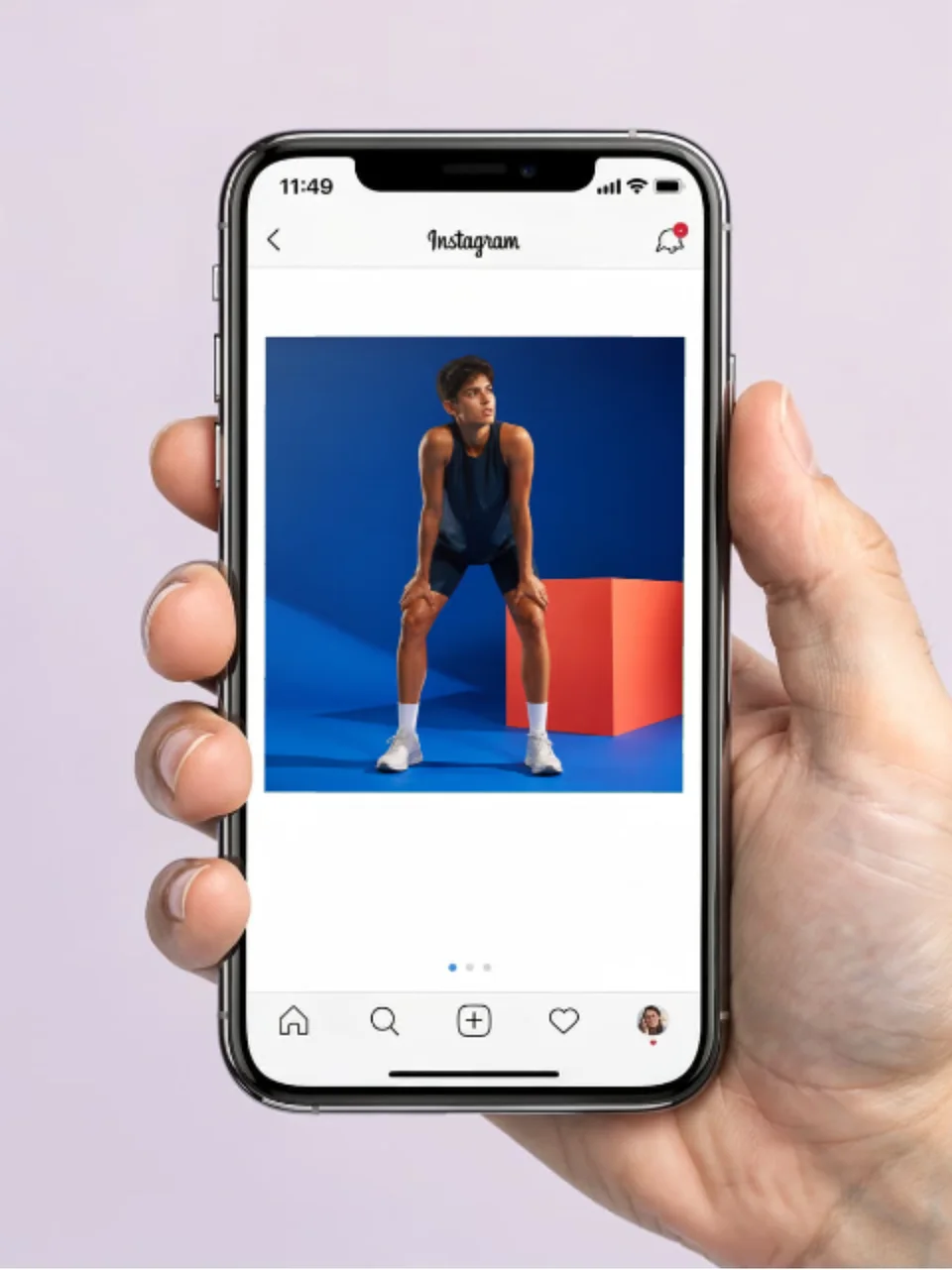
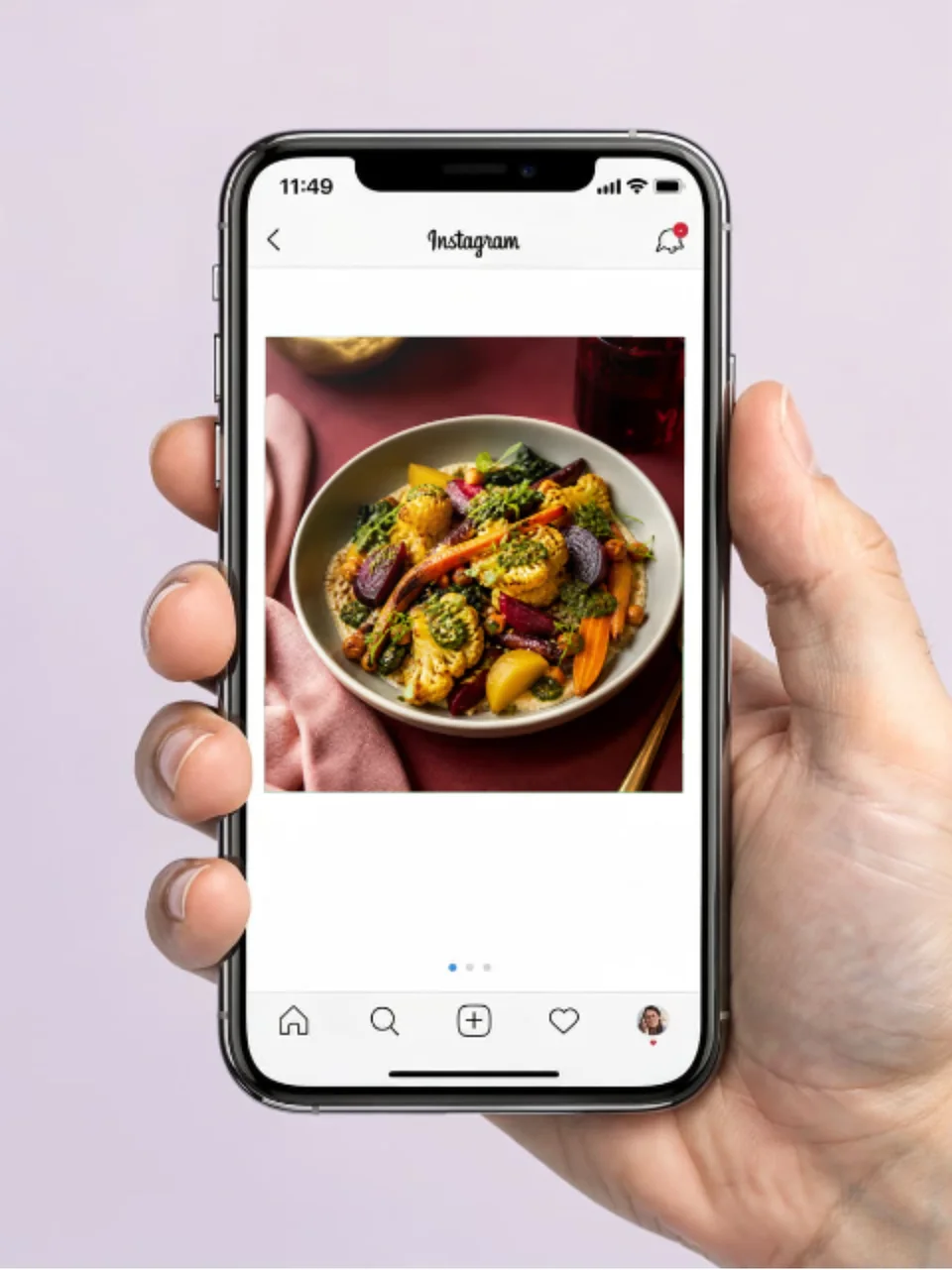
Real phone photographs with your square post composited onto the screen. Click one to open it in the editor and drop in your design.
A square exported from a design tool tells a client nothing. The same post on a phone, in a hand, in real light, reads as something that already shipped.
A phone held up showing your post in a feed. The most persuasive social presentation.
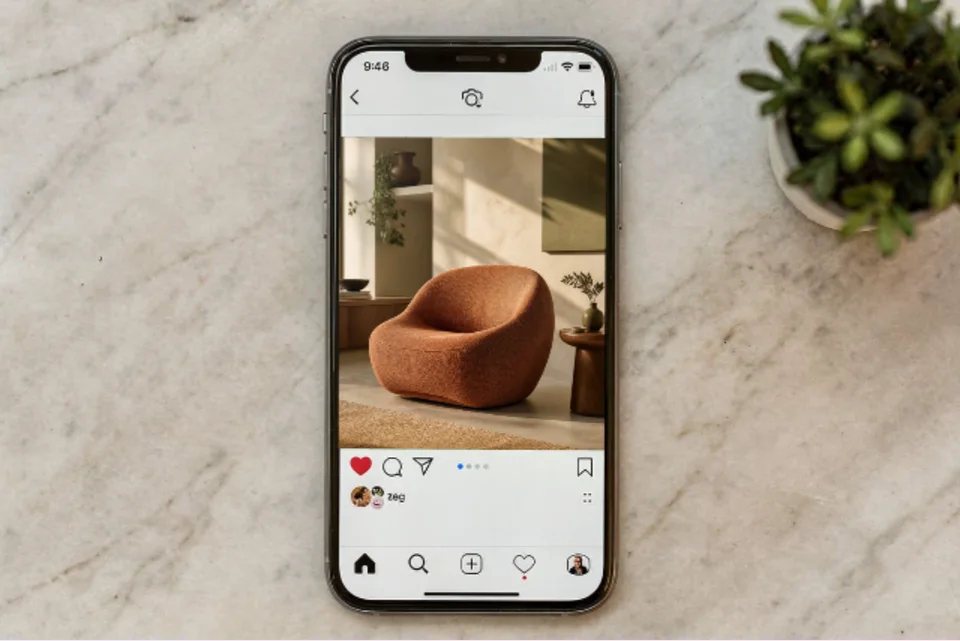
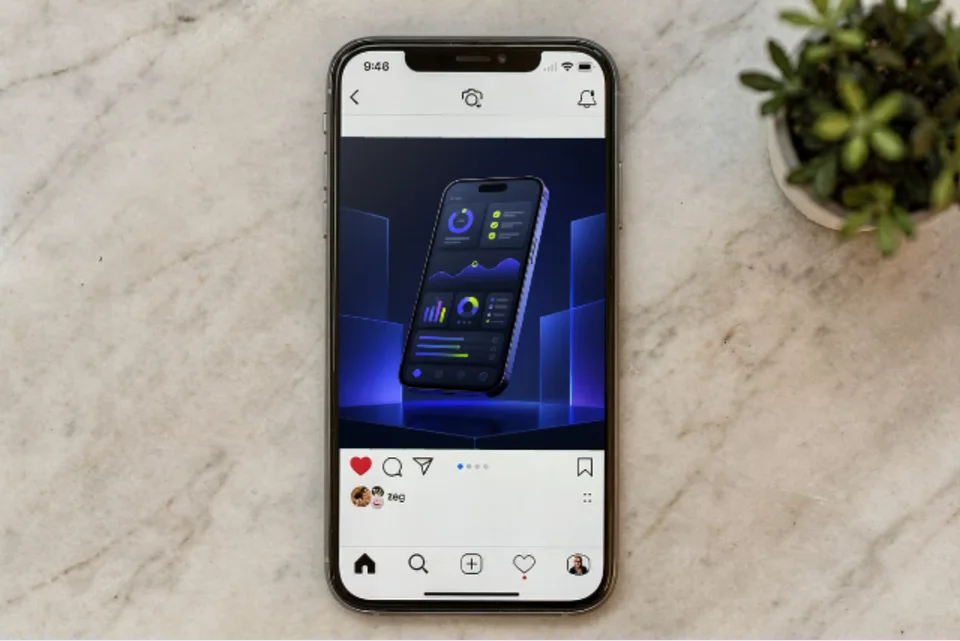
The phone on a marble desk, shot from above, for a styled brand deck.
The post area is a true square, so your 1080x1080 artwork lands without distortion.
Create professional mockups in three simple steps. No design skills required.
Drag and drop or select any screenshot, design, or image from your device.
Pick from iPhone, iPad, MacBook, browser frames and beautiful gradient backgrounds.
Download as PNG, WebP, JPEG, GIF, or video. Ready for marketing in seconds.
Two capabilities that separate Screenhance from every other mockup tool in 2026: animated exports and App Store screenshot localization.
Template-driven motion — float, reveal, parallax. Export animated mockups at Product Hunt, landing-page, and Twitter/X dimensions. Most mockup tools are static-only.
One master design, per-locale captions, every required Apple and Google Play size per language. RTL and CJK support. Apple reports localized listings drive 2-3x install lifts.
iPhone 17 Pro Max (1320×2868), iPhone Air (1260×2736), iPad Pro M4 (2064×2752), and the full Google Play set — exported from one design in a single pass.
Pick a template, drop in your screenshot, export. No Figma, no Photoshop, no learning curve. Free tier covers 3 exports a month; the $6 Launch Pass covers a launch with 10 watermark-free image exports.
Present a content calendar as real posts rather than a grid of squares.
Show campaign creative in context in a client deck.
Preview a post before it goes live, or promote one that already has.
Present social work in a portfolio the way a client will see it.
Social creative gets approved or rejected on how it feels in the feed, not on how it looks as a flat export. A square on a white slide loses the scale, the device and the context that make a post work.
Screenhance composites in the browser. Your post is warped onto the phone’s screen inside a real photograph, so it picks up the display’s glow and the scene’s own light. Swap the artwork and the mockup updates instantly, which matters when you are presenting a month of content.
The same compositing works across every surface:a t-shirt, a poster, a billboard, a business card. Upload once, present it anywhere.

Upload your square post artwork, pick a scene, and Screenhance composites it onto the post area of a real phone photograph. Export a high-resolution PNG ready for a deck or a portfolio.
Yes. You can create and preview Instagram post mockups for free, with a small watermark on free exports. Every scene is included on the free plan. Pro just removes the watermark, starting at a $6 one-time week pass.
A square 1080x1080 export is ideal, because the post area in each scene is a true square. Your upload is centre-cropped to fit rather than stretched, so a slightly different ratio still lands cleanly.
Yes. For a full-screen story, use any of the in-hand phone scenes and upload your 9:16 story artwork; it fills the whole screen rather than a square post area.
No. Most social media mockups online are PSD smart objects that need Photoshop. Screenhance composites in the browser and shows your real design immediately, with nothing to install.
Yes. Exports are yours to use in client decks, pitches, portfolios, and social posts. Every export is your own design composited onto a licensed scene.
Explore more ways to create stunning visuals with Screenhance.
Every launch visual from one brief: App Store, Product Hunt, OG, and website
Try it freeFree online mockup generator for all devices
Try it freeCreate stunning iPhone device mockups
Try it freeYour cover design on a real notebook
Try it freeYour artwork as a stretched canvas or framed print on a wall
Try it freeYour design on a real canvas tote
Try it freeUpload your post, pick a scene, and export a photorealistic Instagram mockup in under a minute.