
%2FOlivia%20Rhye.webp&w=64&q=75)
%2FPhoenix%20Baker.webp&w=64&q=75)
%2FLana%20Steiner.webp&w=64&q=75)
%2FDemi%20Wilkinson.webp&w=64&q=75)
%2FDrew%20Cano.webp&w=64&q=75)
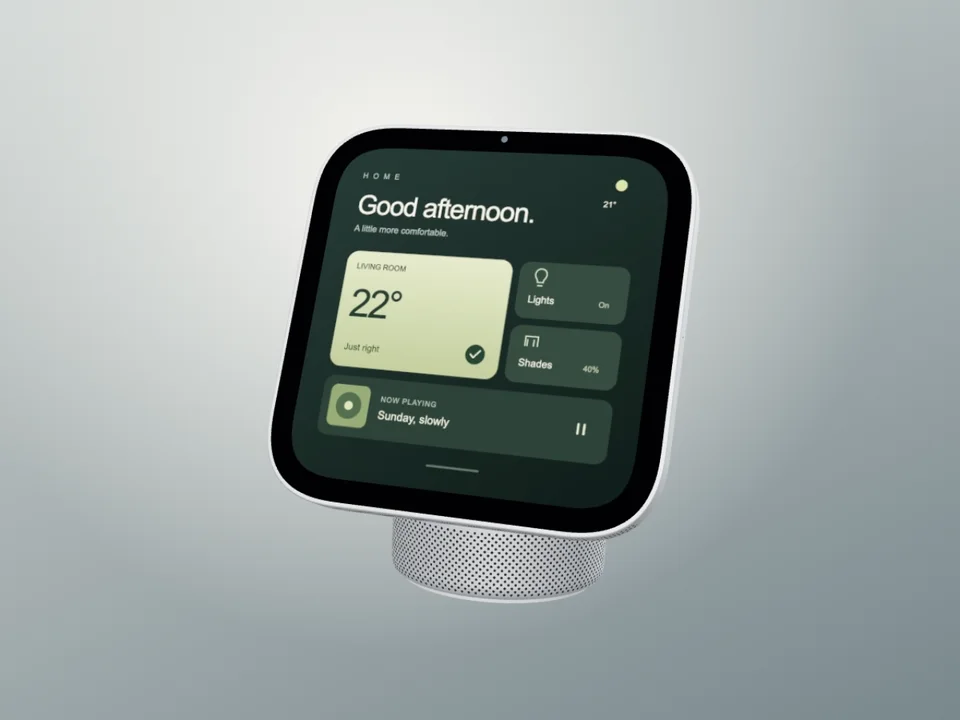
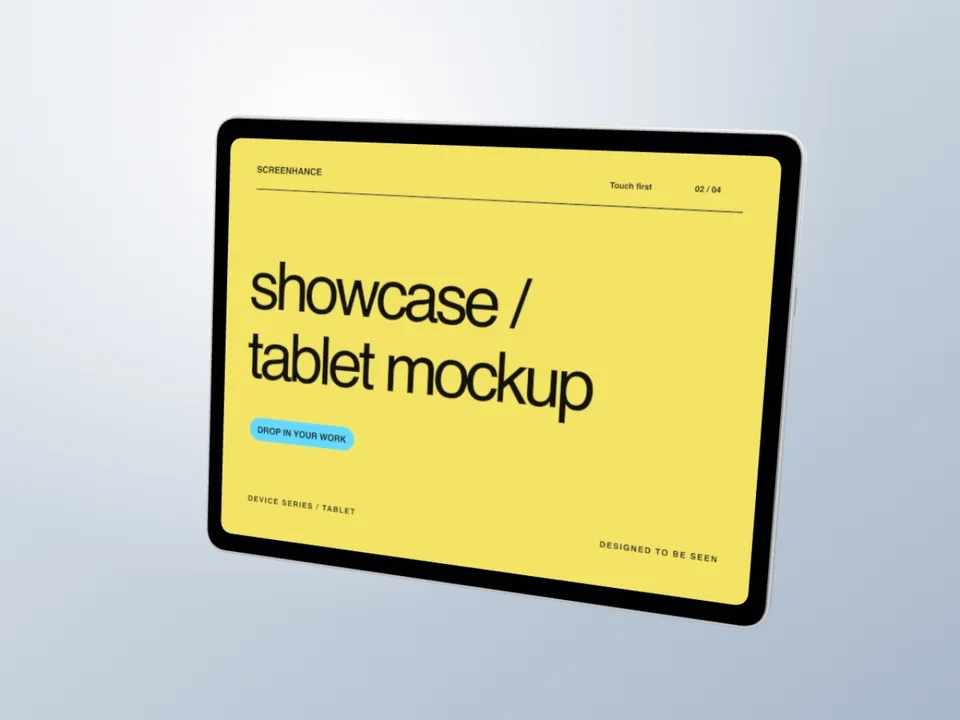
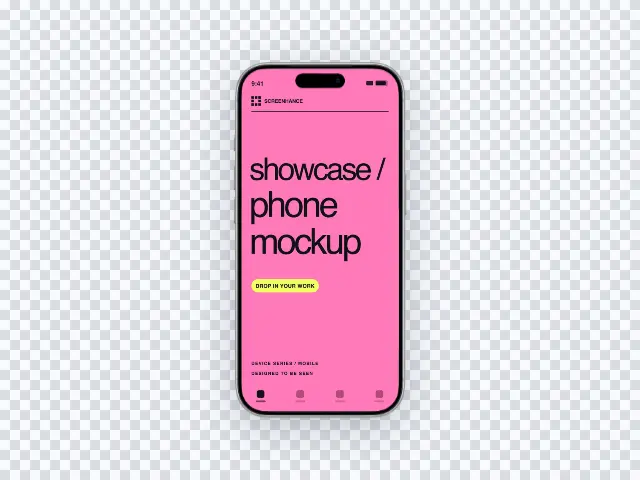
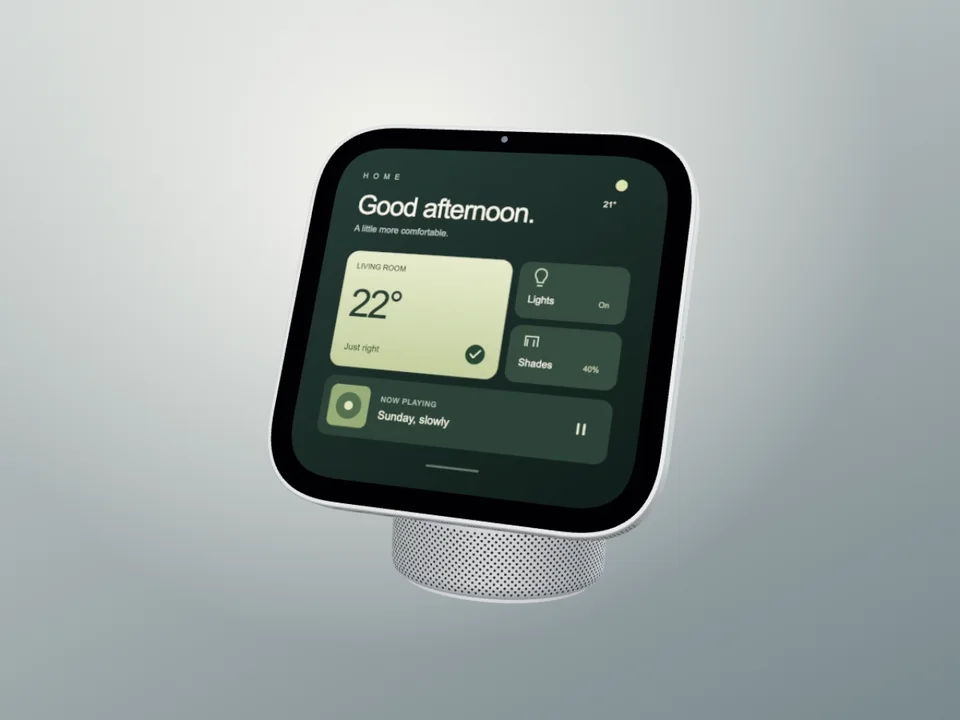
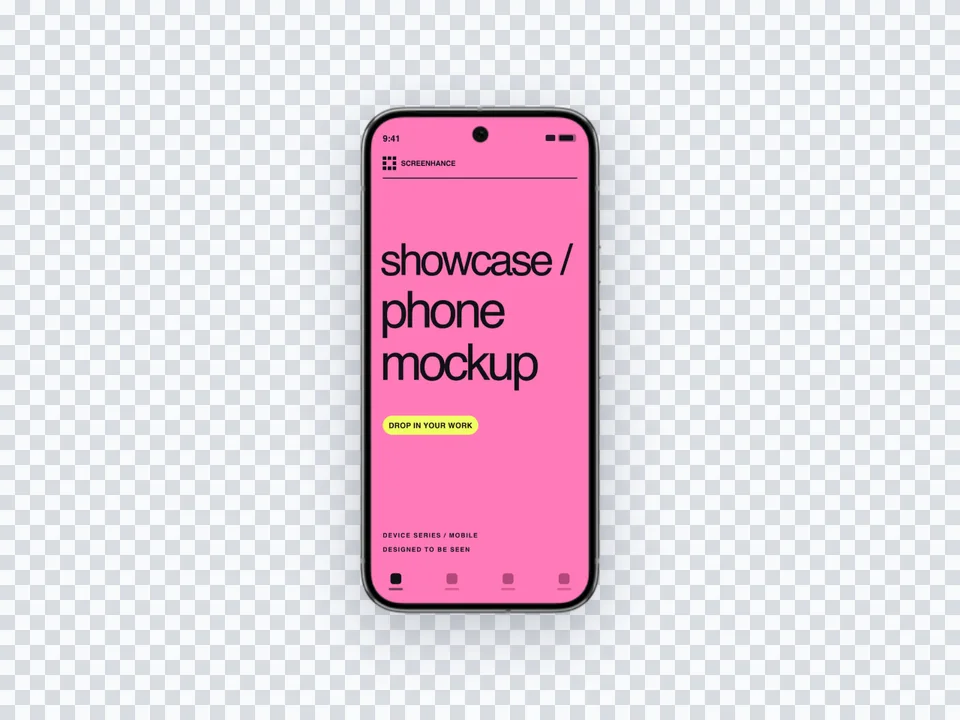
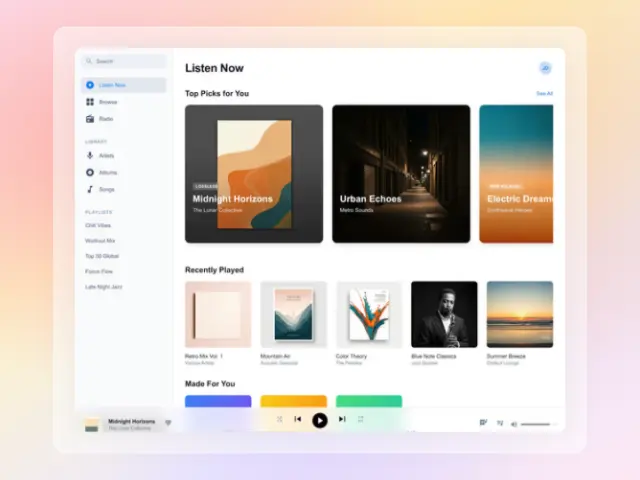

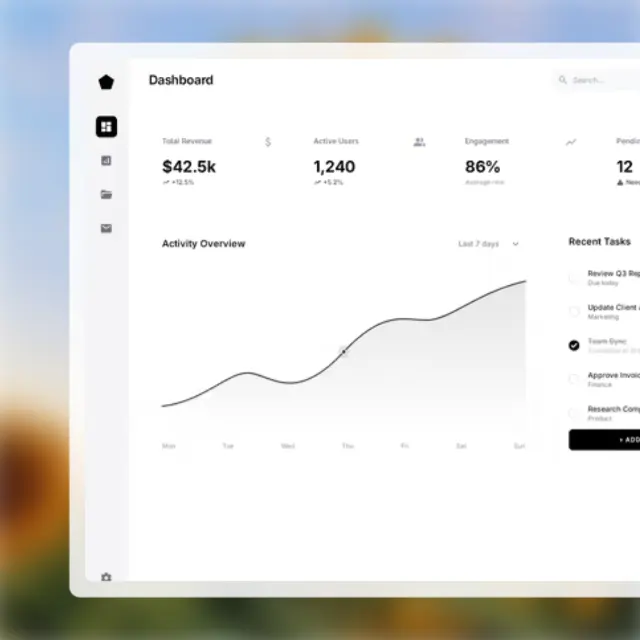
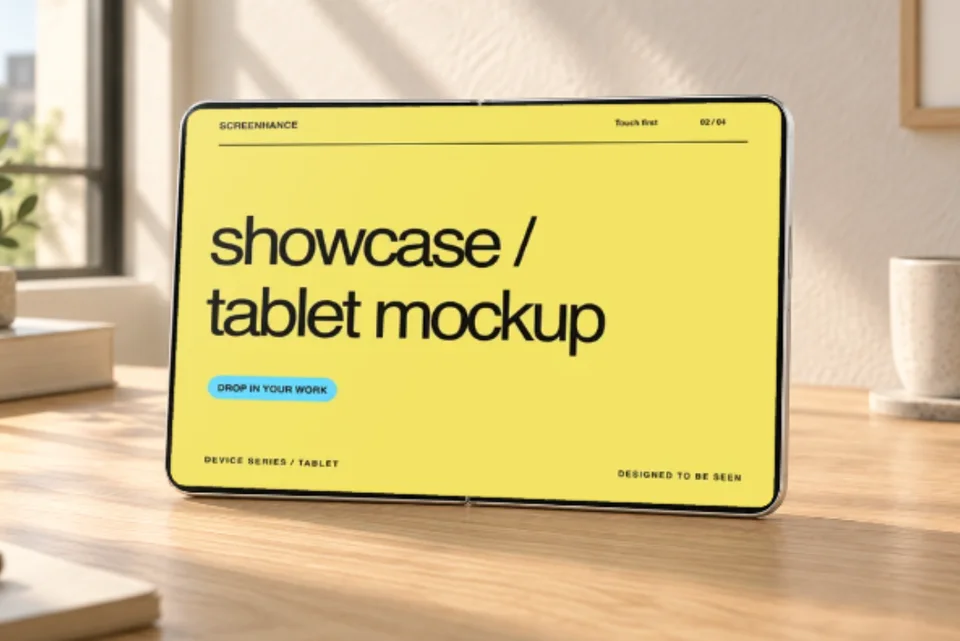
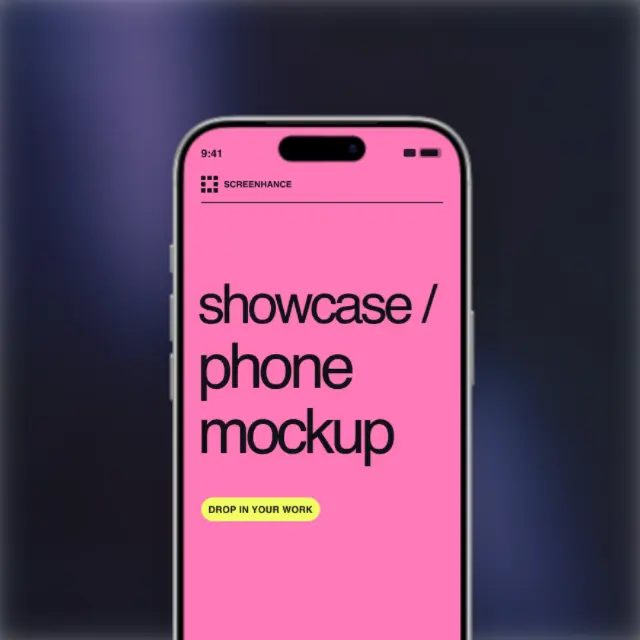
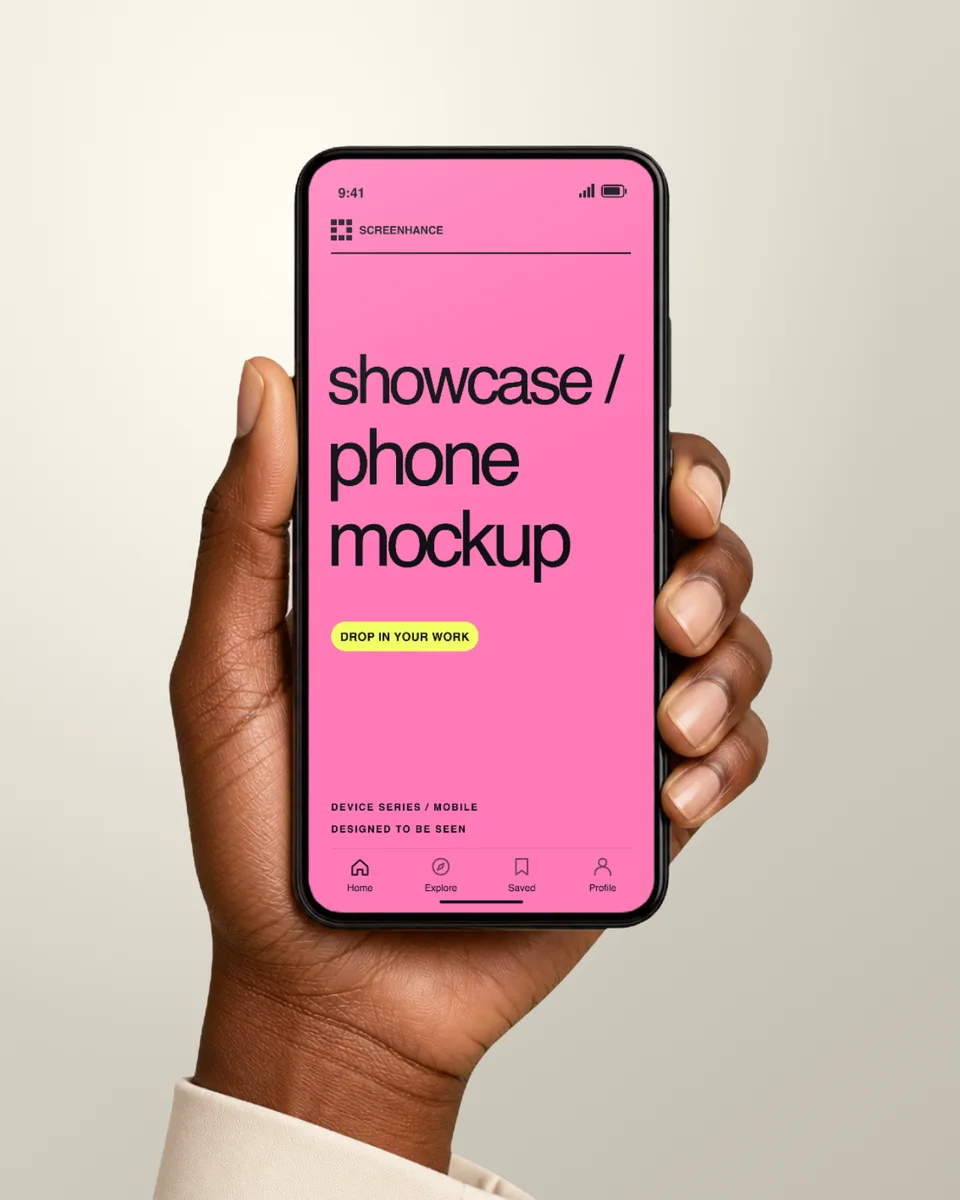
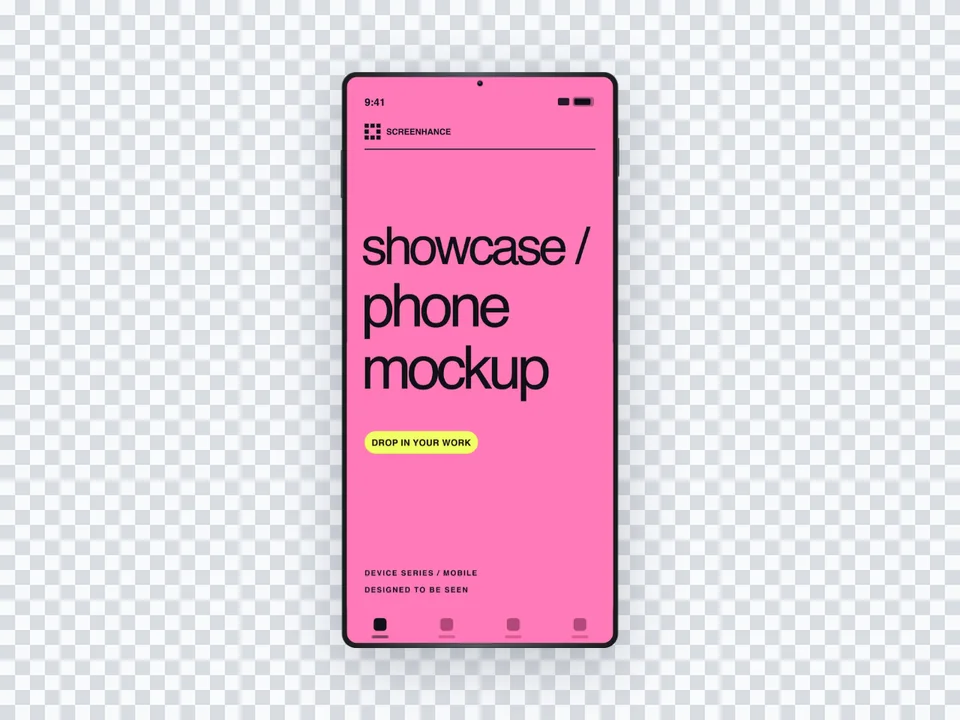
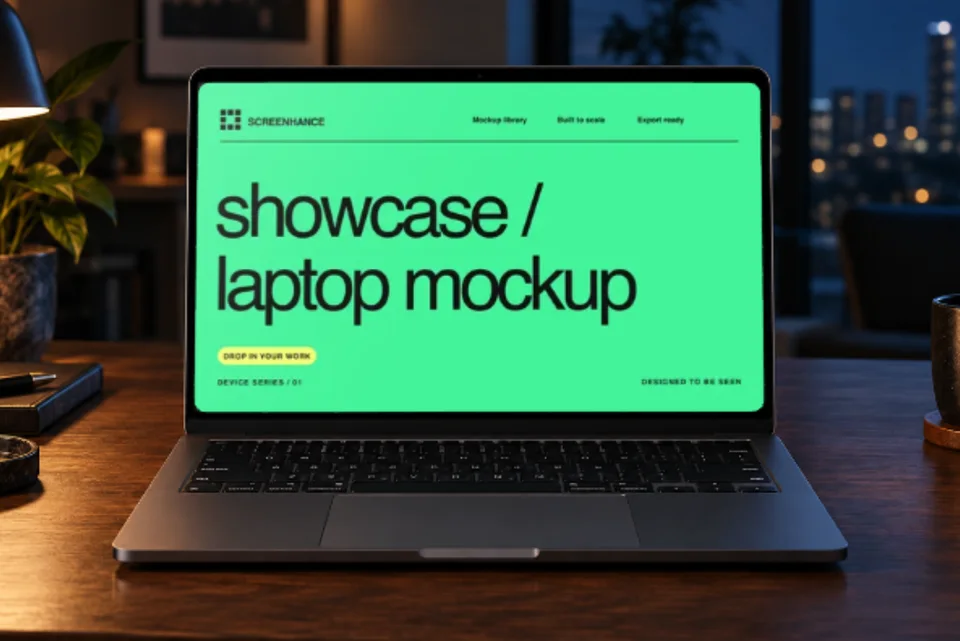
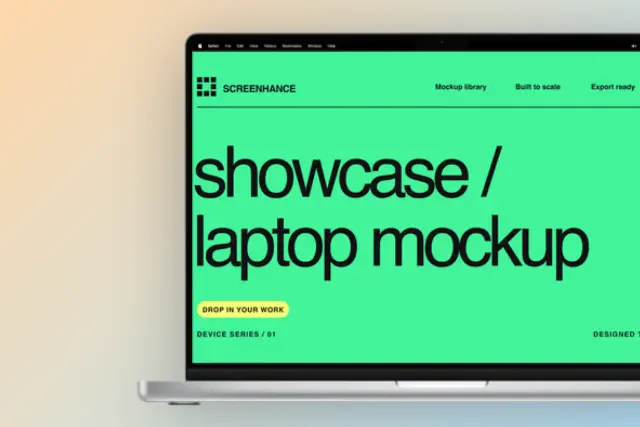
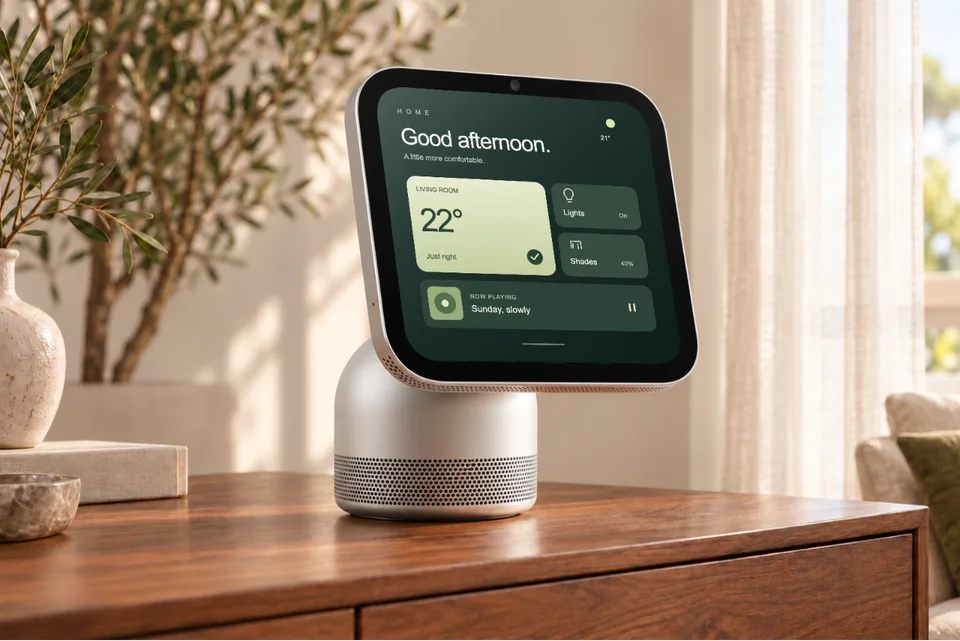
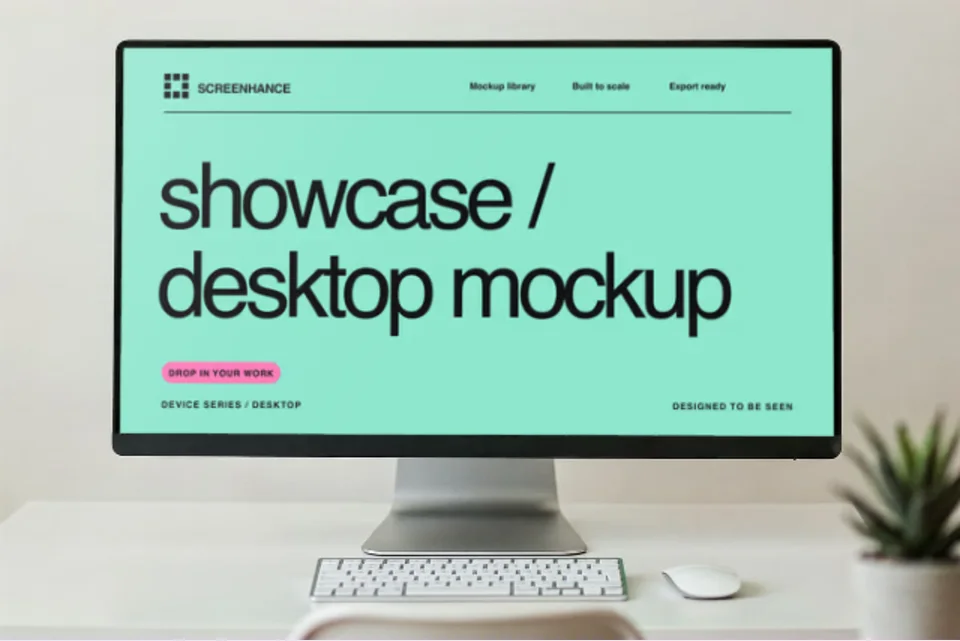
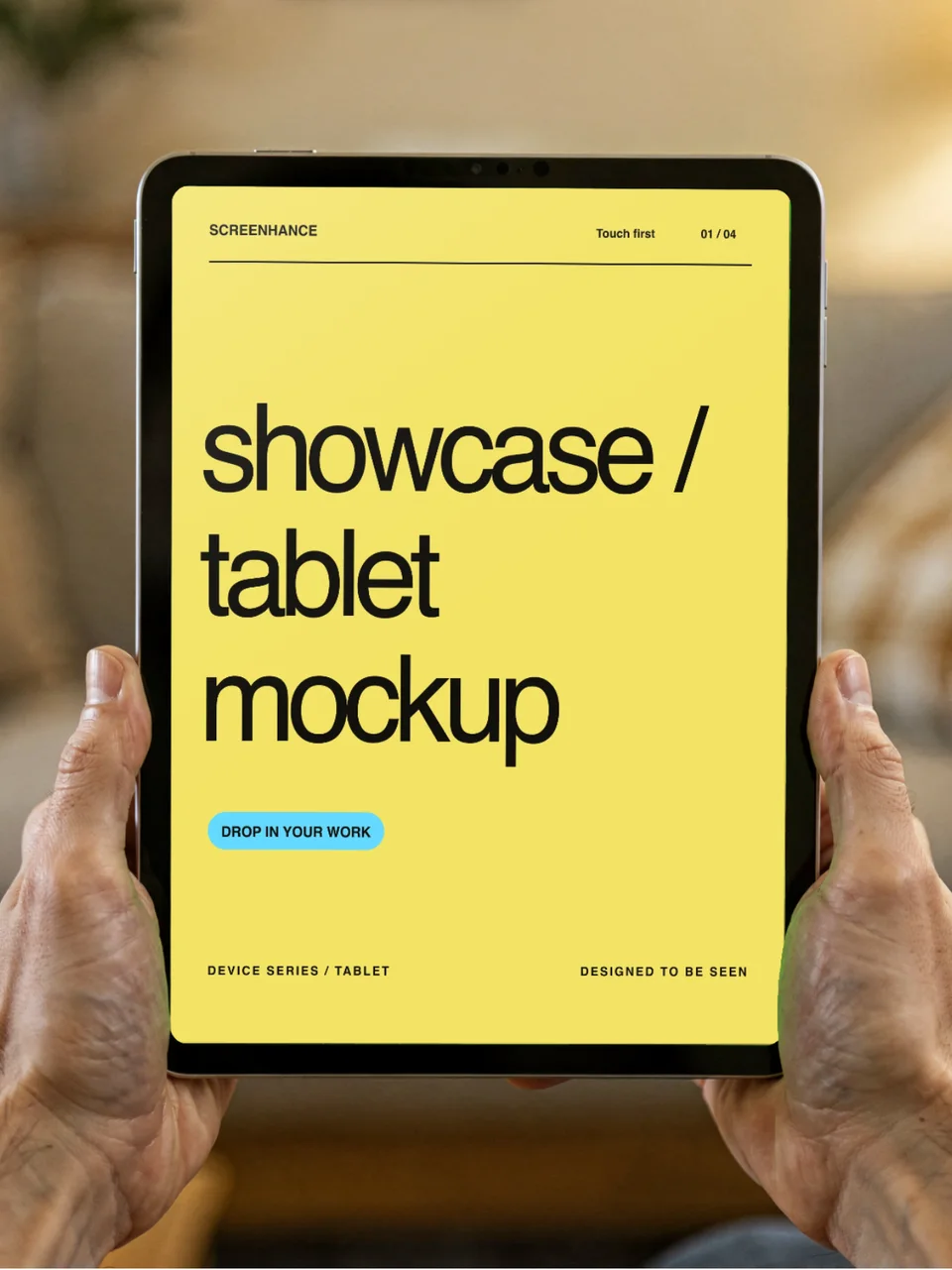
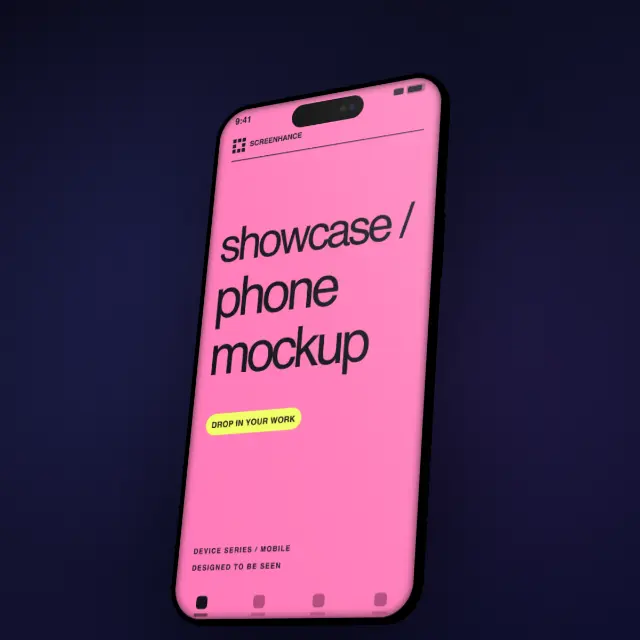

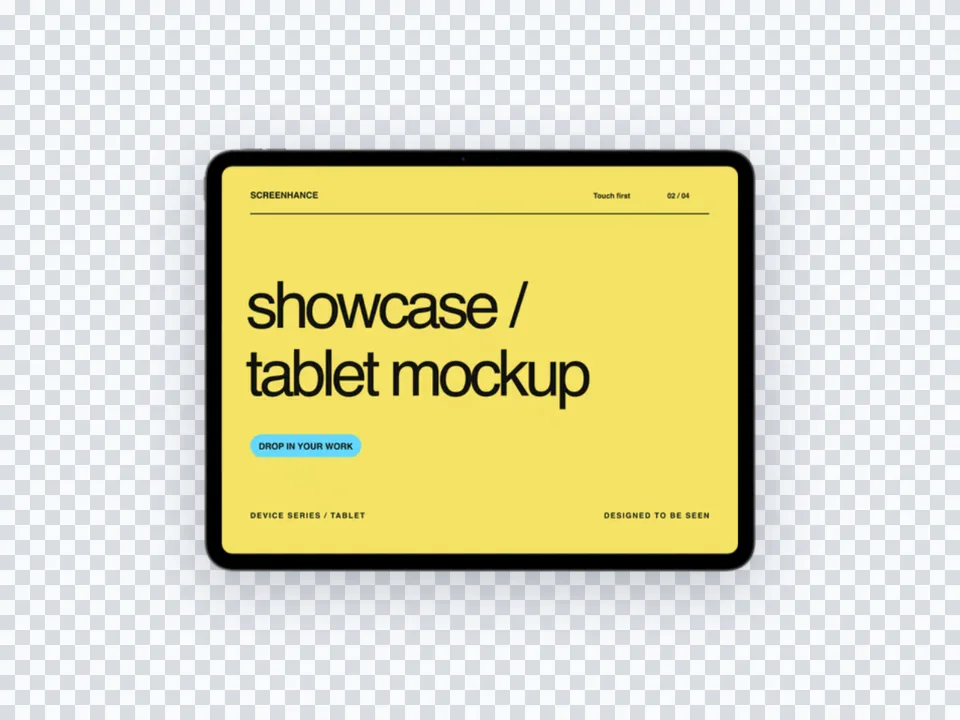
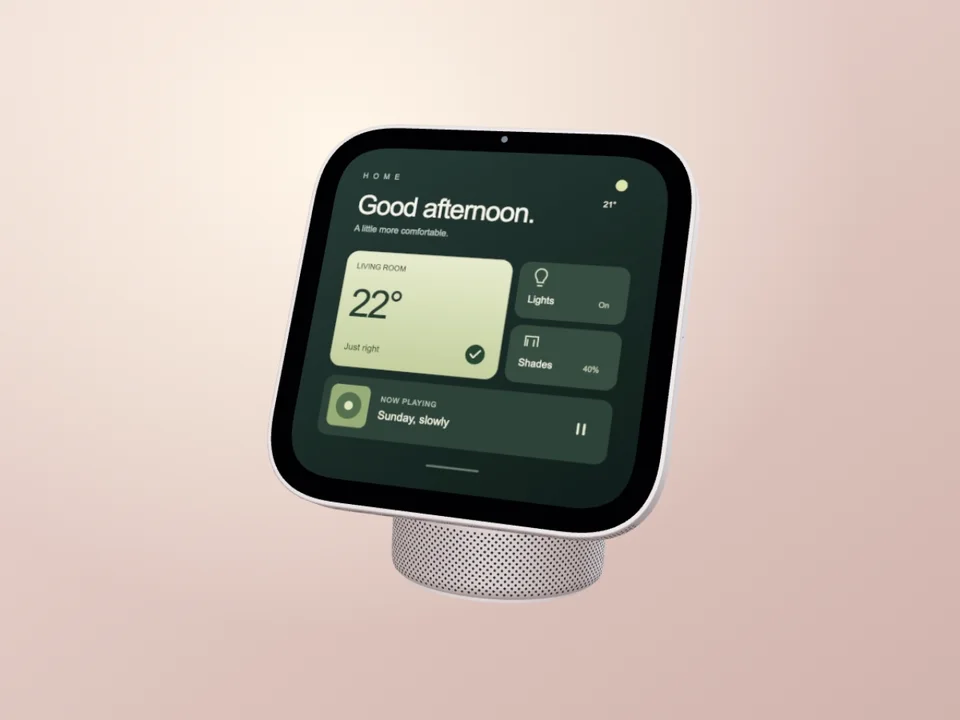
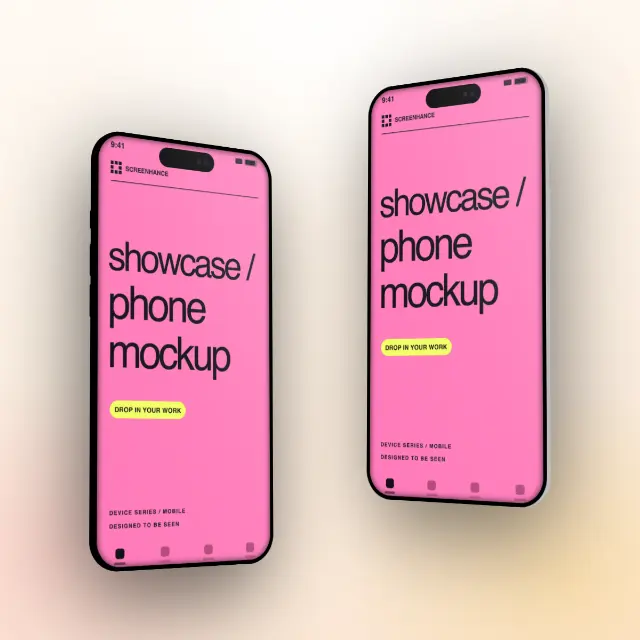
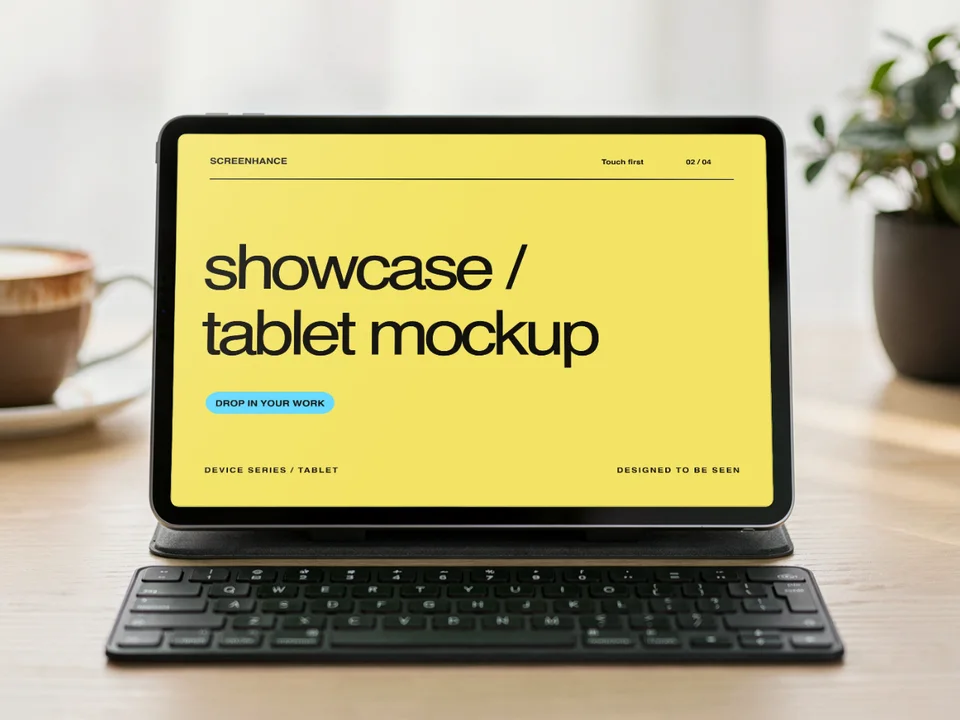
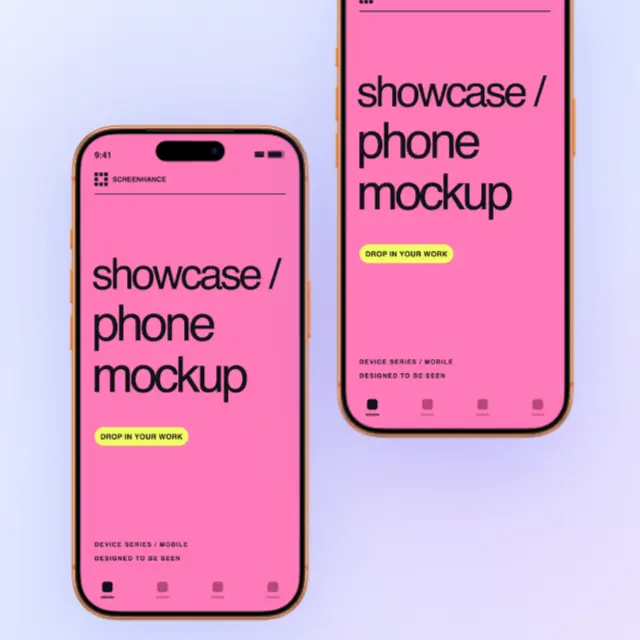
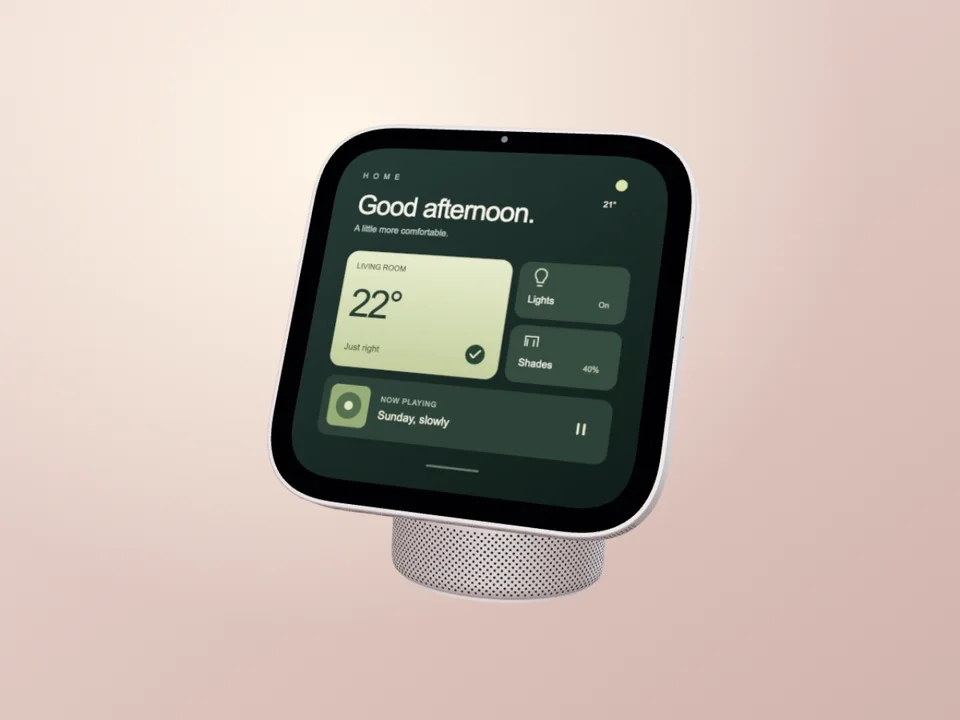
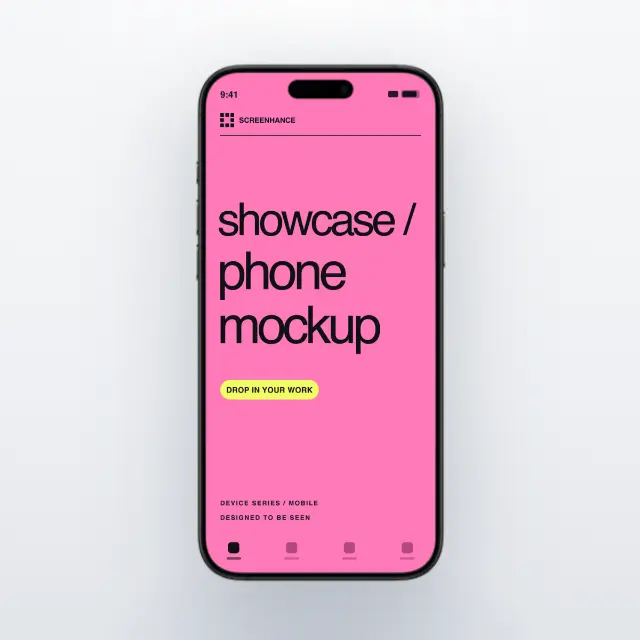
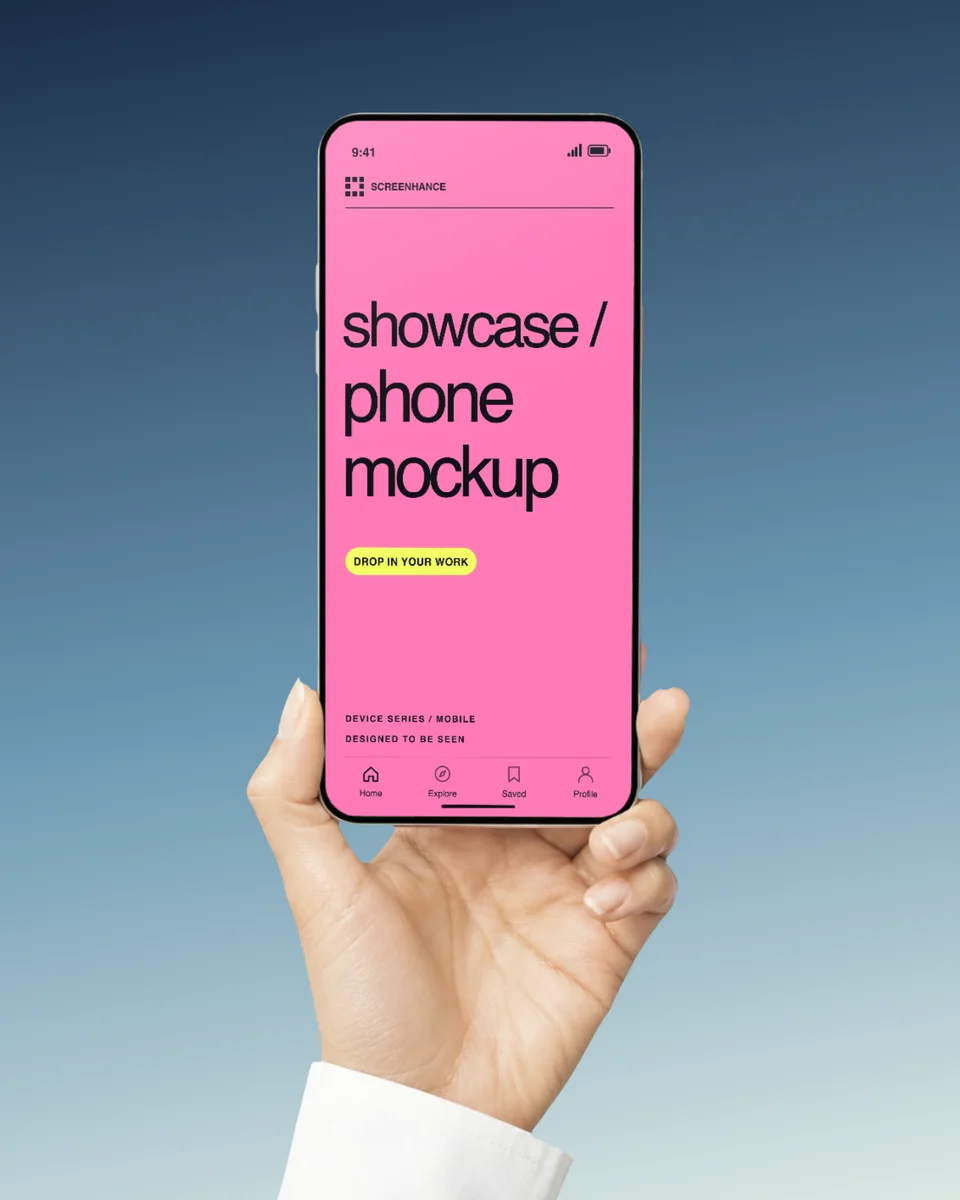

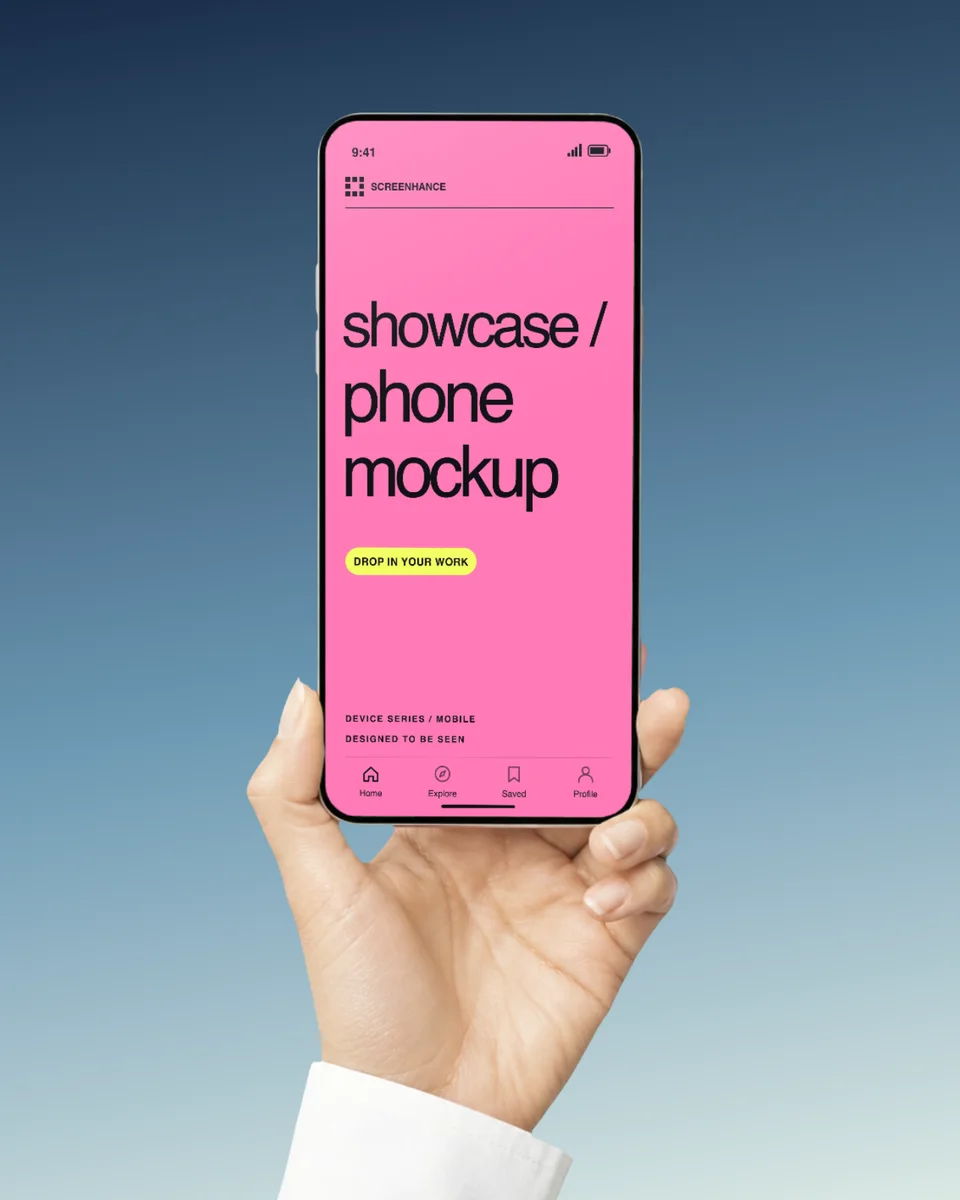
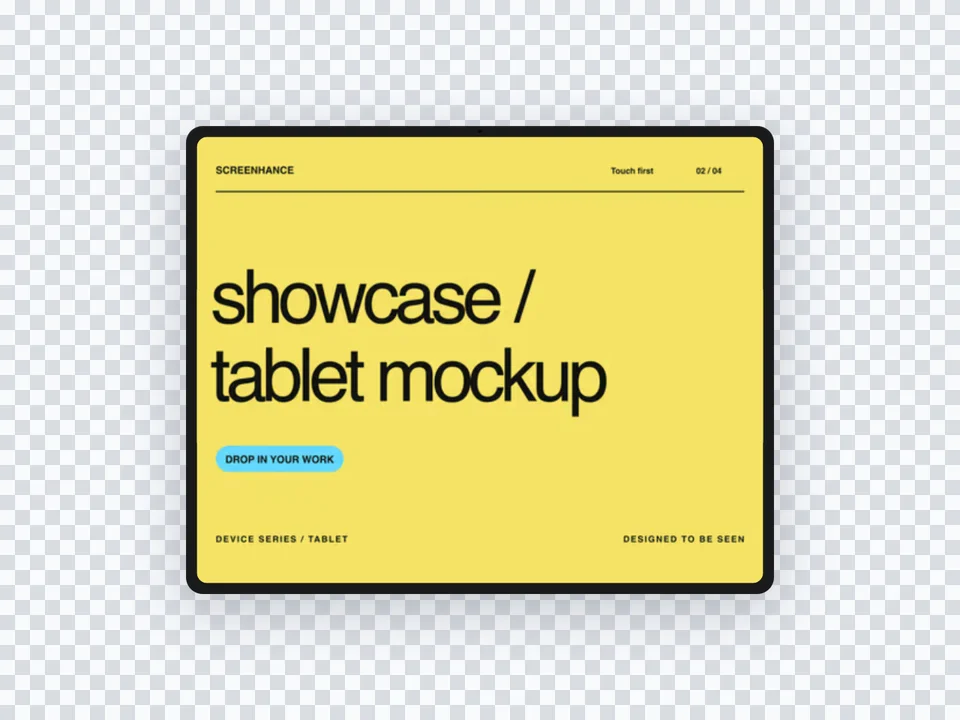
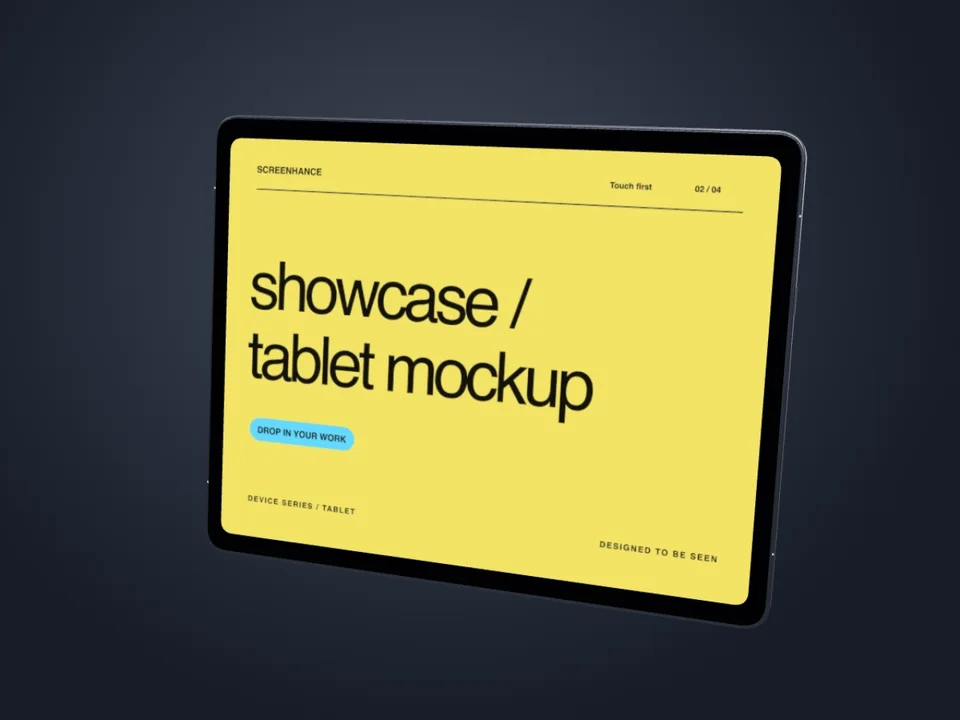
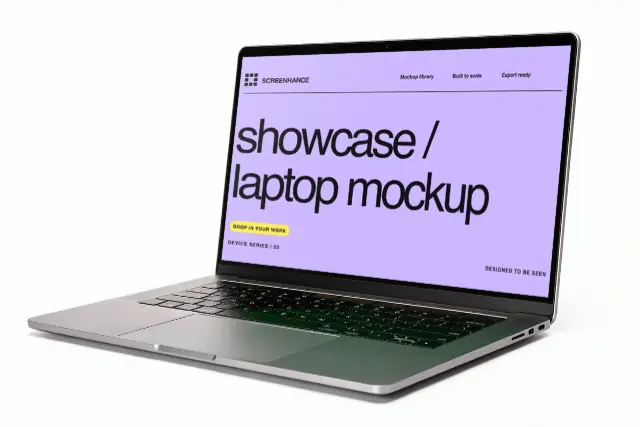
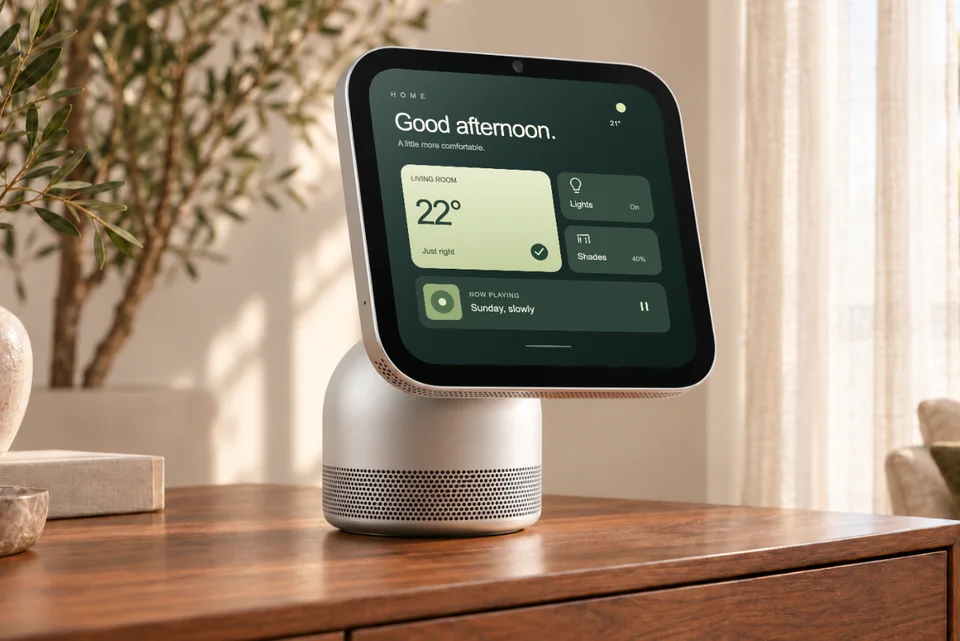
Flat device frames
Keep a product screen large and legible inside a phone, tablet, laptop, browser, watch, or TV frame.
Useful for
App listings, feature pages, documentation, and UI portfolios
Add a screenshot, logo, or piece of artwork to a device frame, physical product, or photorealistic scene. Adjust the composition, then export it for your store listing, website, presentation, or campaign.
Loved by 3,000+ creators
¿Prefieres español? Usa el generador de mockups en español
Screenhance is a free online mockup generator for screenshots, logos and artwork. Place your design on phones, laptops, browsers, apparel, print, packaging or billboards, adjust the frame, background and perspective, then export PNG, WebP or JPEG, or animated GIF and WebM on Pro. Every template and frame is free to use; plans differ in watermark, resolution and export volume.
Browse devices, apparel, print, packaging, merchandise, and outdoor scenes. Open any template to replace the example with your own work.
Open a specific photorealistic placement, learn how to compose artwork for it, and replace the example with your real design. Every page leads to the working editor—not a PSD download or a stock-image preview.
Lifestyle phone mockup
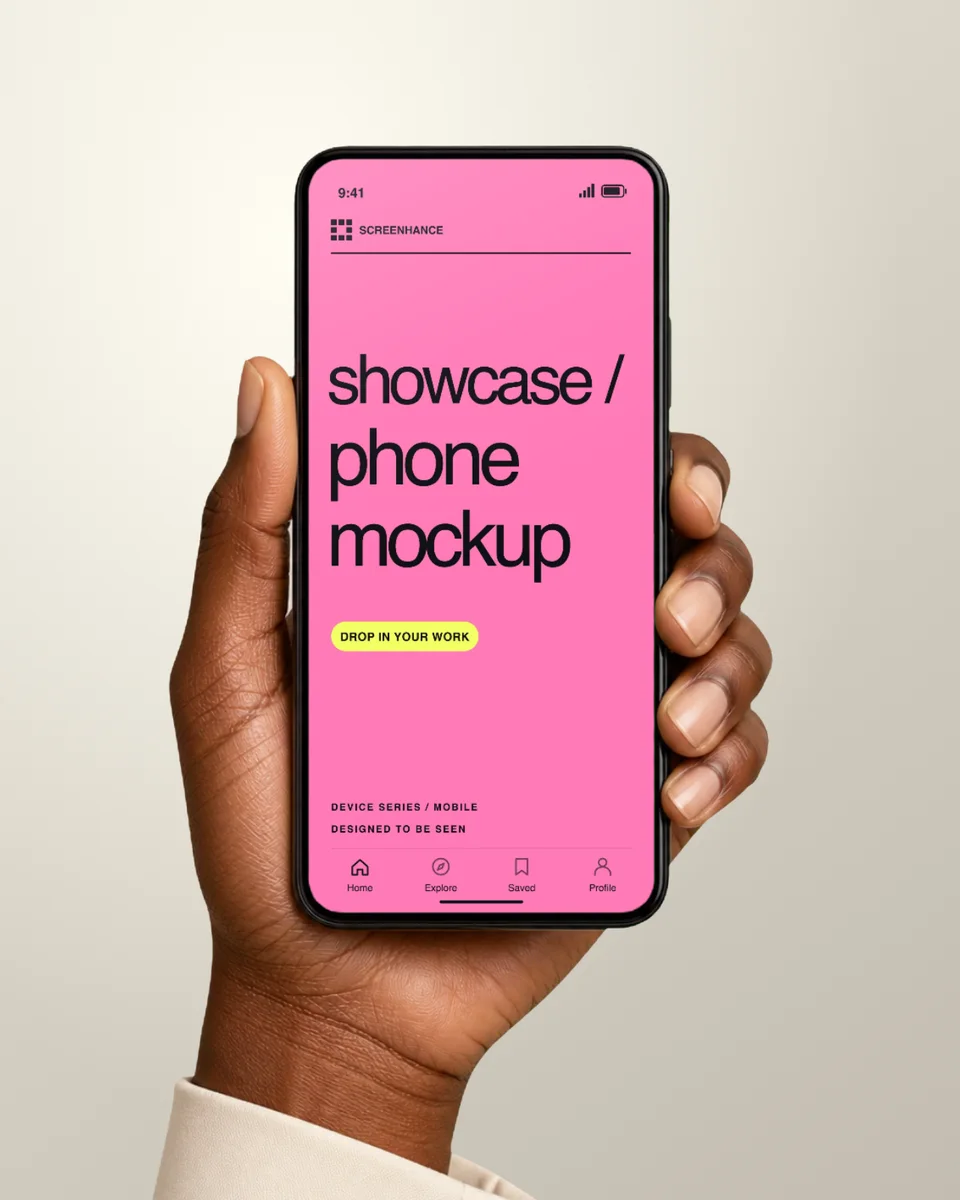
Place your real app screen in a naturally held iPhone with warm cafe light and a softly blurred background. The result feels like a product photo, while the interface remains the focus.
Open template guide →On-the-go phone mockup
Show your app being used out in the world. This daylight street scene combines a real hand, natural perspective, and an active background with your pixel-accurate screenshot on the phone.
Open template guide →Photorealistic TV screen
Present a streaming interface, game, website, presentation, or campaign on a television in a finished living room. Screenhance fits your artwork to the screen perspective inside the browser.
Open template guide →Interior display mockup
Show wide-format content on a wall-mounted television without staging a photoshoot. The architectural setting gives your screen a premium, installed look for campaigns, decks, and product pages.
Open template guide →City advertising mockup
See how your campaign looks at landmark scale. This bright city scene places your real design on a large digital display, ready for pitches, launch announcements, case studies, and social reveals.
Open template guide →Roadside advertising mockup
Put your ad into a wide roadside placement and judge it the way drivers will see it: large, fast, and at a distance. Screenhance handles the scene perspective while preserving your actual artwork.
Open template guide →Editable apparel mockup
Preview a logo, illustration, event design, or merch graphic on a black T-shirt with natural fabric texture and folds. The cutout format also lets you build the surrounding composition in Screenhance.
Open template guide →Editable apparel mockup
Turn a flat graphic into a convincing black hoodie presentation with realistic material, shape, and folds. Use the isolated garment as a clean product shot or build it into a complete launch graphic.
Open template guide →Desktop product mockup
Present your website, SaaS dashboard, or desktop product on a MacBook in a natural workspace. The scene adds professional context without making the screen too small to understand.
Open template guide →Photorealistic book mockup
Show a cover design on a finished hardcover book in a natural desk setting. It is a fast way to create preorder images, publishing presentations, author announcements, and portfolio work before a printed copy exists.
Open template guide →Wall art and print mockup
Put your poster, artwork, event creative, or print design into a realistic frame and interior. Screenhance handles the scene perspective so you can focus on the design and the surrounding campaign.
Open template guide →Brand identity mockup
Present a business card as a finished physical brand touchpoint. The realistic desk scene adds material and scale while keeping the typography, logo, and layout easy to inspect.
Open template guide →A clean frame, a photographed device scene, and a printed product are different jobs. Start with the one that supports the thing you want people to notice.
Keep a product screen large and legible inside a phone, tablet, laptop, browser, watch, or TV frame.
Useful for
App listings, feature pages, documentation, and UI portfolios
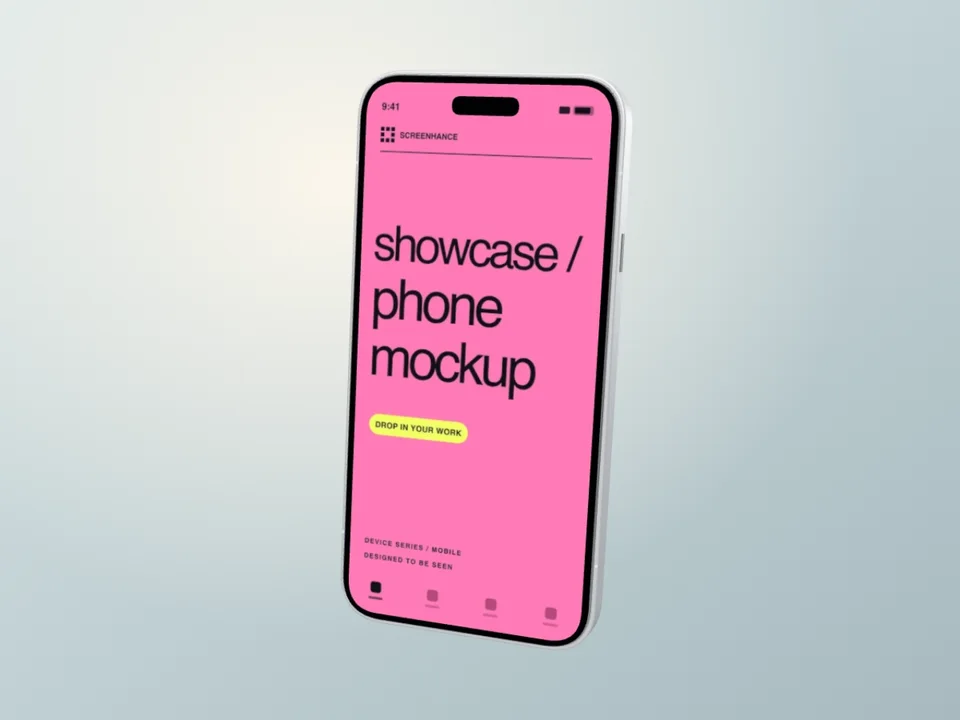
Show a device at an angle or in a photographed setting when the environment is part of the story.
Useful for
Launch pages, presentations, social posts, and case studies
Place logos, covers, posters, and campaign artwork into apparel, print, merchandise, packaging, and outdoor templates.
Useful for
Brand presentations, merch previews, print work, and campaigns
A polished frame cannot recover detail that was cropped or unreadable before upload. Prepare the source around its final destination, then use the mockup to add context.
Read the practical mockup guideKeep navigation, labels, and the product state you are explaining away from the edge of the screenshot. Angled device scenes naturally make small interface details harder to read, so use a straight frame for dense UI.
A browser or laptop frame tells people they are looking at a web product. A hand-held phone scene can suggest use on the move. A billboard or garment template is best when the physical placement—not an interface—is the point.
For apparel, print, packaging, and outdoor work, preview the crop at the intended scale. Keep logos and small type clear of folds, seams, corners, and other areas where the scene changes shape.
A wide website hero, a portrait store screenshot, and a square social post need different crops. Choose the output shape before fine-tuning the size of the frame, headline, and surrounding space.
Choose a focused library to compare frames and scenes for one kind of screen, product, or physical placement.
iPhone frames and composed scenes
Pixel and Samsung Galaxy layouts
Portrait and landscape tablet frames
Laptop frames for websites and desktop apps
Clean browser chrome for web products
Screens shown in room and wall settings
Artwork placed on garment templates
Front artwork on fleece garments
Framed, wall, and held print scenes
Cover designs on books and desk scenes
Card layouts in tabletop scenes
Campaign artwork shown at outdoor scale
Decide from the placement, not from the effect. A still is easier to use across stores, articles, decks, and documentation. Motion is useful when the movement itself explains the product or earns attention in a supported placement.
Static image
Free exports are watermarked PNG files at 1×. Launch Pass and Pro add watermark-free image formats and up to 3× resolution.
Animated mockup
Motion templates and supported effects can be exported on Pro. Keep a static version for destinations that do not play motion.
Explore animated mockupsIt surpassed what I expected. The flow is direct, with great layouts and templates for screenshots.
Clean, easy to use, and I especially love the one-week pass.
The subtle motion adds a premium feel without becoming distracting.
It looks great. I really like the pricing, especially being able to try it without entering a card.
Well designed and useful for decks and product launches.
You can place screenshots in phone, tablet, laptop, browser, watch, and TV frames, or place artwork into apparel, print, packaging, merchandise, and outdoor scenes. The template you choose determines the canvas, frame, and scene you start with.
A flat device frame keeps the interface large and easy to inspect. A photorealistic mockup puts the device or product into a setting, such as a phone in a hand, a laptop on a desk, or artwork on a billboard. Choose the frame when UI clarity matters most and the scene when context or scale helps tell the story.
Yes. Screenhance includes templates for products and placements such as t-shirts, hoodies, posters, books, business cards, tote bags, canvas prints, and billboards. Upload the artwork you want to place, then review its crop and scale in the editor.
The Free plan includes all templates and device frames plus three watermarked PNG exports per month at 1× resolution. The one-time $6 Launch Pass includes ten watermark-free image exports over seven days in PNG, WebP, or JPEG at up to 3×. Pro includes unlimited watermark-free exports and adds animated GIF and WebM export.
Yes. Start with a motion template or add a supported motion effect, then use Pro to export a GIF or WebM. If the destination only accepts a still image, export the same design as a static image instead.
Choose Screenhance for repeatable product visuals: ready-made device frames, photorealistic scenes, editable backgrounds, text, assets, and static or motion exports stay together in one workflow. Bring finished custom artwork in as an asset, then complete the launch composition in Screenhance.
Need exact plan limits or export details? See current Screenhance pricing.
Three editable examples, each with a different use. The product screens are fictional; the mockup and export workflow are real.
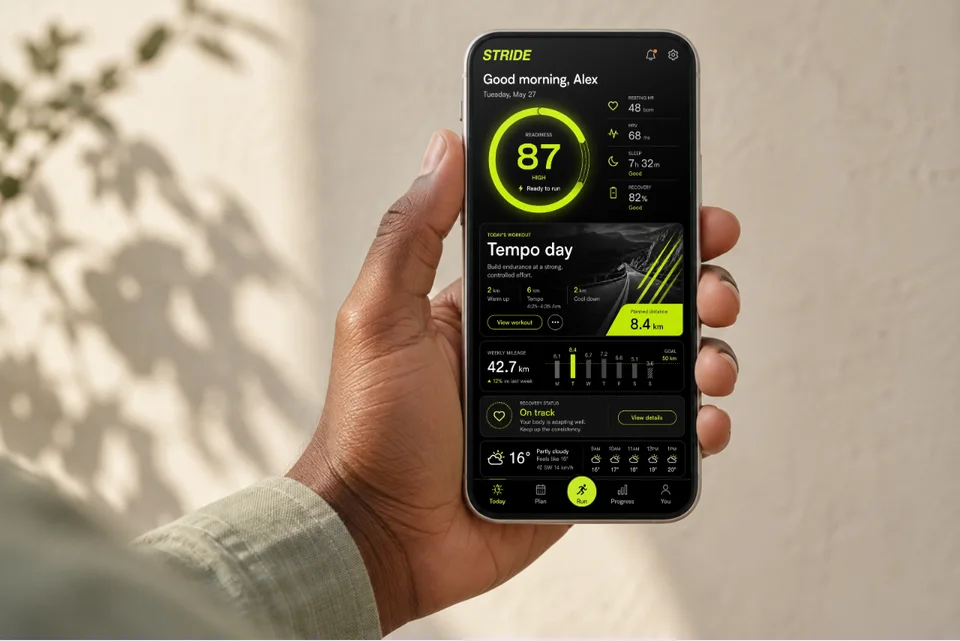
For a landing page, editorial feature or portfolio: show what the app feels like in use.
Open this mockup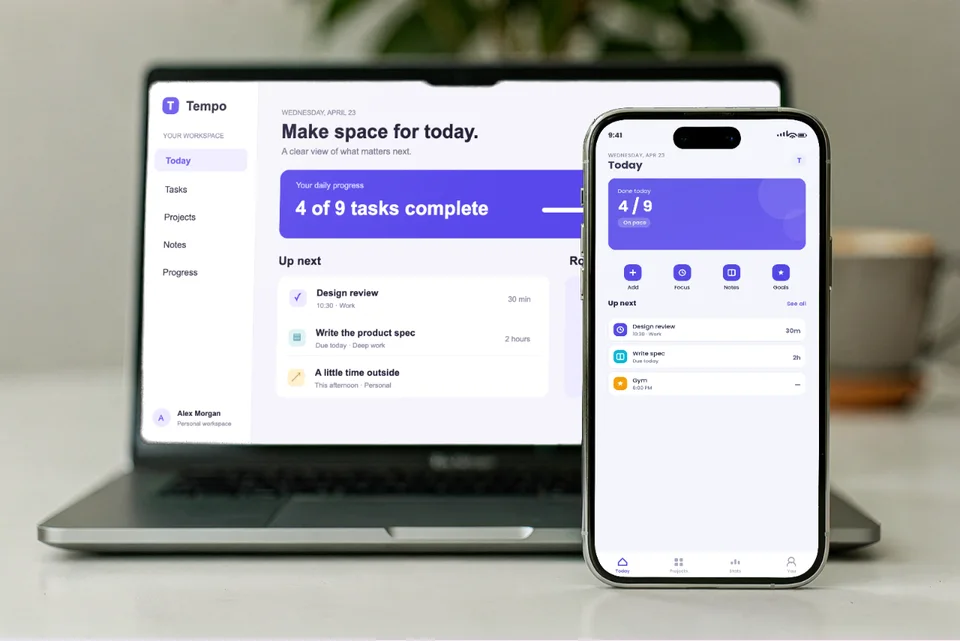
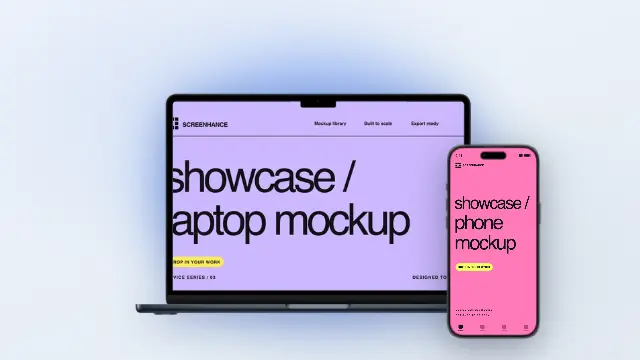
For a responsive product case study: show the desktop workflow and its mobile companion together.
Open this mockup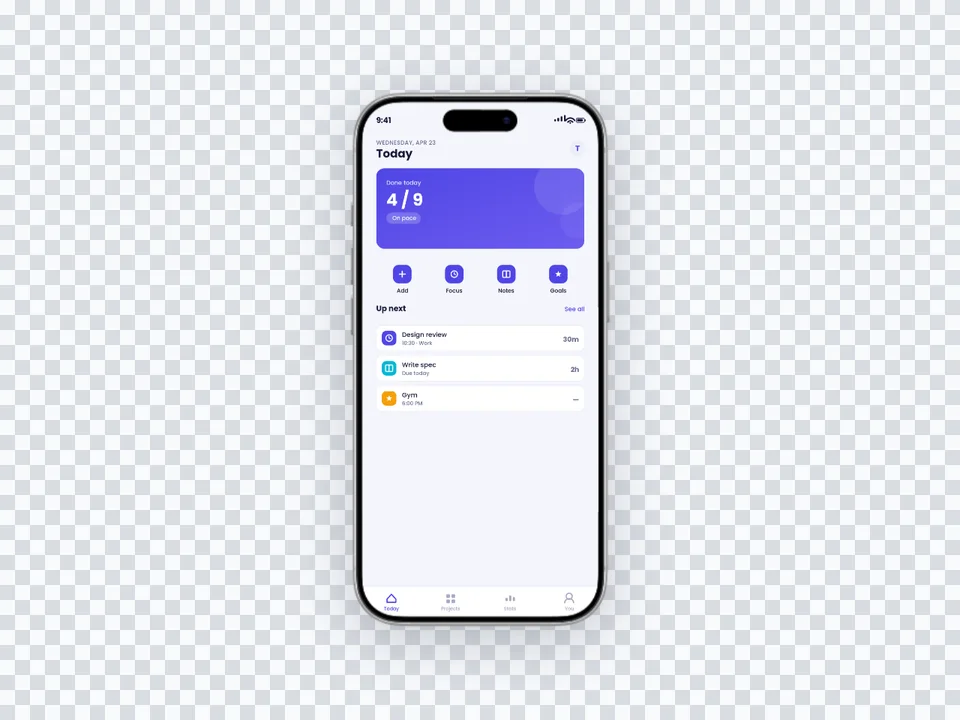
For a landing-page section with its own colour: let the website supply the background.
Open this mockupTry the same screenshot in another device, frame, or scene.
No-background devices, hands, apparel, and print
Start creatingRealistic and minimal device frames
Start creatingCreate stunning iPhone device mockups
Start creatingiPhone 18 Pro and Pro Max frames in four finishes
Start creatingOpen, closed and 3D Duo frames plus a folding tour
Start creatingiPad stills, 3D turns and handheld motion
Start creatingStart without signing up. Choose a device frame or photorealistic scene, replace the example with your work, and make every detail your own.