Use Cases
Put your design, poster, or app screenshot on a photorealistic billboard. Upload, drop it onto a city or digital panel, and export. Free, in the browser, no Photoshop and no PSD.
Loved by 2,000+ creators
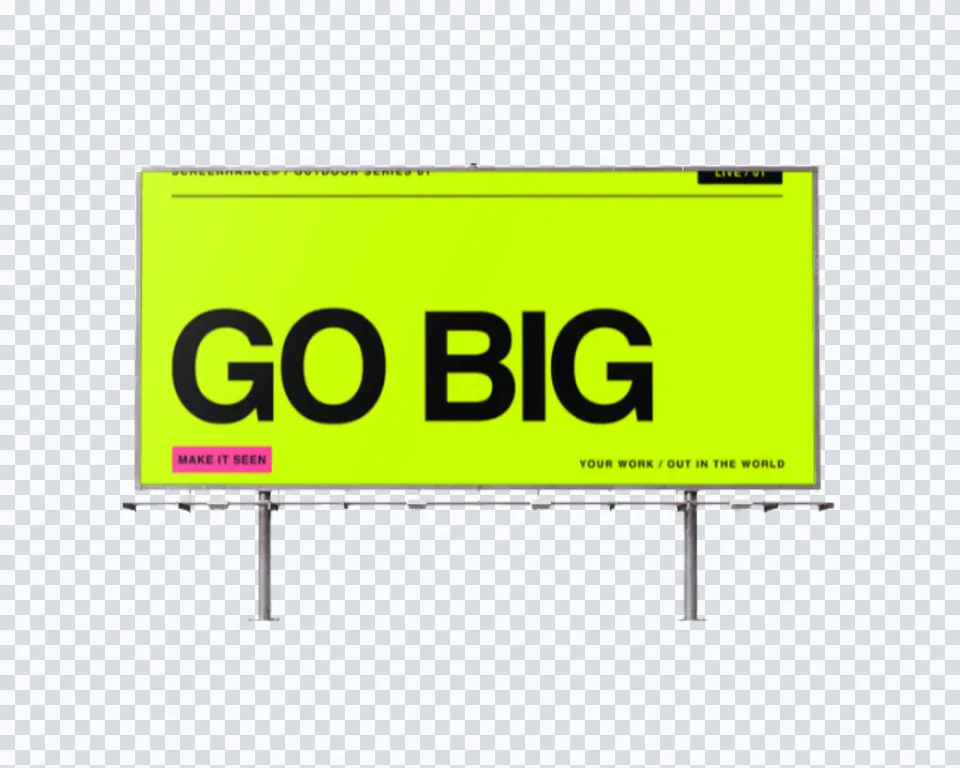
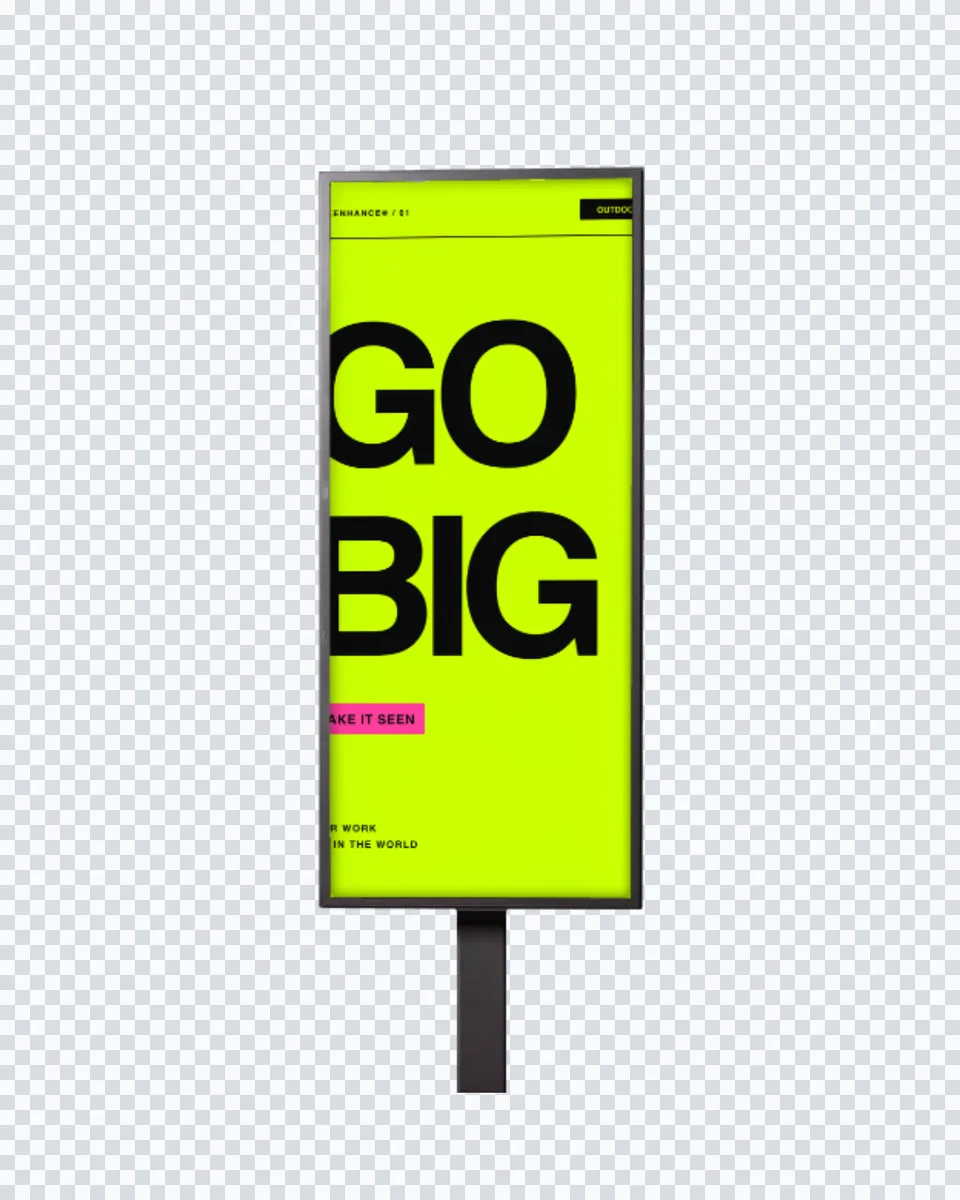
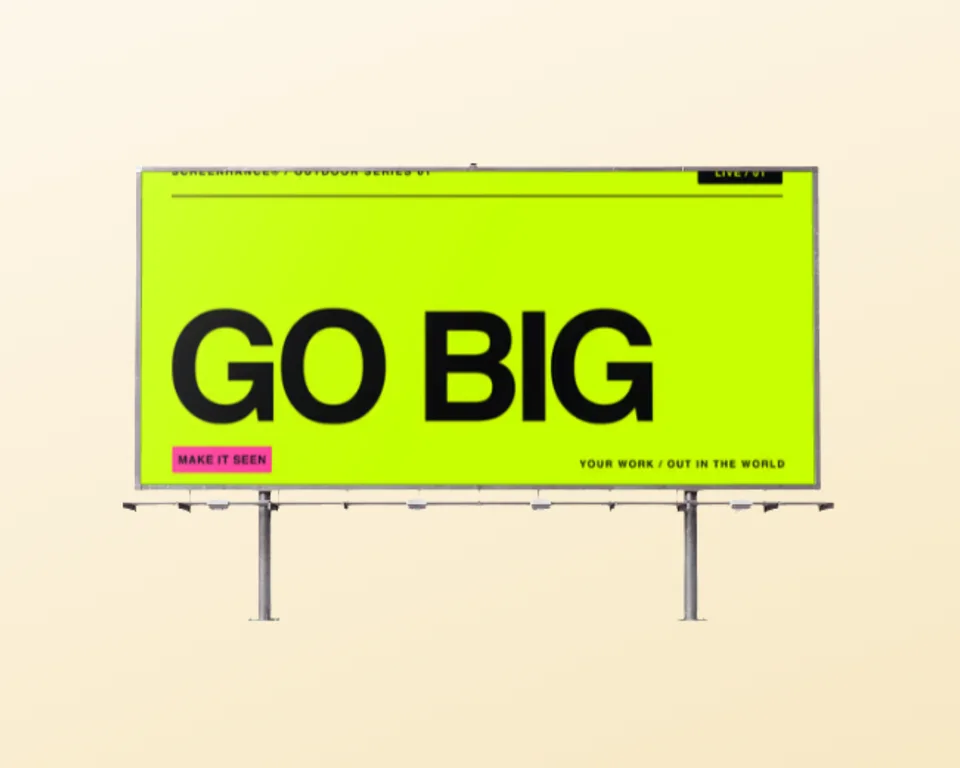
Real billboard photographs with your design placed on the panel in correct perspective. Click one to open it in the editor and drop in your art.
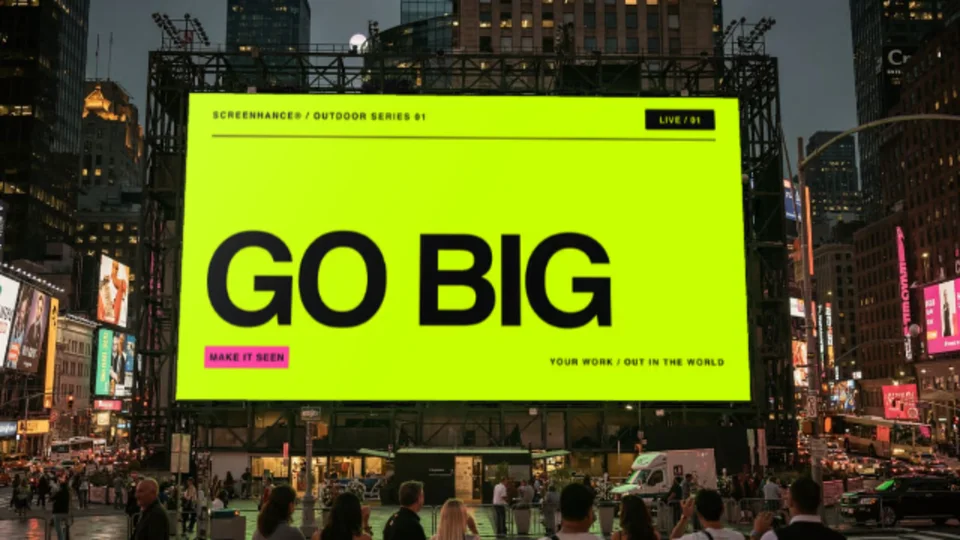
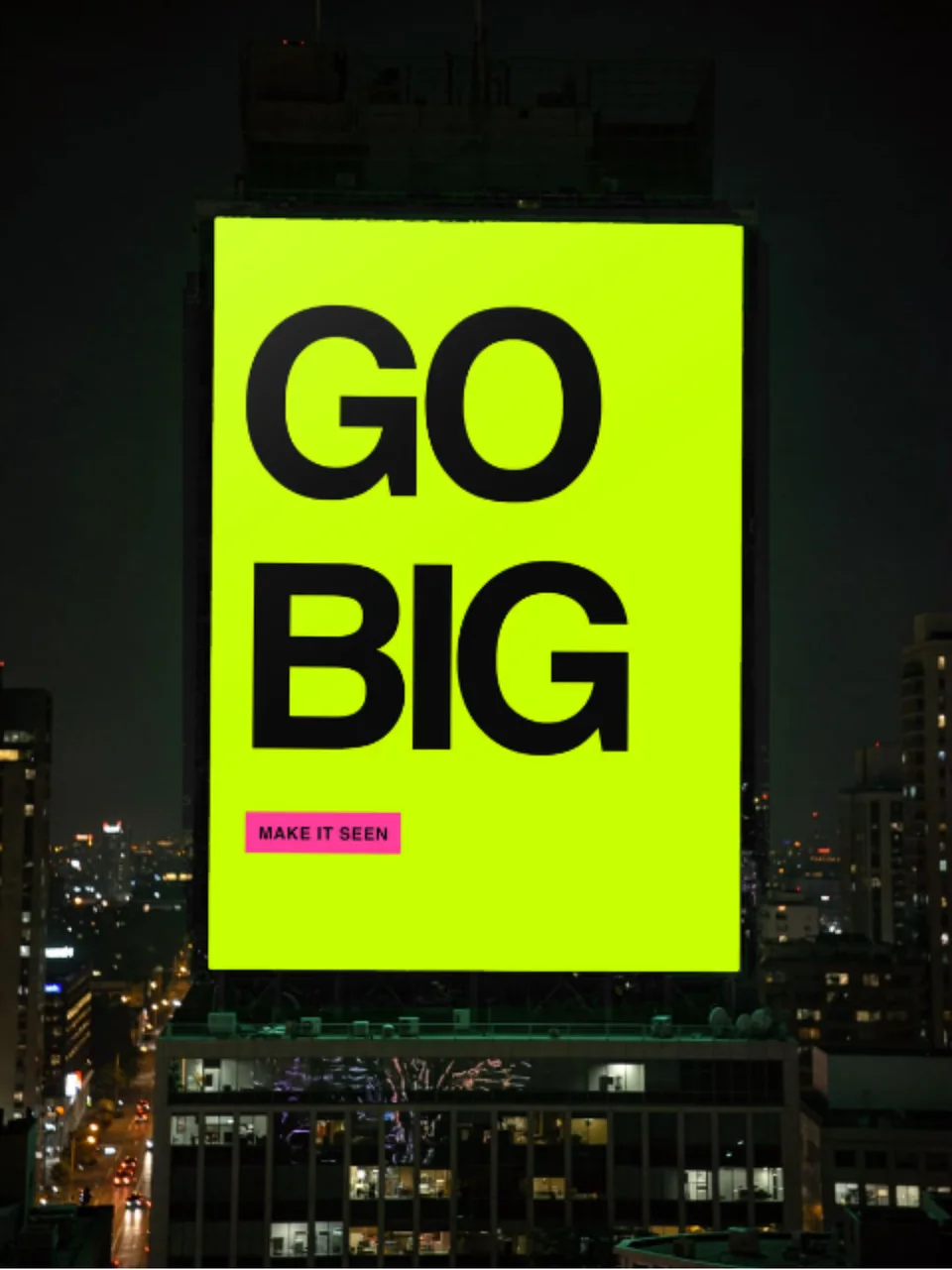
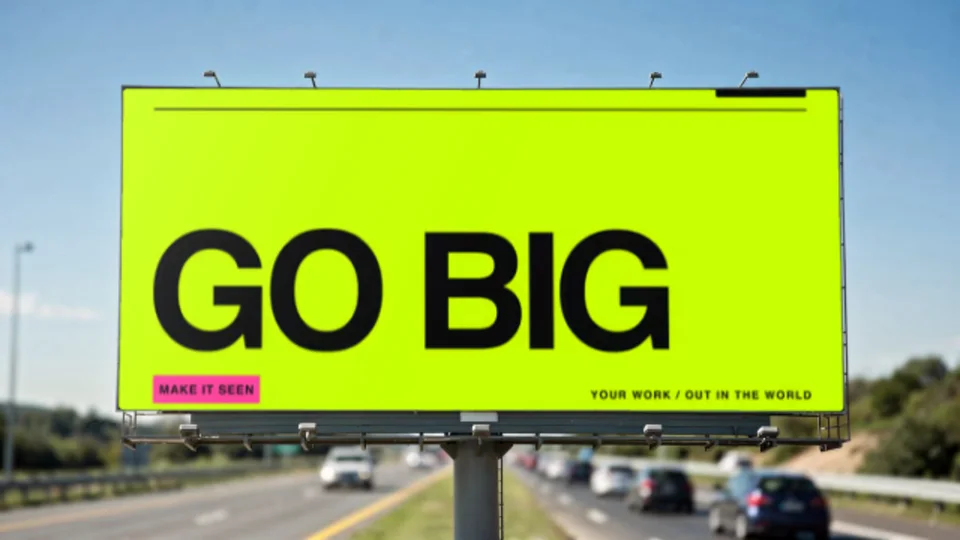
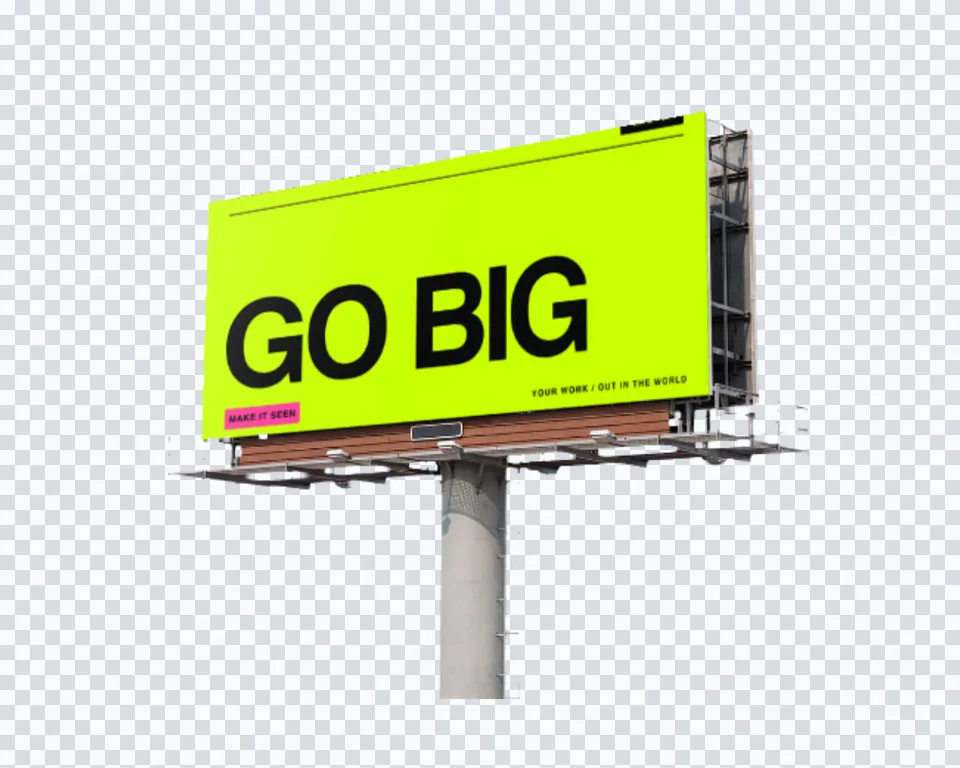
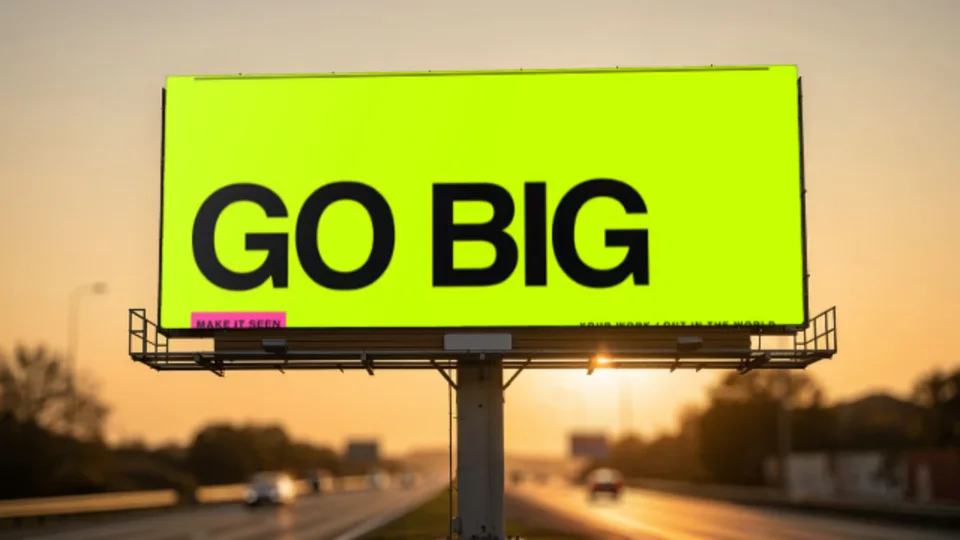
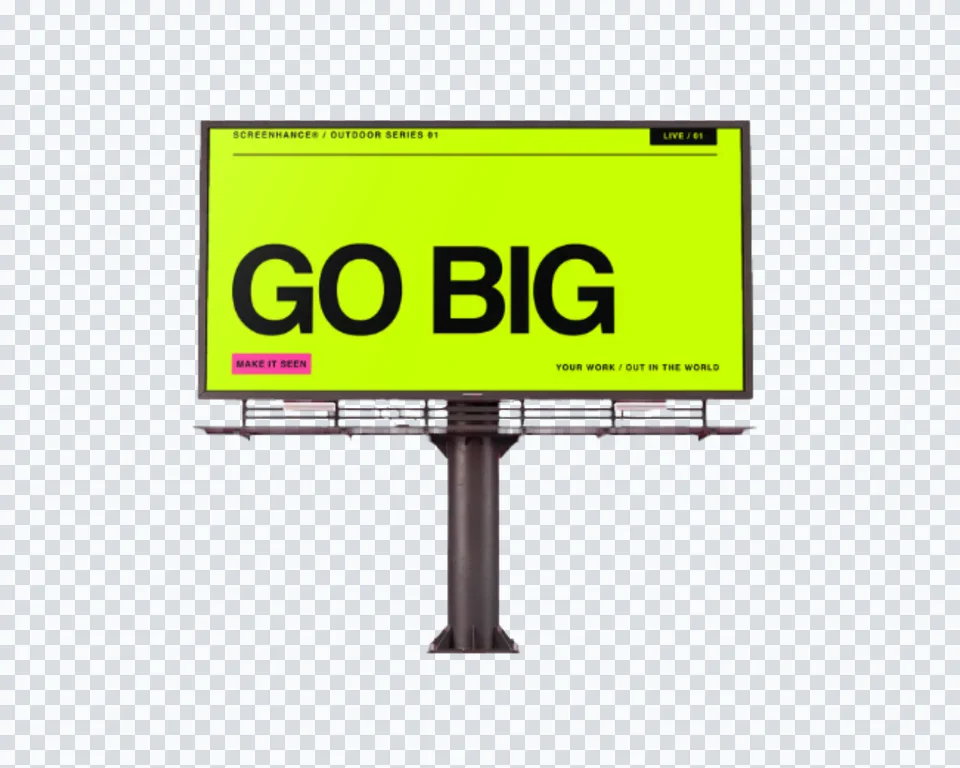
Each billboard is a real photograph. Your artwork is warped onto the panel with true perspective, and a digital panel stays lit and glowing.
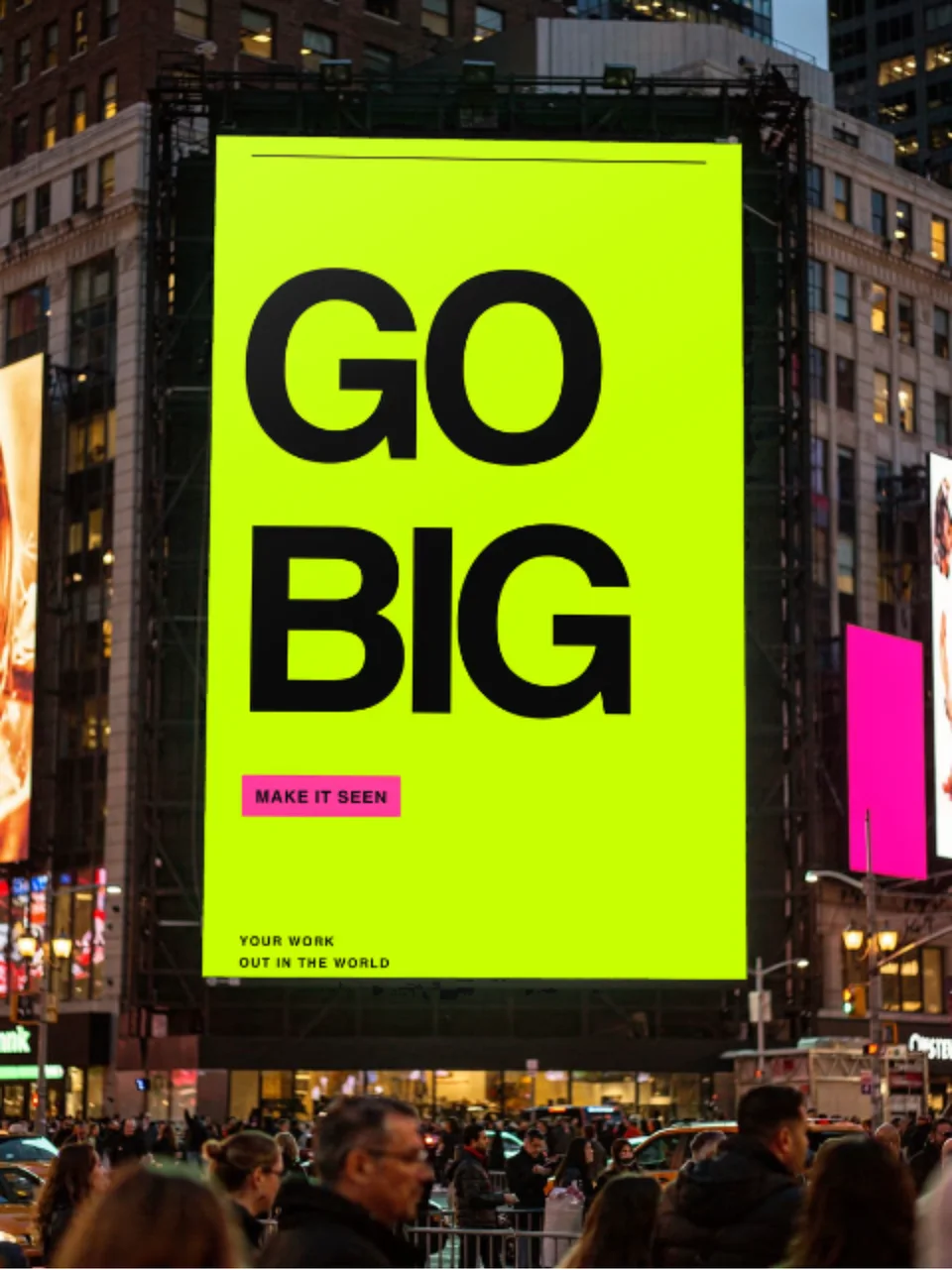
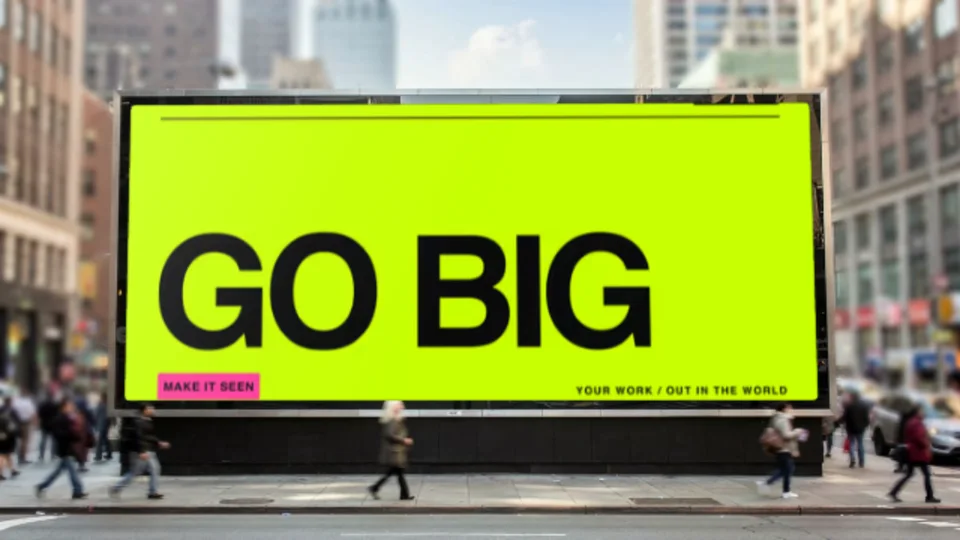
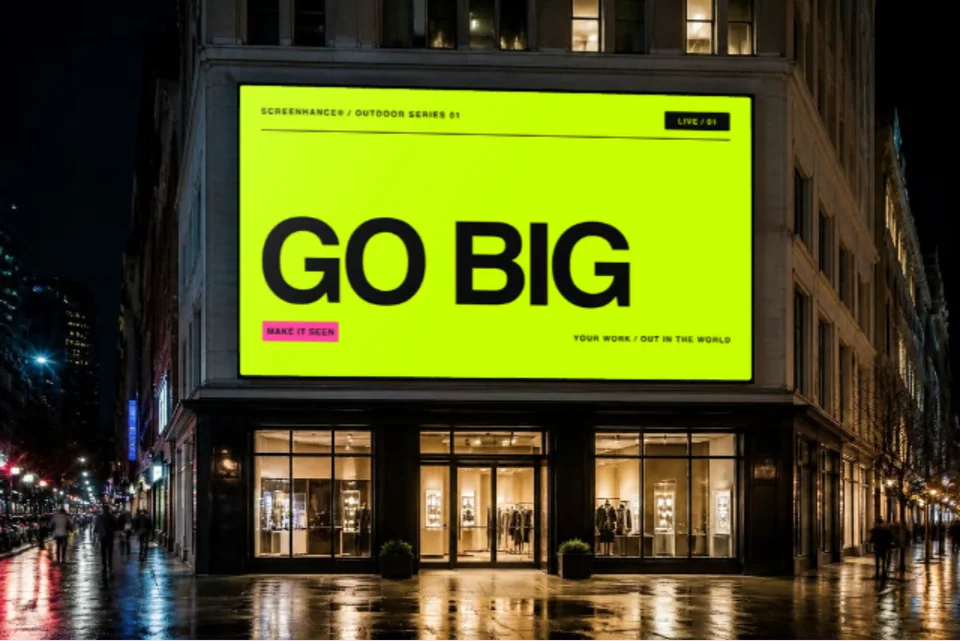
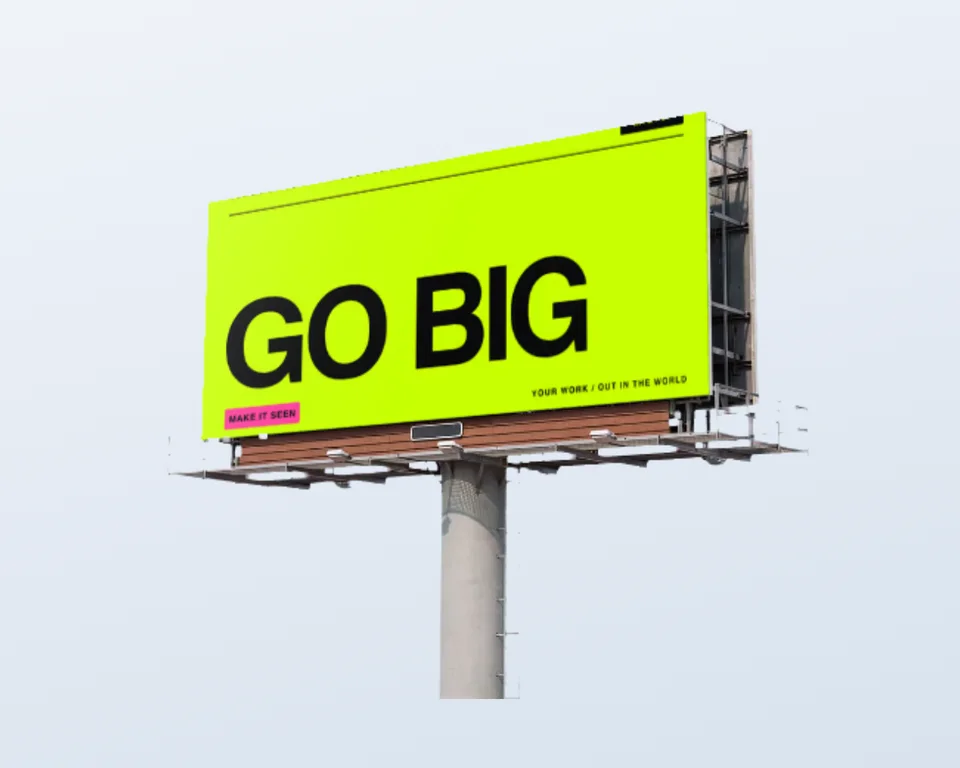
A large billboard on a city facade with warm light. The classic out-of-home look.
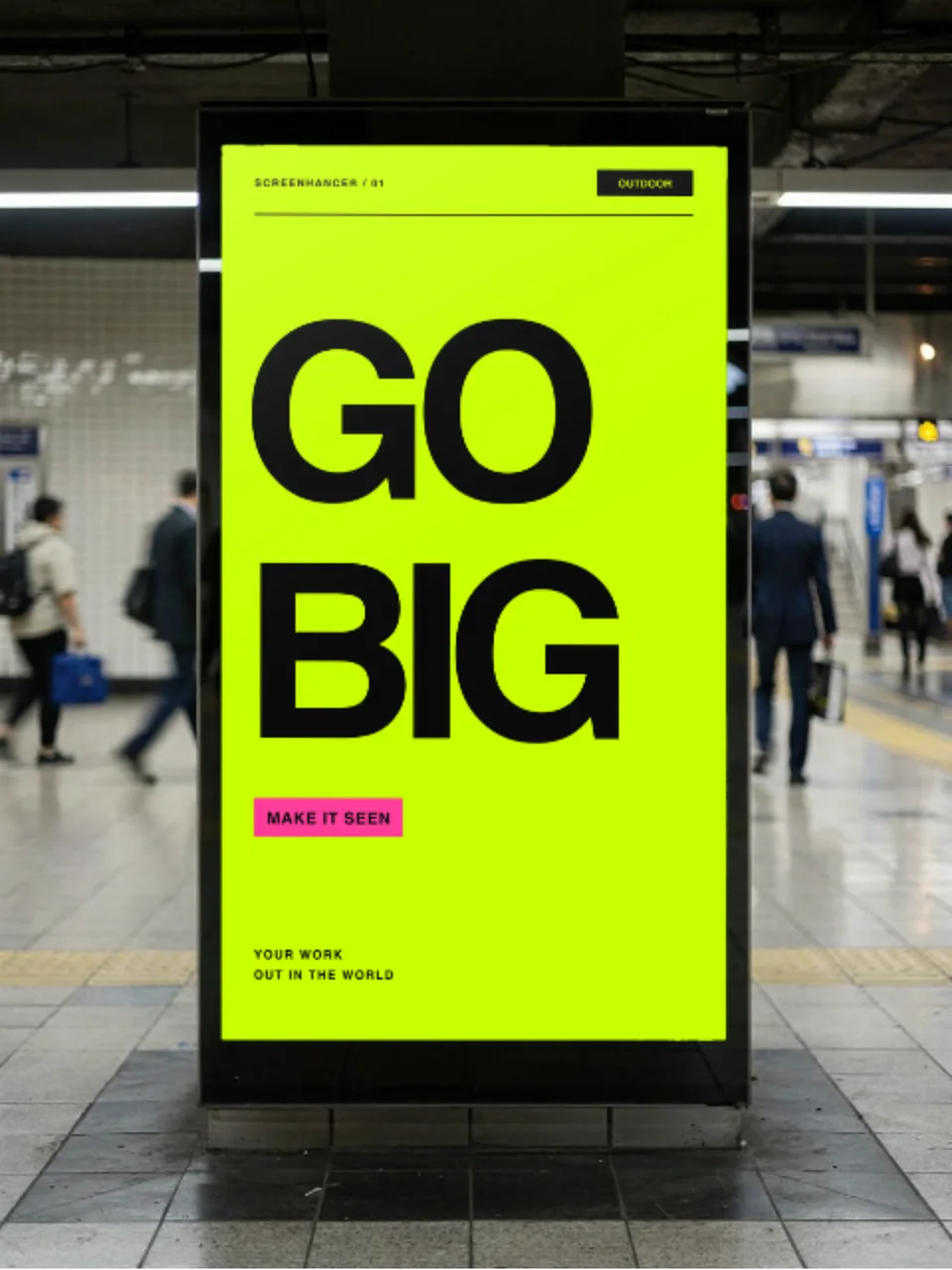
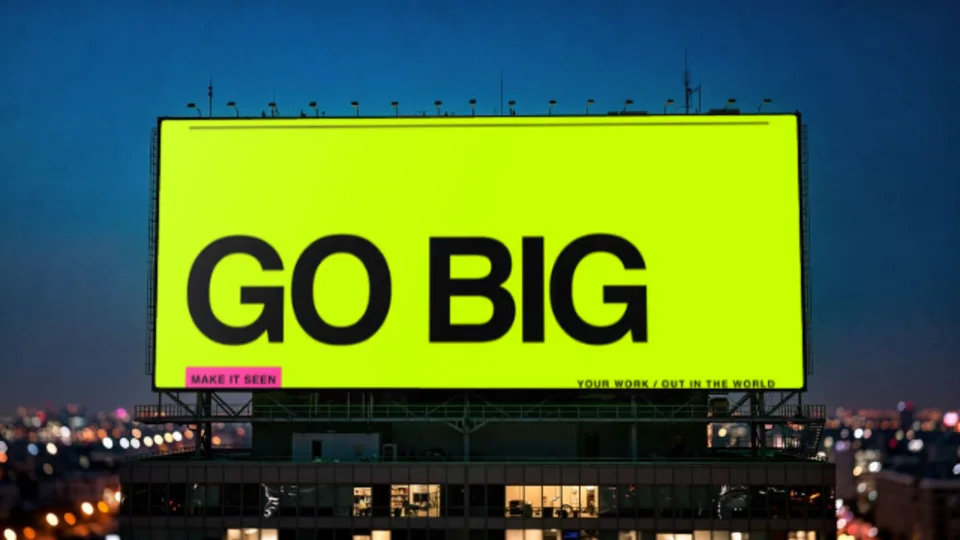
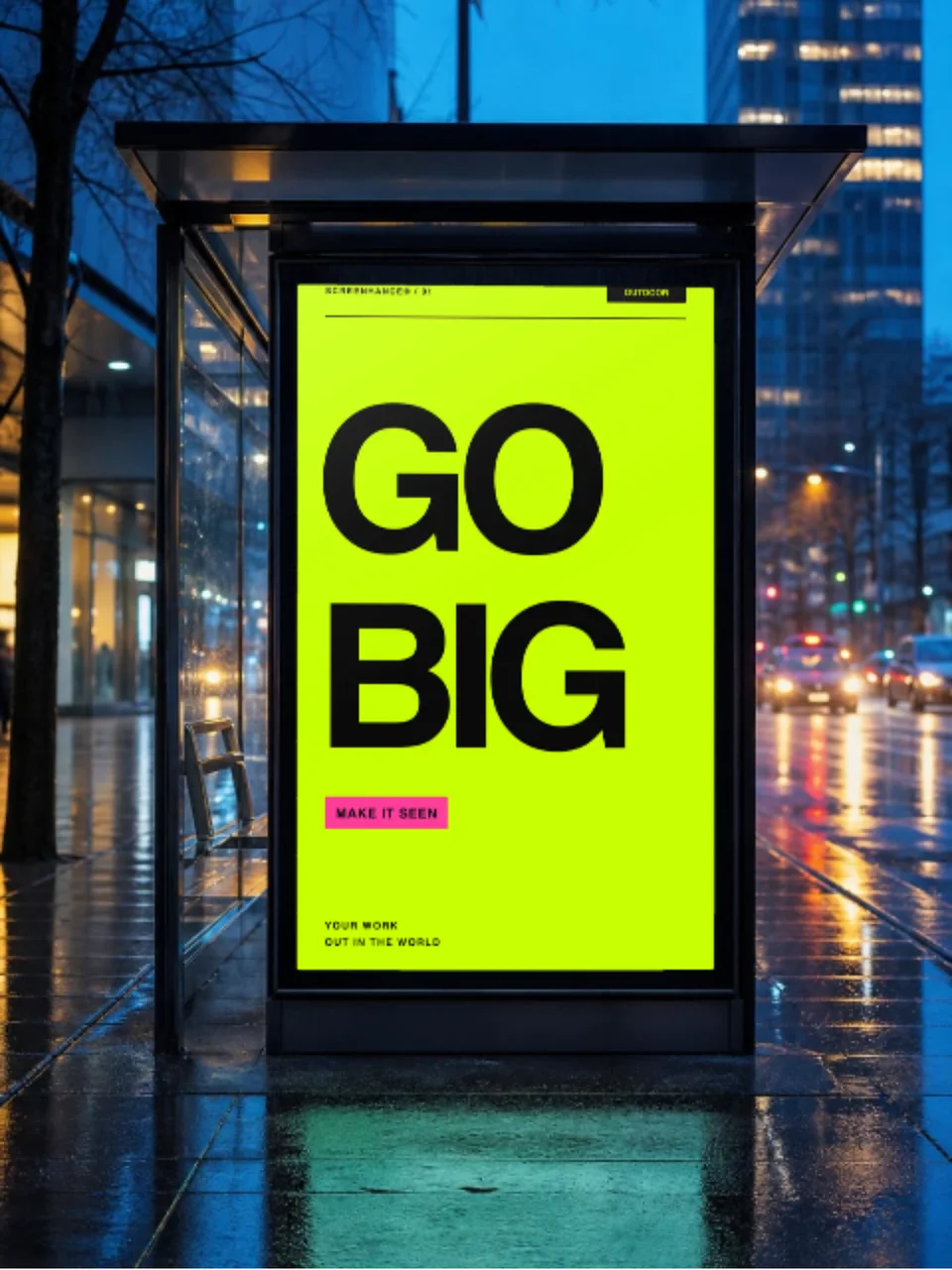
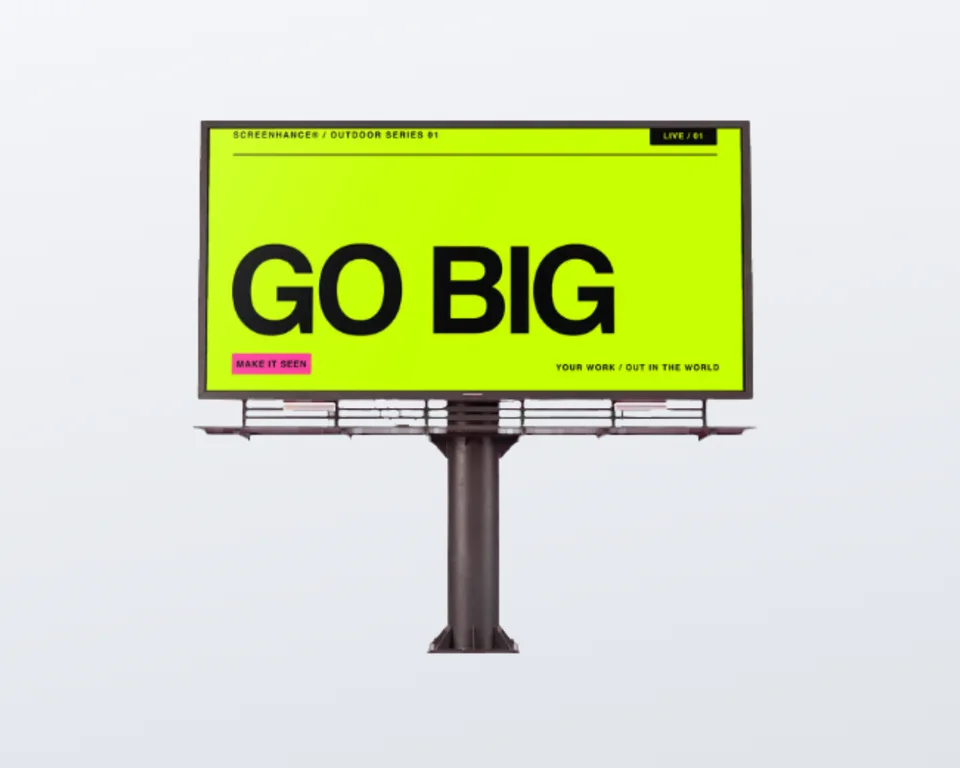
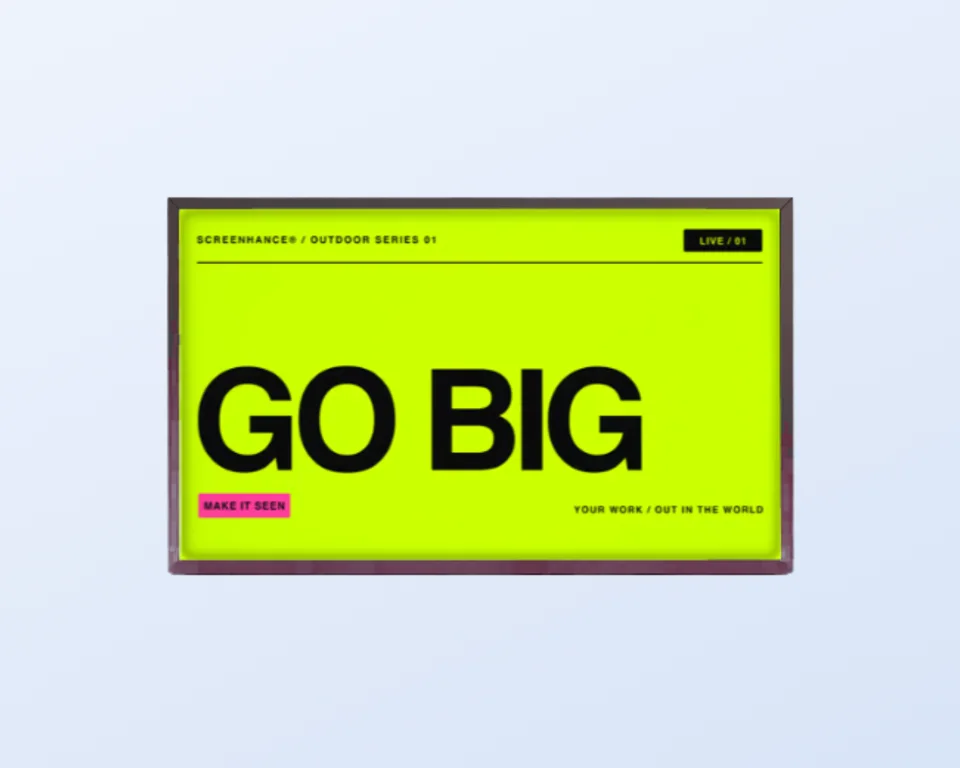
An illuminated urban panel. Screen mode keeps your design bright against the dark.
Drop in a screenshot for a “we made it” launch image that gets shared.
Create professional mockups in three simple steps. No design skills required.
Drag and drop or select any screenshot, design, or image from your device.
Pick from iPhone, iPad, MacBook, browser frames and beautiful gradient backgrounds.
Download as PNG, WebP, JPEG, GIF, or video. Ready for marketing in seconds.
Two capabilities that separate Screenhance from every other mockup tool in 2026: animated exports and App Store screenshot localization.
Template-driven motion — float, reveal, parallax. Export animated mockups at Product Hunt, landing-page, and Twitter/X dimensions. Most mockup tools are static-only.
One master design, per-locale captions, every required Apple and Google Play size per language. RTL and CJK support. Apple reports localized listings drive 2-3x install lifts.
iPhone 17 Pro Max (1320×2868), iPhone Air (1260×2736), iPad Pro M4 (2064×2752), and the full Google Play set — exported from one design in a single pass.
Pick a template, drop in your screenshot, export. No Figma, no Photoshop, no learning curve. Free tier covers 3 exports a month; the $6 Launch Pass covers a launch with 10 watermark-free image exports.
Show a campaign in context in a client deck without a render budget.
The launch flex: your app on a billboard, ready for Product Hunt and X.
Pressure-test out-of-home concepts before committing to production.
Present spec work as if it ran in the real world.
Out-of-home concepts sell better in context. A design sitting on a real billboard, at real scale, on a real street, lands harder than the same design as a flat rectangle in a slide. The problem has always been that getting there meant a PSD smart object and a perspective fight.
Screenhance does the compositing for you. Upload your artwork, pick a billboard scene, and it is warped onto the panel with true perspective and the scene’s own light. For a digital panel, screen mode keeps the design bright and glowing so it reads as a live display rather than a printed poster.
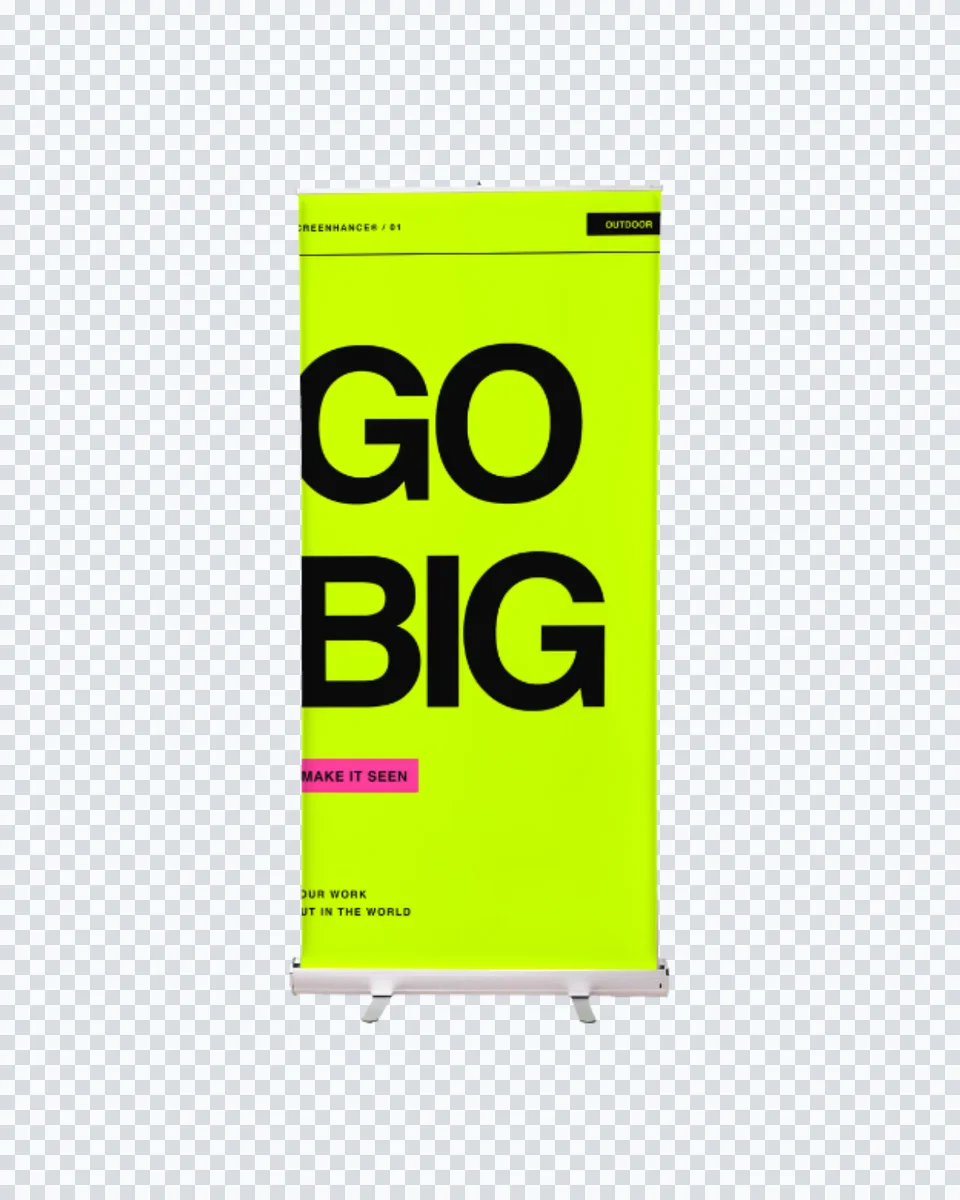
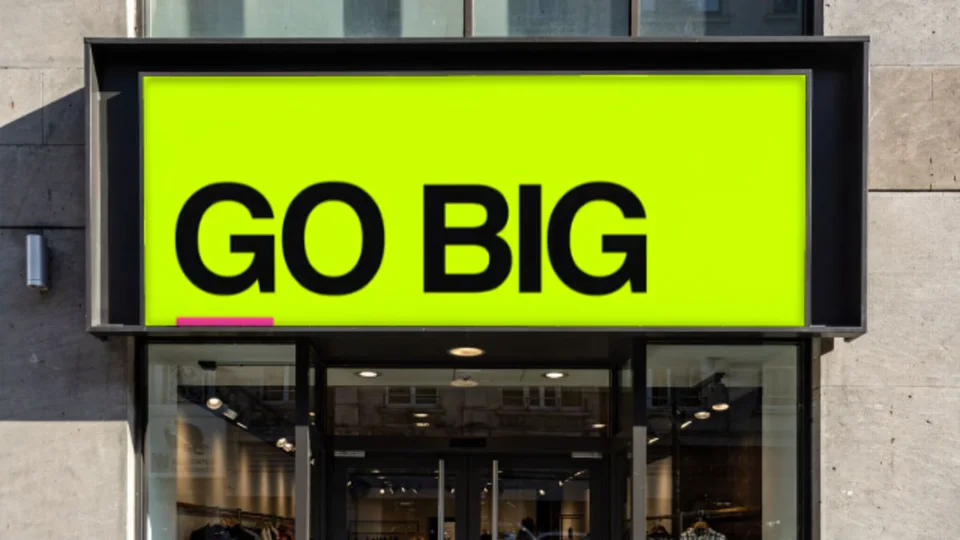
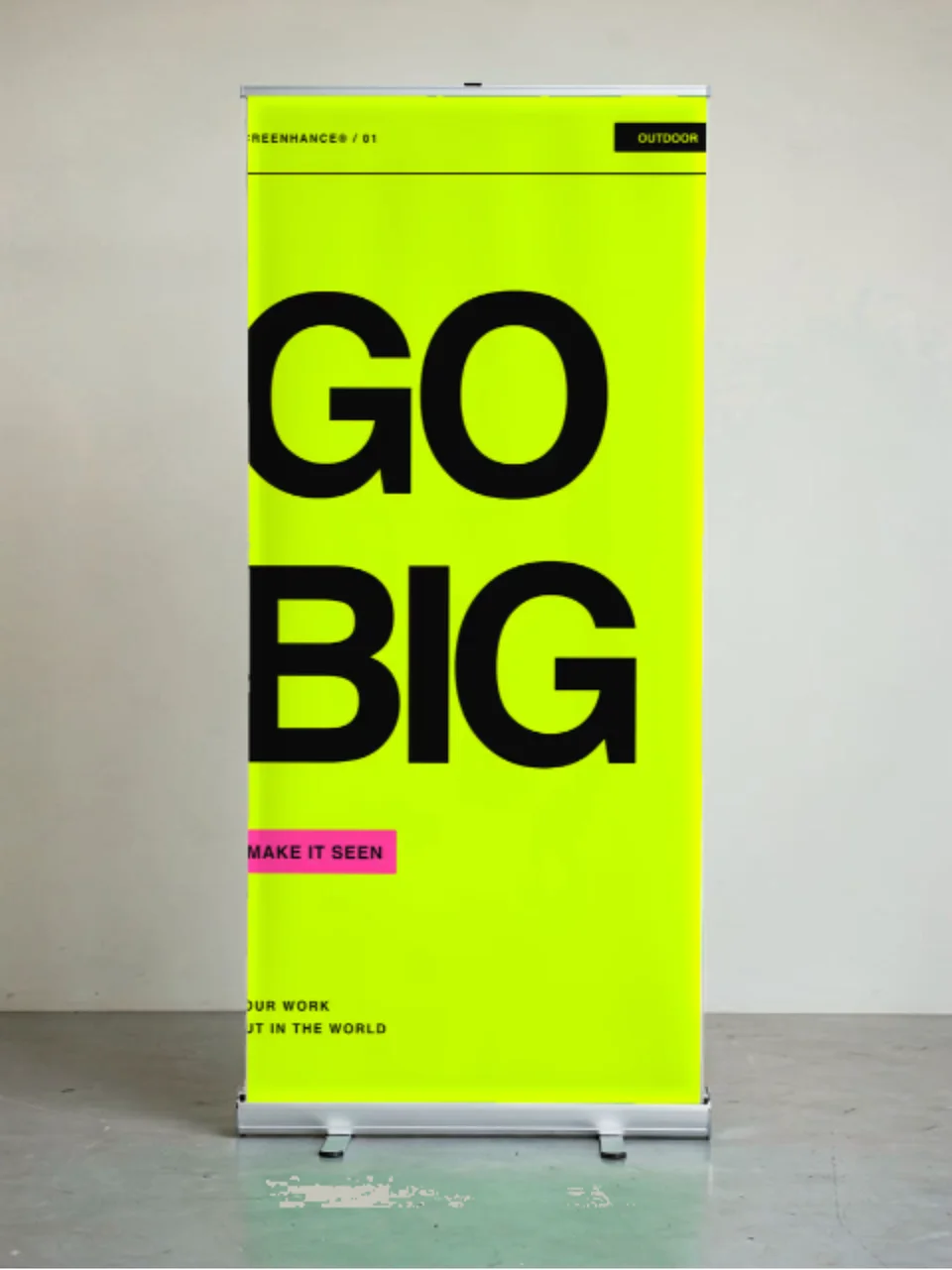
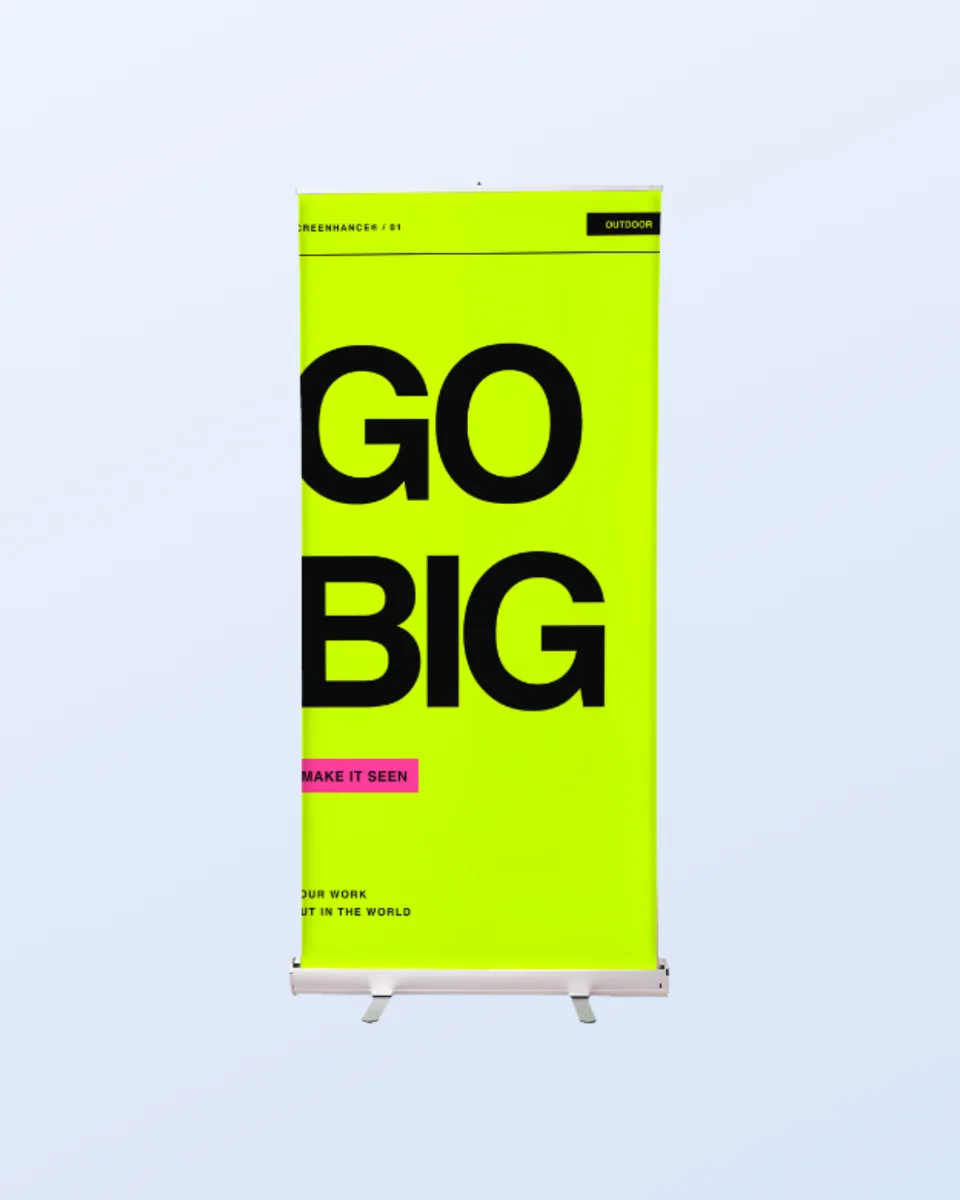
The same warp that puts your art on a billboard puts a screenshot in a hand holding an iPhone, a cover on a book, or a UI in a clean device frame. For the smaller signs a business actually orders, a fascia above the door or a roll-up in a hall, the signage mockup generator has those scenes. Upload once, present it anywhere.

Upload your design, poster, ad creative, or app screenshot, choose a billboard scene, and Screenhance composites it onto the billboard panel with the correct perspective. Export a high-resolution PNG. No Photoshop and no PSD smart object.
Yes. You can create and preview billboard mockups for free, with a small watermark on free exports. Every scene is included on the free plan. Pro just removes the watermark, starting at a $6 one-time week pass.
Both. Scenes include a city-building billboard at golden hour and an illuminated digital panel at night, with more added over time. Screen mode keeps a digital panel bright and glowing, so it reads as a real display.
Yes, and it is a favorite launch flex. Drop your app screenshot onto the billboard for a “we made it” announcement image for Product Hunt, X, or your changelog.
No. Most billboard mockups online are PSD or Figma files that require a design tool and manual placement. Screenhance composites your artwork in the browser and shows your real design, not a placeholder.
Yes. Exports are yours to use in client decks, campaign proposals, social posts, and press. Every export is your own composition over your own artwork.
Explore more ways to create stunning visuals with Screenhance.
Every launch visual from one brief: App Store, Product Hunt, OG, and website
Try it freeFree online mockup generator for all devices
Try it freeCreate stunning iPhone device mockups
Try it freeYour artwork as a stretched canvas or framed print on a wall
Try it freeYour design on a real canvas tote
Try it freeYour logo on a real baseball cap
Try it freeUpload your artwork, pick a scene, and export a photorealistic billboard mockup in under a minute.