
AI Mockup Generators in 2026: Where They Help and Where They Fail
A practical guide to AI mockup generators: when generated scenes help, when real product screenshots matter, and how to build a repeatable launch workflow.
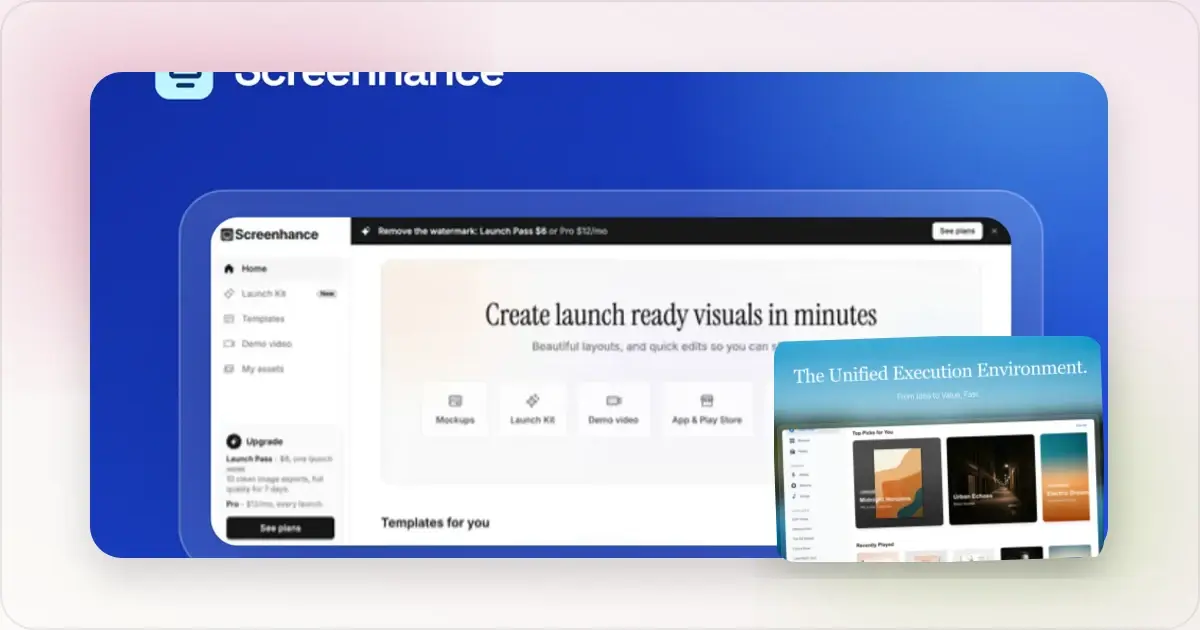
“AI mockup generator” can describe several different workflows. One tool invents a complete device scene from a prompt. Another keeps a real screenshot and generates only the surrounding environment. A third uses AI to suggest captions or a visual direction inside an editable template system.
Those workflows solve different problems. The useful question is not whether AI or templates are universally better; it is which parts of the final image must remain exact, editable and repeatable.
Three types of AI mockup workflow
1. A fully generated image
An image model can create a laptop on a desk, a phone held in a hand or an unusual studio composition. This is useful for mood boards, concept exploration and decorative editorial images.
The model may also invent controls, text, logos and hardware details. If the screen is meant to demonstrate a real product, treat the generated UI as a placeholder. Replace it with an accurate capture or choose a workflow that preserves the original pixels.
2. A real screenshot inside a generated scene
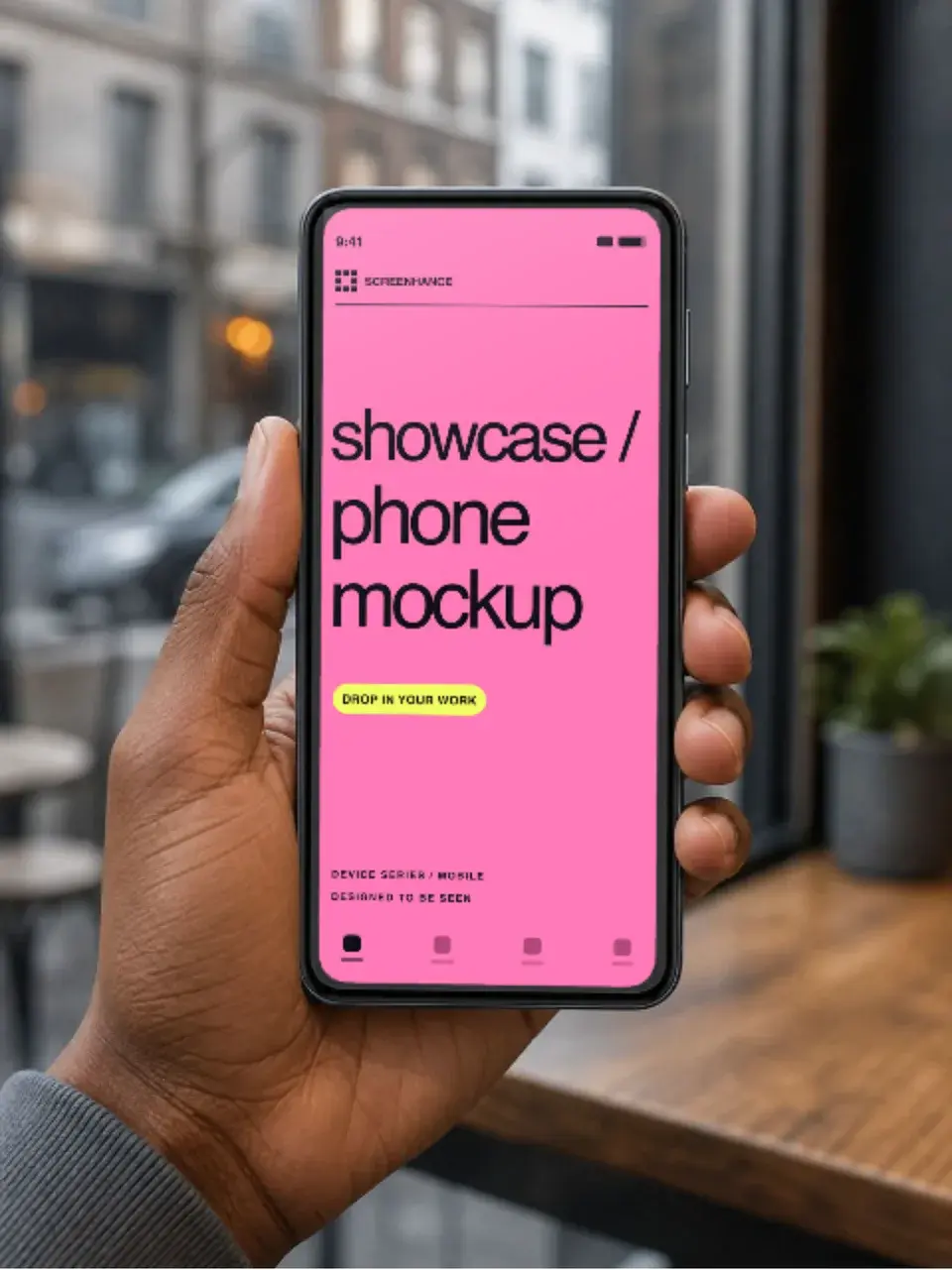
Some workflows mask the device screen, keep the uploaded screenshot and generate the hand, desk, room or lighting around it. This can combine product accuracy with a photographic setting.
Inspect the boundary closely. Perspective, fingers, ports, reflections and screen corners are common places for a generated scene to look wrong. A single image may be easy to repair; a coordinated series usually requires more review.
3. AI assistance inside an editable visual system
AI can help establish a direction, propose captions or translate text while the layout, real screenshots and export canvas remain editable. Screenhance Launch Kit follows this model: a brief, screenshots, logo and palette become a coordinated direction that can continue into the visual editor, store sets, mockups, motion and Studio video.
The benefit is not that judgment disappears. It is that the repetitive parts stay connected while a person reviews the claim, hierarchy, crop and destination requirements.
When generated mockups are useful
Concept exploration
Generated scenes can make visual directions tangible before a team commits to production. Ask for several lighting, setting and camera ideas, then rebuild or composite the chosen direction with the real product.
Editorial and campaign imagery
If the image is illustrative rather than evidence of the product, generated surroundings can be appropriate. Keep the distinction clear: a reader should not mistake invented UI, a fictional testimonial or an imagined result for a real product capability.
Background and composition studies
Generation is useful for exploring surfaces, objects and colour relationships around a real device. Keep the screenshot in a protected layer so iteration does not alter the interface.
Caption drafts
An AI writing tool can produce candidate headlines from a feature brief. Every candidate still needs a product check: it should describe something the screenshot proves and fit at the smallest destination size.
When a structured template is the safer choice
App Store and Google Play screenshots
Store listings represent a real app. Apple's accurate metadata guideline says screenshots and previews should show the app in use, and both stores publish current asset specifications. Use real UI, check the latest Apple screenshot specifications and Google Play preview-asset requirements, and review the final upload in the store console.
A generated background can still be part of the design, but it should not fabricate the experience inside the screen.
Localized screenshot sets
Localization needs the same layout to survive different text lengths, scripts and reading directions. An editable set lets a reviewer adjust line breaks, font size and crop without asking an image model to recreate the whole scene for every locale.
Screenhance supports AI-assisted translation across 16 locales and keeps the captions editable. Translation is a starting point, not native-language approval; review terminology, tone, screenshots and any market-specific claims before export.
Coordinated launch assets
A launch may need a store set, Product Hunt gallery, social cards and a website hero. Reusing a deliberate system of type, colour, spacing and product crops is more dependable than regenerating each image independently.
Product motion and recording
Generated video can create atmosphere, but it is not the same as recording a real interaction. Use Screenhance's browser recorder or Chrome extension to capture the product itself. Use motion in the visual editor when the job is to animate layers, frames and transitions around an existing screenshot or recording.
A practical hybrid workflow
1. Define the claim. Write the one thing the visual needs to explain.
2. Capture the evidence. Record or screenshot the real product state that supports it.
3. Explore direction. Use generated references, a Launch Kit brief or existing brand material to compare approaches.
4. Choose a repeatable layout. Set type, colour, frame, crop and spacing in an editable template.
5. Build the set. Reuse those decisions across the required destinations and locales.
6. Review accuracy. Check UI, names, numbers, translations and store requirements.
7. Export and test. Inspect the actual page, feed or store preview rather than relying on the editor canvas.
This uses generation where variation is helpful and structure where consistency is necessary.
How to review an AI-assisted mockup
Before publishing, ask:
- Is the interface a real, current product state?
- Are all people, companies, ratings, quotes and metrics genuine or clearly fictional placeholders?
- Does the hardware geometry make sense around the screen?
- Can every caption be edited without regenerating the image?
- Can the visual be reproduced for another locale or destination?
- Does the export meet the current platform requirements?
- Is generated media disclosed where the destination, client or applicable policy requires it?
If a visual cannot pass those checks, keep it as a concept rather than production artwork.
AI, templates and Screenhance
Screenhance is not a prompt-only image generator. It keeps product visuals editable and connects several distinct jobs:
- visual mockups and marketing graphics;
- App Store, Google Play and Chrome Web Store screenshot sets;
- caption translation across supported locales;
- layer and scene motion;
- browser recording and the Screenhance Chrome extension;
- Studio editing for longer product videos.
Use the mockup generator for a single framed composition, the App Store screenshot generator for an iOS set, or Launch Kit when several launch surfaces need one direction.
Frequently Asked Questions
Can AI generate App Store screenshots?
AI can help with direction, backgrounds, captions and translation, but the final listing should show the real app accurately. Preserve the actual interface, follow Apple's current specifications and review the uploaded preview in App Store Connect.
What is the best AI mockup generator?
It depends on the output. Use an image model for concept art or an invented scene. Use a screenshot-preserving compositor for a photographic product image. Use an editable visual system when the work must become a consistent set across formats or locales.
Can I use generated people or rooms around a real screenshot?
Yes, when that presentation is appropriate for the destination and does not mislead the audience. Inspect anatomy, device geometry, reflections and screen boundaries carefully, and follow any disclosure rules that apply to the platform or campaign.
Can AI generate animated product mockups?
It can generate video, but preserving a real interface through motion is a different problem. For an accurate product walkthrough, record the product. For controlled movement of text, screenshots and frames, animate the editable composition.
How should I prompt for a mockup concept?
Describe the device, camera angle, environment, lighting, background, mood and aspect ratio. Do not depend on the model to reproduce exact product UI or readable copy; plan to composite the real interface and typeset the final text separately.
Related reading
Screenhance examples
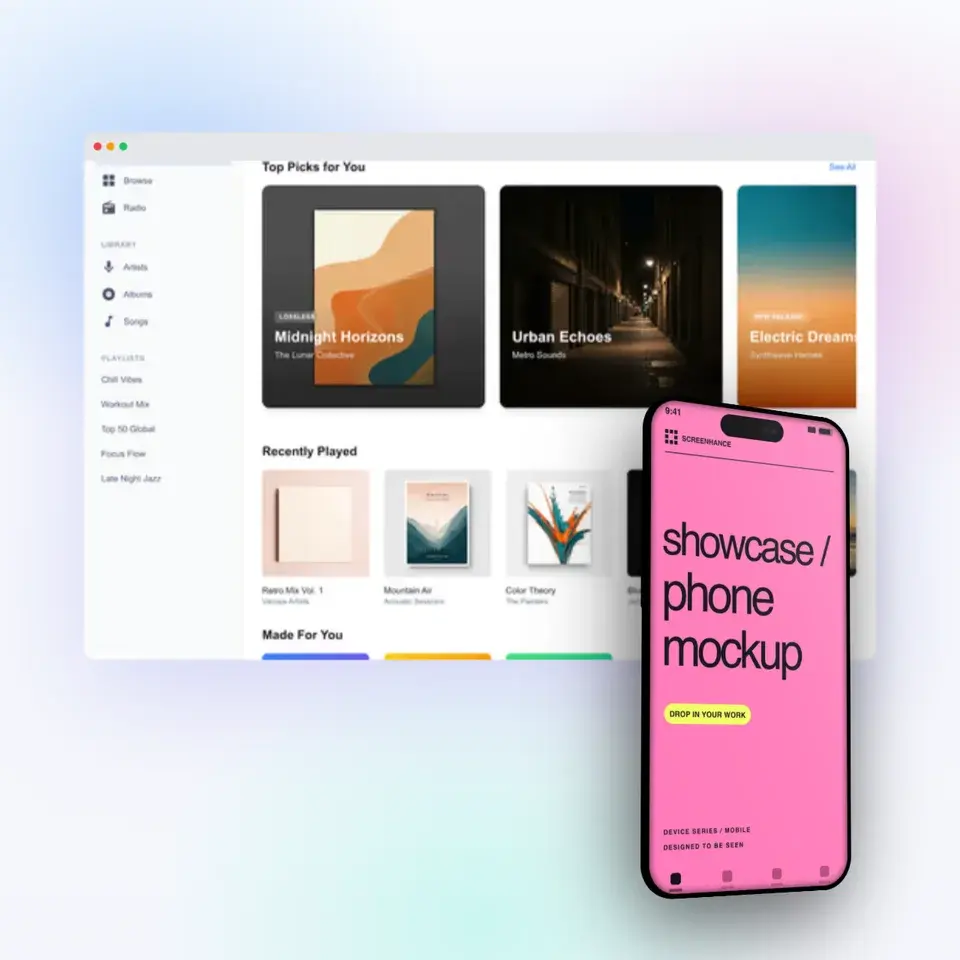
Two editable starting points from the Screenhance library, selected for this mockups guide.
Make a free device mockup
Free to start. No credit card required.
Keep reading
Related, product-tested guides from Screenhance.
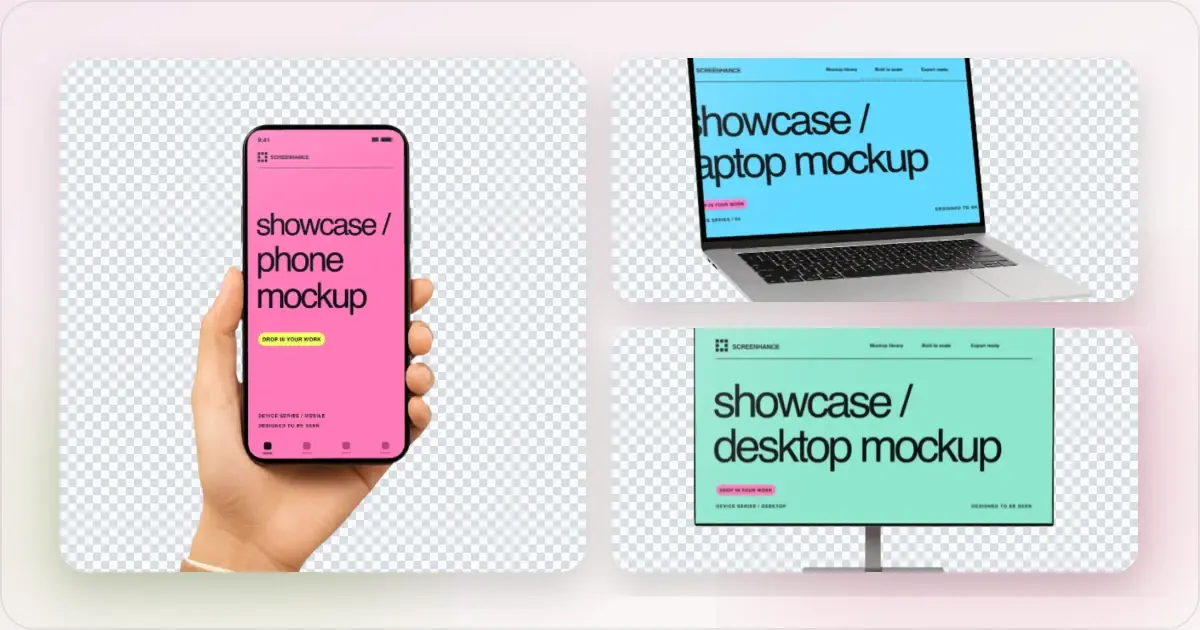
Apple Watch Mockup Guide: Framing watchOS Apps in 2026
How to create Apple Watch mockups that sell a watchOS app: choosing 46mm vs 42mm, capturing clean watch screenshots, and the iPhone-plus-Watch layout.
29 May 2026 · 6 min read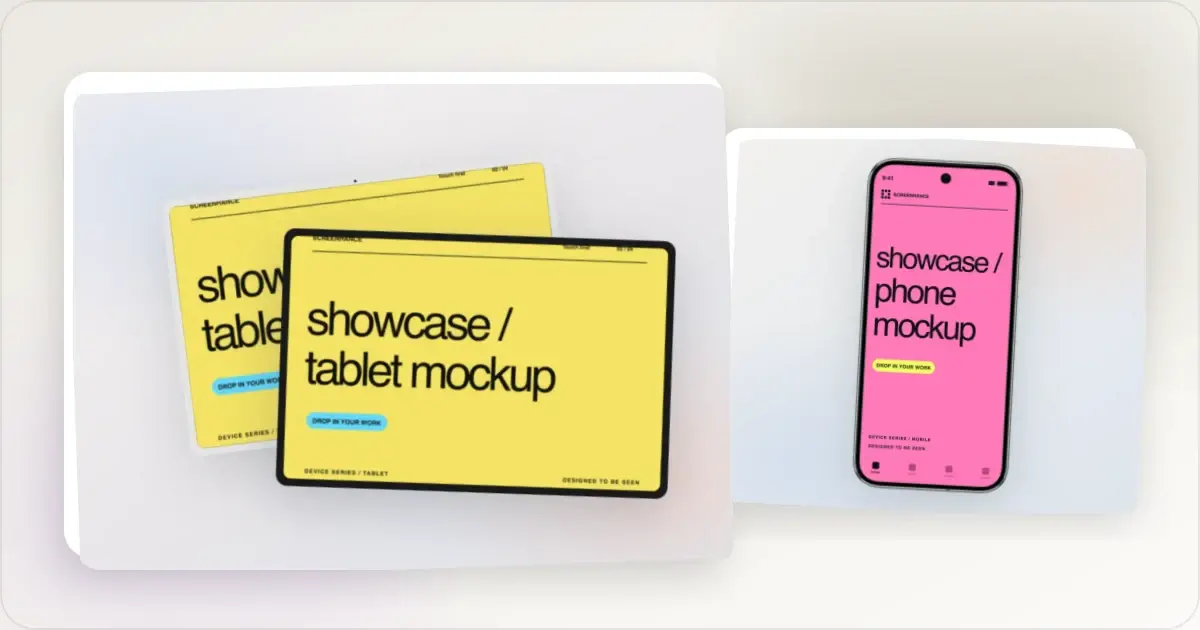
Google Pixel Mockup Guide for Android Marketing in 2026
Choose and use a Google Pixel frame for Android marketing, compare it with a Galaxy treatment, and prepare accurate Play Store visuals.
29 May 2026 · 5 min read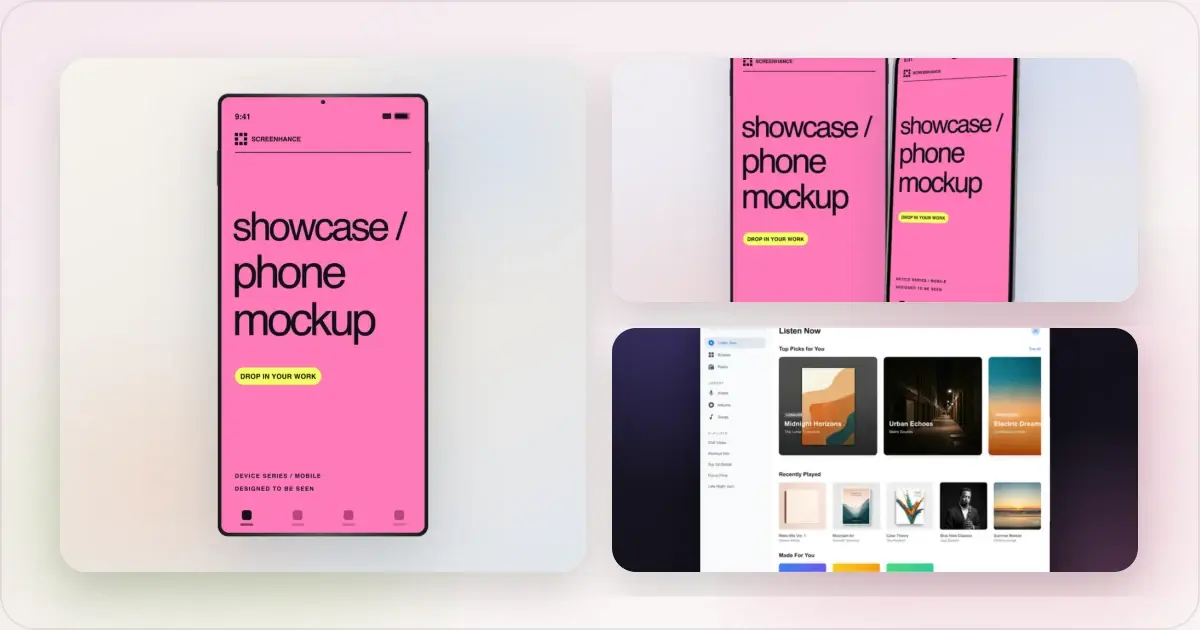
iPhone 17 Mockups: Device Frames, Dimensions, and Templates (2026 Guide)
The 2026 iPhone 17 mockup guide. Exact dimensions for iPhone 17 Pro Max (1320×2868), 17 Pro (1206×2622), and iPhone Air (1260×2736), plus App Store sizes.
13 May 2026 · 9 min read