
%2FOlivia%20Rhye.webp&w=64&q=75)
%2FPhoenix%20Baker.webp&w=64&q=75)
%2FLana%20Steiner.webp&w=64&q=75)
%2FDemi%20Wilkinson.webp&w=64&q=75)
%2FDrew%20Cano.webp&w=64&q=75)
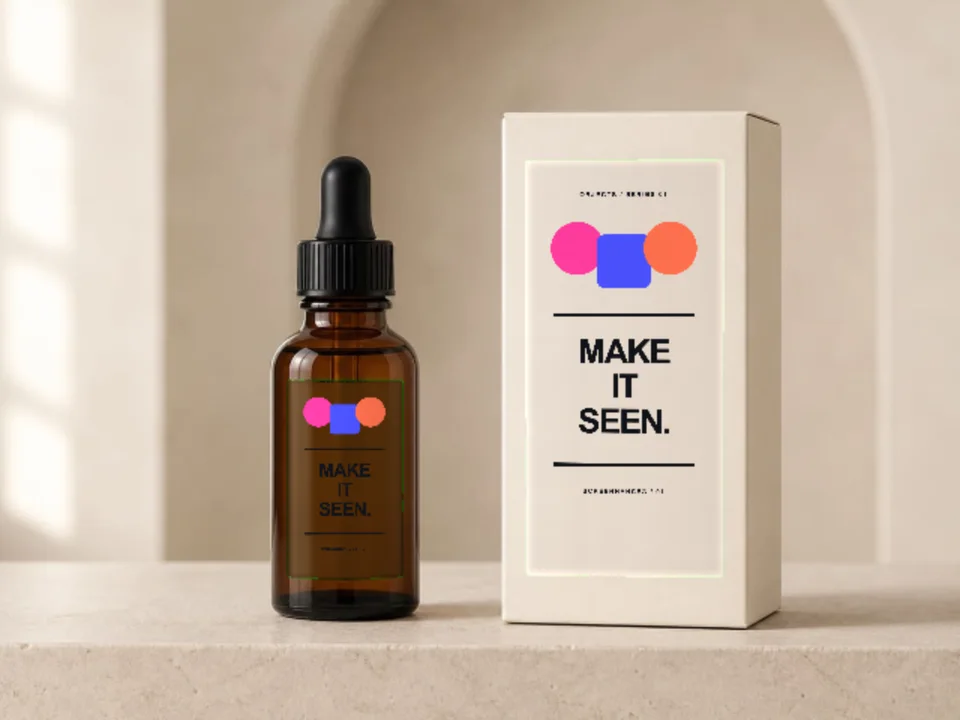
Amber dropper bottle
A compact skincare bottle with a matching carton in the same scene.
Online mockup maker · No PSD
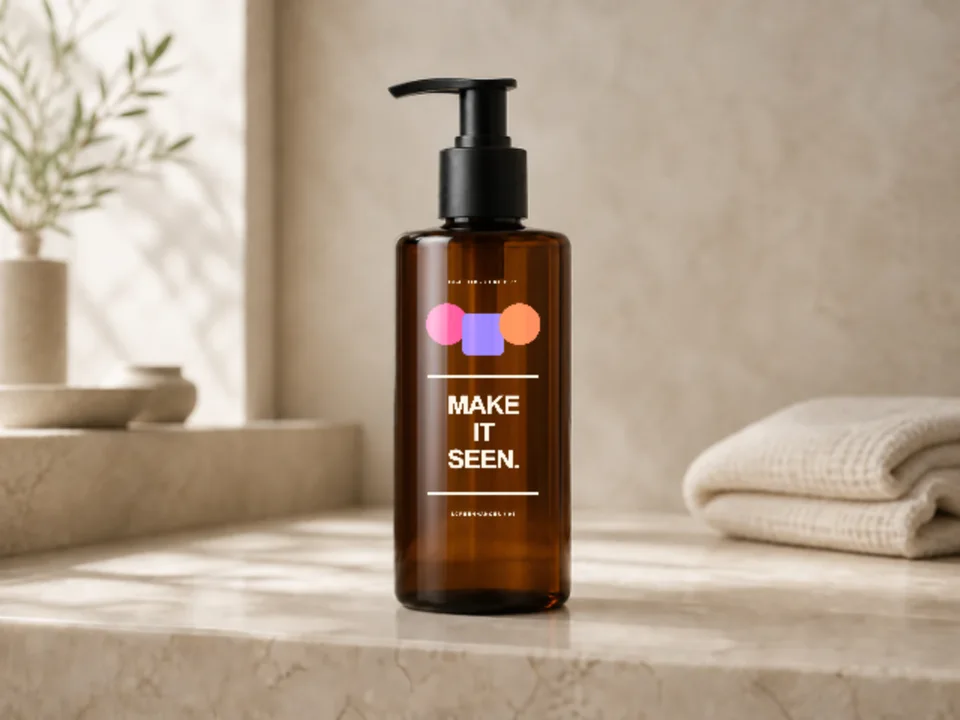
Apply a label to photographed bottle packaging with real glass, reflections and contact shadows. Use a single bathroom bottle or a matched bottle-and-carton set.
Loved by 3,000+ creators
Bottle Mockups appear first. Filter the complete packaging library by product type or style.
A compact skincare bottle with a matching carton in the same scene.
A warm lifestyle shelf scene for body care and home products.
Pair the bottle with jars, tubes and cartons for a coherent range.
Yes. The artwork is clipped to the detected label shape and composited with the bottle's existing light so it does not read as a flat rectangle.
No. Screenhance runs in the browser. Pick a scene, replace the placeholder with your artwork and export from the same editor.
Yes. Upload a PNG, JPEG or WebP. Screenhance crops it to the photographed print area without stretching the design.
Image exports are available as PNG, JPEG and WebP. Higher resolutions and watermark-free exports depend on your plan or Launch Pass.
Place the same artwork on another physical product or real-world scene.
Print your graphic onto a real t-shirt photo
Start creatingYour design on a real hoodie photograph
Start creatingYour design on a real canvas tote
Start creatingFrame your artwork as a poster on a real wall
Start creatingPut your card design on real card stock
Start creatingTurn a book cover into a photorealistic 3D mockup
Start creatingChoose a scene, add your real artwork and export a presentation-ready image.
Start free