For app developers
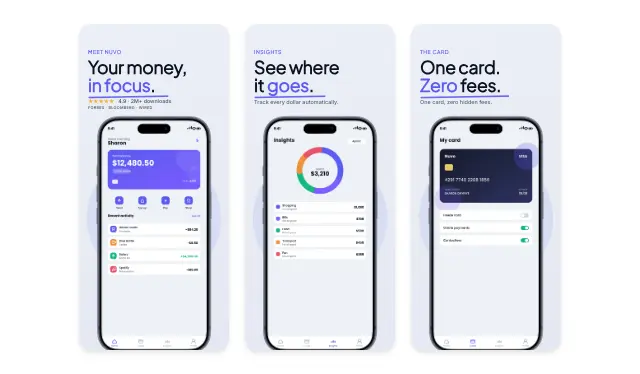
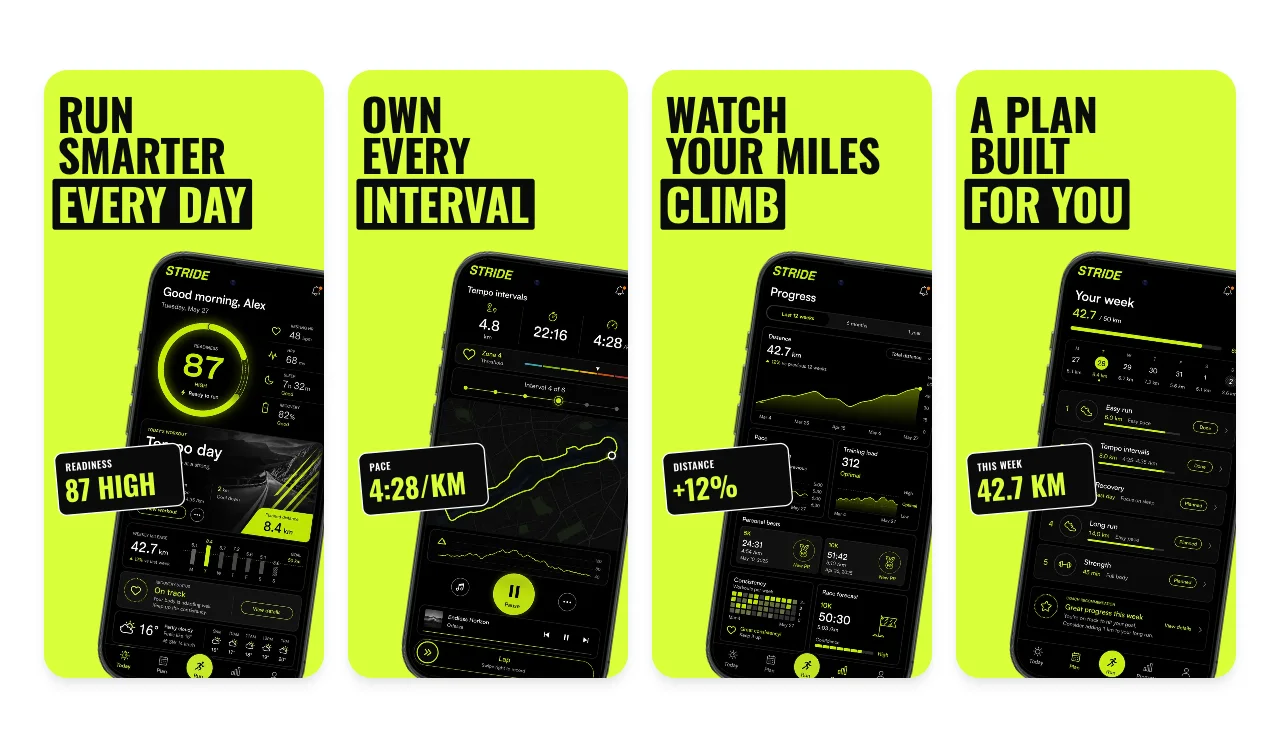
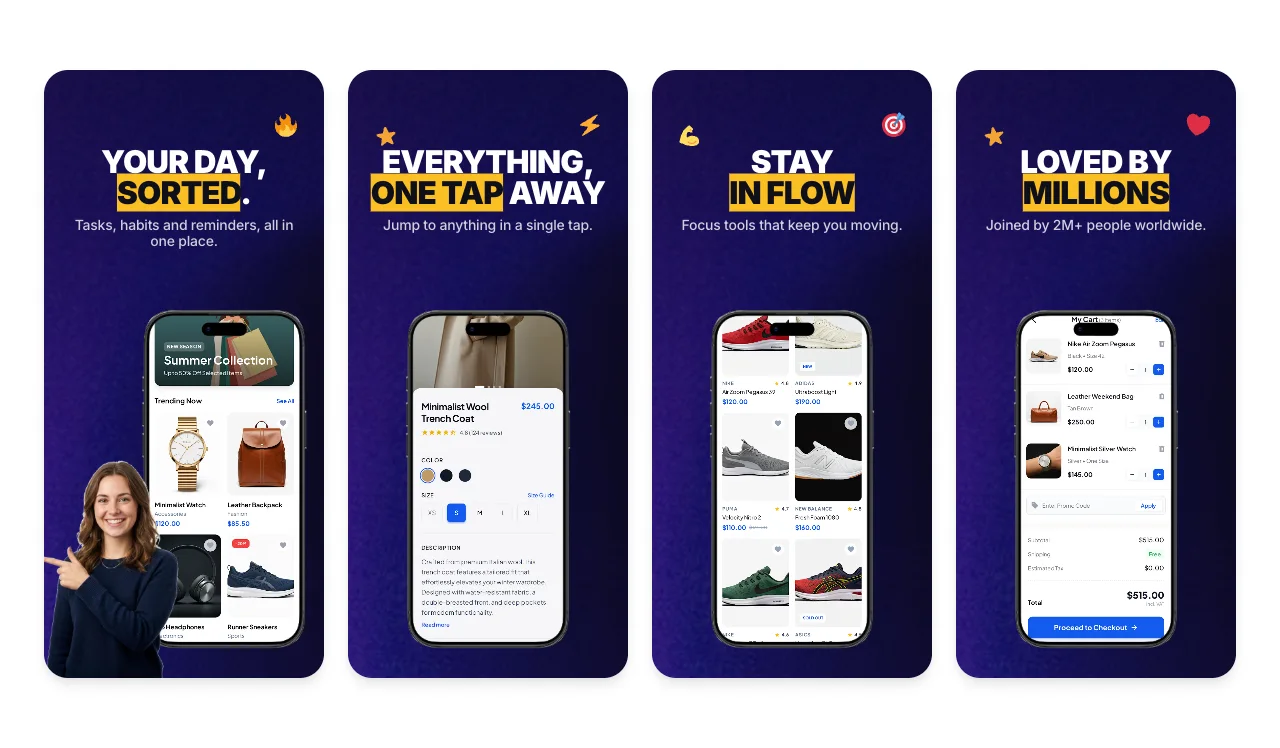
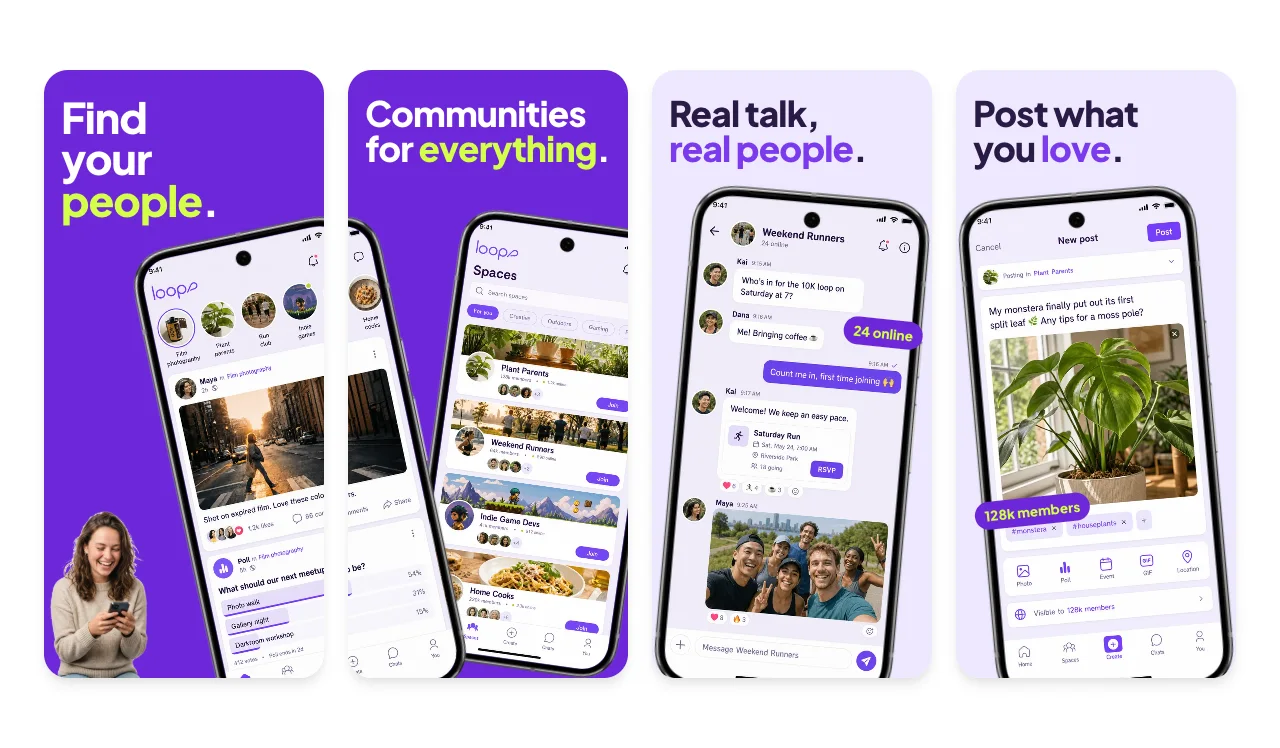
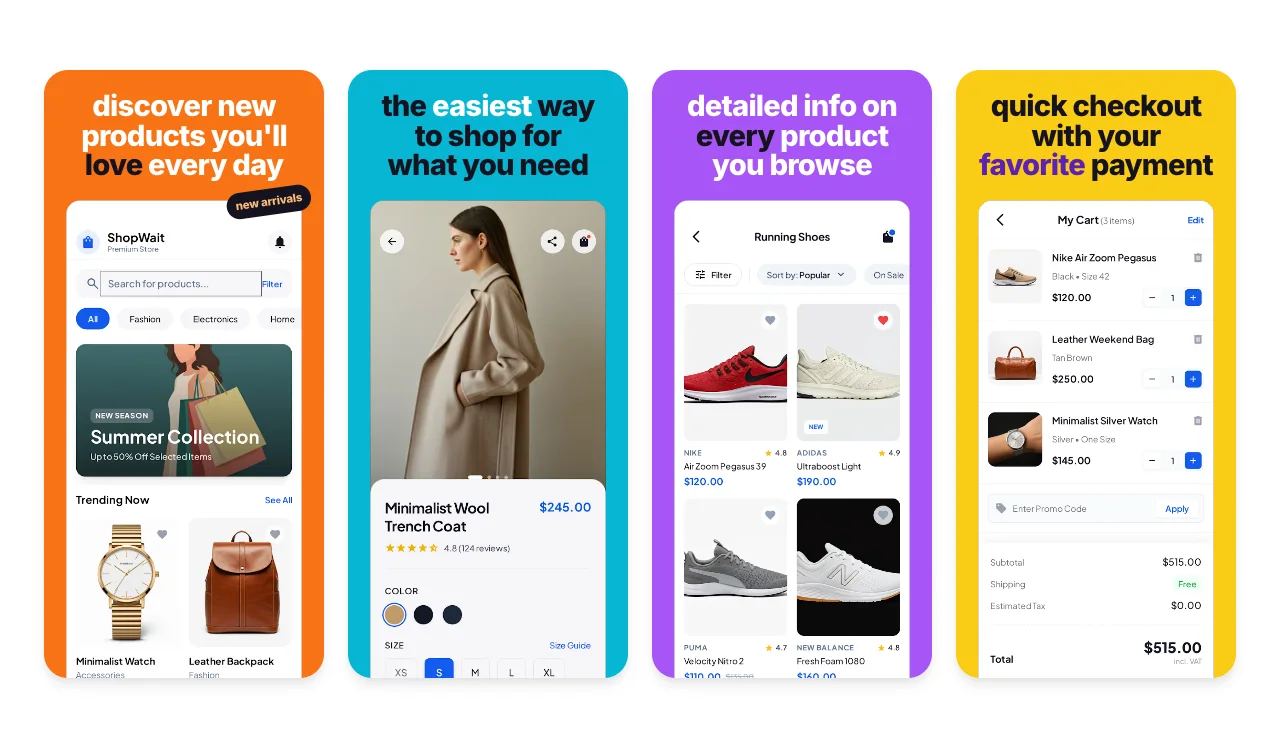
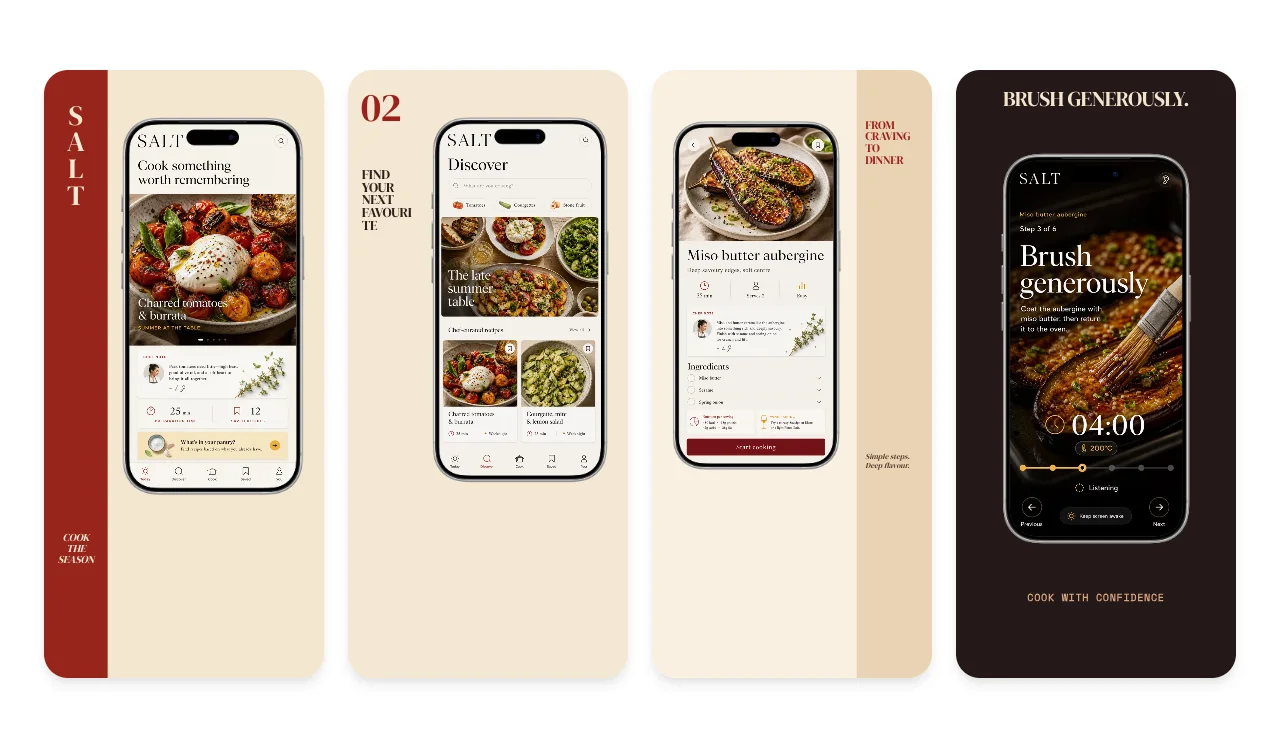
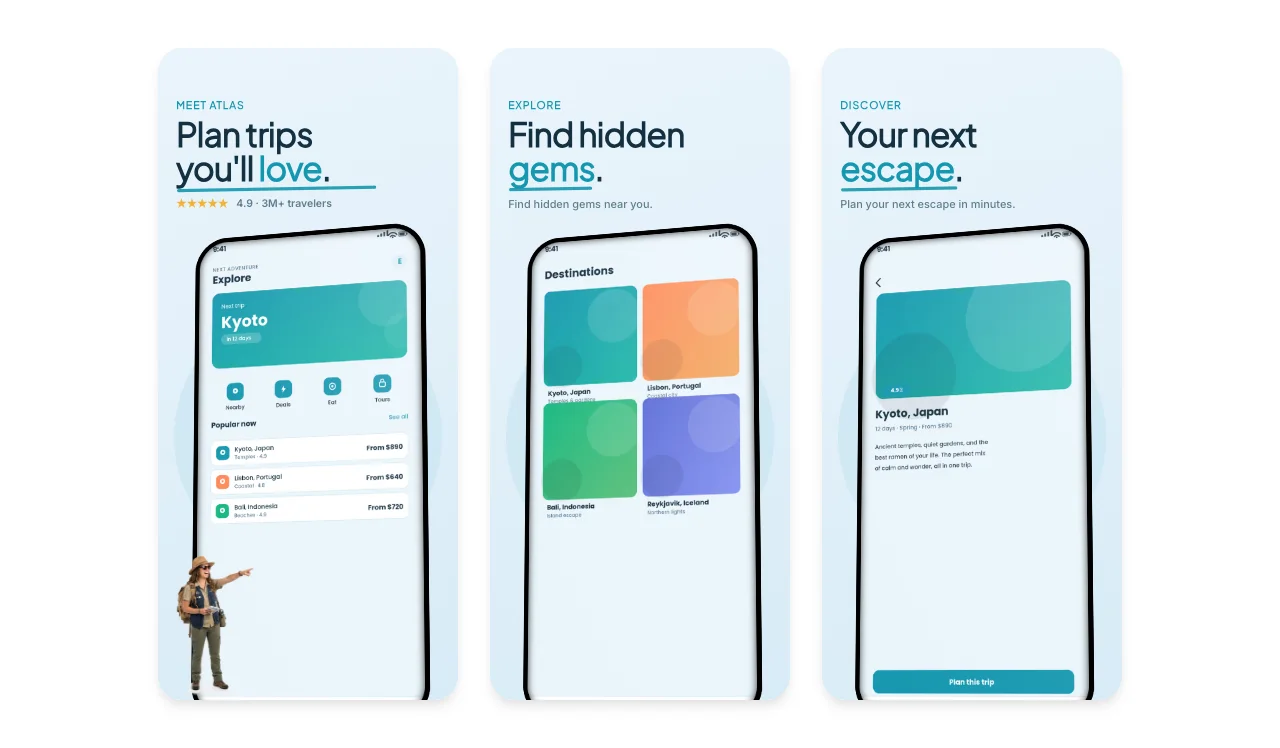
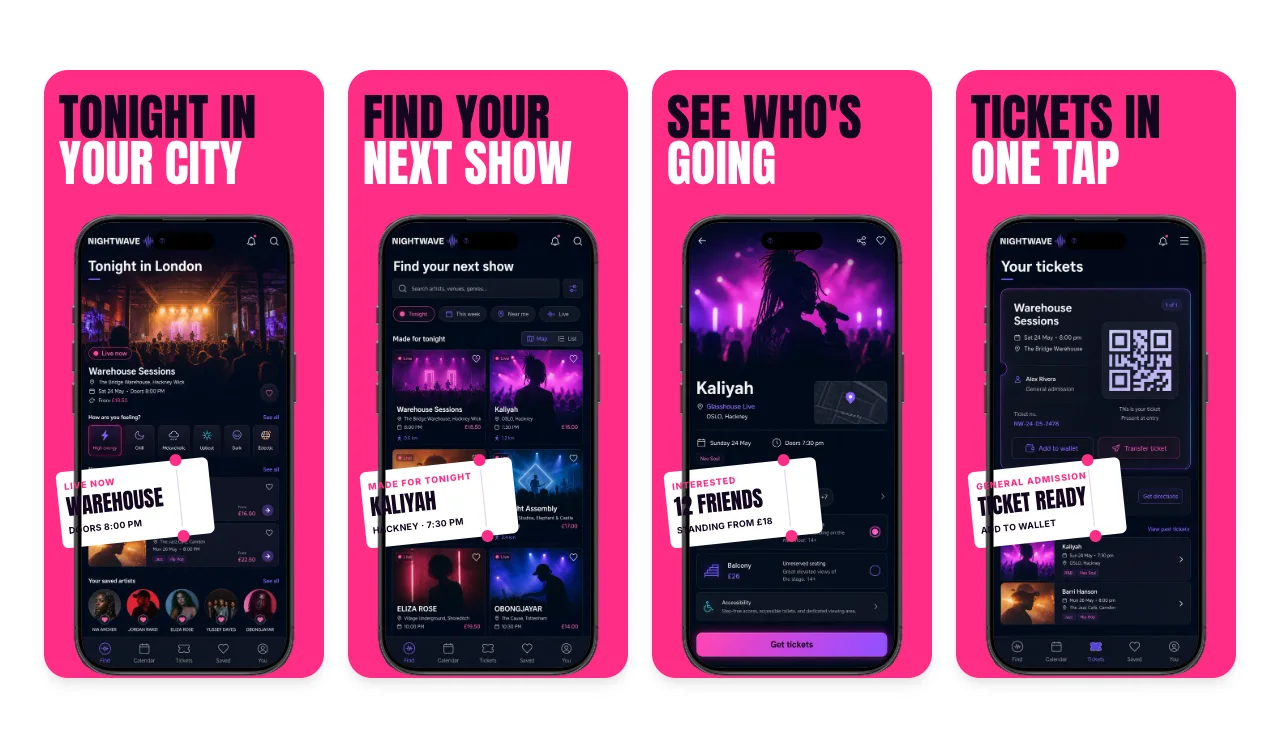
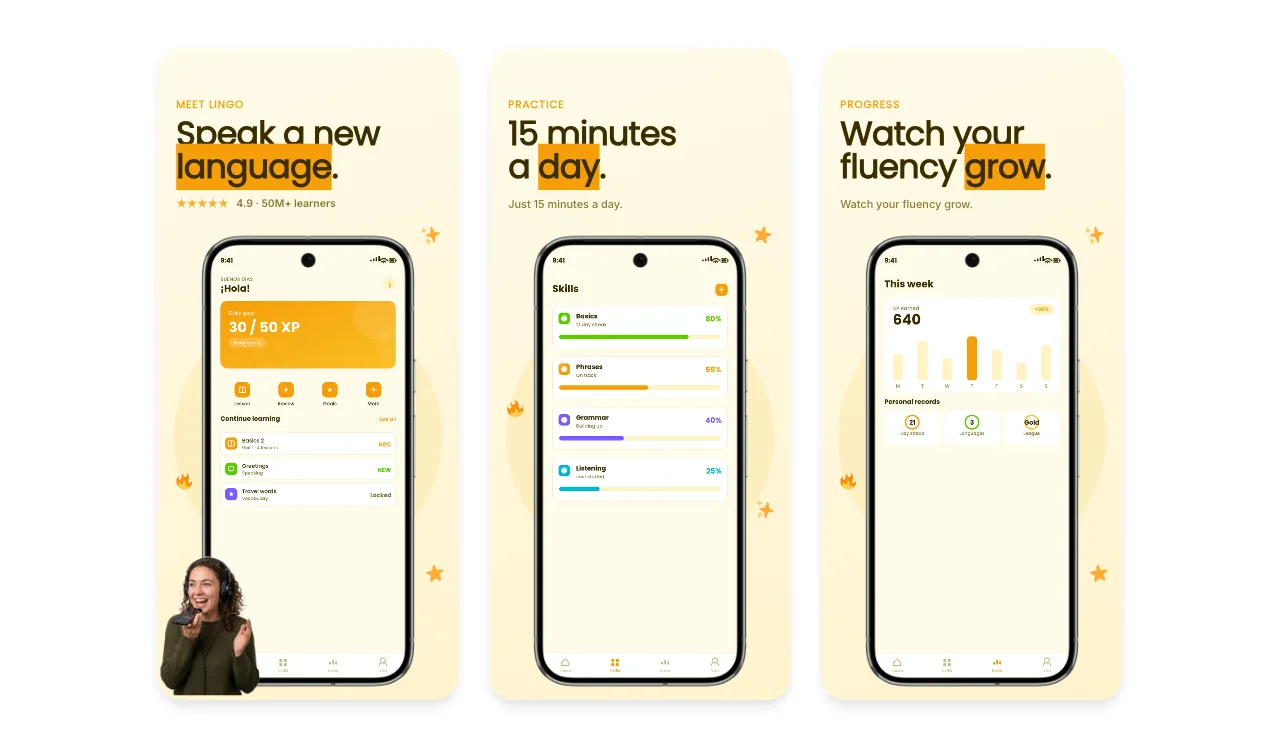
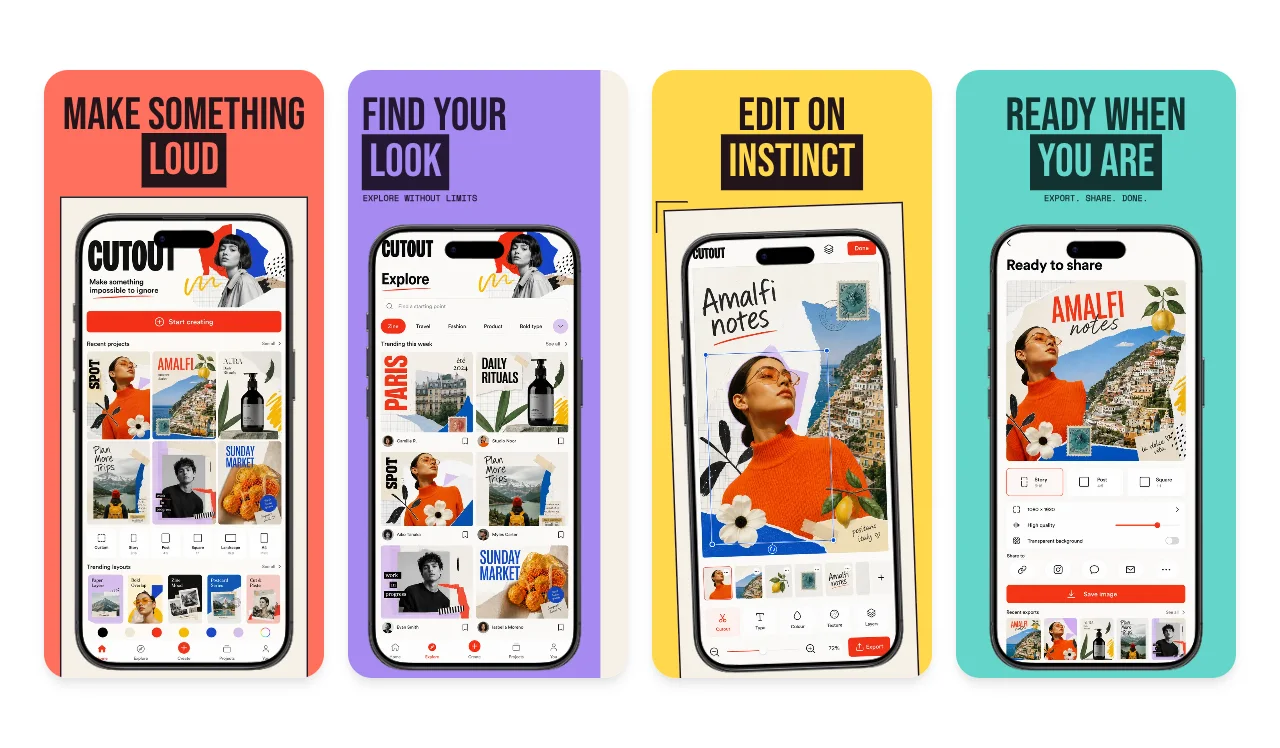
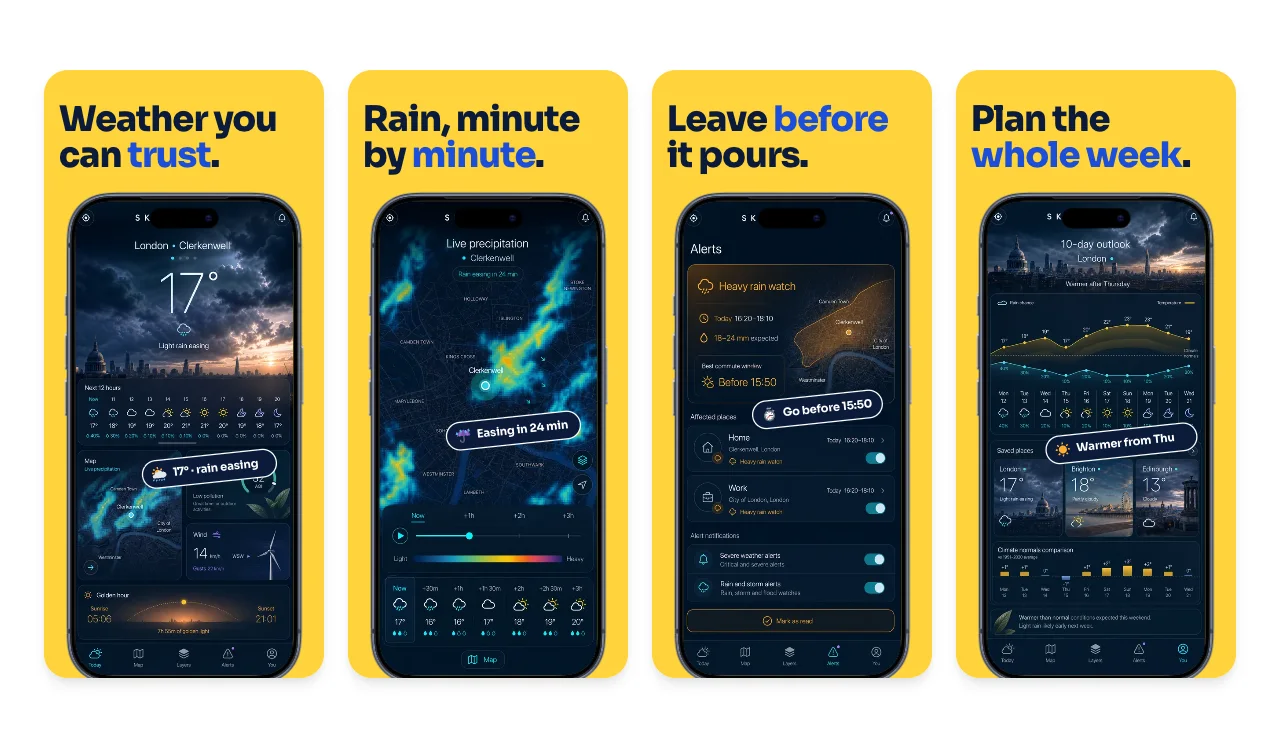
What converts on the App Store is clarity: the first one to three screenshots should show your app doing its main job, because Apple can show those images in search results when there is no app preview. Start with the category closest to your app. Each one has editable screenshot sets whose sample screens and captions already tell that kind of app's story, so you replace them with yours instead of starting from a blank canvas.
Open with the outcome.
Put the screen that answers what the app does for someone first, with a caption of a few words that names the benefit.
Show the app in use.
Apple's App Review Guidelines (2.3.3) ask for screenshots of the app in use, not only title art, a login page or a splash screen.
Give each screenshot one idea.
Apple recommends focusing each screenshot after the first on one main benefit or feature. Test alternatives with product page optimization when you have the traffic.
Loved by 3,000+ creators
Each category page explains what its screenshots need to show and opens every matching template straight in the App Store editor.

Banking, budgeting, investing and crypto apps
6 templates

Workout, running, sleep, meditation, habit and health record apps
14 templates

Task, planning, note-taking, AI assistant and reporting apps
9 templates

Social network, community, messaging and dating apps
6 templates

Ecommerce, fashion, marketplace and beauty apps
5 templates

Recipe, cooking and food delivery apps
4 templates

Trip planning, booking, maps and city guide apps
3 templates

Music, podcast, video streaming and events apps
7 templates

Language learning, reading and study apps
2 templates

Photo editing, camera and creative tool apps
4 templates

Real estate, smart home, plant care and weather apps
6 templates
Launching on new hardware? These device pages pair a ready App Store story with mockups for your site and social posts.
A five-slide App Store story on the iPhone 18 Pro Max frame, plus photo scenes and studio mockups for the rest of the launch.
See the iPhone 18 Pro templatesApp Store sets sized for the Duo's inner and outer displays, with folding mockups, 3D views and photo scenes.
See the iPhone Duo templatesAnother 36 App Store templates are led by style rather than a category story: bold type, soft gradients, dark interfaces, 3D devices and testimonial layouts. Browse them all in the App and Play Store template gallery, or start from the App Store screenshot generator to localize captions and prepare iPhone and iPad versions from one design.
Before you upload, check the accepted pixel sizes in the App Store screenshot sizes guide for 2026. Shipping on Android as well? The Play Store templates cover phone and tablet listings.

Start with the category closest to your app, then pick the set whose layout suits your interface: full device shots for interface-heavy apps, photo-led layouts for lifestyle products, and large captions when one benefit per screen matters most. Colors, fonts, frames and copy are all editable after you open it.
Yes. Categories describe the sample story, not a restriction. Every template opens in the same App Store editor, so a travel layout can carry a finance app if its structure suits your screens.
Yes. You can open and edit every template for free. The free plan includes 3 watermarked PNG exports at 1× each month, one size at a time. The $6 Launch Pass adds 10 clean static exports over 7 days with multi-size and multi-locale export, and Pro costs $12 per month or $99 per year for unlimited clean exports.
Each template opens on an iPhone canvas in the App Store editor. Choose an Apple preset such as the required medium Dynamic Island size (1206 × 2622) or the large 1320 × 2868 size, and add a 13-inch iPad set if your app supports iPadOS. Apple updates its accepted sizes, so check the current list before you upload.
Yes. The Play Store template gallery has Android phone and tablet sets, and most App Store templates can also open in the editor's Android mode.
Continue preparing the same App Store, Google Play, or Chrome listing.
Create iOS and Android store visuals
Start creatingAndroid-ready Google Play visuals
Start creatingiOS-specific screenshot sets
Start creatingValidate screenshots before App Store Connect rejects them
Start creatingCheck screenshots against Google Play's accepted range
Start creatingResolve the App Store Connect wrong-dimensions error
Start creatingPick a category above, or open the template picker and start from any set. Editing is free, and a free account includes three watermarked exports a month.