Use Cases
Put your design on a real hoodie photograph in seconds. Upload your graphic, pick a flat lay, a hanger or a black hoodie, and export a listing-ready image. Free, in the browser, no Photoshop and no PSD.
Loved by 2,000+ creators
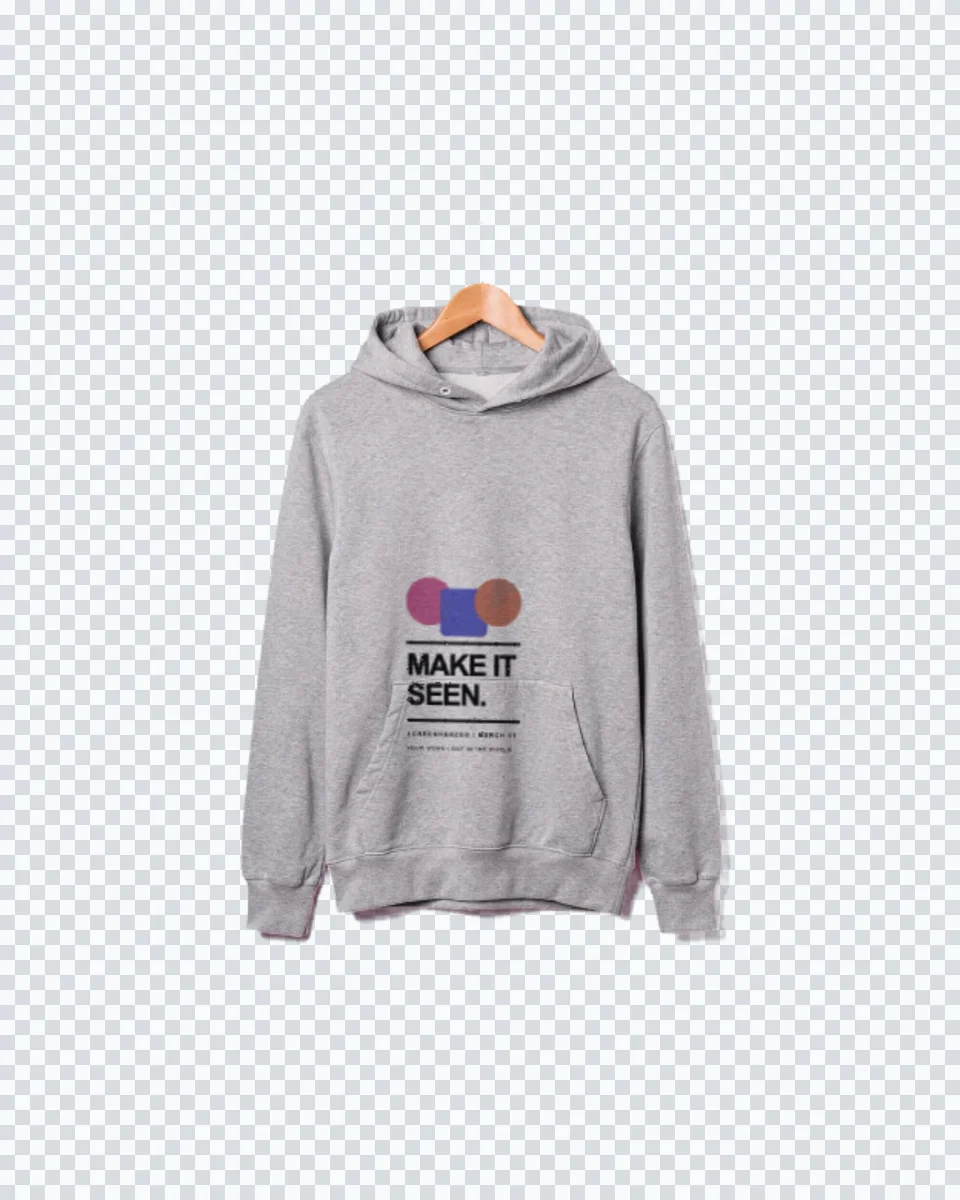
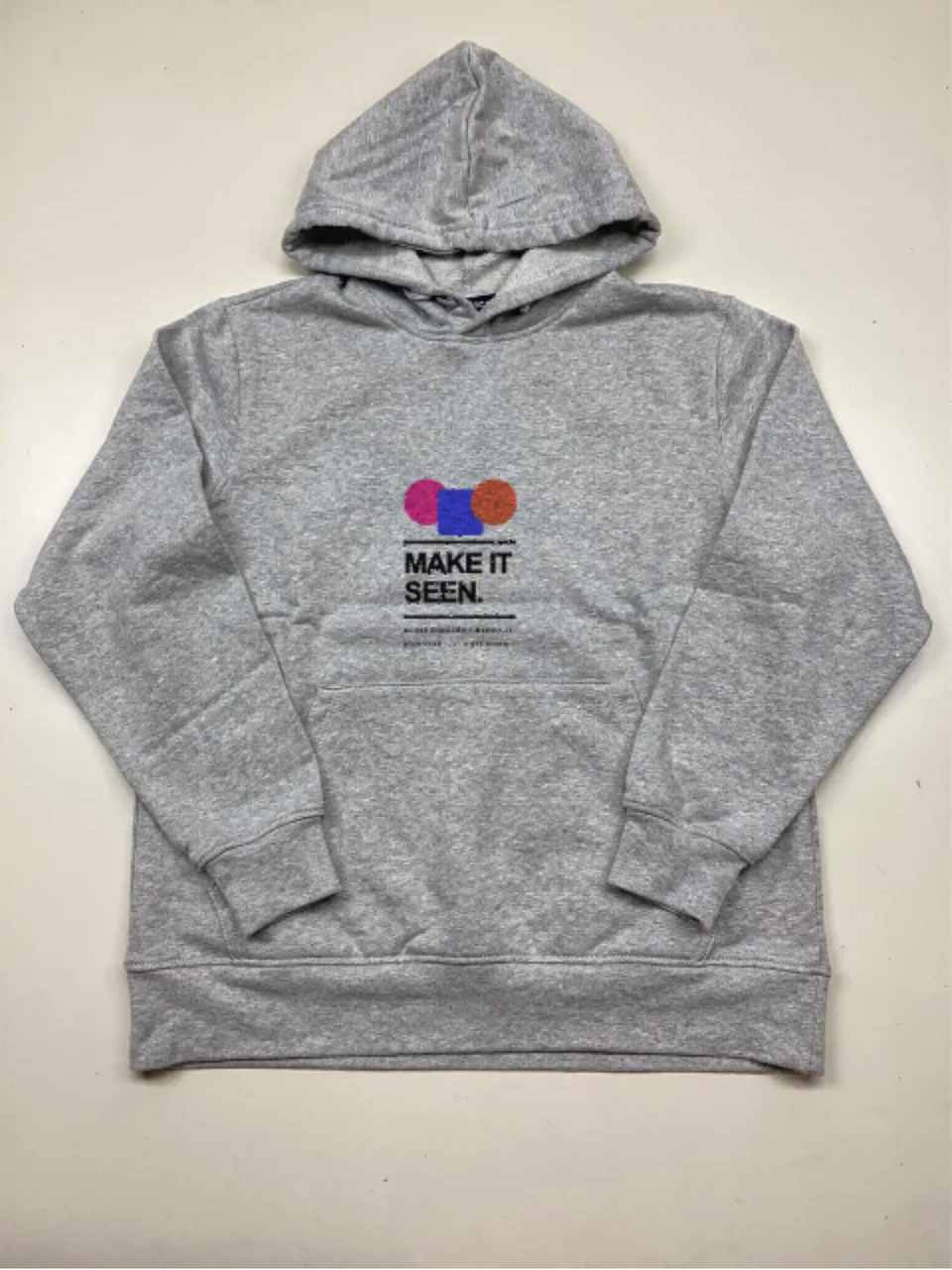
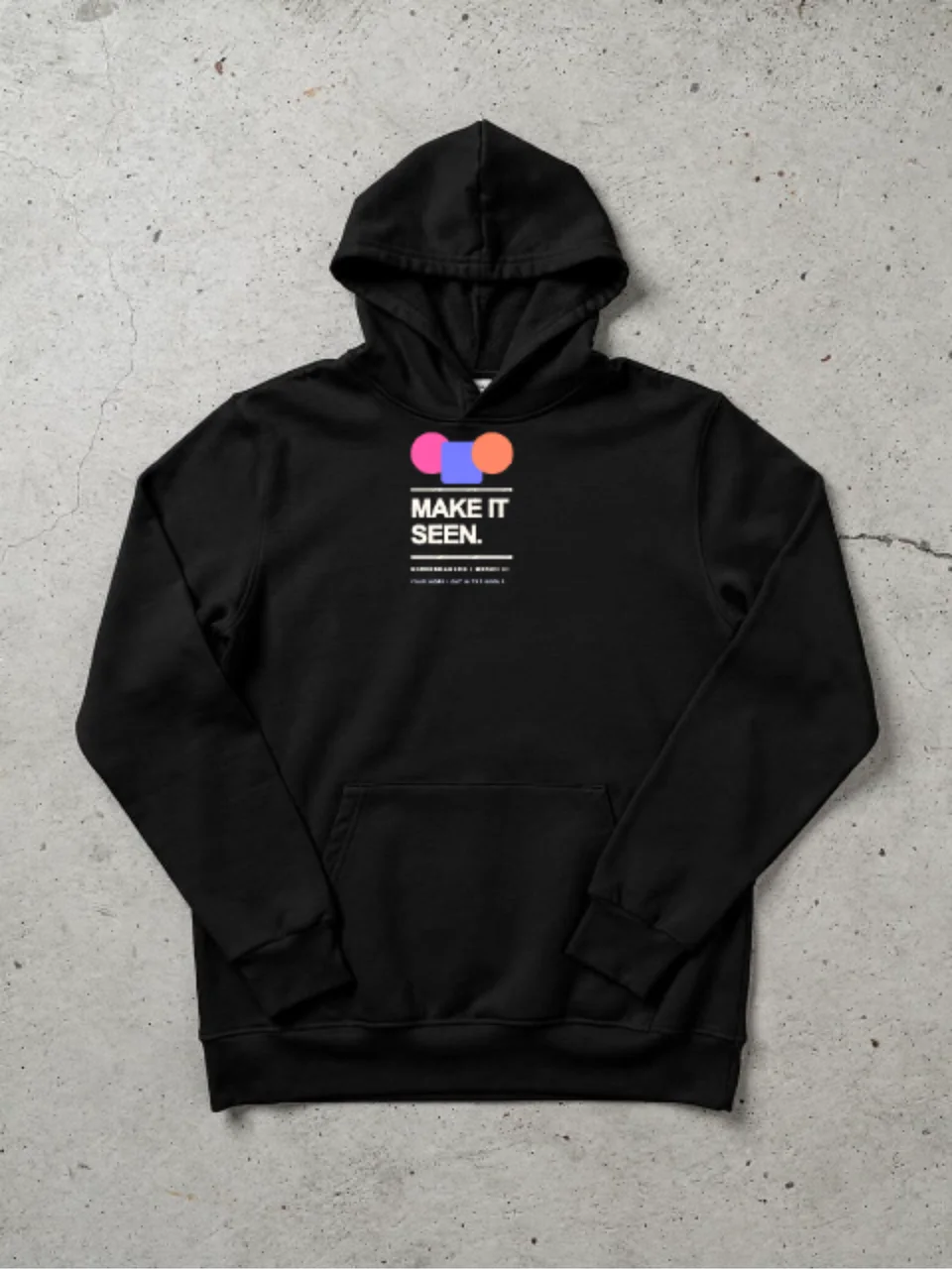
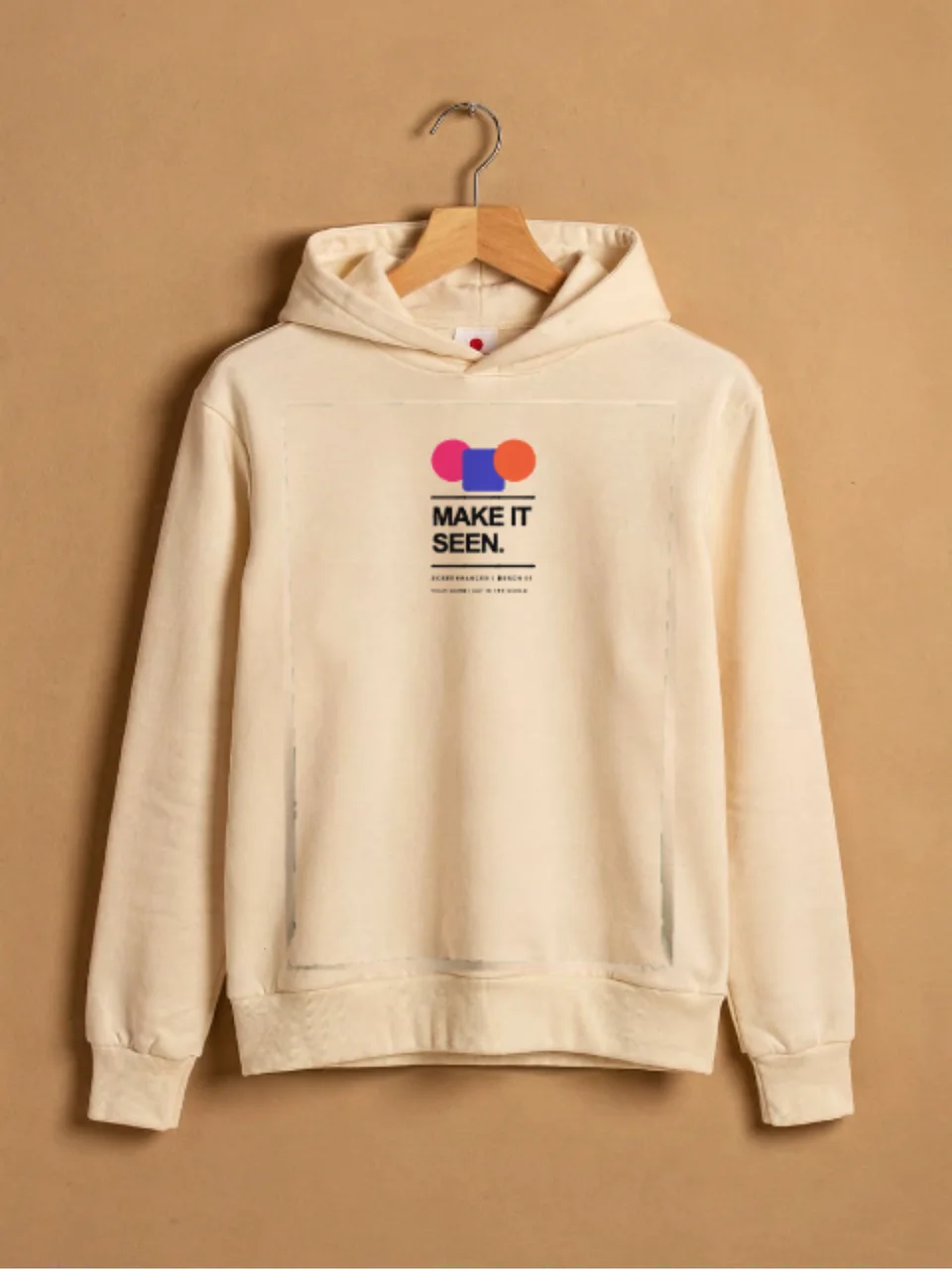
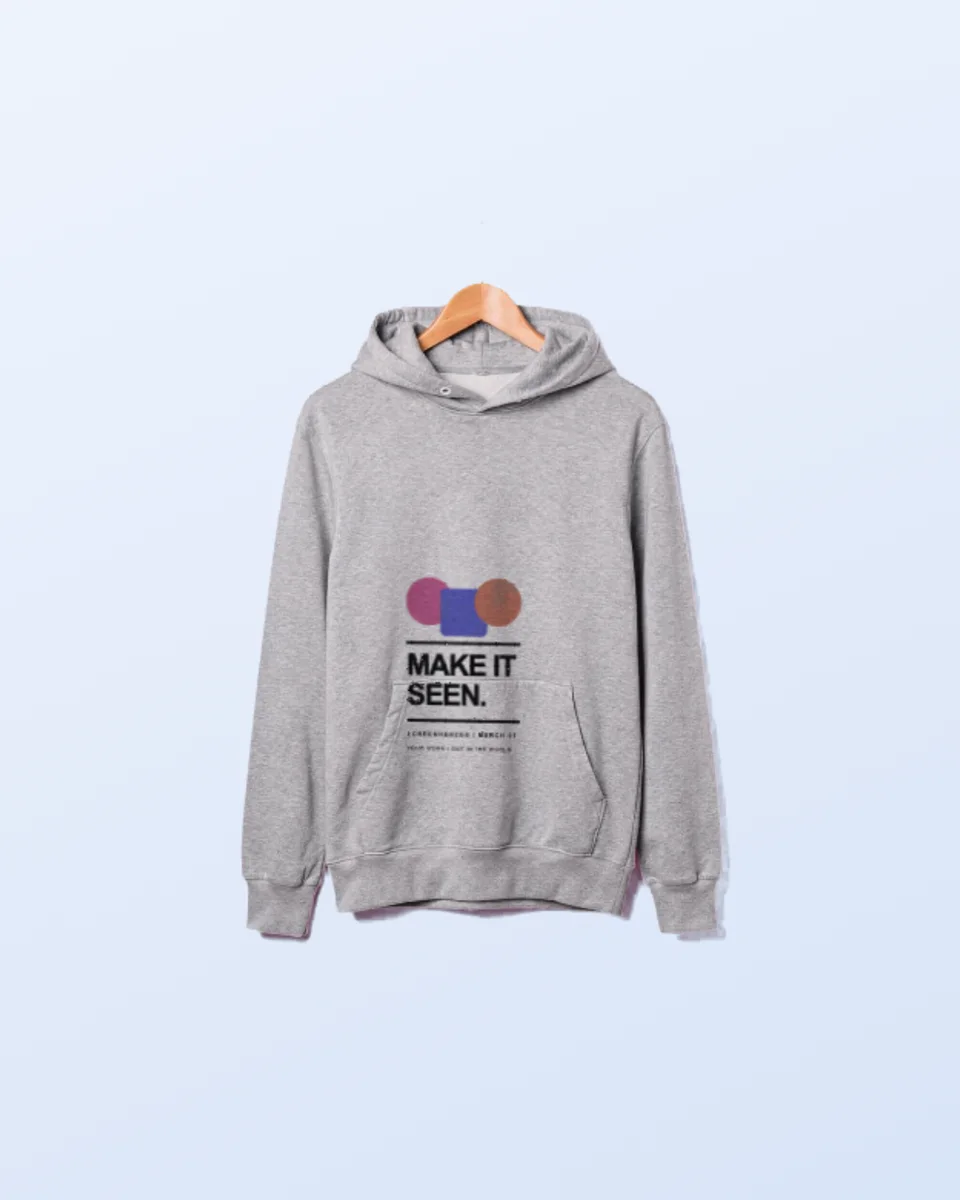
Real hoodie photographs with your graphic printed onto the fleece. Click one to open it in the editor and drop in your design.
A hoodie is thick, and it does not lie flat. There is a pouch pocket, a drawcord, a hood that throws its own shadow across the chest, and a nap that catches light differently from a tee. Your artwork is composited under all of it, so the print sits in the garment rather than floating above it.
Heather grey, shot from above. The standard product-listing image.
A cream pullover against a studio wall, for a warmer brand-page feel.
Dark garments carry light artwork, and the compositor samples the real fleece colour underneath.
Create professional mockups in three simple steps. No design skills required.
Drag and drop or select any screenshot, design, or image from your device.
Pick from iPhone, iPad, MacBook, browser frames and beautiful gradient backgrounds.
Download as PNG, WebP, JPEG, GIF, or video. Ready for marketing in seconds.
Two capabilities that separate Screenhance from every other mockup tool in 2026: animated exports and App Store screenshot localization.
Template-driven motion — float, reveal, parallax. Export animated mockups at Product Hunt, landing-page, and Twitter/X dimensions. Most mockup tools are static-only.
One master design, per-locale captions, every required Apple and Google Play size per language. RTL and CJK support. Apple reports localized listings drive 2-3x install lifts.
iPhone 17 Pro Max (1320×2868), iPhone Air (1260×2736), iPad Pro M4 (2064×2752), and the full Google Play set — exported from one design in a single pass.
Pick a template, drop in your screenshot, export. No Figma, no Photoshop, no learning curve. Free tier covers 3 exports a month; the $6 Launch Pass covers a launch with 10 watermark-free image exports.
Hoodies carry a drop in a way tees do not. Show the piece before the blanks arrive.
Get sign-off on a logo placement without ordering a sample run first.
The same artwork on heather grey, cream and black, so you can see which garment the design actually needs.
Sell the hoodie before it exists, with an image that does not look like a flat decal.
Hoodie mockups have been stuck in the same workflow for a decade: download a PSD, open Photoshop, find the smart object, paste, save, repeat for every colourway. It works, but it costs a licence and an afternoon, and it puts a design tool between you and a product listing you needed an hour ago.
Screenhance composites in the browser instead. Your graphic is warped onto the hoodie’s print area, then the garment’s own lighting is multiplied back over it, so folds and soft shadow fall across the print the way they would on real fleece. You see your actual design, not a grey placeholder, from the first second.
A drop is rarely one garment. The same artwork goes onto a t-shirt, a cap, a tote bag, a mug and stickers, so you can shoot a whole product line from one upload and keep the lighting consistent across every listing. To present the garments as one range, the apparel mockup generator keeps them cut out on transparency so they sit together on your own colour.
The same compositing works away from apparel too, on a framed poster, a business card, a book cover or a billboard.

Upload your graphic, pick a hoodie scene, and Screenhance composites it onto the print area of a real hoodie photograph. The fleece keeps its own folds, shadow and texture, so the print reads as genuinely printed. Export a high-resolution PNG.
Yes. You can create and preview hoodie mockups for free, with a small watermark on free exports. Every scene is included on the free plan. Pro just removes the watermark, starting at a $6 one-time week pass.
It follows the fabric. The hoodie is a real photograph, and matte compositing multiplies its own light and shadow back over your artwork. The compositor also samples the garment colour so a transparent PNG prints straight onto the fleece with no visible rectangle.
Yes. Every export is your own artwork on a licensed scene, so there are no attribution requirements and nothing to credit on your storefront. Print-on-demand sellers usually export the flat lay as the main listing image and the hanger shot as the second, because marketplaces favour a plain first image and a lifestyle follow-up.
No. Hoodie PSDs are usually the heaviest apparel mockups to work with, because the file carries the fleece texture, the fold displacement map and the shadow layers all at once. Screenhance does that compositing in the browser, so you see your real design on the garment straight away with nothing to install.
A PNG with a transparent background works best, because the hoodie colour shows through exactly as it would on a real print. A JPG works too, though it will carry its own background rectangle.
Explore more ways to create stunning visuals with Screenhance.
Free online mockup generator for all devices
Try it freeCreate stunning iPhone device mockups
Try it freeShowcase apps in iPad Pro and Air frames
Try it freeArrows, highlights, and auto-numbered steps
Try it freeRecord your screen and click to place a guiding zoom
Try it freeRecord, zoom into each step, and export a how-to video
Try it freeUpload your graphic, pick a scene, and export a photorealistic hoodie mockup in under a minute.