Screenhance

Email Marketing Image Generator

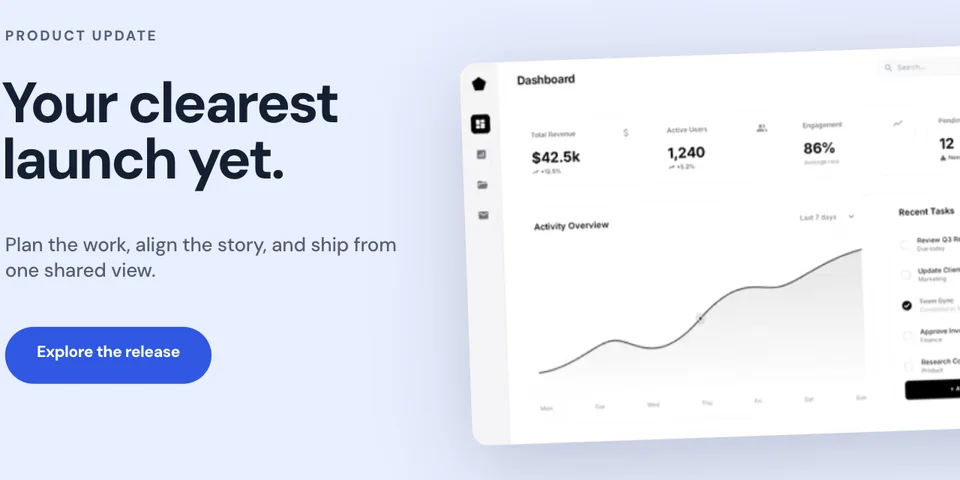
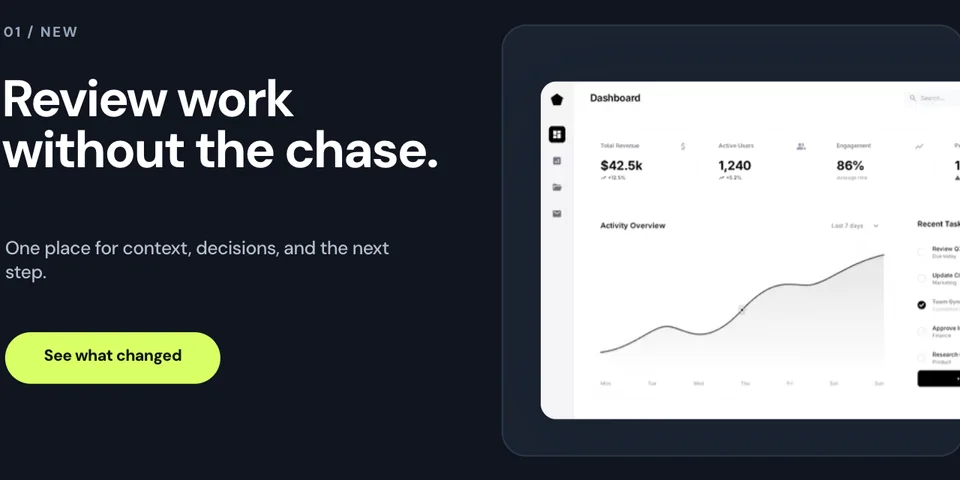
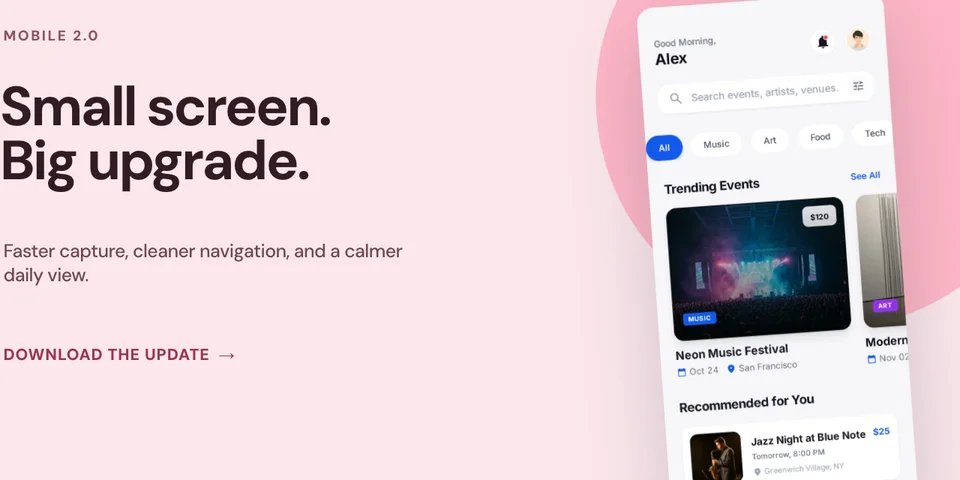
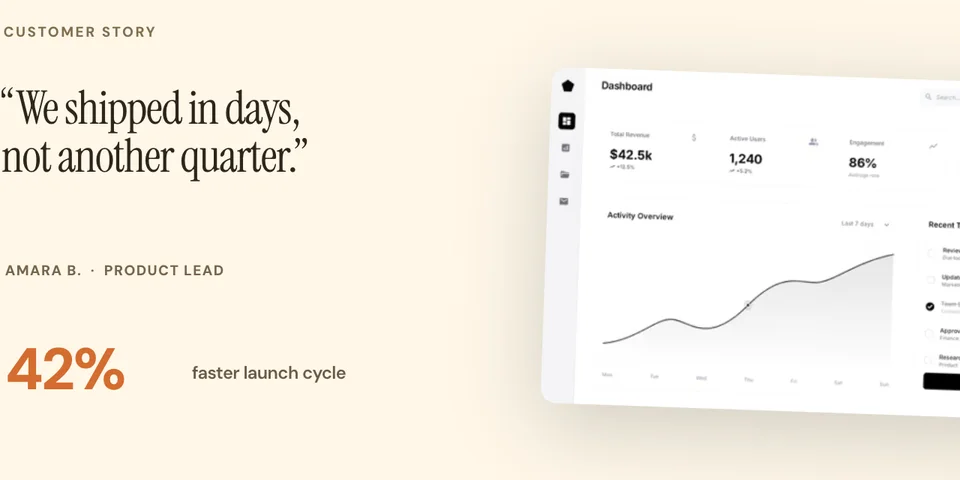
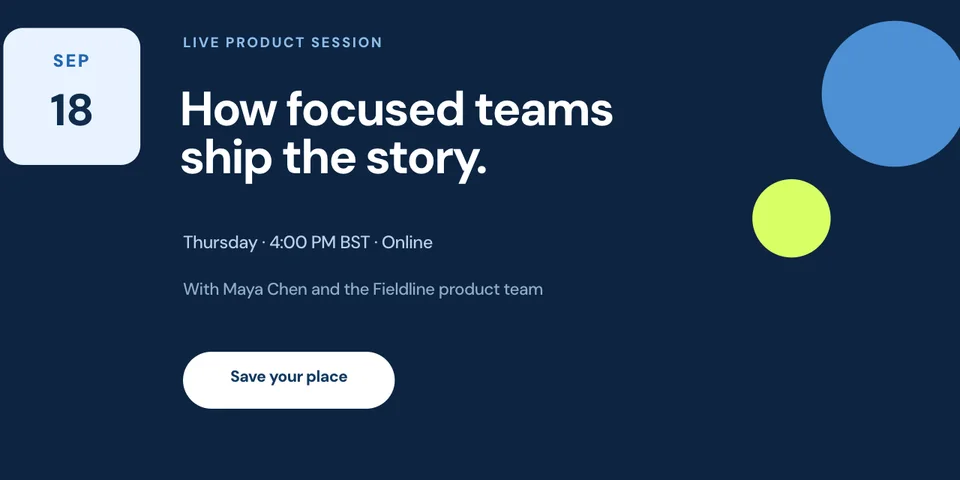
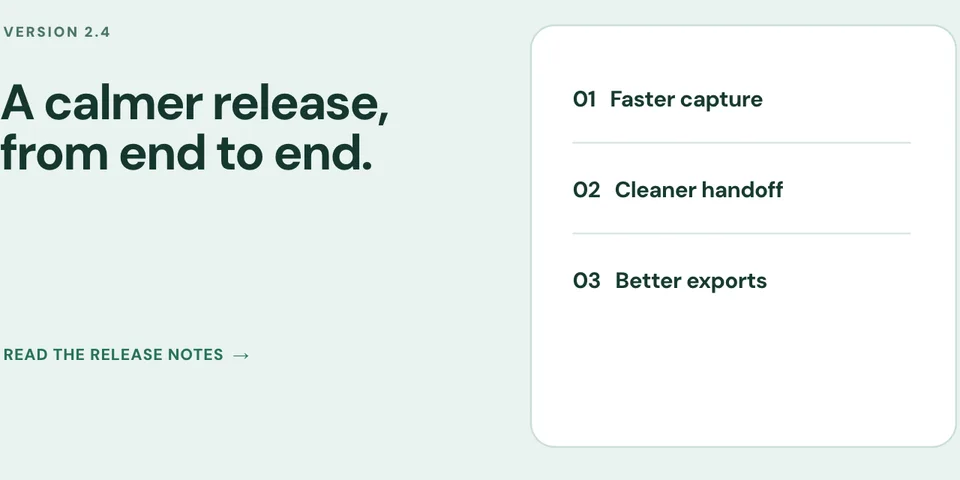
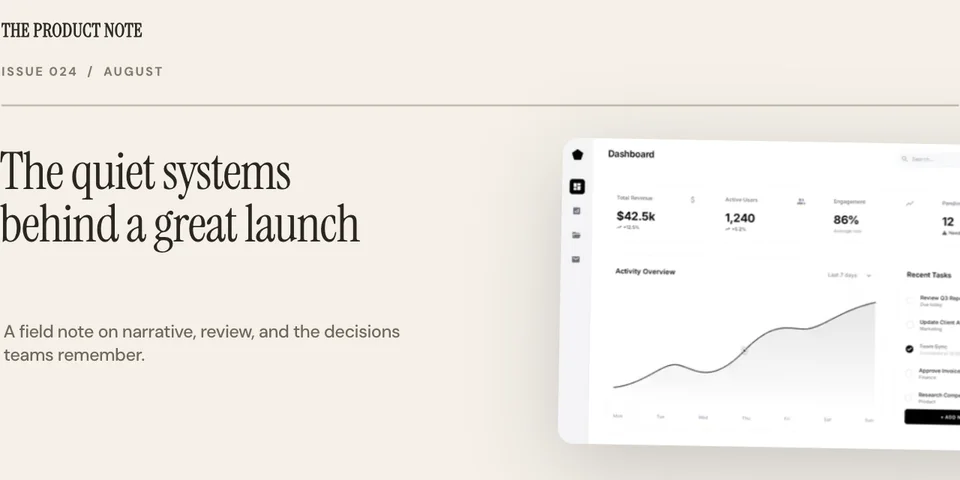
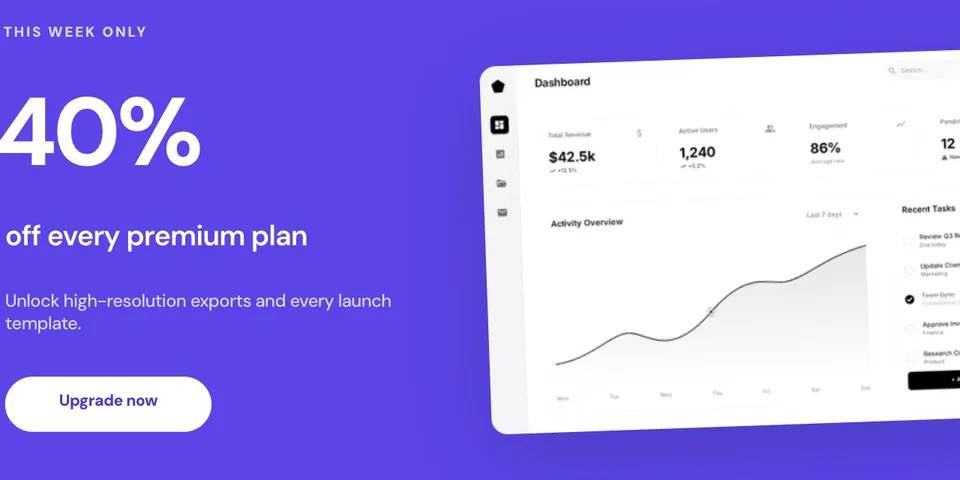
Start with one of 8 purpose-built email headers for a product launch, feature announcement, app update, customer story, live event, changelog, editorial newsletter, or upgrade offer. Every headline and call to action is editable.

4.9 · 2,000+ ratings

Loved by 3,000+ creators

What Are Email Marketing Images?

Email marketing images are product visuals optimized for email campaigns — screenshots in device frames, feature highlights, and product announcements designed to render correctly across Gmail, Outlook, Apple Mail, and every other email client.

Product visuals in emails drive significantly higher click-through rates. Instead of describing a new feature in text, showing it with a polished screenshot helps subscribers immediately understand the value and motivates them to click through to your product.

The challenge is that email clients are notoriously inconsistent with image rendering. Screenhance creates images that are optimized for email — the right dimensions, file sizes, and formats to look great everywhere.

Read the guide: Creating Product Screenshots for Marketing →

Email Image Best Practices

Follow these rules to ensure your product visuals look great in every inbox.

Keep width under 600px

Most email clients render content at 600px wide or less. Design your images at 600px (or 1200px for 2x retina) to prevent awkward scaling and cropping in the inbox.

Use PNG for screenshots

PNG preserves sharp text and UI elements in your product screenshots. Use JPEG only for photographs. Avoid WebP — some email clients don’t support it yet.

Add alt text descriptions

Many email clients block images by default. Always include descriptive alt text so subscribers understand your message even without images loaded.

Optimize file size

Keep each image under 200KB for fast loading. Large images slow down email rendering and can trigger spam filters. Compress without sacrificing visual quality.

Email Types That Need Product Visuals

Every email is an opportunity to show your product. Here are the emails that benefit most from polished screenshots.

Welcome emails

Show new signups what they can do with your product. A polished screenshot of your main interface sets expectations and drives first-session engagement.

Feature announcements

Launch new features with visual proof. A device-framed screenshot of the feature helps users understand and get excited about what’s new.

Weekly newsletters

Break up text-heavy newsletters with product visuals. Screenshots of recent updates, tips, and use cases keep readers engaged and scrolling.

Product updates

Show what changed instead of just telling. Visual changelogs in email get more clicks and help users discover features they might otherwise miss.

Onboarding sequences

Guide new users through your product with step-by-step screenshots. Visual onboarding emails have higher completion rates than text-only sequences.

Re-engagement campaigns

Win back inactive users by showing what they’re missing. Polished screenshots of new features and improvements motivate users to return.

How It Works

Move from source material to a polished launch asset without rebuilding the design in another tool.

Step 1

Start from a template or blank

Choose a visual template, a store-listing set, a Launch Kit, or an empty canvas for full control.

Step 2

Build the complete composition

Add screenshots, photo scenes, device frames, text, icons, annotations, backgrounds, layers, and motion in the browser editor.

Step 3

Export for the real destination

Download PNG, WebP, JPEG, GIF, WebM, or MP4, or export organized iOS, Google Play, and Chrome screenshot ZIPs.

Why Choose Screenhance?

Screenhance covers the full path from a raw screenshot or screen recording to coordinated, editable launch assets.

Frames + photorealistic scenes

Use current device frames, stylized treatments, or photorealistic placements across phones, tablets, laptops, watches, TVs, print, apparel, and outdoor media.

editable visual templates

Start with a complete composition for mockups, Product Hunt, OG images, website heroes, Play feature graphics, or Chrome Web Store promo assets, then edit every layer.

Store-listing sets and localization

Create coordinated iOS, Google Play, and Chrome Web Store screenshot sets, edit localized copy across supported languages, and export organized PNG ZIPs, including fastlane-ready iOS folders.

Motion and product video

Animate layers with editable motion styles and export GIF or WebM, or record and polish a product demo in Studio with frames, cursor motion, captions, audio, and MP4/WebM export.

How Screenhance Compares for Email Images

See how Screenhance compares to other tools for creating email marketing visuals.

FeatureScreenhanceCanvaFigmaMailchimp templates
Purpose-built for product screenshotsYesGeneral designGeneral designEmail layout
Design skills neededNoneBasicAdvancedNone
Device frames40+ (MacBook, browser, iPhone, iPad)Limited clipartManual setupNone
Professional backgroundsgradients, glass, auroraBasic templatesDesign your ownBasic backgrounds
Email-optimized sizingYes (600px, retina)Custom sizingCustom sizingBuilt-in
Time to createPreset workflowManual workflowManual workflowCapture workflow
PNG exportYesYesYesN/A
Free plan3 exports/monthFree tierFree tierFree tier
Price (paid)$6 Launch Pass or $12/month$13/month$15/month$13/month

Frequently Asked Questions

Is the text in the email header templates editable?

Yes. Headlines, labels, supporting copy, dates, metrics, speaker information, and calls to action are separate editable text layers. Product screenshots and app images are replaceable. Only text baked into an uploaded image is not independently editable.

What size should email marketing images be?

Keep email images under 600px wide for maximum compatibility across email clients. Gmail, Outlook, and Apple Mail all handle 600px-wide images well. For retina displays, create at 1200px wide and set the display width to 600px in your HTML. Screenhance templates support these email-optimized dimensions.

What format works best for email images?

PNG is the safest format for email marketing images. It’s supported by all email clients and preserves sharp text and UI elements. JPEG works for photographs. Avoid WebP in email — some older email clients don’t support it. Keep file sizes under 200KB per image for fast loading.

How do I optimize images for email?

Keep images under 600px wide and 200KB in file size. Use PNG for screenshots and UI elements, JPEG for photos. Always include alt text for accessibility and email clients that block images by default. Test your emails across Gmail, Outlook, and Apple Mail before sending.

Can I create product screenshots for newsletters?

Yes. Screenhance is perfect for creating product screenshots for newsletters. Upload your product screenshot, add a device frame and professional background, and export at email-optimized dimensions. The result looks polished in any newsletter platform.

Do email images affect deliverability?

Large images and too many images can trigger spam filters. Keep your total email size under 100KB of HTML and limit images to 2–3 per email. Use compressed PNGs and always include alt text. Well-optimized product screenshots from Screenhance are small enough to avoid deliverability issues.

Is the email marketing image generator free?

Yes. The free plan includes three 1× watermarked PNG exports per month. You can use the templates and frames while editing. The $6 Launch Pass includes 10 clean static image exports over 7 days; Pro adds unlimited clean exports and motion formats.

Boost Your Email Click-Through Rate

Add clear product screenshots to emails when they help explain the message. Check file weight, alt text, mobile rendering, and the final links before sending.