Screenhance

Changelog Screenshot Tool

Make your changelog and release notes visually compelling. Create polished screenshots for product updates that users actually read and share.

4.9 · 2,000+ ratings

Loved by 3,000+ creators

Changelog Templates

Start with a website update image, then switch formats for social previews, launch galleries, or motion.

Turn every release into a recognizable story.

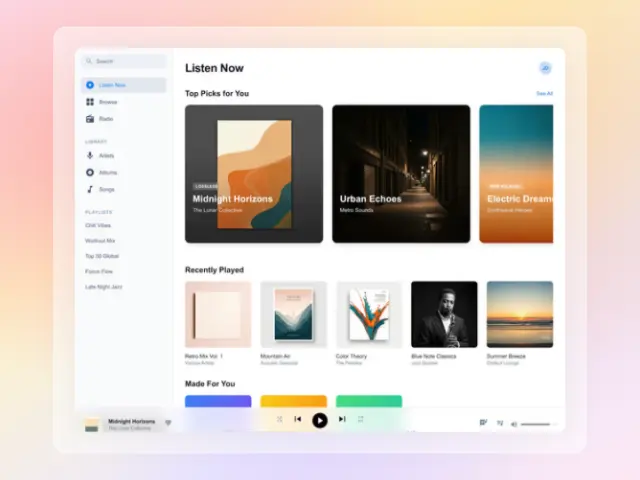
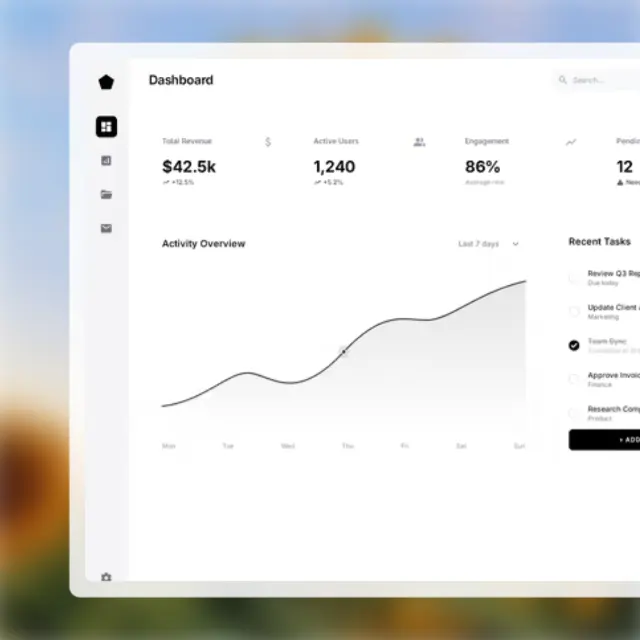
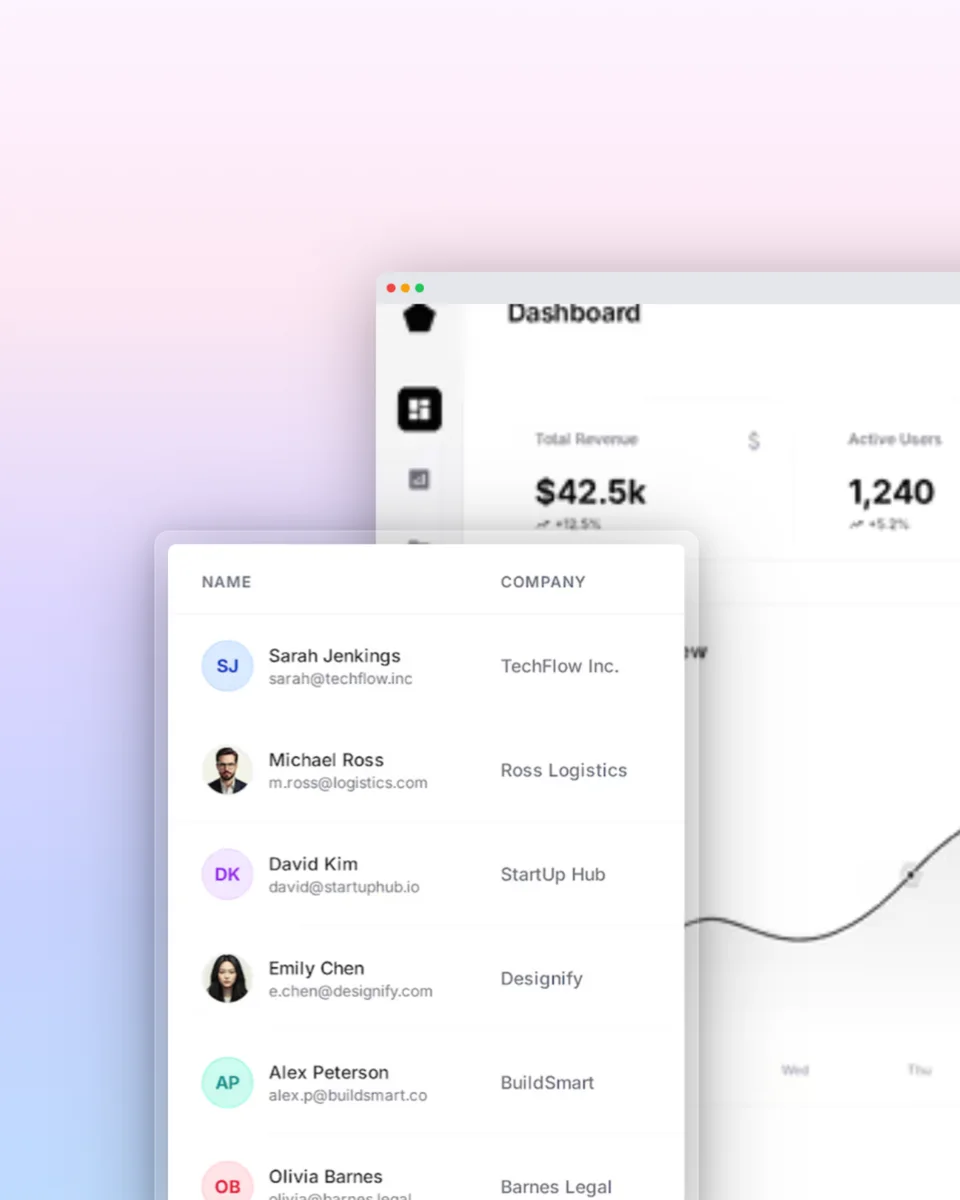
A changelog screenshot is the visual proof behind an update: the real feature, framed clearly, with just enough context to make people want to try it.

Notion changelogsGitHub releasesBeamerCustom release pages
  1. 01

    Capture the change

    Crop tightly around the new workflow so the release is understandable before anyone reads the notes.

  2. 02

    Frame the feature

    Use one consistent browser or device treatment across every update instead of redesigning each announcement.

  3. 03

    Publish the release

    Export a changelog image for the page, then adapt the same visual for email, social, and launch channels.

How It Works

Move from source material to a polished launch asset without rebuilding the design in another tool.

Step 1

Start from a template or blank

Choose a visual template, a store-listing set, a Launch Kit, or an empty canvas for full control.

Step 2

Build the complete composition

Add screenshots, photo scenes, device frames, text, icons, annotations, backgrounds, layers, and motion in the browser editor.

Step 3

Export for the real destination

Download PNG, WebP, JPEG, GIF, WebM, or MP4, or export organized iOS, Google Play, and Chrome screenshot ZIPs.

Why Choose Screenhance?

Screenhance covers the full path from a raw screenshot or screen recording to coordinated, editable launch assets.

Frames + photorealistic scenes

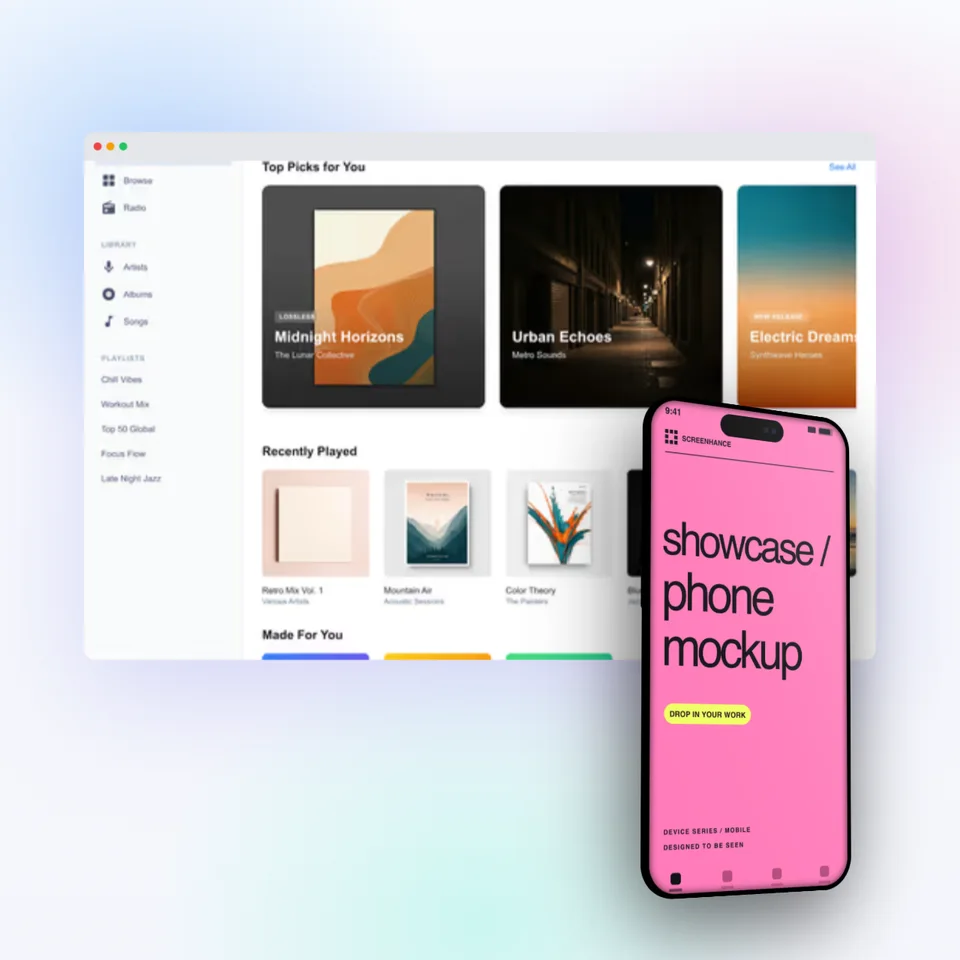
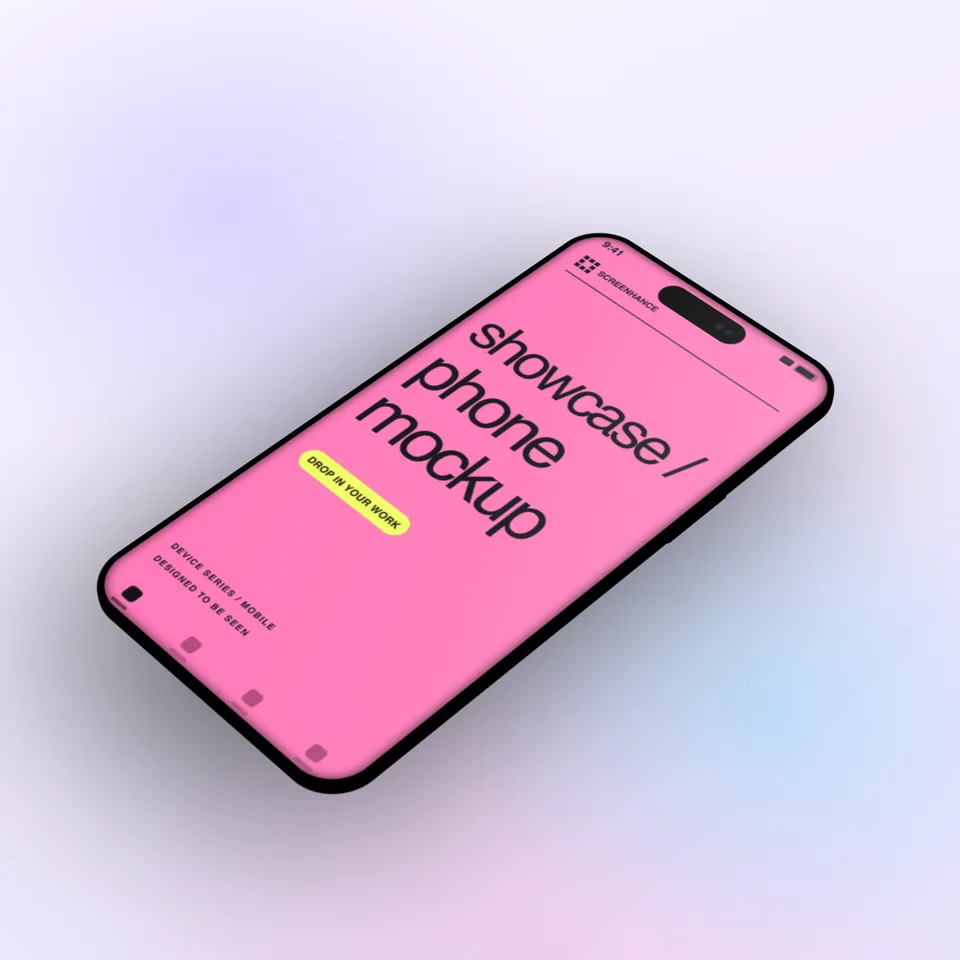
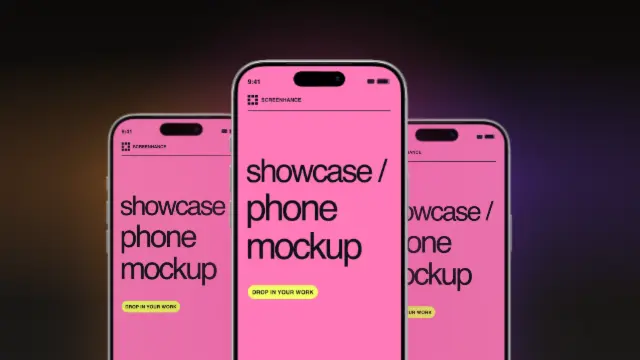
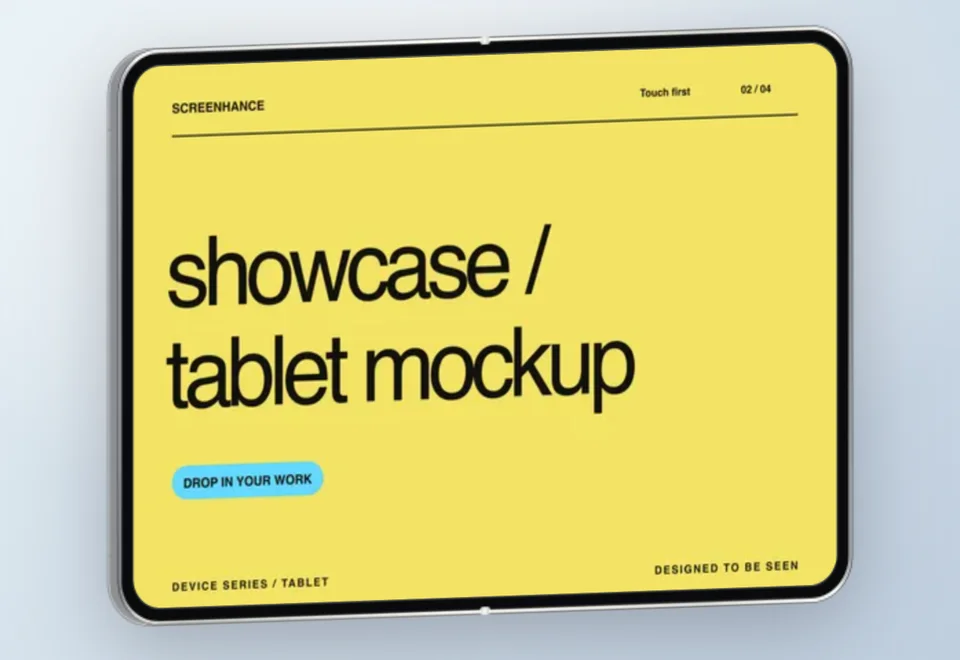
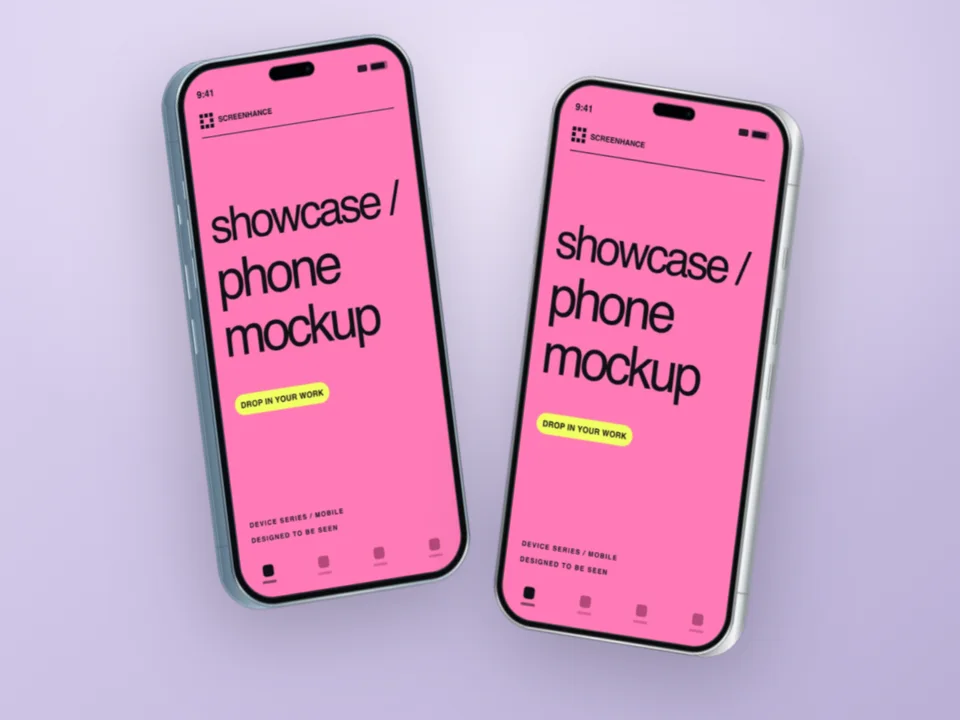
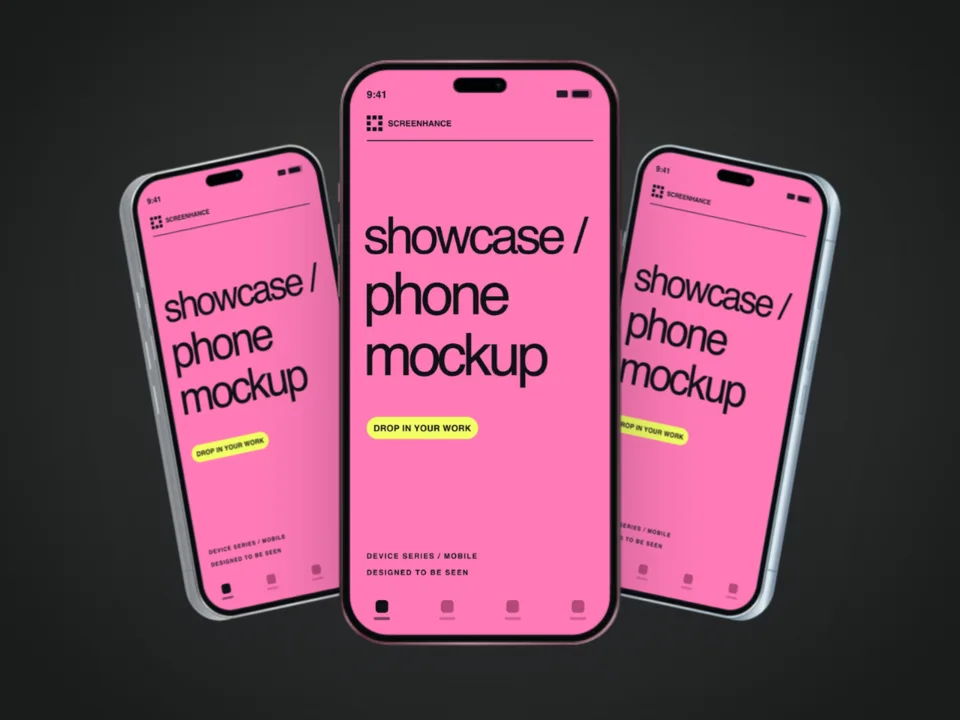
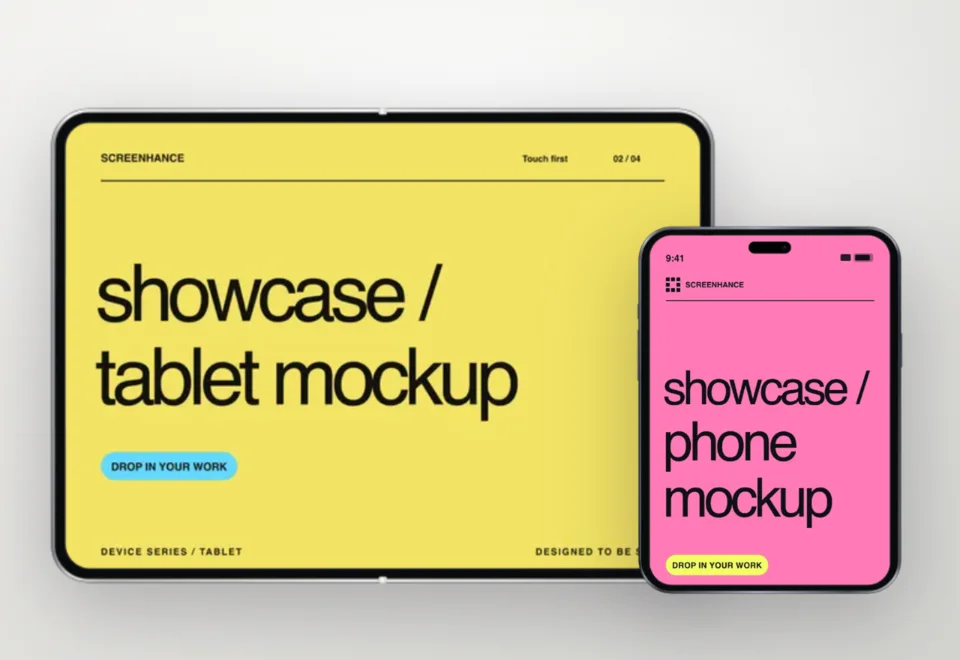
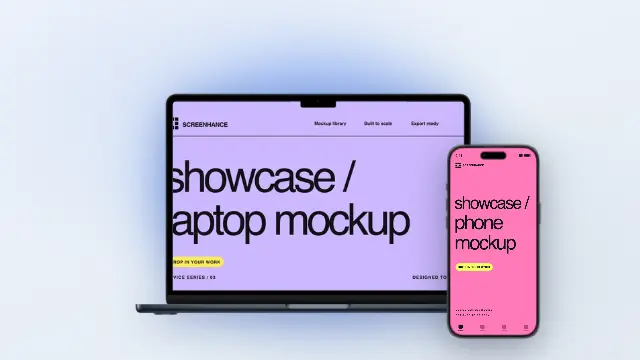
Use current device frames, stylized treatments, or photorealistic placements across phones, tablets, laptops, watches, TVs, print, apparel, and outdoor media.

editable visual templates

Start with a complete composition for mockups, Product Hunt, OG images, website heroes, Play feature graphics, or Chrome Web Store promo assets, then edit every layer.

Store-listing sets and localization

Create coordinated iOS, Google Play, and Chrome Web Store screenshot sets, edit localized copy across supported languages, and export organized PNG ZIPs, including fastlane-ready iOS folders.

Motion and product video

Animate layers with editable motion styles and export GIF or WebM, or record and polish a product demo in Studio with frames, cursor motion, captions, audio, and MP4/WebM export.

How Screenhance Compares for Changelog Images

See how Screenhance compares to other tools for creating changelog visuals.

FeatureScreenhanceCleanShot XFigmaManual screenshots
Purpose-built for product visualsYesScreenshot captureGeneral designNo styling
Design skills neededNoneNoneAdvancedNone
Device frames40+ (MacBook, browser, iPhone, iPad)Basic window frameManual setupNone
Professional backgroundsgradients, glass, auroraSolid colors onlyDesign your ownNone
Text overlays / annotationsYesArrows & textYesNo
Time to createPreset workflowCapture workflowManual workflowInstant (low quality)
Brand consistencyBuilt-inLimitedManual effortNone
Free plan3 exports/monthNo free planFree tierFree (OS built-in)
Price (paid)$6 Launch Pass or $12/month$29 one-time$15/monthFree

Frequently Asked Questions

Why add images to changelogs?

A relevant screenshot can show where a feature changed and make release notes easier to scan. Pair it with concise text, accurate annotations, and a link to the complete documentation; measure engagement and support impact in your own changelog.

What size should changelog images be?

For web-based changelogs, 1200×800 pixels works well as a standard size. For email changelogs, keep the width under 600px. For social media announcements, use platform-specific sizes (1200×675 for Twitter, 1200×1200 for LinkedIn). Screenhance templates support all these dimensions.

Can I annotate changelog screenshots?

Yes. Screenhance supports text overlays that you can use as annotations and captions on your screenshots. Highlight the specific feature or change with brief, descriptive text to help users understand exactly what’s new.

What format works best for changelog images?

Use PNG for screenshots with UI elements and text — it preserves sharp edges and text clarity. Use WebP for web-based changelogs to reduce file size. For email changelogs, PNG is the safest choice as it’s supported by all email clients.

How can I make changelog images fast?

Pick a template, upload the current product screenshot, add an accurate annotation, inspect the crop at the publishing size, and export. Reusing a reviewed template can keep future updates consistent.

Is the changelog screenshot tool free?

Yes. The free plan includes three 1× watermarked PNG exports per month. You can use the templates and frames while editing. The $6 Launch Pass includes 10 clean static image exports over 7 days; Pro adds unlimited clean exports and motion formats.

Make Your Updates Impossible to Ignore

Stop shipping text-only changelogs. Create polished feature screenshots that users actually notice and engage with — in minutes with Screenhance.